Autor: klaus

  • Medieval Madness Archer Mod standard

    After making the magic Merlin Mod, I have more ideas in my mind to realise with my beauty mm.

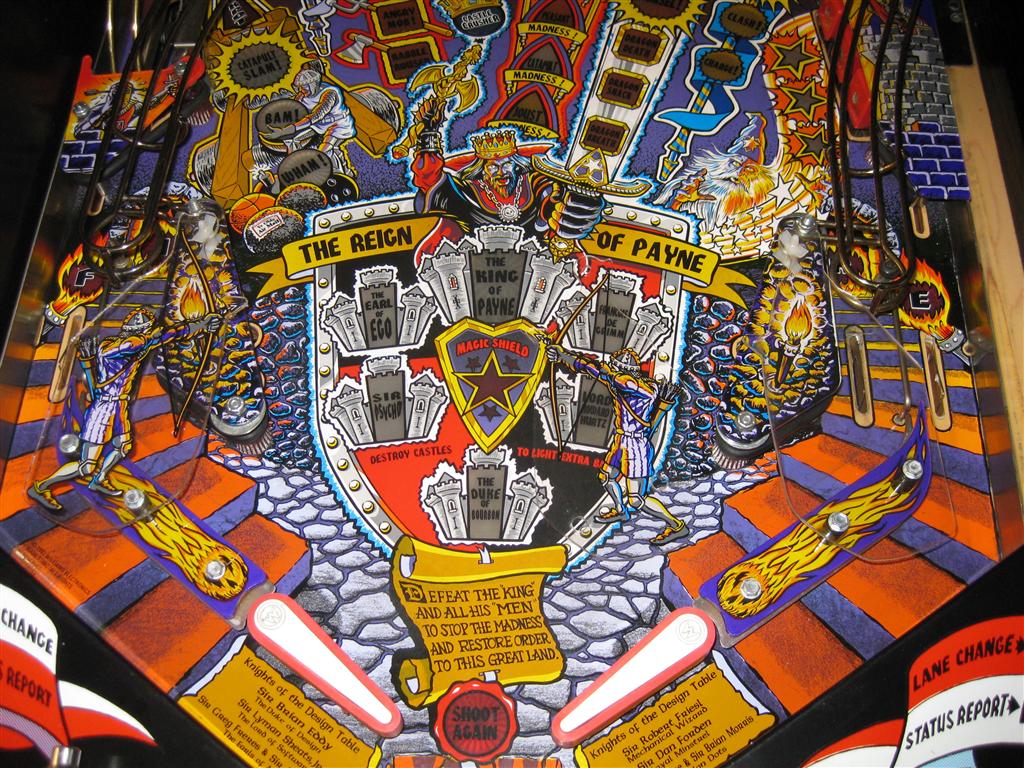
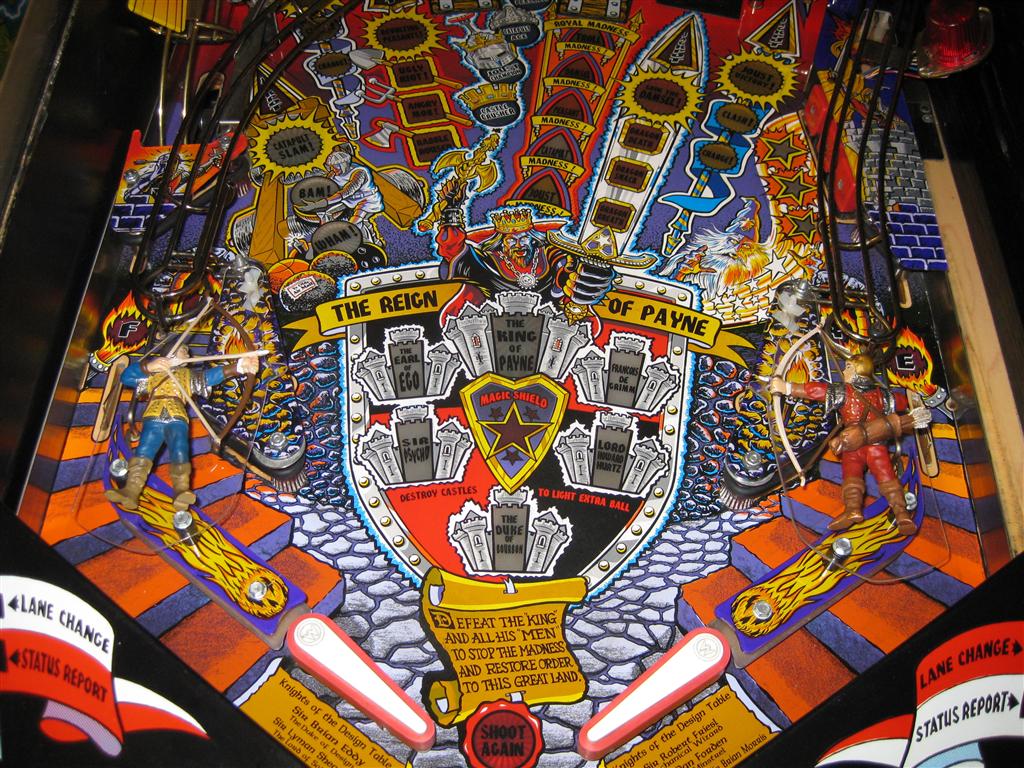
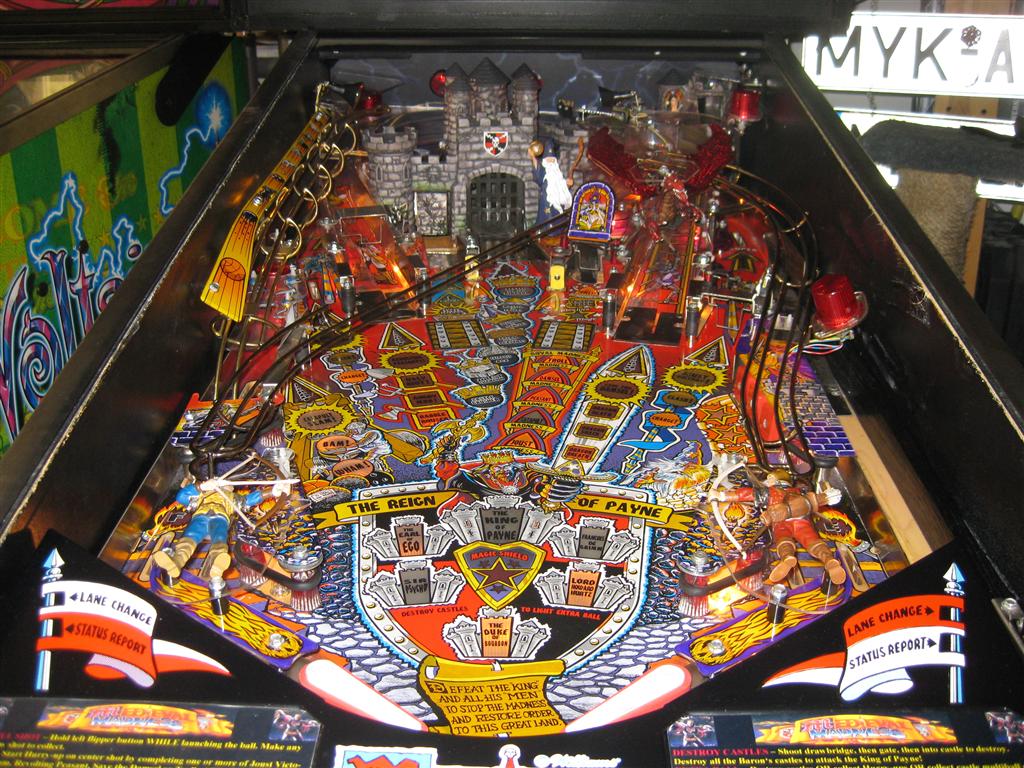
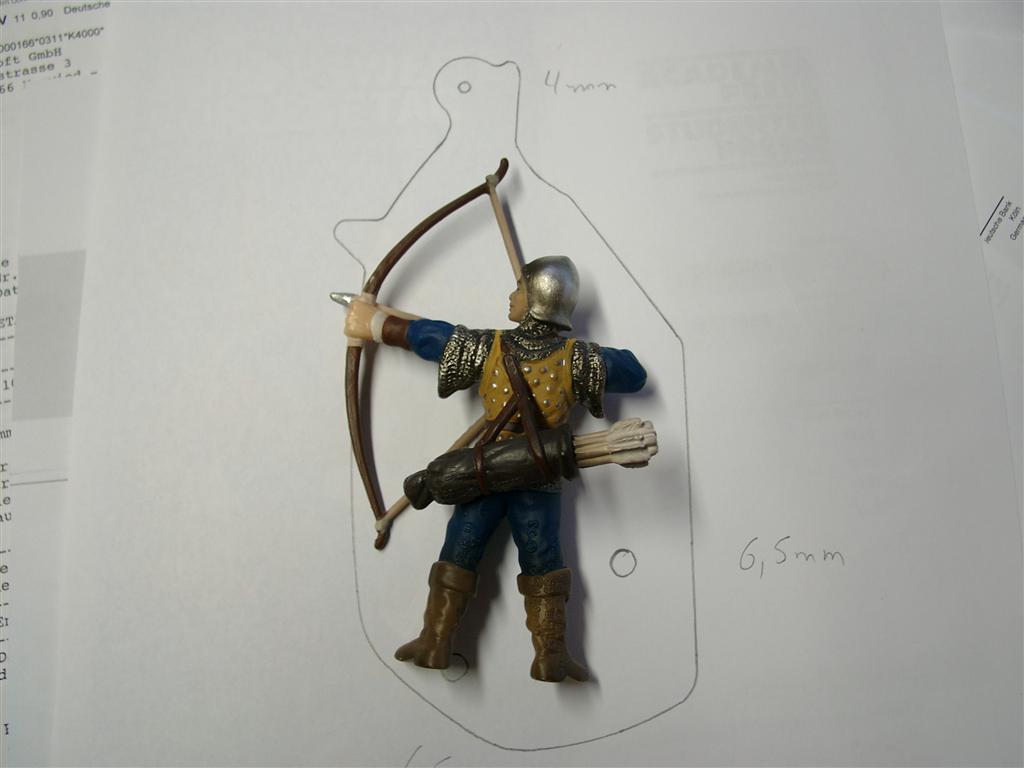
    So here is the standard Archer Mod for it.

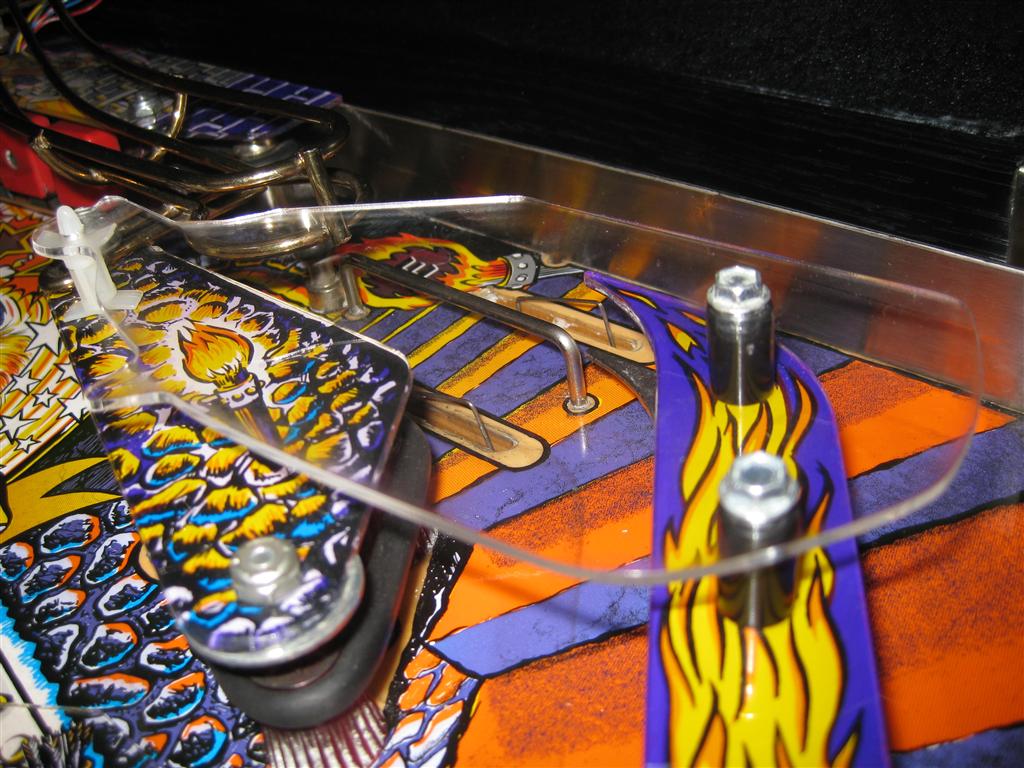
    For the new archer is a new plastic needed cutted with a laser…

    bow_standard_01

    The plastic need a little modification for the arrowhead but no problem

    Here you can see the blank plastic

    bow_standard_02

    left the original one, right the empty plastic

    bow_standard_03

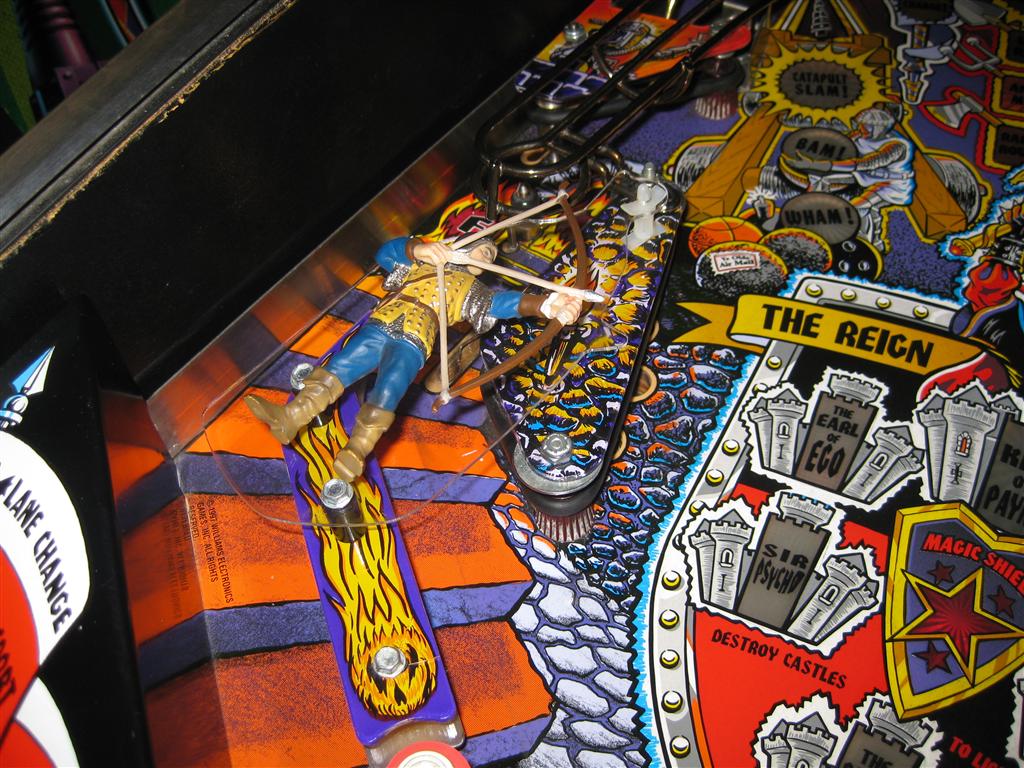
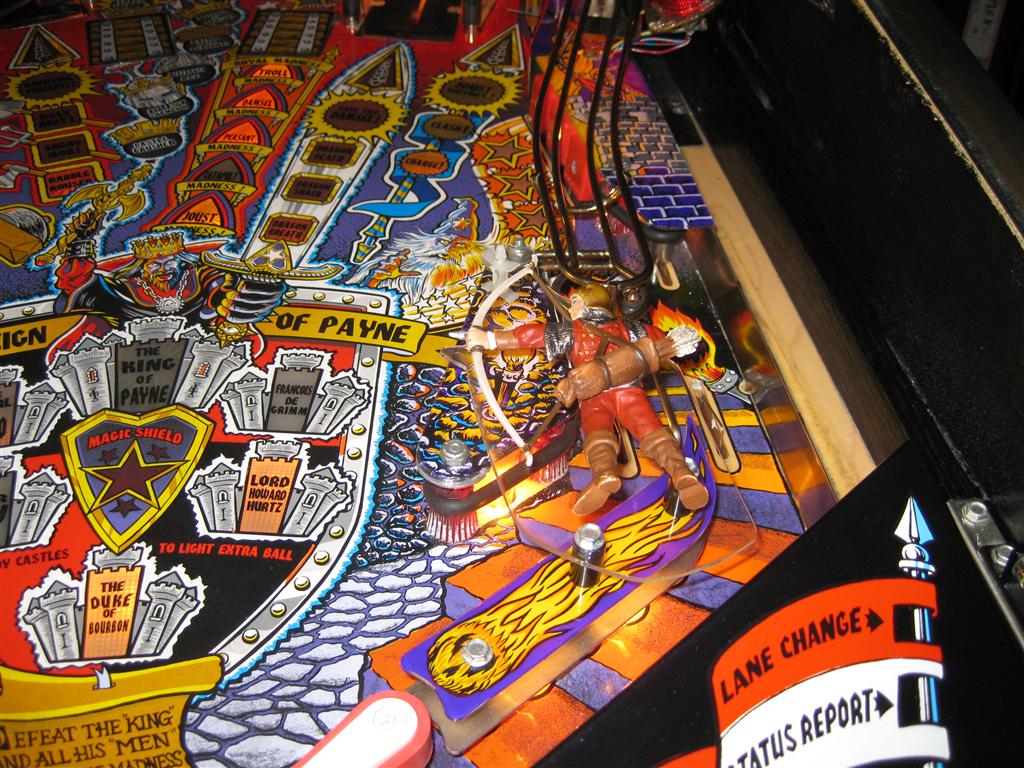
    here you see both new archer on the plastics

    bow_standard_04

    left one zoomed

    bow_standard_05

    right one zoomed

    bow_standard_06

    bow_standard_07

  • Royal Rumble for PinMame

    After month of using my virtual pinball cabinet with „only“ two Solonids for the flipperfinger and getting a real MM Pinball in August, I realised we are in need of more „ForceFeedback“ for our virtualpinball Cabinets.

    After talking with chriz99 about this we posted in differnet forums and found Manofwar (the programmer) with Ext2k as betatester. They will release it when it will come out of the betastate…

    I presented the new rumble feature last Saturday here in germany at the flippermuseum.eu and it was great.

    So here are some infos about the upgrade I done.

    I/O Port Device

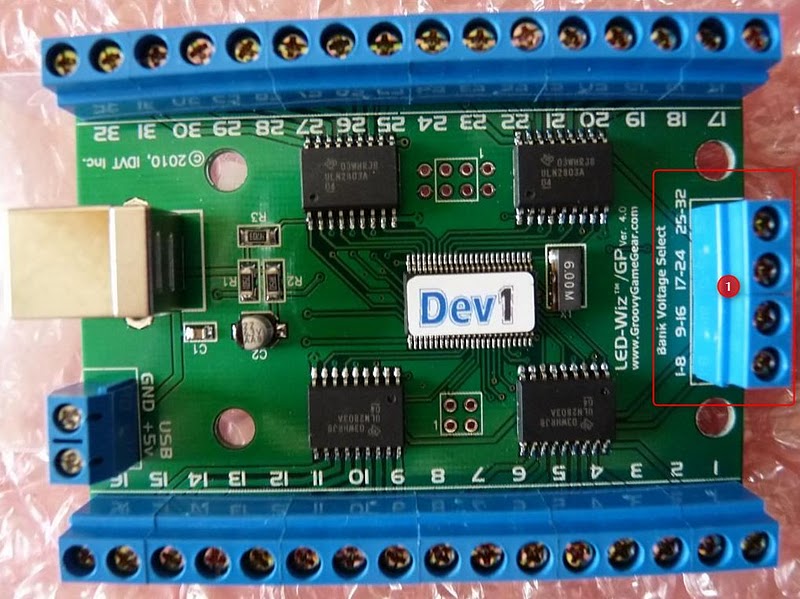
    To get Solonoids to work we choose the ledwiz32 from www.groovygamegear.com.
    It can drive 32 Outputs and have the ability to make RGB-Colors with PWM dimmable.

    ledwiz

    It can drive up to 4 different Voltages for each of 8 Outputs. And the max is 50V per Output @500mA.

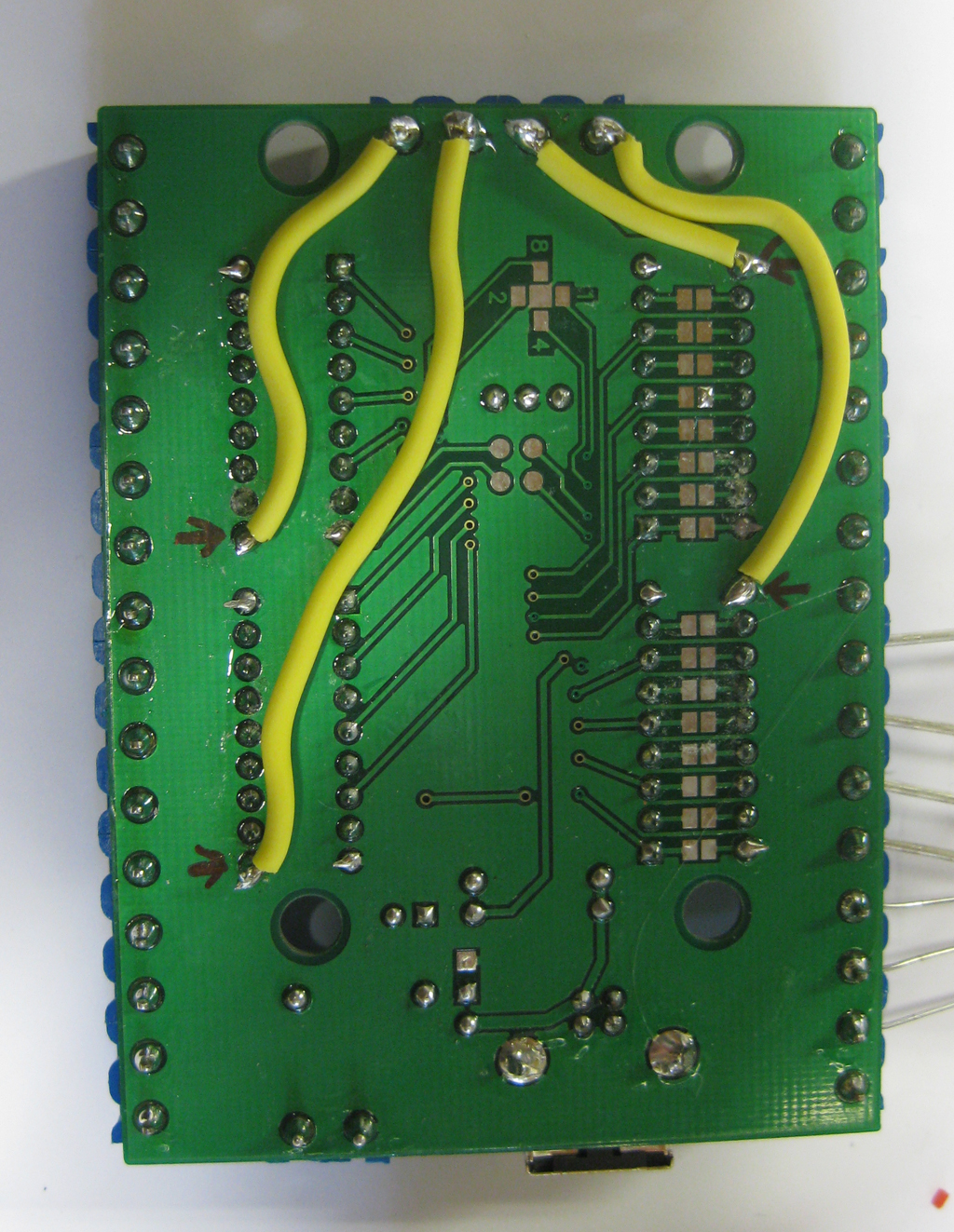
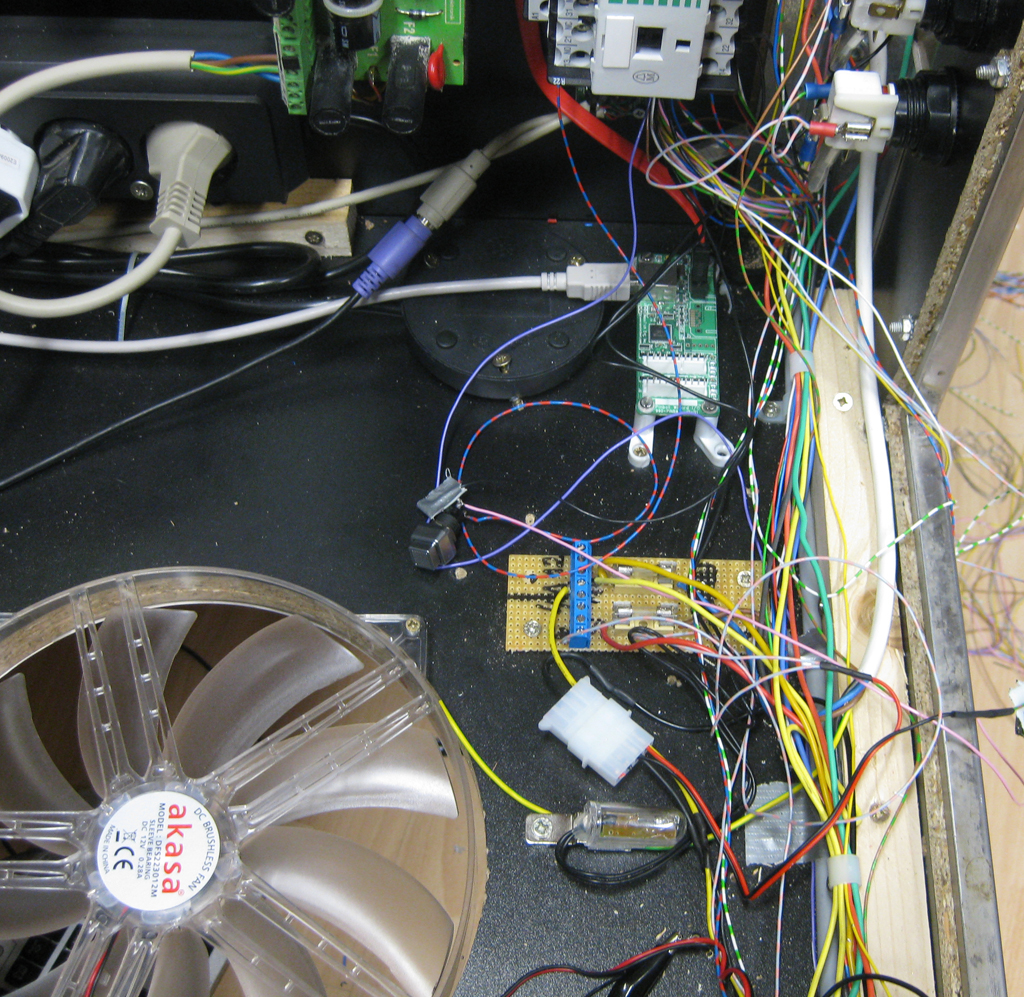
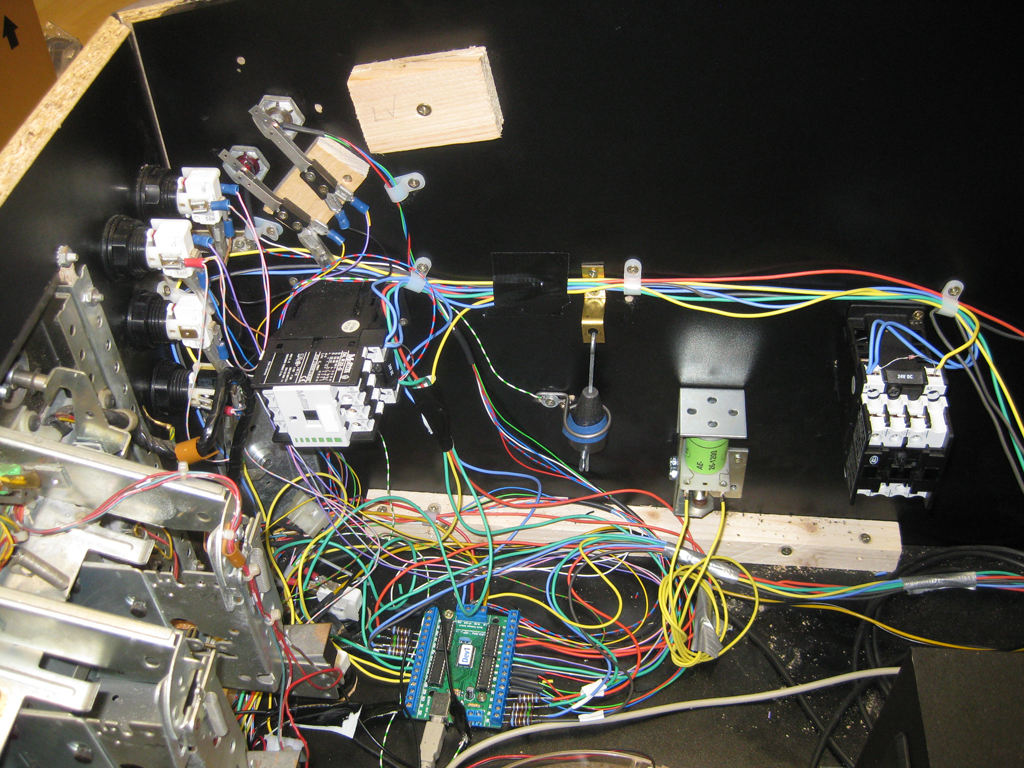
    As the planed highpower Leds and solonids pulls a lot of current, I done some extra wires for the positive site like this. I don’t know if its needed but I want to be sure nothing goes wrong…
    gnd_update

    The Goal

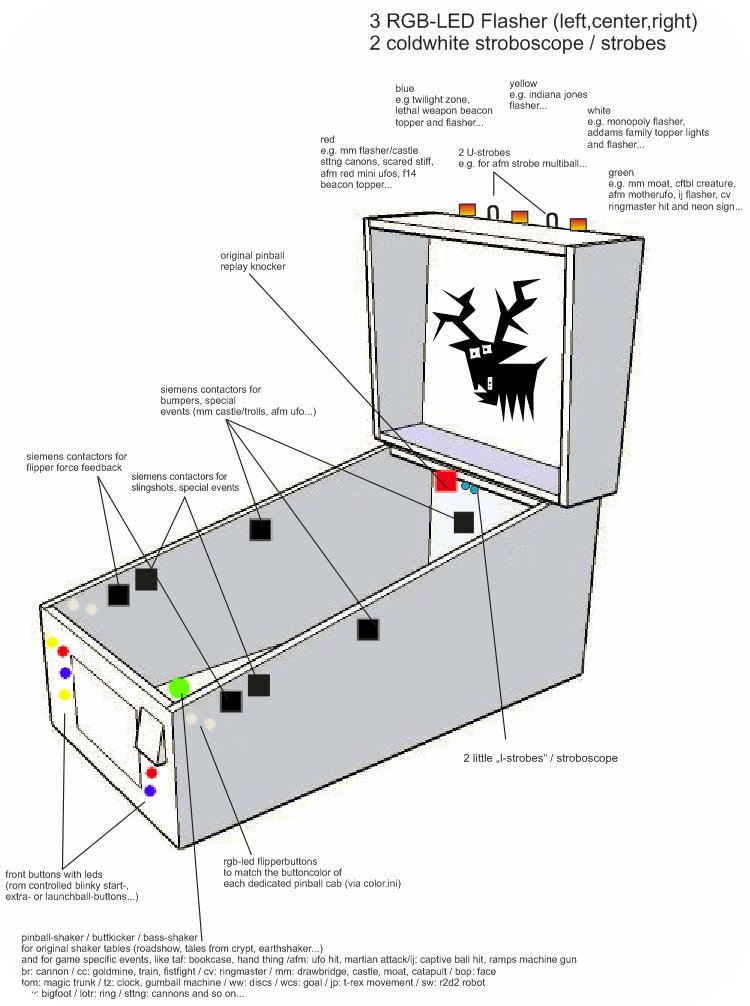
    To see what we want to upgrade look here (Thanks to chriz99 for the picture):

    where_to_playe

    Royal Rumble with seven Solonids

    In my first step I added 5 more Solonoids. So we have a total of 7 Solonoids

    • two in front for the flipperfingers
    • two for the slingshots
    • two in the back for effects like bumpers
    • one in den center for eg. bumpers too

    I have four with 24V from Gloeckner Moeller and three Siemens like chriz99/Ext2k.

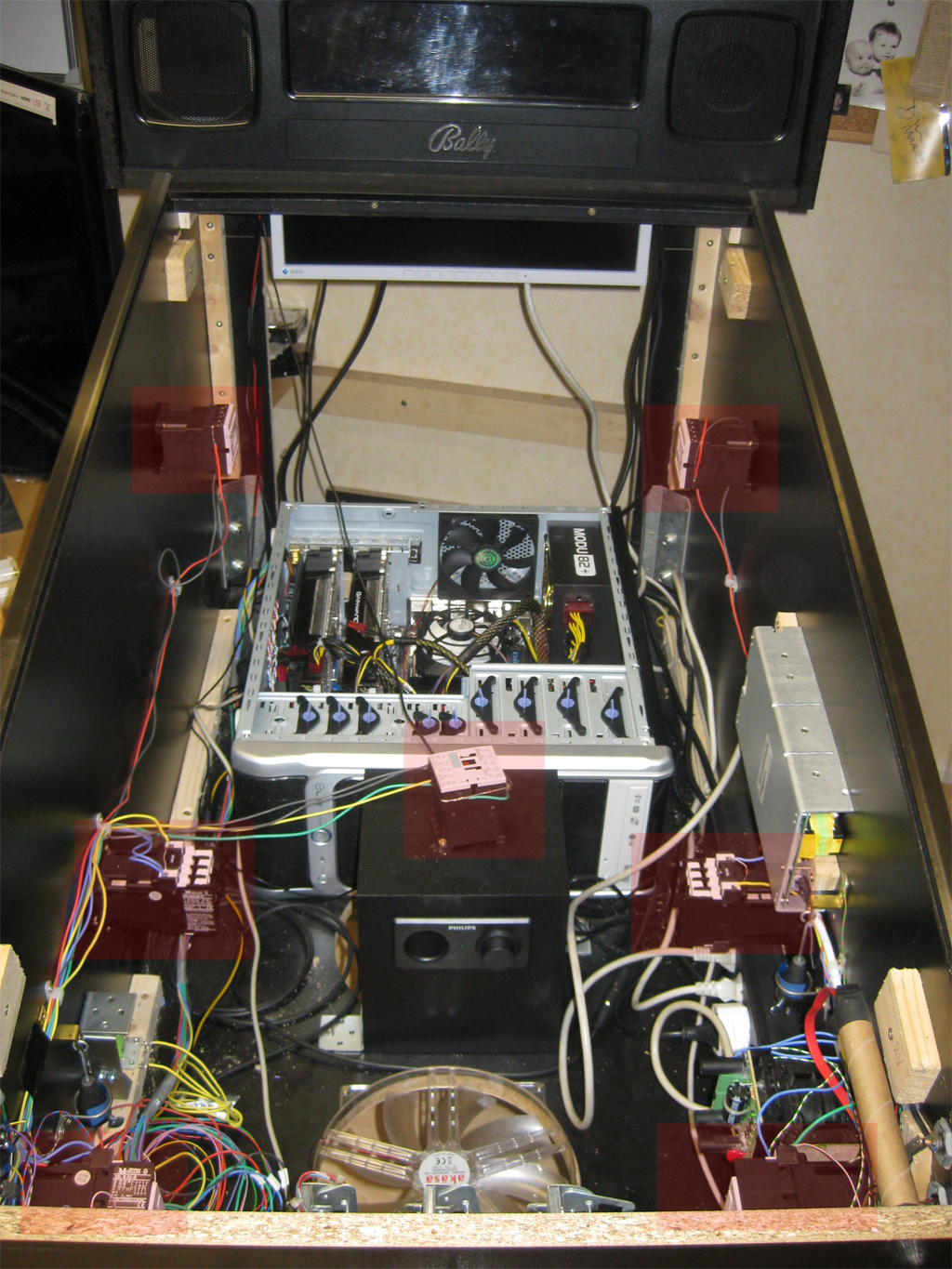
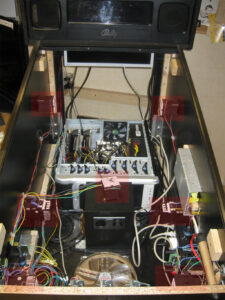
    Here you can see where I place the 7 solonids (marked red)
    solonoids_position

    Separate Power Supply

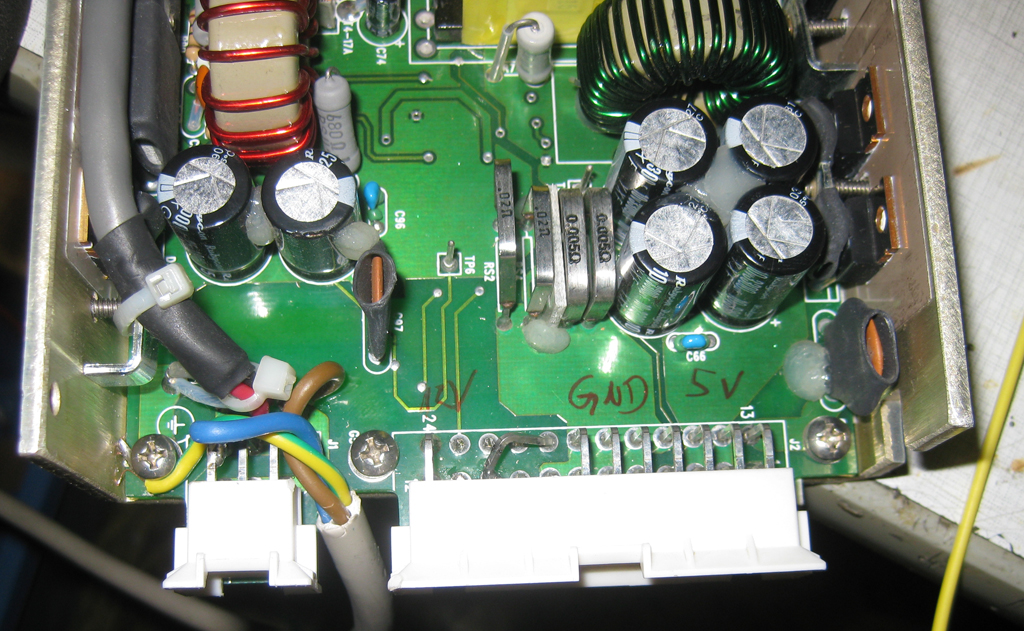
    I used a power supply from a german electronic store with 12V and 5V like this

    powersupply

    Make sure to use separate fuses for the powersupply, so nothing can’t go wrong!
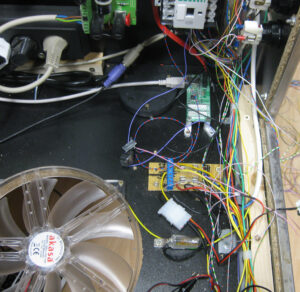
    fuses

    Colored Flipperbuttons

    We planed to use for the main flipperbuttons in transparent with RGB-Leds, so we can make it lite up in every color. It is planed to make them light up in the original color of the selected Pinball Table. So we have the same color of the Button as in the original Pinball Cabinet.

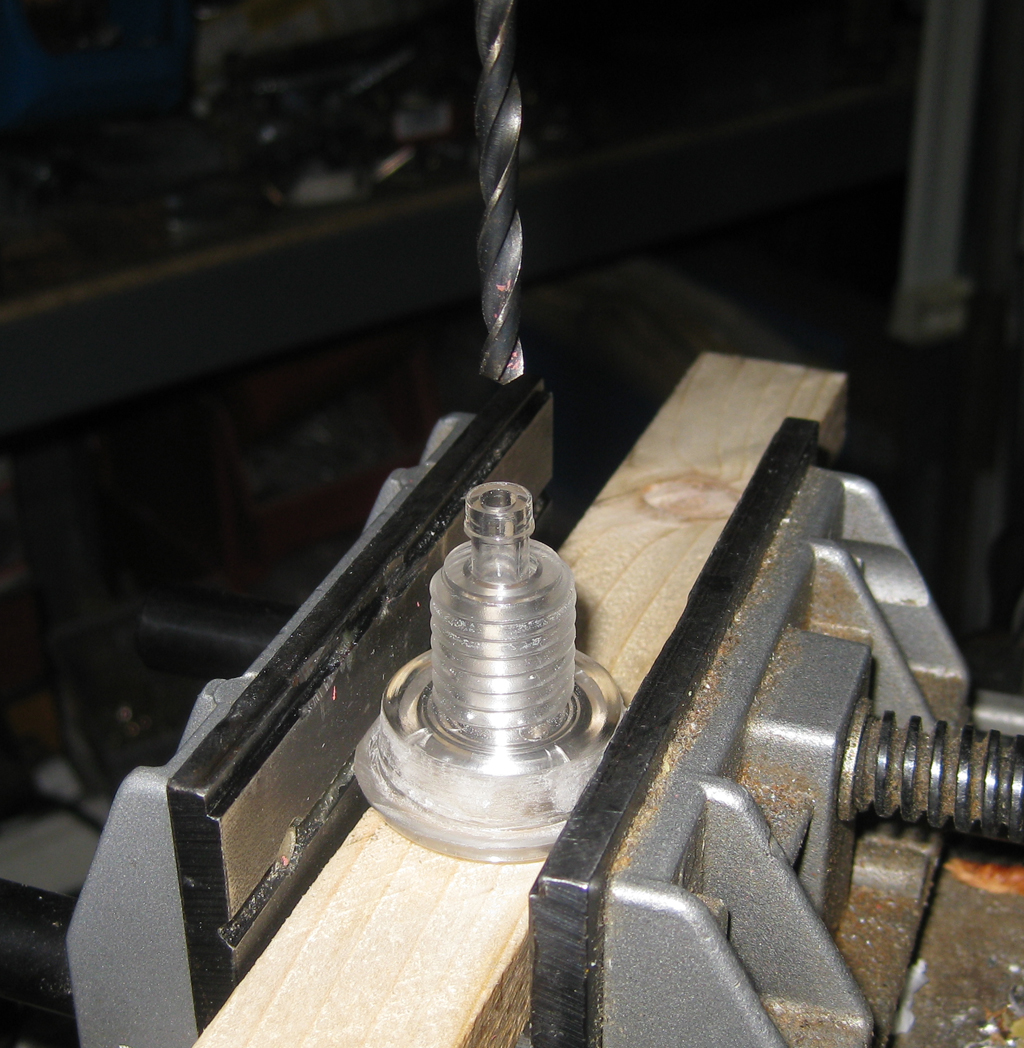
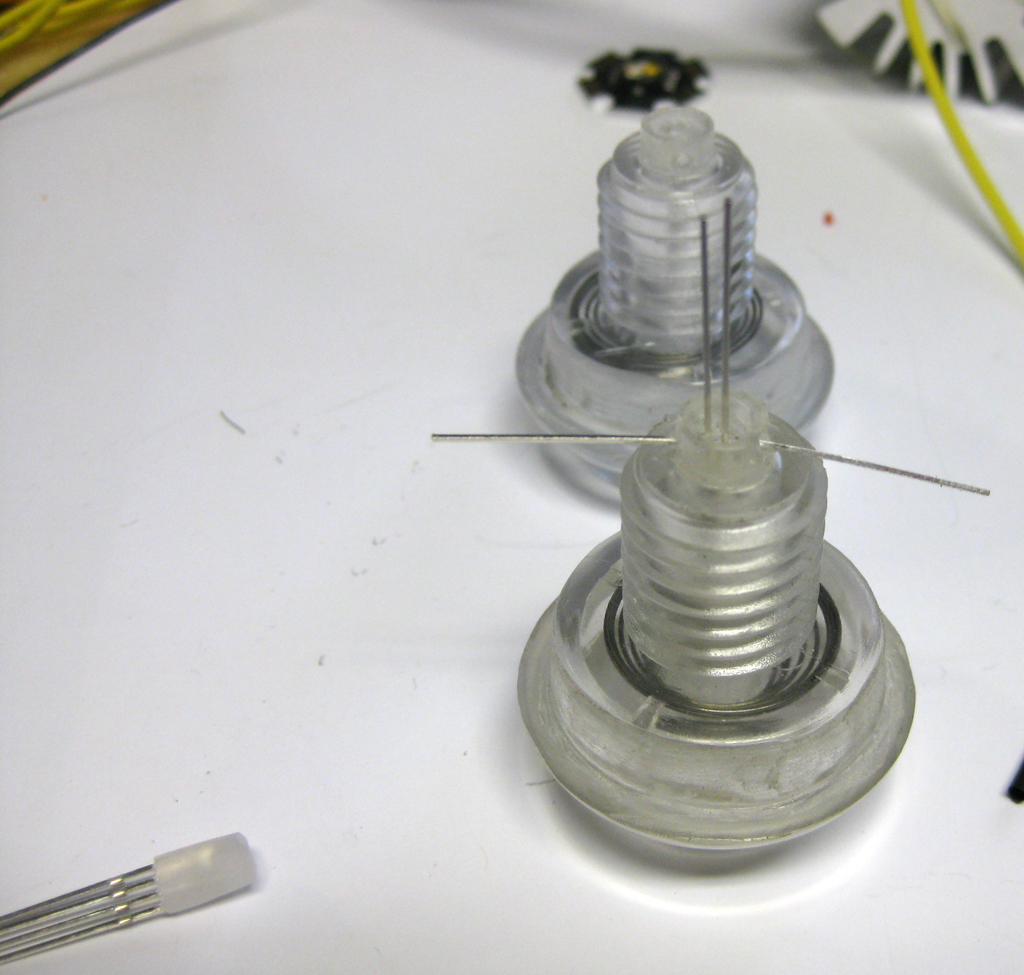
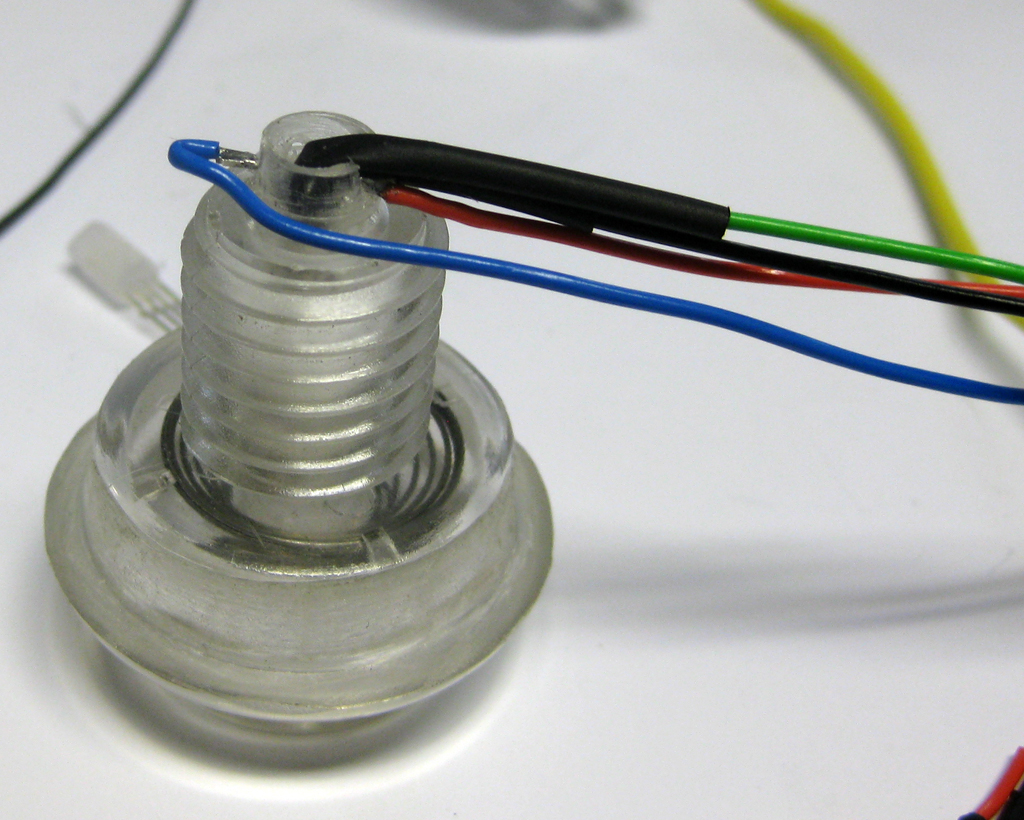
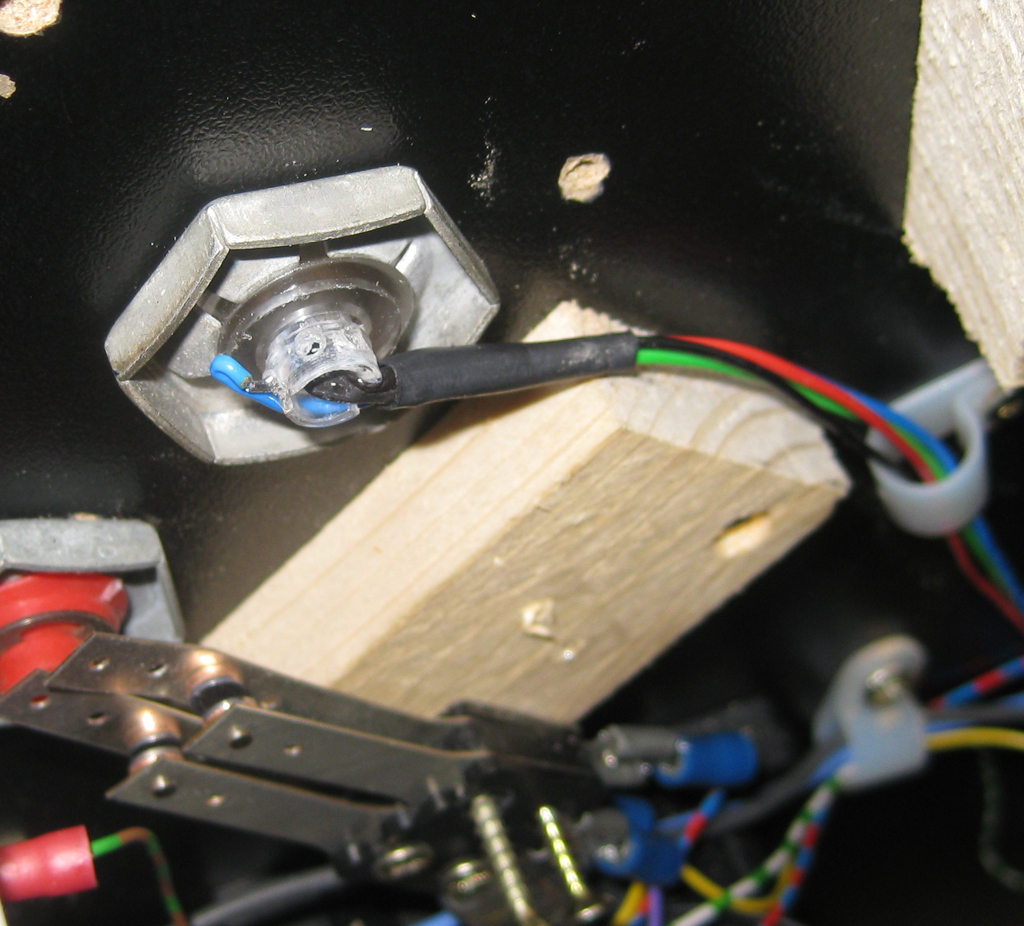
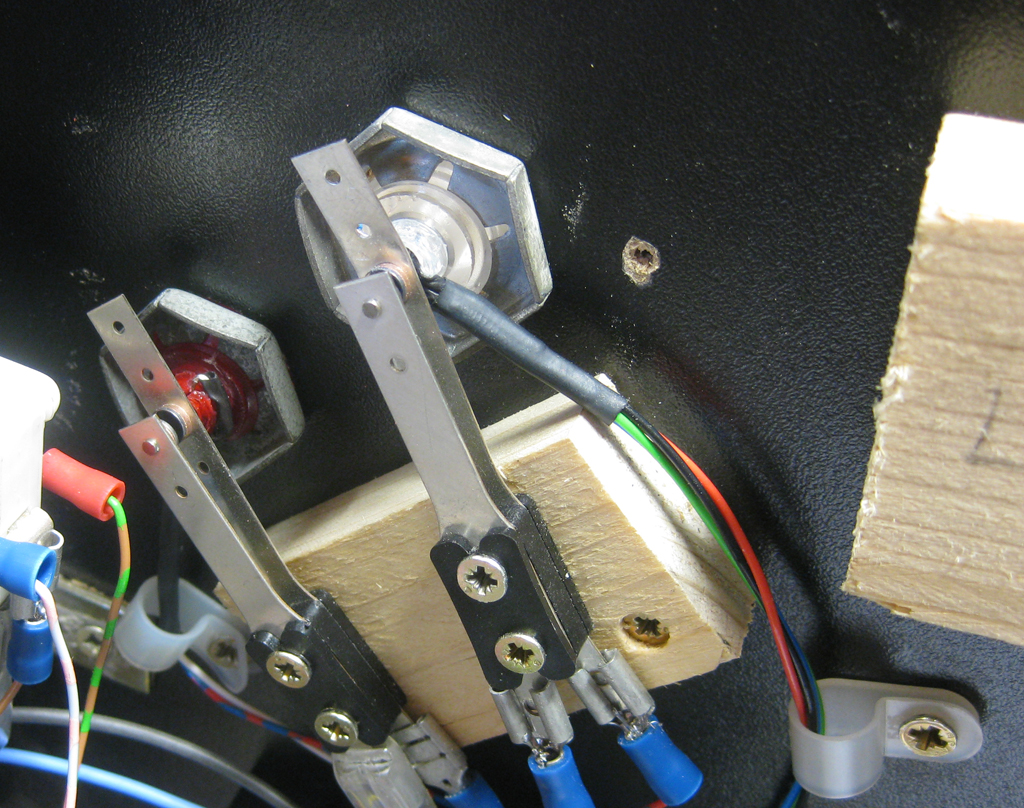
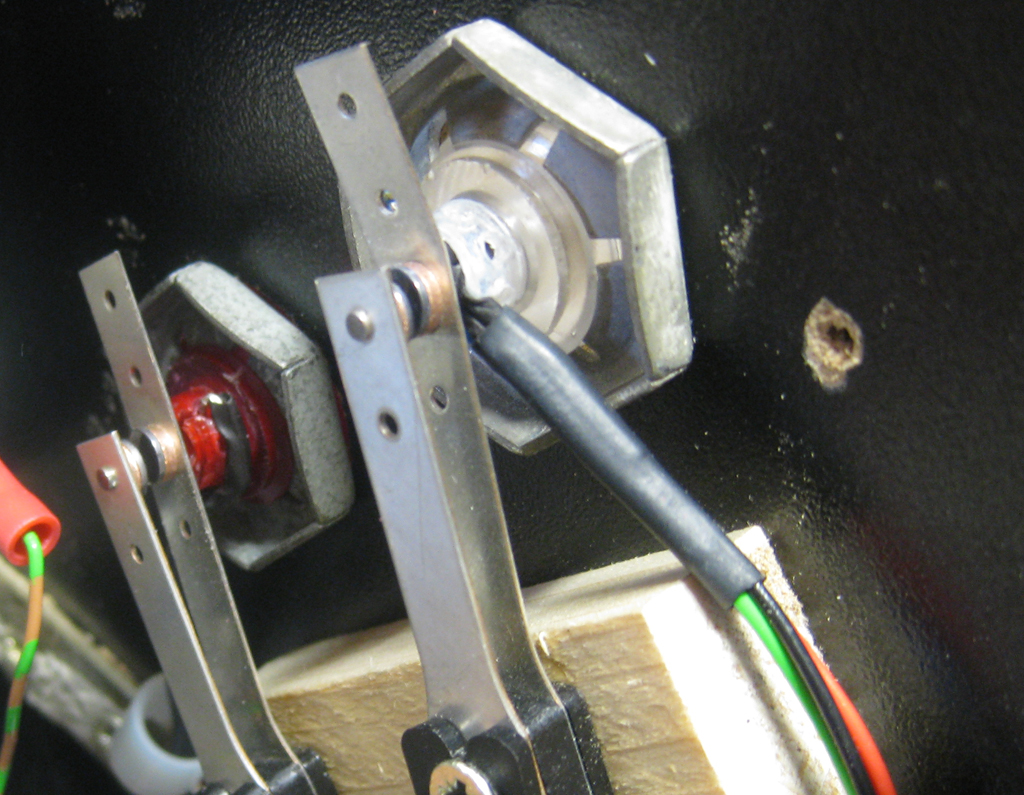
    I am using a 5mm RGB-Led for this. The problem was if I put it to the site of the transparent button the color was not bright enough. So I tried to put the Led into the flipperbutton.

    The original hole must be 5mm and I done it like this:
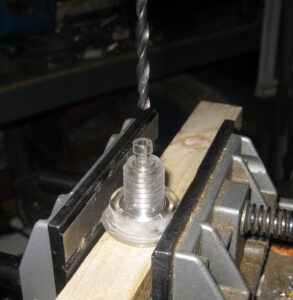
    FB_RGB_1

    FB_RGB_2

    FB_RGB_3

    FB_RGB_4

    FB_RGB_5

    FB_RGB_6

    Replay Knocker

    I added a replay knocker, but at the current time its not connected, because it takes a lot of current and an higher voltage (50V). So it will be connected later.. with the help of a separate relais that can handle this.
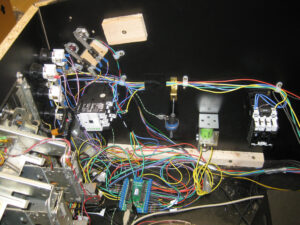
    cab_view_1

    Shaker

    Missing at the moment. But it will rock the system later…

    Flasher Effects

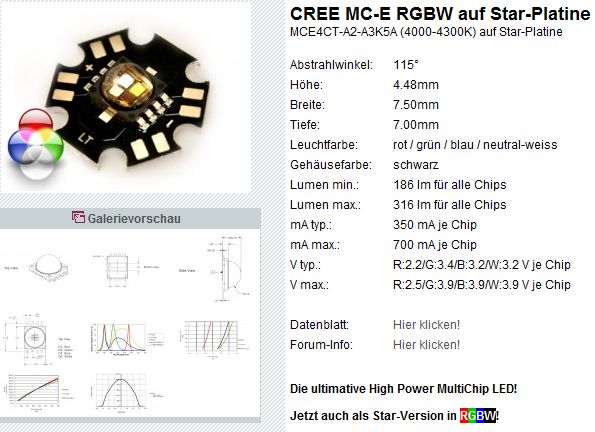
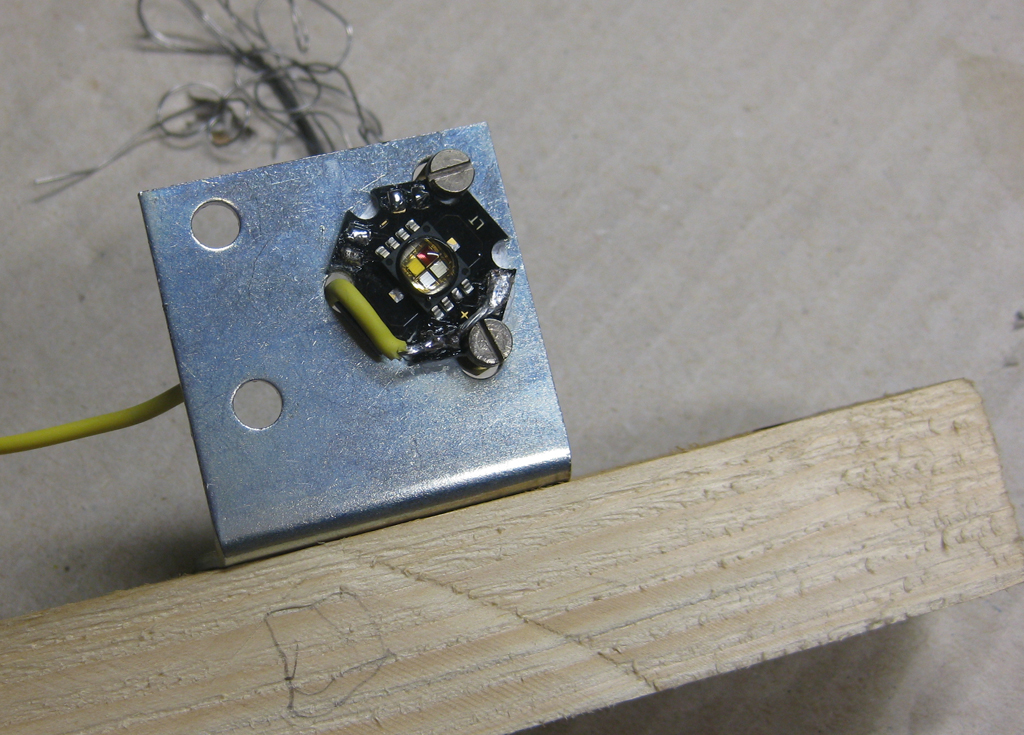
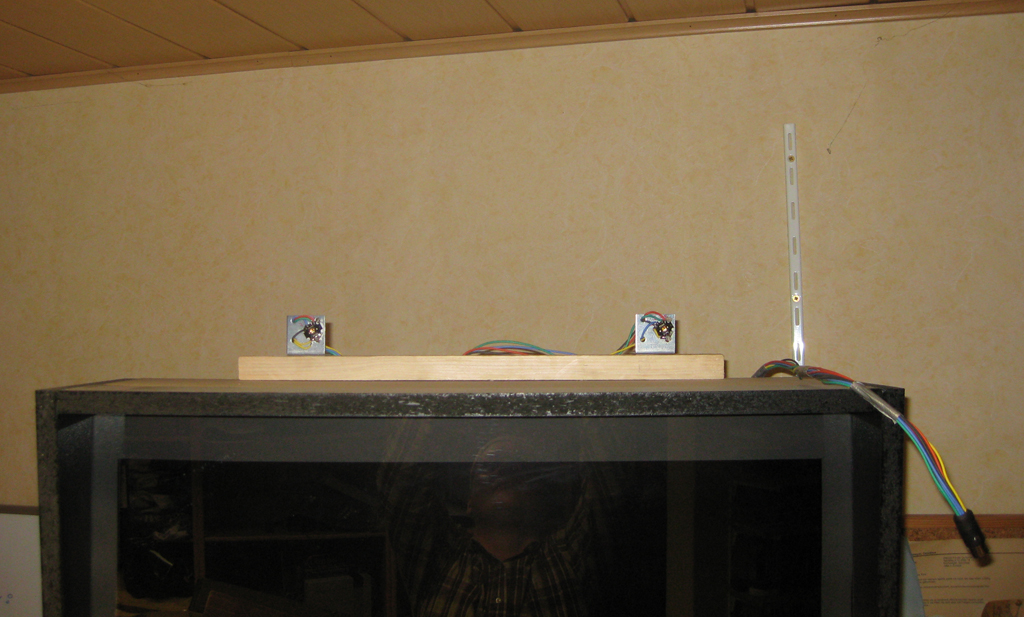
    For „Flasher Effects“ I am using High Power RGB-Leds with 3W.

    rgbw_led

    I done it for a first try this easy way
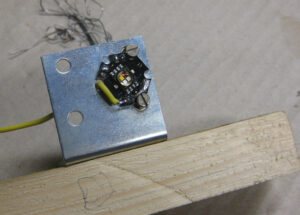
    rgb_highpower

    rgb_highpower_1

    The Gameplay and feeling

    after adding all thes hardware it was time to test it.
    For the first try I used the STNG Table and uses the config from Ext2k/Manofwar.
    I added the slingshots via the Solonoid Documentation of the original STNG Pinball.
    And the Autoplunger to the 2nd right Solonoid. As you know the table shots 4 Balls at startup into the table.

    And I added the Bumper to Solonoids.

    And added the flasher to the slingshots for a fast test.
    So it lights up, when the ball hits a slingshot.

    I haven’t so much fun for years with this rumble upgrade!

    Thanks to Manofwar! and the betatesters… Virtual Pinball is coming more real as you can imagine.
  • Sega Master System 1 switchless mod

    Today I have to make a switchless mod for the good old Mastersystem in its original form.

    No problem for me, after changing sebs code for Mastersystems few months ago.

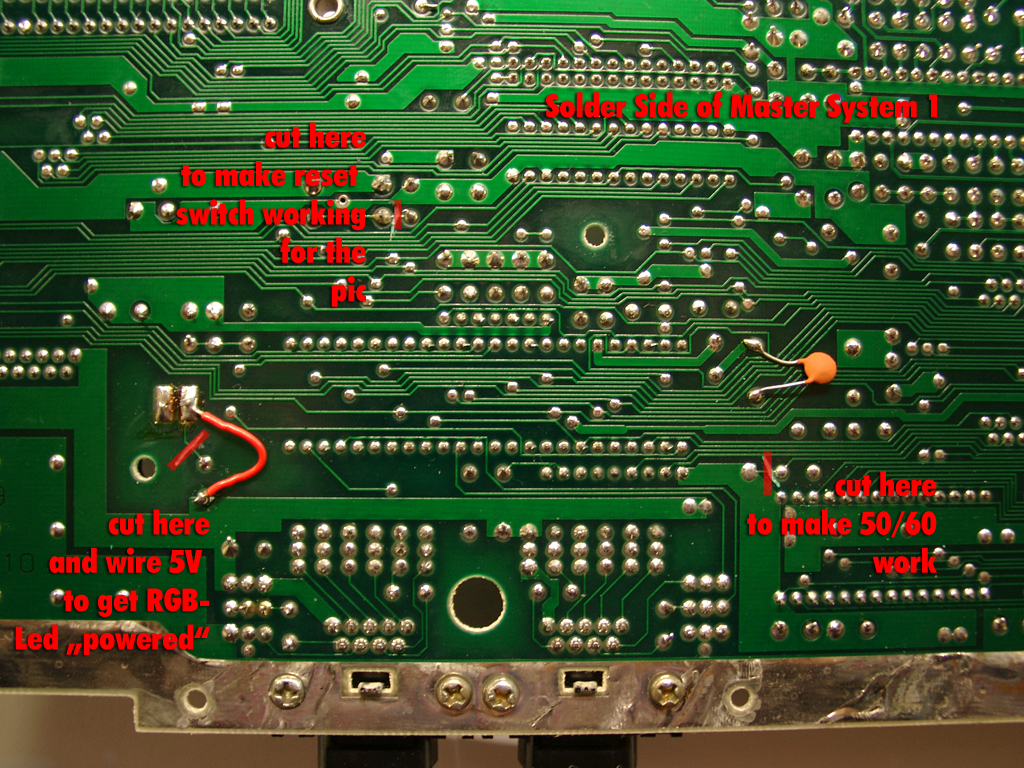
    After opening you have to go under the mainboard and cut 3 wires of the mainboard

    master_backsite_layout_cutting_web

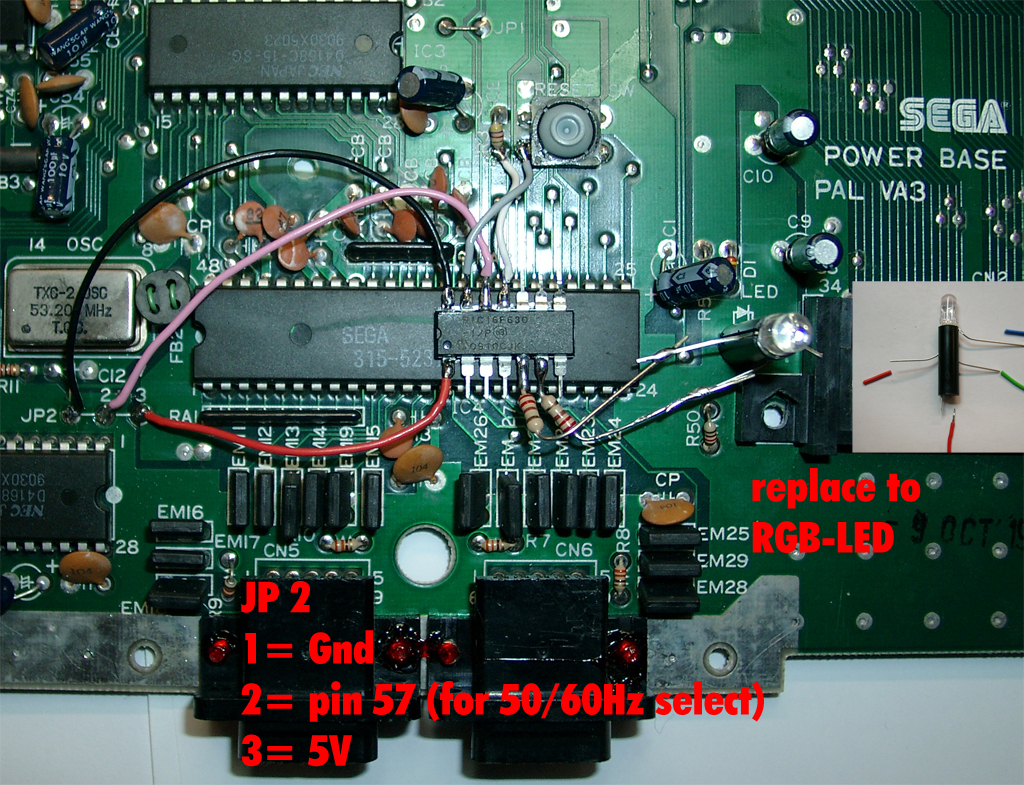
    The parts site is holding the pic as usual

    I am using the same code I done for the mastersytem2

    master_1_parts_site_wiring_web

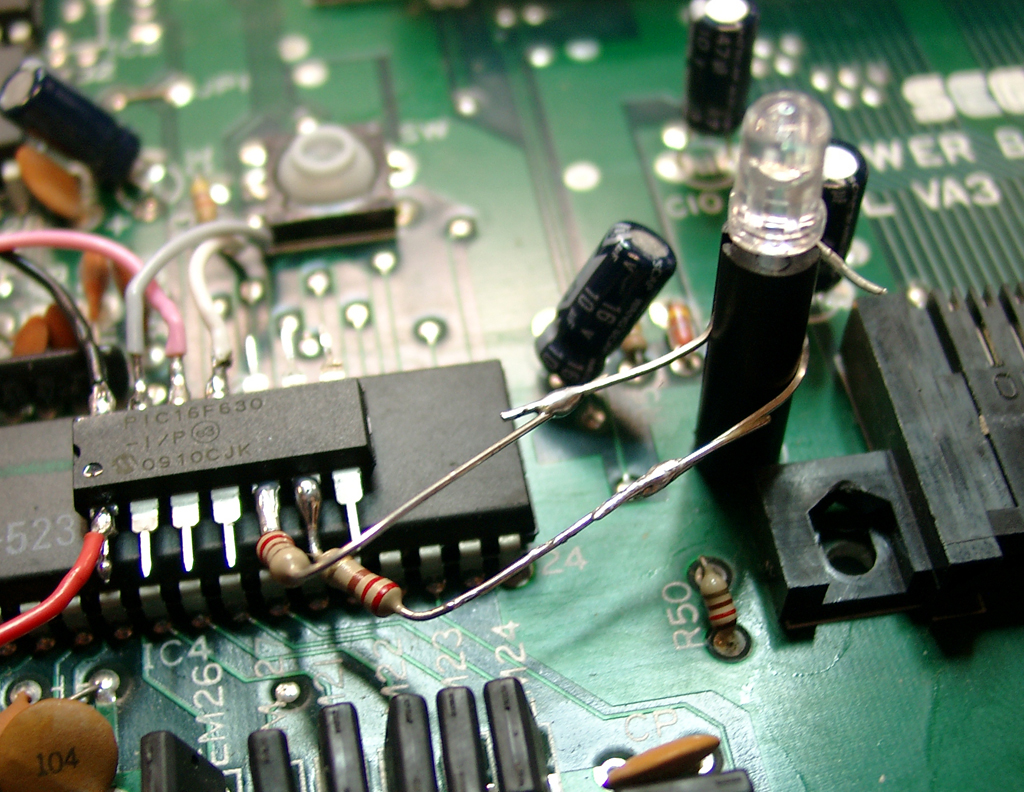
    You have to remove the original 5mm LED and replace it with a RGB-Led with common plus like this one.
    master_1_rgb_led_wiring_web

    The resistors of the LED: 220Ohm. You can use higher ones, if the light is to bright.

    Usage:

    You can change the Modes via pressing the reset Button of the Mastersystem
    If you press the reset button very short -> The Sega Console will do a reset

    If you press the reset button longer the Led toggles between red and green.

    If you let the button go at red the Mastersystem is set to 60Hz

    If you let the button go at green the Mastersystem is set to 50Hz

    Video:

  • Making of Merlin Deluxe Mod

    I wasn’t happy with the Merlin standard Mod and I have some ideas in my mind.

    merlin_yellow_hell_small

    So the deluxe Edition was born…

    If you want some you can buy it at wolfsoft.de

    Or look here for the attack from the merlins – a funny – link

    Installation Manual

    The deluxe  have to more features:

    a) blue Color replaced by yellow. So it fitts better to the medieval Theme.
    b) a flasher effect of the ball in red

    Step a):

    I done some modifications on the Merlin Mod.  As blue is not my favorite color, I decided to make yellow for the Merlins Magic Insert instead of blue.  This color fitts better to the MM theme.
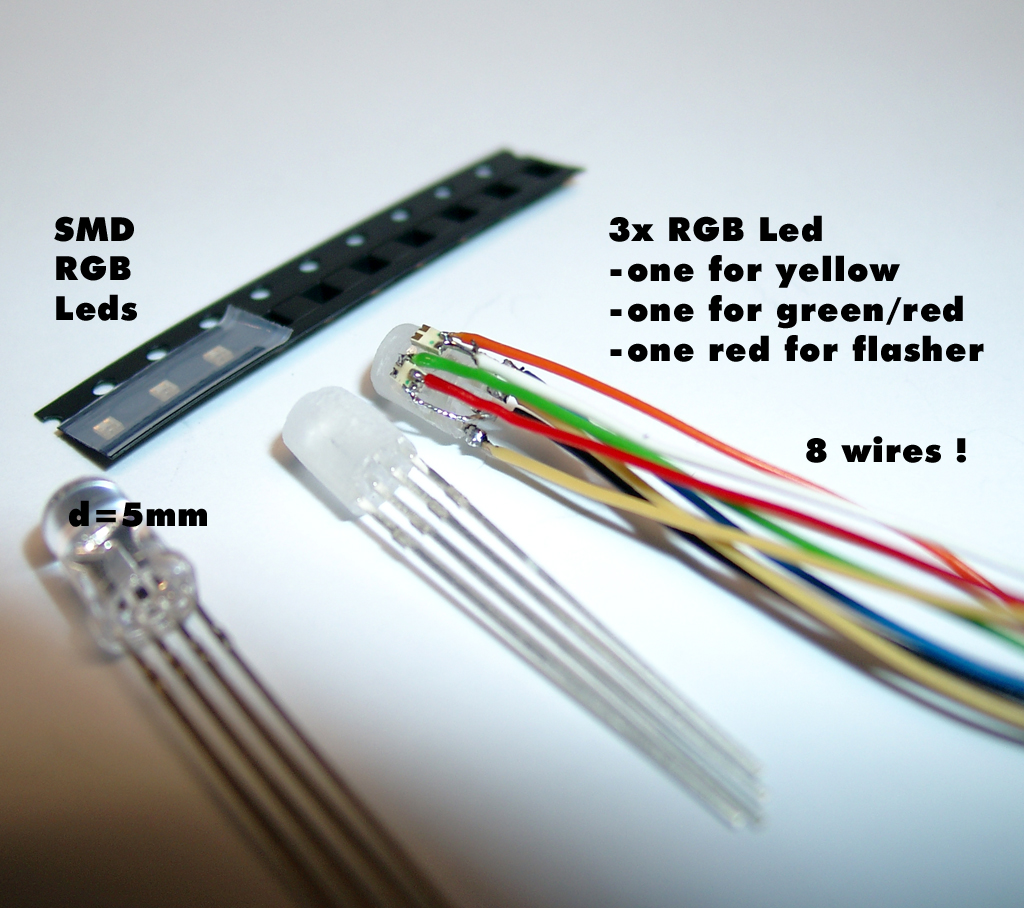
    Therefore I need more Leds. I found some SMD-RGB Leds and put them on the 5mm LED as you see in the following pictures.

    merlin_deluxe_rgb_wires_soldering

    So I have to add 8 wires to the „combo LED“.

    Step 2:

    I wanted to integrate a flasher effect. So I added a 3rd SMD-Led for this, because of the different Voltage Supplys in the pinball. The Led is connceted parallel to the right down flasher.

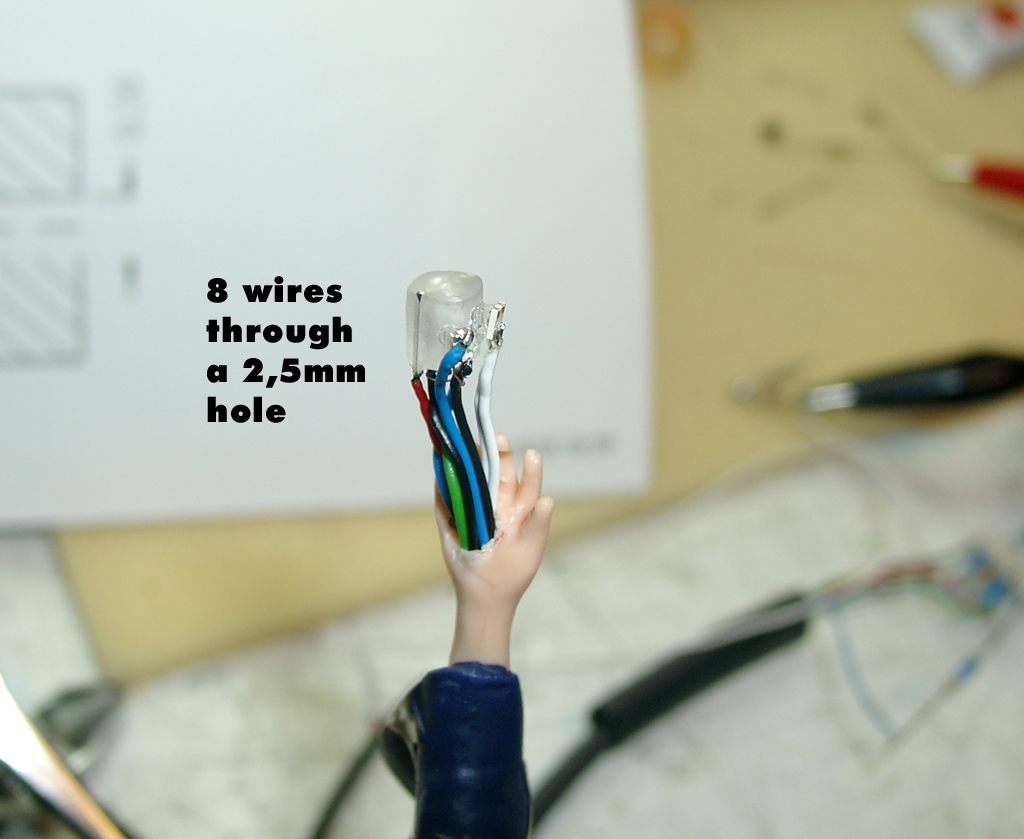
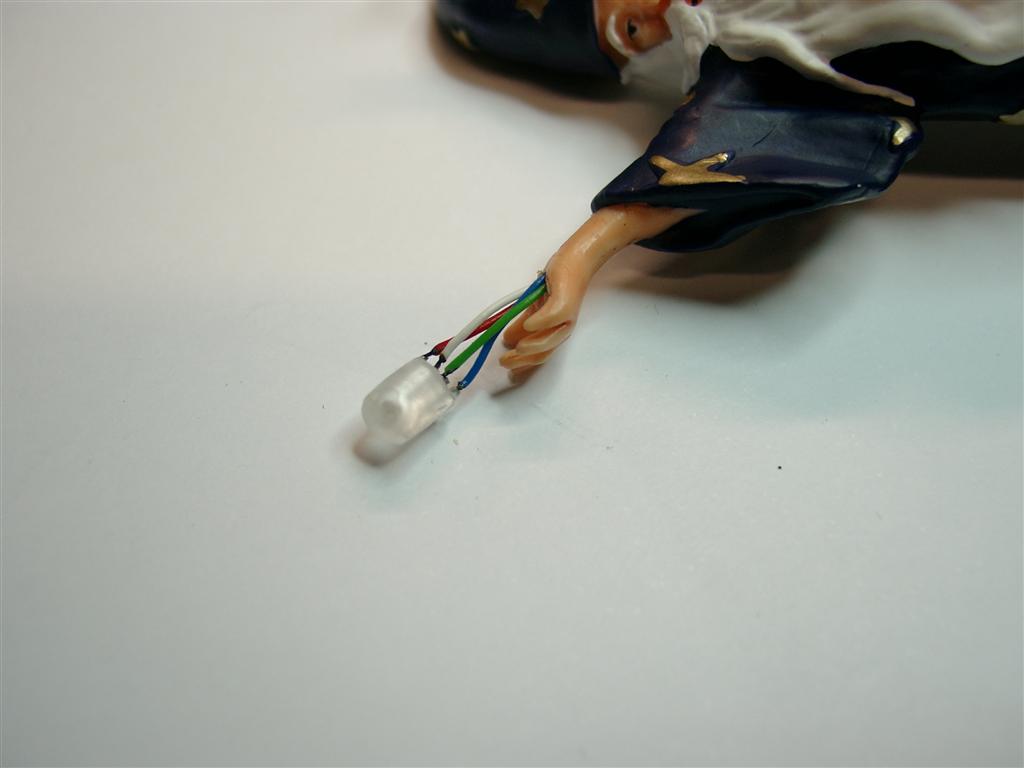
    And all 8 wires must go through the little arm of the Merlin:

    merlin_arm_8wires

    Its very small and you need a lot of soldering experience…

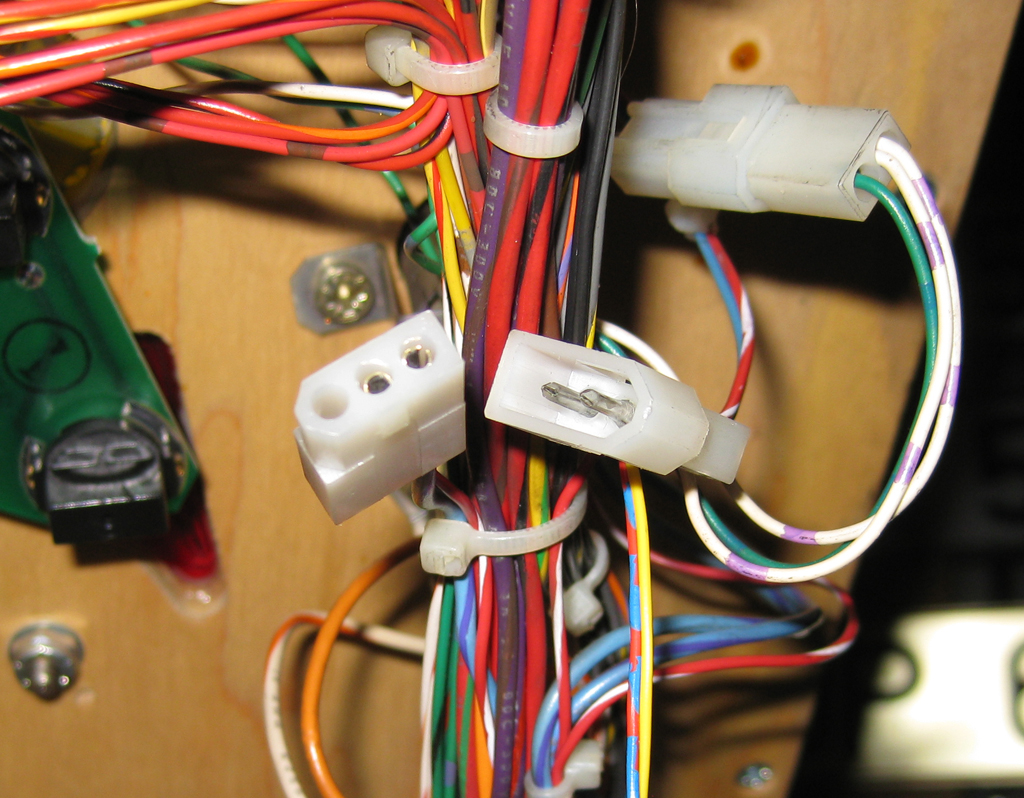
    In the last state I was in search for the needed molex connectors and found them.

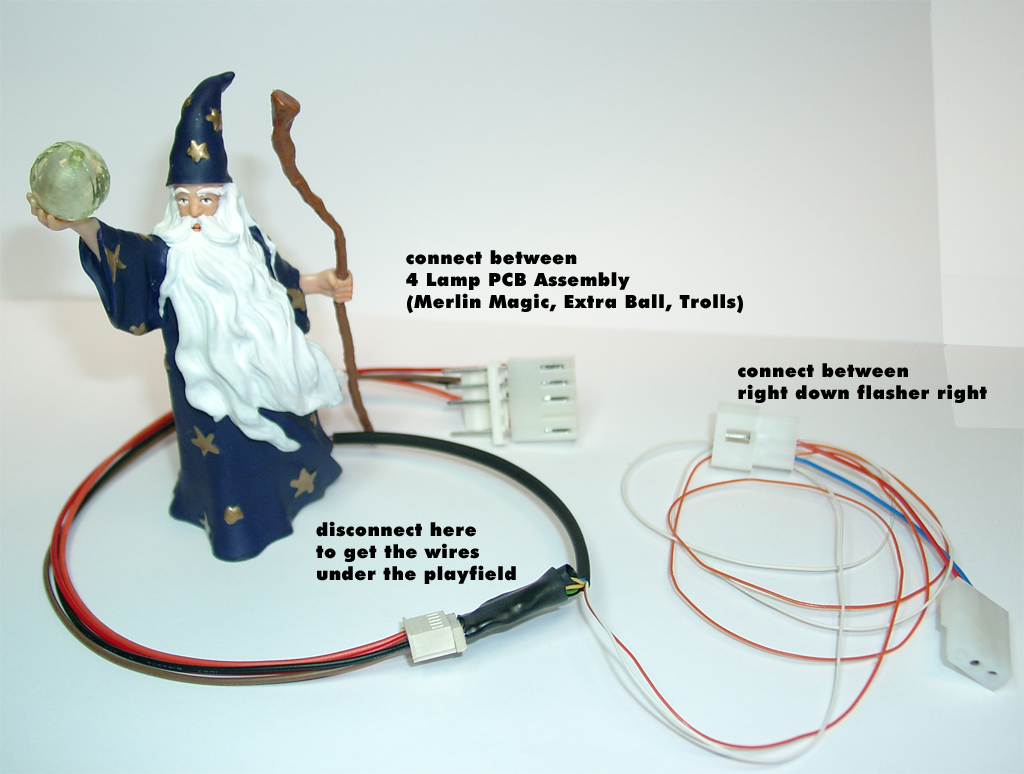
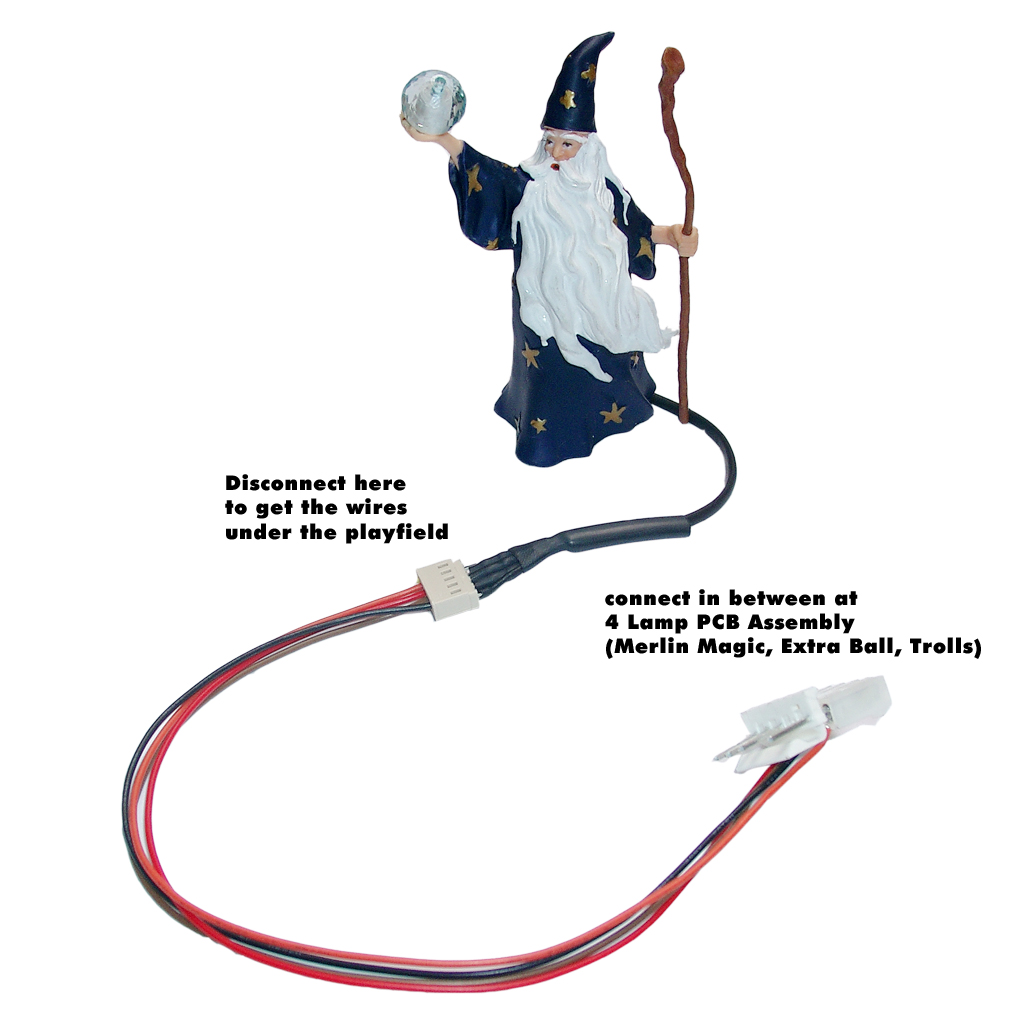
    So its possible to make these Mod complete solderless. You have only to connect the Merlin in beetween Magic Hole Insert and the flasher right down.

    deluxe_with_complete_wires

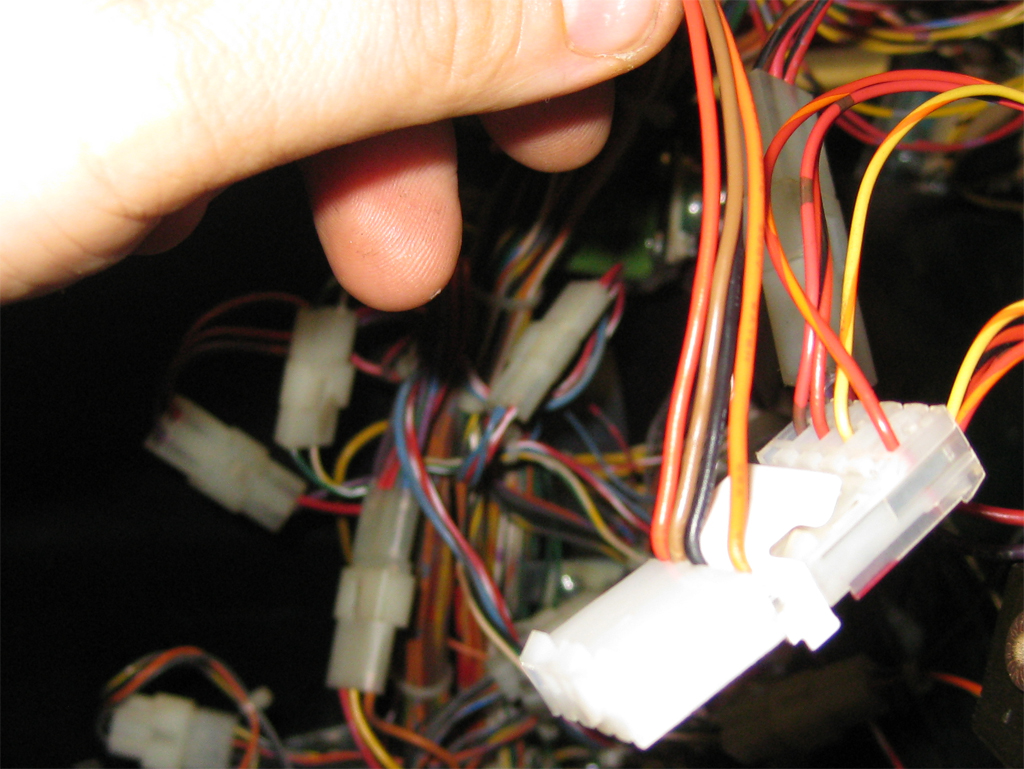
    Here you can see howto add the wires to the playfield:

    connect the „combo“ to the Insert PCB

    connect_sandwitch_4_lamp_insert_1

    connect_sandwitch_4_lamp_insert_2

    add the flasher molex here

    flasher_right_down_small

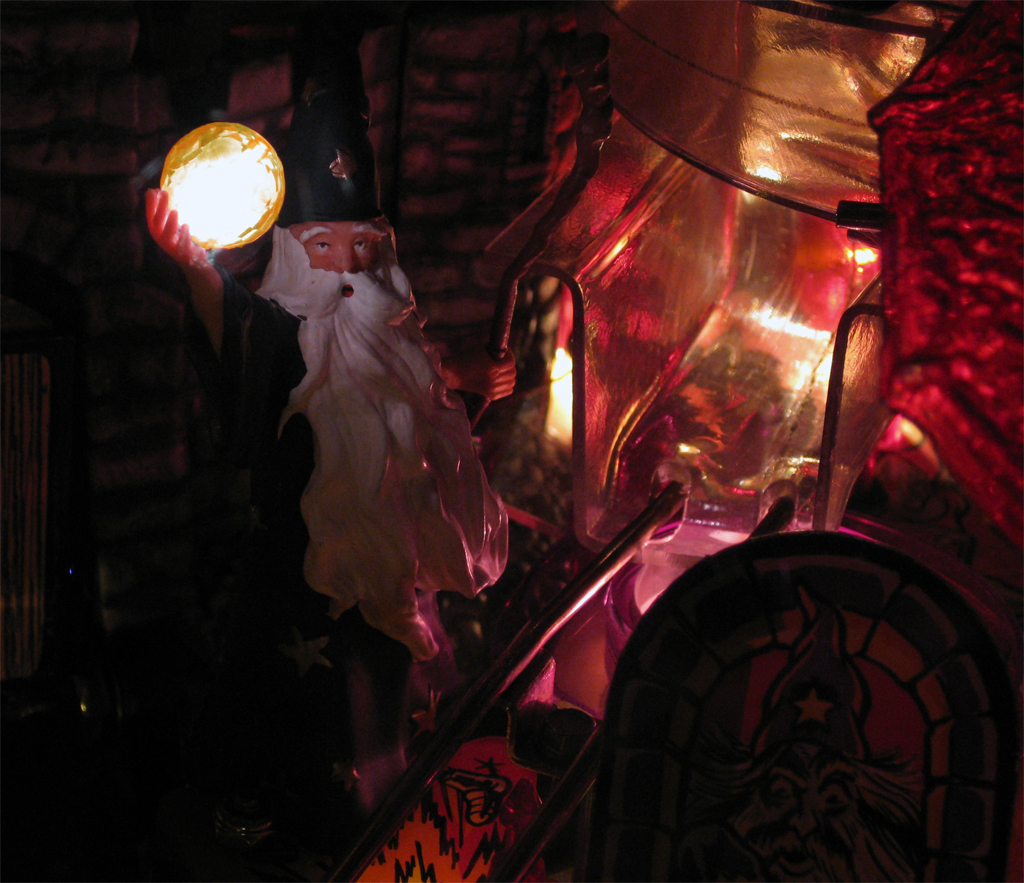
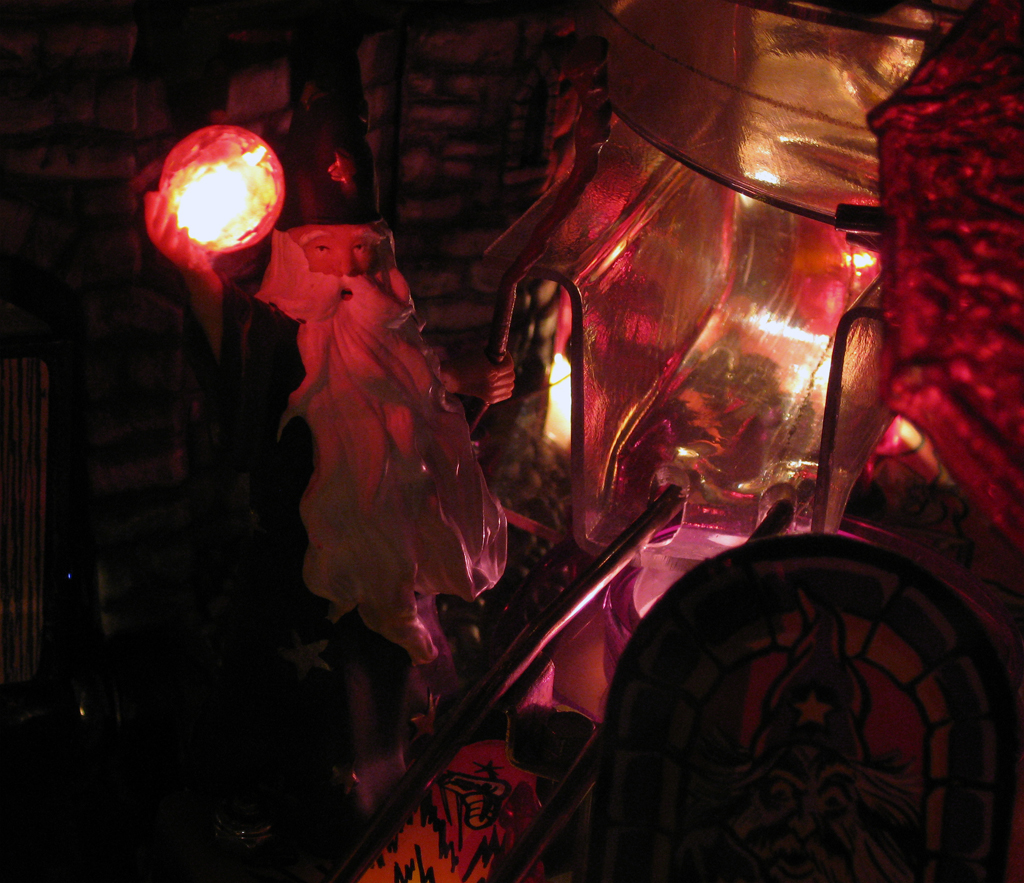
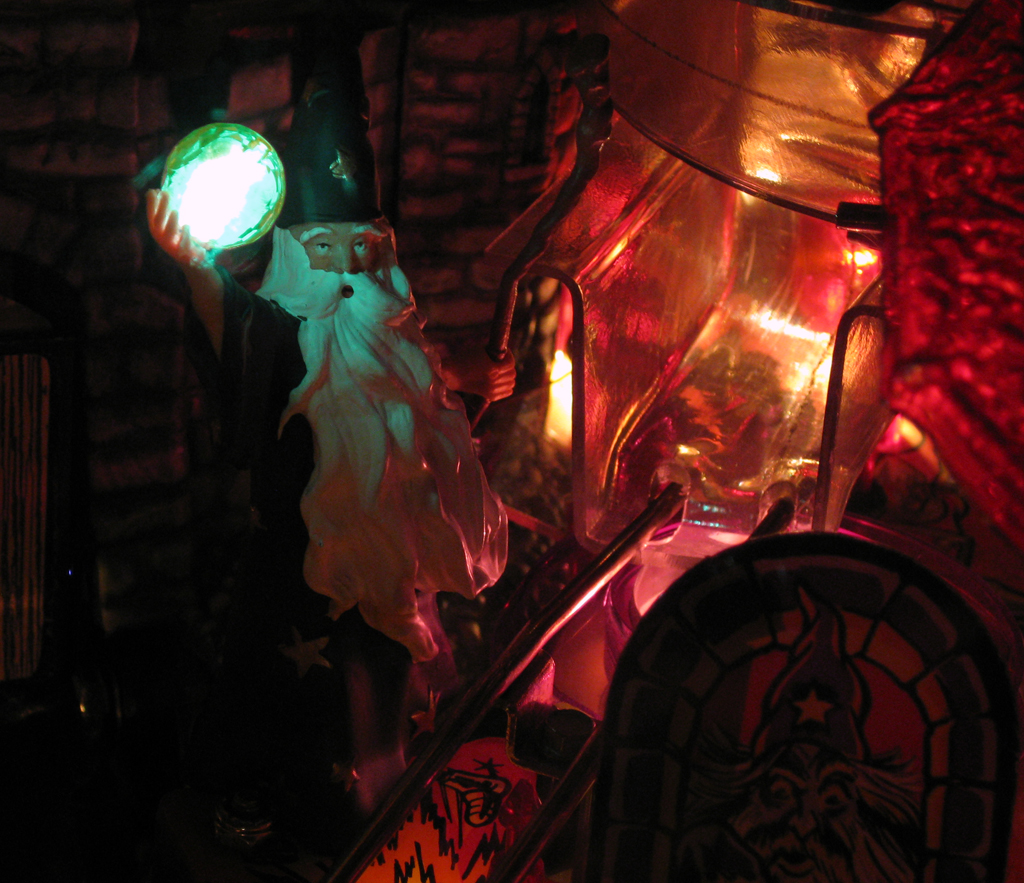
    Some picture of the final merlin

    merlin_yellow

    merlin_red

    merlin_green
    Video:

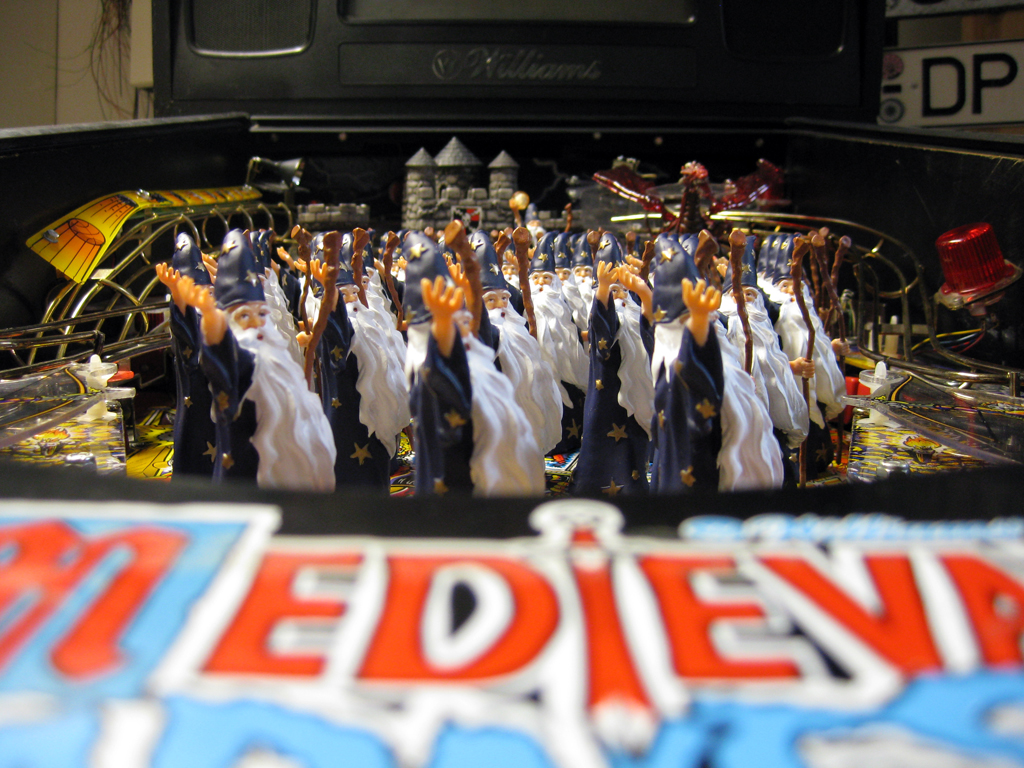
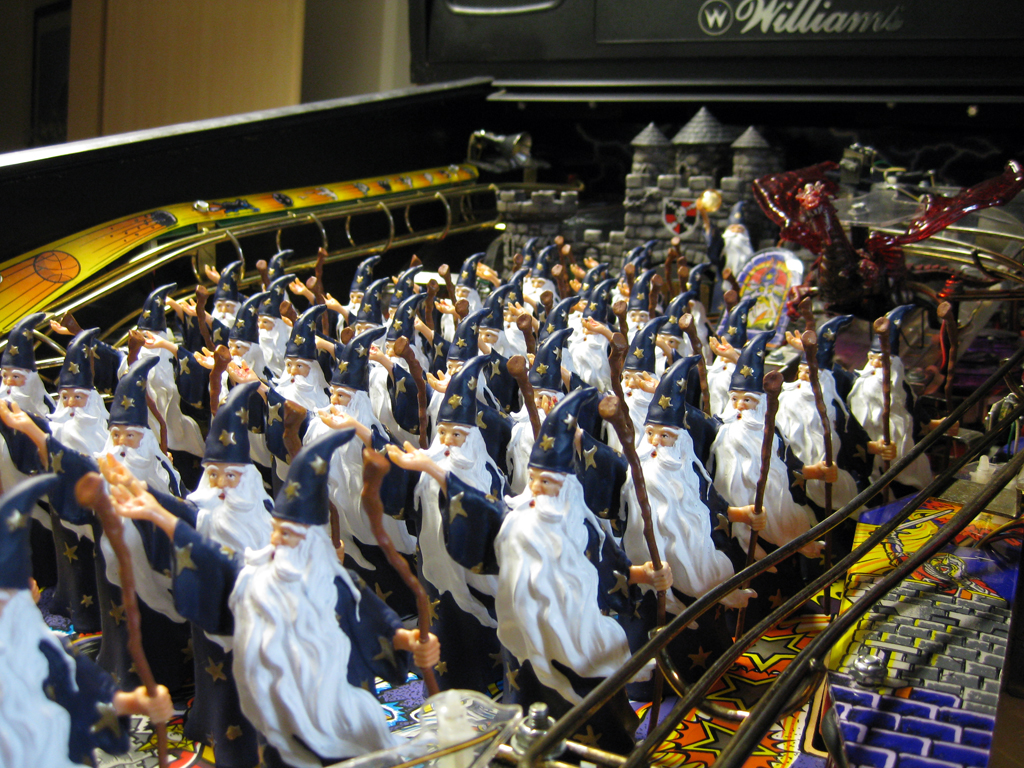
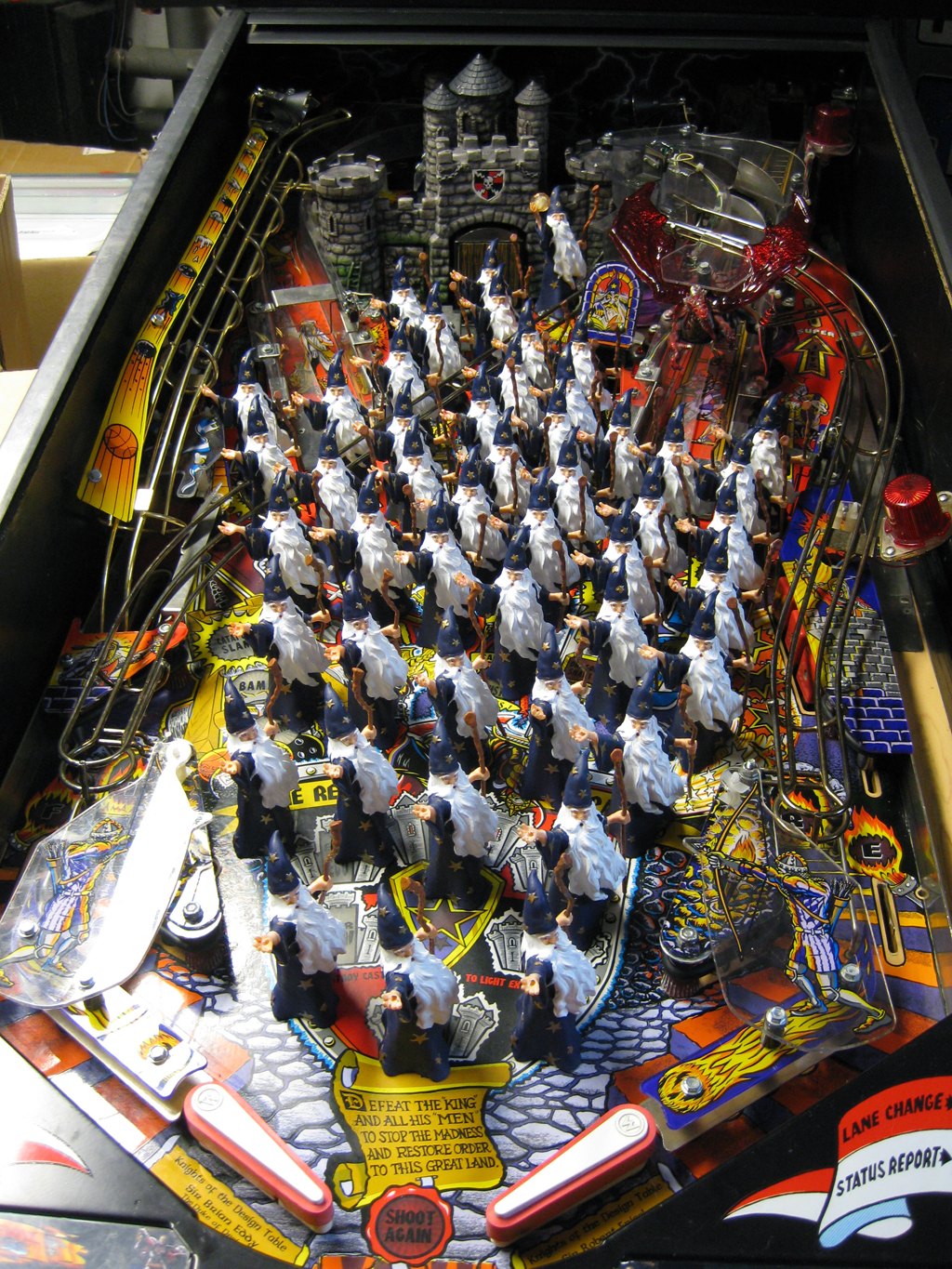
  • The Attack from the Merlins

    As there is a livetime  competition between Attack from Mars and Medieval Madness, we found finaly the winner:

    The Attack from the Merlins!

    attack_from_the_merlins_3_web

    attack_from_the_merlins_2_web

    attack_from_the_merlins_1_web


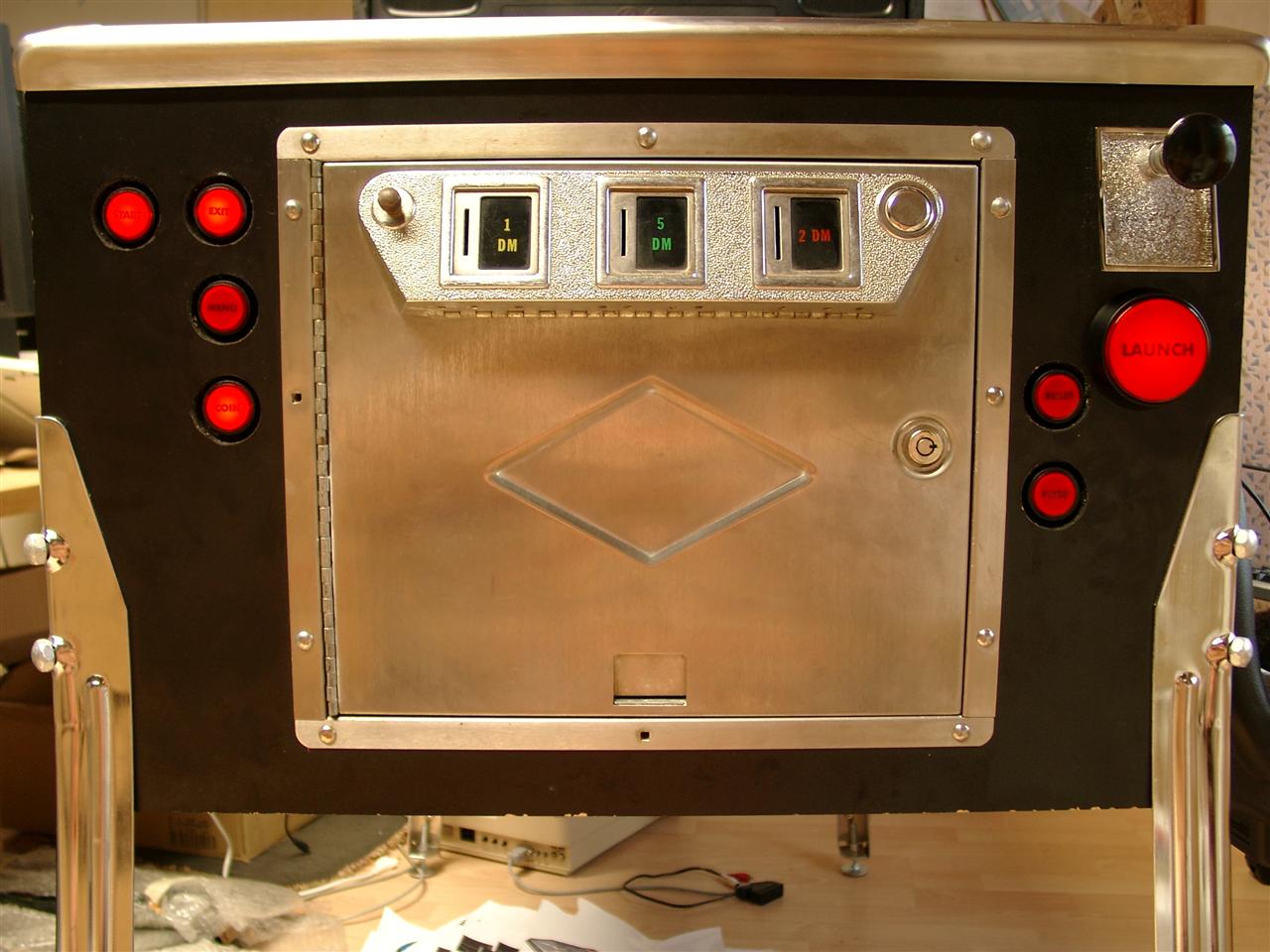
  • Frontsite finishing

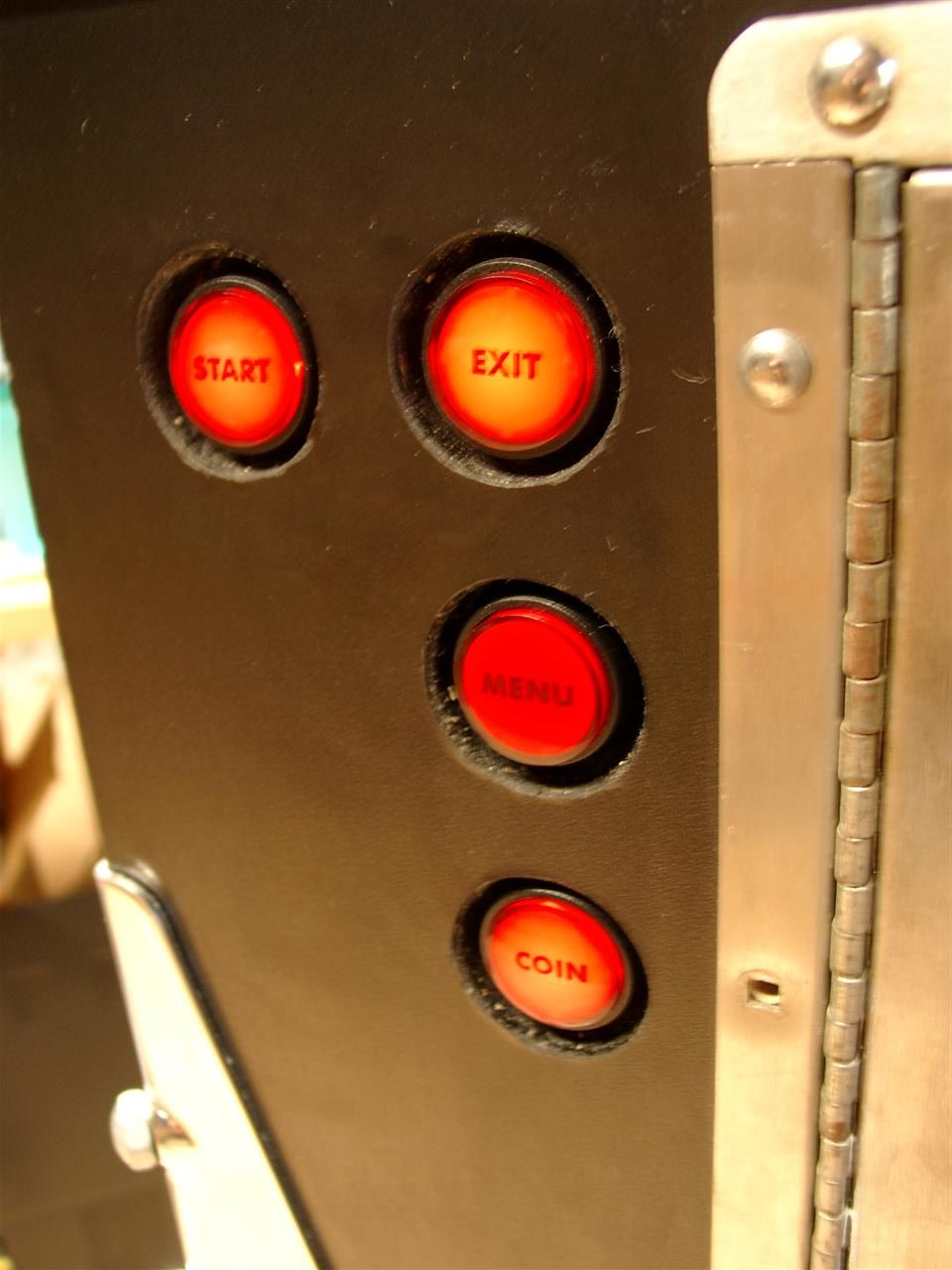
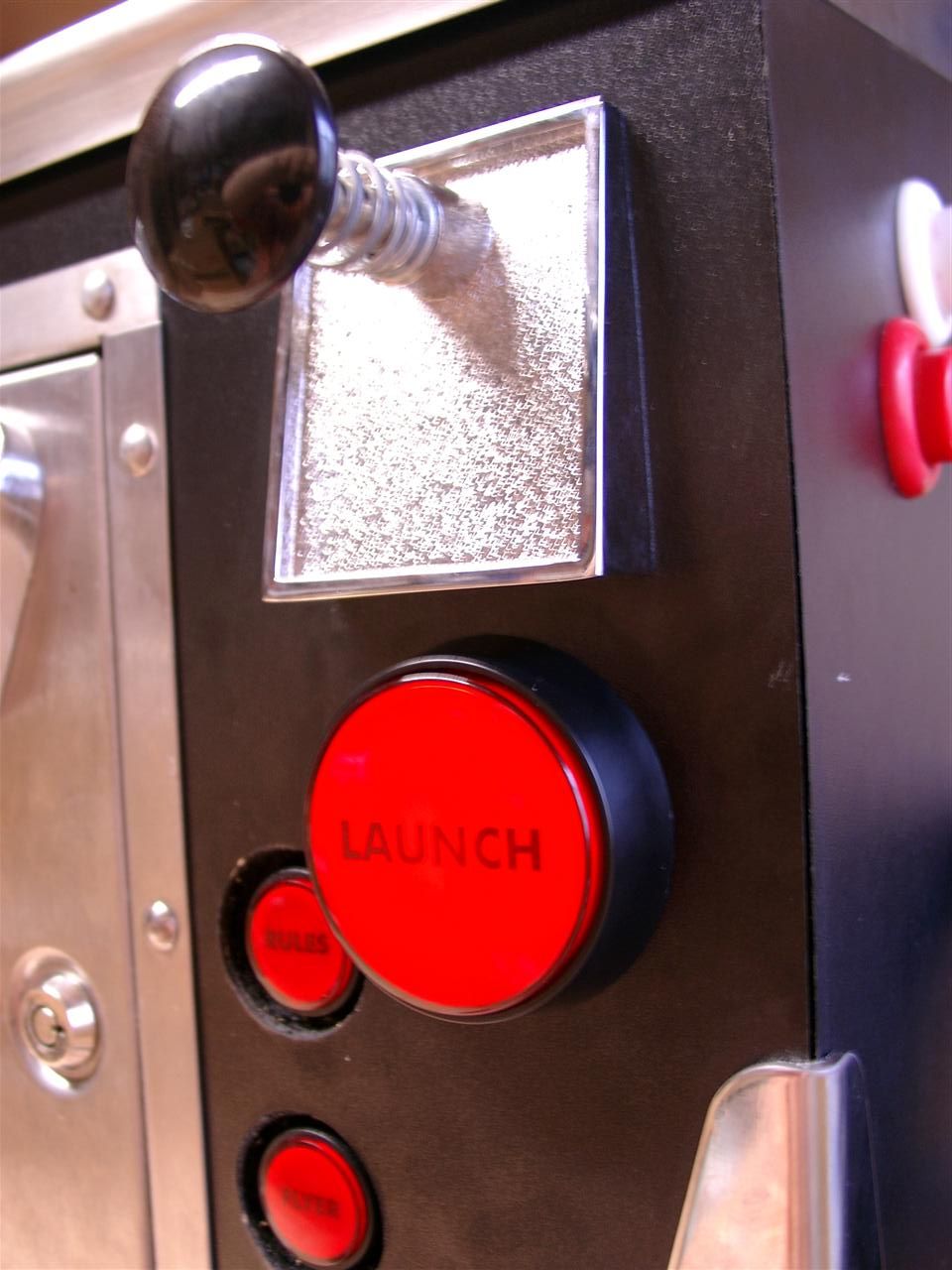
    Today I done some Text for the Buttons and here we go and it looks a lot better as before:

    pinball_door_01

    pinball_door_02

    pinball_door_03

  • Making of Magic standard Merlin Mod

    Hi Folks,

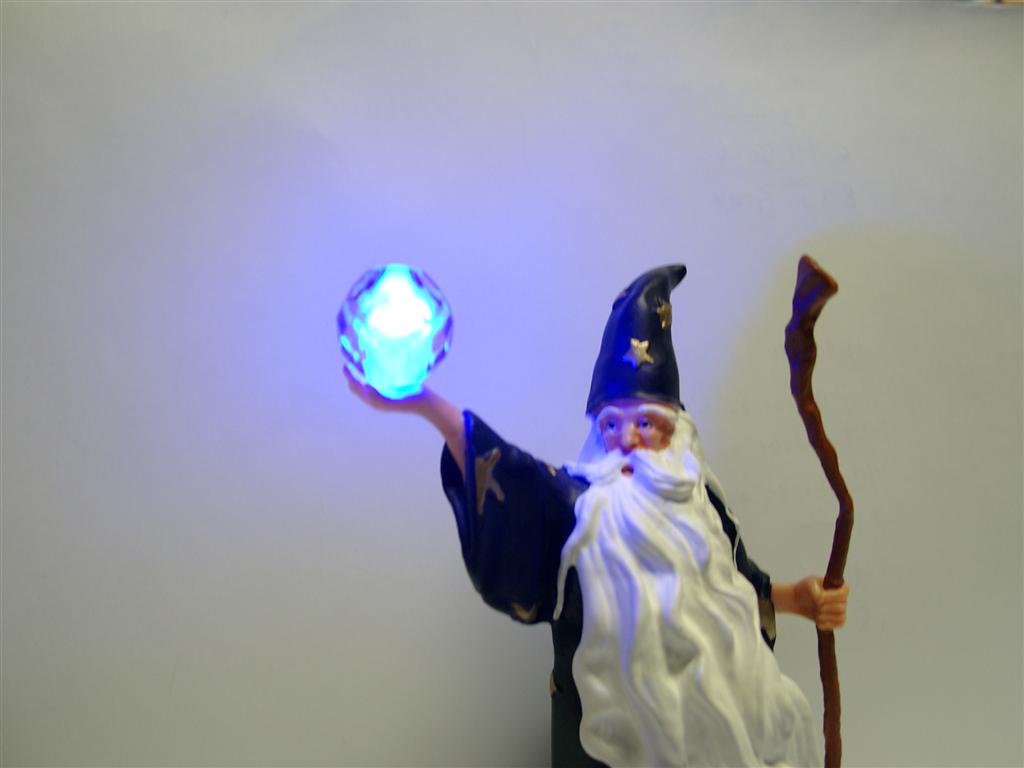
    last week I tried to illuminate a Merlin with a blue Led.

    If you want a Merlin including this magic RGB-LED you can order it right here

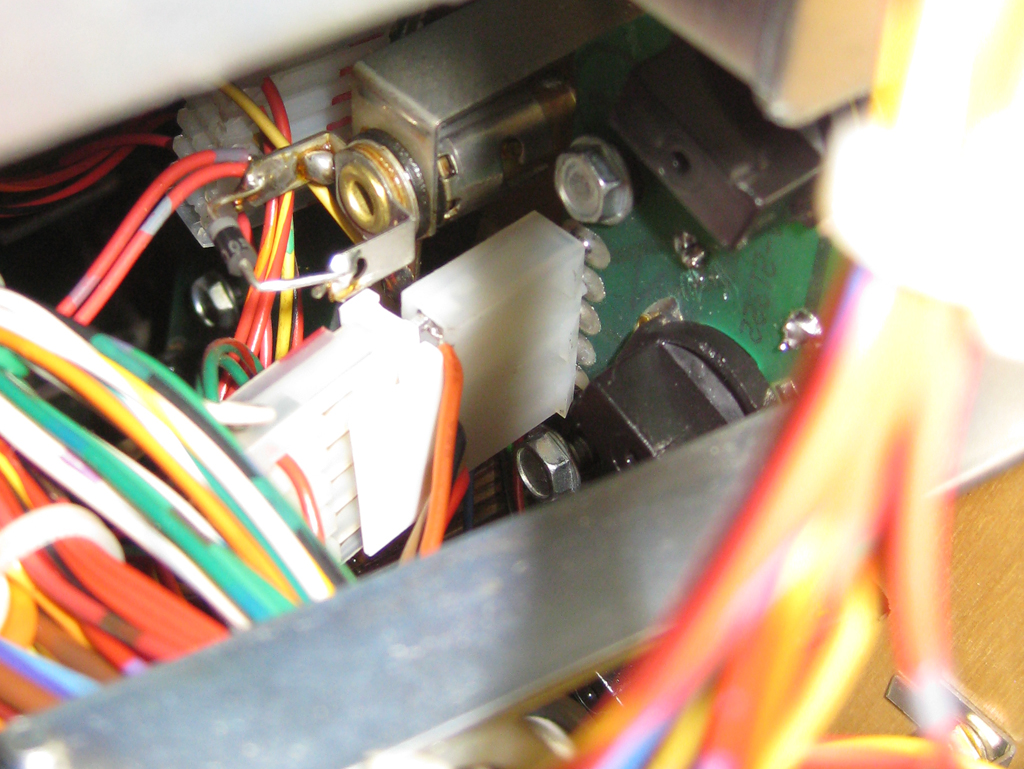
    This works good, but I have a better idea in mind. Put a RGB-Led into the Magic Ball.

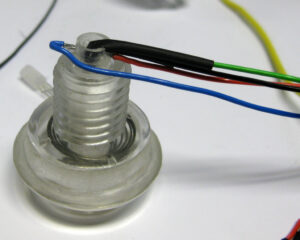
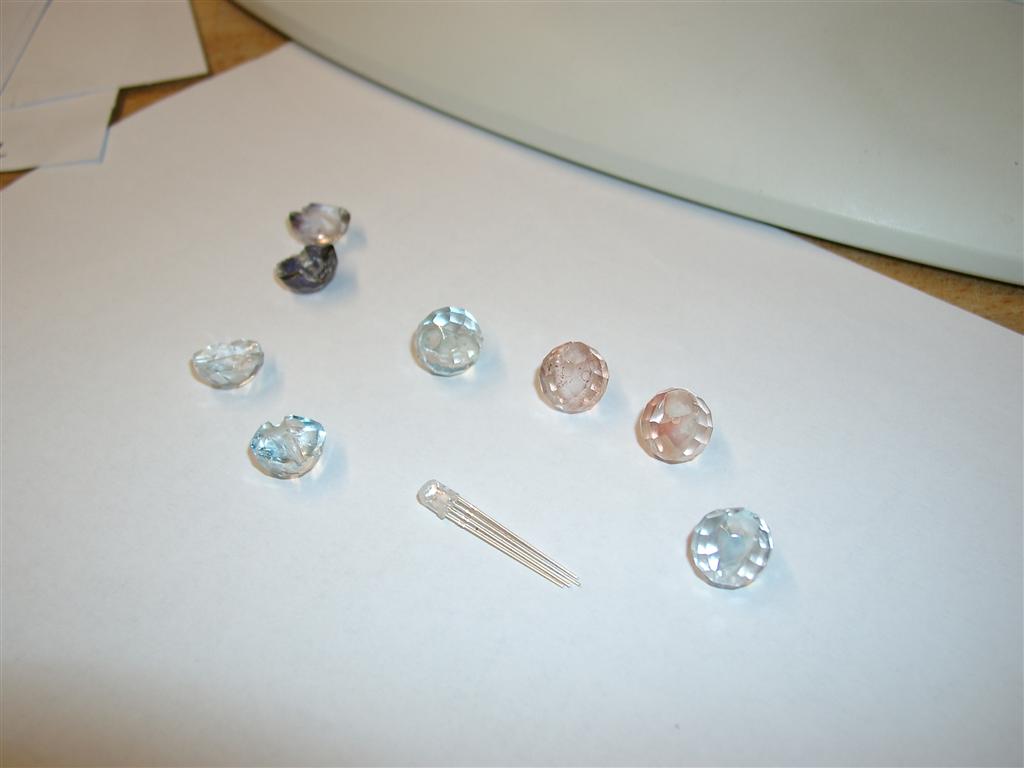
    The hardest part was to get the hole into the glass. A lot of Balls was destroyed during the making…

    1

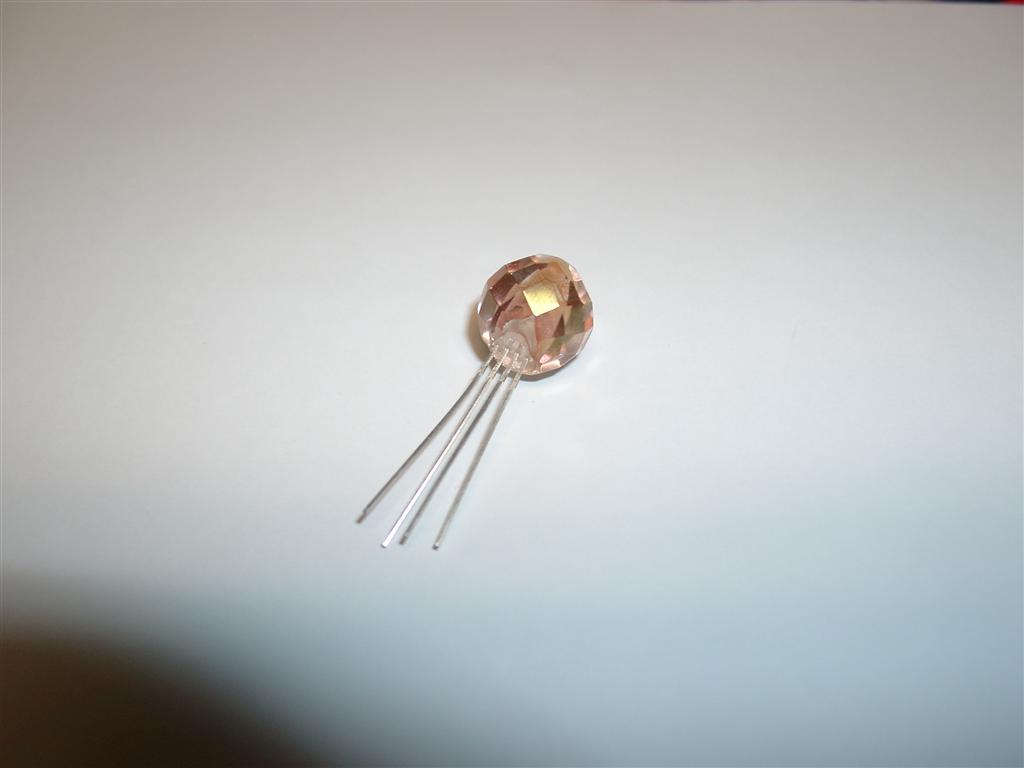
    I am using a powerfull 5mm RGB-Led and reduce the size so it fits into the glas ball:

    2

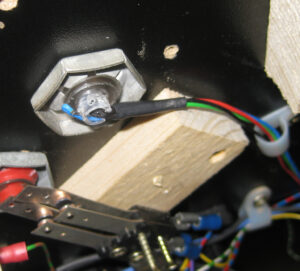
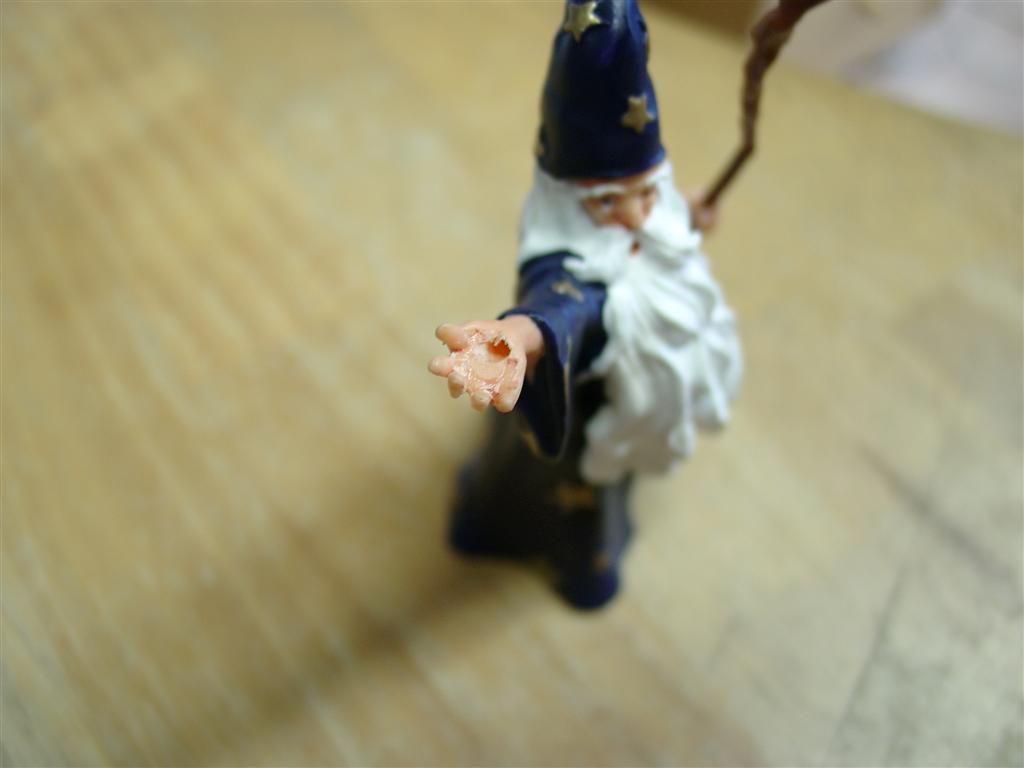
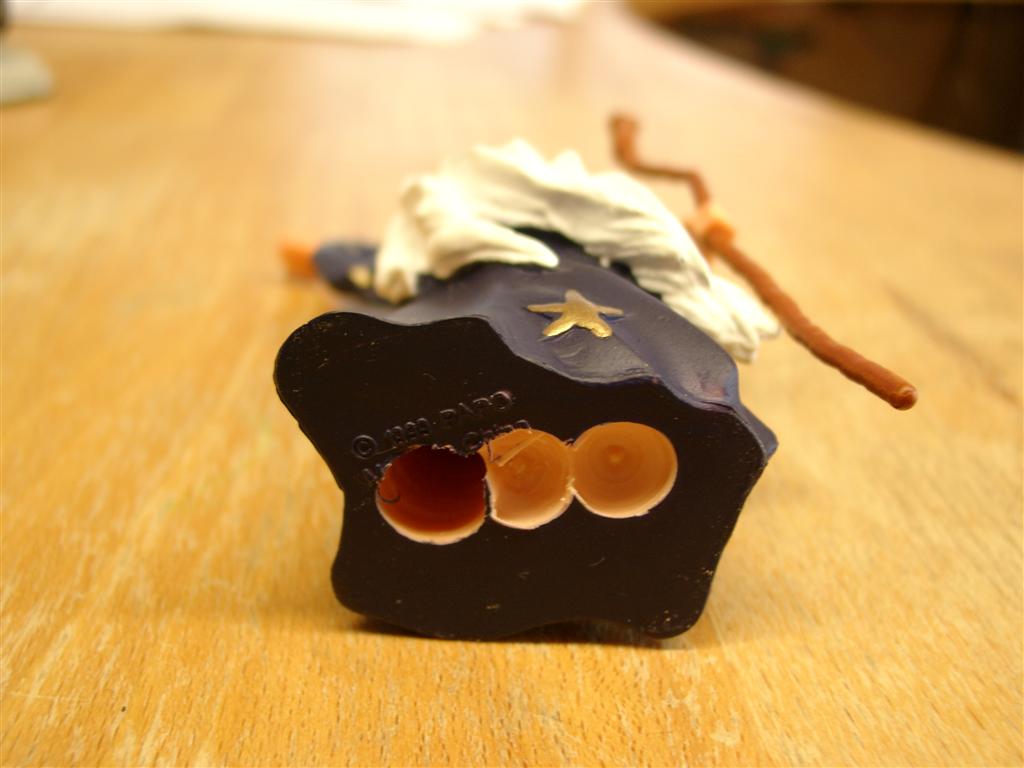
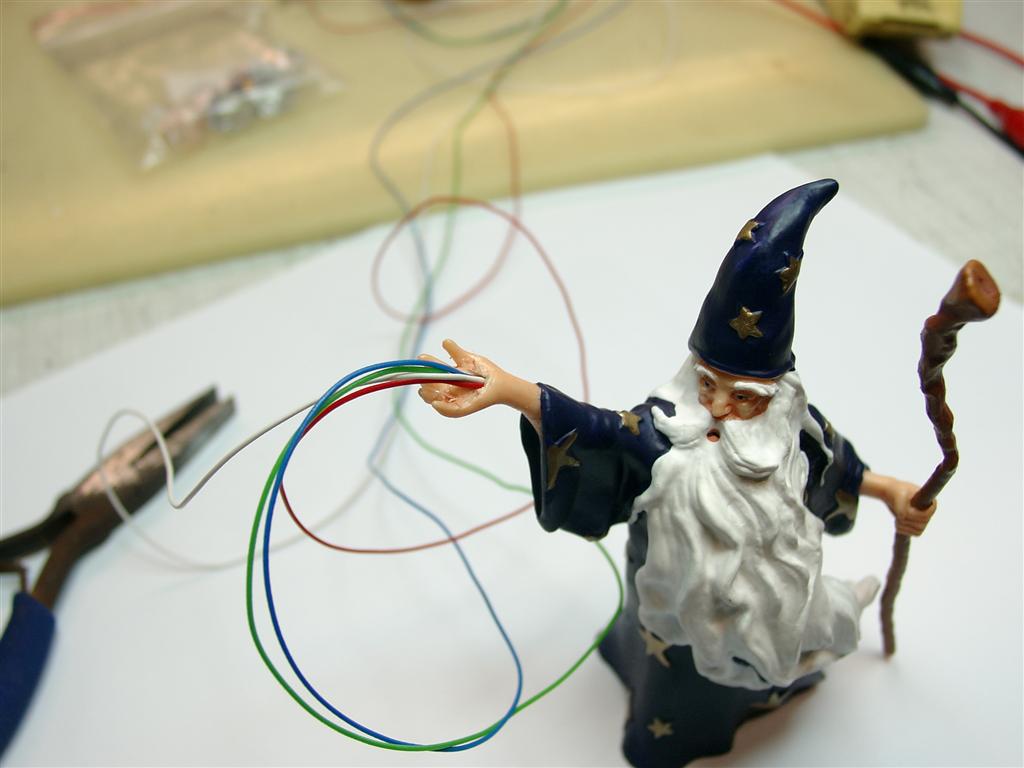
    Now Its time to make place for the wires into the merlin

    3

    4

    And here some wiring:

    5

    The LED:

    6

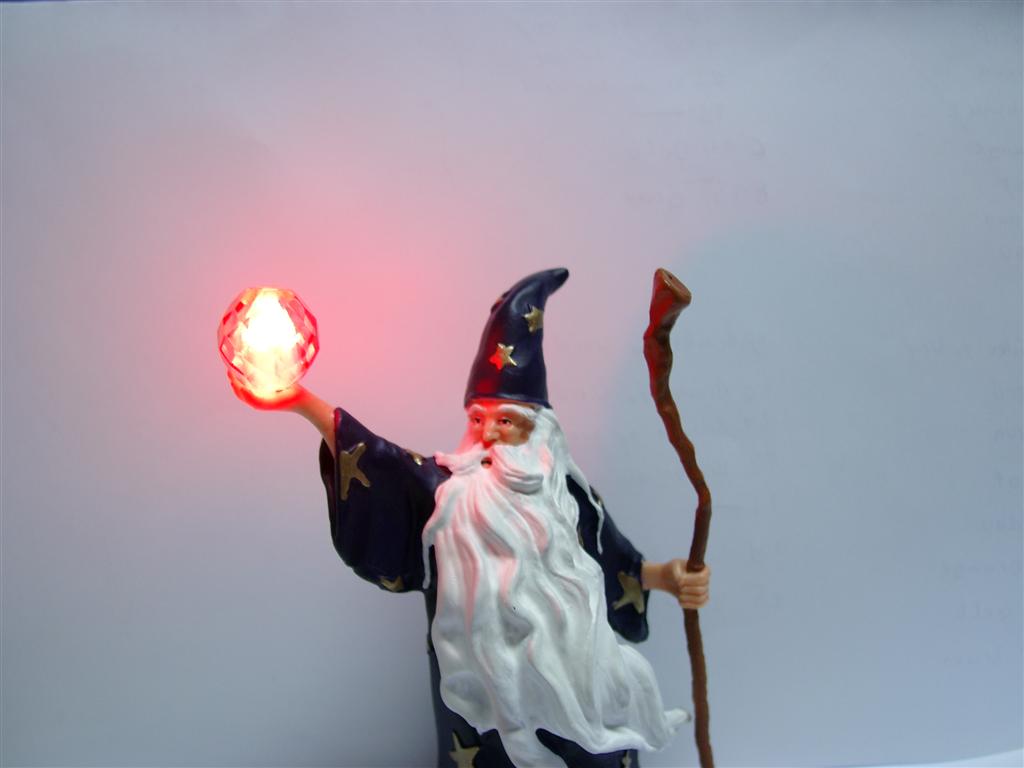
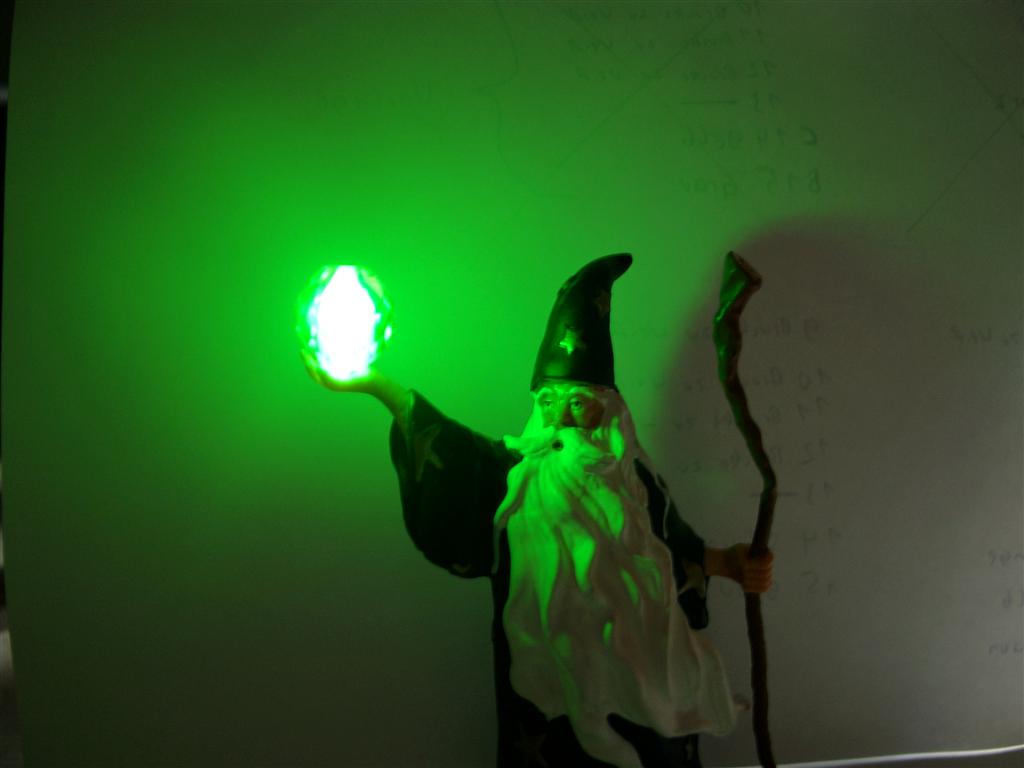
    First Impressions: Red,Green,Blue

    8

    9

    7

    Be on wire:

    wiring_rgb_led_medi_3 (3)

    wiring_rgb_led_medi_3 (2)

    wiring_rgb_led_medi_3 (1)

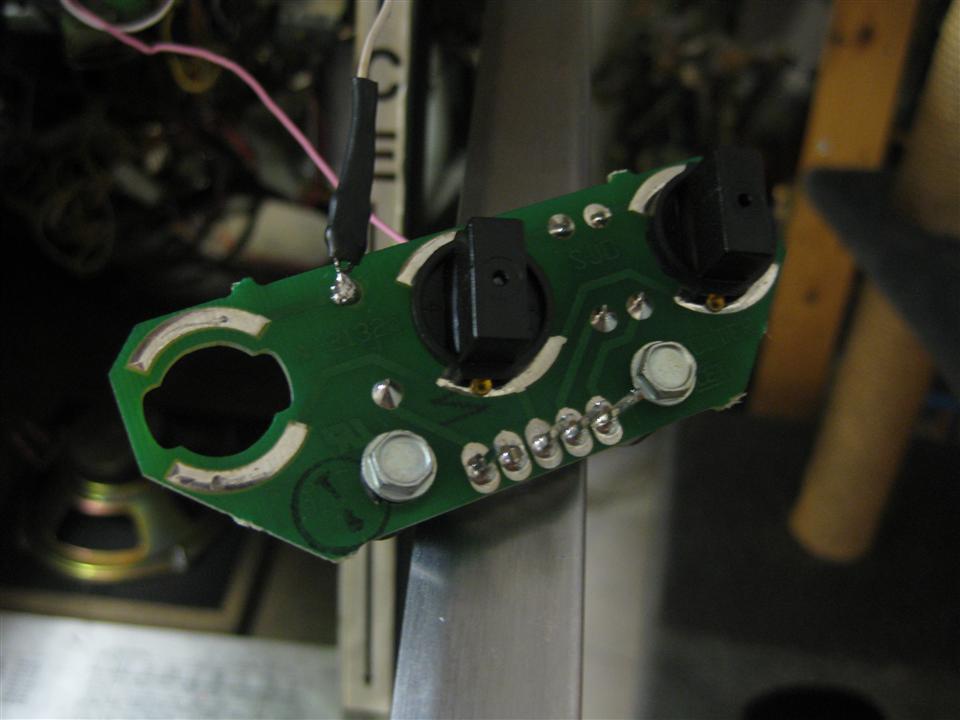
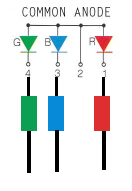
    common plus site of the rgb LED (Pin2):

    soldering_1

    shematic:

    rgb-led

    In the final Version we will use shrinking tube and Molex Connectors so you have only to connect it in between to molex parts.

    Look here for the molex Version, no soldering, only some doublesided adhesive needed

    merlin_cable

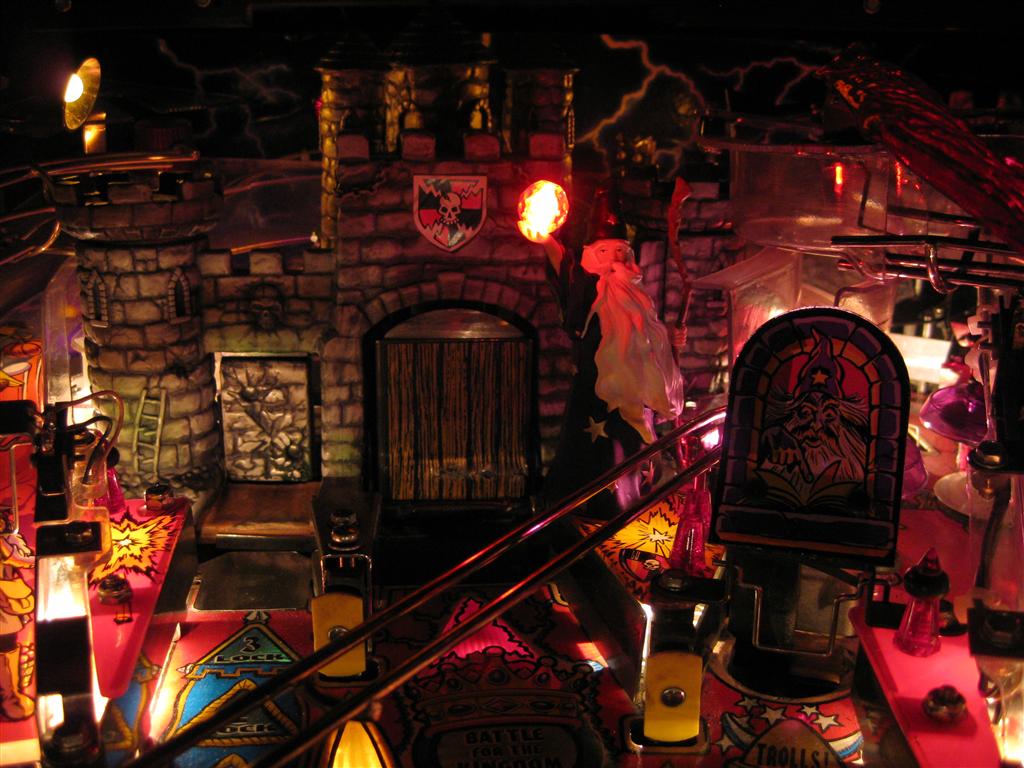
    At the final place:

    rot - Kopie

    grün - Kopie

    blau - Kopie
    Video:

  • Medieval Madness Merlin Ilumination

    Today I take a blue Led 5mm with 39Ohm Resistor and connected it parallel to the Merlin Magic Lamp.
    It is flickering to much, so I will add a Capacity to reduce it.
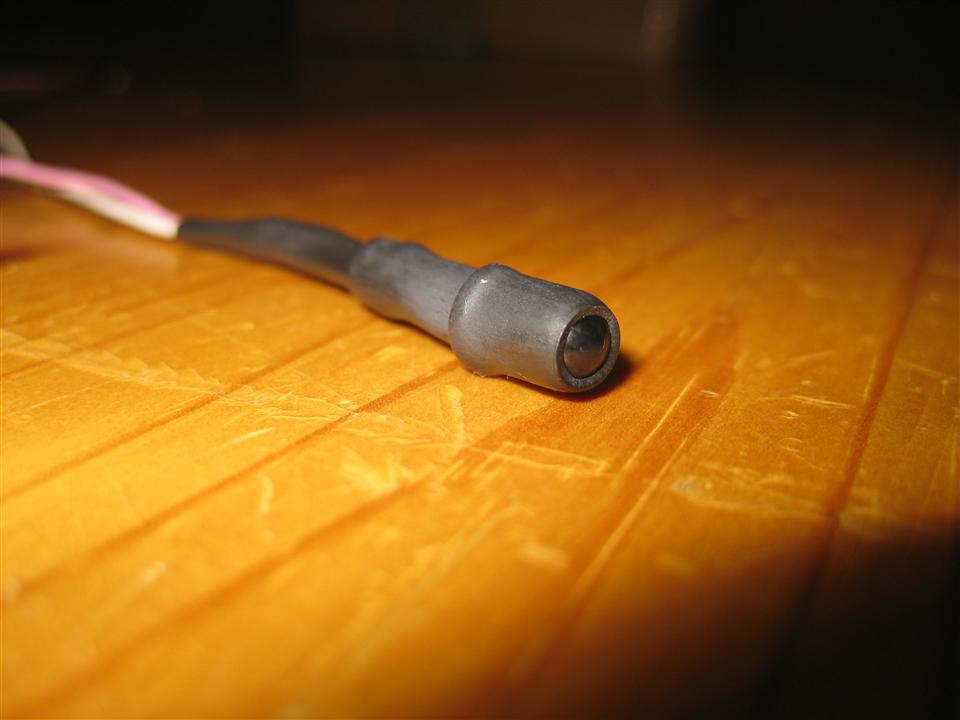
    First I use some head shrink tube to reduce the angel of radiation and connect it to the merlin magic lamp (here you have to check the polarity).
    led_modding

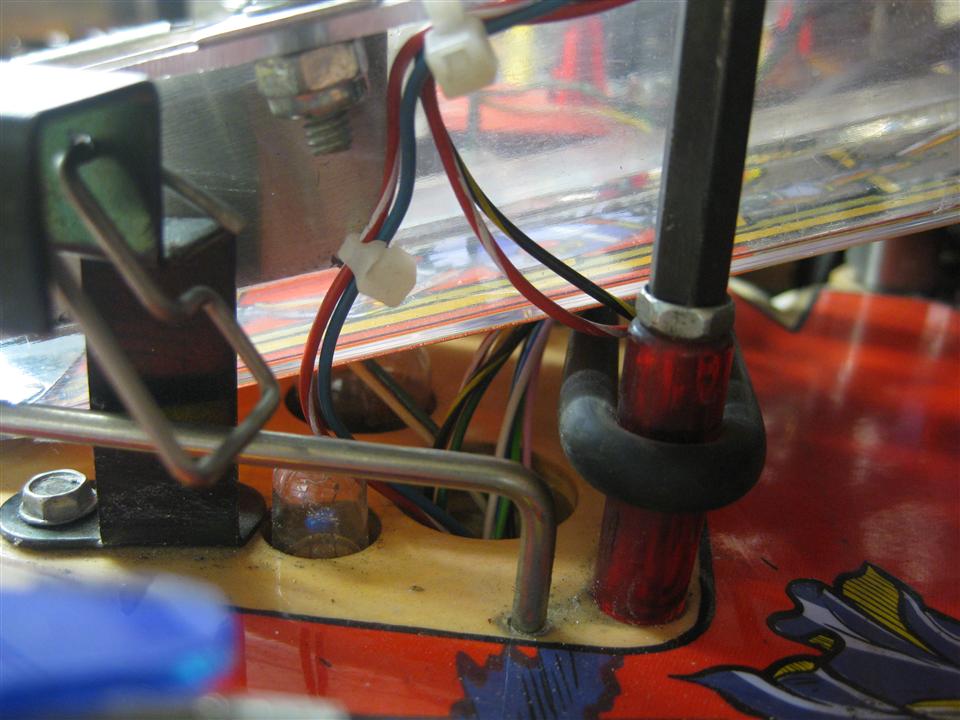
    way of the wire…

    way_of_the_cable

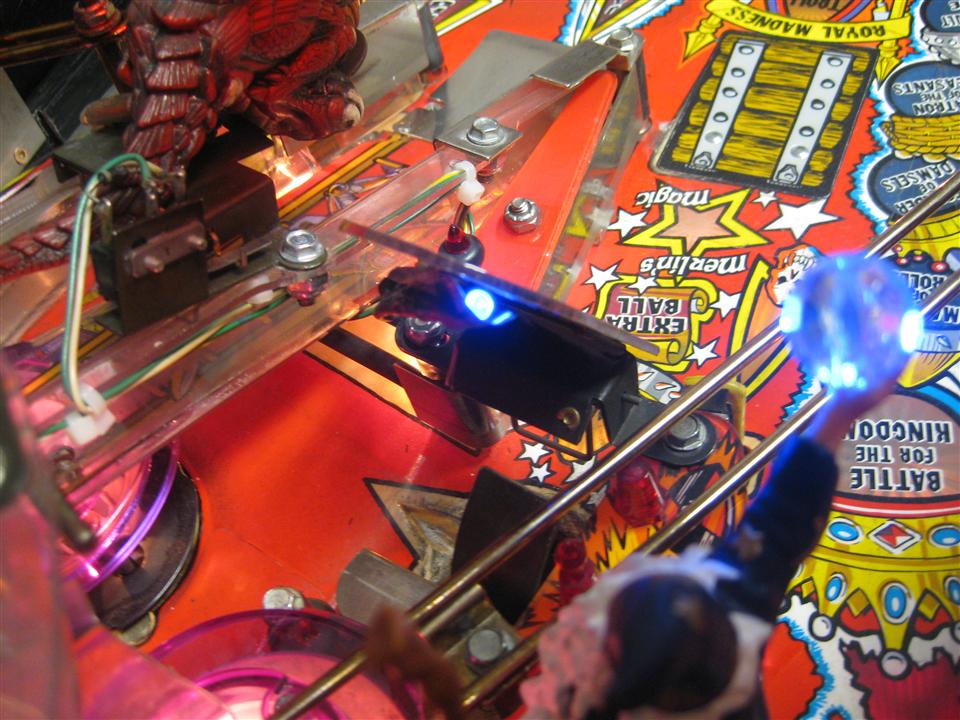
    I am using double sided adhesive for position the led

    position_of_led

    Soldering:

    soldering_1

    soldering_2

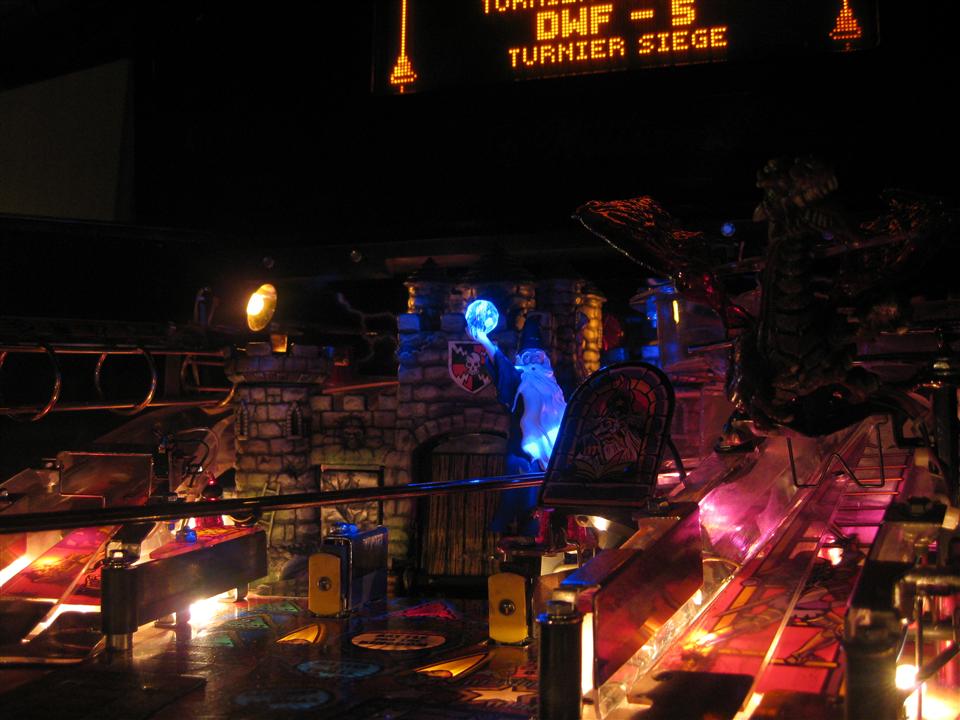
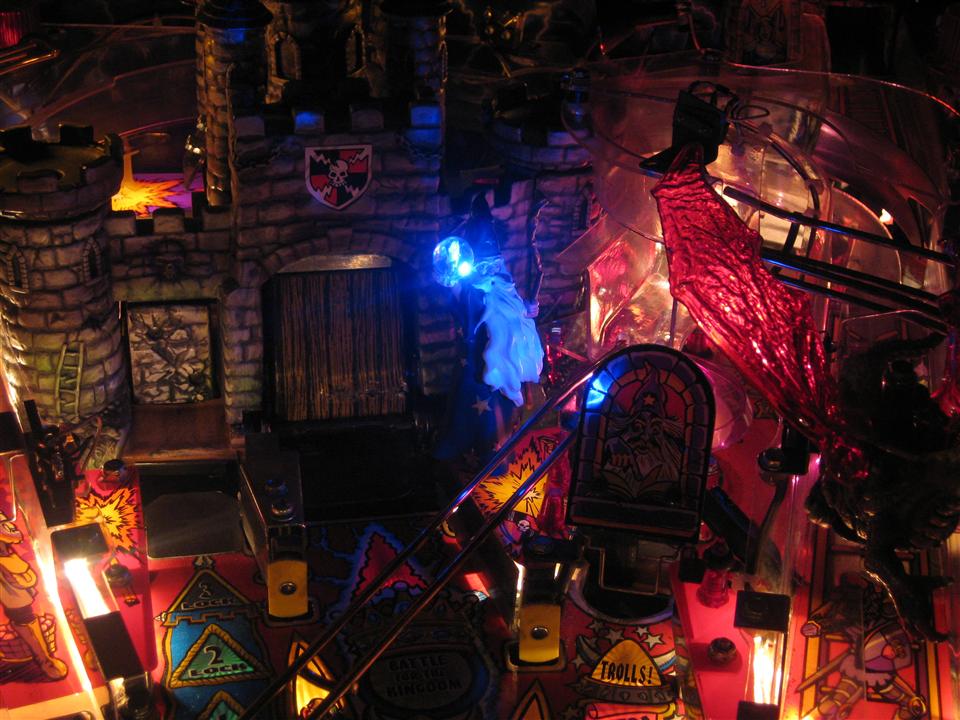
    merlin_light_1

    merlin_light_2

    merlin_light_light
    Video:

  • MM Catapult mod

    Today I got the Capatult Led mod from pimpmypin.com

    The documentation told me to remove the catapult ramp.
    Oh no, so much work … There must be an easier way..

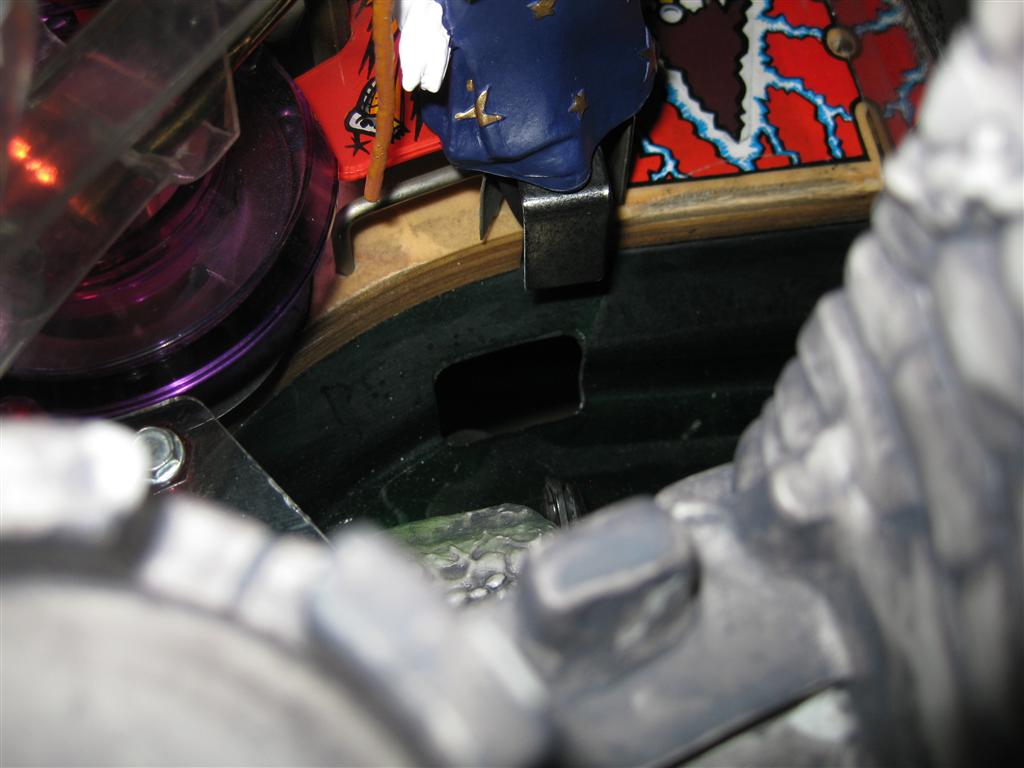
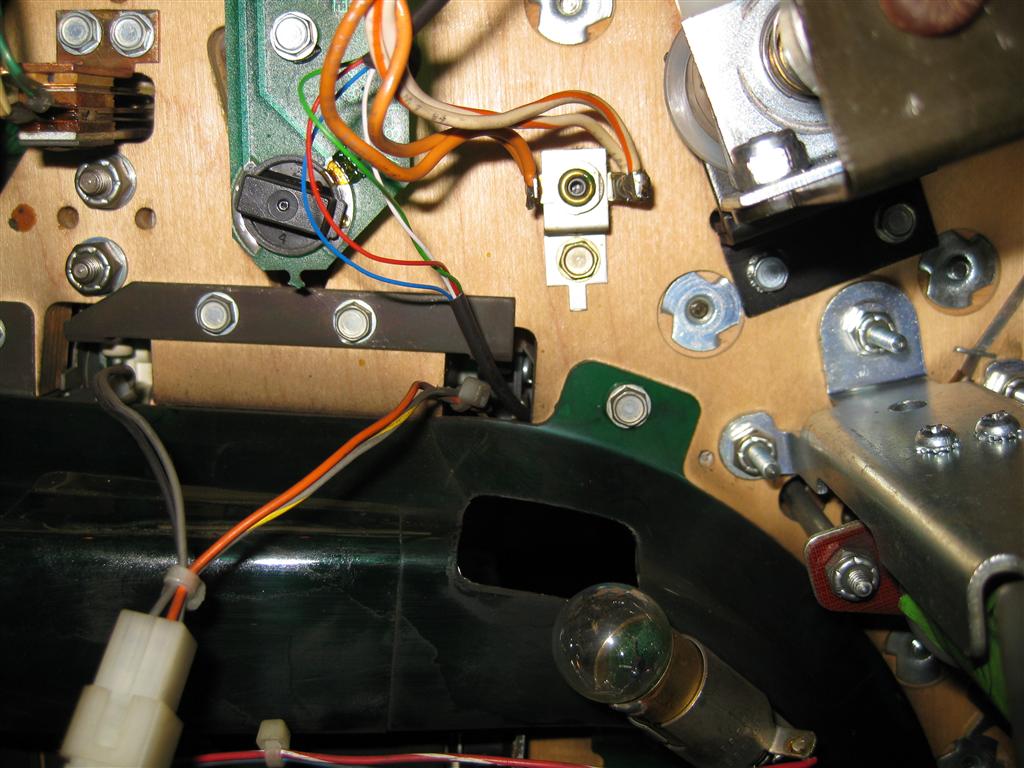
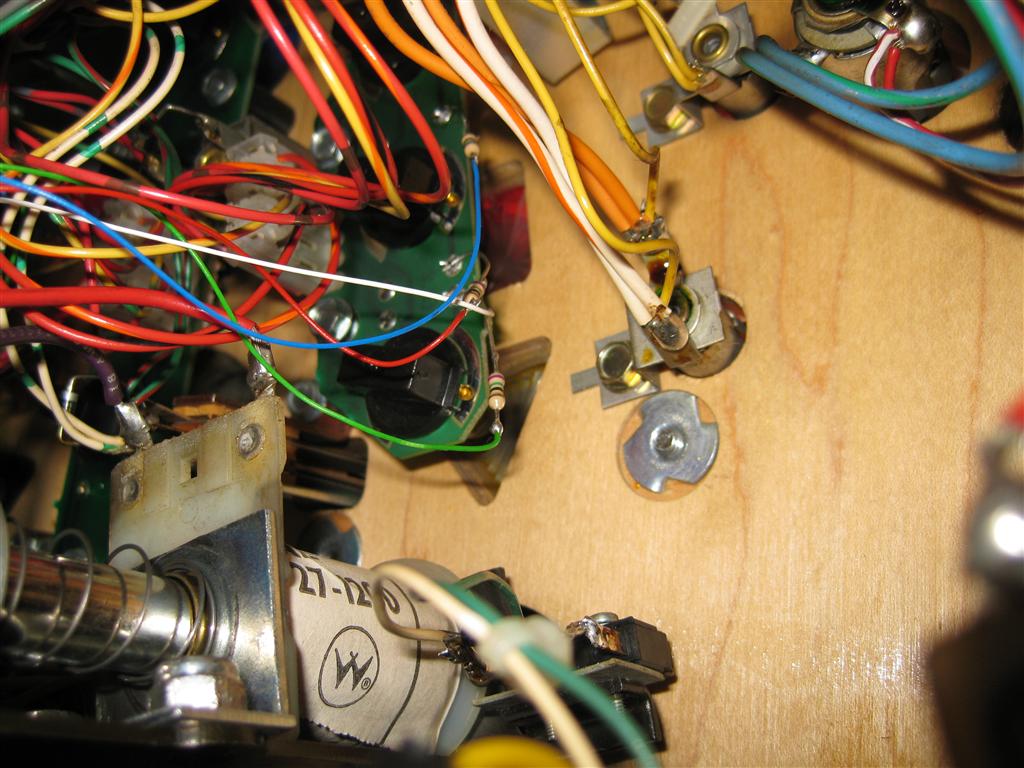
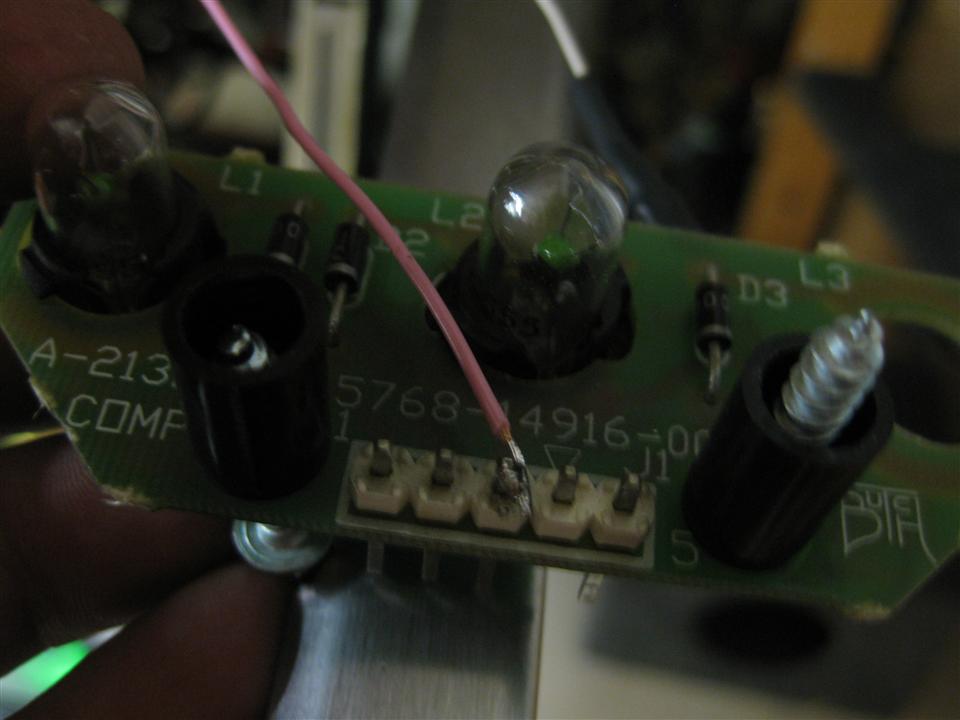
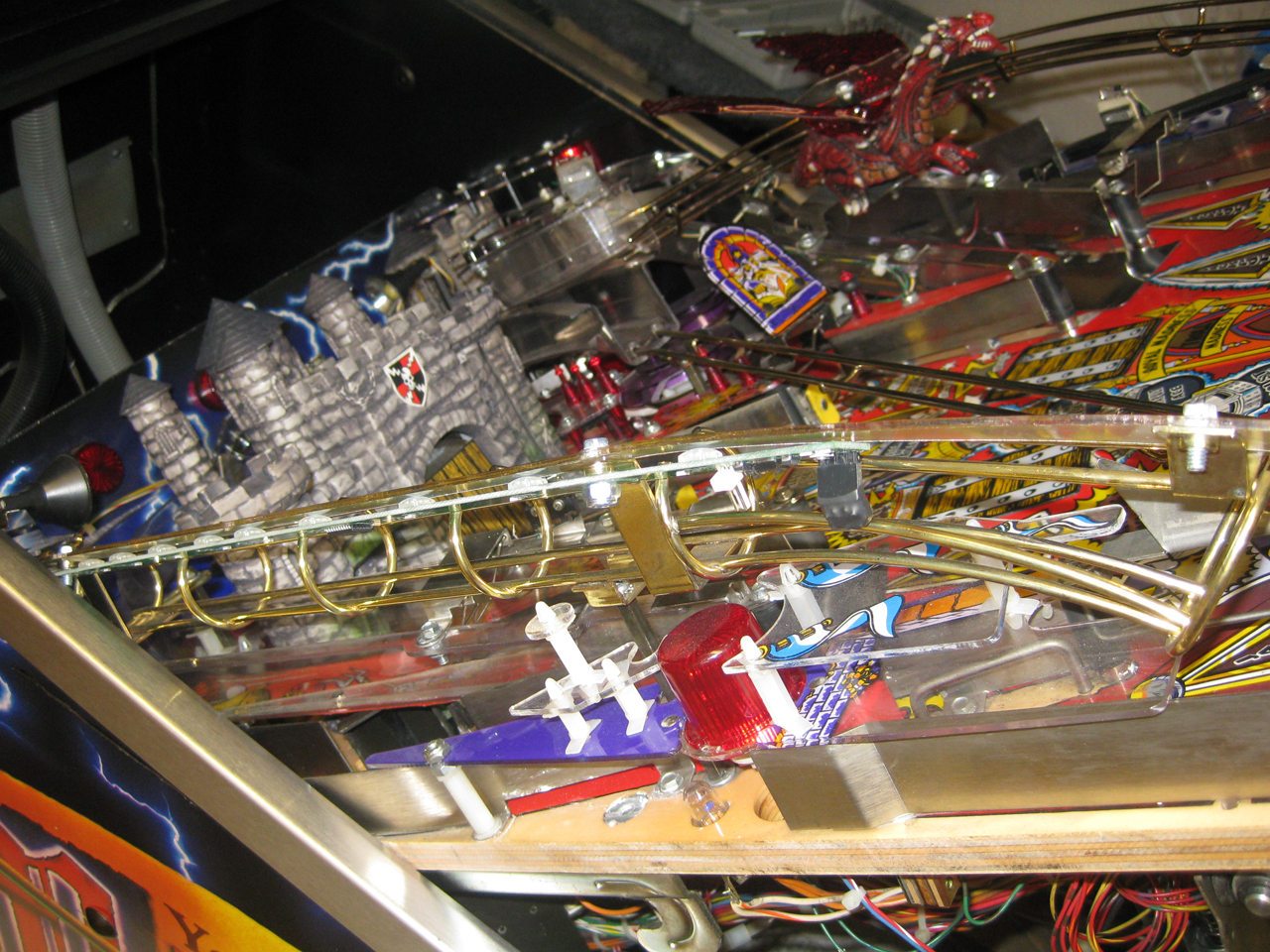
    I opened the pinball like this and put in the led pcb:

    IMG_7884_small

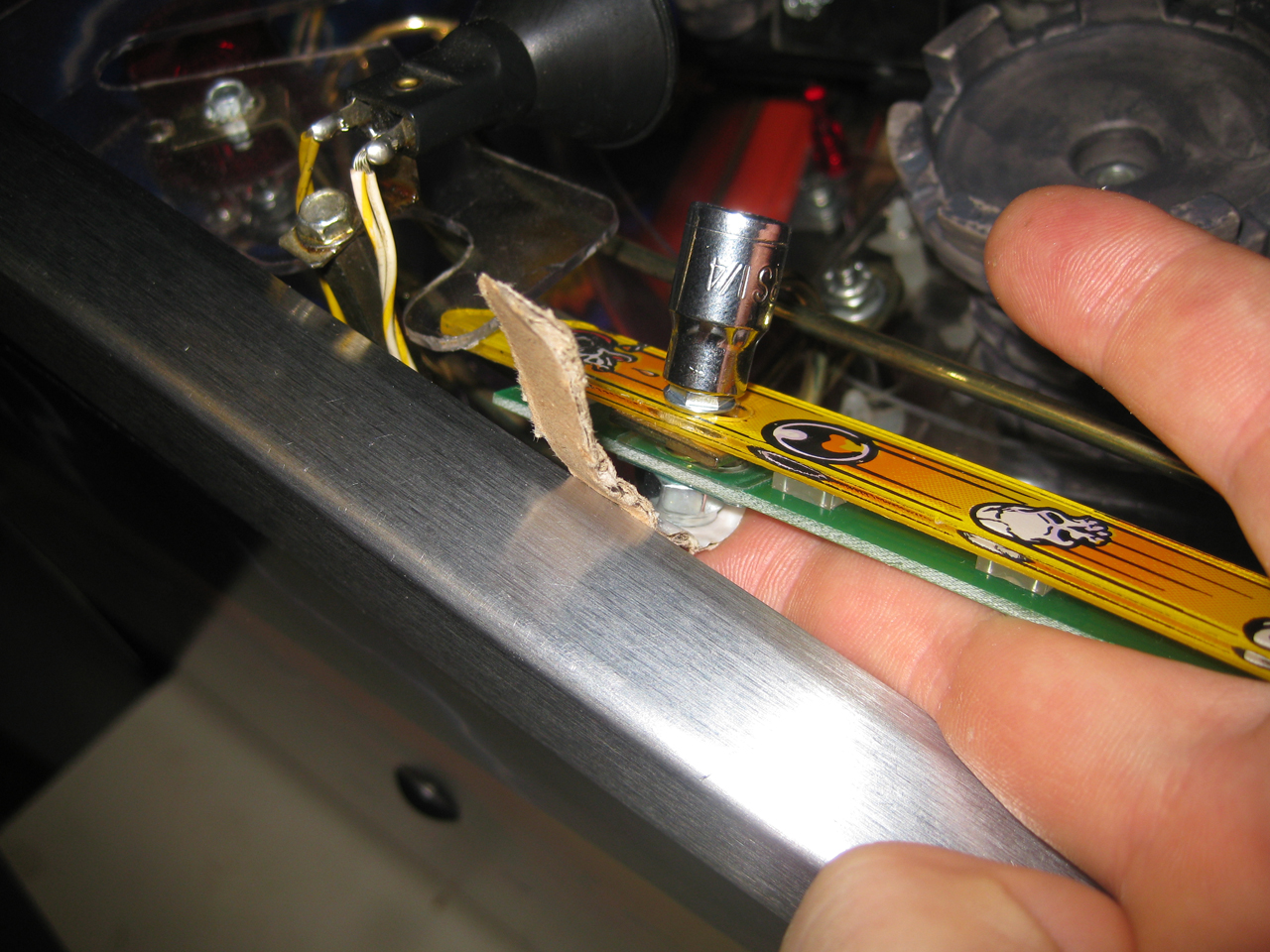
    The tricky part is the screw on the left site…
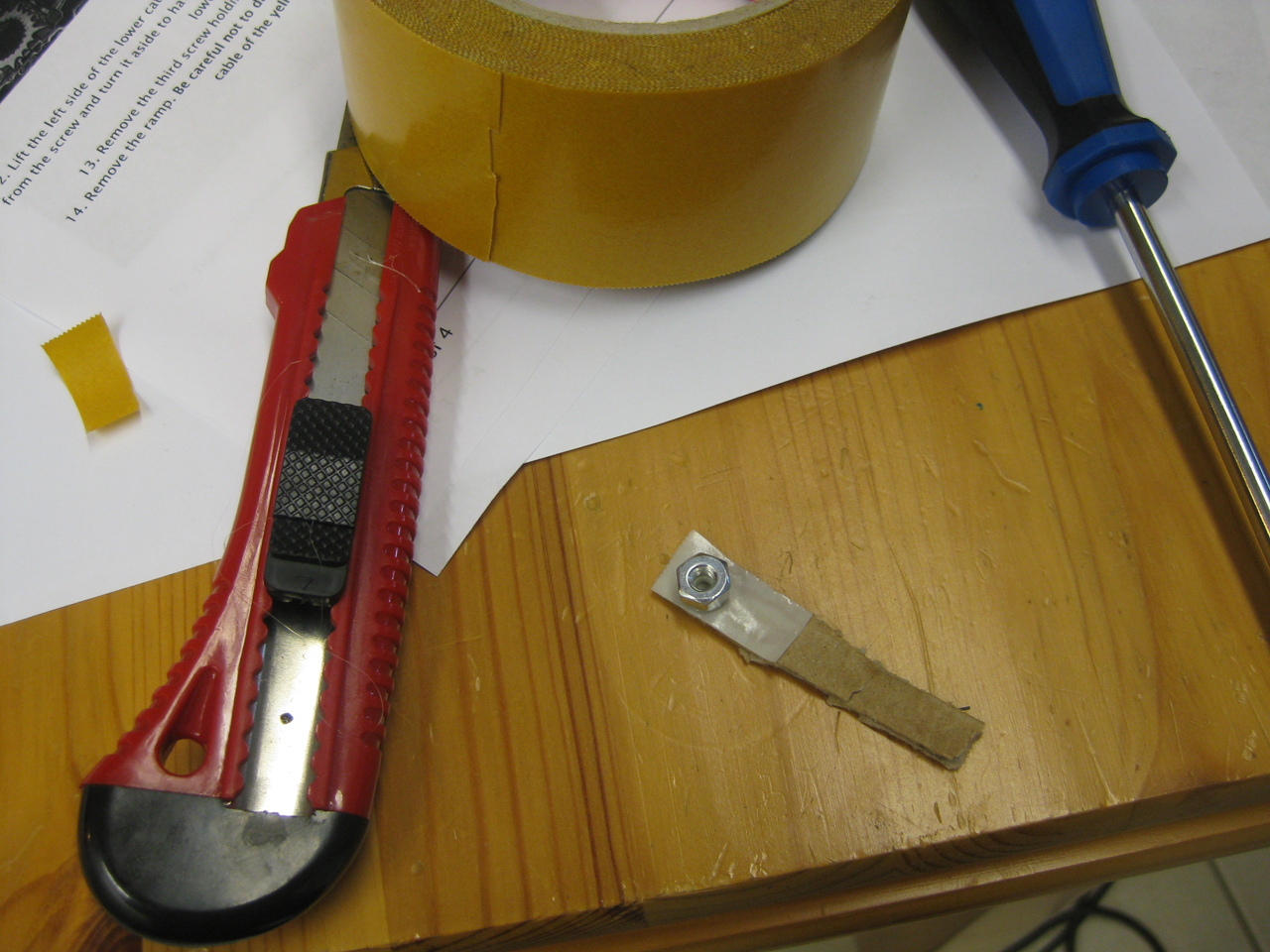
    I used bothsided adhesive to get the screw at the right position:

    IMG_7886_small

    IMG_7887_small

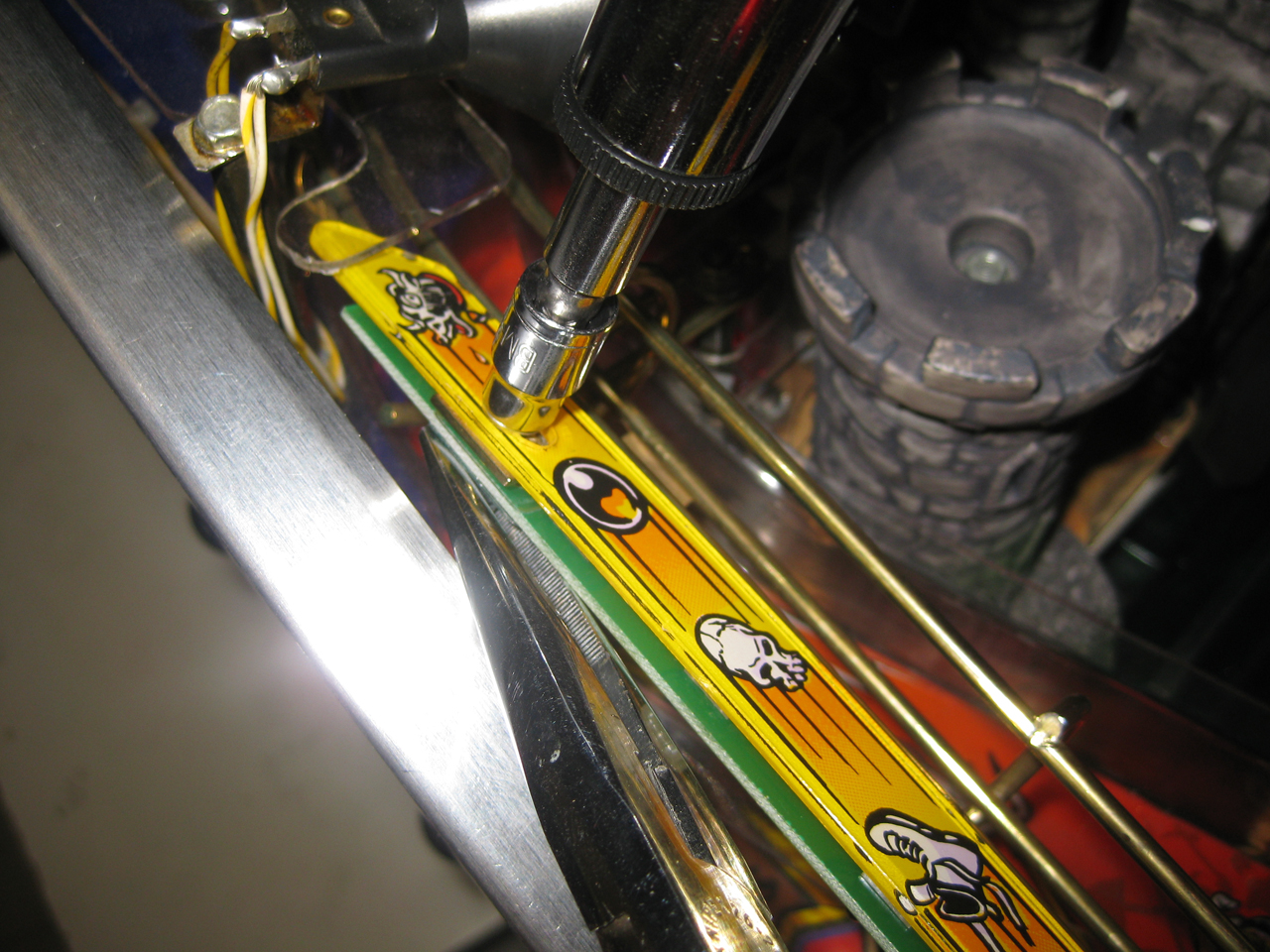
    and screwed this way

    IMG_7888_small

  • Medieval Madness easy pimp

    Hi Folks,
    today I have done some easy mods for my mm.
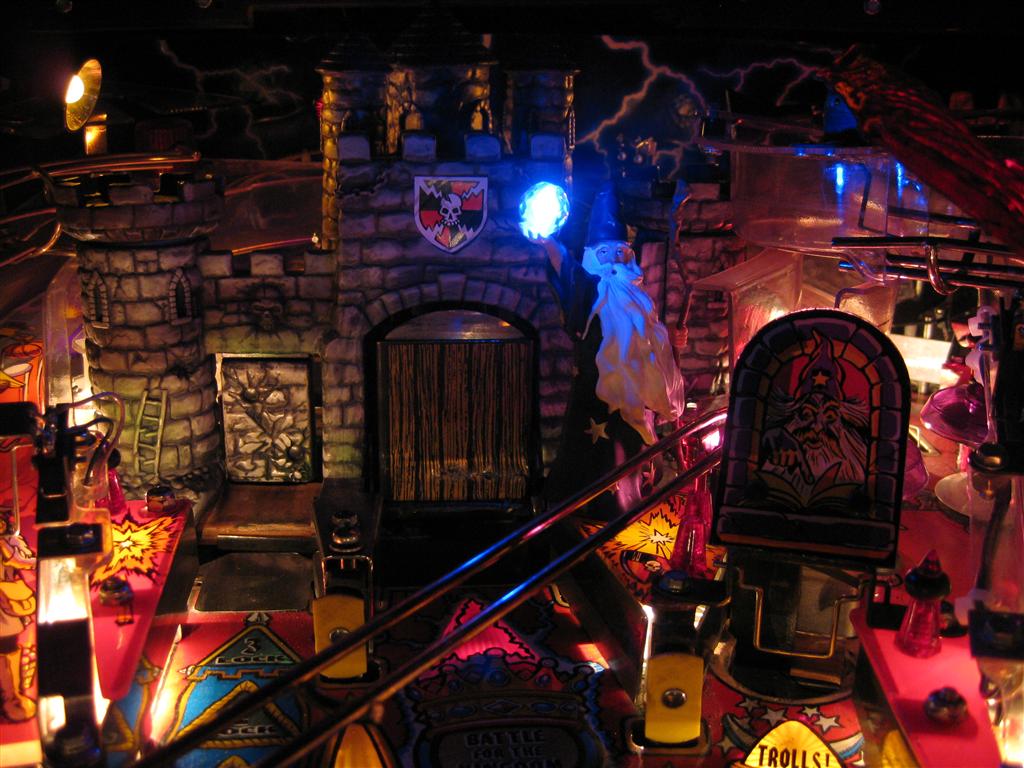
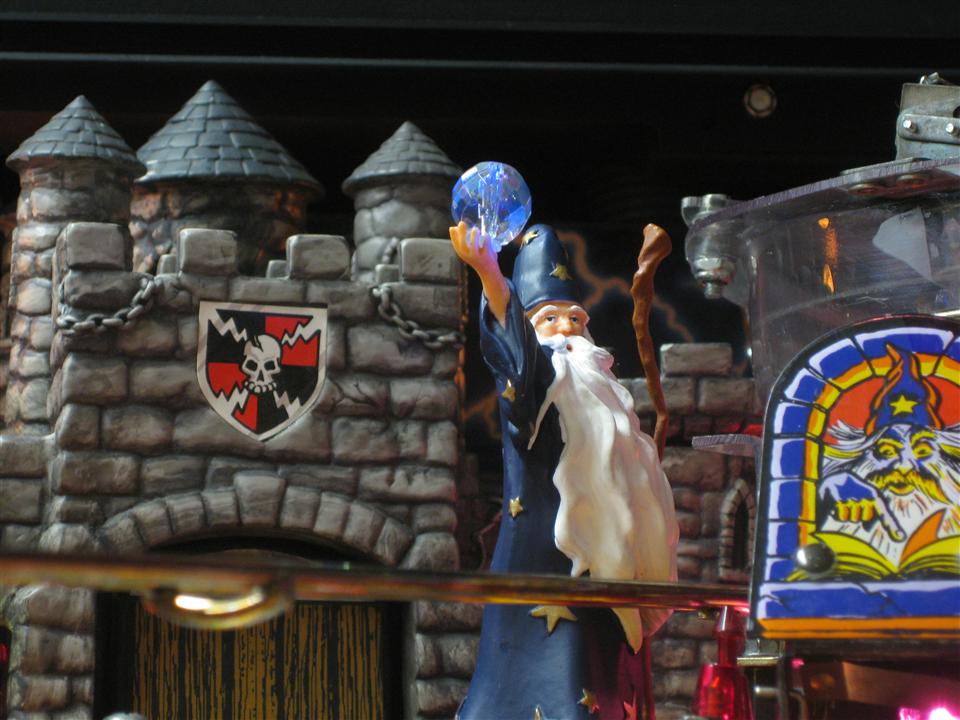
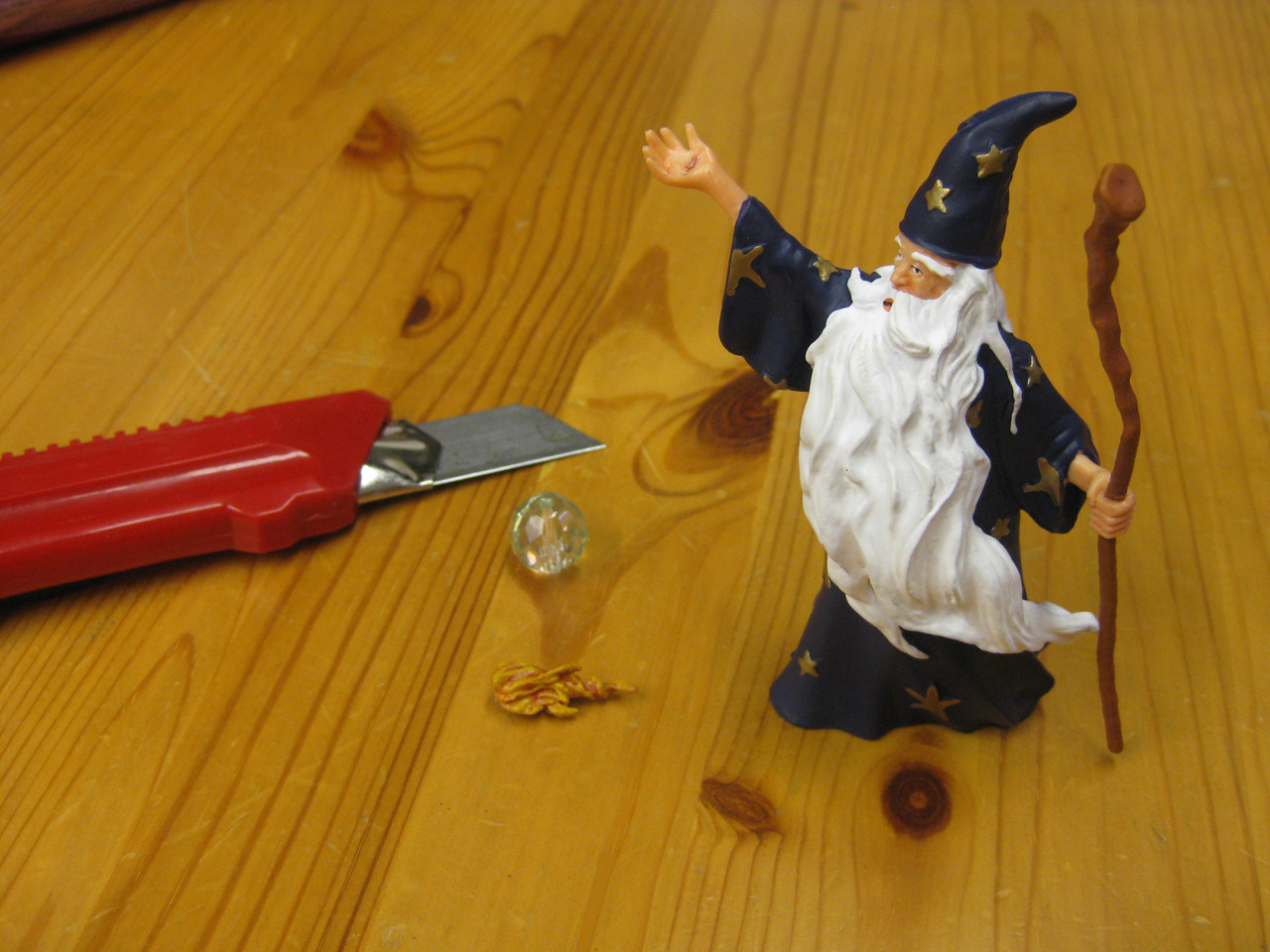
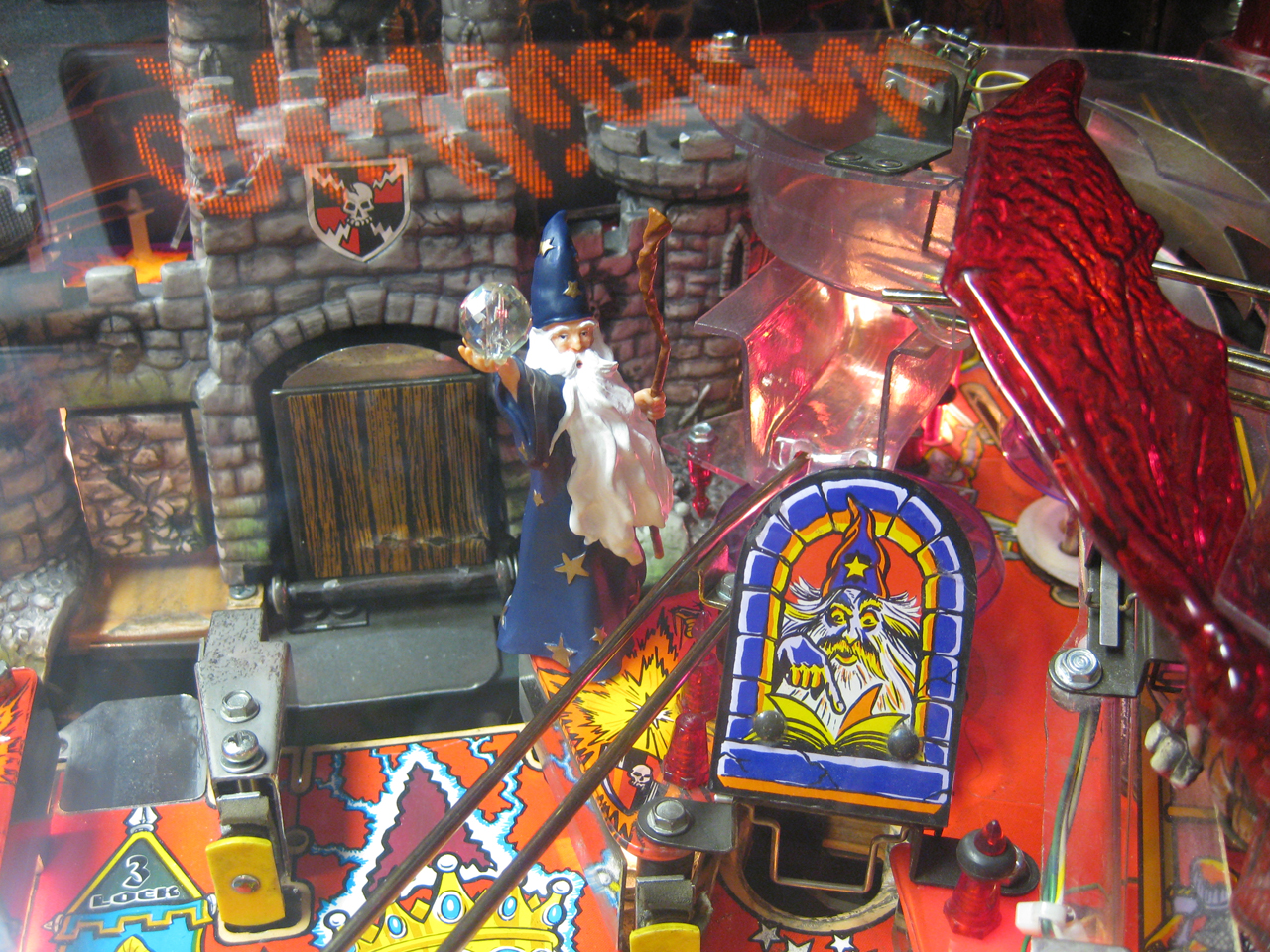
    I started with a Merlin and replaced the original fire with a magic ball 🙂

    Here you can see some pictures (easy going…)
    IMG_7856_small

    With the help of some hot glue the magic ball fits.

    IMG_7864_small

    IMG_7899_small