Kategorie: NeoGeo

  • 8BitDo Wireless NeoGeo Arcade Stick

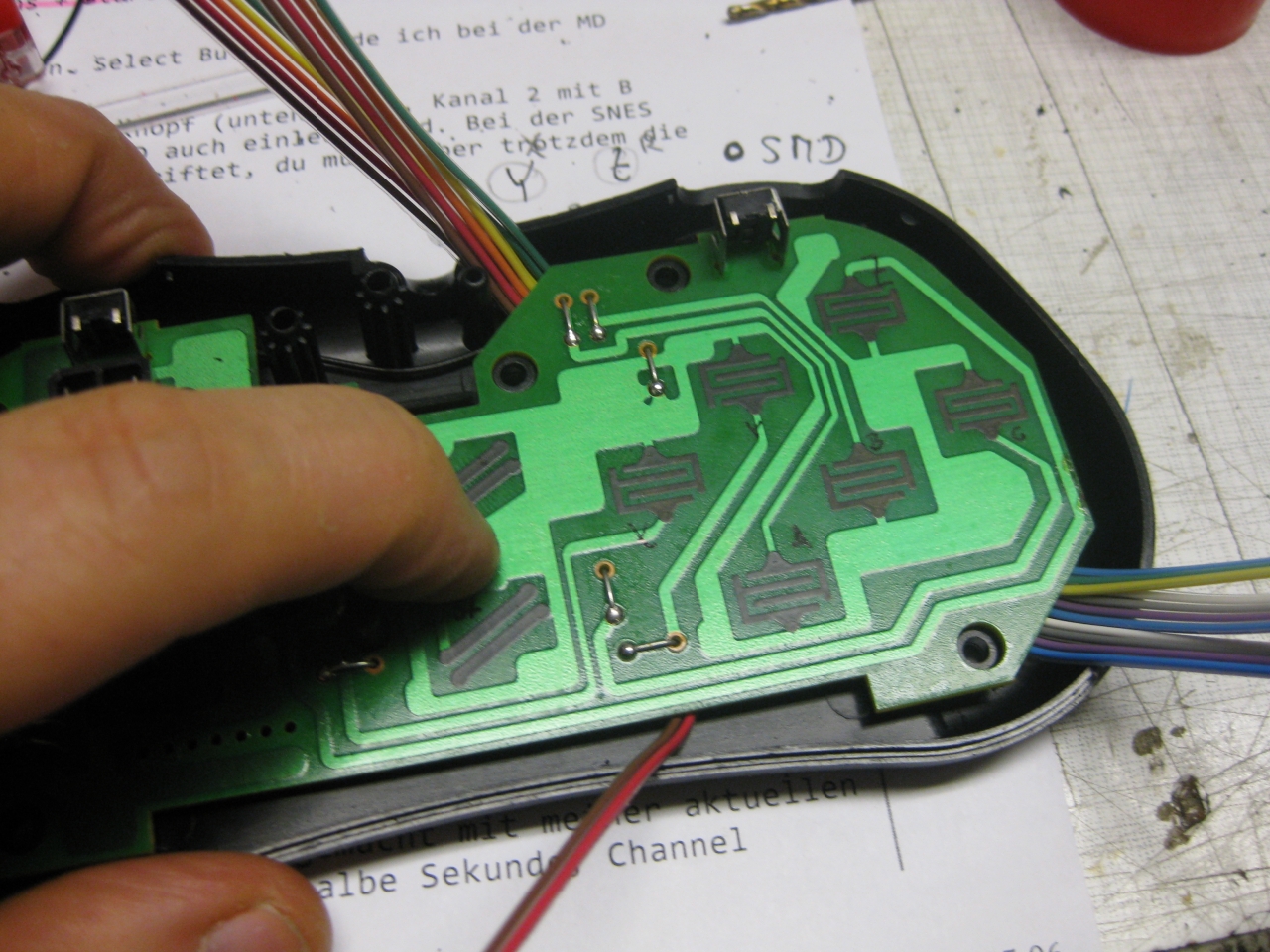
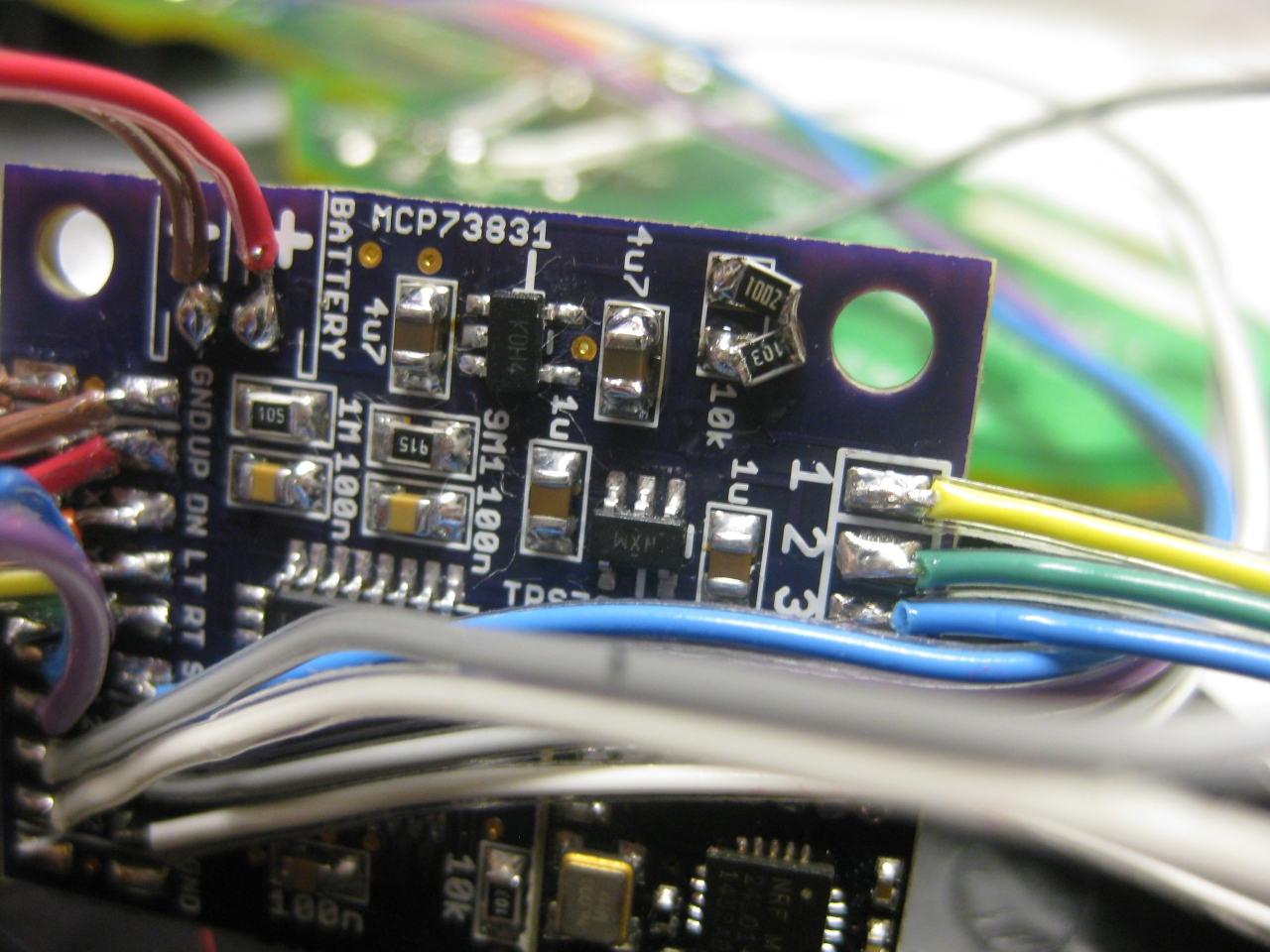
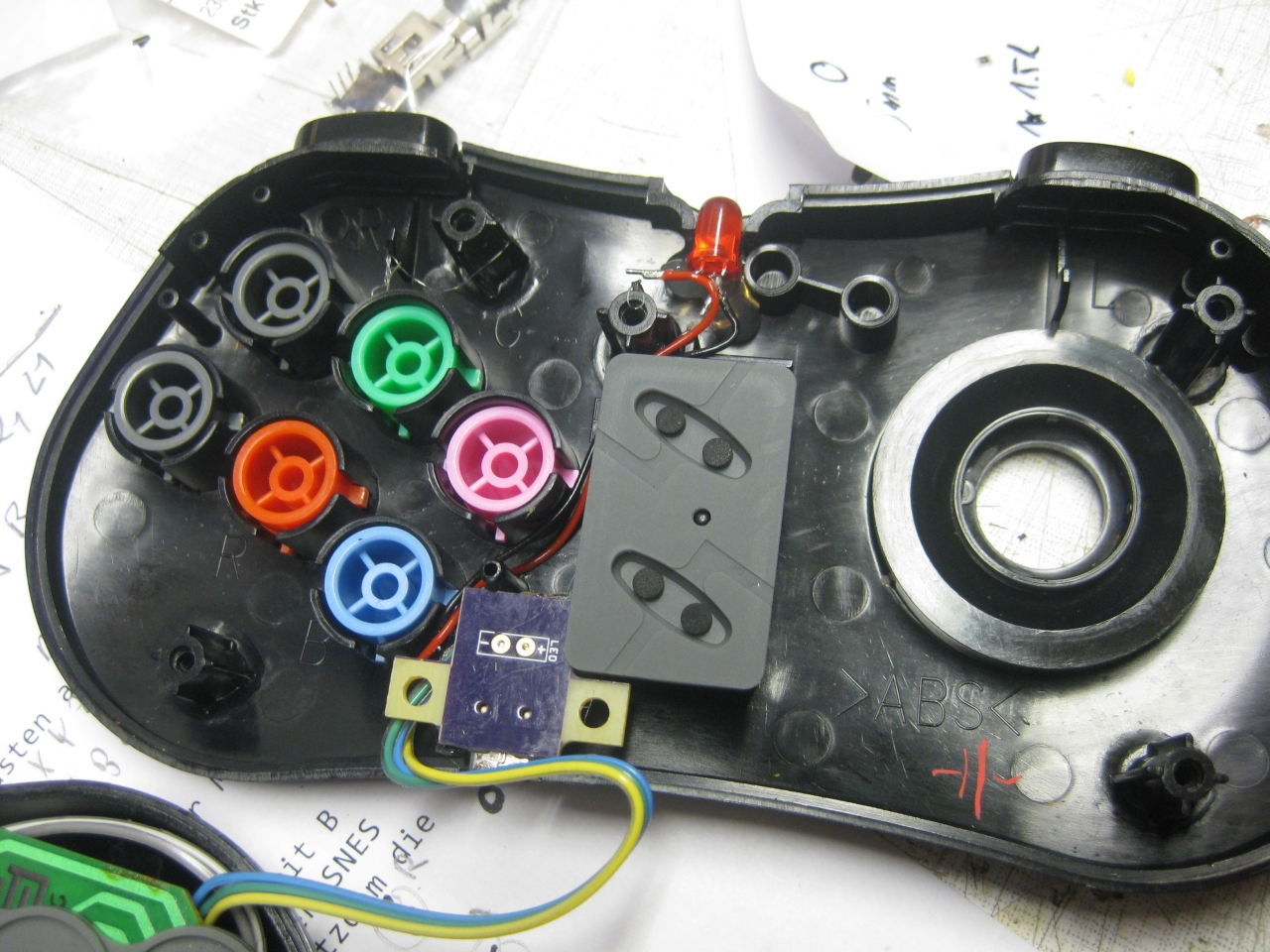
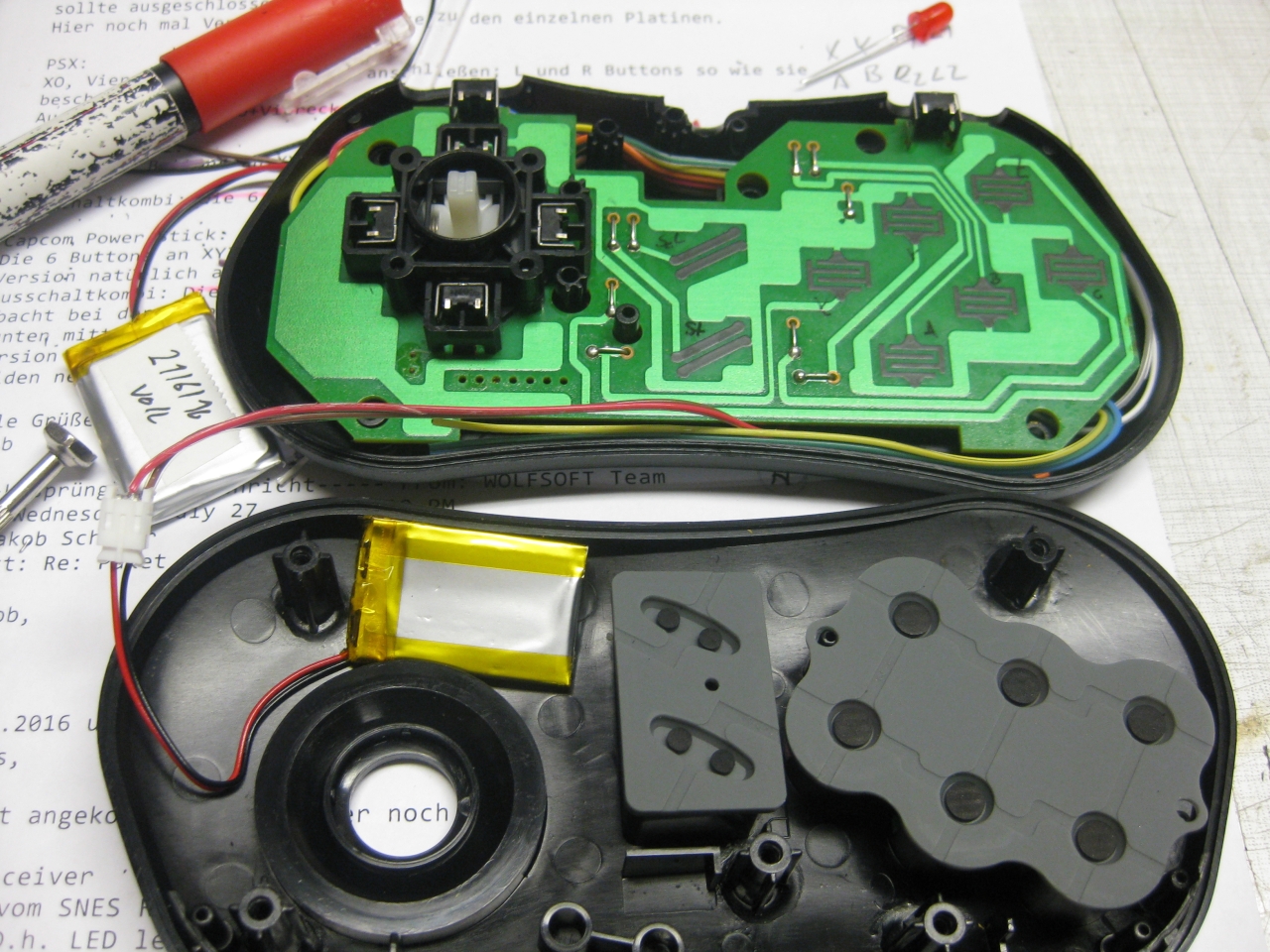
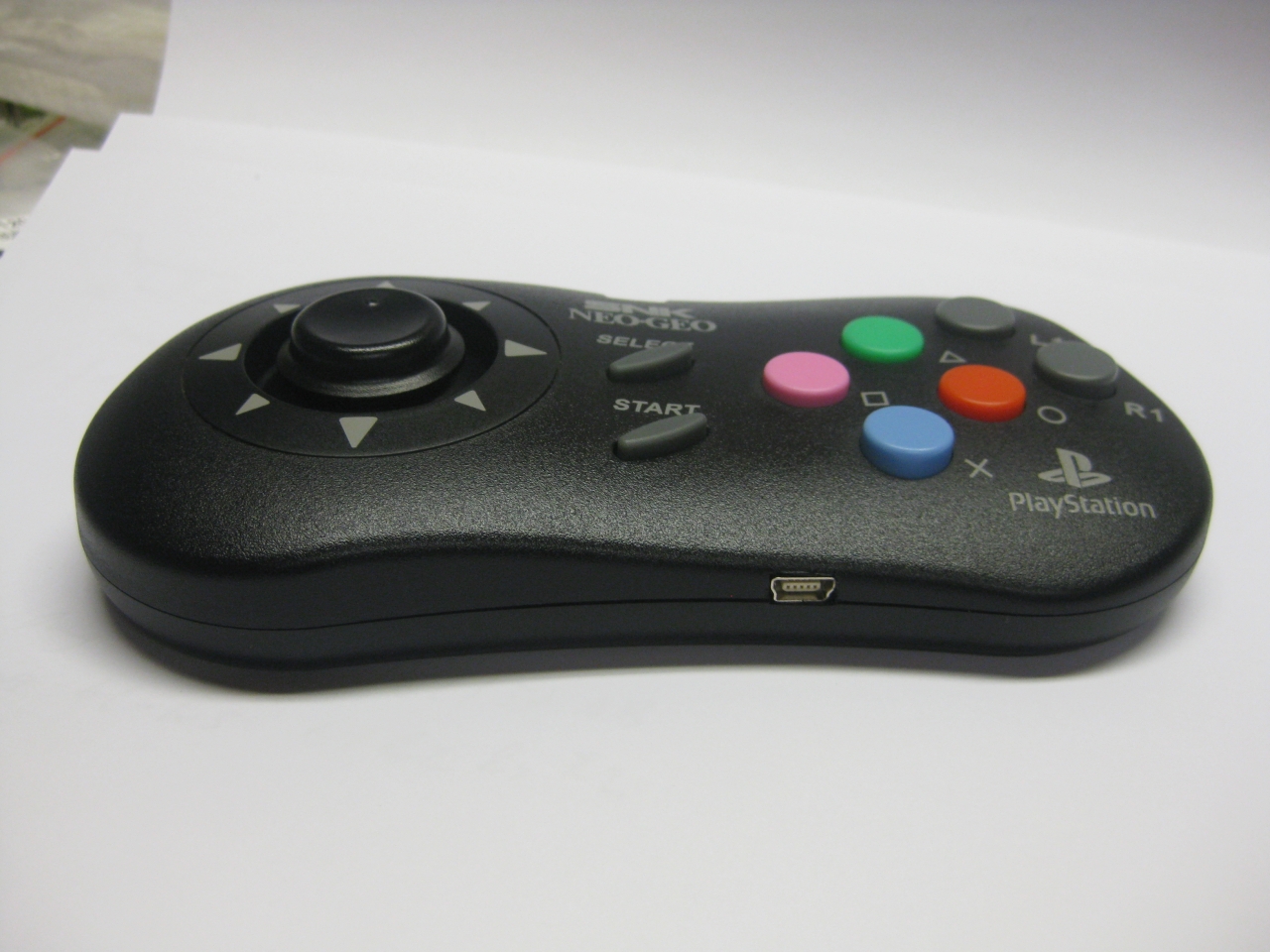
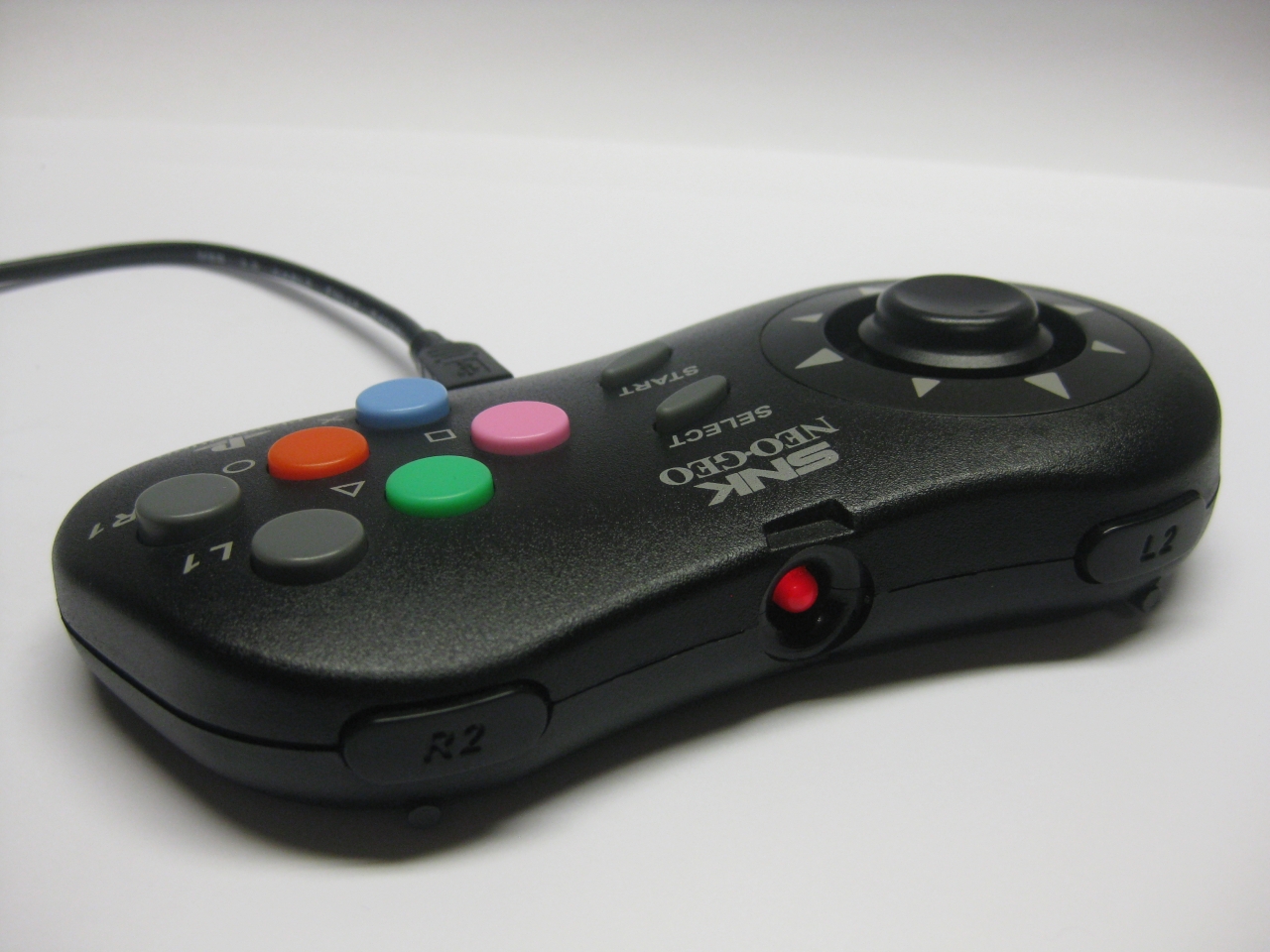
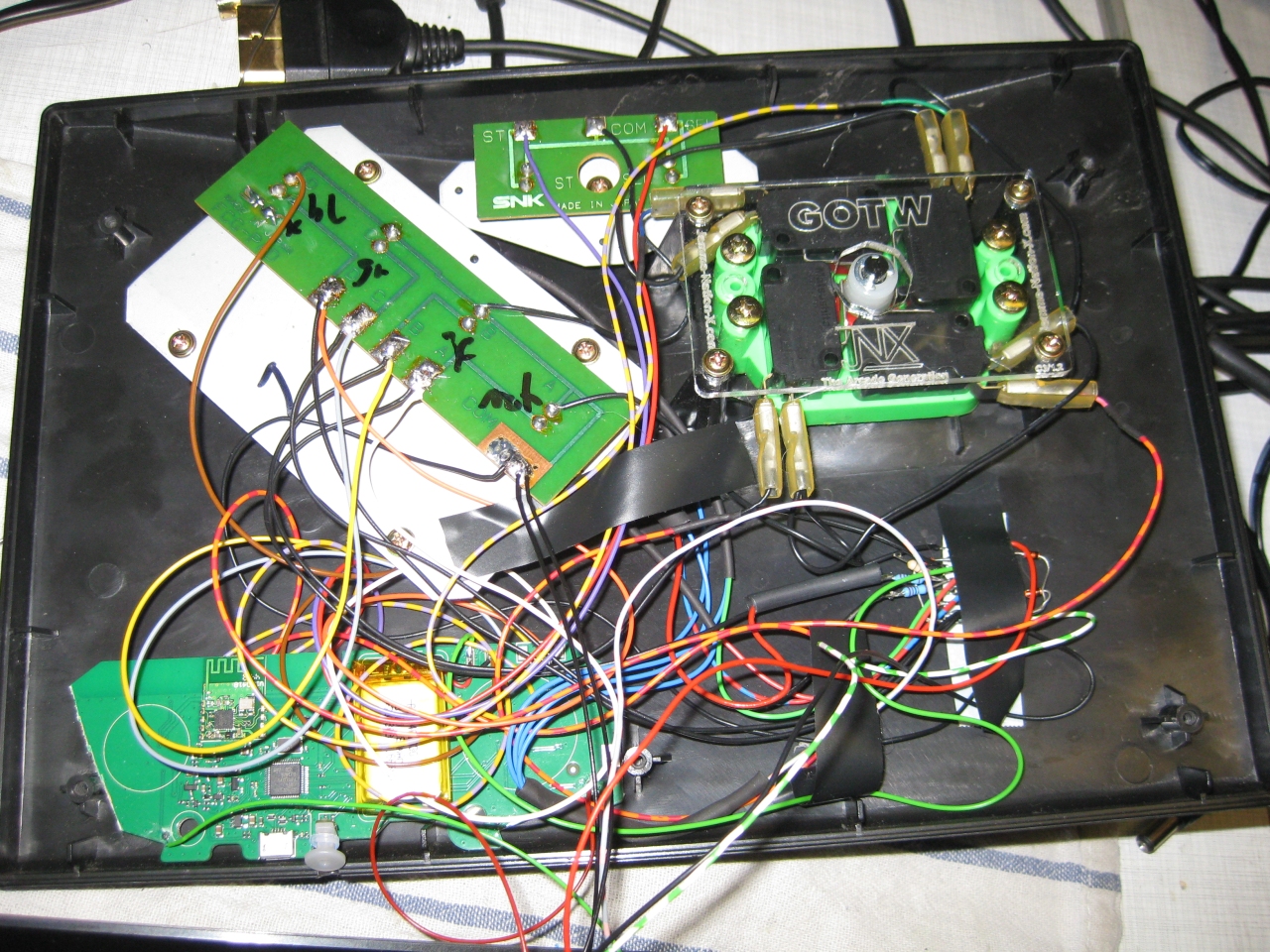
    I used a SNES DIY Kit and put it into a original NeoGeo Arcade Stick.
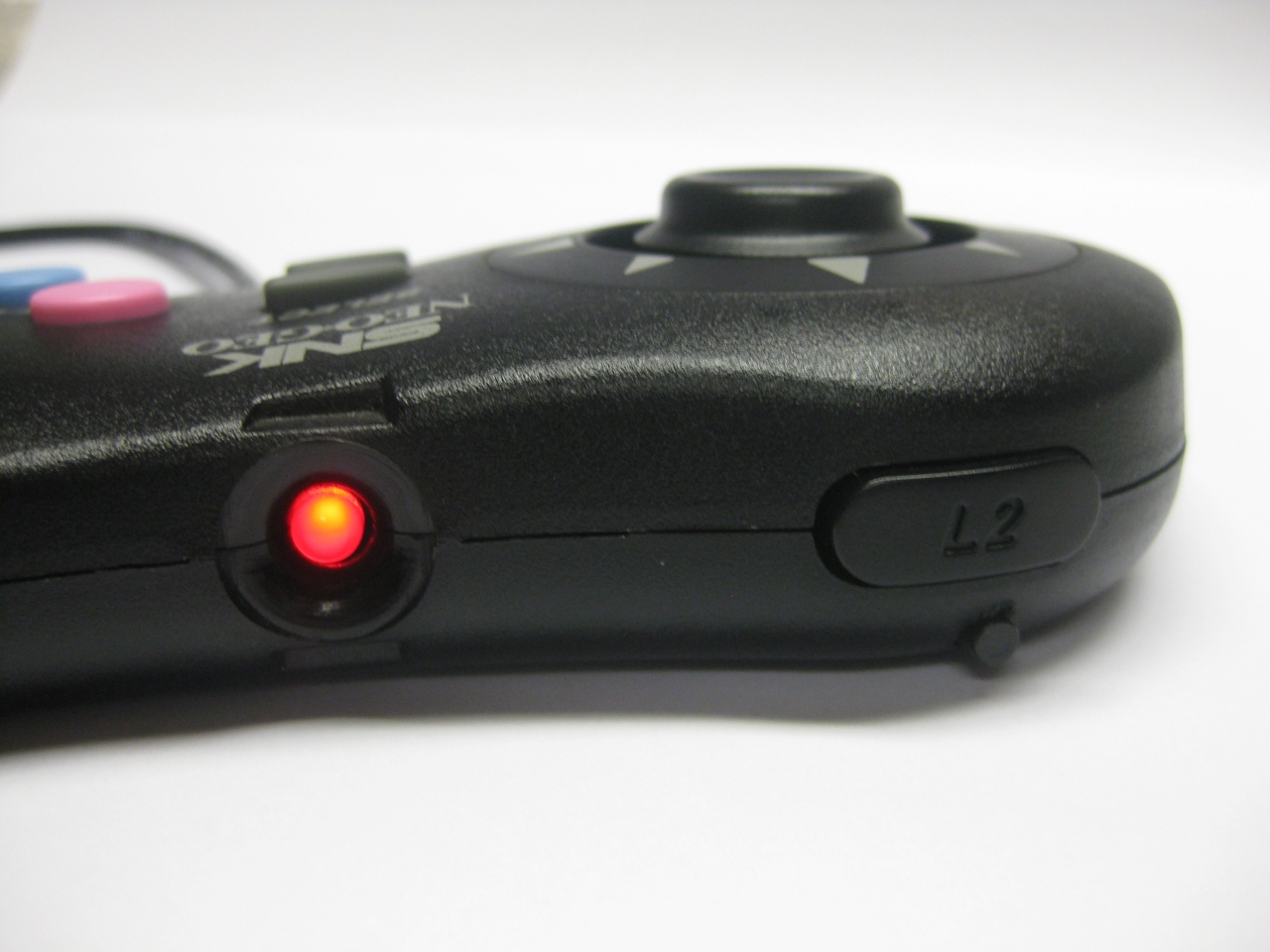
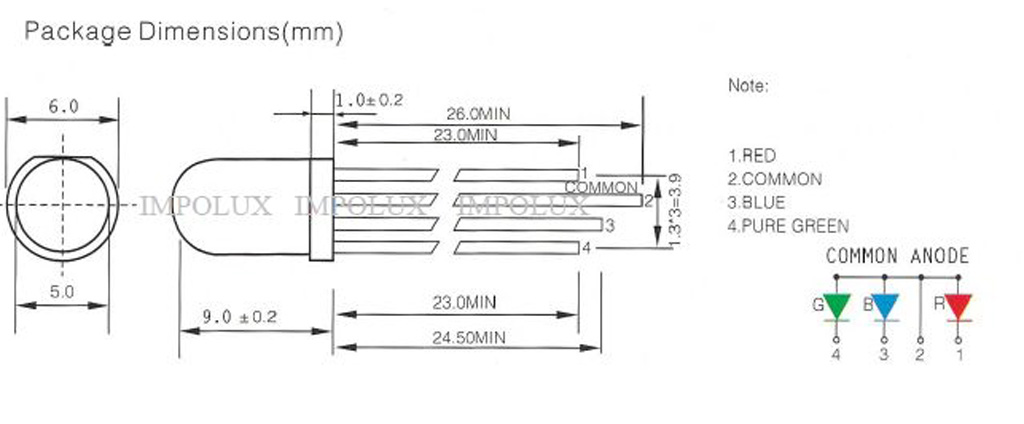
    And with my old led mod  it is a cool wireless device. Working on PC, SNES, Switch, XBOX One,PS3,PS4 with the 8Bitdo Adapters….
    8bitdoneogeo (1)

    a lot of wires…

    8bitdoneogeo (4)

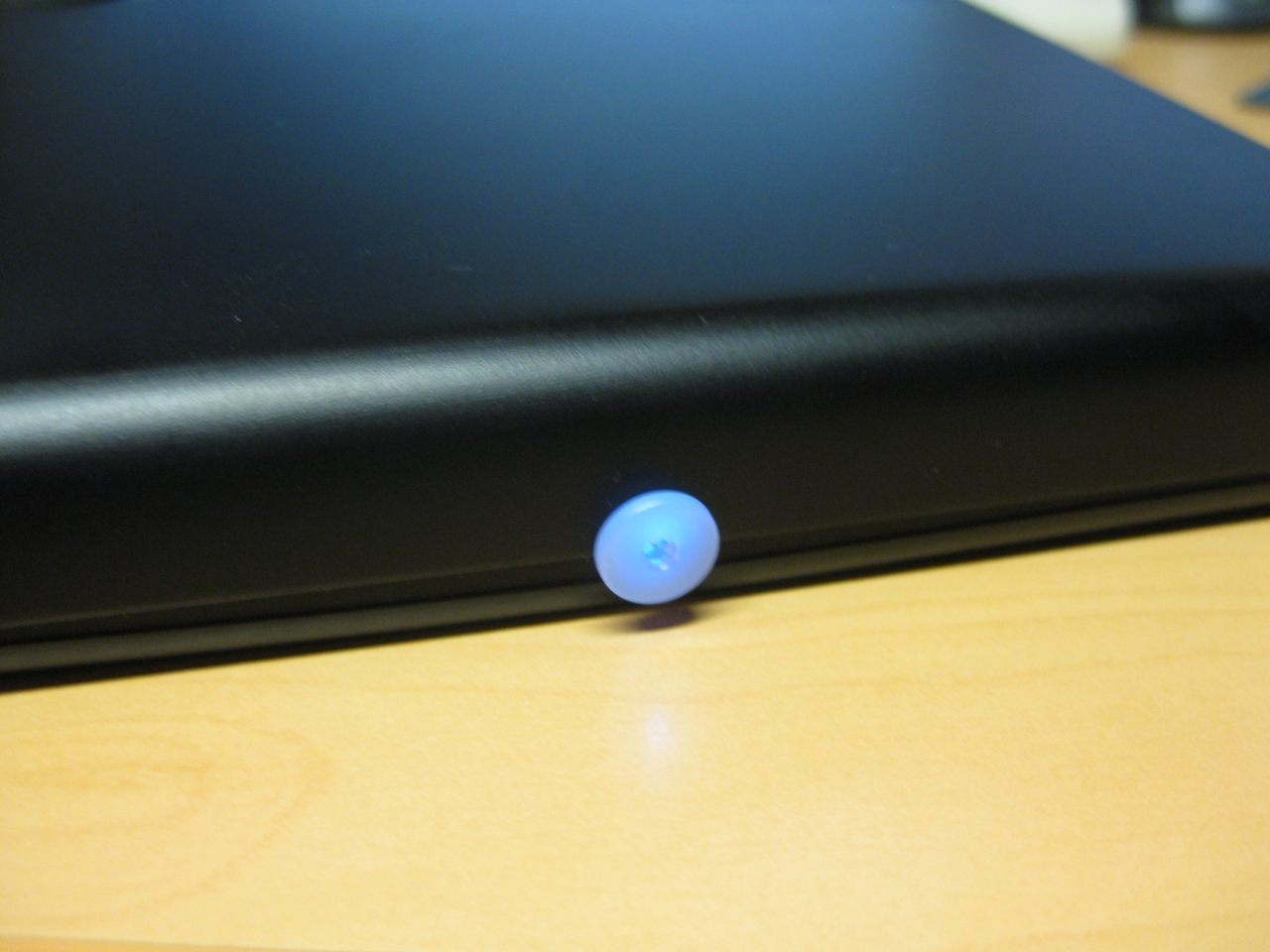
    loading connector with led

    8bitdoneogeo (7)

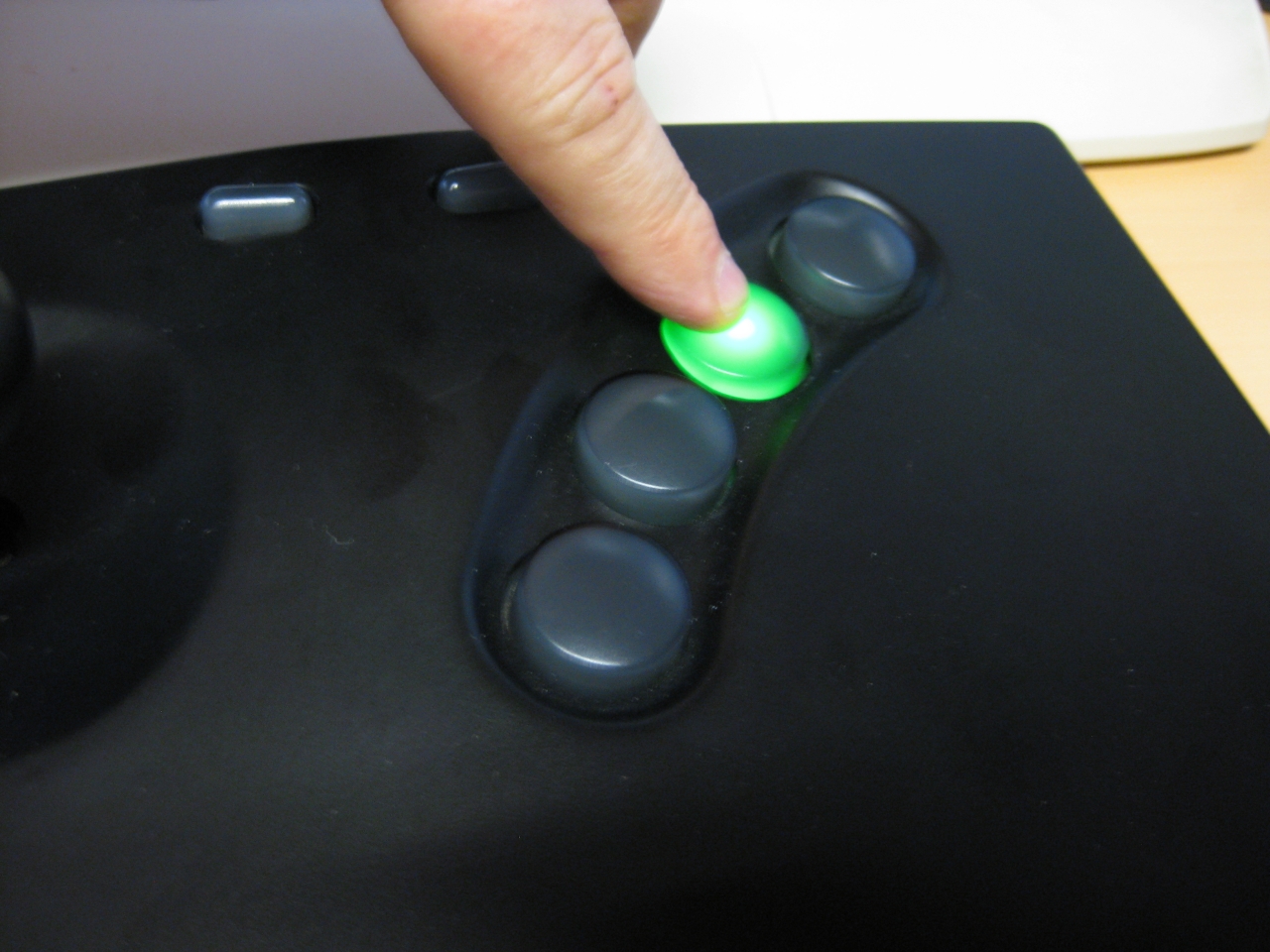
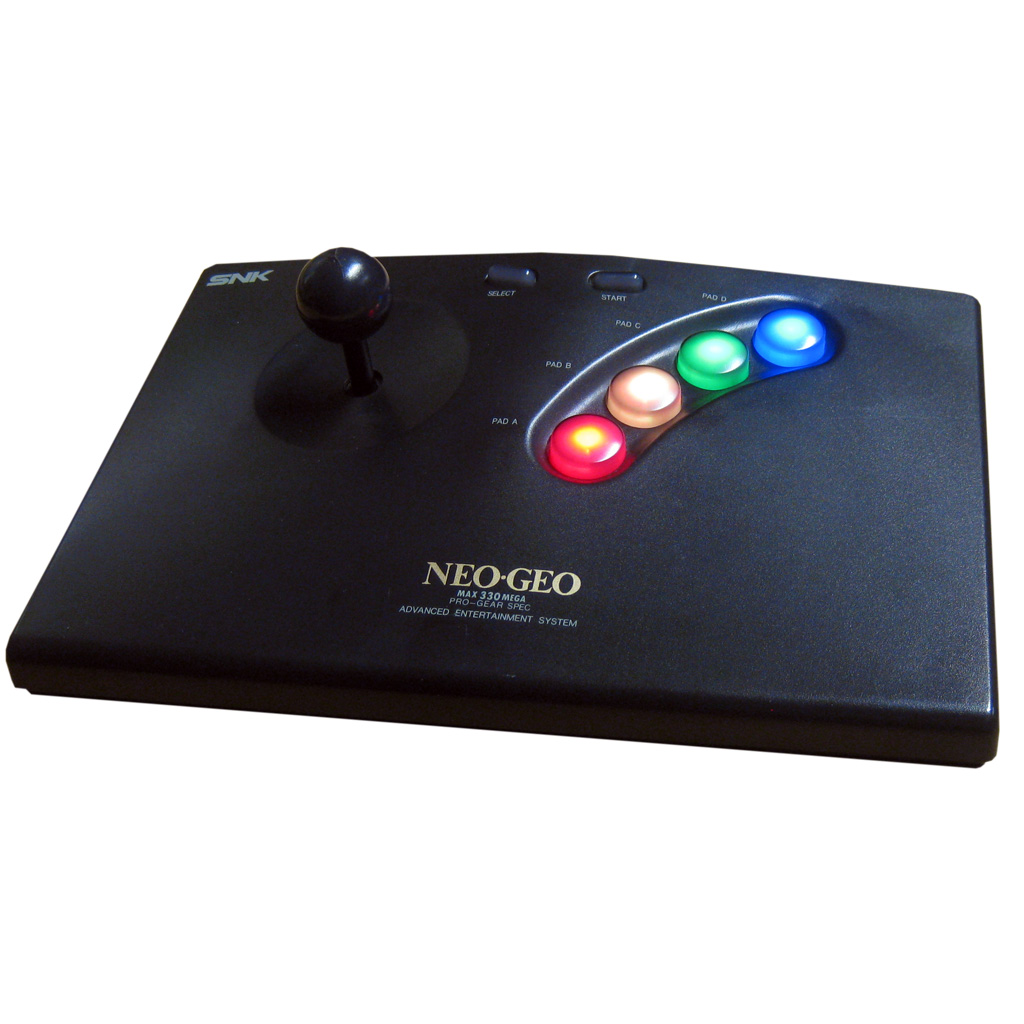
    light up when pressing

    8bitdoneogeo (6)

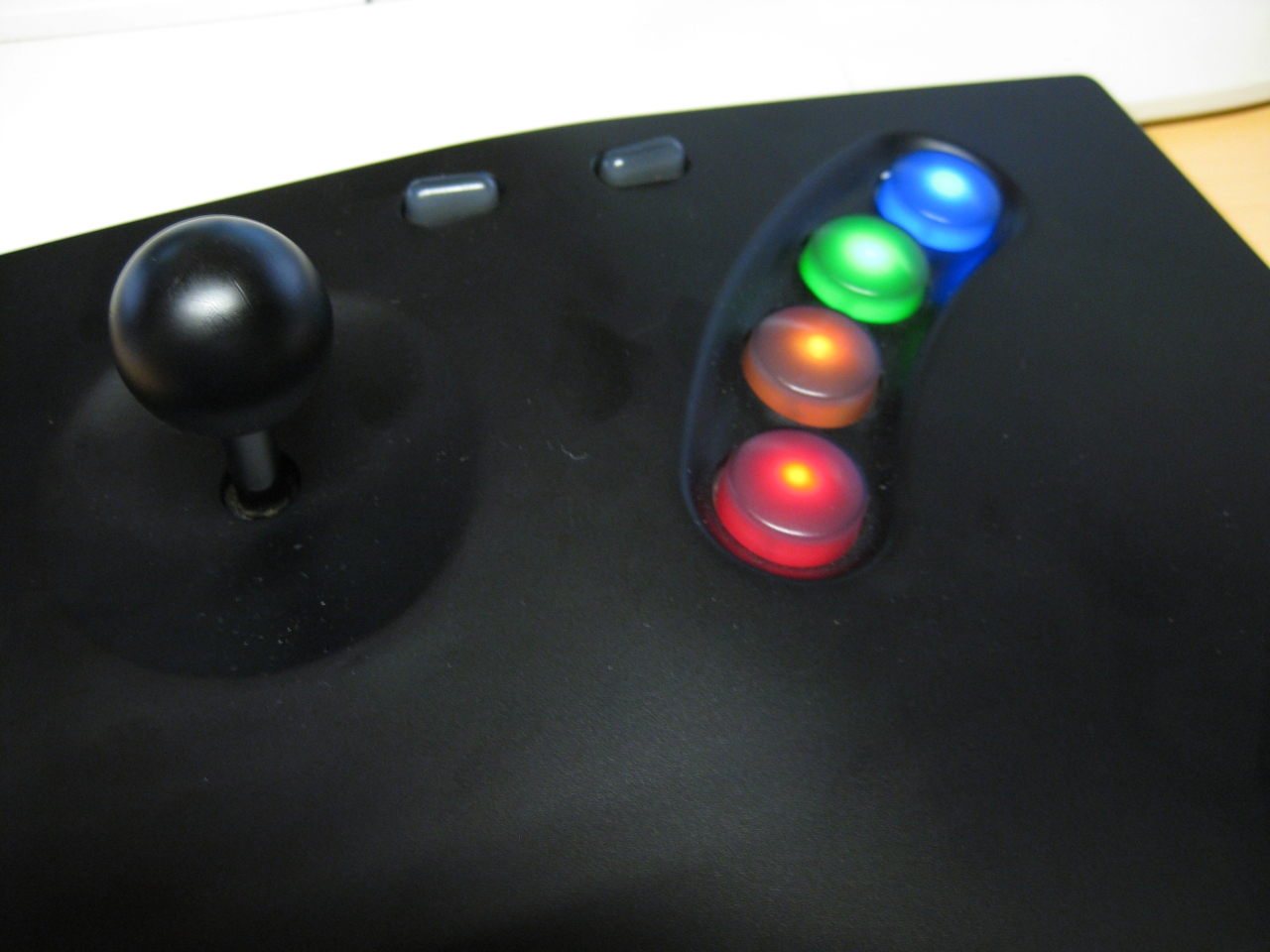
    or all four leds permanent on

    8bitdoneogeo (12)

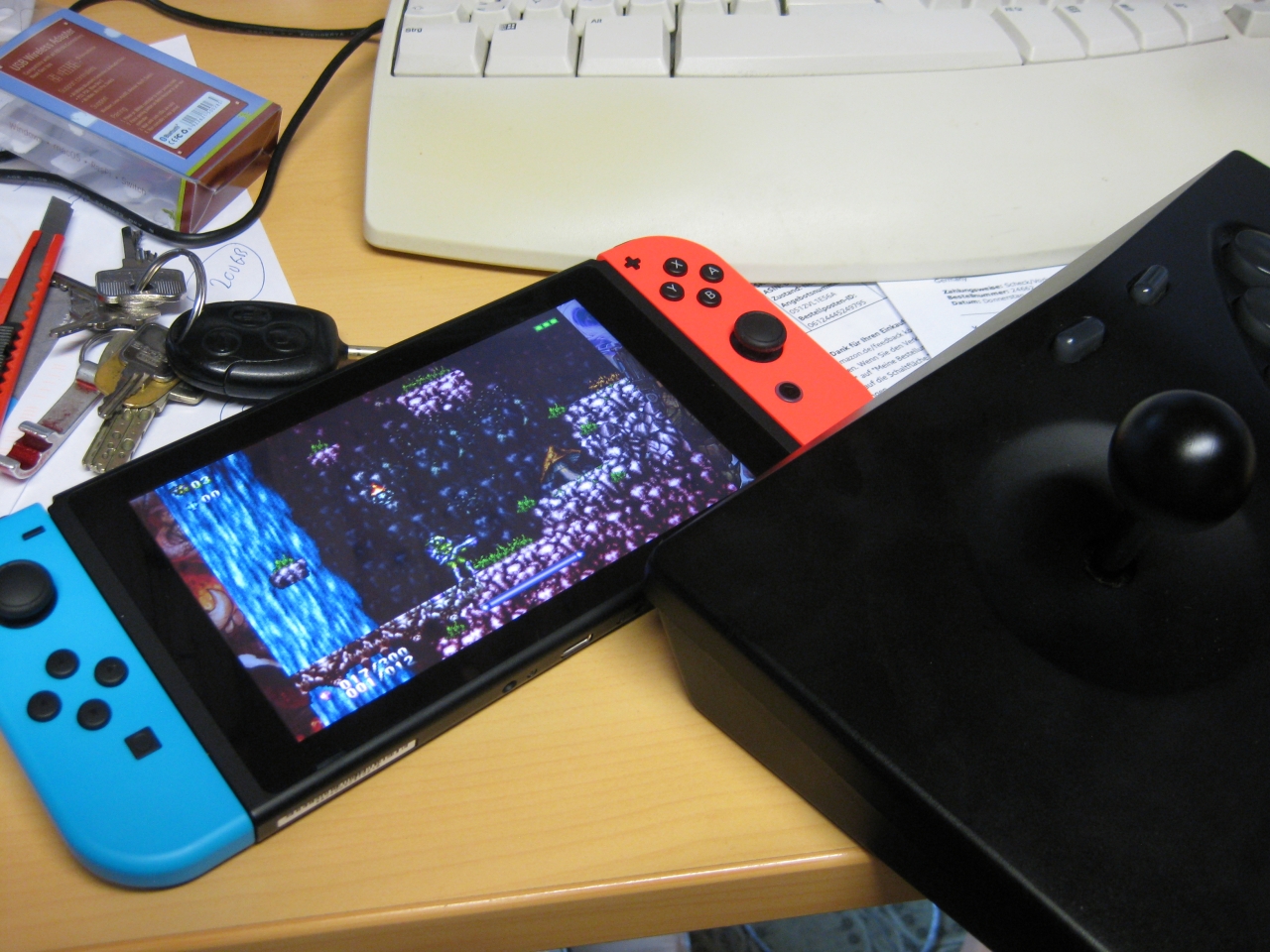
    gunlord wireless with neogeo stick 🙂
     

  • Neo Geo AES 3-4 RGB Bypass

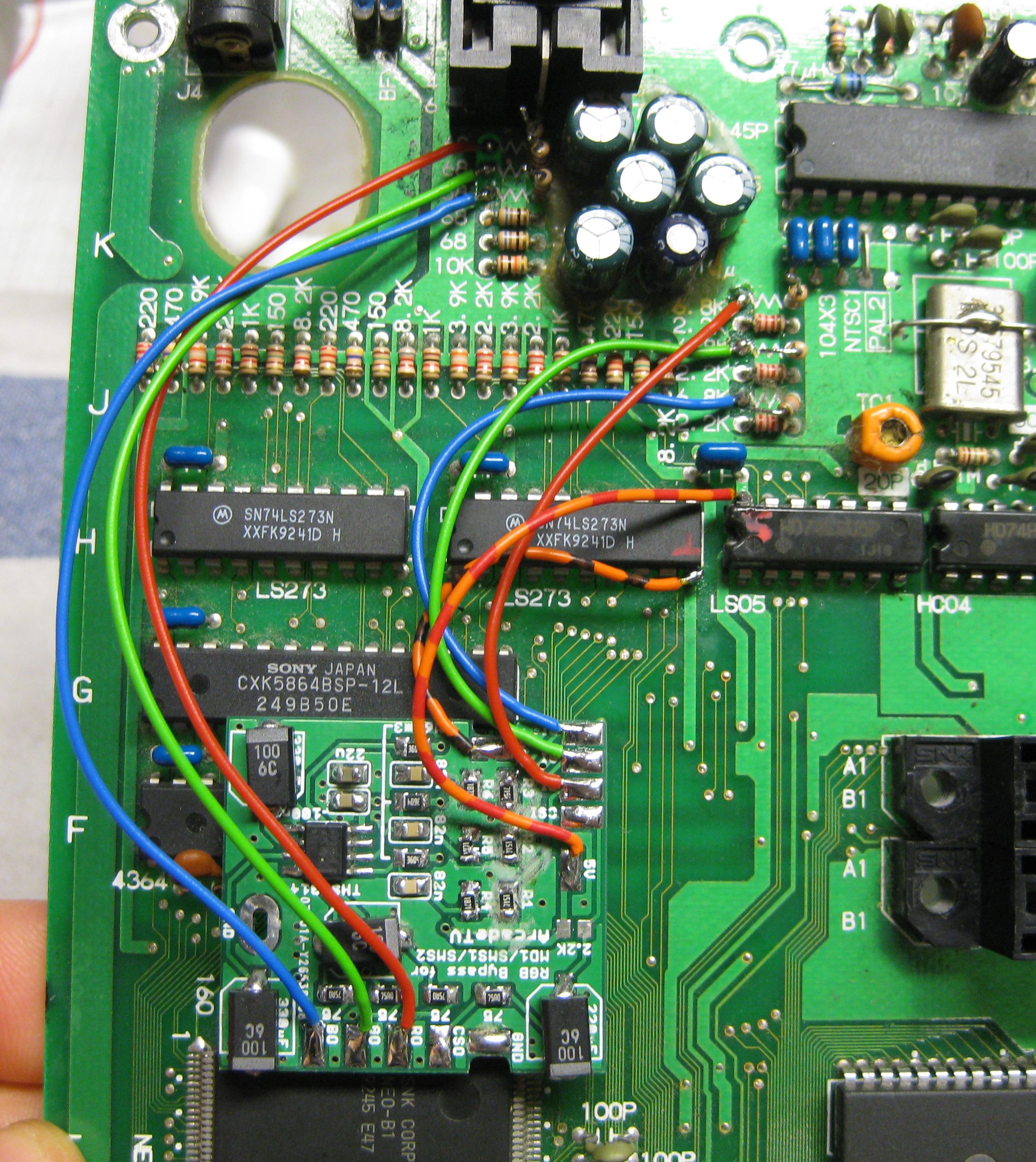
    here you find the pics for rgb bypass for a neogeo AES 3-4 PCB with THS 3714 amplifier.

    No more bad pictures and no more jailbars with perfect picture level thanks to arcade-tv 🙂
    R1-R3 = 7.1k

    R4-R6= 1.9k

    IMG_4399

  • NeoGeo X battery failure

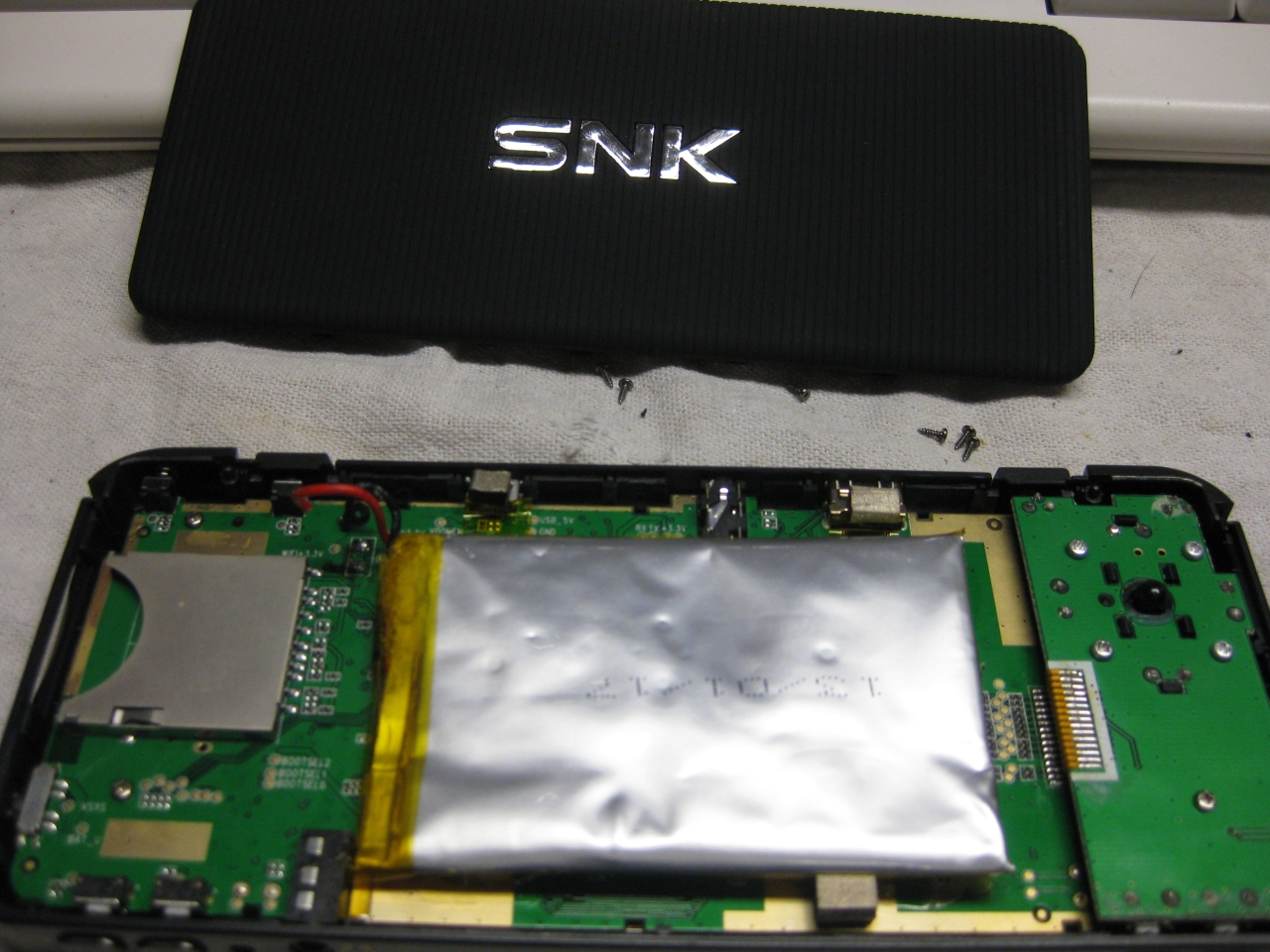
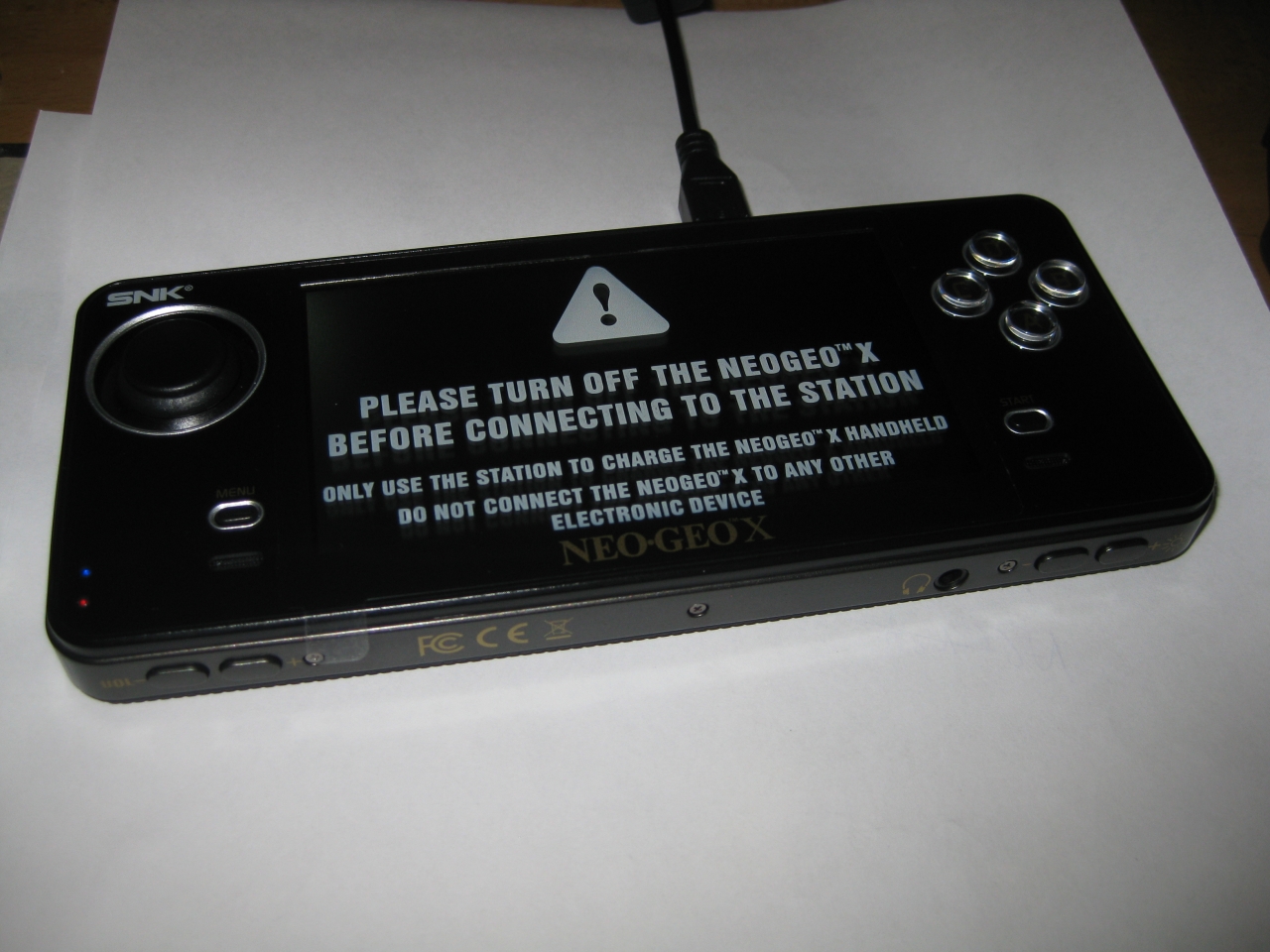
    I was lucky to get a new NeoGeo X Console but the battery was brocken 🙁

    neogeox_battery_5

    So i ordered a replacement and changed it …

    neogeox_battery_1

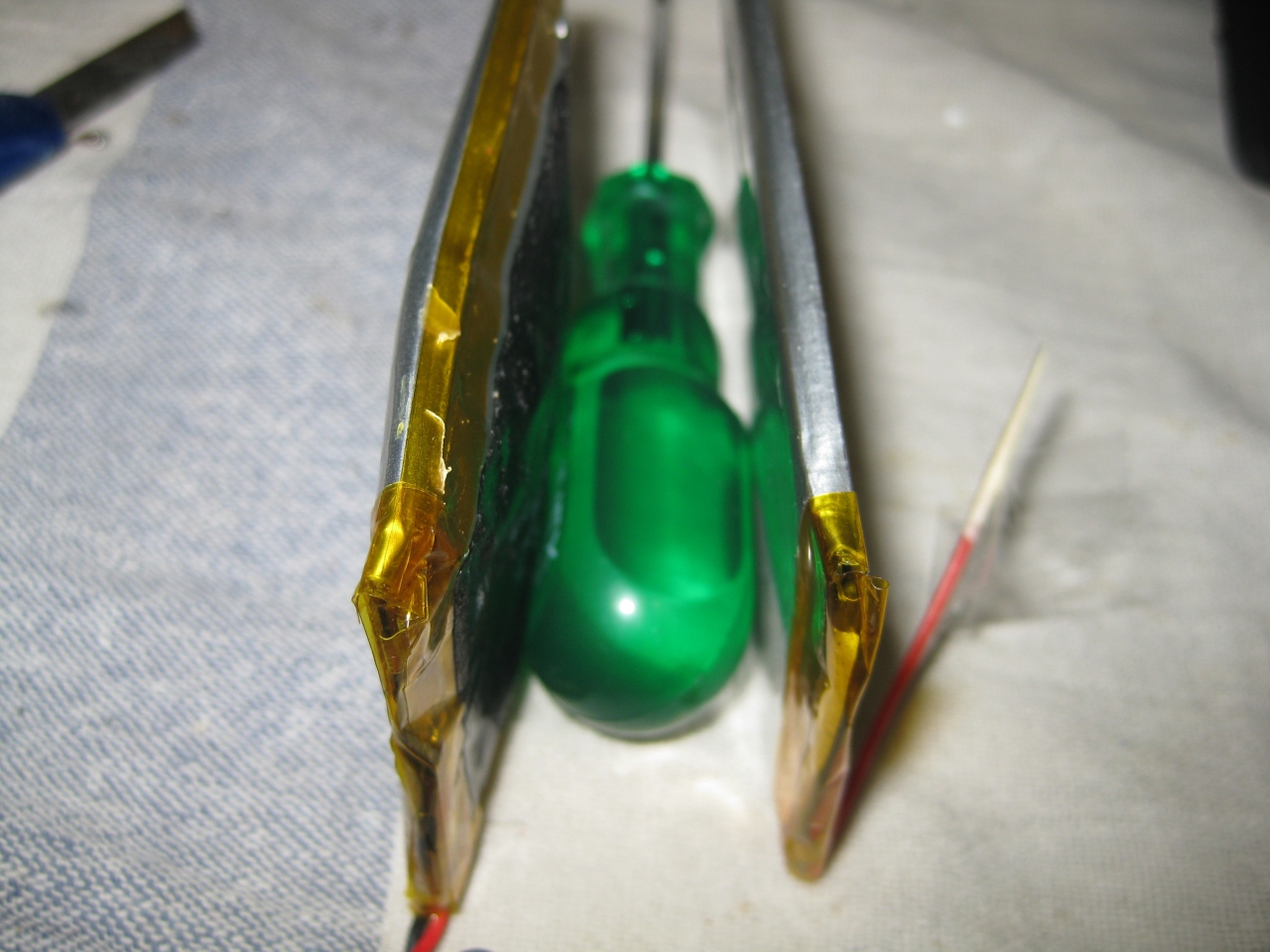
    Look at the blown up original battery (never used, brocken, crazy)

    neogeox_battery_2

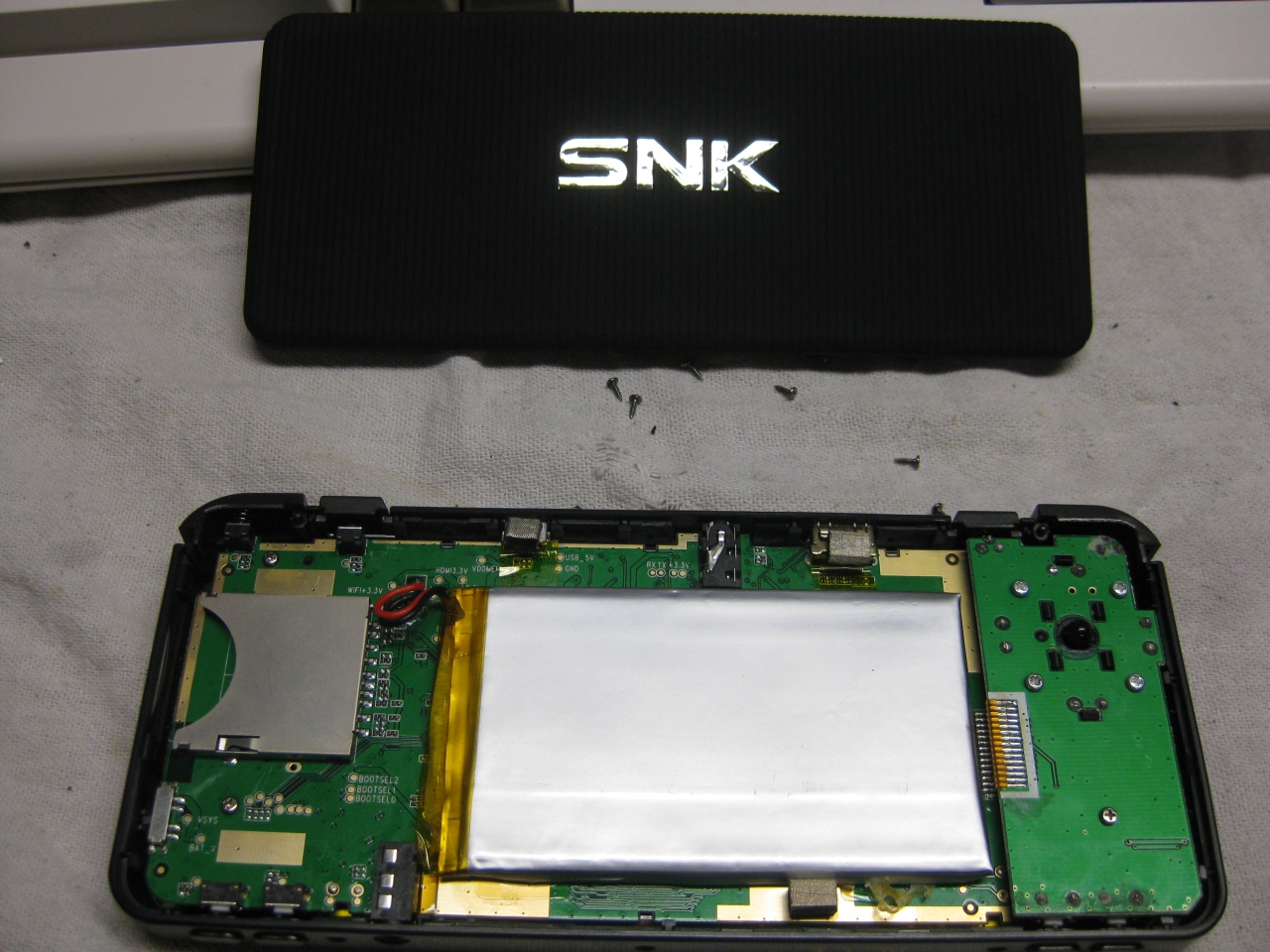
    done

    neogeox_battery_3

    and its working …

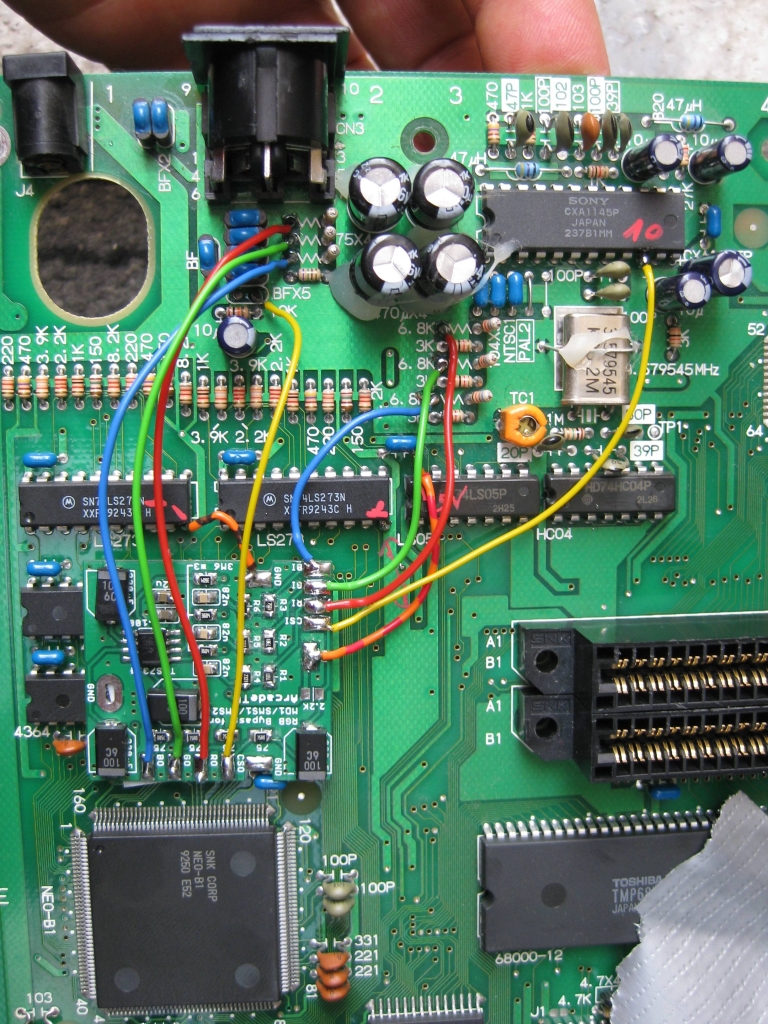
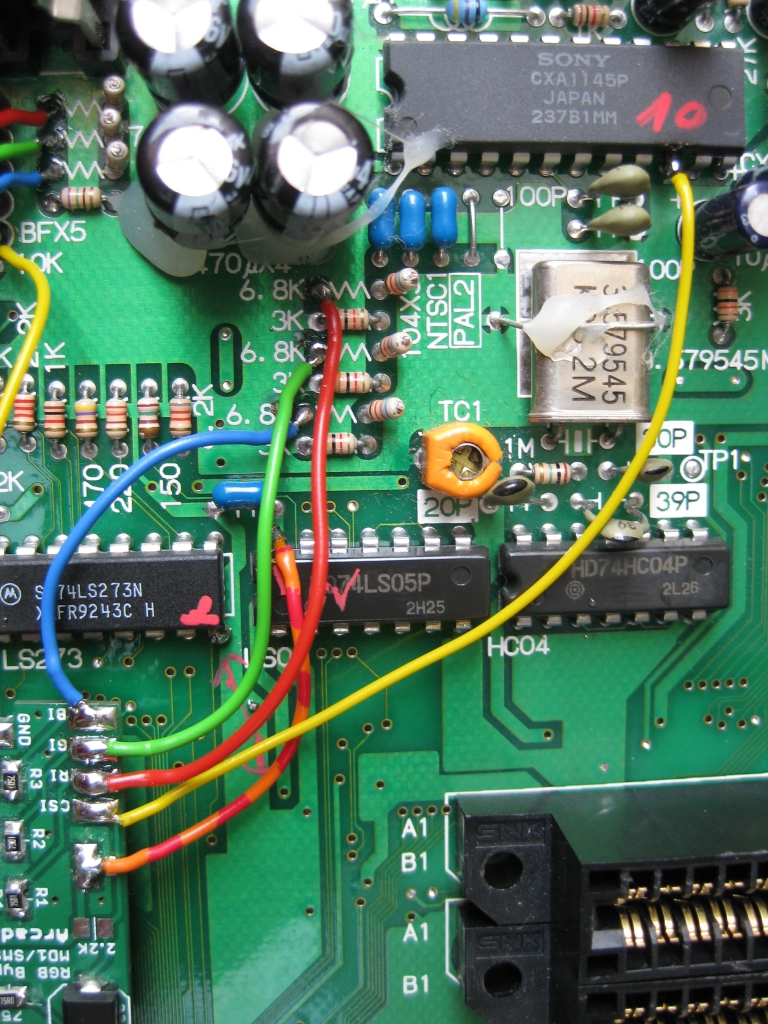
  • NeoGeo AES 3-5 RGB Bypass with THS 3714

    thanks to arcadeTV we have a optimized Version with THS 3714 for NeoGeo AES 🙂
    -cut left side of the three 6,8k resistors for input rgb input of ths amplifier

    -cut the left side of the three 75 ohm resistors for output to the din 8.1

    -cut BF for sync output to the din 8.1

    the perfect voltage divider values for bypass PCB :

    R1,R2,R3=7,51k

    R4,R5,R6=2,29k

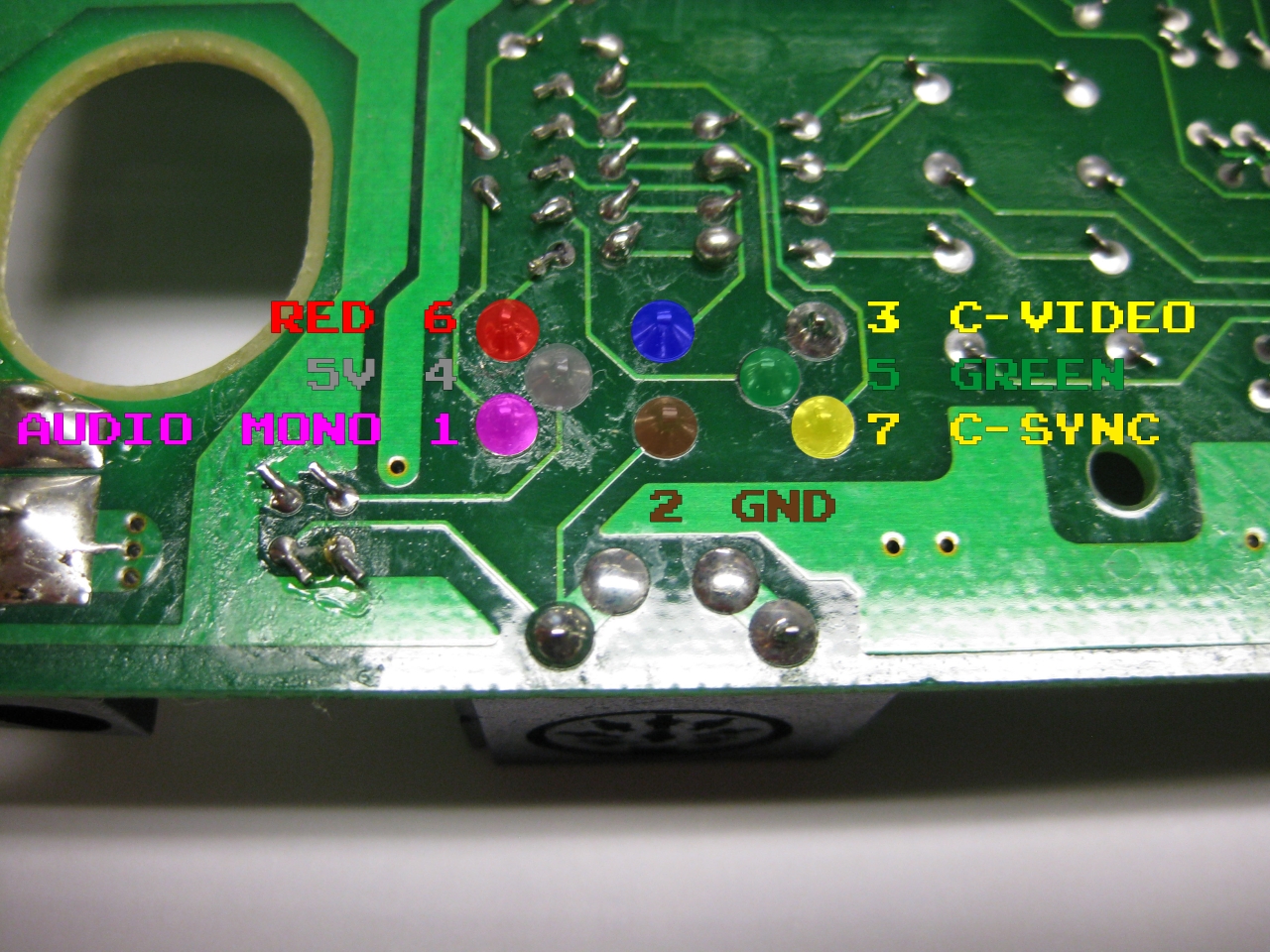
    @ AES 3-5 Mainboard Pin 3 Comp Video and Pin 7 C-Sync are the same on both you will get Comp. Video.

    After the modification its is neogeo conform Pin3 comp. Video and Pin 7 C-Sync comming from the THS RGB Bypass PCB

    aes3-5_1

    aes3-5_zoom

    For some help of solder side

    neogeo-din-print-solder

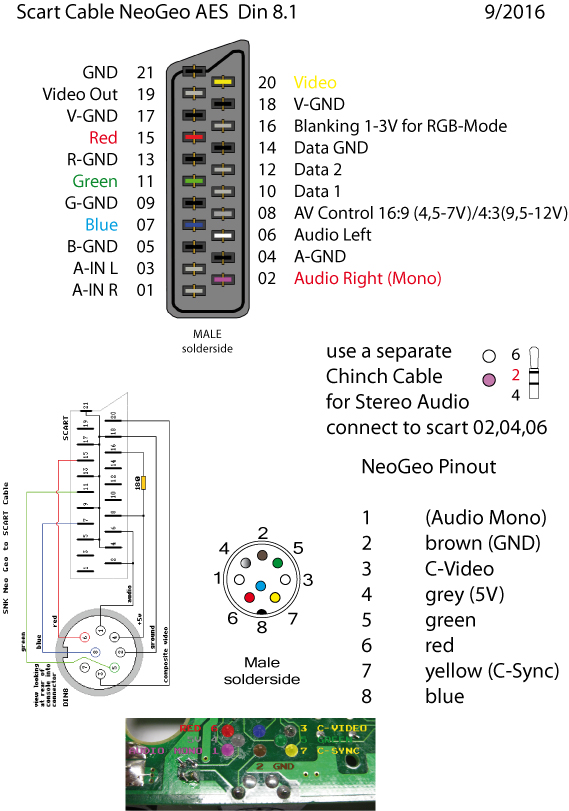
    cable wiring

    scart_NeoGeo-AES_Din-8.1_Layout_2016

  • UWRC meets NEOGEO PAD2

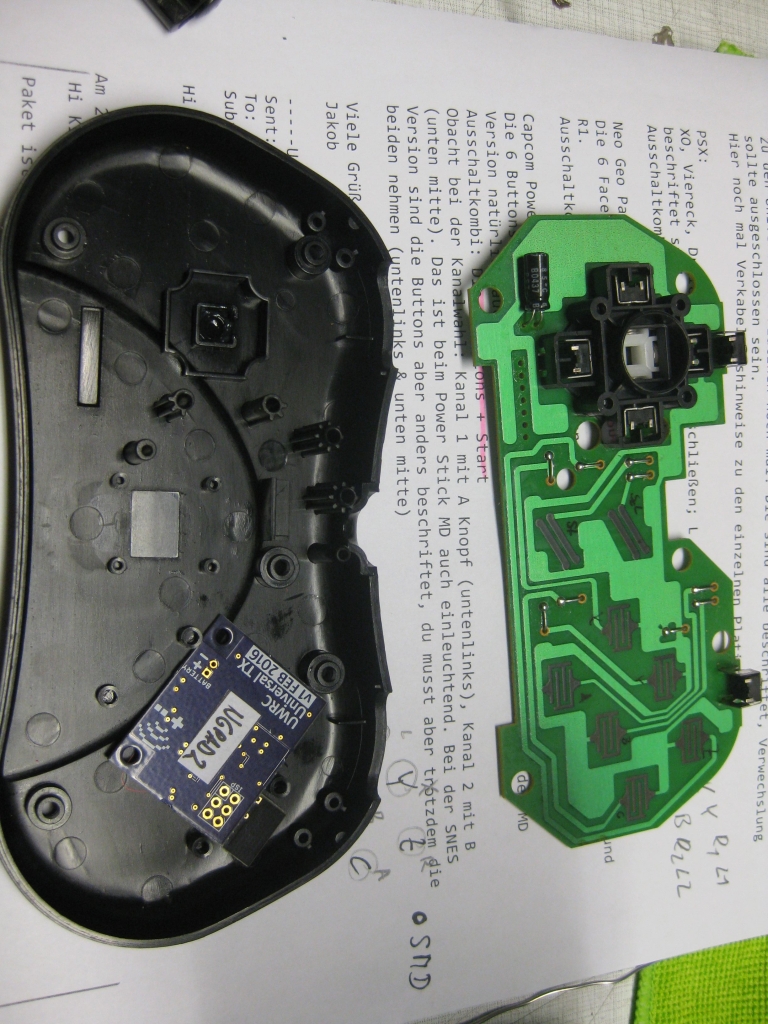
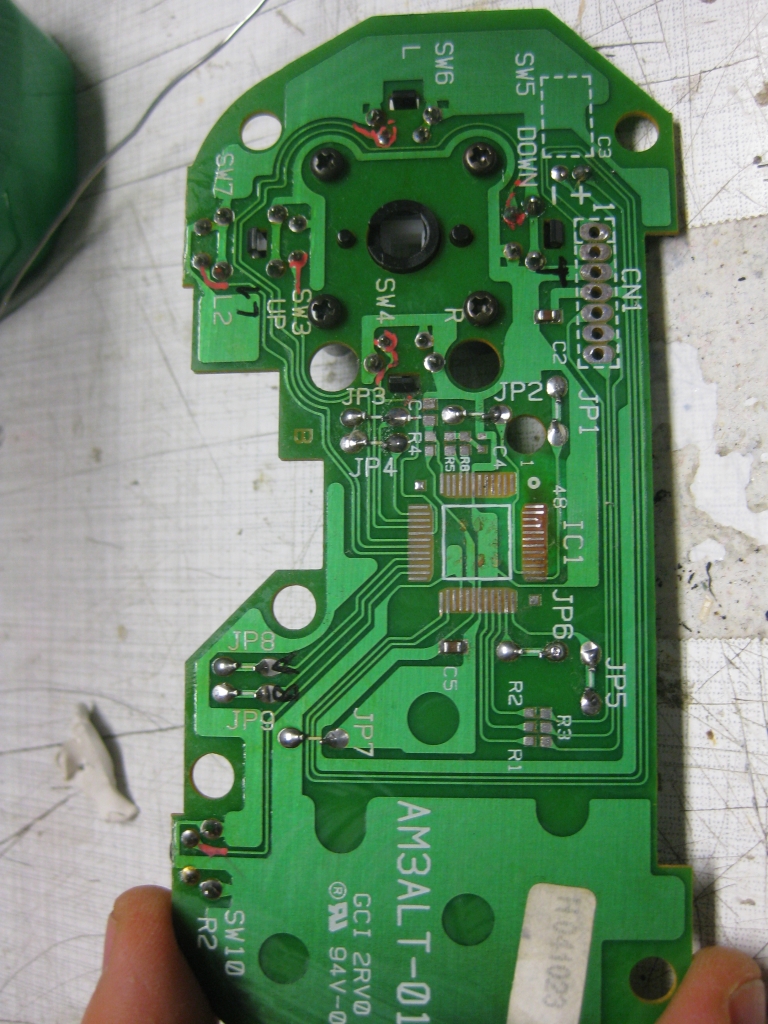
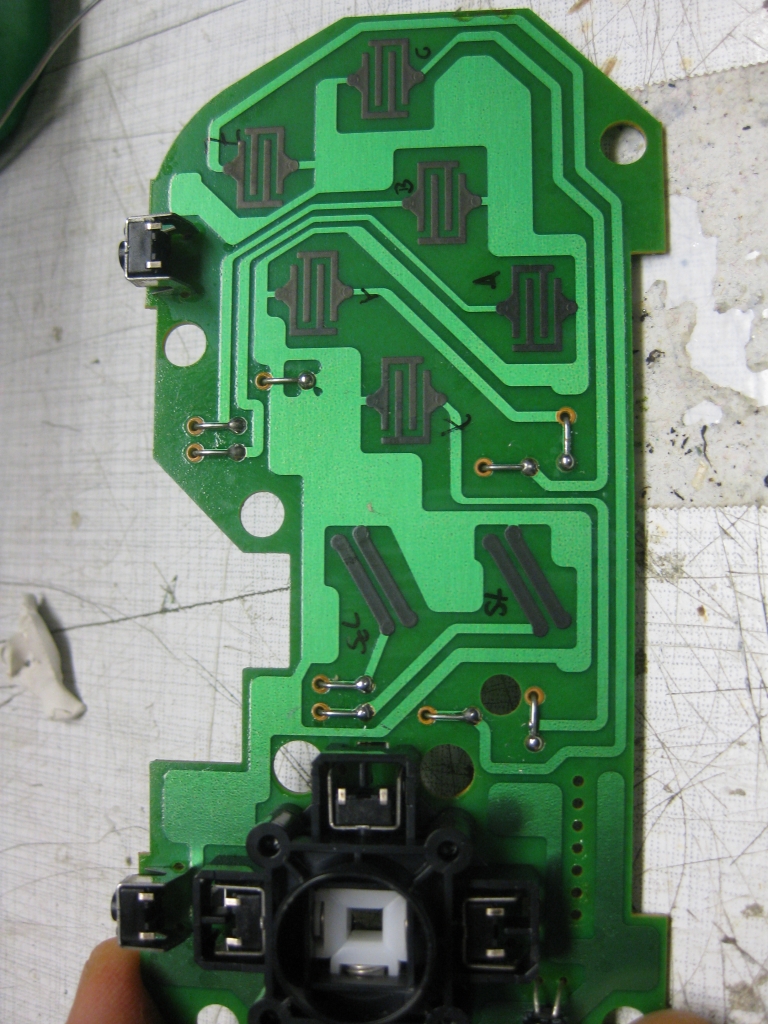
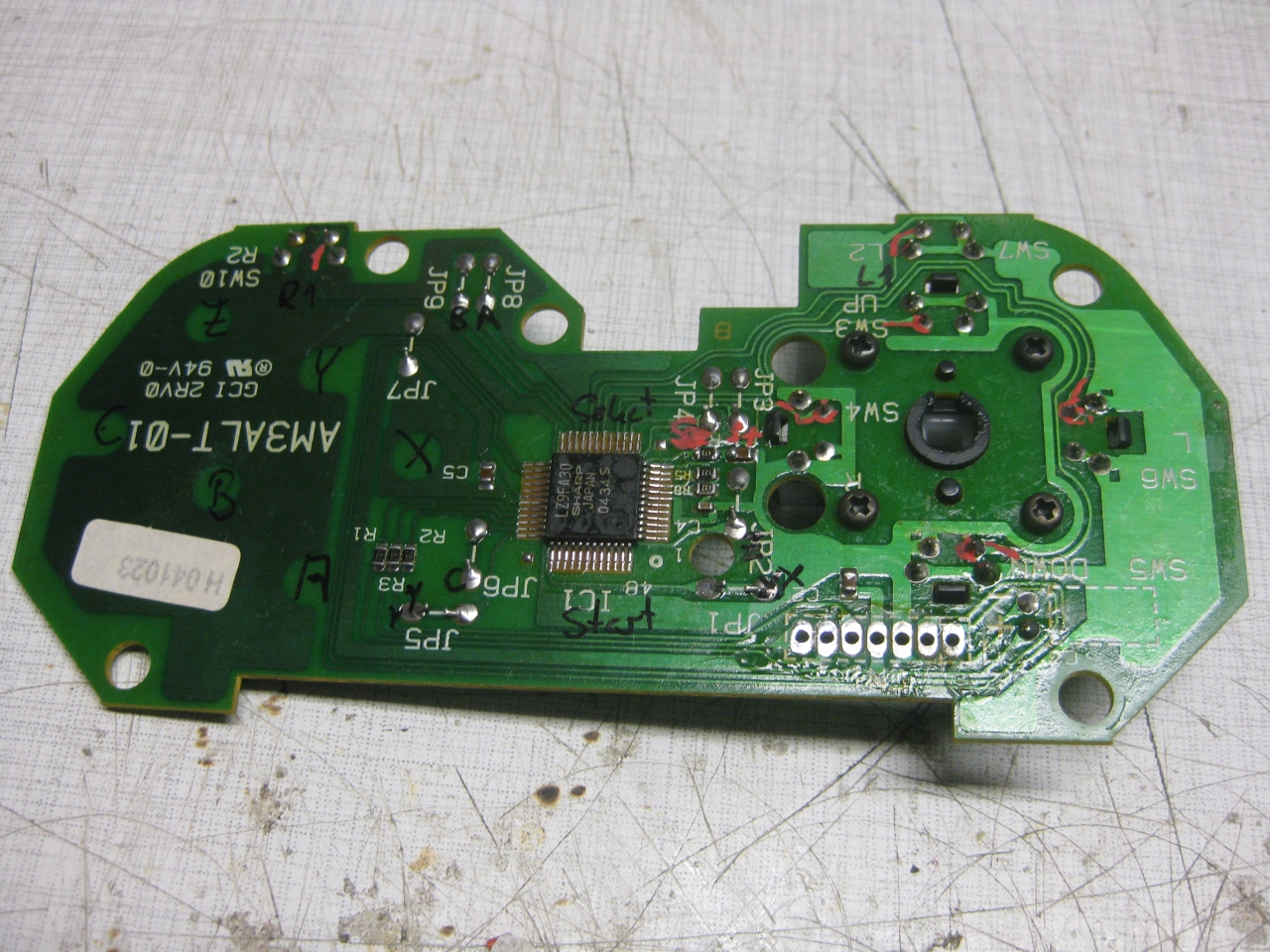
    thanks to micro I got a TX for a great controller the neogeo CD Controller in the PS2 Version called NEOGEO PAD 2 Controller.


    IMG_8993

    removing the original controller 😉

    IMG_8986

    IMG_8985 IMG_8983

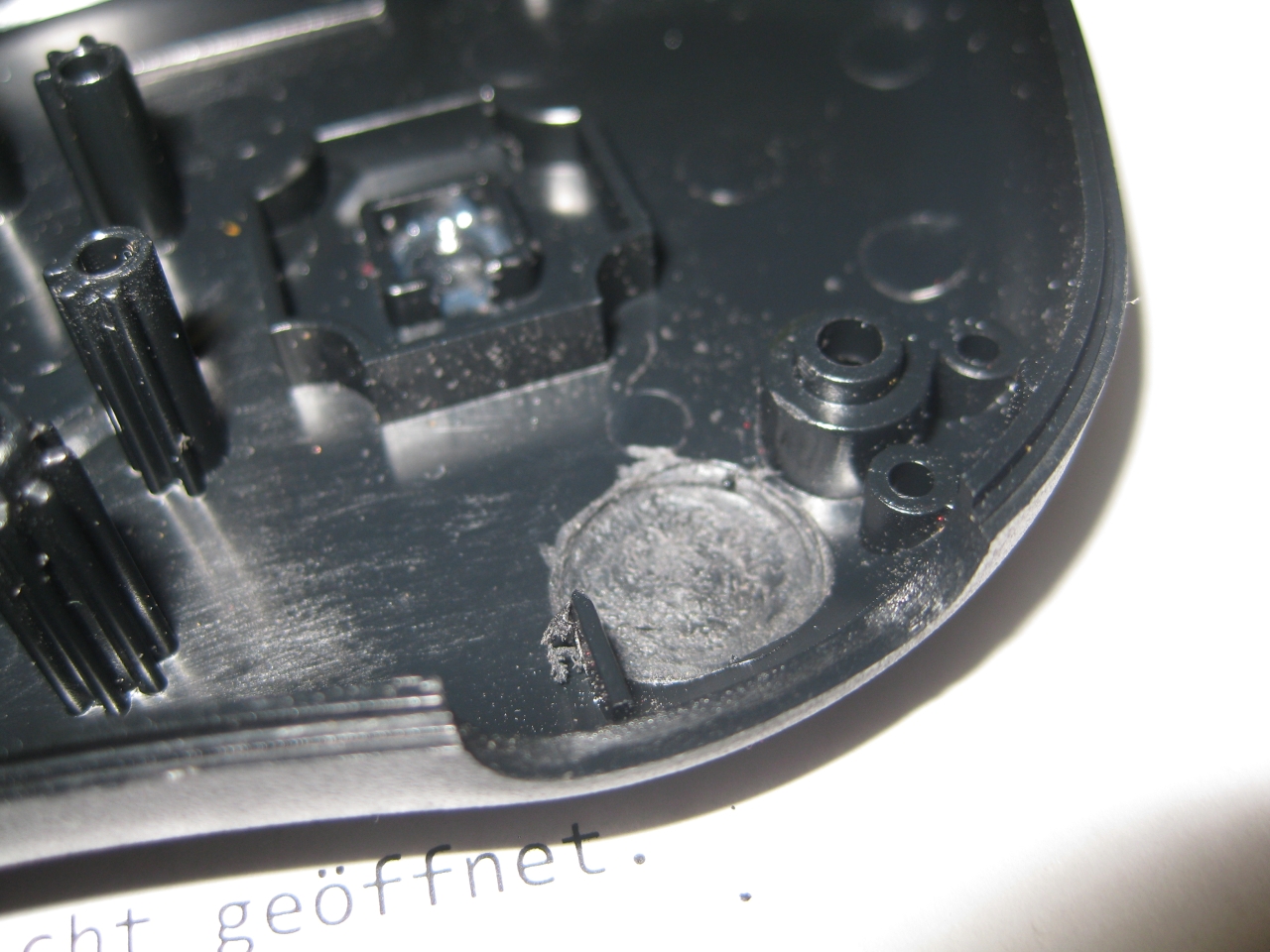
    some dremel work

    IMG_9006 IMG_9005 IMG_9004 IMG_9003 IMG_9001 IMG_8997 IMG_8996 IMG_8995 IMG_8994

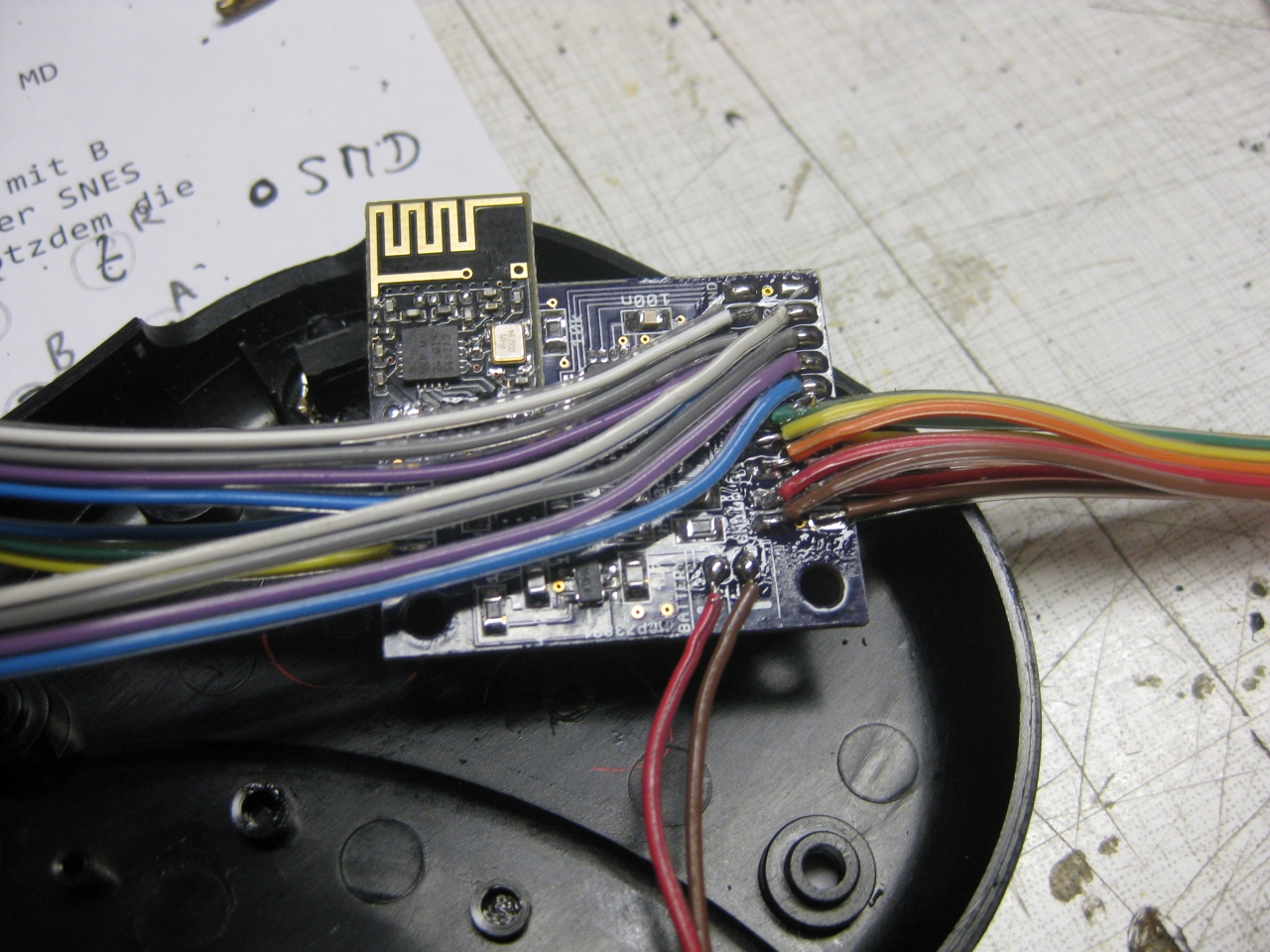
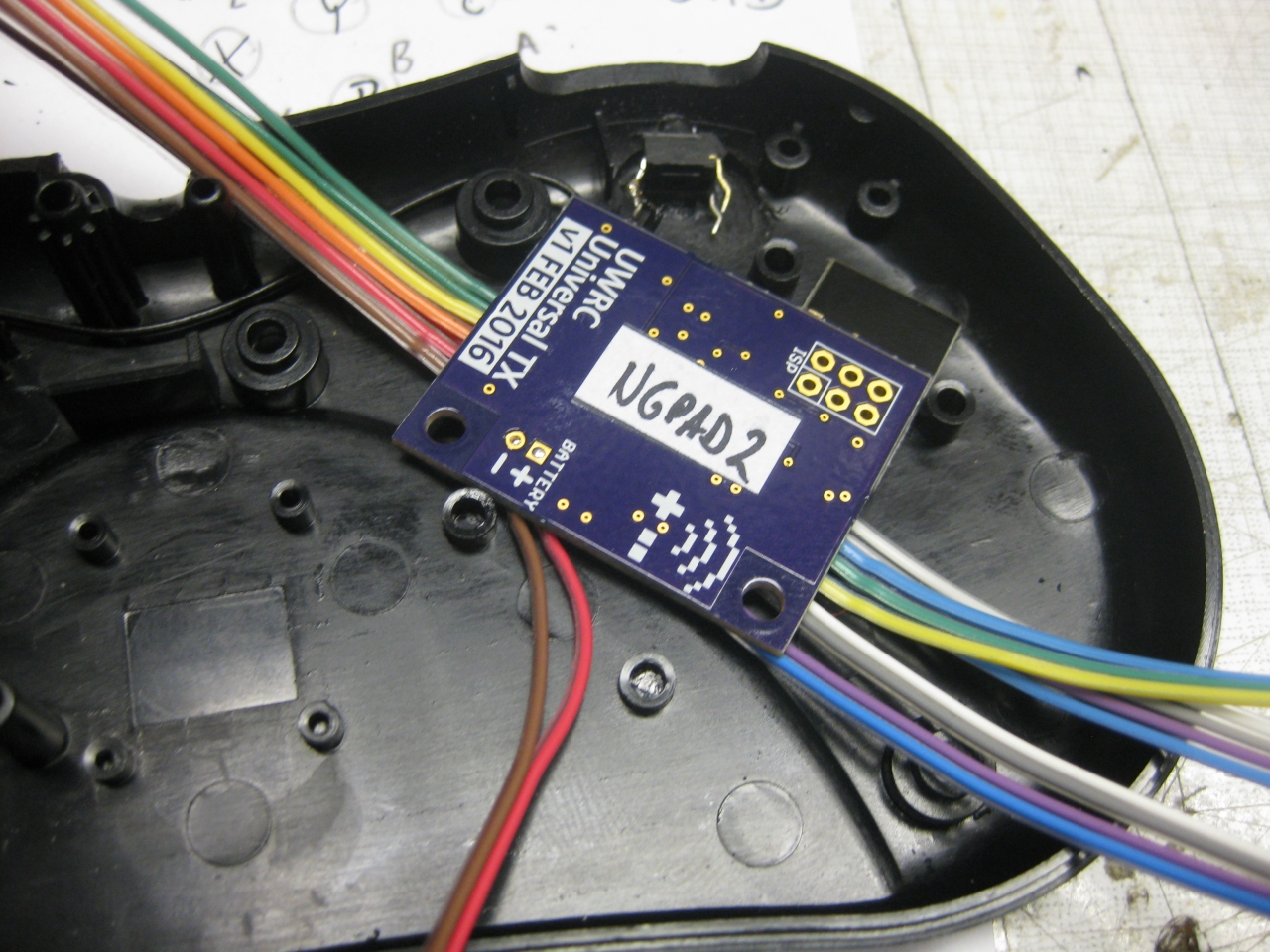
    wiring of uwrc

    IMG_9008 IMG_9011 IMG_9012

    I used a 200mAh Lipo and changed the loading current to 50mA via changing loading R from 10k to 20k

    IMG_9019

    loading led, usb port, lipo

    IMG_9025 IMG_9021

    done 🙂

    IMG_9030 IMG_9029 IMG_9027

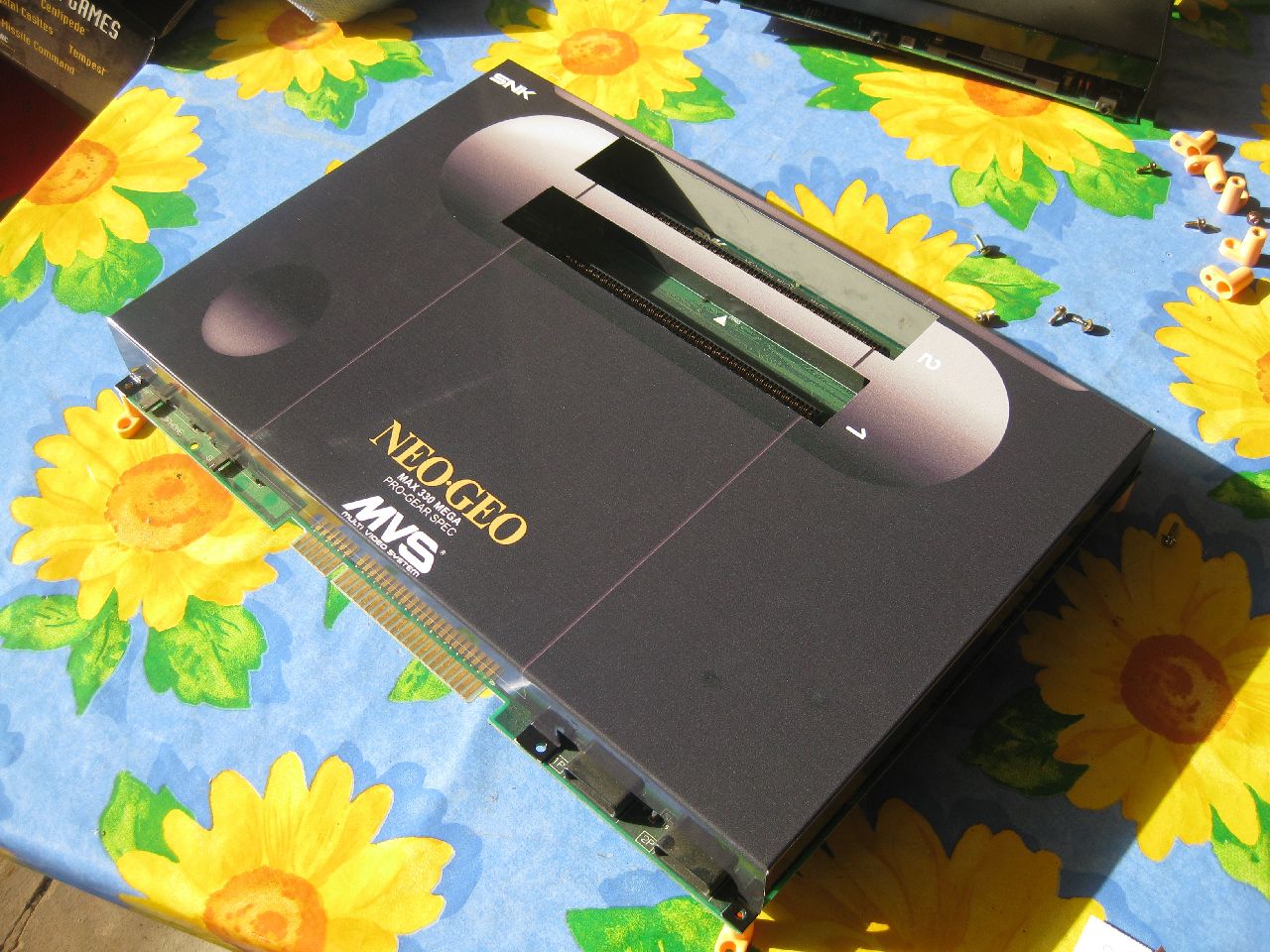
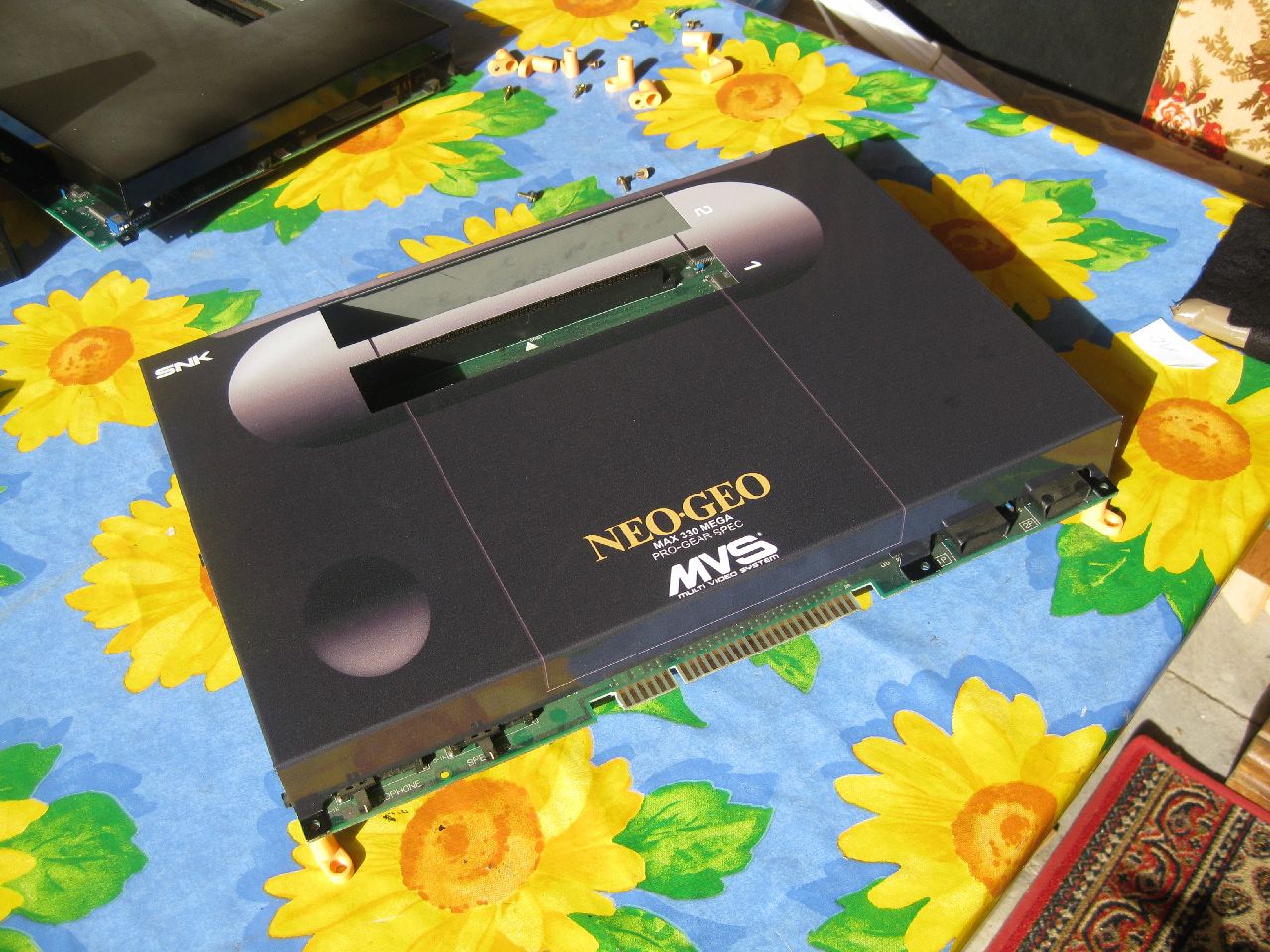
  • NeoGeo MVS adhesive mod

    Hi Folks,

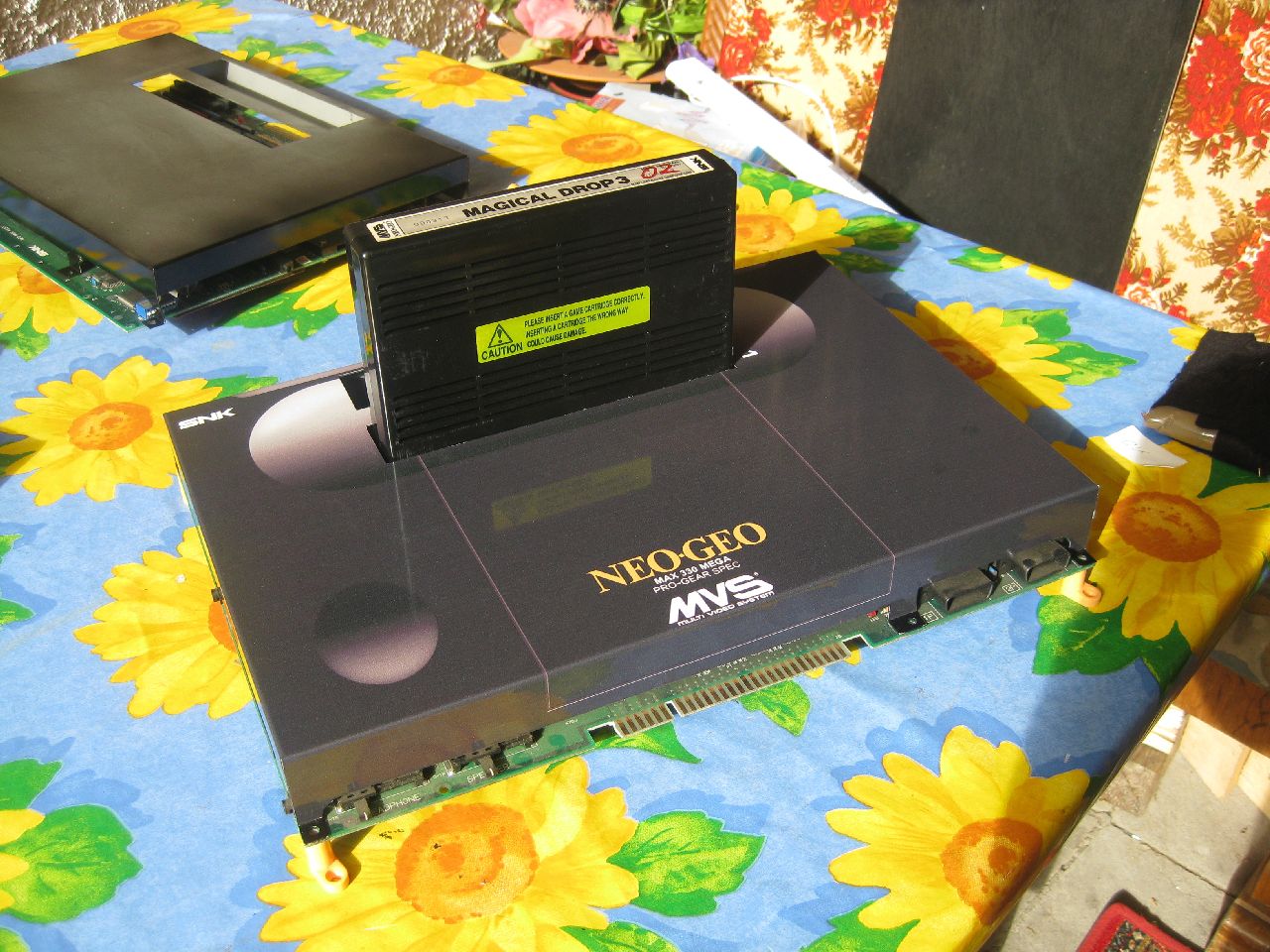
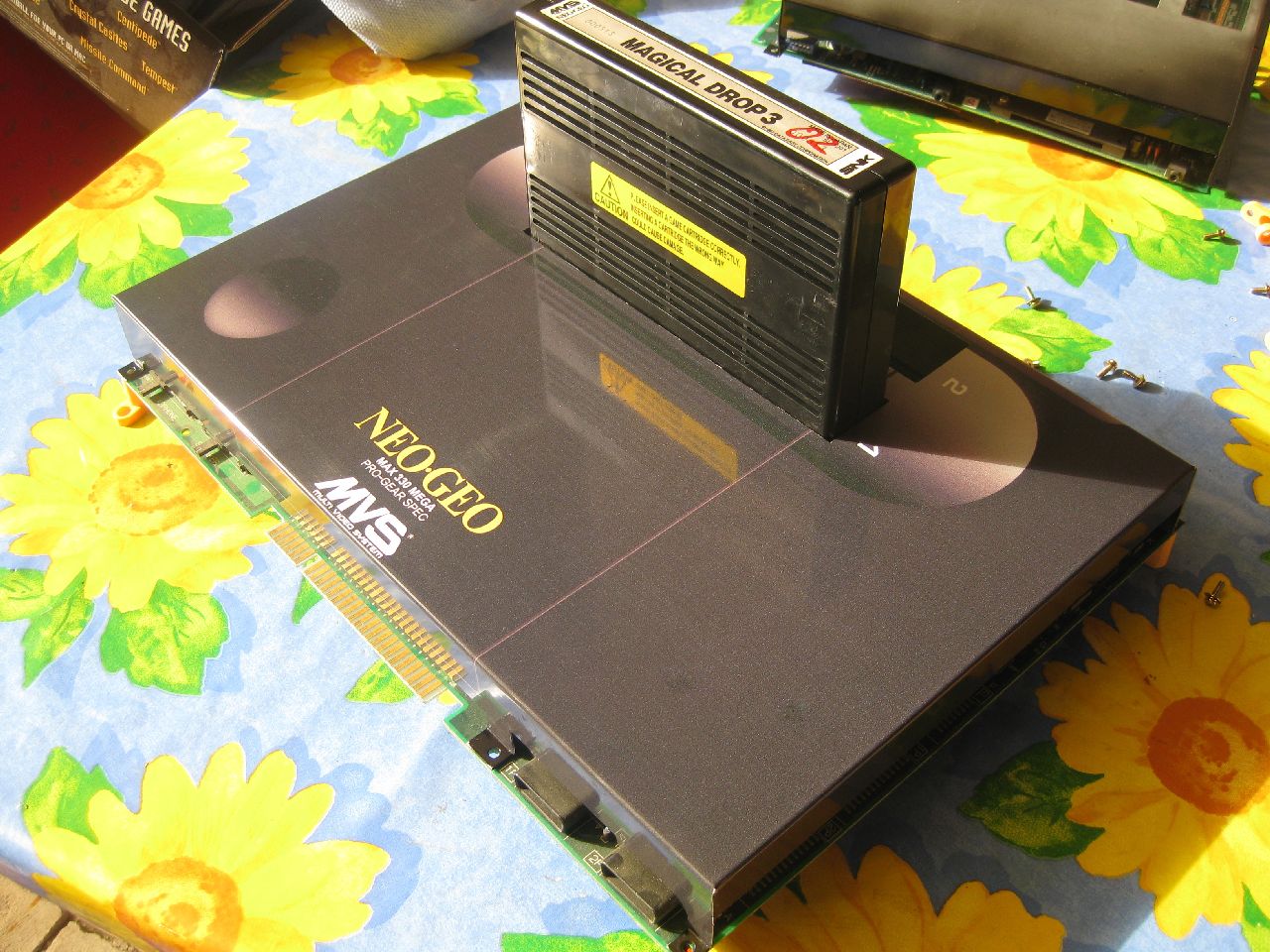
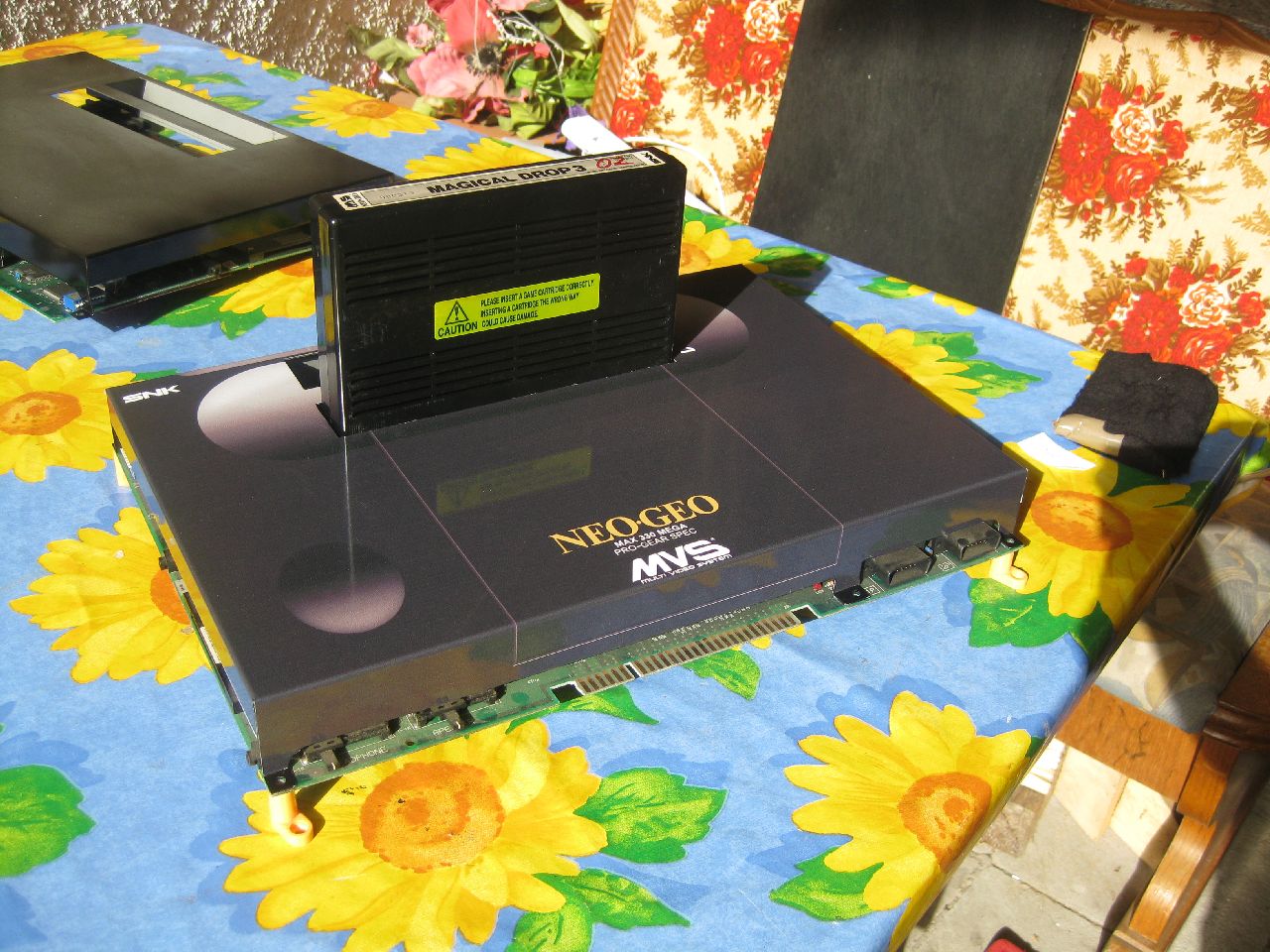
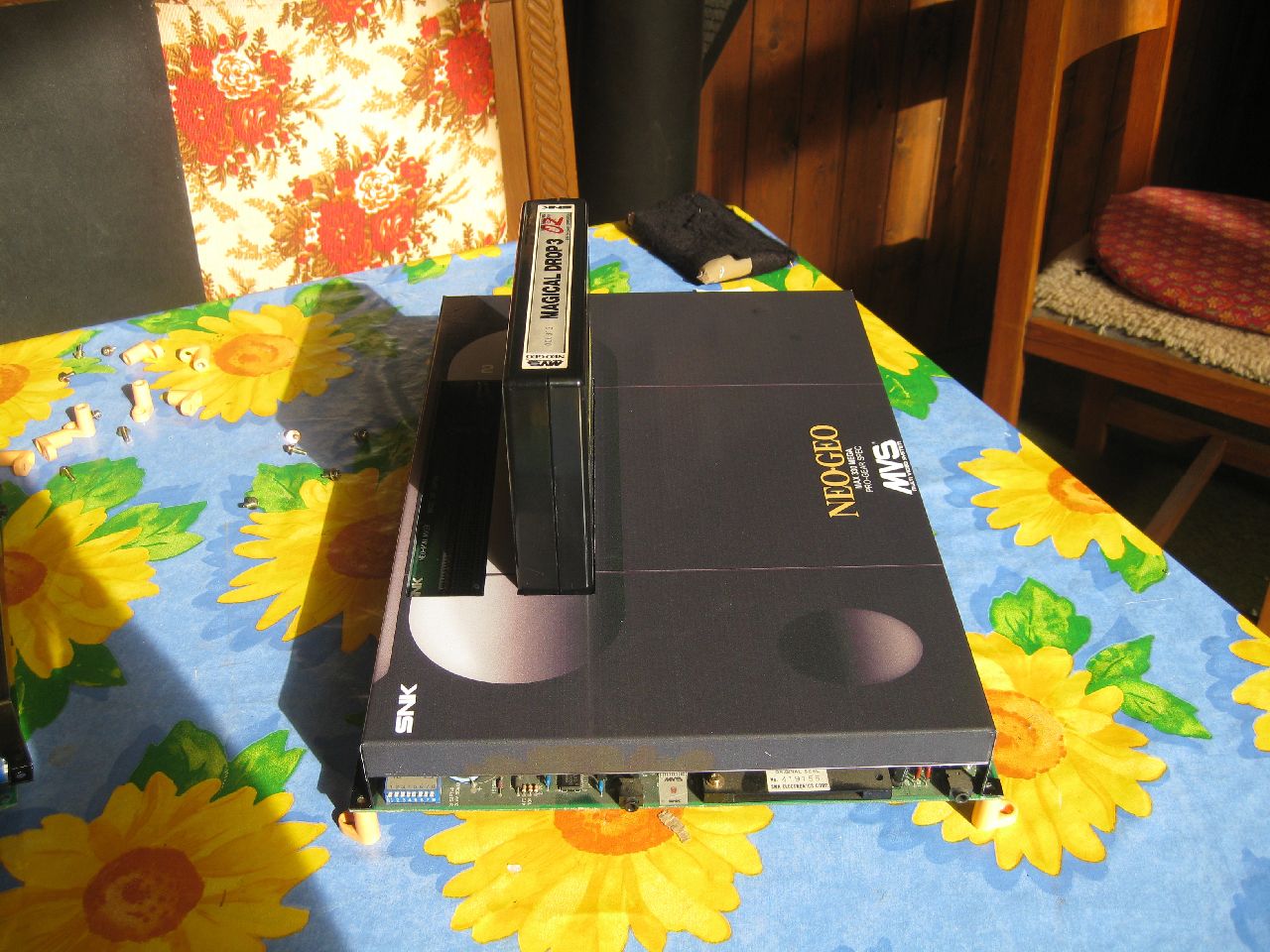
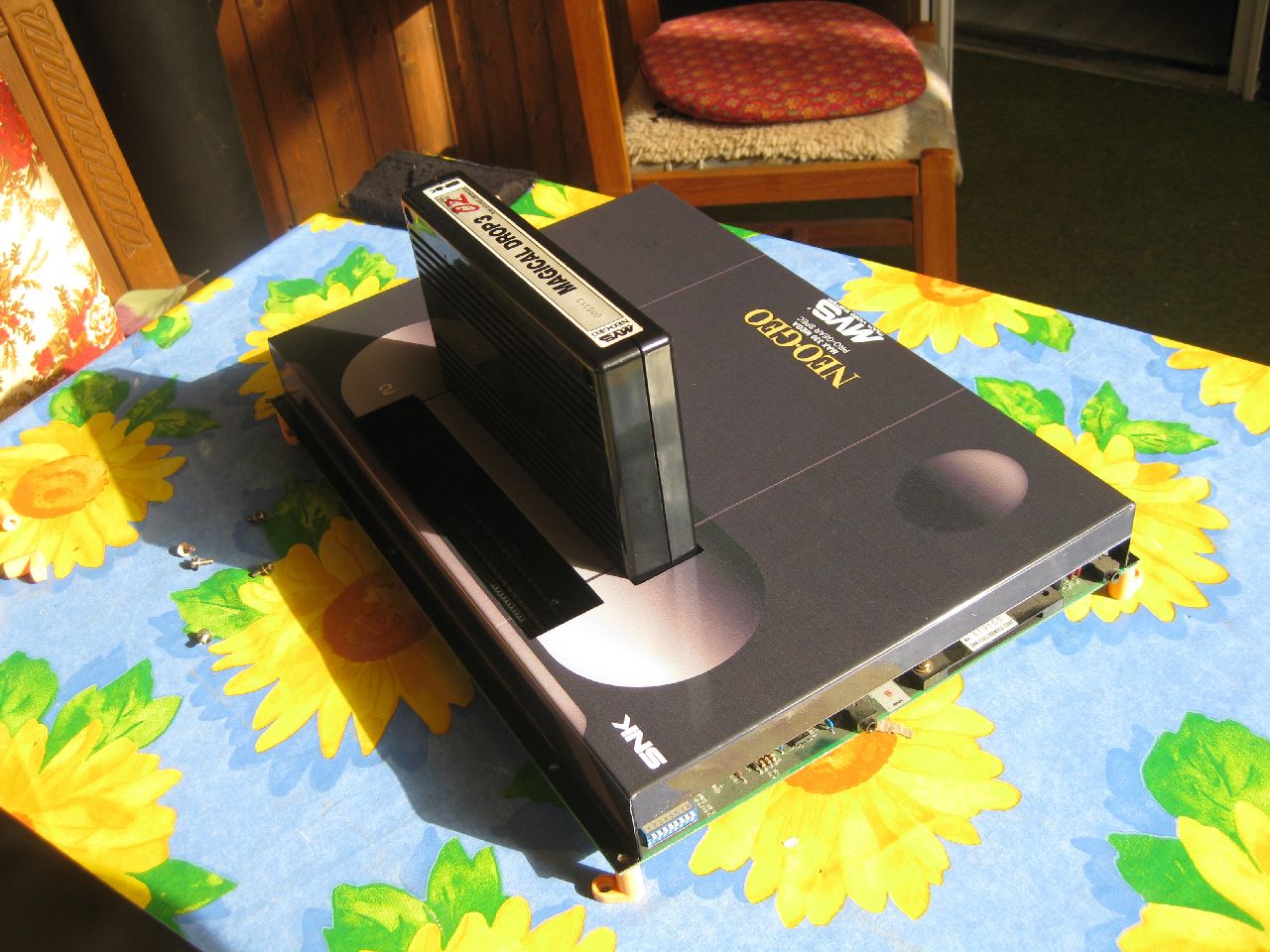
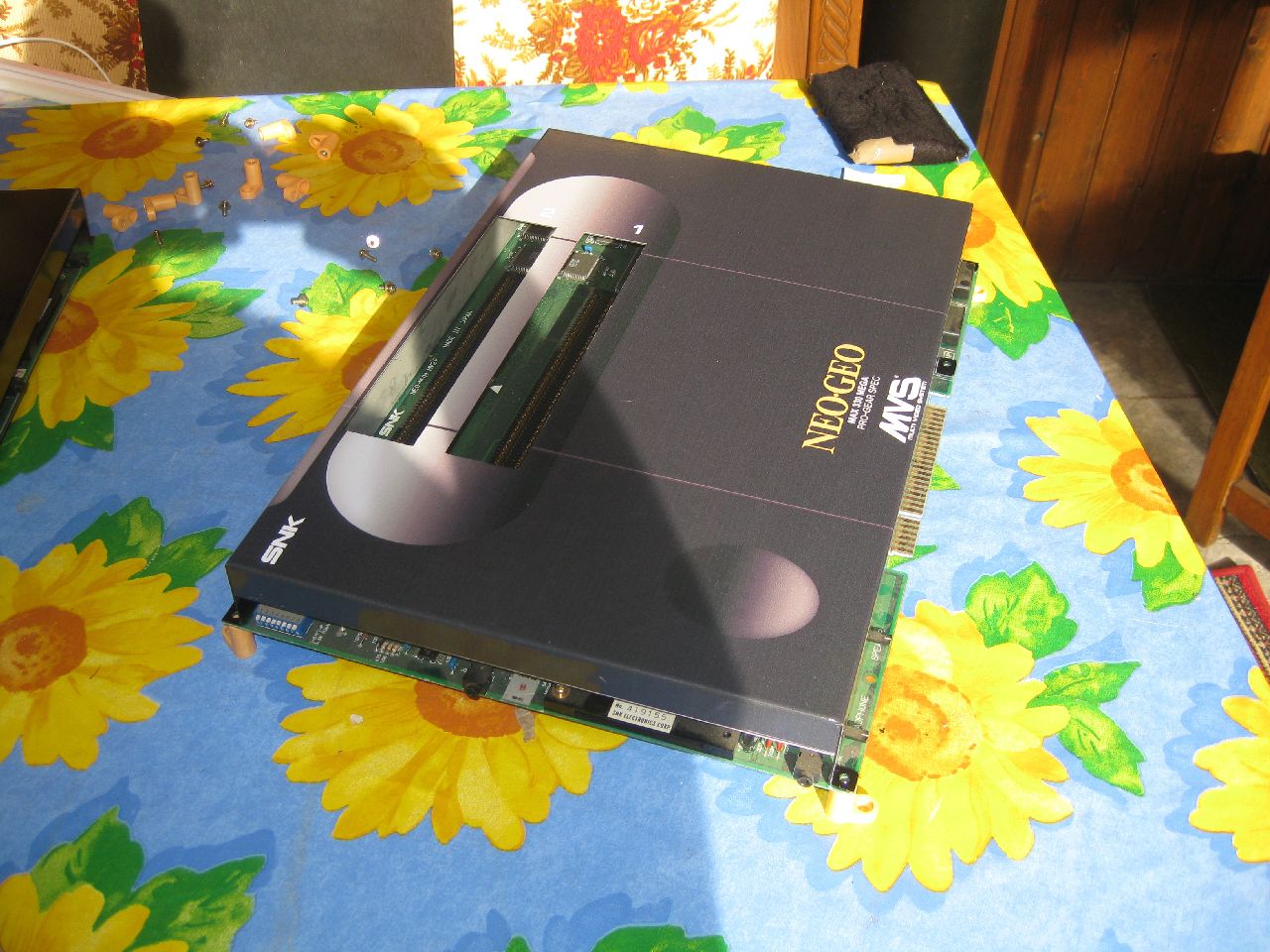
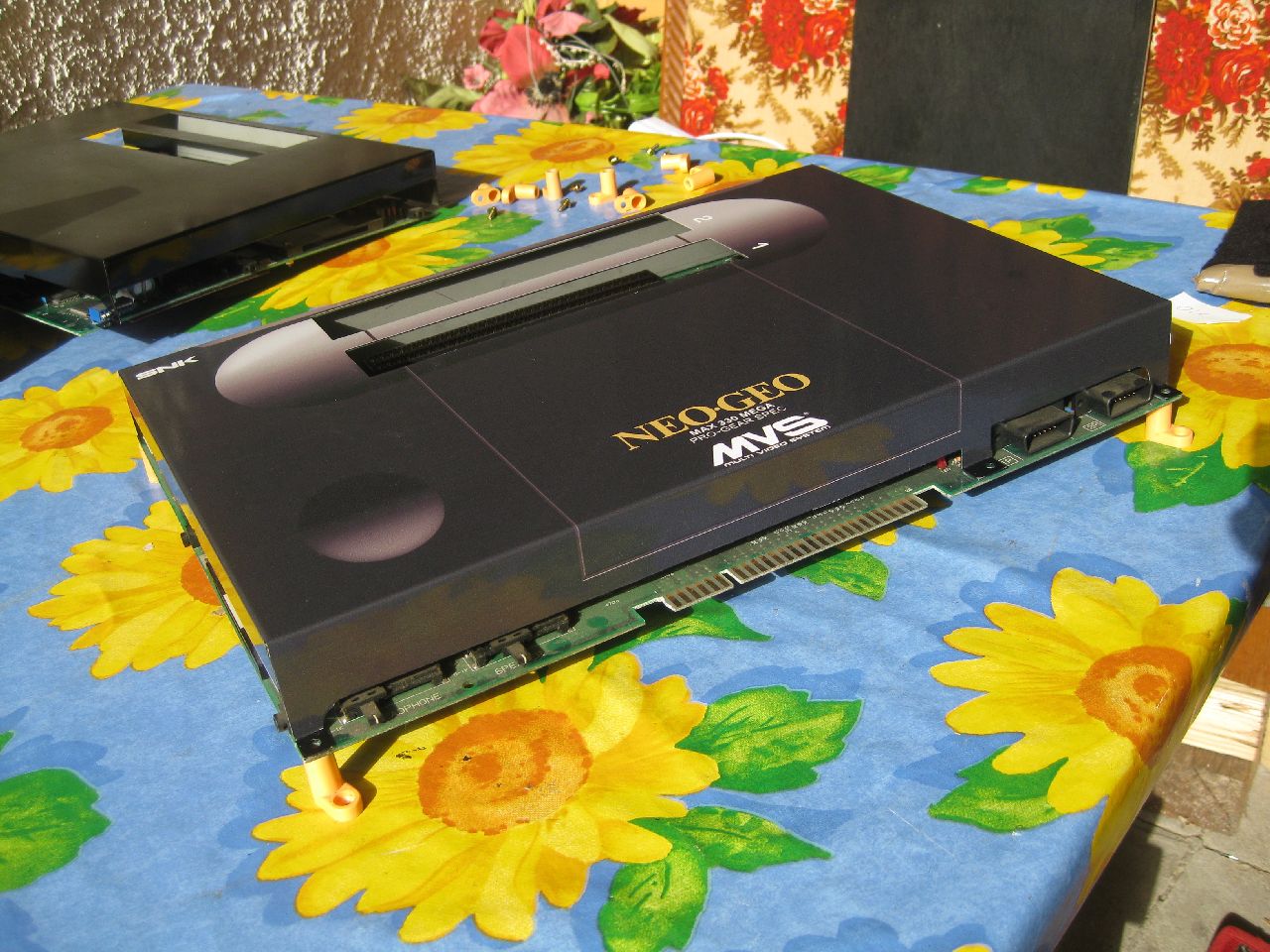
    here you can see the adhesive mod of a MVS two Slot System in „NeoGeo Style“:

    PS: Great background 😉

    mvs_2er_neogeo_look 001

    mvs_2er_neogeo_look 002

    mvs_2er_neogeo_look 004

    mvs_2er_neogeo_look 005

    mvs_2er_neogeo_look 006

    mvs_2er_neogeo_look 007

    mvs_2er_neogeo_look 008

    mvs_2er_neogeo_look 009

    mvs_2er_neogeo_look 010

  • Making of Snow-White and the seven Shockers…

    I found some NeoGeo Cases here and cleaned them up with the help of my dishwasher.

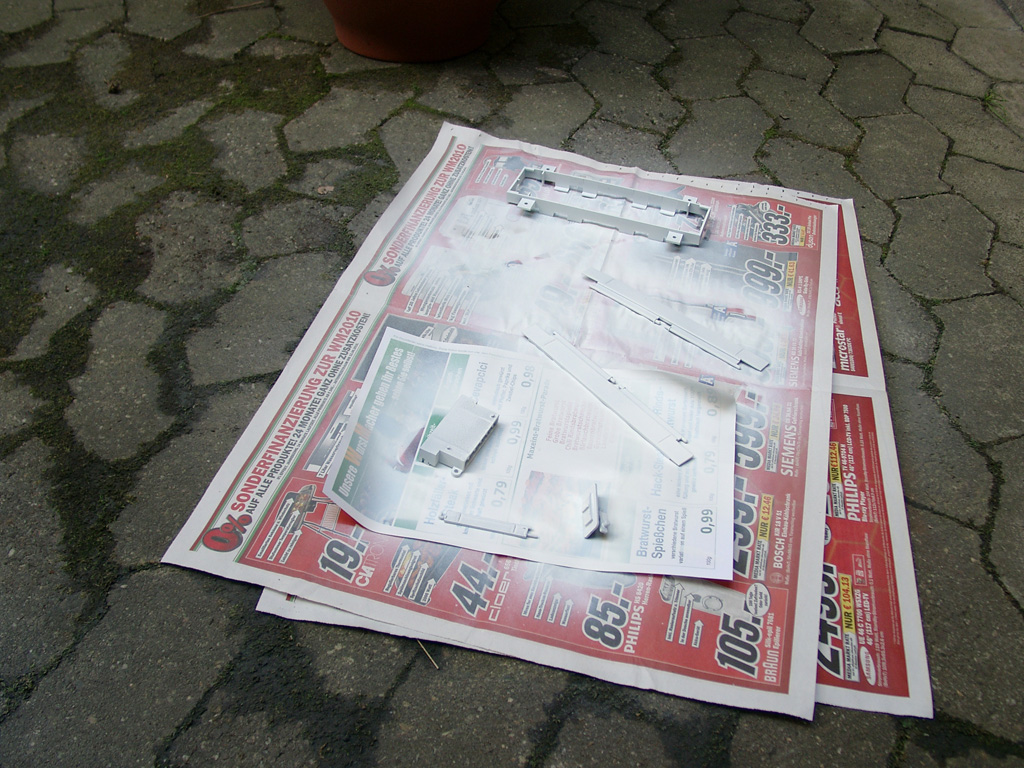
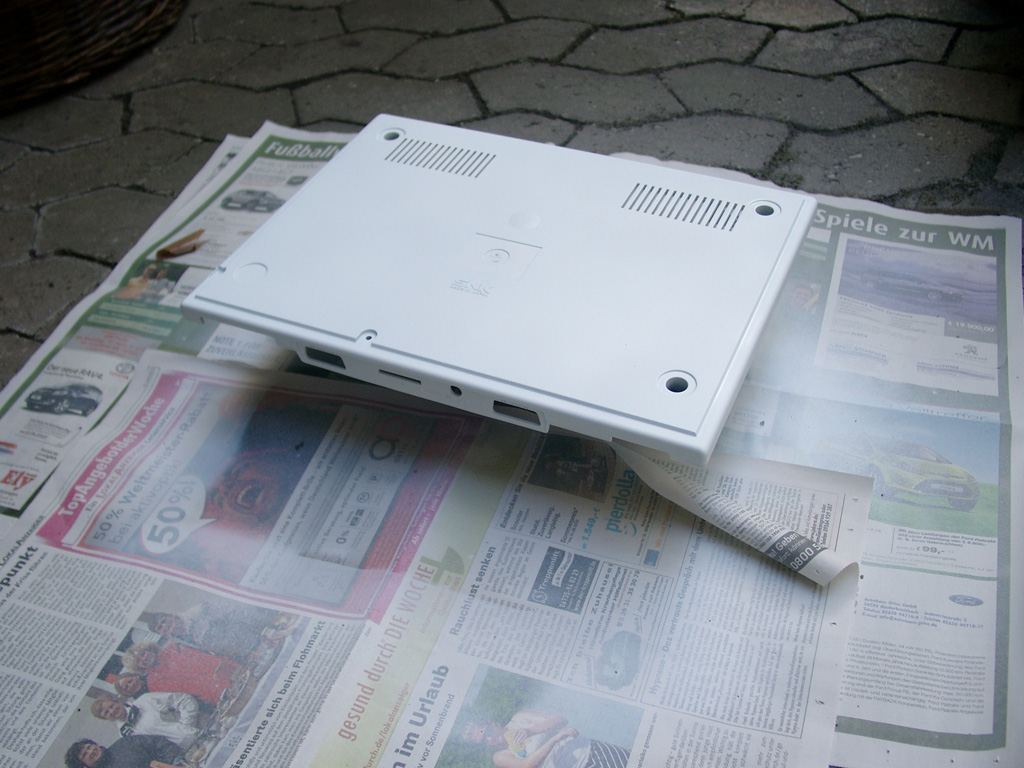
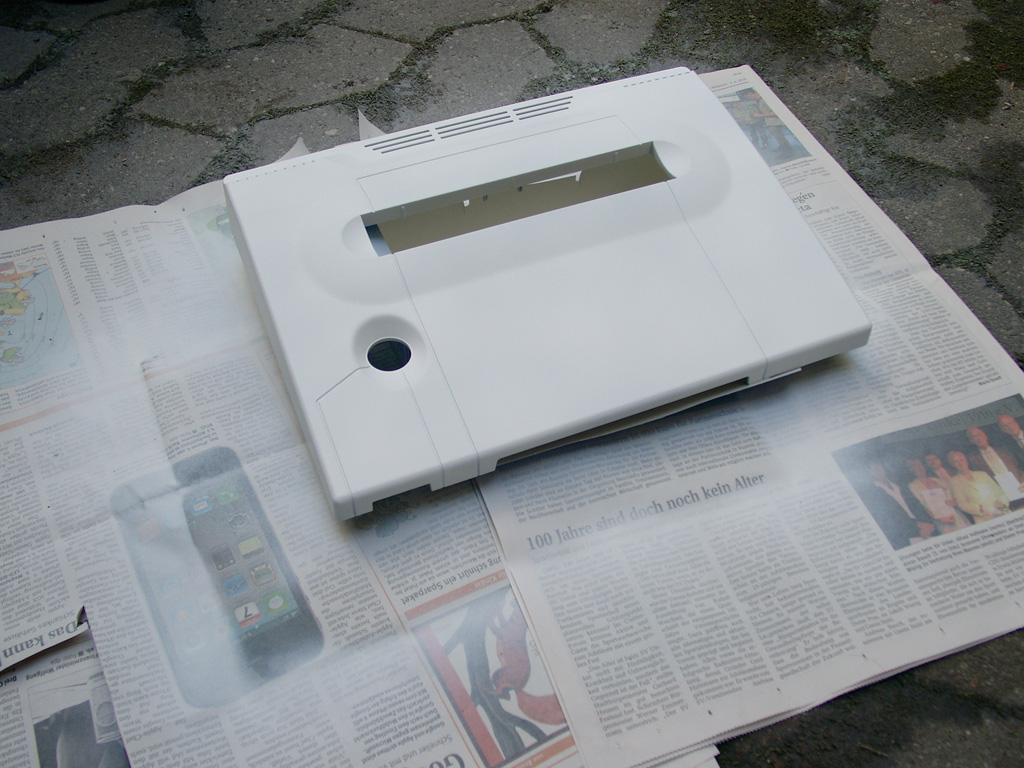
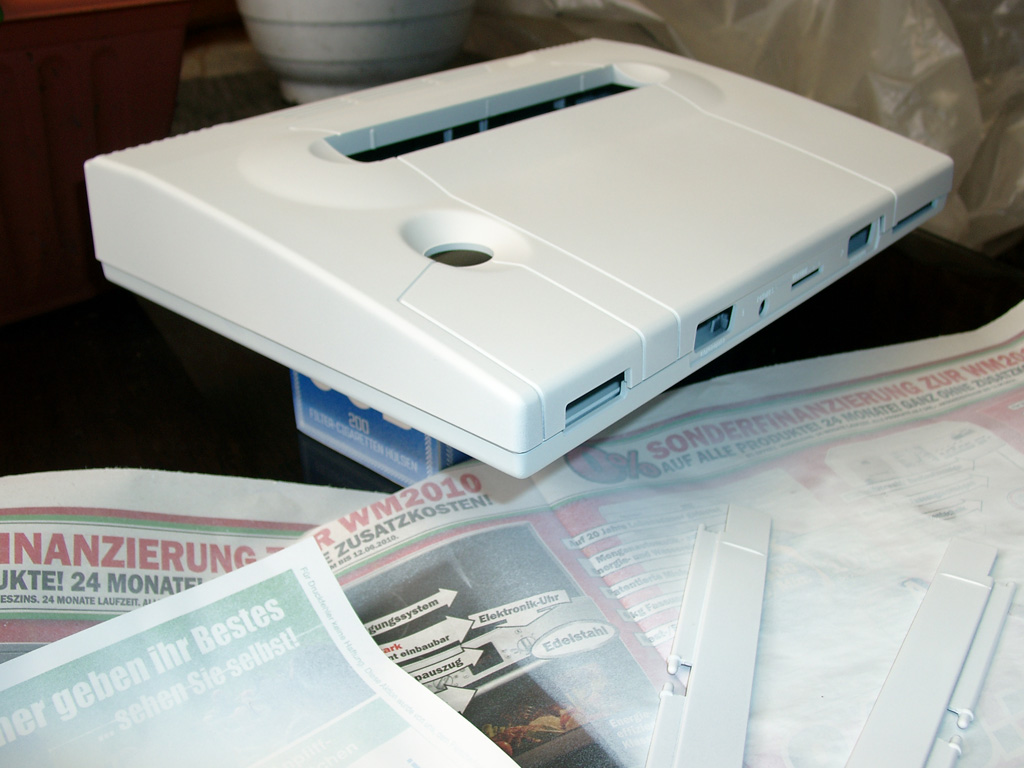
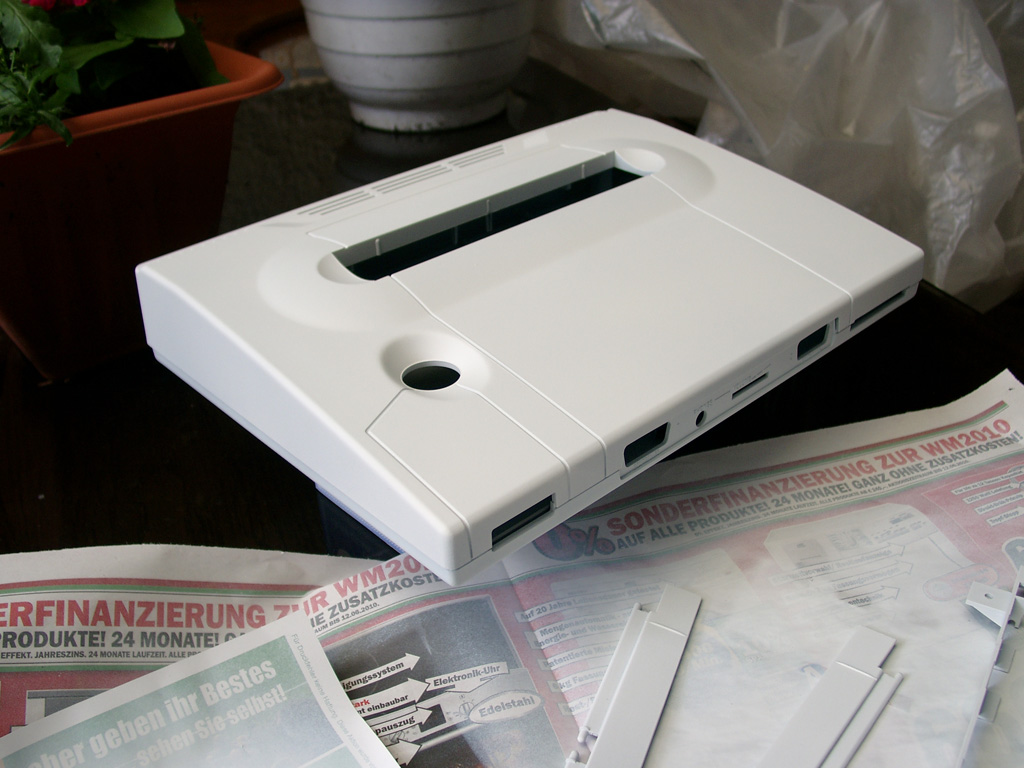
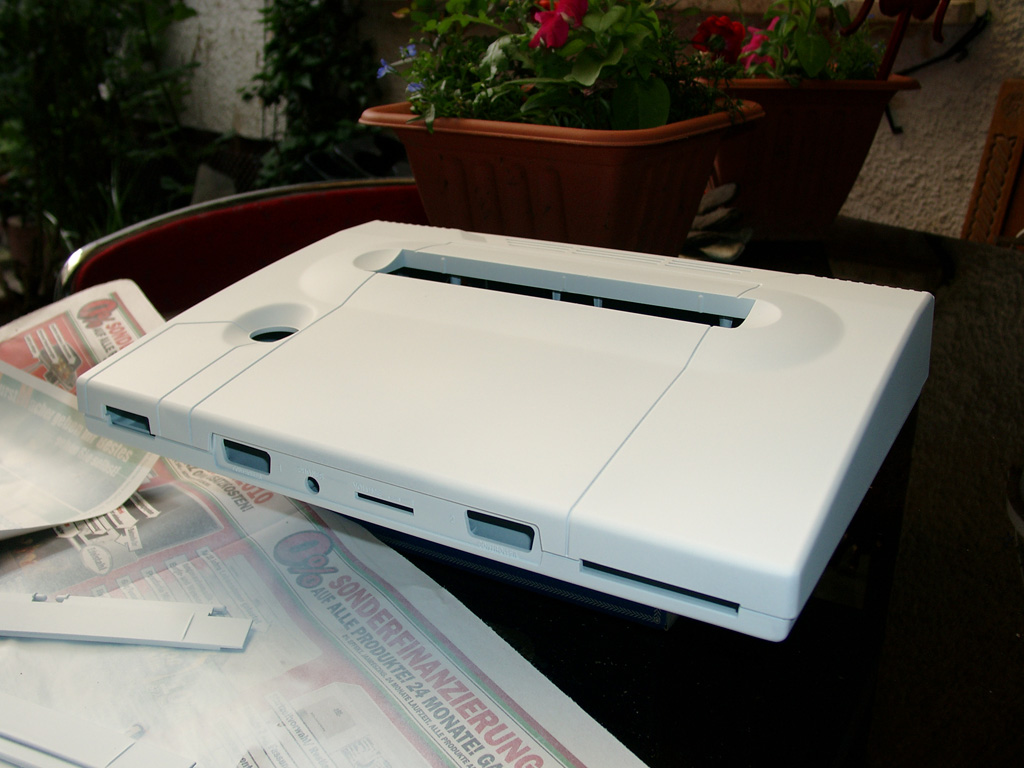
    They have a lot of scratches and as I am not a friend of black – I prefer WHITE – like the great PC-Engine one of my favorite Consoles. I make use of white spray on a good old NeoGeo AES.

    After some spraying it looks like this:

    snow_white_smaller_partssnow_white_bottomsnow_white_topsnow_white_01snow_white_02snow_white_03

    more pictures:

    snow_0

    snow_1

    snow_2

    snow_3

  • NeoGeo Oldstyle Button LED mod

    After surfing the www for neogeo… I found a modified NeoGeo Joyboard with LEDs.

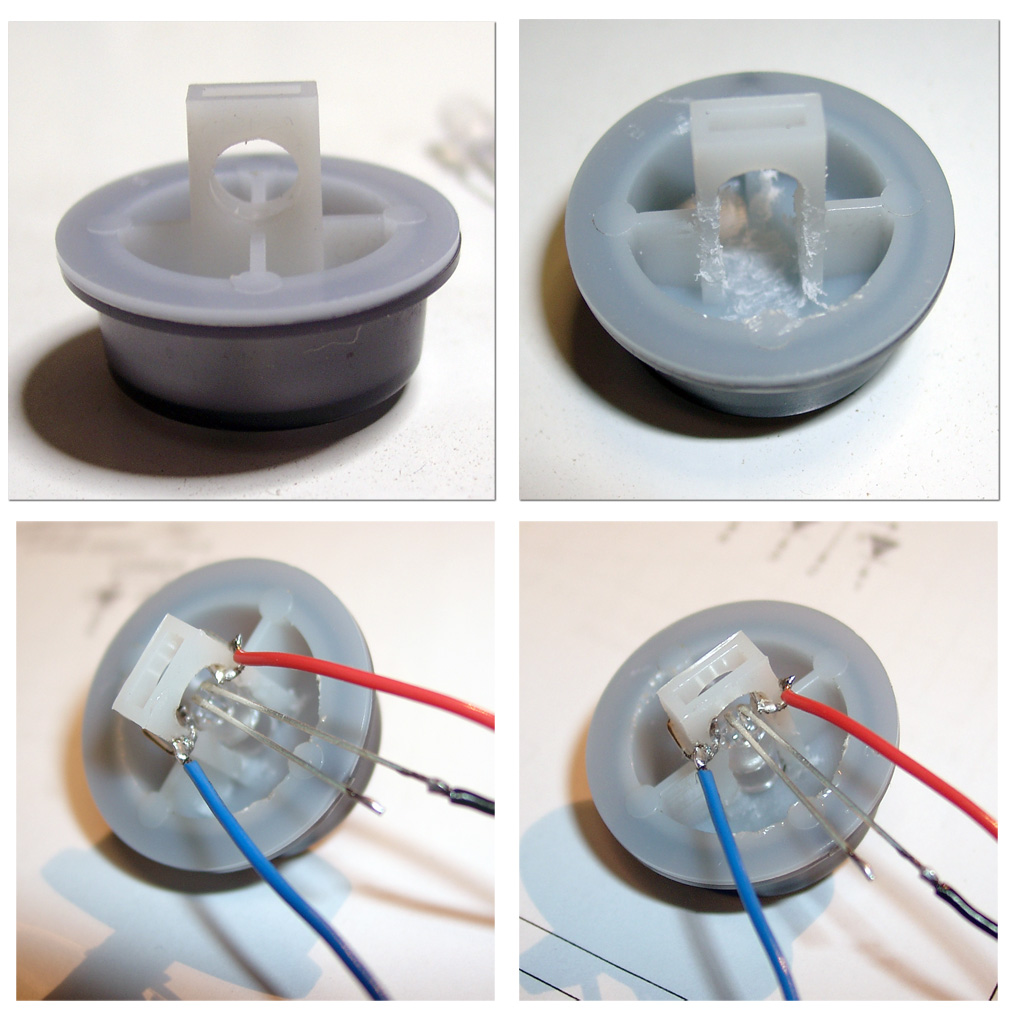
    A great Idea, and some dremel work later…

    Nothing new for me. The Buttons in the oldstyle Boards are the same as the NeoGeo Reset Button.
    I done this mod weeks ago.  Some RGB-LEDs and Resistors and done…

    If you can’t do it, we offer this service:
    http://www.wolfsoft.de/shop/product_info.php/products_id/14793

    neogeo_duo_3

    14739

    Video:

    I done some upgrade and make the lights switchable.

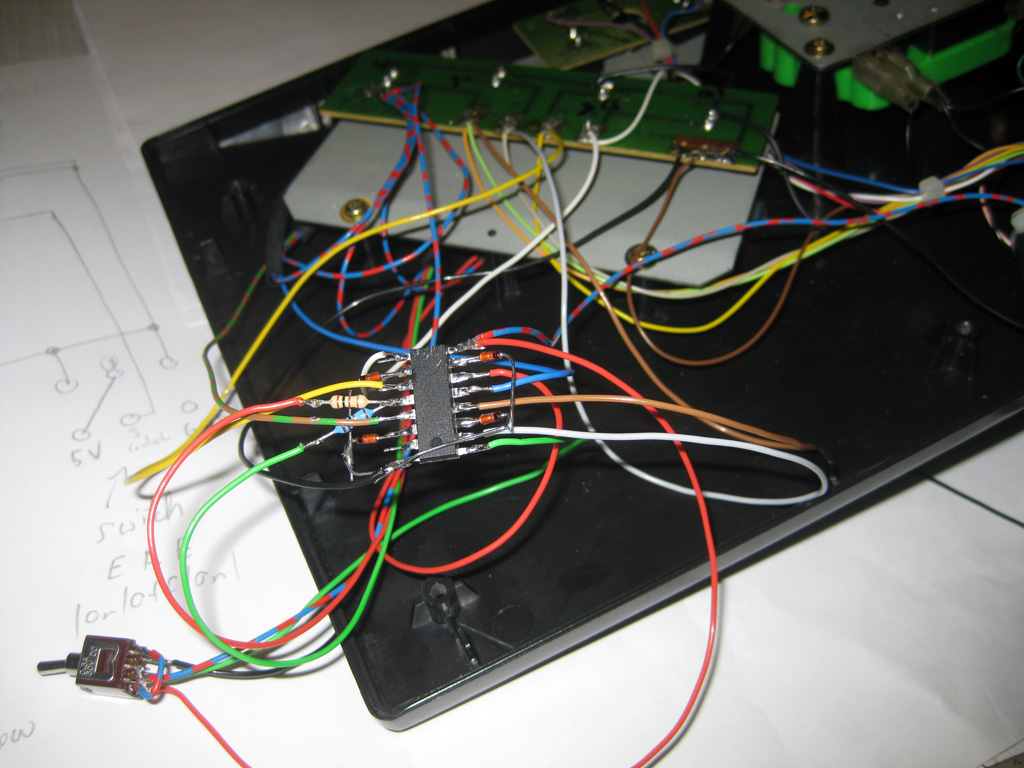
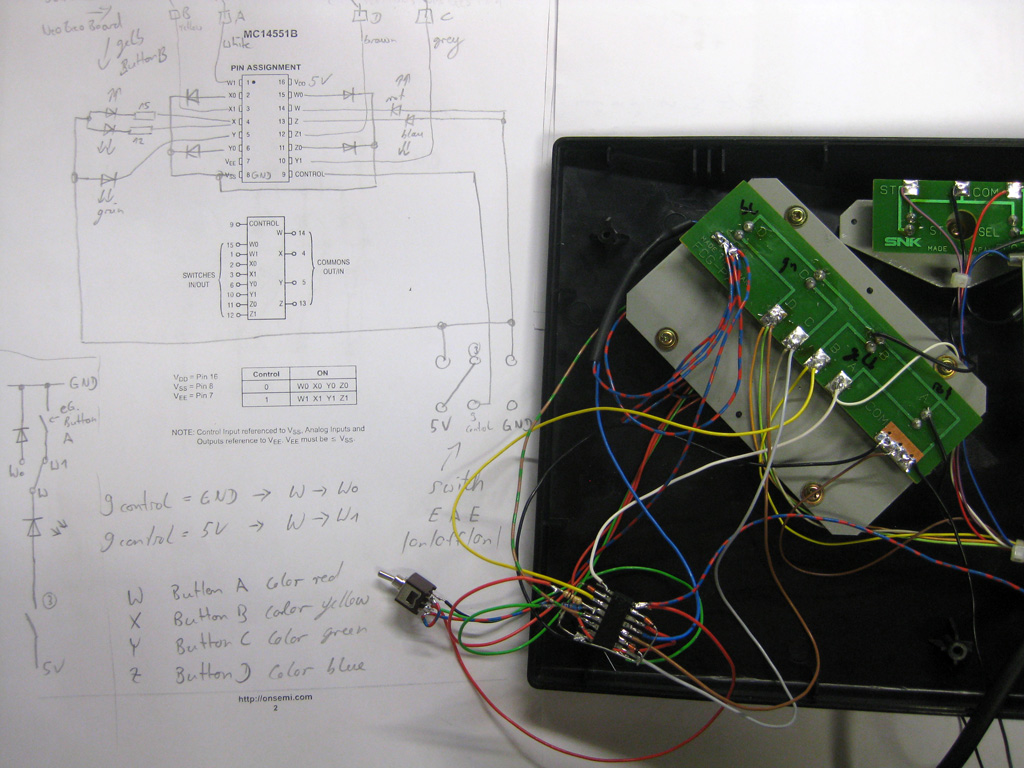
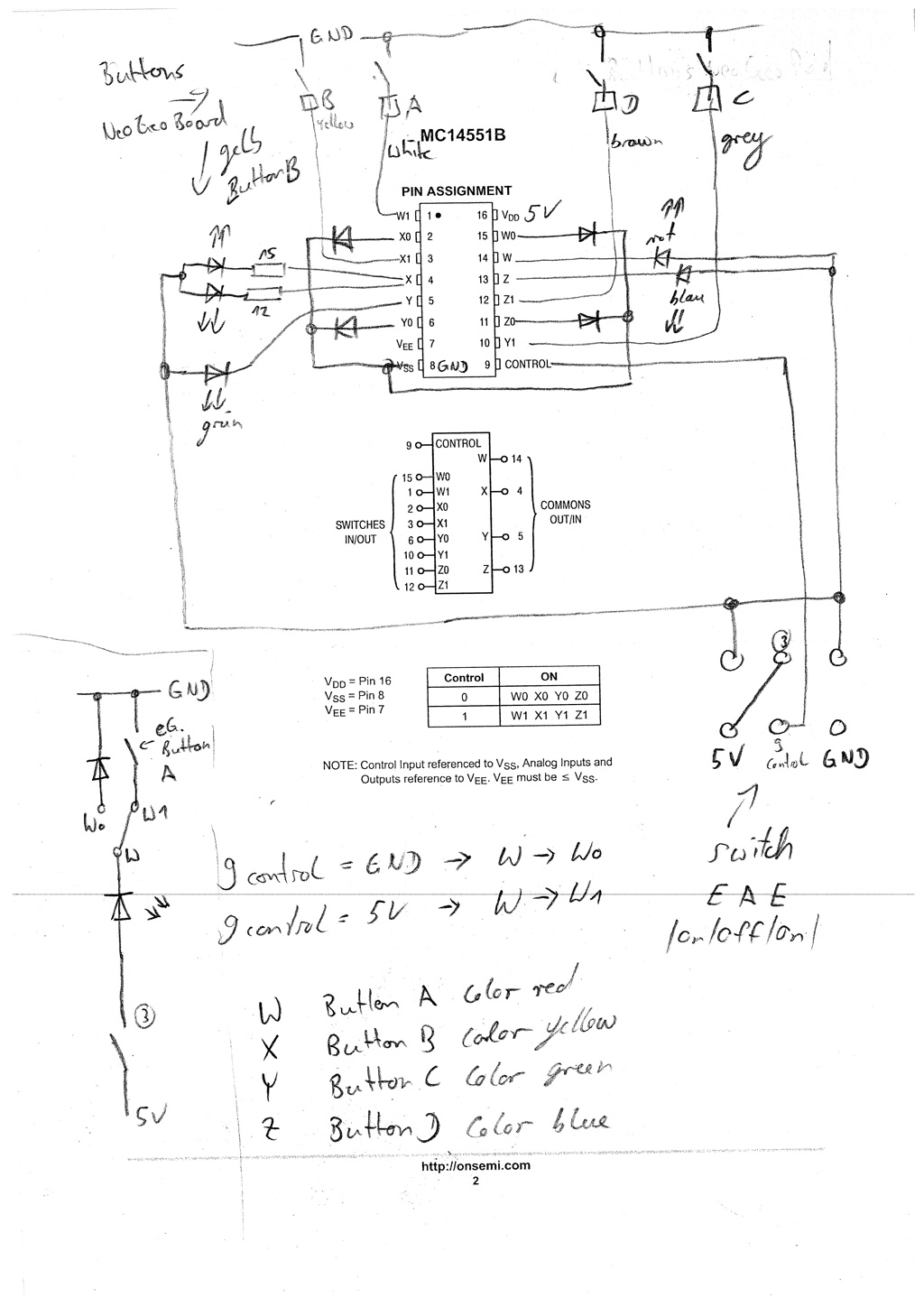
    I am using a analog switch MC14551B to make three modes possible

    a) lights off

    b) Light on button press

    c) all lights on

    neo_button_mod_1

    neo_button_mod

    neo_wiring

  • NeoGeo AES switchless MOD

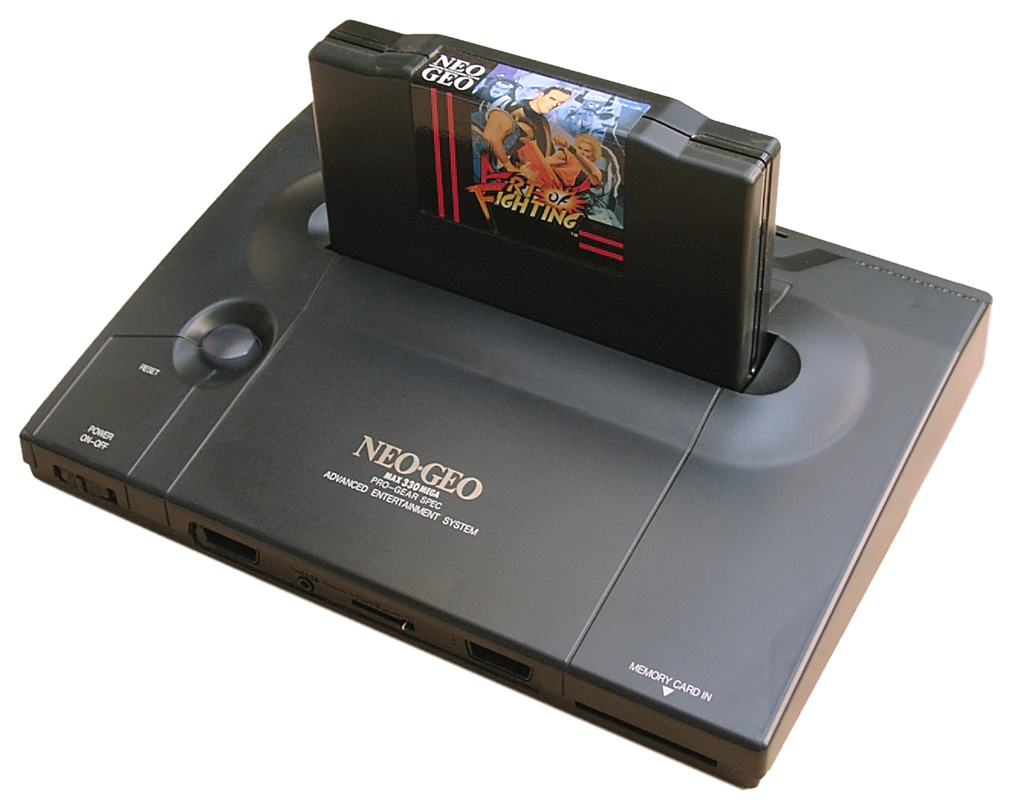
    I am using a NEOGEO AES3-5 unit for the switchless mod today

    neogeo

    Rom Part: piggyback

    I added a second Bios from Razoola the UNIBIOS. You can get it at www.wolfsoft.de or unibios.free.fr

    Here you can find a good tutorial for piggyback the UNIBIOS http://www.mmmonkey.co.uk/

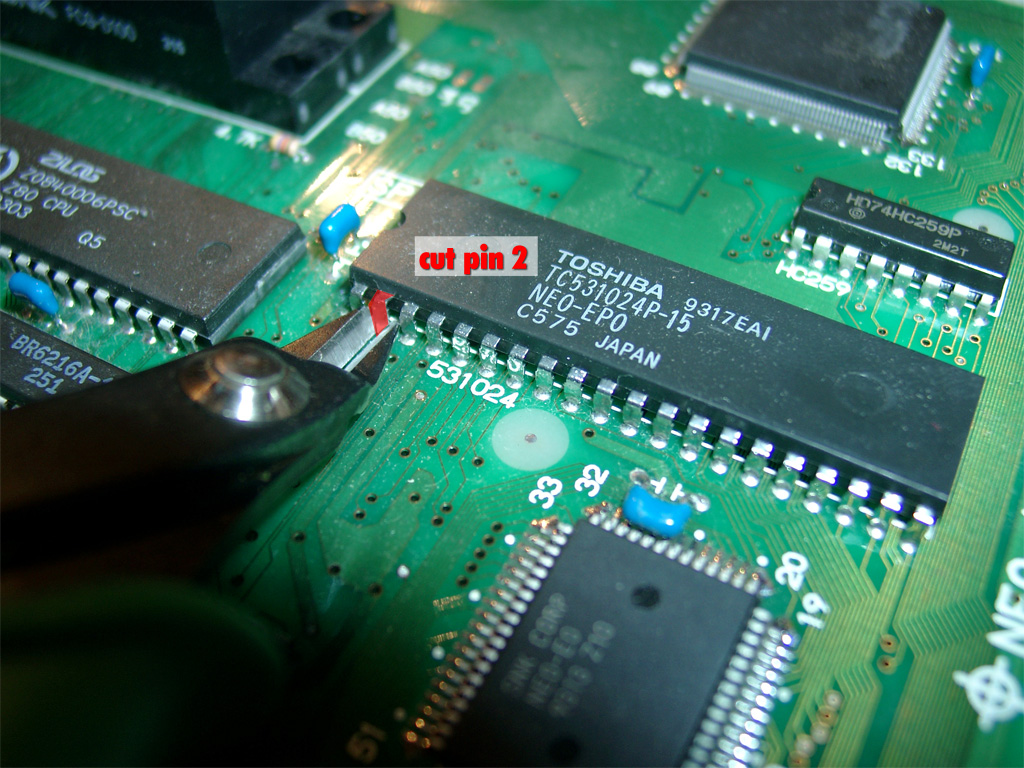
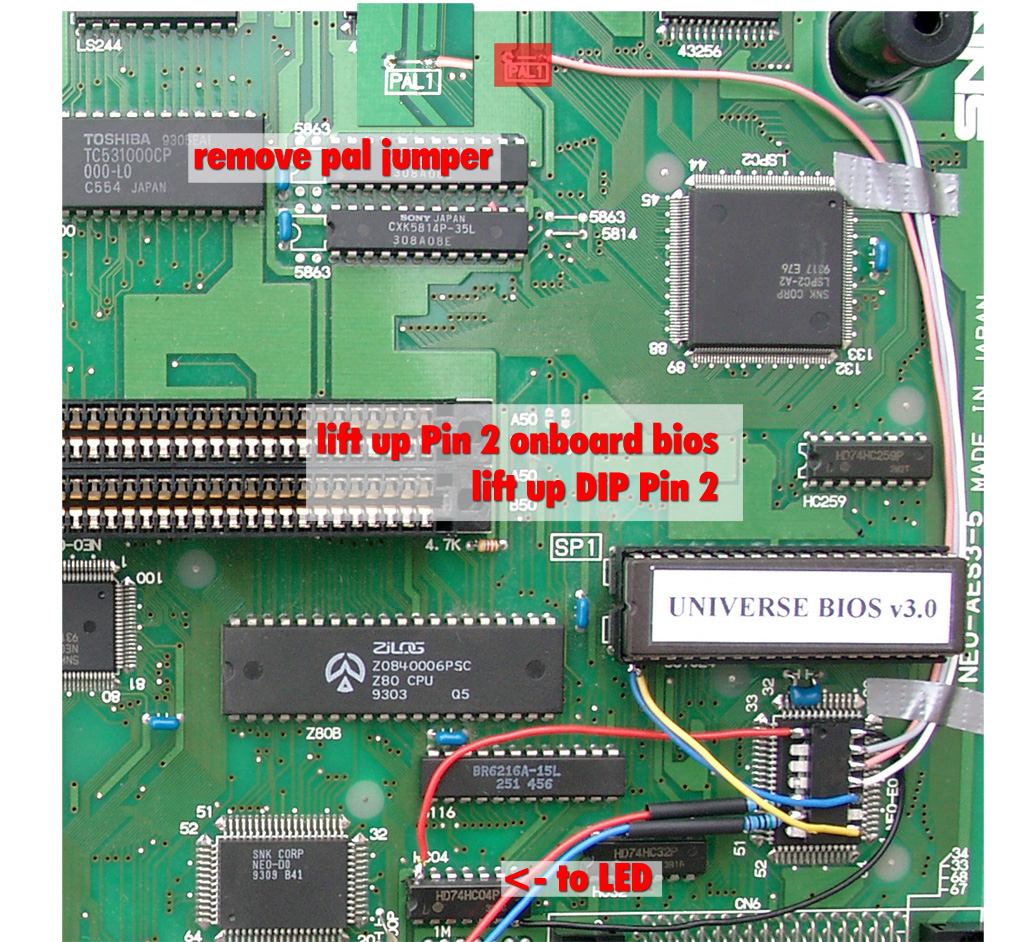
    First you have cut pin 2 of the onboard Bio and lift the pin up:

    neogeo_duo_1

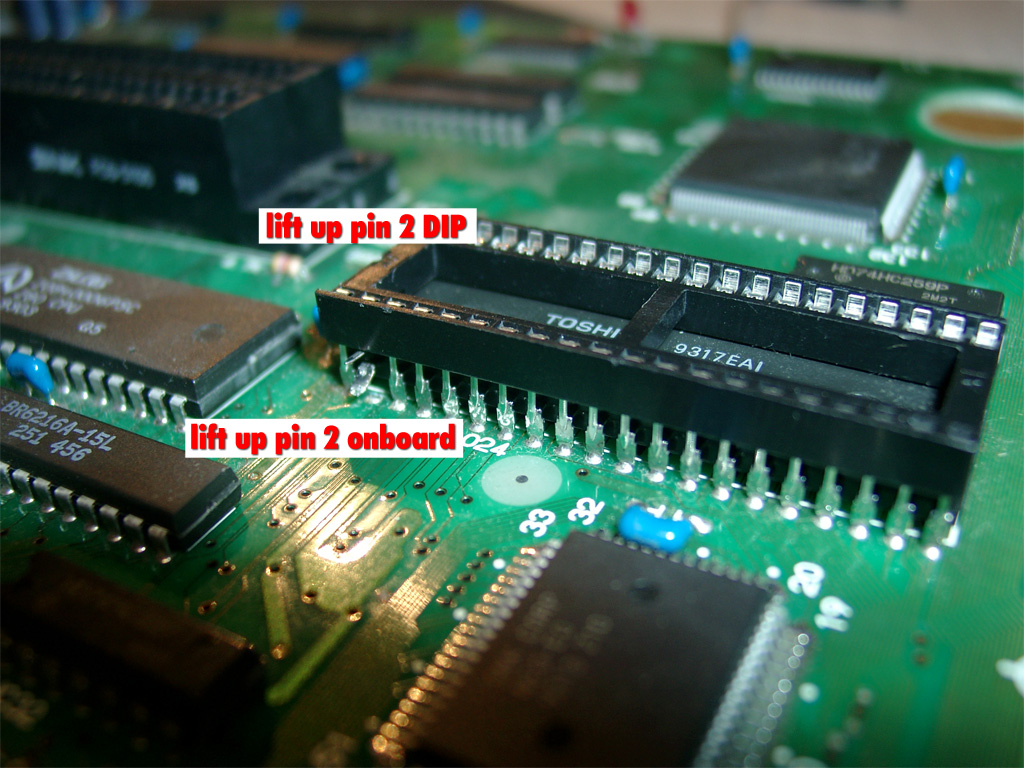
    use a DIP 40 socket to make a future replacement easier

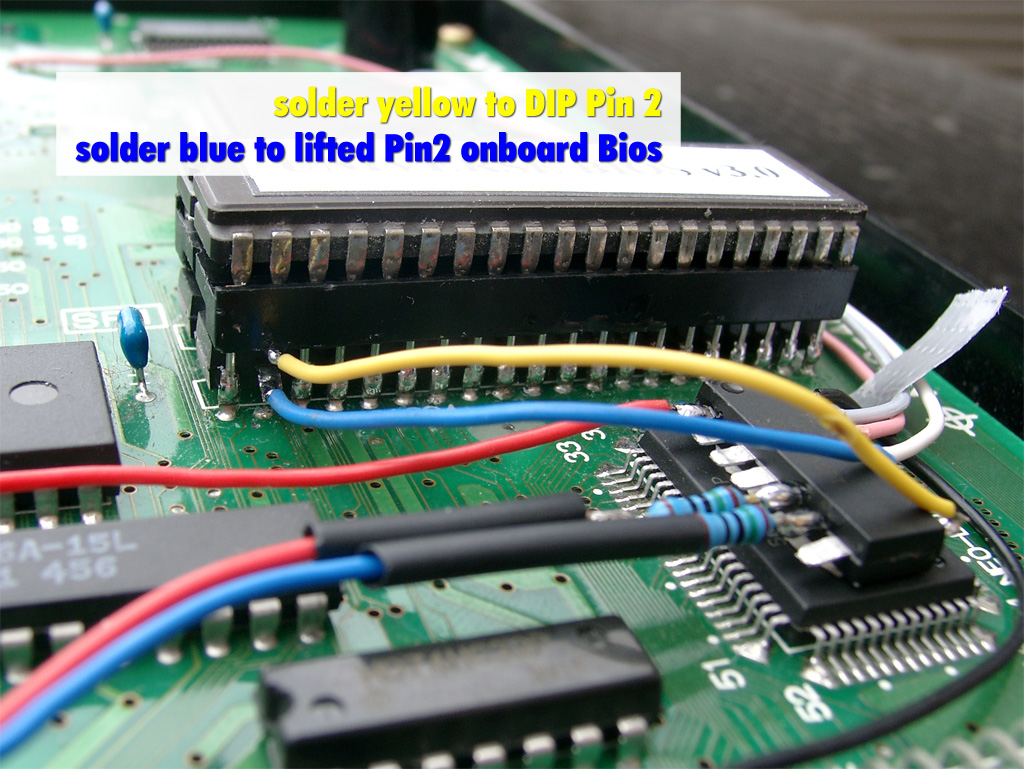
    Lift up pin 2 of the mainboard and pin 2 of the DIP-socket

    neogeo_duo_2

    The PIC 16F630 Part

    As usually I am using the switchless mod from seb http://seb.riot.org/saturnmod/

    And the inspiration from Pete Grimes Site: http://www.mmmonkey.co.uk/

    This time I can’t use sebs pic code „out of the box“.
    I have done some lite modifications to the code.
    50/60Hz switching is inverted at the NeoGeo and NeoGeo can’t switch between 50/60 Hz during operation. So it is needed to do a reset after switching 50/60Hz.

    The Country Mode must reduced from 3 to 2 and I have done some slight changes for make a RGB-LED working. The difference at the RGB-LED it is wired common Anode

    You will find the source code here.

    PIC 16F630 Wiring

    red wire PIC Pin 1 (5V) taken from IC HC04 Pin 14

    black wire PIC Pin 14 (GND) taken from IC HC04 Pin 7

    red wire PIC Pin 5 to RGB-LED (Resistor 150Ohm)

    blue wire PIC Pin 6 to RGB-LED (Resistor 150Ohm)

    yellow wire PIC Pin 8 to lifted Pin 2 of the DIP-socket

    blue wire PIC Pin 10 to lifted Pin 2 of the onboard Bios

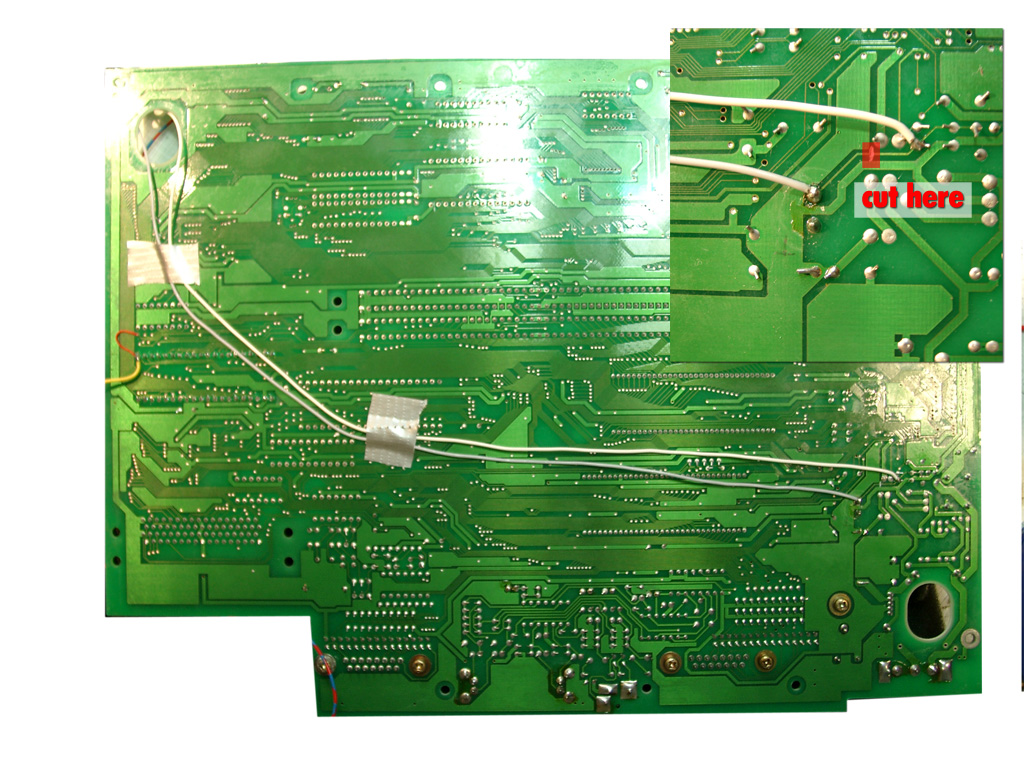
    white wire PIC Pin 11 to solder site of mainboard (Reset Signal)

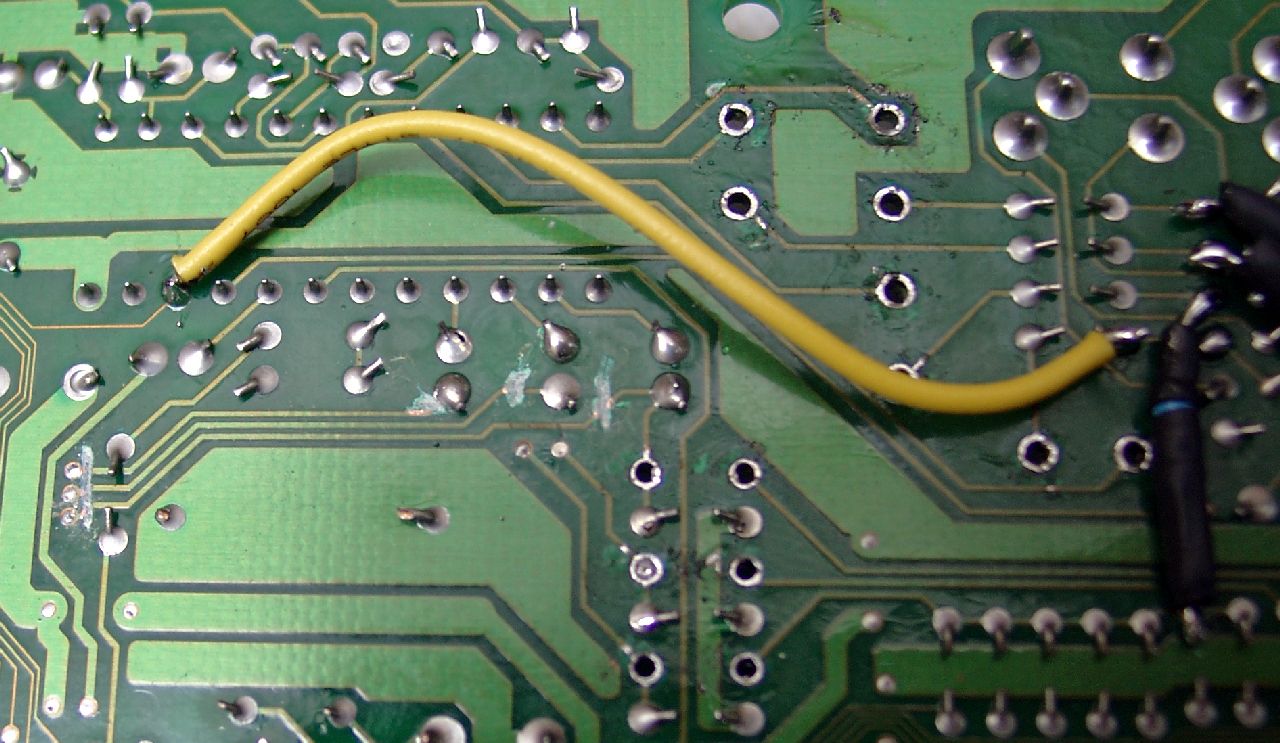
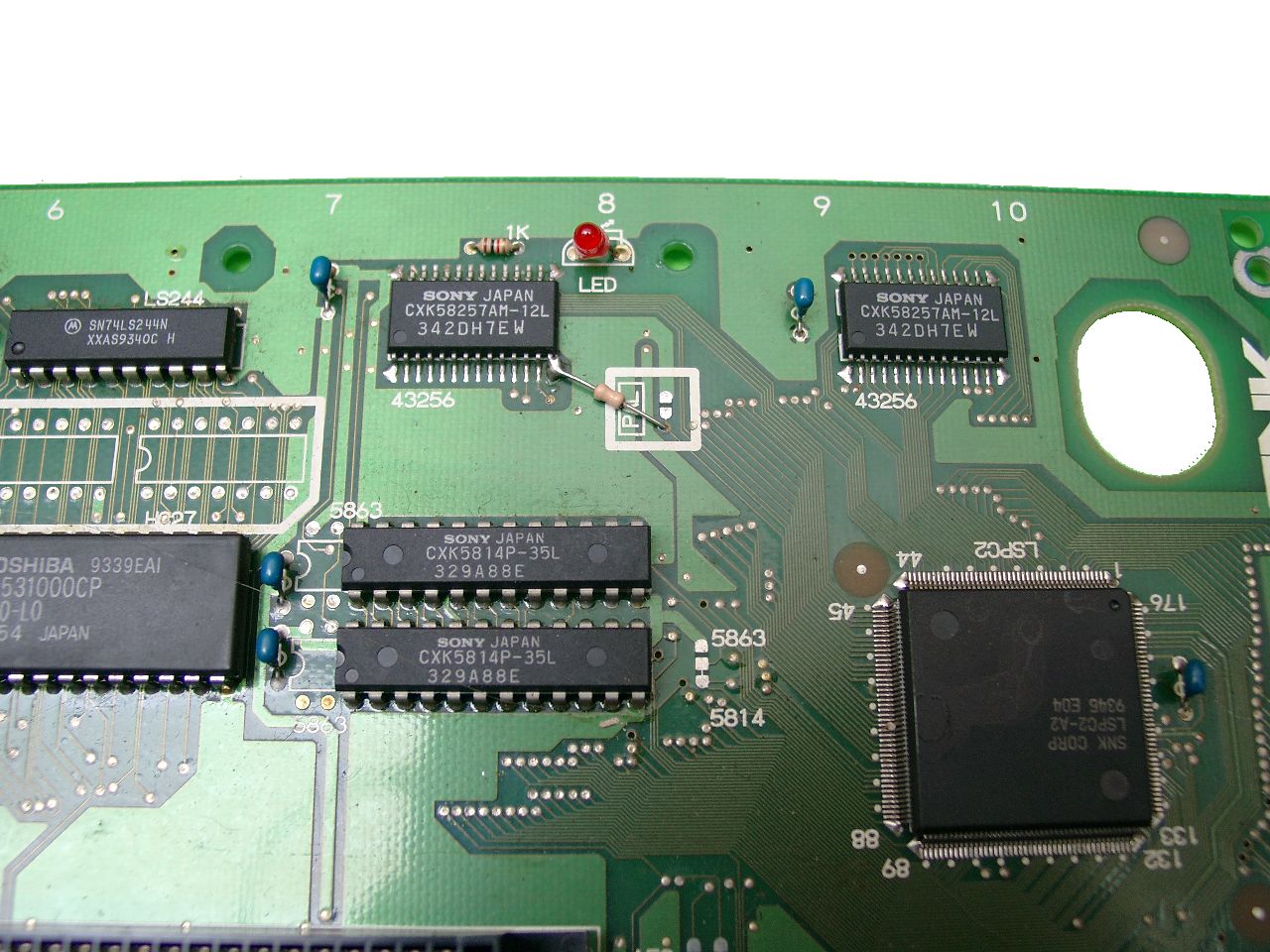
    pink wire PIC Pin 12 to PAL Jumper right site (LSPC2-A2 TSOP Pin 64)

    grey wire PIC Pin 13 to solder site of mainboard (Reset Button)

    remove the pal jumper, solder pink to the right site of the jumper

    (left site of PAL1 5V, right site to LSPC2-A2 TSOP Pin 64 for 50/60Hz definition)

    neogeo_duo_4

    Here you can see the lifted pins

    neogeo_duo_5

    on the solder site you have to cut one circuit (see red marked area) and solder grey and white

    (to split the original Reset Button Signal and make use of the Reset Button via the PIC)

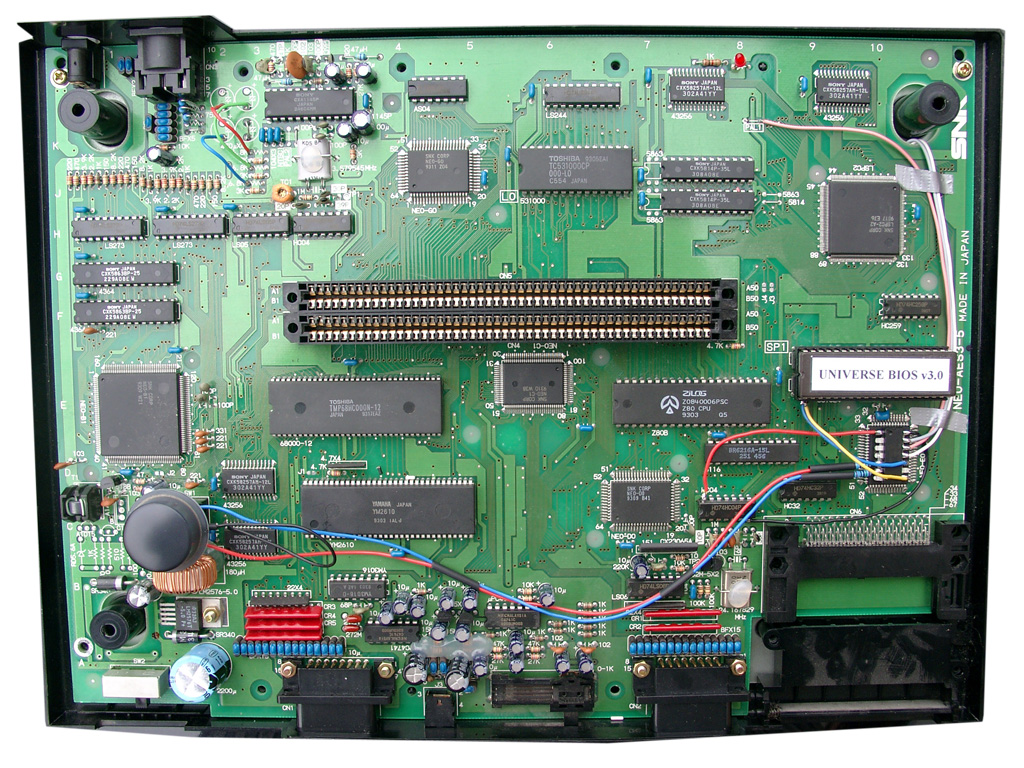
    neogeo5

    complete mainboard top site
    The black wire at the RGB-Led under the Reset Buttons is carrying 5V and taken from a nearby IC

    neogeo_duo_6

    Now you have to add the RGB Led to the power switch, with help of a dremel.

    I done it the same way as pete from www.mmmonkey.co.uk

    For more power I am using now a RGB-Led with black wire common Anode 5V

    neogeo_duo_3

    rgb-led

    english video

    german Video

  • NeoGeo AES RGB-Fix

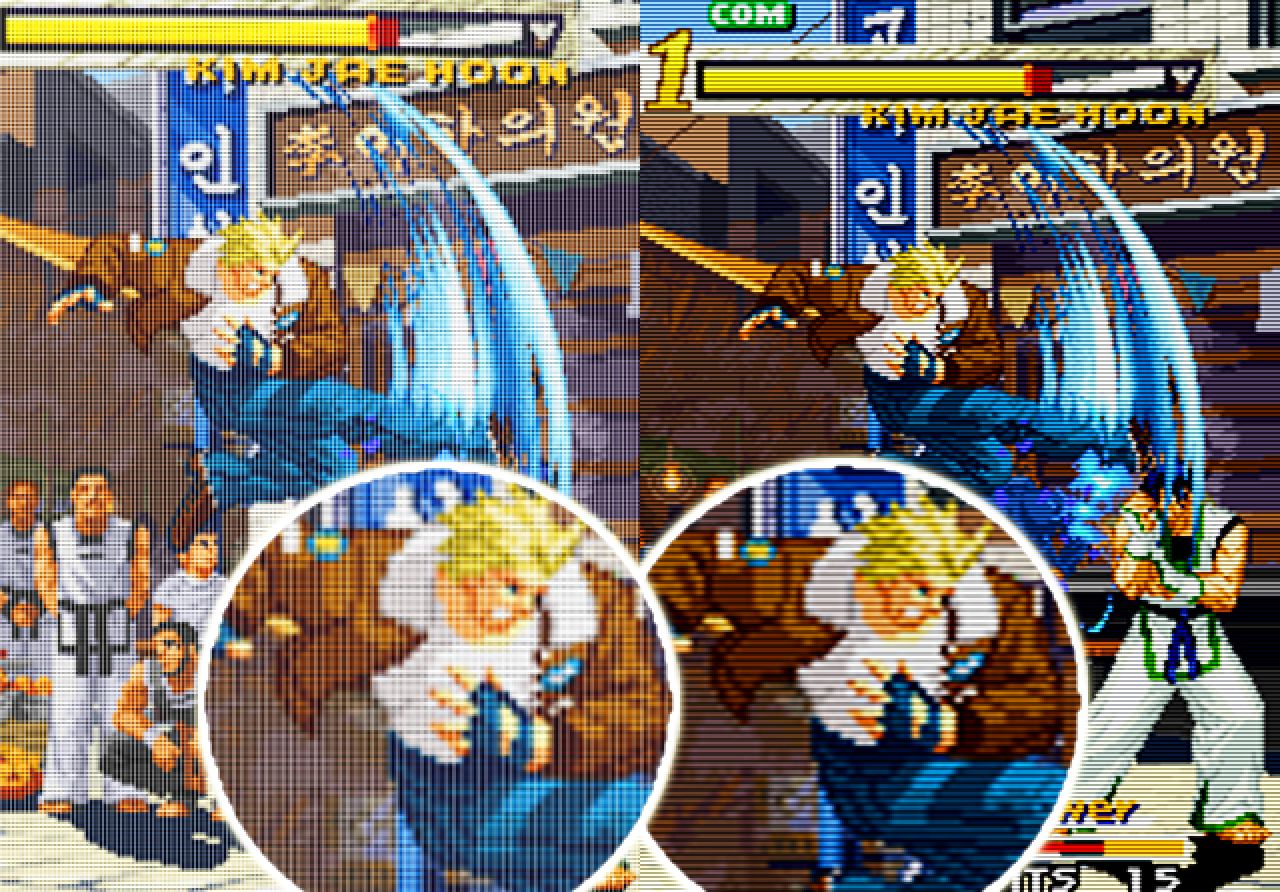
    The newer Revision 5 or 6 of Neo Geo have bad RGB-Output Signals. It looks like a grid layed over the picture.
    We can take care of the RGB-Fix if you are not able to do it by yourself

    left site: verticallines, right site: OK!
    left site: verticallines, right site: OK!

    To remove the vertical lines you can do the RGB bypass I found here.

    JammaNation X

    mmmonkey

    NeoGeo Forum

    First you have a look into your neogeo to see if you have one of the „bad“ Revisions.

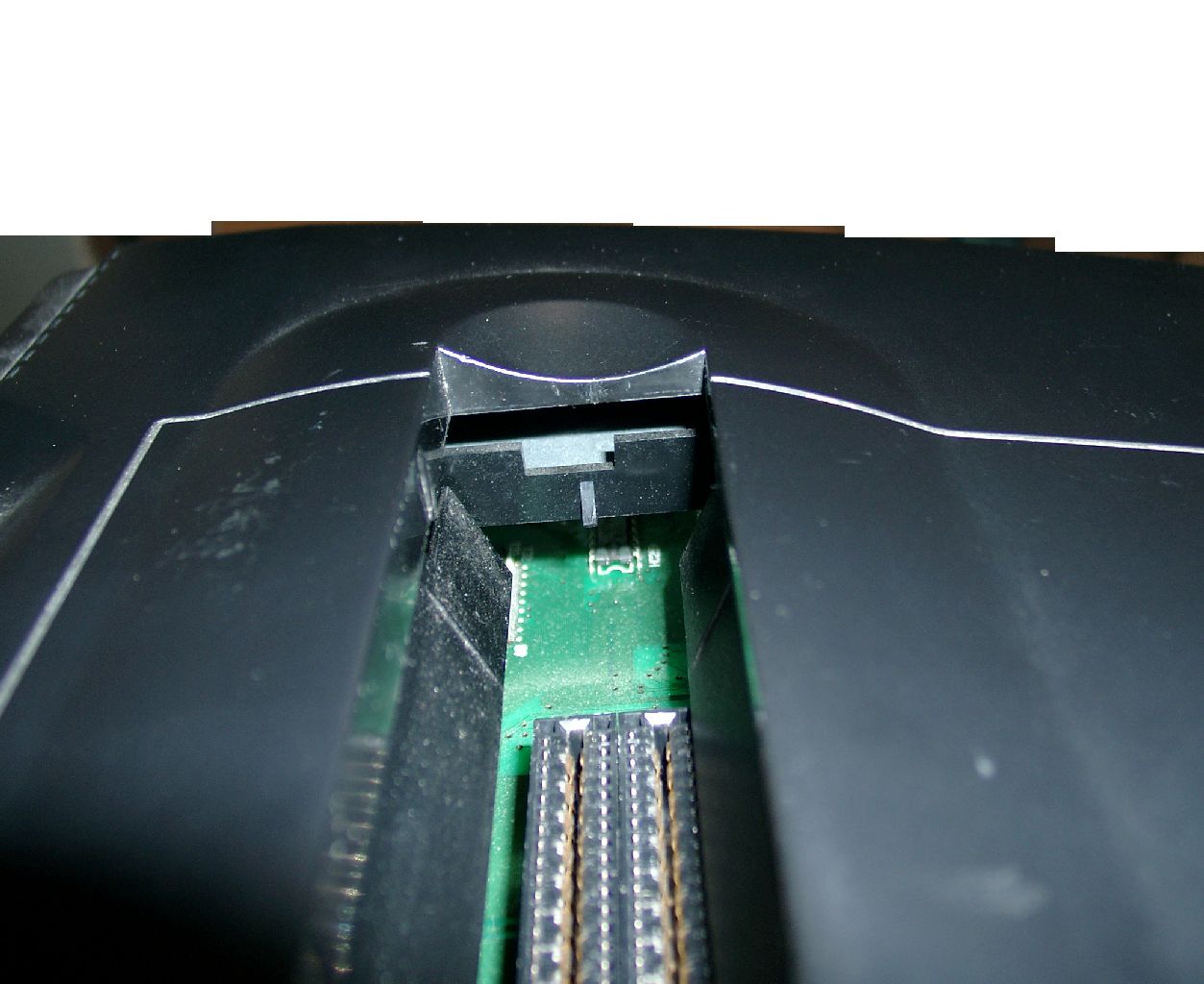
    use a flashlight to see the revision of your neogeo board
    use a flashlight to see the revision of your neogeo board

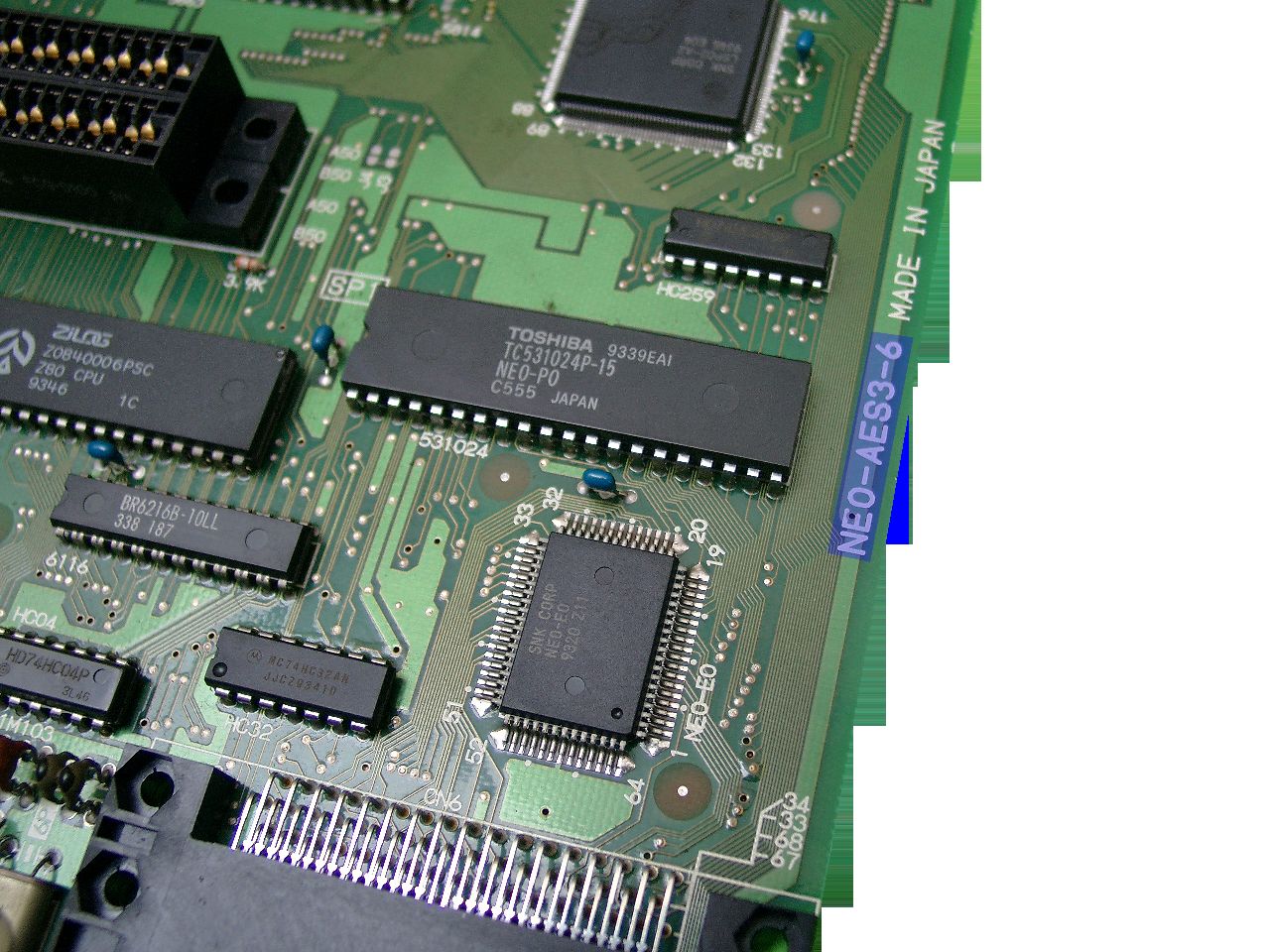
    use a flashlight to see the number

    This can help too

    Here you can see the Layout Revision
    Here you can see the Layout Revision

    Part #1

    Removing Capacitors, Resistors and replaceing with 3 75Ohm Resistors

    Remove the 4 capacitors and 3 resistors
    Remove the 4 capacitors and 3 resistors

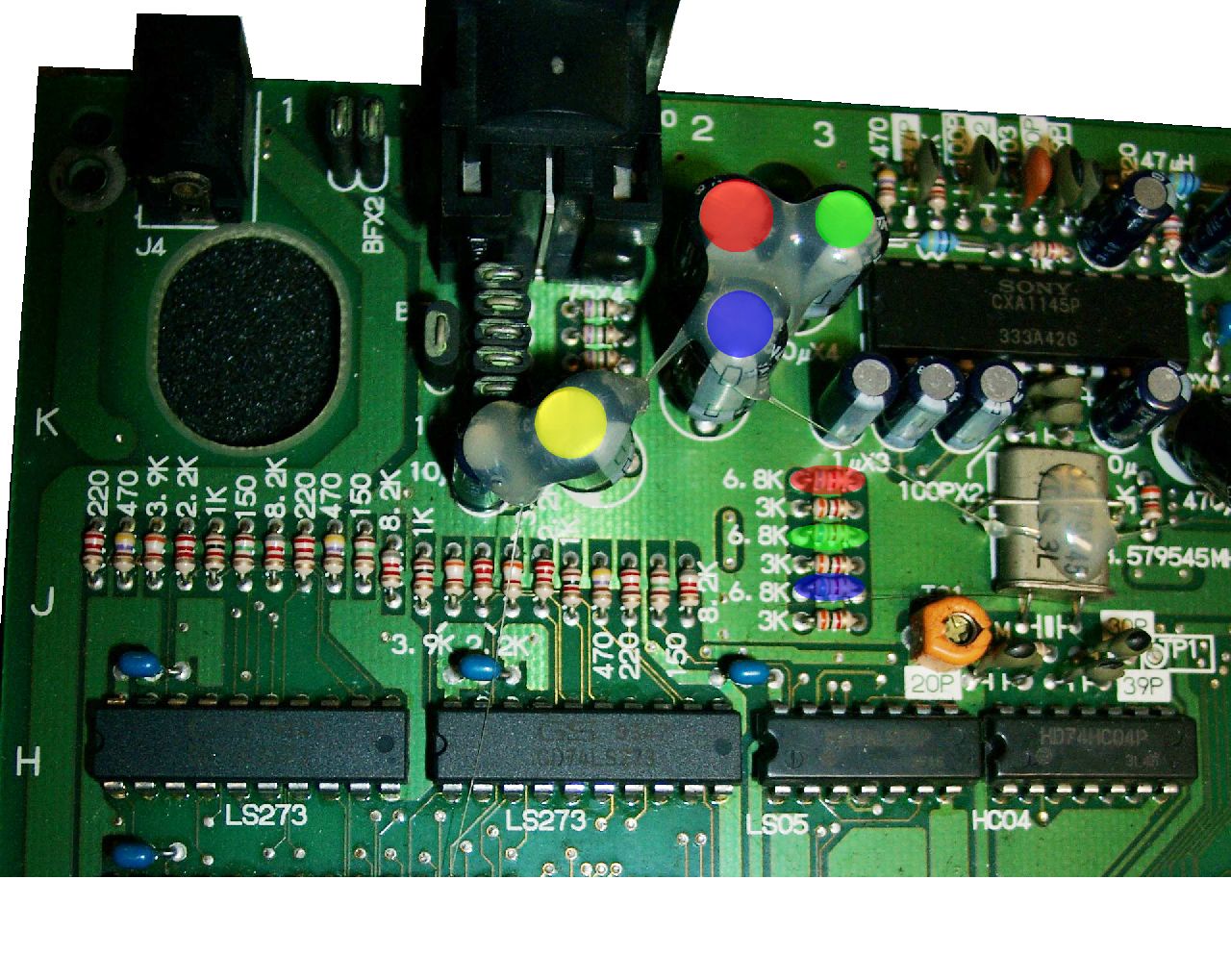
    You have to remove the four marked capacitors (red,green,blue,yellow) and the 3 Resistors (red,green,blue).

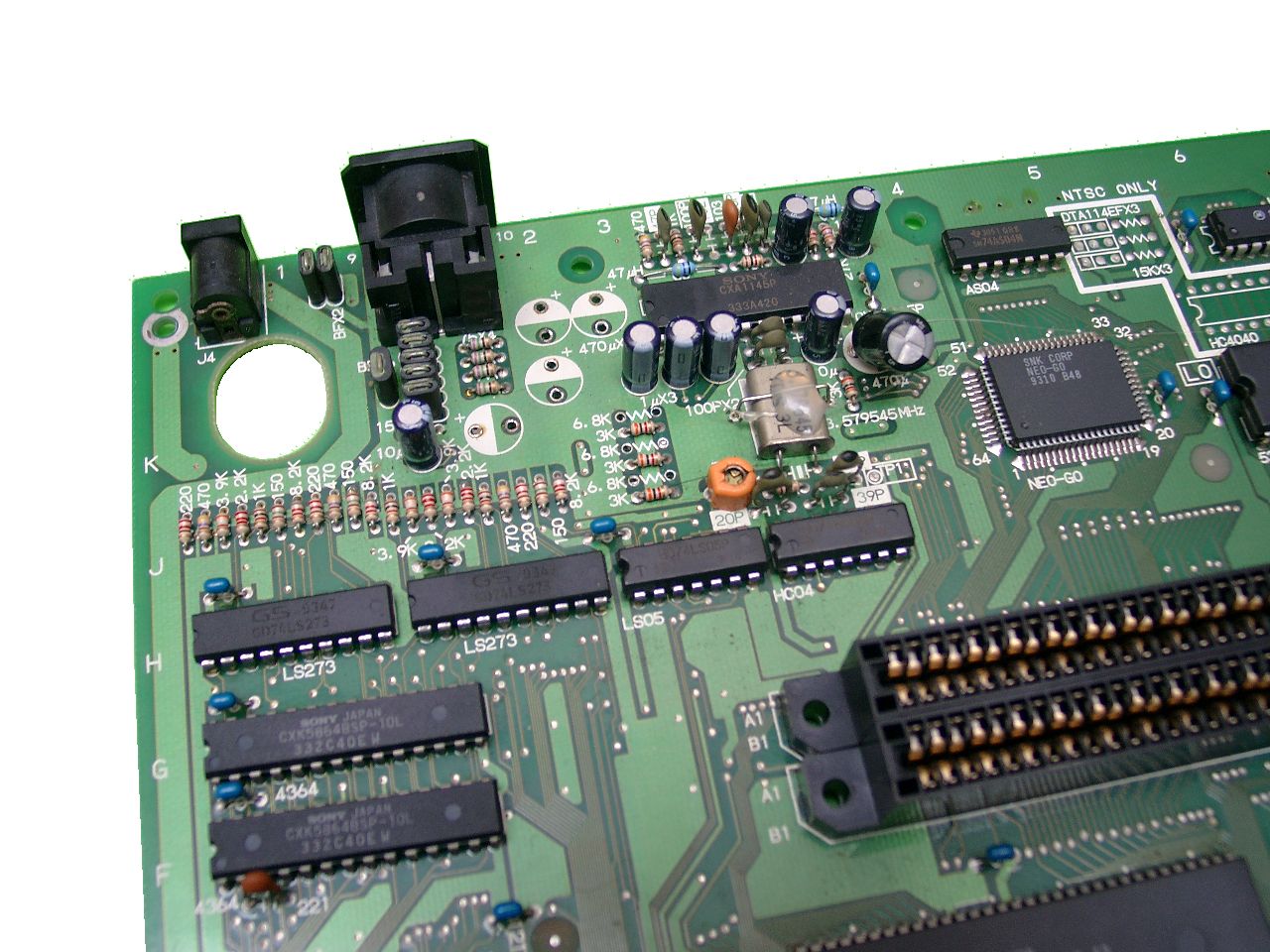
    After this it looks like this

    removed capacitors and resistors
    removed capacitors and resistors

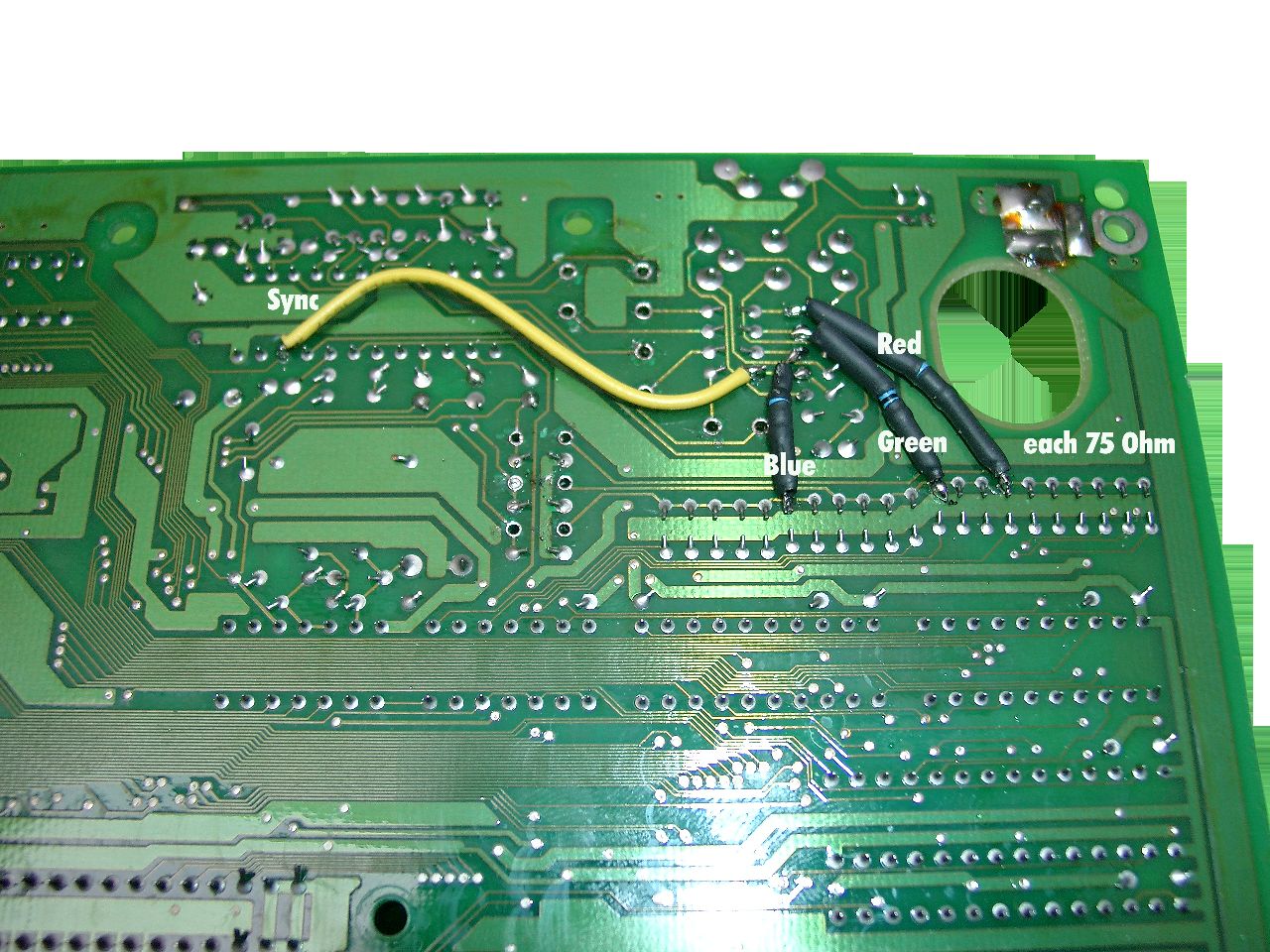
    Now you have to reconnect the rgb Signal via 75 Ohm Resistors.
    I am using some shrinking tube look here.
    The Sync Signal (yellow) doesn’t need 75 Ohm you can wire it directly

    3 resistors and sync wire
    3 resistors and sync wire

    Part#2

    directly at the other side of the mainboard you find the crystal (the cause of the problem)

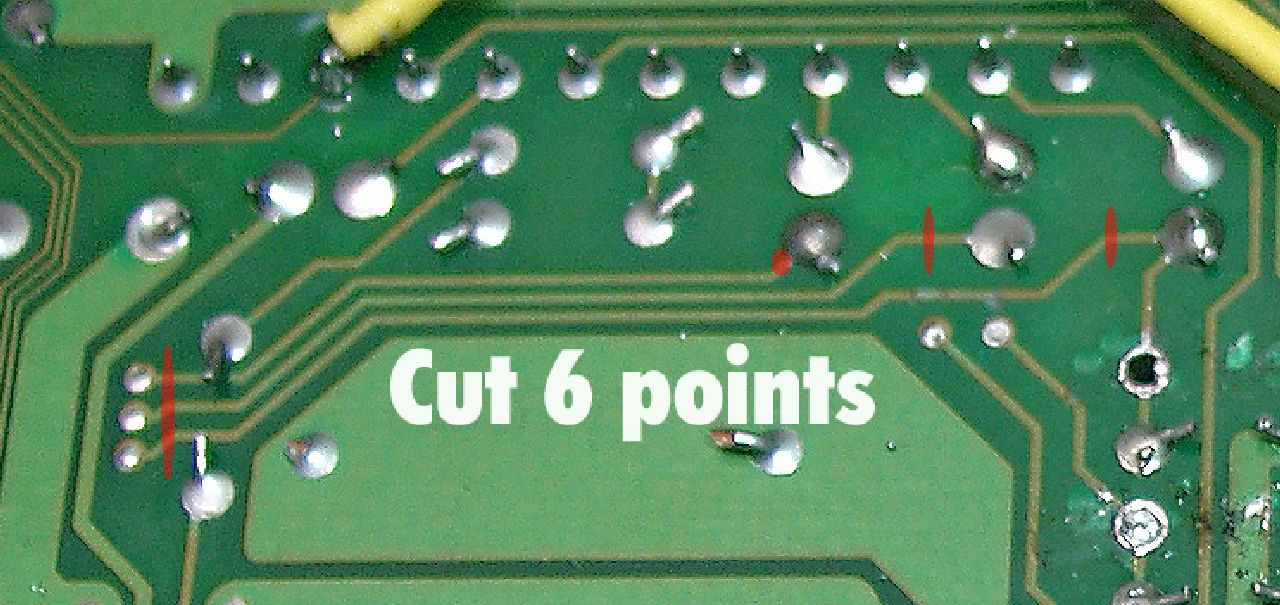
    you have to cut of the rgb-signal in this area, so the crystal can’t sending bad signals into the rgb-wires.

    cuting rgb signal
    cuting rgb signal

    You have to cut both sites to be sure.

    cutting done
    cutting done

    cutting done

    After further reading the links above, it seems to be allright if you only do Part#2.
    When I will do the next neogeo I will check it and give this site an update, because I done first Part #1 and the picture was quite better. After doing Part#2 I didn’t saw any better picture.

    Part #3  50/60 Hz

    If you have a Pal Revision all games running at 50Hz you have to cut of the connector between the pal jumper.

    The following picture is showing a NTSC Console.

    Here you can see a NTSC Console in 60Hz Mode
    Here you can see a NTSC Console in 60Hz Mode the 0 Ohm Resitor gives GND to Pin64

    Pin 64 of the nearby chip LSPC2-A2 9305 E27 sets 50 or 60Hz.

    GND at Pin 64 -> 60Hz
    5V at Pin 64 -> 50Hz