Kategorie: Pinball MODs

  • Rotating UFO for Revenge From MARS duo color MOD

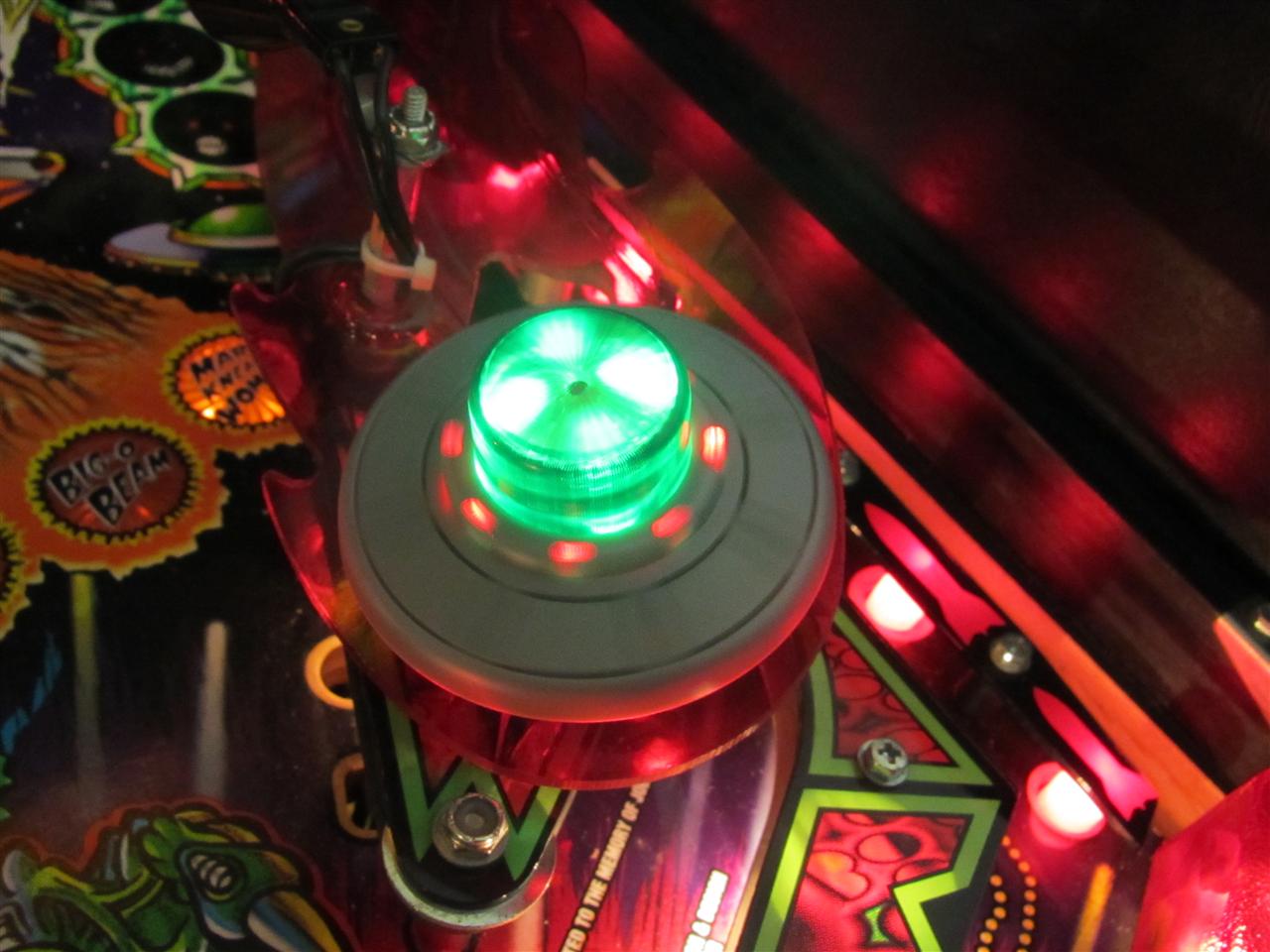
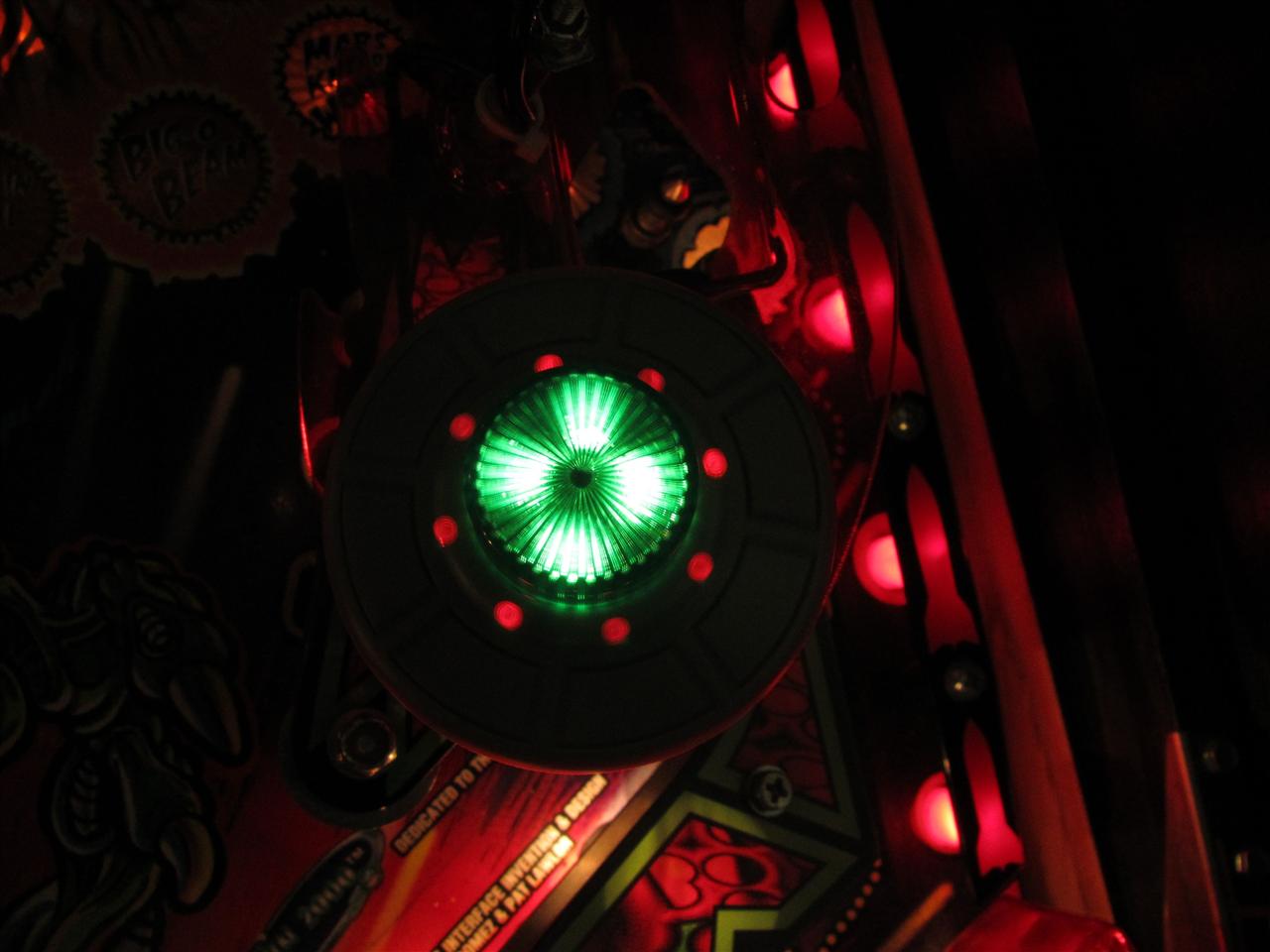
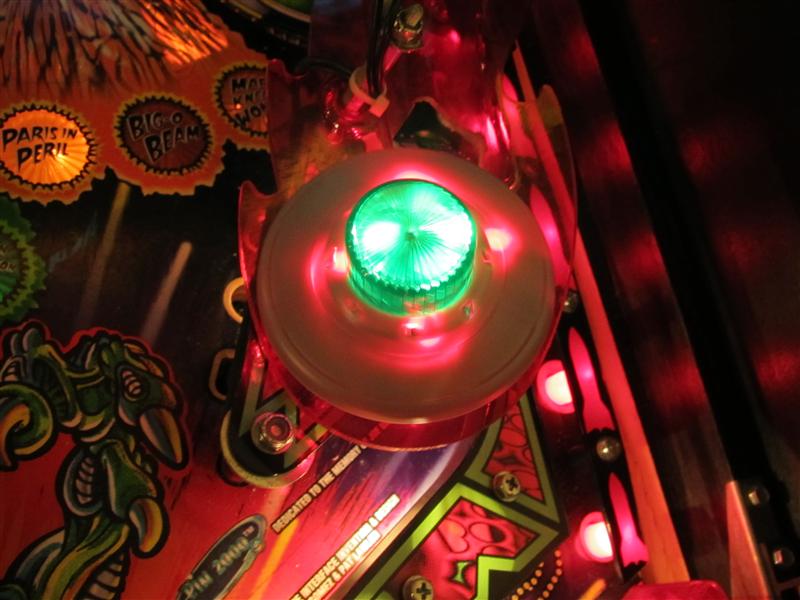
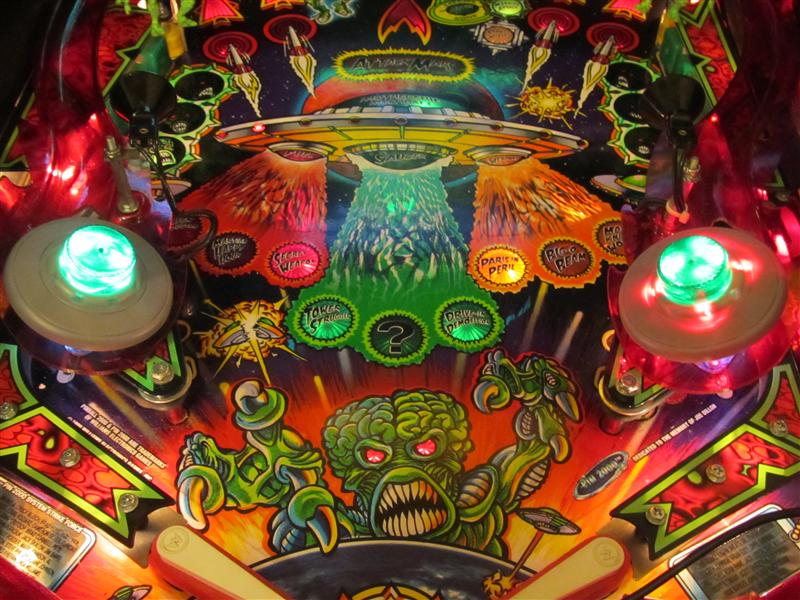
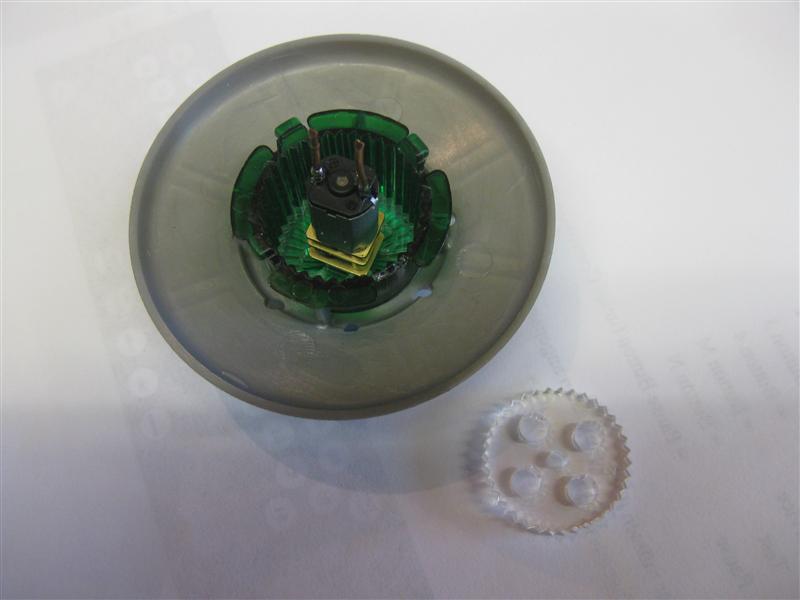
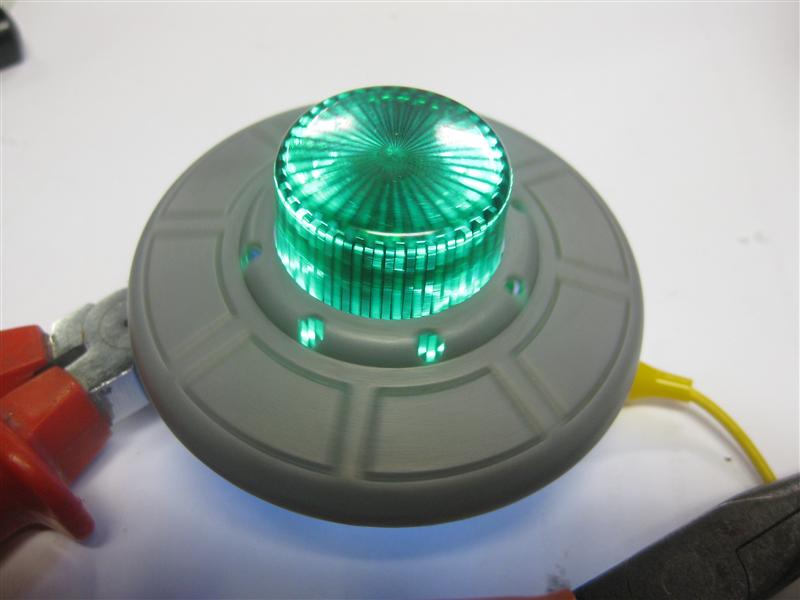
    Today I got the new plastics I created to make the 8 holes of the RfM Ufo light up in red.

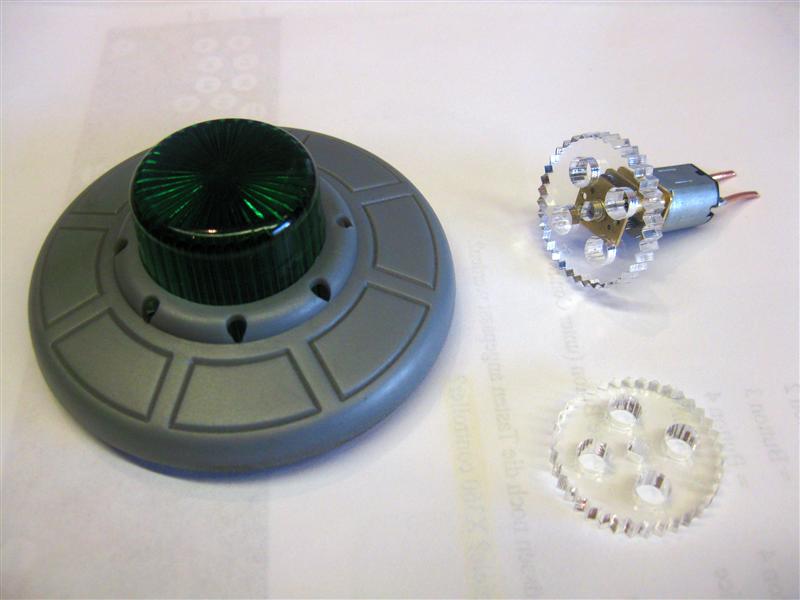
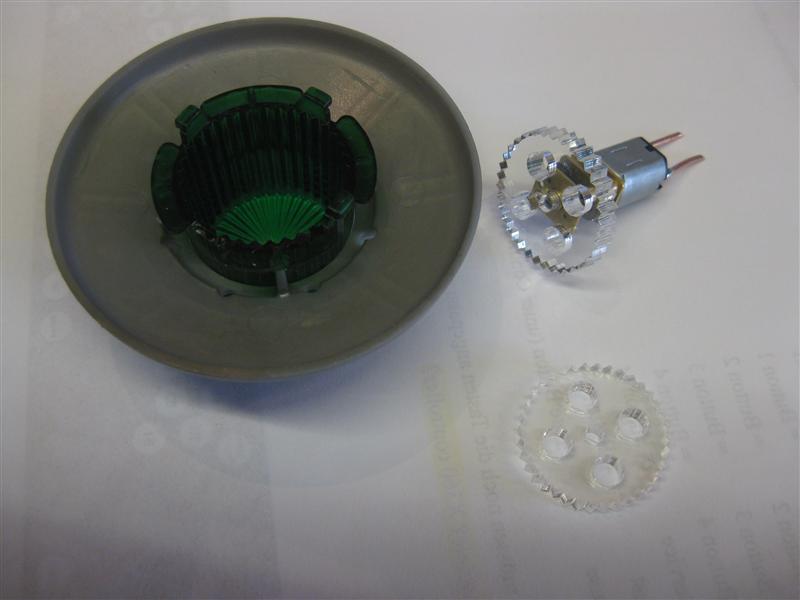
    Here you can see all the plastics:
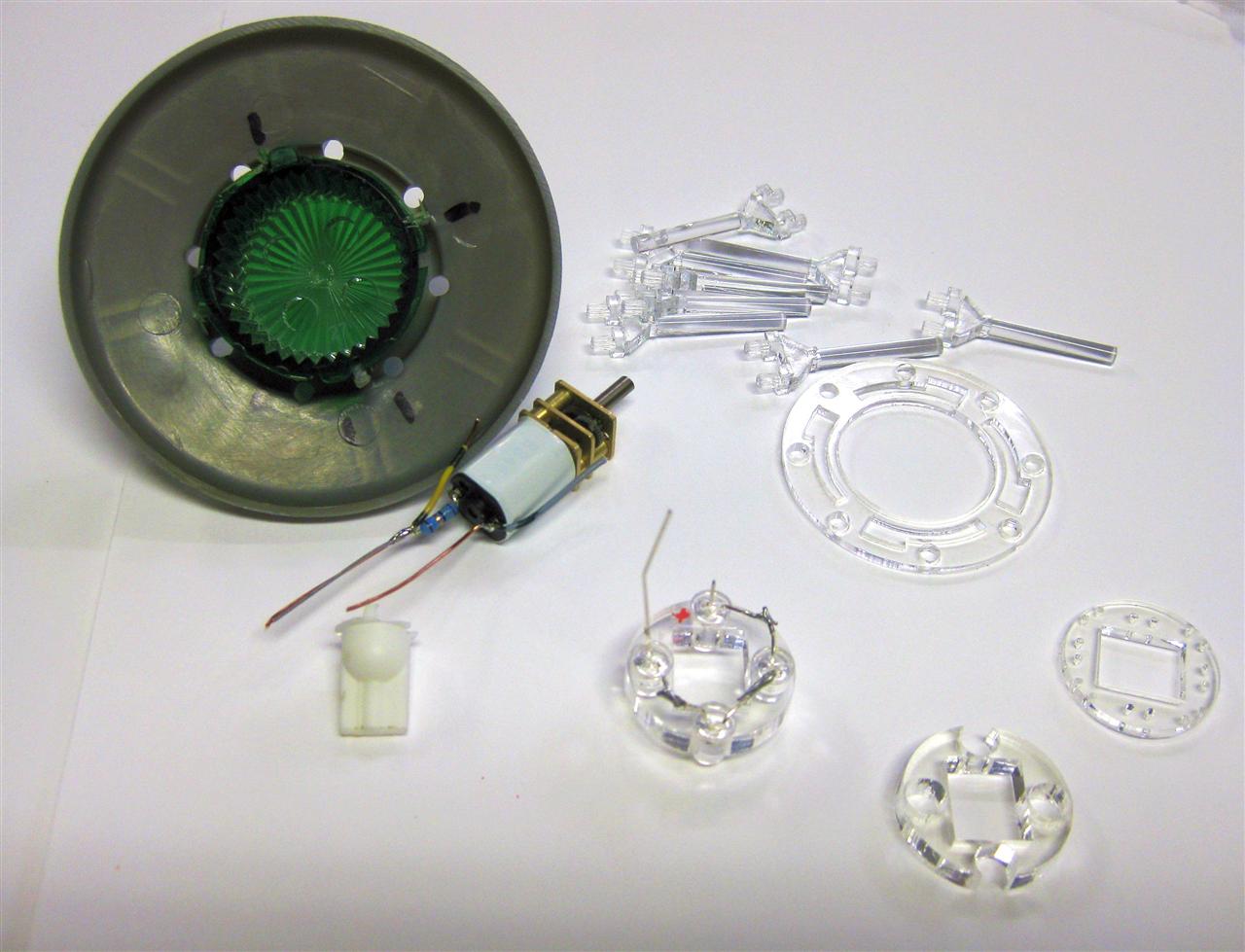
    RfM_dual_color_MOD_01

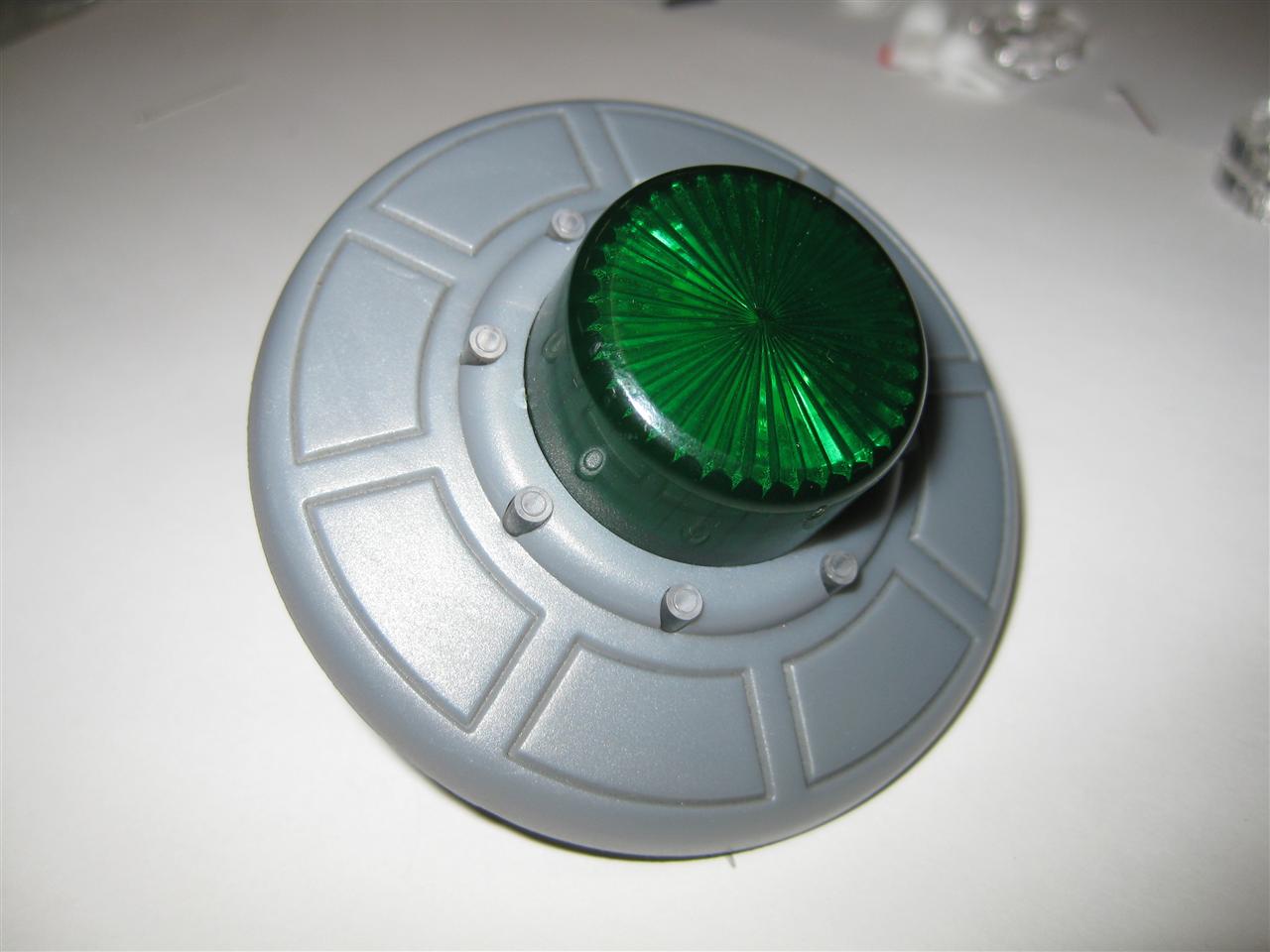
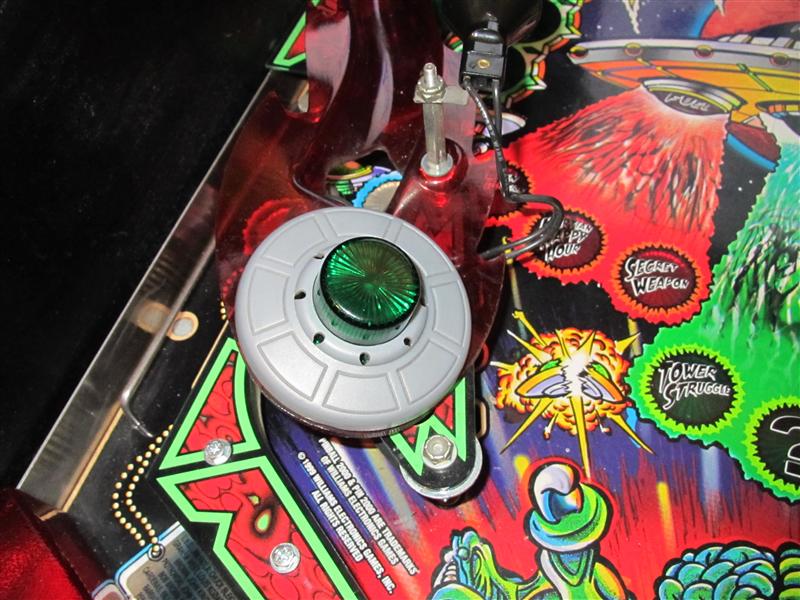
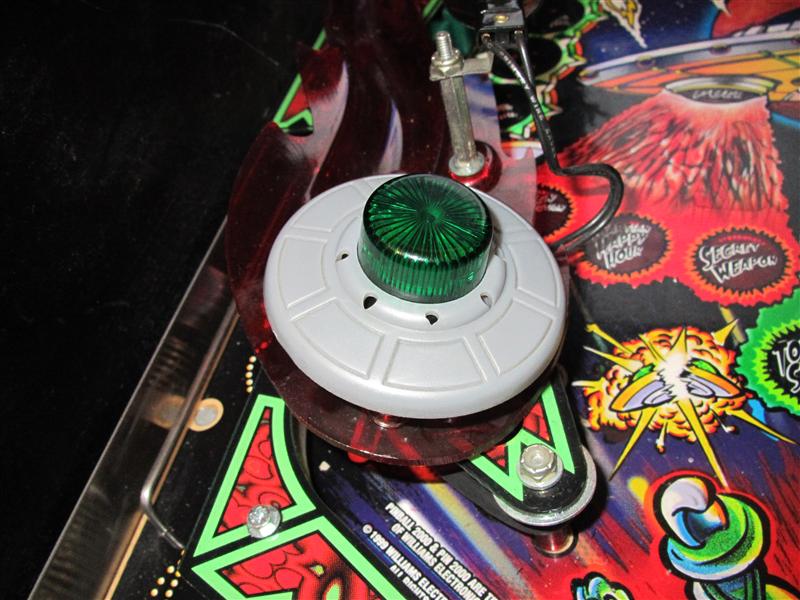
    I was using a new green Flasher CAP and cut some plastic at the outer site.

    To see the red light only at the 8 holes I have to cover the innersite  of the UFO with black adhesive
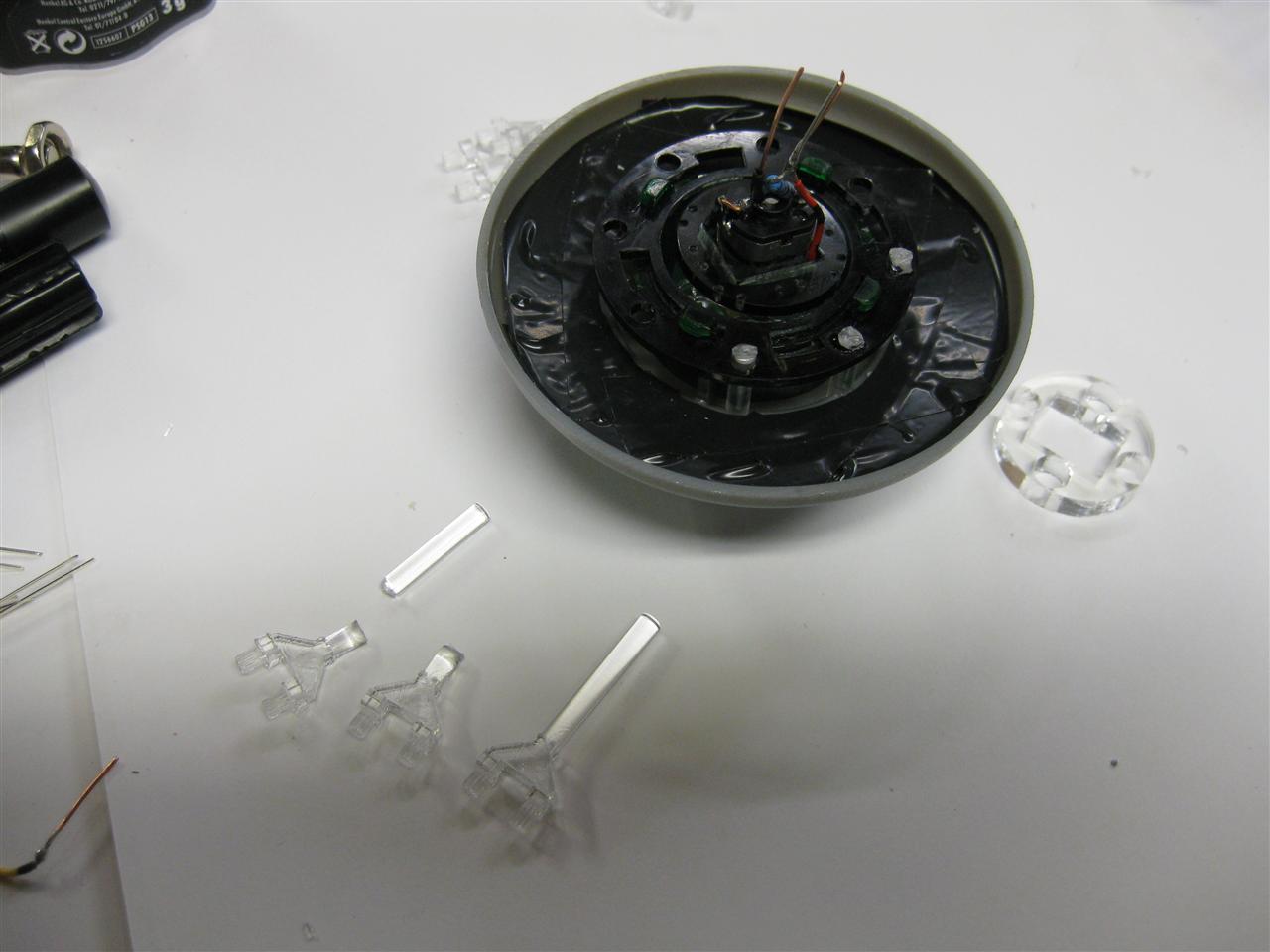
    RfM_dual_color_MOD_02

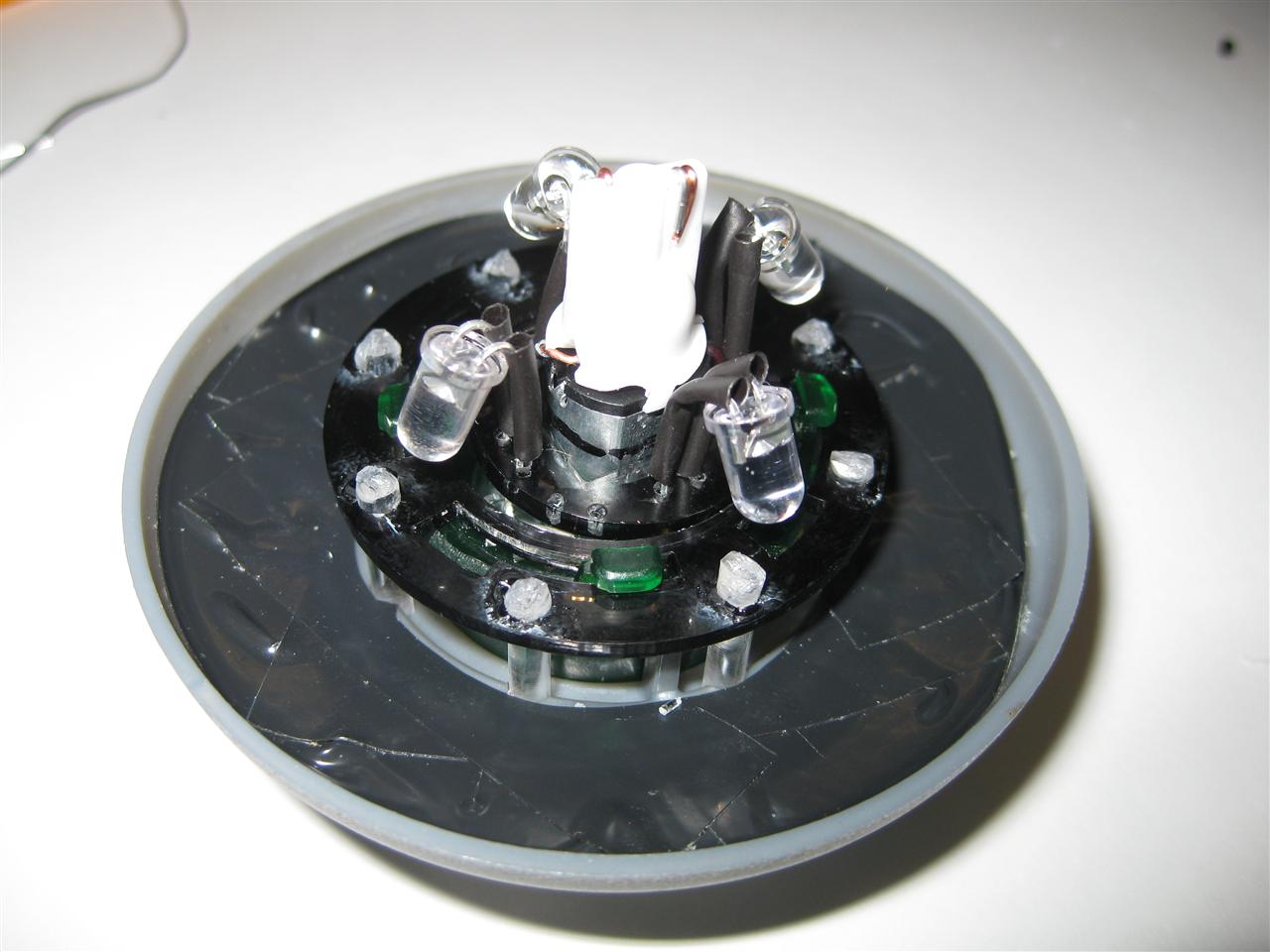
    Here you see the lighttransmitter pins connected with the help of  some glue
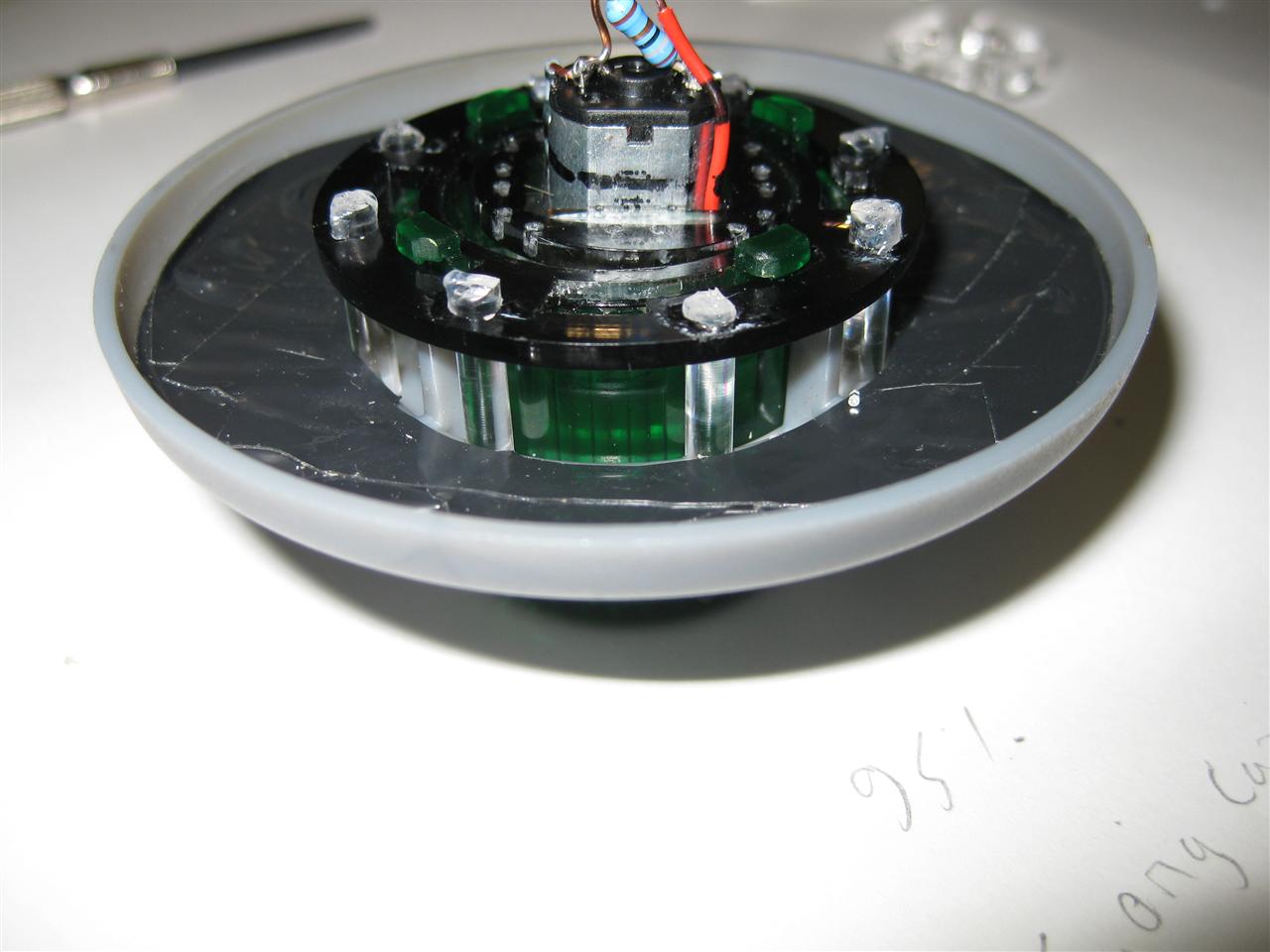
    RfM_dual_color_MOD_03

    here you can see how it looks with the sticks
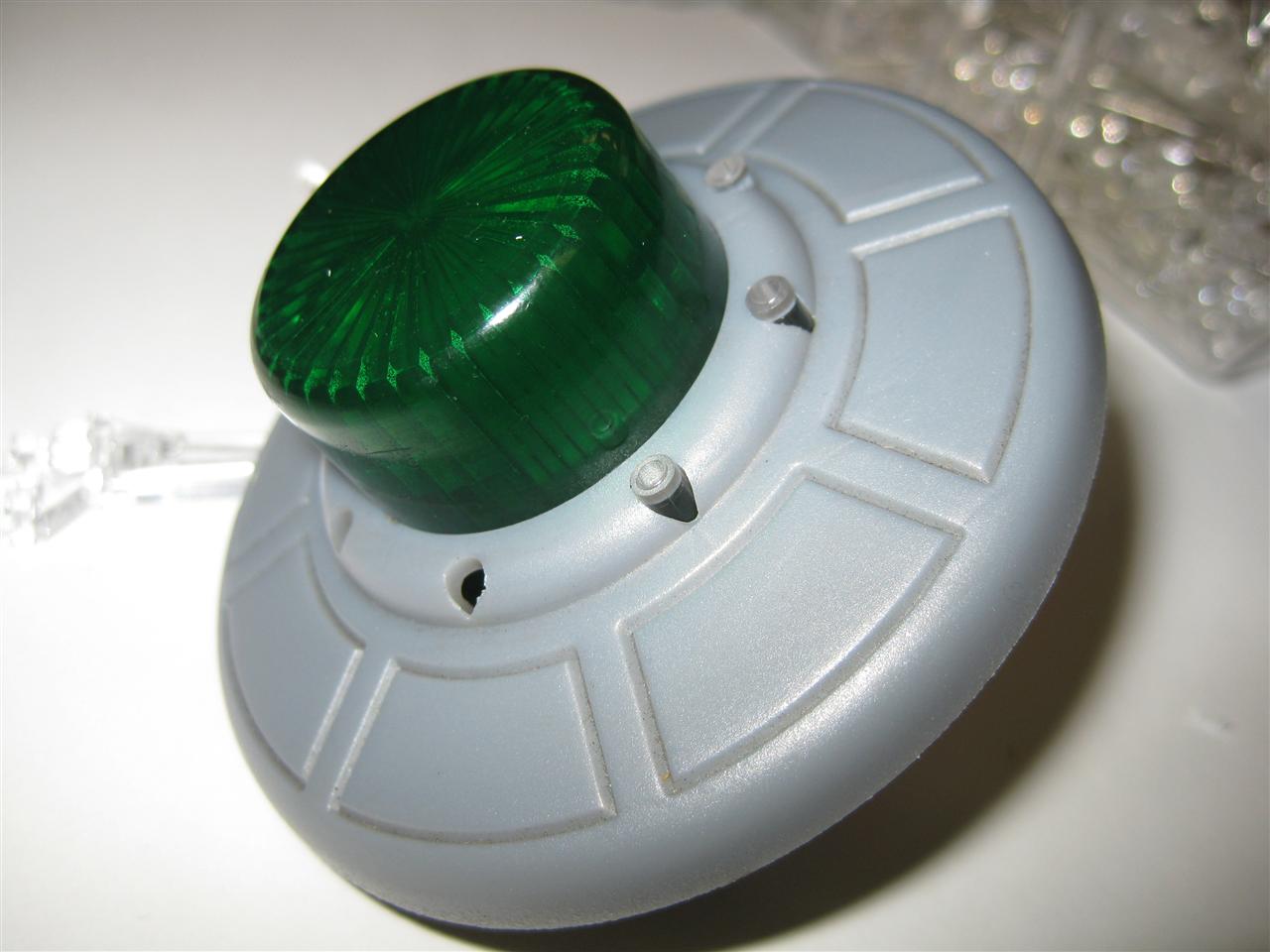
    RfM_dual_color_MOD_04

    The Motorpart:

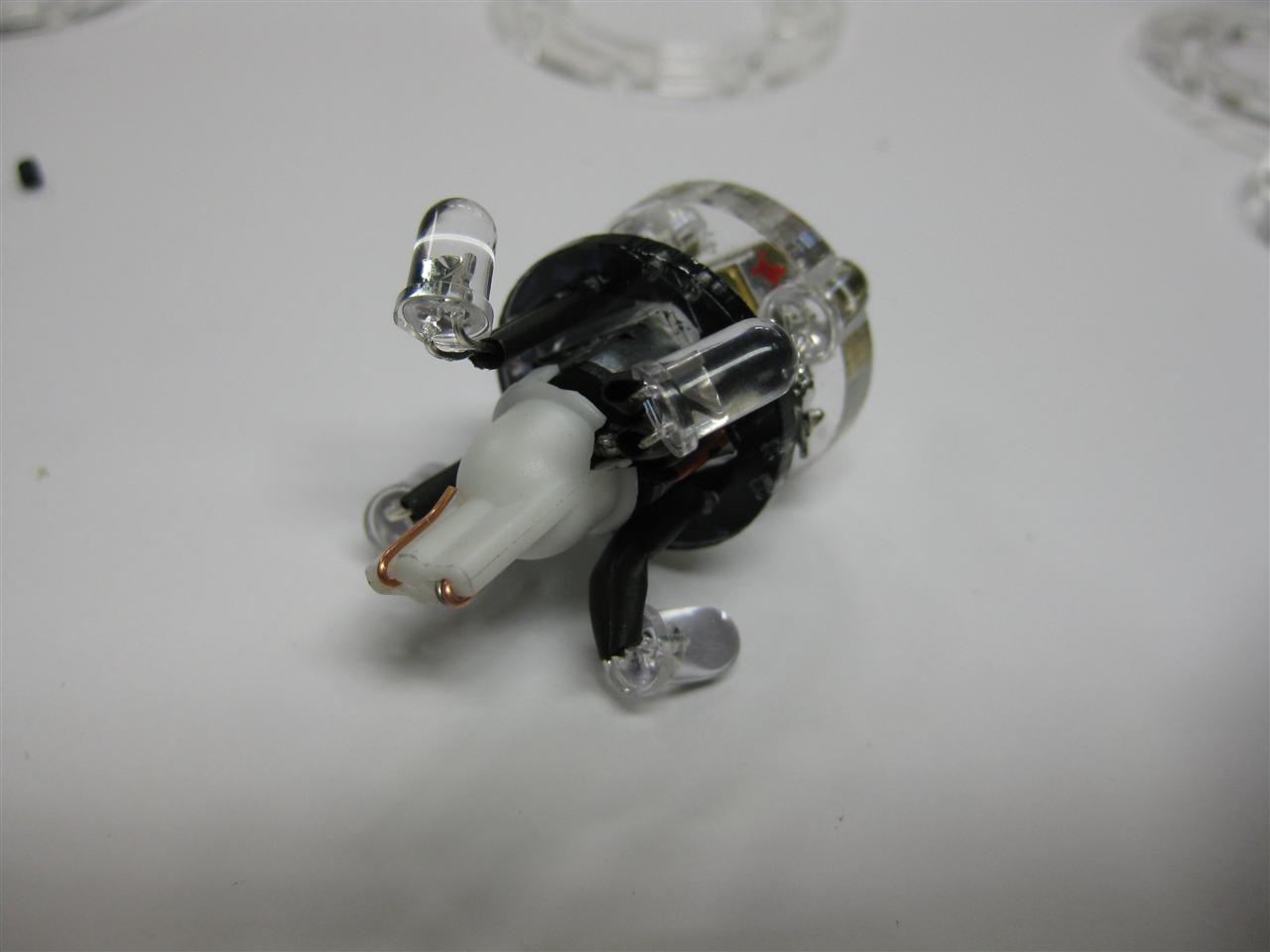
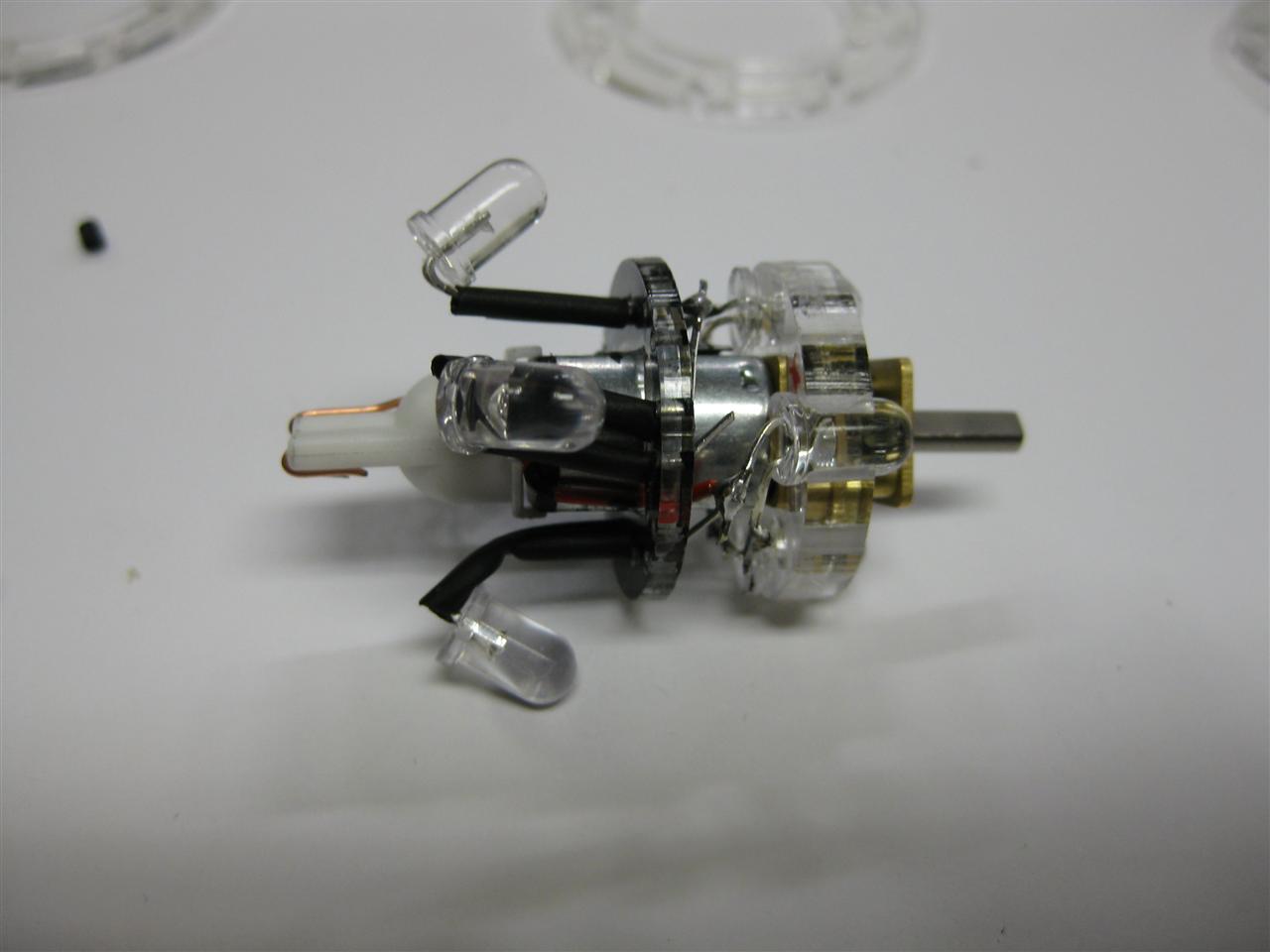
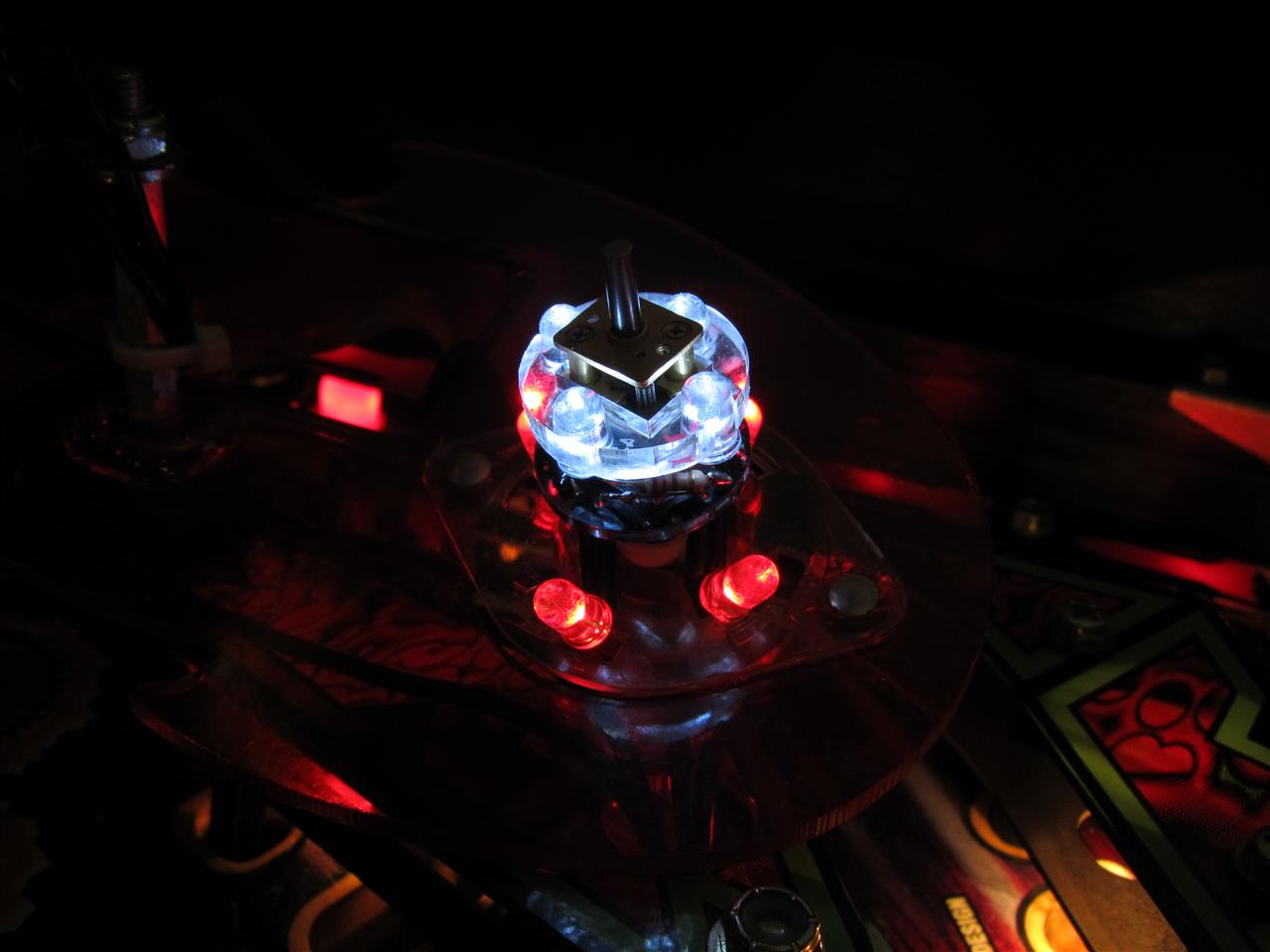
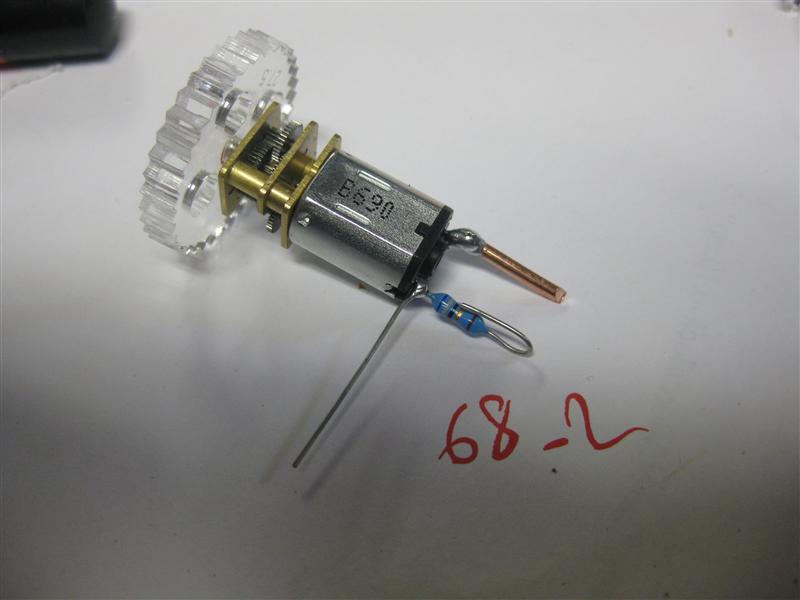
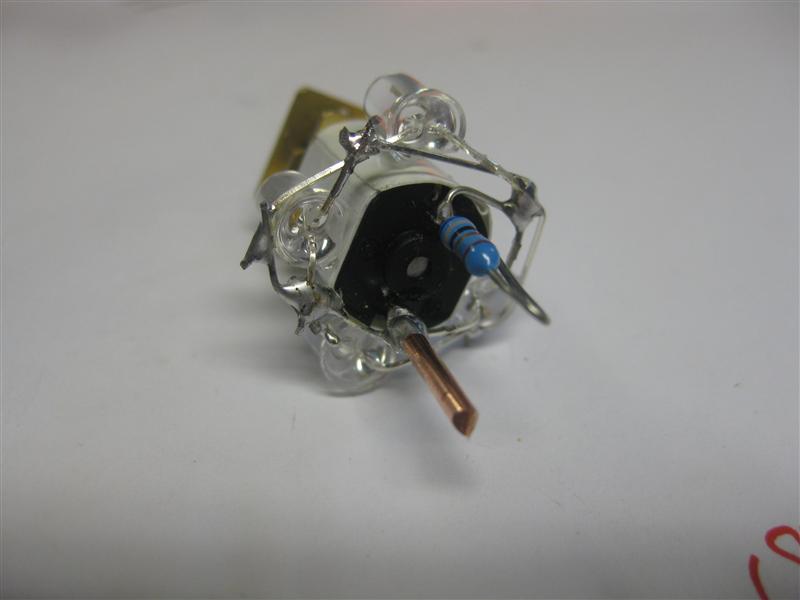
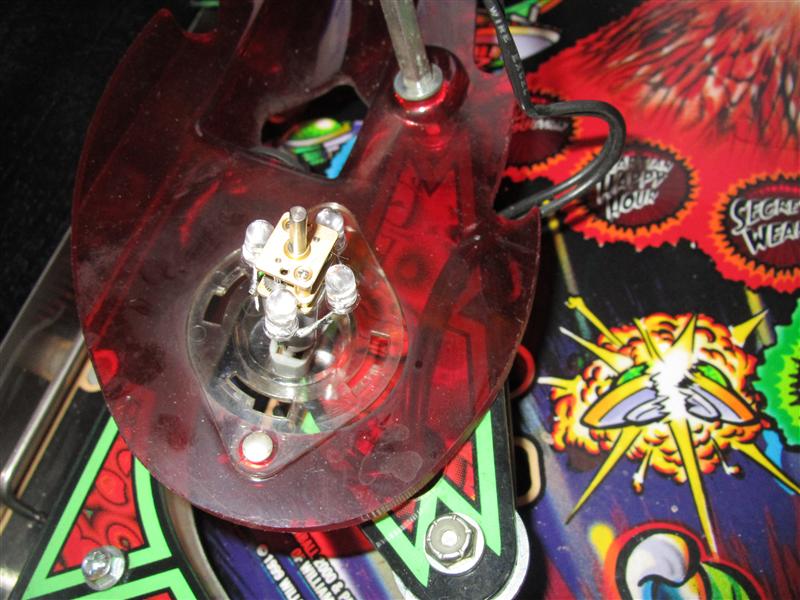
    Here I have to do the 4 LEDS for the flasher replacement up at the gear. Now with the help of the plastic its easier to solder
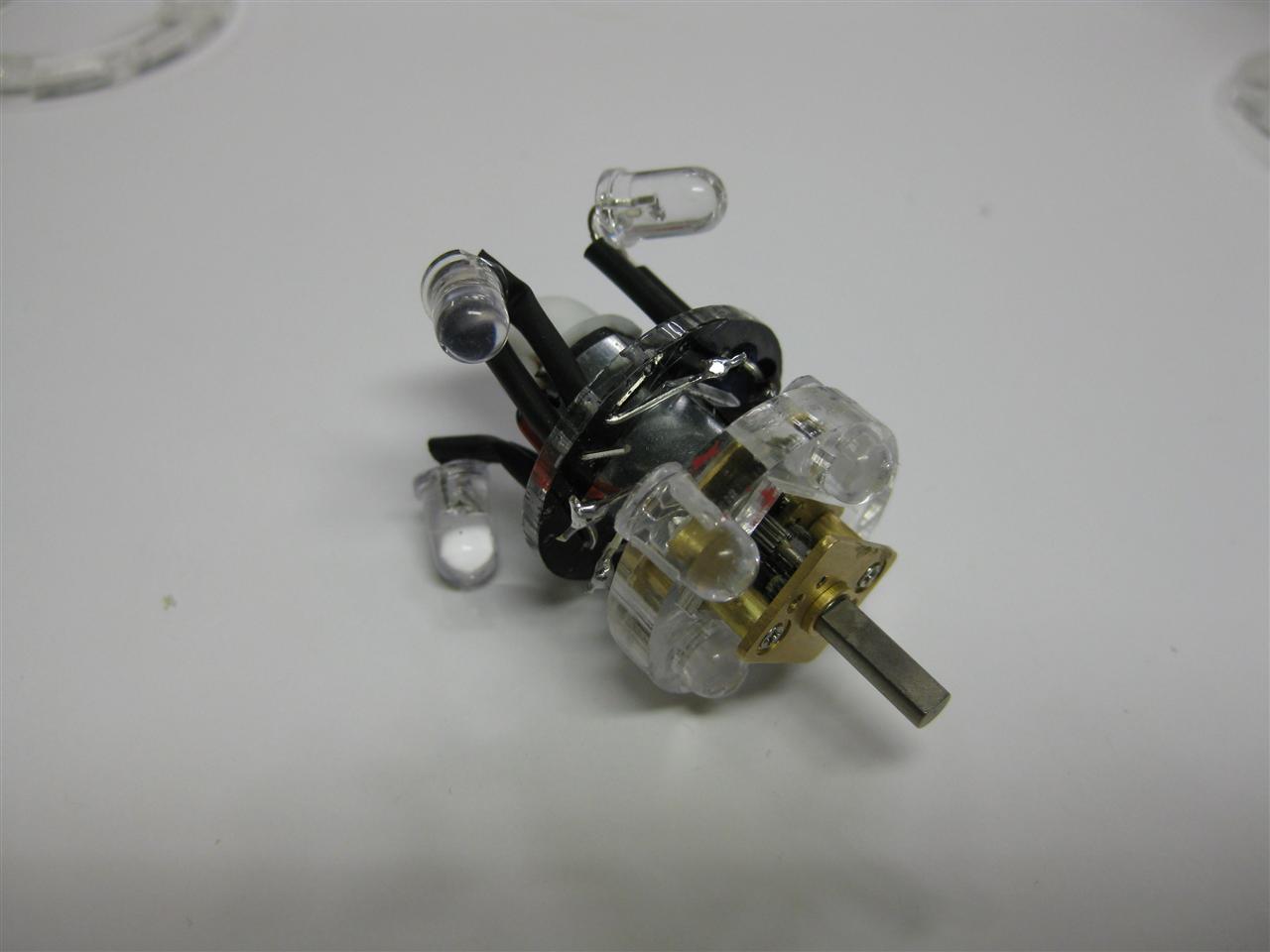
    RfM_dual_color_MOD_07

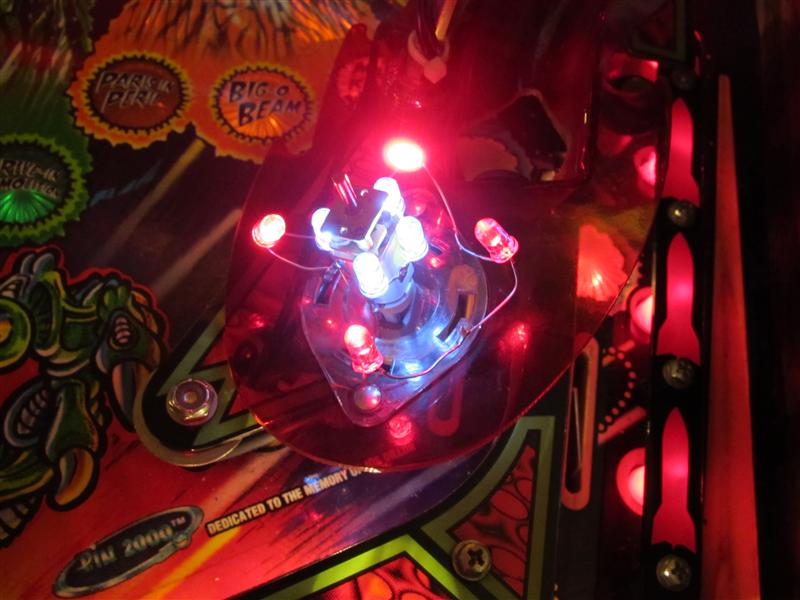
    Here you can see the 4 red Leds

    RfM_dual_color_MOD_05

    site view

    RfM_dual_color_MOD_06

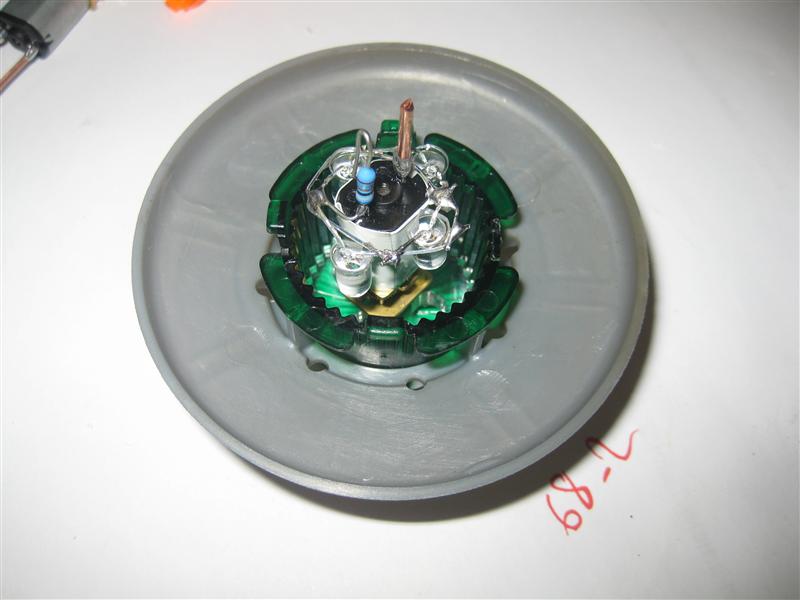
    together

    RfM_dual_color_MOD_08

    RfM_dual_color_MOD_09

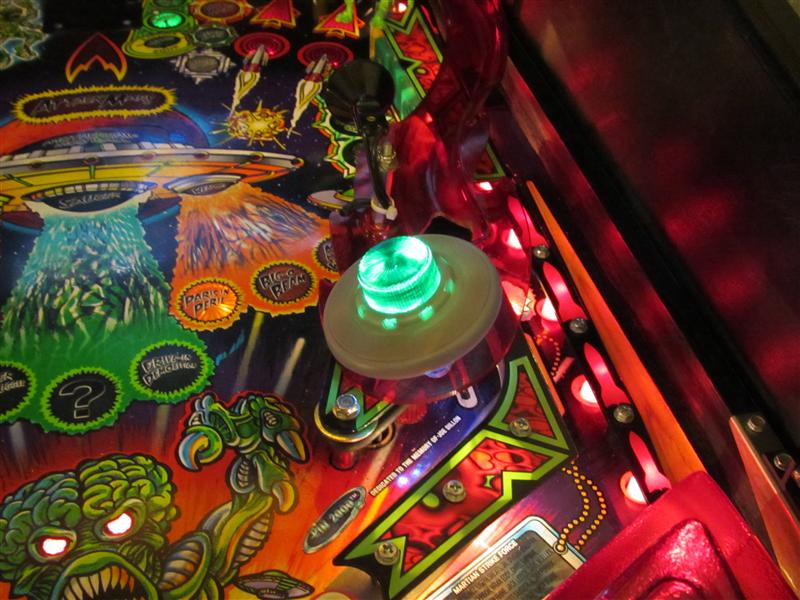
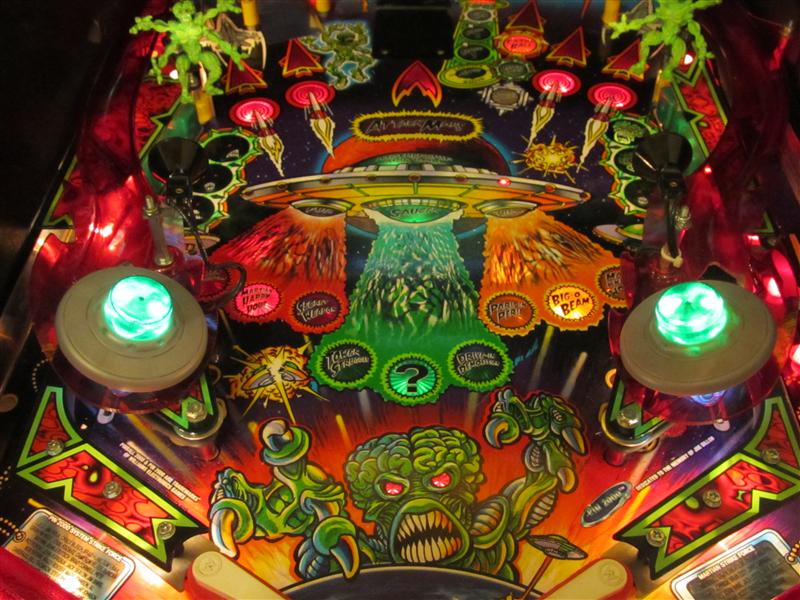
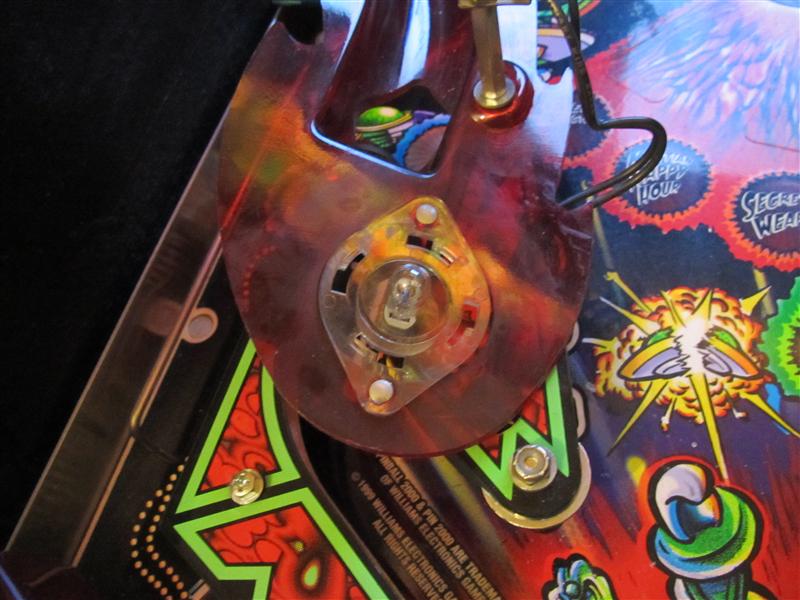
    Here you can see it into the RfM

    RfM_dual_color_MOD_10

    RfM_dual_color_MOD_11

    RfM_dual_color_MOD_12
    Video:
  • Theatre of Magic Magic Doves

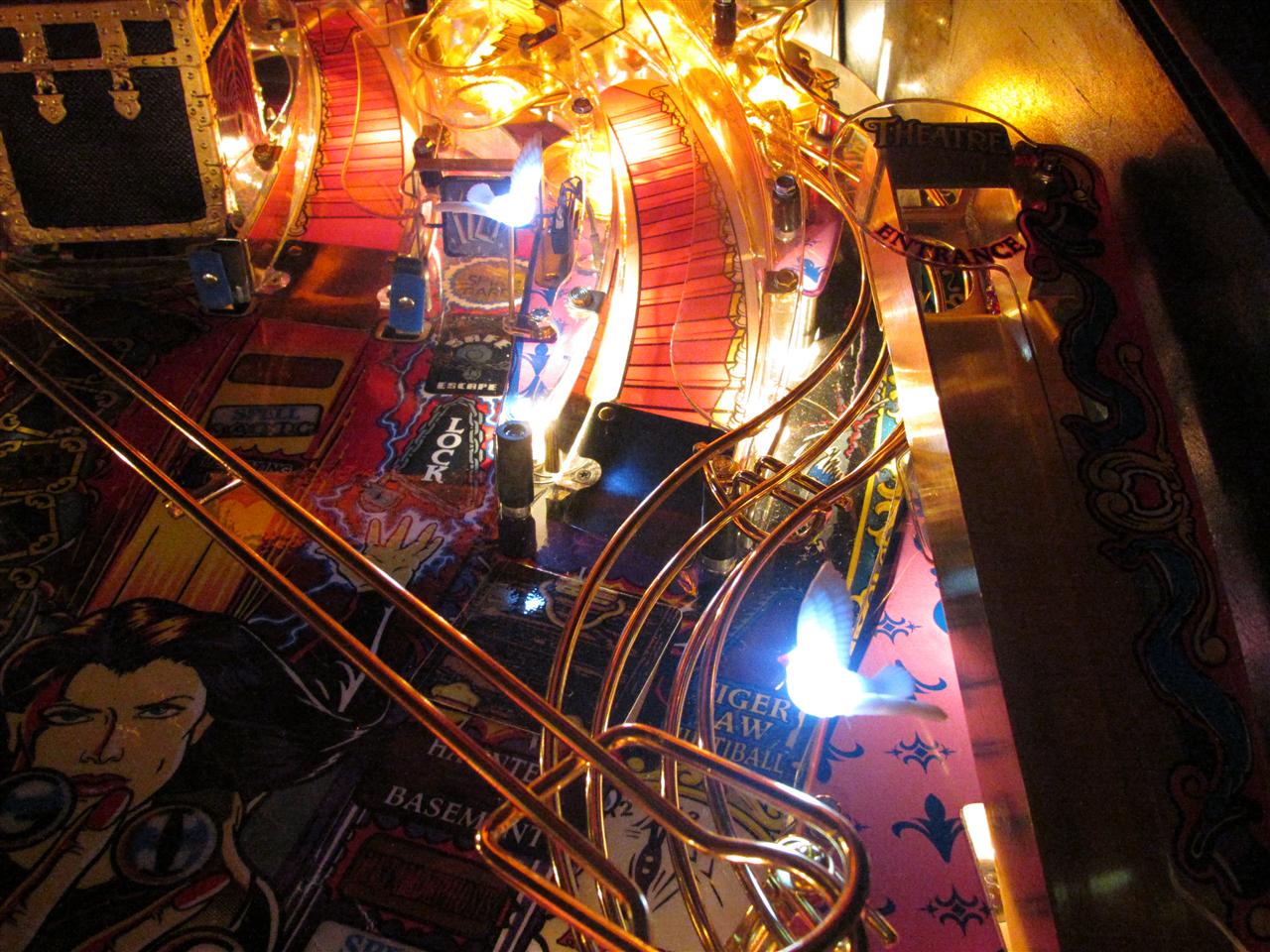
    I only have the rabbit mod for ToM and saw somebody else have put some little doves into the pinball.
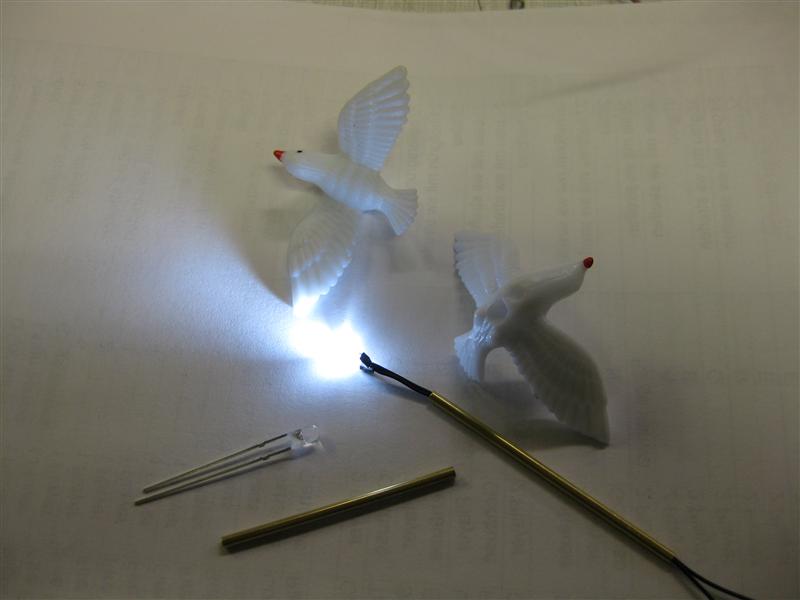
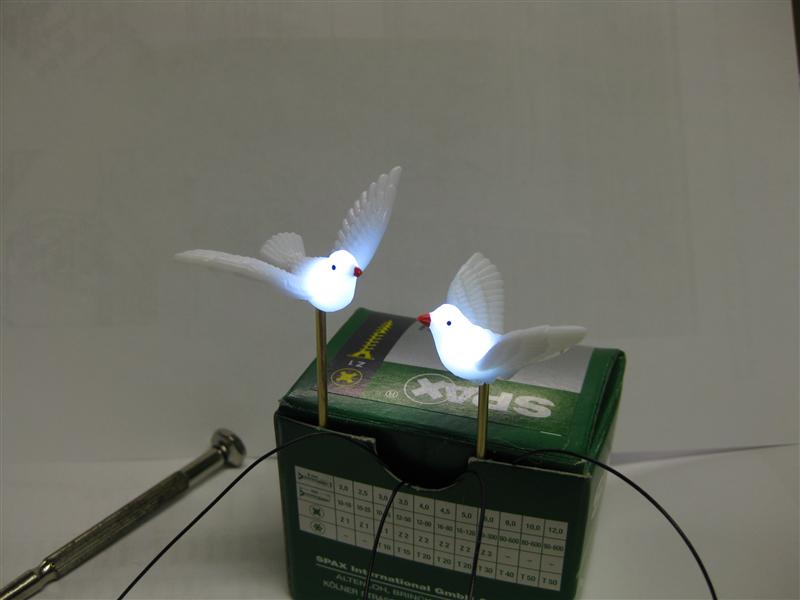
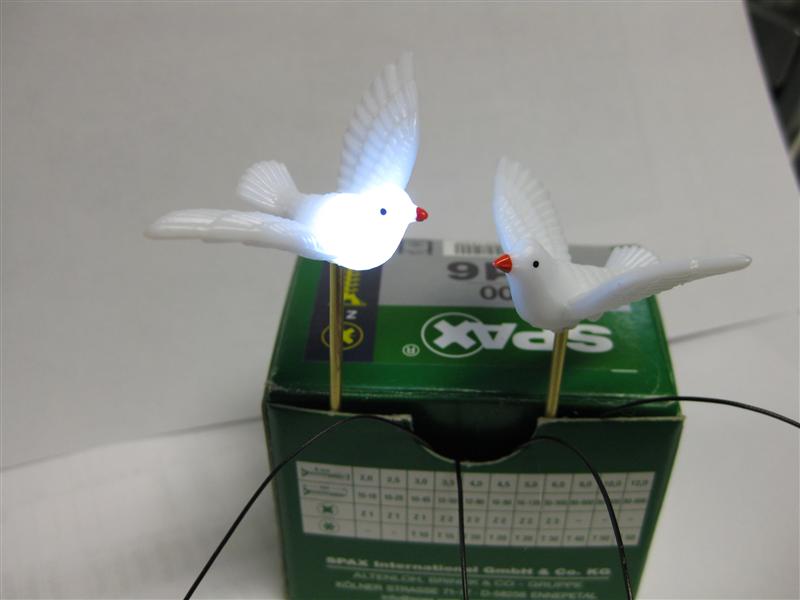
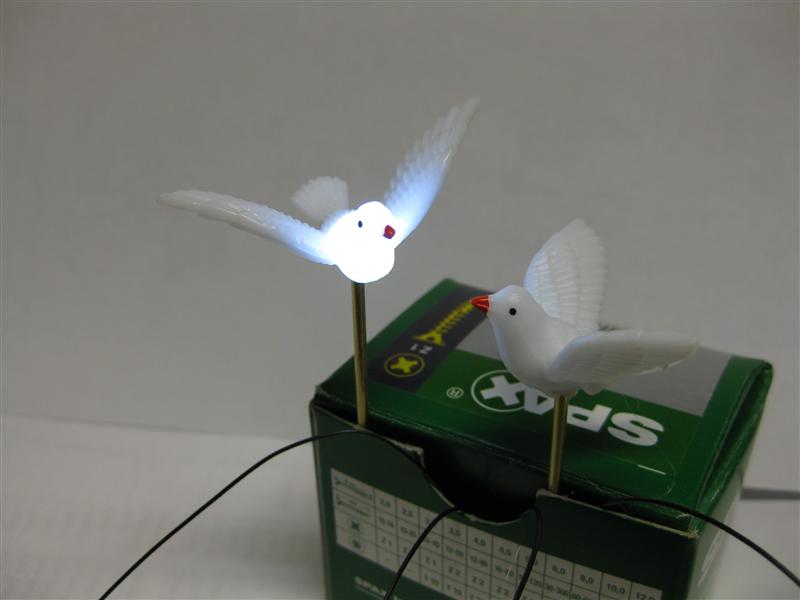
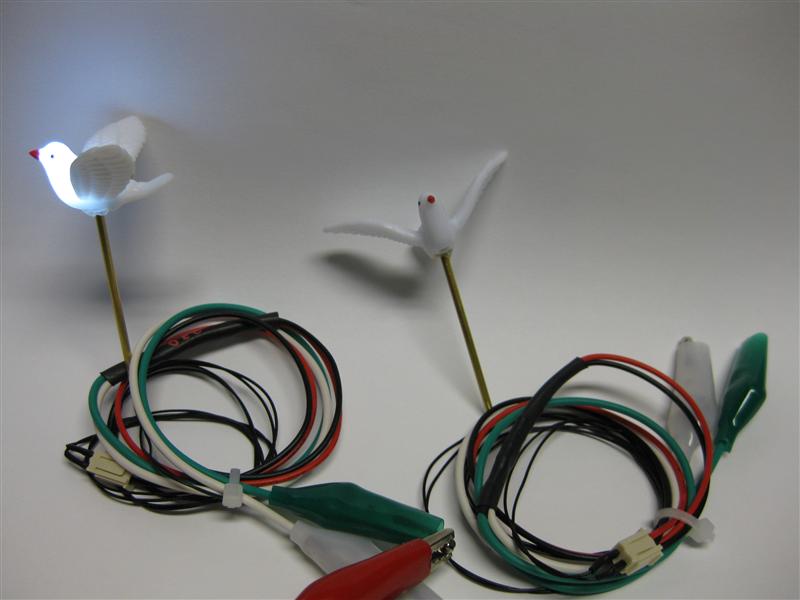
    I tried it too with the usual led modding and the help a 3mm power led in white it looks like this.
    ToM_Dove_01

    ToM_Dove_02

    ToM_Dove_03

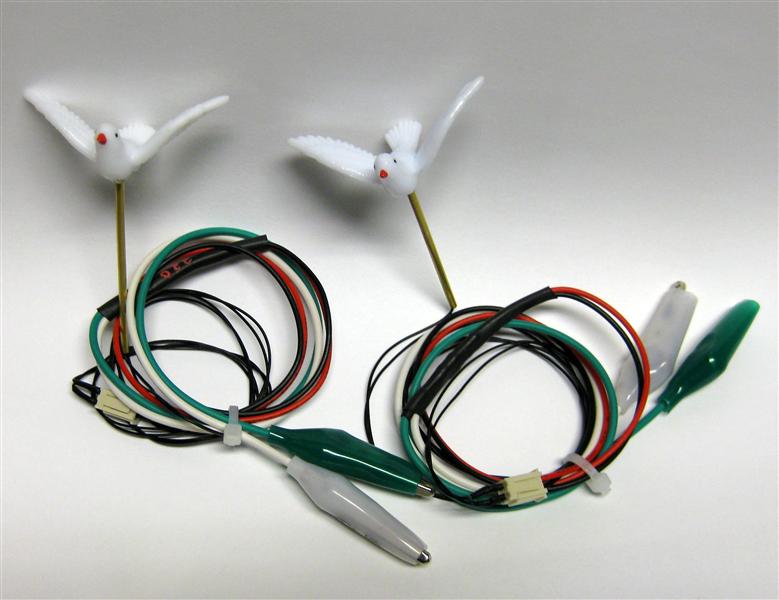
    ToM_Dove_04

    You can connect it with alligator connectors to a insert lamp and I will try it later in my pinball and looks where to place and connect.

    ToM_Dove_05

    ToM_Dove_06

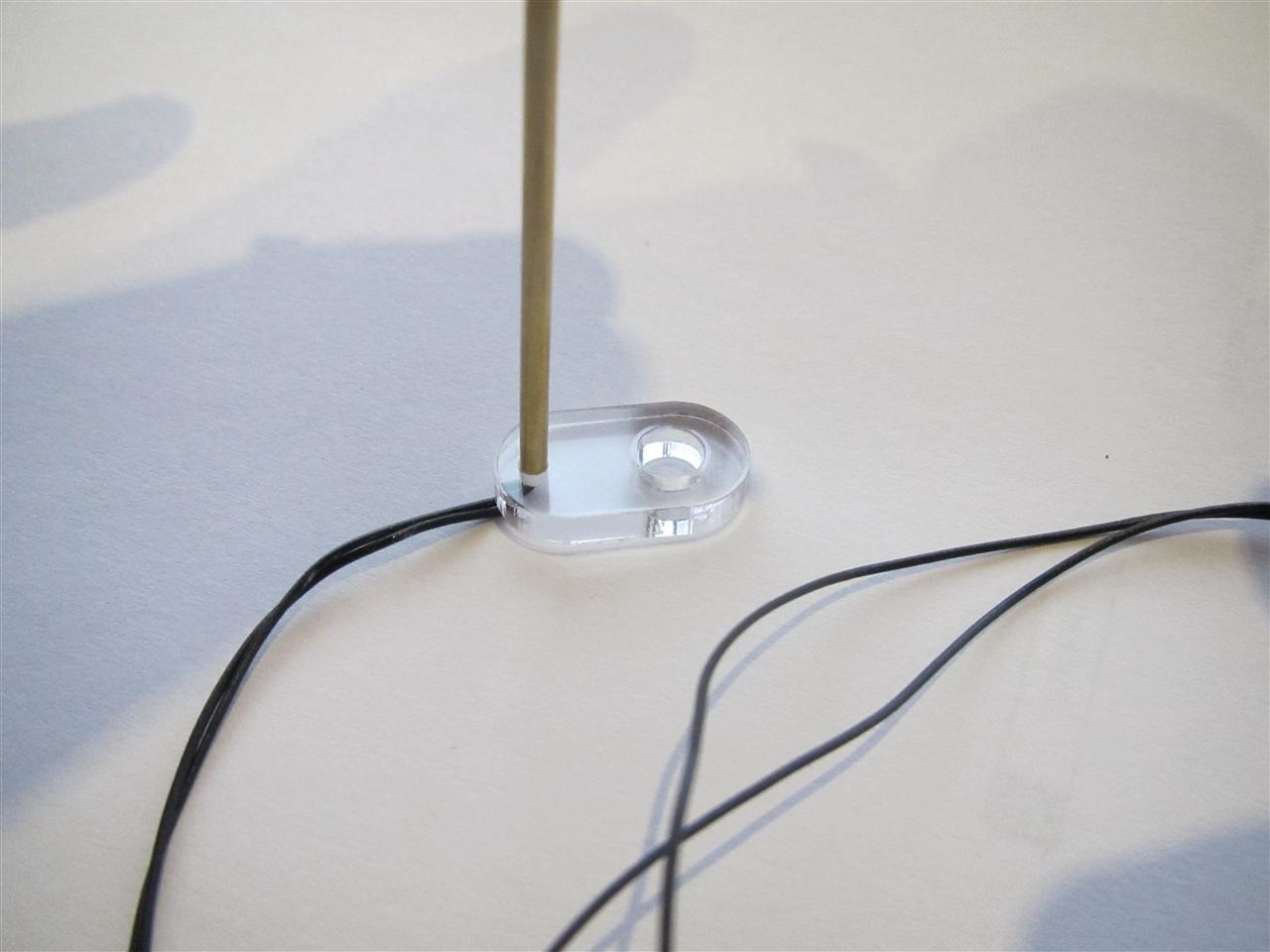
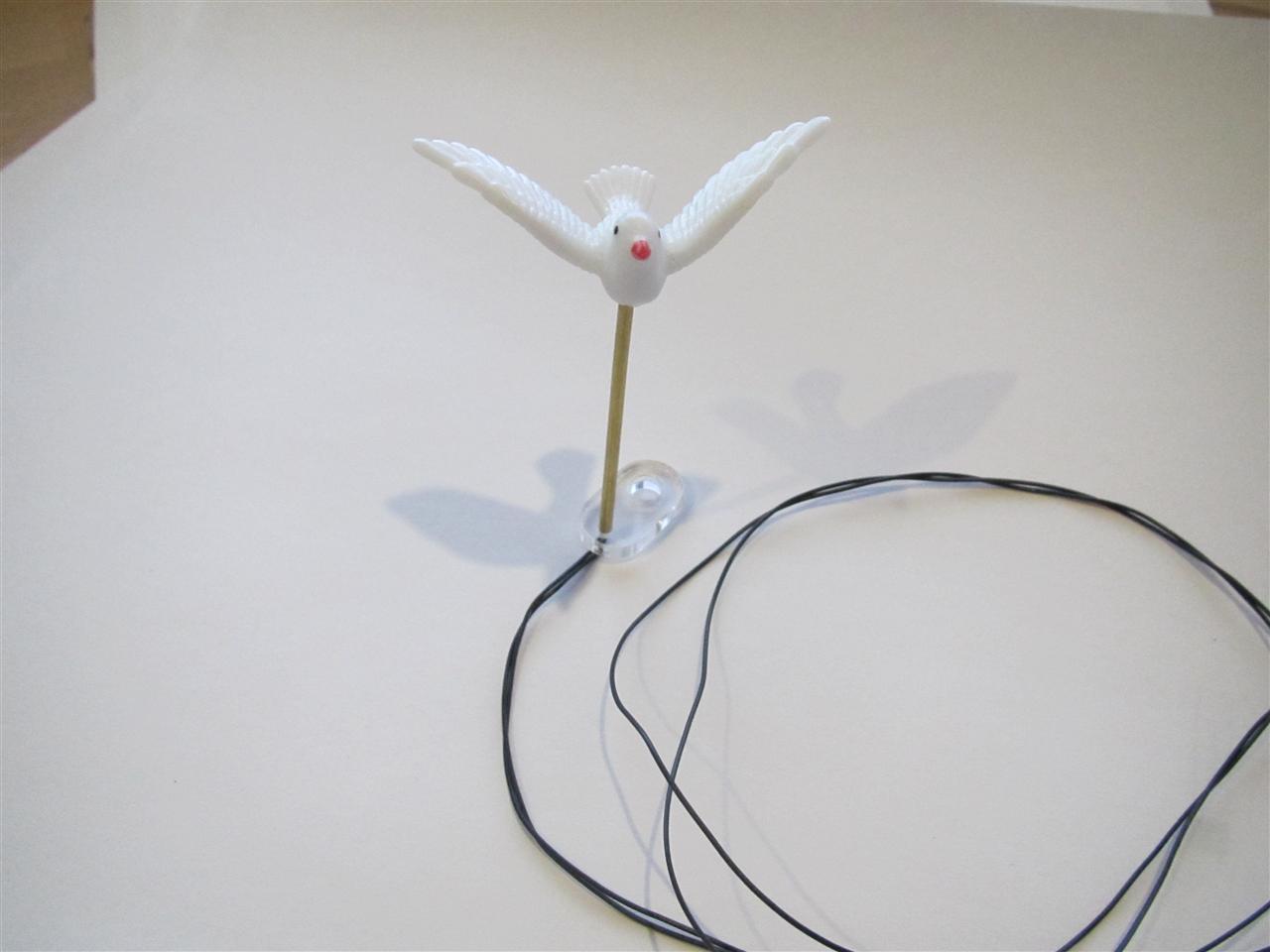
    Today I got the plastics

    ToM_Dove_07

    total

    ToM_Dove_08

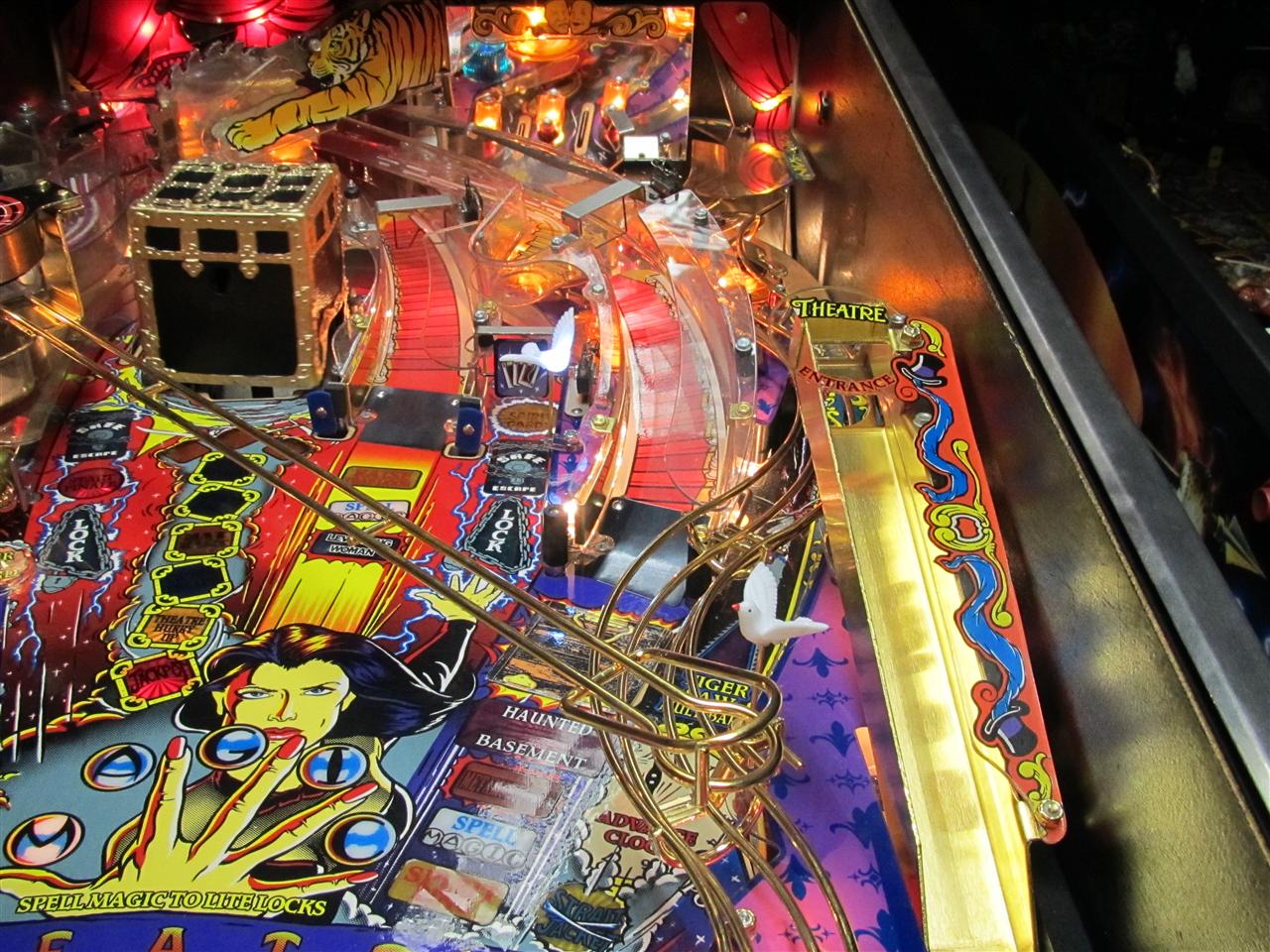
    at the right place

    ToM_Dove_09

    ToM_Dove_10

  • Rotating UFO for Attack From Mars Proof of Concept

    My little motor needs a redesign for Attack from Mars, because the flasher only on for a short time.

    The ufo didn’t turn in this short time.

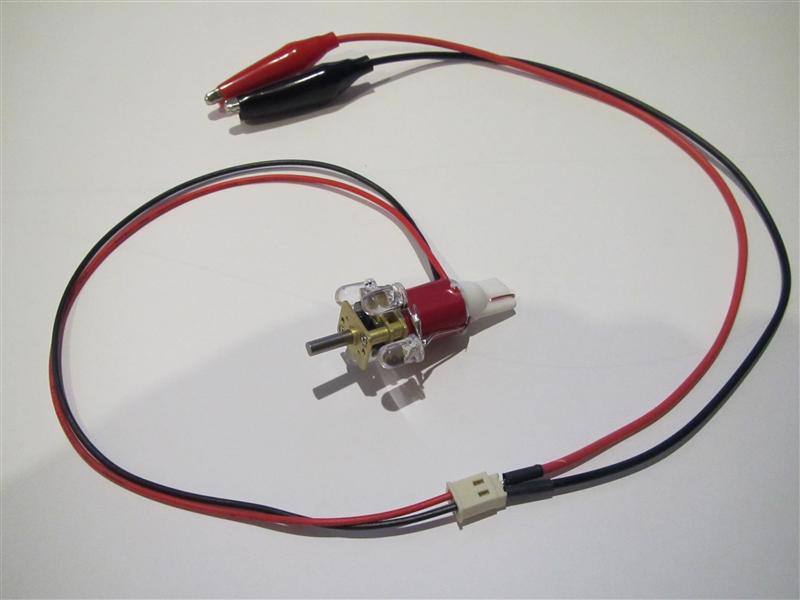
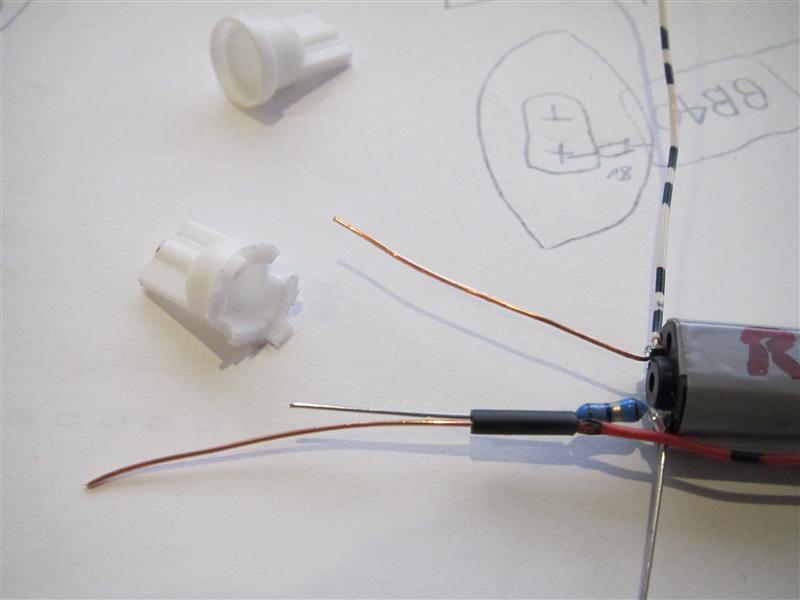
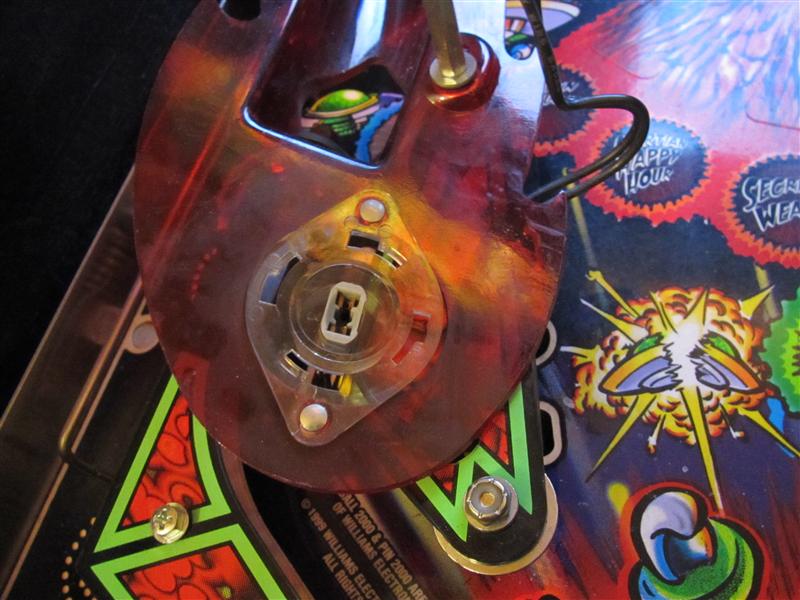
    The Bulb is powering the 4 Leds around the motor as flasher replacement and added 2 more wires with alligatorconnectors to power up the motor. The two wires can connected to any insert lamp under the playfield or GI if you want to turn it all the time…

    afm_motor_01

    afm_motor_02

    Look here into my little video and there is in real a attack from Mars and the answer which one is better is ansered thanks to the attack of my little UFO in medieval time…

    I will try the motor in a real AFM in around 2 weeks thanks to www.flippermuseum.eu.

    Video:
  • Rotating try to add red color to outer saucer area

    Today I do a quick try to add a red color to the outer 8 leds of the saucer.

    Its only a work in progress try and it looks not good.

    In the next step I will make a plastic and use some lighttransmitting plastic to transport the light to the 8 points of the saucer…

    rfm_try_red_01

    rfm_try_red_02

    rfm_try_red_03

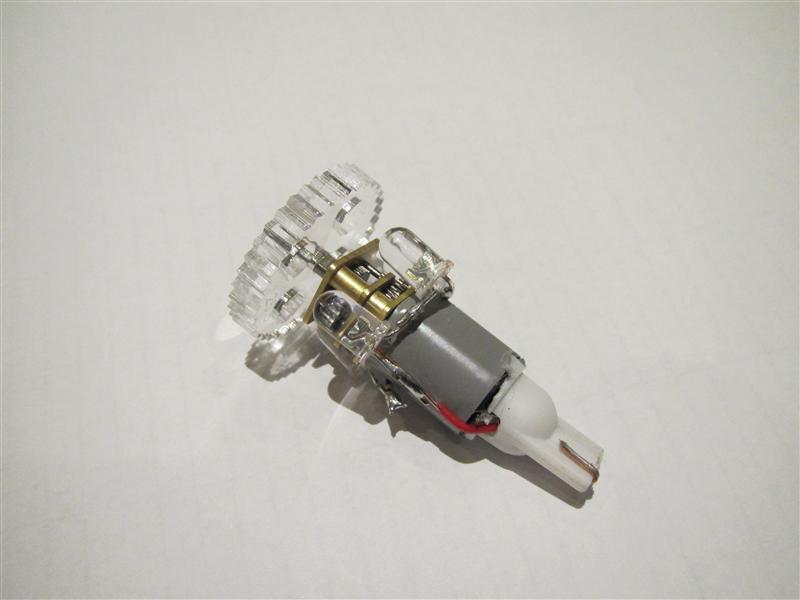
  • Rotating Ufo for RfM and Attack from Mars

    After my LED work its time to do some moving stuff

    Here I got the idea to make the flashing Ufos rotate…

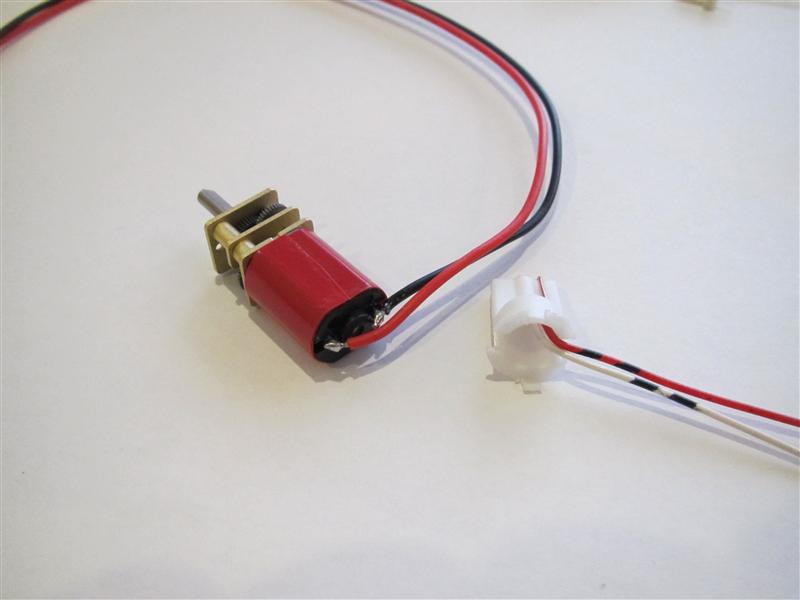
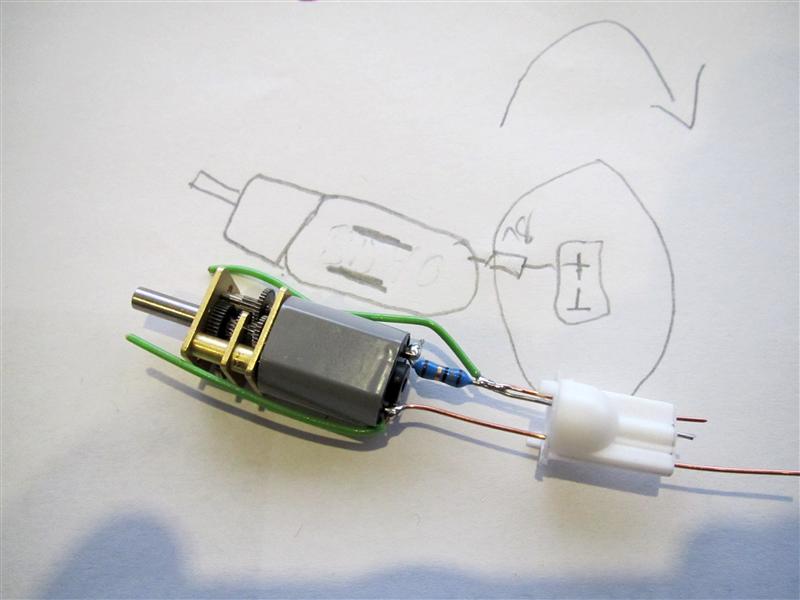
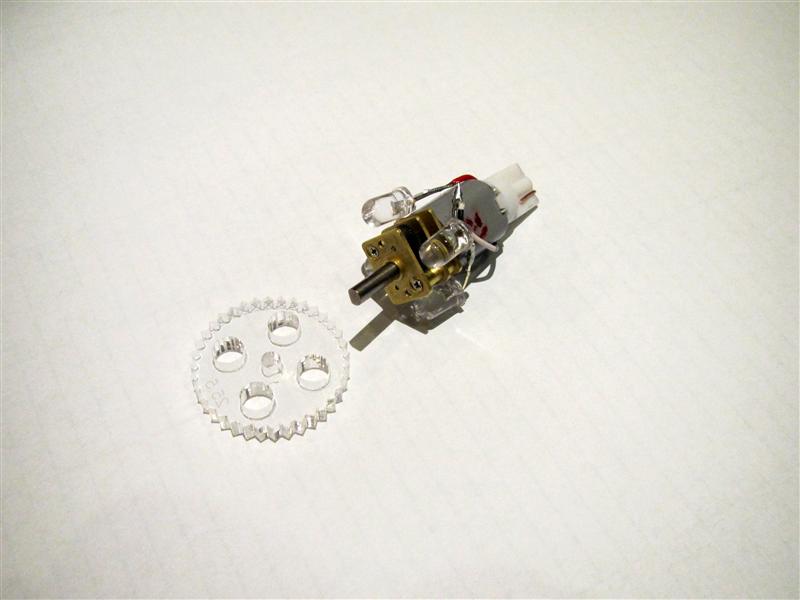
    I found a litte motor and put some Leds around it to make it work.

    It will be easy to do in the final product. You only have to remove the original bulb and replace it with the gearmotor with Leds around it.

    Here you see the gear plastic it will fit into the flasher cab and make it rotate with the help of the motor

    rfm_motor_01

    rfm_motor_02

    First try for the motor

    rfm_motor_03

    some resistor to make the speed ok

    rfm_motor_04

    some leds to make the flasher work again

    rfm_motor_05

    motor into the ufo flasher cab

    rfm_motor_06.5

    here you got a first look of rotating…

    rfm_motor_07

    ingame:

    RfM_rotating_small

    Video:
    today I got the right sockets for the motors…

    with_socket

    some cutting, soldering…

    with_socket_2

    socket_3

    with both rotating

    both_rotating

    what you will get

    what_you_get

    how to exchange…

    turn flashercab to remove the ufo

    exchange_01

    remove the original lamp

    exchange_02

    insert the motorset

    exchange_03

    exchange_04

    insert the plastic gear ring into the flashercap

    exchange_05

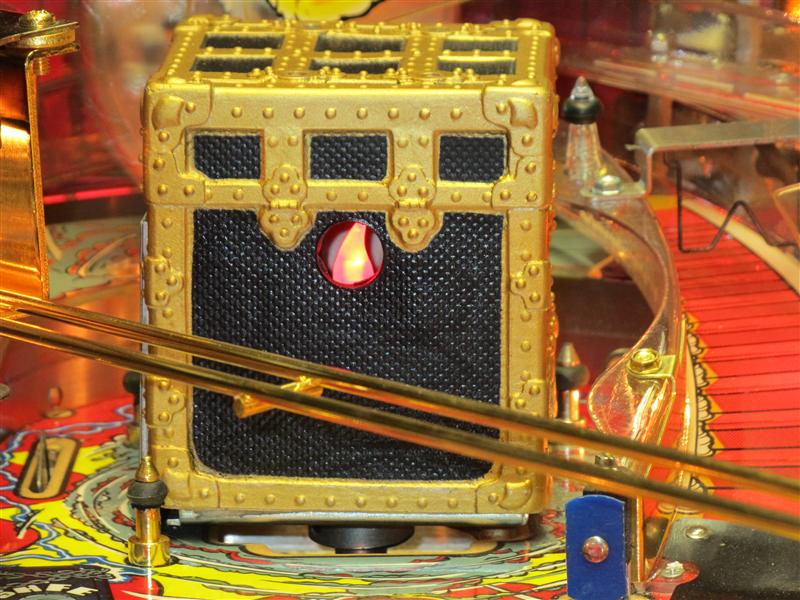
  • Magic Trunk Candlelight Replacement for Theatre of Magic Pinball

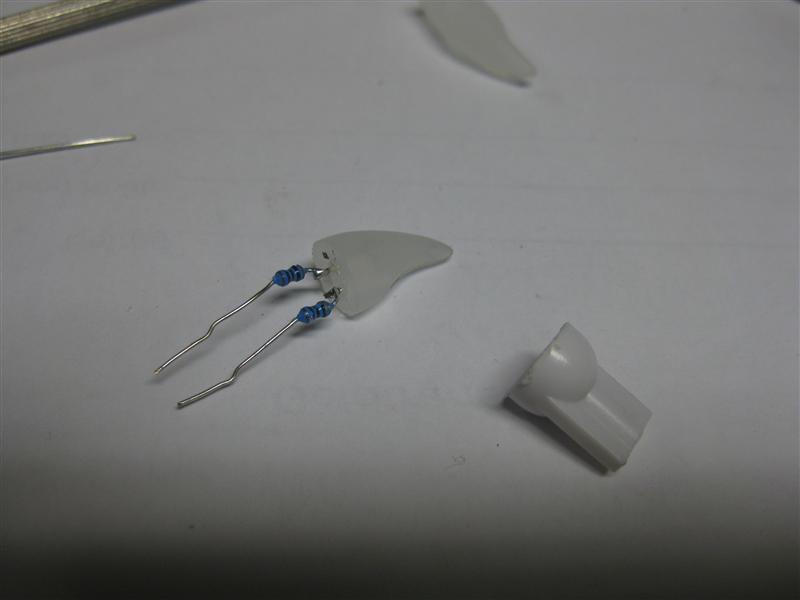
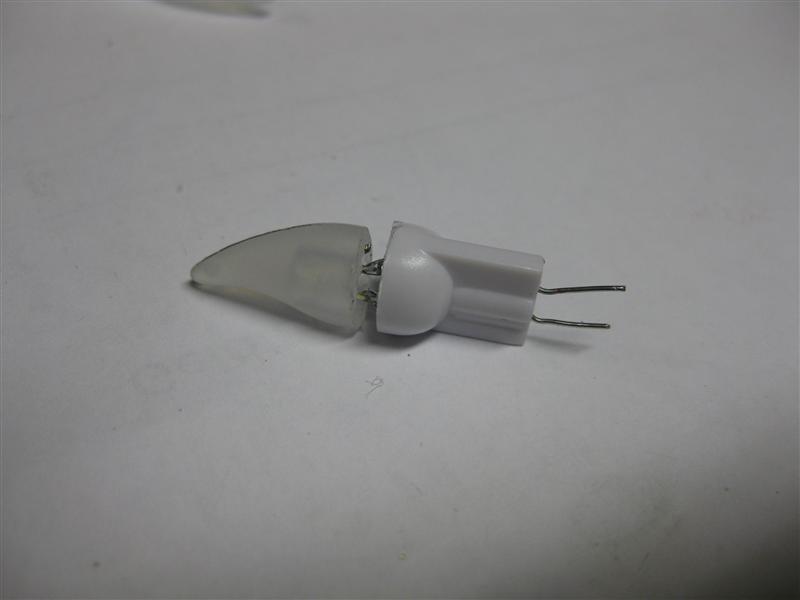
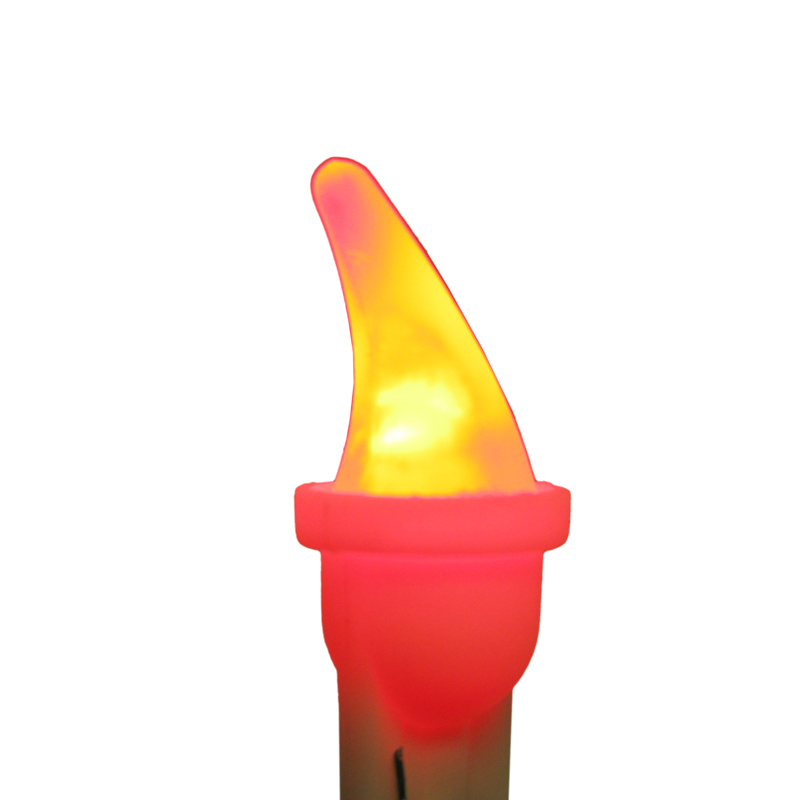
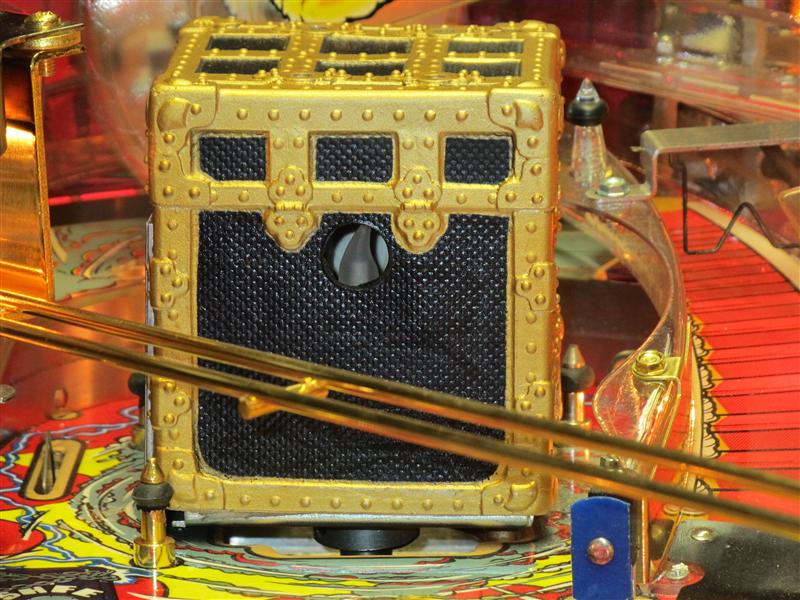
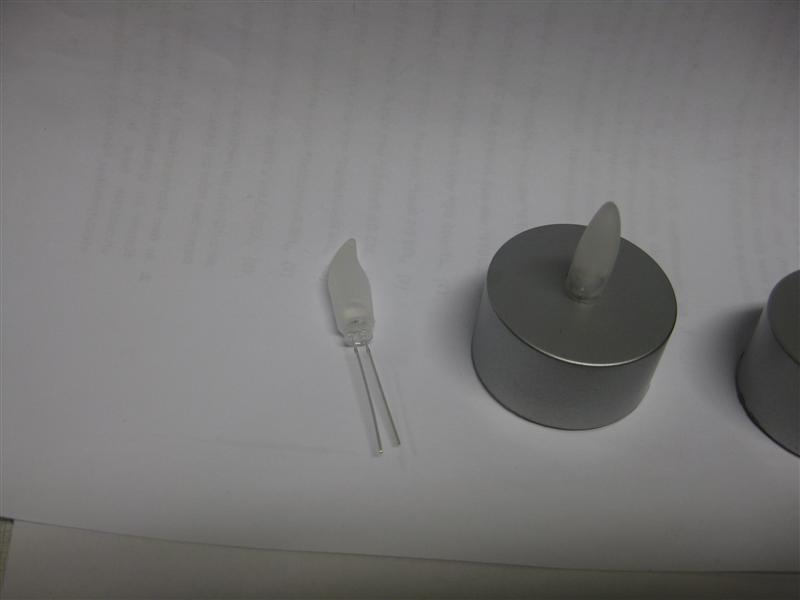
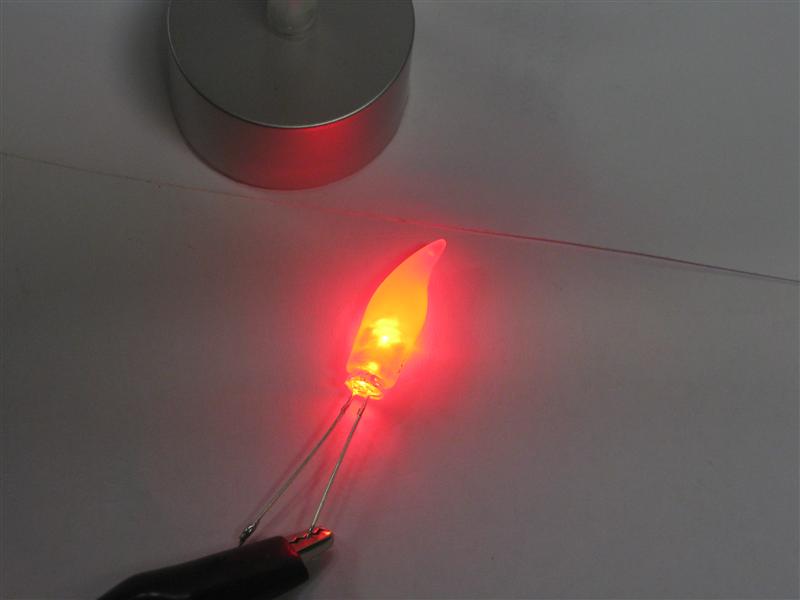
    I done a litte mod to a Theatre of Magic Pinball. The original red Lamp in the Magic Trunk doesn’t look well and I found a solution. I tried the head of a LED candlelight and used a highpower 5mm LED and put it together in a socket for a Lamp

    TOM_Magic_Trunk_Candlelight_Replacement_01

    TOM_Magic_Trunk_Candlelight_Replacement_02

    reducing the size of the led and the candlelight cover

    TOM_Magic_Trunk_Candlelight_Replacement_03

    As there is a 6V power Lamp I need here a resistor of each 100Ohm (total 200Ohm)

    TOM_Magic_Trunk_Candlelight_Replacement_04

    some hot glue

    TOM_Magic_Trunk_Candlelight_Replacement_05

    Here you can see the final product

    14876_1blog

    14876_2blog

    placed in the magic trunk

    TOM_Magic_Trunk_Candlelight_Replacement_off

    TOM_Magic_Trunk_Candlelight_Replacement_on

    Video:
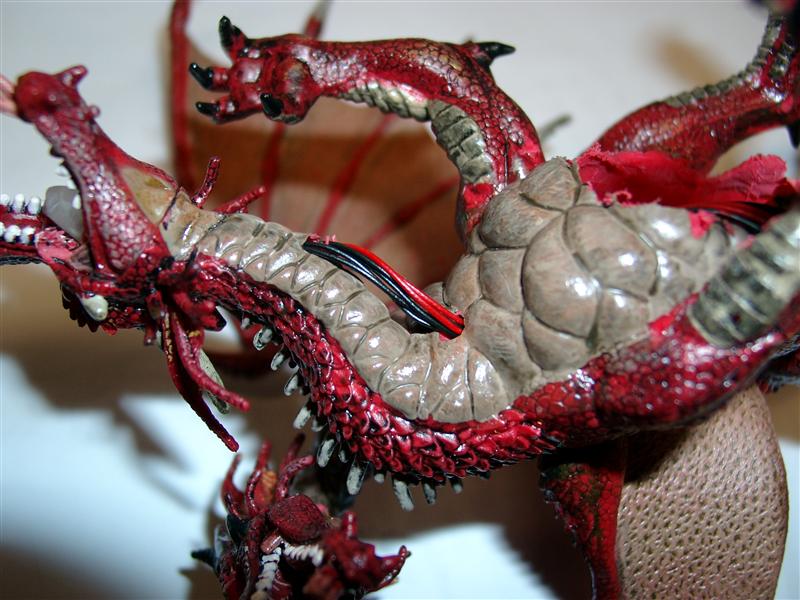
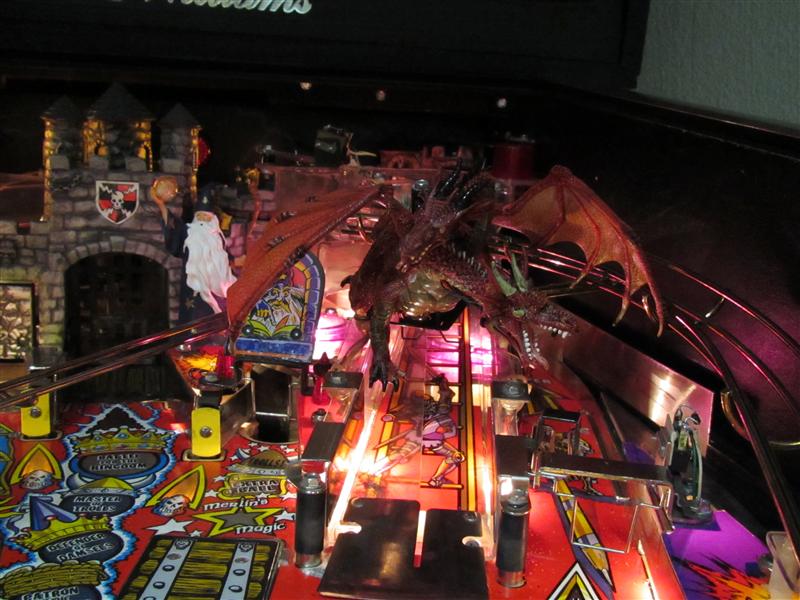
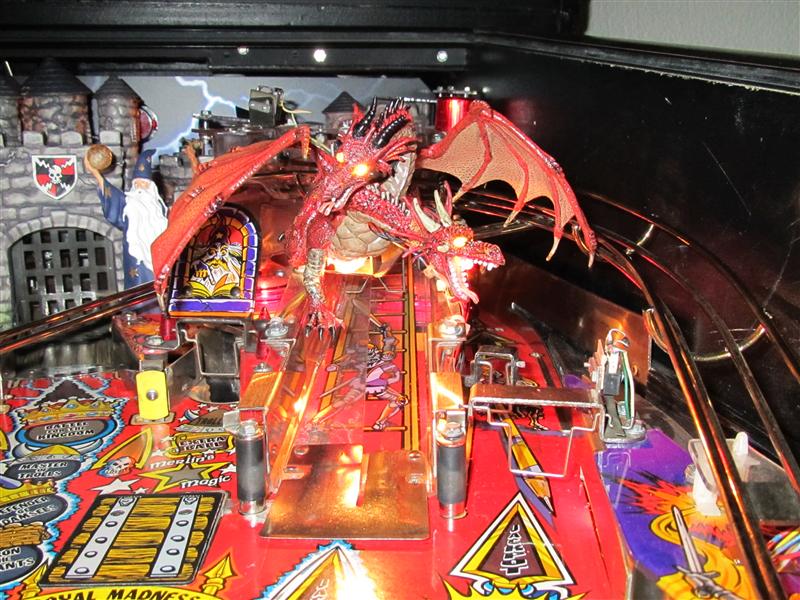
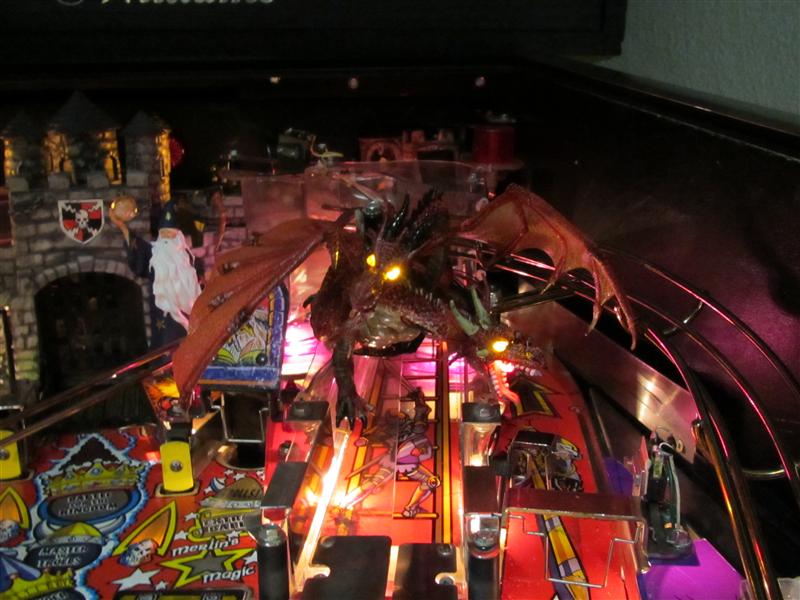
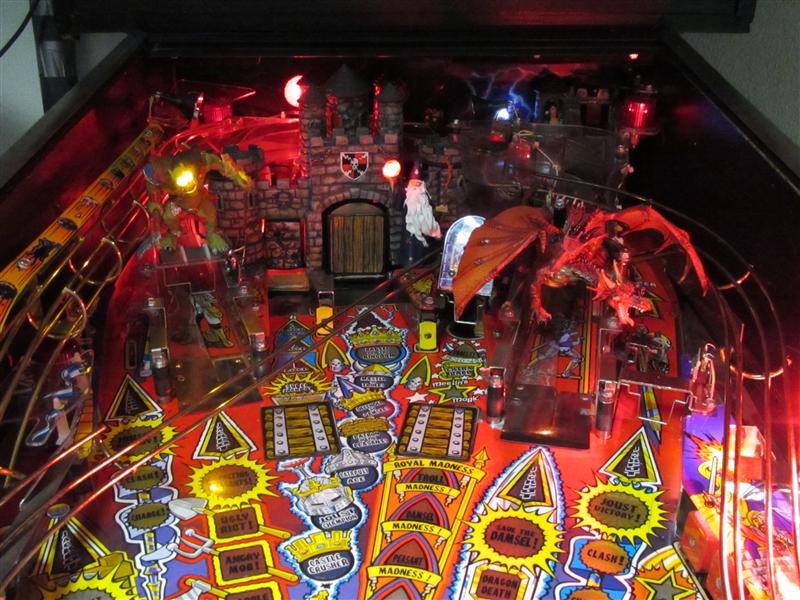
  • Rebirth of the Dragon „Light him up“

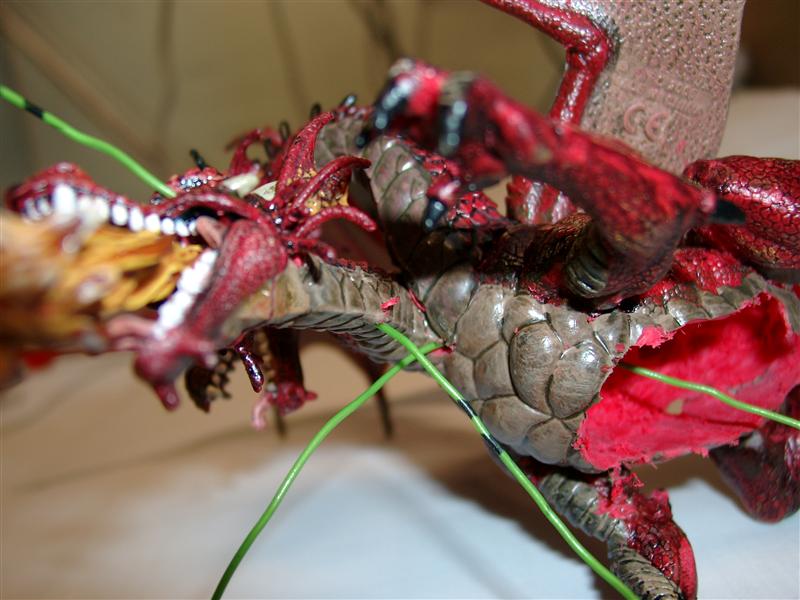
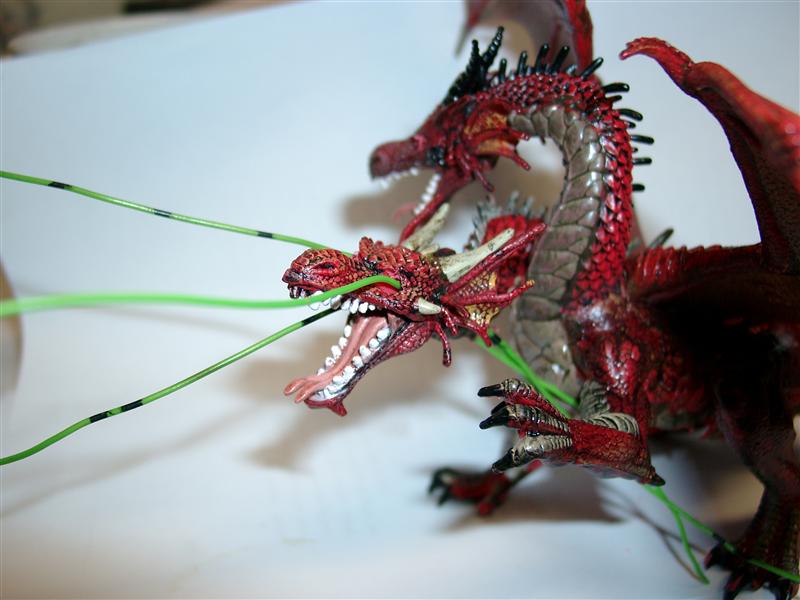
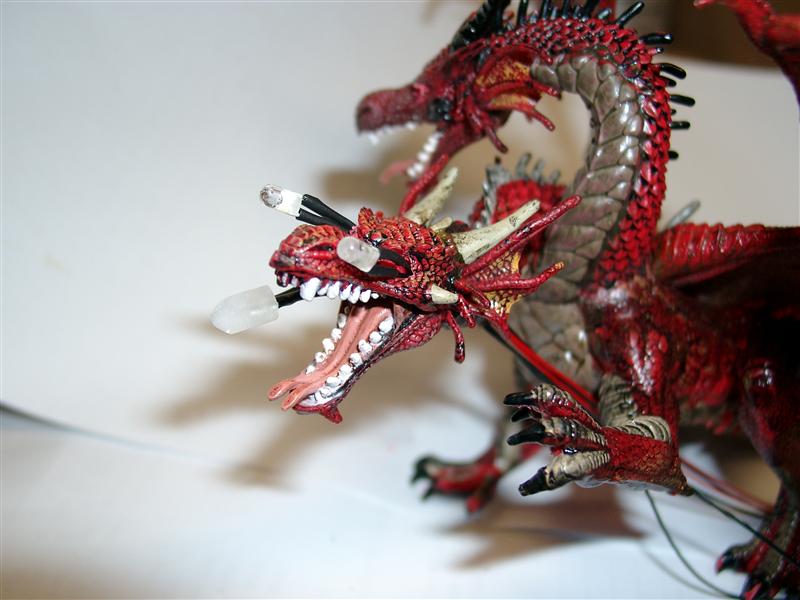
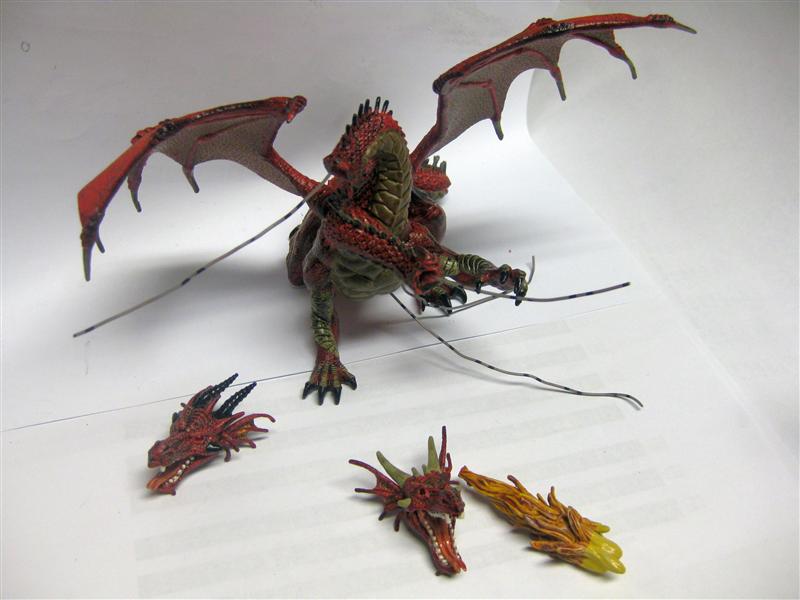
    First I take the prepared doubleheaded Dragon look here

    https://blog.smarterwolf.de/?p=1112

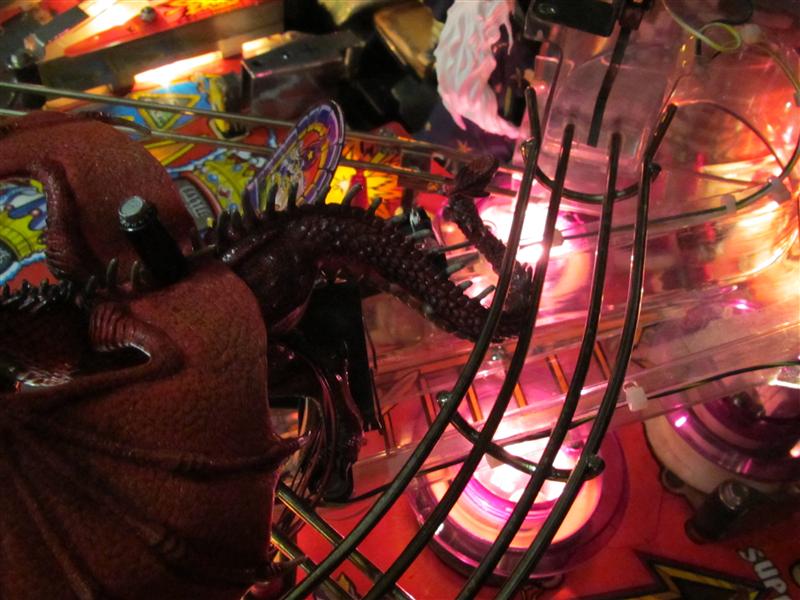
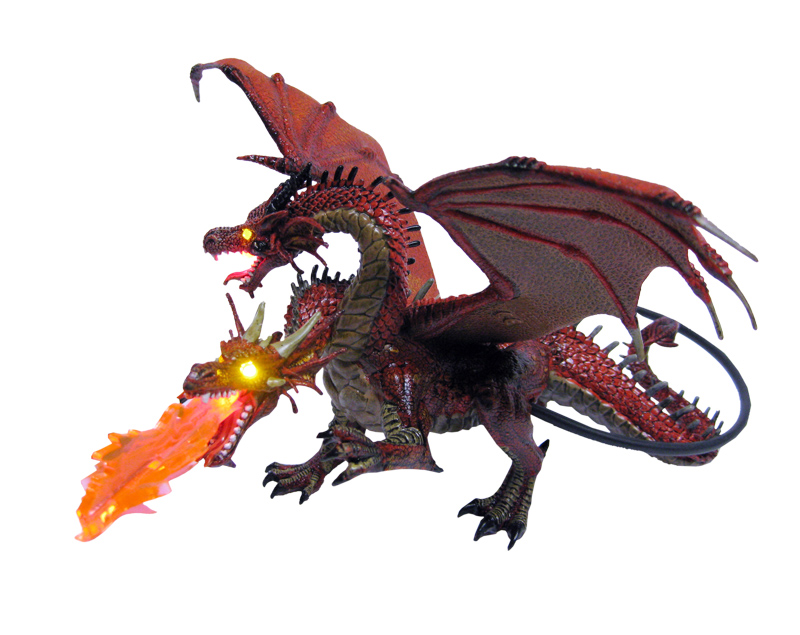
    After this I am using 5 Leds to make up the eyes to live and one mouth give us fire for a breath…

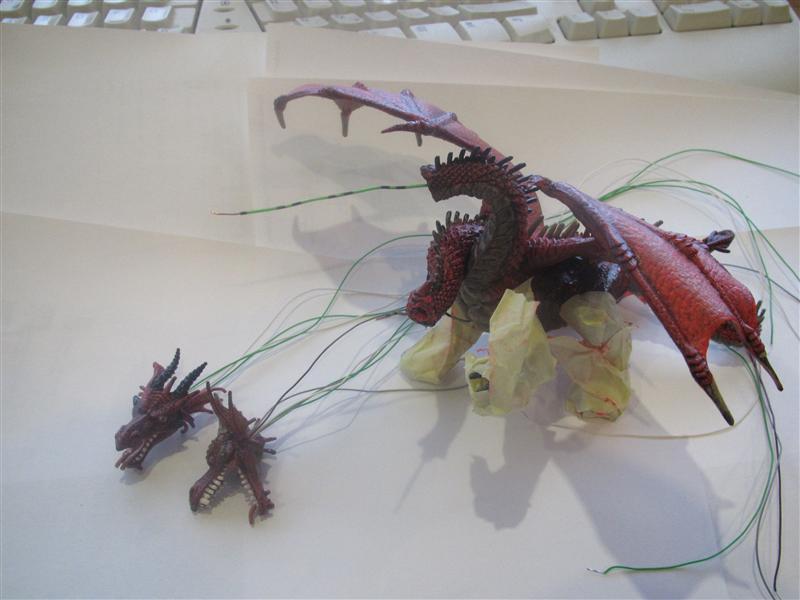
    I used a 2,5mm drill to make the holes through the eyes and with the help of some inelastic copper wire it was easier to get the flexible copper wires through the holes.

    doublehead_dragon_01

    doublehead_dragon_02

    3mm power leds in yellow for the eyes

    5mm power led in red for the mouth

    doublehead_dragon_03

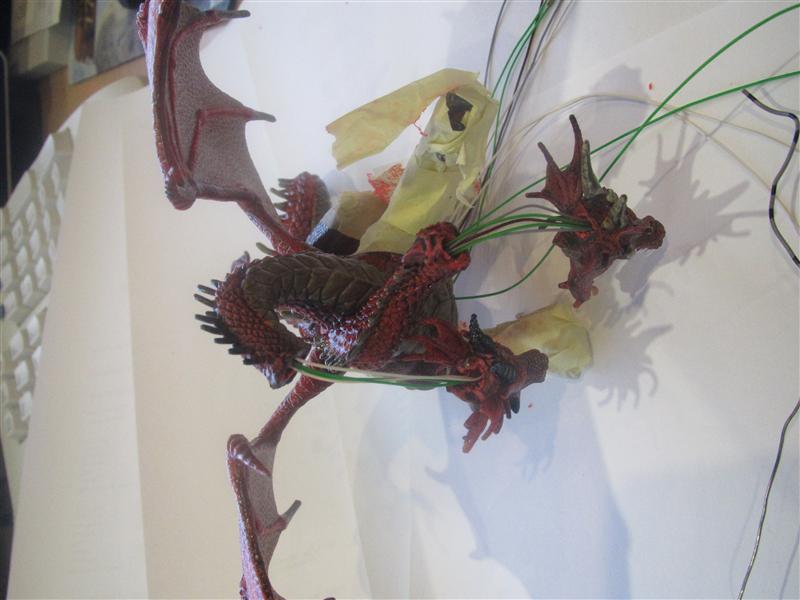
    As the necks are bended I need to make more holes to get from the head to the chest

    If you look from the normal pinball view to the Dragon you will not see the wires 🙂

    doublehead_dragon_04

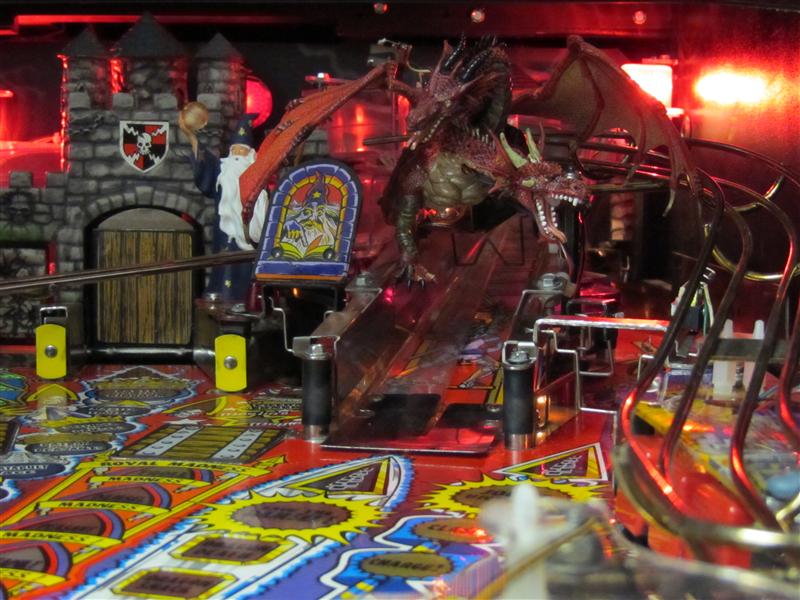
    I have to position the tail like this, so the ball will „ride“ over the ramp without trouble

    doublehead_dragon_05

    Some pics in the pinball

    doublehead_dragon_06

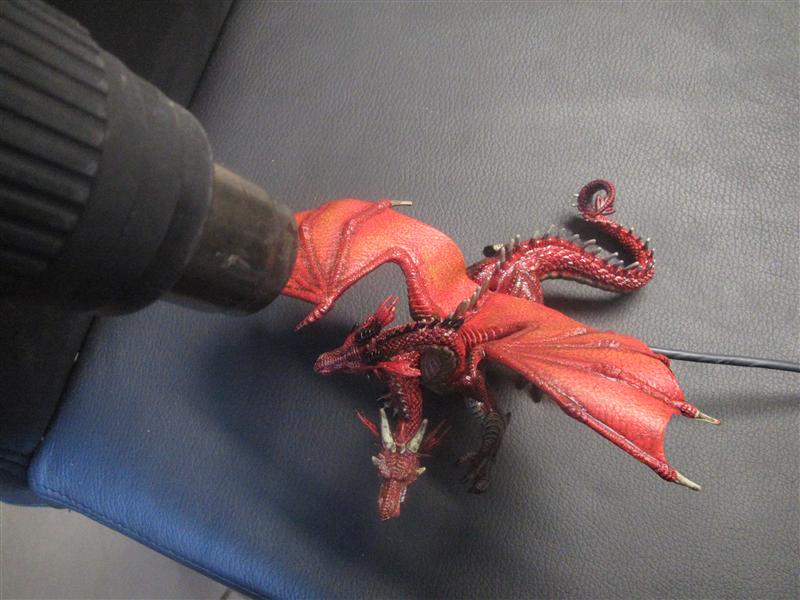
    The left wing was a little to high and there was a problem with the glass but no problem with the help of a heat-gun. So the wing is fitting under the playfield.

    double_headed_install_09 (Custom)

    doublehead_dragon_07

    First Lightup

    doublehead_dragon_08

    doublehead_dragon_09

    complete view

    doublehead_dragon_10

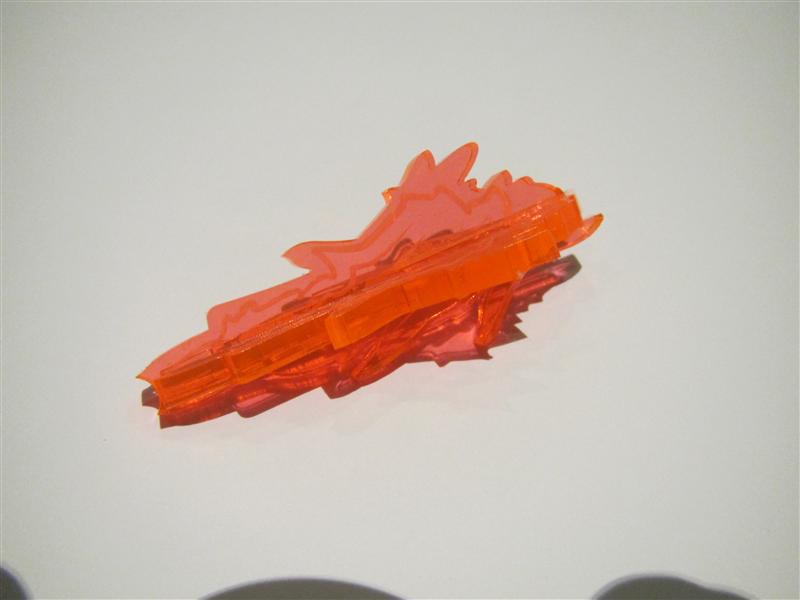
    Today I got a transparent Plexi for the mouth.
    Its a first beta try, have some other idea in mind and I will show it later…

    Video:
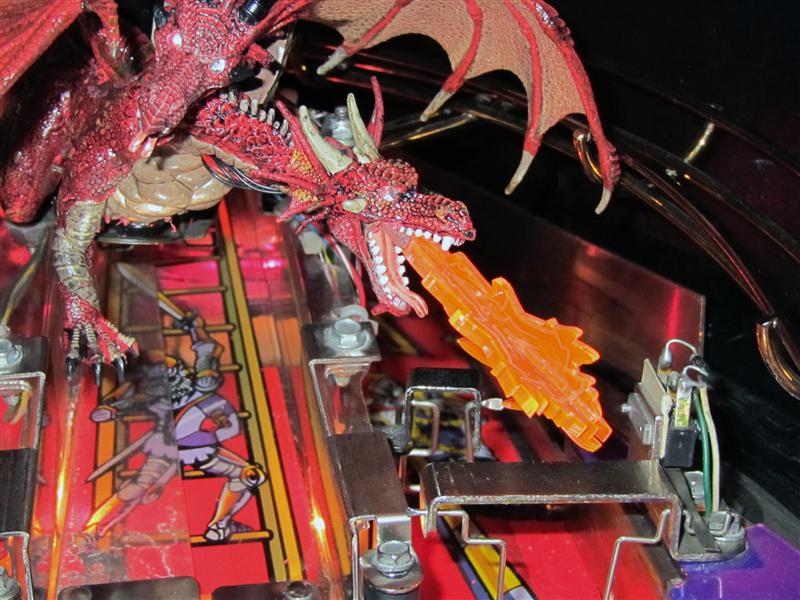
    Today I got the 3D plastic. It is scratched with firelines so it looks more real and the plastic transports the light of the led better as standard plastics.

    Thanks to my wife to put two plastics together to make it more 3D

    3DPlastic_with_firelines

    Here you can see it attached to the dragon

    Dragon_with_fire

    and finaly
    Video:
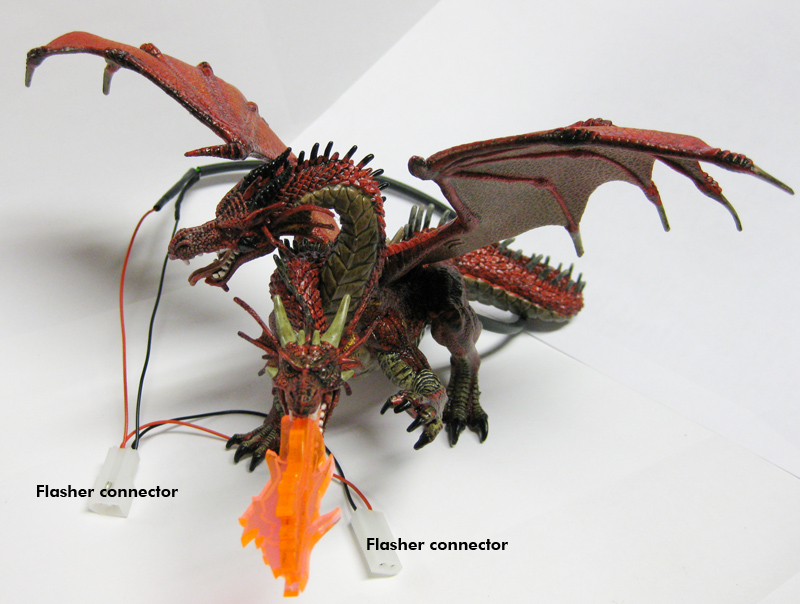
    I done some more pictures and finaly got the wires through the neck. So you will see NO WIRES outsite of the dragon anymore!
    double_headed_install_00

    Here you can see the cables you have only to connect it inbetween the flashercable of the dragon flasher

    double_headed_install_000

    a dragonslayer at work!
    This was needed to make the wires invisible. I got it and all wires are going insite the dragon.

    dragonslayer (Custom)

    dragonslayer_01 (Custom)

    dragonslayer_02 (Custom)

  • Missing entrance plastic for Medieval Madness

    I recently bought a custom decal set for the targets and the entrance bracket from pinballdecals.com (thanks for this Joey).

    But the decal for the entrance bracket is only a adhesive decal and it’s missing the plastic.
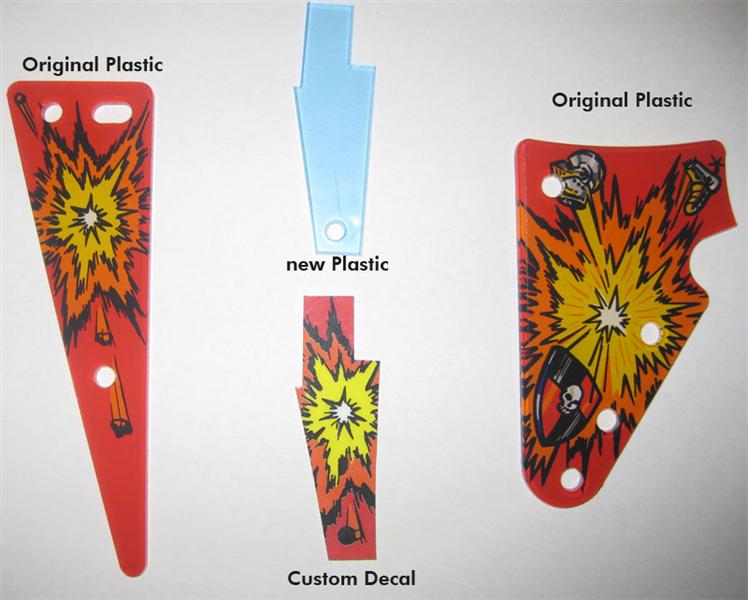
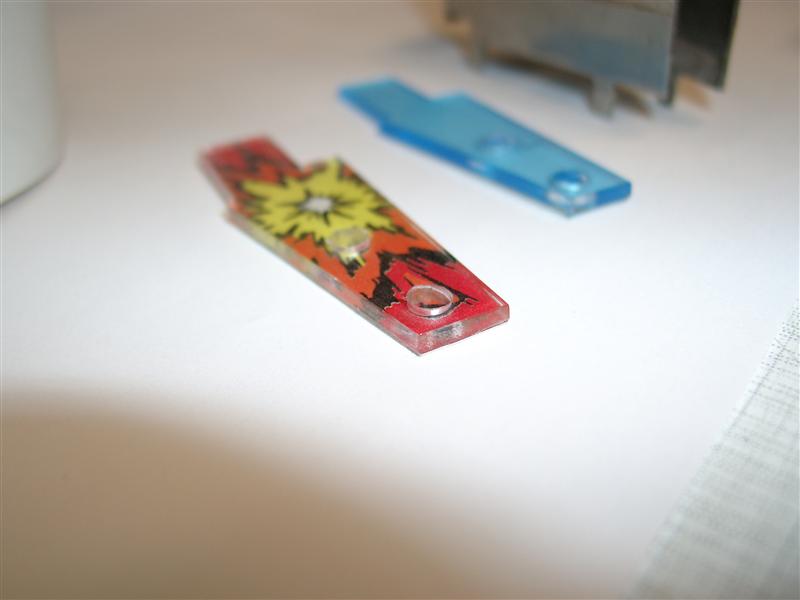
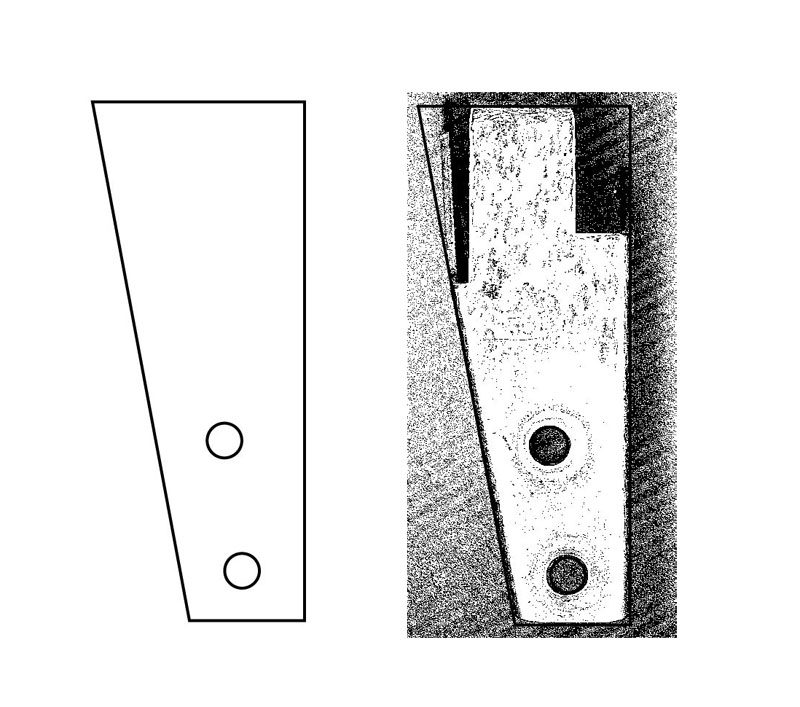
    I made a vector graphic and ordered a plastic cutted with a laser.

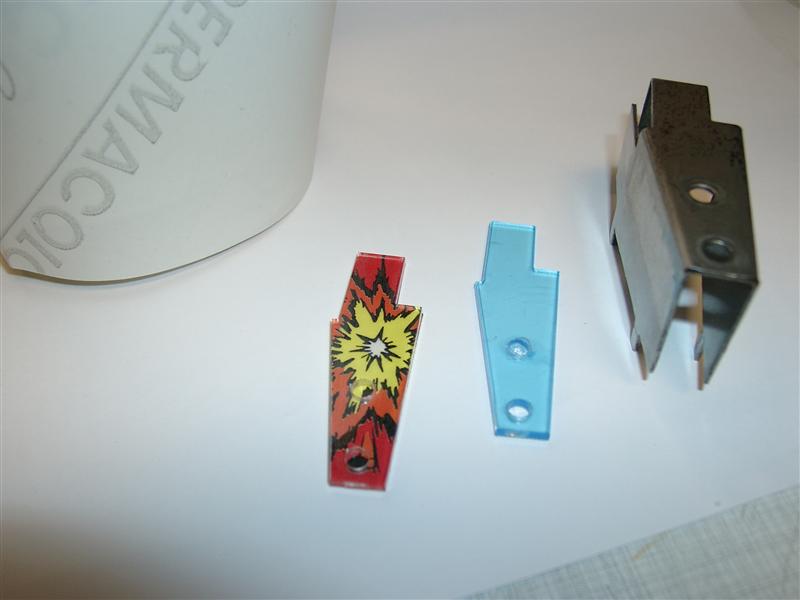
    Here you see se original left and right plastics and in the middle the new parts:

    entrance_plastic_compare

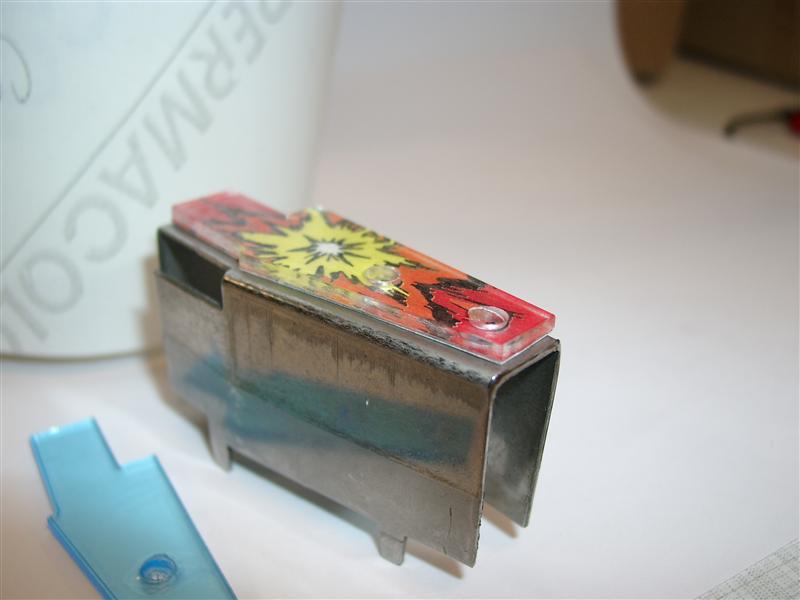
    I went to a advertising company and get some double sided transparent adhesive to connect the decal to the bottom of the new plastic

    entrance_plastic_building

    entrance_plastic_building_2

    entrance_plastic_building_test

    After making this one, I am thinking of make a new bigger one, covers the complete bracket…

    bigger_03

  • Left Ramp Troll LED Mod for Medieval Madness

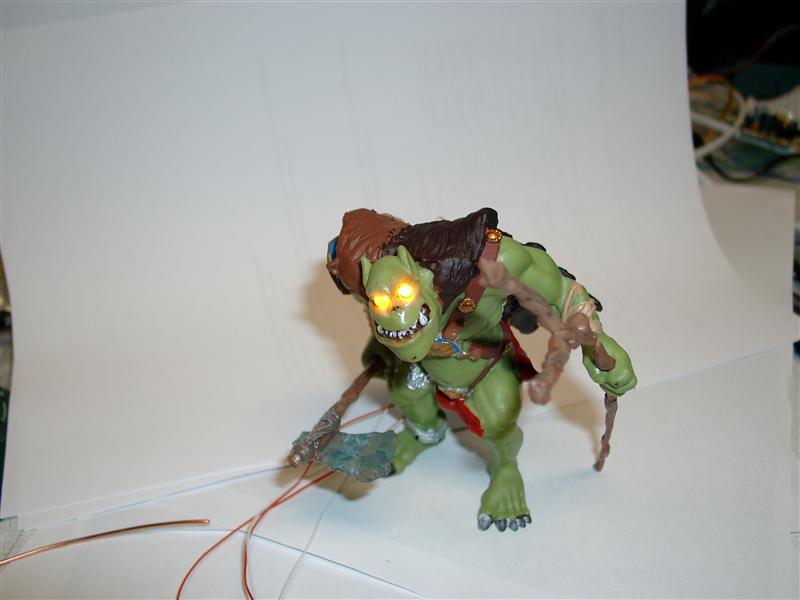
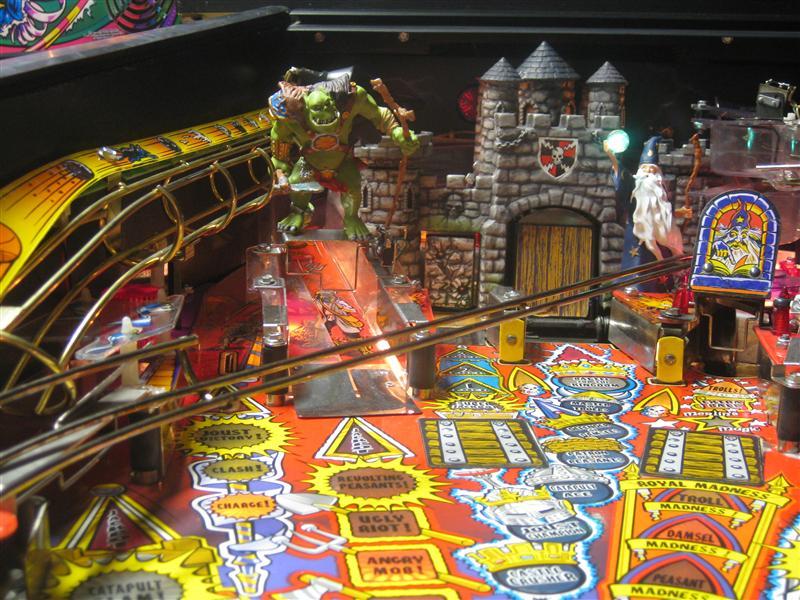
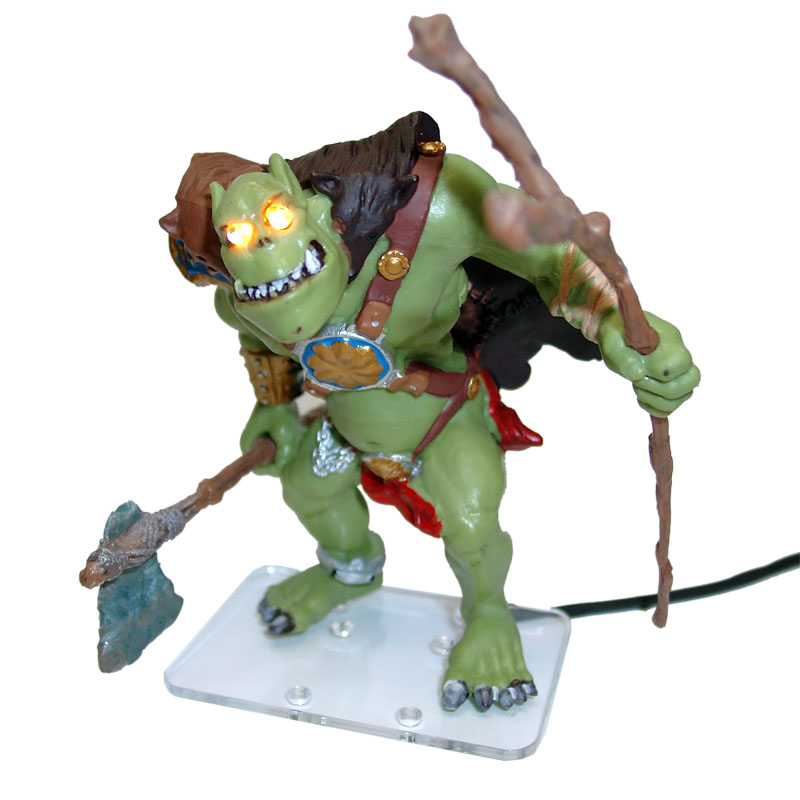
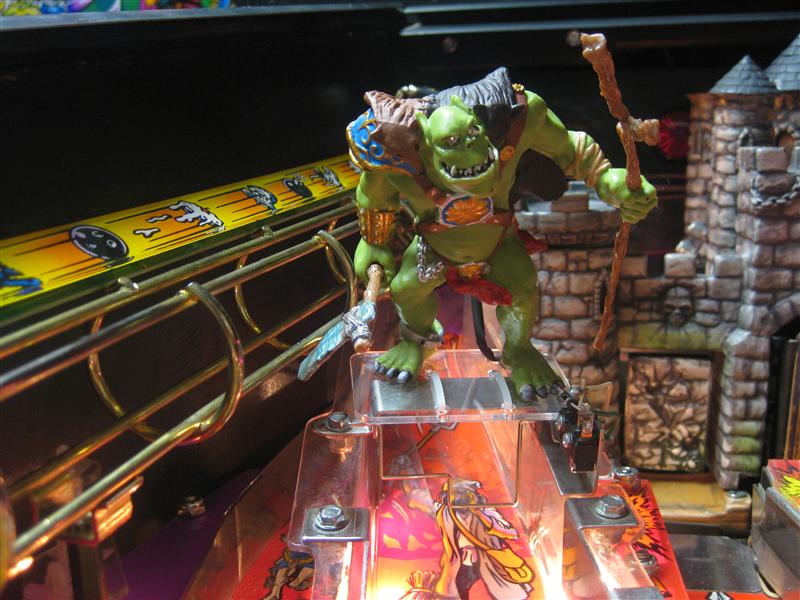
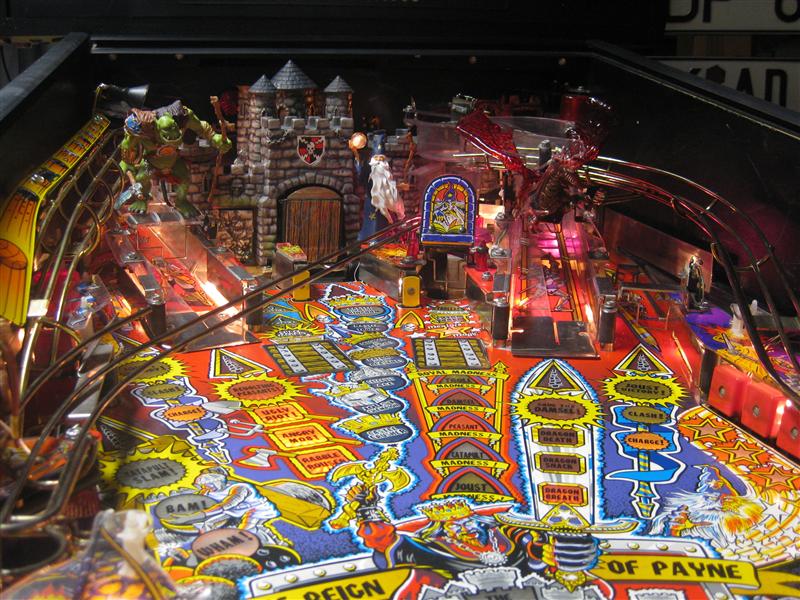
    I found a nice Troll, fits into the MM Theme and put it on the left ramp.
    With the help of some plastic it can connected to the left ramp.
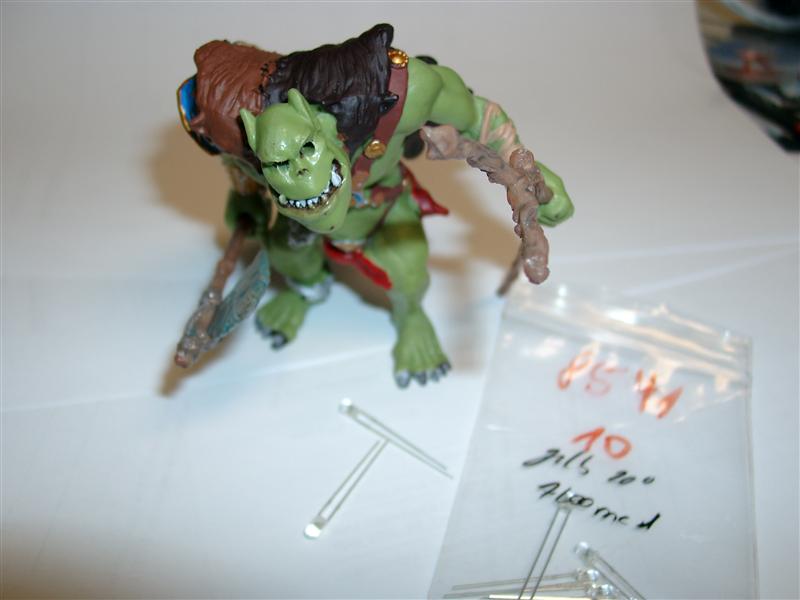
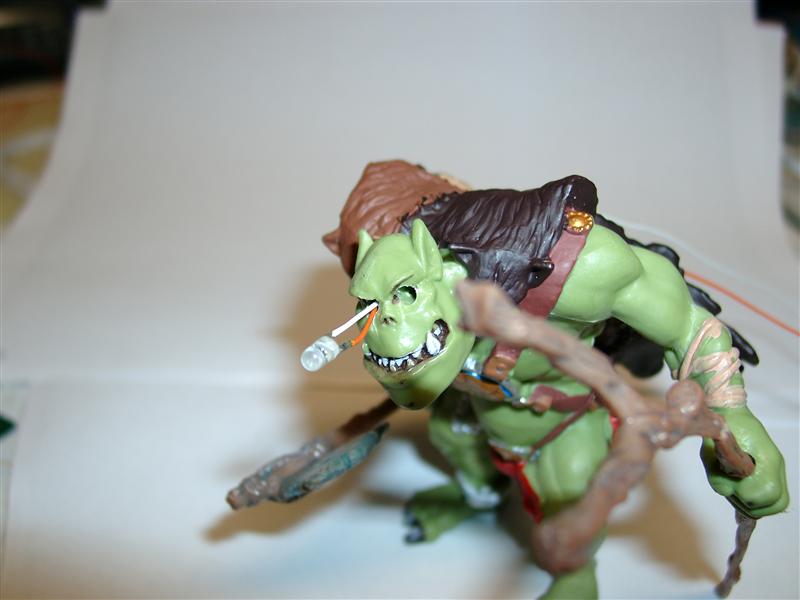
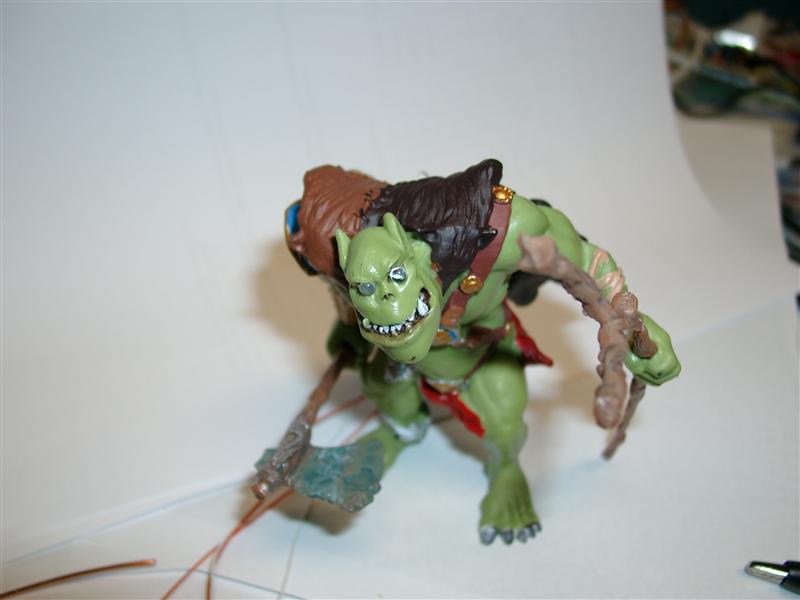
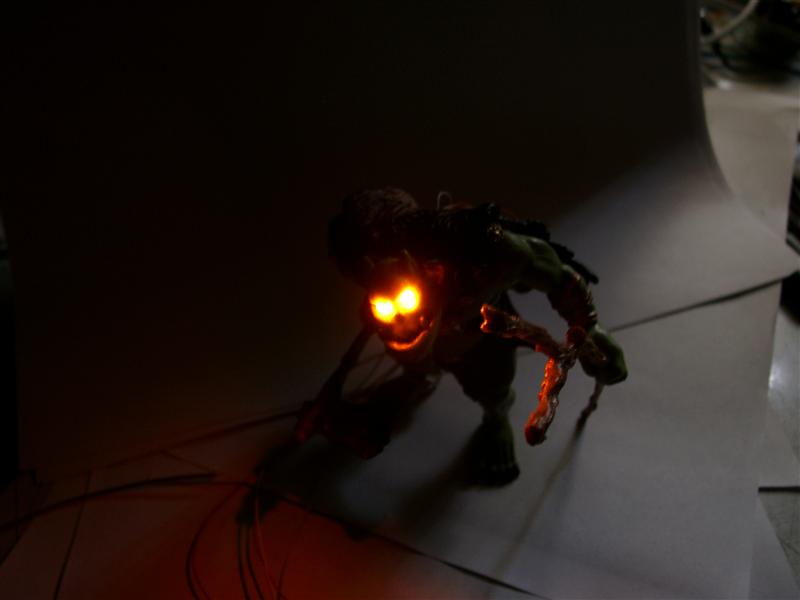
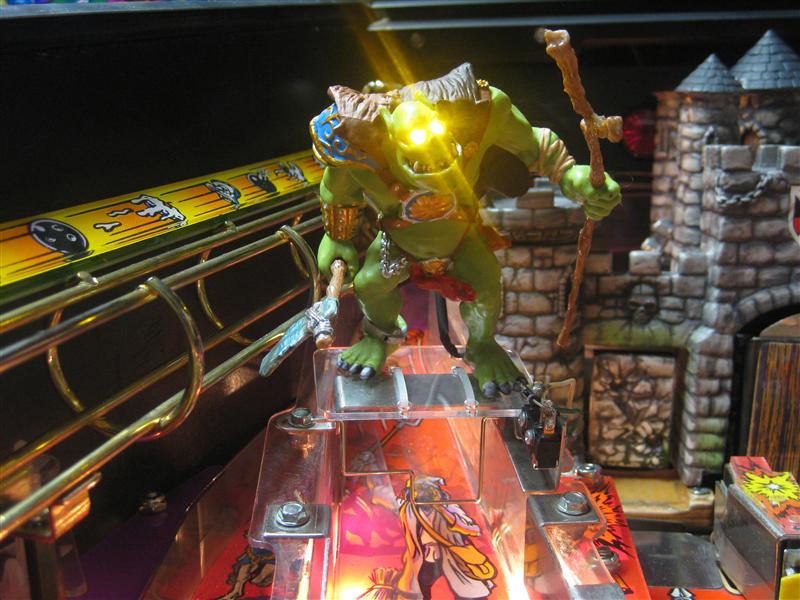
    The eyes where replaced with yellow/orange 3mm Leds for the Eye glow mod.

    If you want a Troll including this eye led mod you can order it here:

    http://www.wolfsoft.de/shop/product_info.php/products_id/14870

    or sent me an email to klaus@wolfsoft.de and I will take care of you order. Please sent me your complete adress for checking the shipping costs.

    I done the two holes first with a 1,5mm drill, then with a 2,5mm.
    After this I drill a hole from the back to the eyes the holes are like a Y.

    Look here:
    troll_01

    First Led

    troll_02

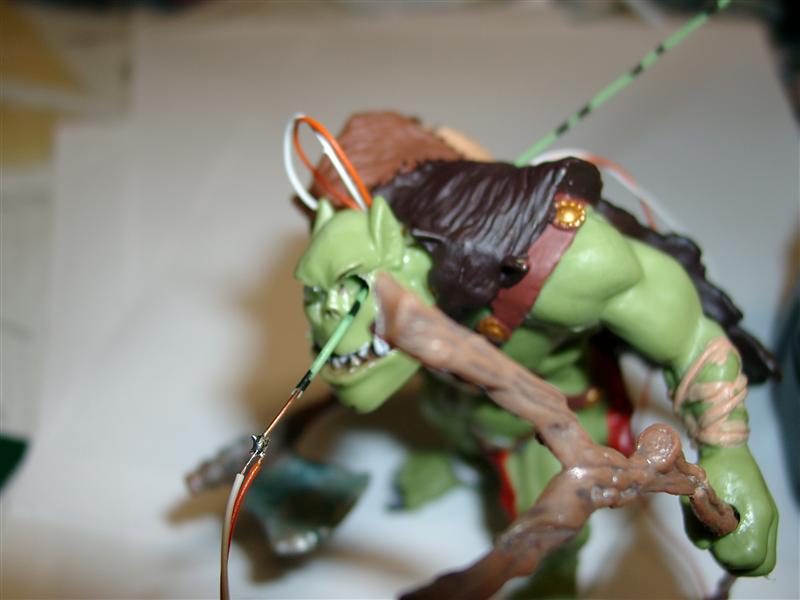
    This helps me to get the two flex wires though the hole:

    troll_03

    both Eyes replaced by leds

    troll_04

    first glow

    troll_05

    dark glow

    troll_06

    pics on the playfield will follow…

    Preview without LED MOD

    preview

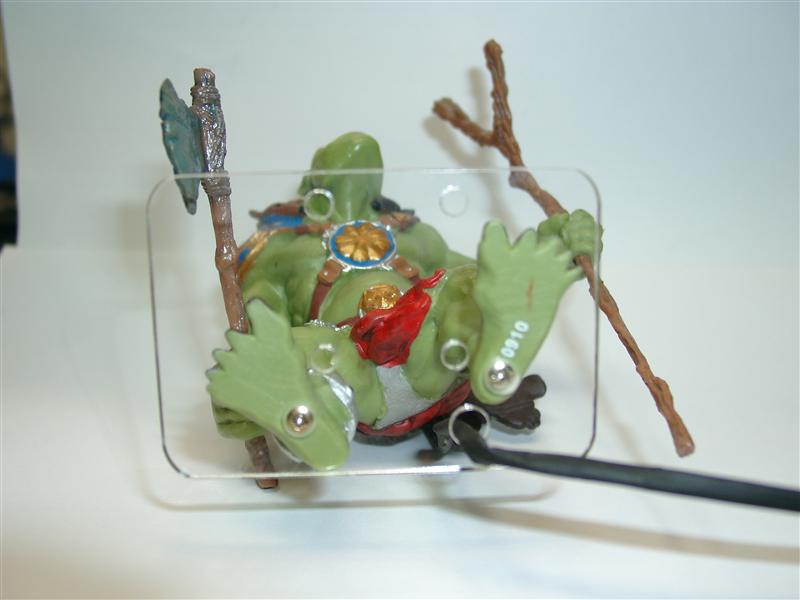
    today I got the lasered plastics look here

    I connected the feed with two screws and I don’t have trouble with airballs

    troll_with_plate_01

    free

    troll_with_plate_free

    Here you can see it in action:

    troll_inside_01

    troll_inside_02

    troll_inside_03

    troll_inside_04

    Intstallation Manual

    Here you find a video:
  • „Simba“ LED Mod for Cirqus Voltaire Pinball

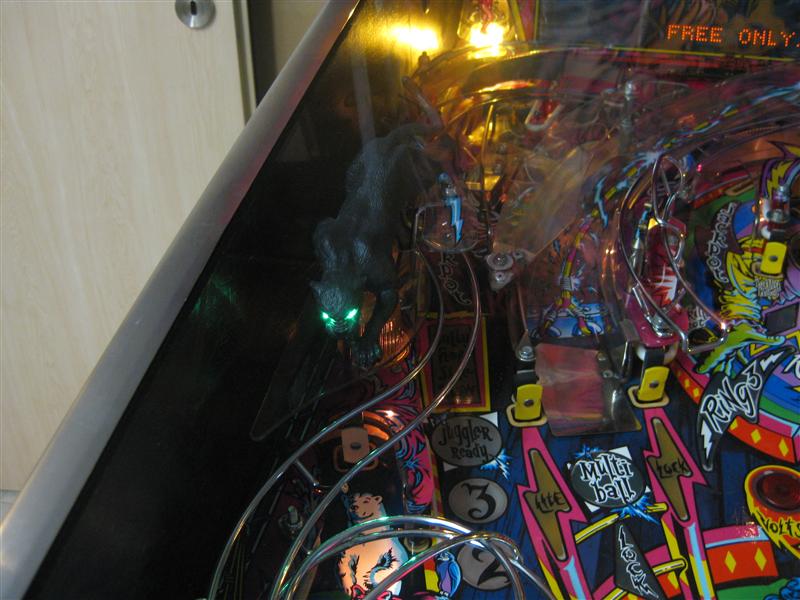
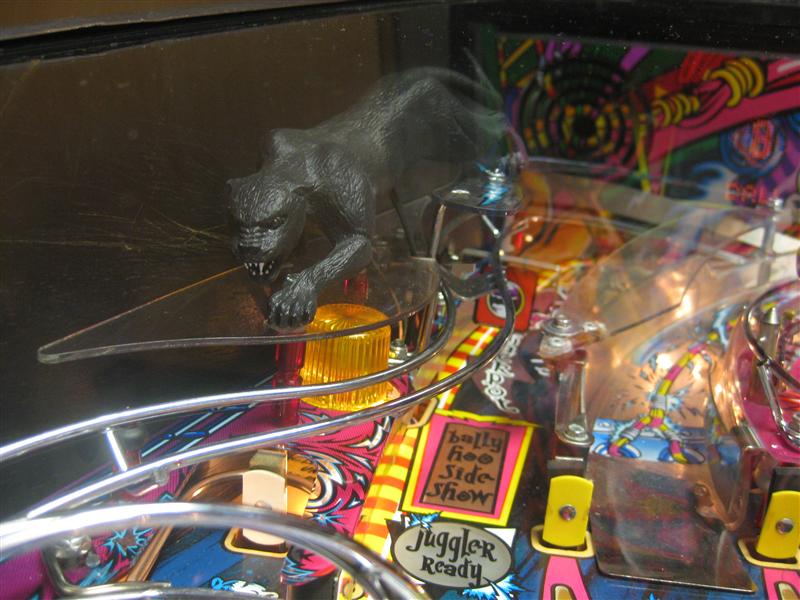
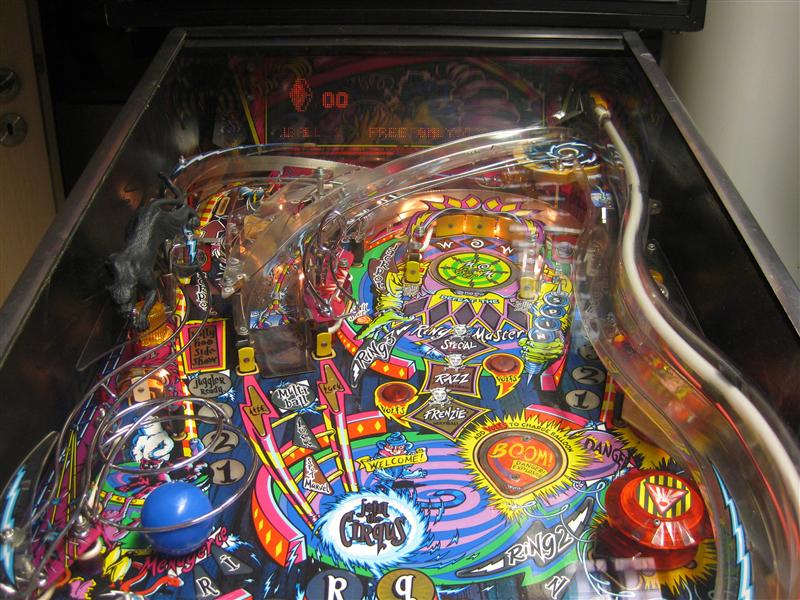
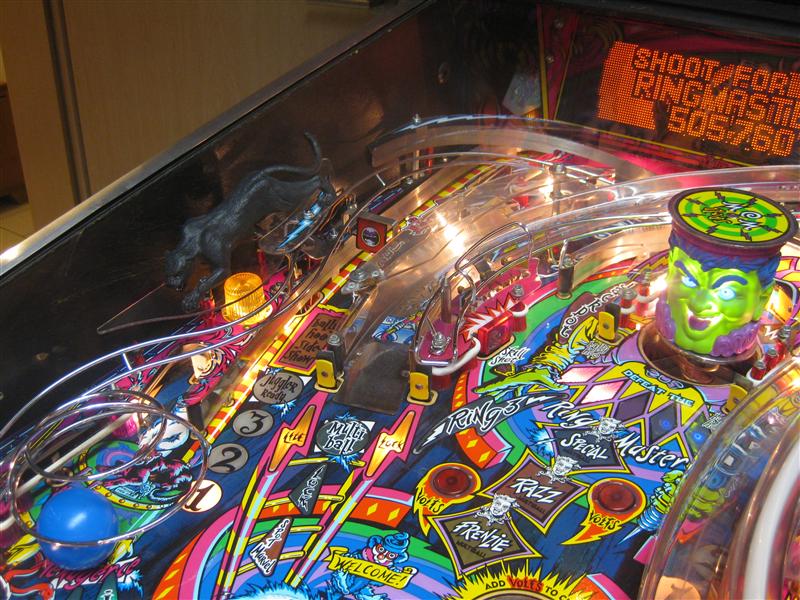
    I found Panther called simba for placing it in a Cirqus Voltaire Pinball. As there is one displayed on the playfield it fits to the main theme.

    If you want a Simba including this eye led mod you can order it here:
    http://www.wolfsoft.de/shop/product_info.php/products_id/14872

    or sent me an email to klaus@wolfsoft.de and I will take care of you order. Please sent me your complete adress for checking the shipping costs.
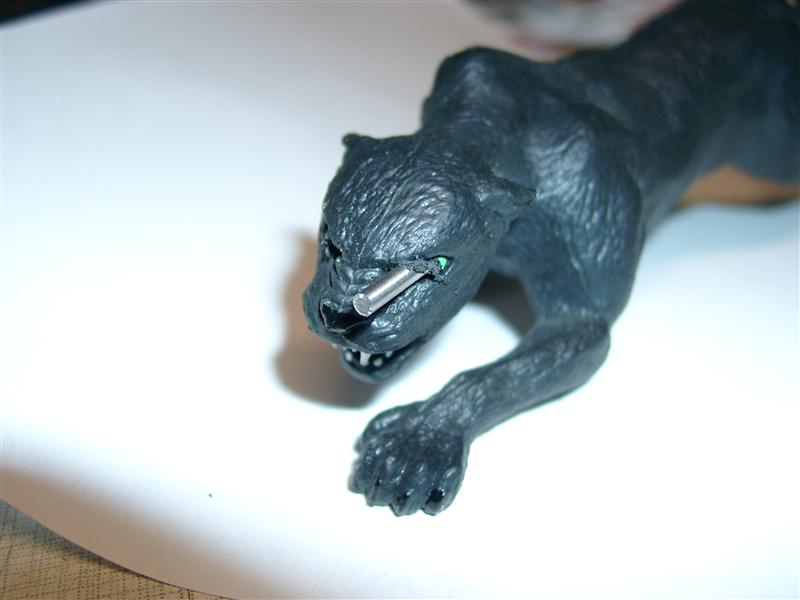
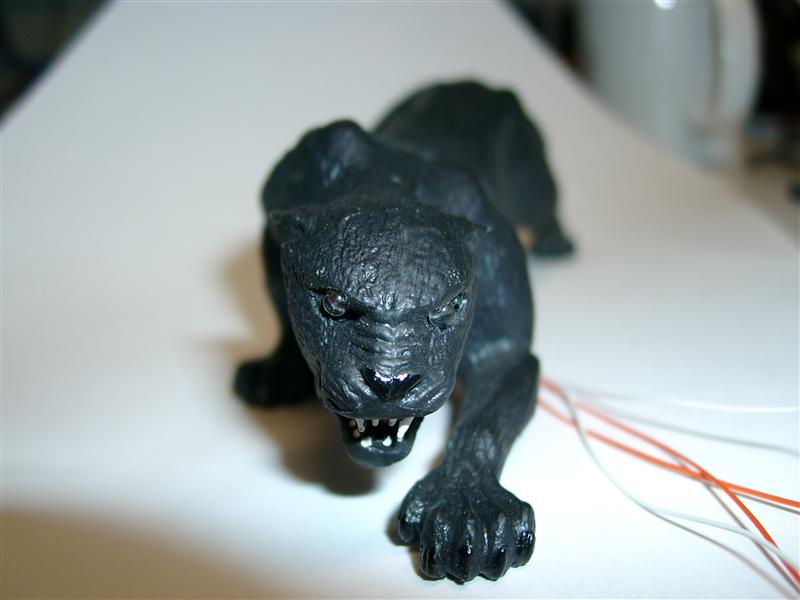
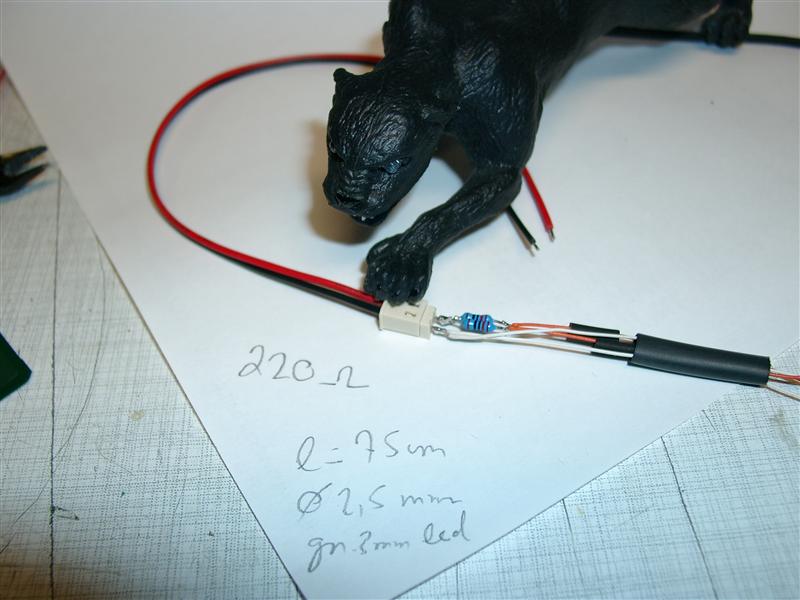
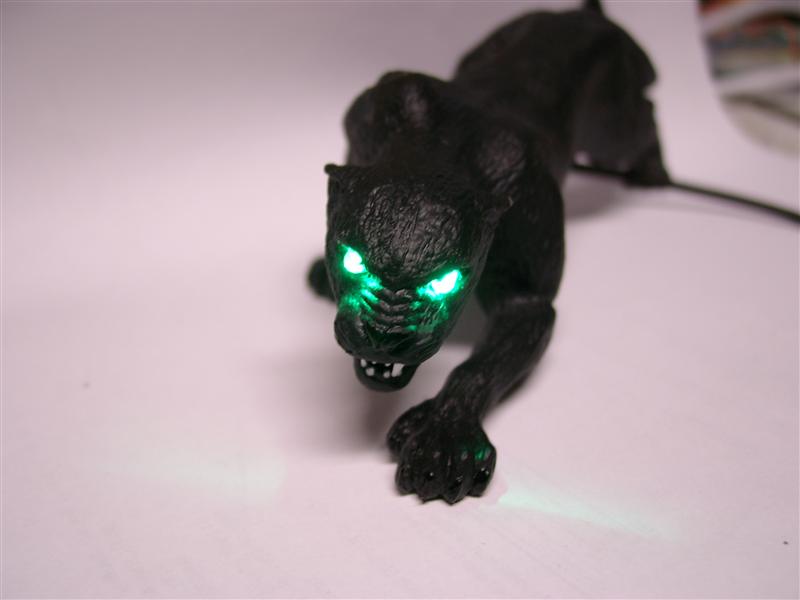
    Here you can see how I add the green LEDs to the eyes.
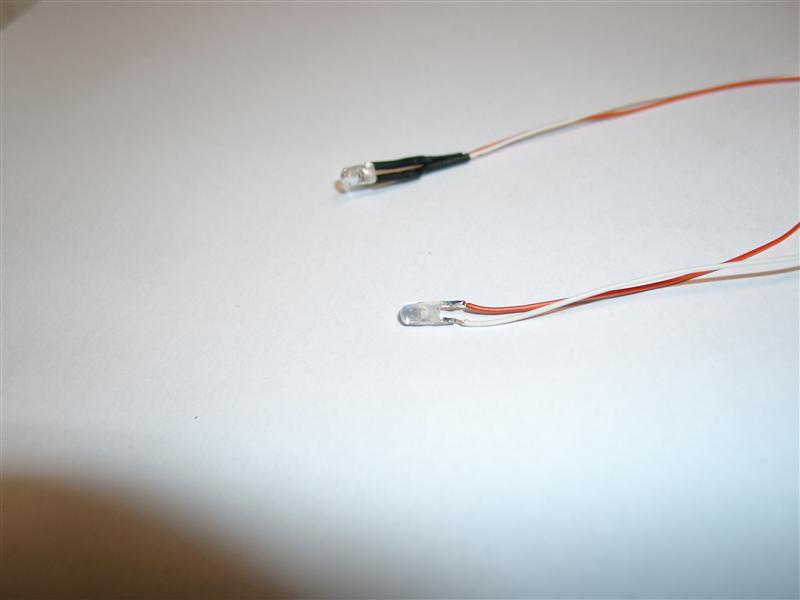
    I used a 2,5mm Drill and 3mm LEDs in green for the eye replacement. The installation is done solderless with the „croco“ connectors to the 28 bear playfield flasher with two 680 Ohm Resistors.

    Drill 2,5 extra long into the
    simba_making_off_01

    to get the cables out of the panther use a drill from downsite 8-9mm in diameter:

    two green leds 3mm:

    simba_making_off_03

    eyes pushed into the eye holes

    simba_making_off_04

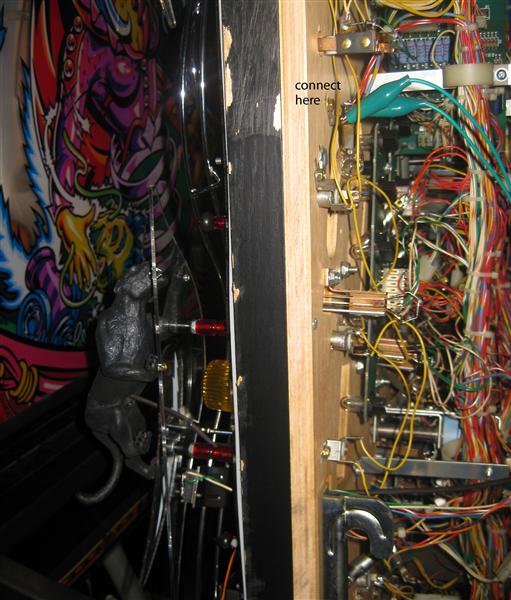
    connector to get the cables though the playfield without soldering

    simba_making_off_05

    (the resistors are 680Ohm, because I saw too late it will not be connected not to a insert lamp. It will be connected to a flash-lamp)

    first light up

    simba_making_off_06

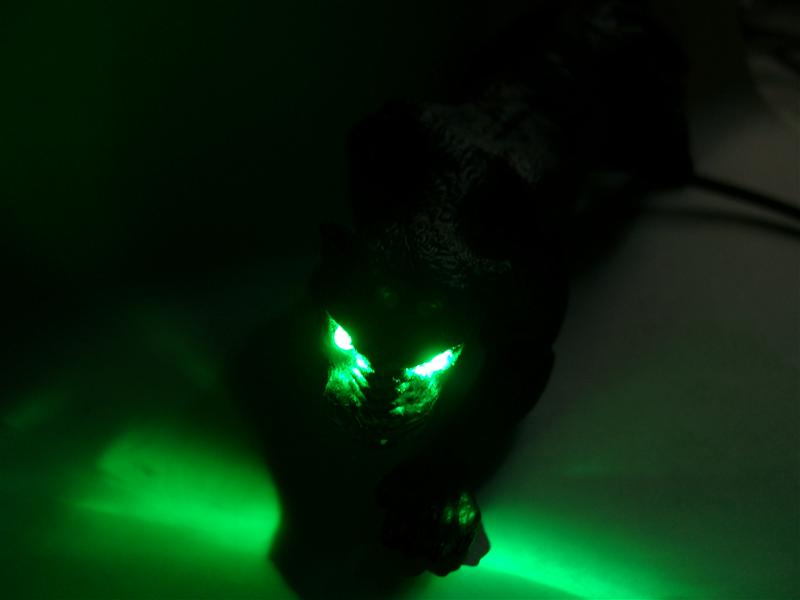
    dangerous in the dark…

    simba_making_off_07

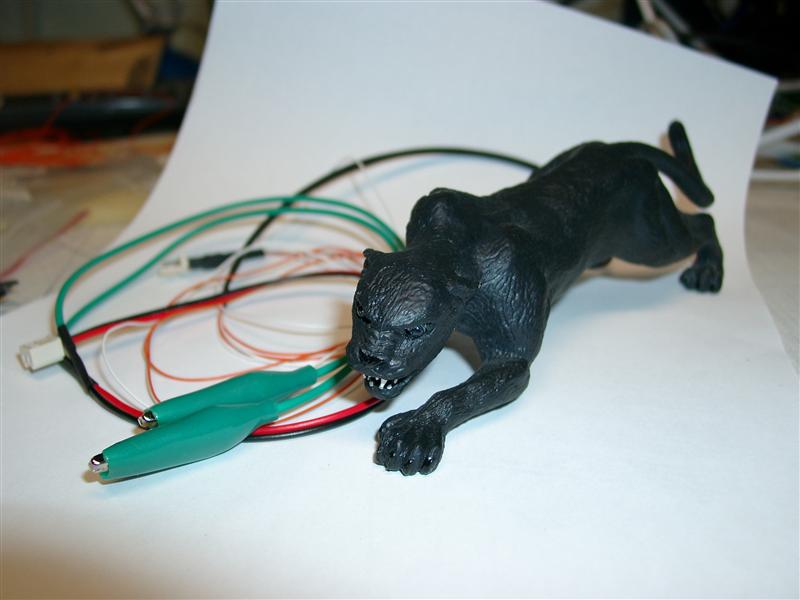
    with „croco“ connector to get it work at the flasher lamp

    simba_making_off_08

    Here you can see it @ work:

    panther_green_on

    simba_01

    simba_02

    simba_05

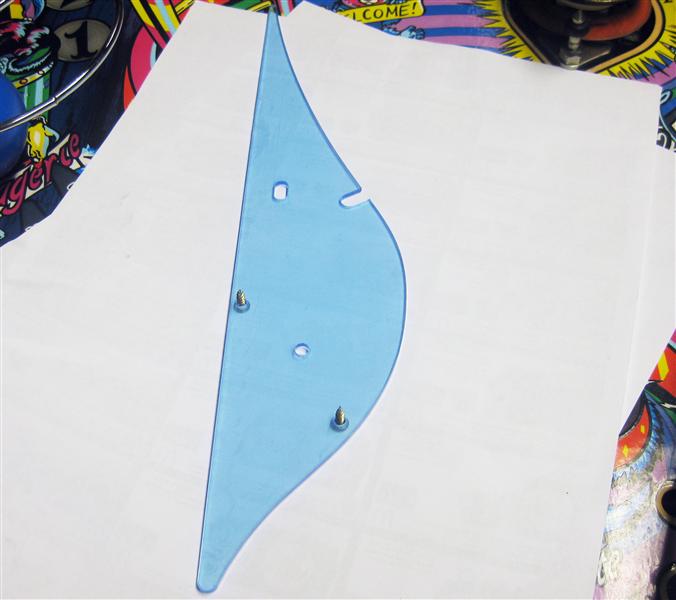
    I vectorized the outline of the plastics needed for connect simba to the playfield
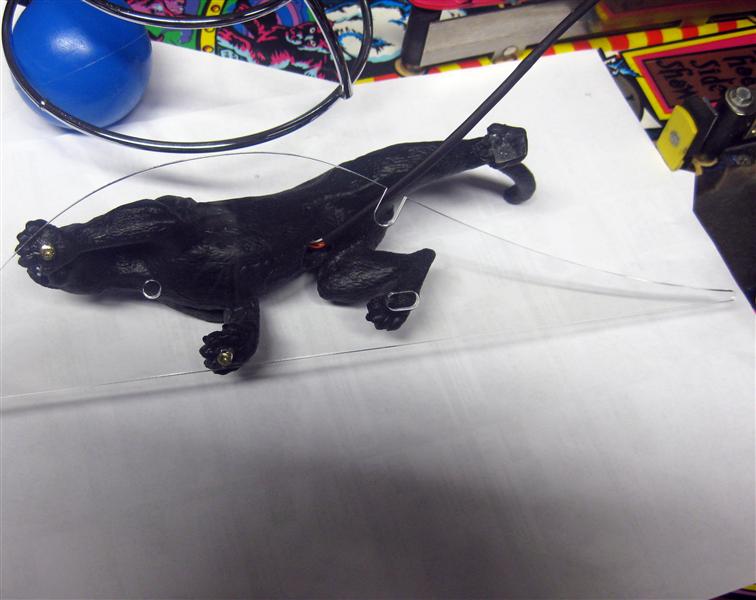
    Here is the new plastic with holes for the simba

    simba_replacement_plastic

    connecting simba with two 2,5mm screws

    simba_plastic_2

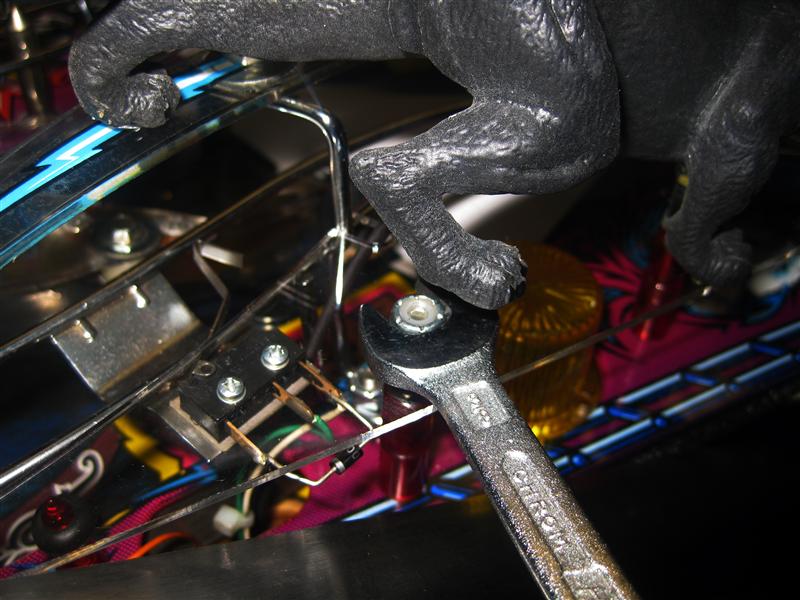
    the third leg is sitting on the plastic with the flash

    simba_screw_sitting_s

    simba_alligator_s

    simba_alligator_2_s

    Installation Manual

    Video: