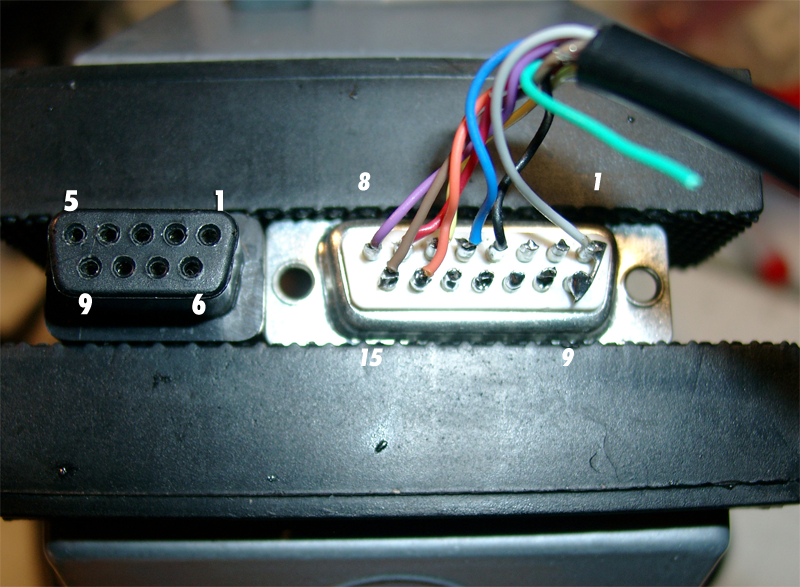
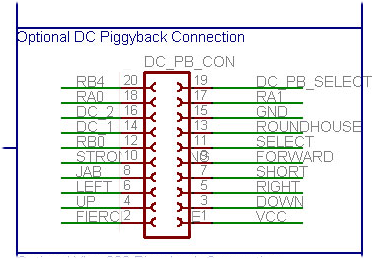
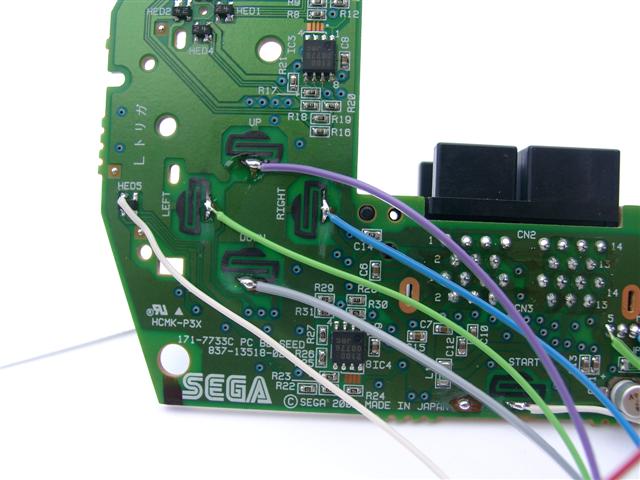
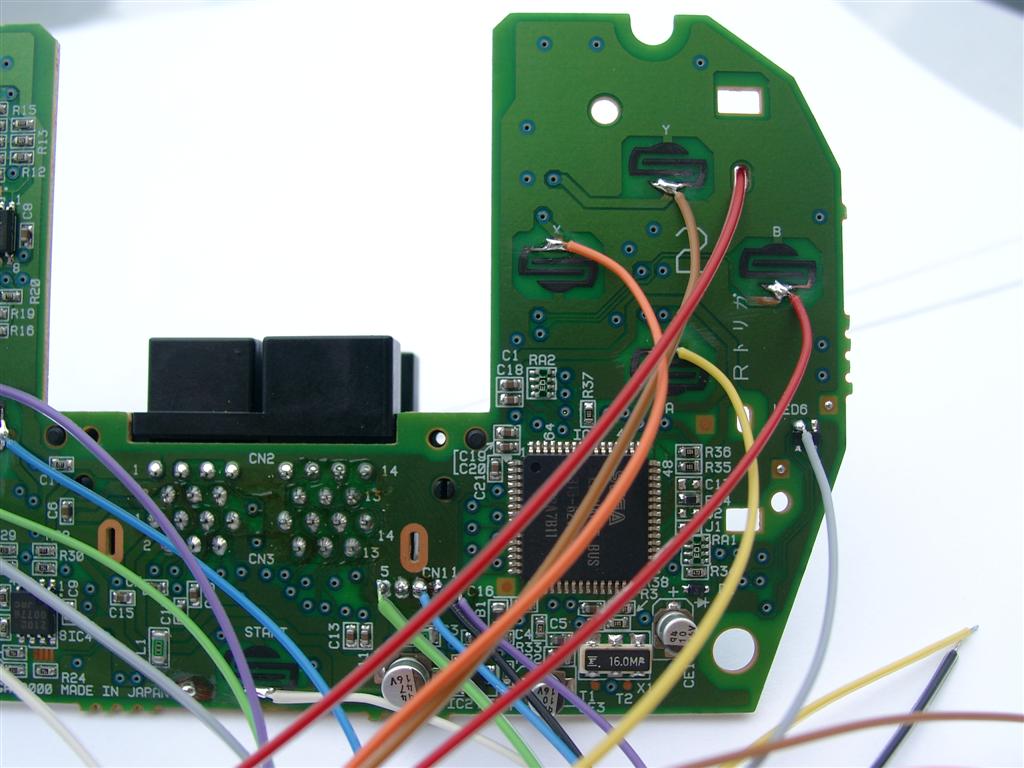
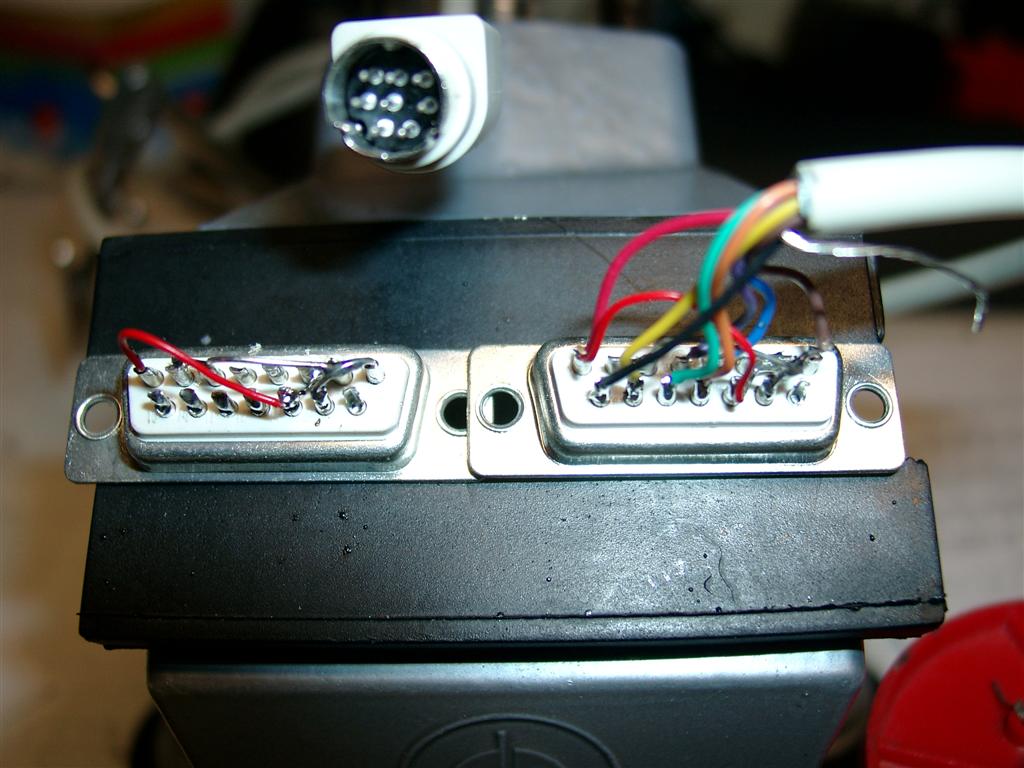
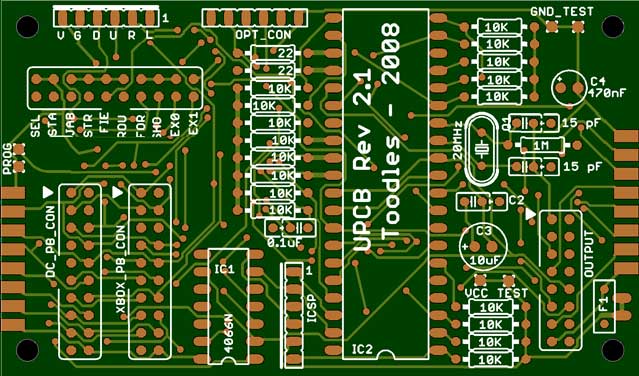
In the original Document of neogeo.h the +5V at older Videogame Systems are defined at Pin 5 of the SUB-D 9 pin Connector, but for amiga it’s wrong: Here we can find it at Pin 7 of SUB-D 9 pin Connector.
Amiga Pinout
Amiga
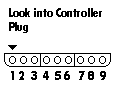
Pin Description
1 UP (brown) 2 Down (red) 3 Left (orange)
4 Right (yellow) 5 (green) 6 Button 1 (blue) 7 +5V (purple)
8 GND (grey)
9 Button 2 (black)
Sub D 15
Pin Description
1 8 (GND) grey
2
3
4 9 Button 2 (black)
5 6 Button 1 (blue)
6 4 Right (yellow)
7 2 Down (red)
8 5 (VCC 5V) (purple)
9 Low
10
11
12
13
14 3 (Left) orange
15 1 (Up) brown
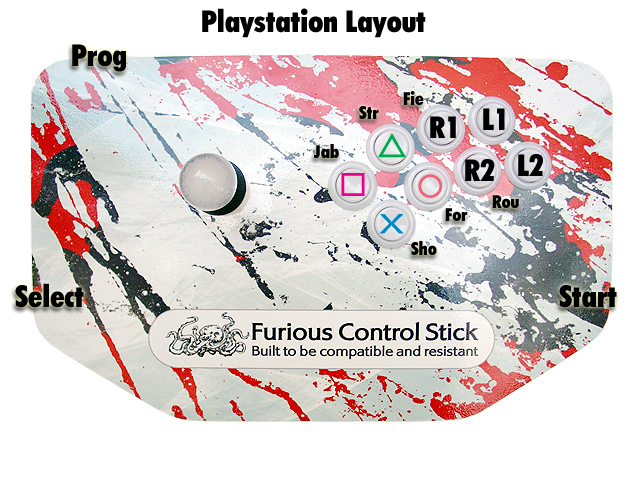
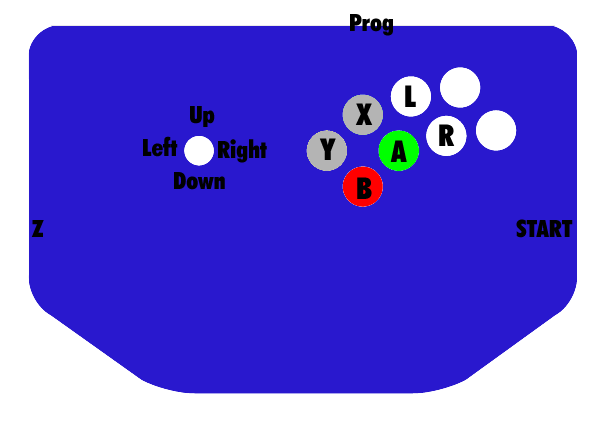
Buttons1Buttons
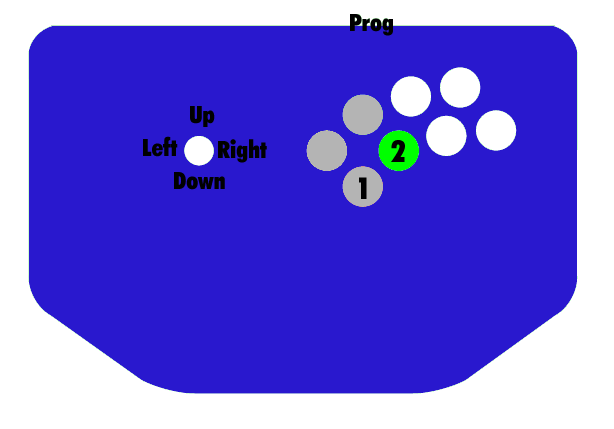
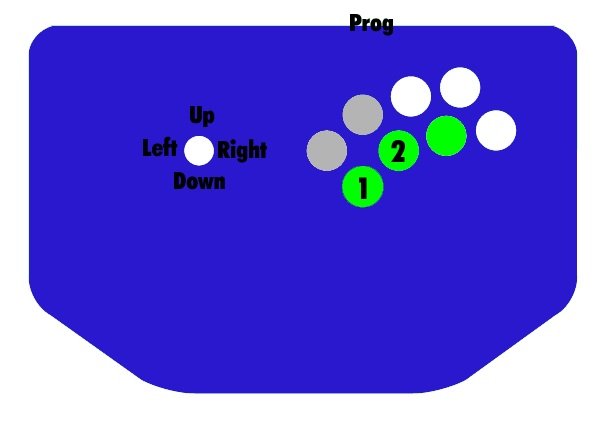
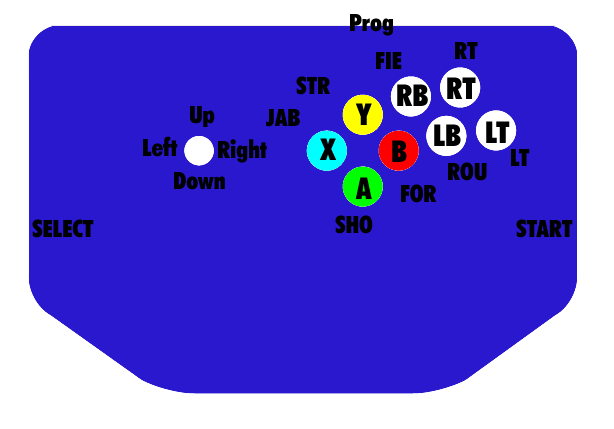
If no Buttons are working. Try to press the 3 grey Buttons at powerup or
Press the three green Buttons at powerup
Start: Stick is reported to D-pad only instead of both D-pad and left analog
Select: Stick is reported to left analog only instead of both D-pad and left analog
Strong+Forward: Smash Brother Basic mode
Fierce+Roundhouse: Smash Brothers Advance mode
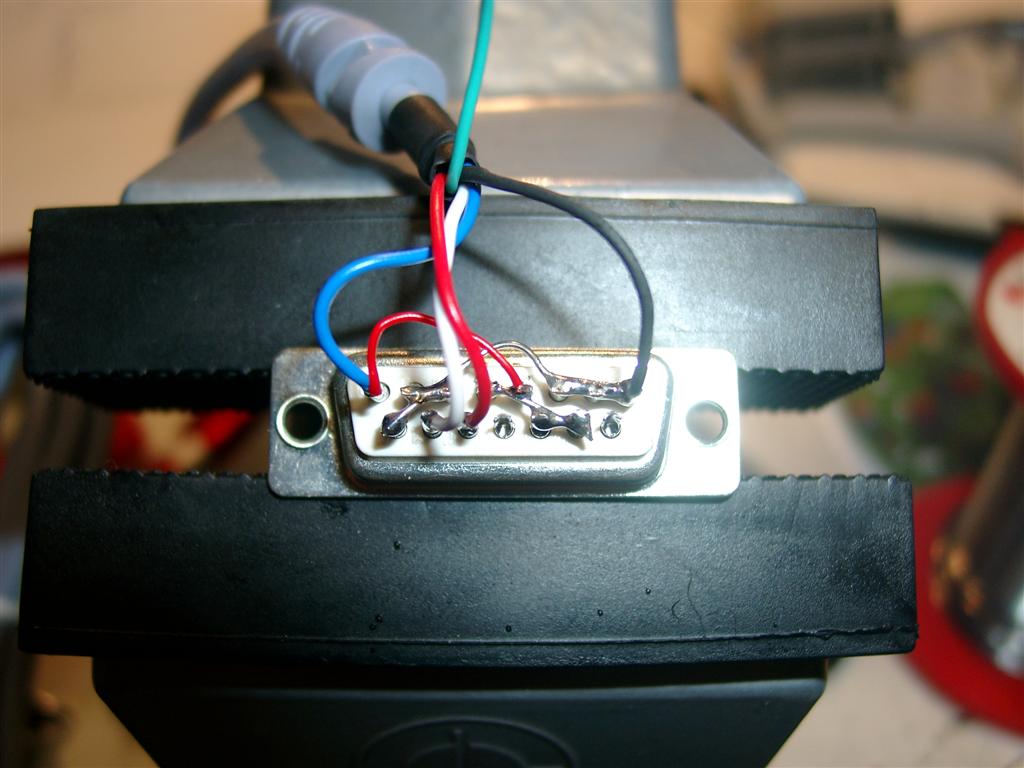
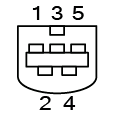
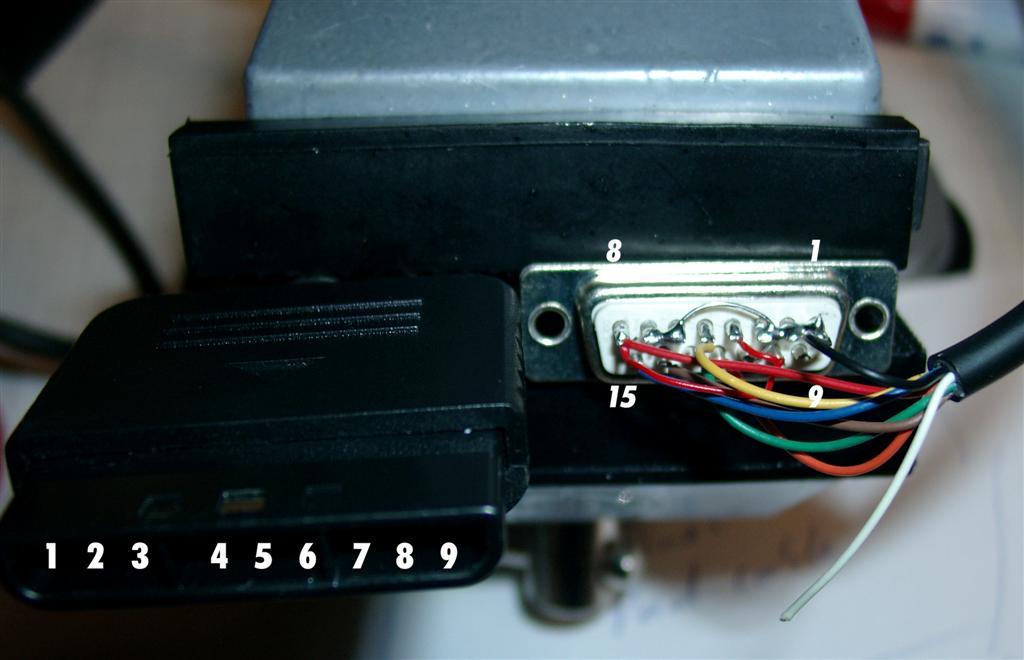
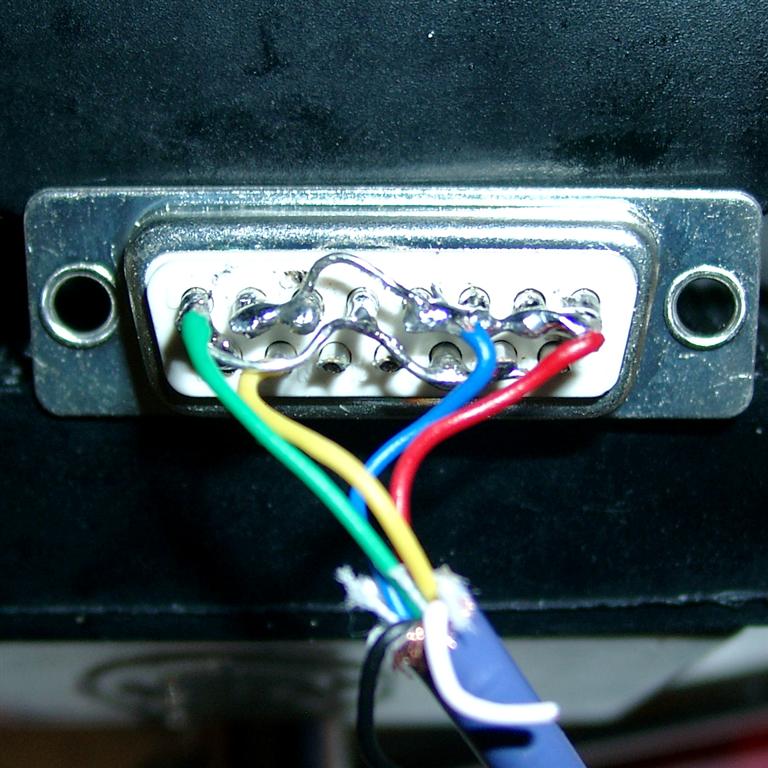
Pictures of Sub-D 15 pin male:
Look into Gamecube socket
Pin Description GameCubePort
1 VCC 5V (green)
2 Data in (yellow)
3 GND (blue)
4 GND (red)
5 – (white)
6 3,43 V (black)
7 gnd (shield)
Sub D 15 pin
1 4 (GND) blue, red, shield
2 Low
3 Low
4 Low
5 High
6 Low
7 Low
8 1 (VCC 5V) green
______________________
9 NC –
10 High
11 High
12 NC –
13 NC –
14 2 (Data) yellow
15 High
USAGE in DETAIL
1. Default [automatic if you didn’t select any other mode] Stick gets reported to both right analog and d-pad. Select is Z, Start is start, and the layout is:
YXL
BAR
2. D-pad only [hold Start when plugging in.] Same as default, but the stick is only reported to the d-pad. Right analog always in neutral.
3. Analog only [hold Select when pluggin in.] Same as default, but the stick is only reported to the right analog stick. D-pad is always in neutral.
4. Smash Bros. Basic [hold Strong and Forward when plugging in.] 2,6 (A,X)Short is shield, Jab is A, Strong is B. Double tap a direction to dash. A+B+Direction does a smash attack using the C stick. Select is a dpad down taunt.
5. Smash Bros. Advanced [hold Fierce and Roundhouse when plugging in.] Buttons same as Smash Bros. Basic, but include forward as ‚jump‘ (just the Y button), fierce as ‚run‘, and roundhouse as ‚lock‘. Shield button will do a half-pull on the trigger with no click unless the ‚run‘ button is pressed as well; then it will do a full pull with click so you can choose which type of shield you need for hit recovery, L-cancelling, whatever. ‚run‘ button also makes the analog stick report as all of the way in the direction you want, instead of just a little bit, so you can choose to walk or run, tild or smash.’lock‘ button is for complex C-stick manuevers. It locks the analog stick where its at, and your stick will control the C-stick until you release the lock button. So, to do Peach’s floating b-air, jump and hold up on your stick, hold the lock button, and move the stick to the left or right.
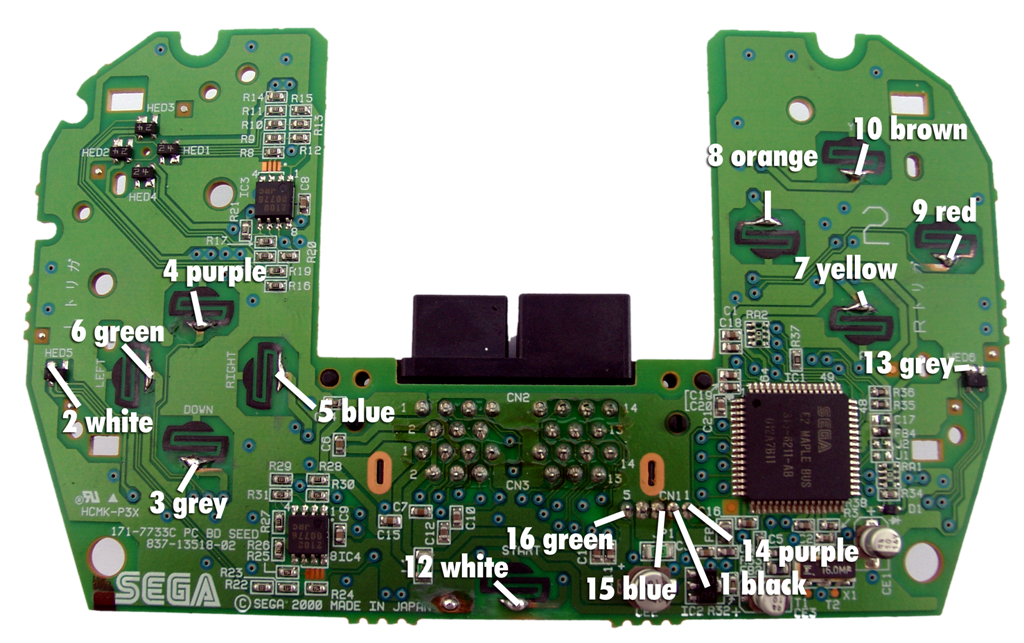
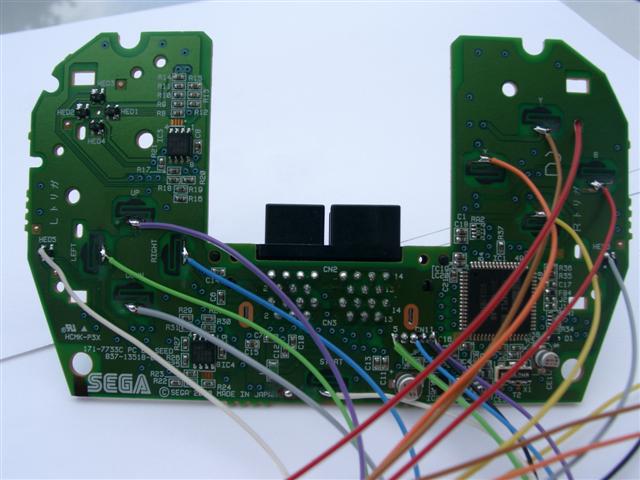
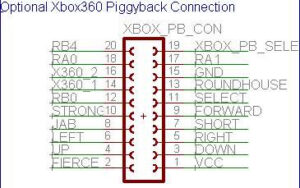
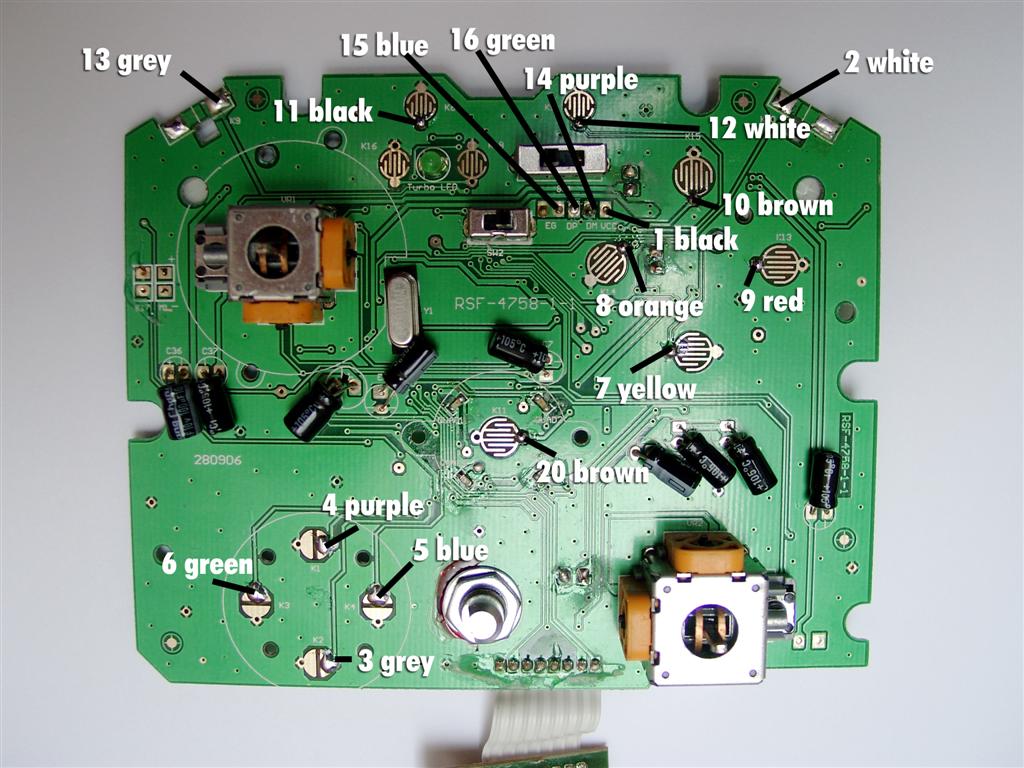
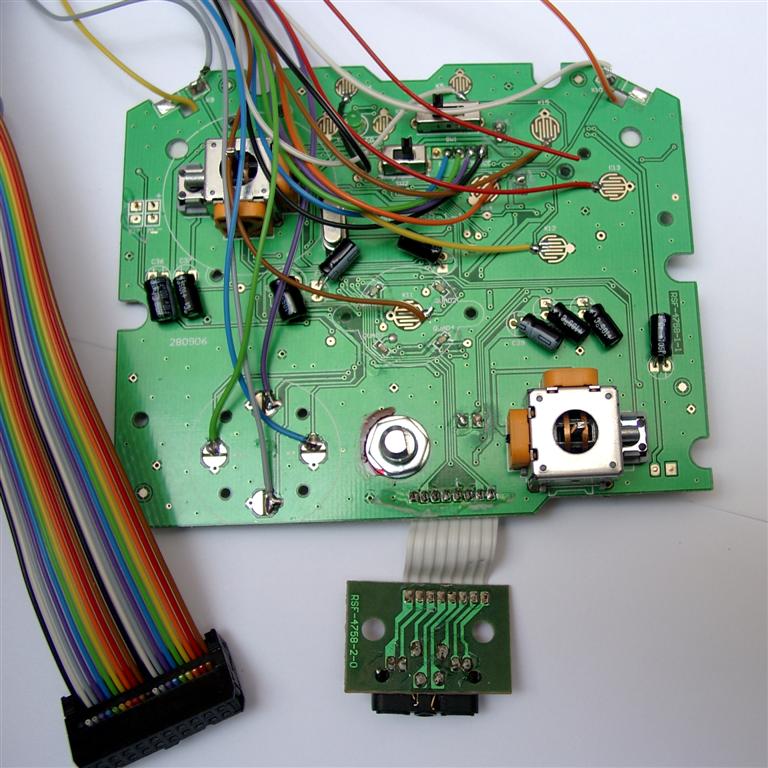
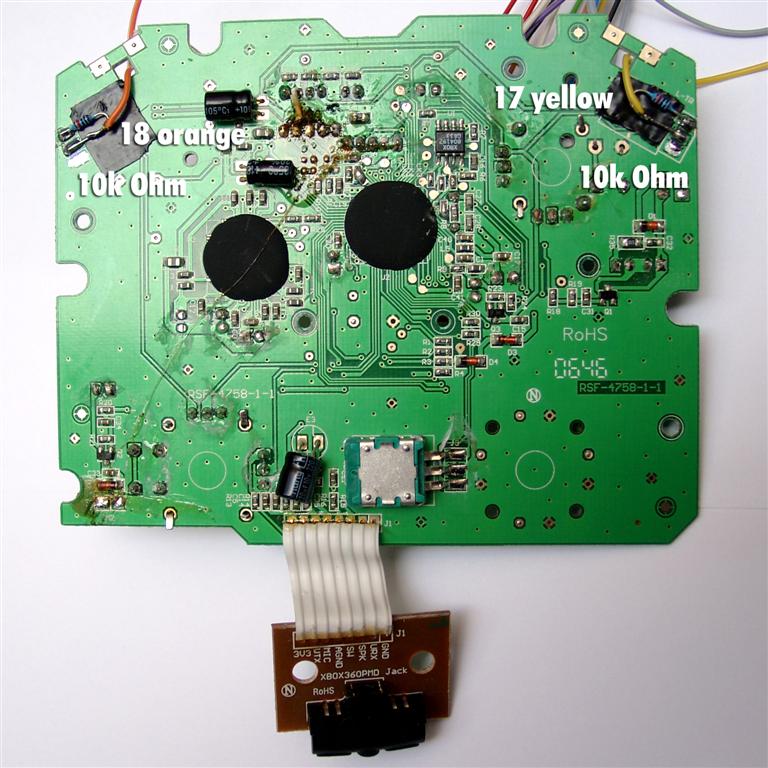
for playing x360 with the universalpcb you will need to hack a x360 Pad.
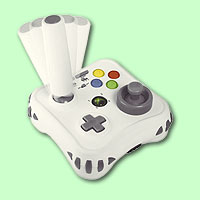
We use a MadCatz Arcade Gamestick Item#4758.
picture of arcade gamestick
It will be easy to hack, because you will need no inverting the R-Trigger and L-Trigger Buttons, it’s cheap, you can solder directly to the buttons and it’s common Ground.