Blog

  • Theatre of Magic Magic Doves

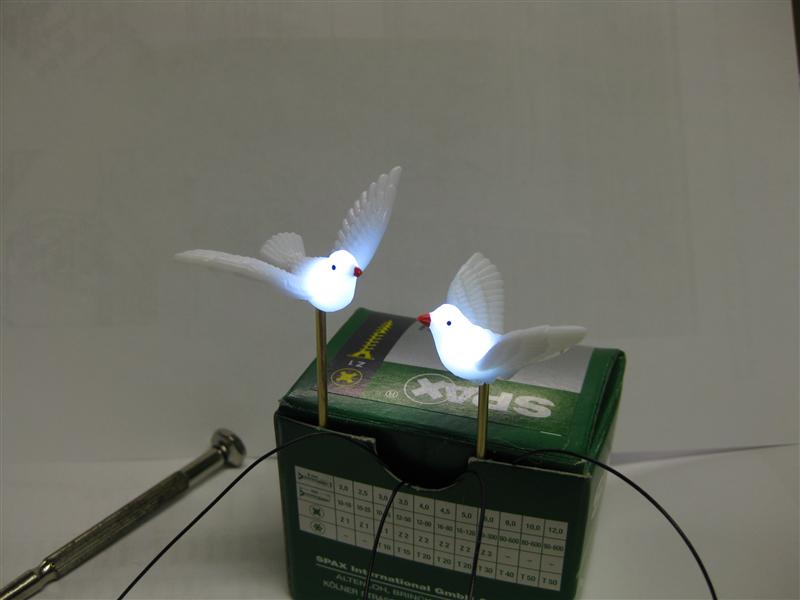
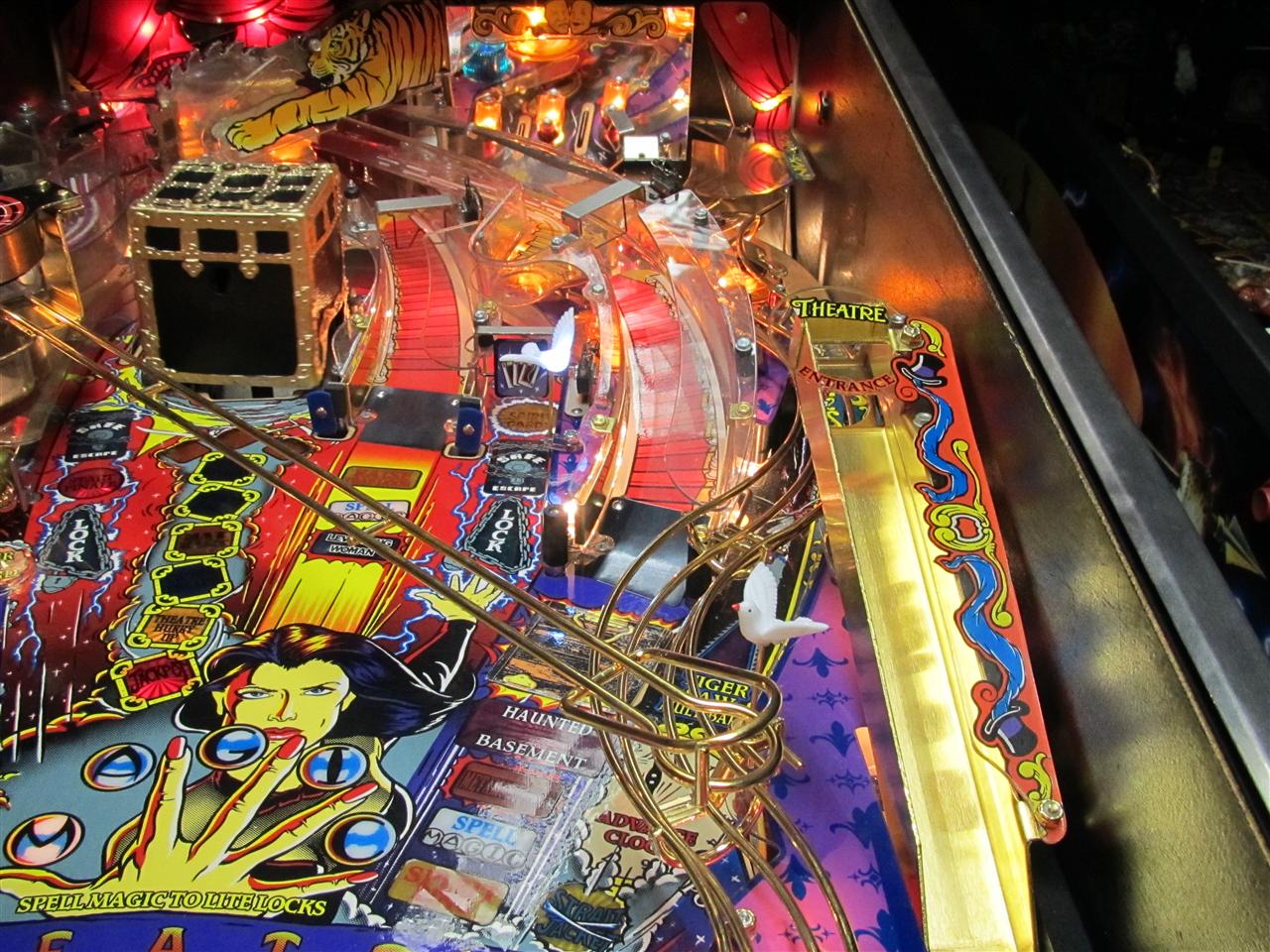
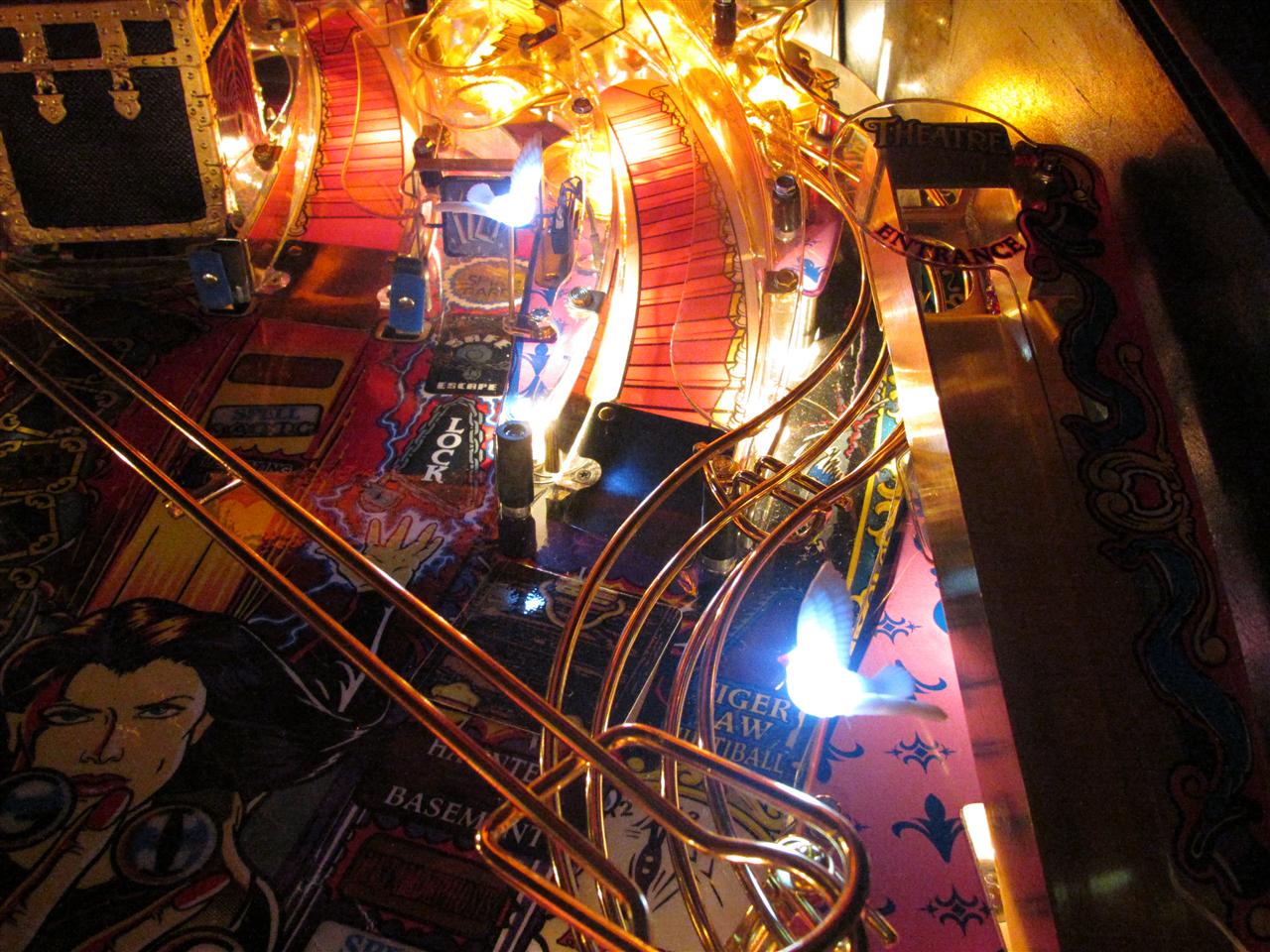
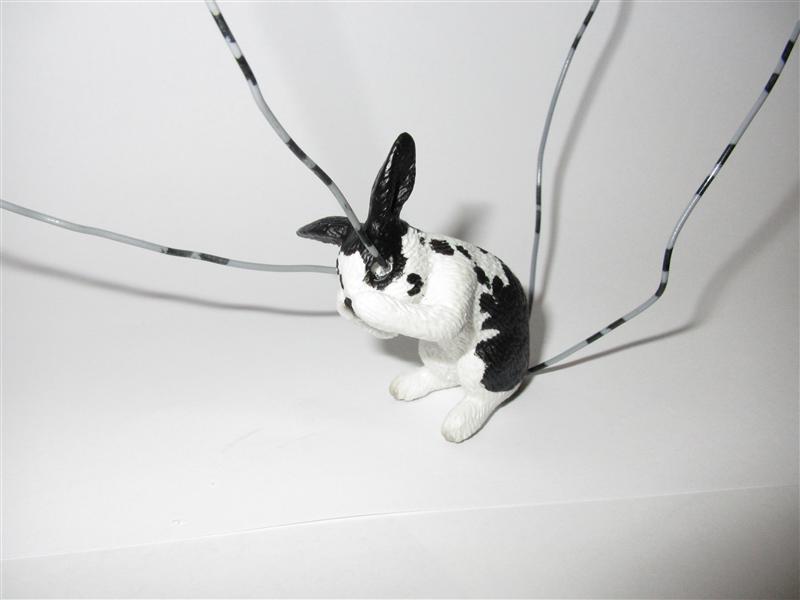
    I only have the rabbit mod for ToM and saw somebody else have put some little doves into the pinball.
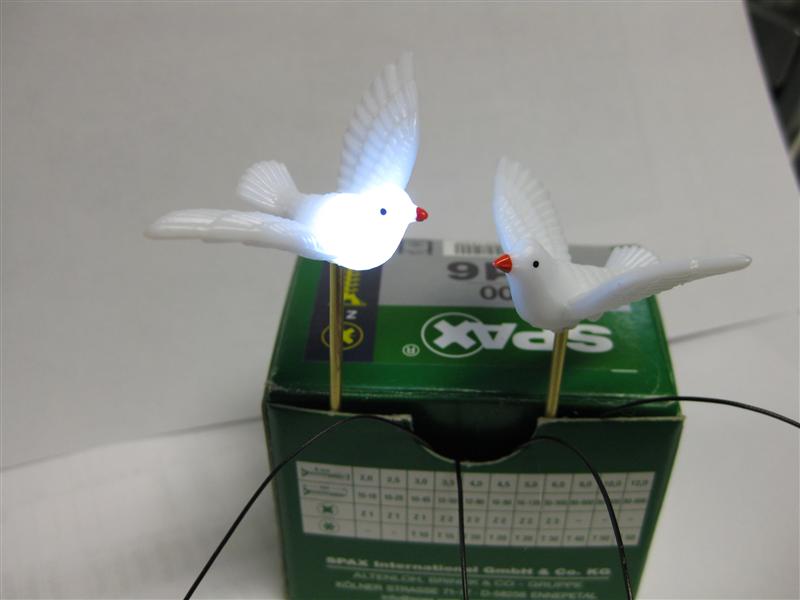
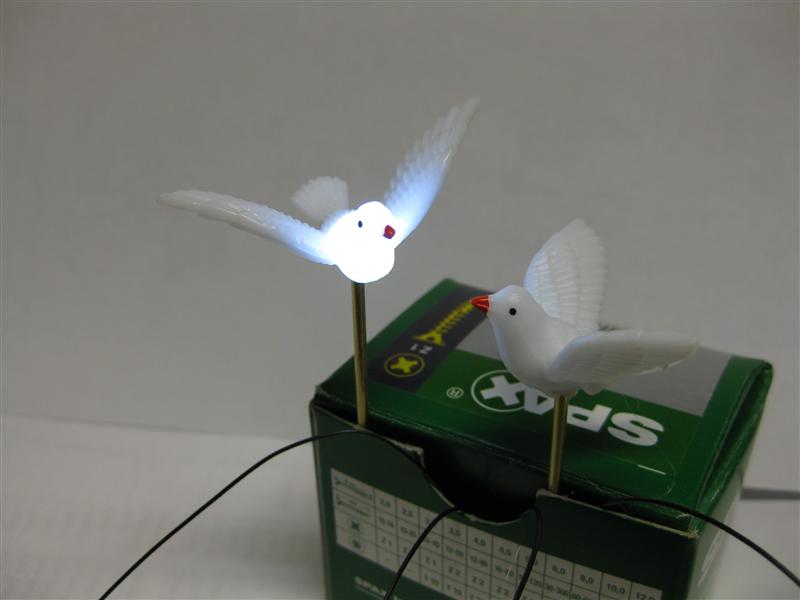
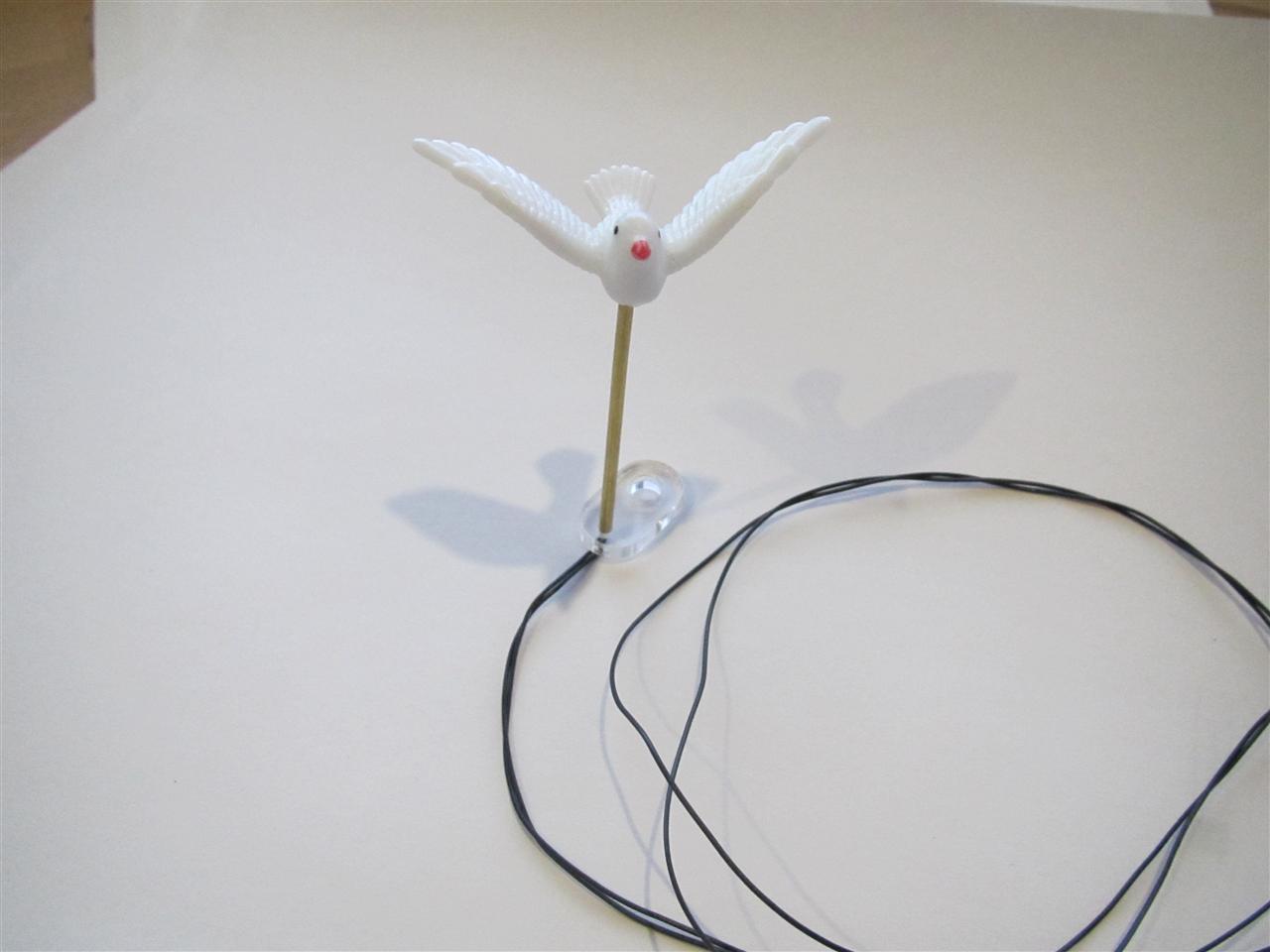
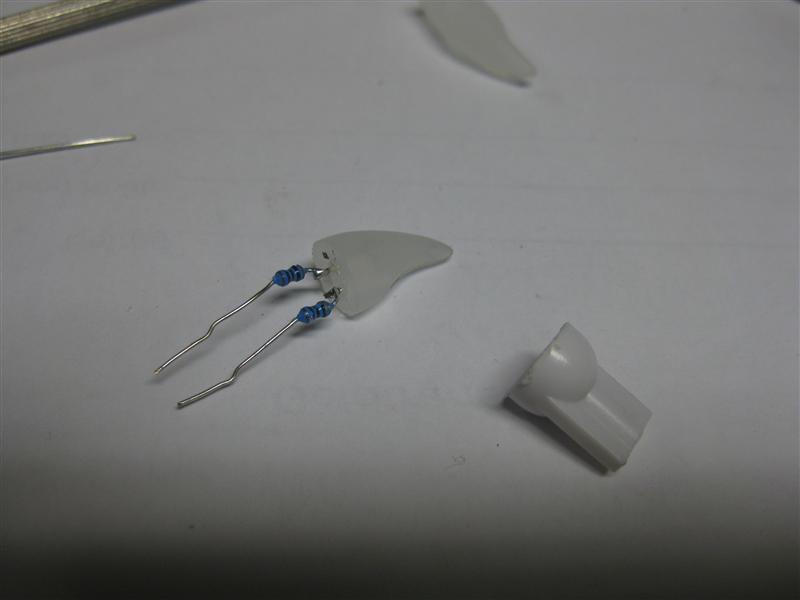
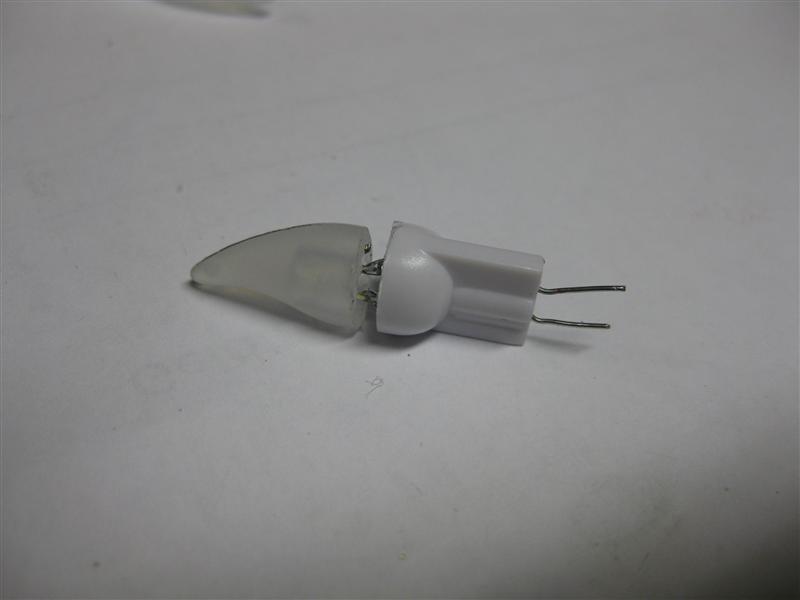
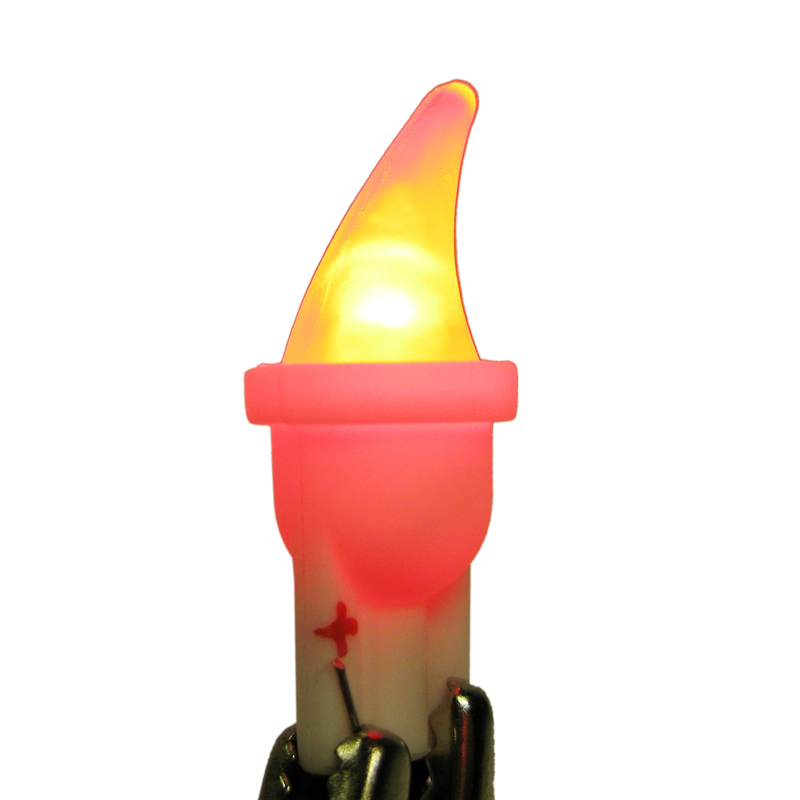
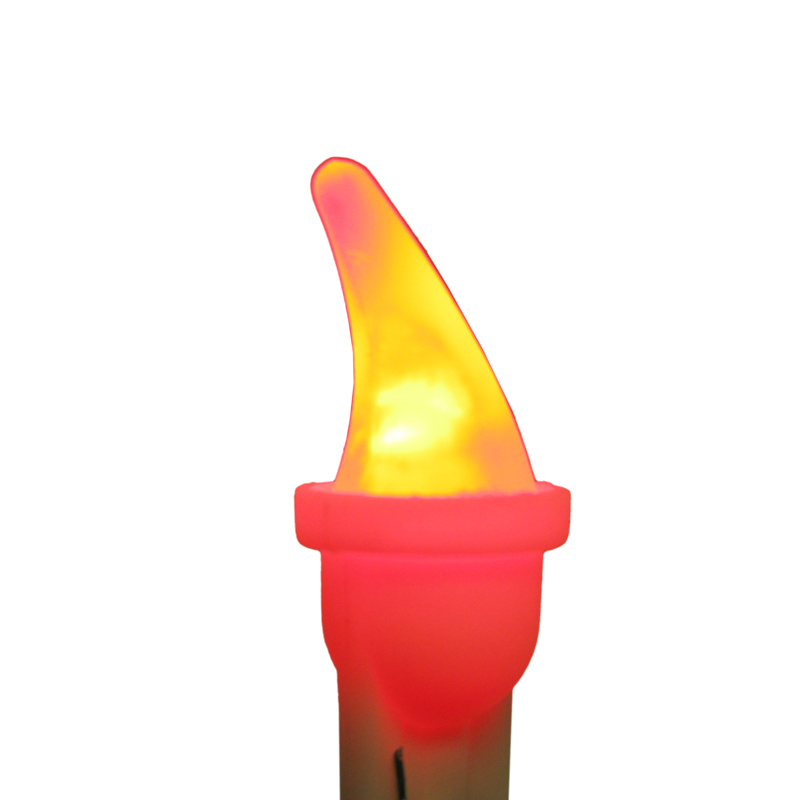
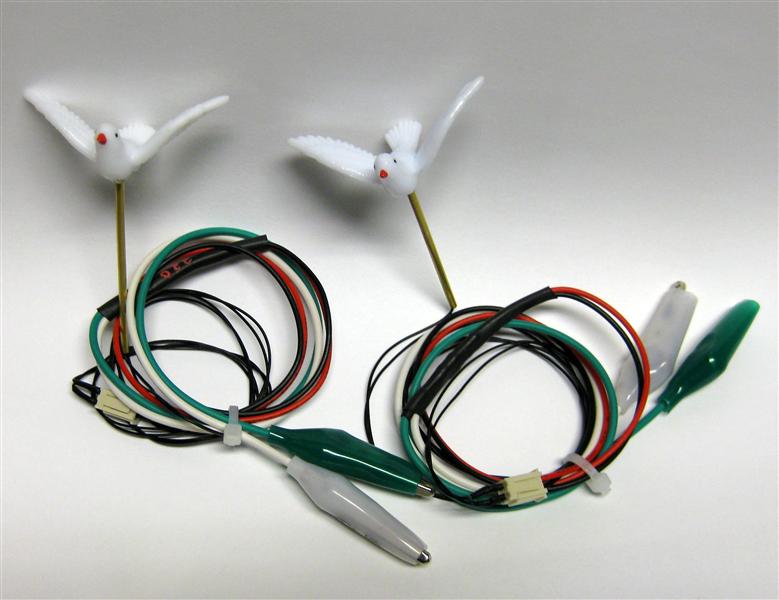
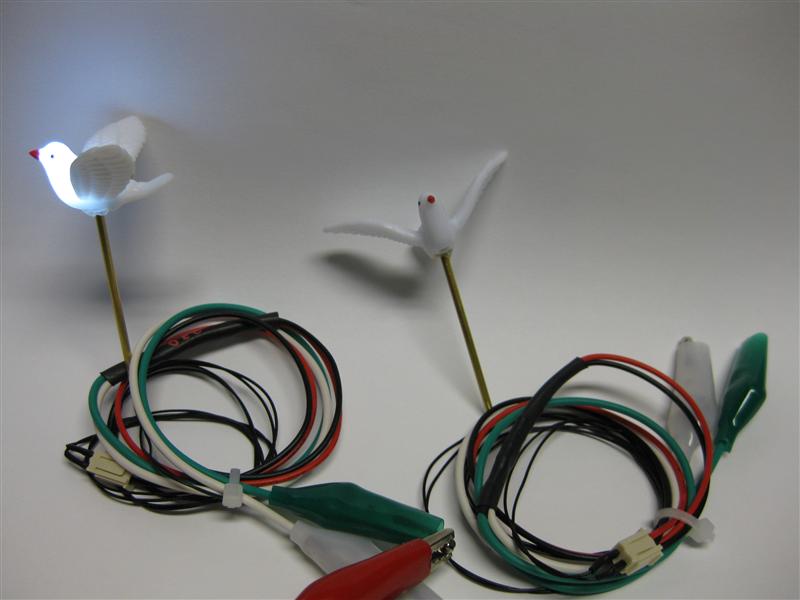
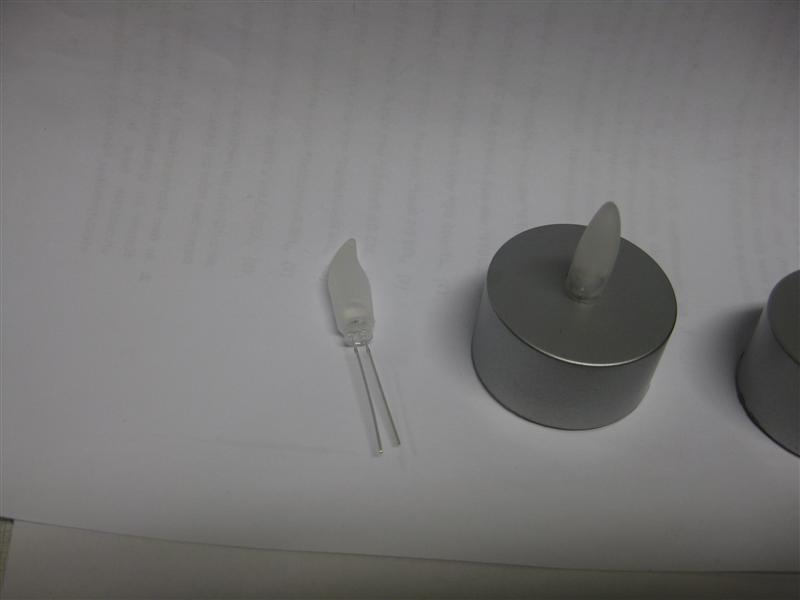
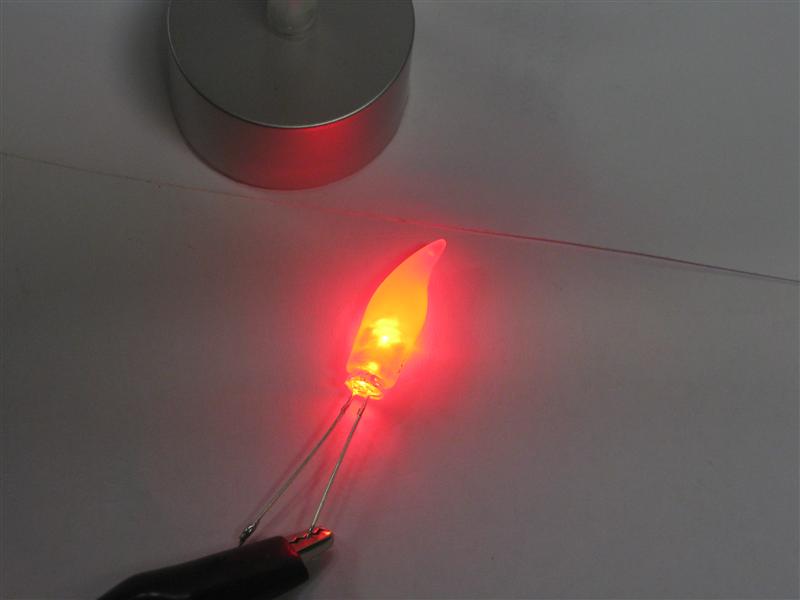
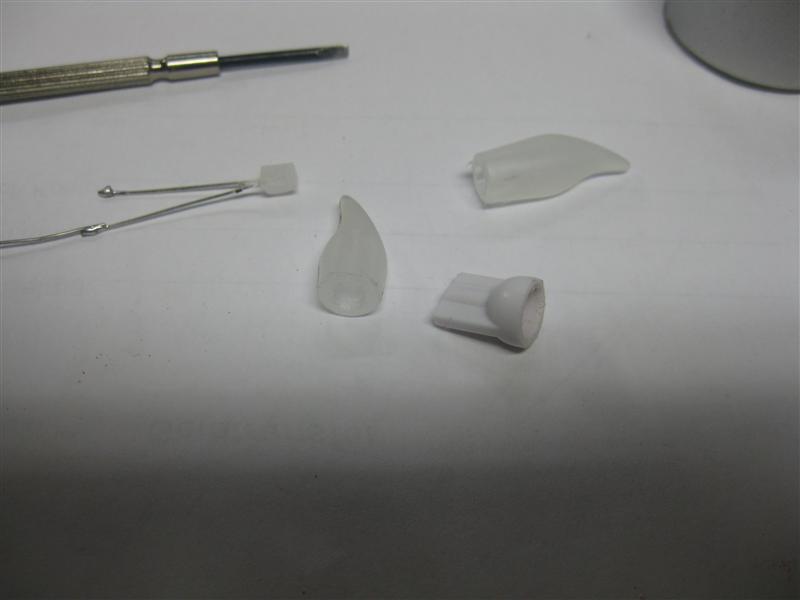
    I tried it too with the usual led modding and the help a 3mm power led in white it looks like this.
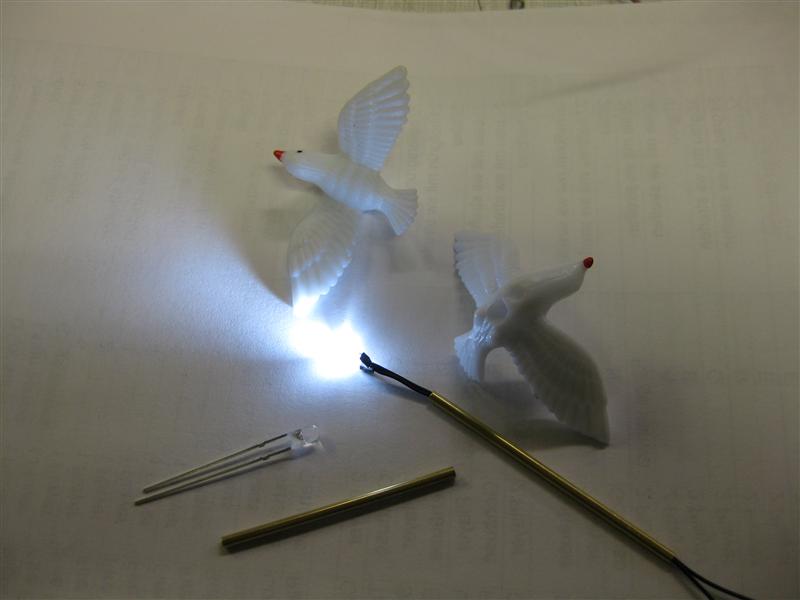
    ToM_Dove_01

    ToM_Dove_02

    ToM_Dove_03

    ToM_Dove_04

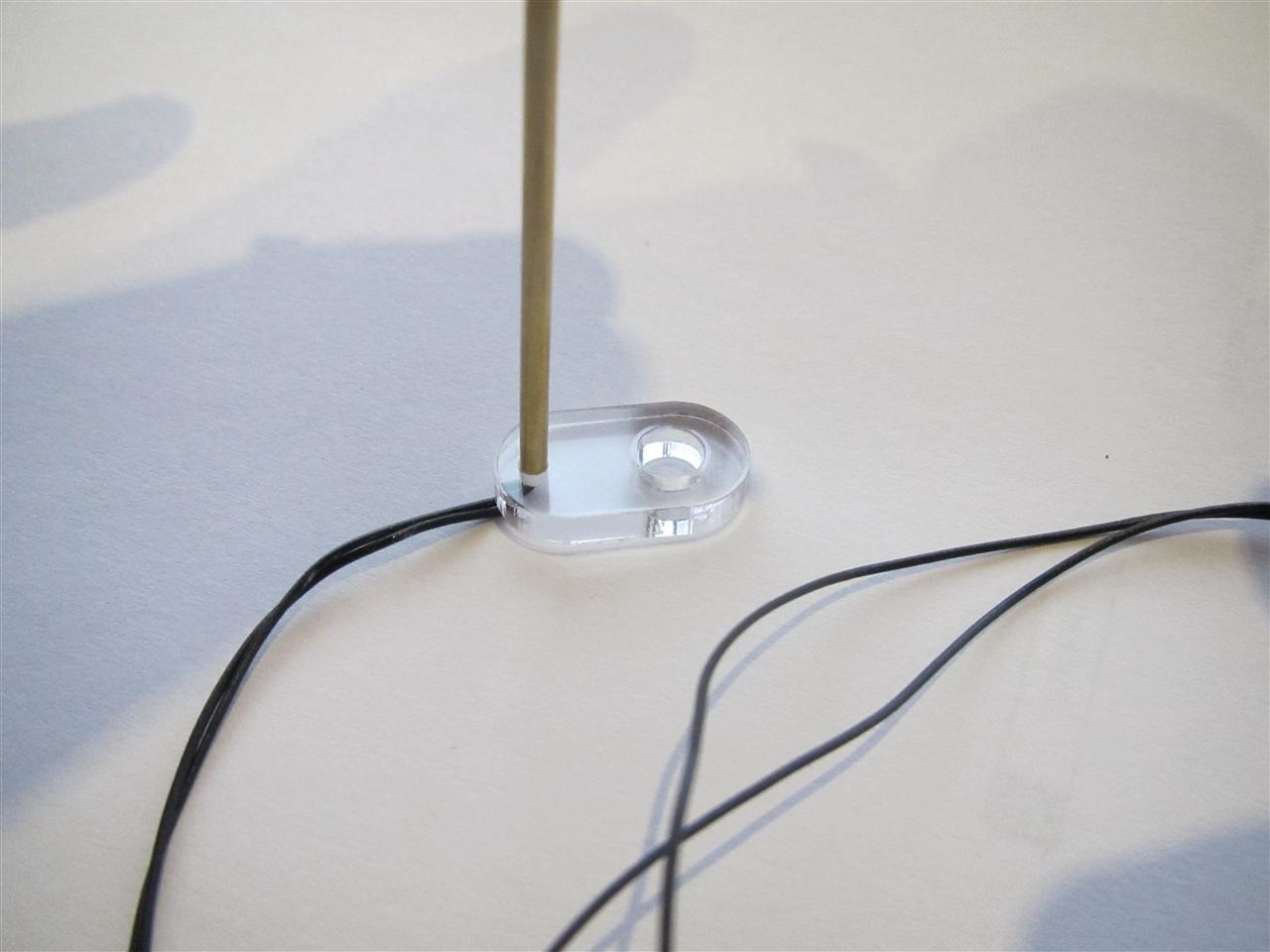
    You can connect it with alligator connectors to a insert lamp and I will try it later in my pinball and looks where to place and connect.
    ToM_Dove_05

    ToM_Dove_06

    Today I got the plastics

    ToM_Dove_07

    total

    ToM_Dove_08

    at the right place
    ToM_Dove_09

    ToM_Dove_10

  • Rotating UFO for Attack From Mars Proof of Concept

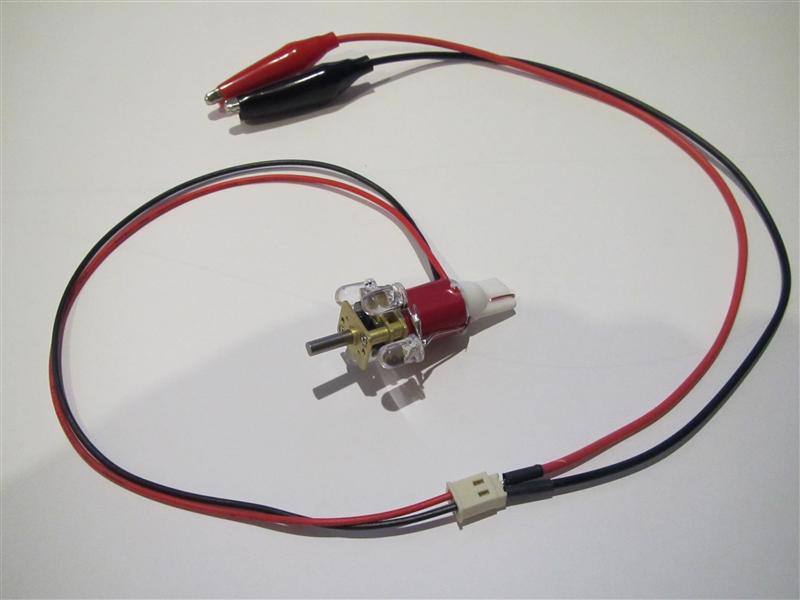
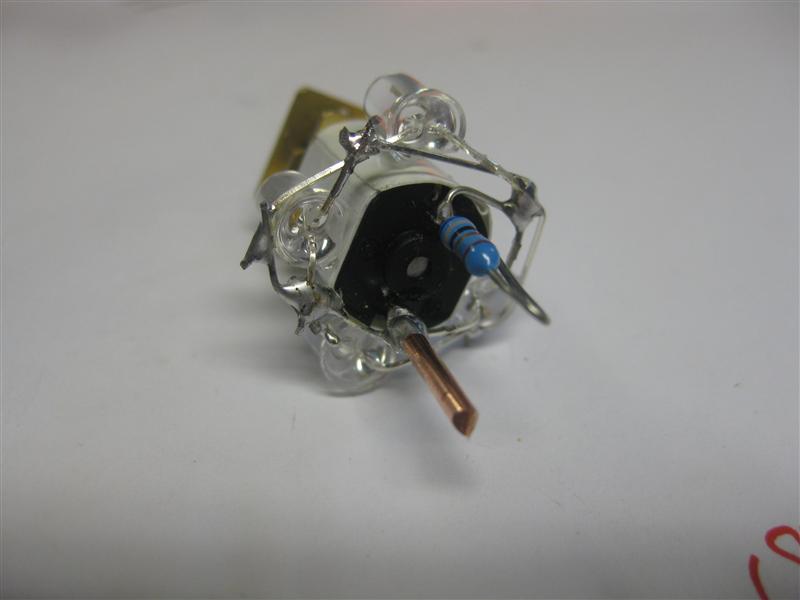
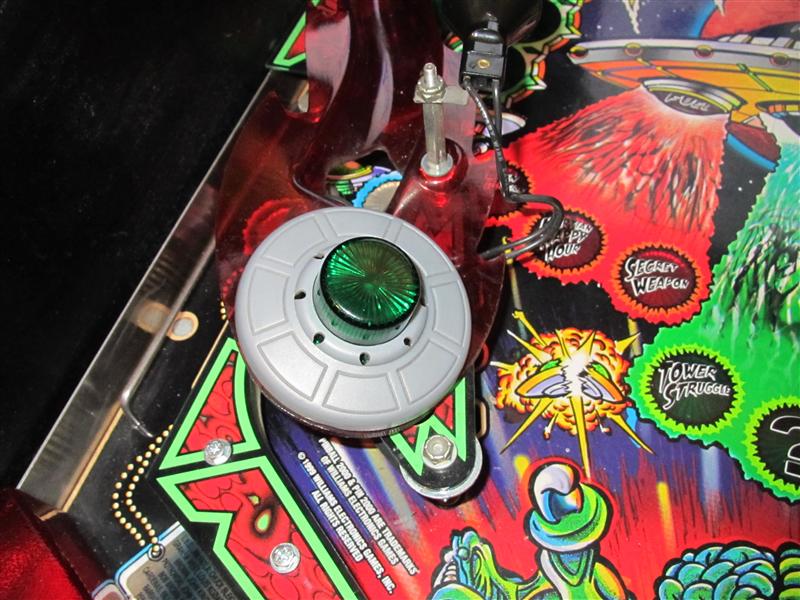
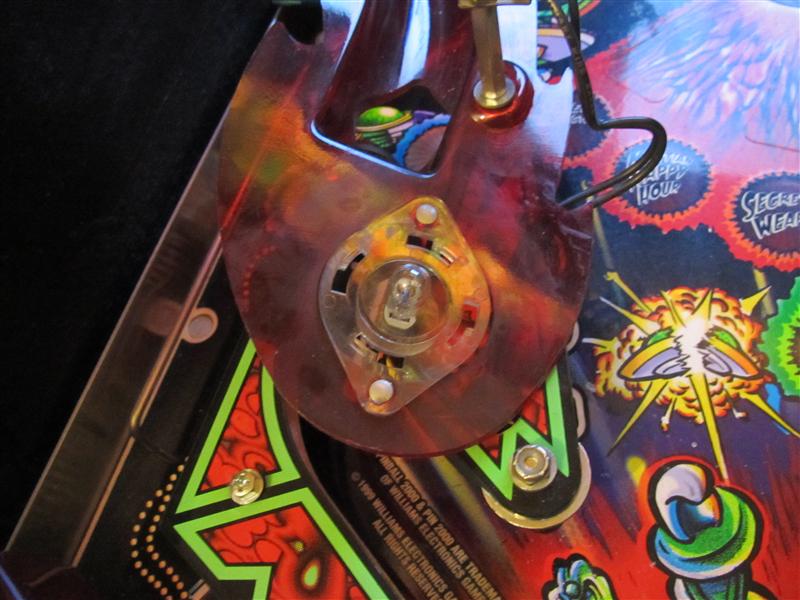
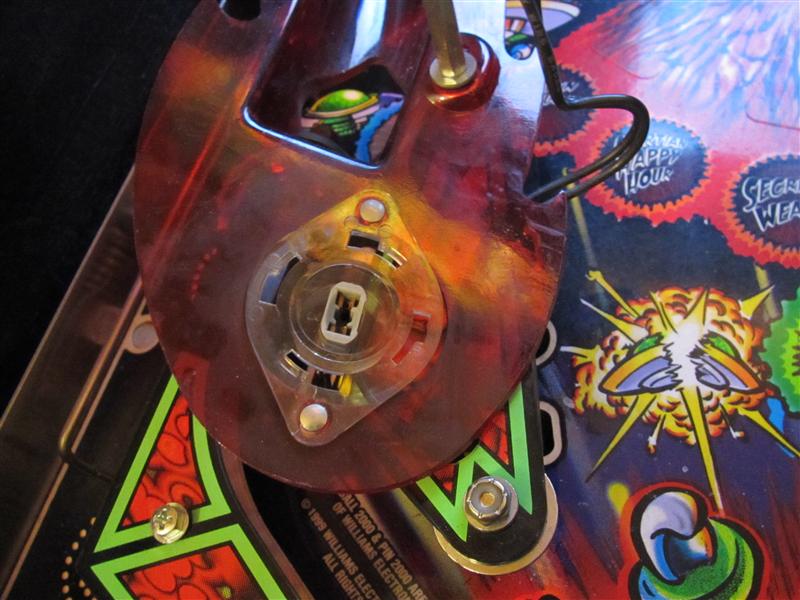
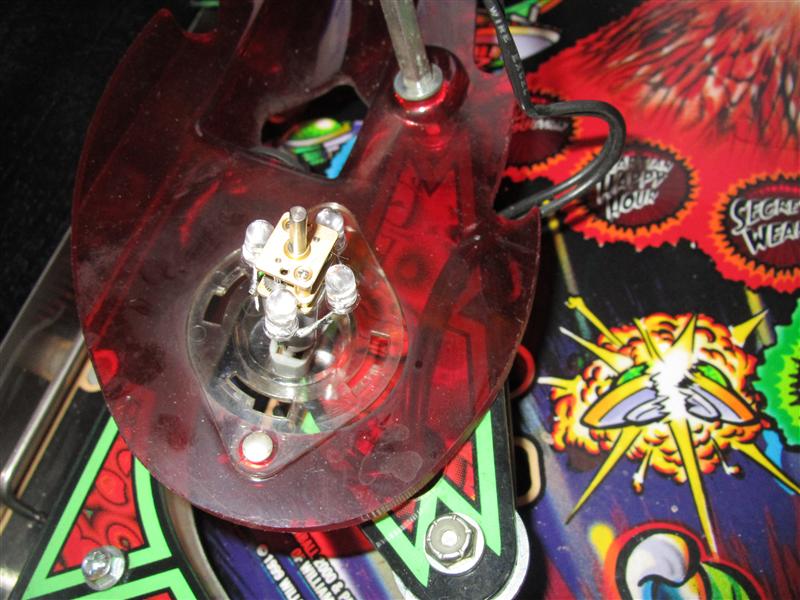
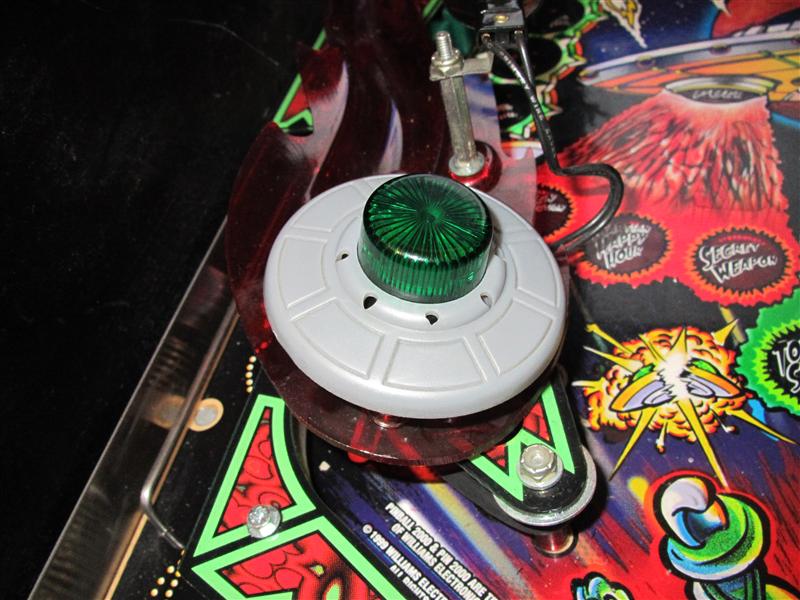
    My little motor needs a redesign for Attack from Mars, because the flasher only on for a short time.

    The ufo didn’t turn in this short time.

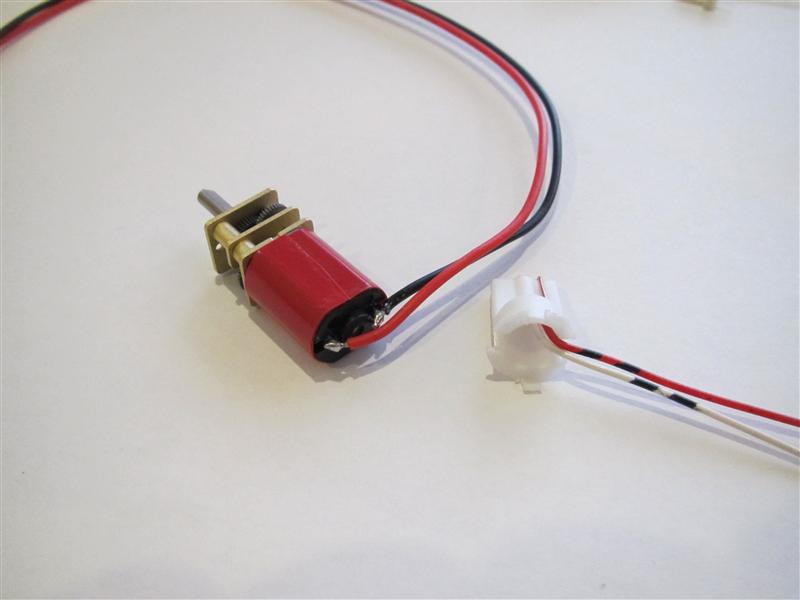
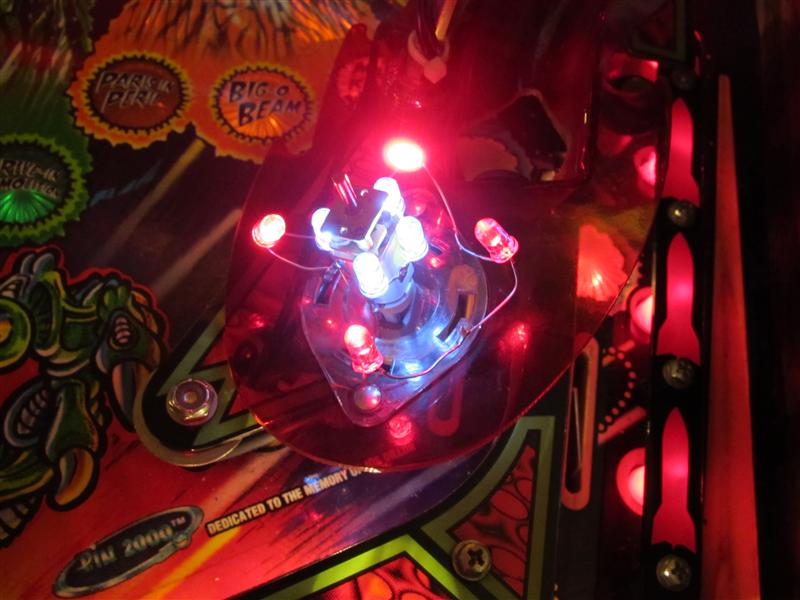
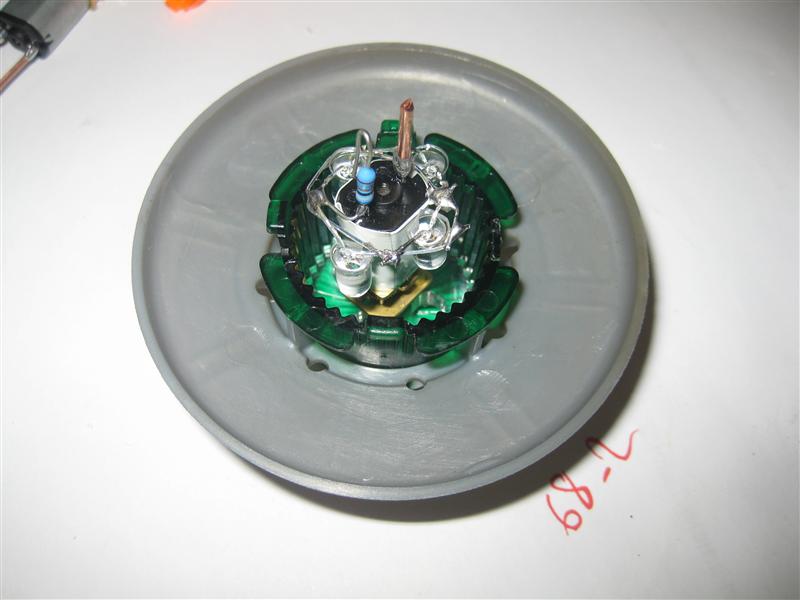
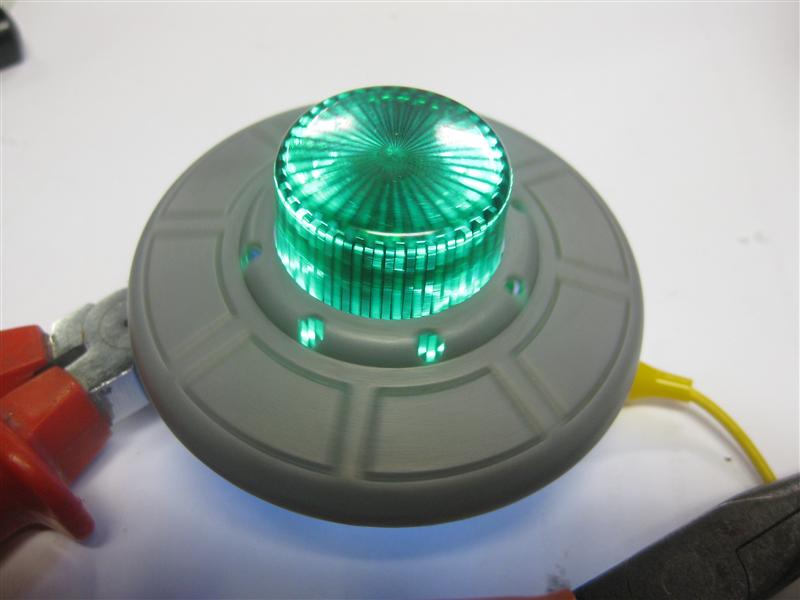
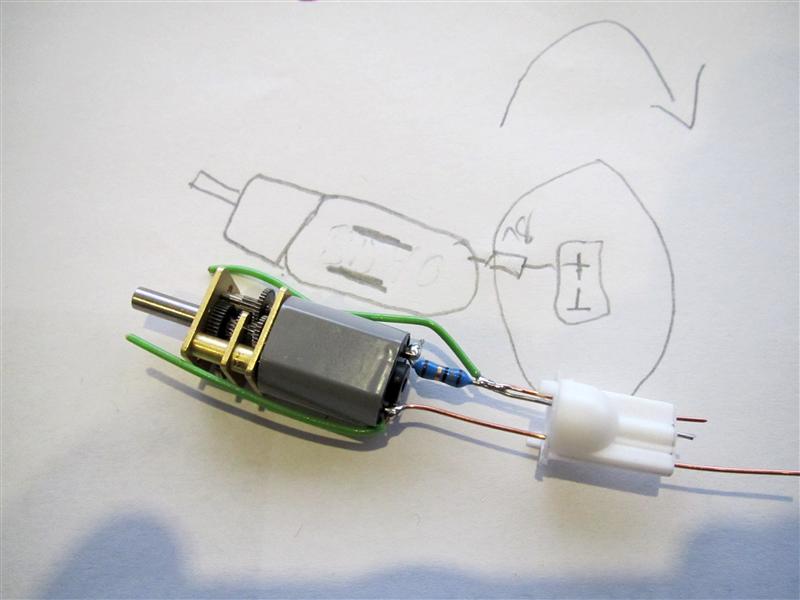
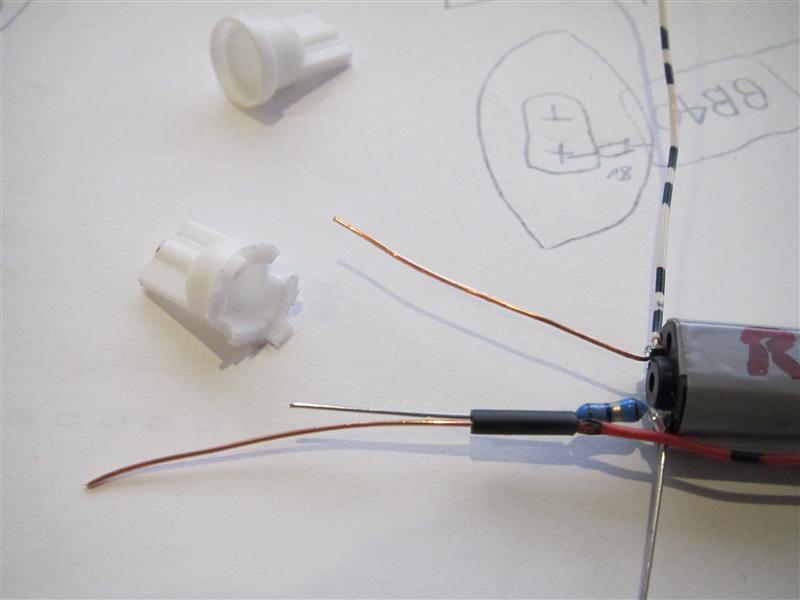
    The Bulb is powering the 4 Leds around the motor as flasher replacement and added 2 more wires with alligatorconnectors to power up the motor. The two wires can connected to any insert lamp under the playfield or GI if you want to turn it all the time…

    afm_motor_01

    afm_motor_02

    Look here into my little video and there is in real a attack from Mars and the answer which one is better is ansered thanks to the attack of my little UFO in medieval time…

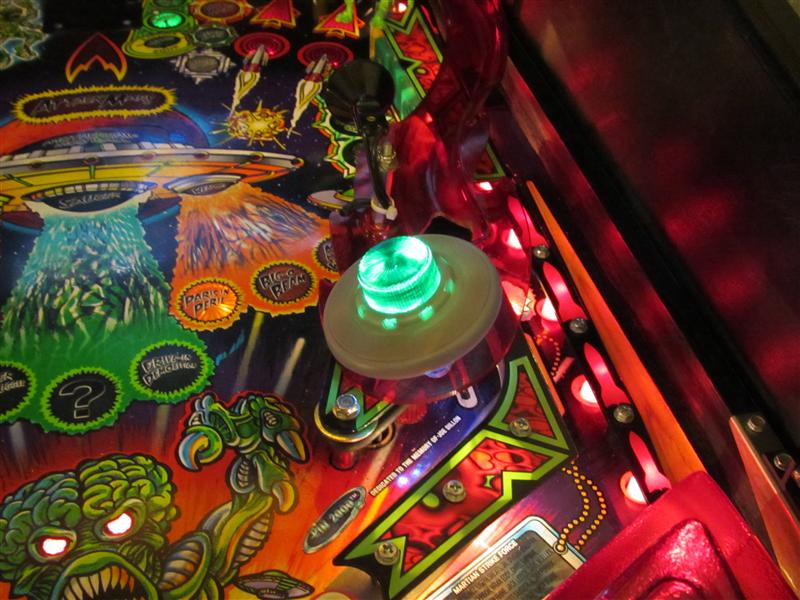
    I will try the motor in a real AFM in around 2 weeks thanks to www.flippermuseum.eu.

    Video:

  • Rotating try to add red color to outer saucer area

    Today I do a quick try to add a red color to the outer 8 leds of the saucer.

    Its only a work in progress try and it looks not good.

    In the next step I will make a plastic and use some lighttransmitting plastic to transport the light to the 8 points of the saucer…

    rfm_try_red_01

    rfm_try_red_02

    rfm_try_red_03

  • Rotating Ufo for RfM and Attack from Mars

    After my LED work its time to do some moving stuff

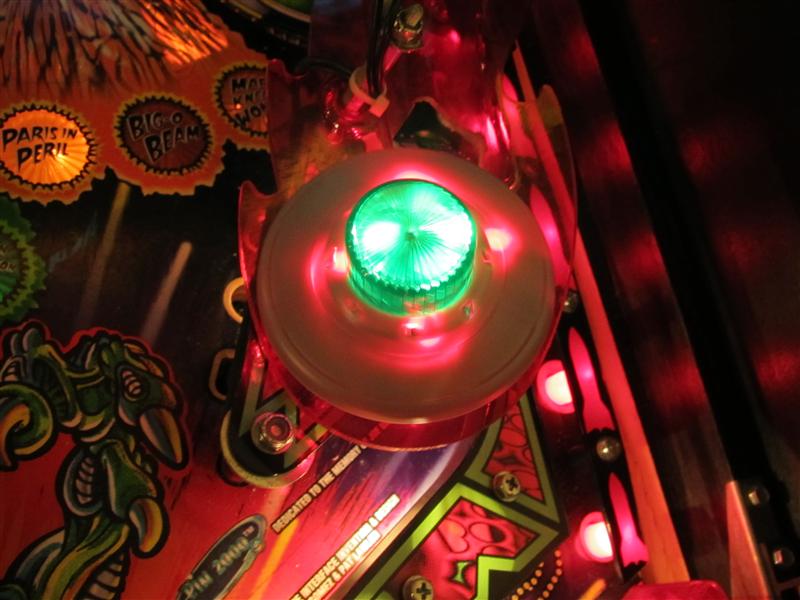
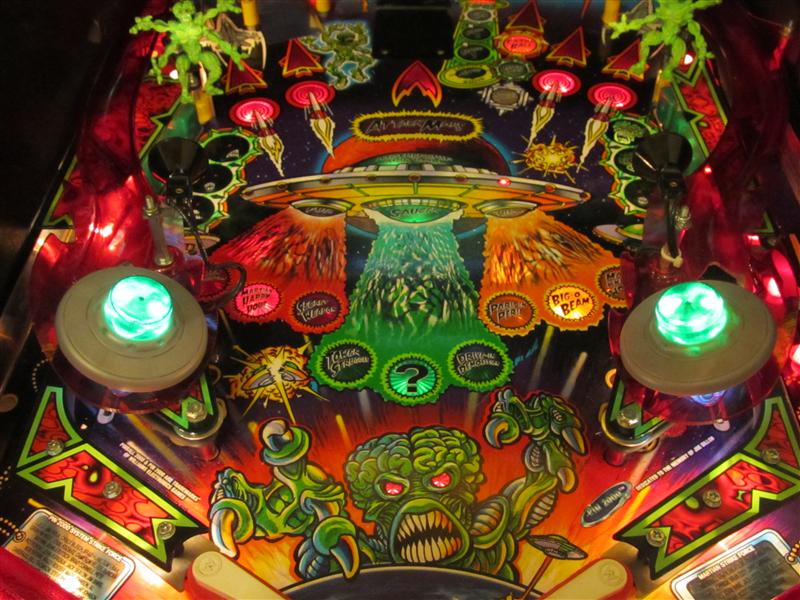
    Here I got the idea to make the flashing Ufos rotate…

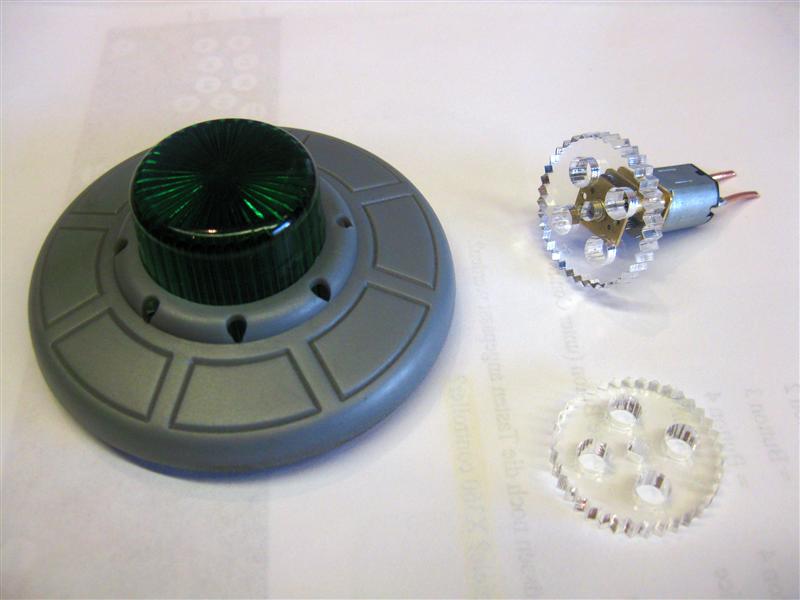
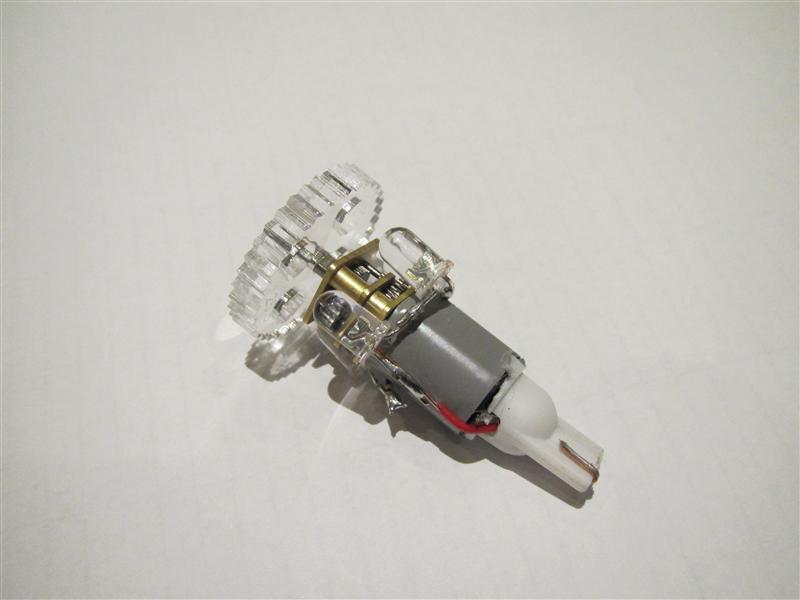
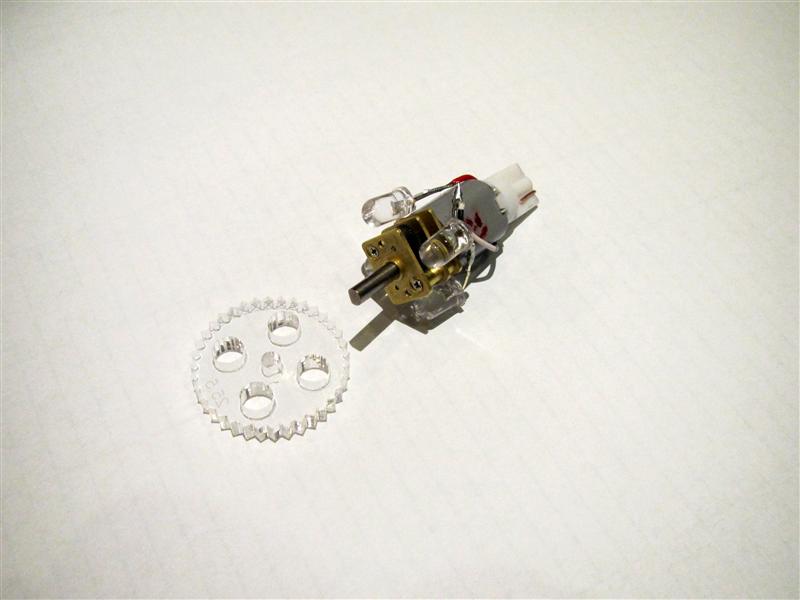
    I found a litte motor and put some Leds around it to make it work.

    It will be easy to do in the final product. You only have to remove the original bulb and replace it with the gearmotor with Leds around it.
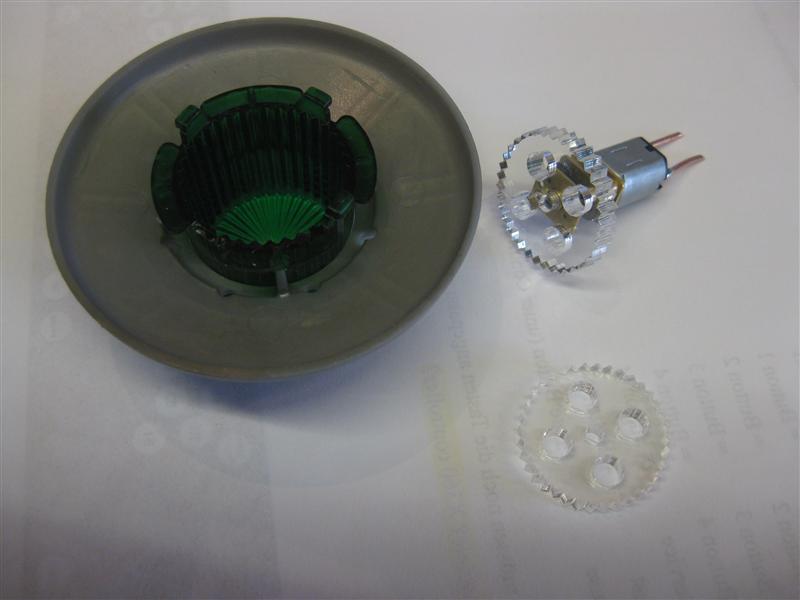
    Here you see the gear plastic it will fit into the flasher cab and make it rotate with the help of the motor

    rfm_motor_01

    rfm_motor_02

    First try for the motor

    rfm_motor_03

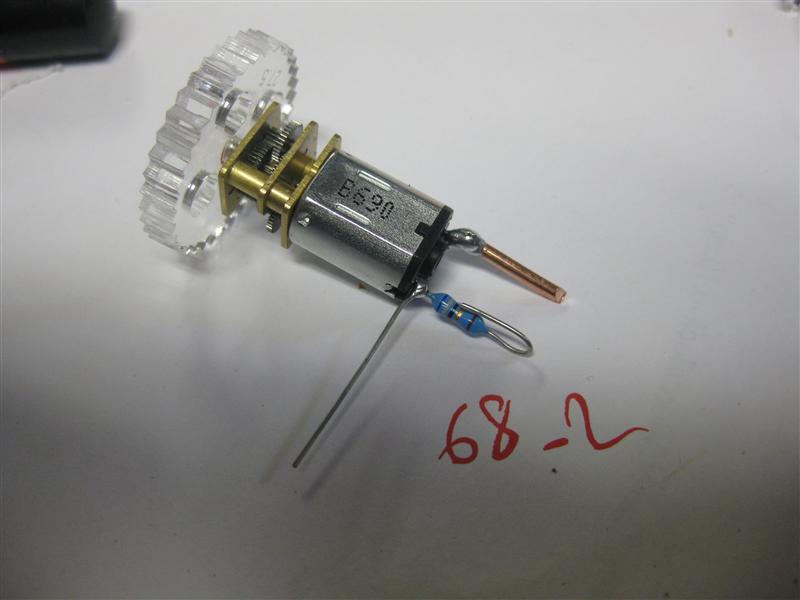
    some resistor to make the speed ok

    rfm_motor_04

    some leds to make the flasher work again

    rfm_motor_05

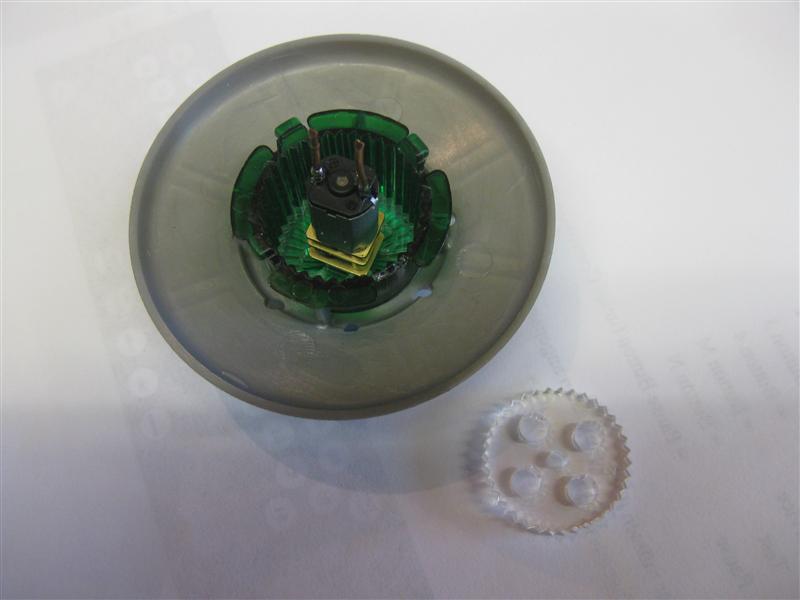
    motor into the ufo flasher cab

    rfm_motor_06.5

    here you got a first look of rotating…

    rfm_motor_07

    ingame:

    RfM_rotating_small

    Video:

    today I got the right sockets for the motors…

    with_socket

    some cutting, soldering…

    with_socket_2

    socket_3

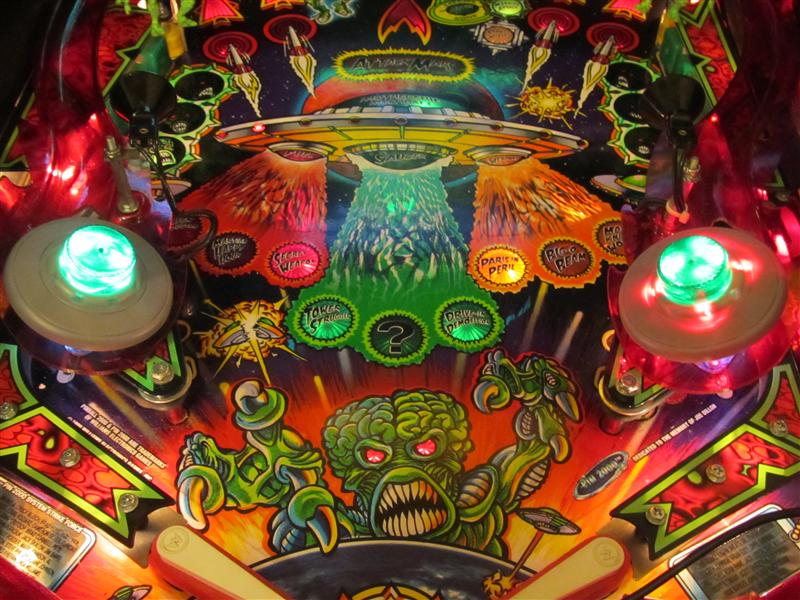
    with both rotating

    both_rotating

    what you will get

    what_you_get

    how to exchange…

    turn flashercab to remove the ufo

    exchange_01

    remove the original lamp

    exchange_02

    insert the motorset

    exchange_03

    exchange_04

    insert the plastic gear ring into the flashercap

    exchange_05

  • Magic Rabbit Set for Theatre of Magic Pinball

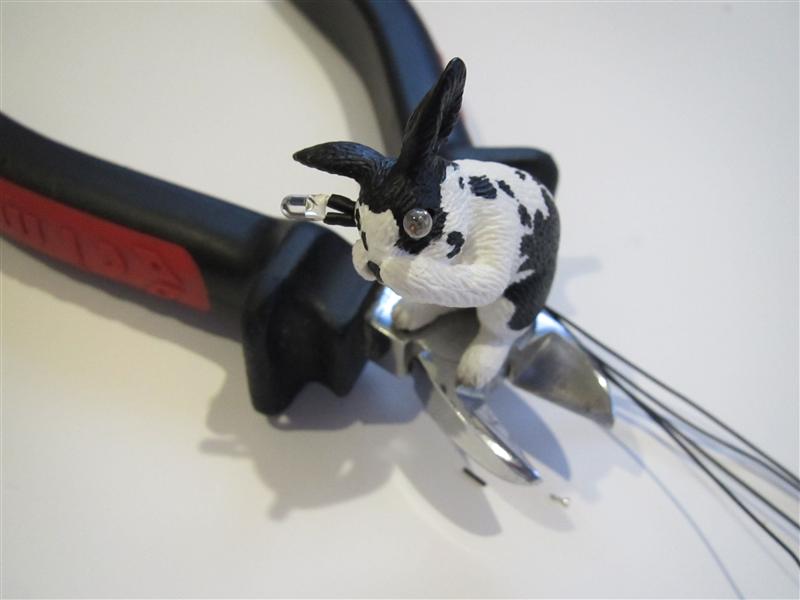
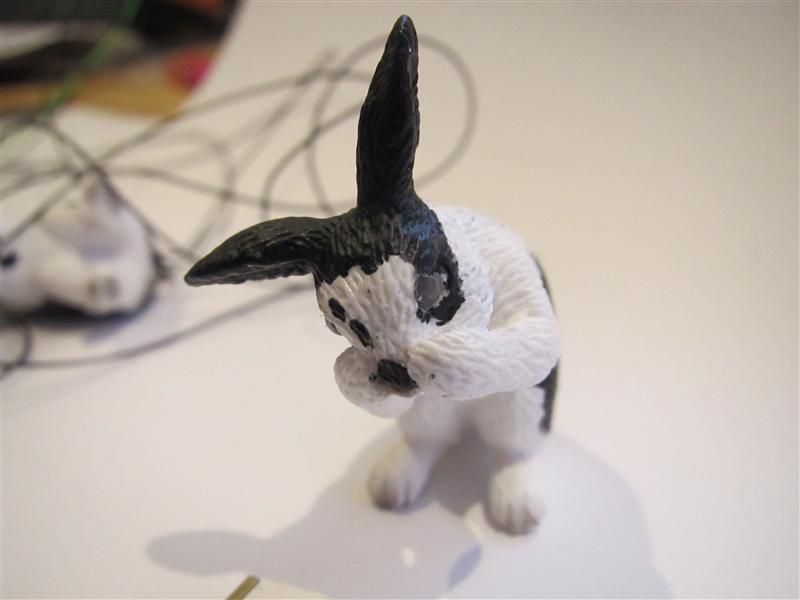
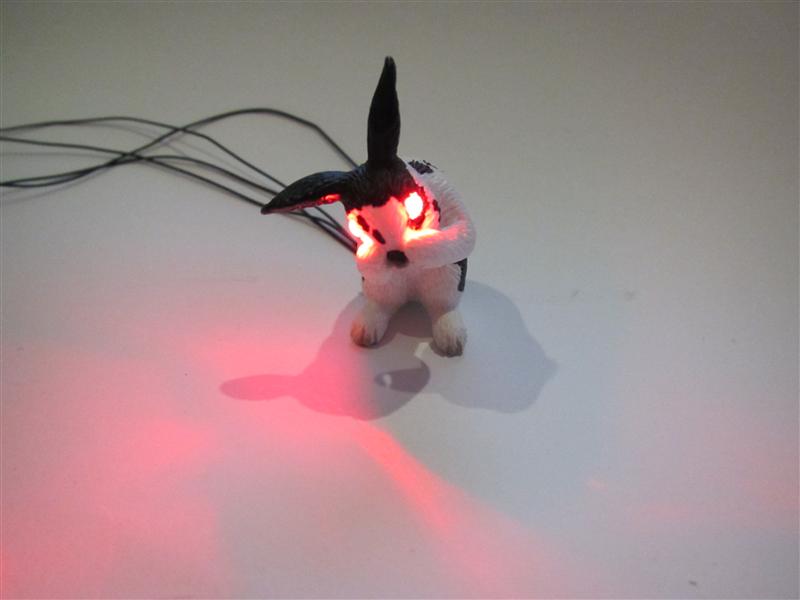
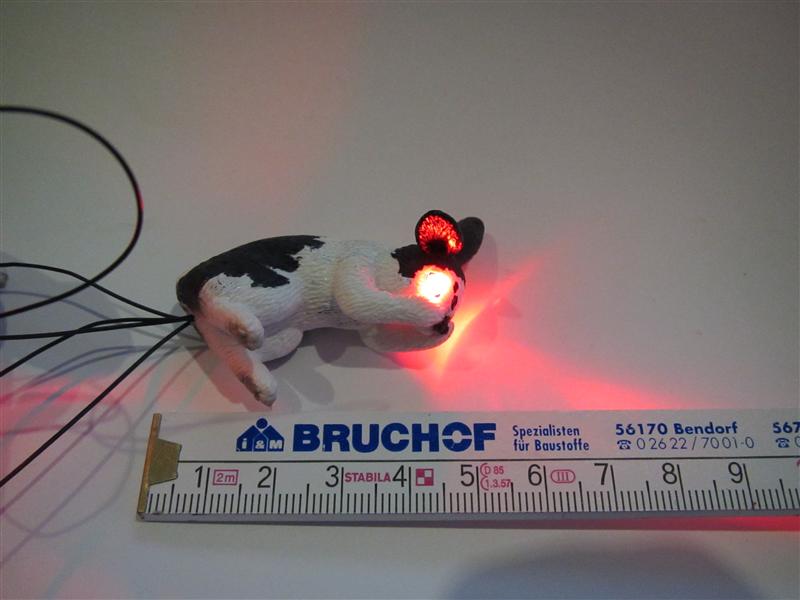
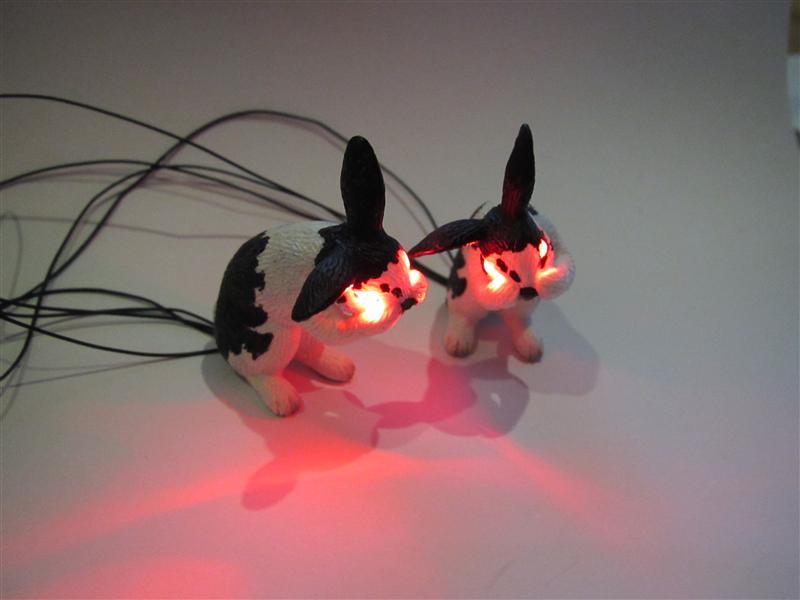
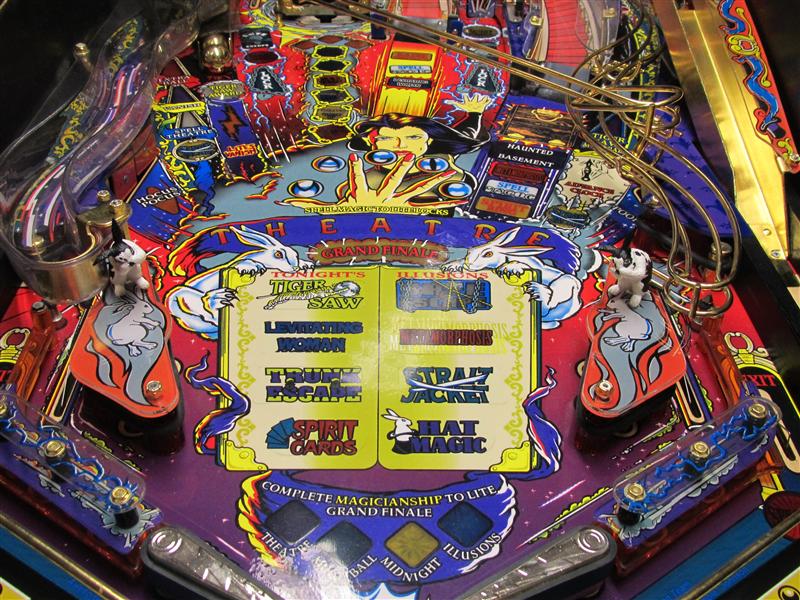
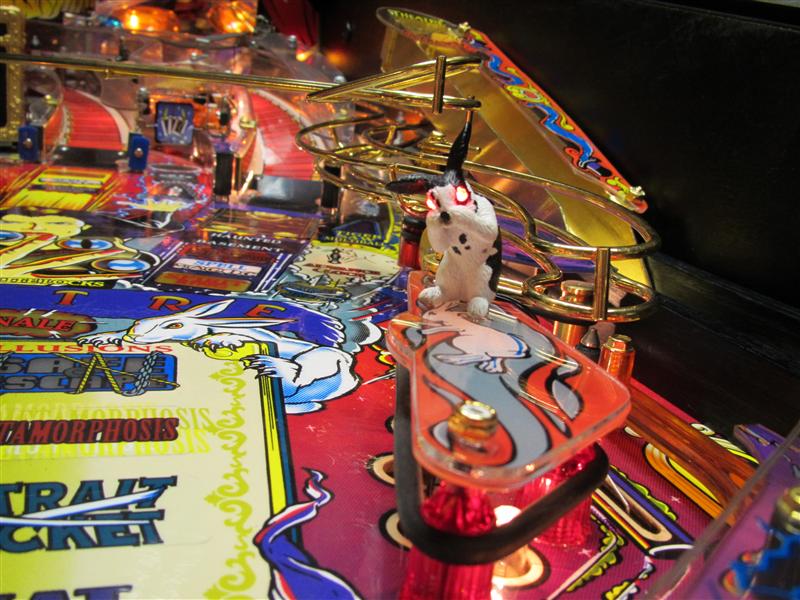
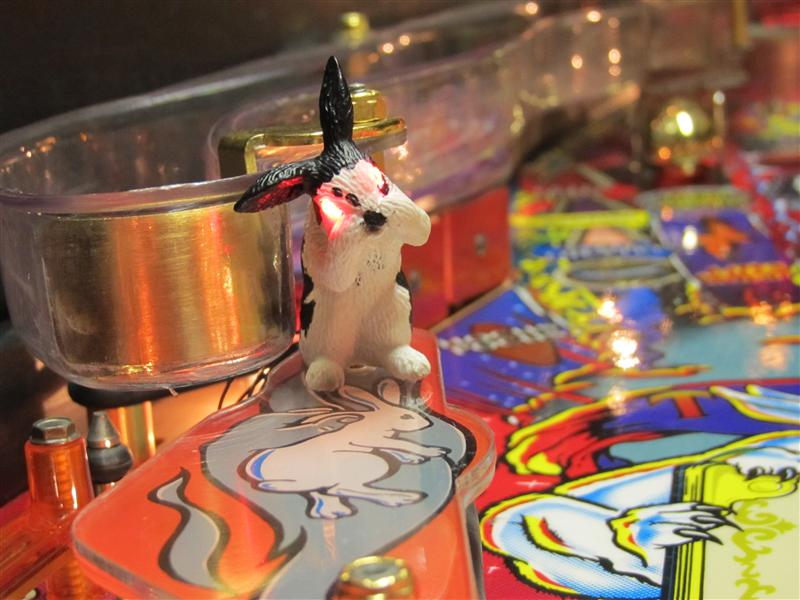
    After the candlelight mod for the Magic Trunk it seems to insert some new pets into Theatre of Magic Pinball. As there a many rabbits on the playfield I decide to take two and make replaces the eyes with 3mm power Leds in red, because there are dangerous rabbits on the playfield.
    This time it was tricky to make the holes for it because this rabbit is tiny around 5cm long.

    I done the holes like a Y 3mm for the eyes and from the back to the head around 3-5mm

    It works good if you use a 1,5mm at the eyes to get a fix for the bigger hole

    tom_rabbit_01

    eyes replaced

    tom_rabbit_02

    final position of the leds

    tom_rabbit_03

    first dangerous look

    tom_rabbit_05

    dimensions

    tom_rabbit_04

    team

    tom_rabbit_06

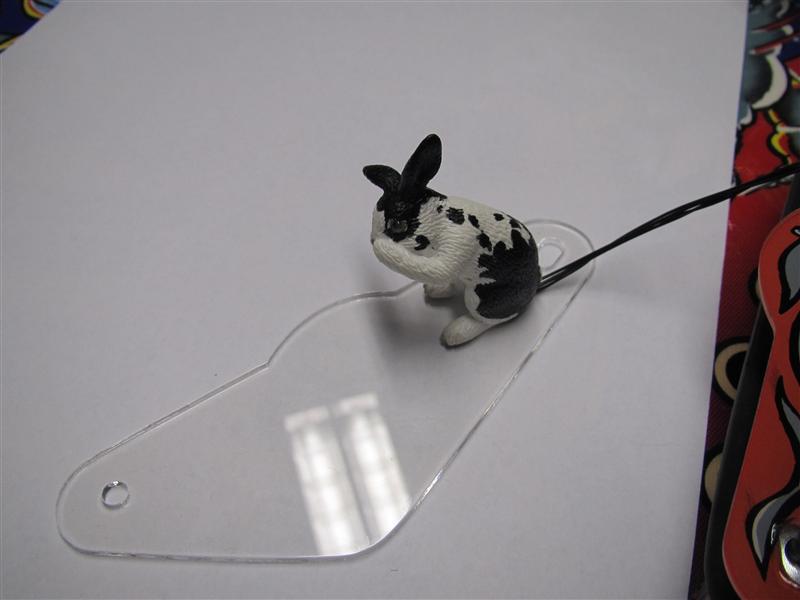
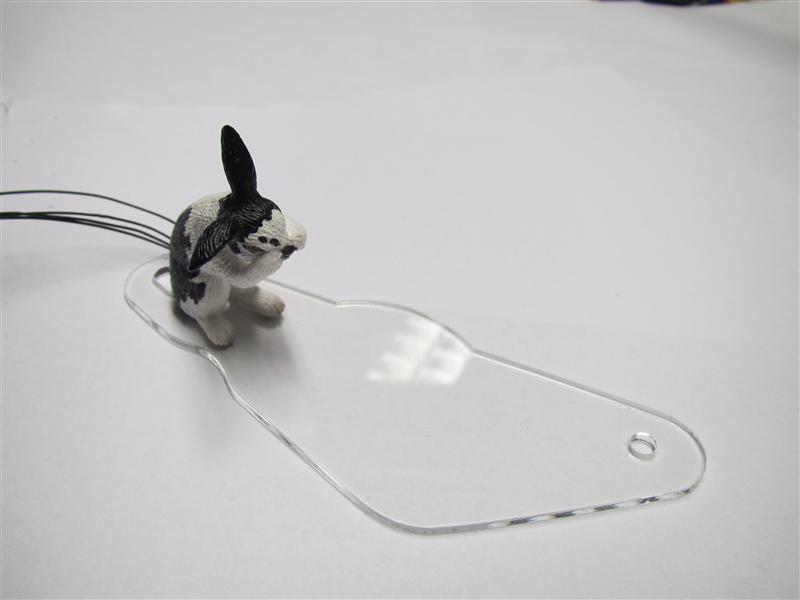
    So up some plastics to connect the Rabbits to the slingshots.

    For this I have used clear plastics and put them over the originals to prevent damage and to make the mod removeable without a trace
    tom_right_rab_plastic

    tom_left_plastic_with_rab

    tom_both_rabs

    tom_left_rab_led_on

    tom_right_rab_light_up

    Video:

  • Magic Trunk Candlelight Replacement for Theatre of Magic Pinball

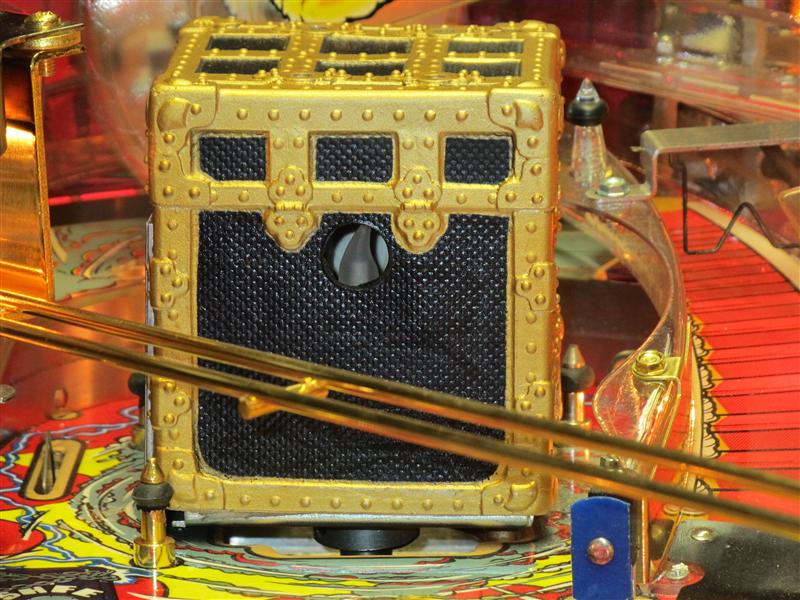
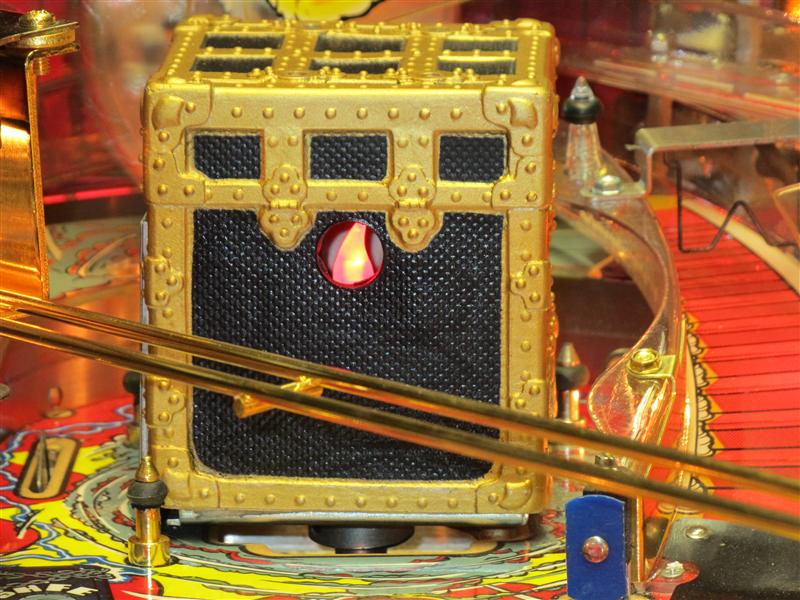
    I done a litte mod to a Theatre of Magic Pinball. The original red Lamp in the Magic Trunk doesn’t look well and I found a solution. I tried the head of a LED candlelight and used a highpower 5mm LED and put it together in a socket for a Lamp

    TOM_Magic_Trunk_Candlelight_Replacement_01

    TOM_Magic_Trunk_Candlelight_Replacement_02

    reducing the size of the led and the candlelight cover

    TOM_Magic_Trunk_Candlelight_Replacement_03

    As there is a 6V power Lamp I need here a resistor of each 100Ohm (total 200Ohm)

    TOM_Magic_Trunk_Candlelight_Replacement_04

    some hot glue

    TOM_Magic_Trunk_Candlelight_Replacement_05

    Here you can see the final product

    14876_1blog

    14876_2blog

    placed in the magic trunk

    TOM_Magic_Trunk_Candlelight_Replacement_off

    TOM_Magic_Trunk_Candlelight_Replacement_on

    Video:

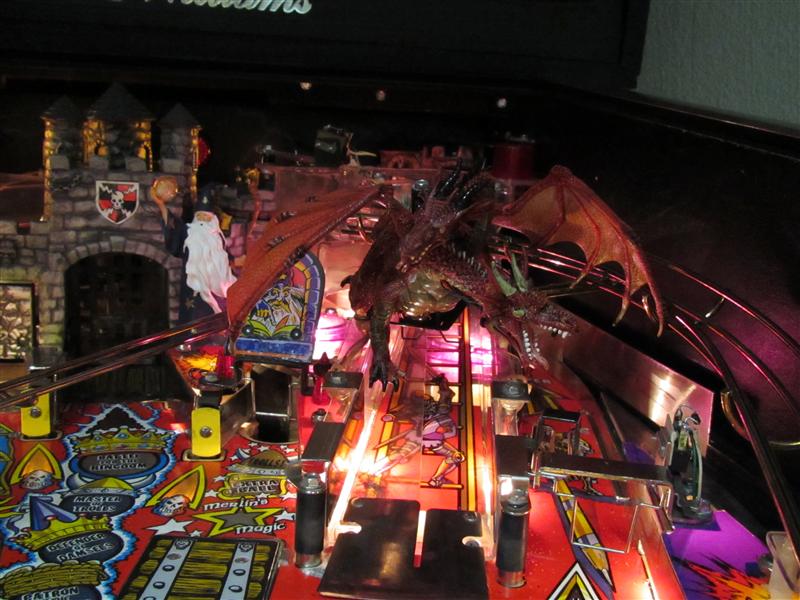
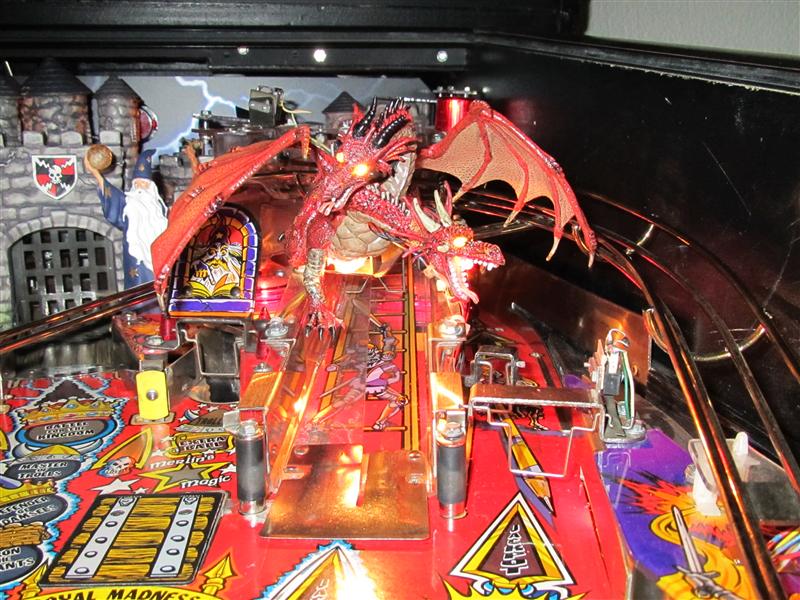
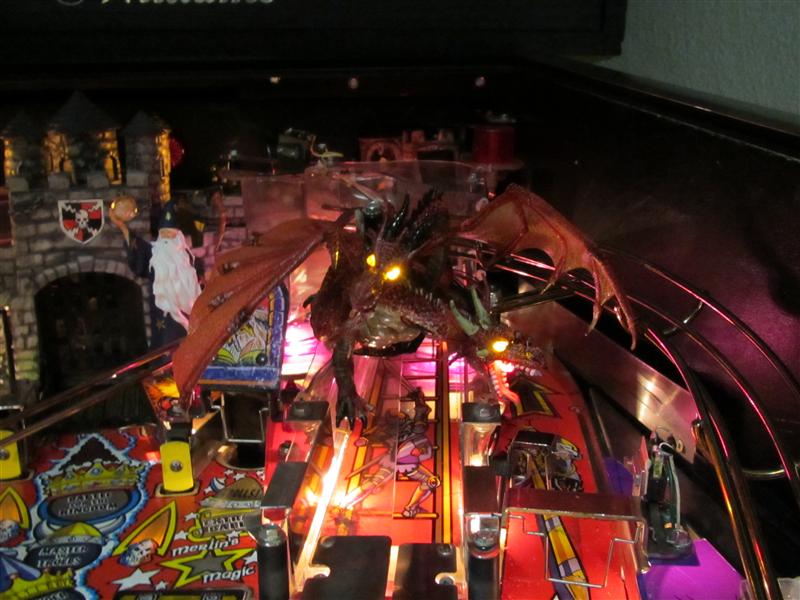
  • Rebirth of the Dragon „Light him up“

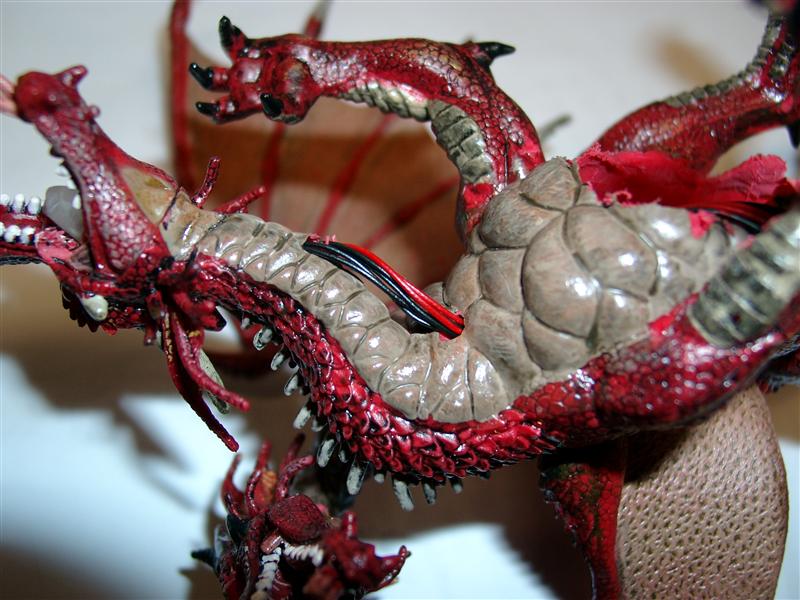
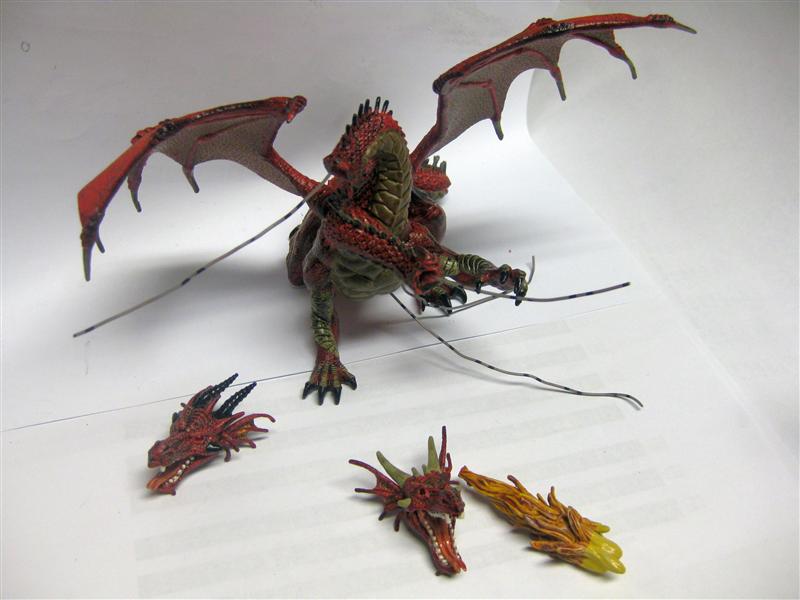
    First I take the prepared doubleheaded Dragon look here

    https://blog.smarterwolf.de/?p=1112

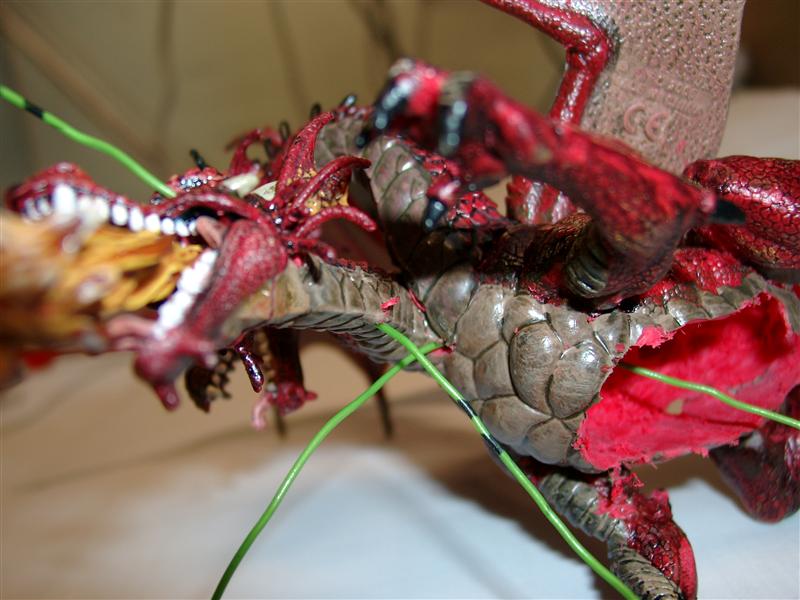
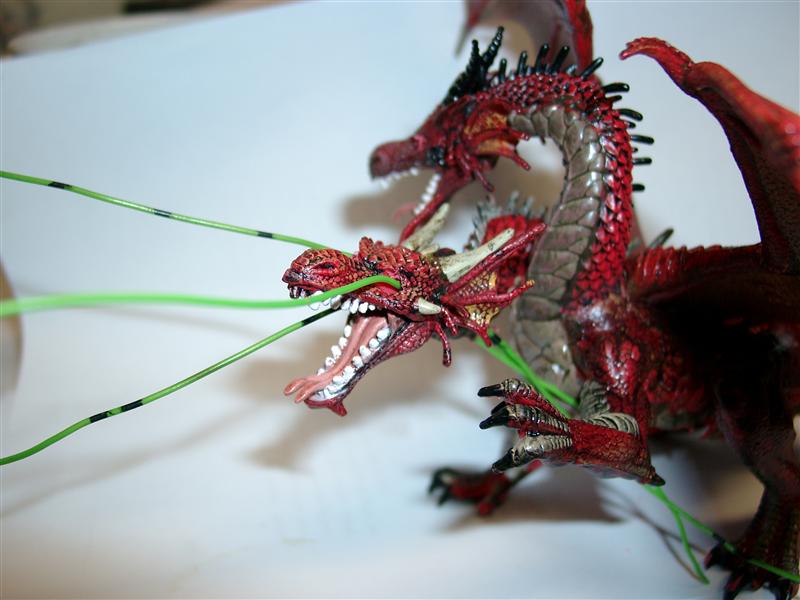
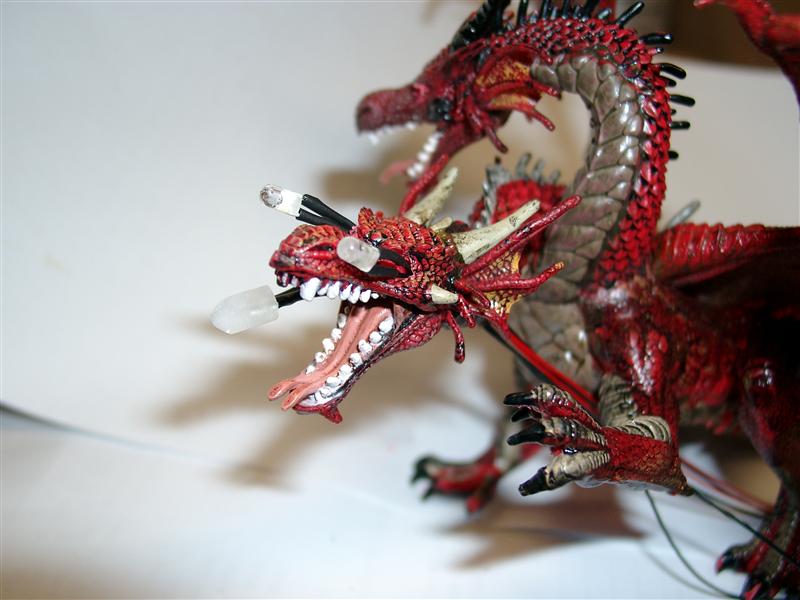
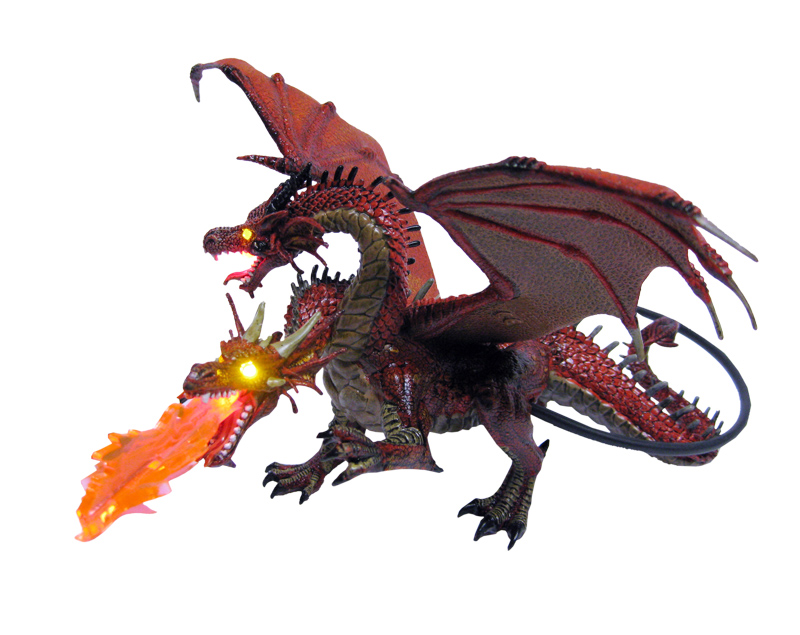
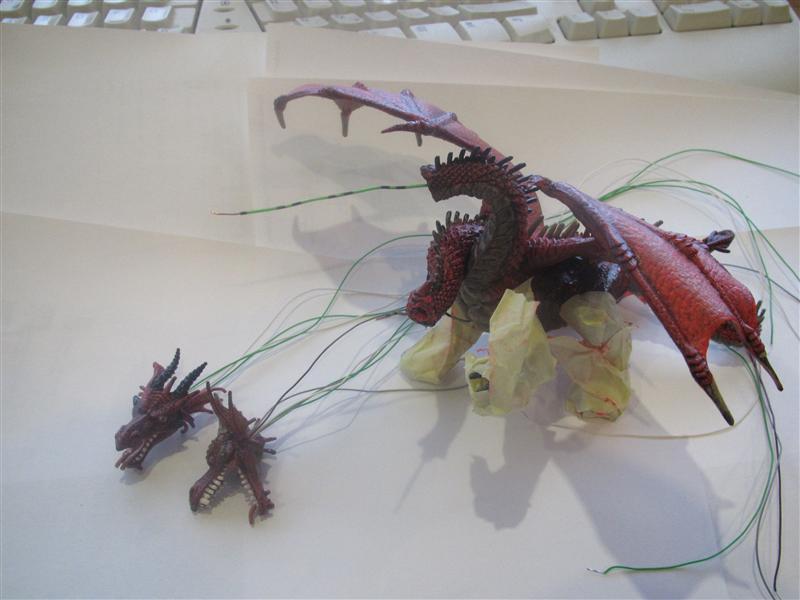
    After this I am using 5 Leds to make up the eyes to live and one mouth give us fire for a breath…

    I used a 2,5mm drill to make the holes through the eyes and with the help of some inelastic copper wire it was easier to get the flexible copper wires through the holes.

    doublehead_dragon_01

    doublehead_dragon_02

    3mm power leds in yellow for the eyes

    5mm power led in red for the mouth

    doublehead_dragon_03

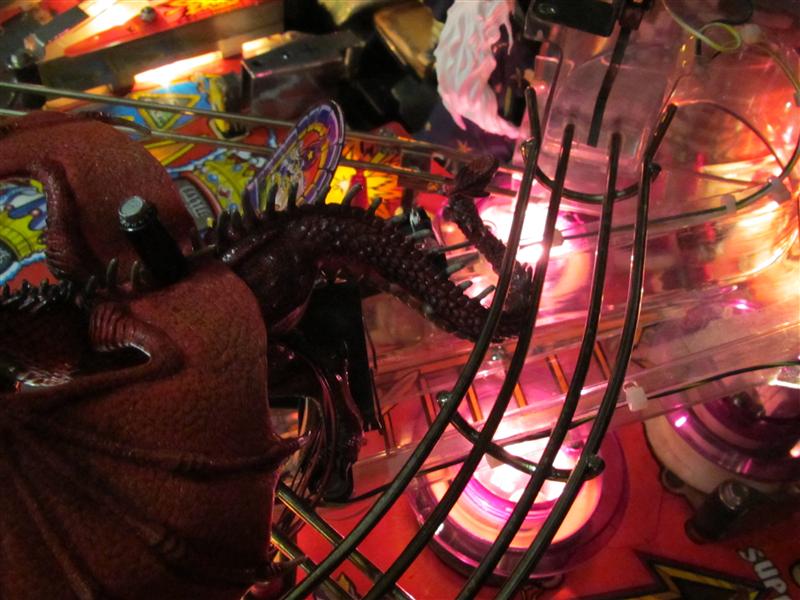
    As the necks are bended I need to make more holes to get from the head to the chest

    If you look from the normal pinball view to the Dragon you will not see the wires 🙂

    doublehead_dragon_04

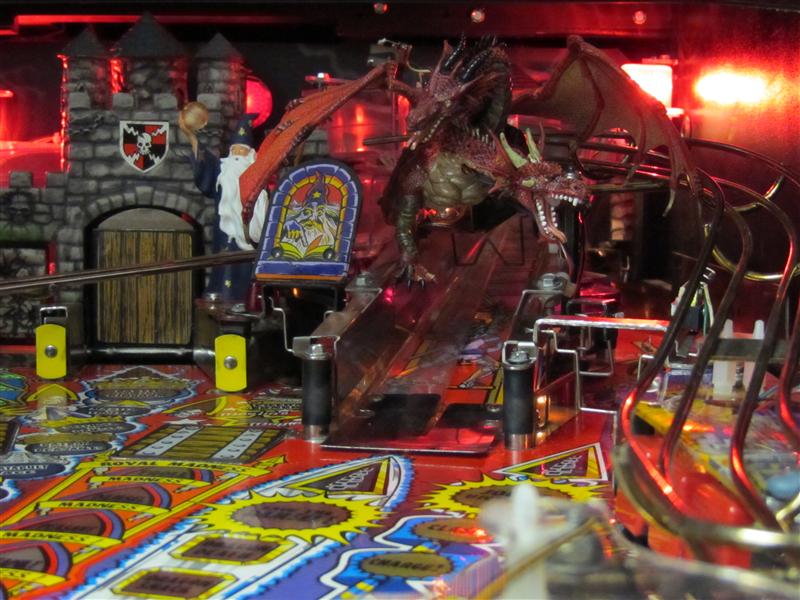
    I have to position the tail like this, so the ball will „ride“ over the ramp without trouble

    doublehead_dragon_05

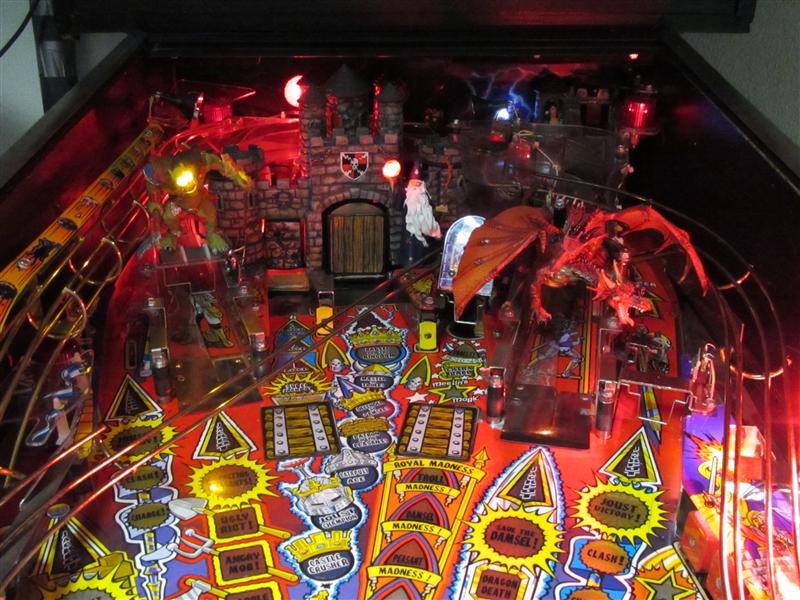
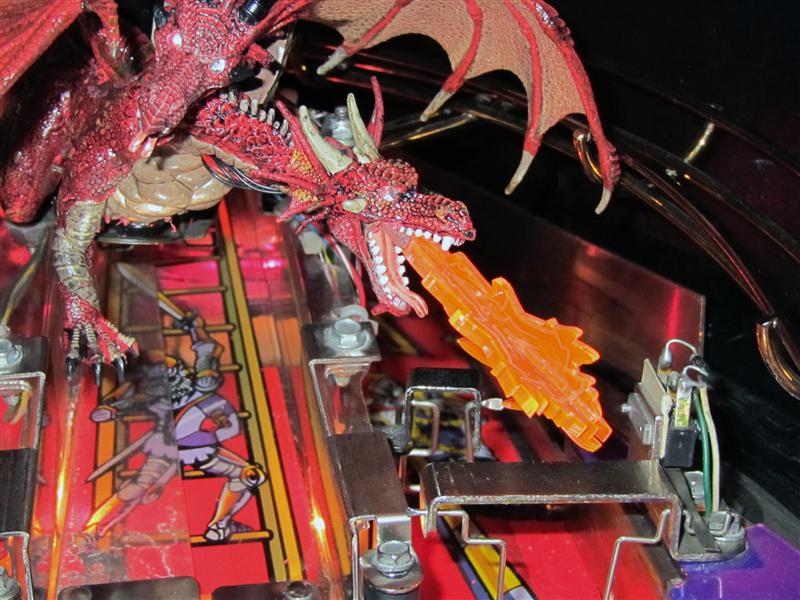
    Some pics in the pinball

    doublehead_dragon_06

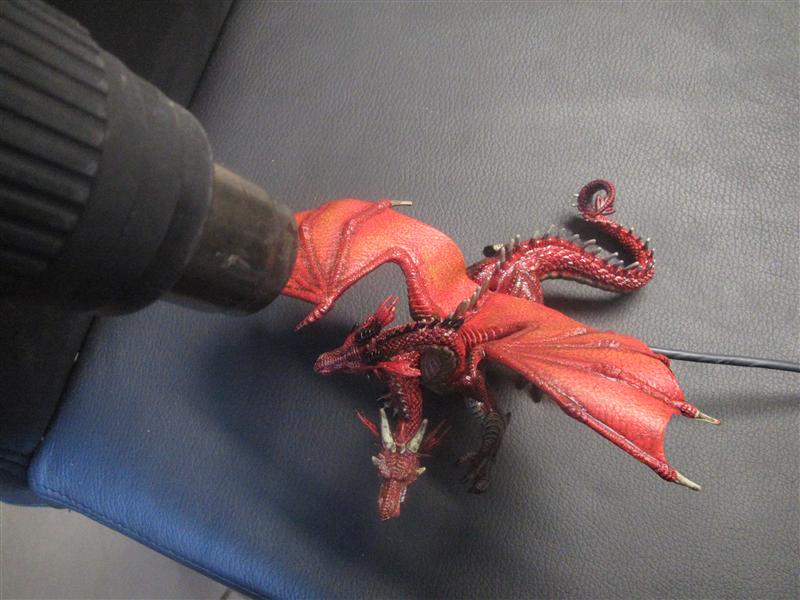
    The left wing was a little to high and there was a problem with the glass but no problem with the help of a heat-gun. So the wing is fitting under the playfield.

    double_headed_install_09 (Custom)

    doublehead_dragon_07

    First Lightup

    doublehead_dragon_08

    doublehead_dragon_09

    complete view

    doublehead_dragon_10

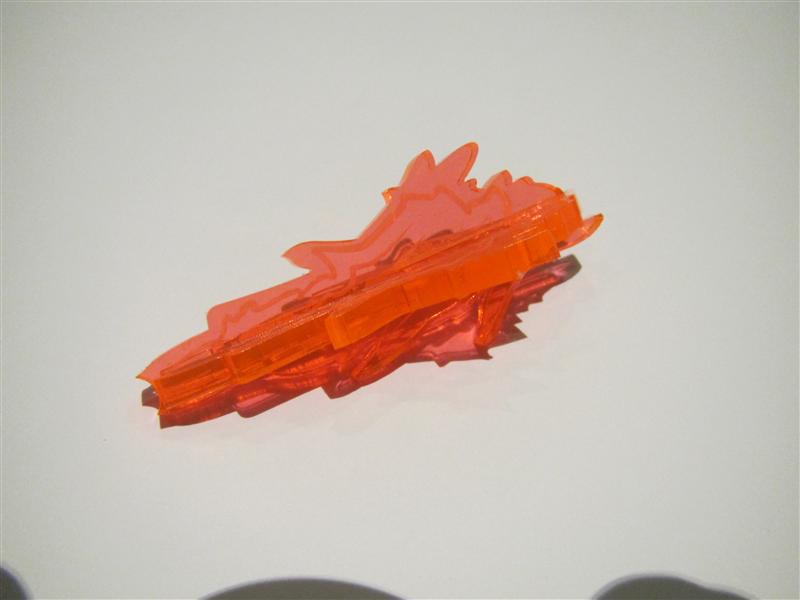
    Today I got a transparent Plexi for the mouth.
    Its a first beta try, have some other idea in mind and I will show it later…

    Video:

    Today I got the 3D plastic. It is scratched with firelines so it looks more real and the plastic transports the light of the led better as standard plastics.

    Thanks to my wife to put two plastics together to make it more 3D

    3DPlastic_with_firelines

    Here you can see it attached to the dragon

    Dragon_with_fire

    and finaly
    Video:

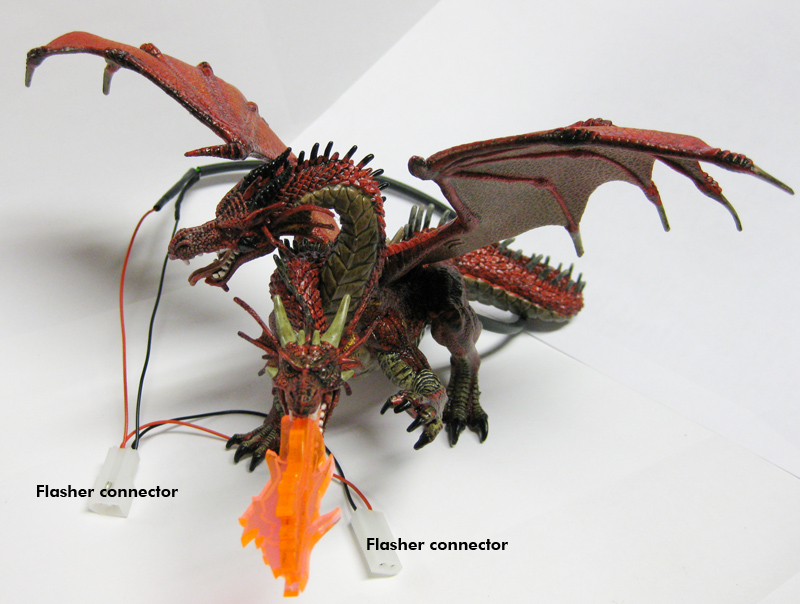
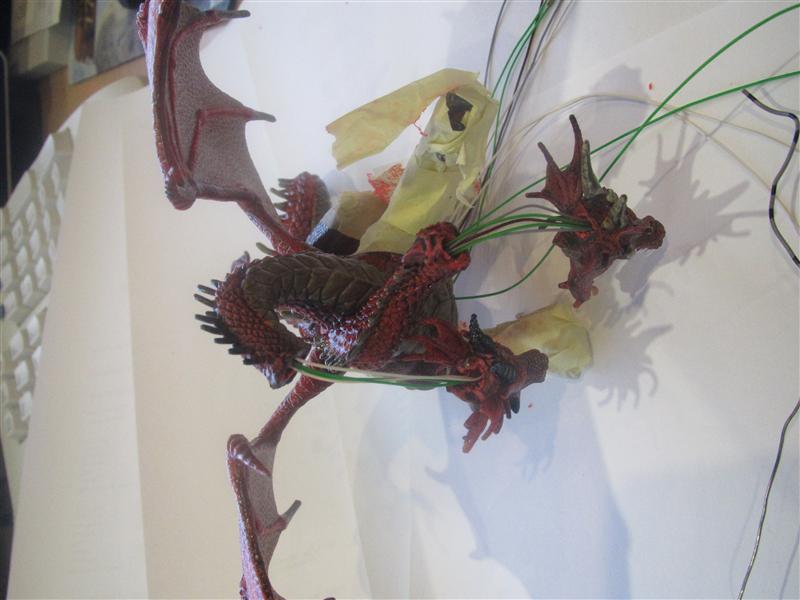
    I done some more pictures and finaly got the wires through the neck. So you will see NO WIRES outsite of the dragon anymore!
    double_headed_install_00

    Here you can see the cables you have only to connect it inbetween the flashercable of the dragon flasher

    double_headed_install_000

    a dragonslayer at work!
    This was needed to make the wires invisible. I got it and all wires are going insite the dragon.

    dragonslayer (Custom)

    dragonslayer_01 (Custom)

    dragonslayer_02 (Custom)

  • Missing entrance plastic for Medieval Madness
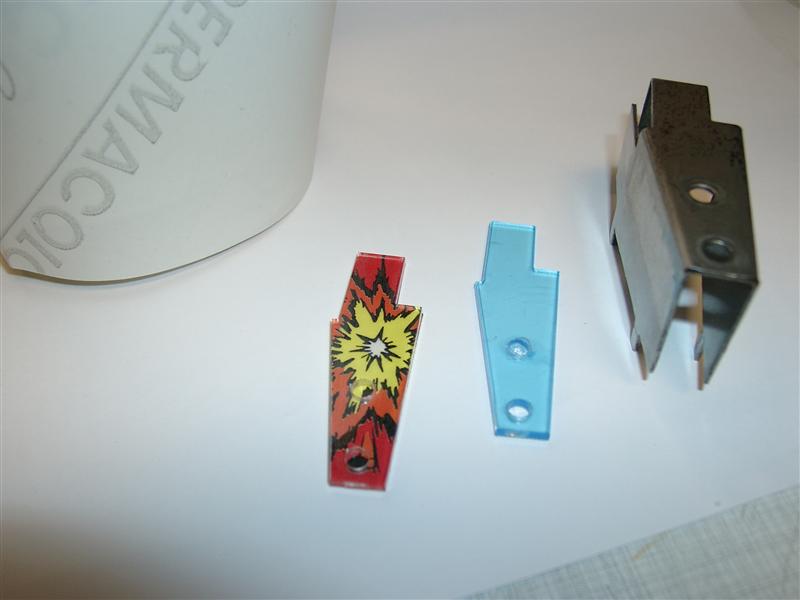
    I recently bought a custom decal set for the targets and the entrance bracket from pinballdecals.com (thanks for this Joey).
    But the decal for the entrance bracket is only a adhesive decal and it’s missing the plastic.
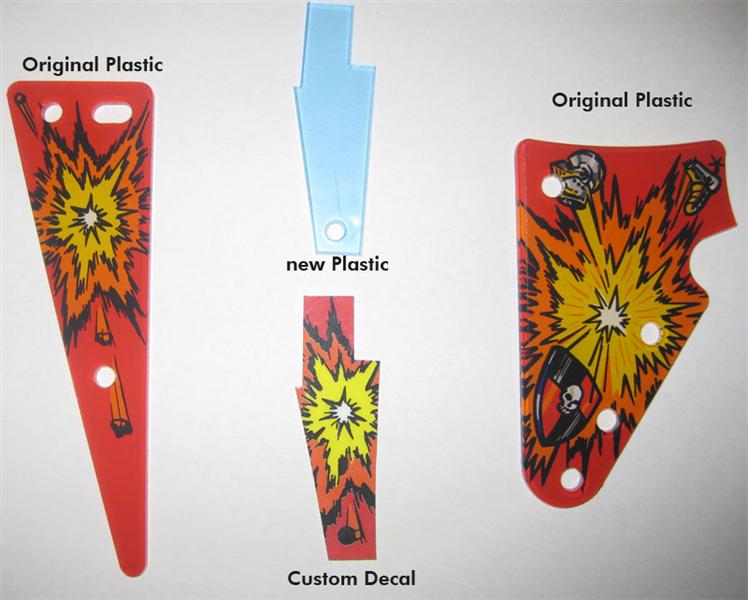
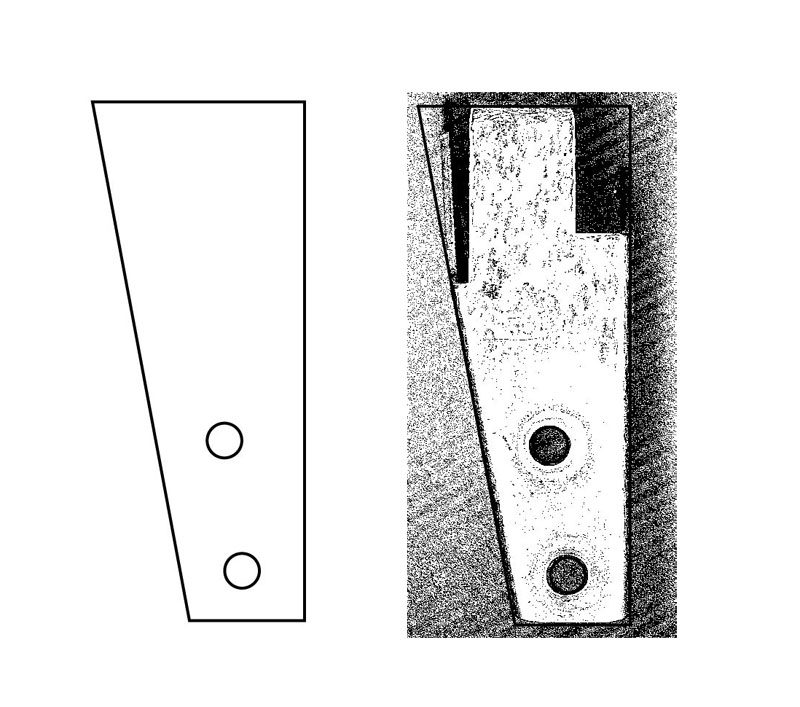
    I made a vector graphic and ordered a plastic cutted with a laser.

    Here you see se original left and right plastics and in the middle the new parts:

    entrance_plastic_compare

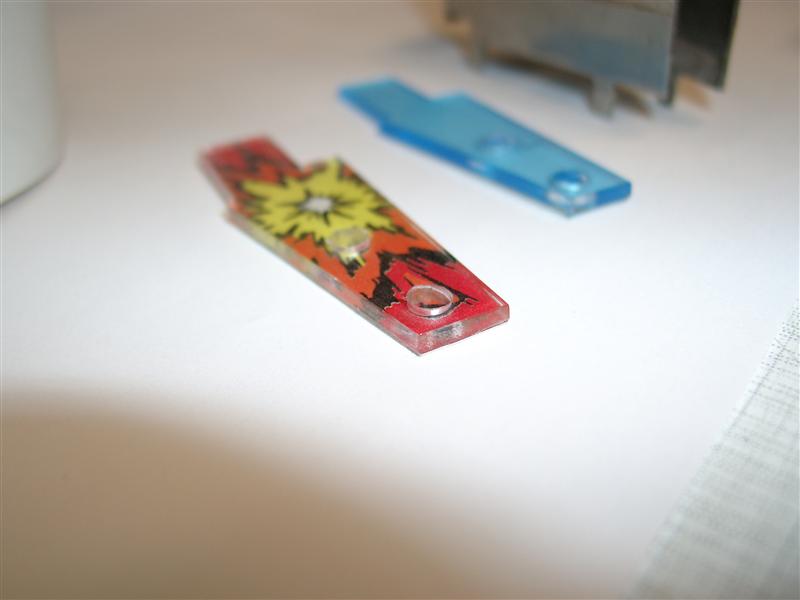
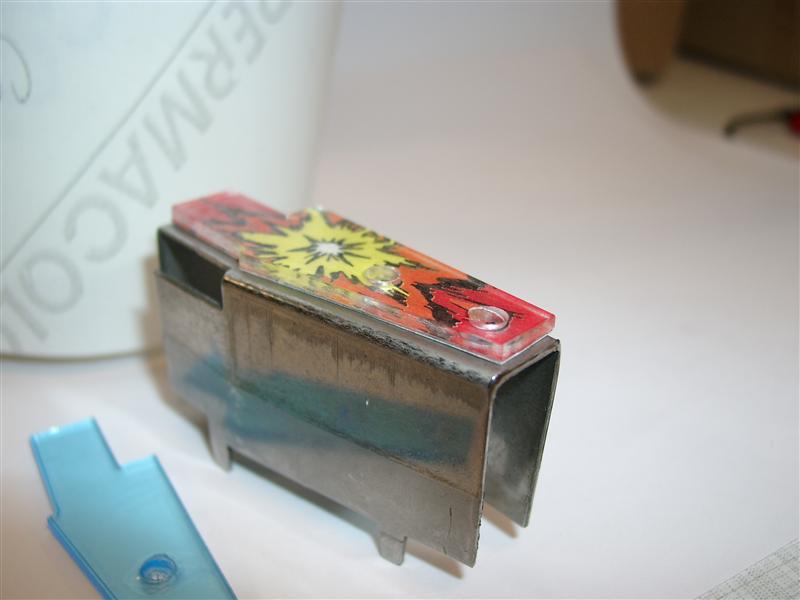
    I went to a advertising company and get some double sided transparent adhesive to connect the decal to the bottom of the new plastic

    entrance_plastic_building

    entrance_plastic_building_2

    entrance_plastic_building_test

    After making this one, I am thinking of make a new bigger one, covers the complete bracket…

    bigger_03

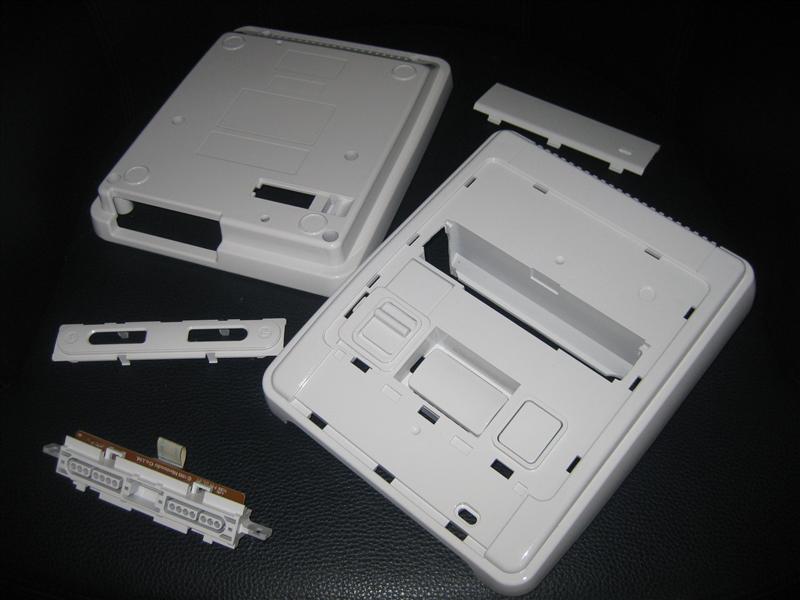
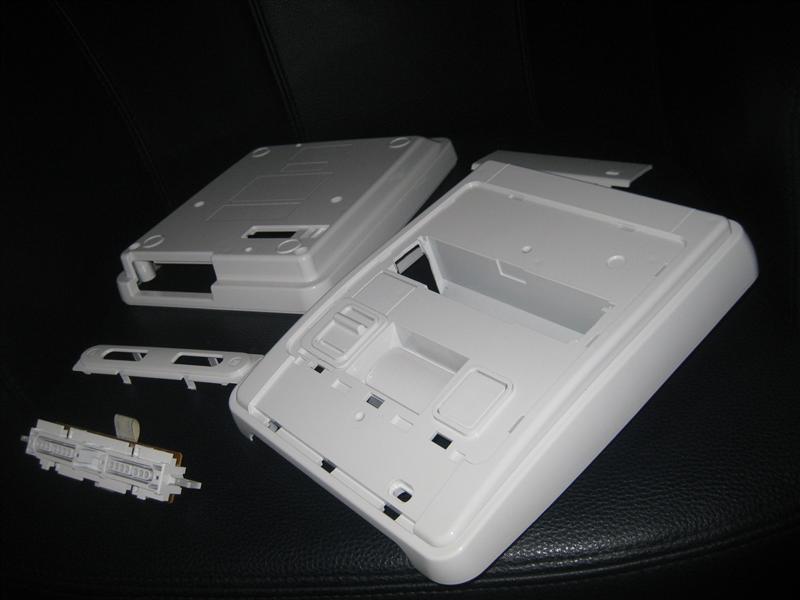
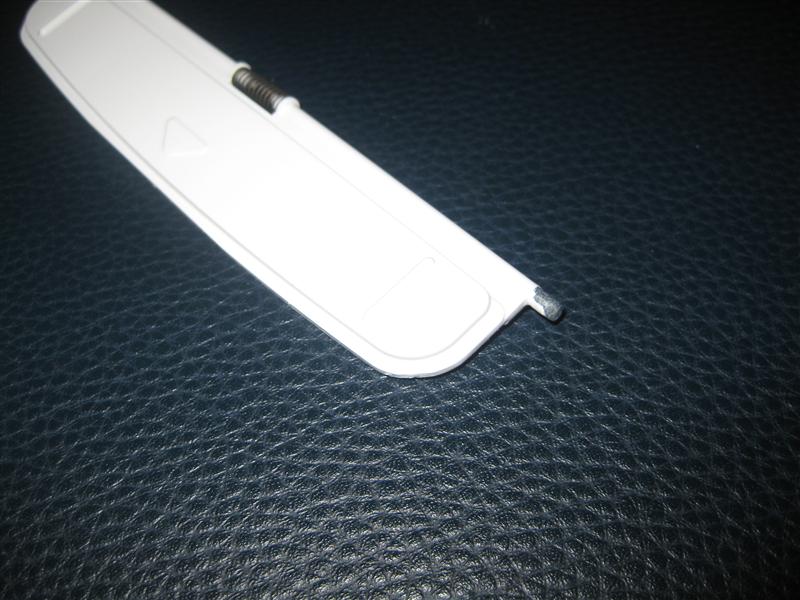
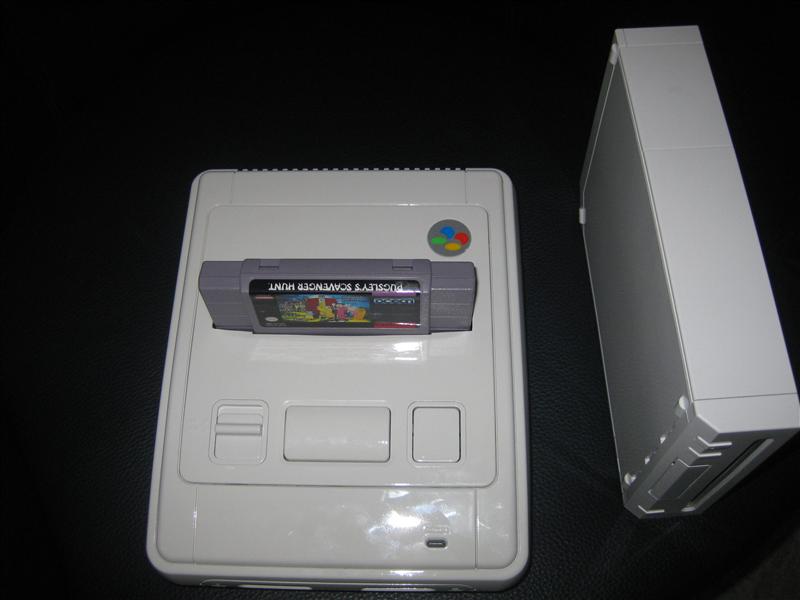
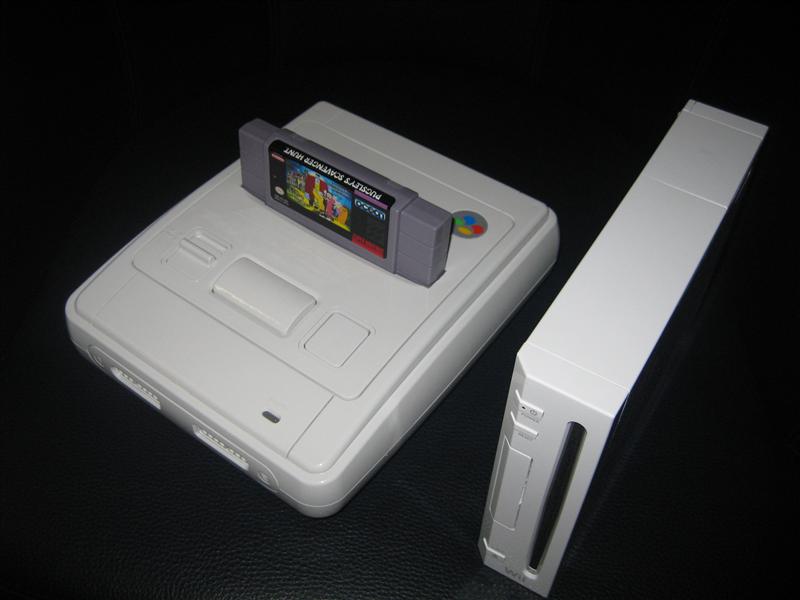
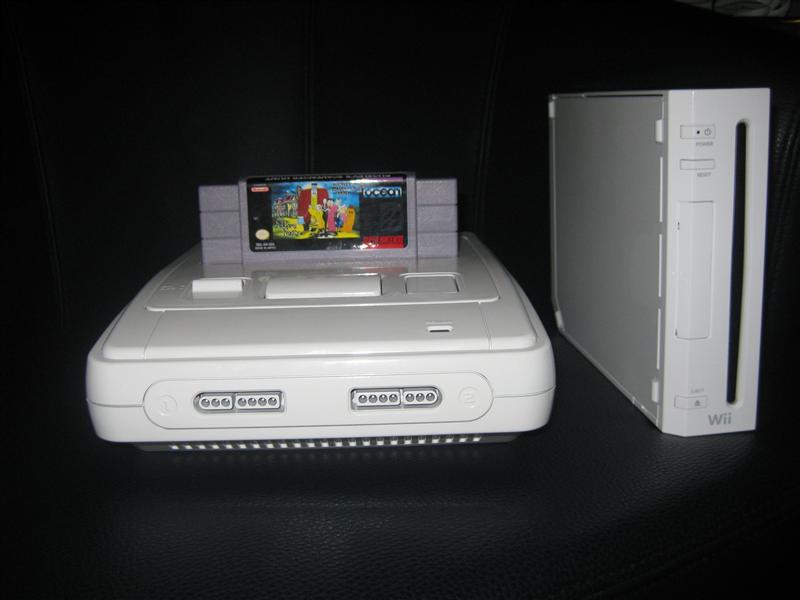
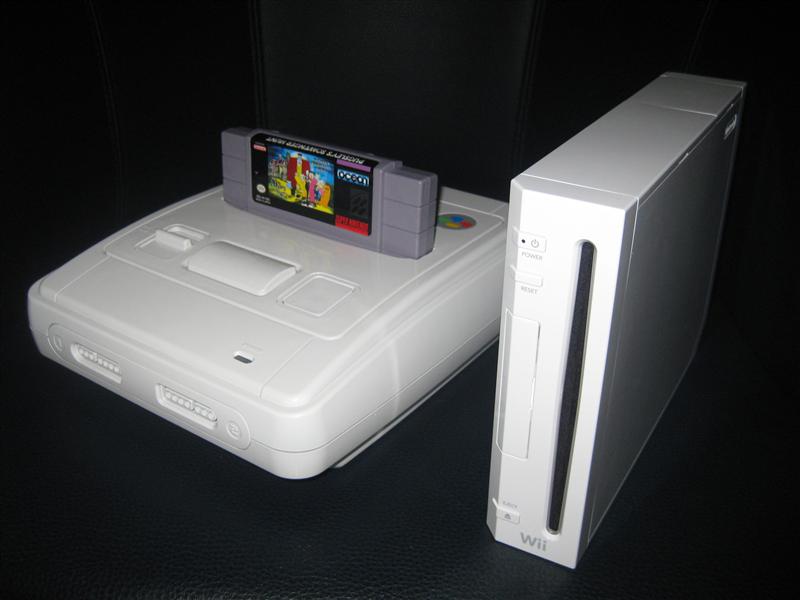
  • SNES SNOW WHITE or „apple white“

    I do some work for a customer. He wanted a switchless mod and asked me if I can do a paintjob.

    As it was very cold in Dezember, I decided to give it away to a car painting company.

    It took time but it was good to wait.

    Look here for the professional look of a SNES in „apple white“

    snes_snowwhite (5)

    snes_snowwhite (4)

    snes_snowwhite (6)

    compare with a wii

    snes_snowwhite (11)

    snes_snowwhite (9)

    snes_snowwhite (10)

    snes_snowwhite (8)

  • Speed controlled Shaker via PWM for Visual Pinball

    Hi everybody,

    we currently using our shaker in the cabs digital only.

    But we have a ledwiz as a outputdriver and its capable to do PWM to make eg. Leds „dimming“.

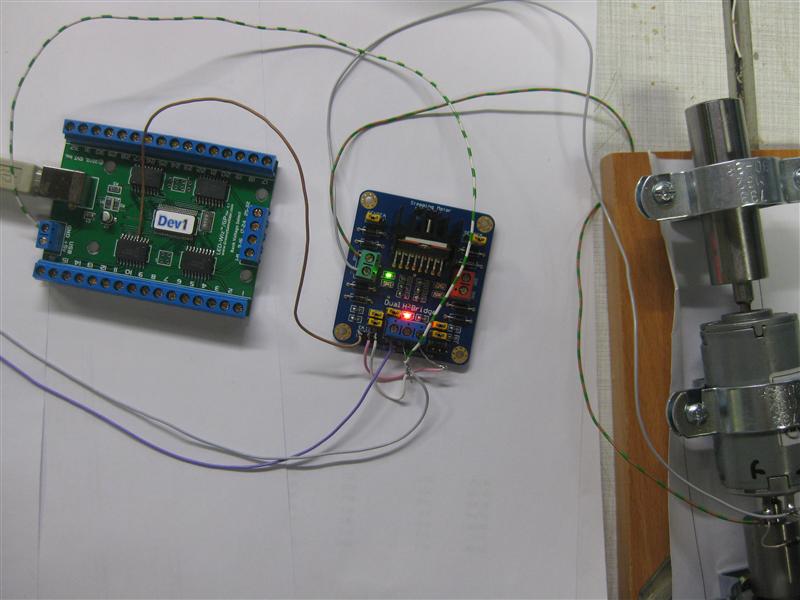
    So I tried a Dual-H-Bridge, to make it possible to change the RPM of the shaker.
    (Now there is no need of a coupler Relais for this anymore)
    It works in digital way as the coupler Relais but if you output PWM to the channel, we can drive the RPM of the shaker and make the effect more or less intense.

    shaker_pwm_all

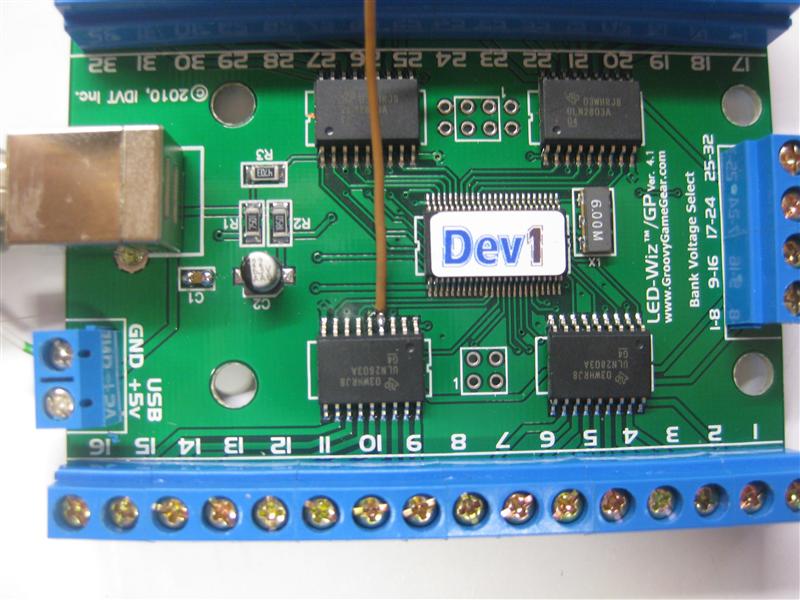
    As we use most output of the ledwiz with 12 V and the signal output is inverted at the screwconnectors I must get the PWM Signal of the Ledwiz directly.

    shaker_pwm_pwm_pin_4_solder

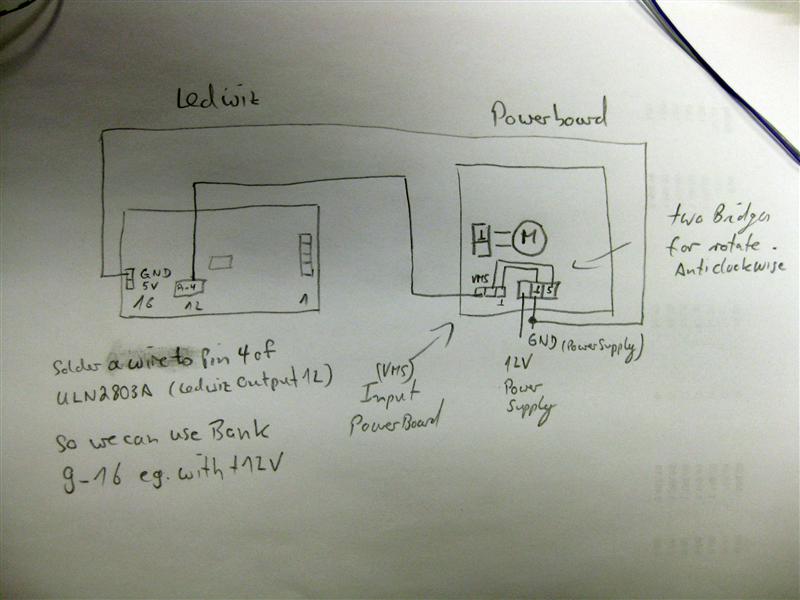
    I am using Output 12 of the Ledwiz for the shaker. So I have to make a wire to the 2nd ULN Pin 4 (it will be the Signal Input for the PWM Driver.

    Here is a shematic how to connect all together

    shaker_pwm_shematics

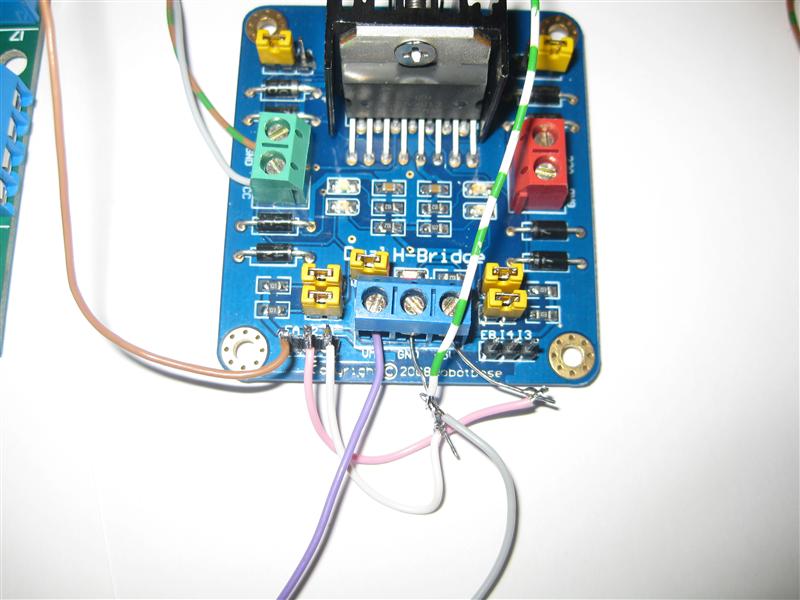
    zoom:

    shaker_pwm_dual-h-bridge

    The Leddrive is using dezimal values from 0 to 48 to make a output from o% to 100% power.

    As we have a shaker it needed a minimum of 20 to startup and rotate.

    If we want to make low sensitive effects it is needed to startup up the pwm with around 20 for a short time and after this we can reduce it to the final value like eg. 7.

    Hope silver can add this feature in the code.

    There will be needed two parameters to enable the shaker:

    a) a timer how long the shaker rotates

    b) the intensive from 0 to 48 for the output of the shaker

    c) if the values <20 we need to startup with 20 for a short time and the to right lower value.
    I don’t know if its necessary, because do we feel shaking less than 20?

    Here you find a video:
    Video:

    Video showing different power Levels: