Here you can see the „forcefeedback“ Relais.
I will use two, one for the left finger and one for the right finger.
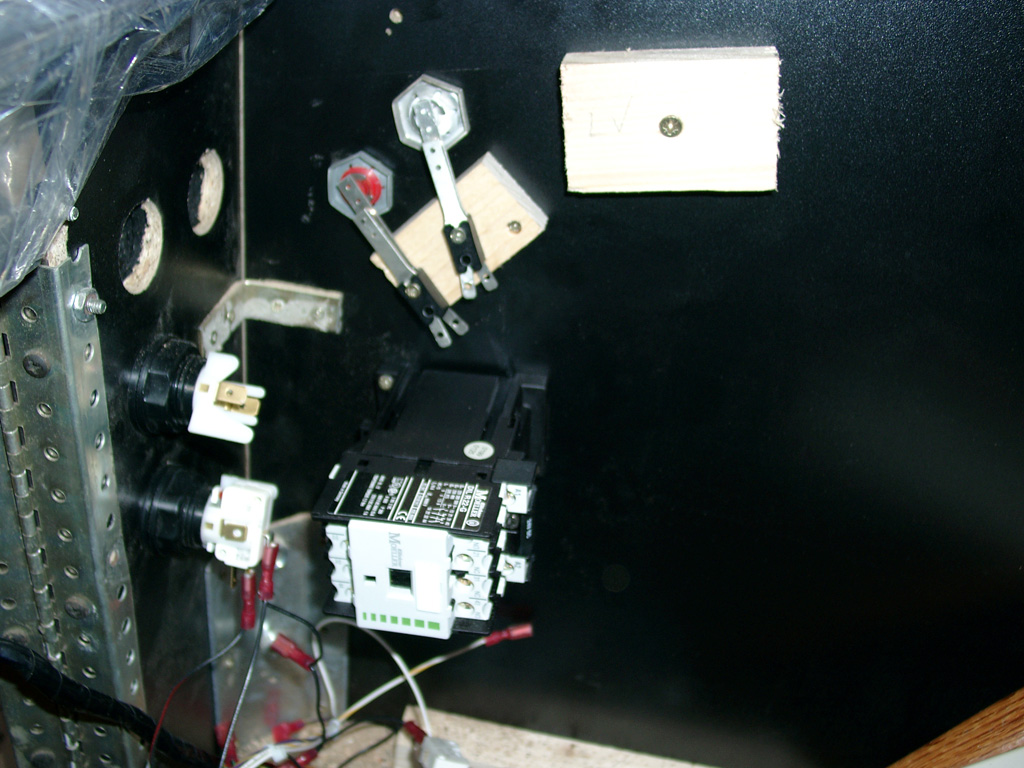
Here you can see the „forcefeedback“ Relais.
I will use two, one for the left finger and one for the right finger.
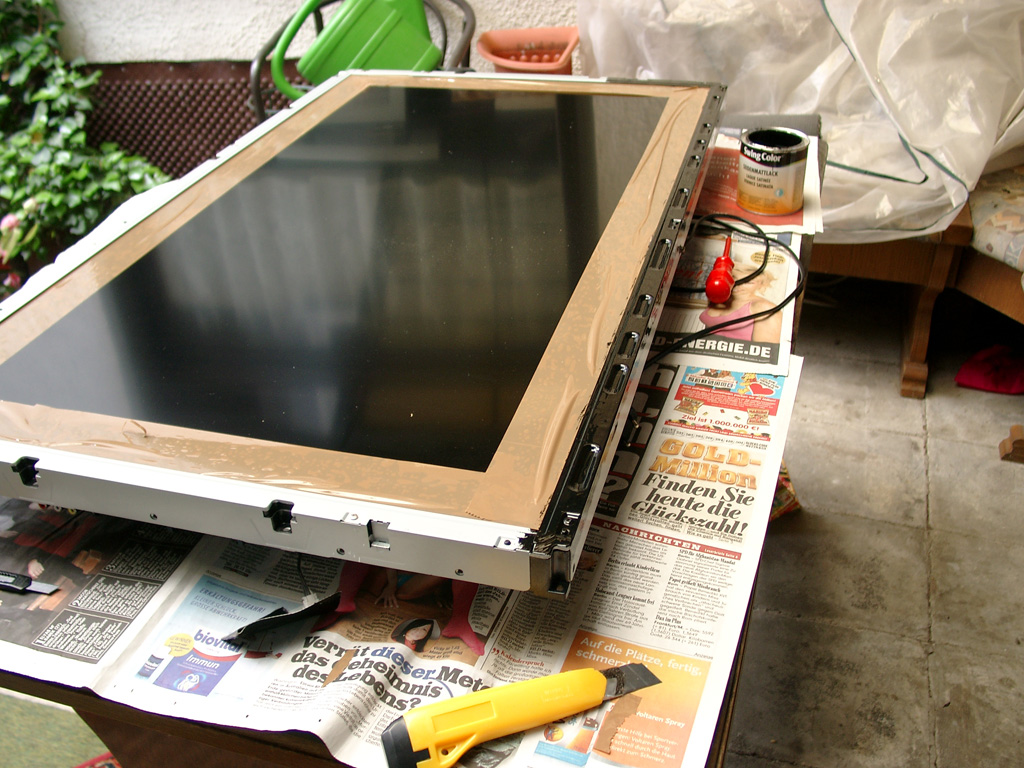
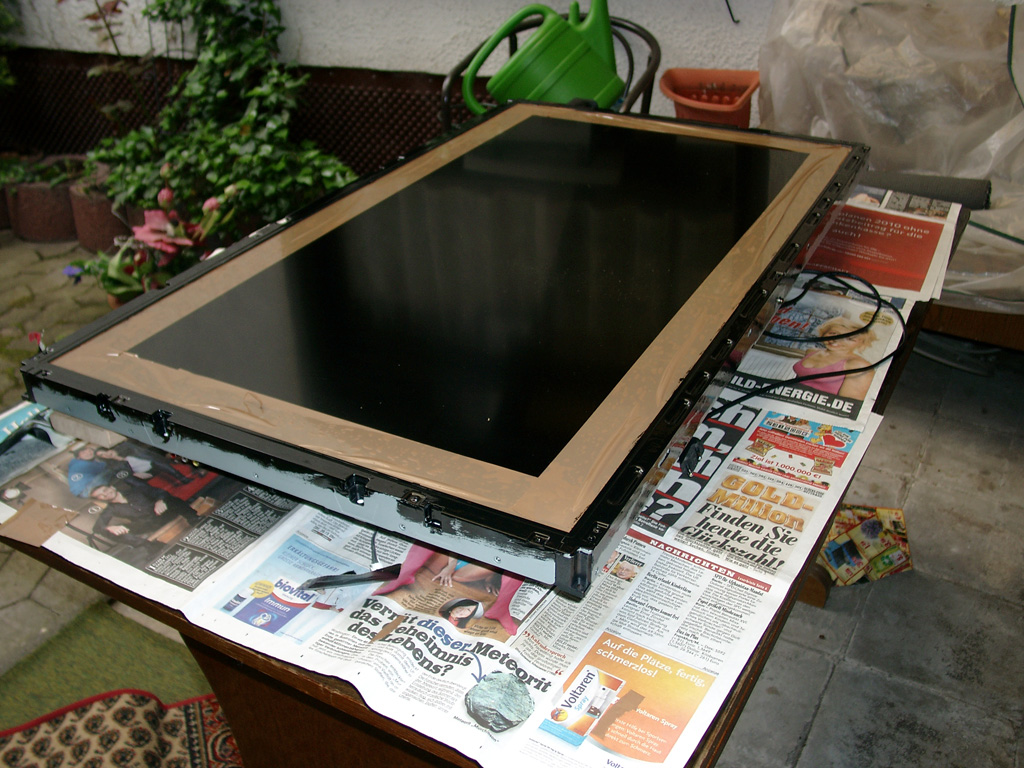
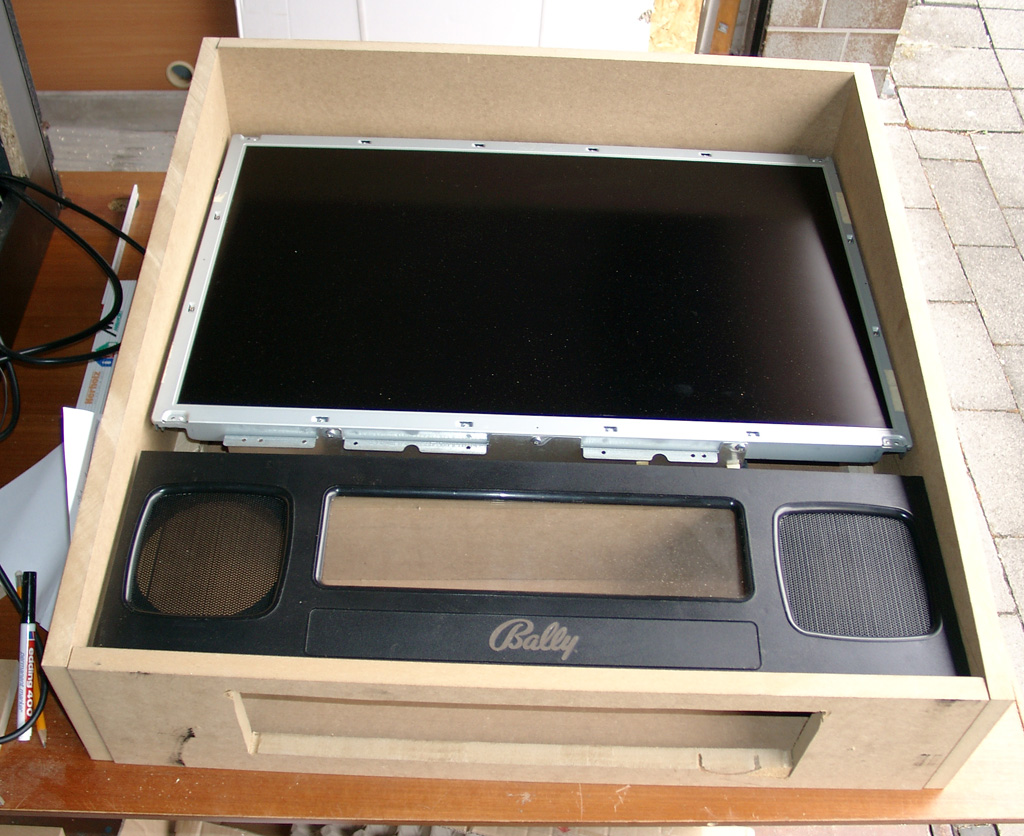
I removed the 42Zoll Display for painting the edge:
And some Button upgrade for left and right flipper fingers and a Button for Launch Button for the Flipper without a „analog“ plunger.
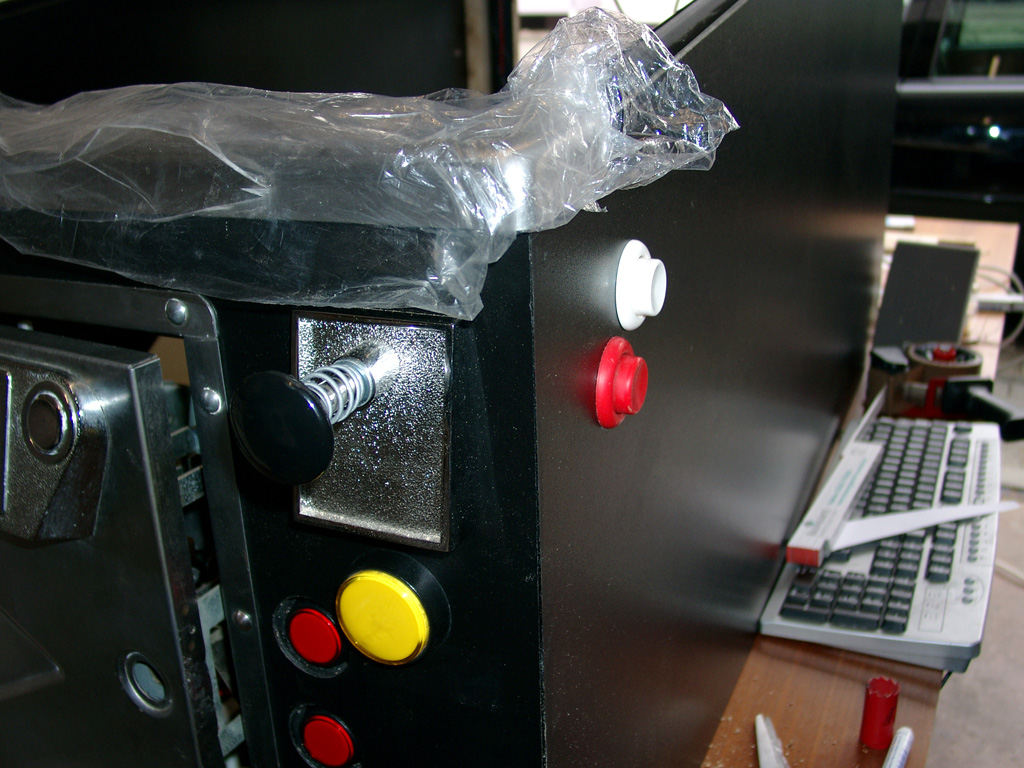
I used two scews left and right of the backglass to put it together
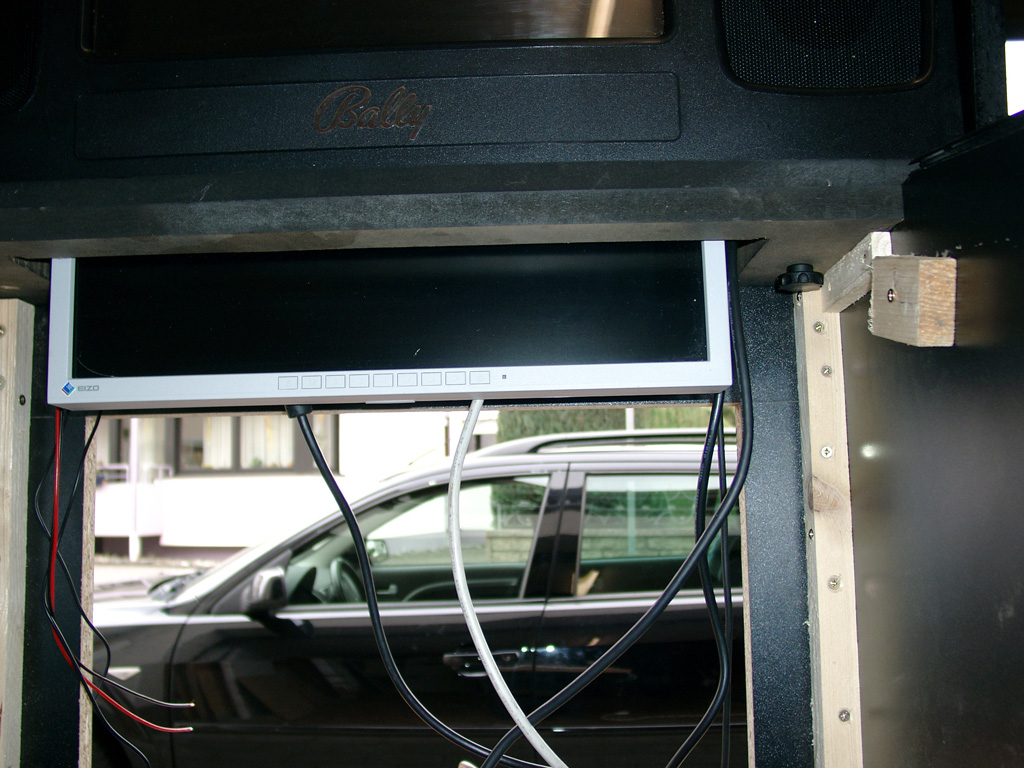
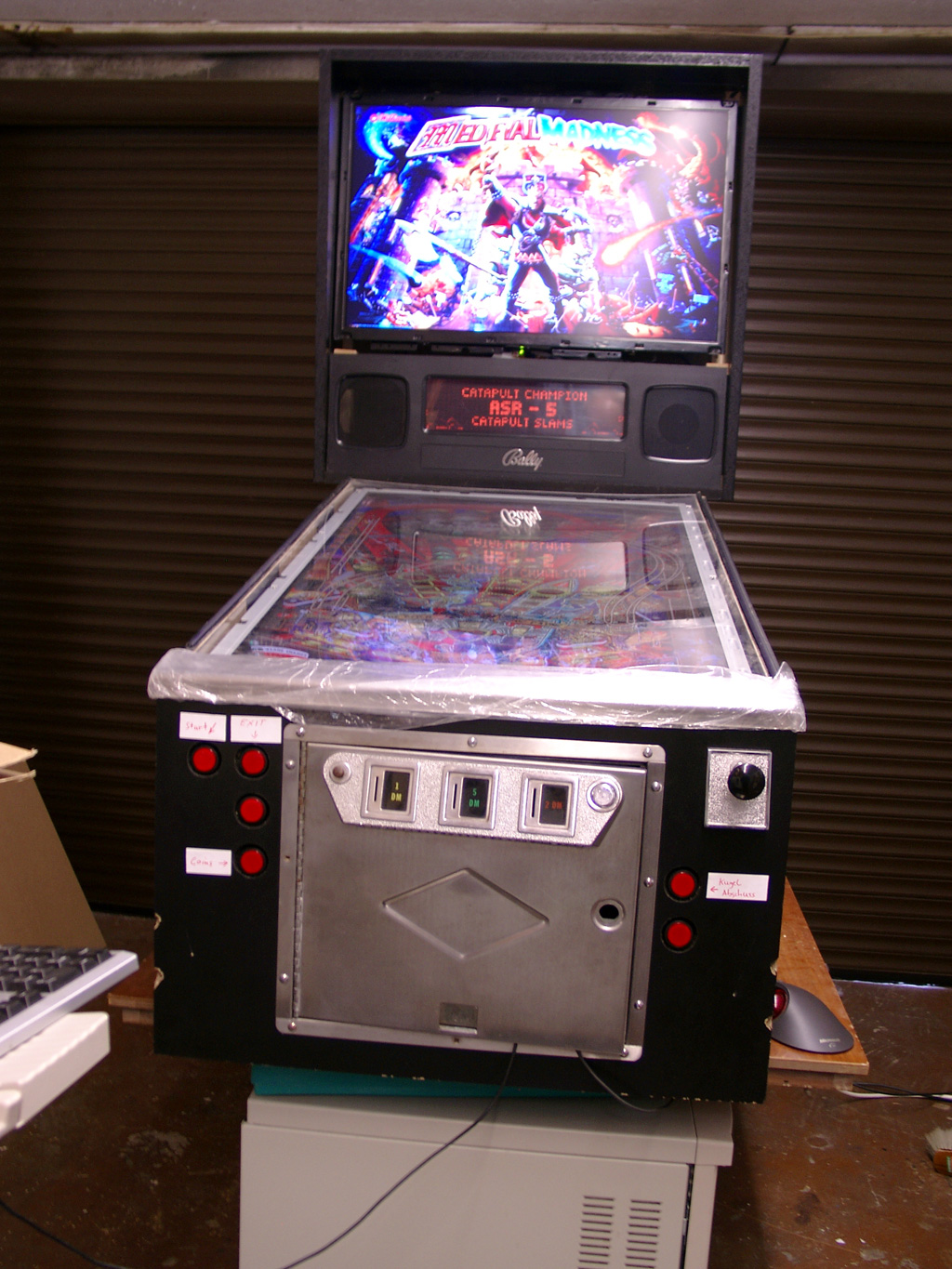
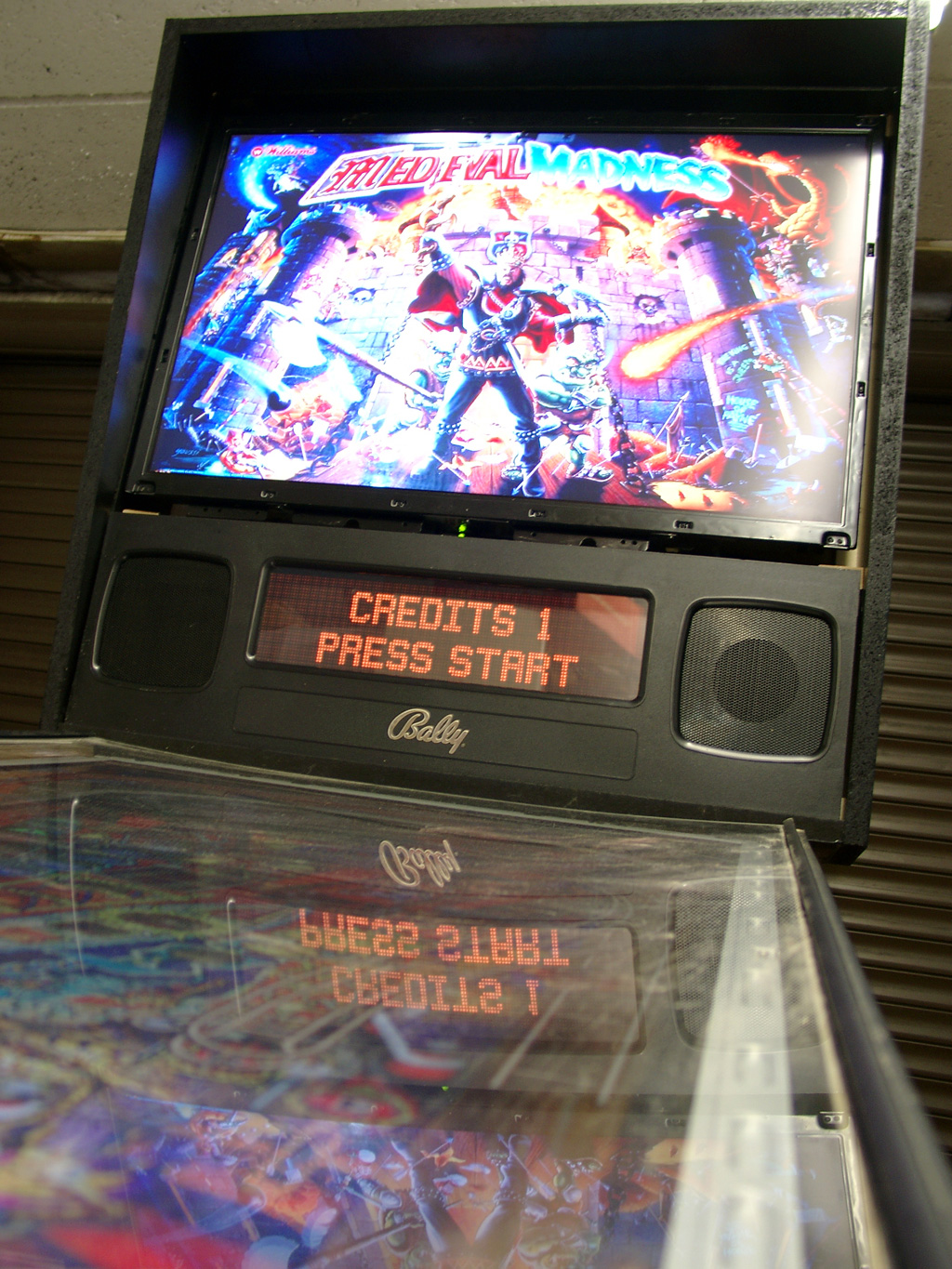
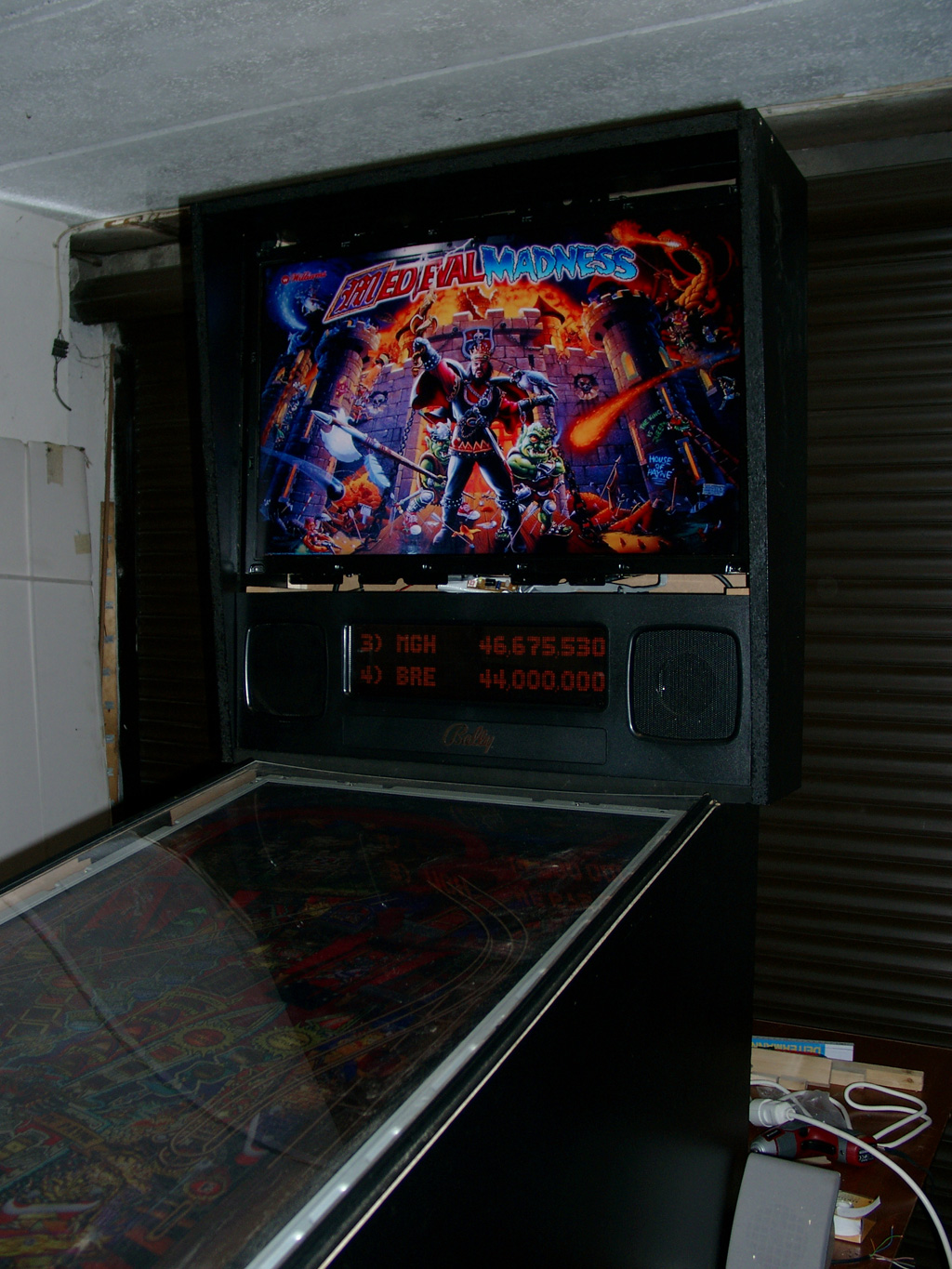
Today I put all together and have the honor to play the first time in my live with 3 screens.
This give a great realistic feeling of a pinball 🙂
First pictures…
Thanks to Maximilian Rehkopf alias ikari_01 we can proudly present a new switchless Mod for the SNES.
I done the first modification at a PAL SNES, but it should work on US and japanese SNES too.
Here you can find more information:
http://www.circuit-board.de/forum/viewtopic.php?f=21&t=1896&start=63 (german)
http://nesdev.parodius.com/bbs/viewtopic.php?p=61236#61236 (english)
The mod is using a PIC 16F630 with the following code: supercic
Sorry the Code here is a newer version, so you have to set PIN 7 of the PIC 16F630 to GND. As here is described with a common cathode DUAL-LED!
There are two ways to get the new CIC working.
a) with original CIC still onboard
To get the supercic working you have to lift the following pins of the original CIC.
Pin 1,2,10 and 11
b) removing the original CIC and add a 10k from Pin 8 to GND.
The following pictures will show way b).
Here you can see a PAL SNES with the F413A CIC
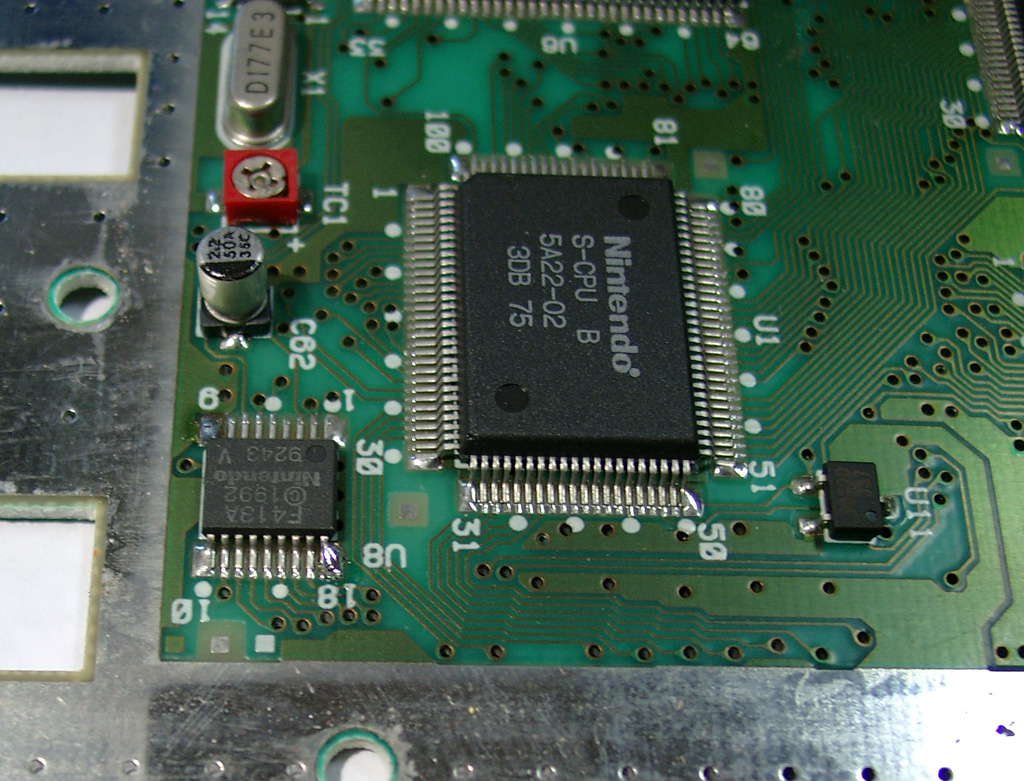
Removing the CIC
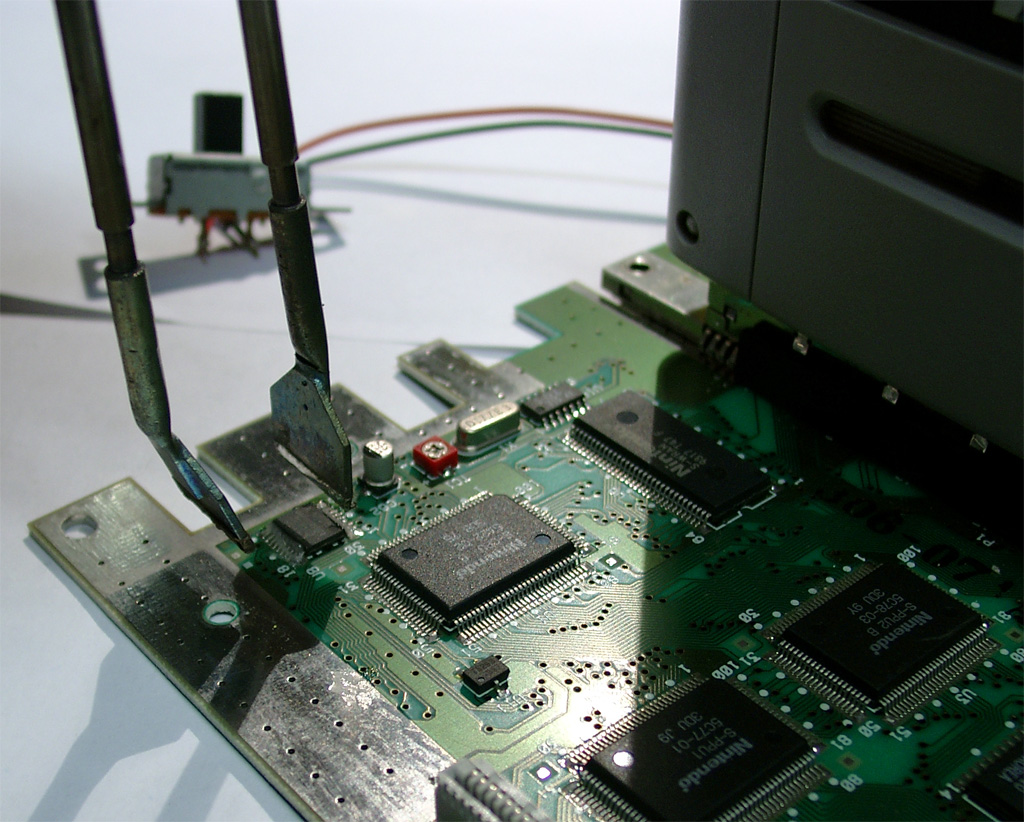
After removing the original CIC:
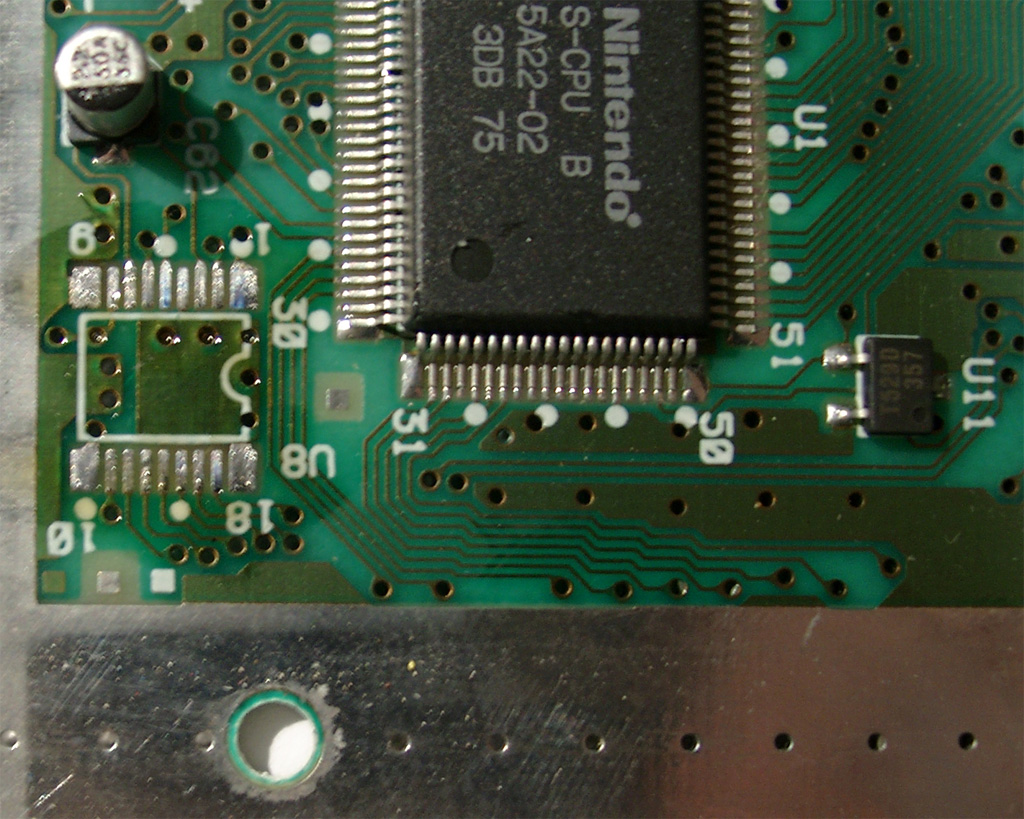
The usual 50/60Hz Pins:
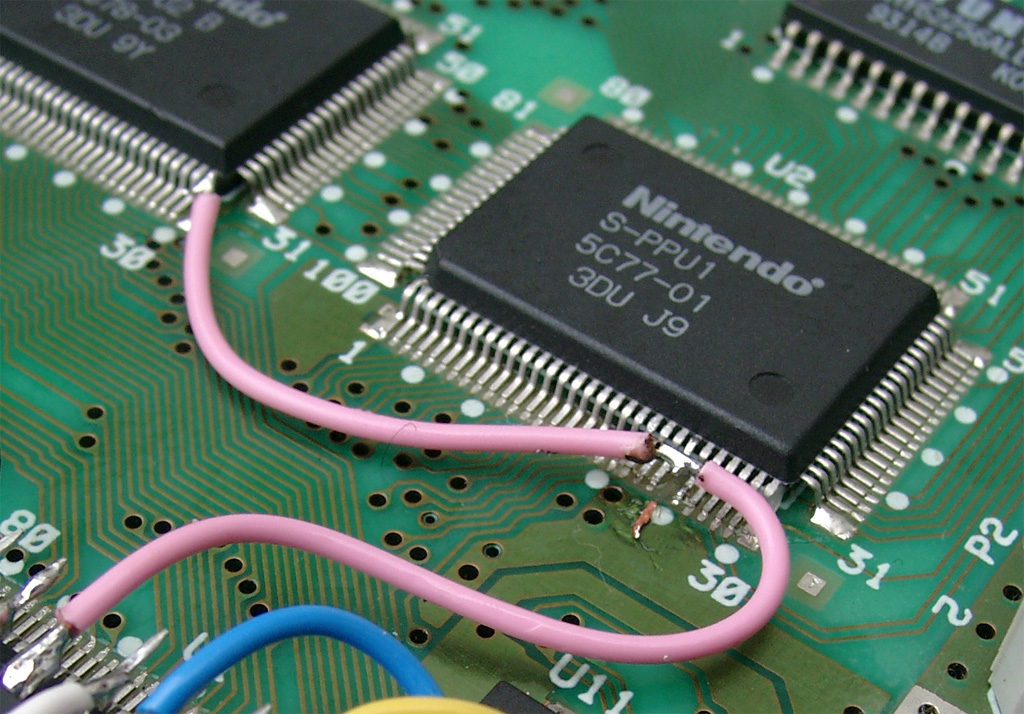
You have to lift PPU2 Pin 30 and lift PPU1 Pin 24 and wire it together to Pin 12 @Pic12f630.
The Console is set to 60Hz if you set both Pins to GND
The Console is set to 50Hz if you set both Pins to 5V
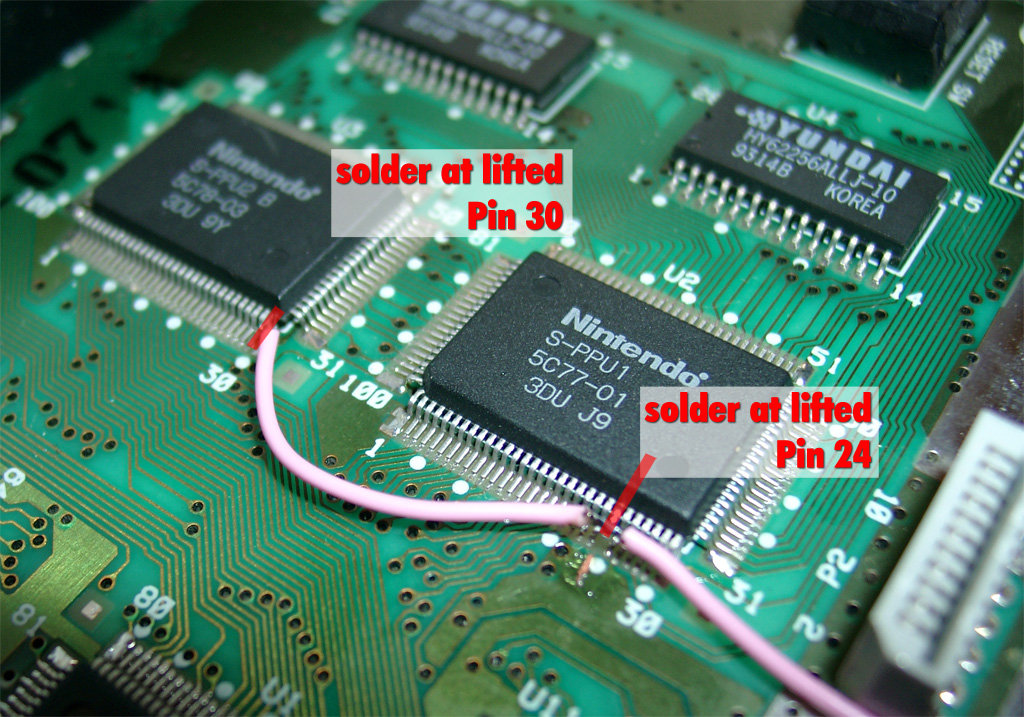
2nd View:
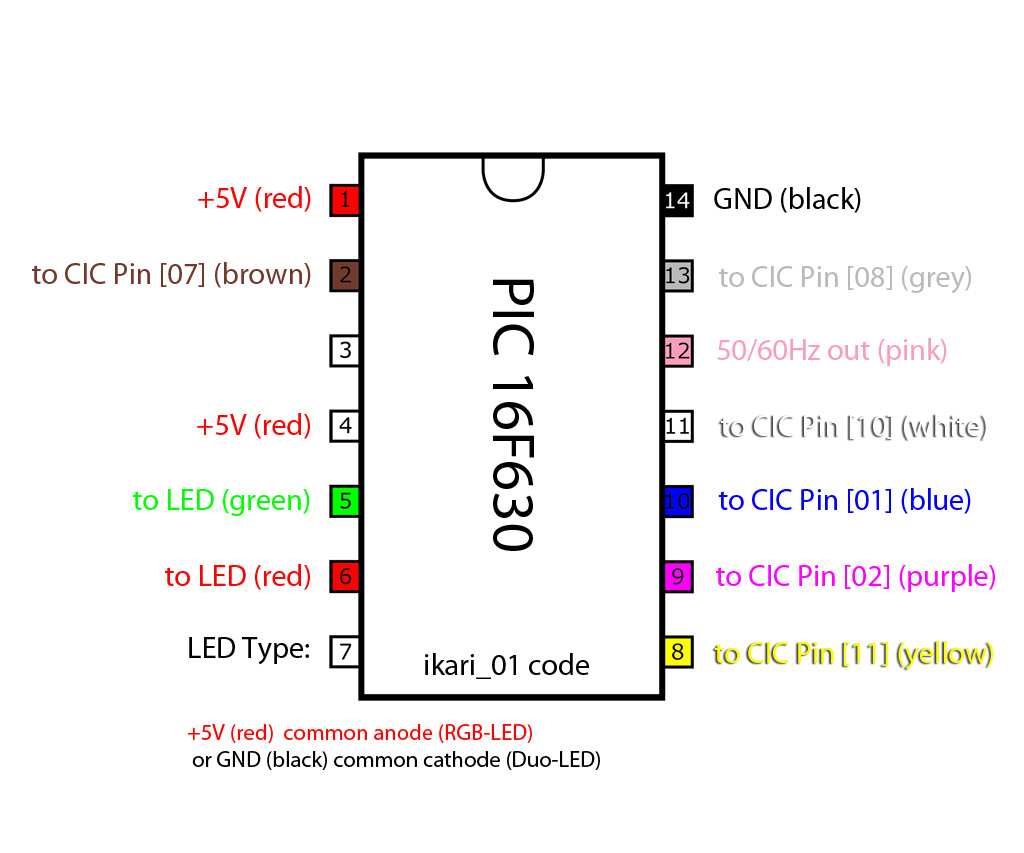
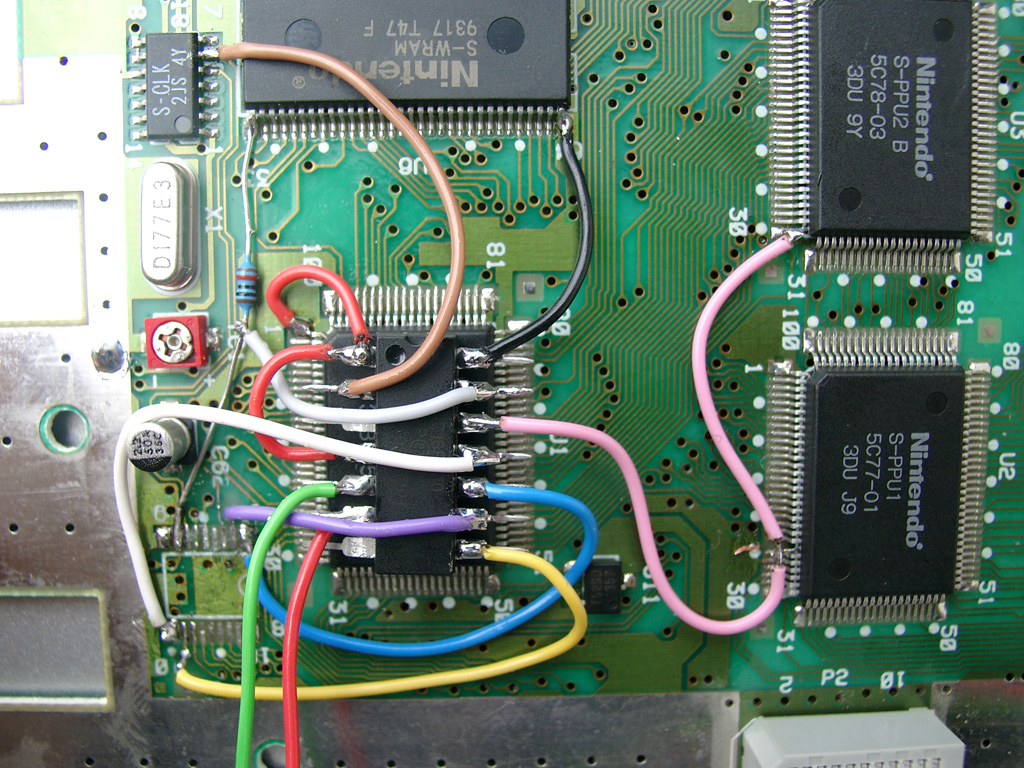
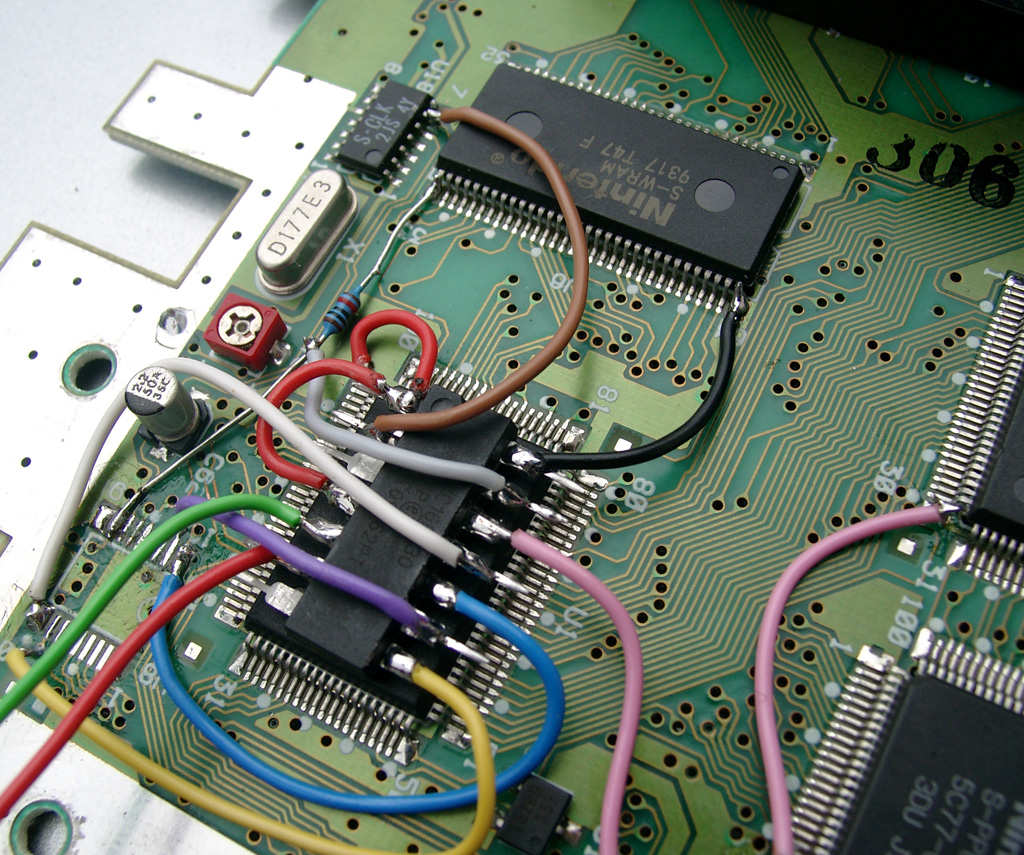
Here you can see the wiring of the PIC:
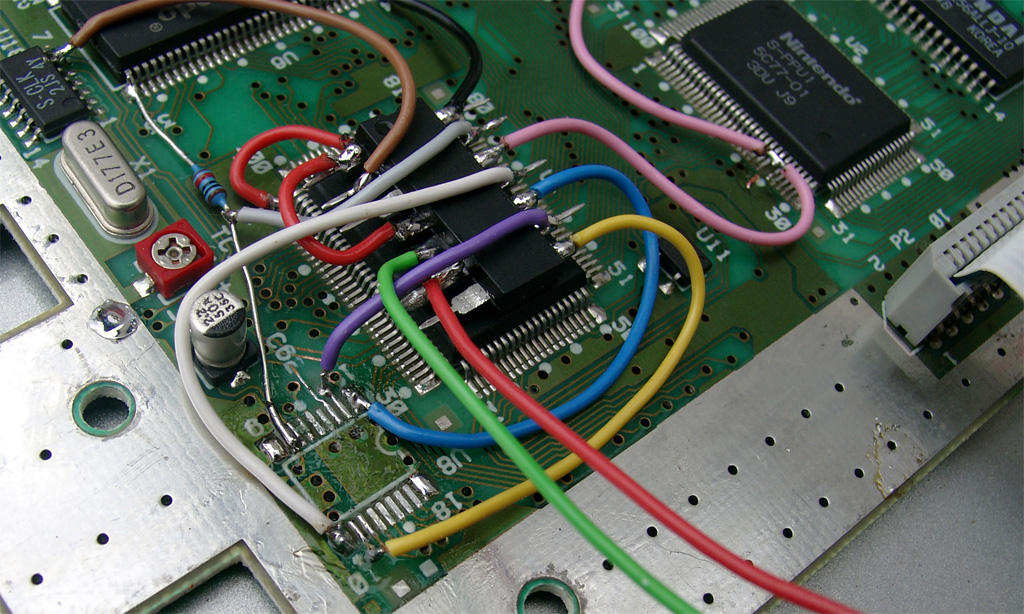
More wiring:
You can set the PIC into 2 Modes
a) Pin 4 to 5V (I used this Mode, see the red wire)
b) Pin 4 to GND
And please set Pin 7 To GND, so the PIC is set to DUO-LED Mode (common cathode).
On the following picture the wire is missing!
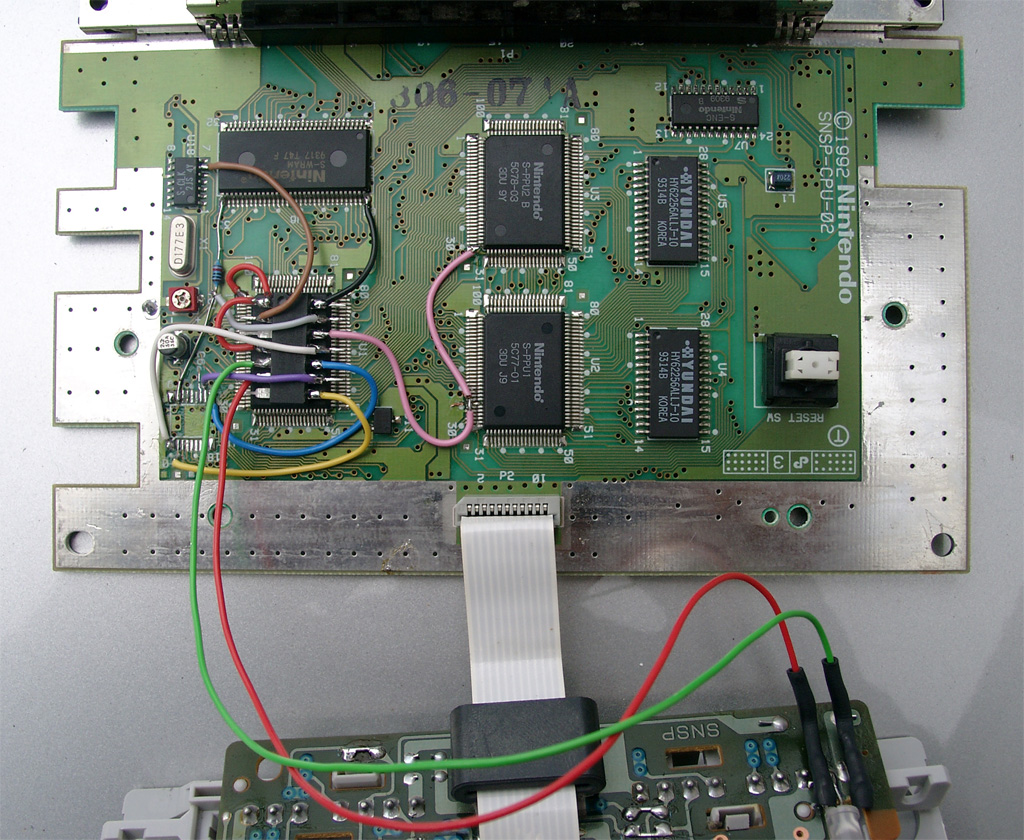
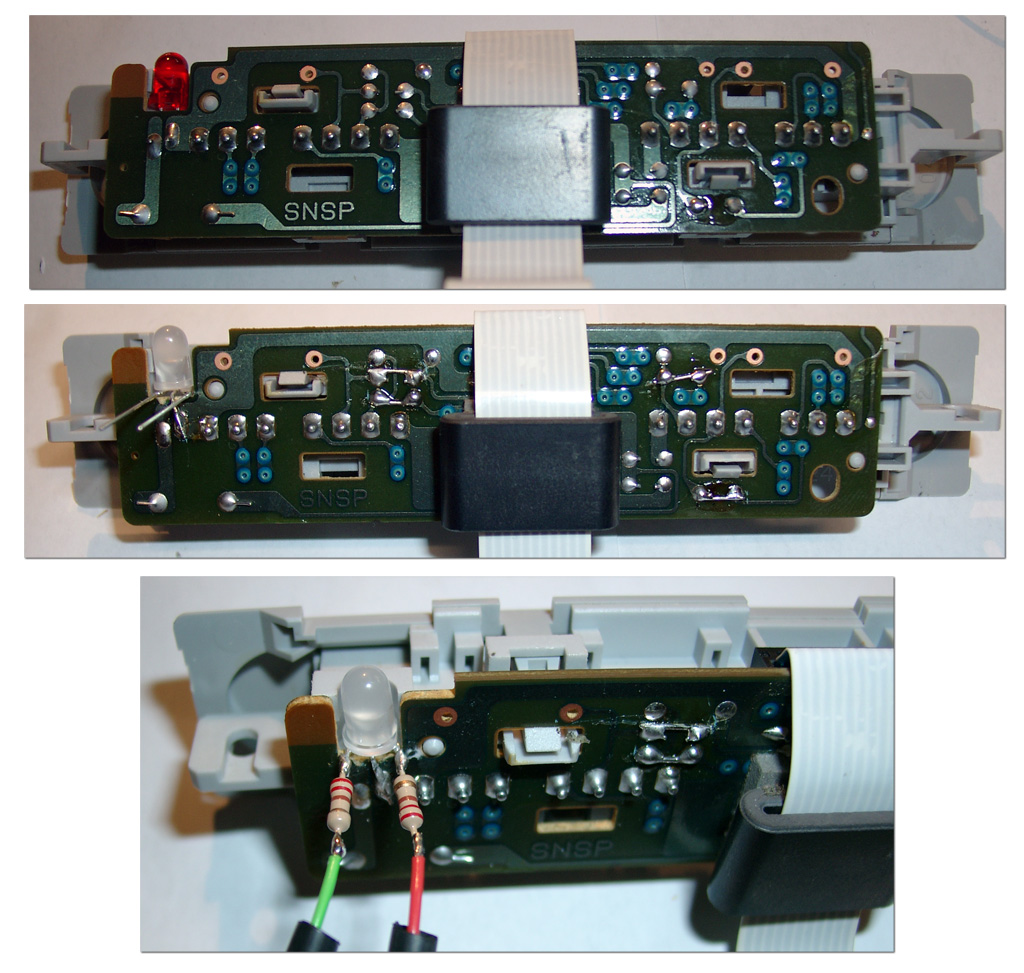
you can remove the original LED by heat both pins together and pull it a little bit out.
So you can cut the 2 pins of the original LED.
After this you can use a DUO-LED (gn/red) 5mm with 220Ohm Resistors. I solder the middle (GND) to the SNES Controllerport
To play import Controller or thinks like a superscope on a PAL-SNES you can shortcut all 4 Diodes on the controller port. (see picture2)
You can use two different LEDs:
a) a Duo-Led with common cathode (GND)
You have to set Pin 7 of the PIC16F630 to GND
b) a RGB-Led with common anode (plus)
You have to set Pin 7 of the PIC16F630 to 5V
Look here for a picture:
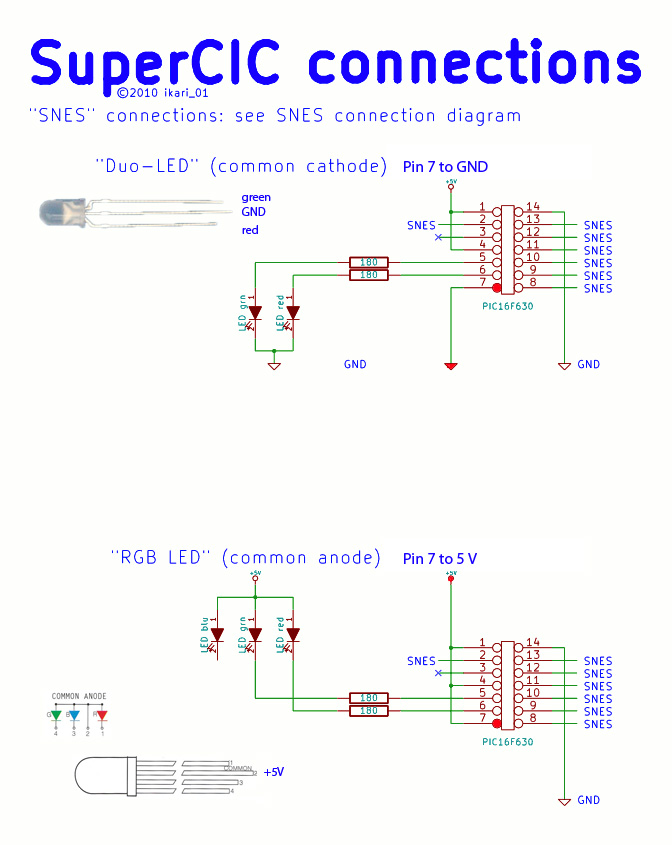
Some Info about the usage of the superCIC.
You can change between 50/60Hz and Auto Function by pressing the Reset Button for longer as around 0,5 sec. The current Status is shown by the DUO-LED. (red=60Hz, green 50Hz, orange=Auto).
After releasing the Reset Button the mode will be active. The SNES will not reset at this moment.
a) 50Hz Mode is active (green)
If you insert a PAL-Game, it will start with 50Hz
If you insert a NTSC-Game, it will start with 50Hz (if Pin 4 is set GND)
If you insert a NTSC-Game, it will start with 60Hz and switches to 50Hz after 9 sec. (if Pin 4 is set 5V)
If you insert a Game without CIC, it will start with 50Hz
b) 60Hz Mode is actice (red)
If you insert a NTSC-Game, it will start with 60Hz
If you insert a PAL-Game, it will start with 60Hz (if Pin 4 is set GND)
If you insert a PAL-Game, it will start with 50Hz and switches to 60Hz after 9 sec. (if Pin 4 is set 5V)
If you insert a Game without CIC, it will start with 60Hz
c) Auto Mode is actice (orange)
starting the Game in its native frequence.
If you insert a NTSC-Game, it will start with 60Hz
If you insert a PAL-Game, it will start with 50Hz
If you insert a Game without CIC, it will start with 60Hz
Here you can see a video, how the switching is working:
Here you can see a US-Unit with a RGB Led using blau and red part of the LED:
I done some holders for the 19Zoll and put speaker at the speakerpanel
Here you can see the position of the 19Zoll Screen:
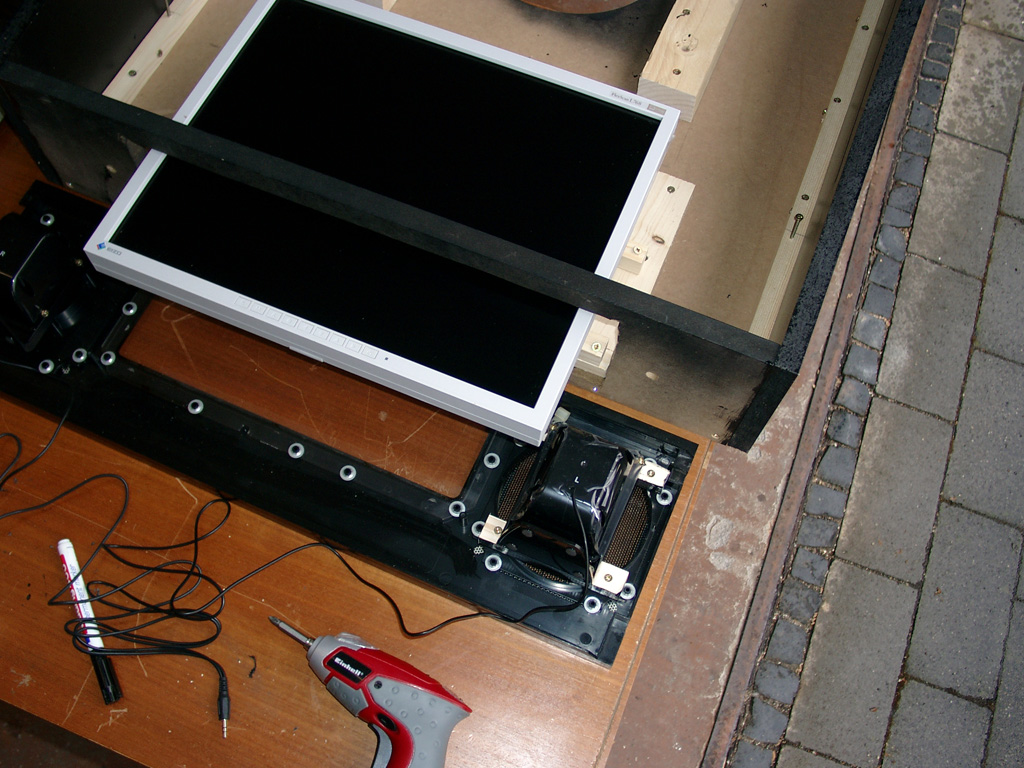
to be sure nothing grey/white colors is seen, all will be black …
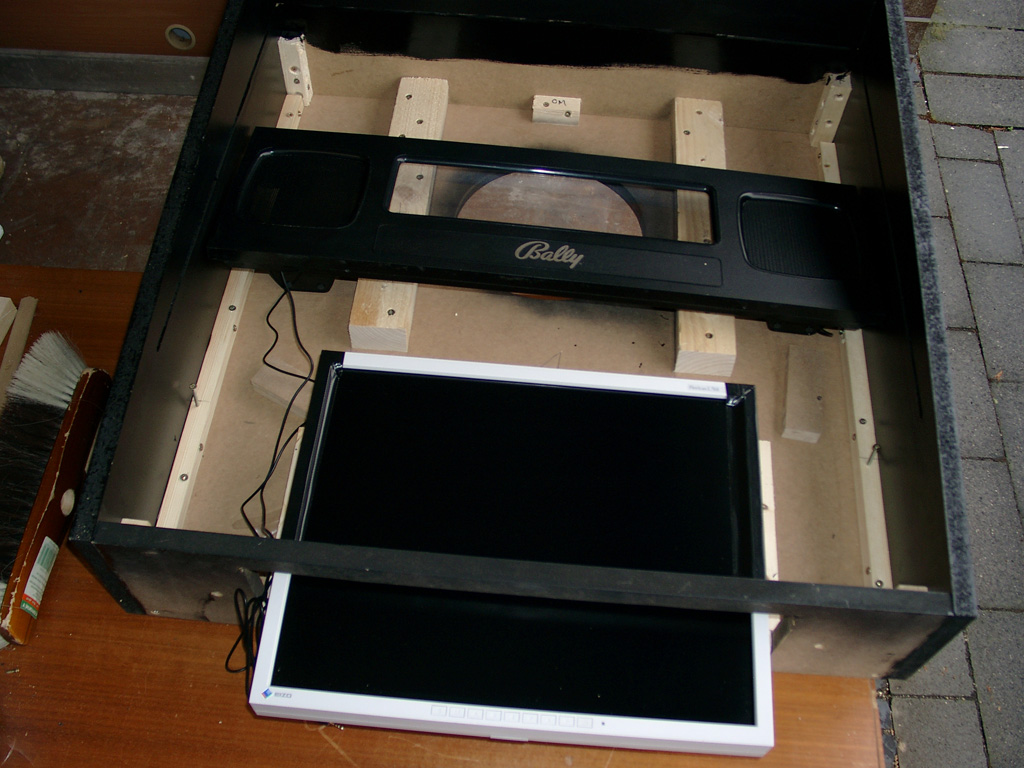
more pictures of the 3rd 19Zoll Screen for the DMD
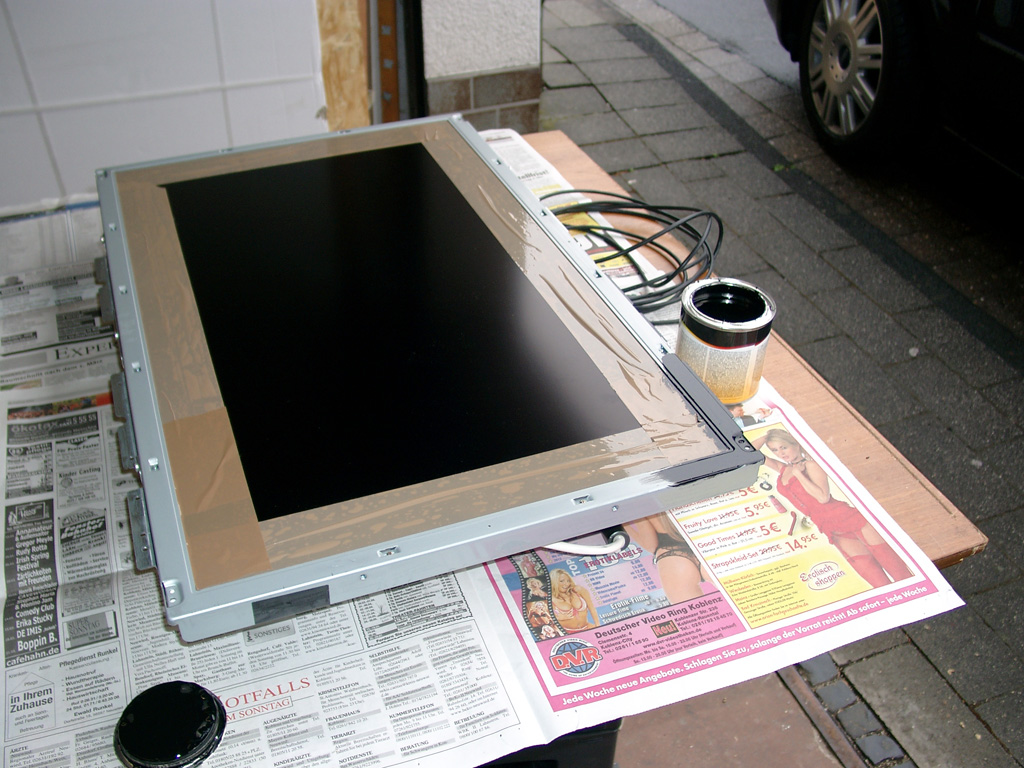
The border of the 30Zoll must be in black too:
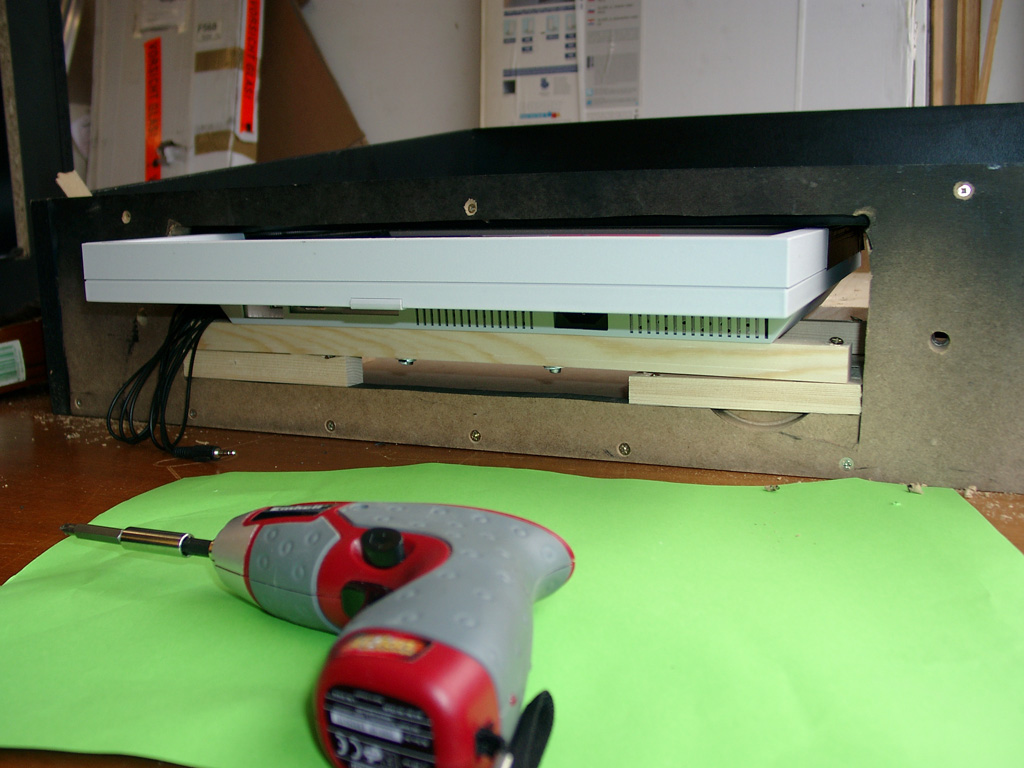
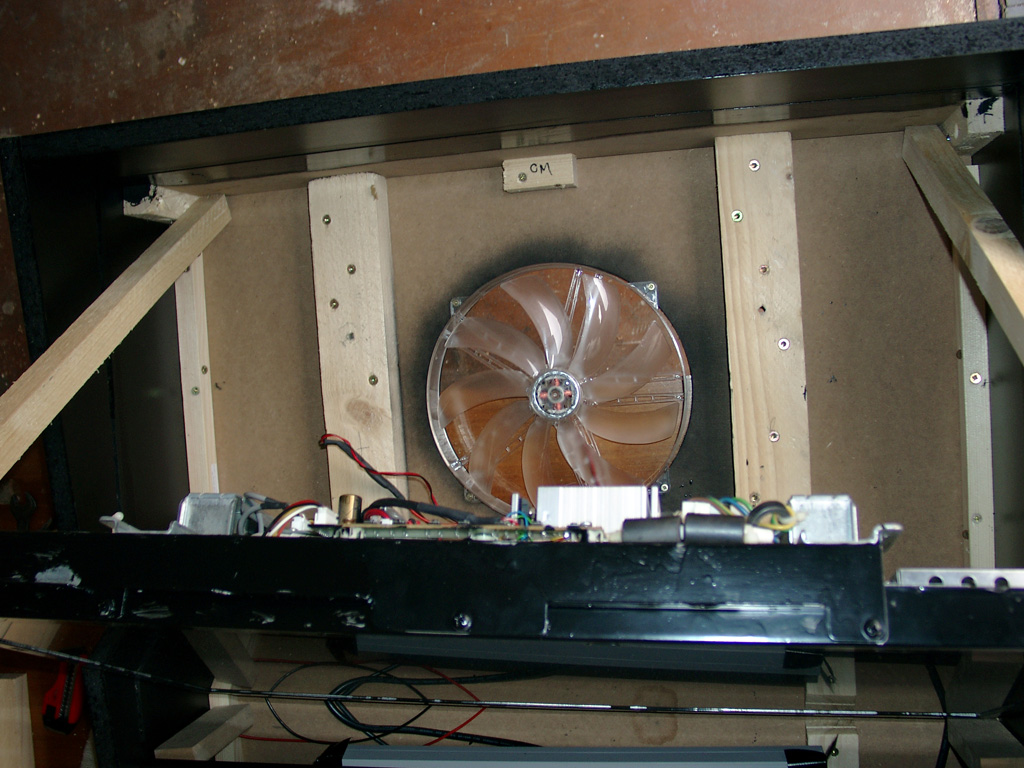
Here you can see the fan
Hi since November I didn’t have time to finish my first pinball project.
But this week I will do more work, because we will present our Virtual Pinball at the Museumstag 2010 in Neuwied @ the Flippermuseum
Its open from 14:00 to 22:00 o clock on Saturday 15.05.2010
Come visit us there and have fun with playing our virtual pinball and around 100 Original Pinballs!
So here are some new Pictures form the backglass work:
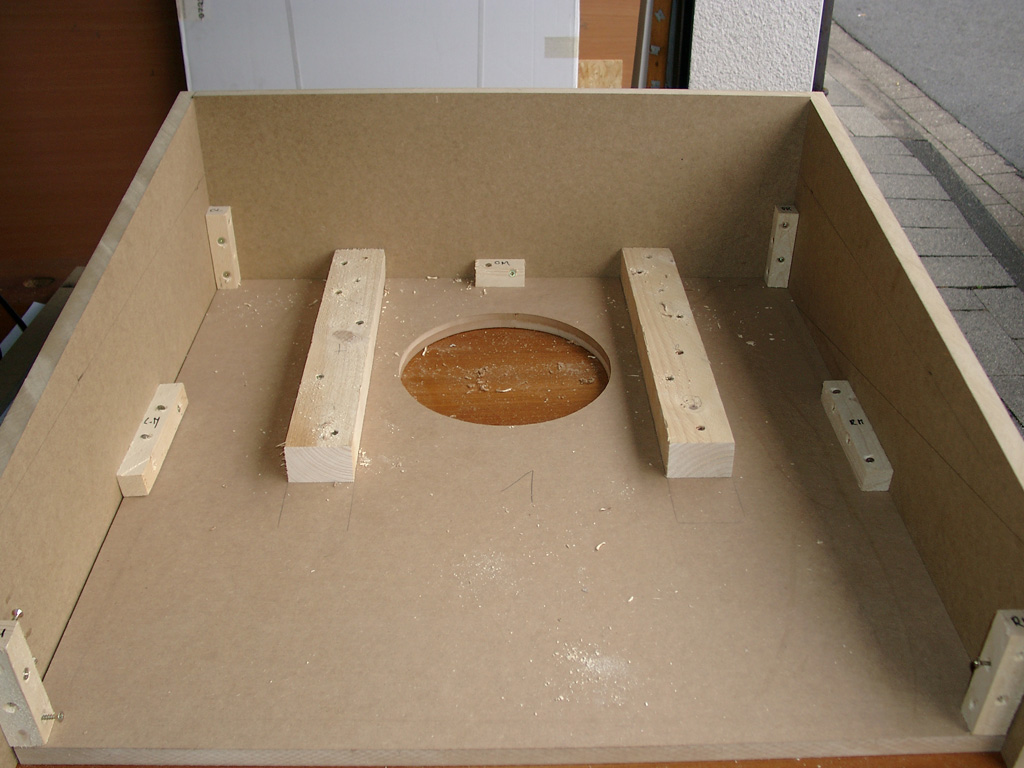
My first try via MDF look at the holder in the middle for the 30Zoll LCD for the Backglass picture
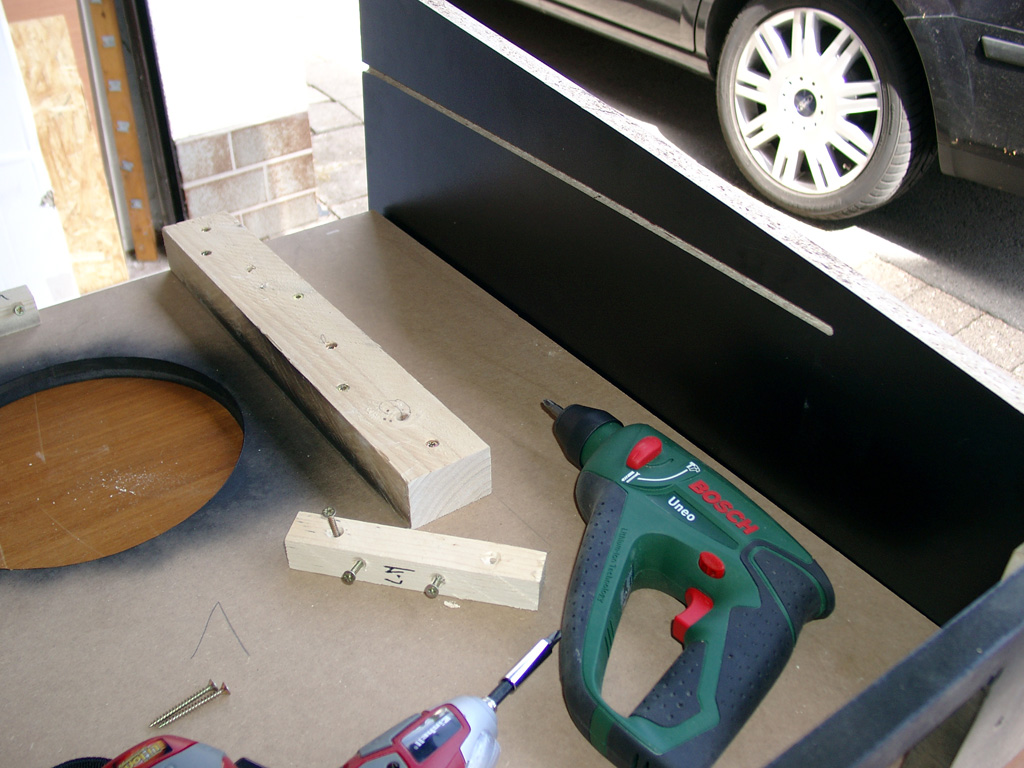
I changed to black mdf. Here you can see a router line for the glassfront.
It will inserted from the top downwards
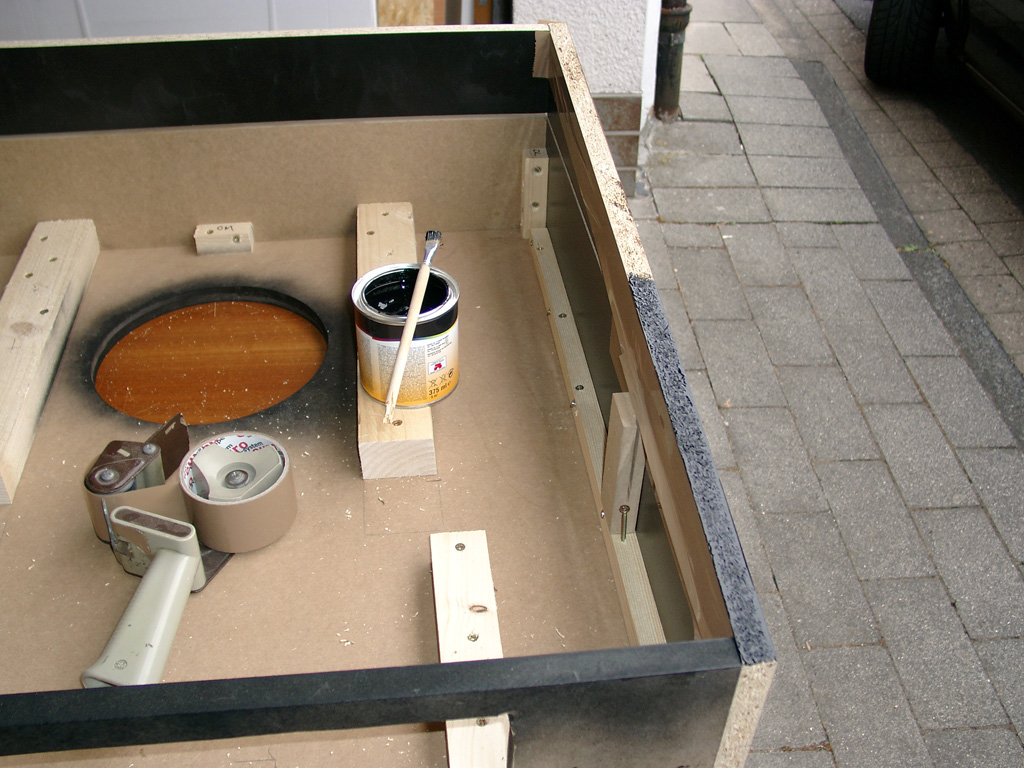
Some edges needet to painted in black
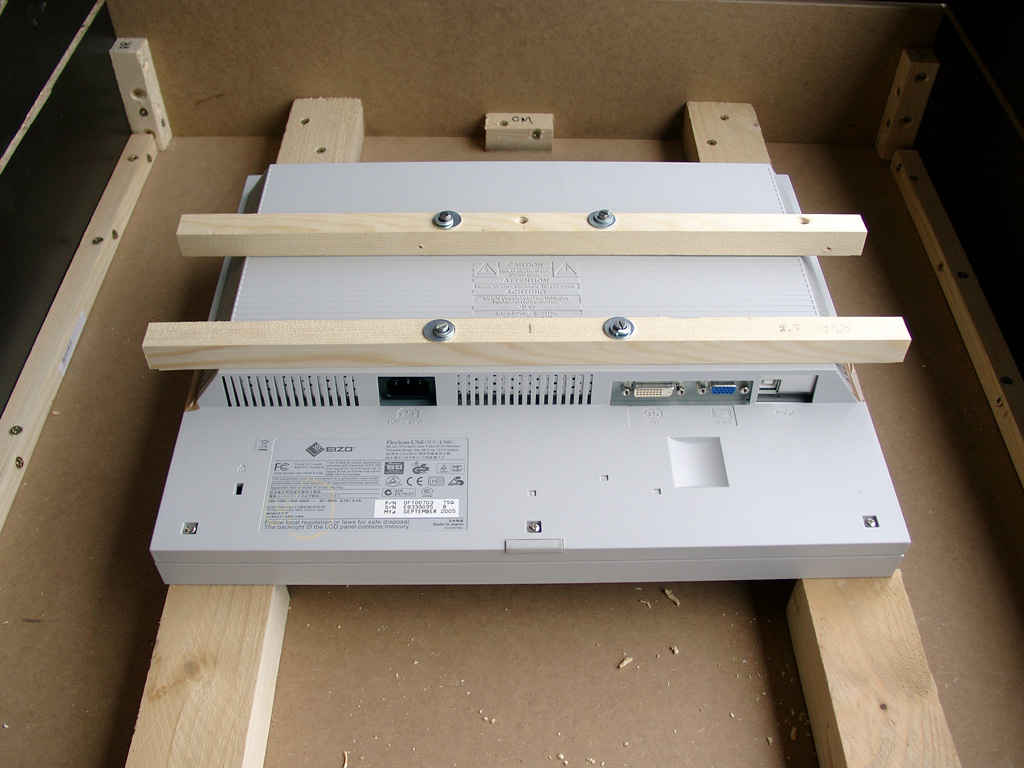
Here you can see the DMD LCD (a 19Zoll) from the backsite:
First impression of the look with speakerpanel (a original wpc95 one)
to be continued
today I received the balltop for my Sanwa JLF-TP-8YT Stick.
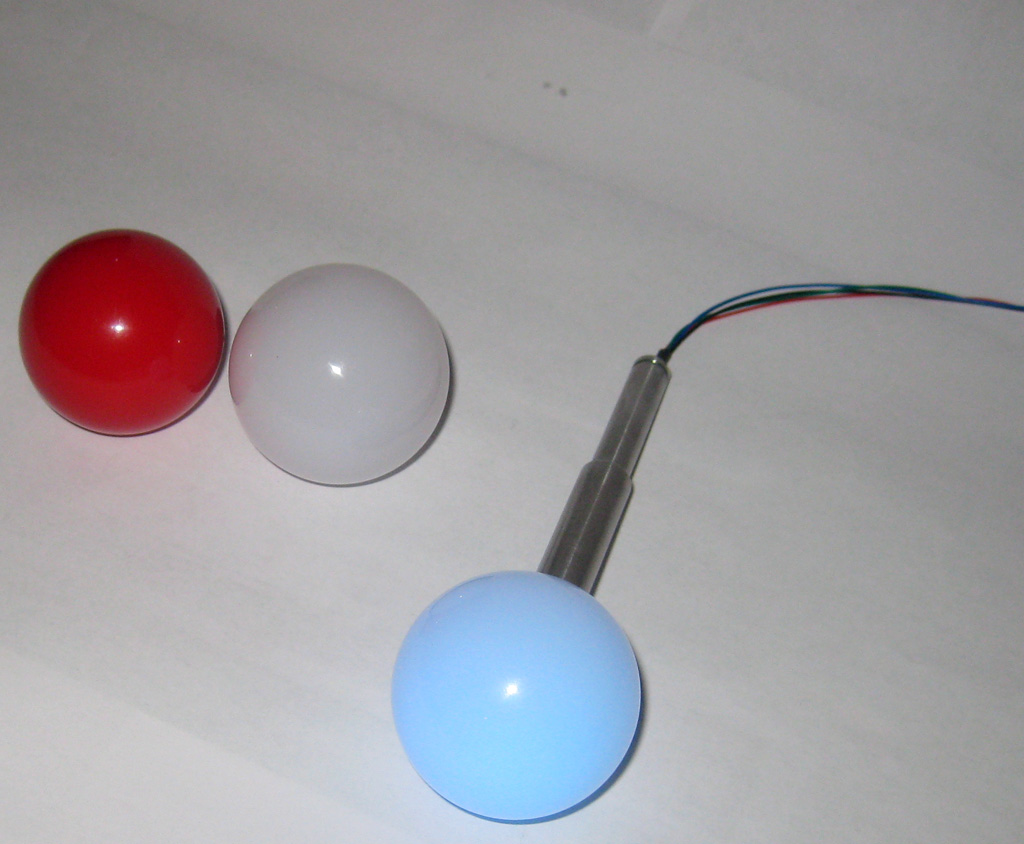
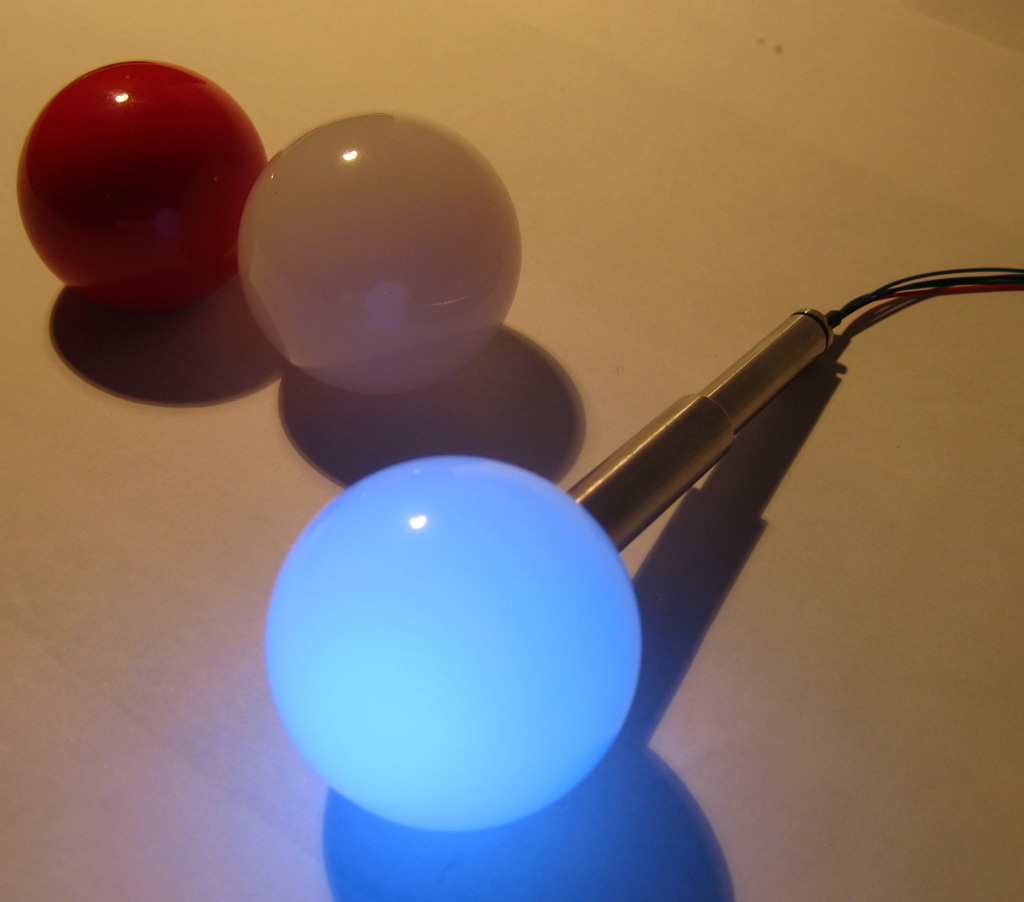
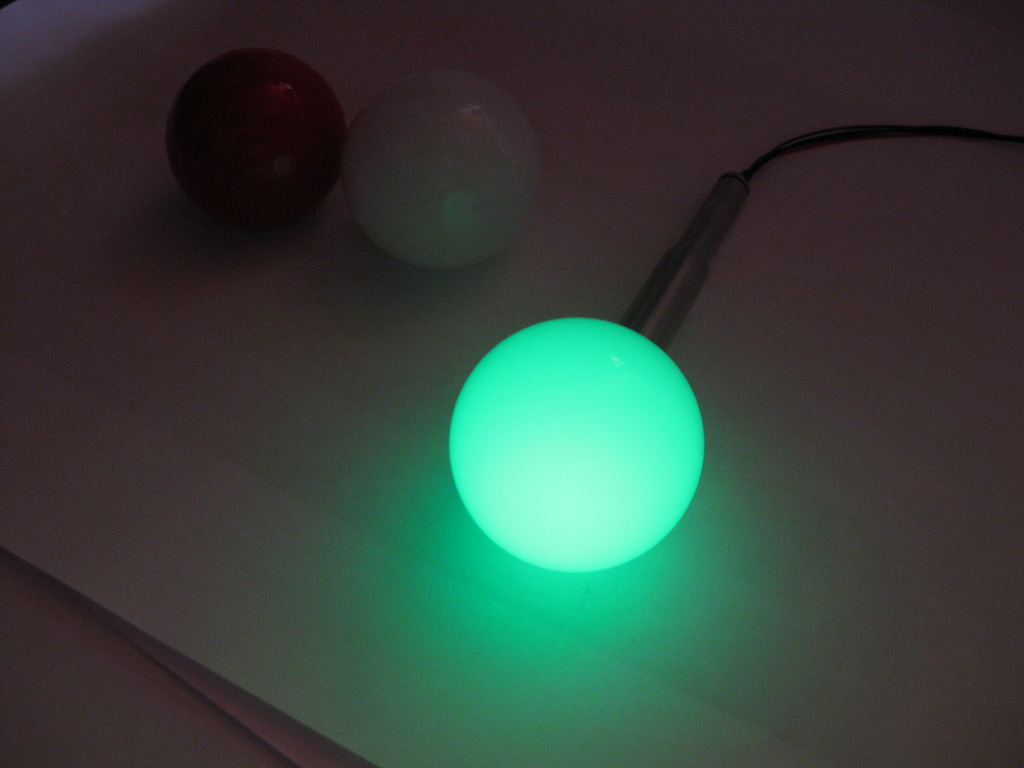
Here you can see a milky white balltop 37,5mm diameter with 6mm insert for use in arcadesticks.
You will find a RGB-Led inside for make all colours you wish
On the left site you will see a standard red balltop.
In the middle the milky one, right the milky one with LED on:
Video
today I done the switchless mod for a PAL Mainboard.
Its the third different mainboard i looked at.
Mainboard PC BD SATURN MAIN VA0 Pal
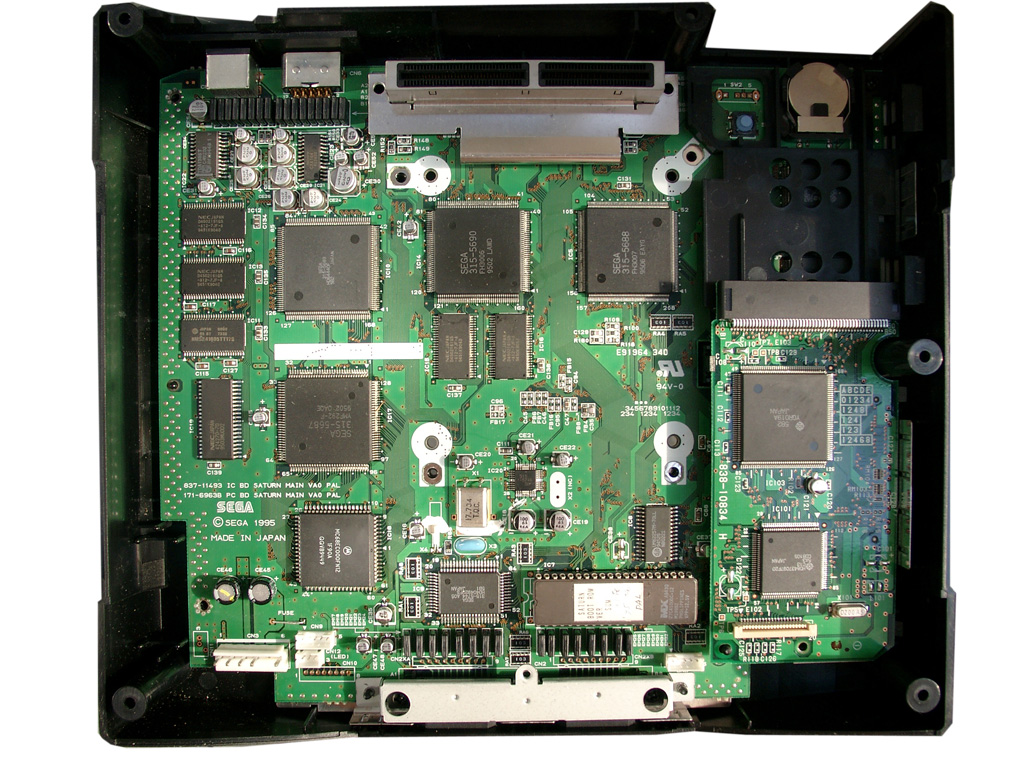
At the solder Side you will find some Jumper from JP 6 to JP 13
cut the three circuits at Jumper JP7,JP10,JP12 for Language preparation
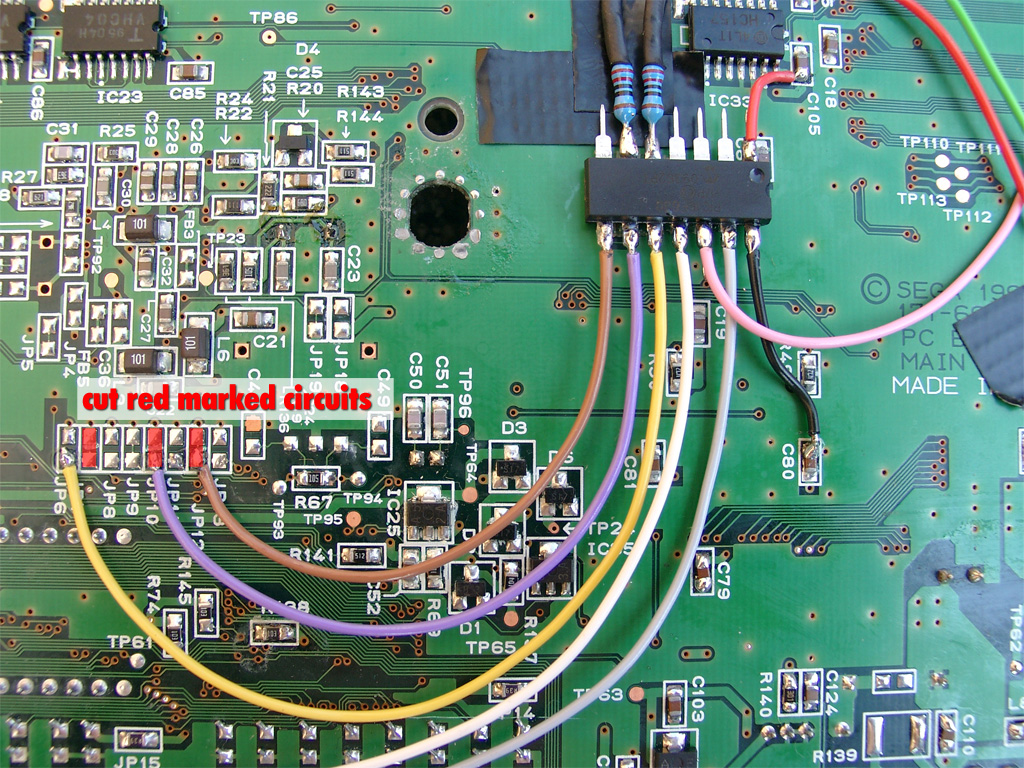
remove Jumper 2 (50Hz, 60Hz switching)
Wire PIC like shown at the picture:
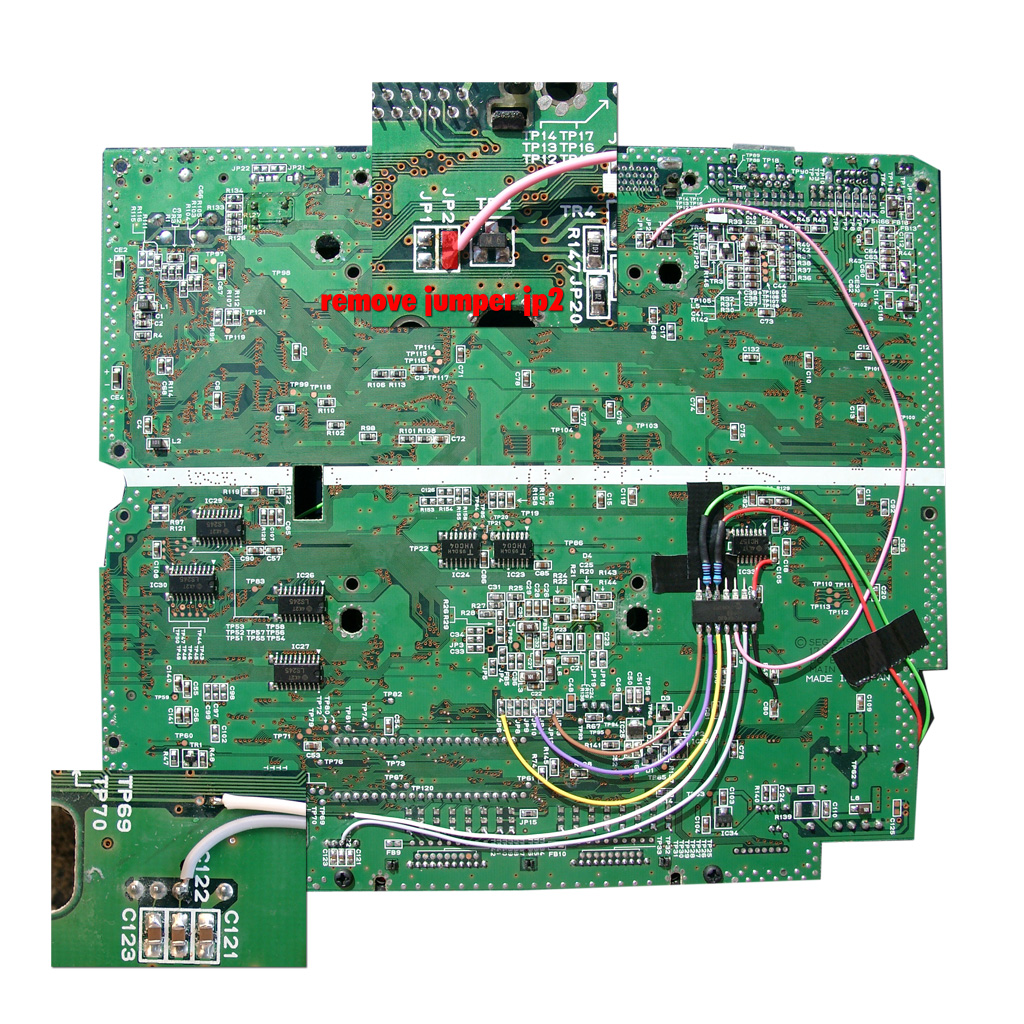
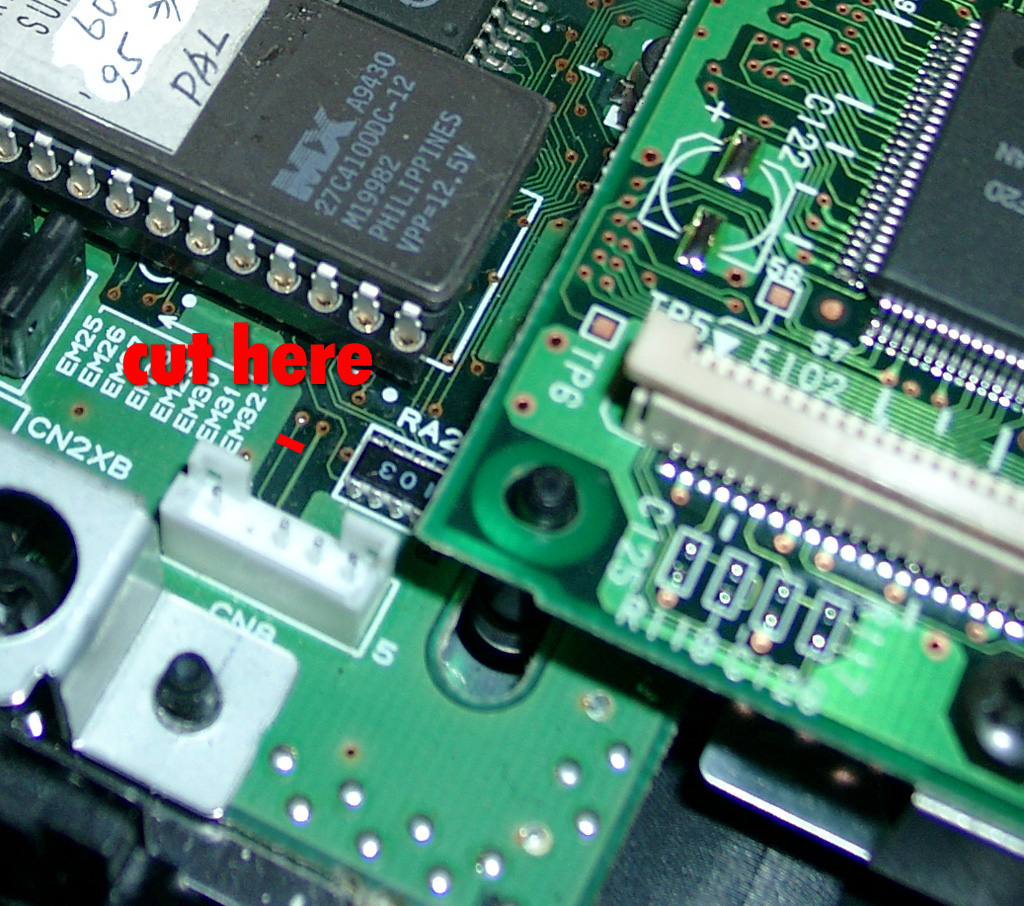
For make the Reset Button work, you have to cut this circuit on the parts site of the mainboard:
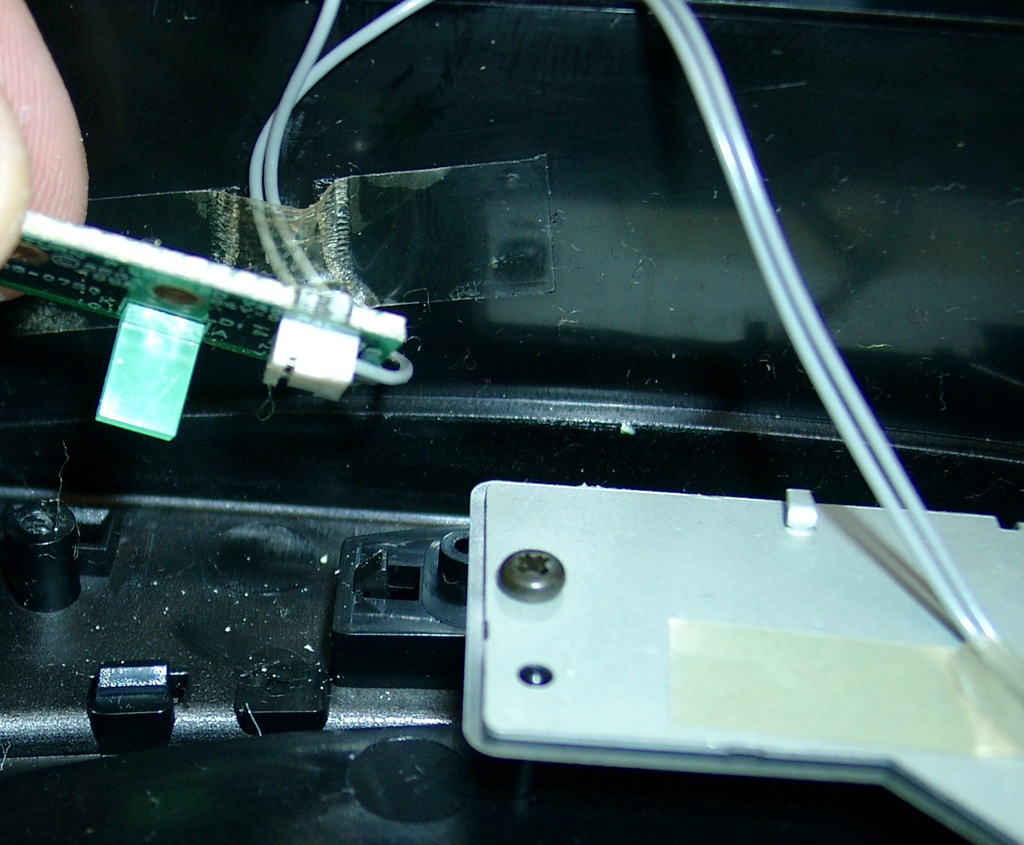
Remove the LED PCB. It holds a 5x2mm square LED.
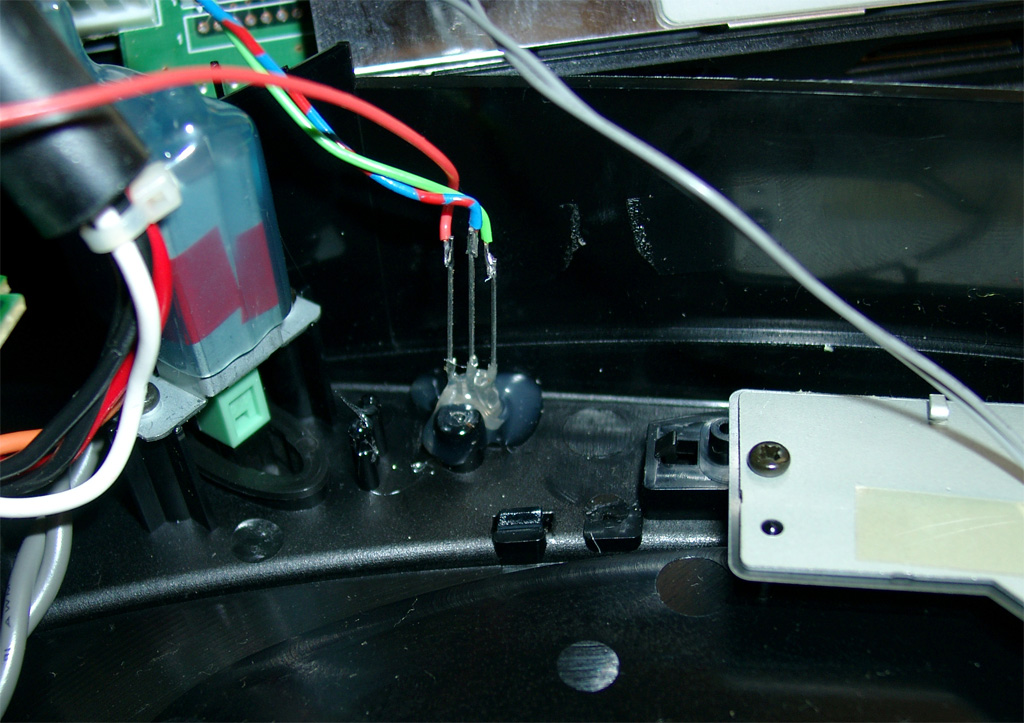
Replace it by a Duo LED and use some glue
Left red wire, middle GROUND (take it from the mainboard), right green wire.
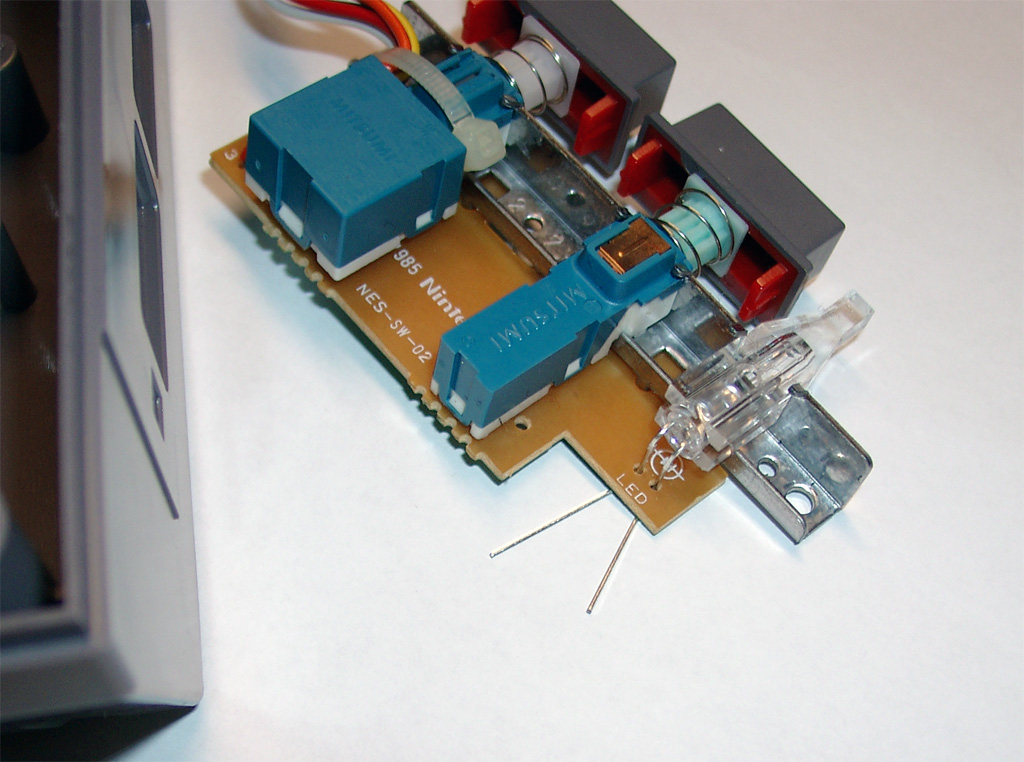
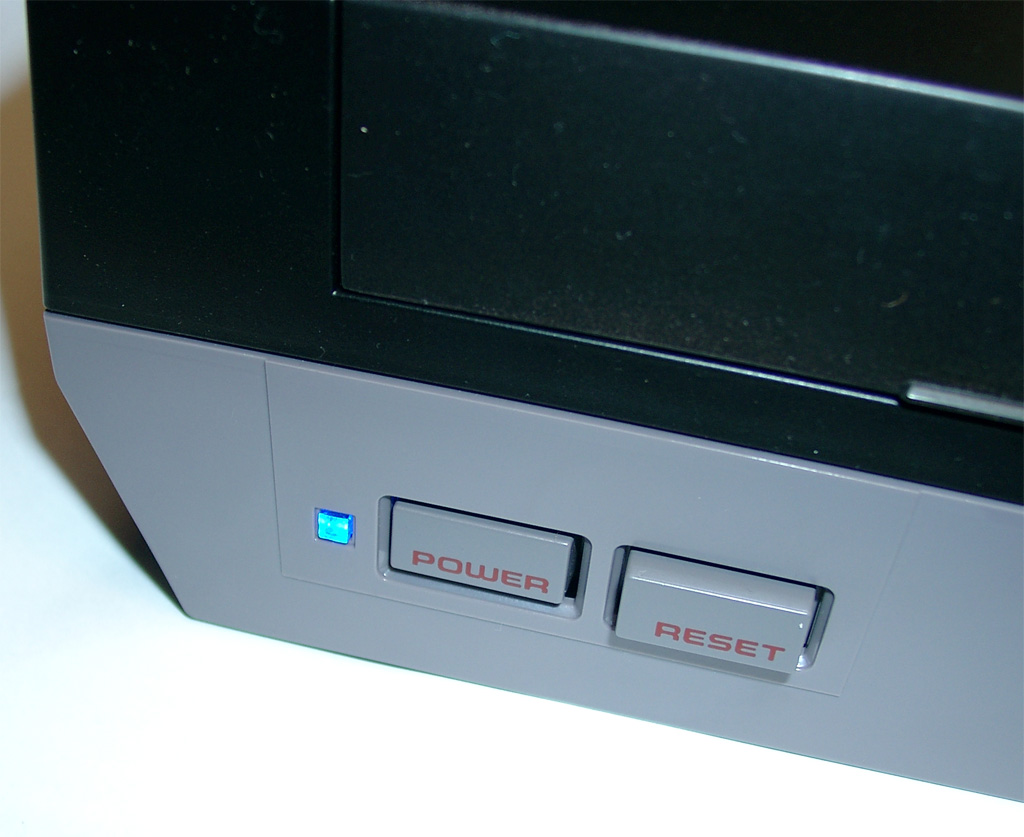
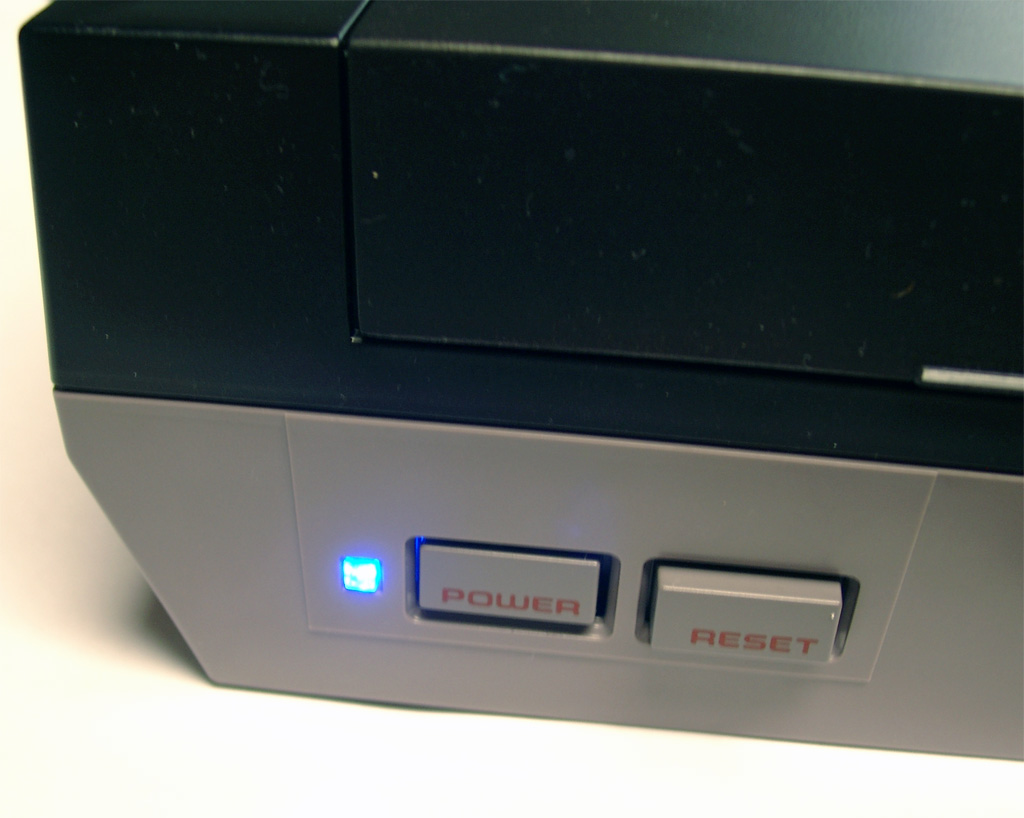
today I done a LED mod for a NES.
Its easy, the most difficulty is to open and remove all screws.
You must remove the mainboard to get the Power LED PCB.
Remove the original 5mm LED and replace with a color you like.
Look here:
Today I modded a Sega Master System II.
You can change between 50/60Hz via the „Pause“ Button.
The normal function of the pause is still working if you press it a very short time.
For working with sebs switchless mod, I done some modification on the code.
Here you can download the code: switchless MasterSystem Code
a) make use of common anode RGB-LEDs for brighter Leds
b) reduce the code to two modes 50 and 60Hz.
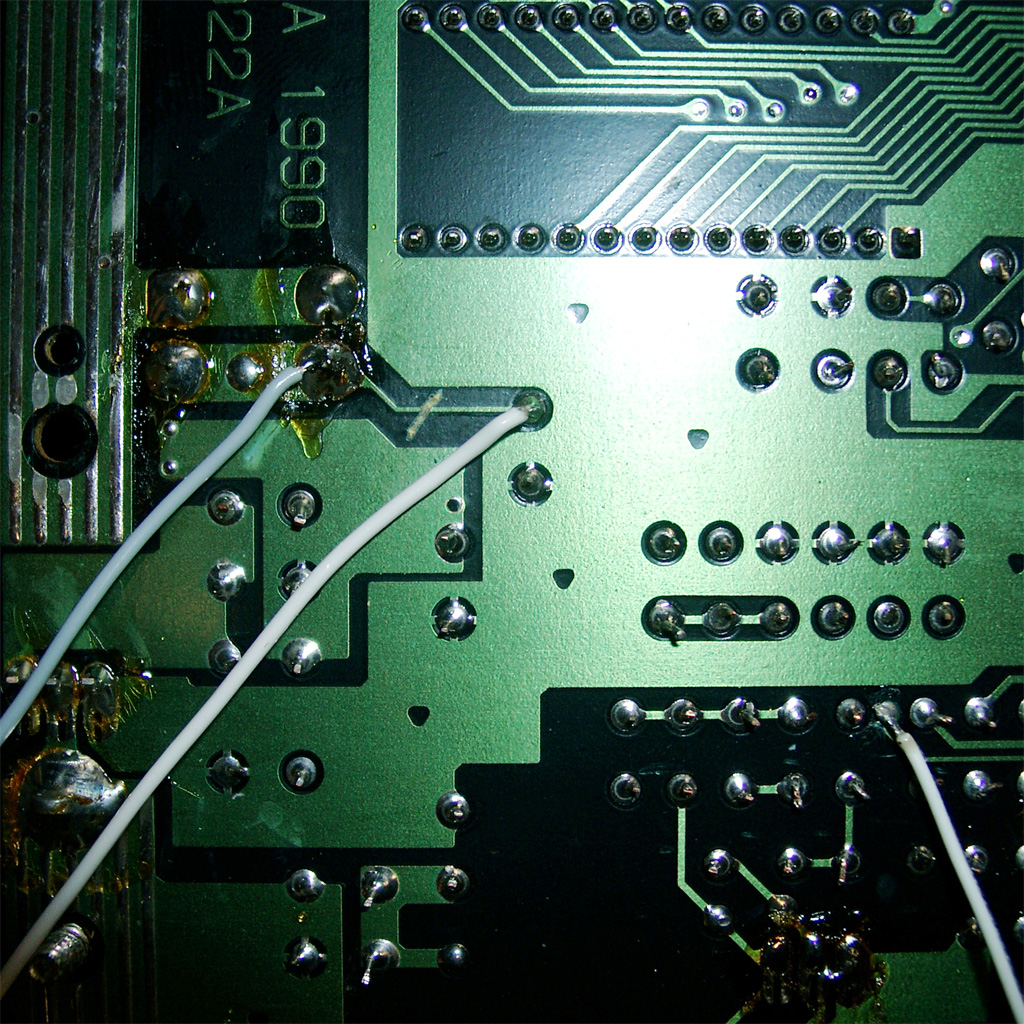
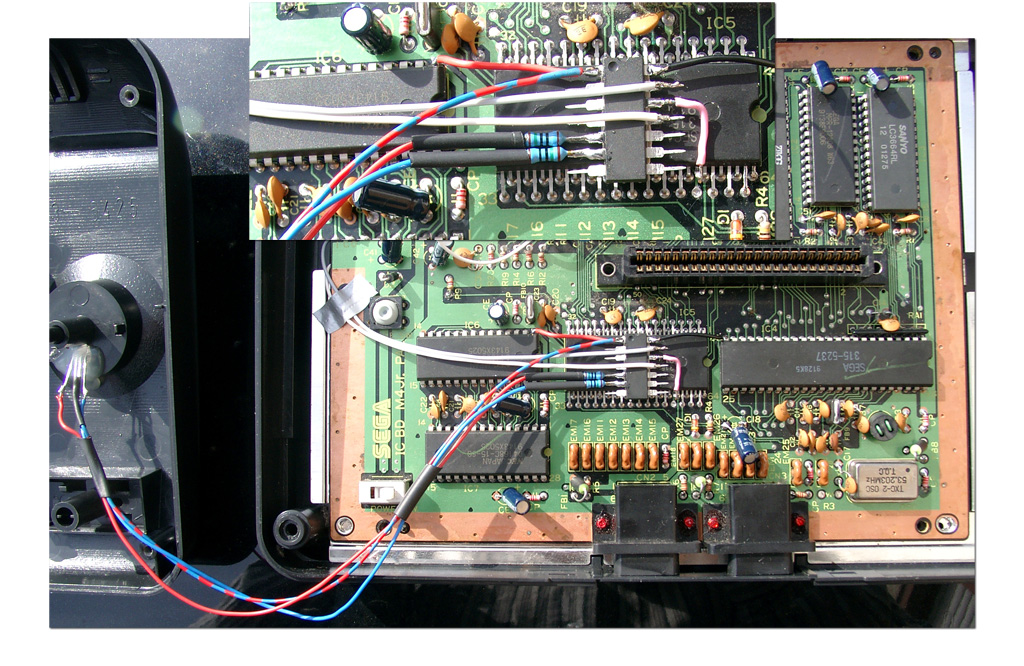
Here you can see the solder site of the SMS2 Unit. You have to cut the Pause Button Signal:
for making 50 and 60 Hz switching work you have to cut Pin 57 of
Sega IC 315-5246 (64 Pins):
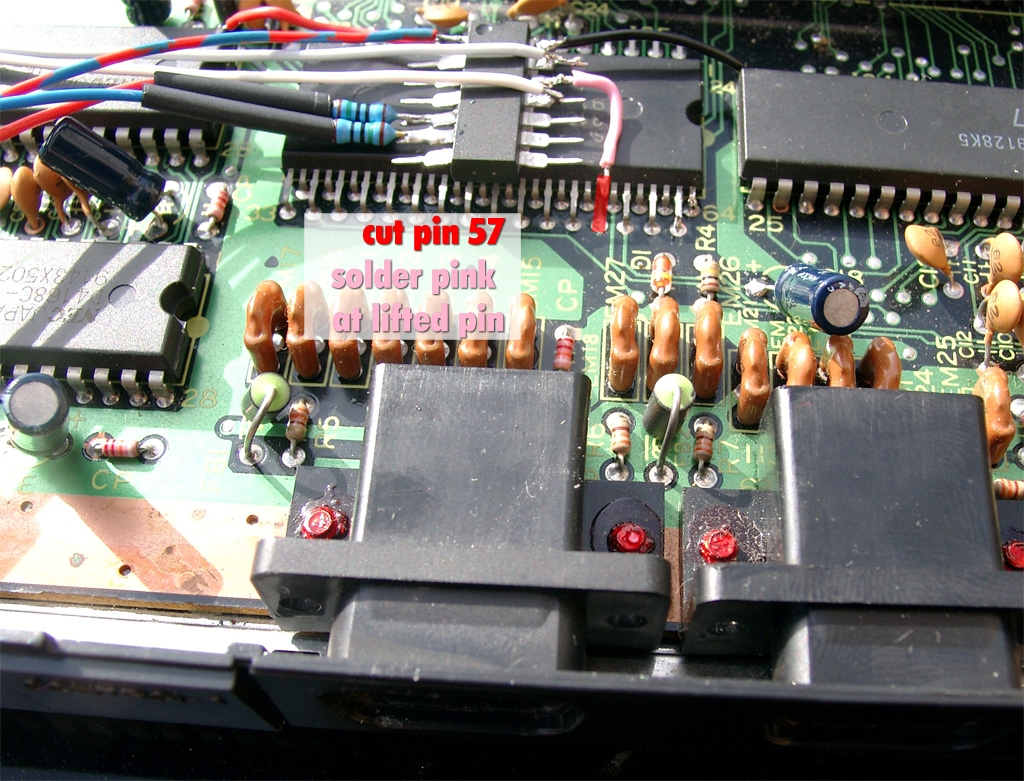
Here you can see the wiring of the PIC16F630
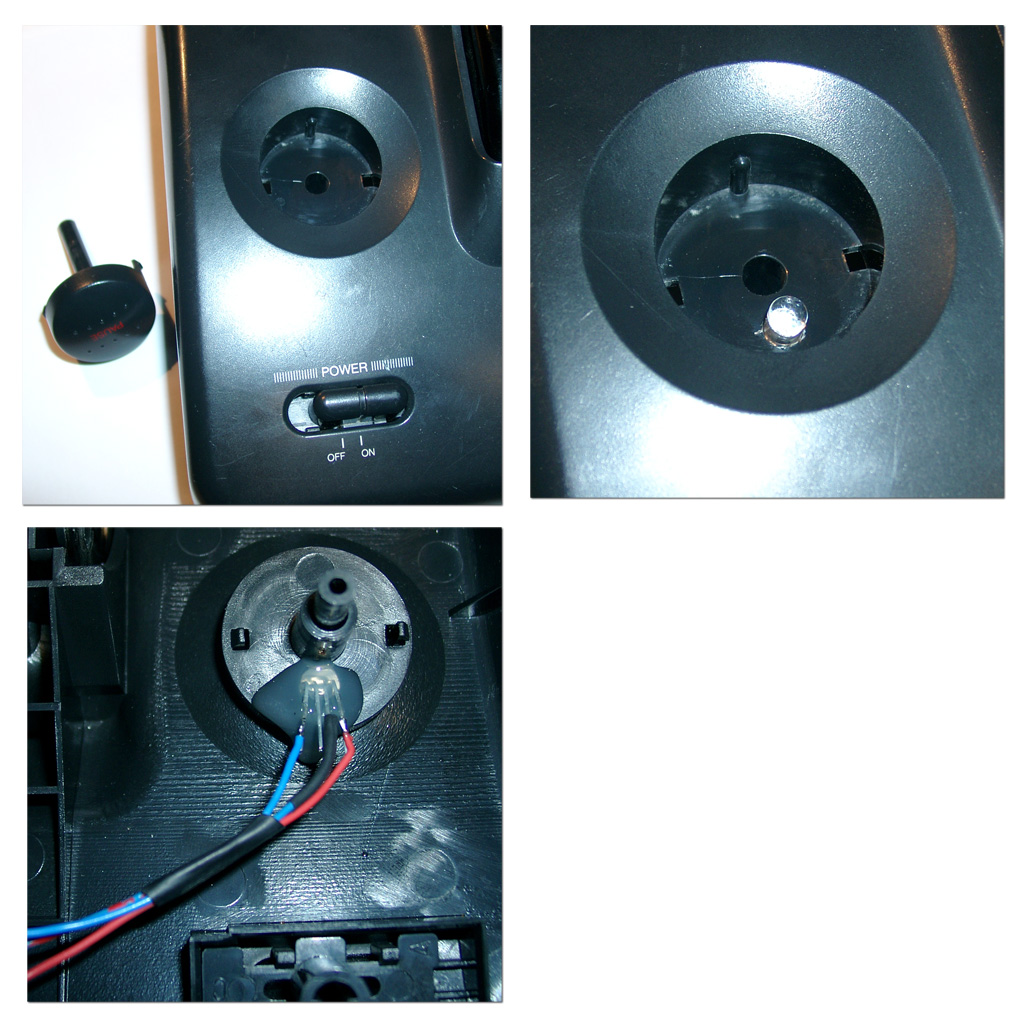
For Displaying the LED I put it under the Pause Button.
From the top its not so bright but it works:
english video
german Video