Blog

  • Sega Saturn switchless MOD Pal bigger mainboard

    Inspired of the great site mmmonkey and sebs great code for the Sega Saturn, I will use the PIC 16F630 in a PAL Sega Saturn.

    You are in need of a PIC 16F630 with sebs code, some wire, two resistors 220Ohm and a DUAL Led red/Green.

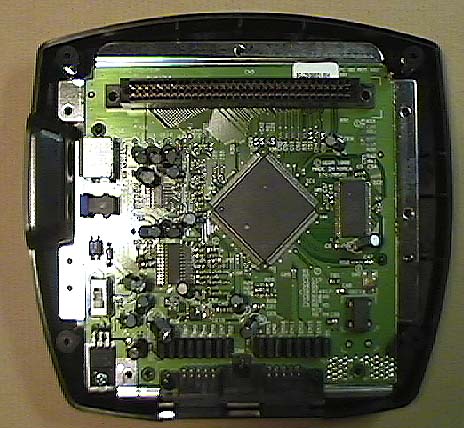
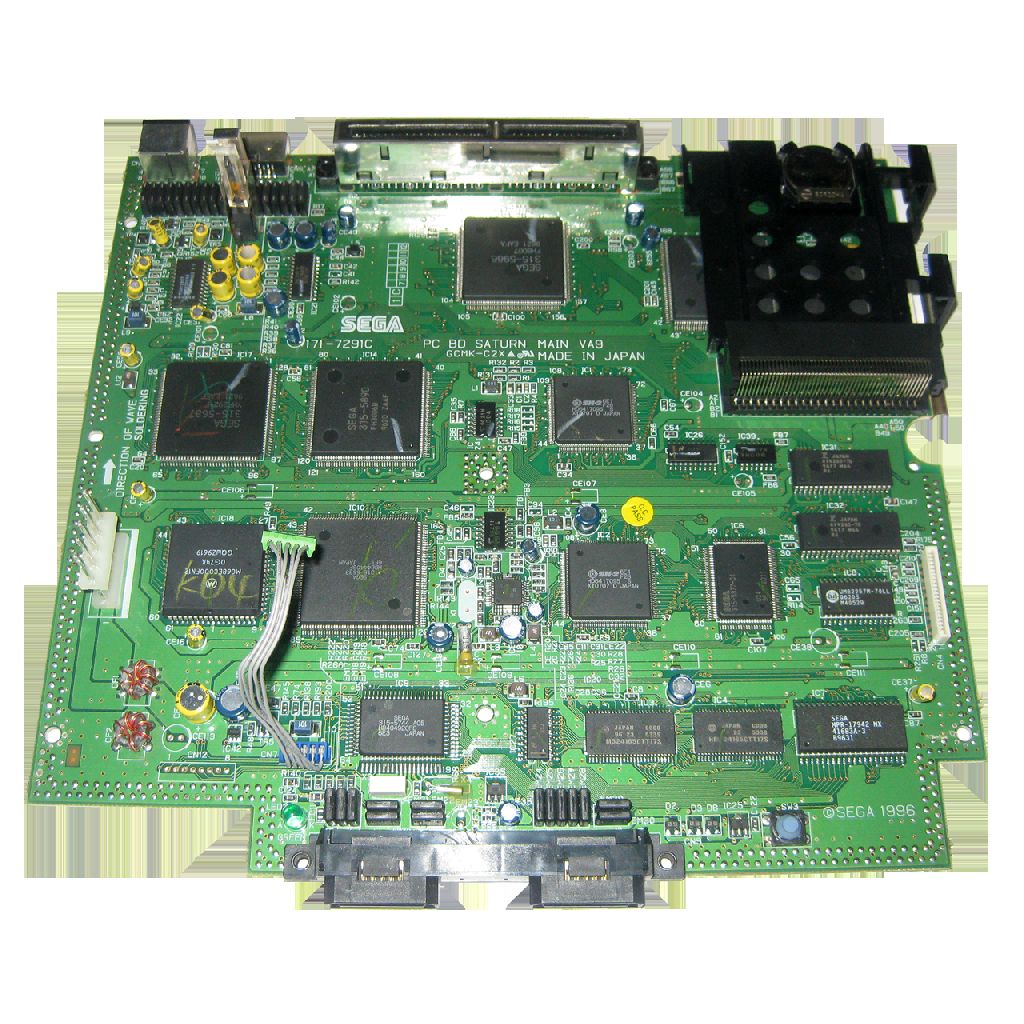
    It is a PC BD SATURN MAIN VA9 Board Pal Mainboard.

    If you can’t do it yourself, we can take care of your Sega Saturn
    sat_1

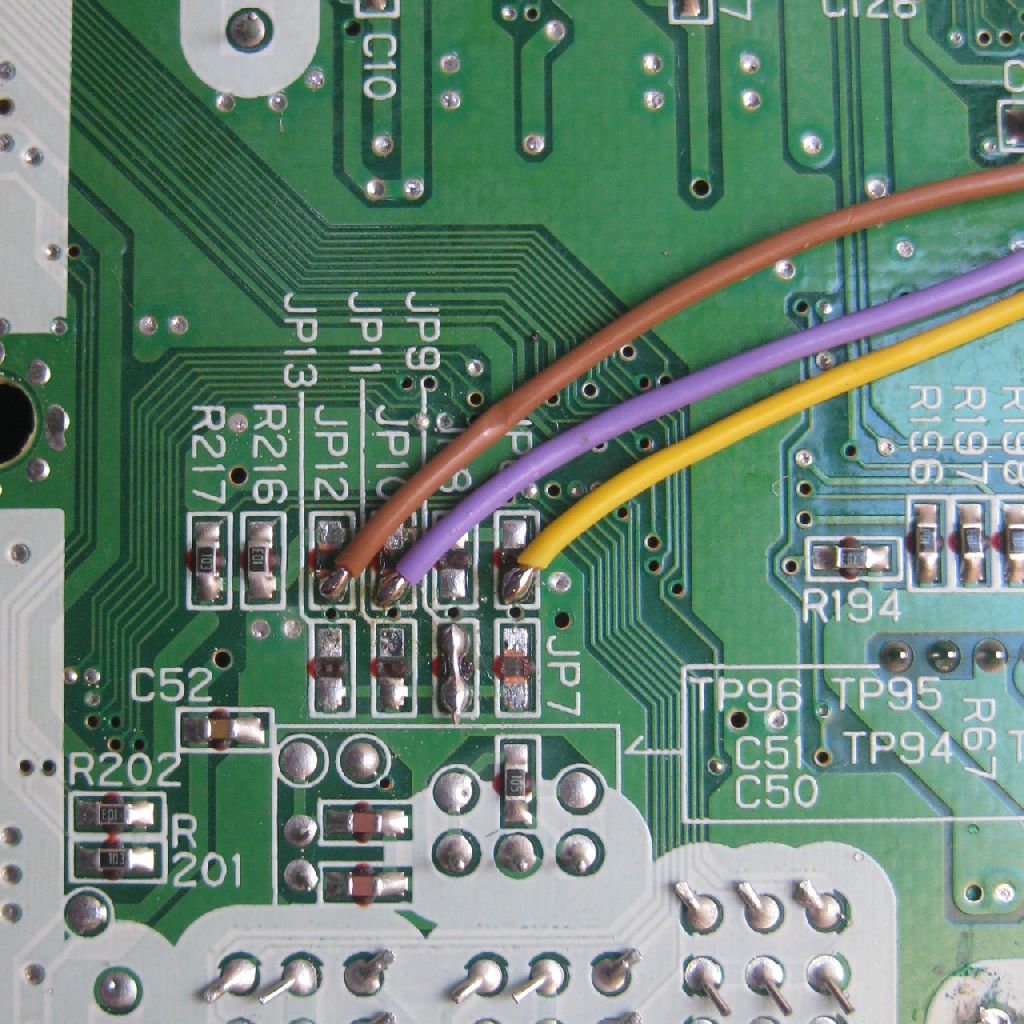
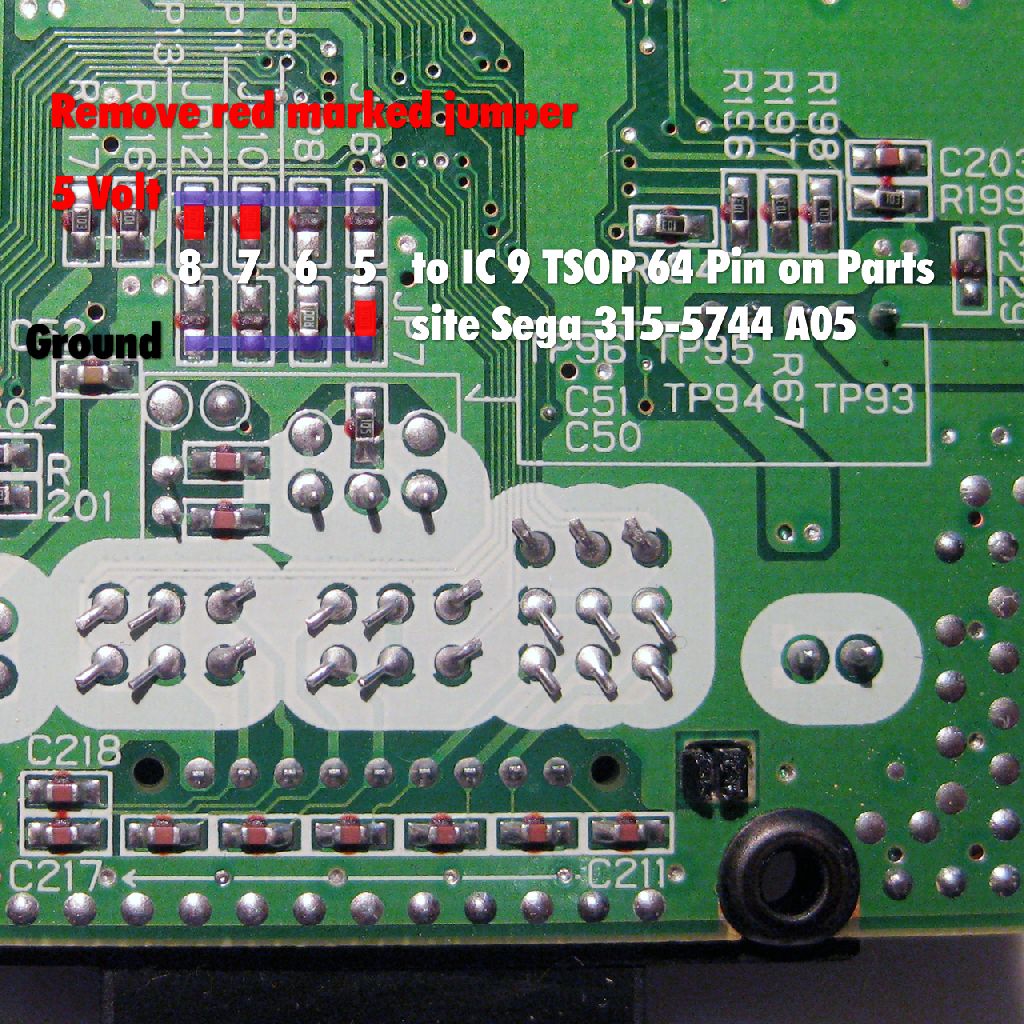
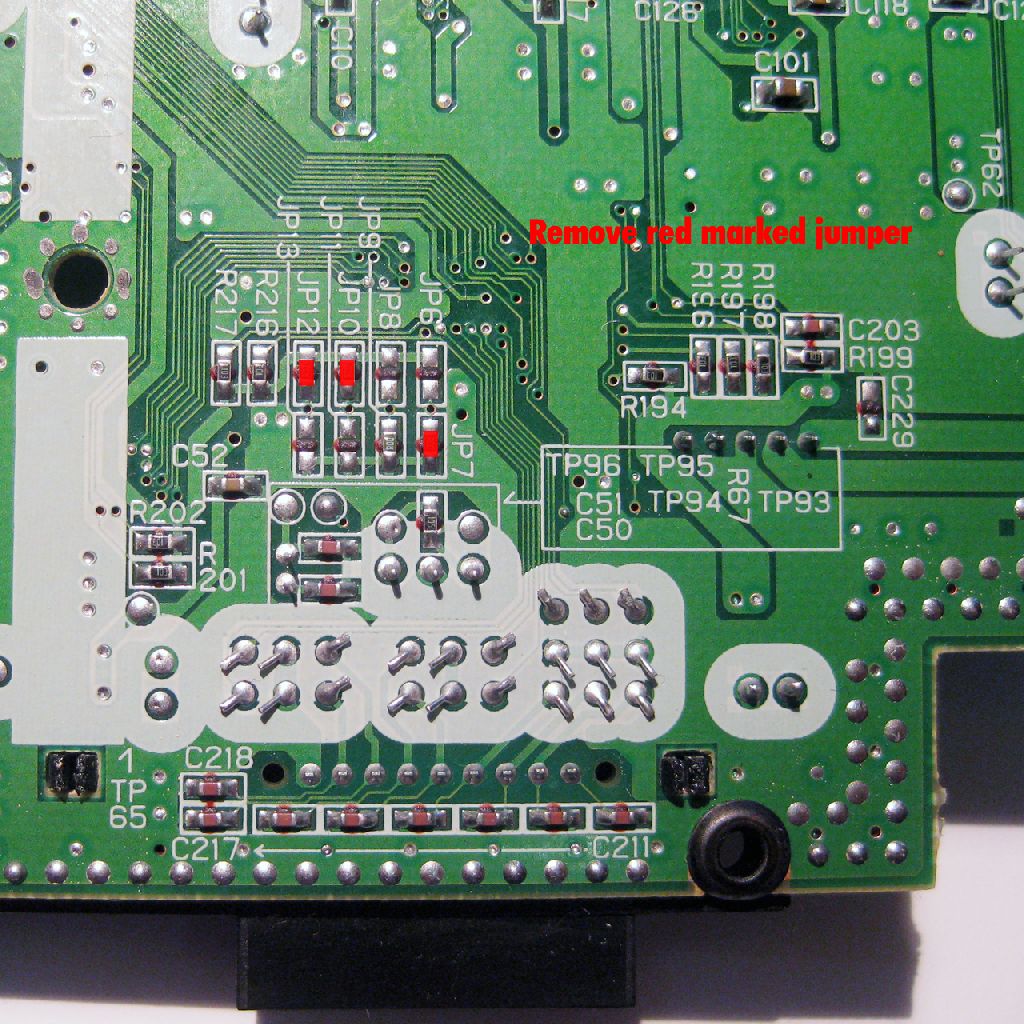
    At the solder Side you will find some Jumper from JP 6 to JP 13

    Remove the three marked Jumper JP7,JP10,JP12 for Language preparation
    sat_3

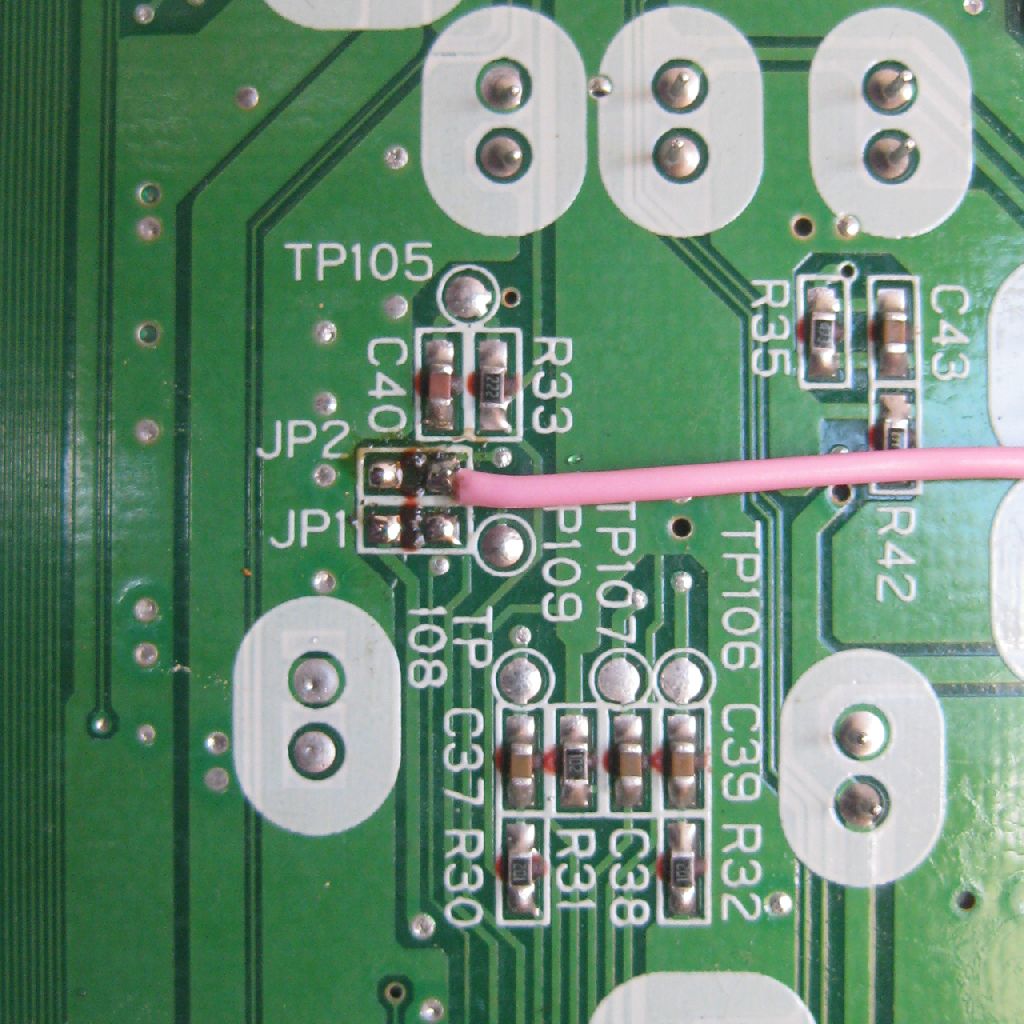
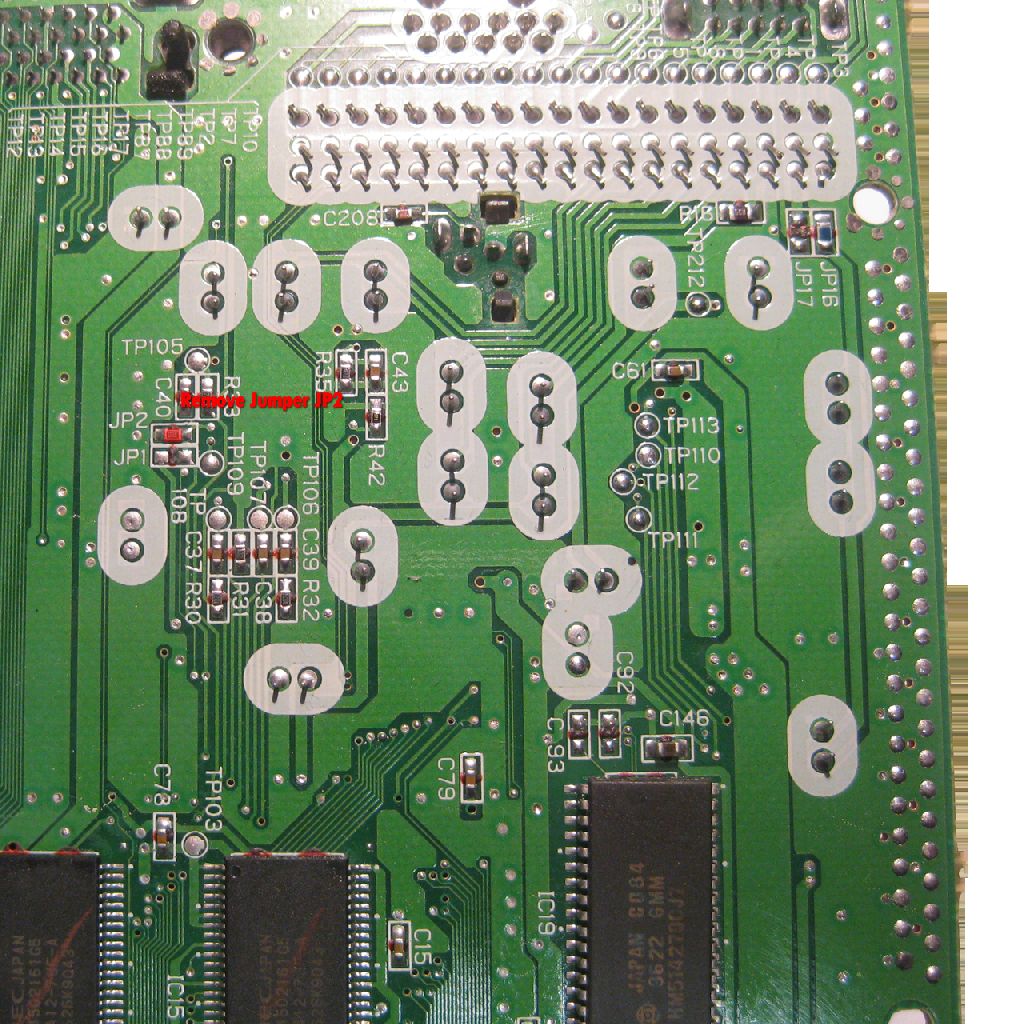
    remove Jumper 2 (50Hz, 60Hz switching)
    sat_4

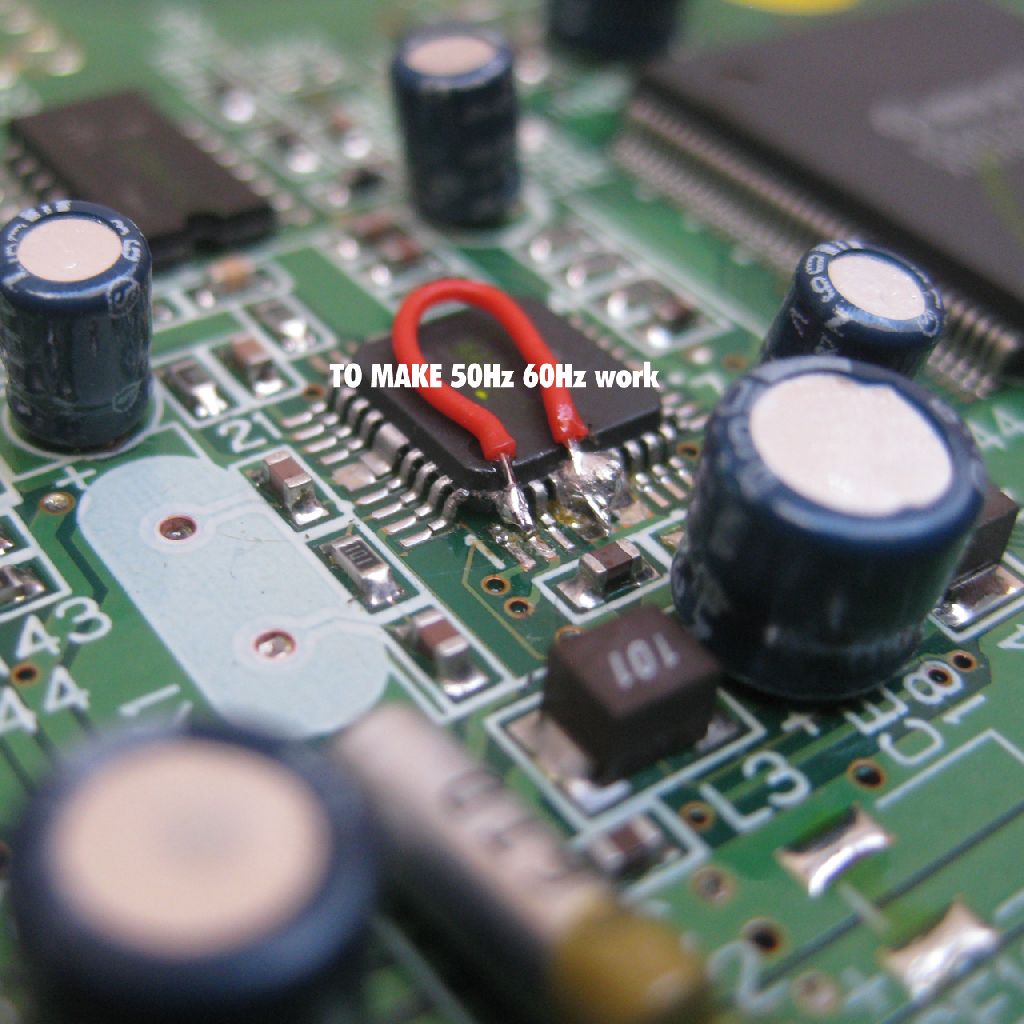
    to make switching to 60Hz work, you need to desolder and pull up PIN 1 of IC20 and wire it to GND
    sat_10

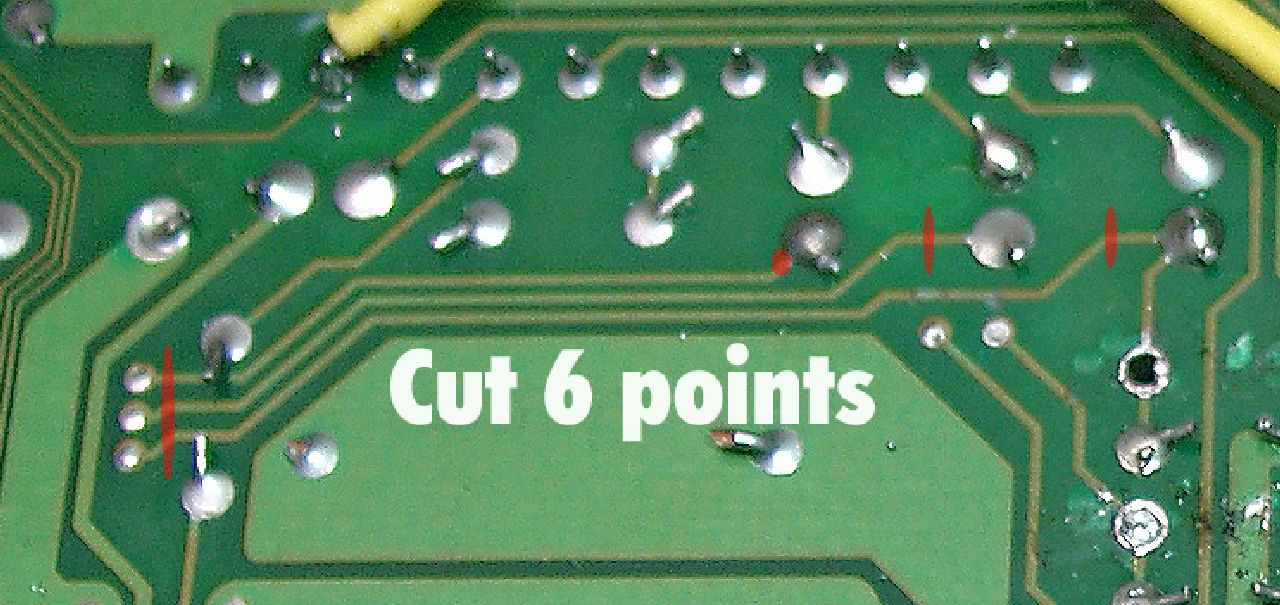
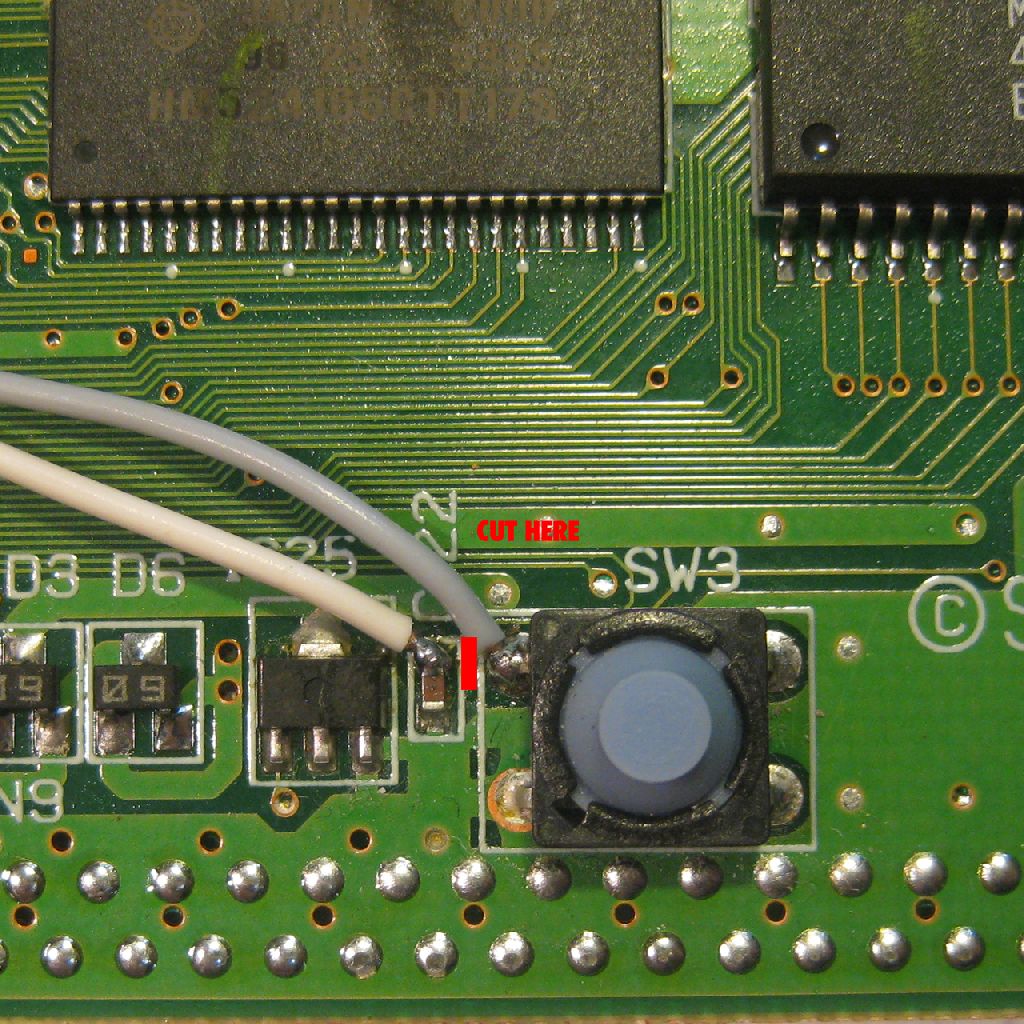
    cut the following circuit path on the Parts Site at the reset switch
    sat_9

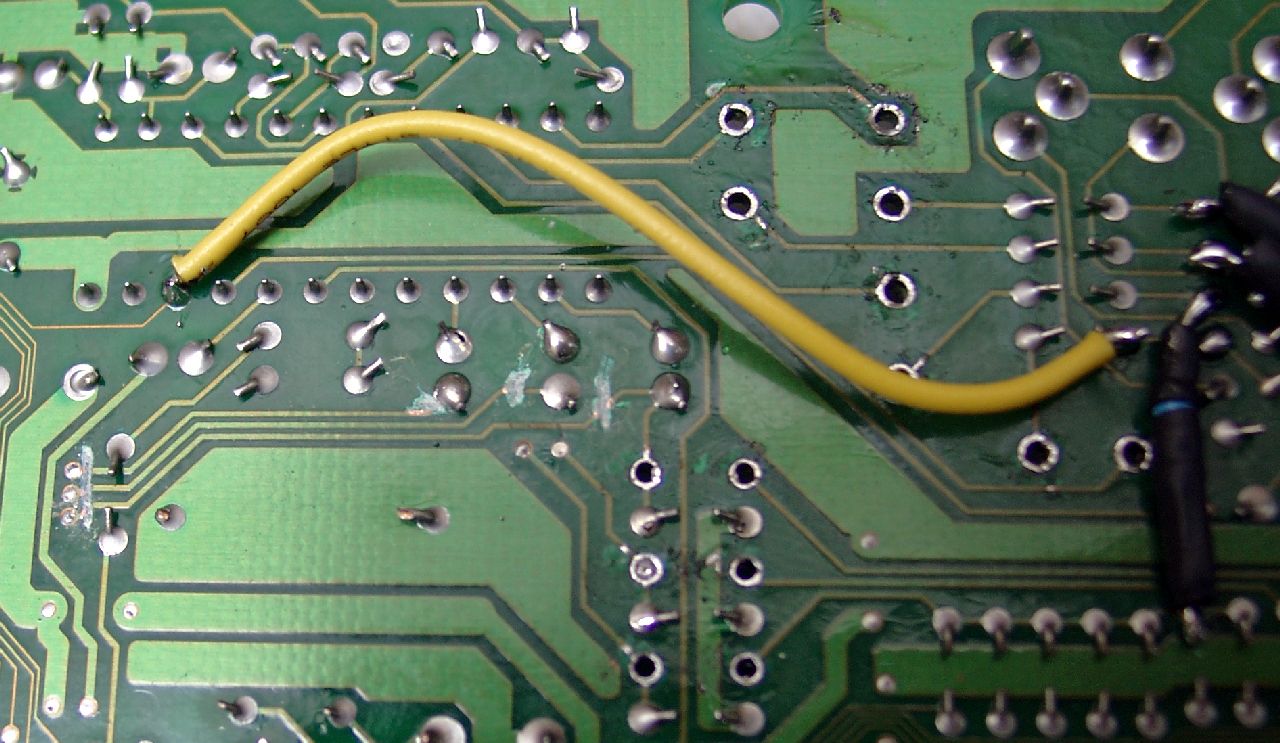
    Here you can see the wiring of the PIC
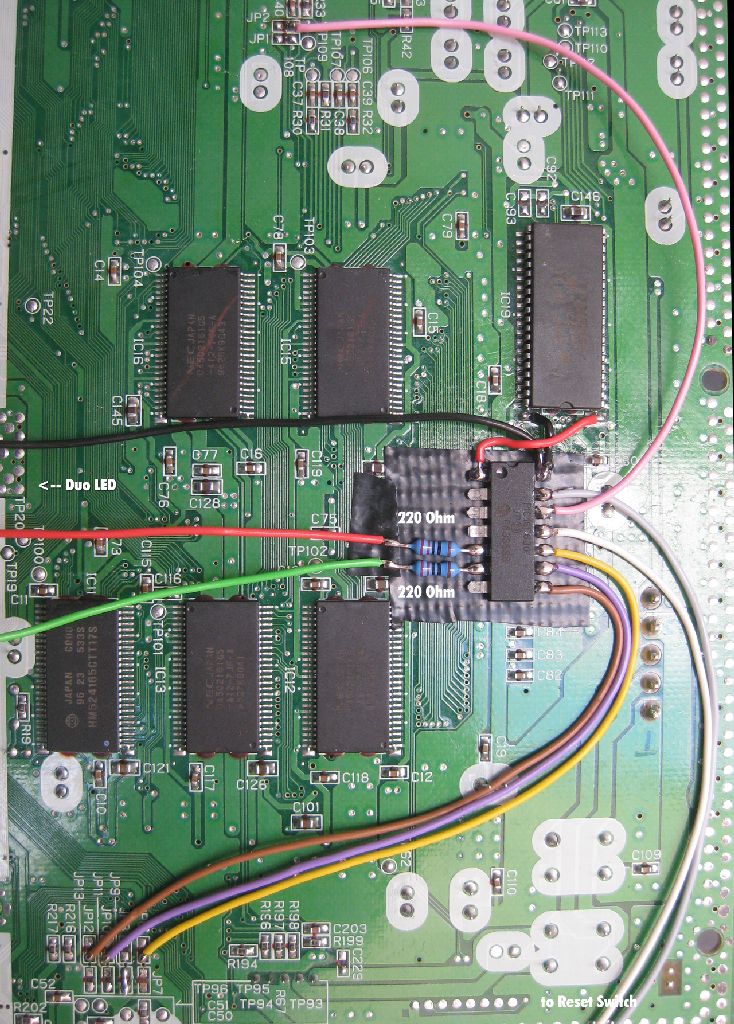
    sat_7

    some zooming pictures

    sat_5

    sat_6

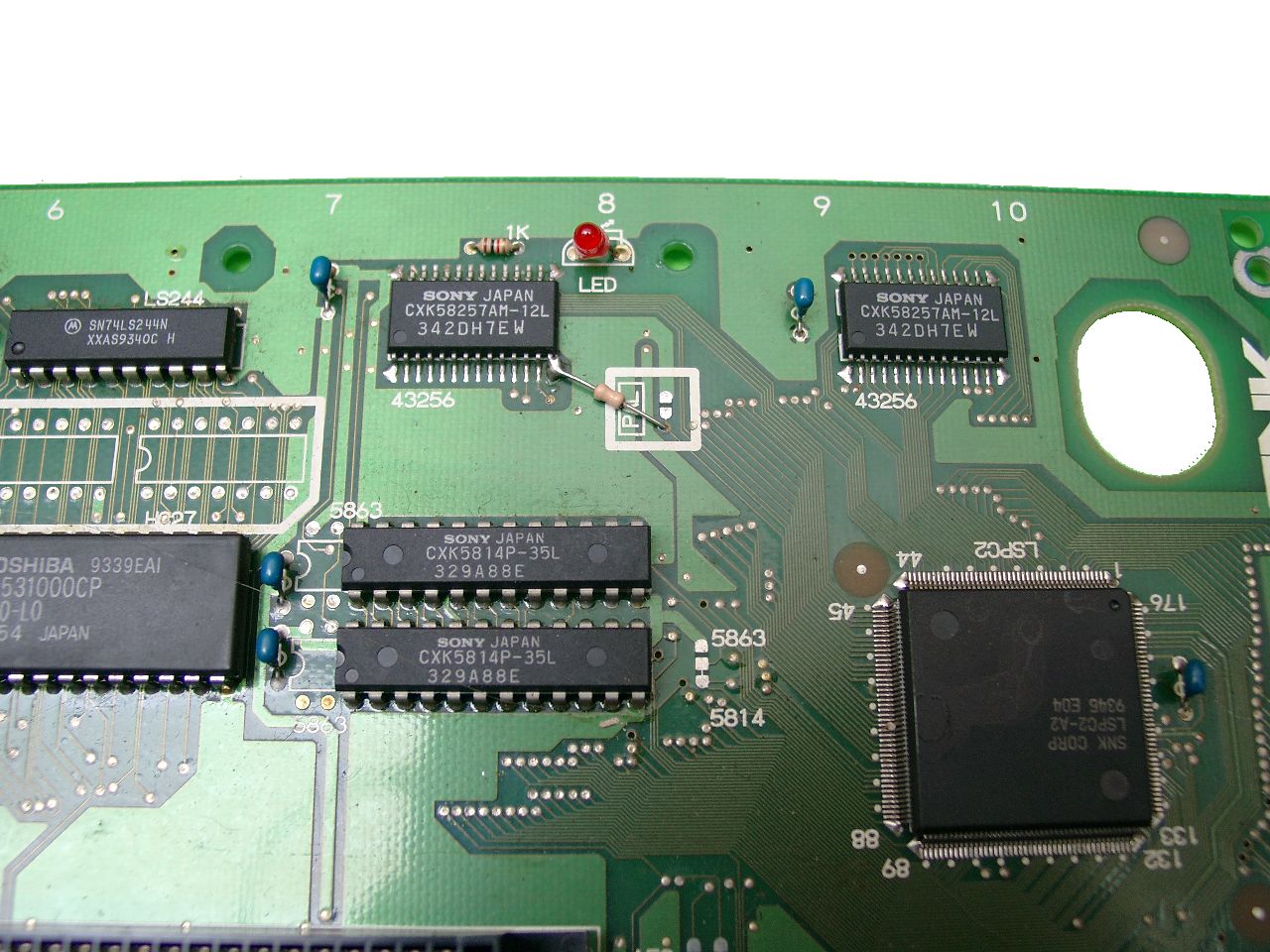
    Here you can see the 5mm DUO Led green/red and the Reset Wiring

    Use this way for the wires, so you didn’t cut some during the reassembling
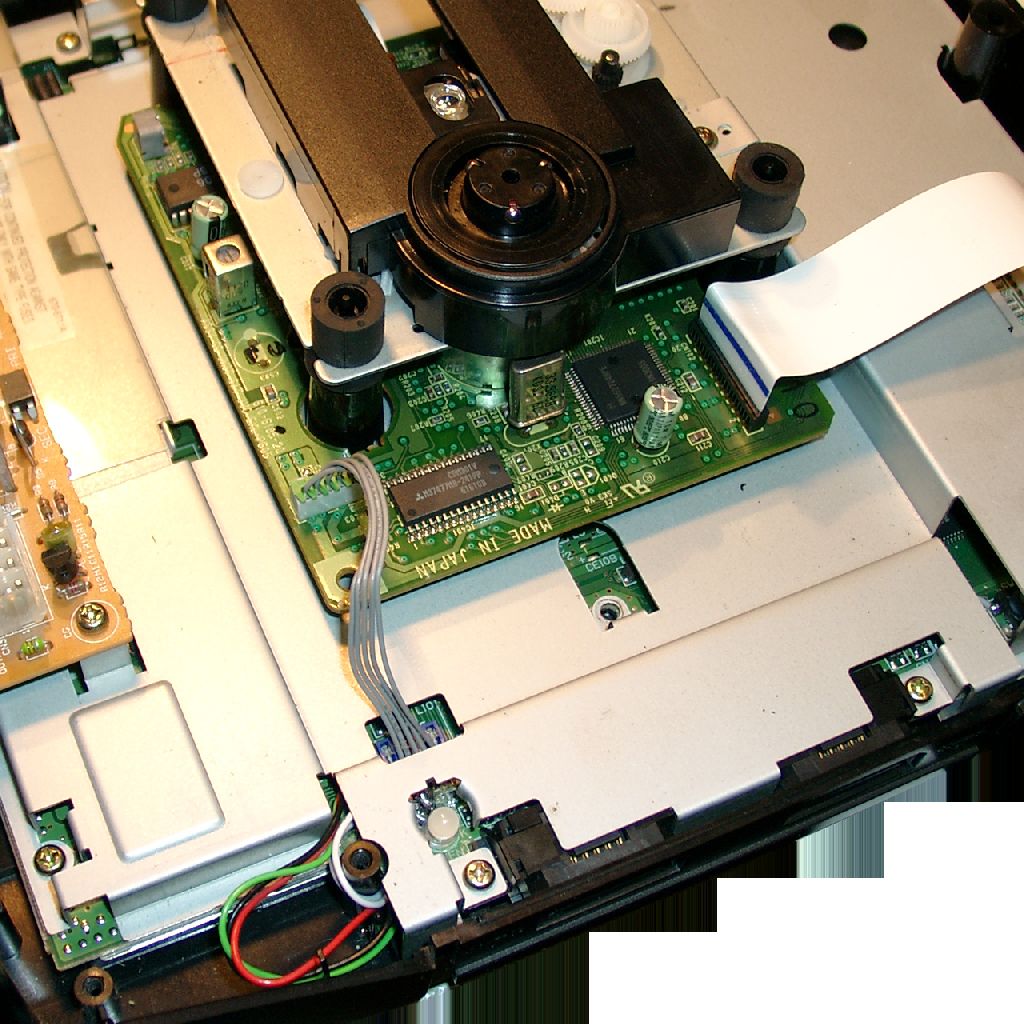
    sat_11

    Some background Information

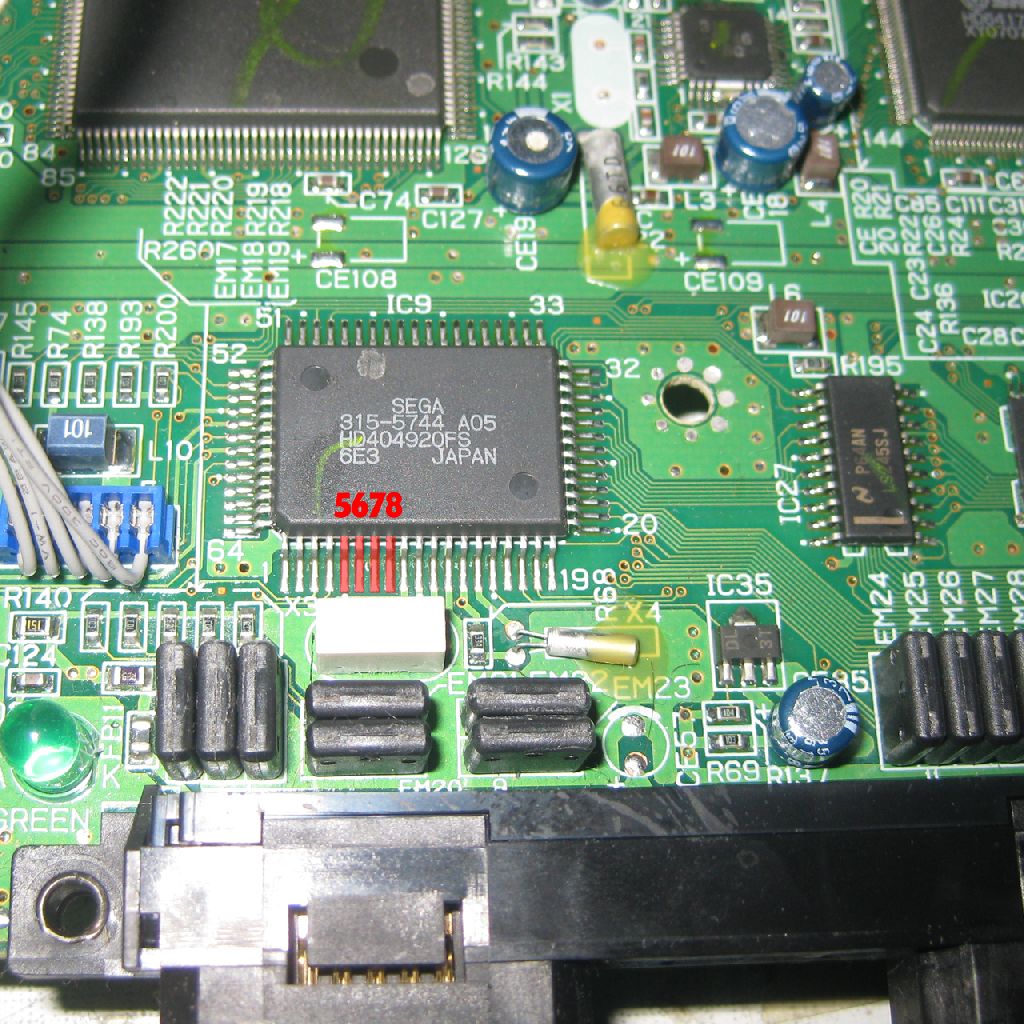
    The Language Identifikation is working with IC9: 315-5744 A05 Pin 5 to 8

    Pin 5 -> JP 6 / JP 7

    Pin 6 -> JP 8 / JP 9

    Pin 7 -> JP 10 / JP 11

    Pin 8 -> JP 12 / JP 13

    (If Jumper 6,8,10,12 is set PIN 5,6,7,8 is set to 5V)

    (If Jumper 7,9,11,13 is set, PIN 5,6,7,8 is set to GND)
    sat_2

    sat_31

    PIC Pinout / Function

    Region

    5 (red Led)

    6 (gn Led)

    Pin8 (JP12)

    Pin9 (JP10)

    Pin10 (JP6)

    12 (VidMode)

    EUR

    GND

    +5V

    GND

    +5V

    +5V

    GND

    JAPAN

    +5V

    GND

    +5V

    GND

    GND

    +5V

    USA

    +5V

    +5V

    GND

    +5V

    GND

    +5V

    You can change the Modes via pressing the reset Button of the Saturn
    If you press the reset button very short -> The Sega Console will do a reset

    If you press the reset button around one second -> The console swaps between 50Hz and 60Hz.

    If you hold the reset button for more than one second -> The console will toogle:

    Led red Japan Mode (think of the red dot in the japanese flag)

    Led orange USA Mode

    Led green Europe Mode

    The usage of the mod in a video:
  • Sega Genesis 3 Pinout for 50/60Hz and Language

    I found some pictures from the year 2000, where I modded a Genesis 3 VideoGame.

    Here you can see the pictures of the Genesis 3

    genesis3design

    After opening

    genesis3komplettpcb

    here you can see the Sega IC 315-6123

    genesis3segaic

    here you can see the „default“ US jumper settings

    genesis3jumperusaconfig

    After removing the jumpers:
    genesis3jumper

    Technical Infos:

    Pin 197: (USA/JAPAN)

    If you shortcut R22 = 5V to Pin 197 -> Europe-/US-Mode
    If you shortcut R24 = GND to Pin 197 -> Japan-Mode

    Pin 200: (50/60Hz)

    If you shortcut R25 = GND to Pin 200 -> 50Hz
    If you shortcut R22 = 5V to Pin 200 -> 60Hz

    Have FUN!

    I will do a switchless MOD, if I get the next Genesis 3 for Modding

  • Sega Mega Drive 2 Switchless MOD

    Inspired of the great site mmmonkey and sebs great code for the Sega Saturn, I will use the PIC 16F630 in a Sega Mega Drive 2 /Genesis 2.

    You are in need of a PIC 16F630 with sebs code, some wire, two resistors 220Ohm and a DUAL Led red/Green.

    If you can’t do it yourself, we can take care of your Mega Drive 2 / Genesis 2

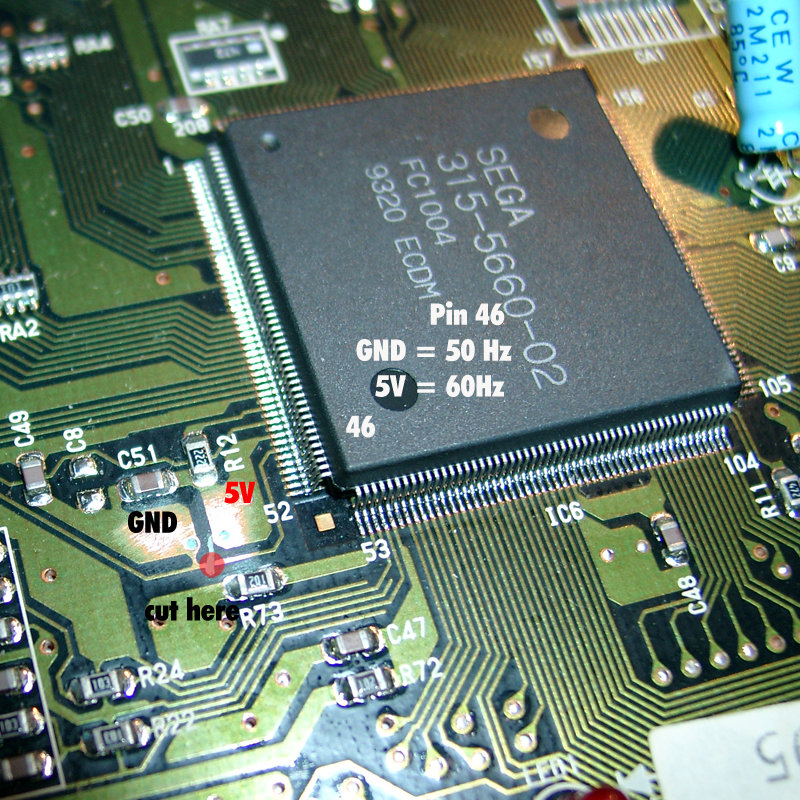
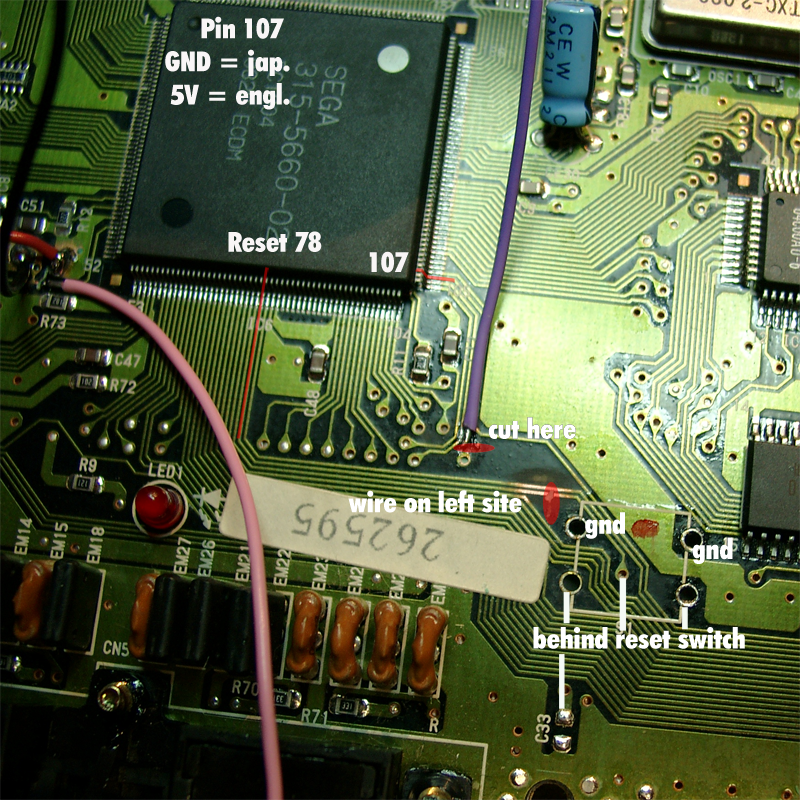
    At the Mainboard you have to cut 3 circuit board tracks.

    Cut the fist circuit path from pin 46 and solder the pink wire at the right site of the cut.

    Pin 46 at the SMD2 works for 50/60Hz switching. GND= 50Hz and 5V = 60Hz

    smd2_switchless_cut_50,60hz

    Cut the second cirquit path to Pin 107 at the marked place and solder the purple wire on the upper Side.

    Pin 107 selecting japanese Mode (GND) or english Mode (5V).

    GND at Pin 78 will Reset the Sega Console.

    So you have to cut the 3rd cirquit path to Pin 78, see marked place and solder a white wire to the left site of the cutted path.

    smd2_switchless_cut_jap,engl,-reset

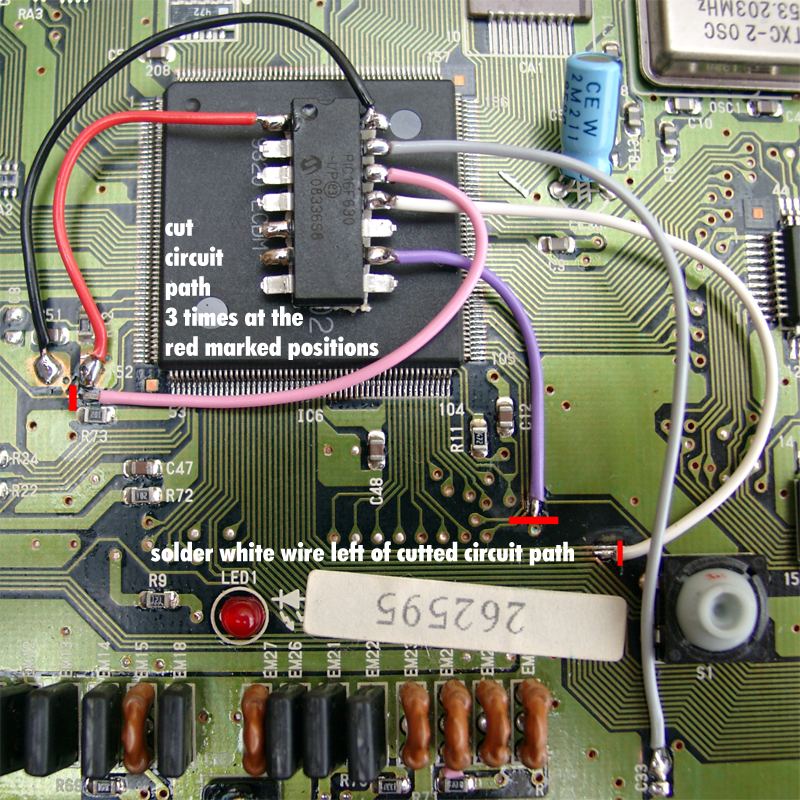
    Here you can see the complete wiring including PIC

    Pin 01 Red (5V)

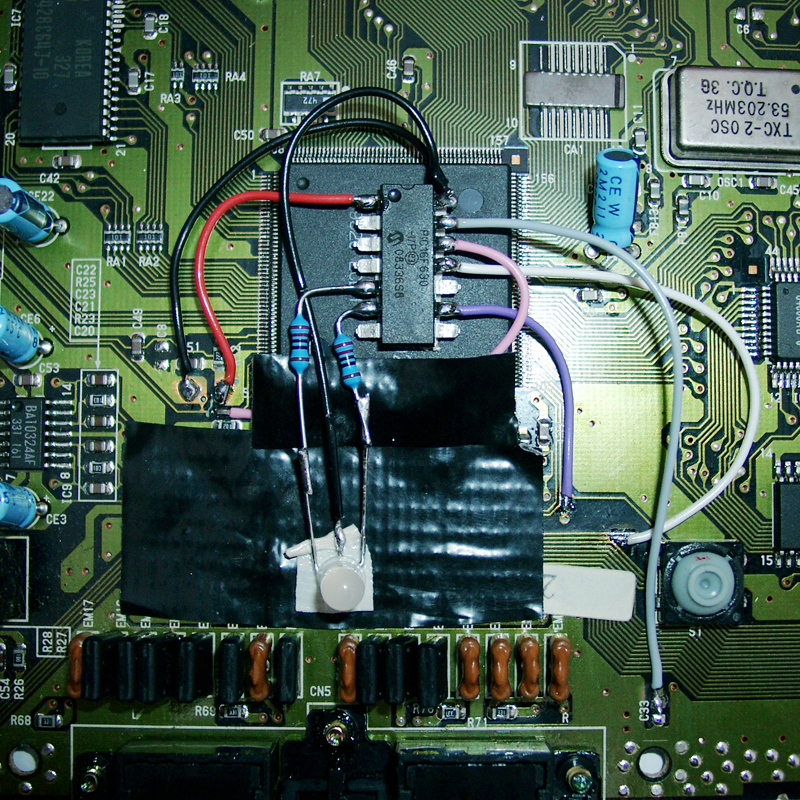
    Pin 05 Resistor 220Ohm -> red site of the LED

    Pin 05 Resistor 220Ohm -> green site of the LED

    Pin 09 purple (jap./engl switching)

    Pin 11 white (Reset Signal of the SMD)

    Pin 12 pink (50/60Hz switching)

    Pin 13 grey (Button Signal)

    Pin 14 black (GND)

    smd2_switchless_pic

    Now you have to remove LED1 and replace it with the Duo LED 5mm

    smd2_switchless_pic_led

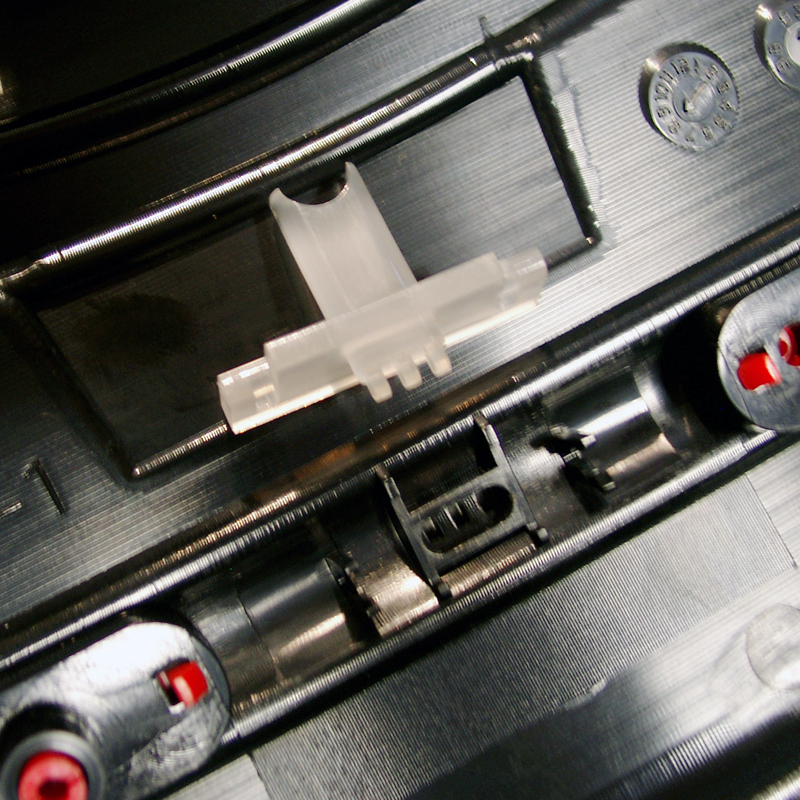
    After this you have to do some mechanics. Rasp the white pvc until the 5mm LED is fitting.

    cover_1

    cover_2

    Have Fun

    Usage of Sebs CODE:

    You can change the Modes via pressing the reset Button of the SMD2.
    If you press the reset button very short -> The Sega Console will do a reset

    If you press the reset button around one second -> The console swaps between 50Hz and 60Hz.

    If you hold the reset button for more than one second -> The console will toogle:

    Led red Japan Mode (think of the red dot in the japanese flag)

    Led orange USA Mode

    Led green Europe Mode

    Here you can see a little video, how to use the switchless mod.

    Sorry for my english, its my first public english speaking 😉

    http://www.youtube.com/watch?v=8N3OnxkShcQ

  • Balltop with 5mm RGB-Led

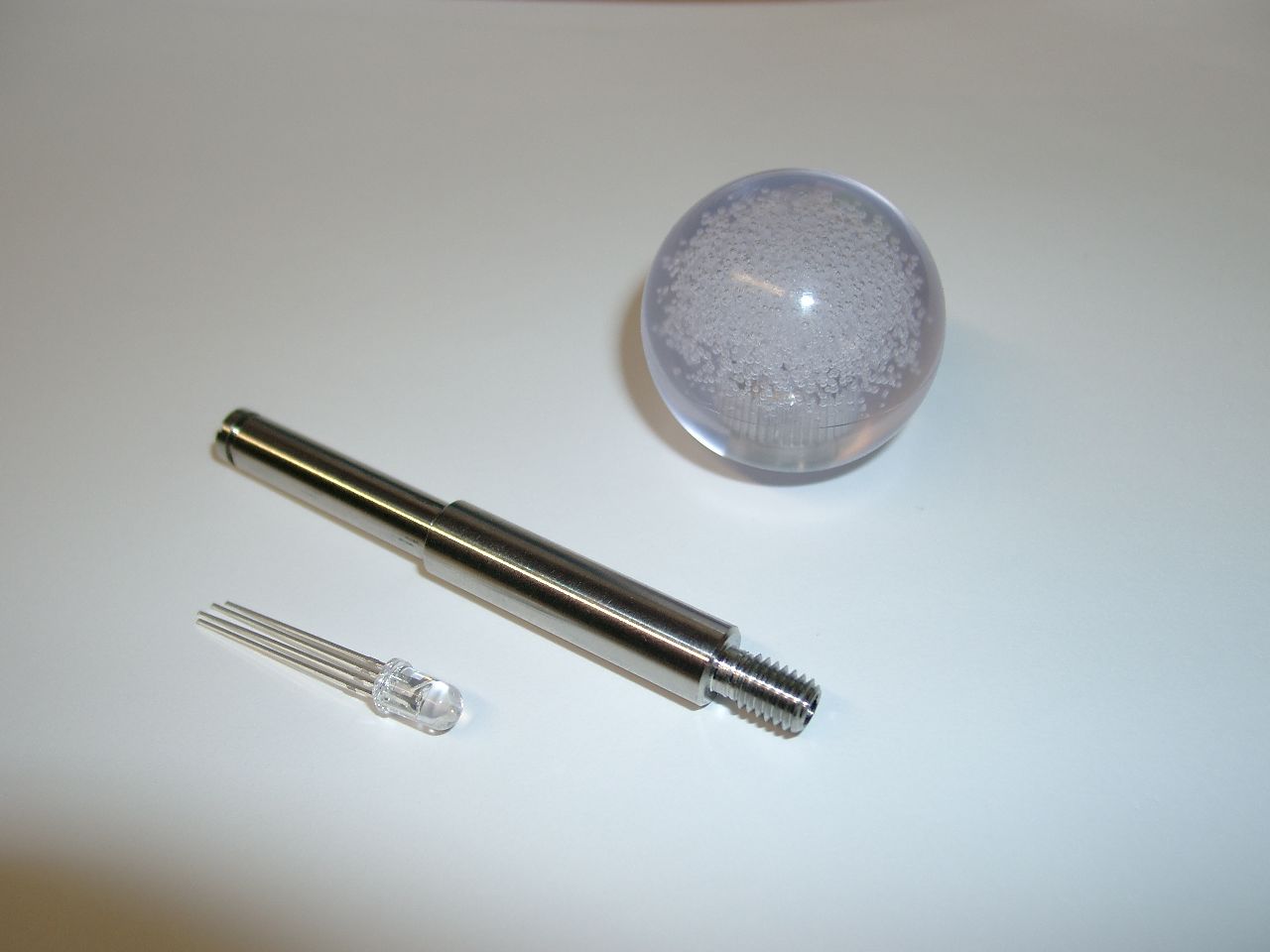
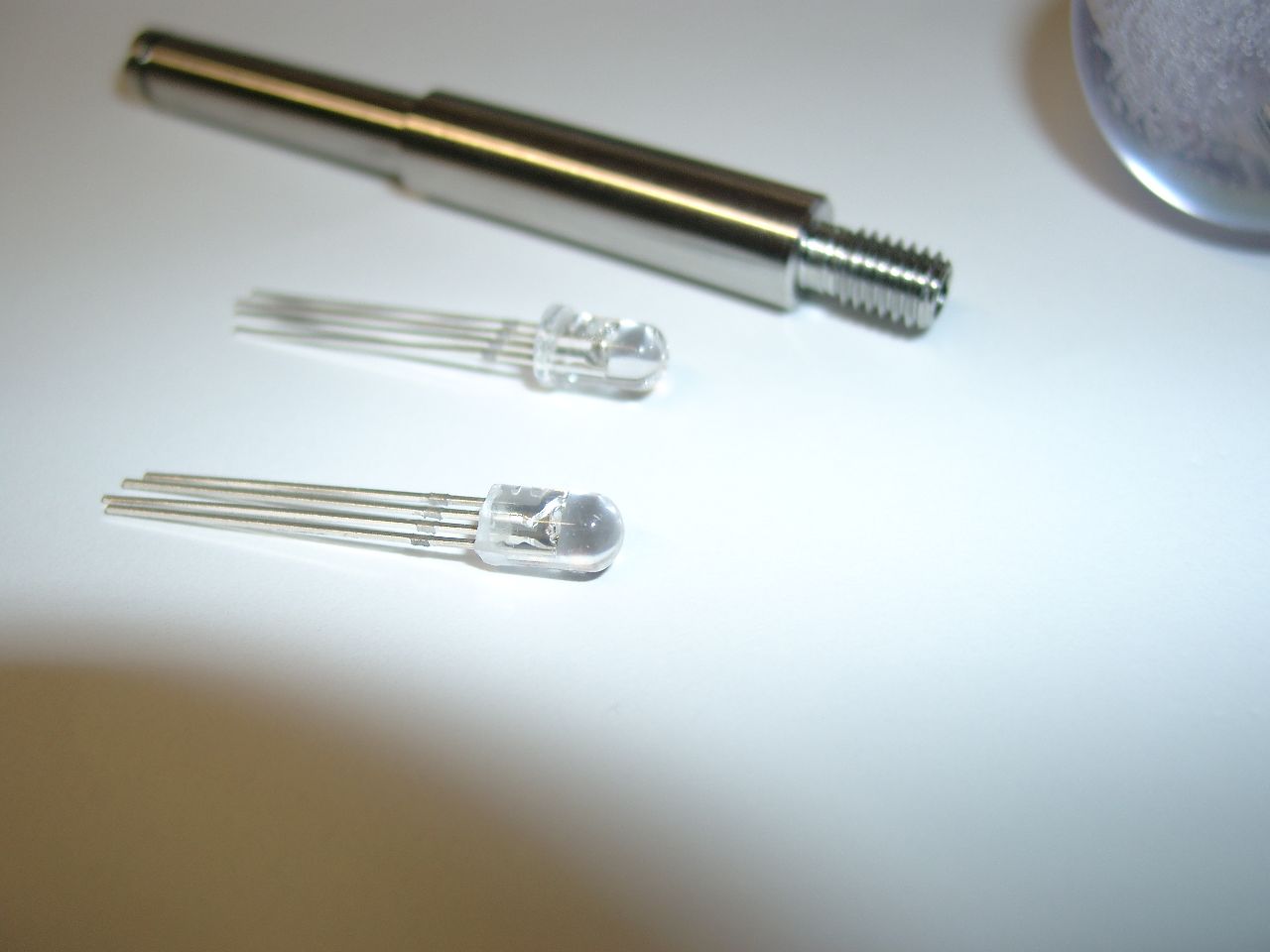
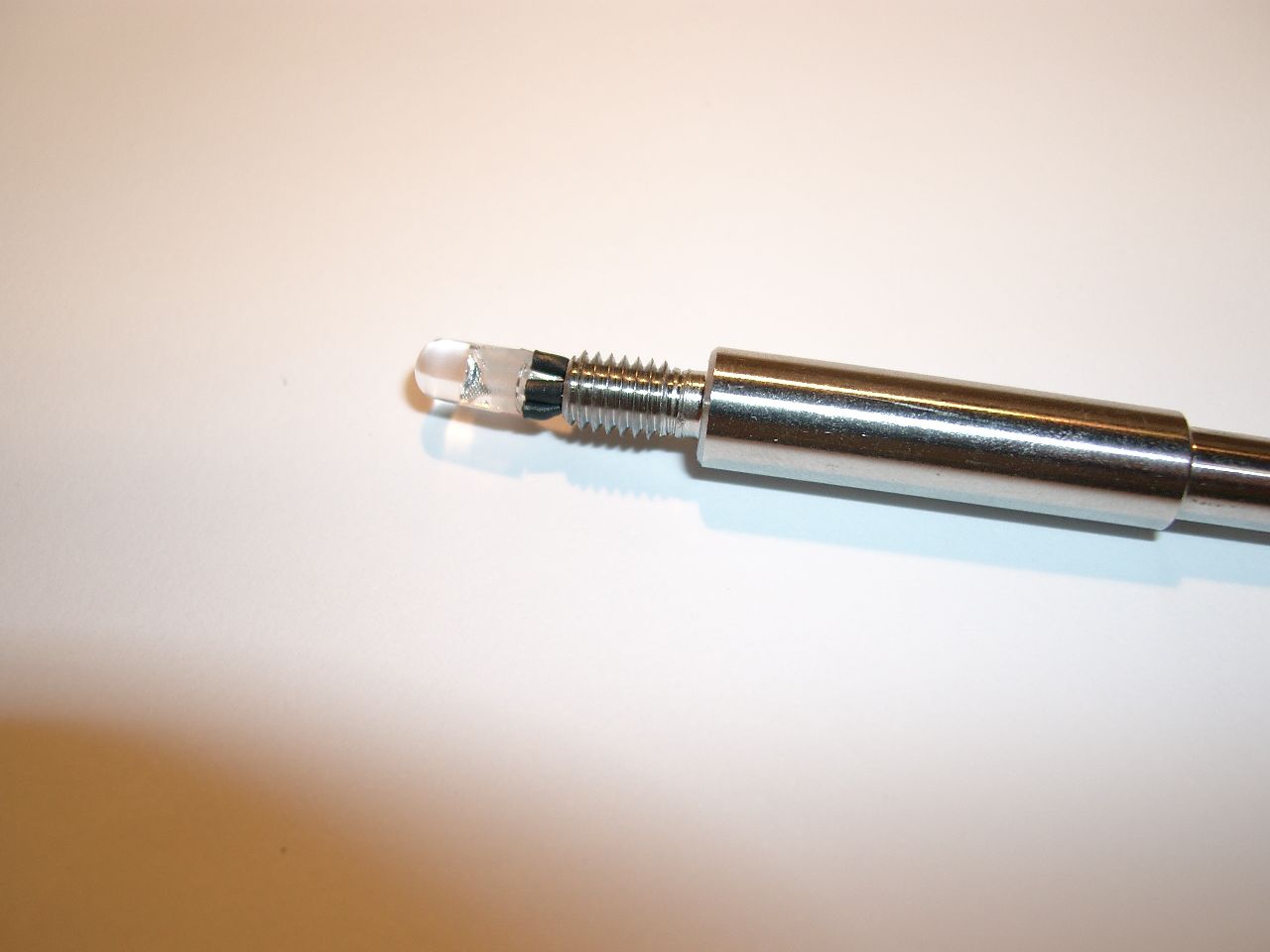
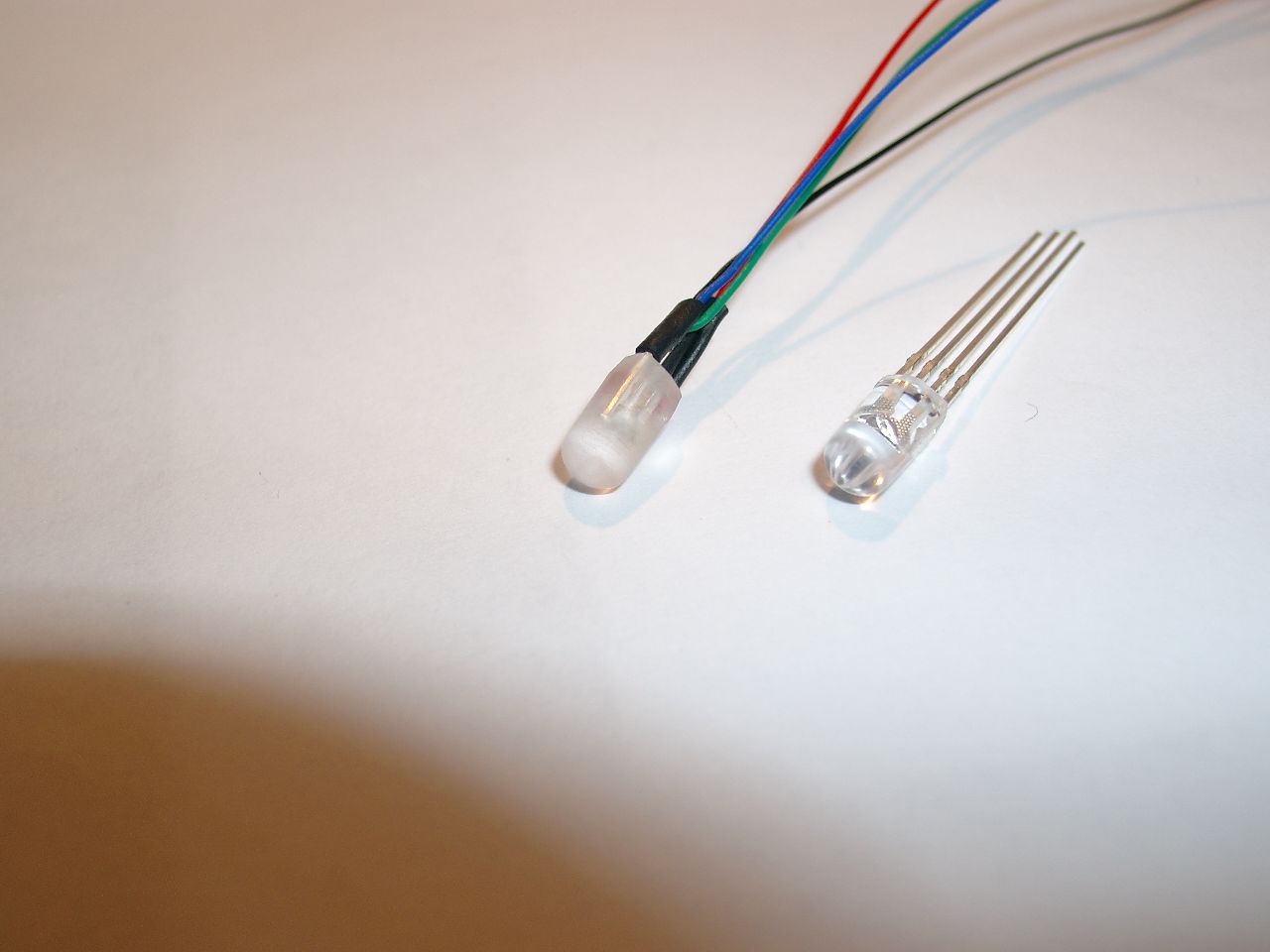
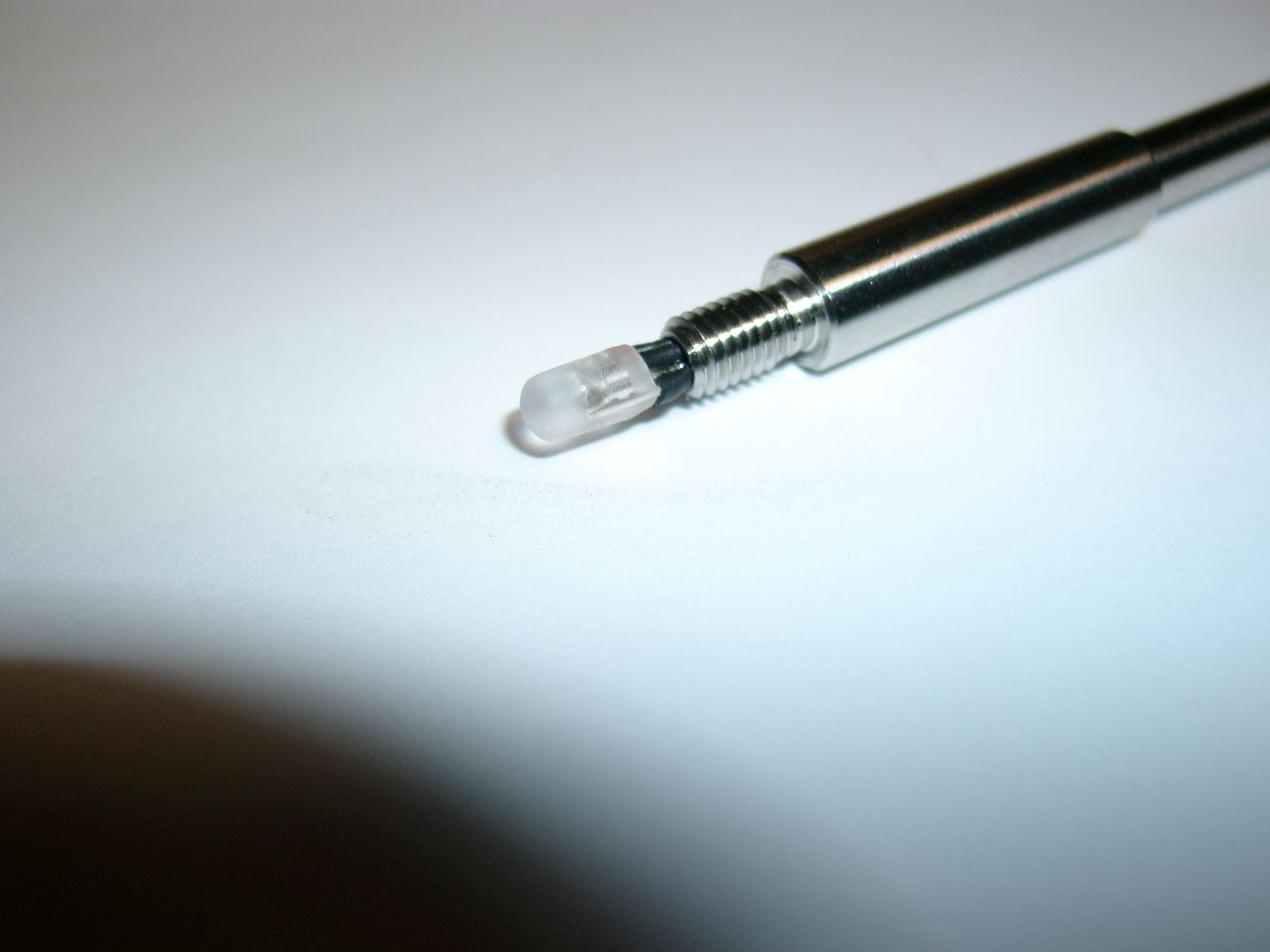
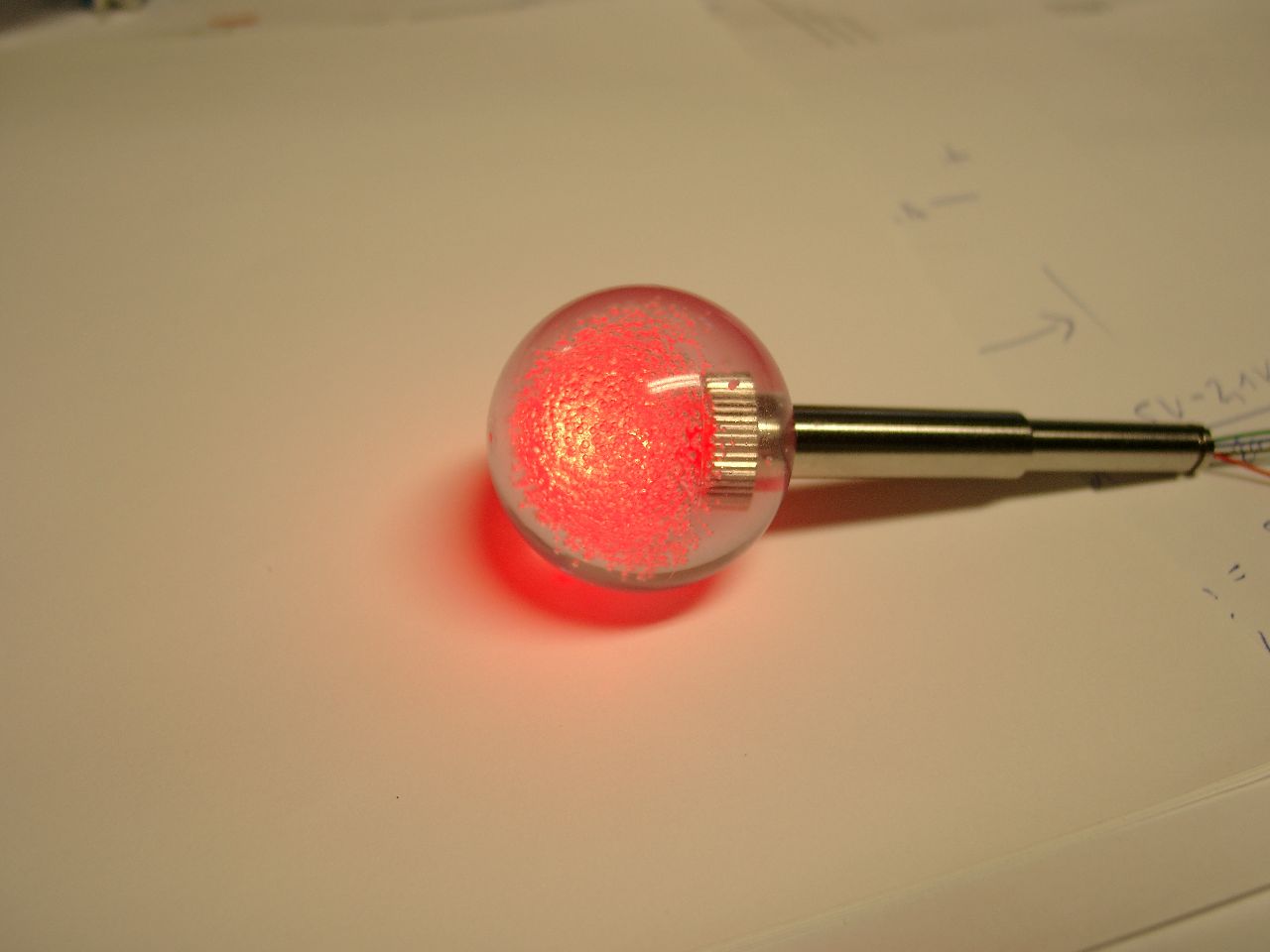
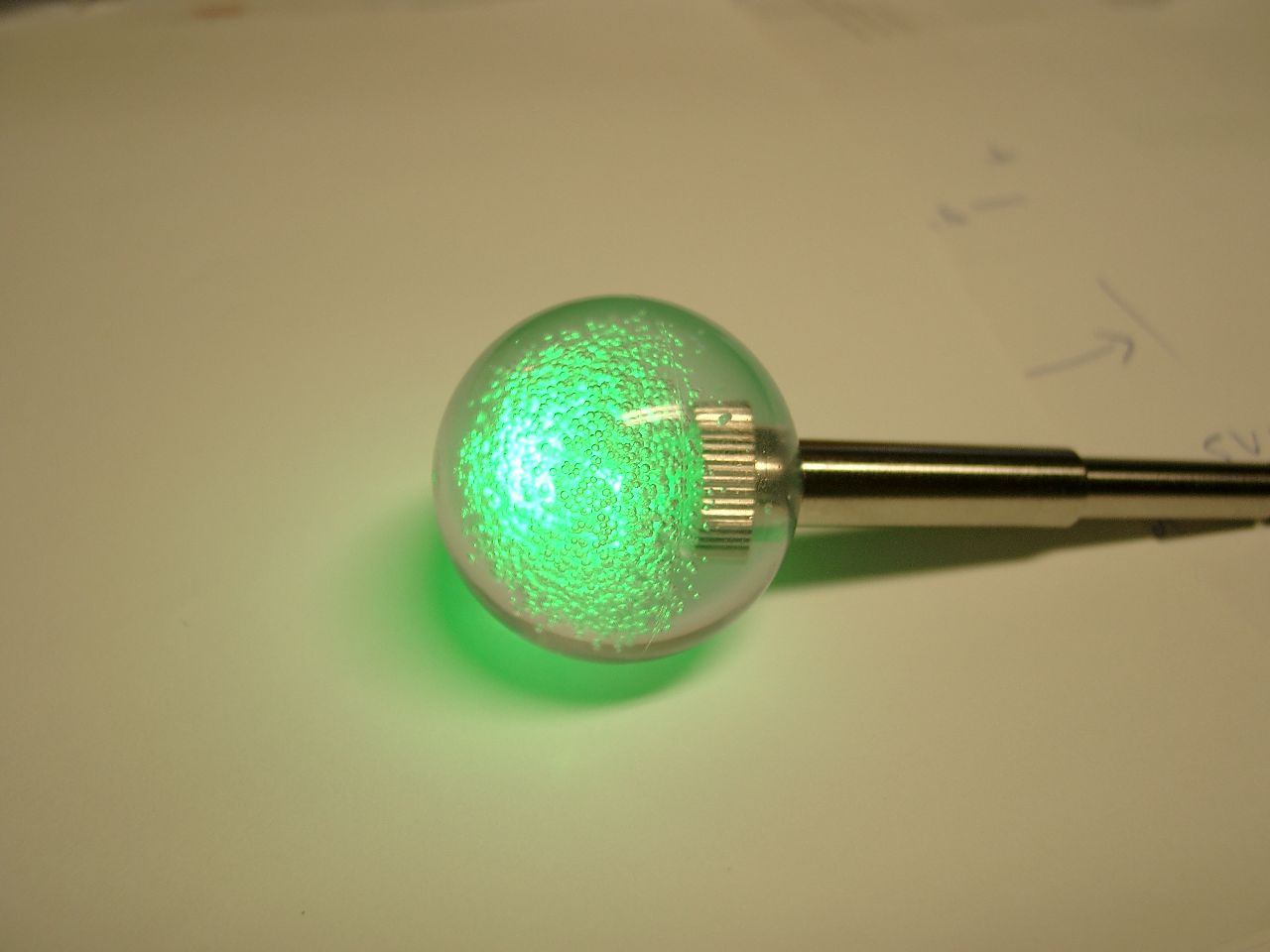
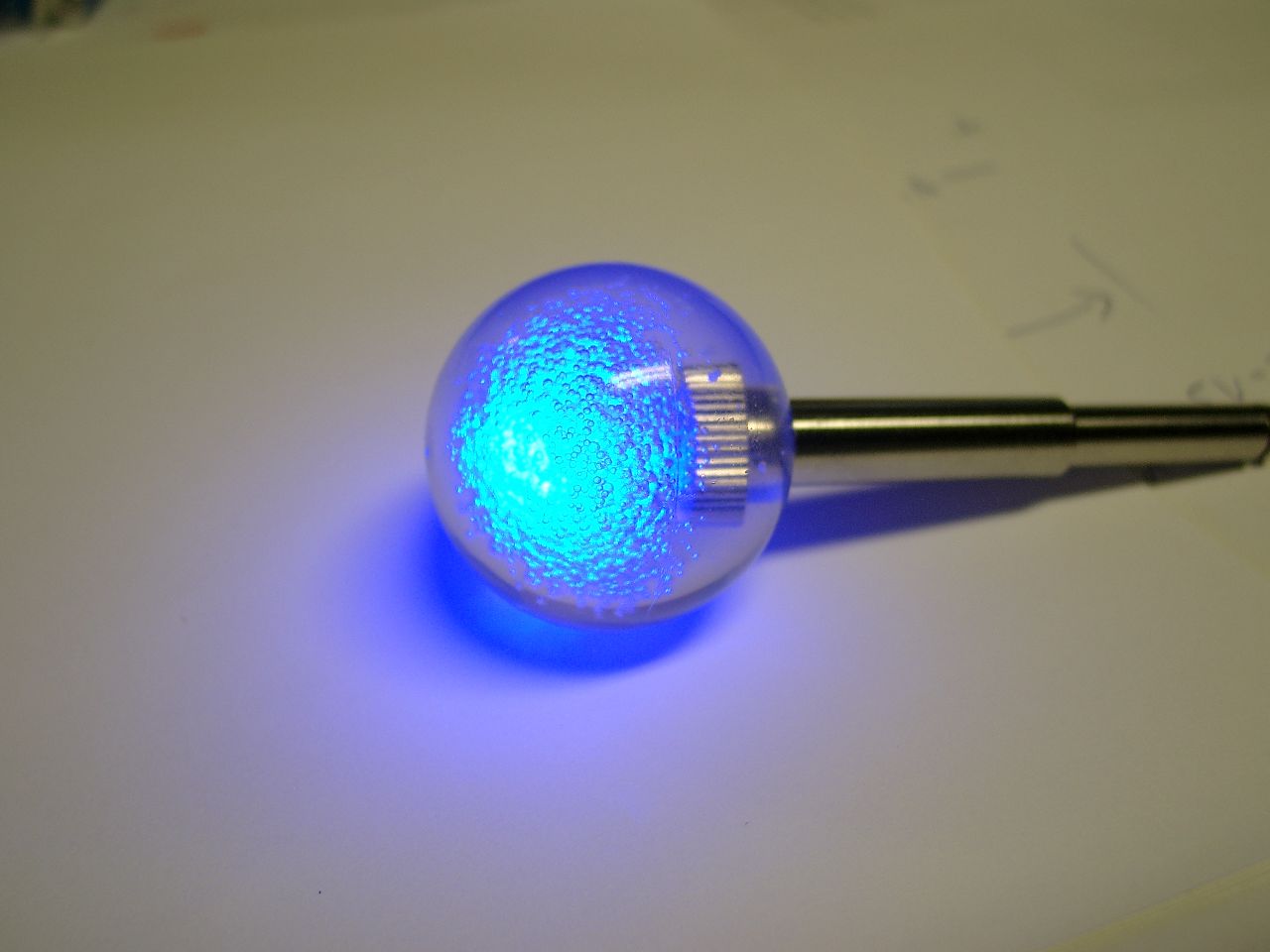
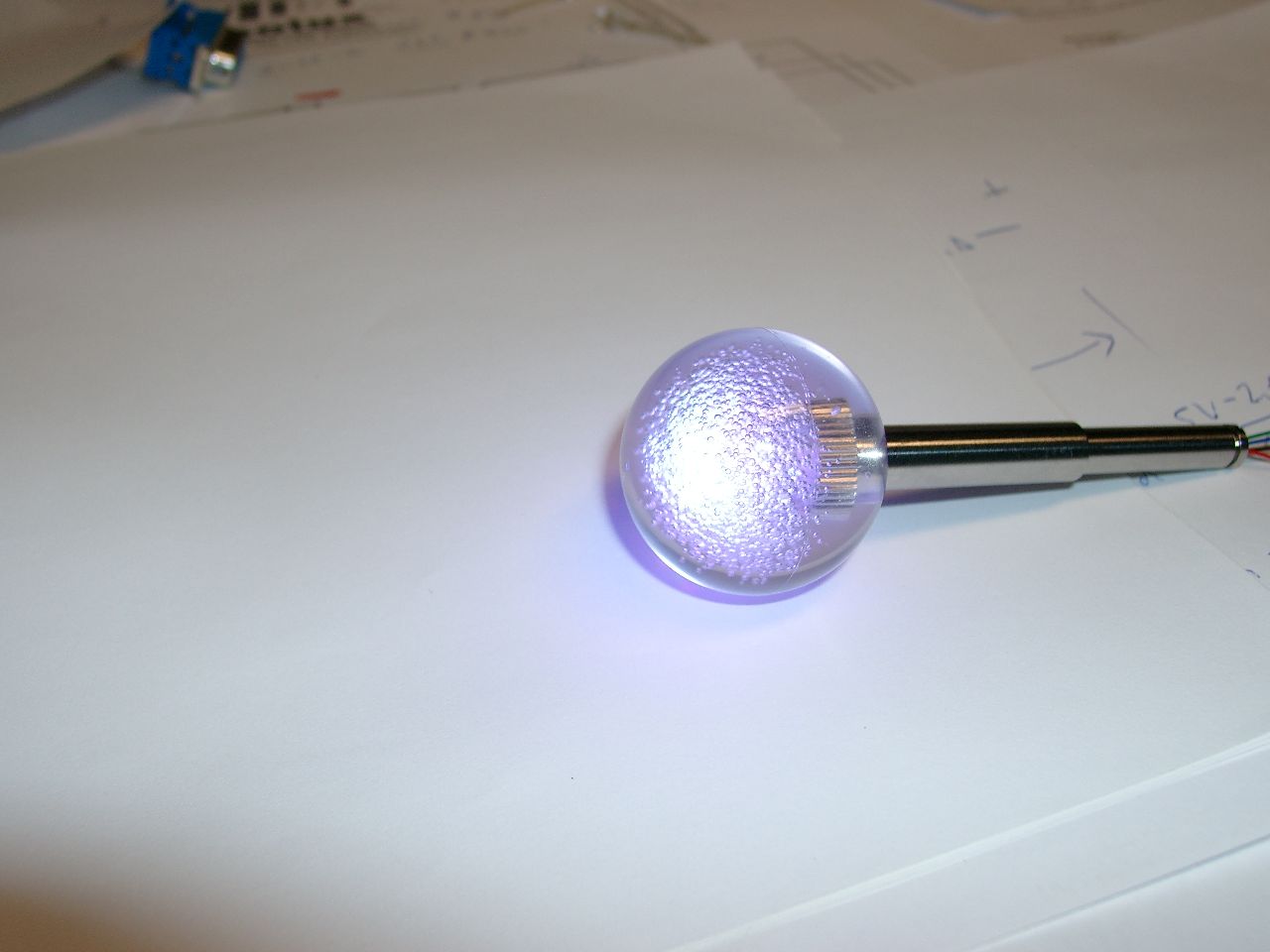
    I used a 5mm LED for RGB-Balltop of Sanwa Stick.

    Advantage: more powerfull as the PLCC4 or SMD 605 Led

    balltop, led, shaft
    balltop, led, shaft
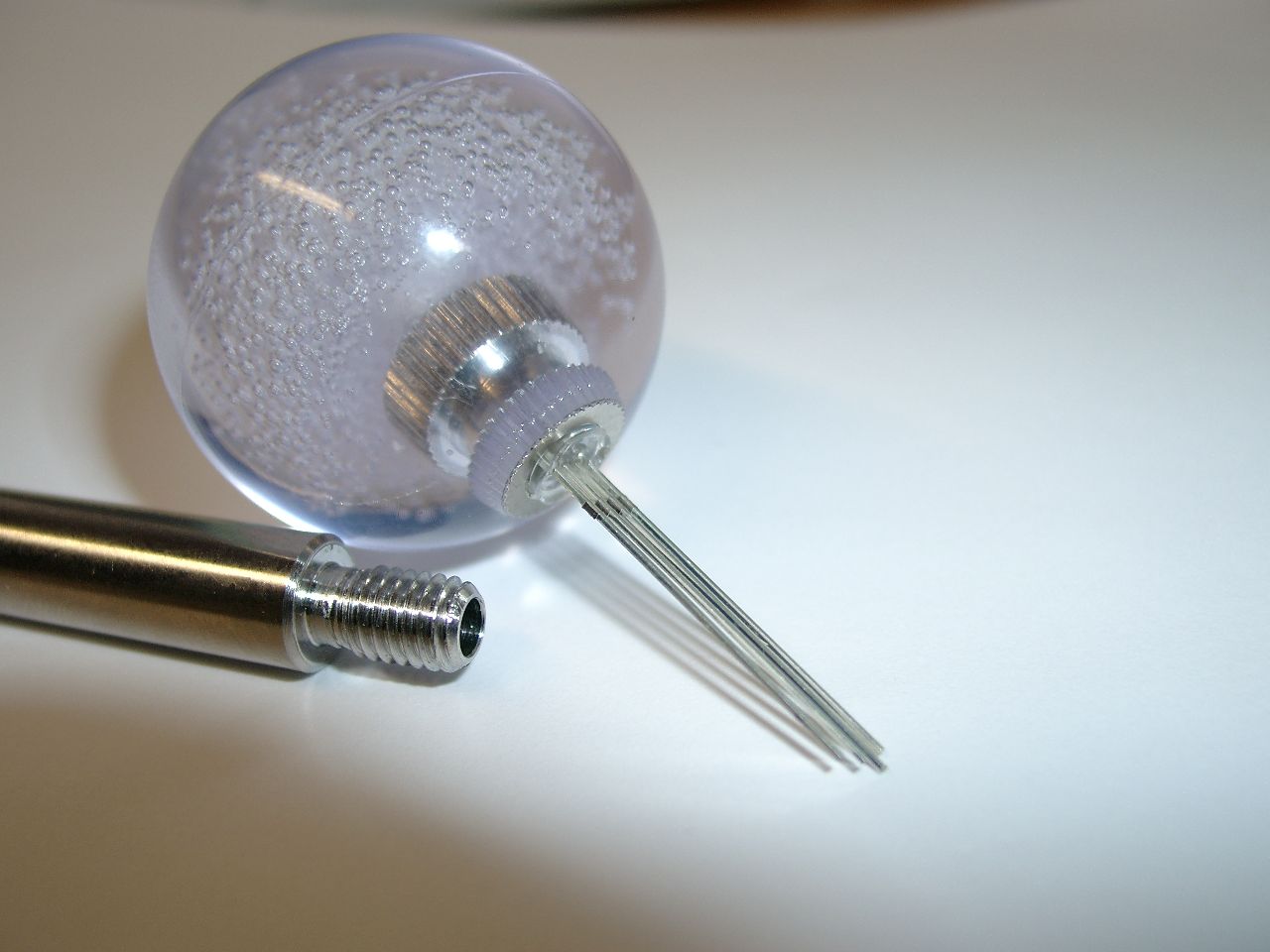
    you have to remove the ring of the led
    you have to remove the ring of the led
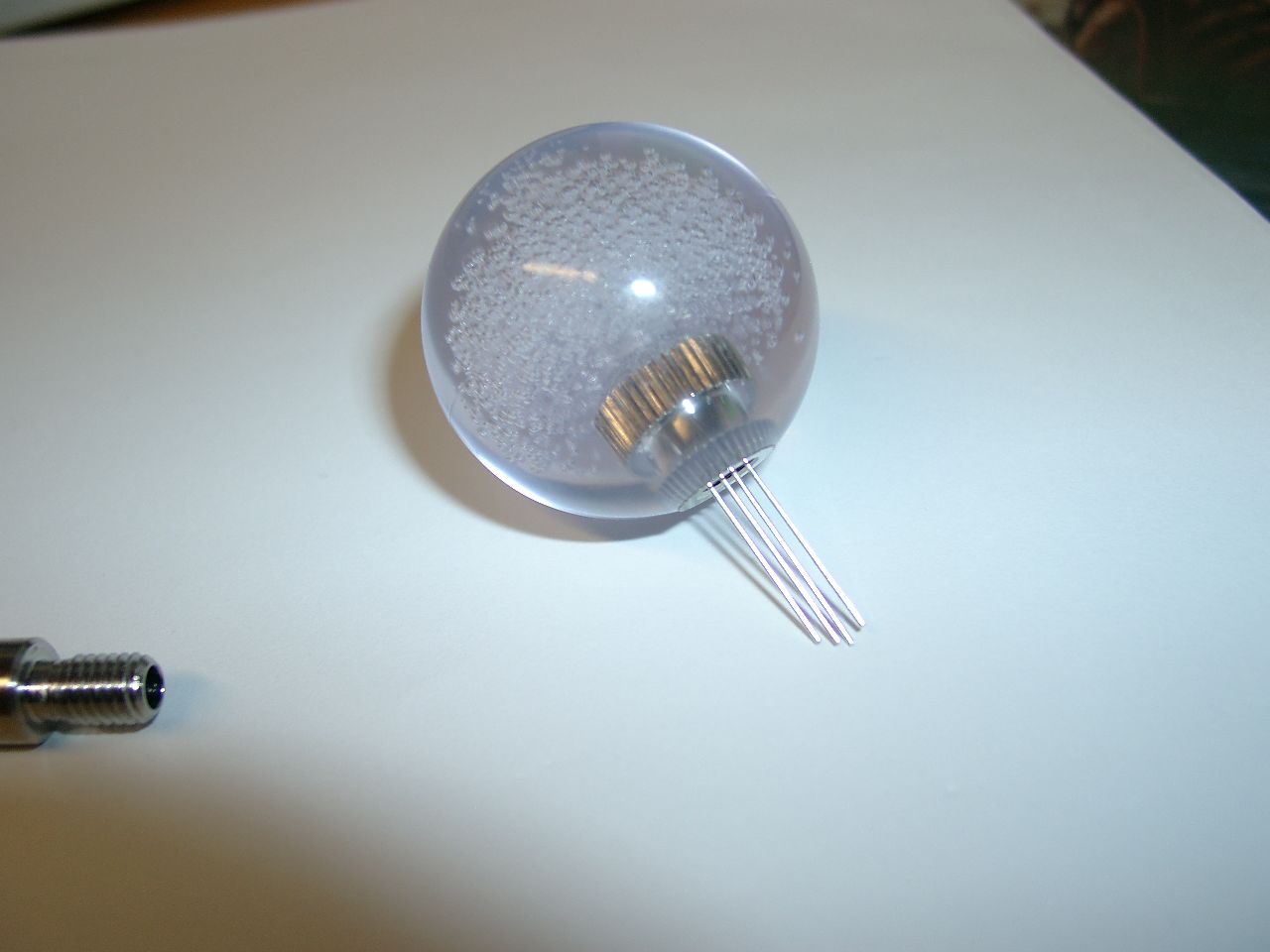
    after removing the ring
    after removing the ring
    difference with ring and without
    difference with ring and without
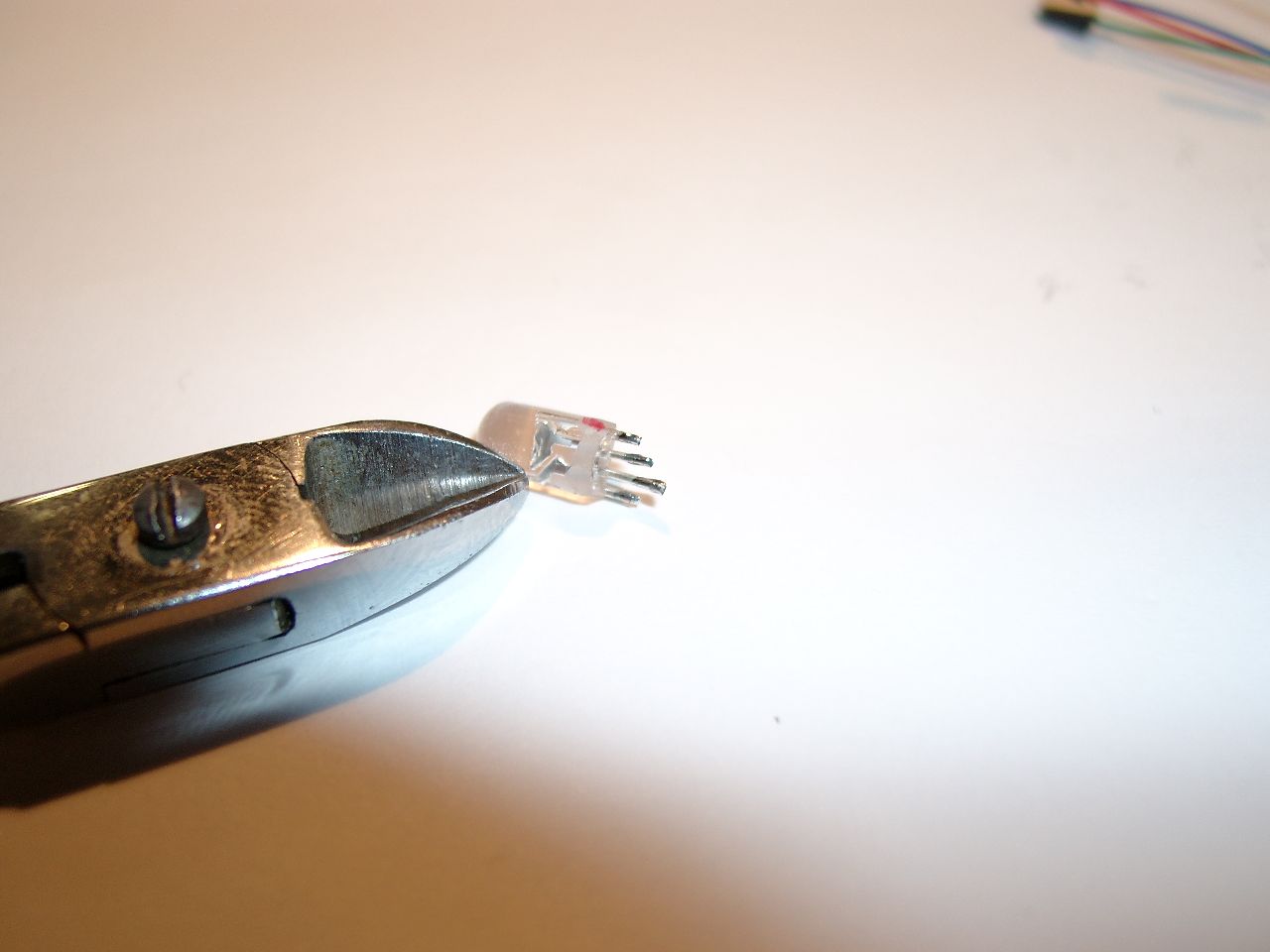
    cutted legs
    cutted legs
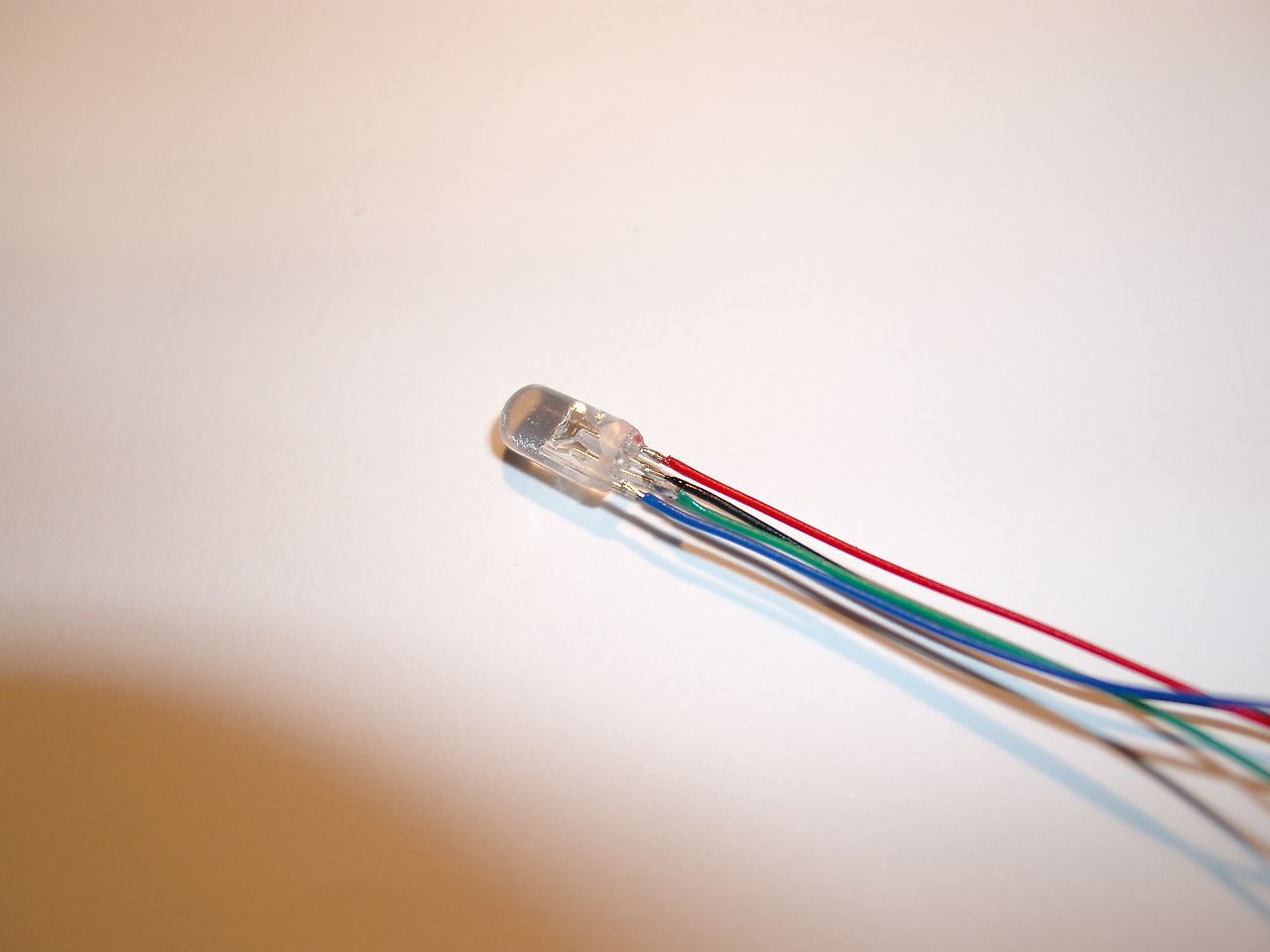
    wires black is 5V, red, green and blue needs GND to lite
    wires black is 5V, red, green and blue needs GND to lite
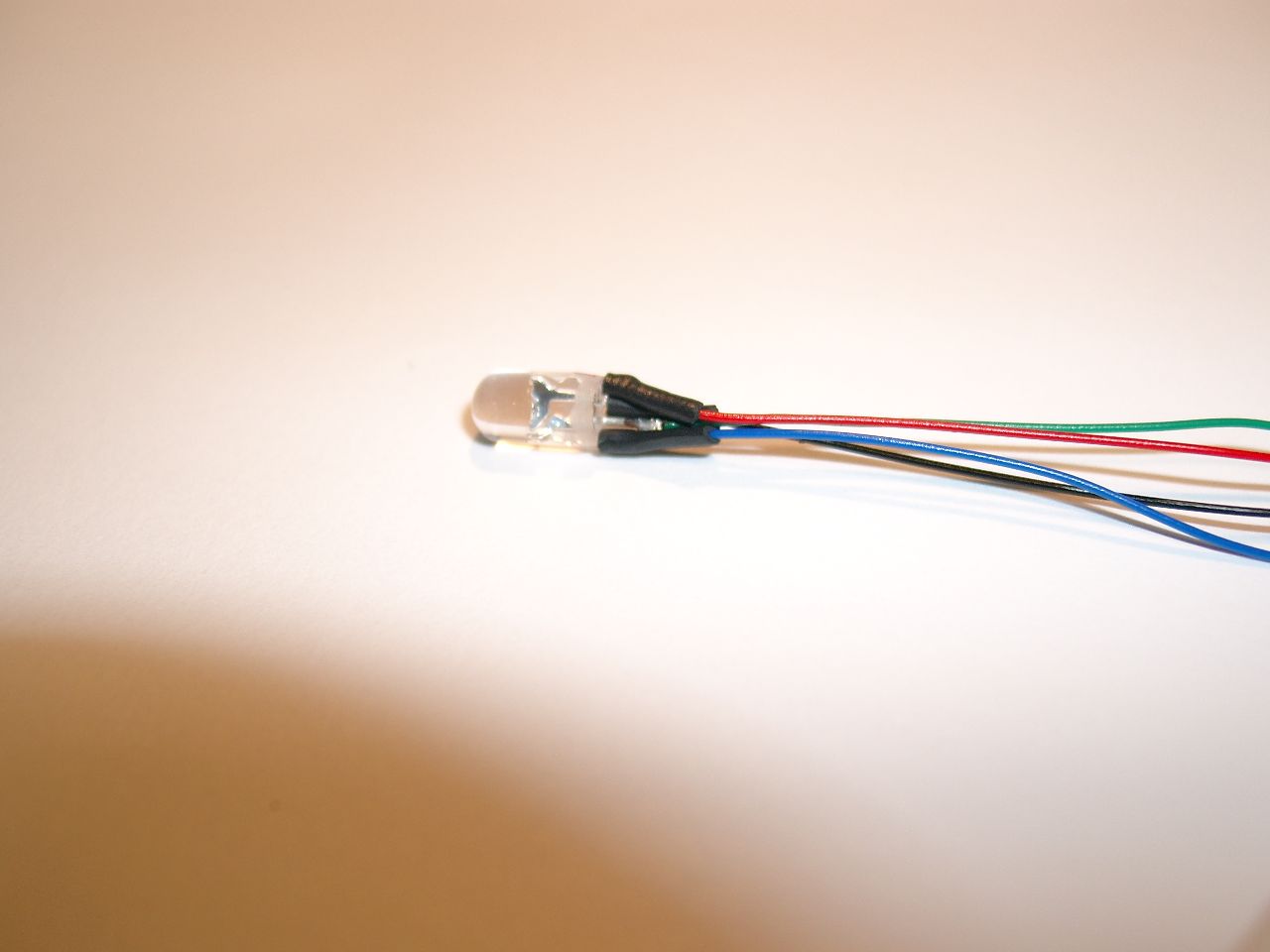
    including shrinking
    including shrinking
    moved into shaft
    moved into shaft
    frosting the led for diffusing the light
    frosting the led for diffusing the light
    frosting led
    frosting led
    red
    red
    green
    green
    blue
    blue
    all leds on -> white
    all leds on -> white
  • Atari Paddle repair/cleaning

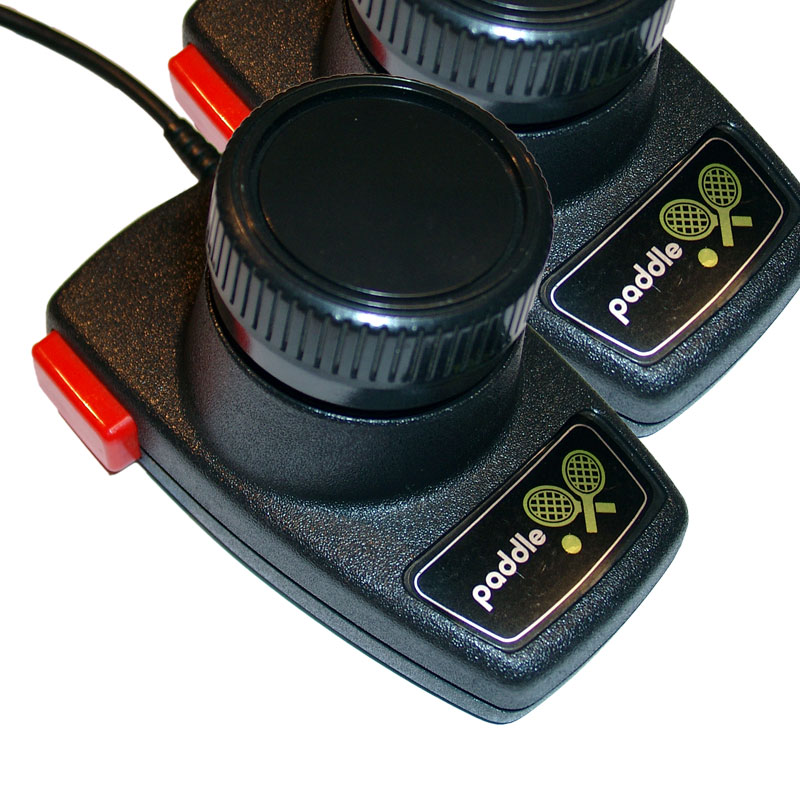
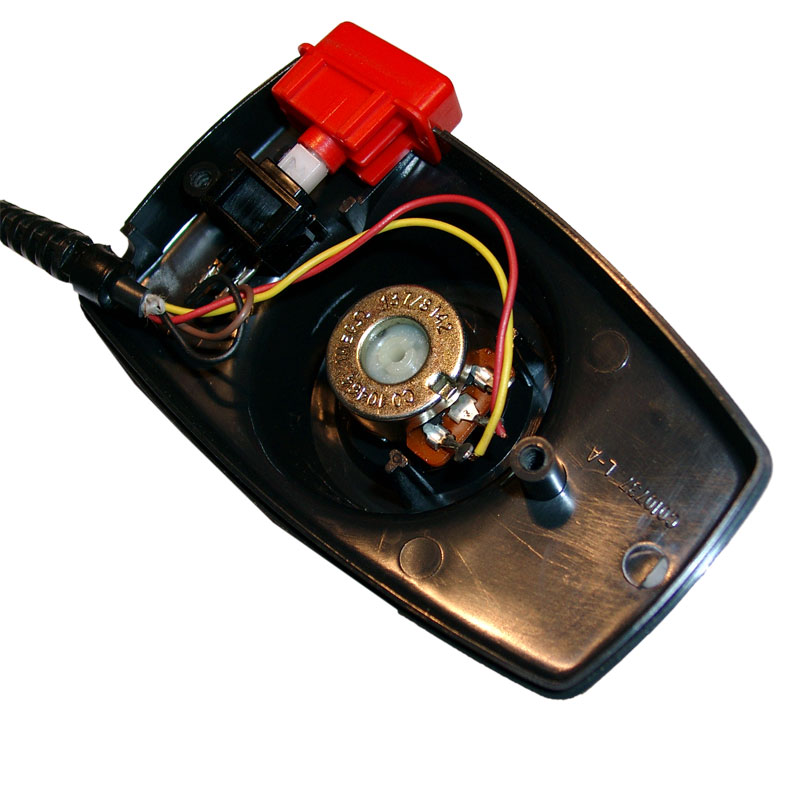
    One of my favorite console is the ATARI 2600 and the game Warlords. It needs paddles but after 20years the paddles jitter.

    It is not new and not hard to do, but after cleaning you will have a lot of fun with games like Kaboom, Super Breakout, Warlords…

    http://www.atariguide.com/help/care.htm
    If you want to use the paddles with a windows PC with retroadapter. The paddle adapter will be available in 1-2 weeks.

    Retroadapter

    If you can’t do it yourself, we can help

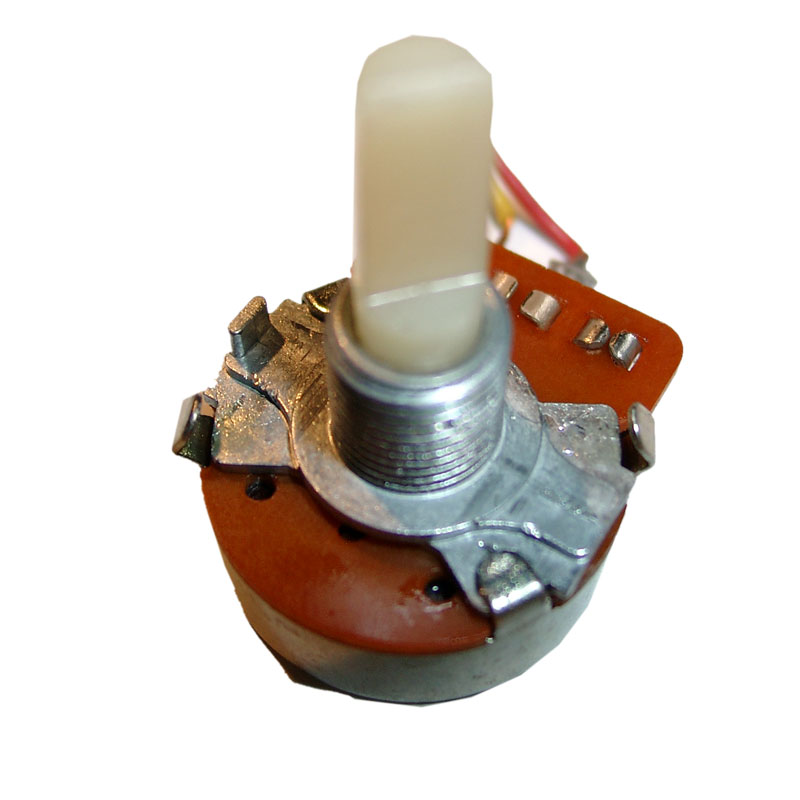
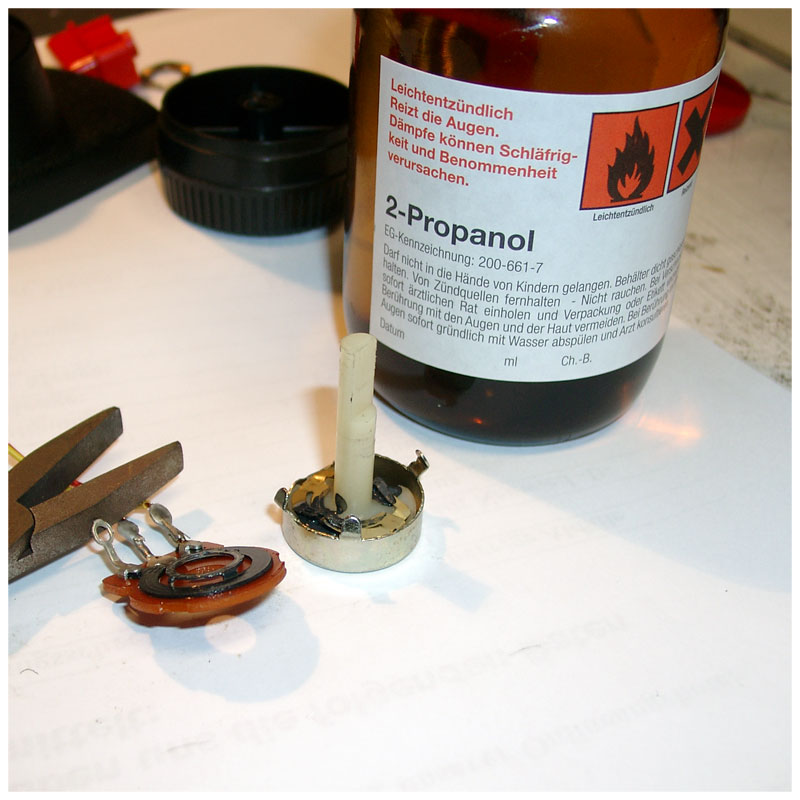
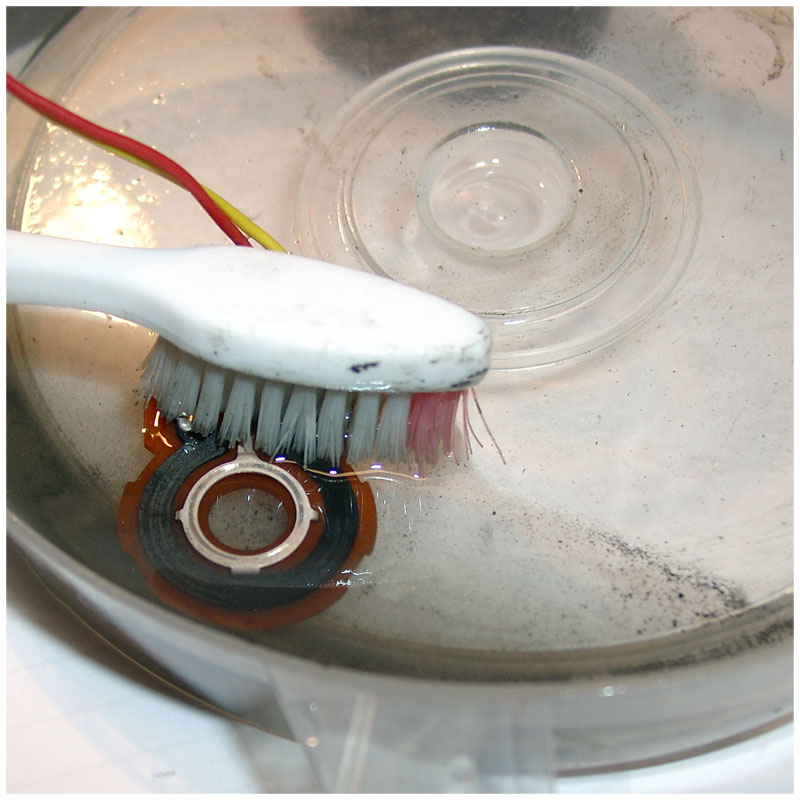
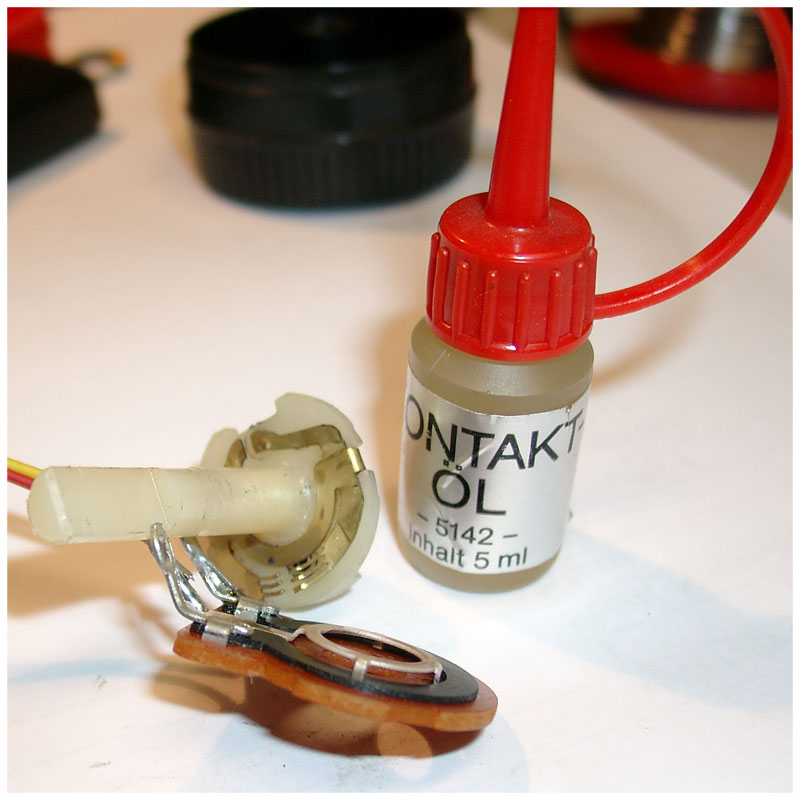
    You have to open it and the poti inside . After cleaning with isopropyl alcohol and using contact oil, the paddles will run like at the first day 🙂

    good old atari 2600 paddles
    good old atari 2600 paddles

    paddle_cleaning_1

    opening the clamps with a screwdriver
    opening the clamps with a screwdriver
    use isopropl alcohol for cleaning
    use isopropl alcohol for cleaning
    a teethbrush works good
    a teethbrush works good

    paddle_cleaning_5

  • Sega GameGear Audio & Display Fix

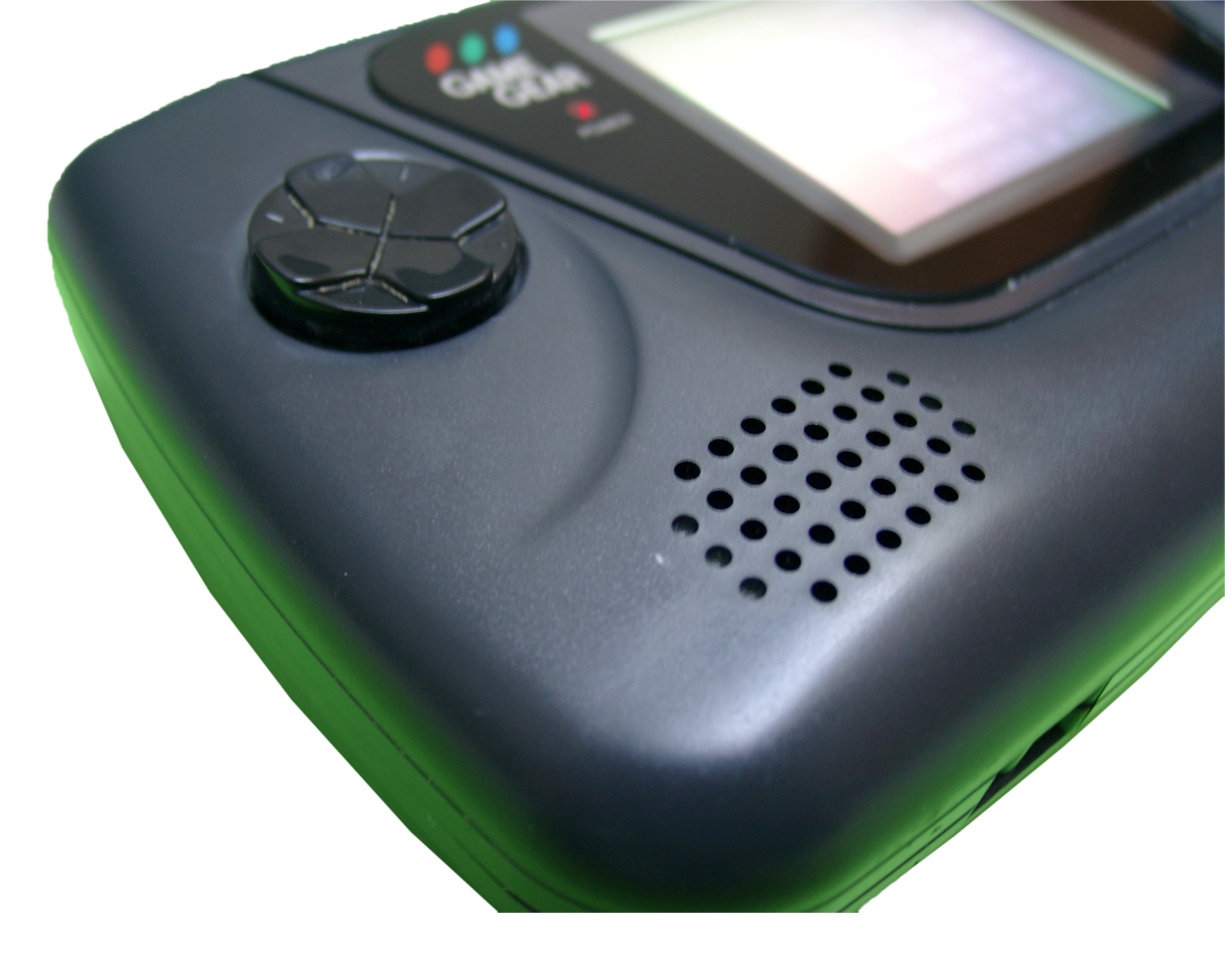
    I received a GameGear without sound and the contrast of the handheld was terrible.

    So I used a searchmachine and found the following sites:

    AudioFix

    For Display troube

    If you don’t want to make it yourself, we can take care of your gamegear

    Part  #1 Audio Fix

    No Audio :-(
    No Audio 🙁
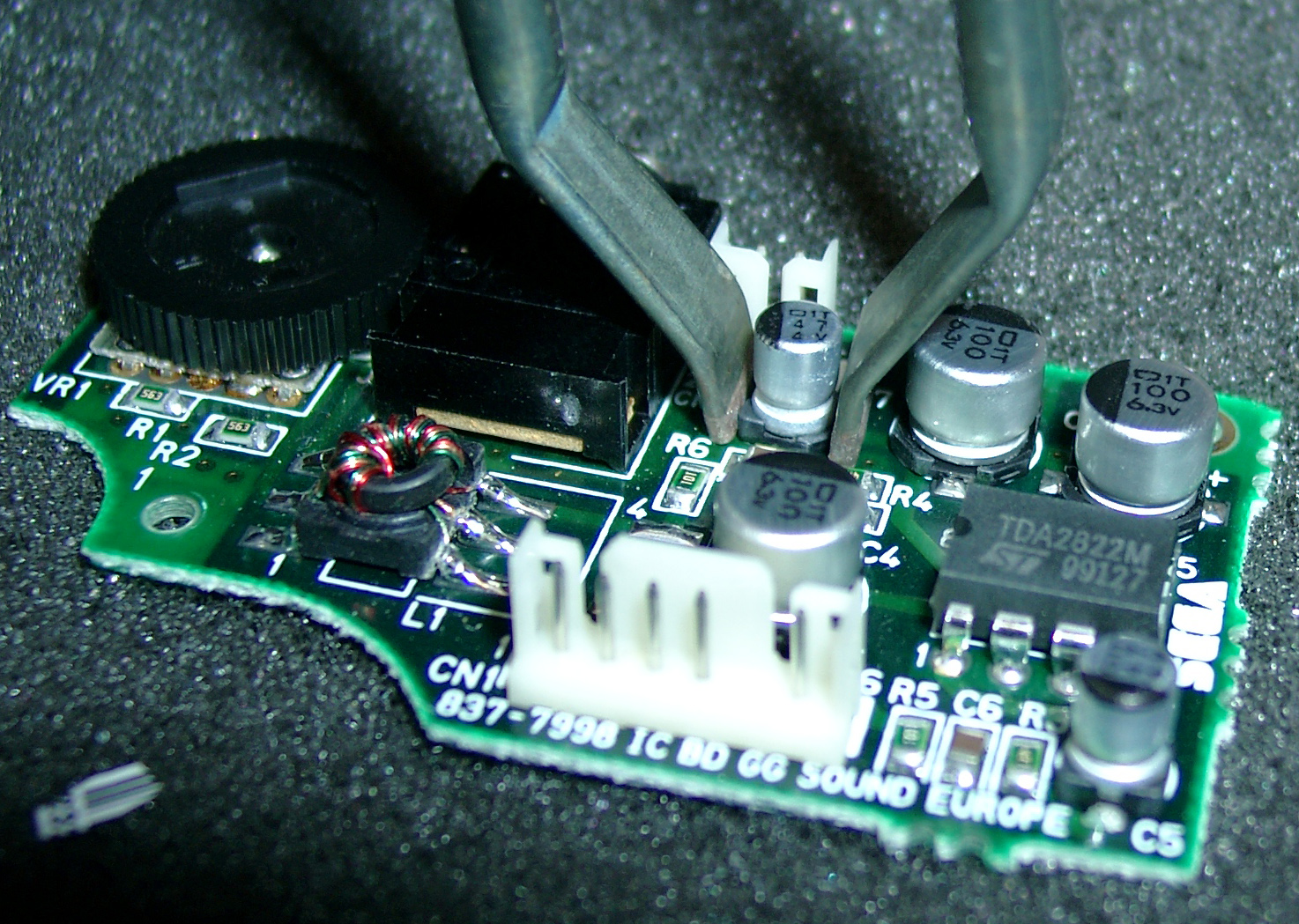
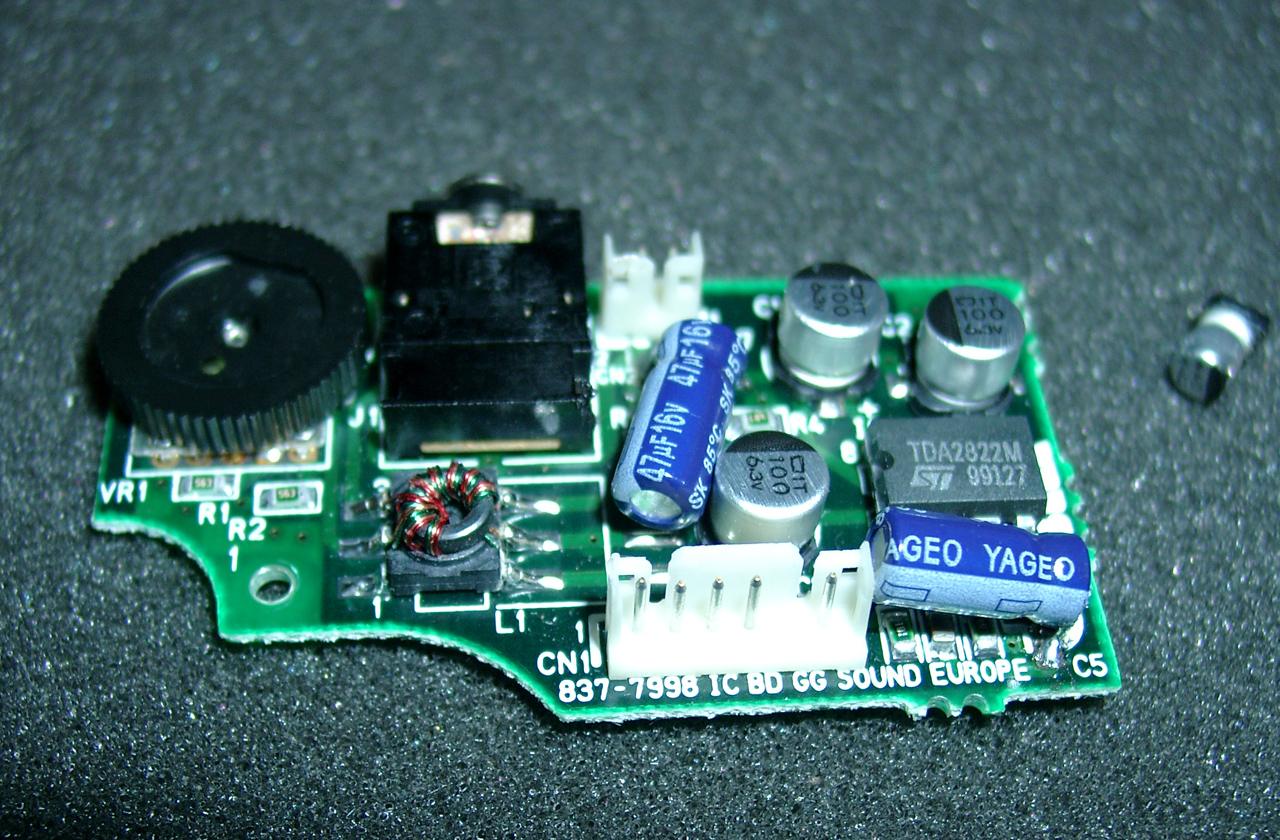
    bad capacitor
    bad capacitor

    In most cases it it this capacitor 47uF 6.3V (C7)
    Please change 47uF 6.3V (C5) too, because if you make use of a headphone.

    If you can’t find it with 6.3V you can make use of one with higher voltage.

    replaced, audio is working great again
    replaced, audio is working great again

    Audio Amplifier Board

    DESIGNATOR VALUE
    C1
    C2
    C3
    C5
    C7
    100μ 6.3V
    100μ 6.3V
    100μ 6.3V
    47μ 4V
    47μ 4V

    Part# 2 Display Fix

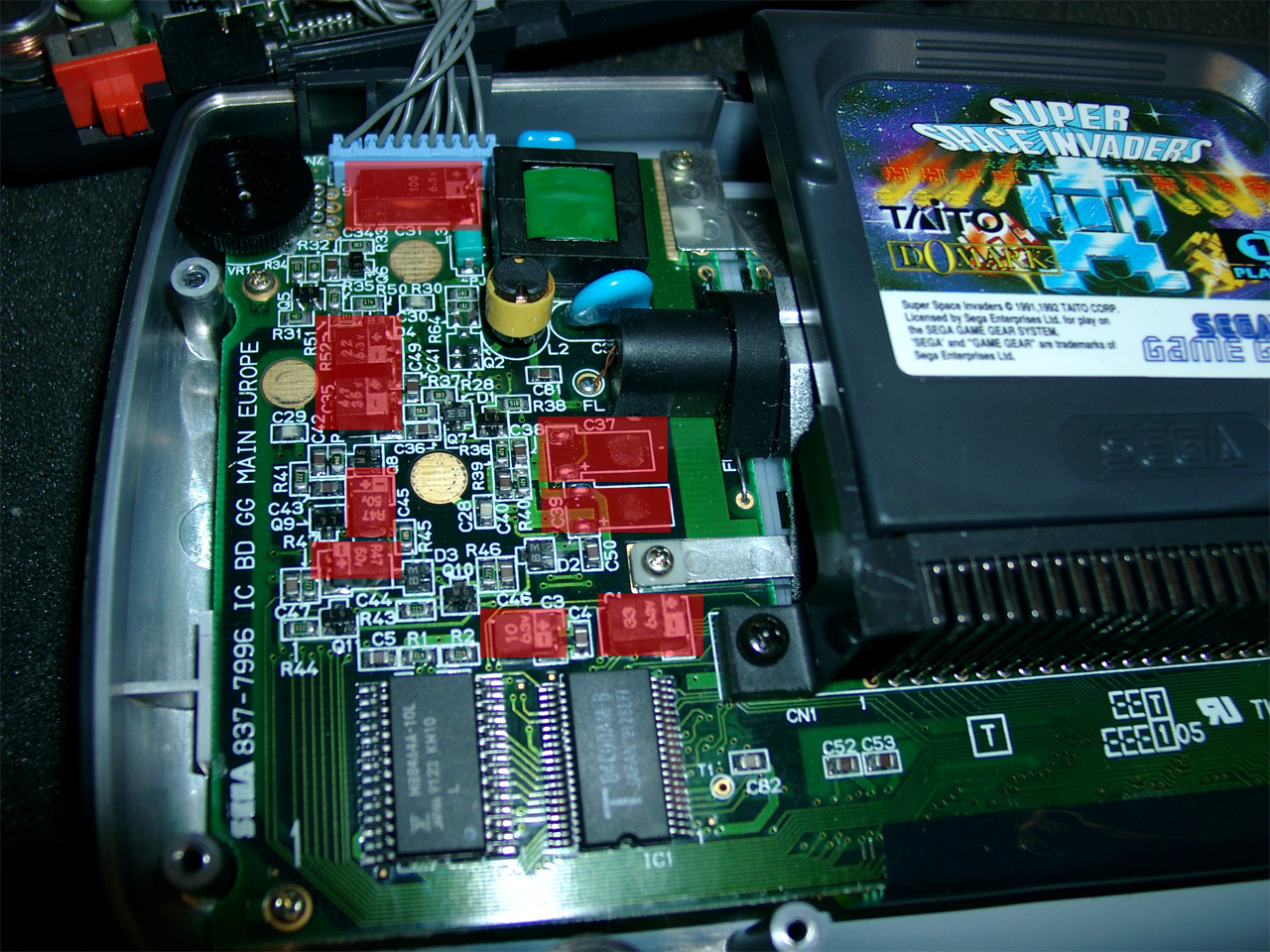
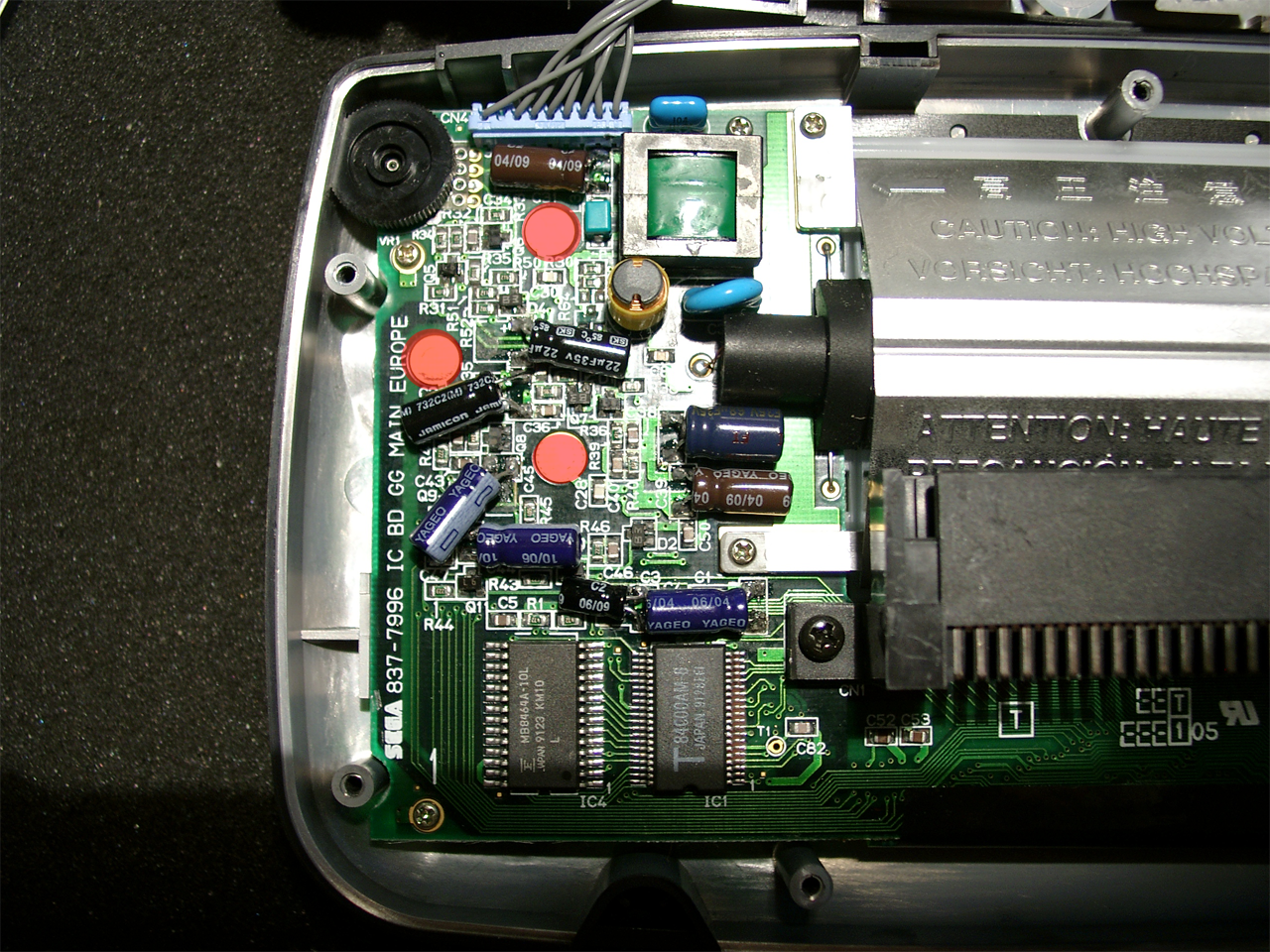
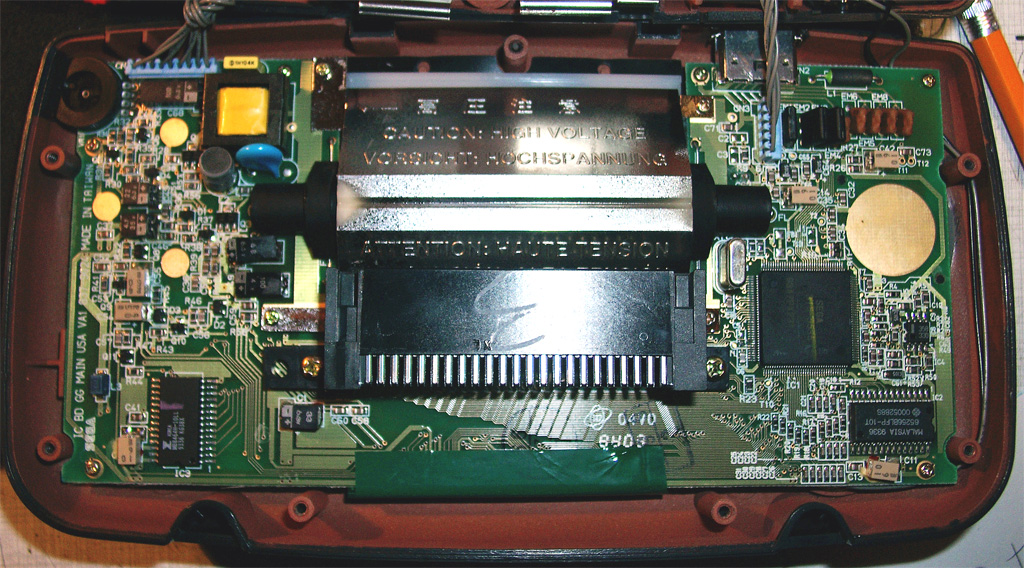
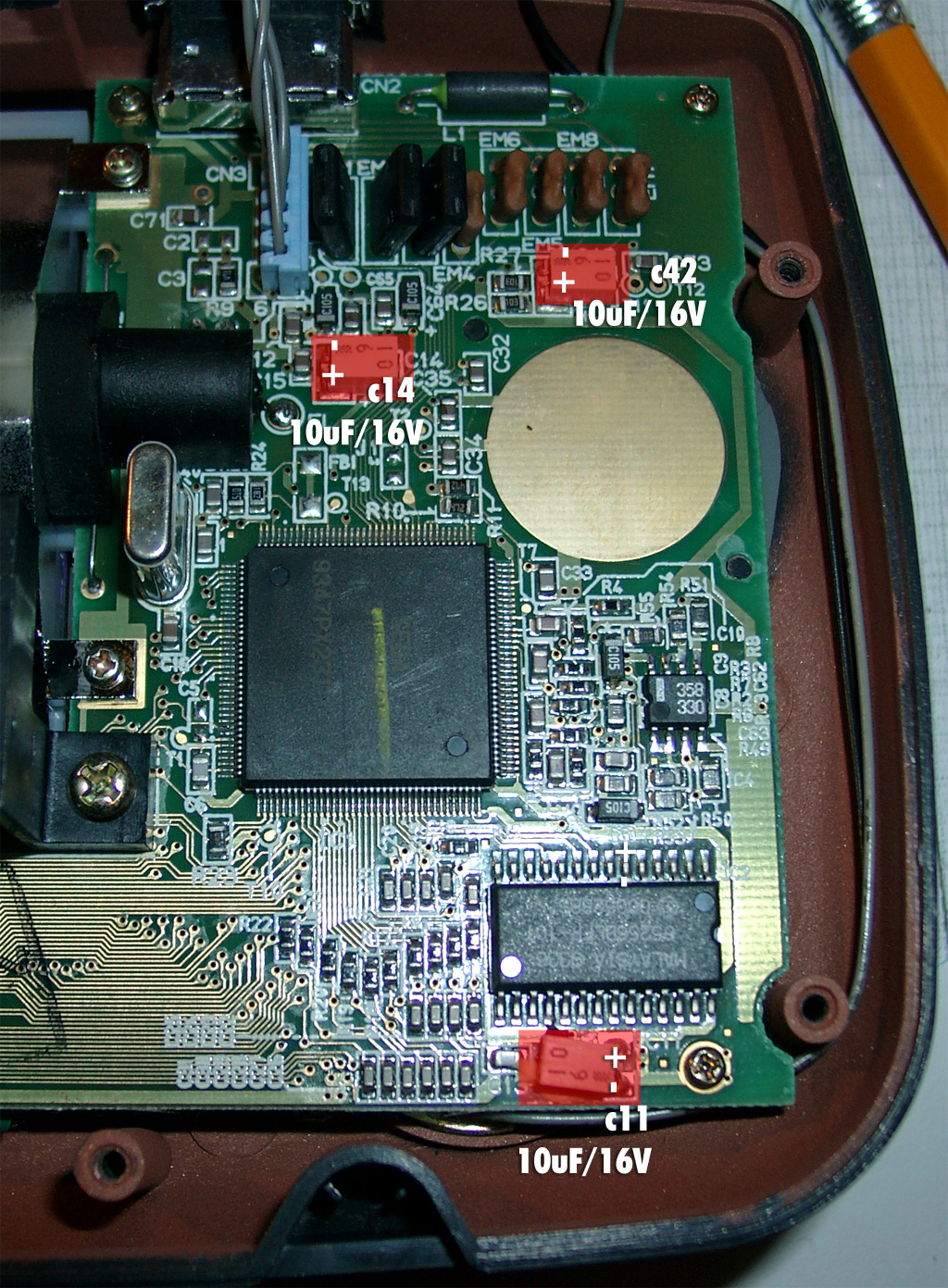
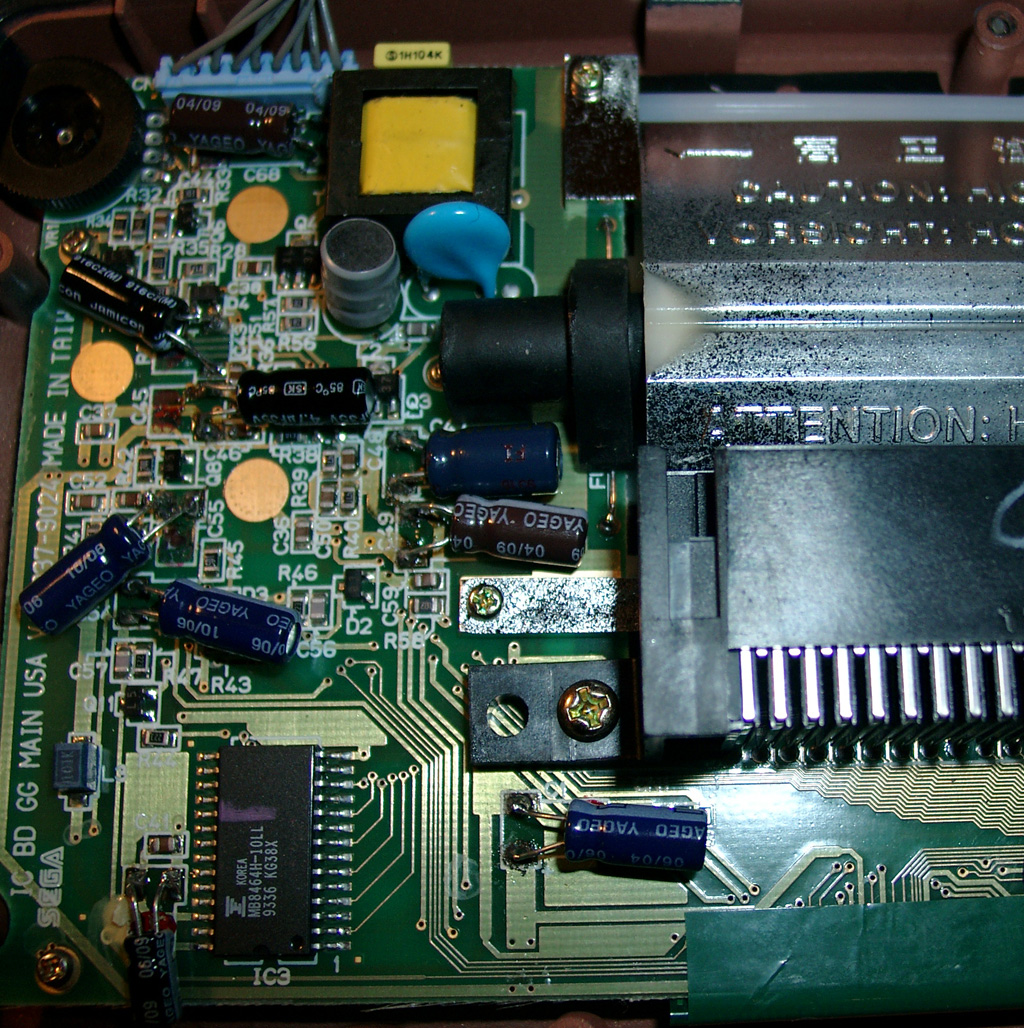
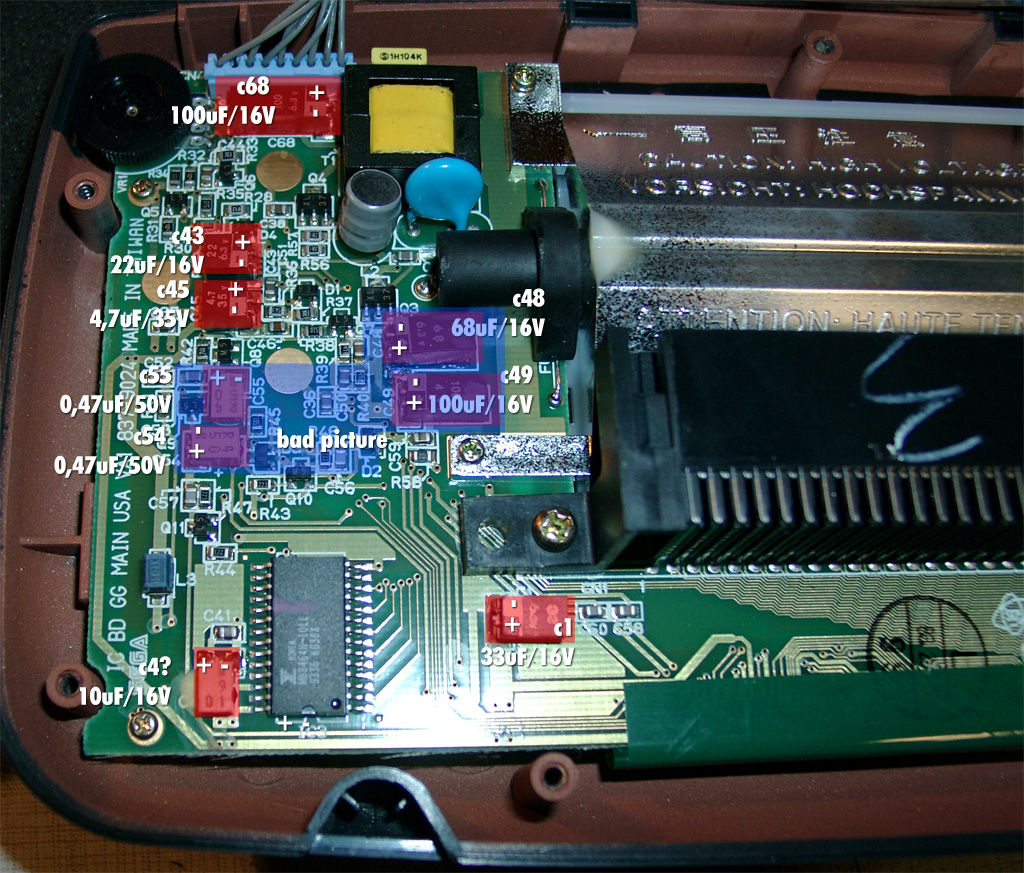
    The display was dark, the contrast wheel didn’t help, so I changed every elko on the mainboard.  After this the picture was brighter and the contrast wheel works good again.

    The original capacitors have some clue under it.  Desolder one side of a capacitor and move it a litte bit. Then you can desolder the other site.

    change the marked capacitors
    change the marked capacitors
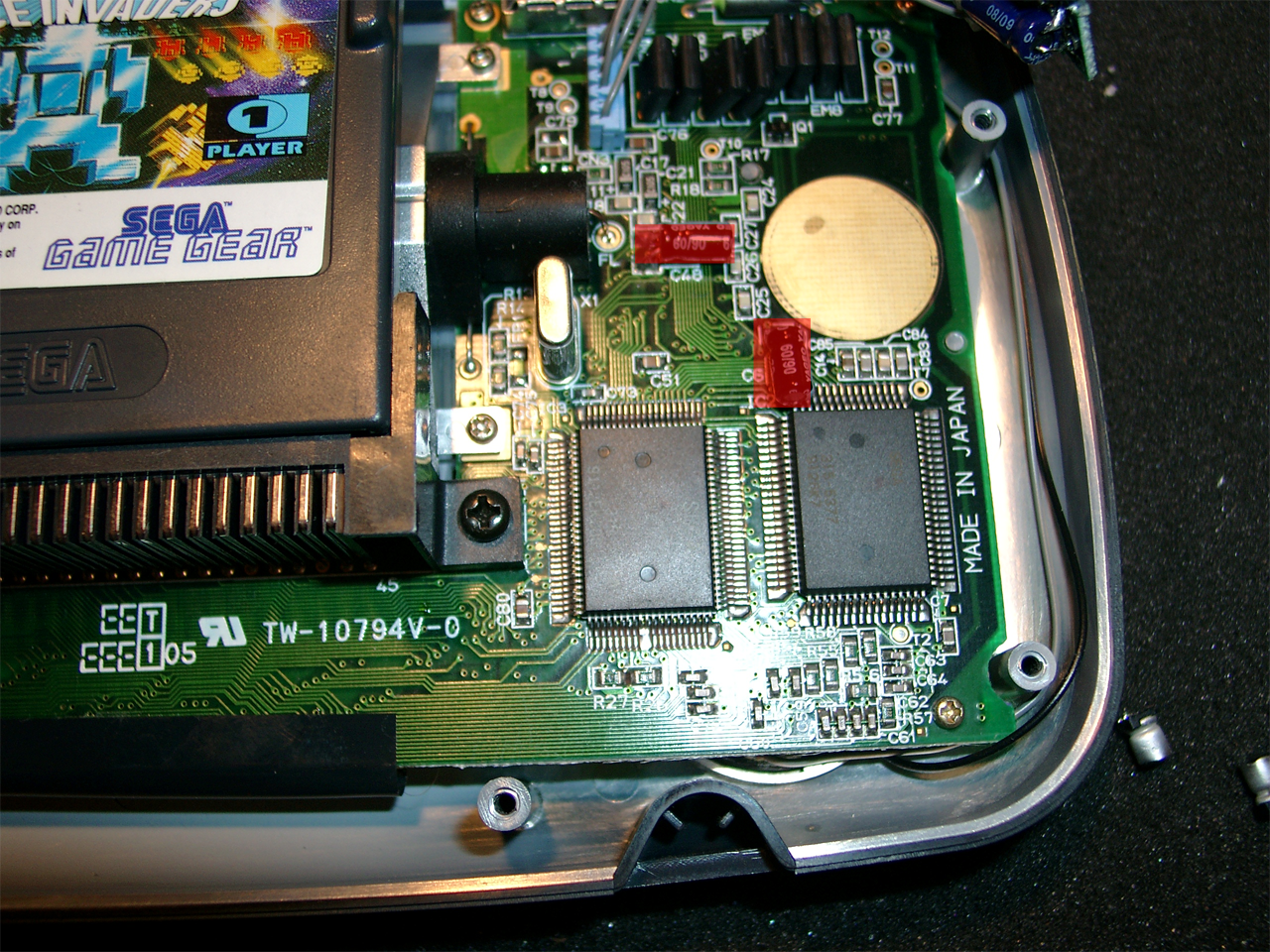
    change the two red marked
    change the two red marked
    when soldering the new ones, look for space in the marked area
    when soldering the new ones, look for space in the marked area

    when soldering make space at the marked areas. It is needed when closing the gamegear.

    Mainboard

    ONE ASIC GG TWO ASIC GG VALUE
    C68
    C43
    C45
    C55
    C54
    C48
    C49
    C1
    C4
    C14
    C48
    C11
    C31
    C49
    C35
    C45
    C44
    C38
    C39
    C1
    C3
    C14
    C48
    100μ 6.3V
    22μ 6.3V
    4.7μ 35V
    0.47μ 50V
    0.47μ 50V
    68μ 6.3V
    100μ 4V
    33μ 6.3V
    10μ 6.3V
    10μ 6.3V
    10μ 6.3V
    10μ 6.3V

    Update: Bad Contrast Fix for other GameGear Revision

    Here you can see all capacitors to be replaced.

    Responseable for the bac contrast are: C54,C55,C48,C49 (blue marked Area). But its better to replace all to be sure.

    gg1

    gg_2_left

    gg_3_right

    gg_4_replaced_left

  • NeoGeo AES RGB-Fix

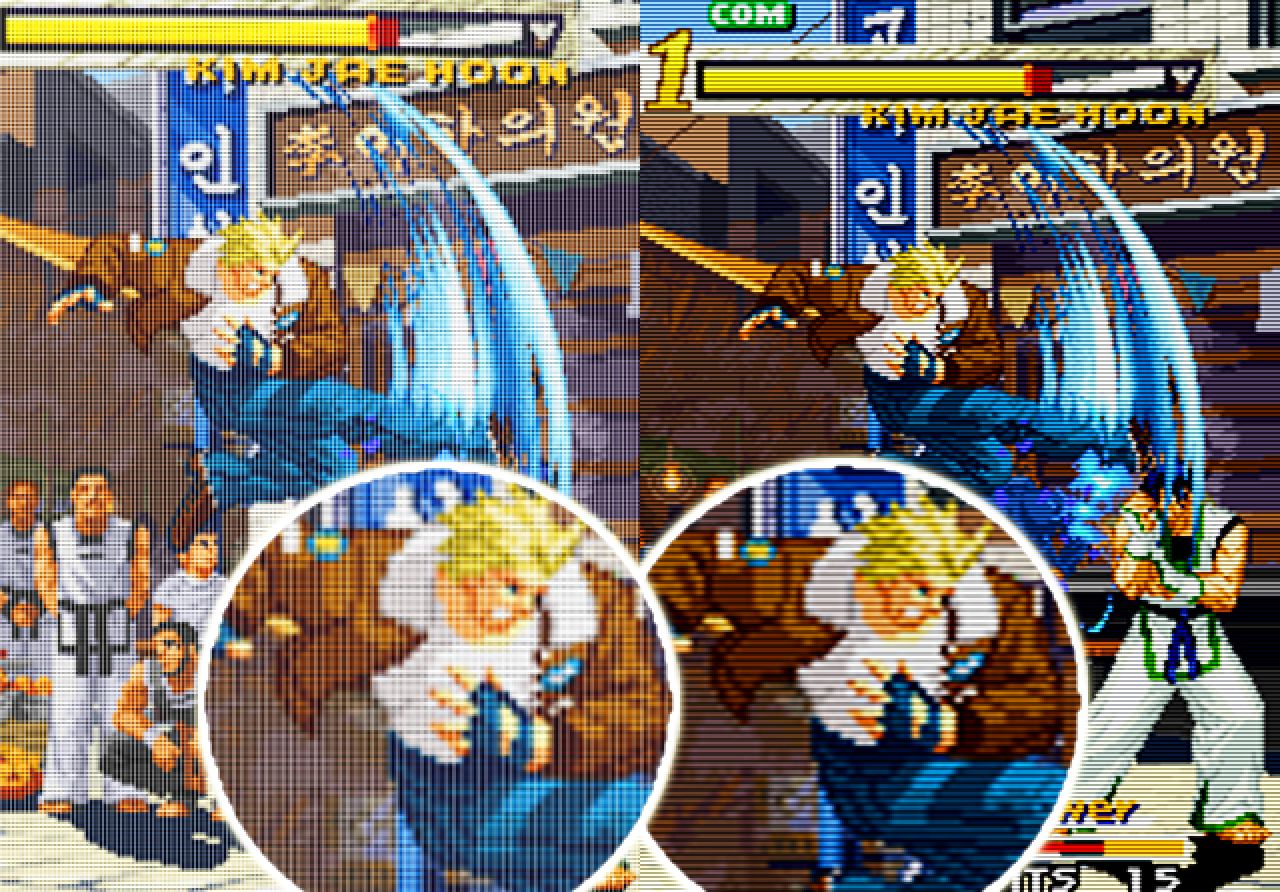
    The newer Revision 5 or 6 of Neo Geo have bad RGB-Output Signals. It looks like a grid layed over the picture.
    We can take care of the RGB-Fix if you are not able to do it by yourself

    left site: verticallines, right site: OK!
    left site: verticallines, right site: OK!

    To remove the vertical lines you can do the RGB bypass I found here.

    JammaNation X

    mmmonkey

    NeoGeo Forum

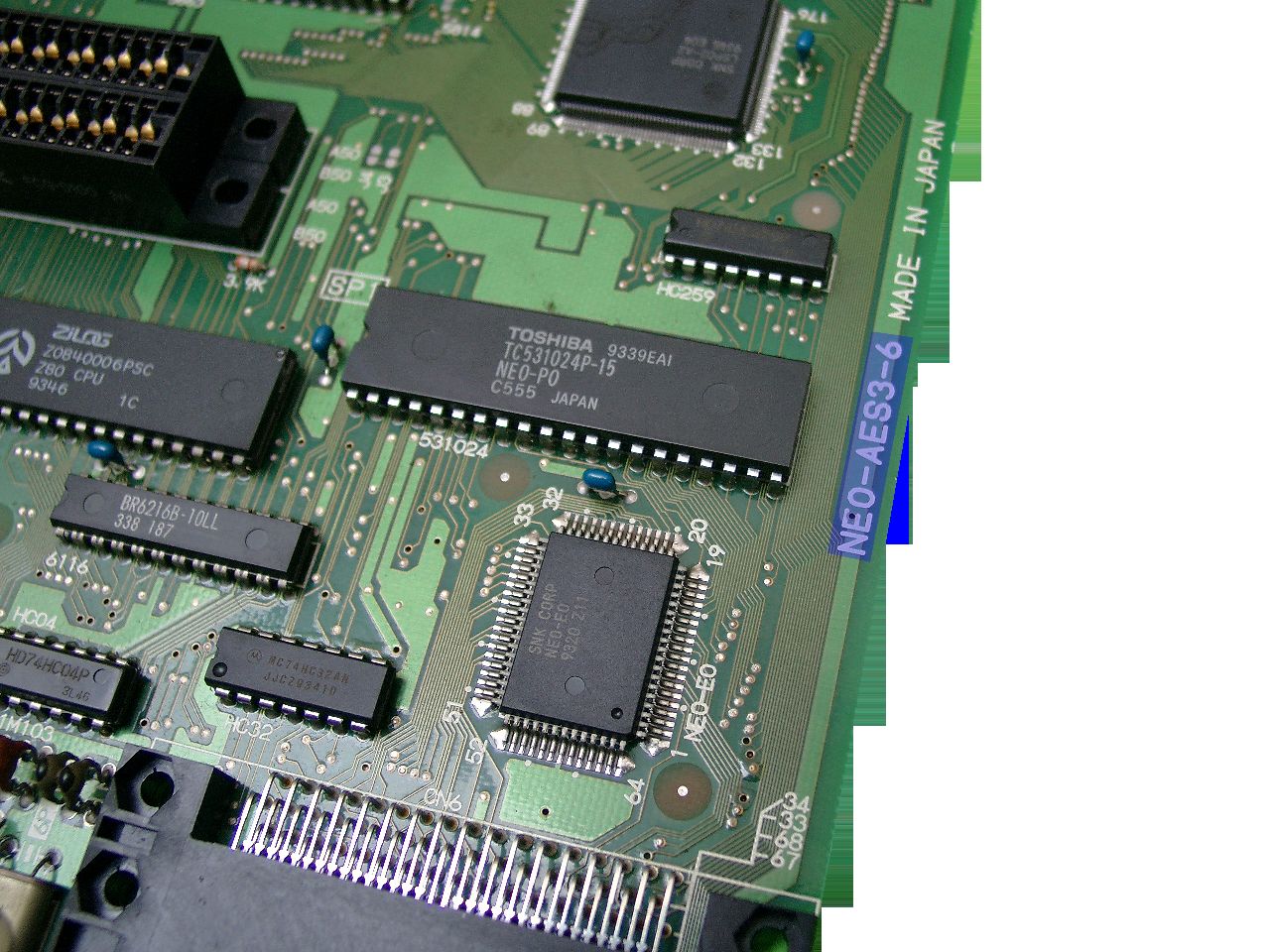
    First you have a look into your neogeo to see if you have one of the „bad“ Revisions.

    use a flashlight to see the revision of your neogeo board
    use a flashlight to see the revision of your neogeo board

    use a flashlight to see the number

    This can help too

    Here you can see the Layout Revision
    Here you can see the Layout Revision

    Part #1

    Removing Capacitors, Resistors and replaceing with 3 75Ohm Resistors

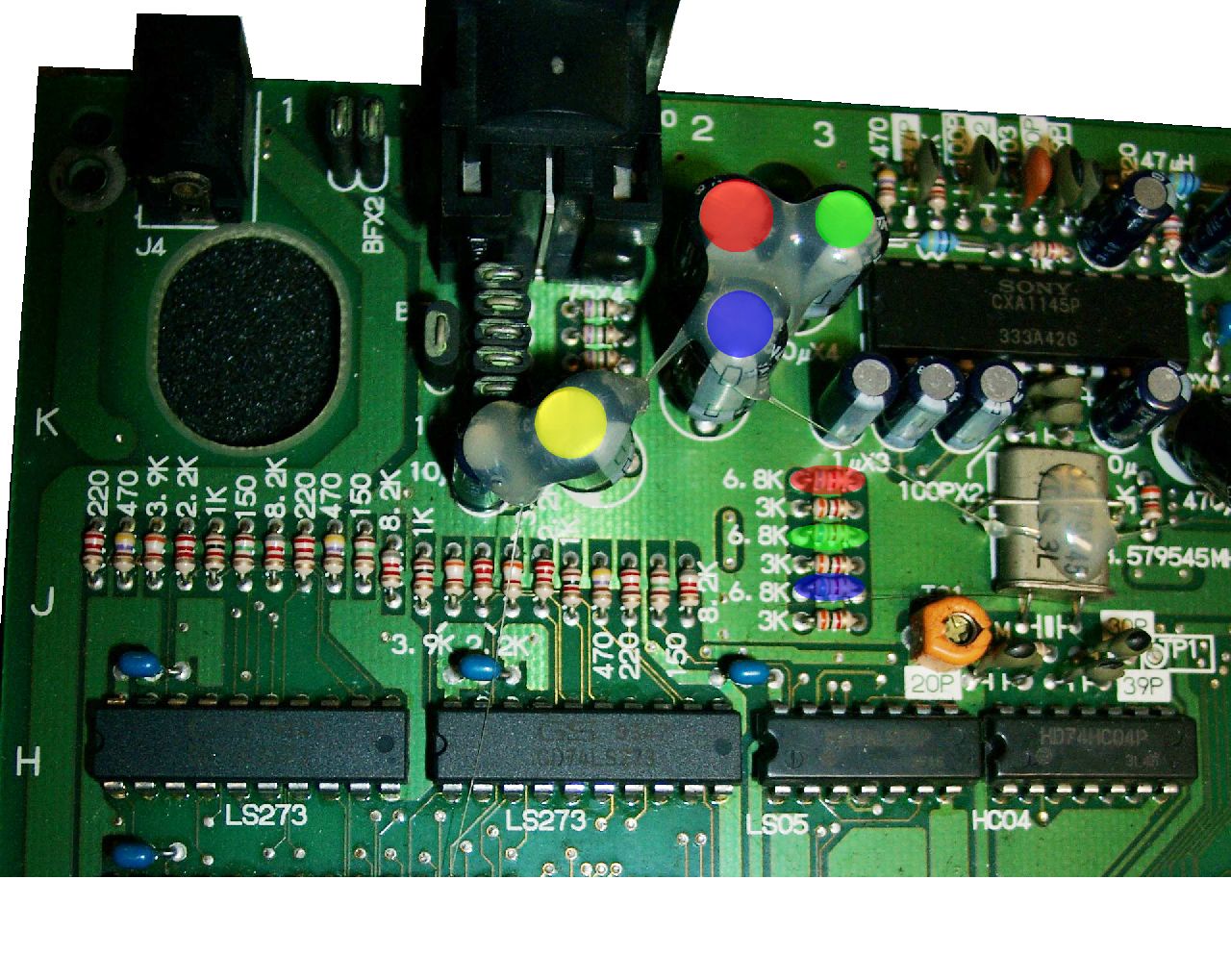
    Remove the 4 capacitors and 3 resistors
    Remove the 4 capacitors and 3 resistors

    You have to remove the four marked capacitors (red,green,blue,yellow) and the 3 Resistors (red,green,blue).

    After this it looks like this

    removed capacitors and resistors
    removed capacitors and resistors

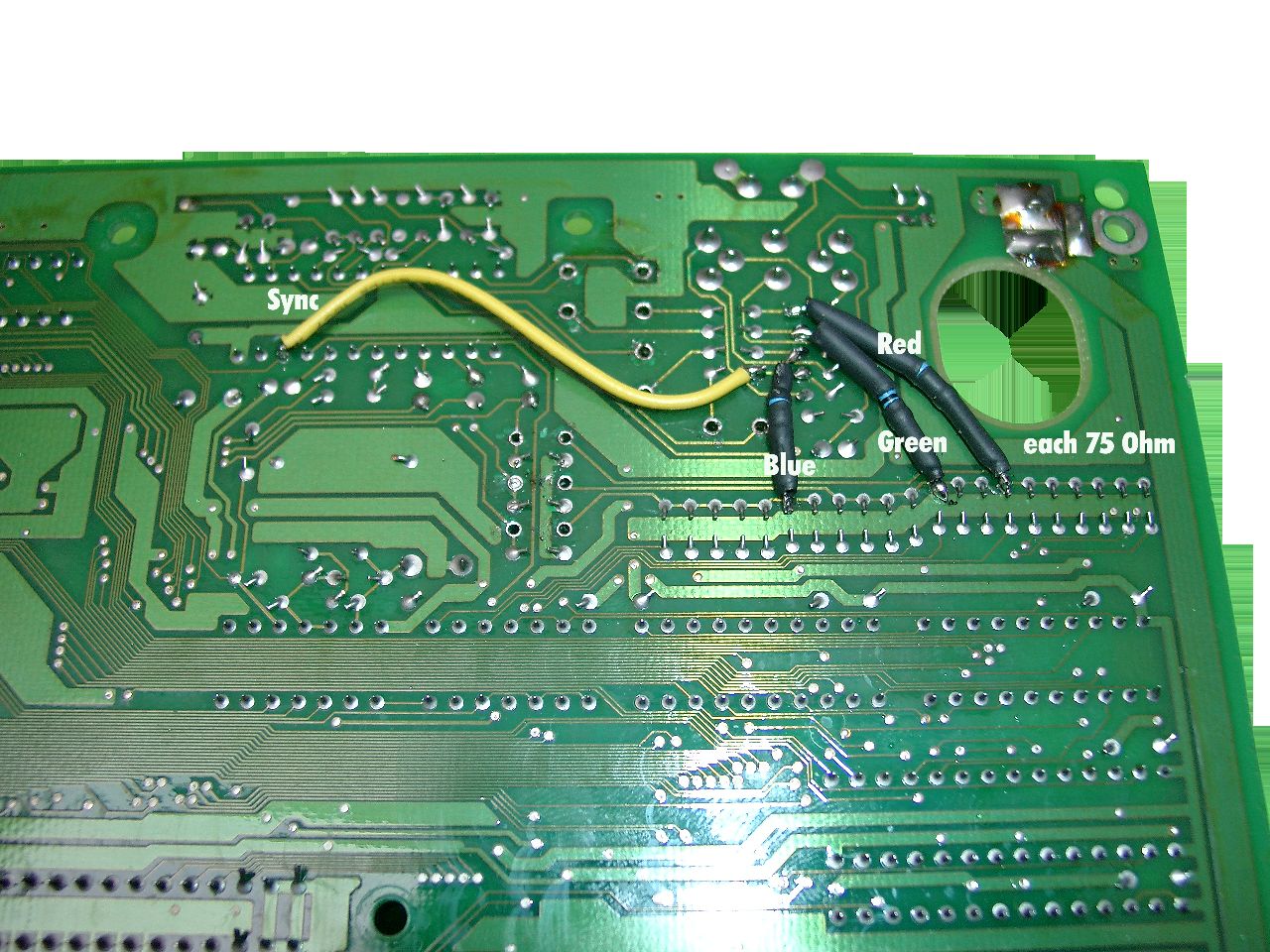
    Now you have to reconnect the rgb Signal via 75 Ohm Resistors.
    I am using some shrinking tube look here.
    The Sync Signal (yellow) doesn’t need 75 Ohm you can wire it directly

    3 resistors and sync wire
    3 resistors and sync wire

    Part#2

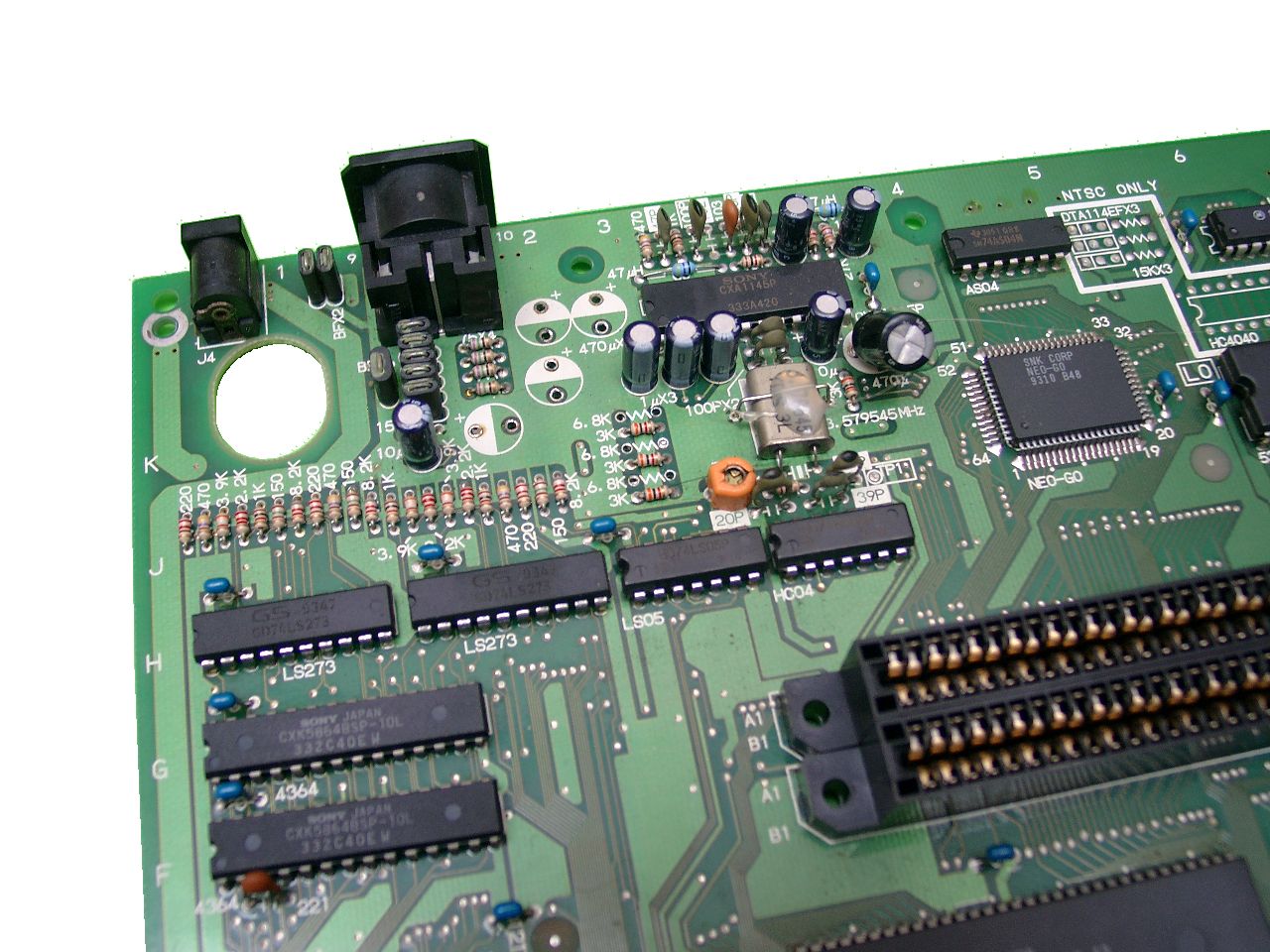
    directly at the other side of the mainboard you find the crystal (the cause of the problem)

    you have to cut of the rgb-signal in this area, so the crystal can’t sending bad signals into the rgb-wires.

    cuting rgb signal
    cuting rgb signal

    You have to cut both sites to be sure.

    cutting done
    cutting done

    cutting done

    After further reading the links above, it seems to be allright if you only do Part#2.
    When I will do the next neogeo I will check it and give this site an update, because I done first Part #1 and the picture was quite better. After doing Part#2 I didn’t saw any better picture.

    Part #3  50/60 Hz

    If you have a Pal Revision all games running at 50Hz you have to cut of the connector between the pal jumper.

    The following picture is showing a NTSC Console.

    Here you can see a NTSC Console in 60Hz Mode
    Here you can see a NTSC Console in 60Hz Mode the 0 Ohm Resitor gives GND to Pin64

    Pin 64 of the nearby chip LSPC2-A2 9305 E27 sets 50 or 60Hz.

    GND at Pin 64 -> 60Hz
    5V at Pin 64 -> 50Hz

  • easy mod of a neogeo Stick 2

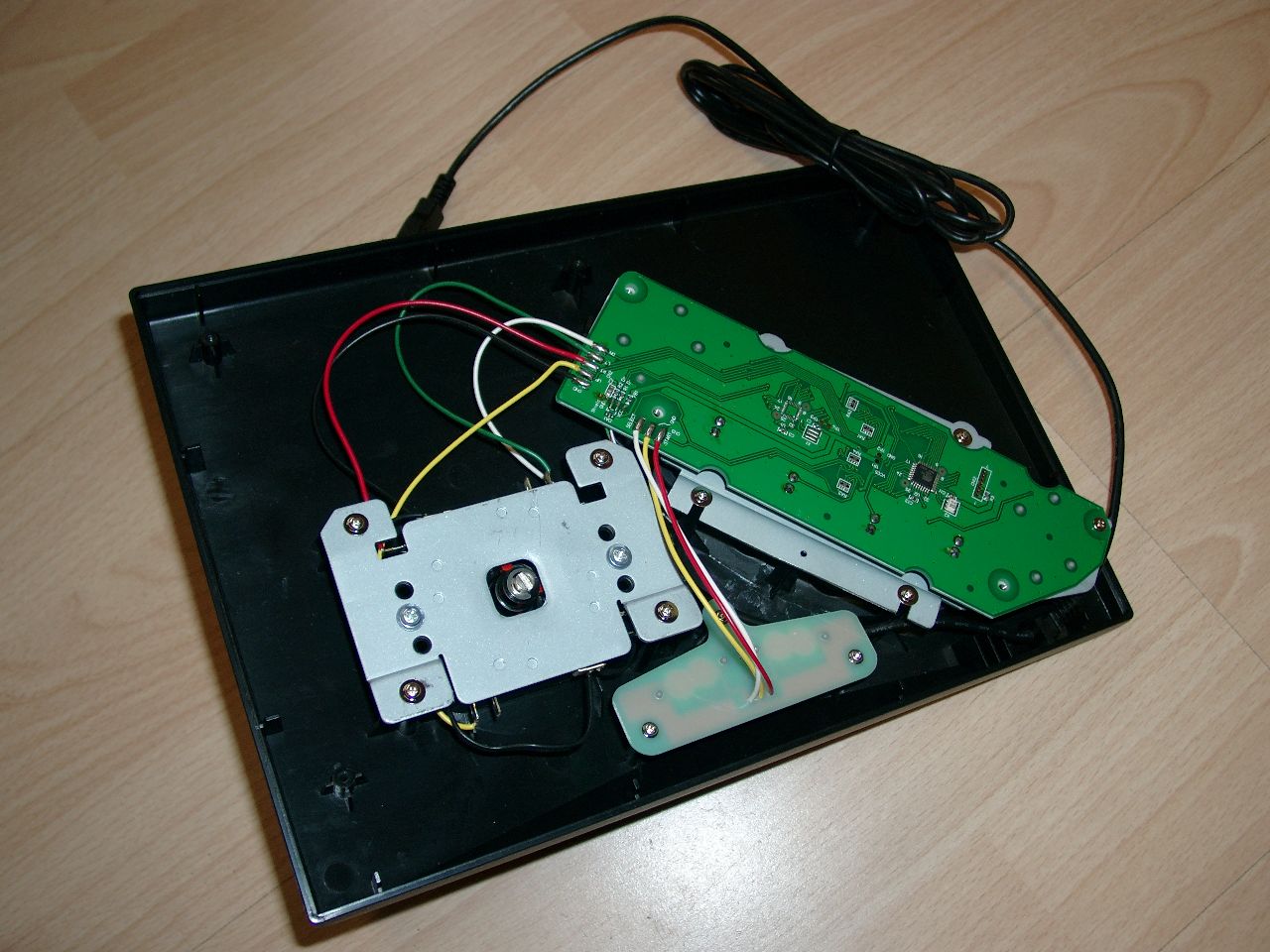
    Hi Folks,

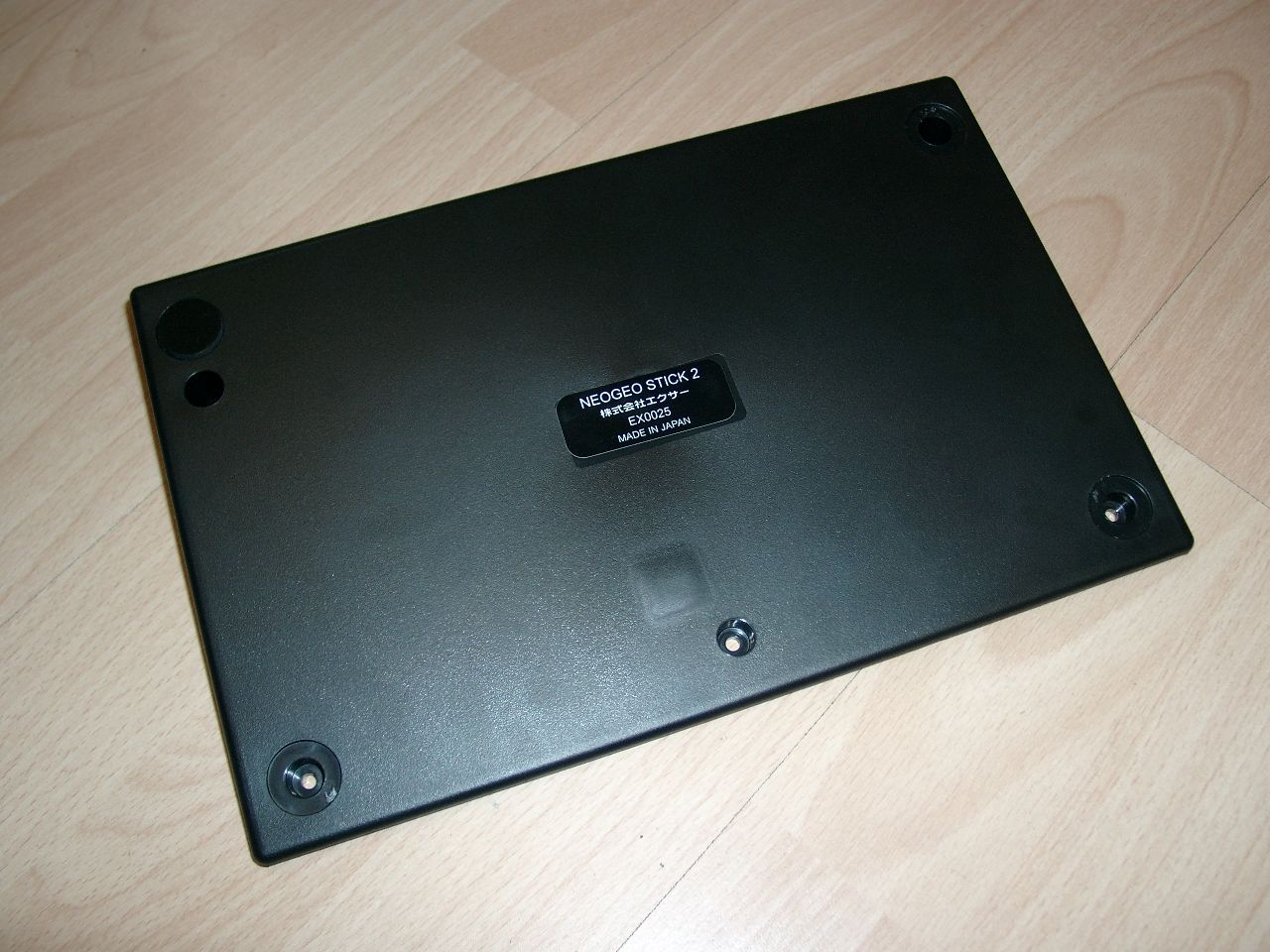
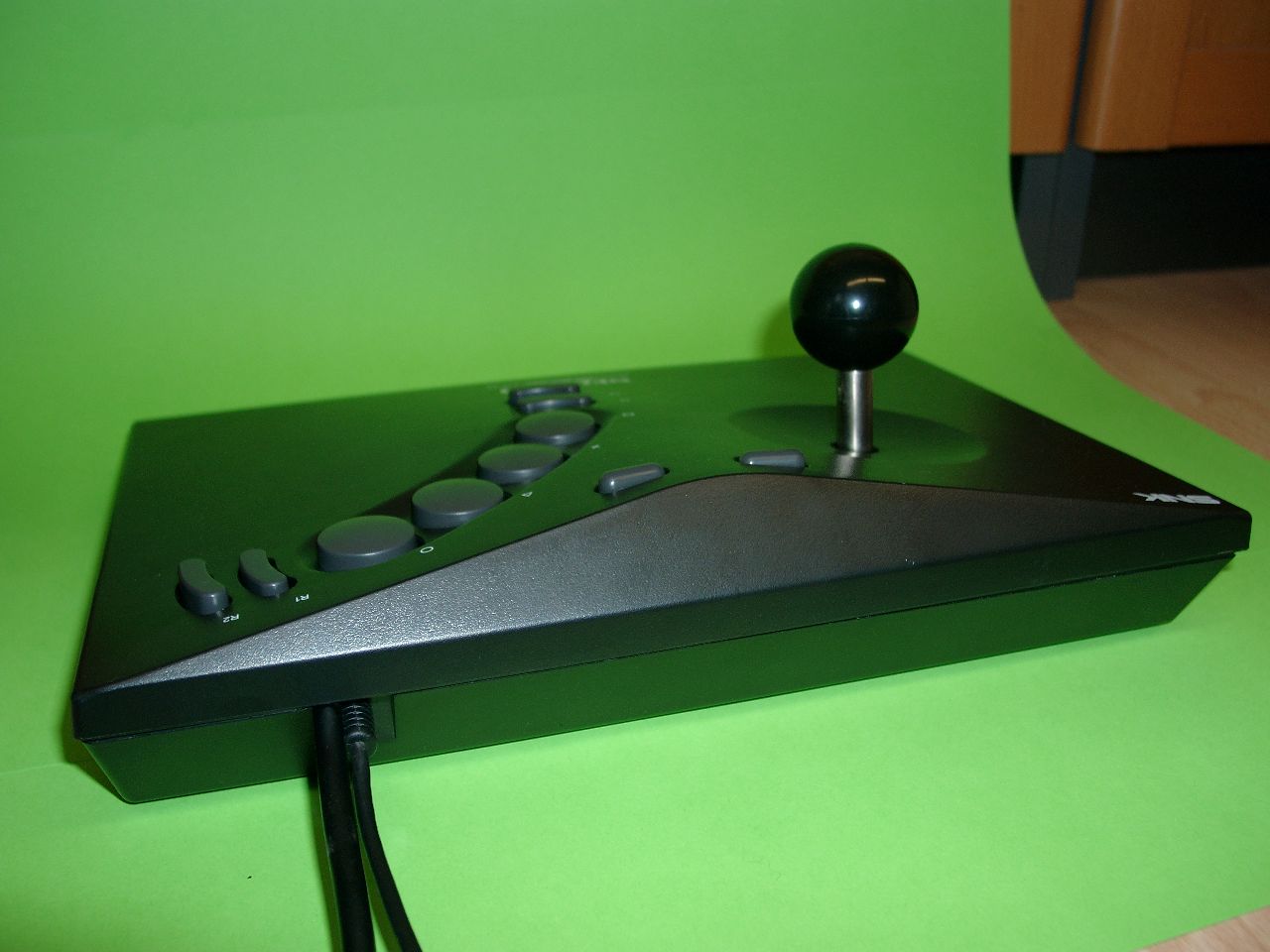
    we have some NeoGeo Sticks 2 for PS3 in stock.
    But it works not @ the good old neogeo. So I make an easy hack for the neo geo.
    After the mod it works on PC, PS3, Neo Geo, NeoGeo CD, MAK and Clones. (Attention do not connect both PS3 and NeoGeo at the same time).
    You can buy it ready for use if you want or make it yourself.

    I make use of 6 Buttons at the neogeo connector.

    opening
    opening

    you have to remove 3 of the 4 rubbers.

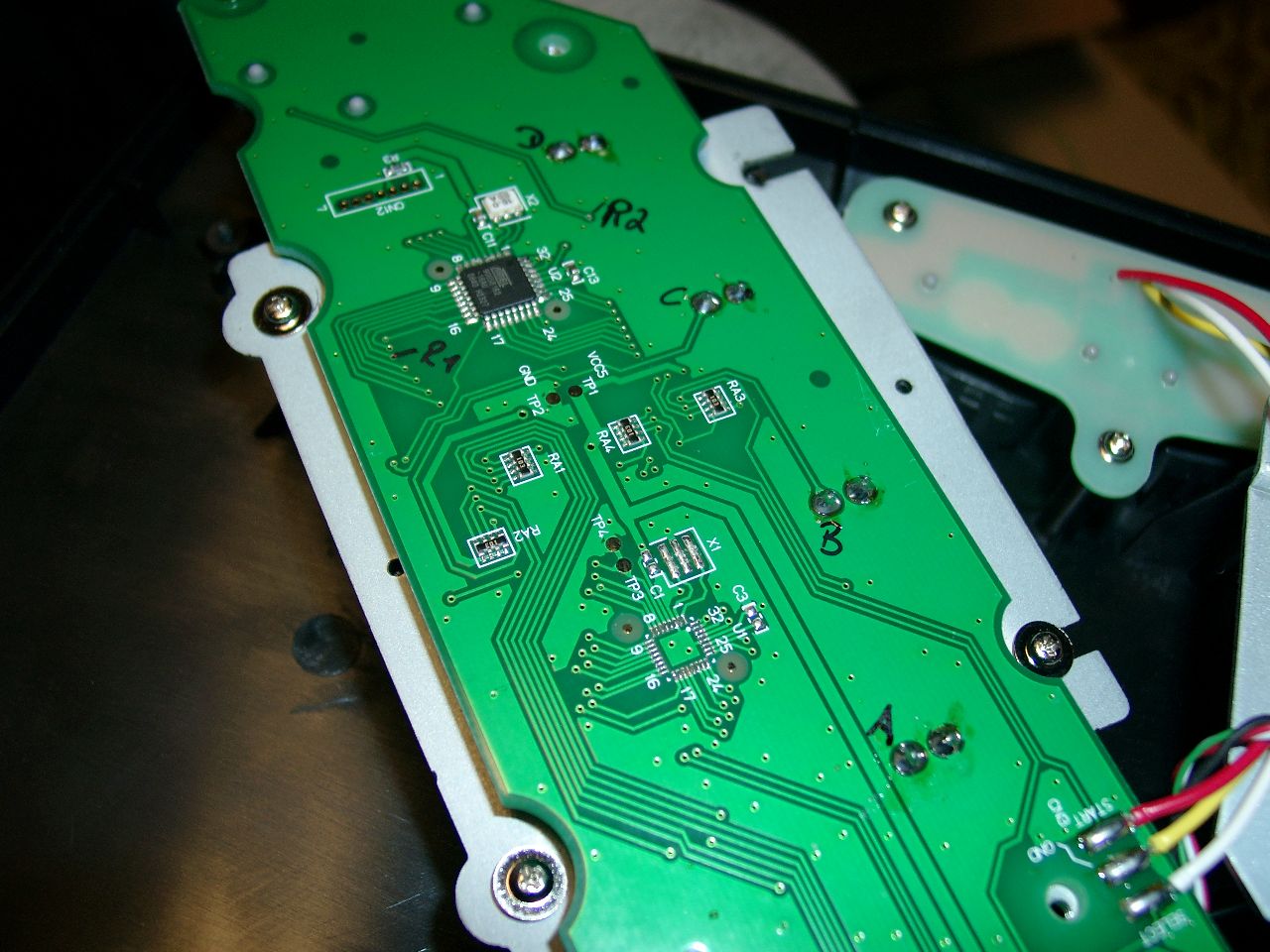
    first look at mainboard
    first look at mainboard
    checking buttons a,b,c,d,e,f
    checking buttons a,b,c,d,e,f
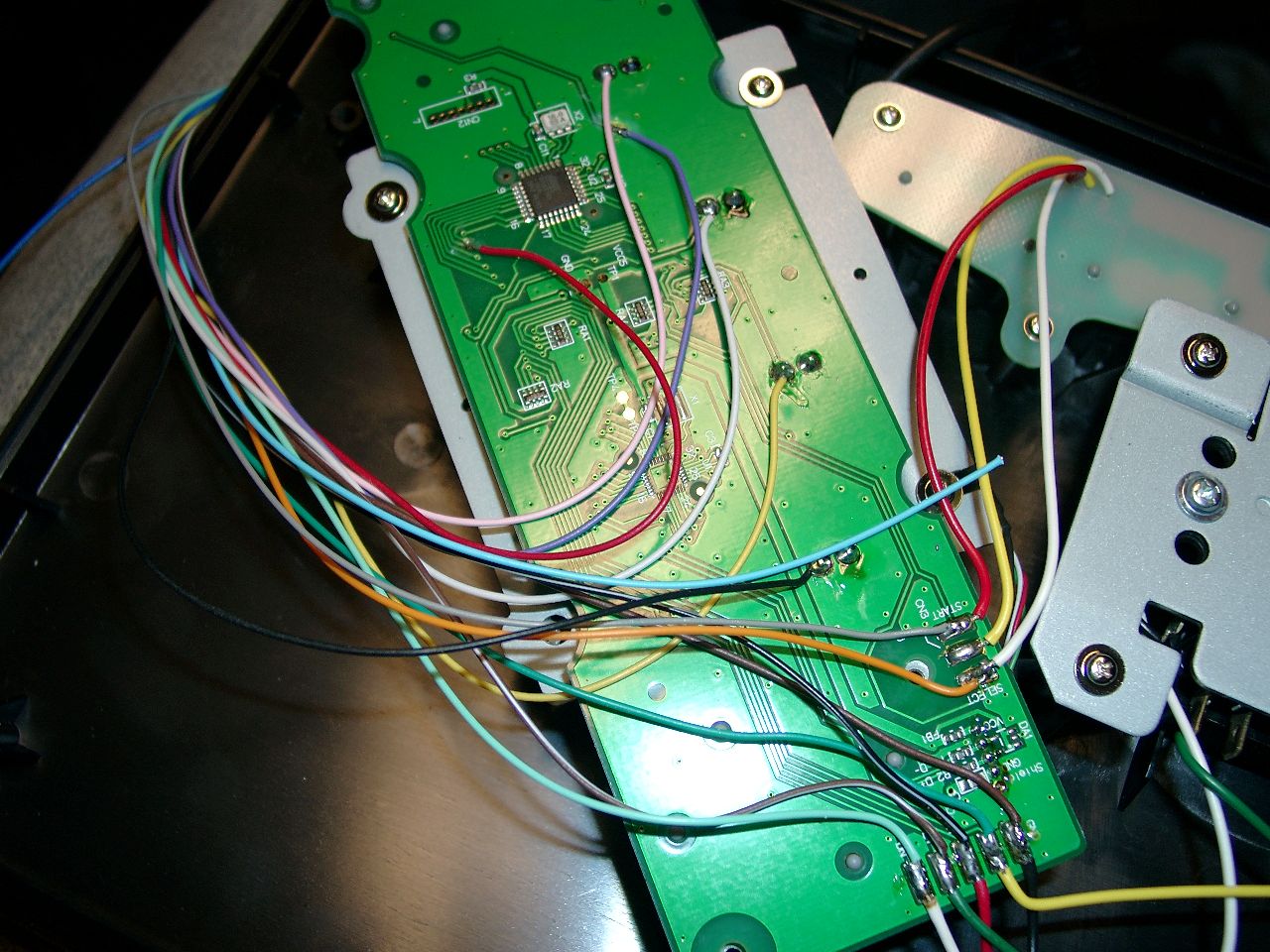
    wiring with neogeo cable
    wiring with neogeo cable
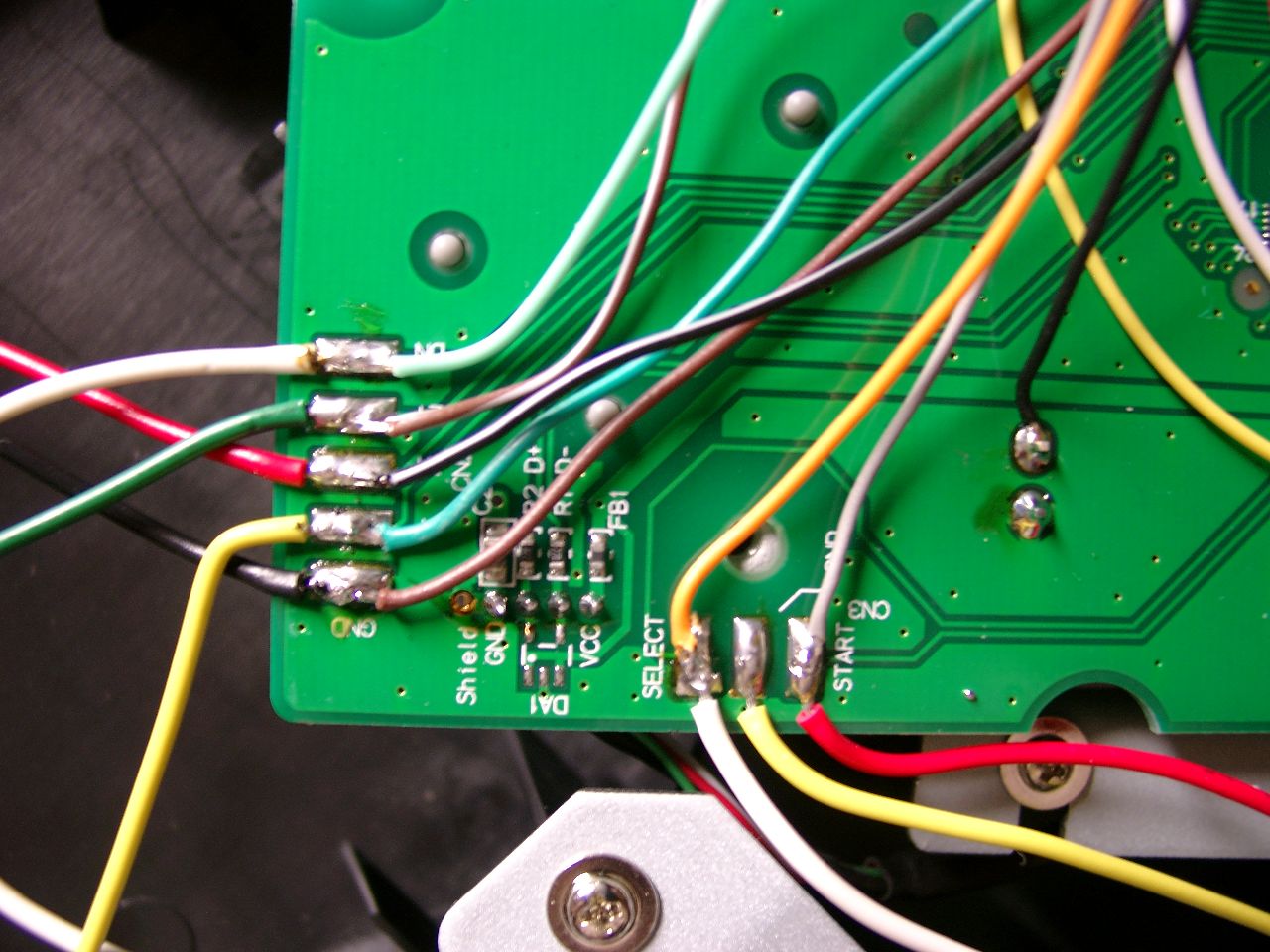
    zomed view, the pins for direction and select,start are marked on the mainboard
    zoomed view, the pins for direction and select,start are marked on the mainboard
    cutting pvc to get both cable out of the neogeostick
    cutting pvc to get both cable out of the neogeostick

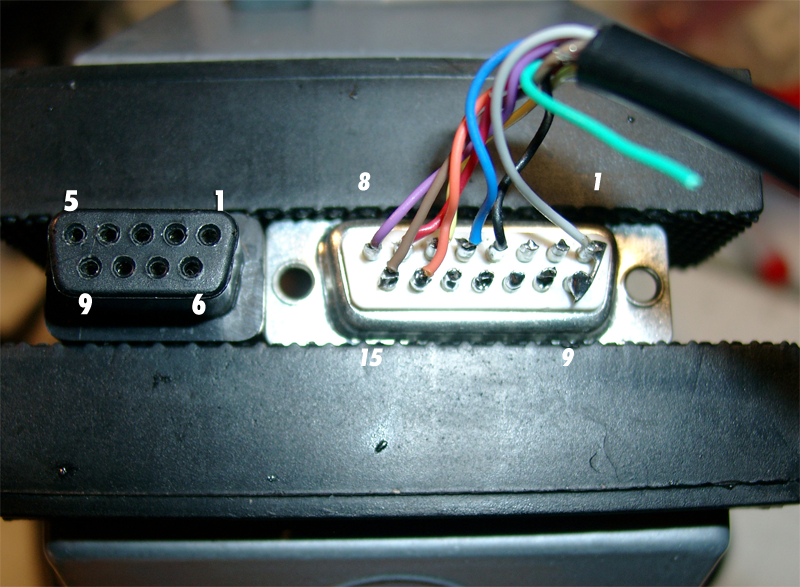
    Here you can see the NeoGeo Connector:

    1 GND brown
    2 Feuer E (5) red
    3 Select (Coin) orange
    4 Feuer D (4) pink
    5 Feuer B (2) yellow
    6 Rechts darkgreen
    7 Unten lightgreen
    8 5 V darkblue
    9 N.C. lightblue
    10 Feuer F (6) purple
    11 Start grey
    12 Feuer C (3) white
    13 Feuer A (1) black
    14 Links brown/white
    15 Oben black/white

    If you didn’t want to see 2 cables out of the neogeostick you can make use of a Sub-D 15 connector and a separate cable.

  • upcb Amiga Cable

    Hi Folks,

    today it’s time to make amiga upcb working.

    In the original Document of neogeo.h the +5V at older Videogame Systems are defined at Pin 5 of the SUB-D 9 pin Connector, but for amiga it’s wrong: Here we can find it at Pin 7 of SUB-D 9 pin Connector.

    Amiga Pinout
    Amiga Pinout

    Amiga

    Pin Description

    1 UP (brown)
    2 Down (red)
    3 Left (orange)
    4 Right (yellow)
    5 (green)
    6 Button 1 (blue)
    7 +5V (purple)
    8 GND (grey)
    9 Button 2 (black)

    Sub D 15

    Pin Description

    1 8 (GND) grey

    2

    3

    4 9 Button 2 (black)

    5 6 Button 1 (blue)

    6 4 Right (yellow)

    7 2 Down (red)

    8 5 (VCC 5V) (purple)

    9 Low

    10

    11

    12

    13

    14 3 (Left) orange
    15 1 (Up) brown

    Buttons1
    Buttons1
    Buttons
    Buttons

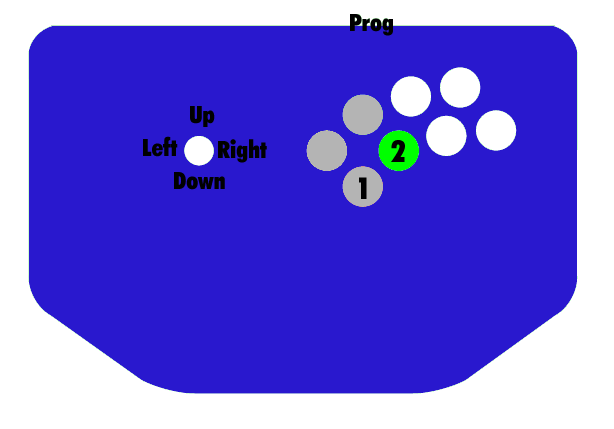
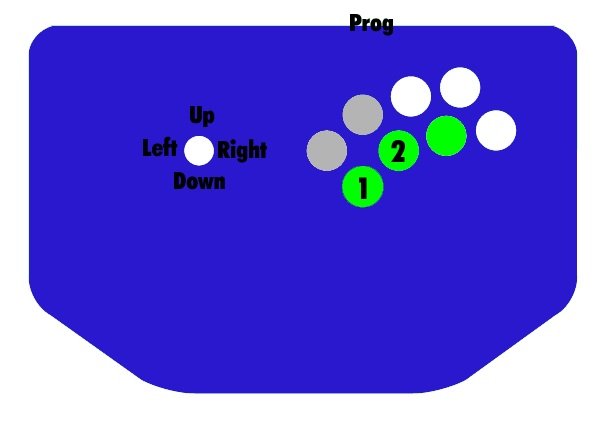
    If no Buttons are working. Try to press the 3 grey Buttons at powerup or
    Press the three green Buttons at powerup

  • Pinbody Part #3

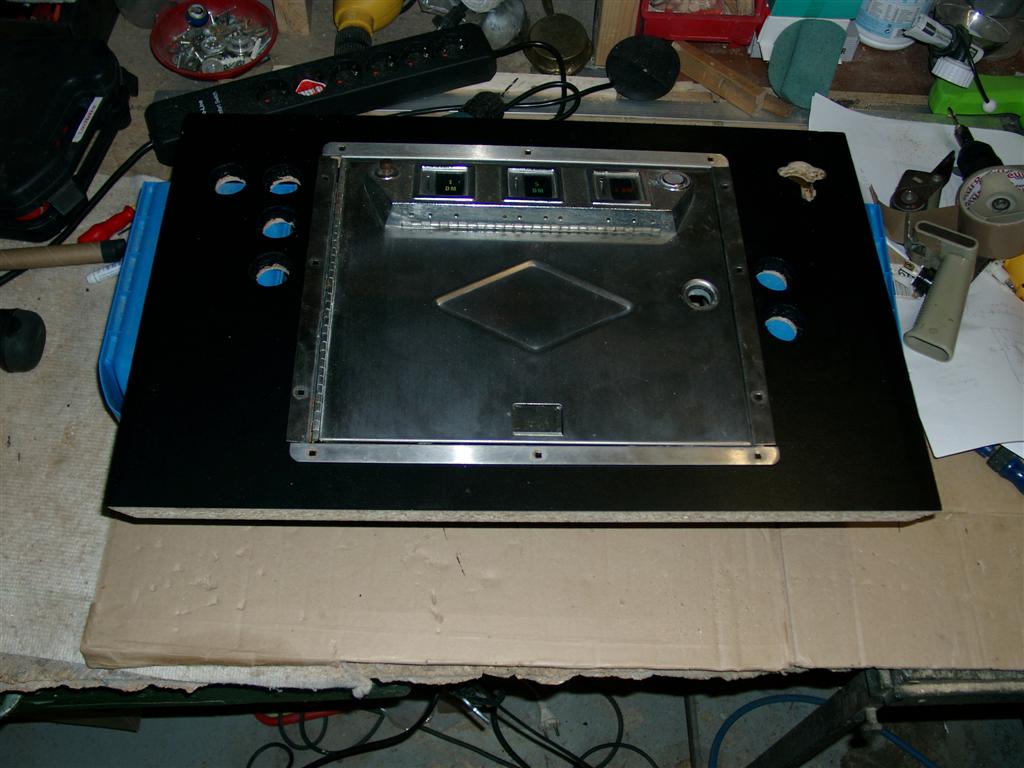
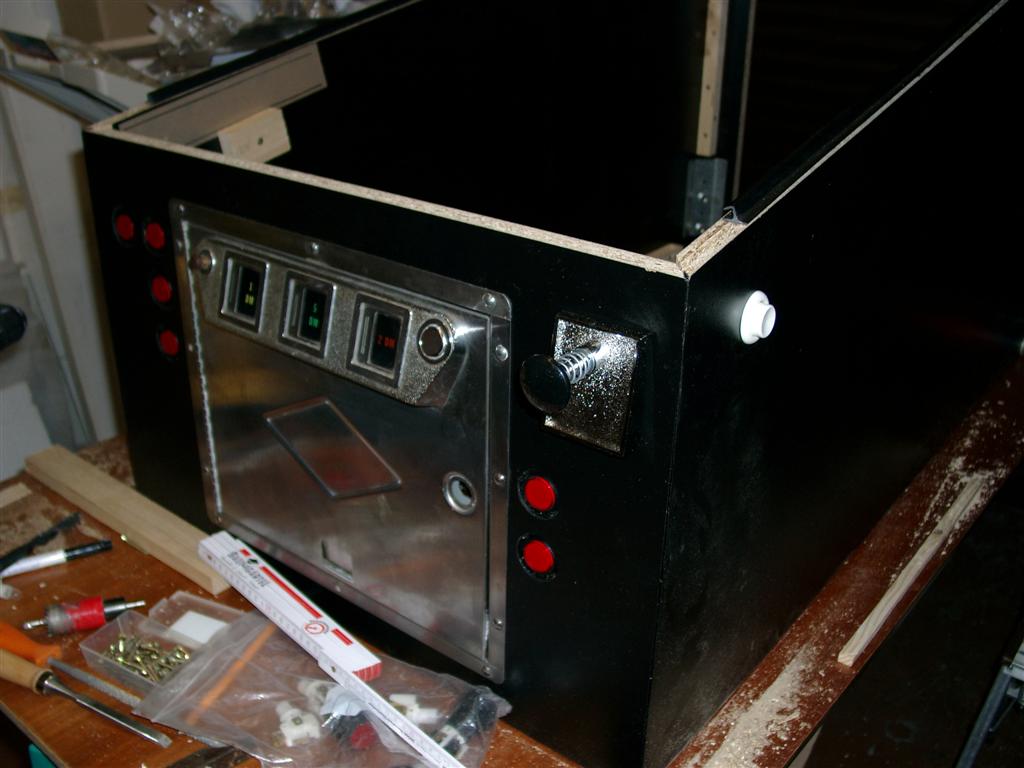
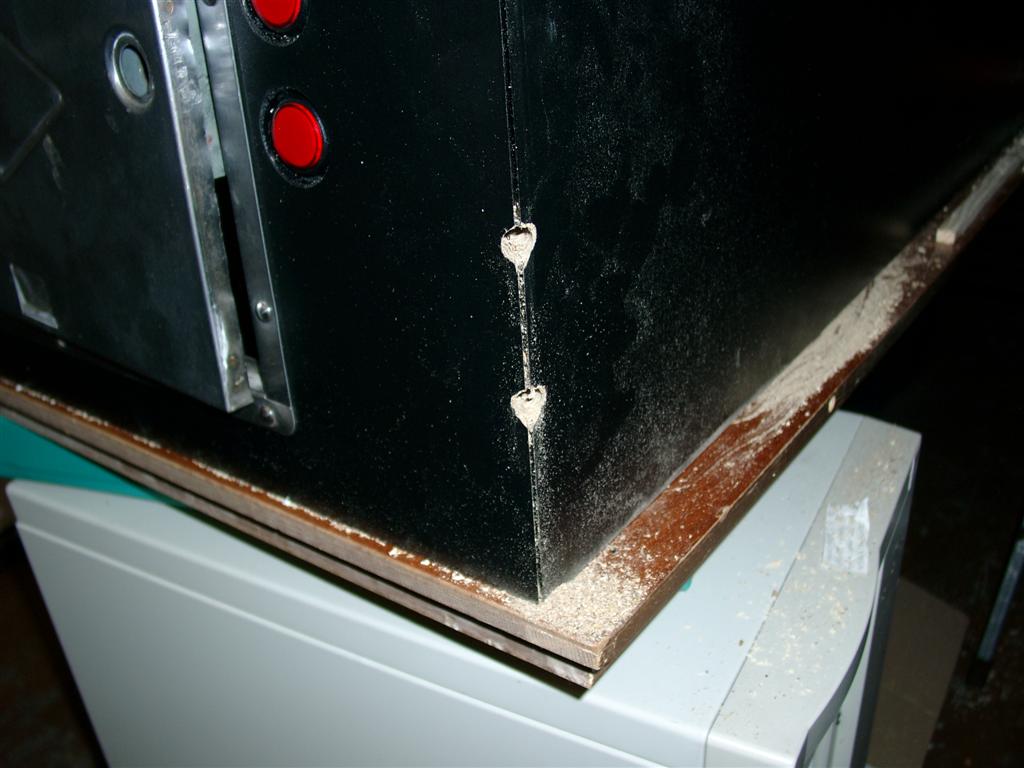
    The frontsite needs most time because of the holes, frontdoor.

    The buttons done with two different hole sizes, because of the authentik look deeper in the wood.

    holes, holes, holes
    holes, holes, holes
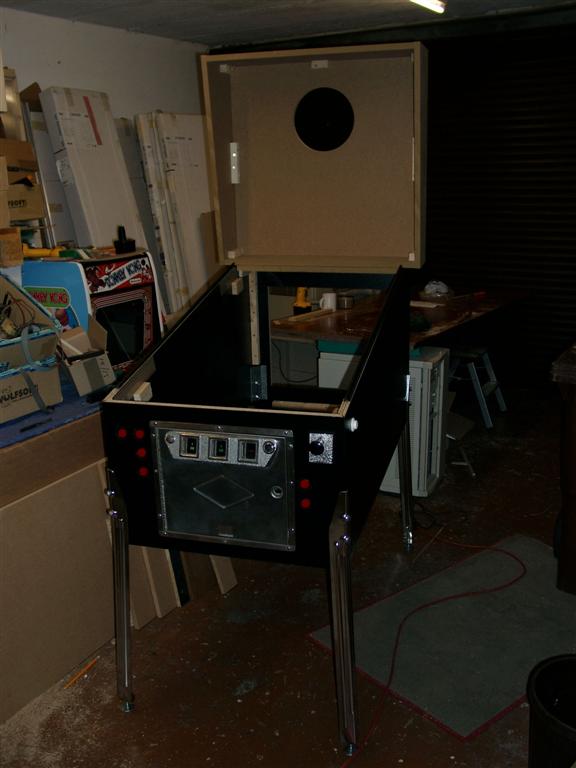
    mounted front
    mounted front
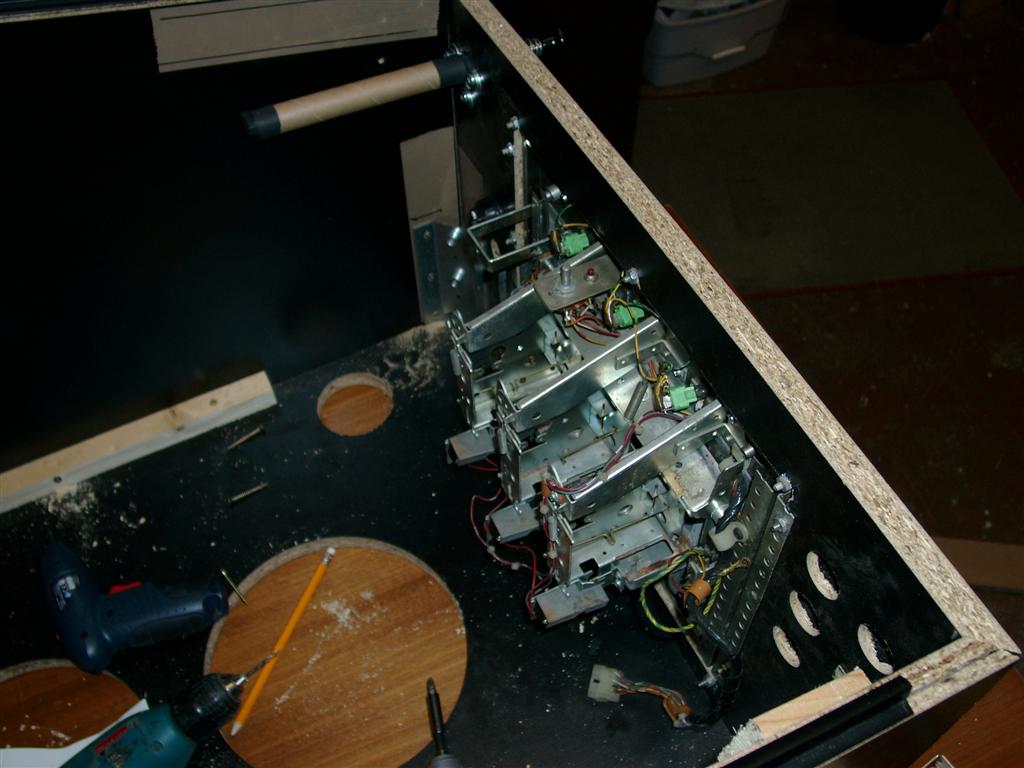
    insite view
    insite view
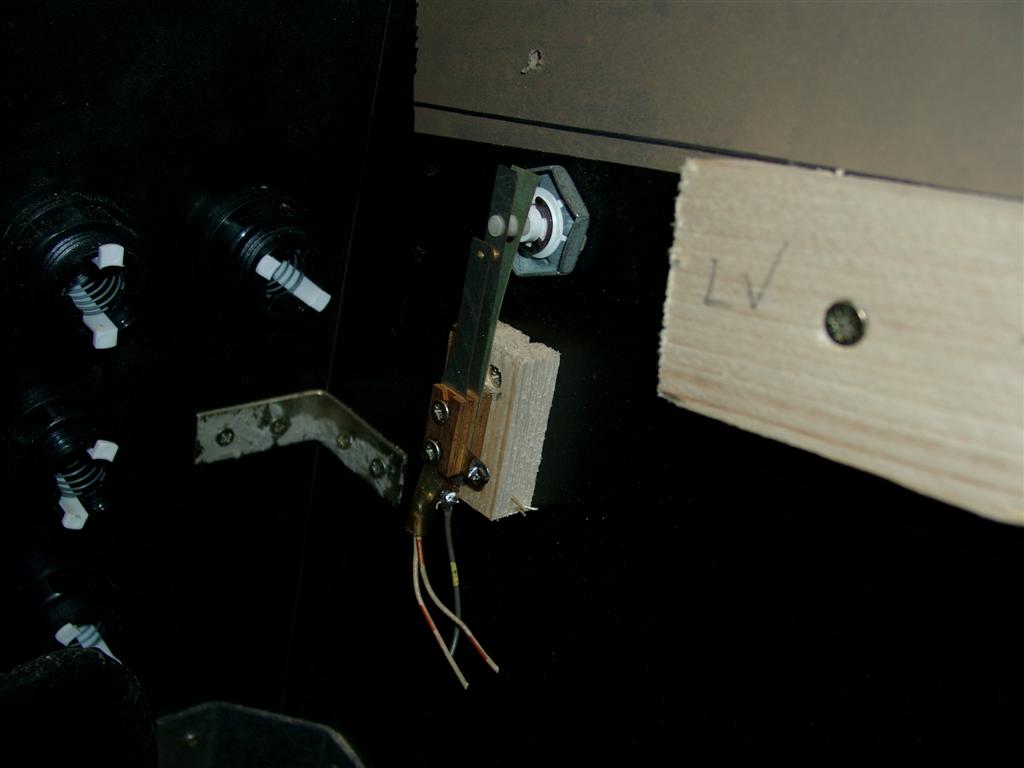
    leaf switch
    leaf switch

    original PB Leafs for the wright feeling

    leg holes
    leg holes
    first complete mounting
    first complete mounting

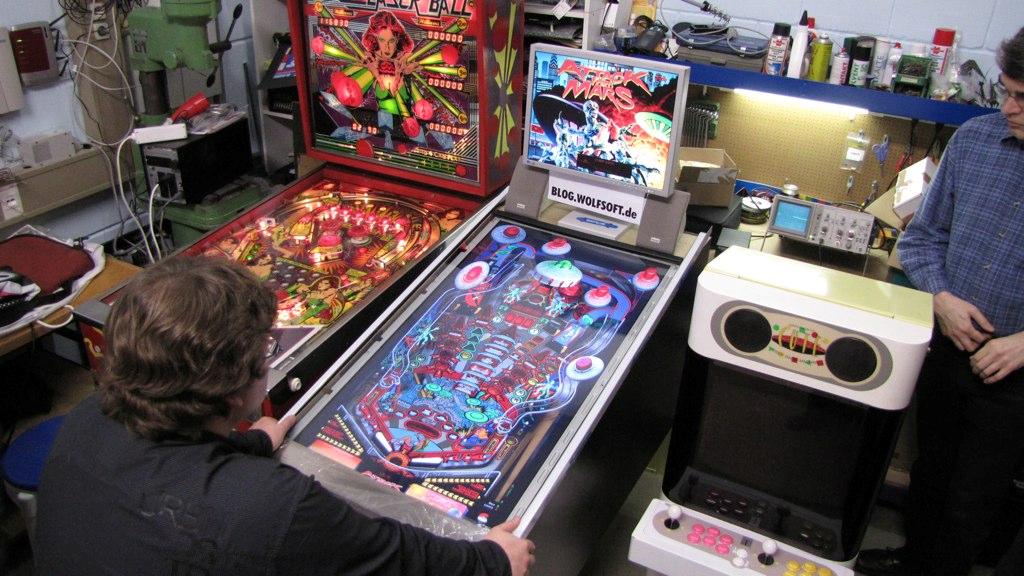
    On Saturday 14. of November, I drived to the DADDELParty @ Luigi and Capt. Kirk (Neustadt a. Weinstr.)
    The first viewing and playing was great.  Please posts comments

    First public test
    First public test