Blog

  • DC Padhack

    Hi Folks,

    here you can find how to a padhack for the original DC Pad including making of the DC-Cable for it.

    Buy upcb

    Ordering Dreamcast Pad for Padhack

    Ideal XBOX360 Pad for Padhack

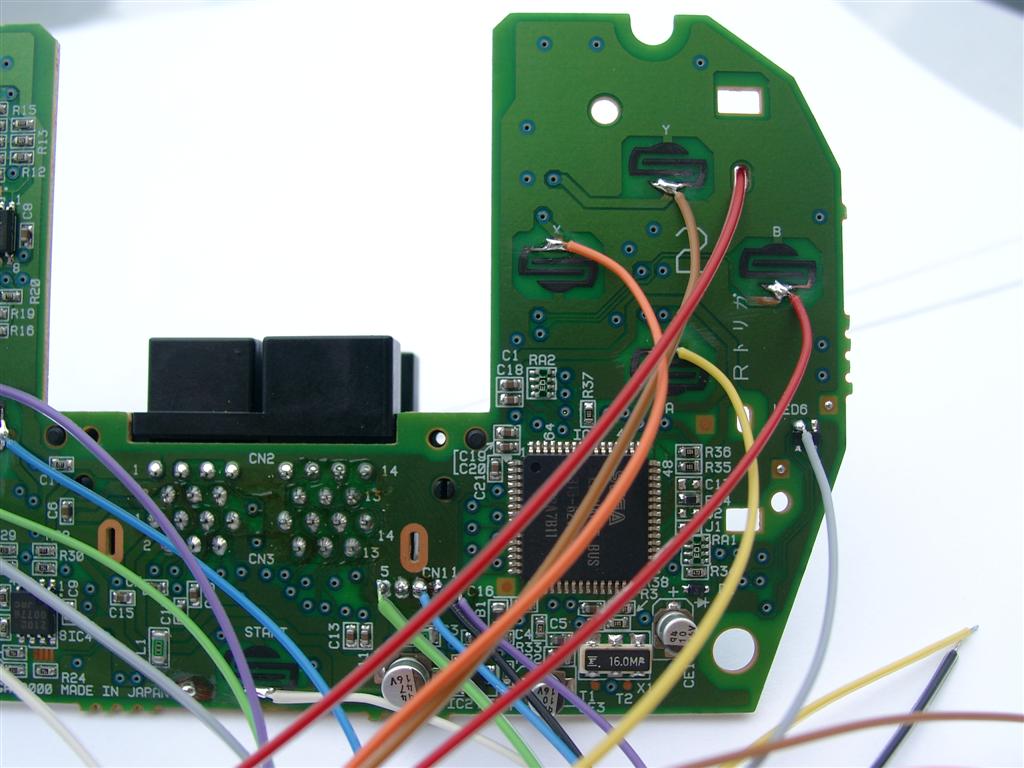
    Padhack:

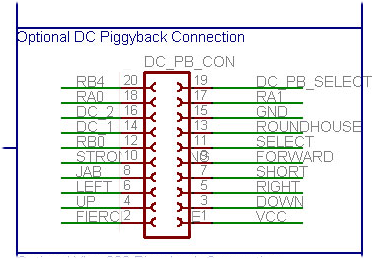
    Piggy Connector Pinout
    Piggy Connector Pinout
    Pin Color
    1 black VCC Pin 2 (blue) Pin 2 CN1
    2 white 7 Hard Punch FIE=FIERCE Left Trigger
    3 grey DOWN DOWN
    4 purple UP UP
    5 blue RIGHT RIGHT
    6 green LEFT LEFT
    7 yellow 1 SHO=SHORT Light Kick A (green)
    8 orange 5 JAB Light Punch X (blue)
    9 red 2 FOR=FORWARD Medium Kick B (red)
    10 braun 6 STR=STRONG Medium Punch Y (yellow)
    11 black L-PB SEL=SELECT
    12 white R-PB RB0 Start Start
    13 grey 3 ROU=ROUNDHOUSE Strong Kick Right Trigger
    14 purple
    DC 1 Pin 1 (red)
    Pin1 CN1
    15 blue
    GND  Pin 3 (black)
    Pin3 CN1
    16 green
    DC 2 Pin 5 (white)
    Green usb cable
    17 yellow RA1 LTrigger
    18 orange RA0 LButton
    19 red DC PB Select
    20 braun RB4 Guide

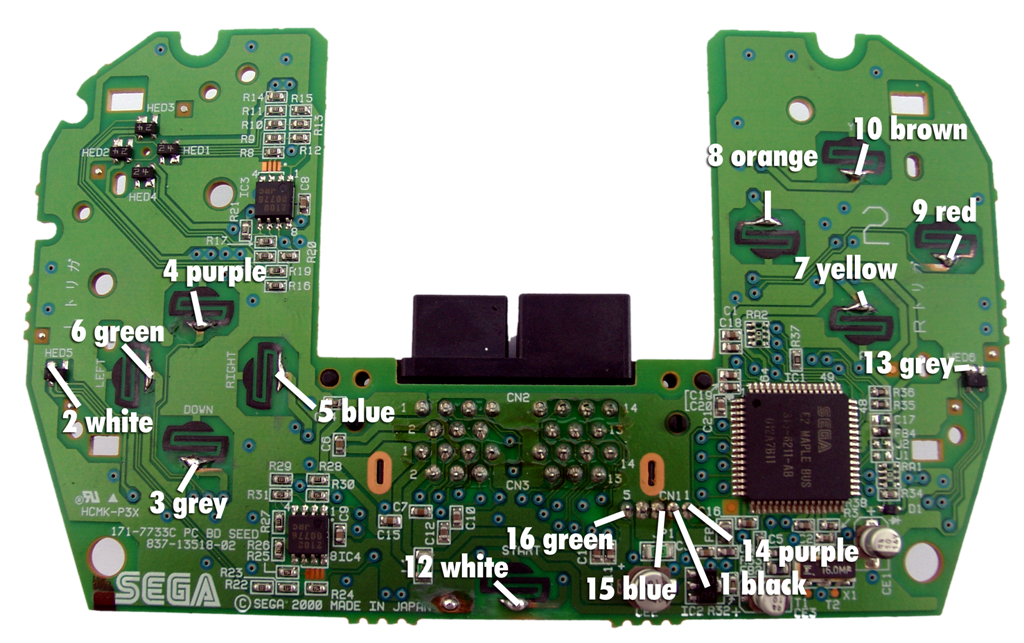
    Pictures:

    Wiring Points
    Wiring Points
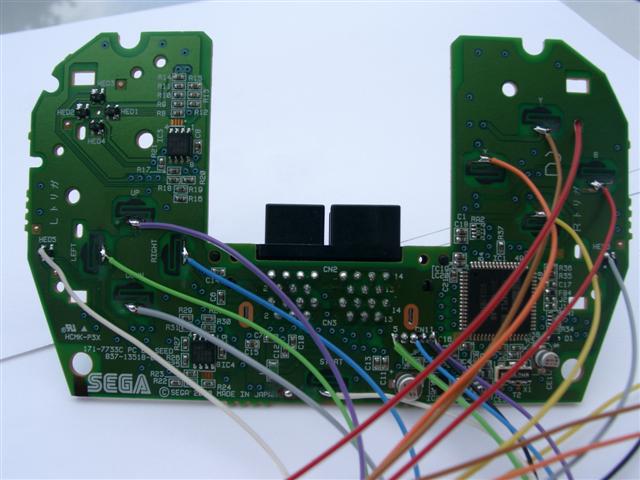
    Wiring in Detail1
    Wiring in Detail1
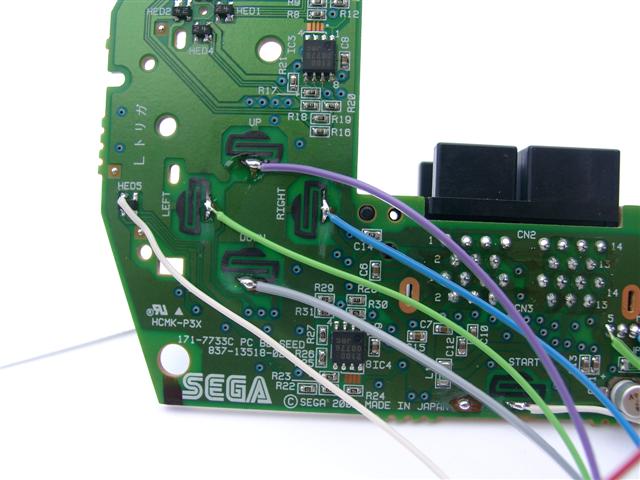
    Wiring in Detail2
    Wiring in Detail2
    Wiring in Detail3
    Wiring in Detail3

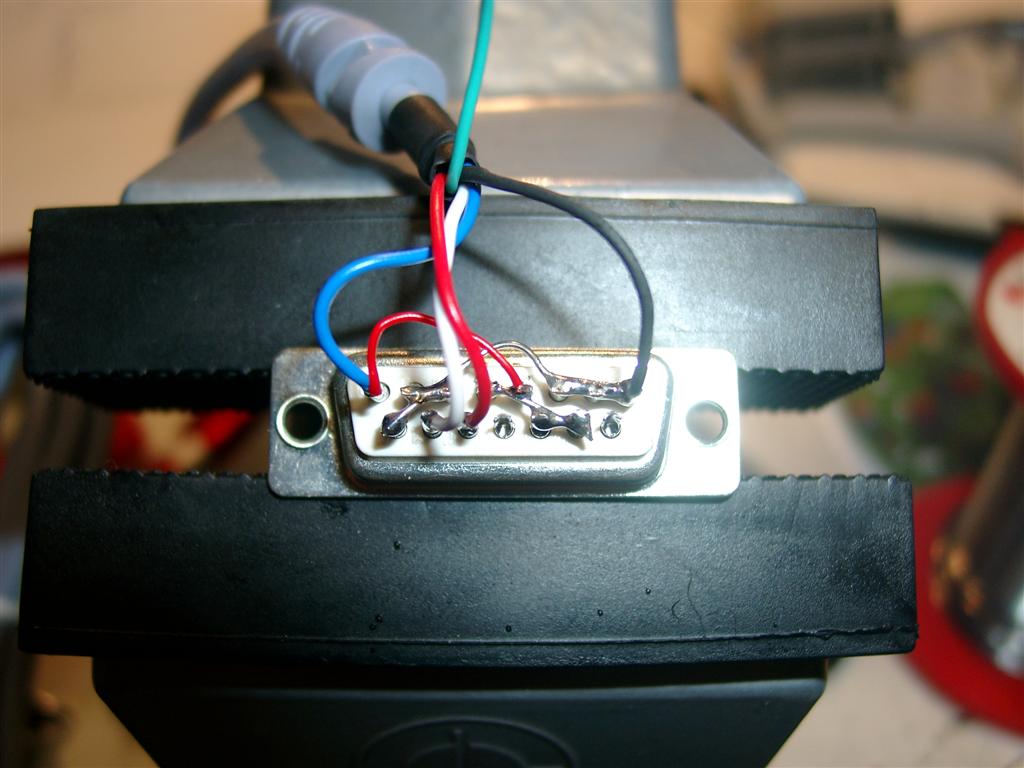
    Dreamcast Cable:

    Pictures of Sub-D 15 pin male:


    soldering
    soldering
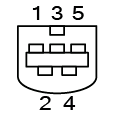
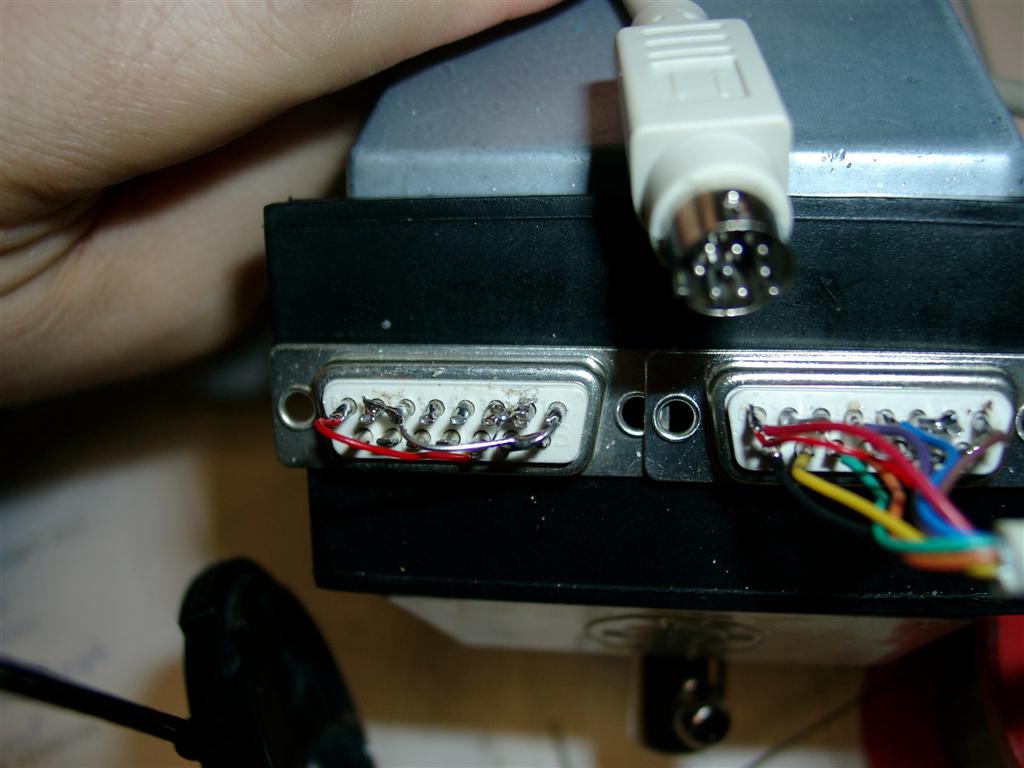
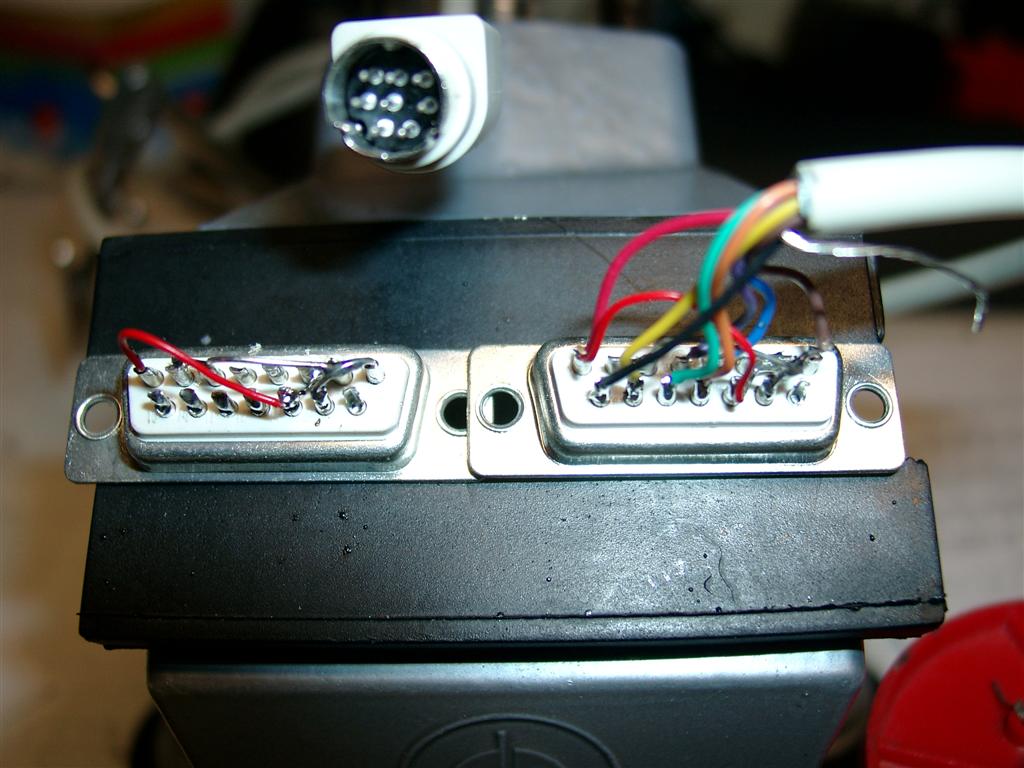
    DC Pinout
    DC Pinout
    DC-Connector CN1 Sub-D 15 pin male: Pin Description Pin Description 1 Serial A (red) 1 3 (GND) 2 VCC +5V (blue) 2 Low 3 GND (black) 3 Low 4 Sense (green) 4 High 5 Serial B (white) 5 High 6 Low 7 Low 8 2 (VCC +5V) ______________________ 9 NC - 10 High 11 High 12 NC - 13 1 Serial A (red) 14 5 Serial B (white) 15 Low
  • the body continues..

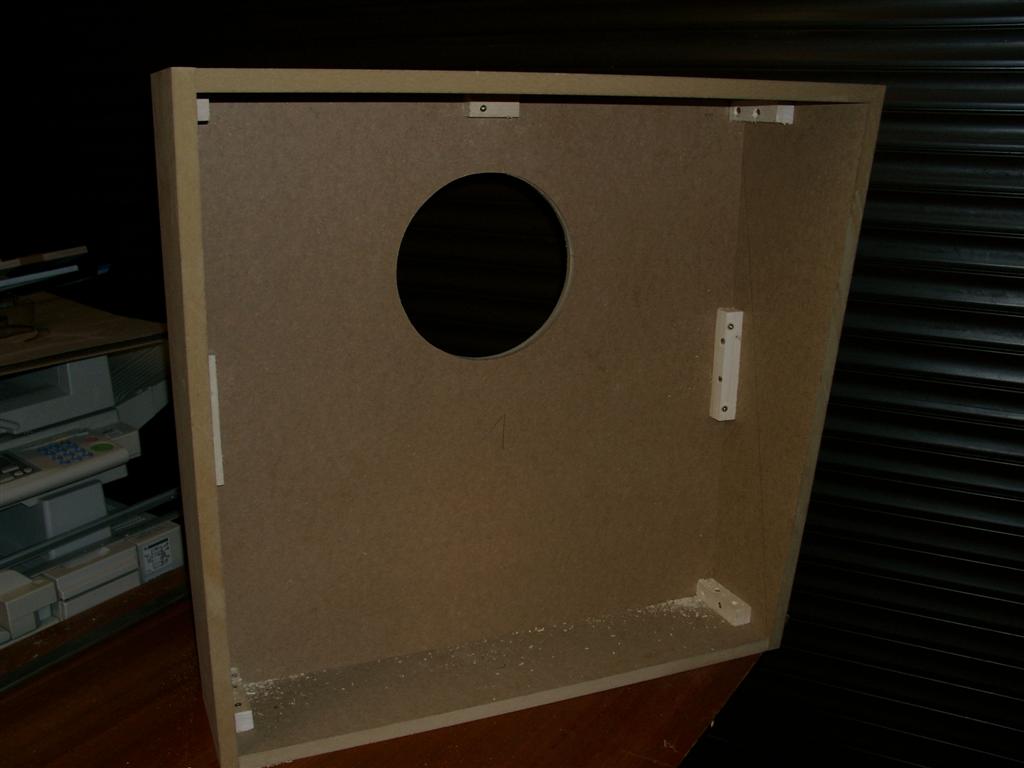
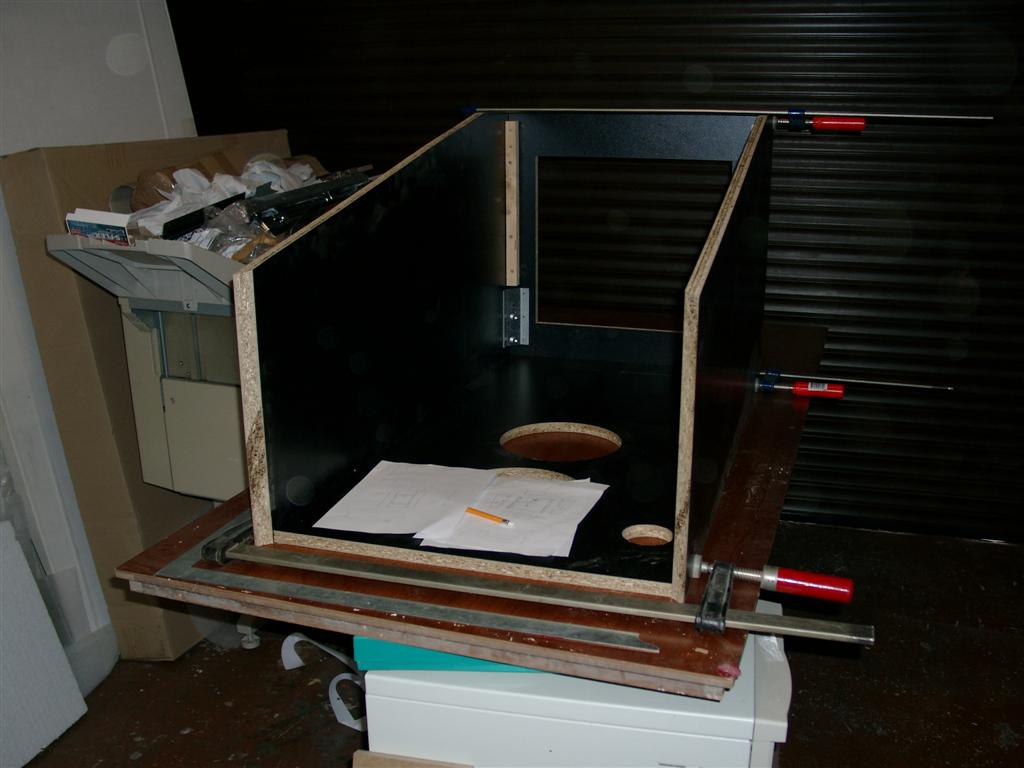
    Today I done the backbox and doing some assembling of the body

    I hope I am ready on saturday with a „beta“ Version. And can take it to the

    Party at Luigi and Capt. Kirk…

    backbox
    backbox
    pinbody assembling
    pinbody assembling
  • Accurate hole for fan

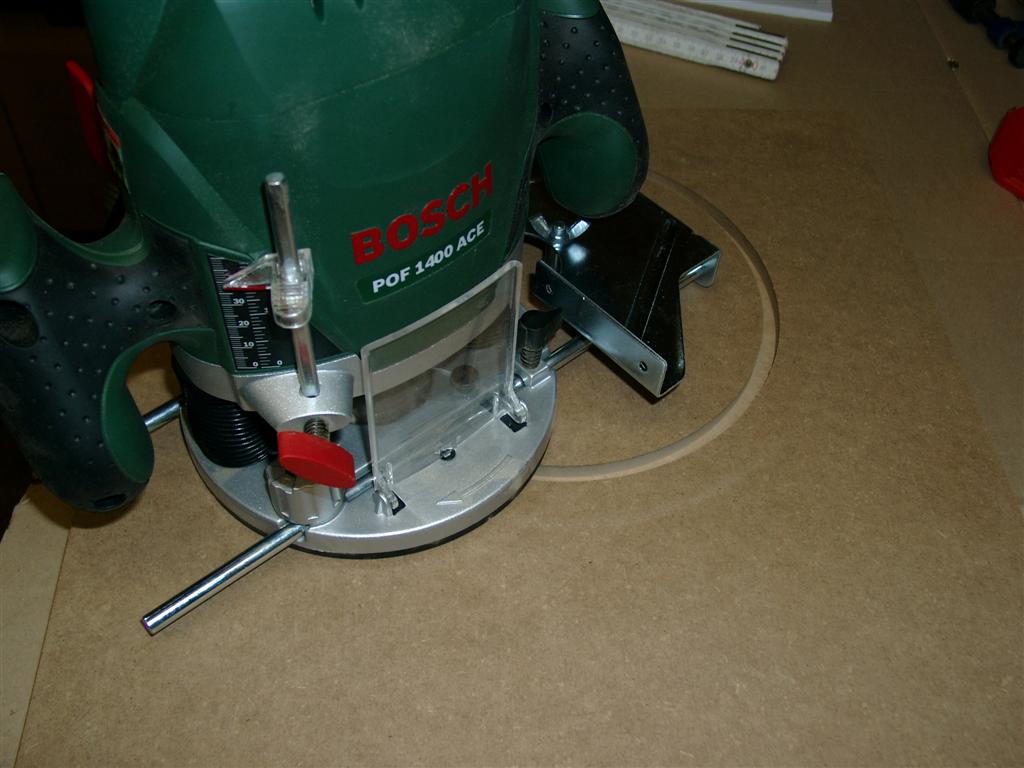
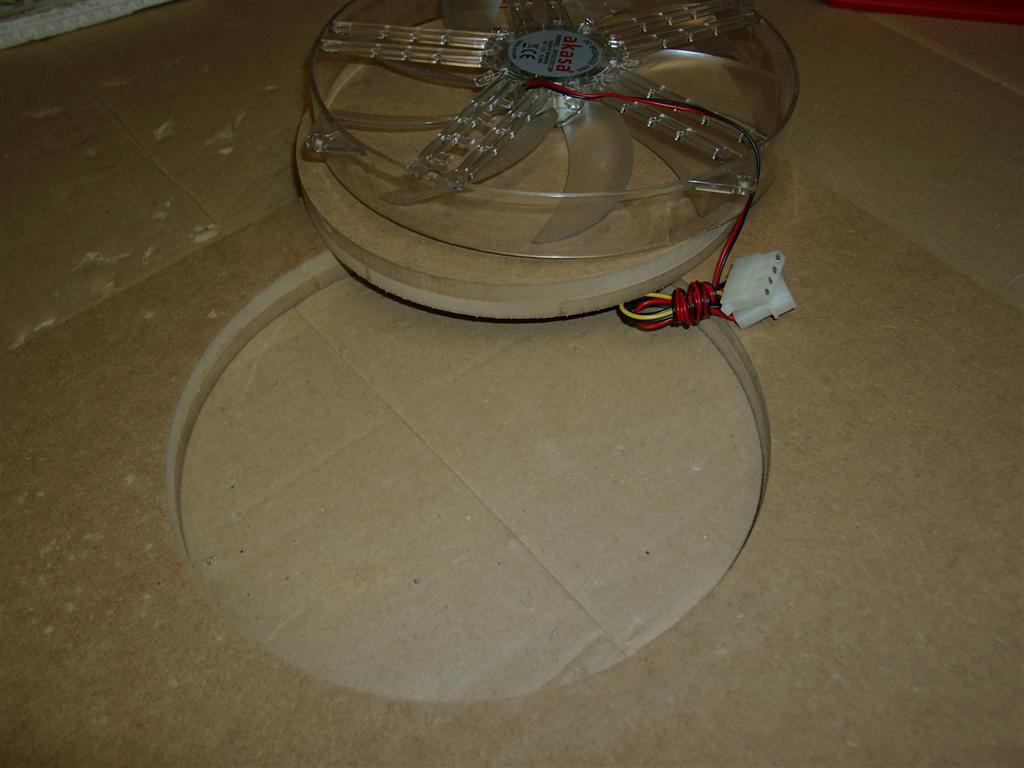
    Its my first time to use a router for a accurate hole.  First test looks good.

    router@ work
    router@ work
    hole done
    hole done
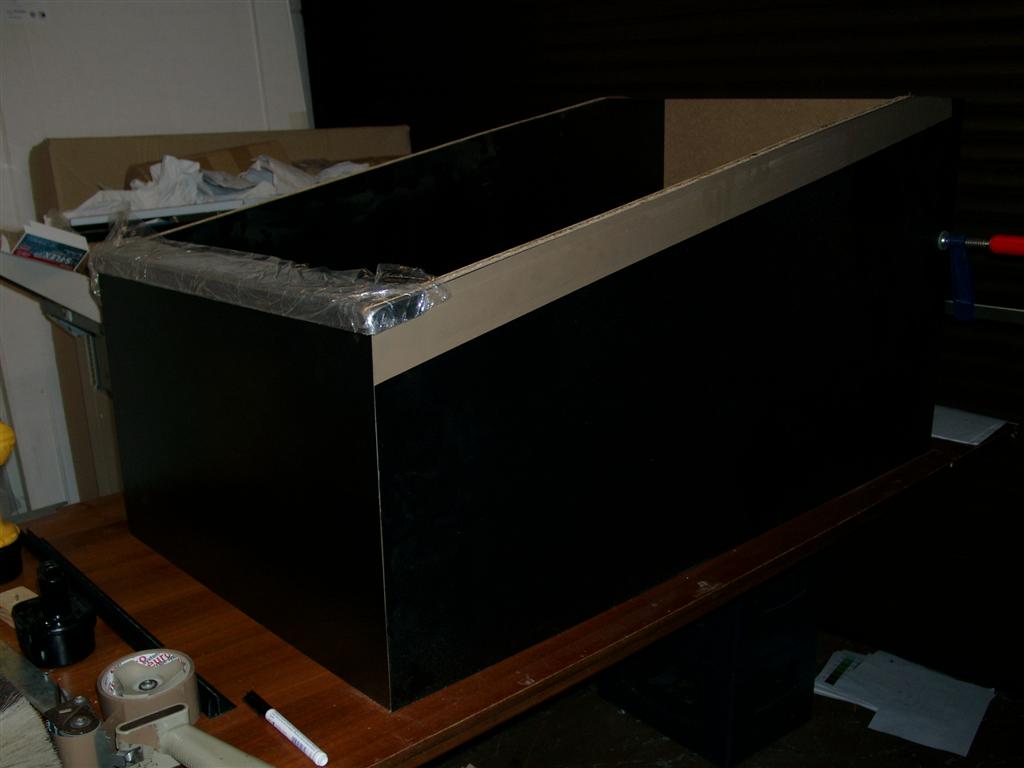
  • Pinbody Release 2.0

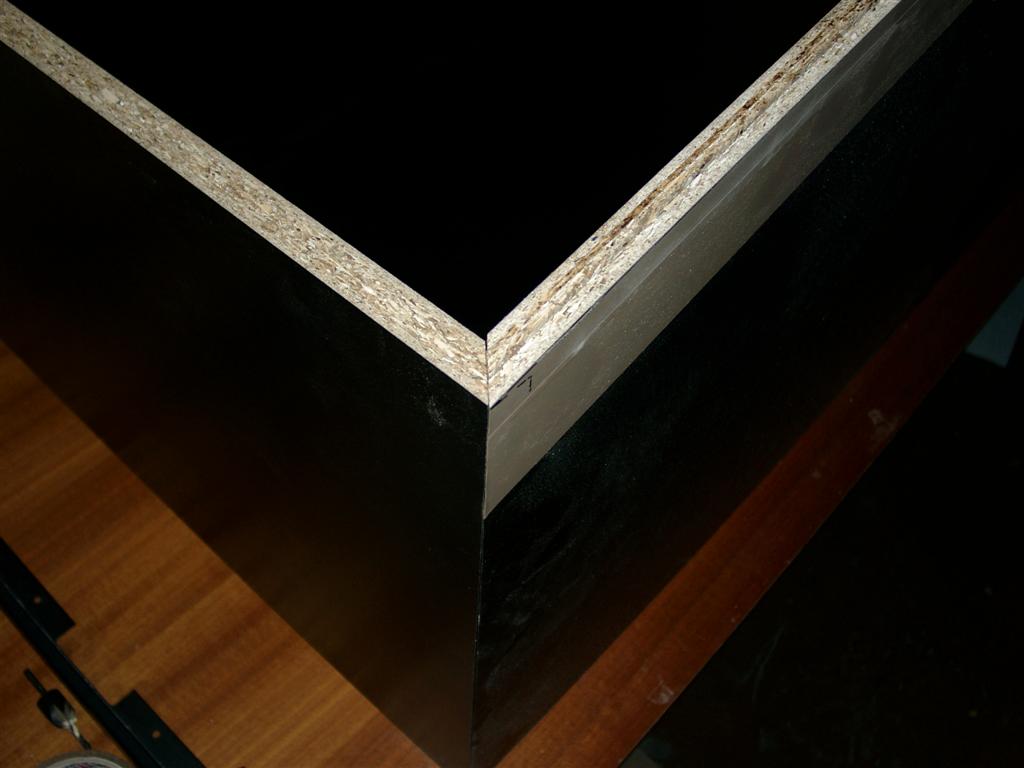
    I changed my mind from mdf to a material in black.

    It needs more accuracy in wood preparation like diagonal cutting

    The advantage of new material is no need to paint 🙂

    diagonal cutting
    diagonal cutting

    First assembly

    first assembly in black
    first assembly in black
  • Pinbody Part2

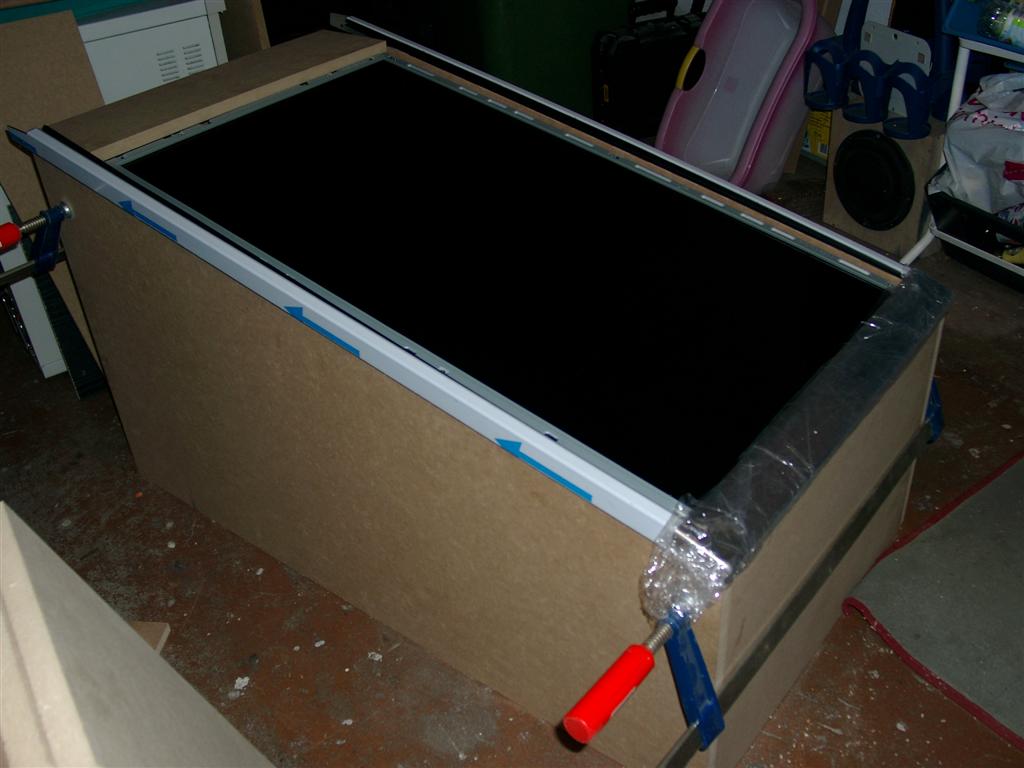
    For the first checkup, LCD inside

    LCD inside
    LCD inside
  • PinBody Part 1

    I am currently building the body of the pinball.

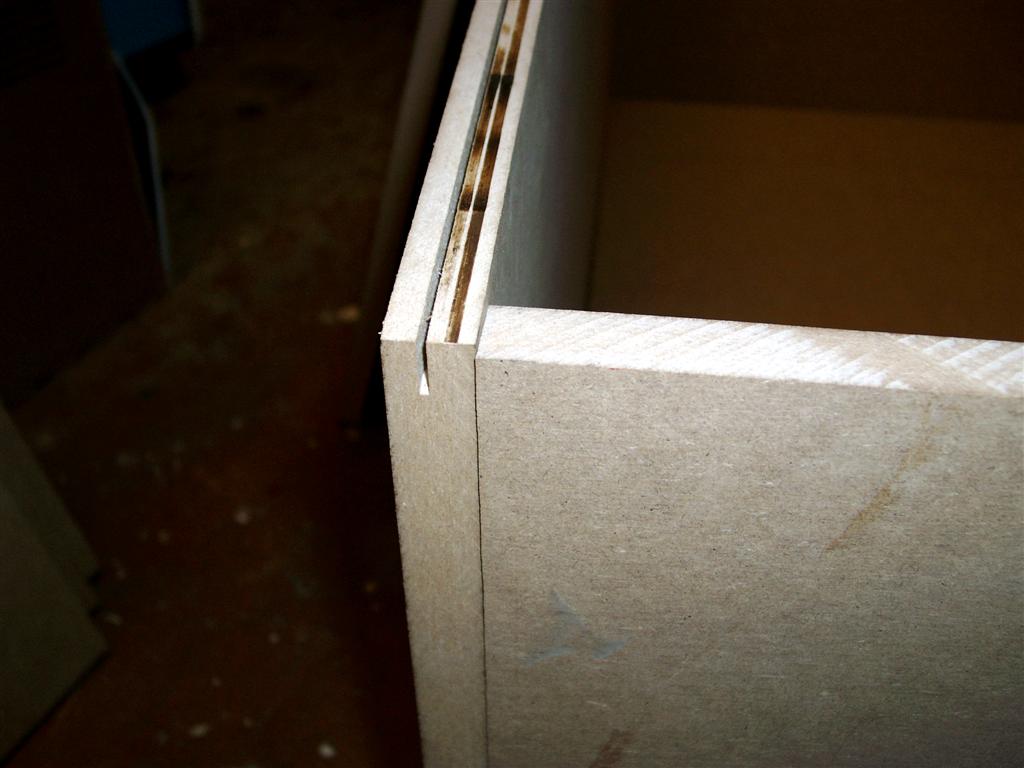
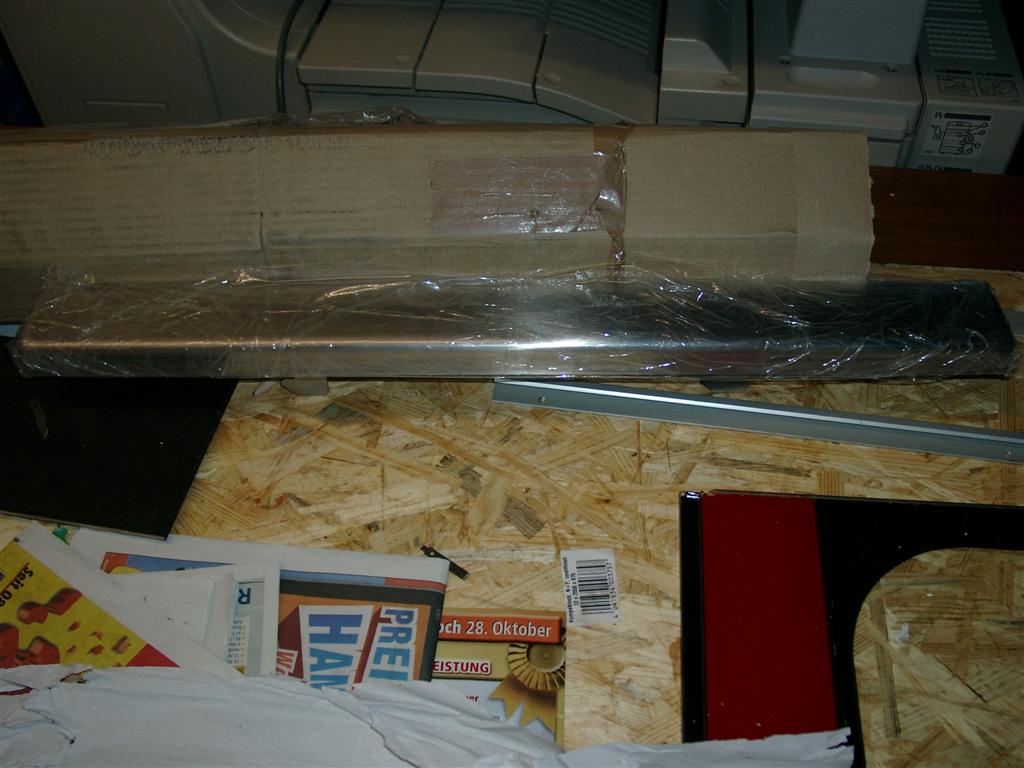
    Fist I have to cut down the sides so it looks like an pinball.

    I screwed both together and make one cut, so both sides are identical

    cutting two sides in one working prozess
    cutting two sides in one working prozess

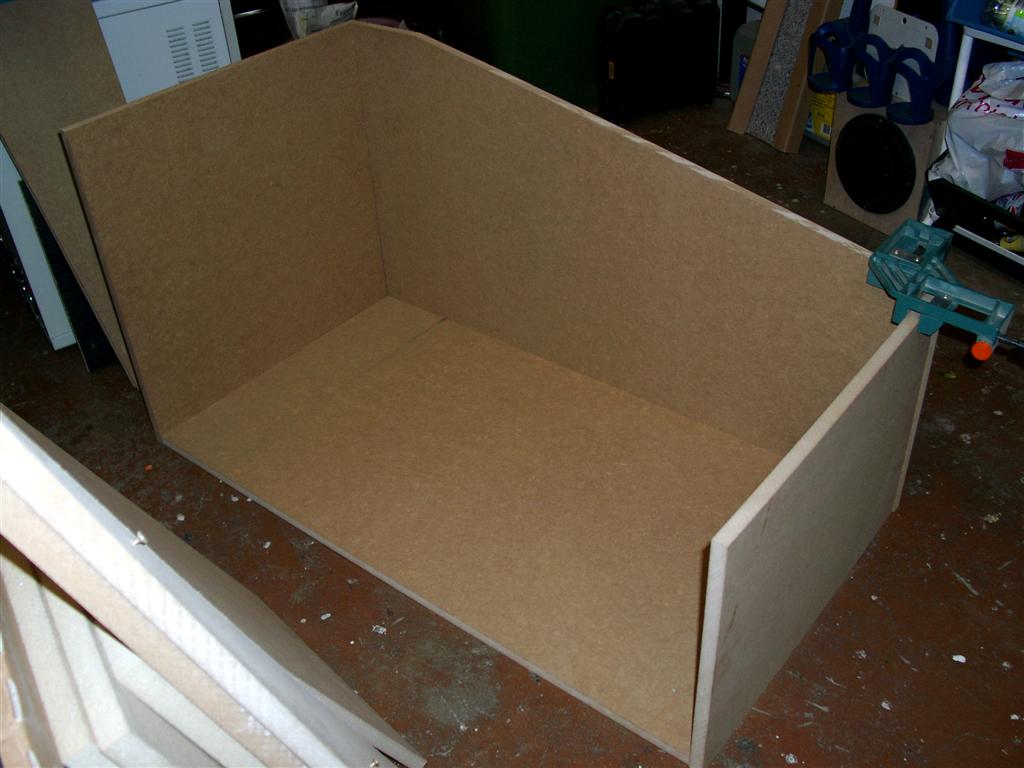
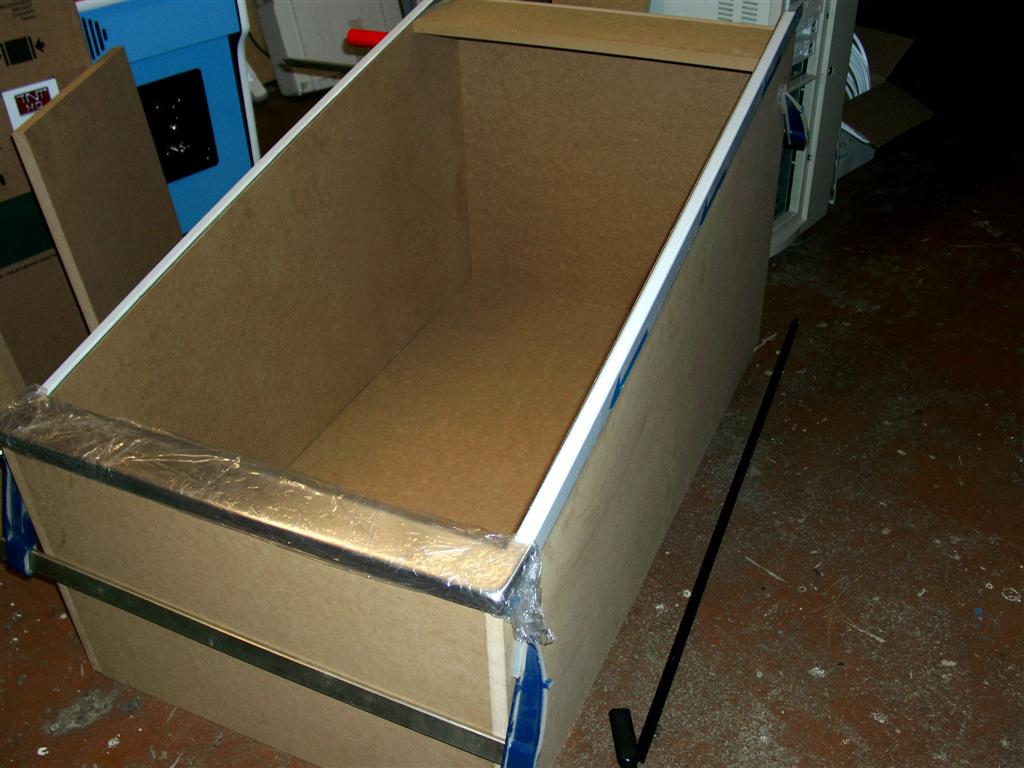
    For a first feeling i put the wood parts together

    First buildup
    First buildup

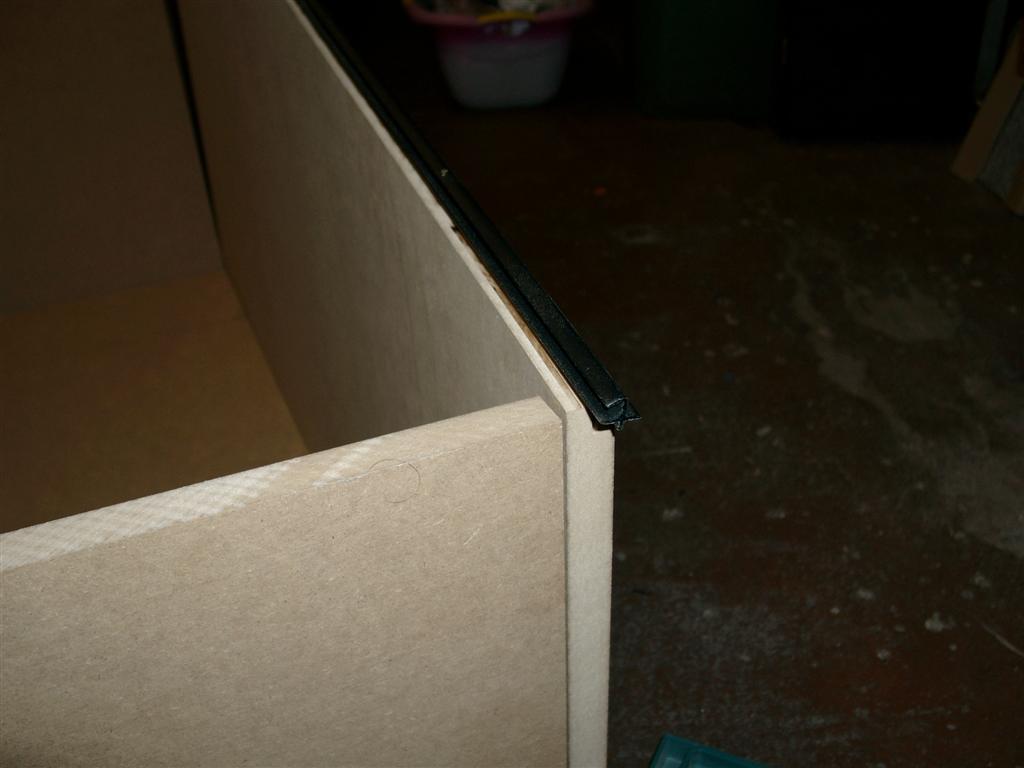
    After this I must do an T-Molding for the PVC.

    T-Molding for pvc holder glass
    T-Molding for pvc holder glass

    The PVC will hold the glasses of the playfield.

    pvc holder for glass
    pvc holder for glass

    Here is the first look including siderails + lockbar

    siderails+lockbar
    siderails+lockbar

    The next step is to measure the size of the playfield glas for ordering it..

    to be continued

  • LCD work for Pinball

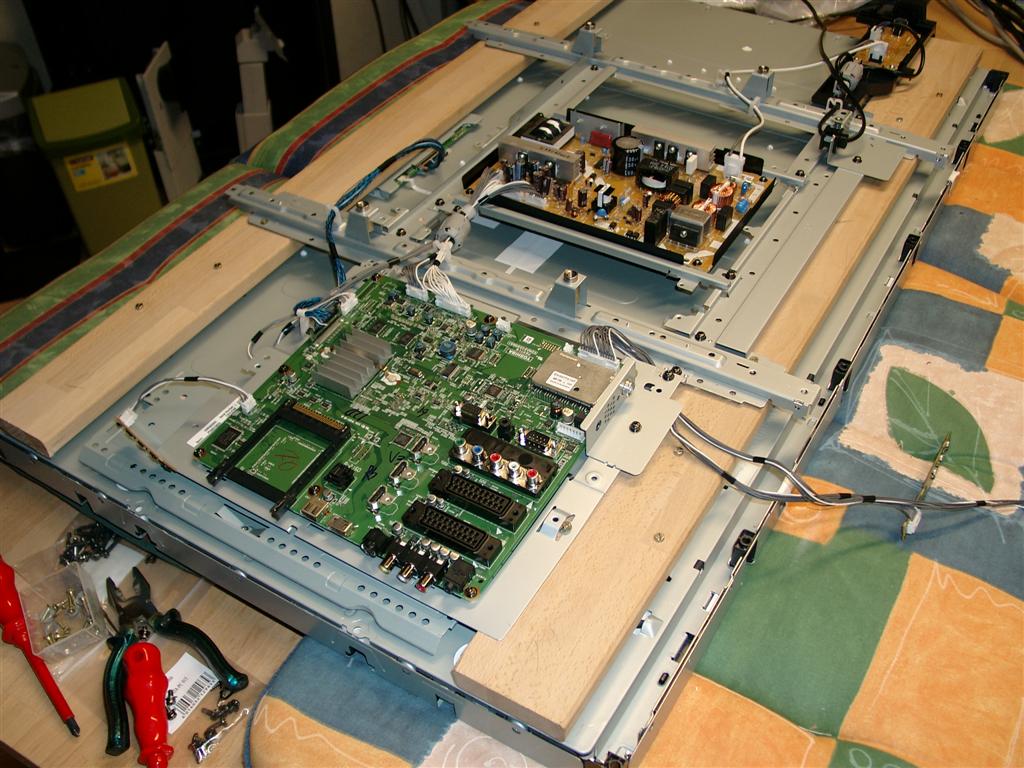
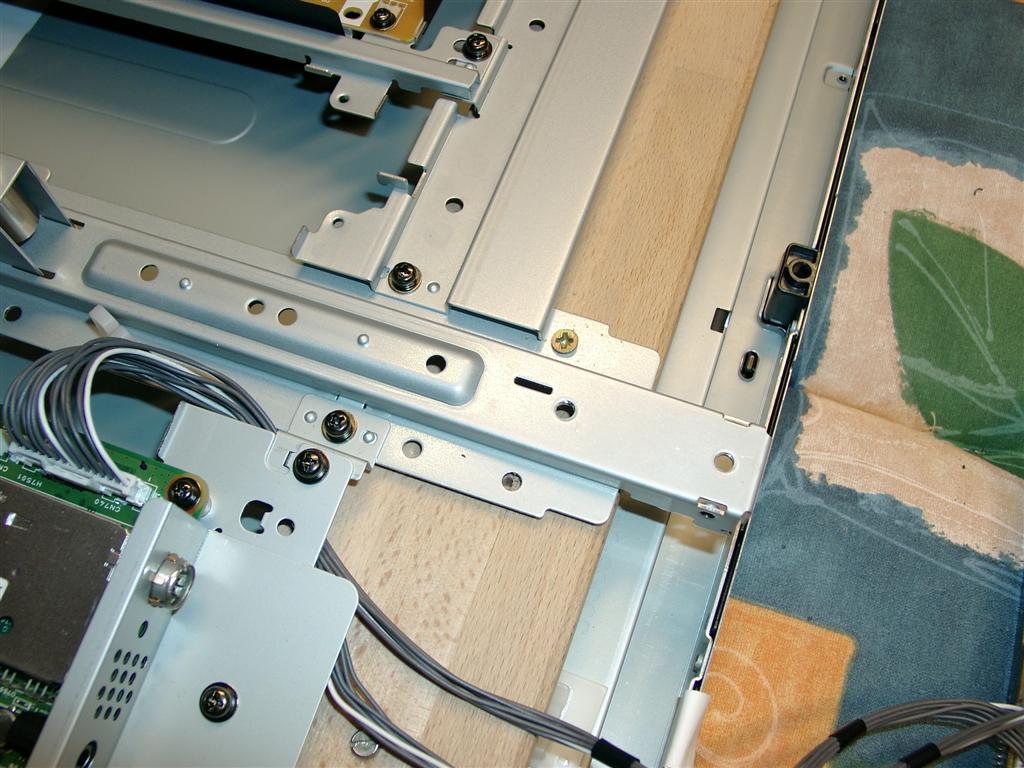
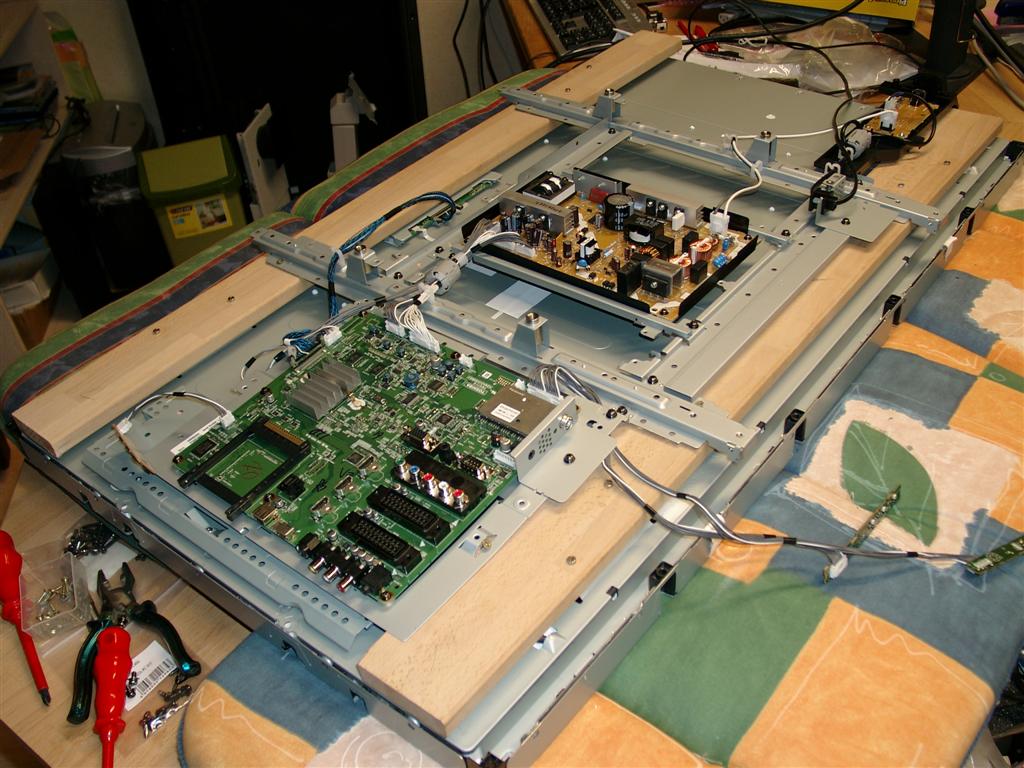
    After a view weeks I managed to remove the cover.

    But after removing the PCBs/electronics are loose. They must be re-attached in a way.

    lcd_backsite attachment of electronic1

    I take some wood for reattachment

    lcd_backsite3

    lcd_backsite4

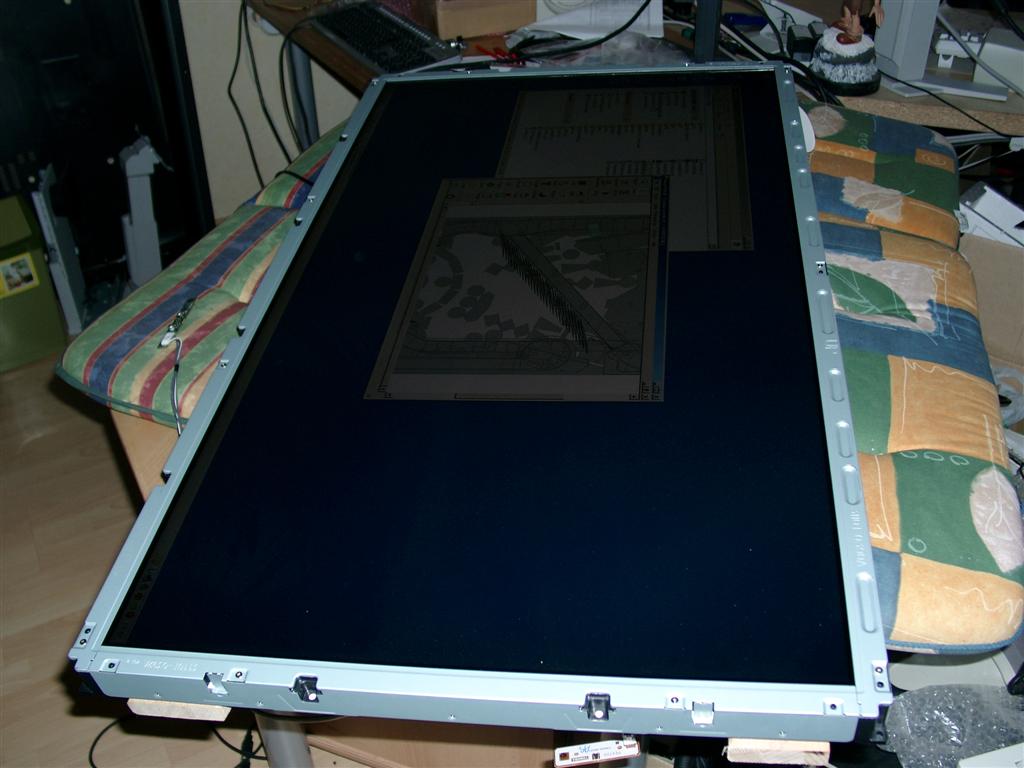
    first view without cover
    turning back to have the first look of the native display

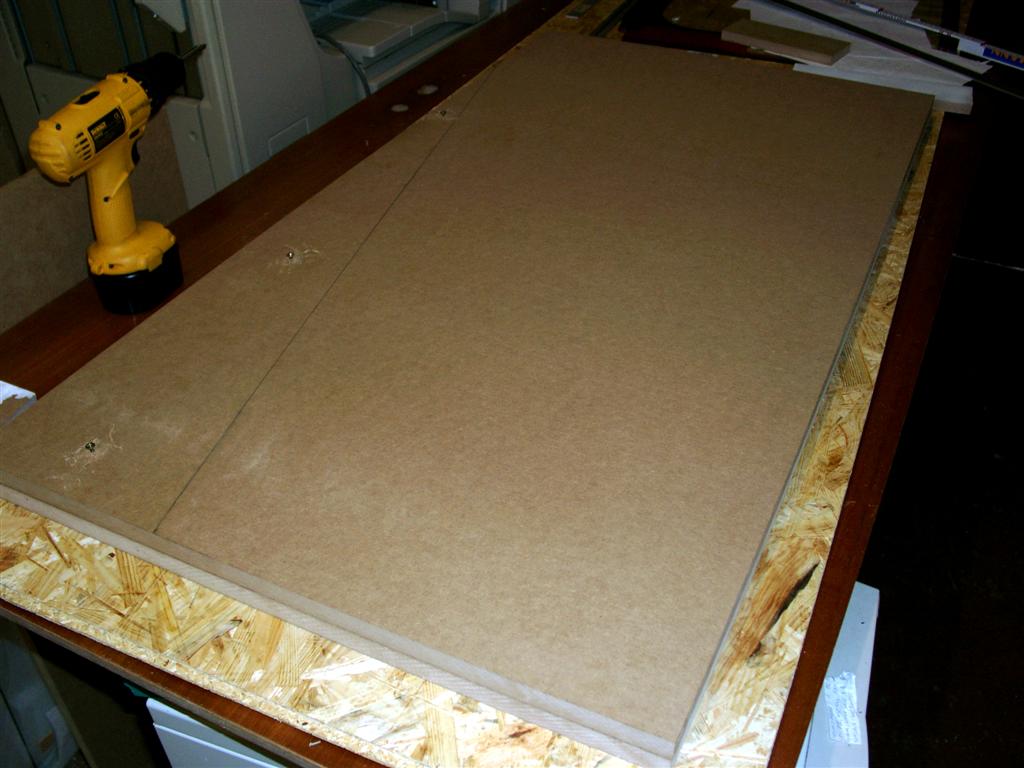
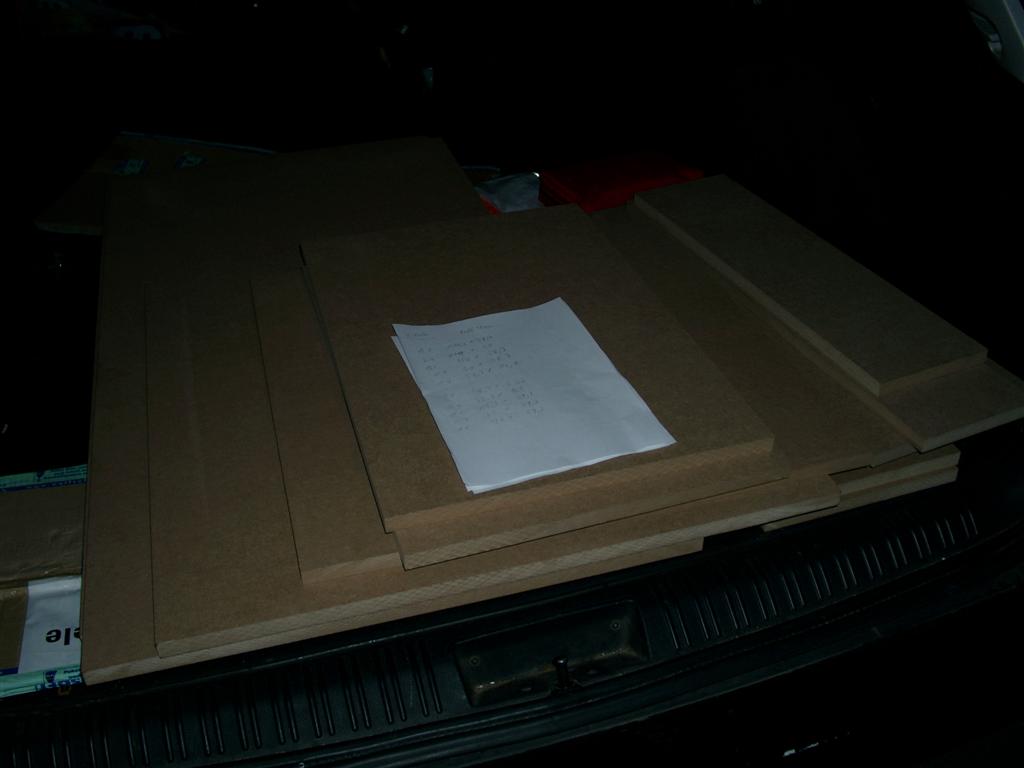
    Now its time for wood stuff

    mdf_for_pinball

    and the widelockbar

    widelockbar

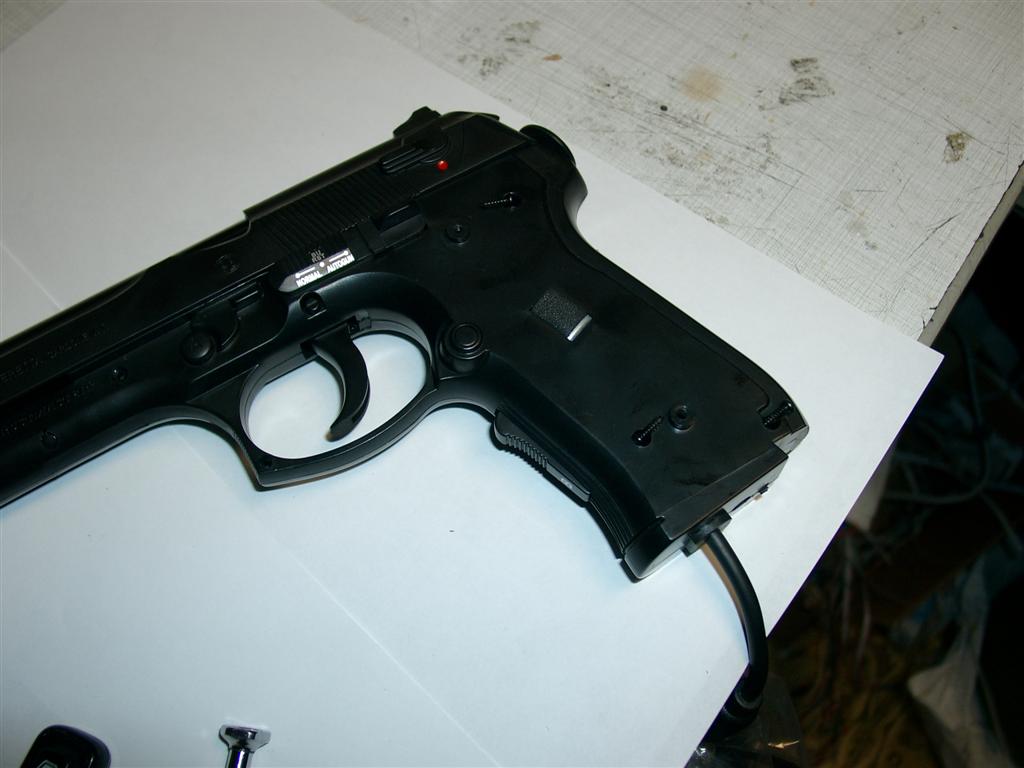
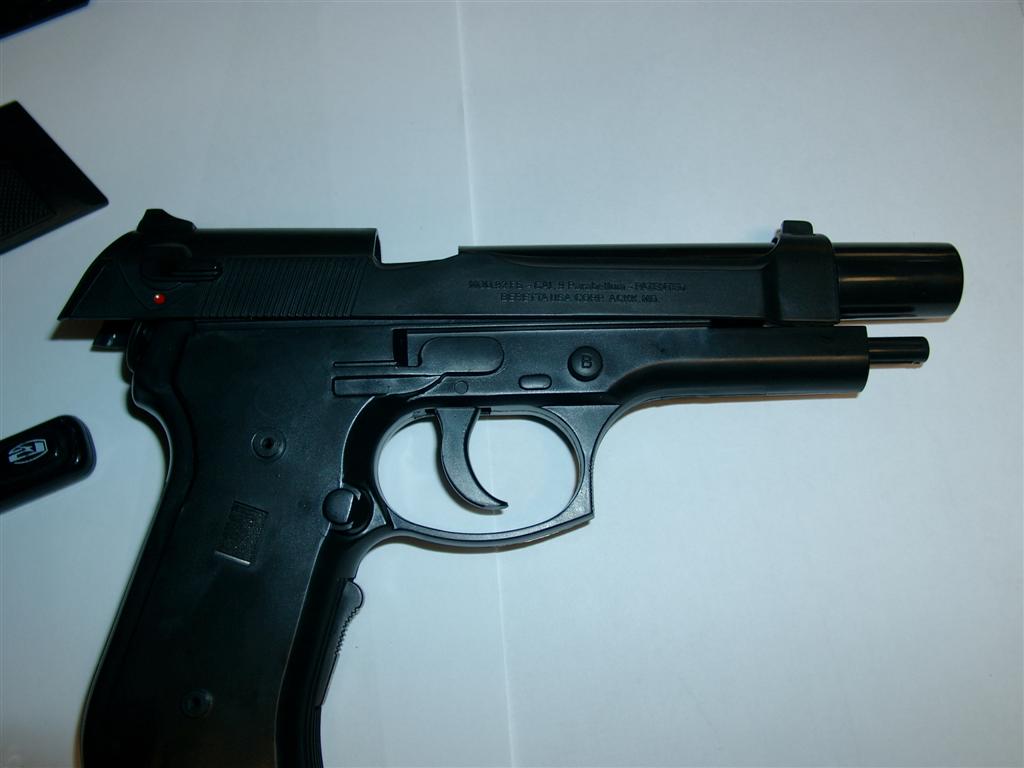
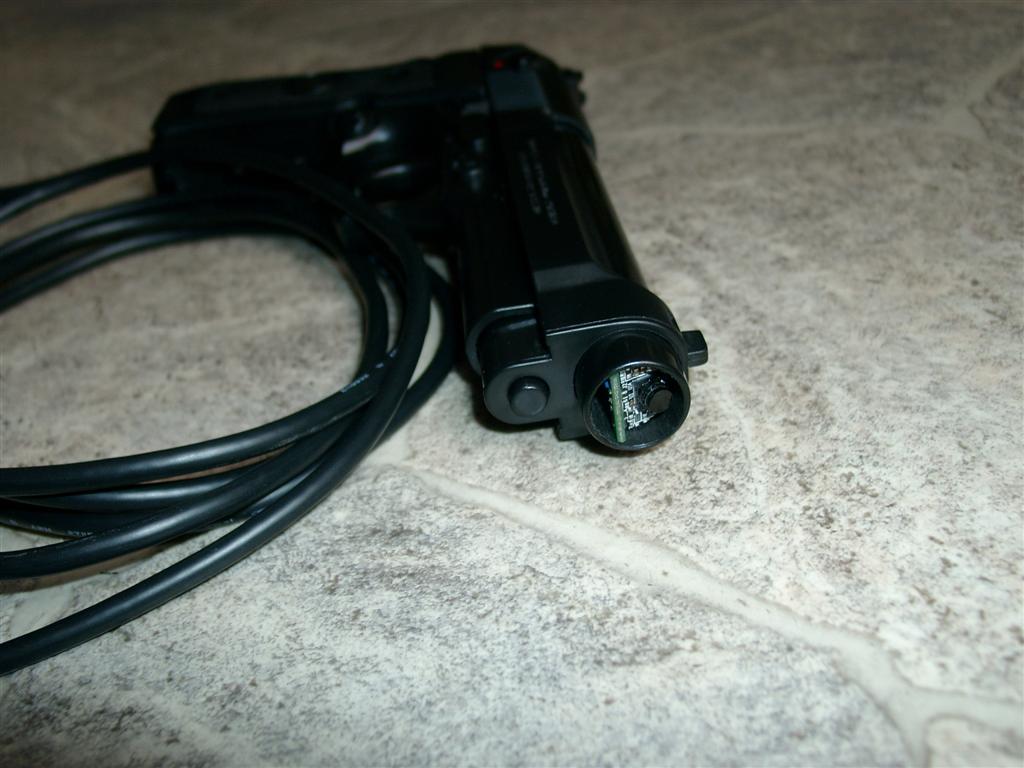
  • AimTrak for Beretta gun

    I like Beretta Guns, but until now there was no way to use them with Arcade Cabs.
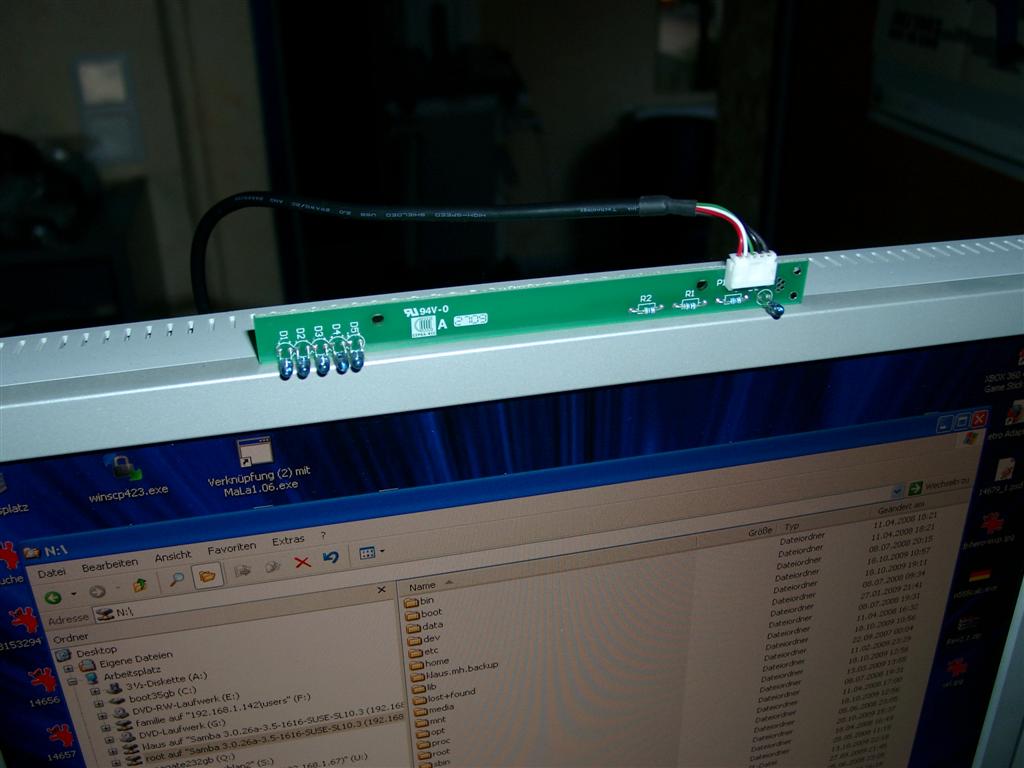
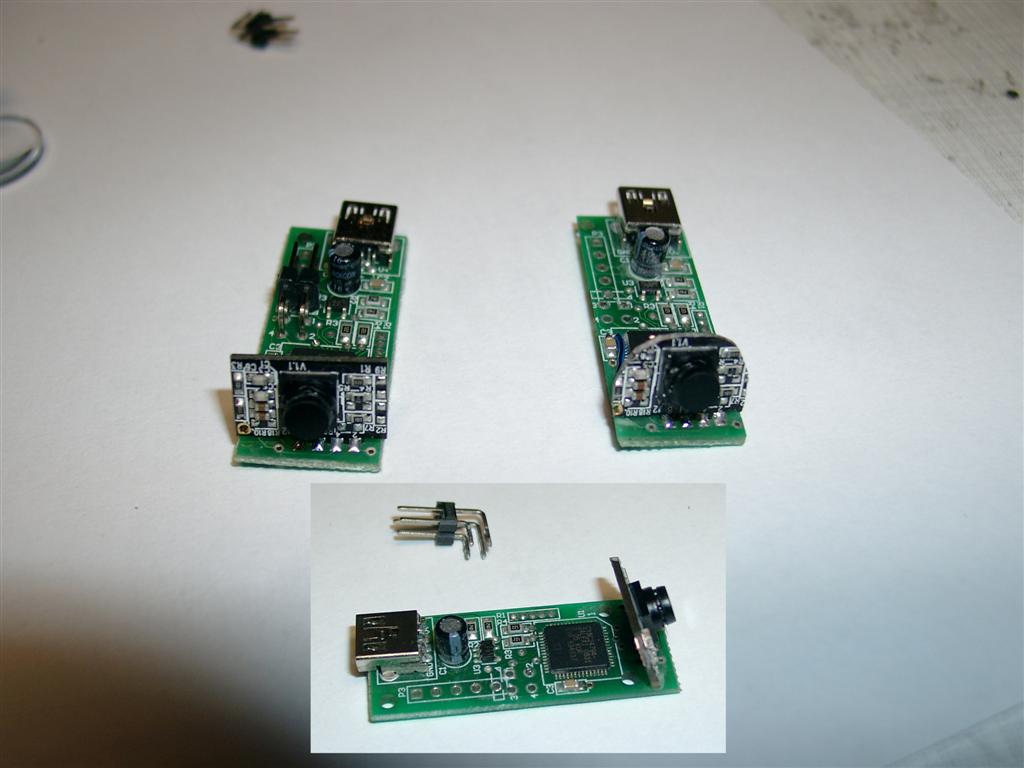
    A month ago ultimarc give us a new product called AimTrak. It is like the Wii Remote with a Camera inside and a Sensorbar at the top of screen.
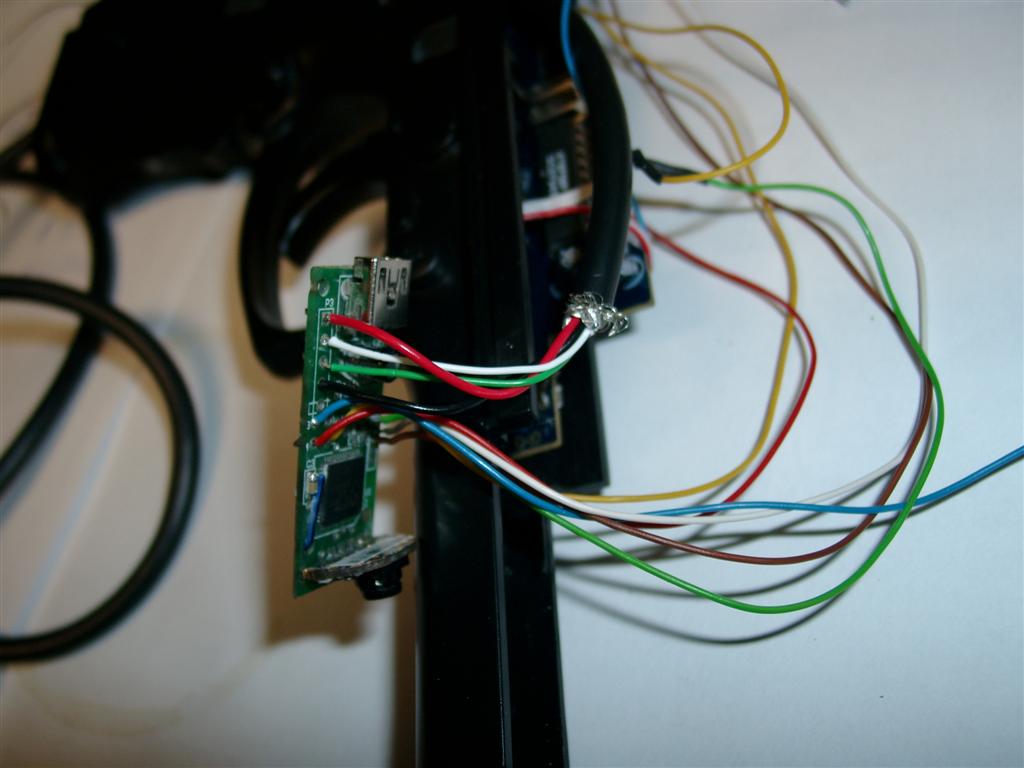
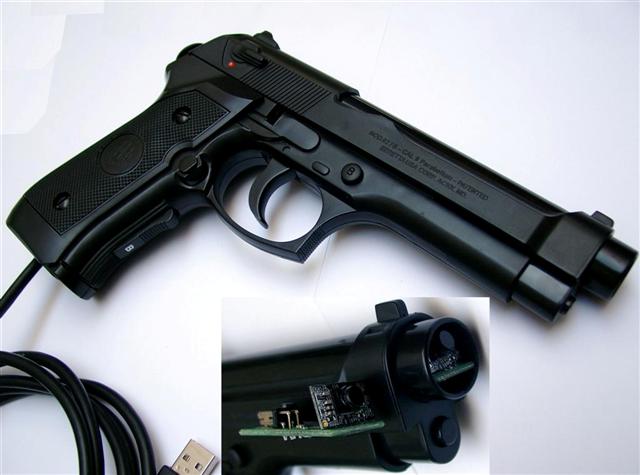
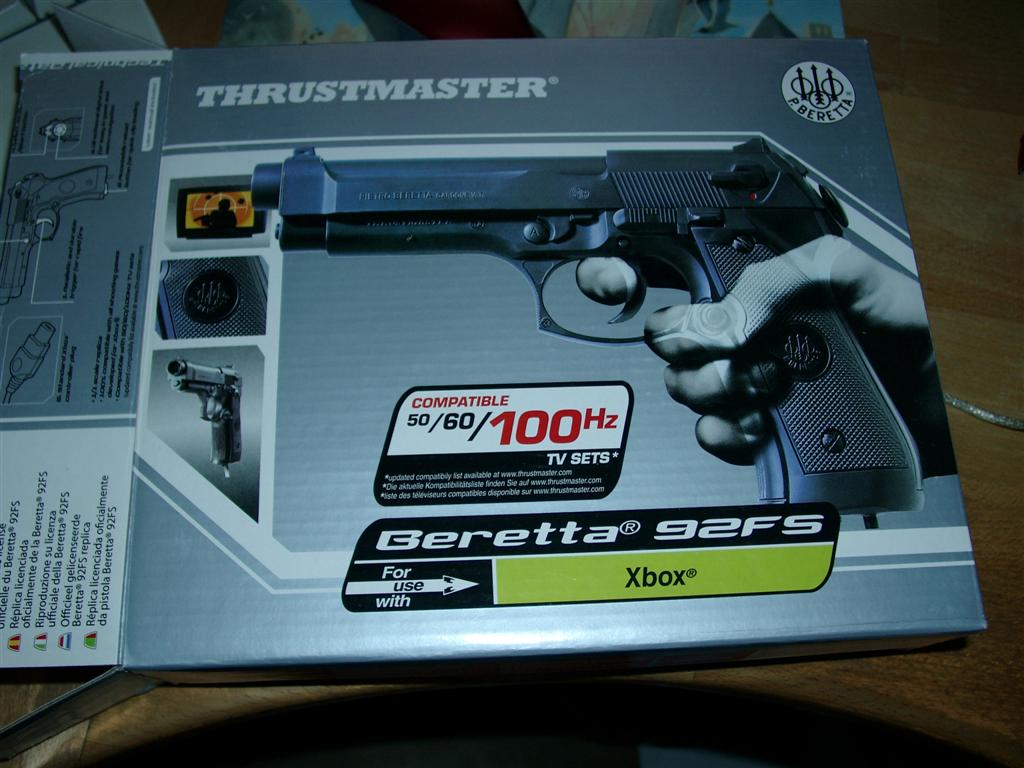
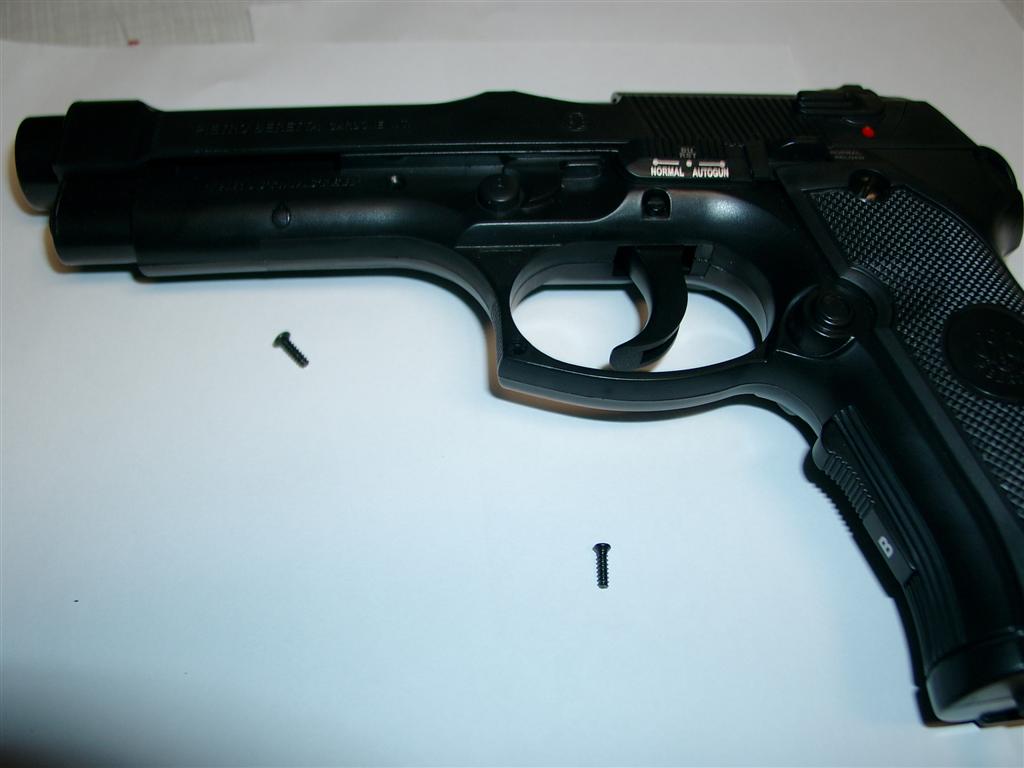
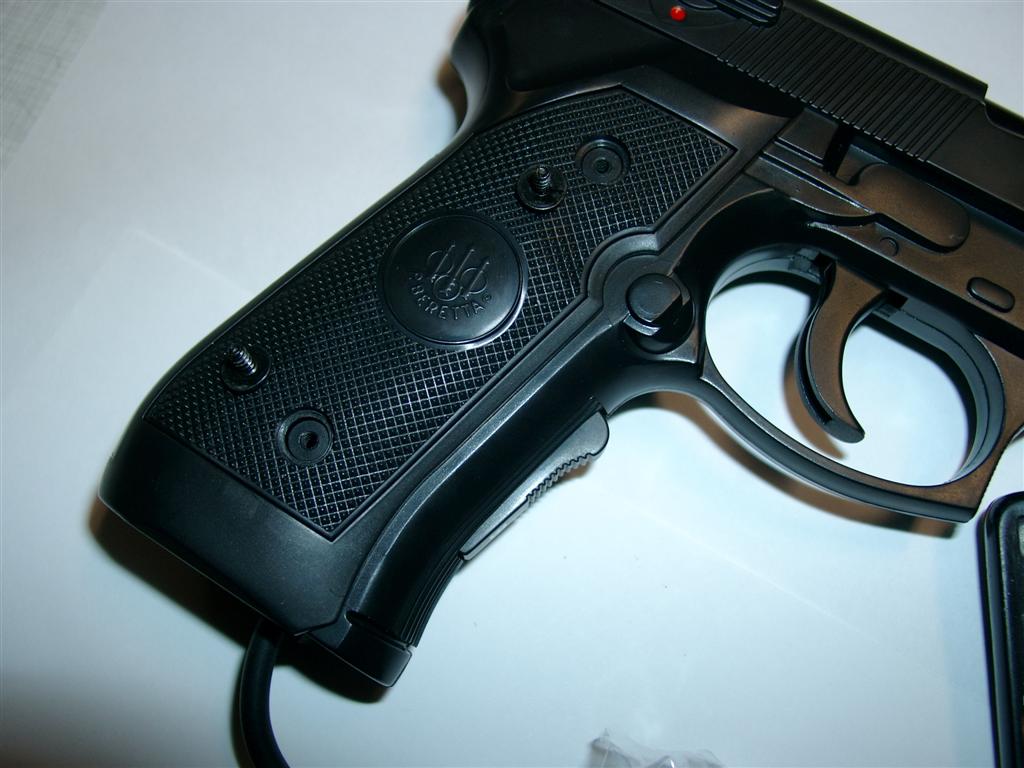
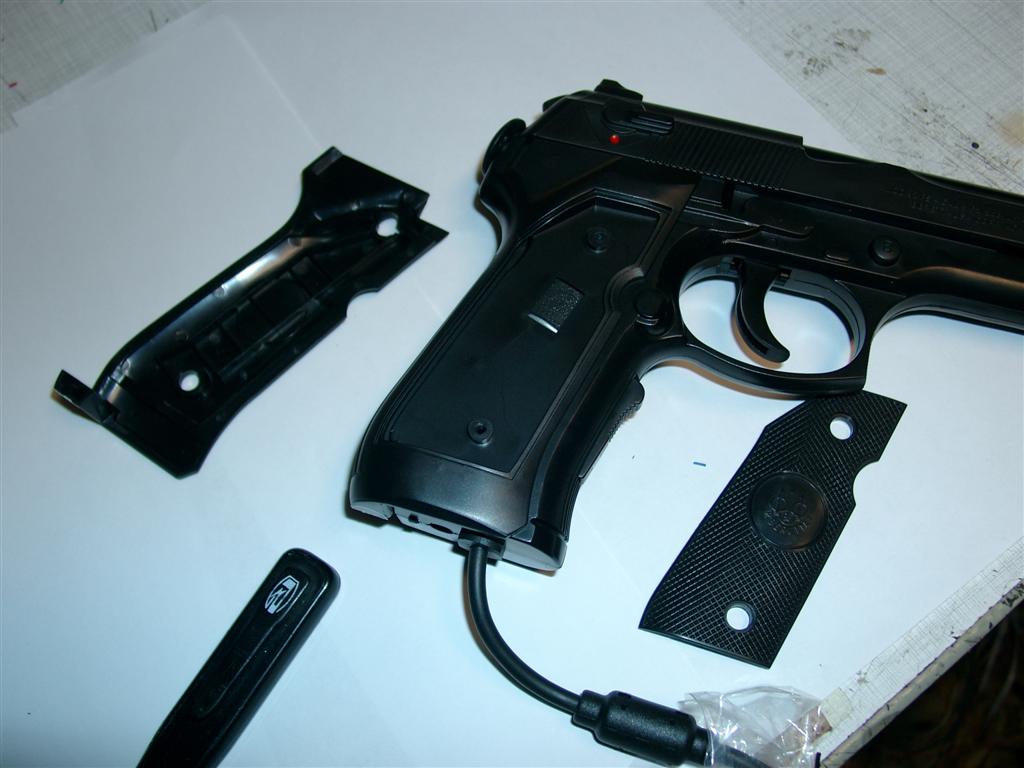
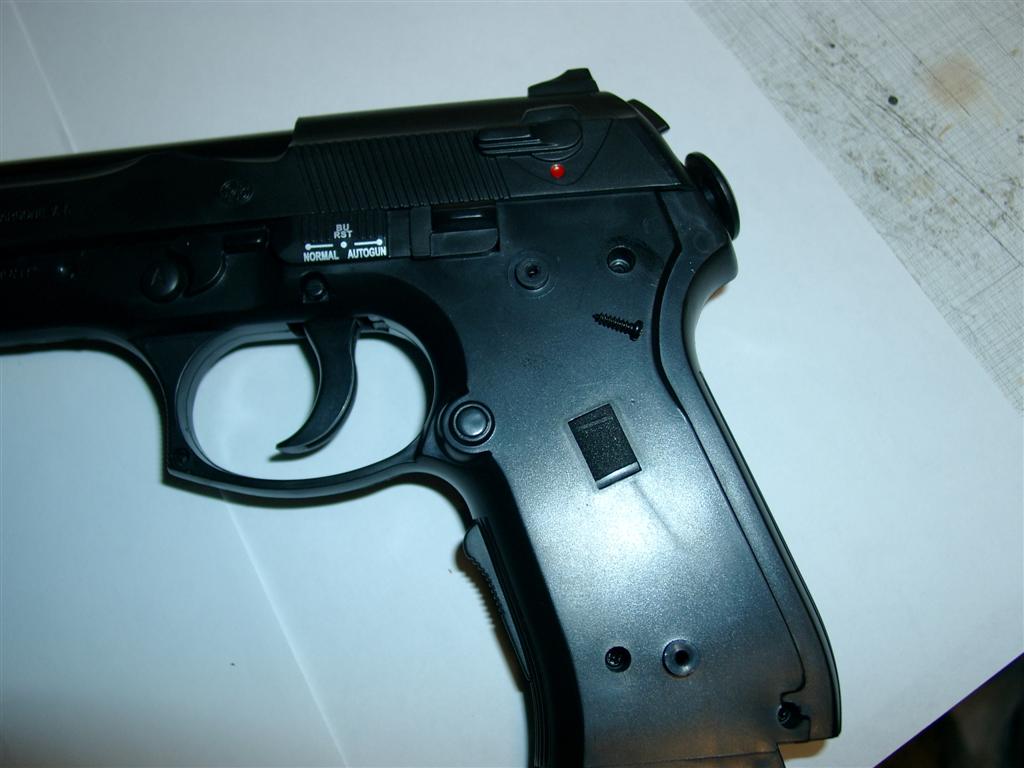
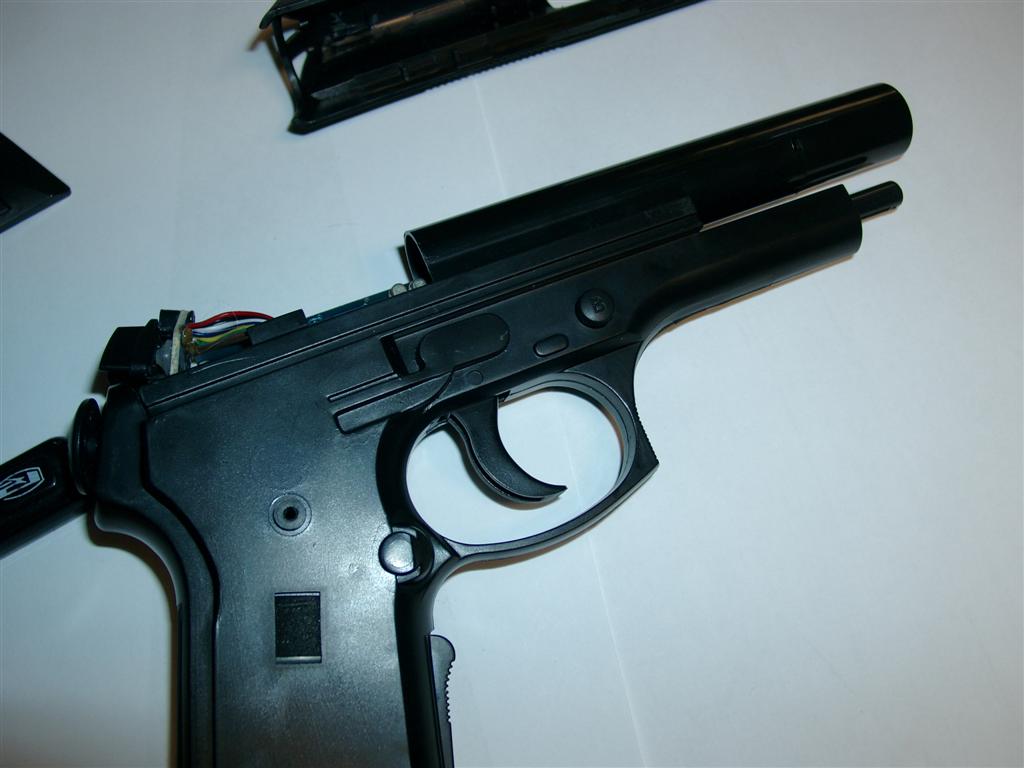
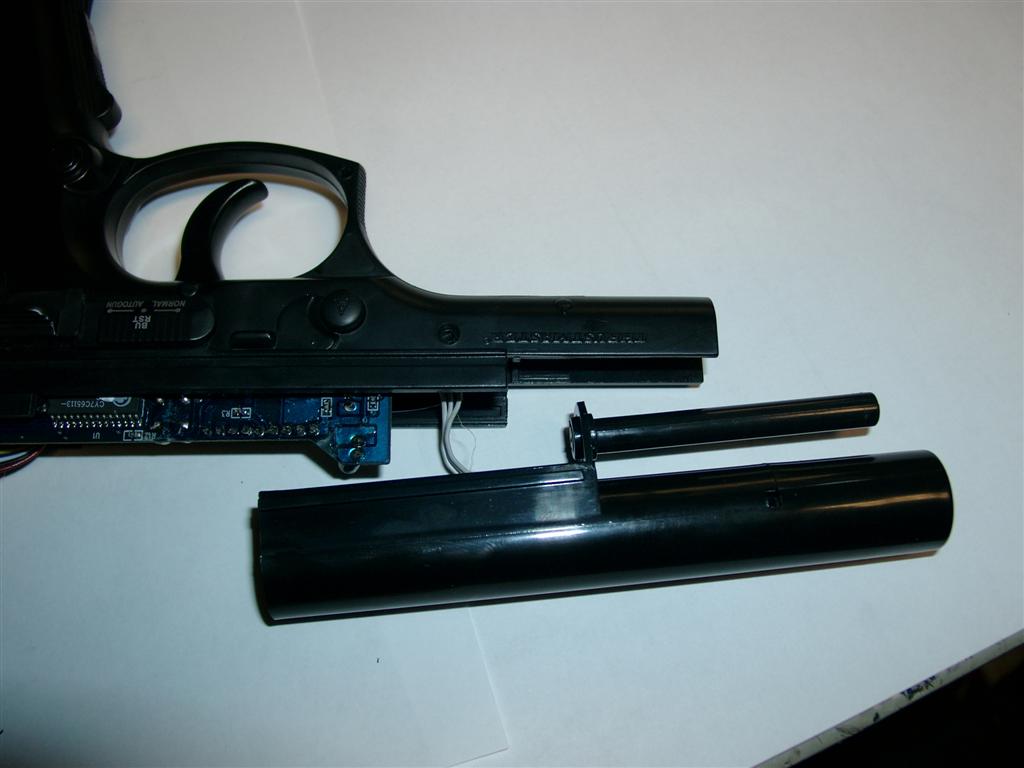
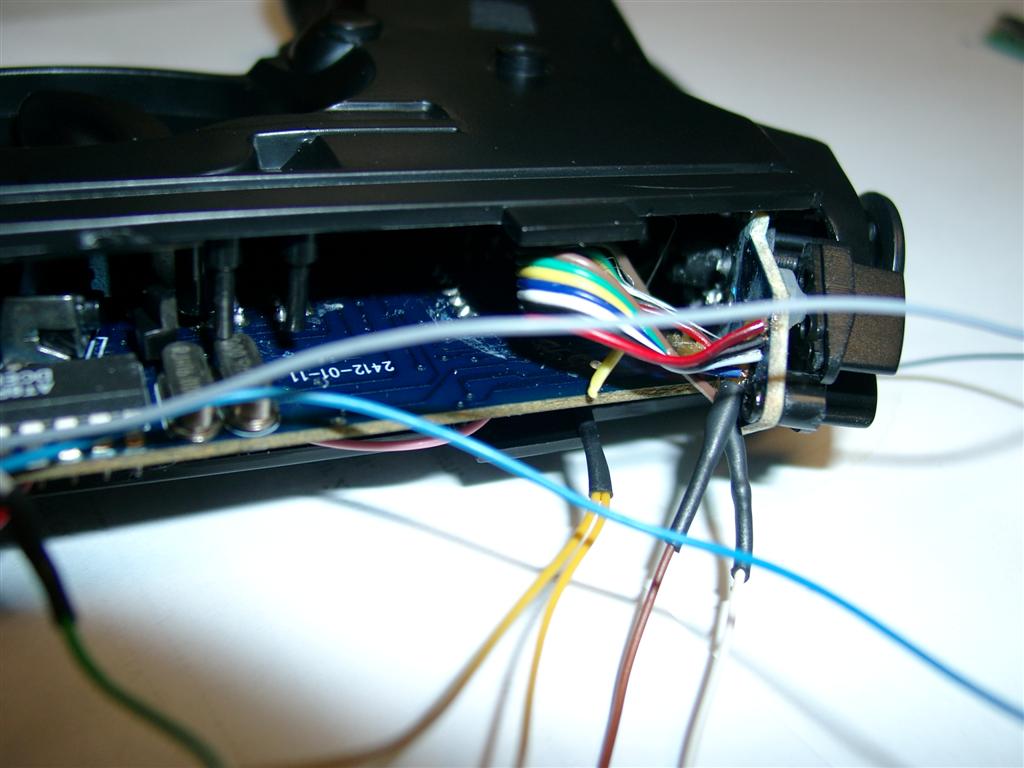
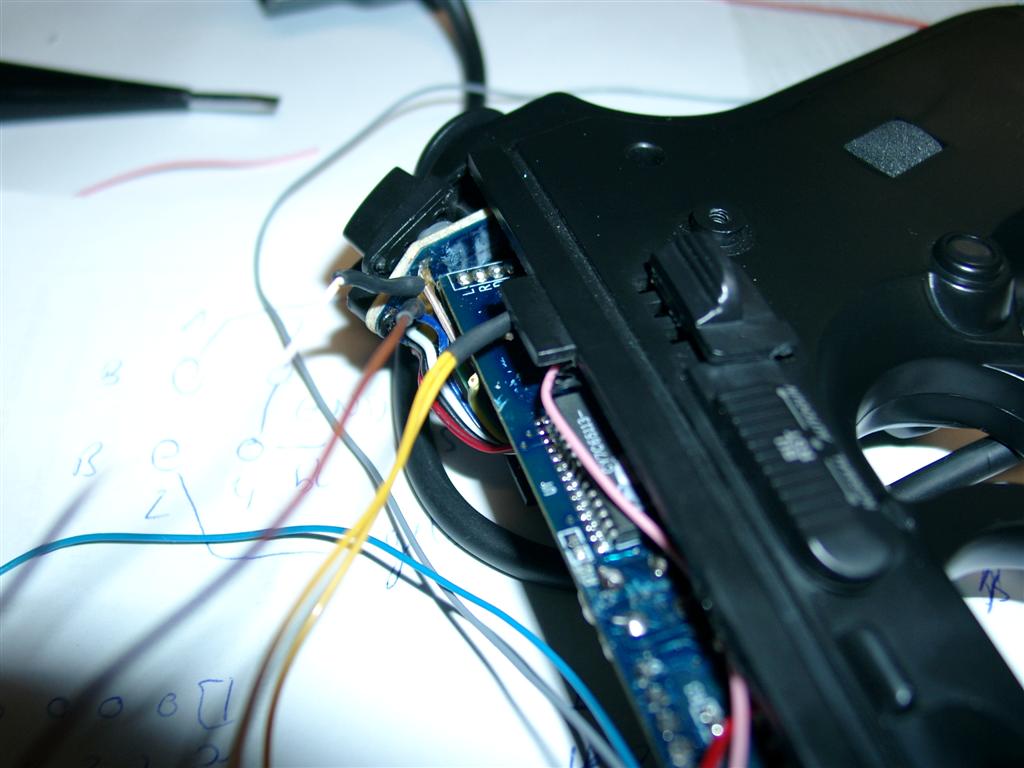
    We have some good old BerettaGuns left for XBOX1 and I ripped of original stuff to make them working with AimTrak and my Arcade Cab.

    The procedure tooks 3-4h of work *puh*

    Here you can find the gun

    Here you can find the AimTrak

    Little Video

    I tried it at my arcade cabinet with a crt put the senorsar in top of the screen and it works absolutly *great* Fun ONLY

    Here are some pictures of the progress:

    aimtrak_teaser640x400

    good old Thrustmaster Beretta Gun
    good old Thrustmaster Beretta Gun
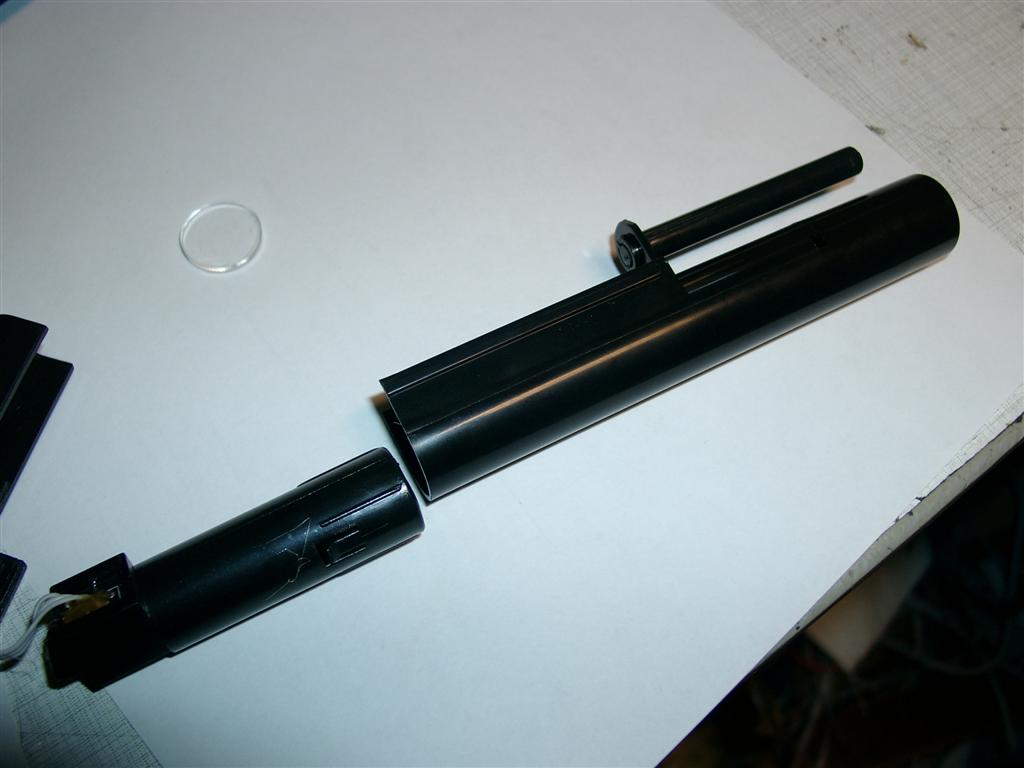
    "Sensorbar"
    "Sensorbar"

    The Sensorbar only need 5V powersupply. So it is connected to a USB Port for powering.

    First 2 screws
    First 2 screws

    Opening Part is easy

    First 2 screws
    First 2 screws
    First 2 screws
    First 2 screws
    First 2 screws
    First 2 screws

    good position of the B-Button downside

    First 2 screws
    First 2 screws
    First 2 screws
    First 2 screws
    First 2 screws
    First 2 screws
    First 2 screws
    First 2 screws
    First 2 screws
    First 2 screws

    original photoeye

    aimtrak11

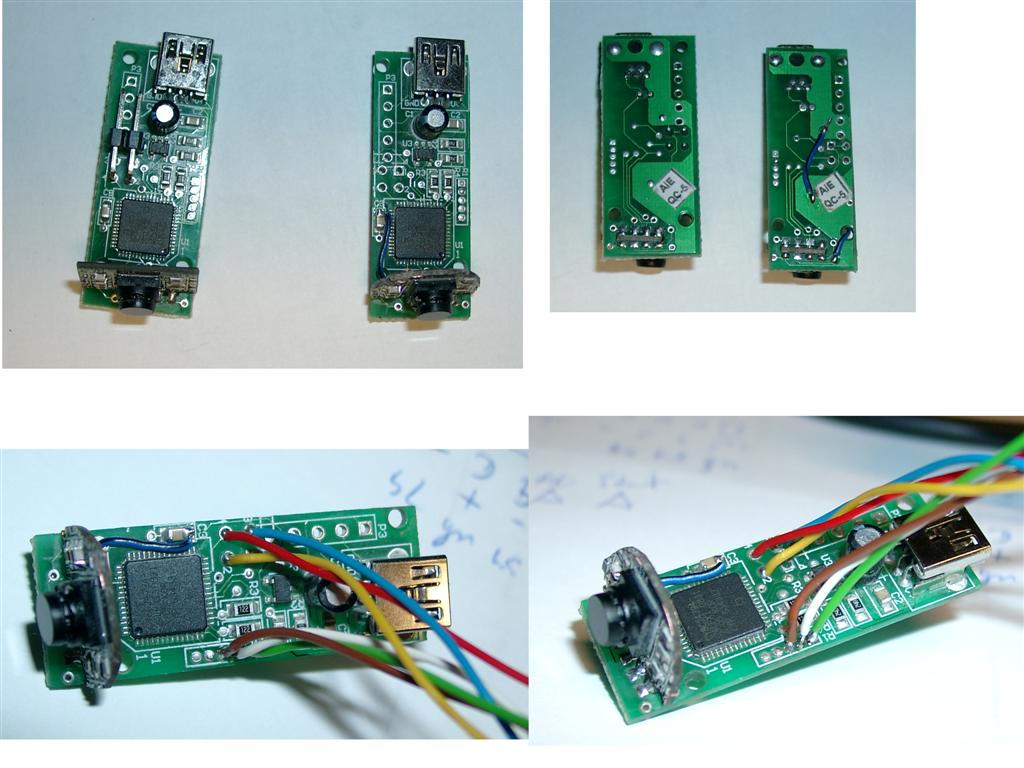
    for fitting into the beretta it was neccacary to reduce the size of the AimTrak

    comparing original size and reduced / Wires
    comparing original size and reduced / Wires

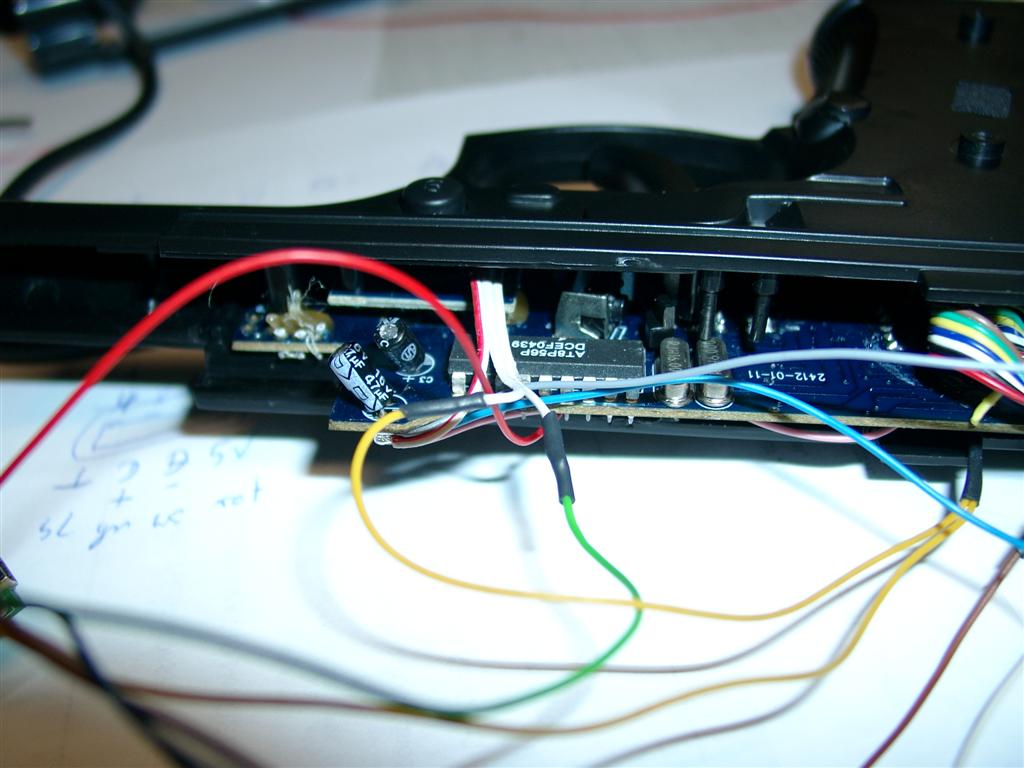
    And do some rewiring

    Wiring including 5 Buttons.

    Fire, Reload B, Reload A, back, and start
    The original AimTrak can use 2 Buttons with a connector.

    There are 5 more if you can solder

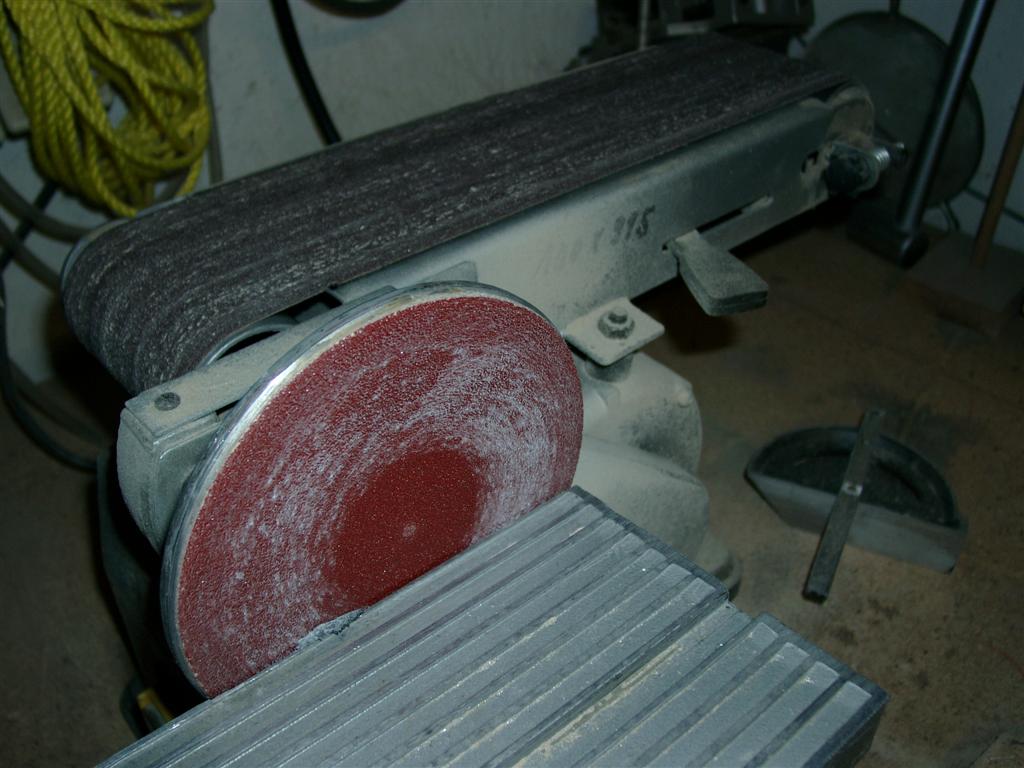
    I used this device to cut off the pcb
    I used this device to cut off the pcb
    rewiring buttons a,b @ side of gun
    rewiring buttons a,b @ side of gun

    Wiring Button A, B

    First 2 screws
    First 2 screws

    Wiring back and Start for use of Coins, and Start/Continue

    First 2 screws
    First 2 screws
    First 2 screws
    First 2 screws

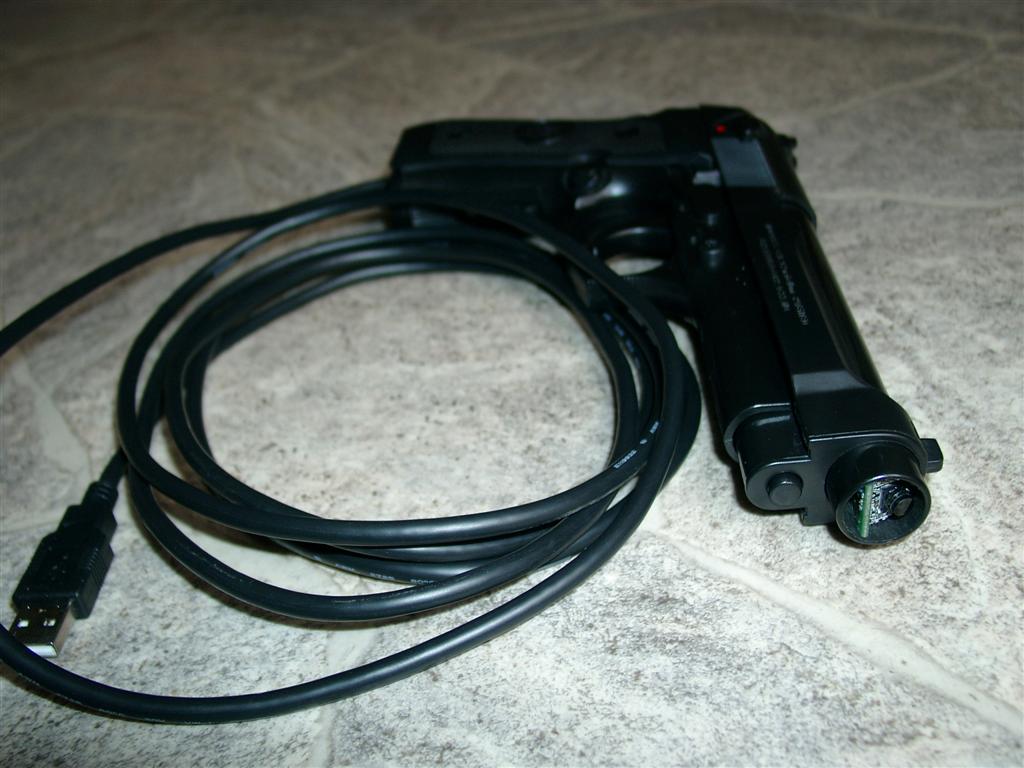
    I make use of a 3m USB Cable and solderd it directly to the AimTrak

    First 2 screws
    First 2 screws

    Here we go

    First 2 screws
    First 2 screws

    In front you can see the new „eye“

  • UPCB Playstation Cable

    today I got my PSX Cable to work.

    It is the 3rd extionscable I was using.

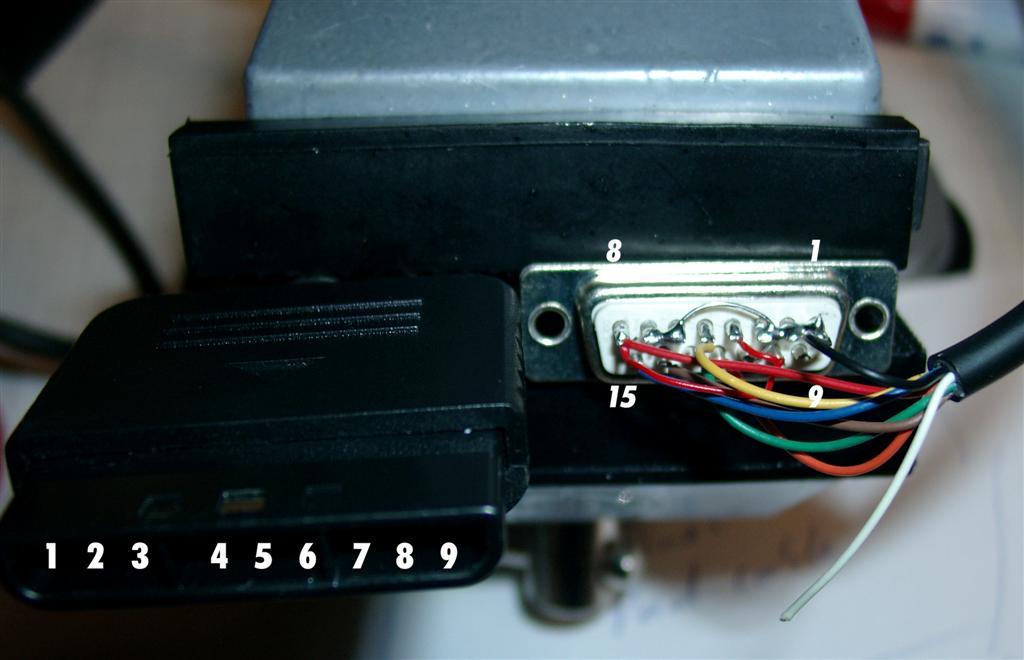
    Dedicated Digital Playstion cable for UPCB

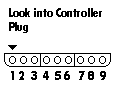
    Console Function Color D-Sub Bridge Bridge Function Color
    1 DATA brown 1 Low GND black
    2 CMD orange 2 Low
    3 7 to 9V white 3 Low
    4 GND black 4 High
    5 3,4V red 5 ATT yellow
    6 ATT yellow 6 Low
    7 CLK blue 7 Low
    8 n/c 8 High VCC red
    9 ACK Green 9
    10 High
    11 Low
    12 CMD orange
    13 ACK green
    14 DATA brown
    15 CLK blue

    psx_plug

    psx_wiring

    Playstation
    Playstation

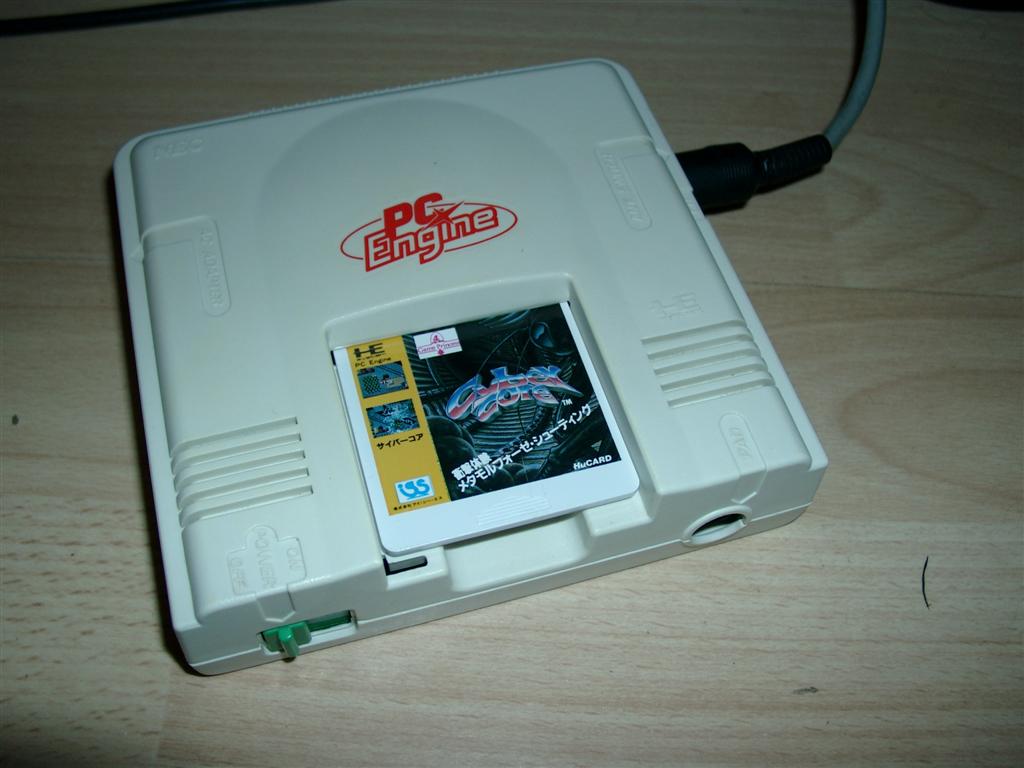
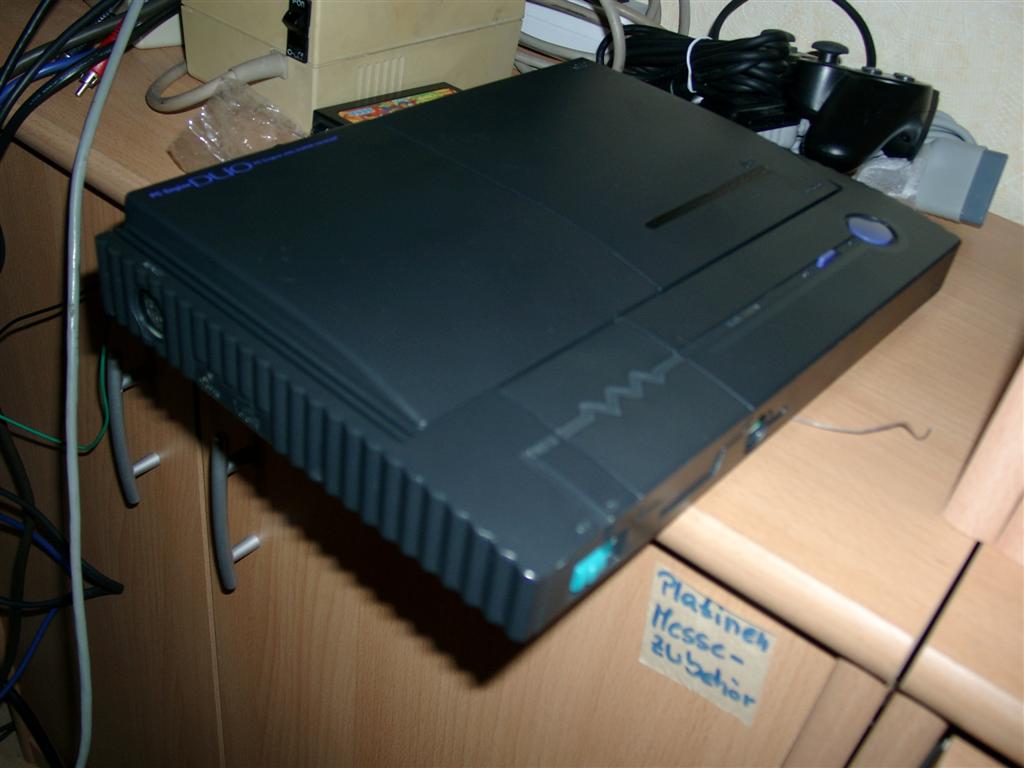
  • upcb PC-Engine Cable trouble

    I currently trying a PC-Engine Cable but it didn’t work 🙁

    testing with: 2 differnt ucpb rev 2.1 Software 2.5 BP

    Have checked both a white pce and a jap. Duo Engine.

    white_engine

    pce_duo

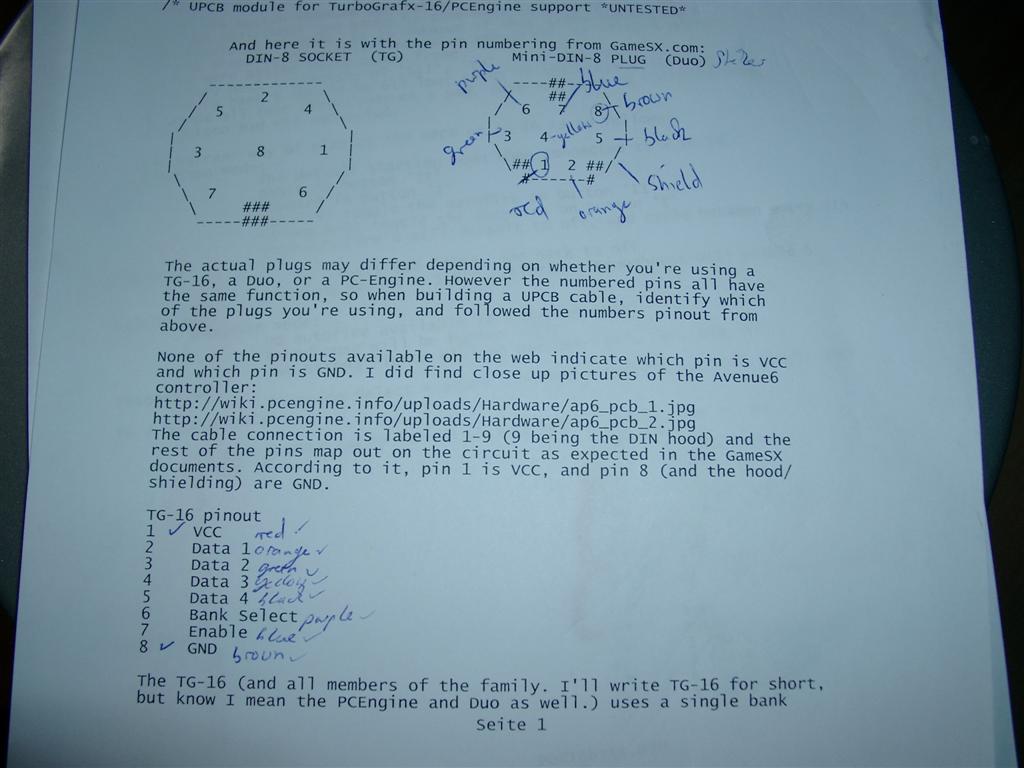
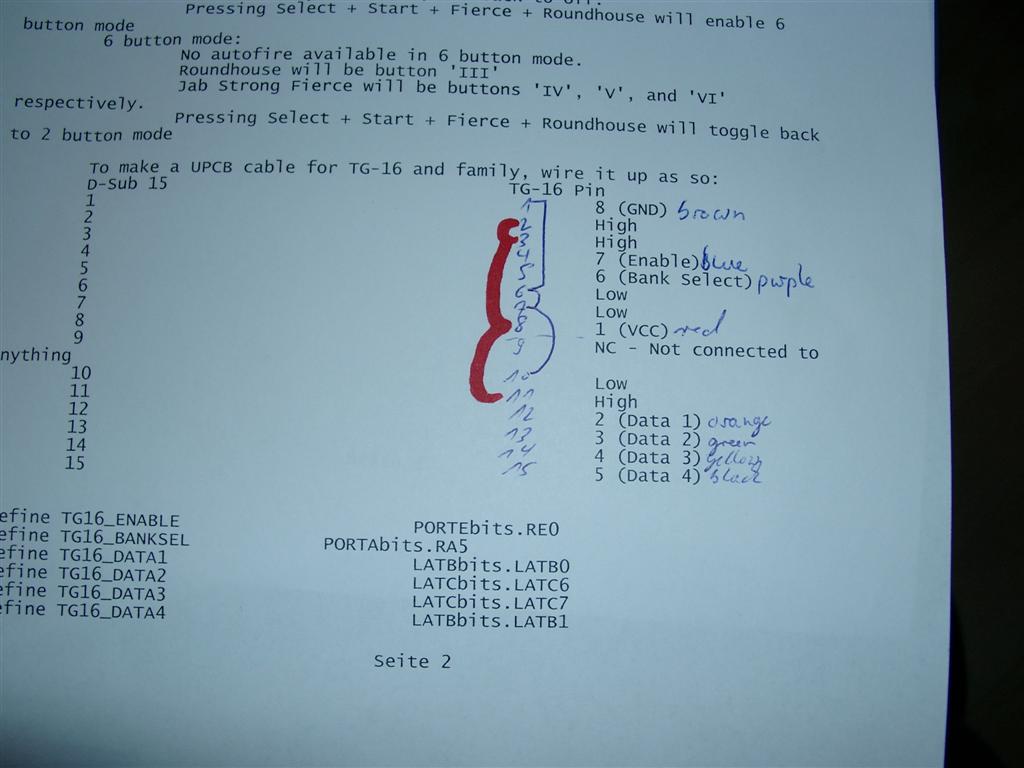
    Here is the wiring

    pce_minidin

    Checked the VCC and Gnd with a Multimeter

    pce_subd15

    wiring2

    wiring1