Blog

  • Atari 600XL RAM Ugrade to 64MB

    Its time to bring up this little beauty to the level of a Atari 800XL.

    An easy mod, because all parts in a Atari 600XL are socket and you  only need to change 2 RAM Chips and do some wiring

    Works with Pal and here shown NTSC Version

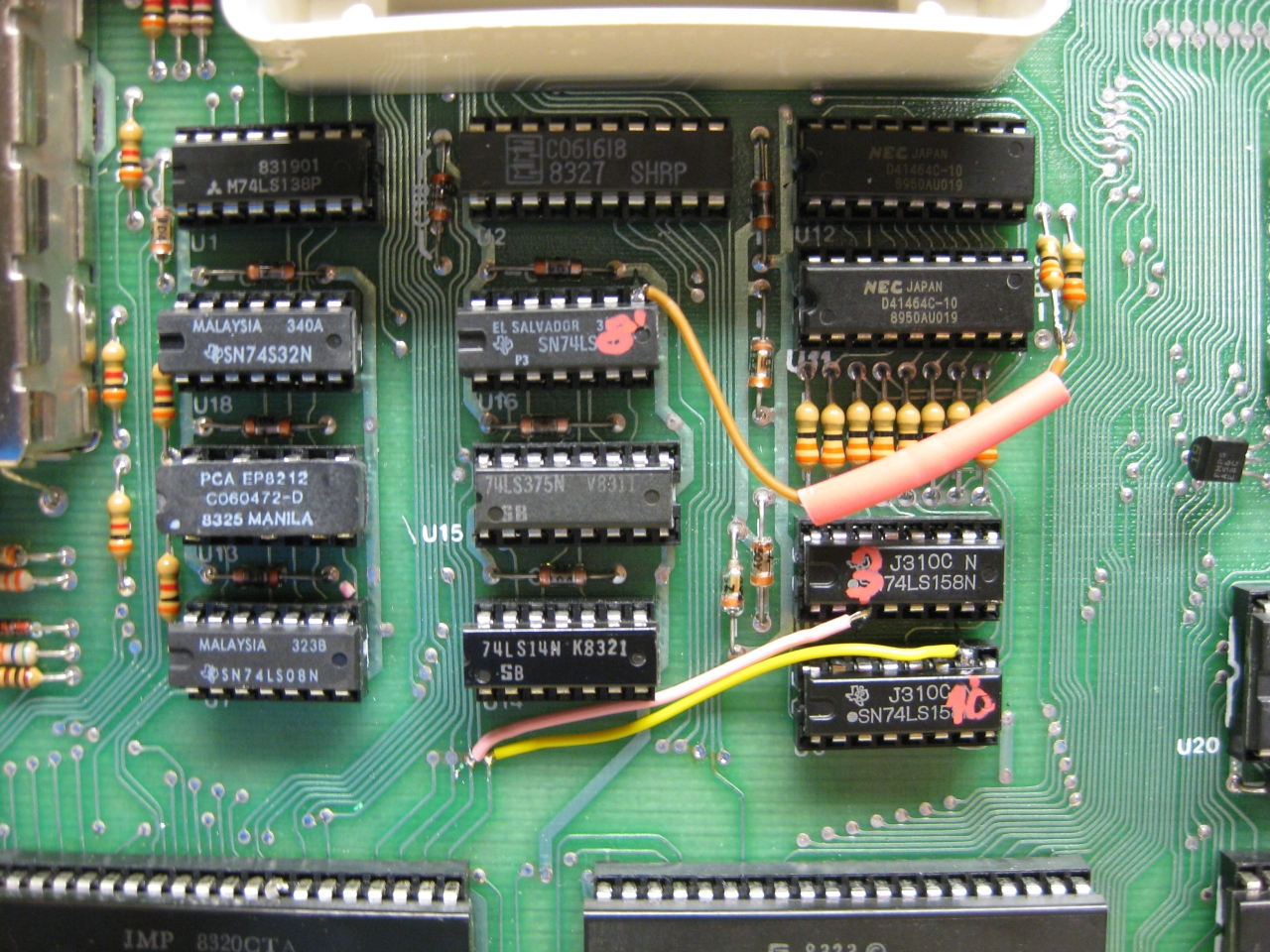
    Remove U11 and U12 (was: TMS 4416-15NL 4bitx16k)

    Replace with : MCM41464 AP10 (4bitx64k)
    or : NEC D41464C-10 (4bitx64k)
    OR : HMS50464P (4bitx64k)
    or : any 4464 equialent (4bitx64k)

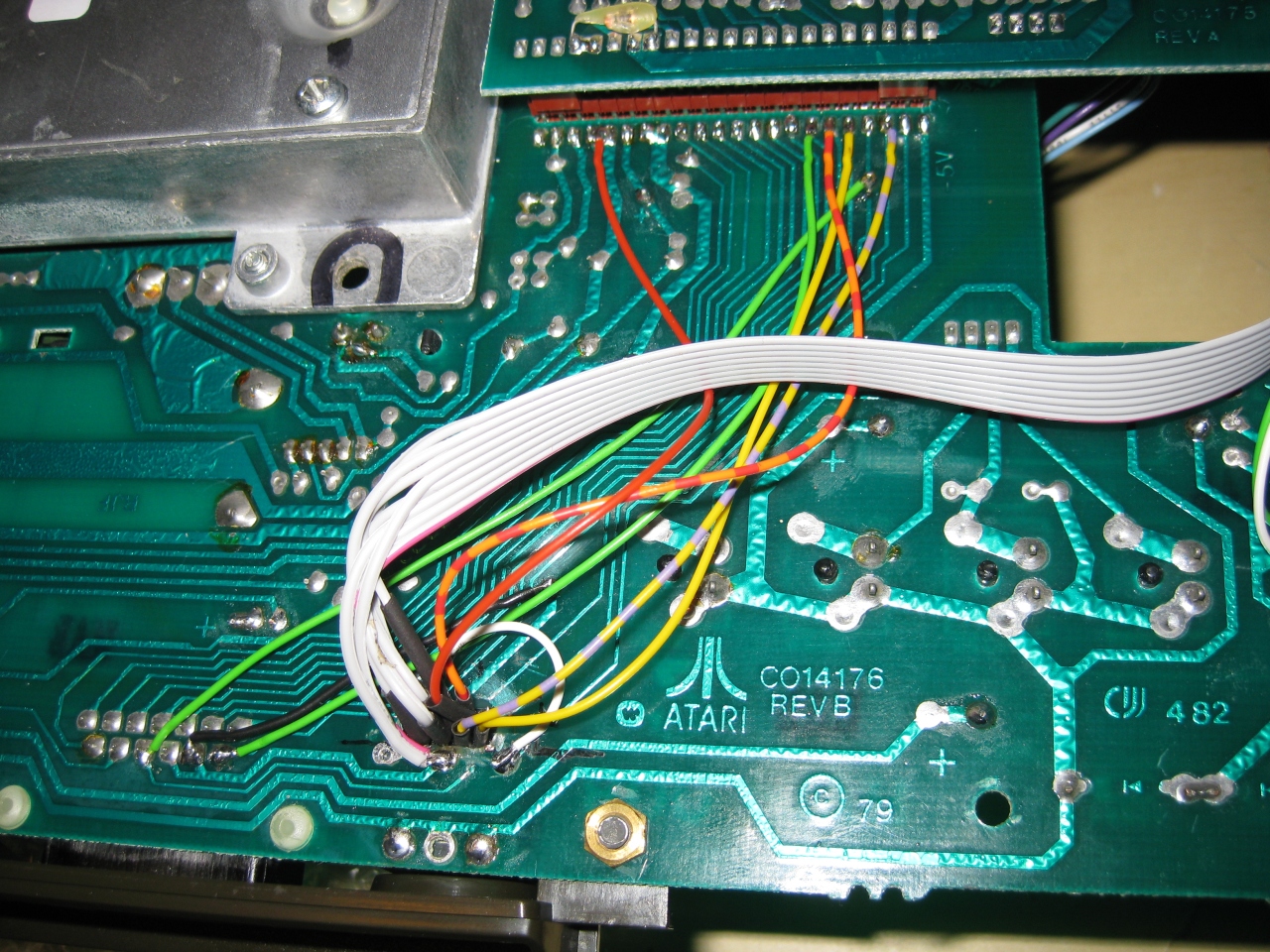
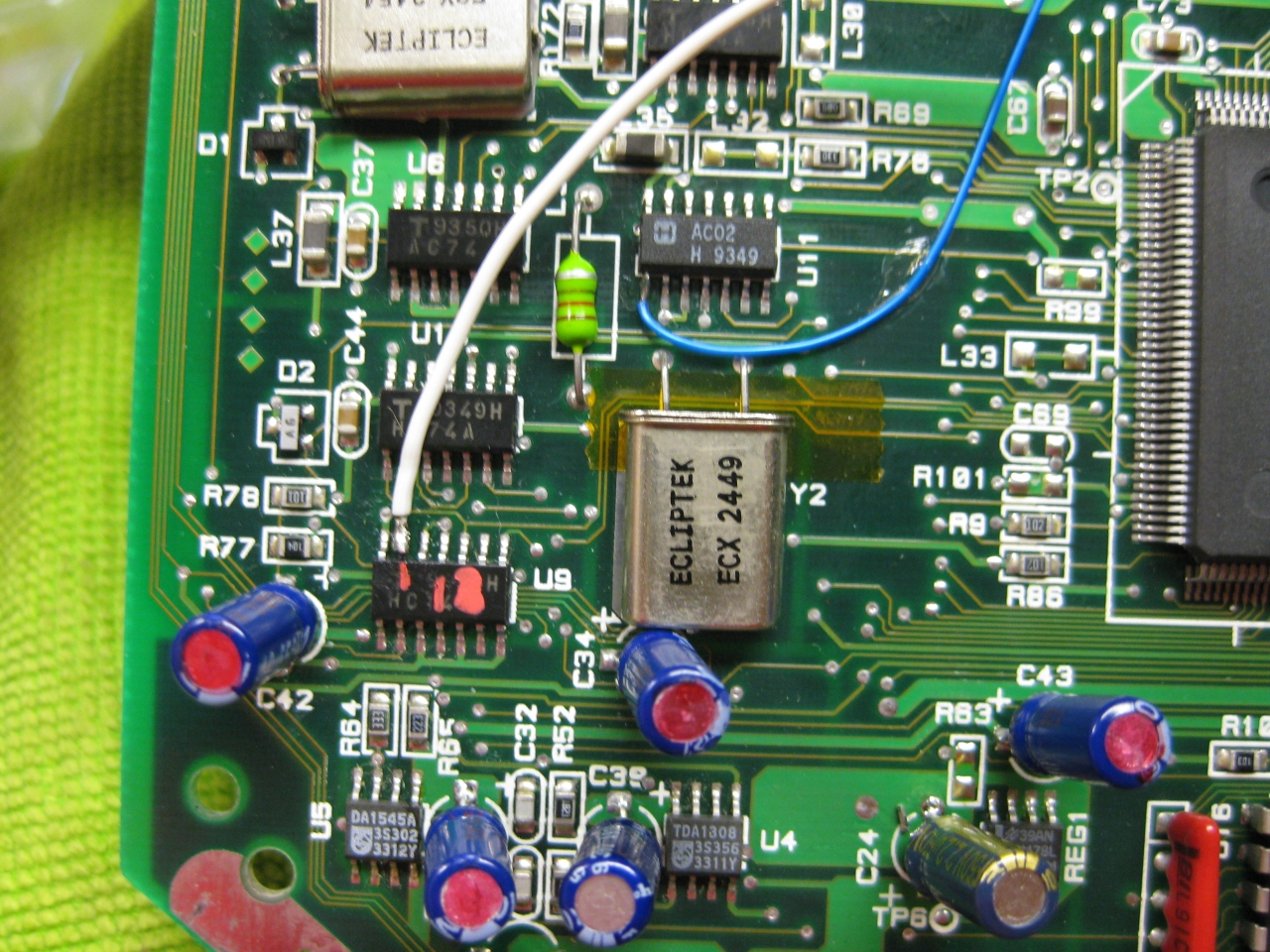
    Wire Lifted DownSide R36 to Lifted U16 Pin 08

    Wire Lifted U5 Pin 03 to U9 Pin 21 Dia Nearby

    Wire Lifted U6 Pin 10 to U9 Pin 22 Dia nearby

    a600_XL_RAM_Upgrade_1


    Atari600XL_Ram_Upgrade_to_64MB


  • Atari 800 RGB Mod via Sophia

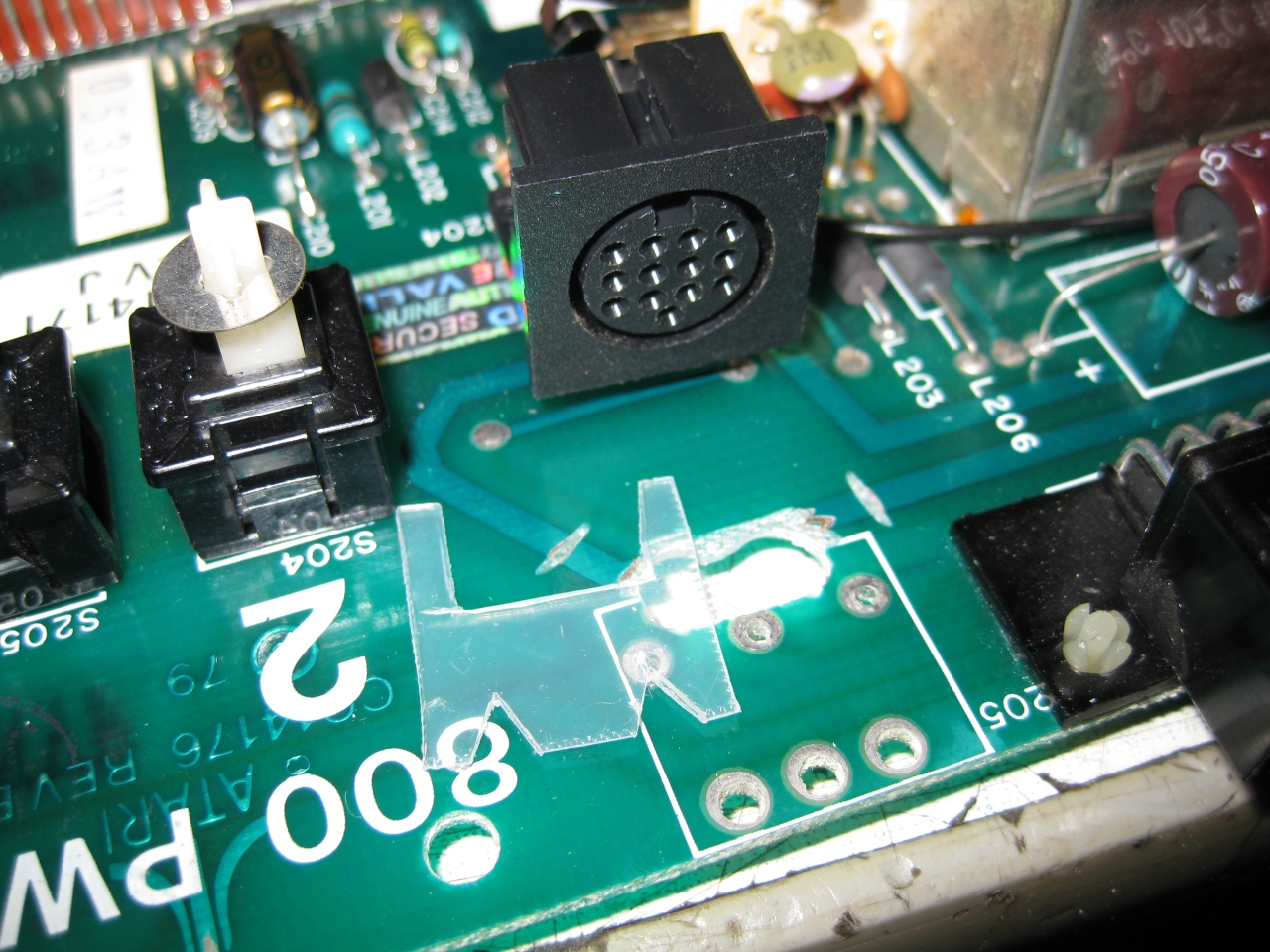
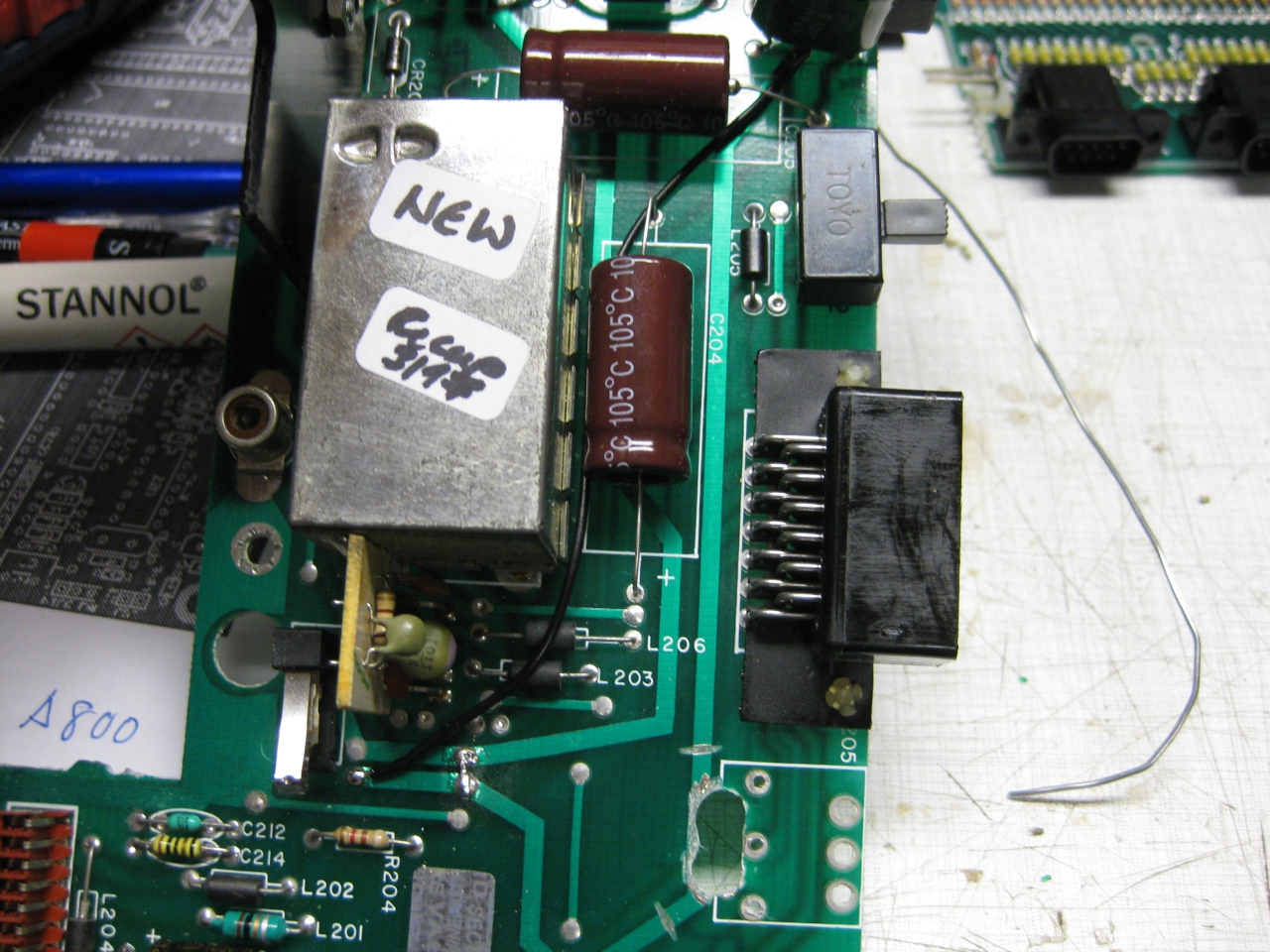
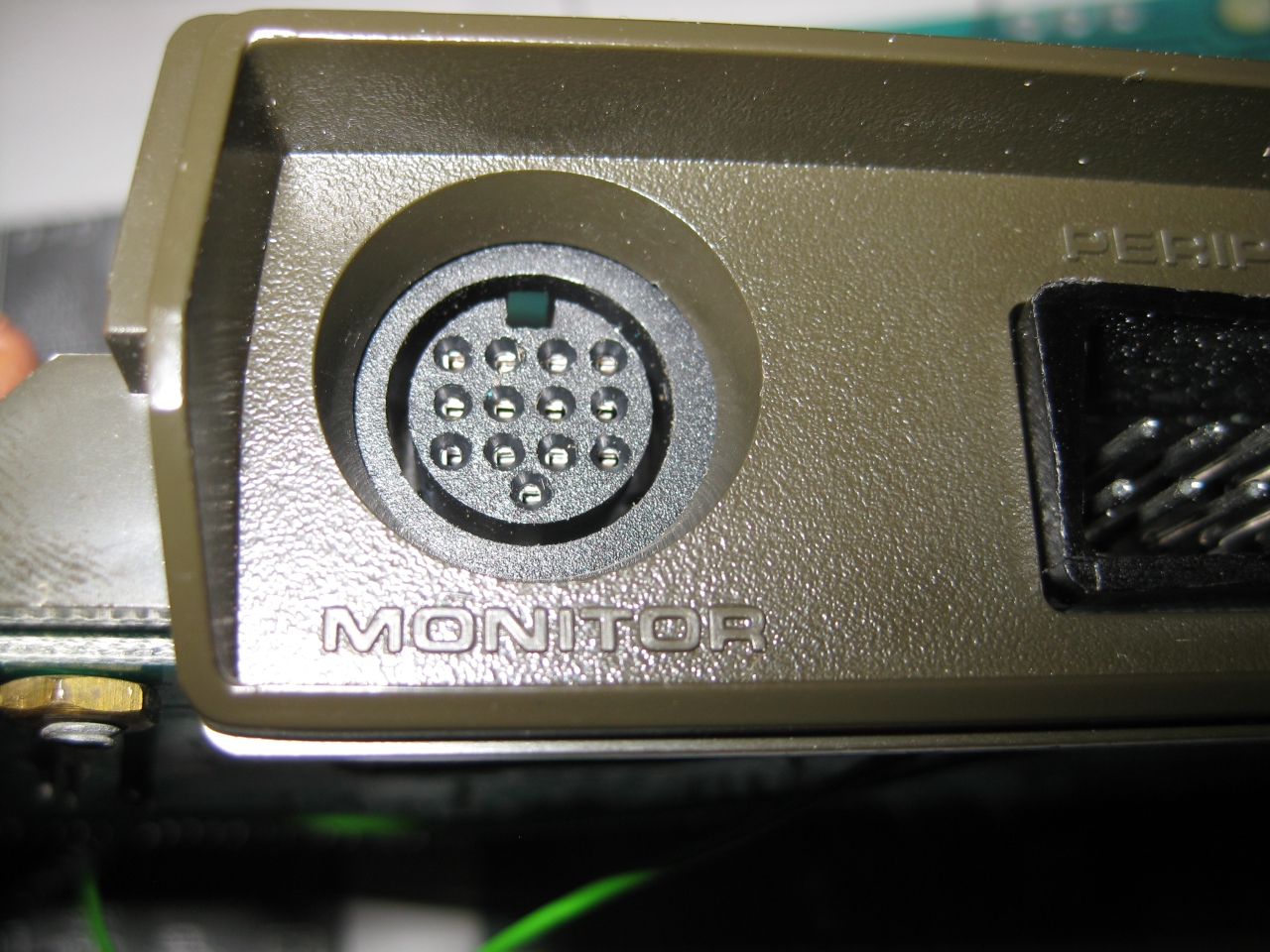
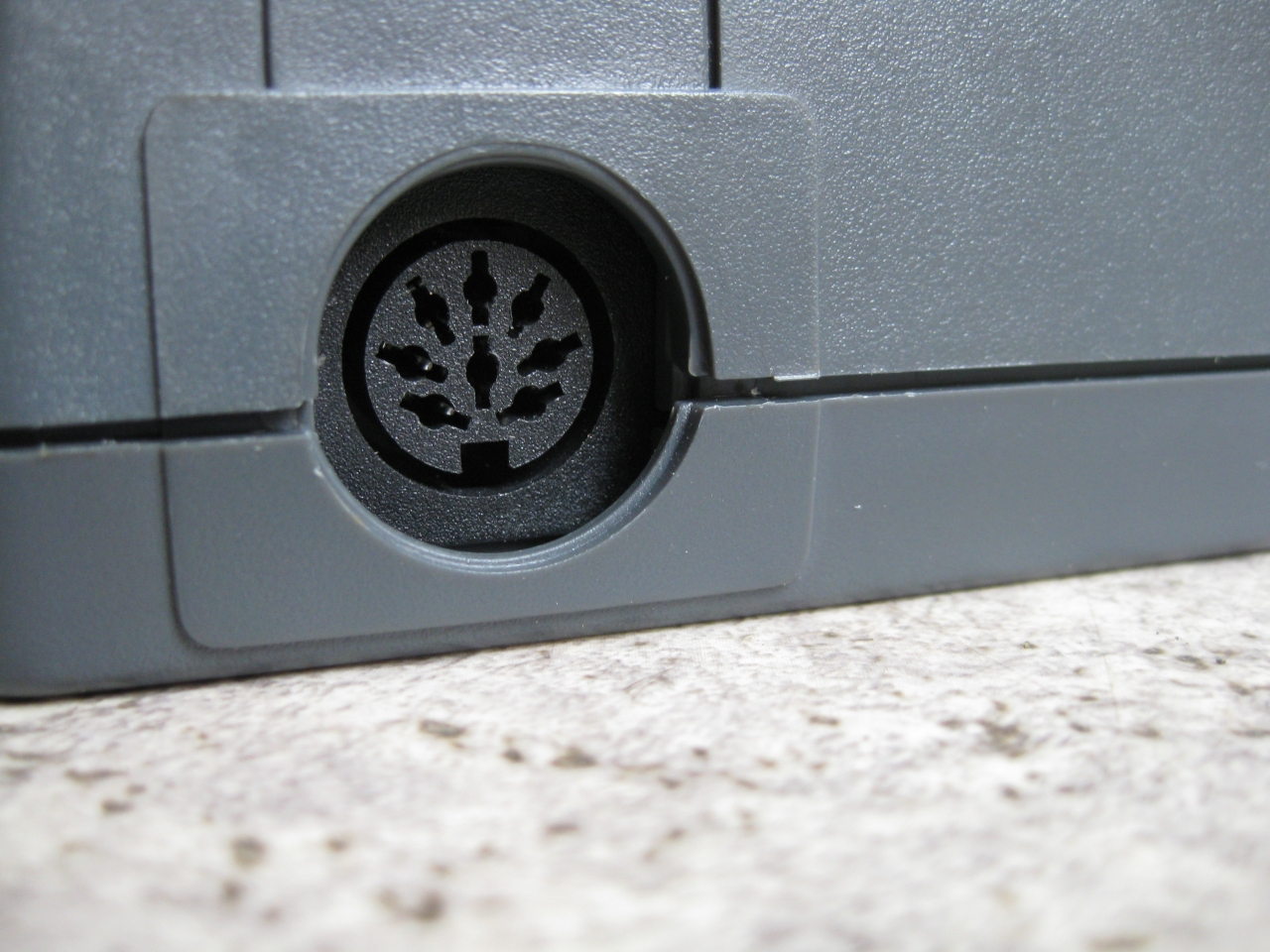
    Atari 800 was my first computer after Sinclair ZX81 and its time to make the picture better. After checking the A/V Out it contains Video and S-Video in a good qualitiy. So i decided to replace the original DIN Connector and replace it with a DIN 13 like used in Atari 7800 french and Atari ST. I used some not needed pins from the Din 13 to put in Video and S-Video too. So its possible to use RGB-Output via a standard french Atari 7800 RGB Cable and with a special Cable made I can use Video and S-Video too via the same connector.

    To put the DIN 13 in the right position i need some plastic and drilled holes downunder to make the Din connectors accessable


    a800_sophia (5)

    a800_sophia (6)

    replaced DIN 5 to DIN13

    a800_sophia (4)

    downunder chaos

    a800_sophia (2)

    because of no space at the CPU Board I needed to move the Sophia Board to another place. I uses some ribbon extension like this

    a800_sophia (1)

    and here we go. In front you see incognito board too 🙂

    a800_sophia (7)

    after finishing up it looks like this

    a800_sophia (3)

  • Jailbarfix Super Grafx

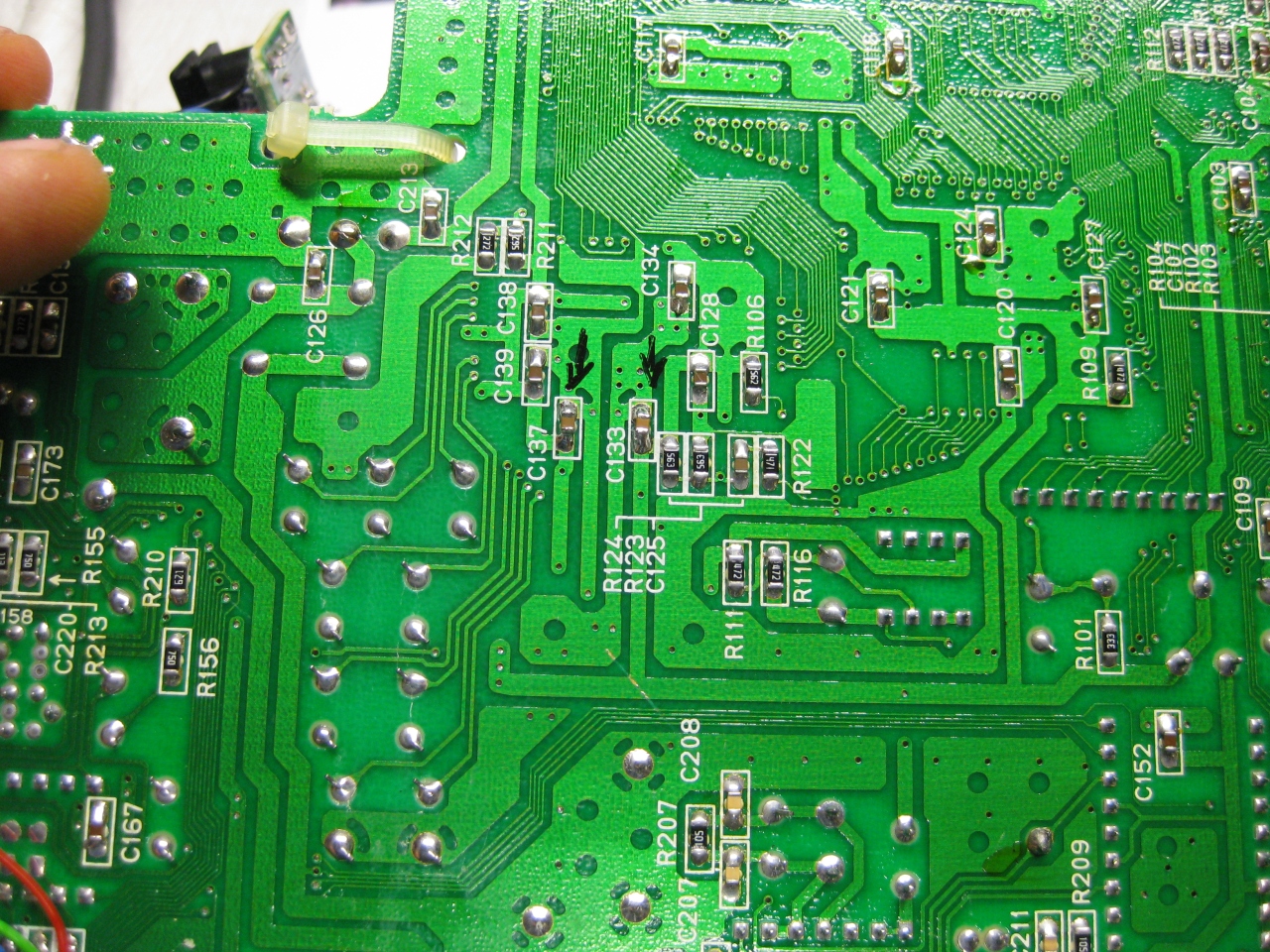
    not a big thing replace these 2 caps with 4,7uf/16V in SMD eg. G0805 and the jailbars are gone.

    you will find them on solderside from the PC Engine Super Grafx.

    jailbarfix_supergrafx

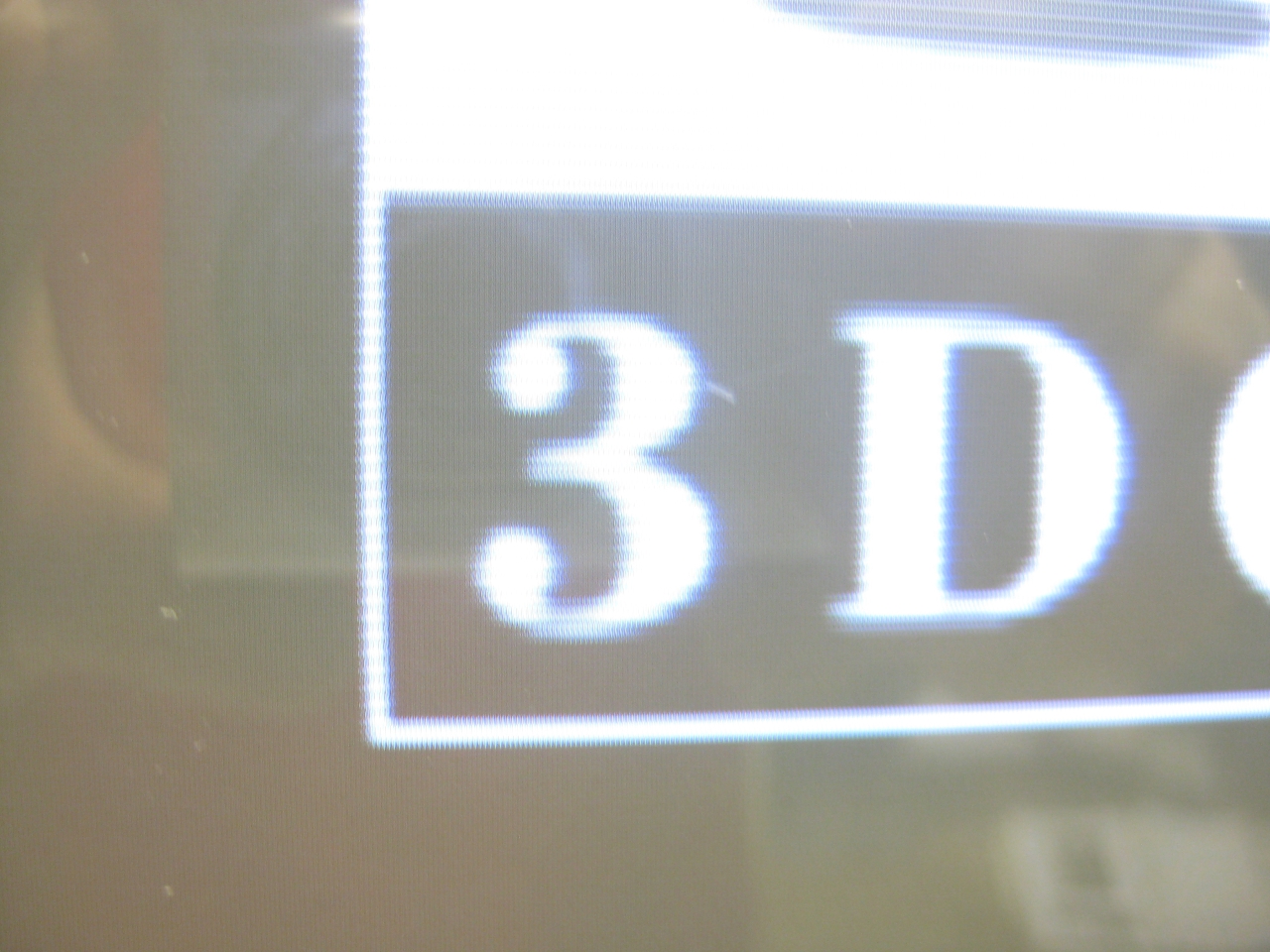
  • 240p activation on 3DO Consoles with VP536

    3DO Consoles outputing 240i Signal but with adding a switch you can set it to 240p

    It only works on 3DO consoles with the VDP536 Chip

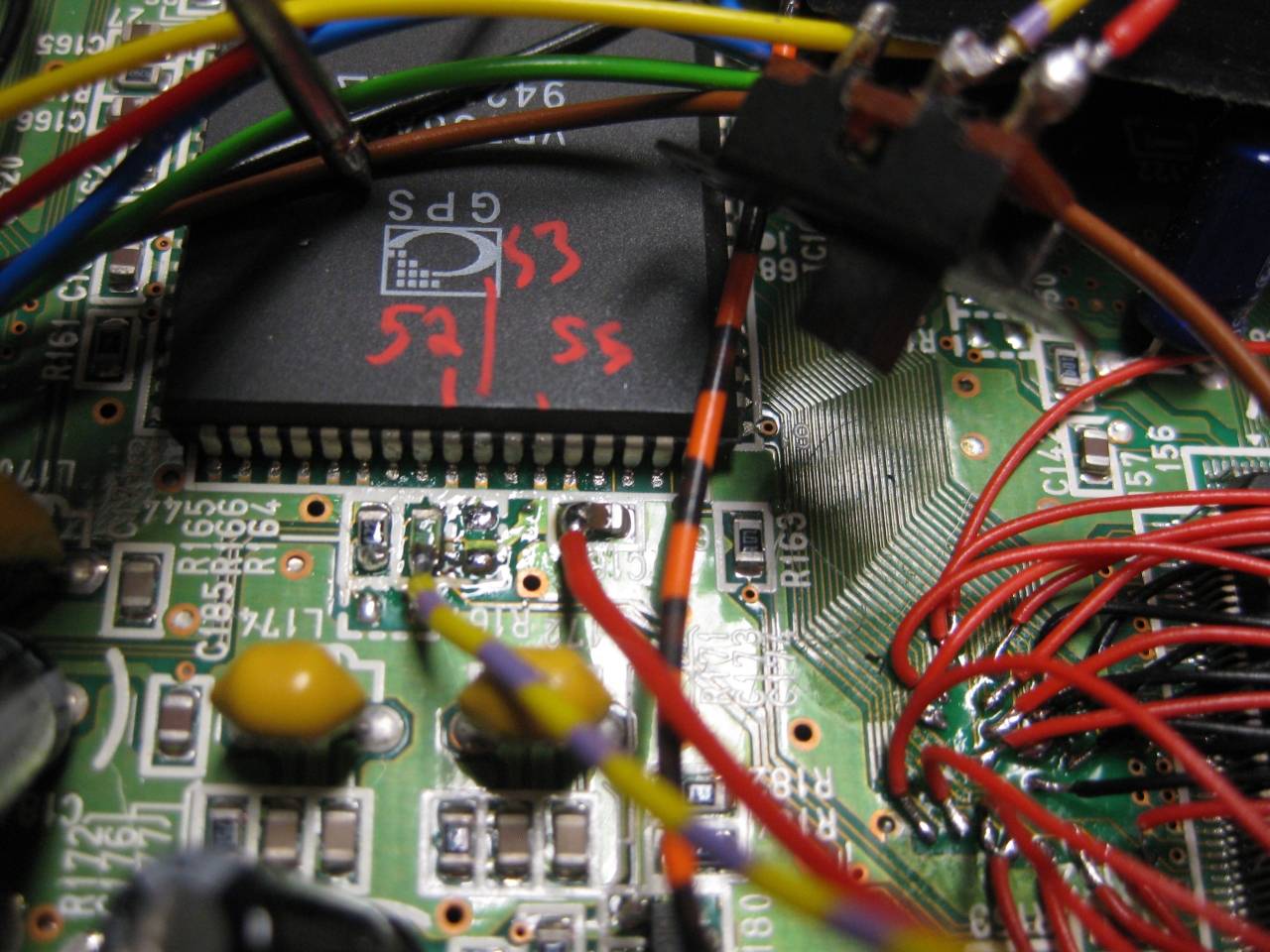
    Pin 52 progressive output (high 5V)

    Pin 52 interlace output (low GND)

    vdp_wiring

    (red is 5V and yellow/purple leads to Pin 52)


    I removed the RF-Unit and put the switch at the same position of the chanel switching

    switch_inside


    For usage power up in interlace mod (switch off) and after power on the console

    switch on to activate the 240p Mode.

    If you turn the console on with 240p activated (switch on) you only get a black picture.

    Same when you change a disc and you close the console with 240p activated (switch on)

    switch_outside

    the case need some cleaning

    Some pics

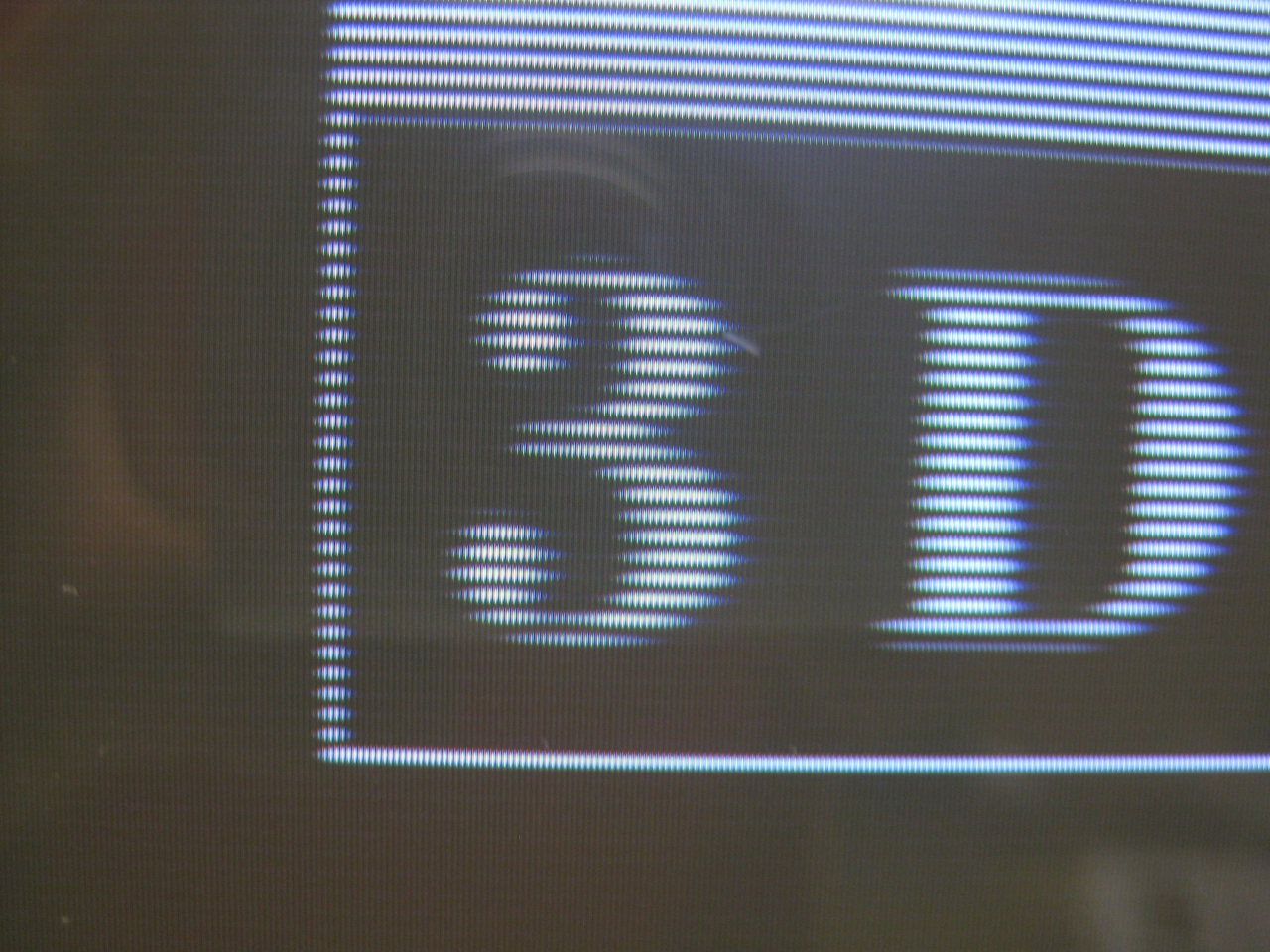
    240i

    (interlaced)

    progressive is sharper and more stable and not shaking anymore :-)))

    240p

  • goDMD Clock Videogames Animation

    Last wekk I got a great gadget called goDMD Clock. The main usage of it is to show the time, date, temp and Pinball Animations from the DMD.

    This new version is build with 2 RGB-Led Array in a total resolution of 128×32 Pixel.


    You can order it here (If you have trouble with the shop mail me at info@wolfsoft.de)

    Here you can see what I am talking about

    After contact with the developer, he added  image rgb support to the editor 🙂

    https://bintray.com/sker65/pin2dmd/Editor#files

    Here you will find a package including one demofile. gridlee You only have to change variable base to your path were the package extracted

    To do some animations for goDMD you have to use mame. I am using groovymame, because it can be set to output native pixel resolution of the games. So you will get a pixelperfect output for the goDMD.

    start mame via commandline: groovymame -mngwrite griddle.mng griddle and do some gaming. After exit you will find a griddle.mng.

    To split the griddle.mng into pictures I used a programm  advmng

    start it in the path where the griddle.mng via commandline: advmng.exe -x griddle.mng

    After this you will get a lot of pictures like: gridlee-00000022.png (Resolution: 245×240)


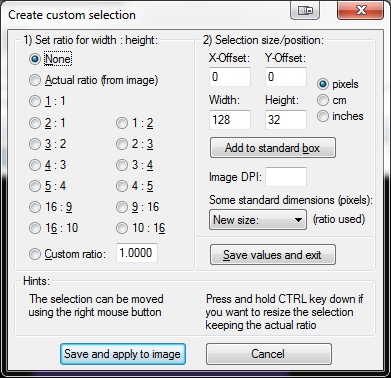
    With the help of irfanview (a pictureviewer) you can create a custom selection (under edit) with Width: 128 and Height: 32.

    create_custom_selection_use_128x32


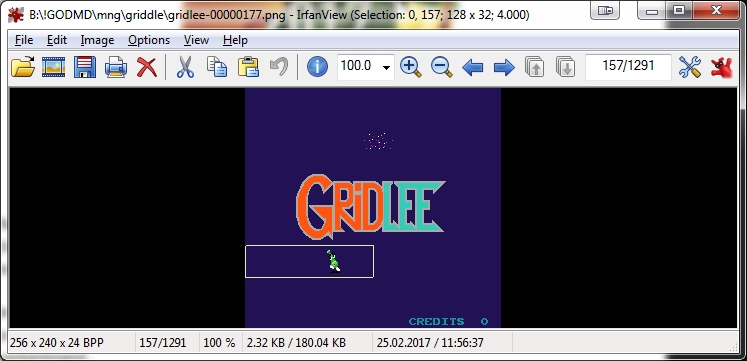
    After Pressing the Button: Save and apply to image you will see a window on top of the left png.

    selected_area

    Move it with the help of arrowkeys to the area of interest

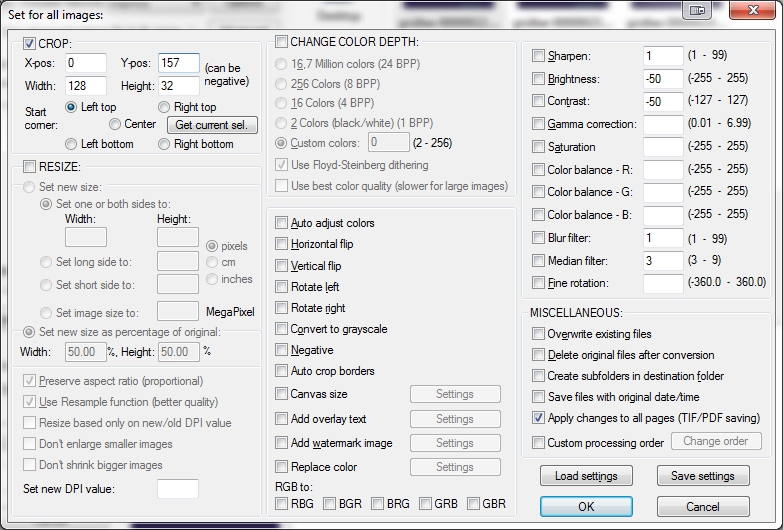
    In Top Line you see (Selection: 0,0) this marks the X,Y Position. You have to enter these values in

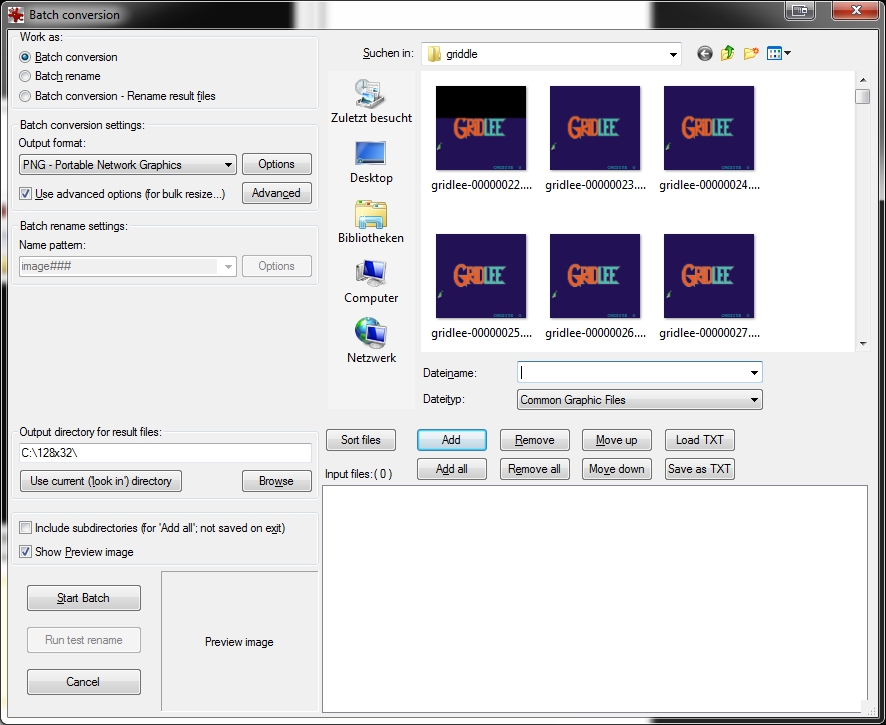
    Under File: Batch conversion (set to PNG Output Format) and press Advanced Button: Here you can set the X-pos, Y-pos Position

    batch_conversion_1

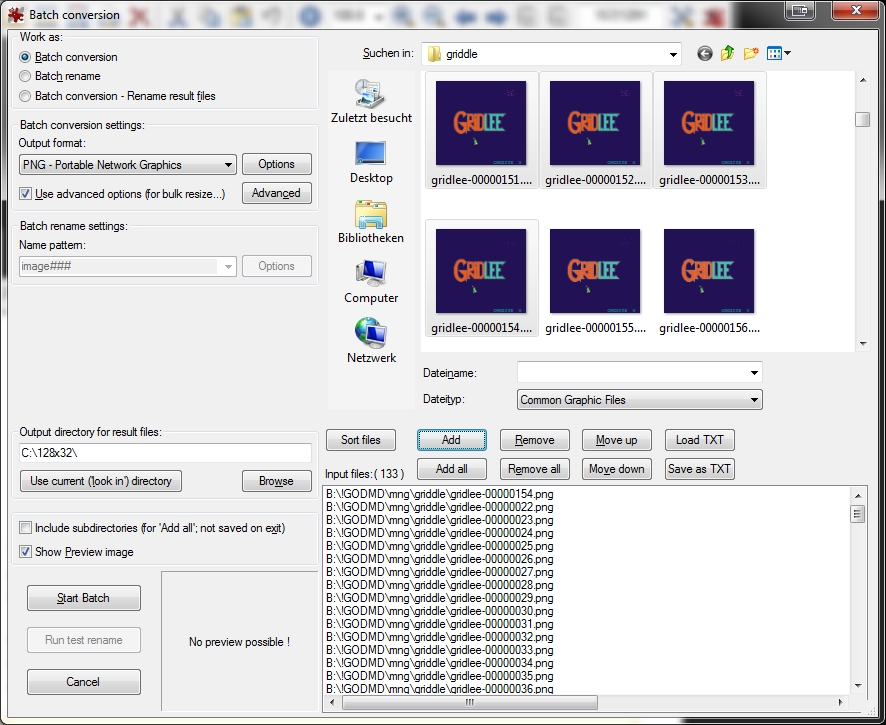
    Mark the amount of png you want to crop and add them

    batch_conversion_Advanced_Crop


    Start Batch

    batch_conversion_2_add_wanted_pics

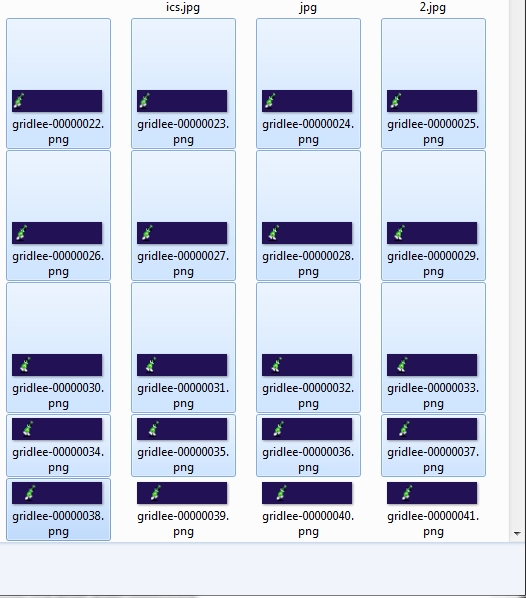
    now you have a lot of cutted pictures in the right resolution

    target_images

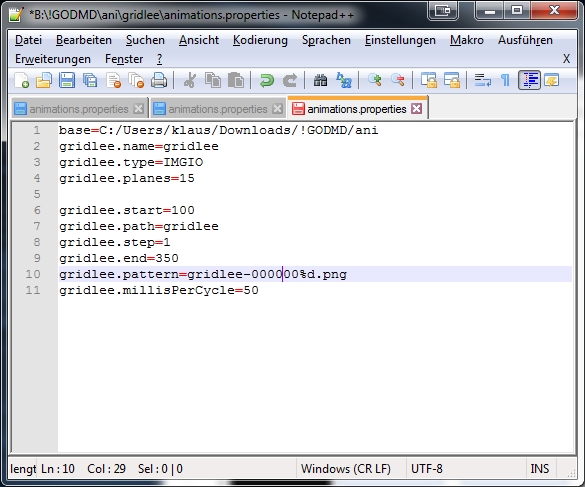
    now put a animaions.properties in this folder

    notepad

    After this try to import it in the pin2dmd editor under animations: Load Animations


    Here you can download new Fonts for the goDMD Clock ArcadeFonts_go_DMD


  • Atari Jaguar „switchless“ + Reset Addon + Multibios


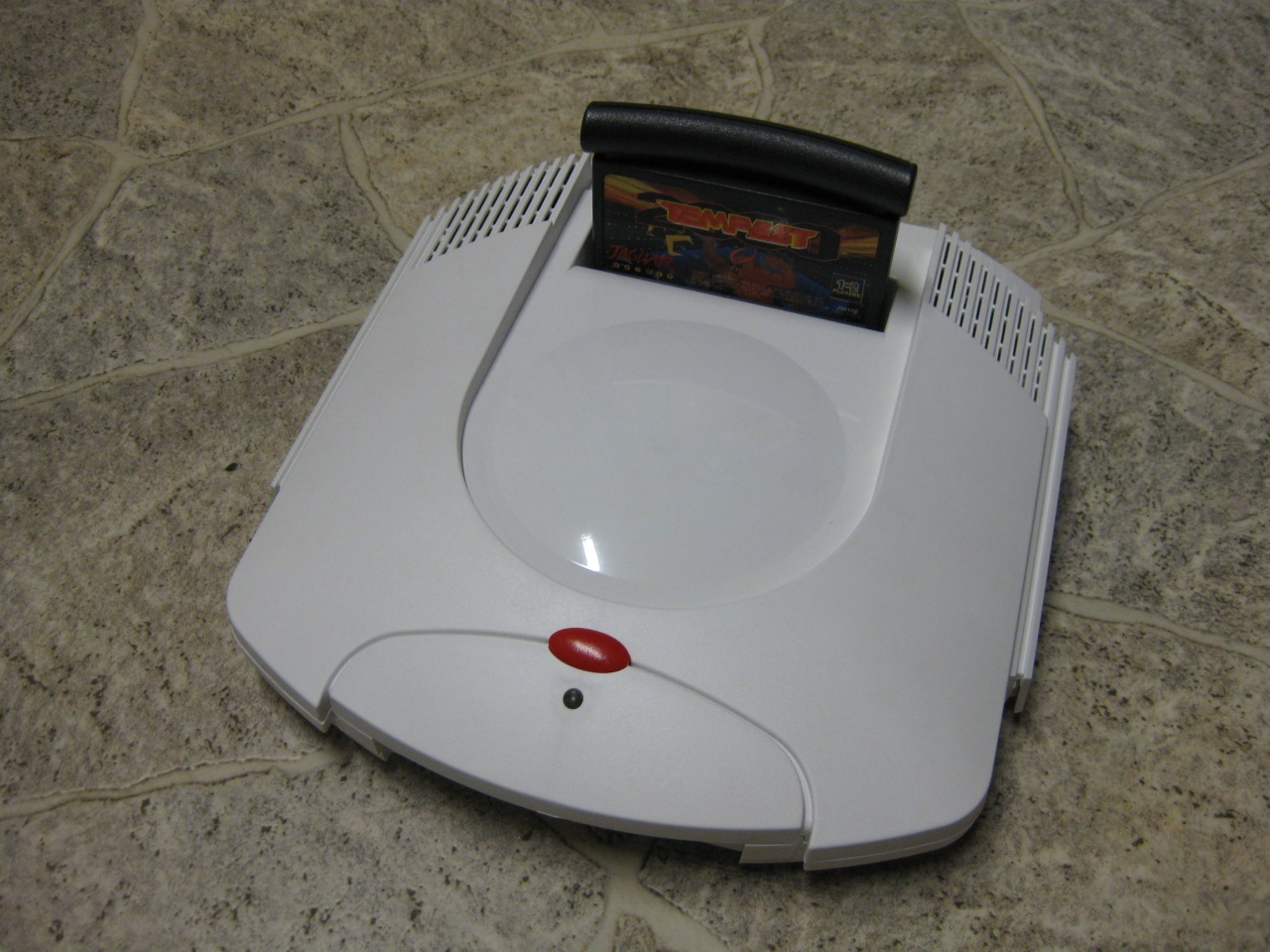
    I got a white „dental“ case and its time to make the jaguar ready for 2017 😉

    The title is something strange, but its comming from a Sega Saturn Mod years ago (the code is based on this). The Saturn reset button is used for change region and 50/60Hz.

    Jaguar_RGB_Led_switchless

    You will need:
    -pic16f630
    -button
    -RGB-Led

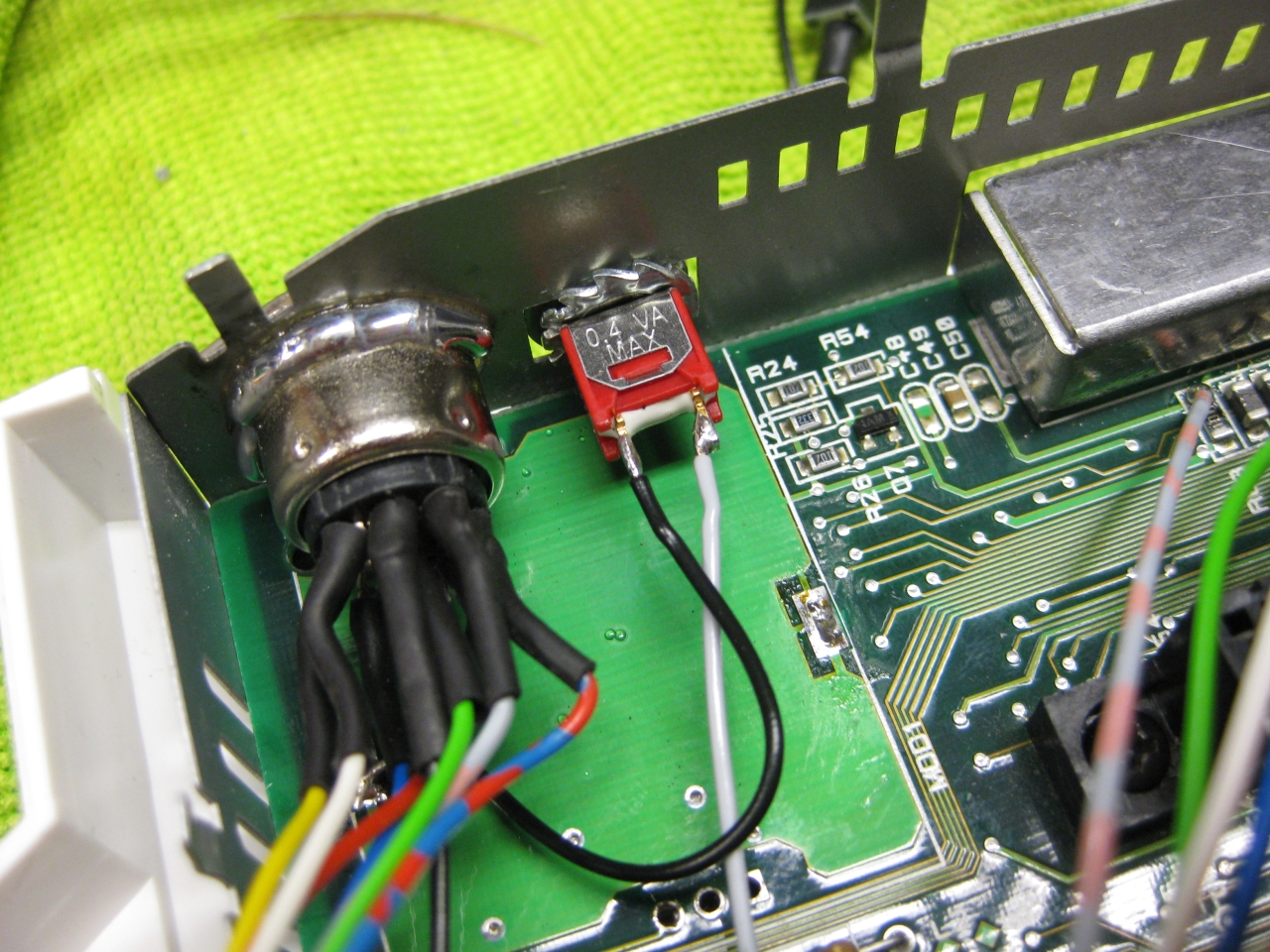
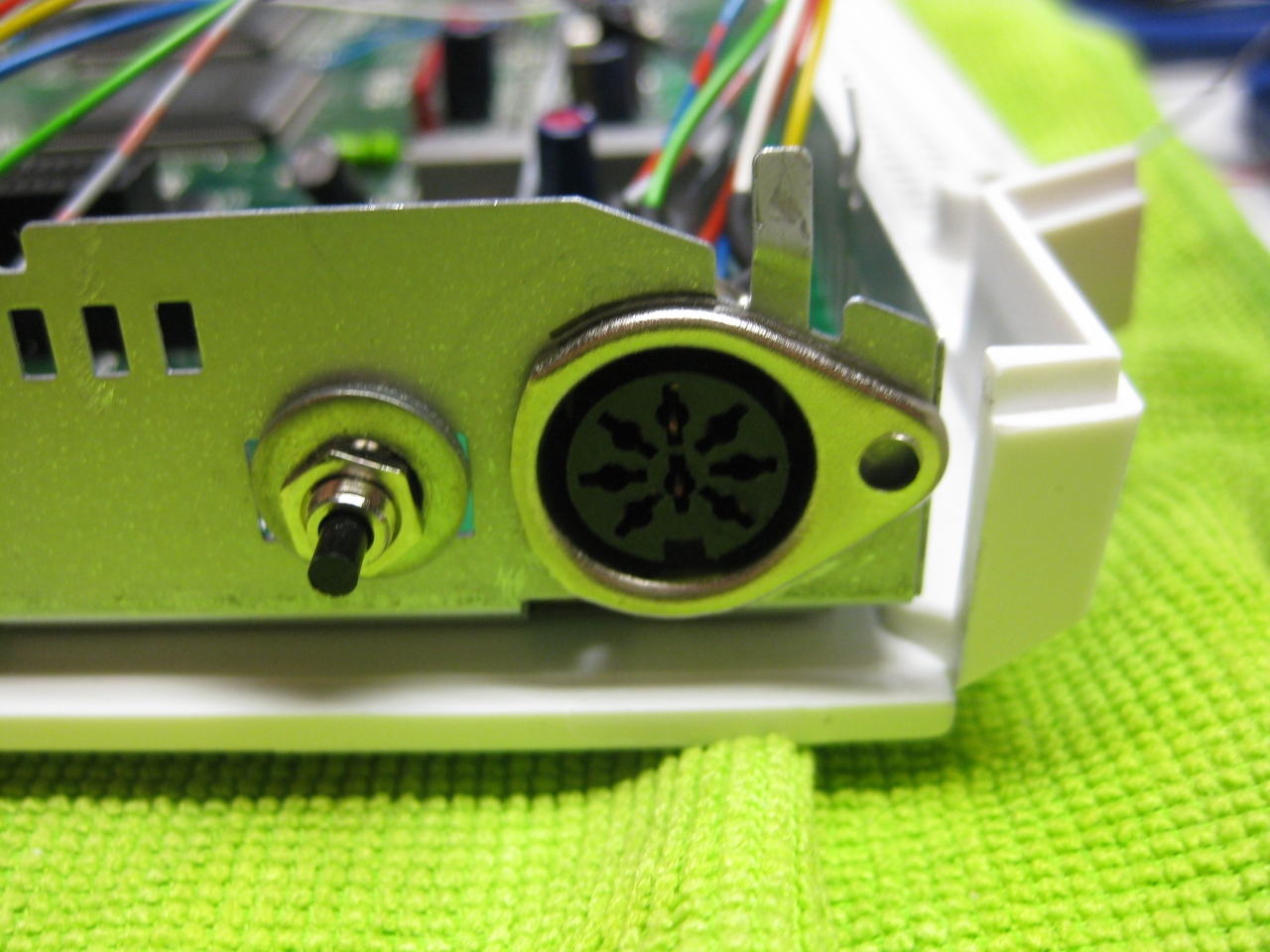
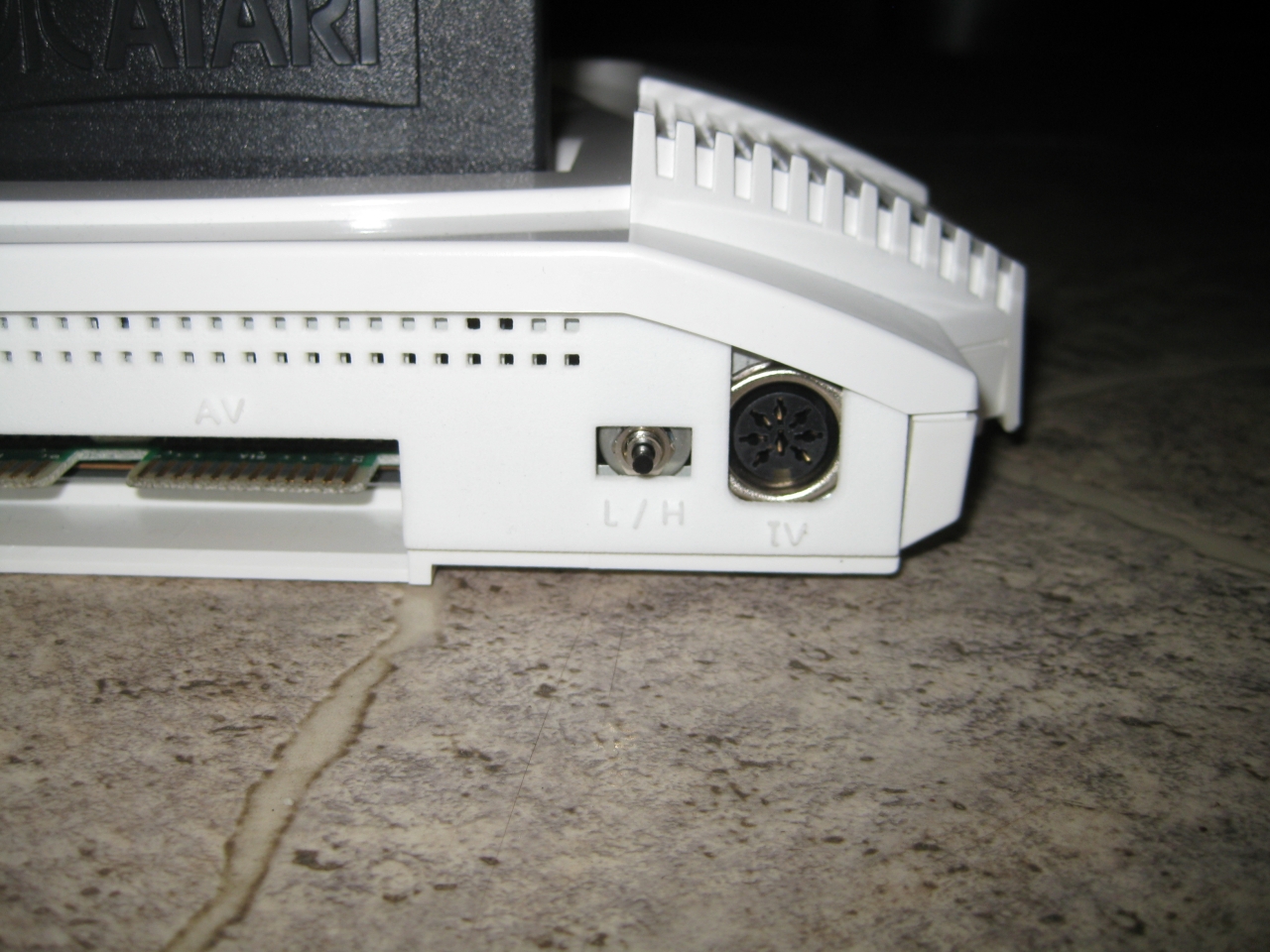
    I removed the RF-Unit to put my „standard“ DIN Connector and for adding a button instead of the chanel selector. With the help of this tiny button you can select between 50/60Hz.


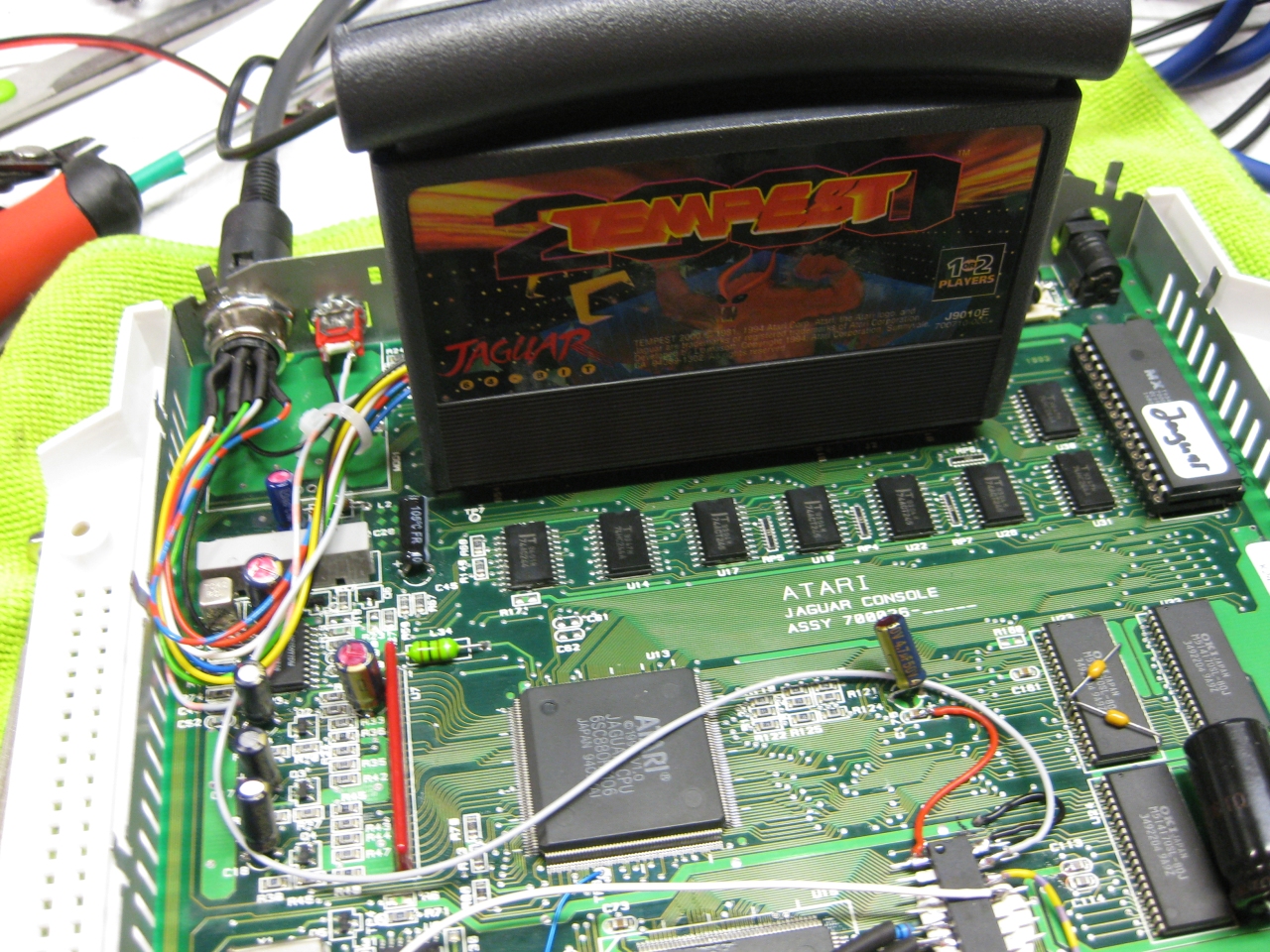
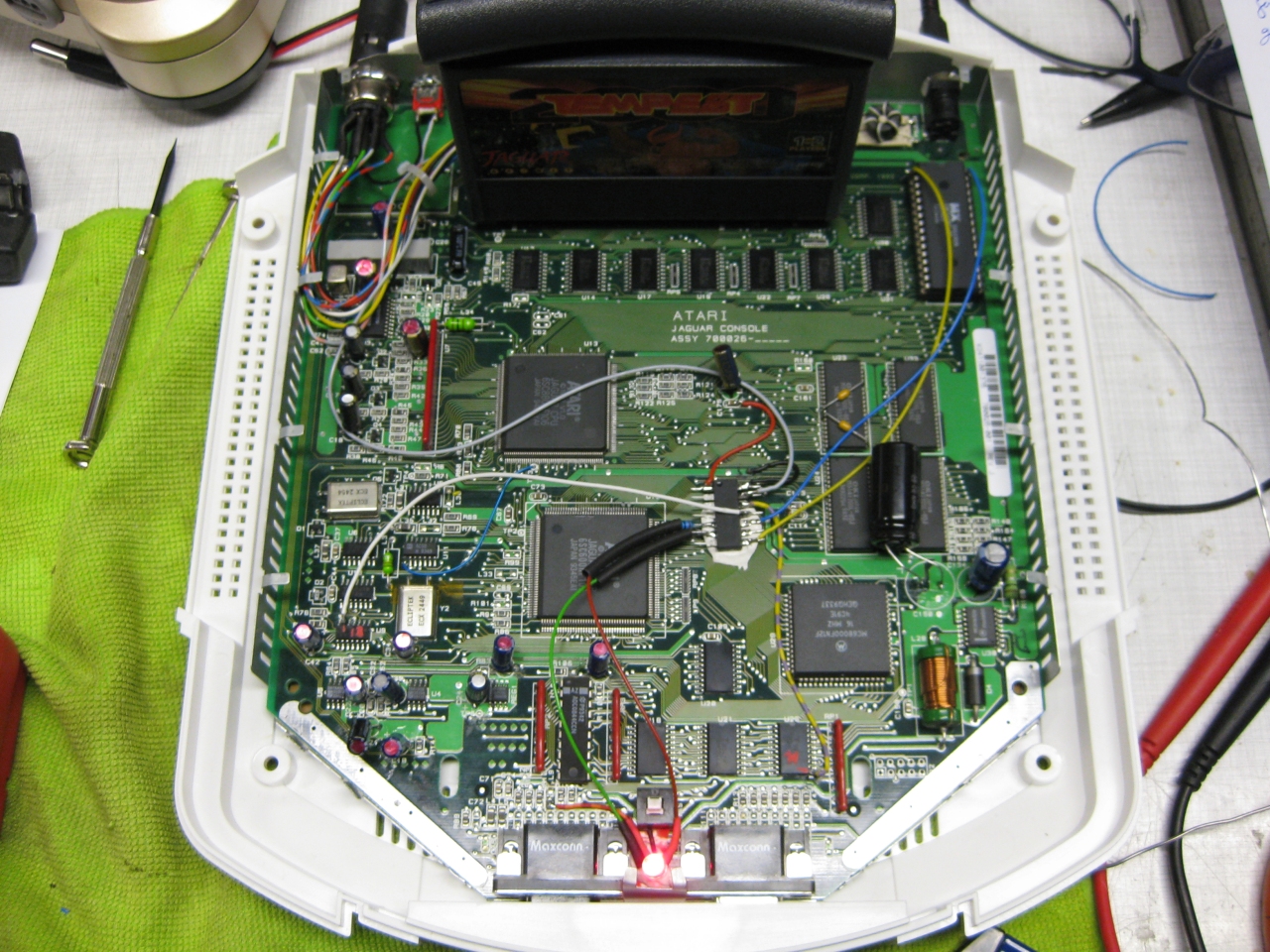
    jag_complete

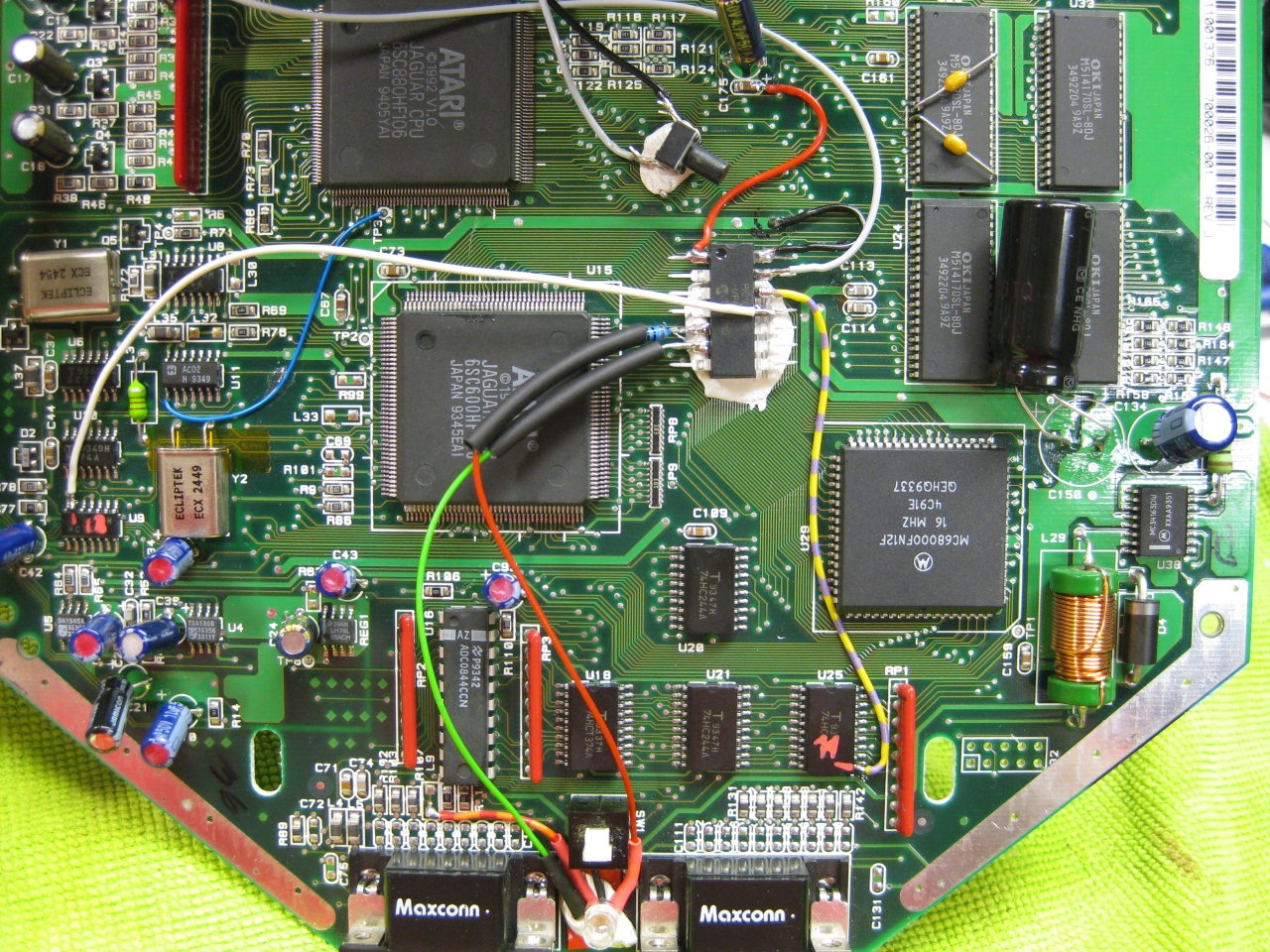
    (Overview)

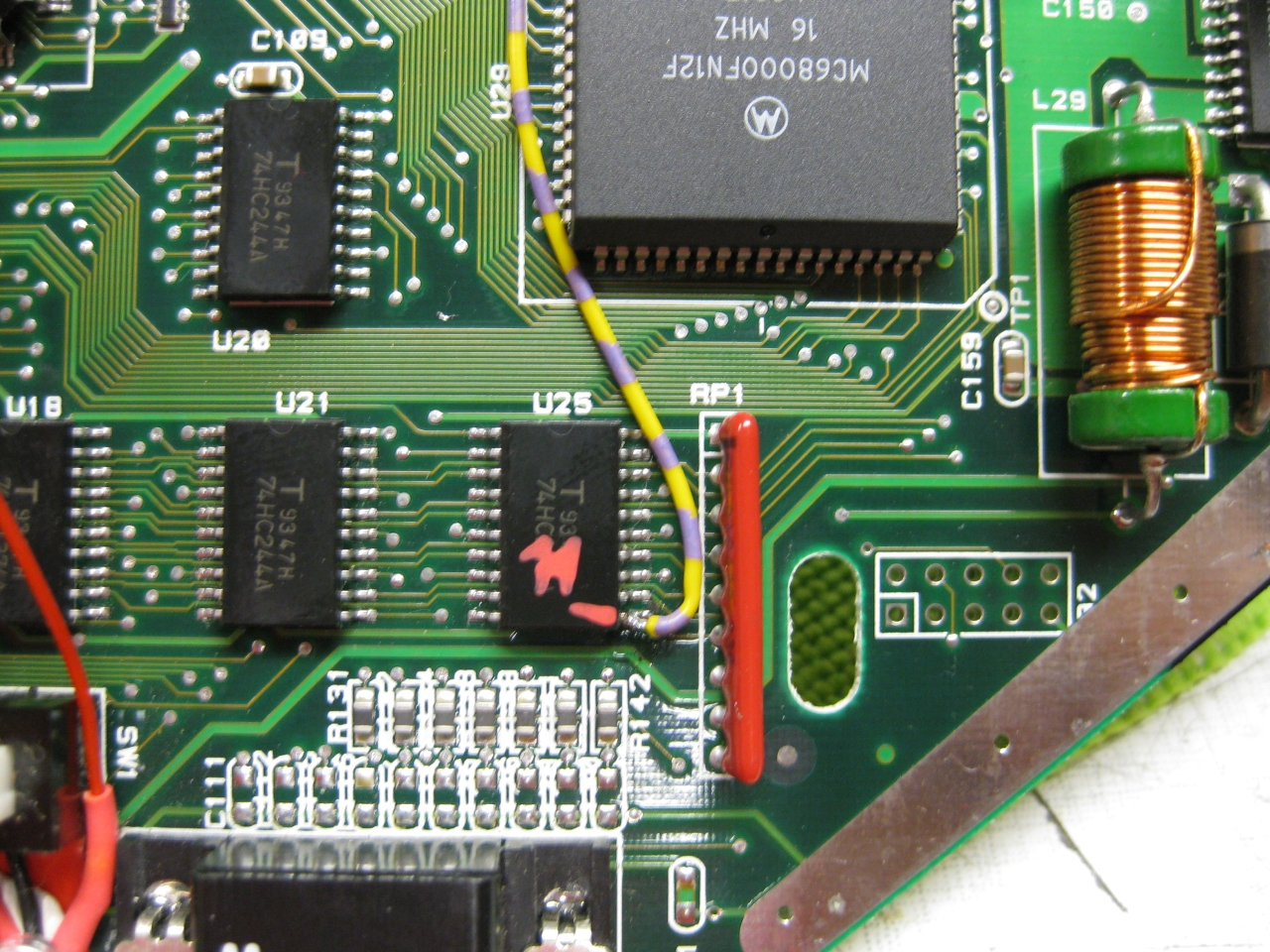
    jag_50_60_zoom

    (U25 Pin 11 sets the Console between 50 Hz (GND) and 60Hz (5V)
    I used a US 60Hz Jaguar for modding, so you have only to solder this wire to Pin 11

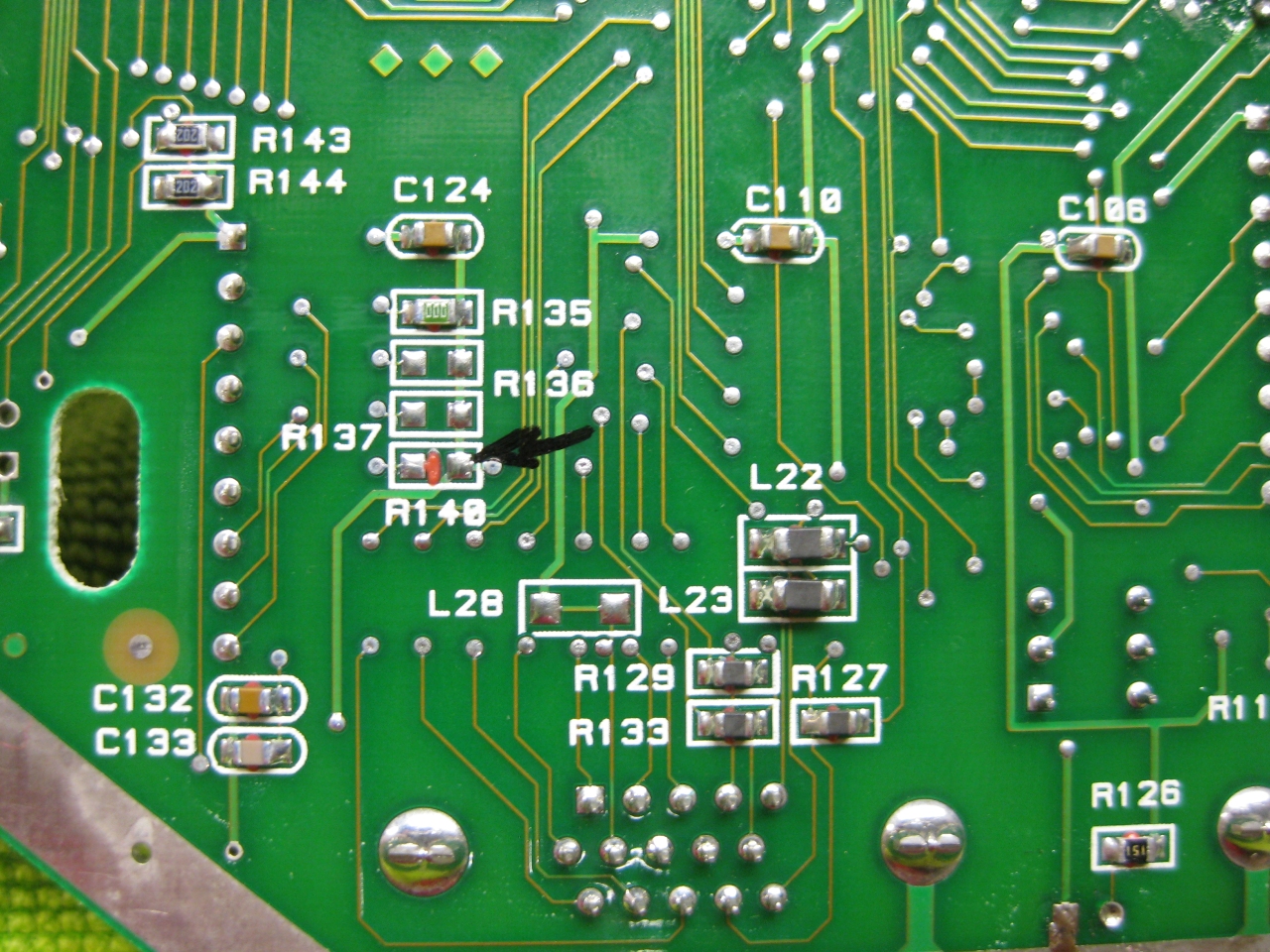
    Jaguar_R140_removed_60Hz
    Attention If you use the PAL console you have to look downunder and remove a Resistor R140!


    jag_reset_zoom

    (The Reset Line you will find U9 Pin 13  (GND = reset)


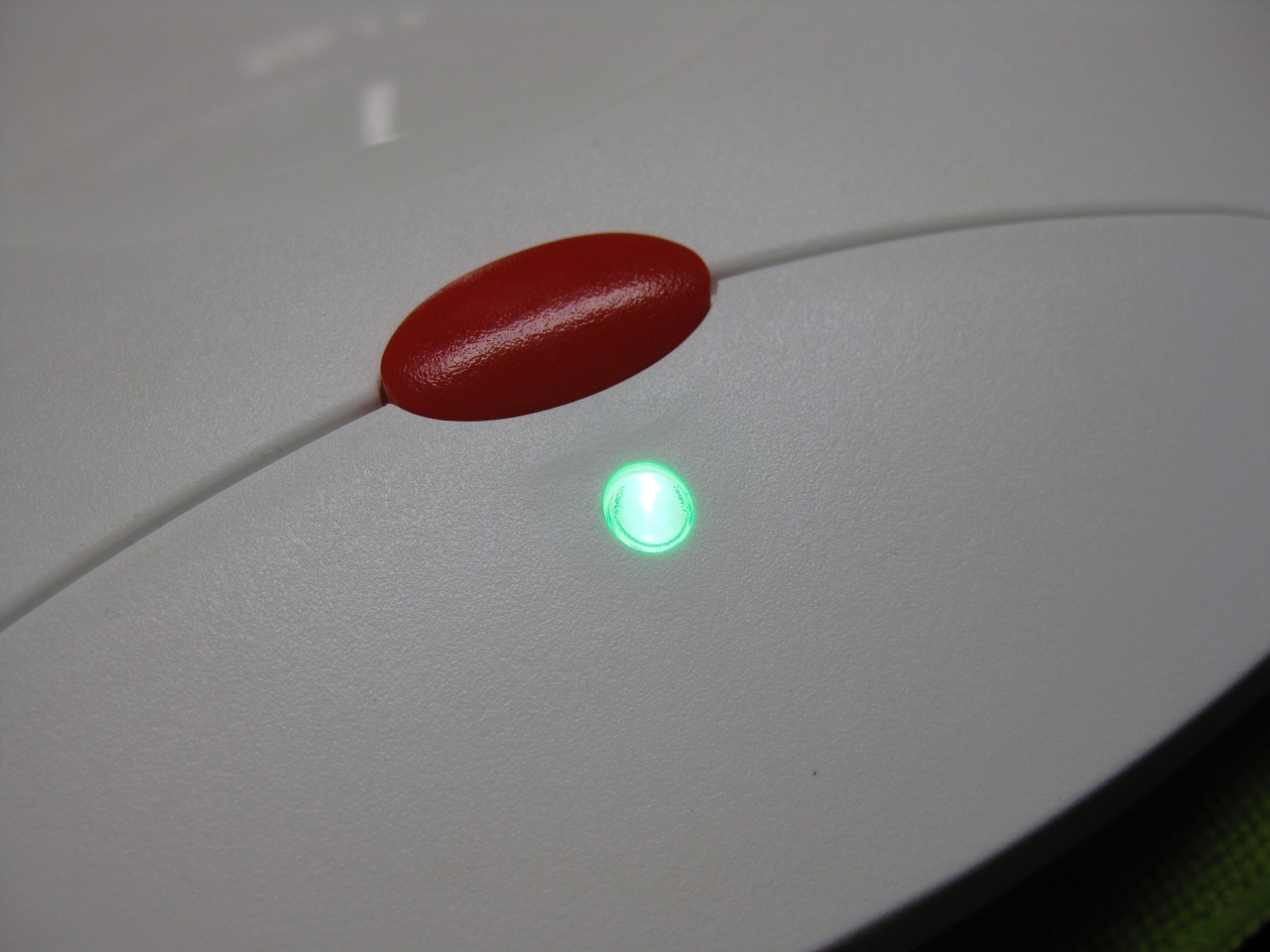
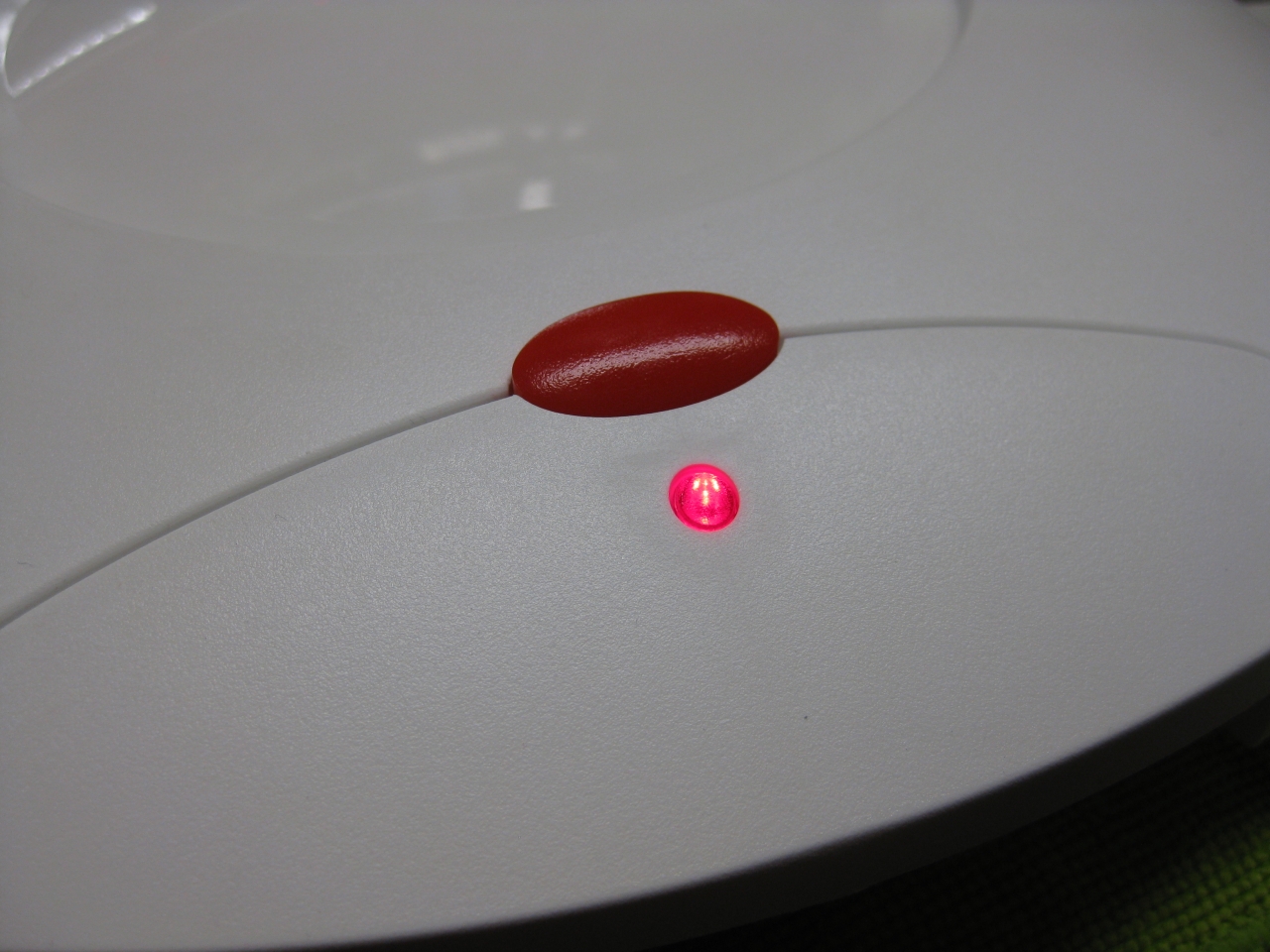
    I removed the original LED and put instead a RGB-Led.

    I set red for 60Hz and green for 50Hz.

    If you find blue better, no problemo. But red/gn are the real colors of the Jaguar used in their countrys.

    jag_rgb_led_zoom

    Usage:

    Its like the switchless Mod for the Sega Saturn.

    a) When you push the button for a moment. The Jaguar will do a reset

    b) you push and hold the button. Now the Color of the LED will toogle between green and red. When you release the button

    at red -> Jaguar Resets and starts with 60Hz
    at green -> Jaguar Resets and starts with 50Hz


    Jaguar_Din_Hole

    (bigger hole for Din RGB-Connector)


    Jaguar_RGB_Pinout

    (RGB-Pinout)

    Jaguar_Din_

    (Reset button)

    Jaguar_Reset_Din

    (overview)

    Jaguar_Reset_outside

    Jaguar_Final_Back

    Jaguar_Final_dental

    Jaguar_green_led

    Jaguar_red_led


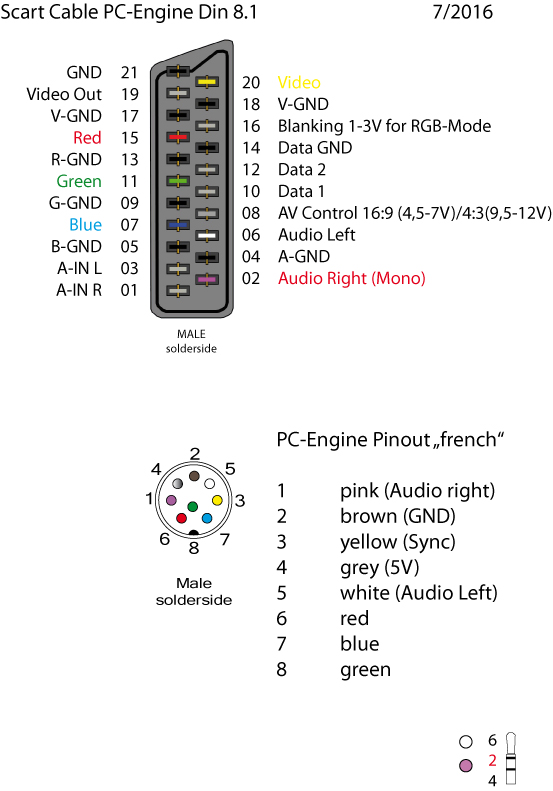
    scart_PC-Engine_French_Layout_2016

    (my standard Din Pinout, based on modified 5 Pin Din PC-Engine + 3 more for RGB)


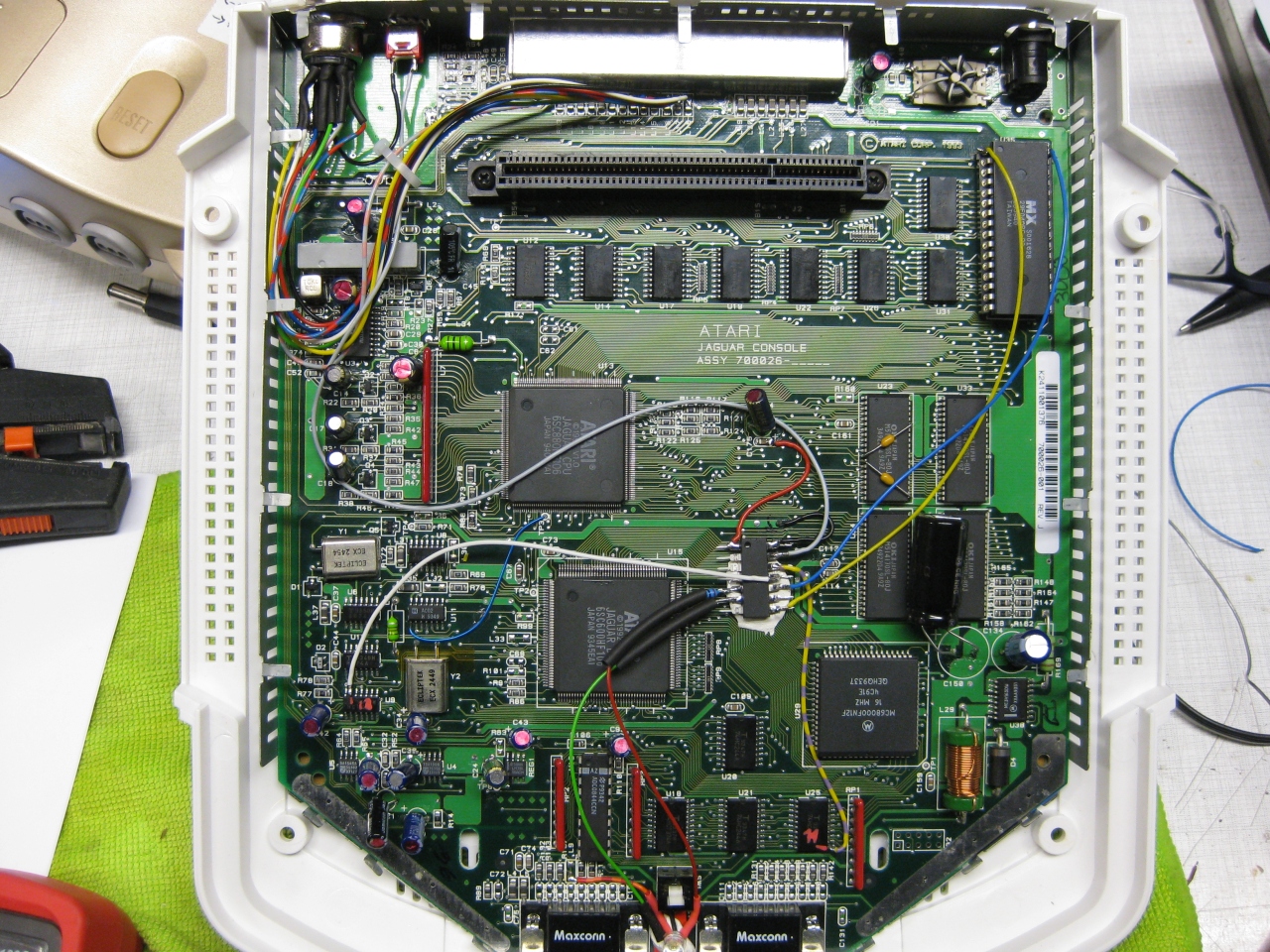
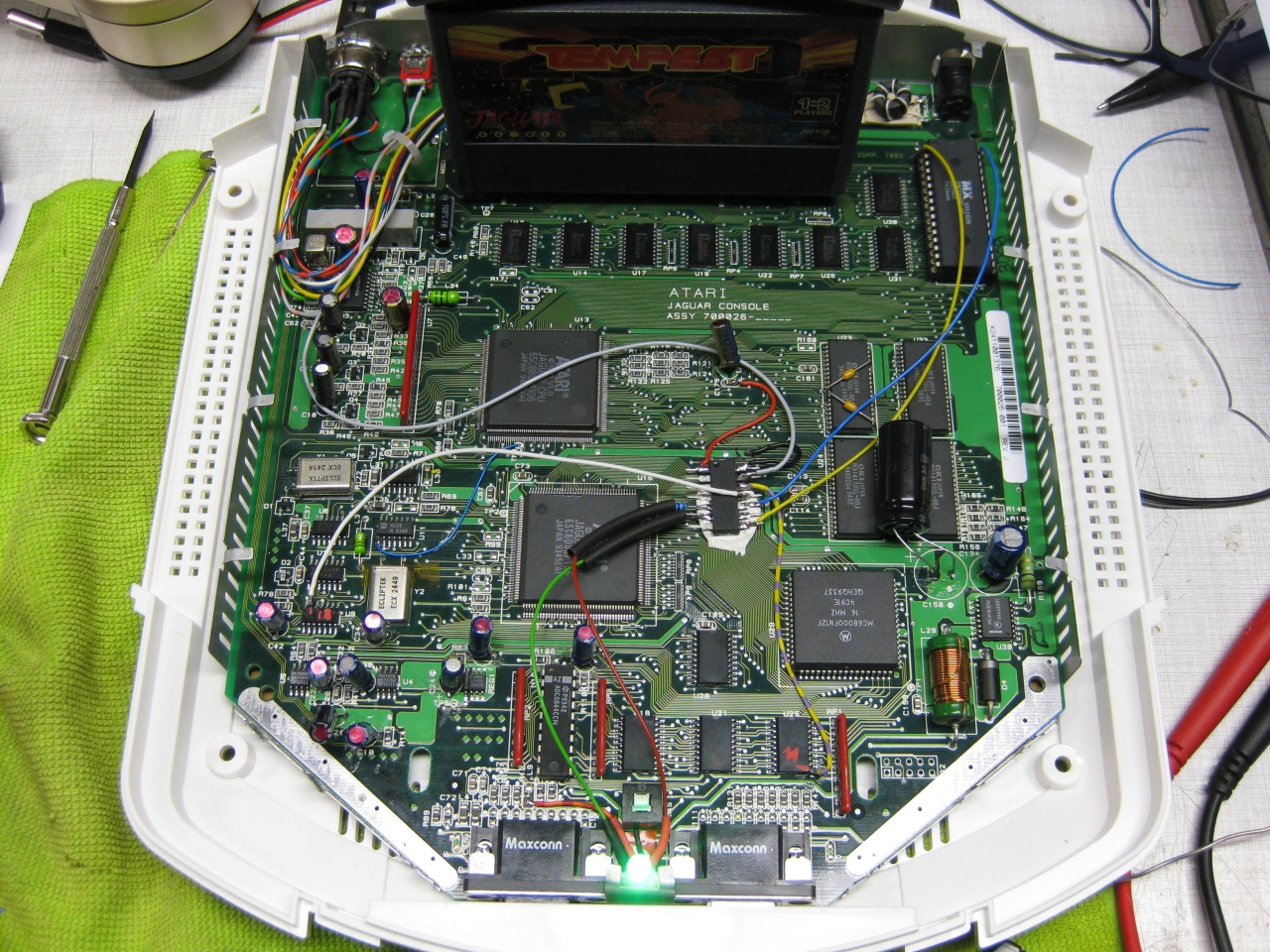
    Its time to add a 2nd Bios to the Jaguar.

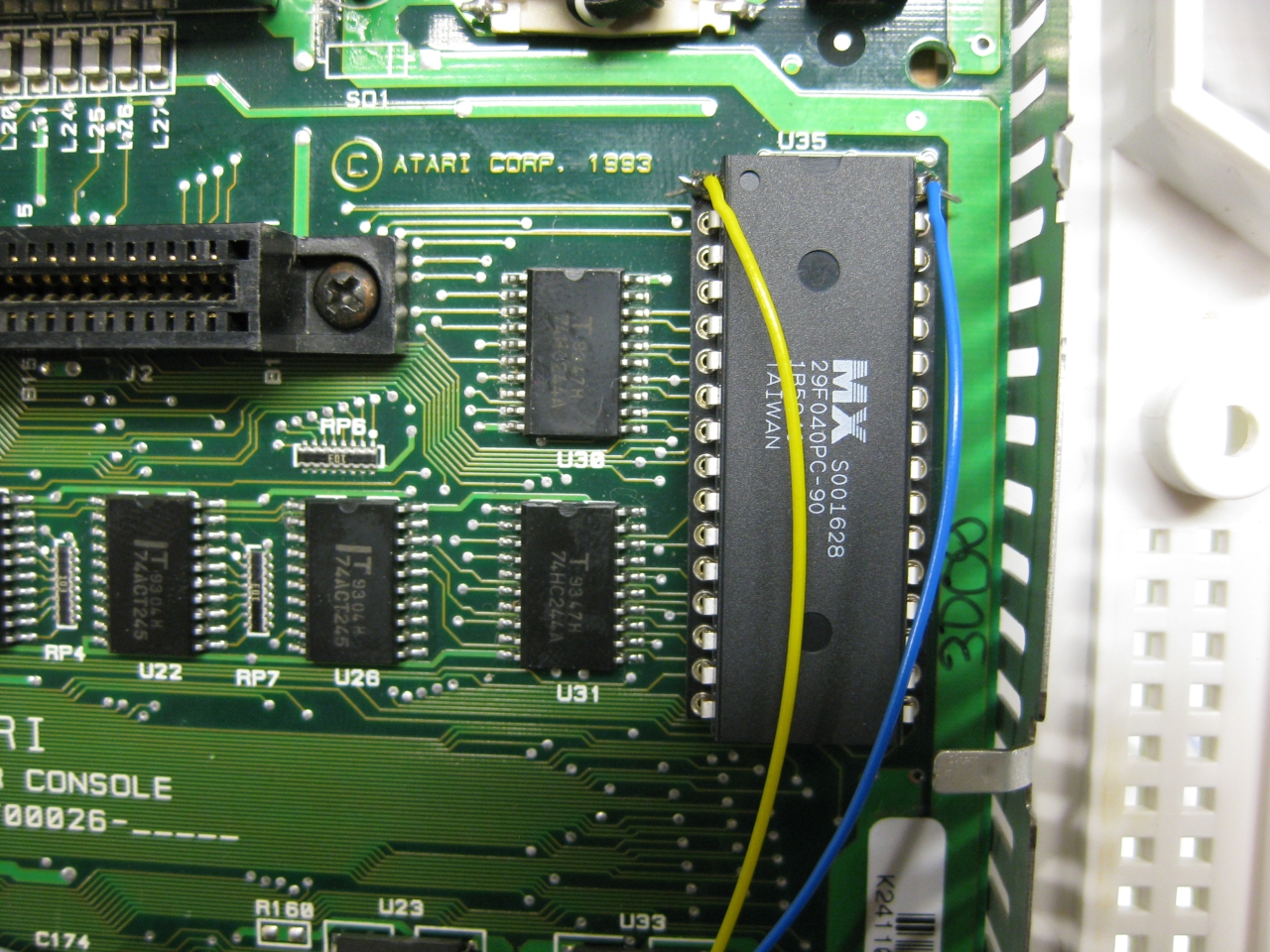
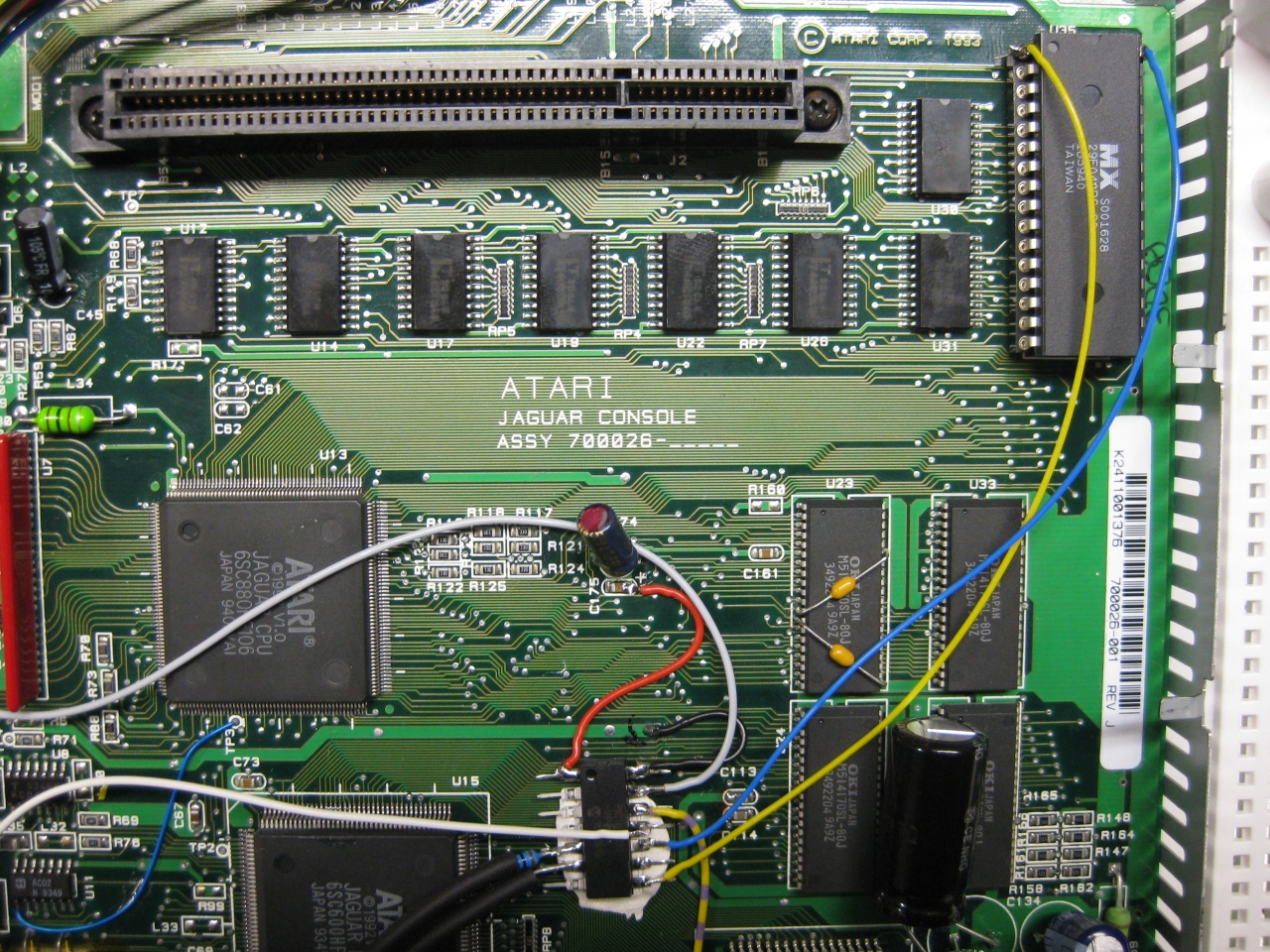
    You have to remove the original Jaguar Bios and use a DIP 32 socket.

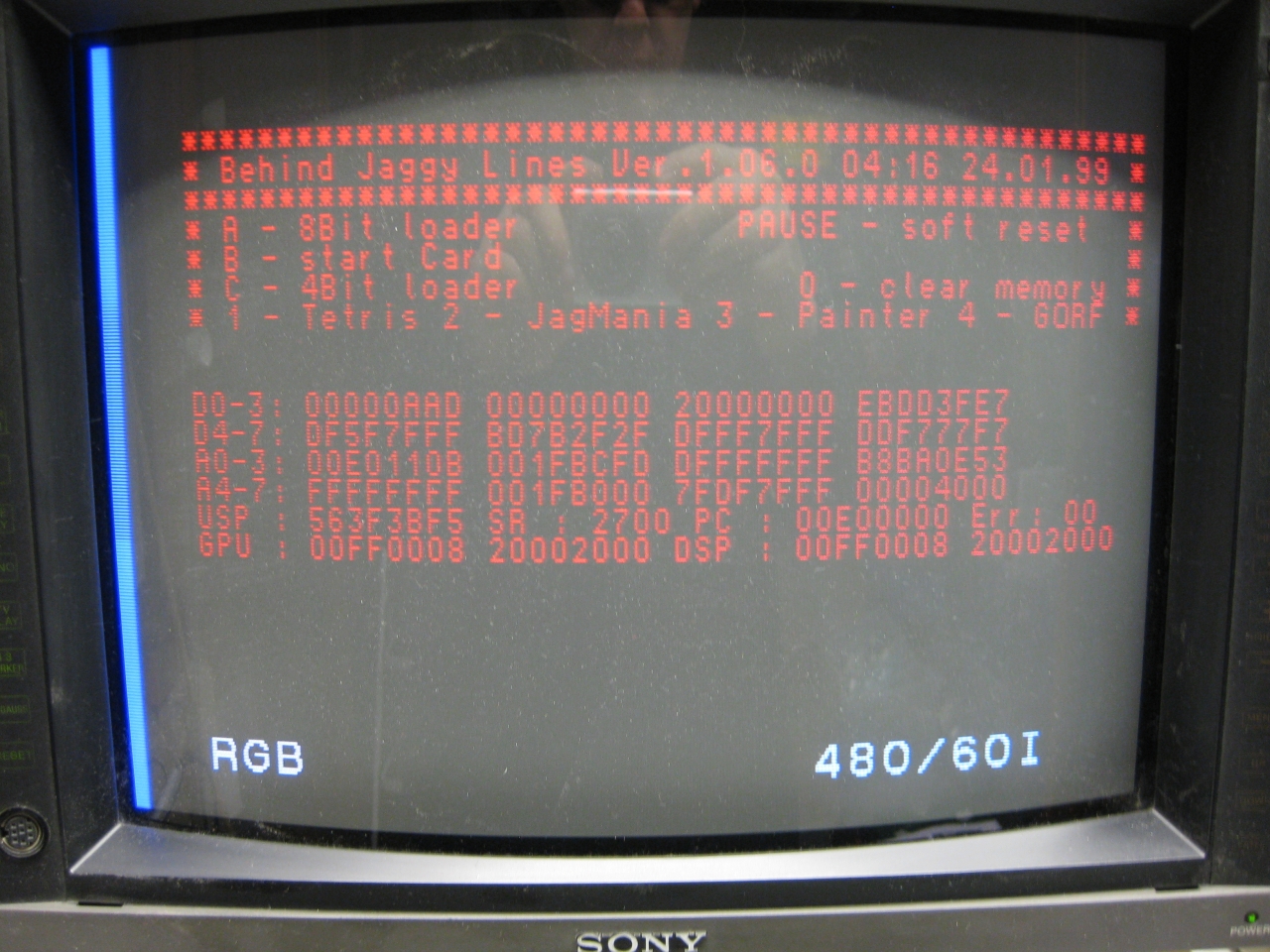
    With the help of a 29f040 FlashRom I added jagbios and BJL1.06

    You need to concat the bios files:
    Use: windows command: copy /B jagbios.bin + jagbios.bin + jagbios.bin + BJL106.bin 4in1bios.bin

    and burn 4in1bios.bin to the 29F040 FlashRom


    29f040_zoom


    29f040_wiring_


    jaguar_complete

    (overview)

    jag_complete_green_bjlbios

    jag_bjl_bootscreen

    jaguar_red_complete

    jaguar_jag_rom

    Update 23.6.2017

    I put a switch beneath the Power Switch to make it like a „real switchless“ mod.

    So the Power switch can pressed a litte to:

    • change 50/60
    • Reset
    • switch between original Bios and BJL

    OR

    Press it more deep to Power Off and Power ON like normal

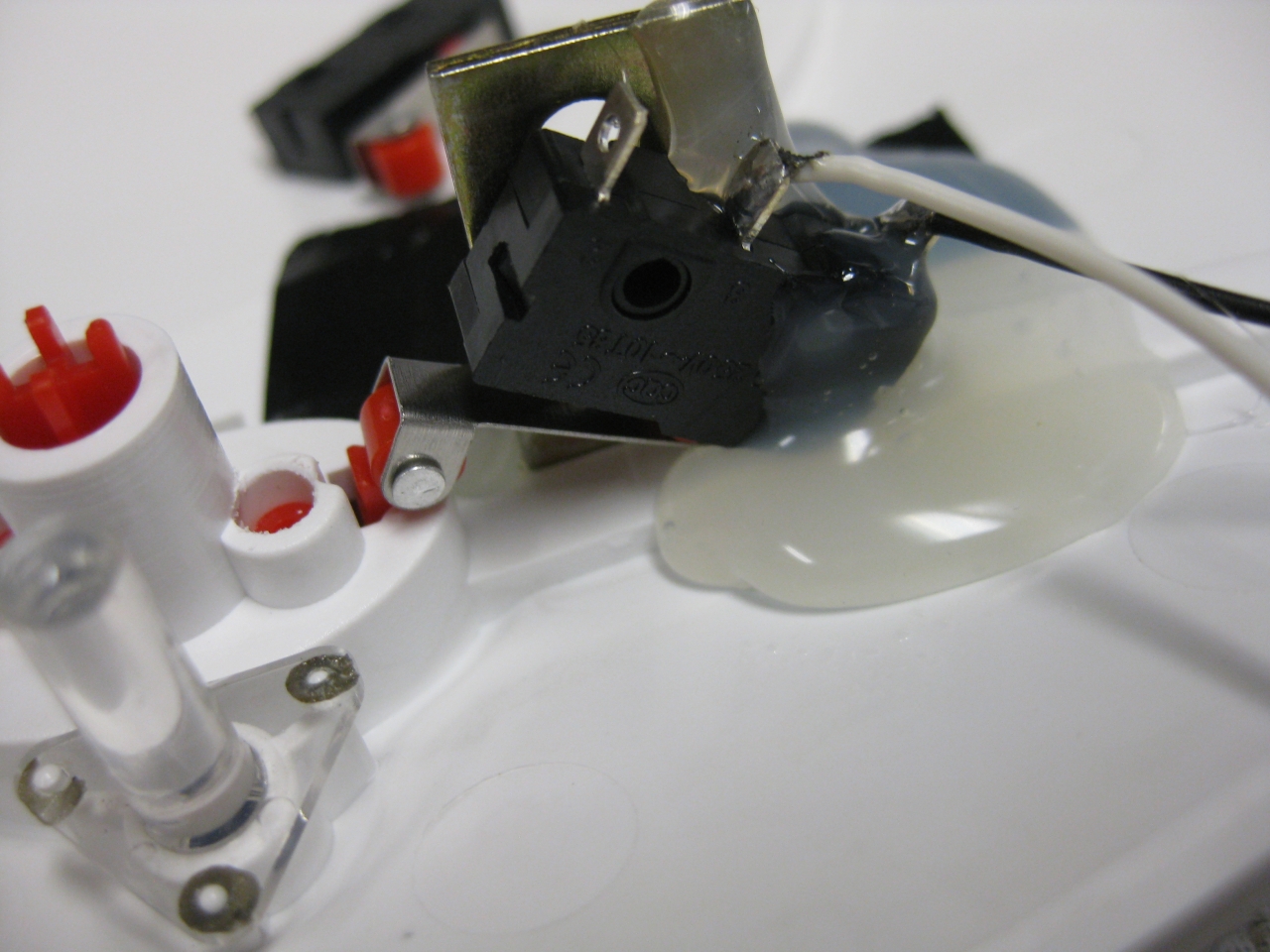
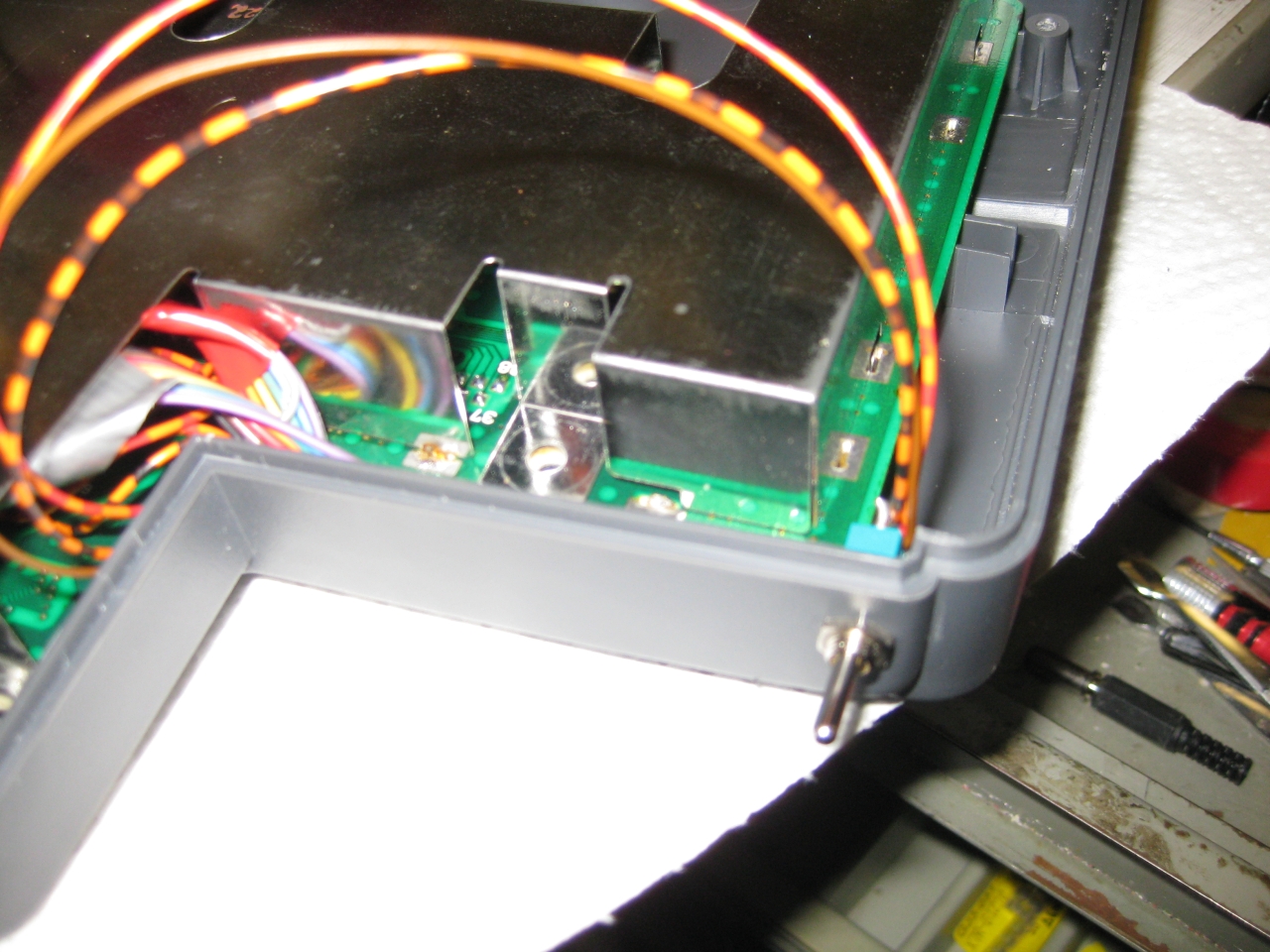
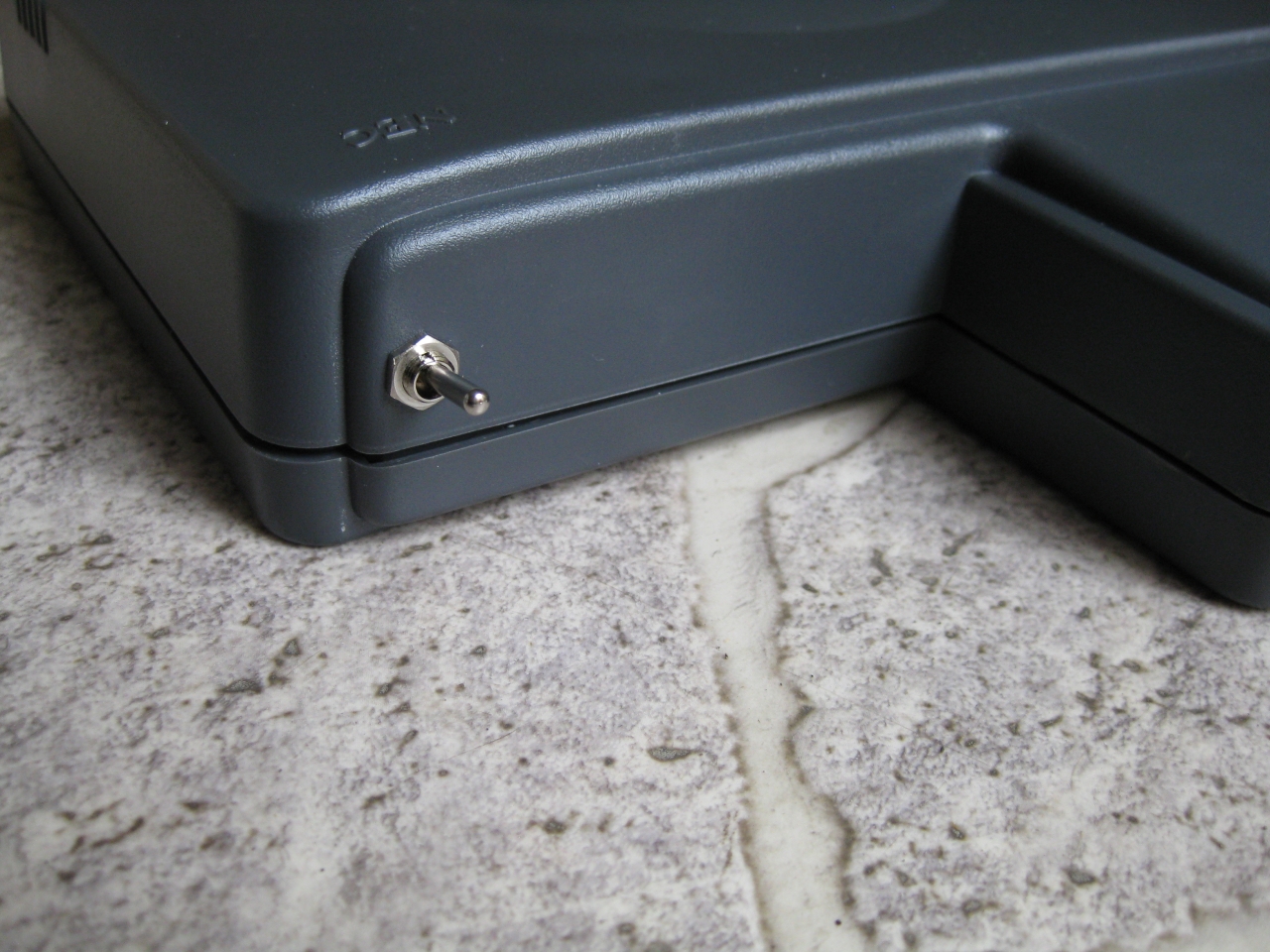
    I used a little switch with a ball at the end and put it inside like this:
    jag_switchless_1

    standard

    jag_switchless_3

    with button pressed a „little“

    jag_switchless_4


    Youtube Video

    (Sorry about wrong JBL speaking its BJL Loader 😉

  • How to make a new NES Controller

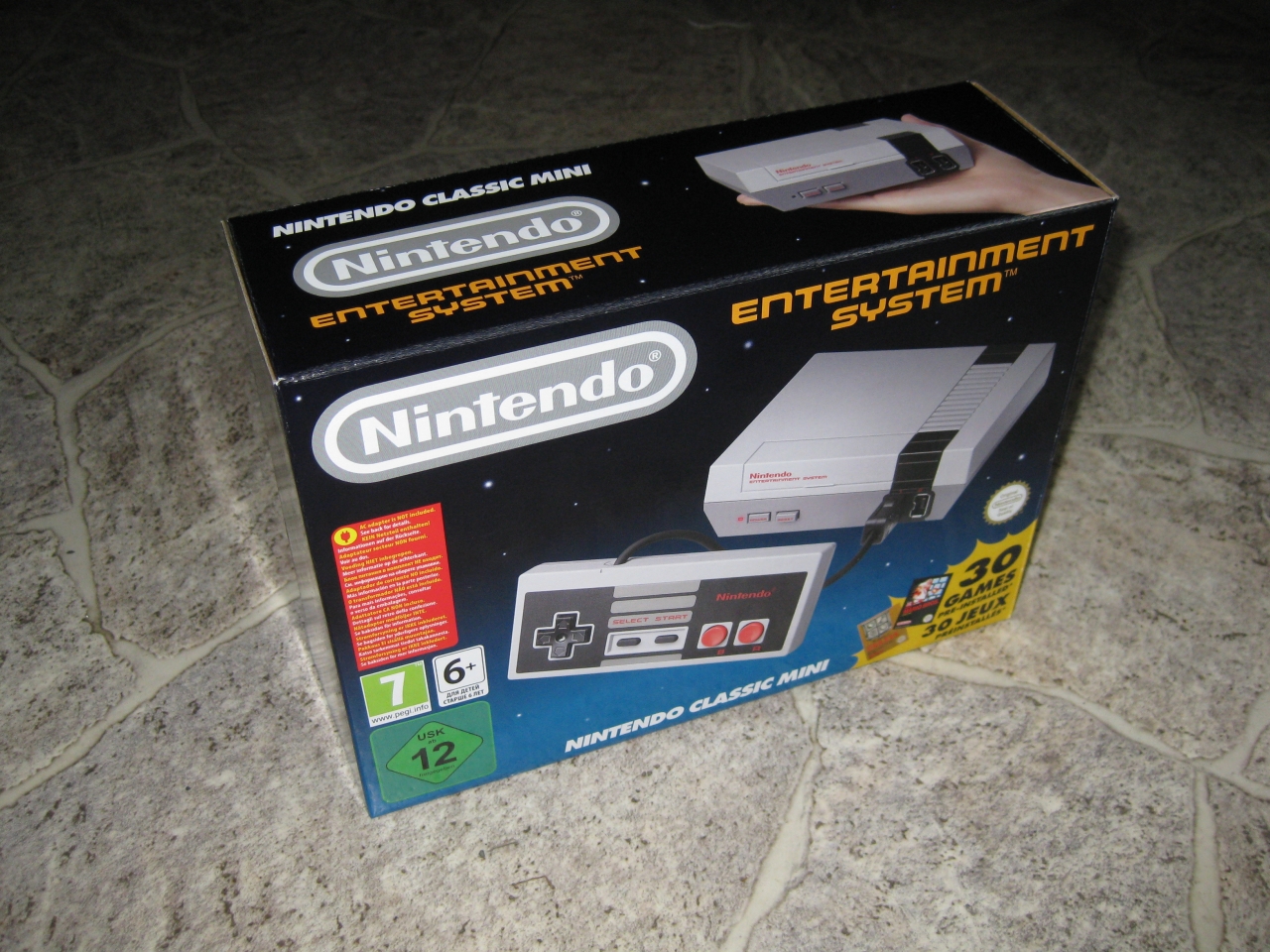
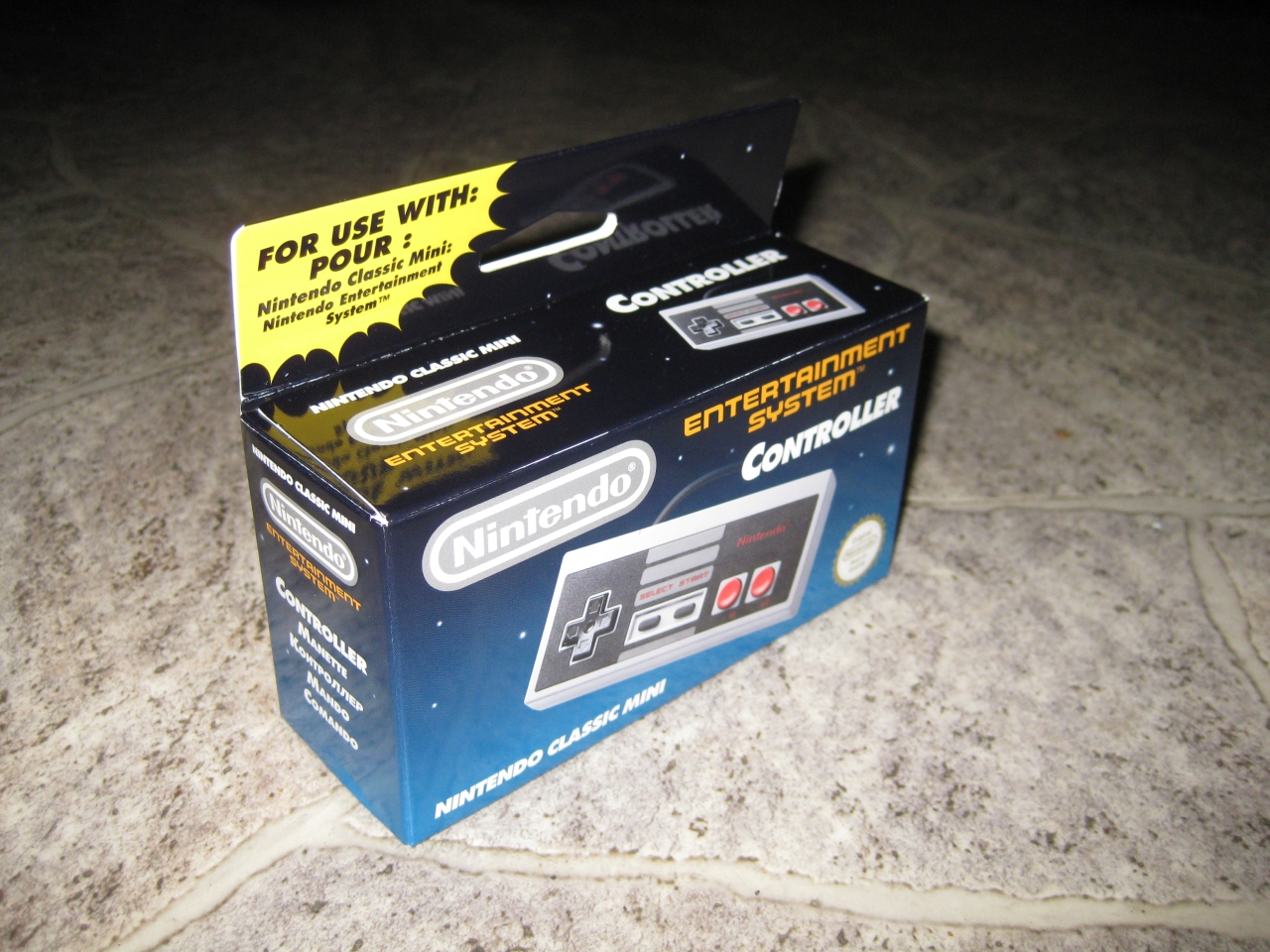
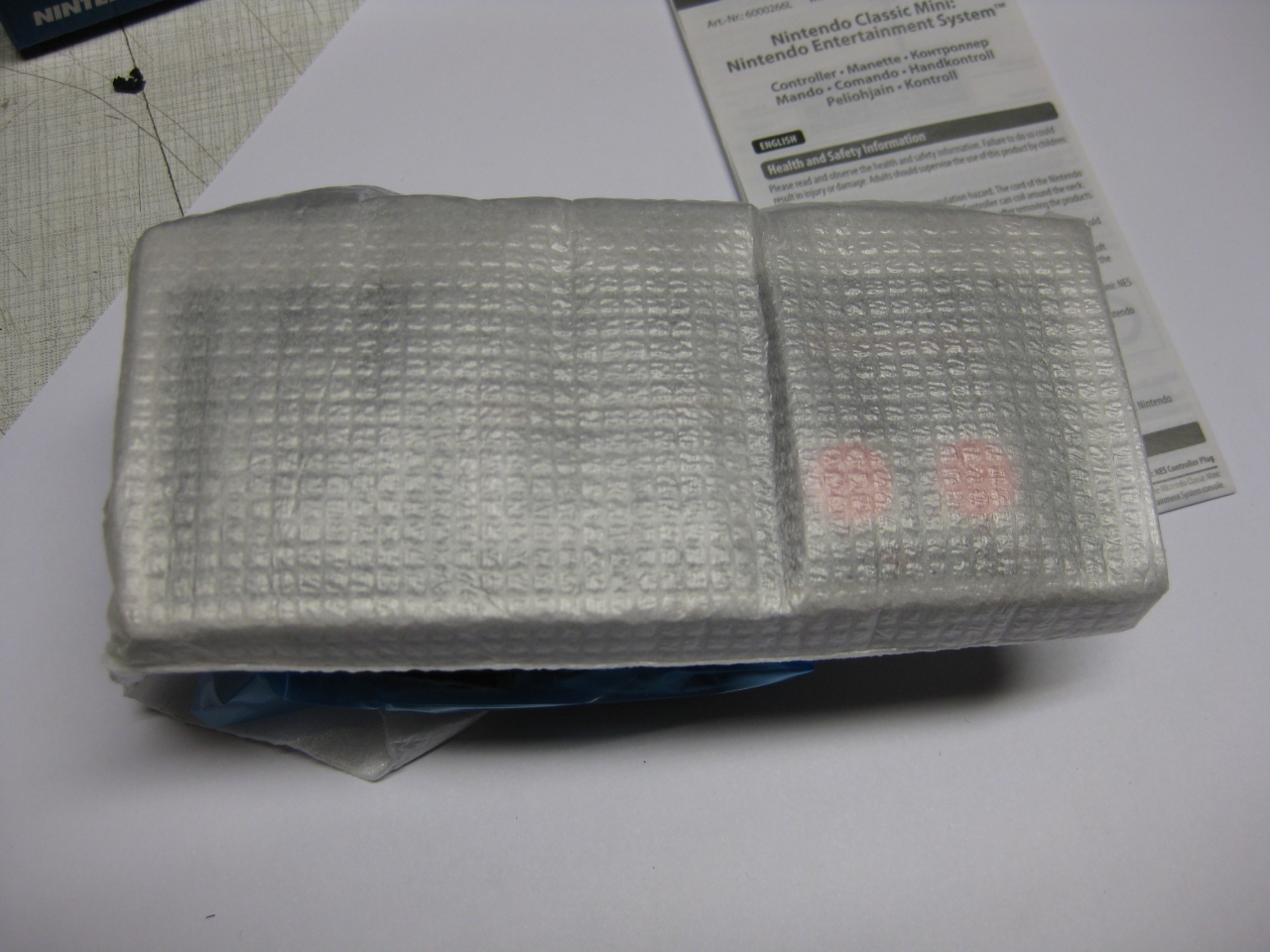
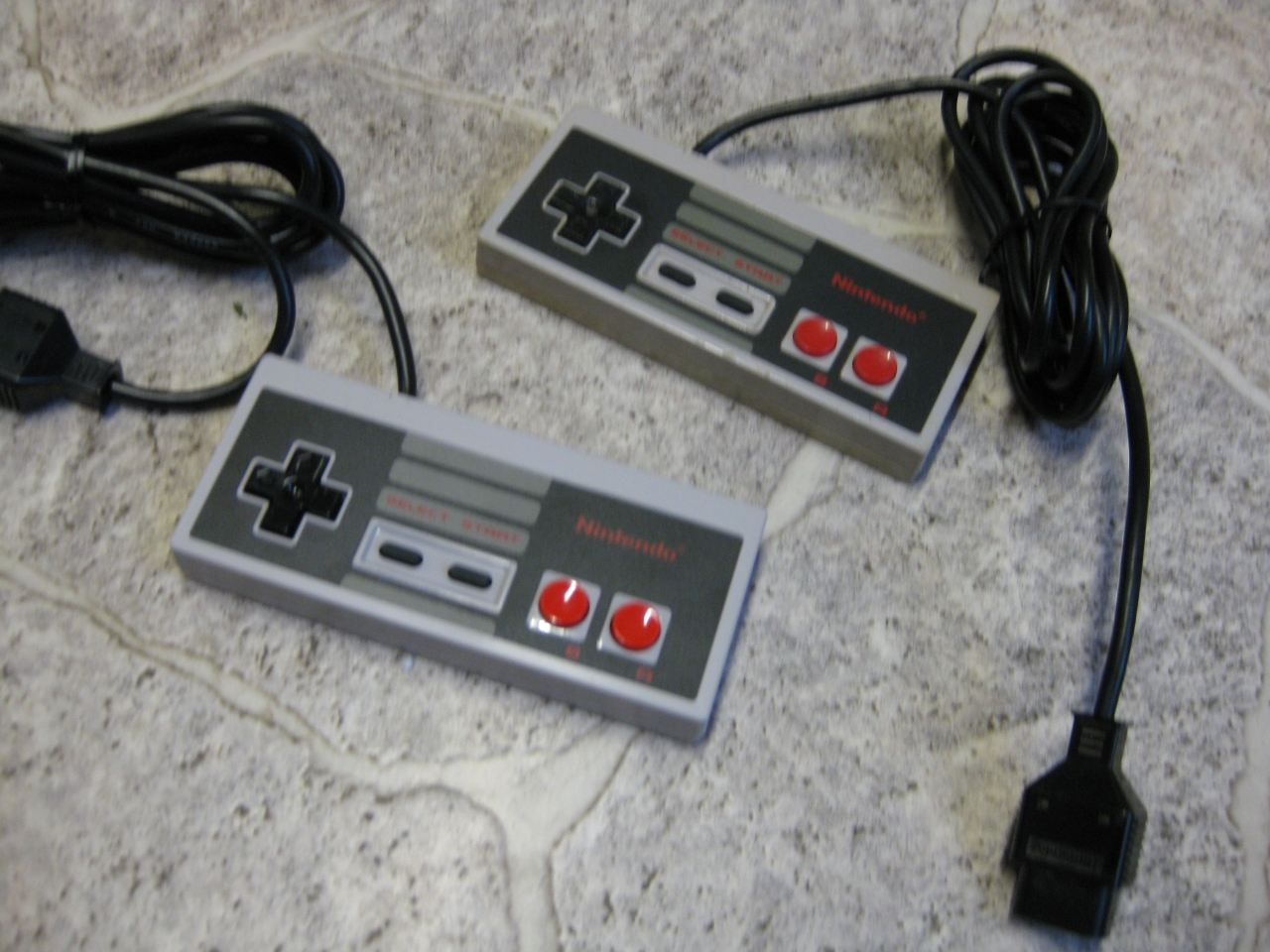
    Today I got the NES Mini including a second Controller.

    img_1011

    img_1013

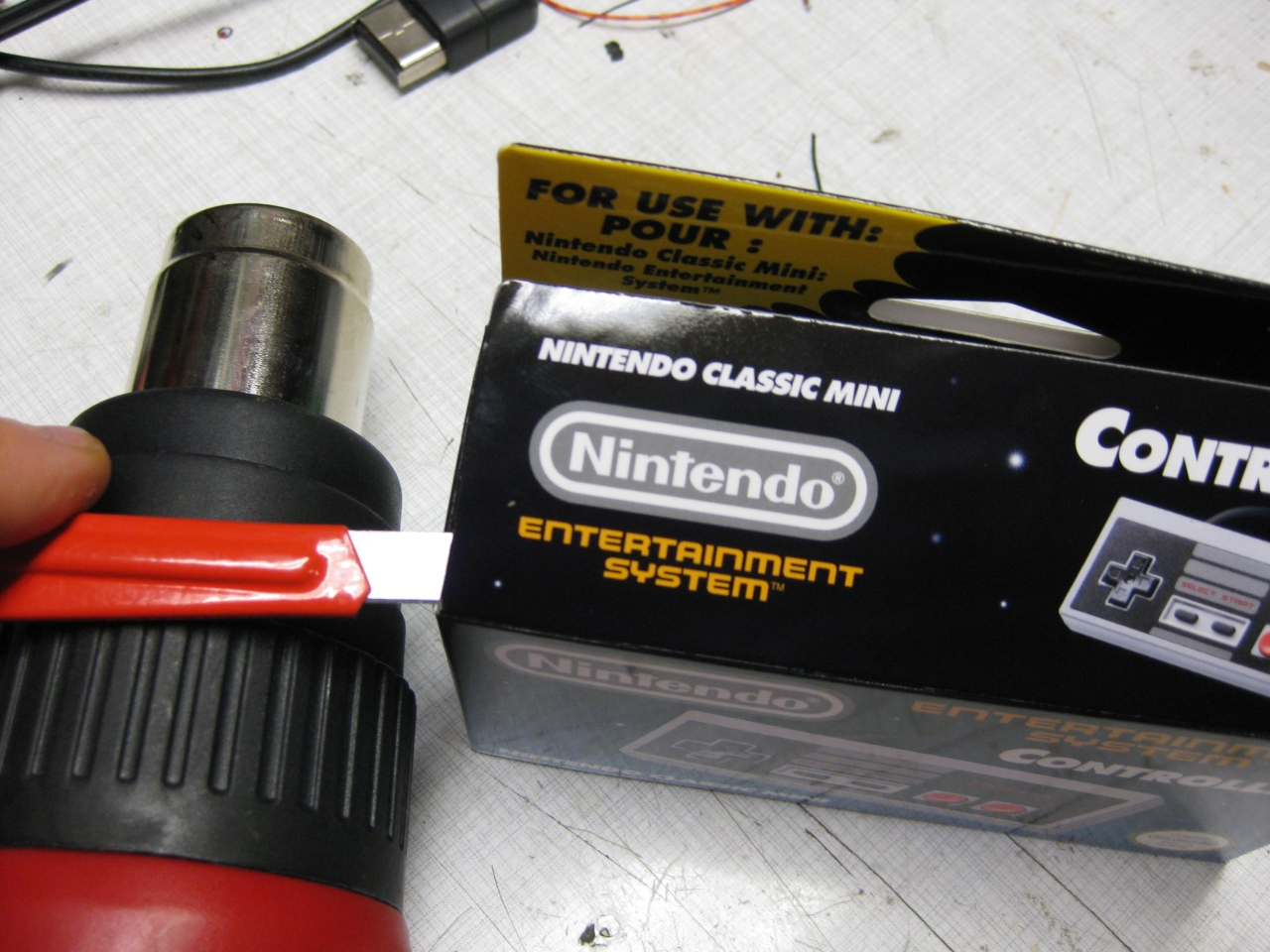
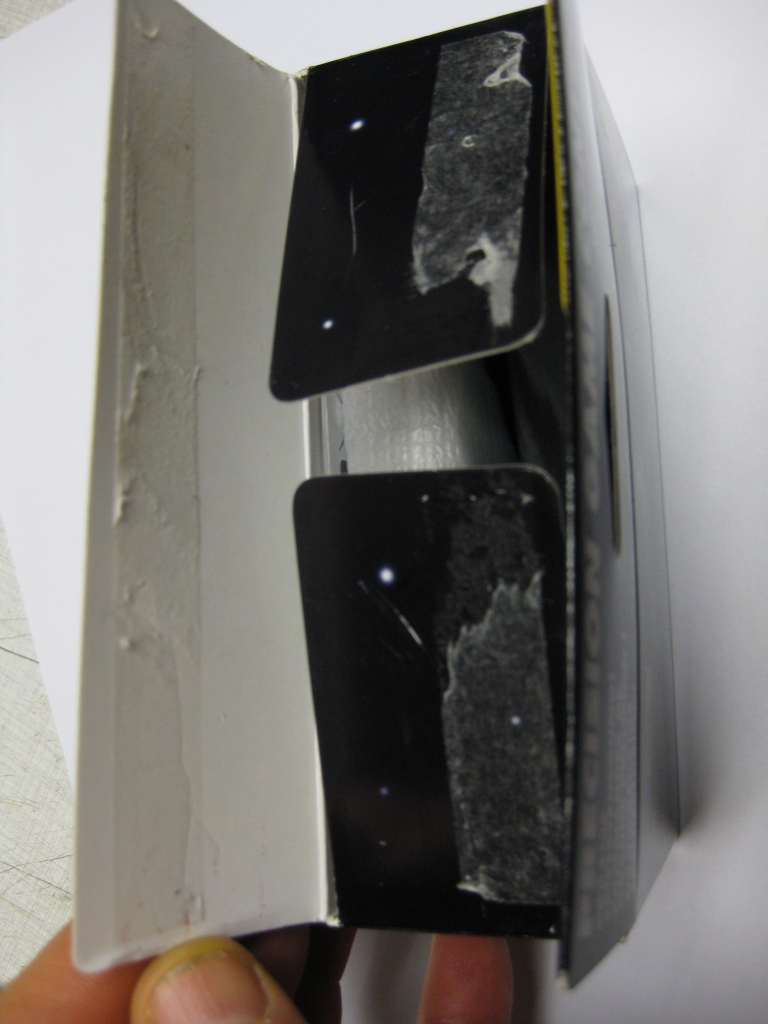
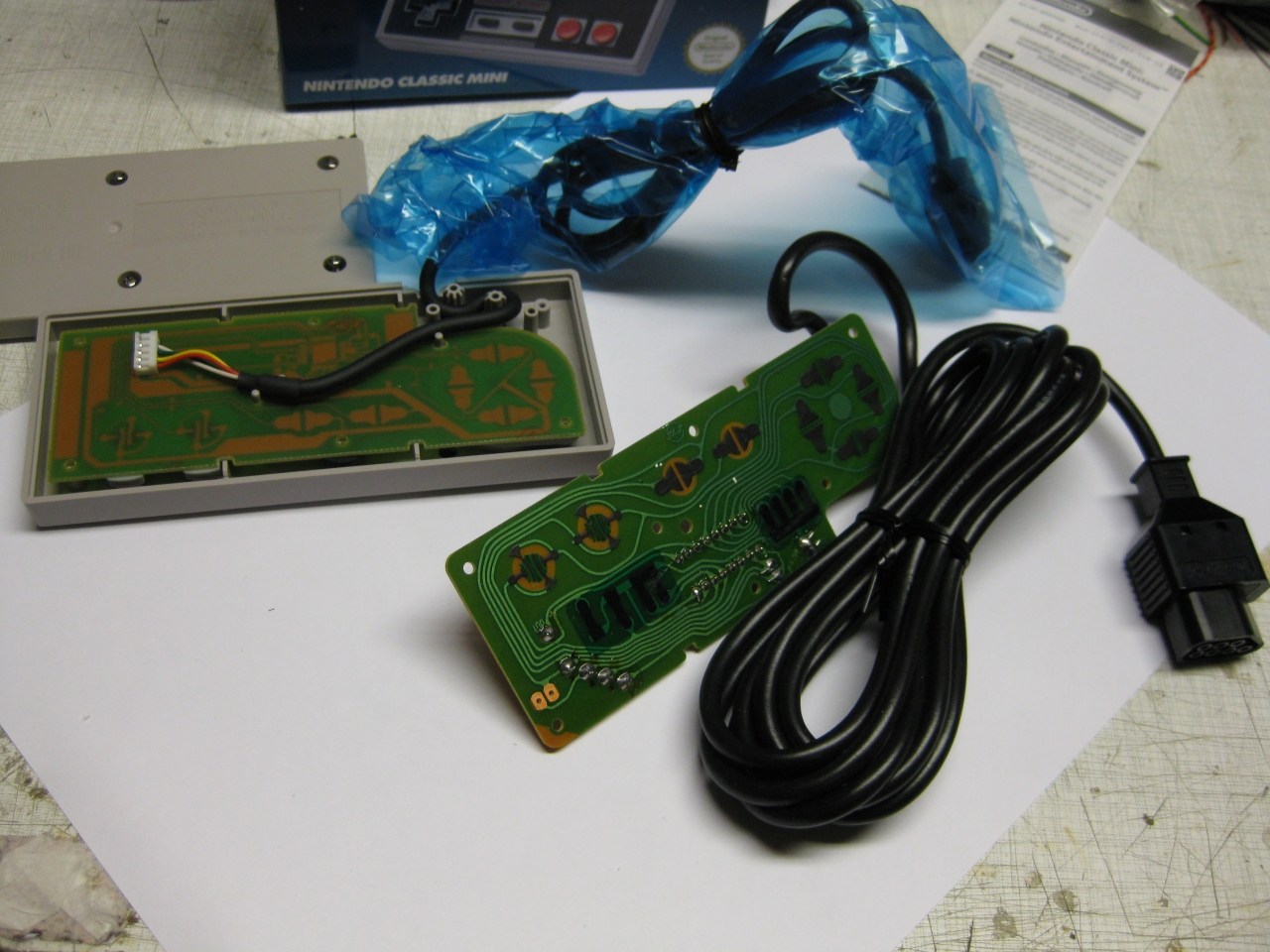
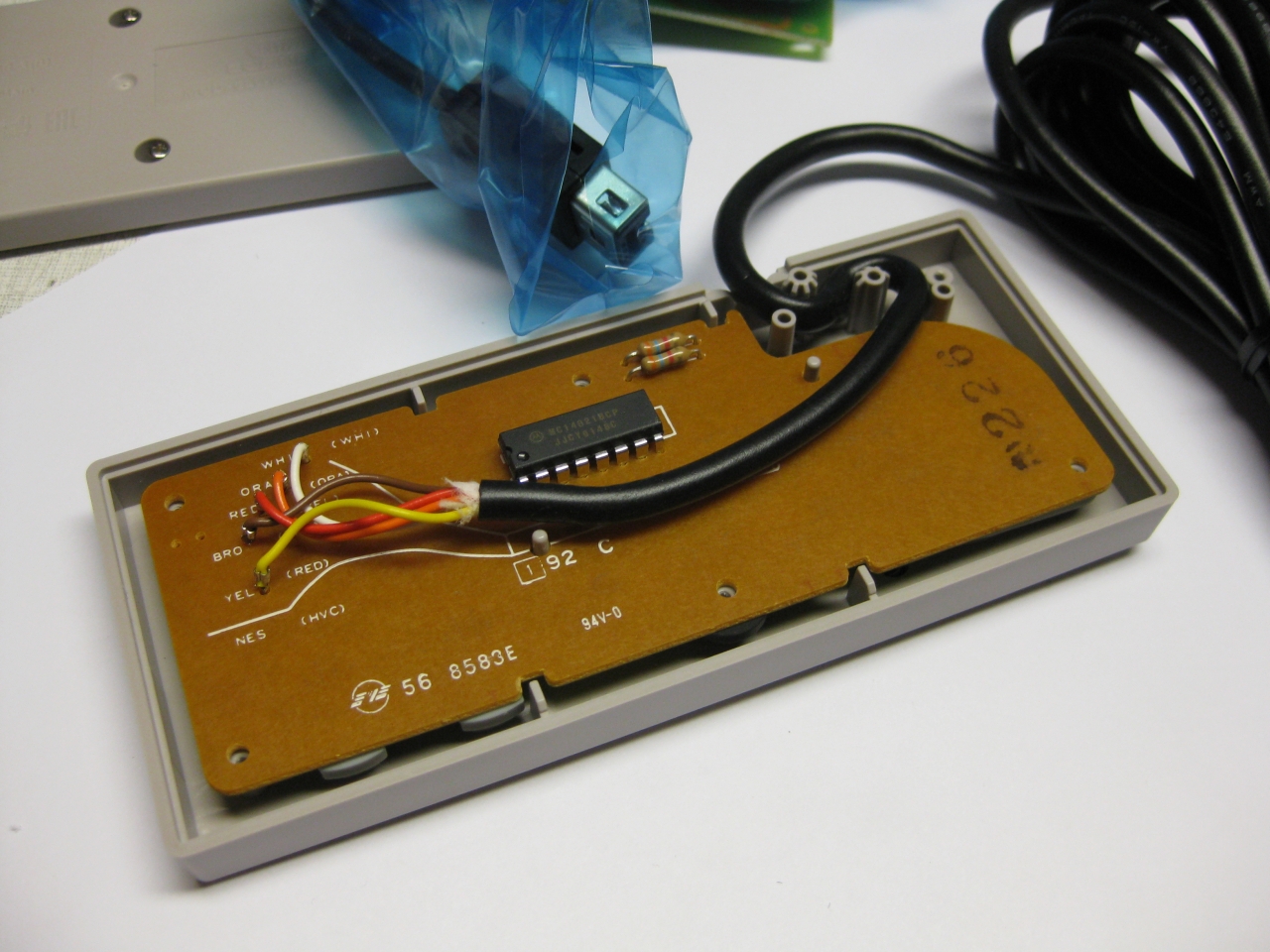
    So what we have to do is to open it reversible ;-). With the help of a cutter knife and a heatgun. It opens good and here we are.

    img_1015

    img_1016

    img_1018

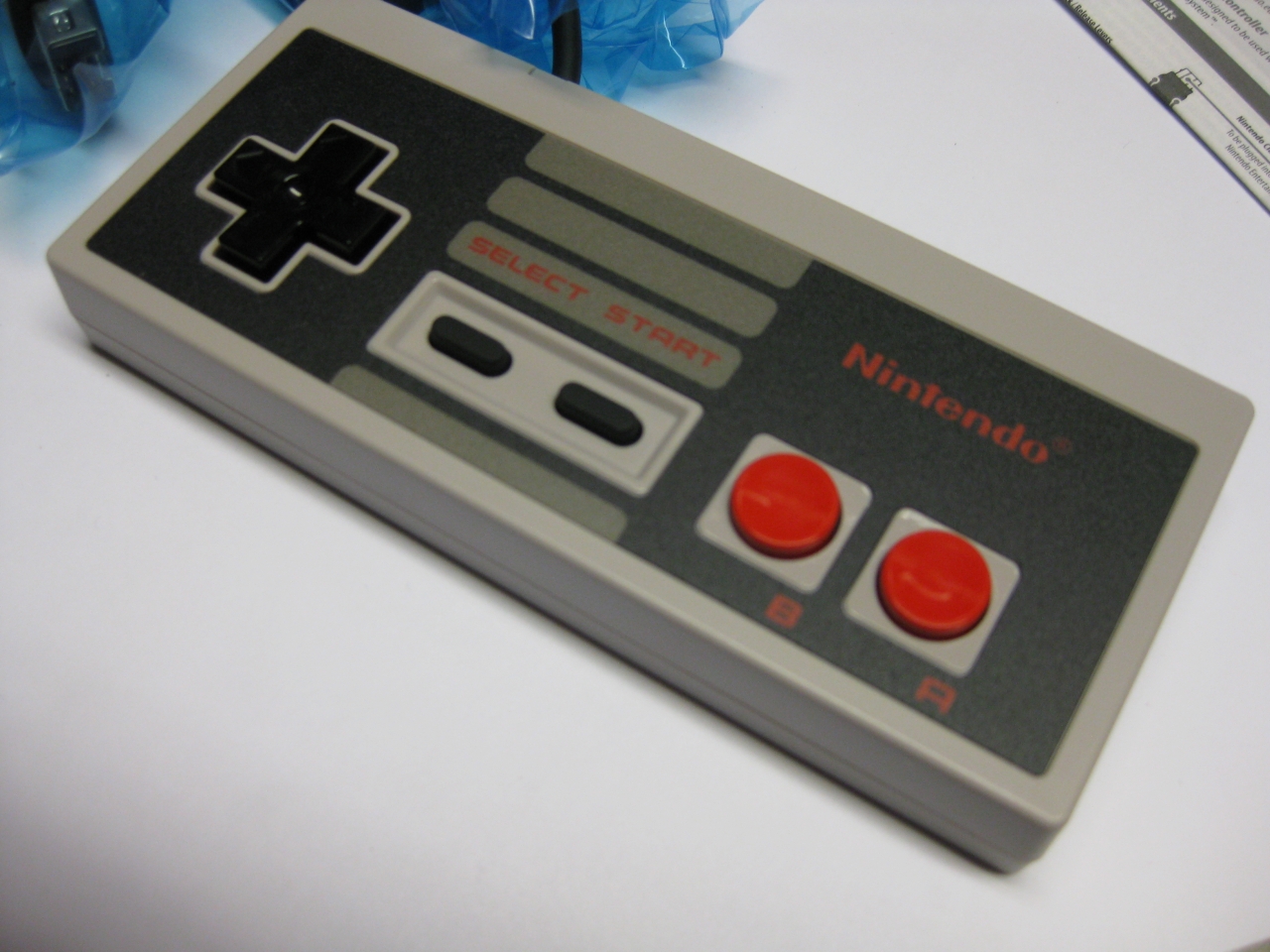
    Hu after over 30 years a new NES Controller in my hands…

    img_1019

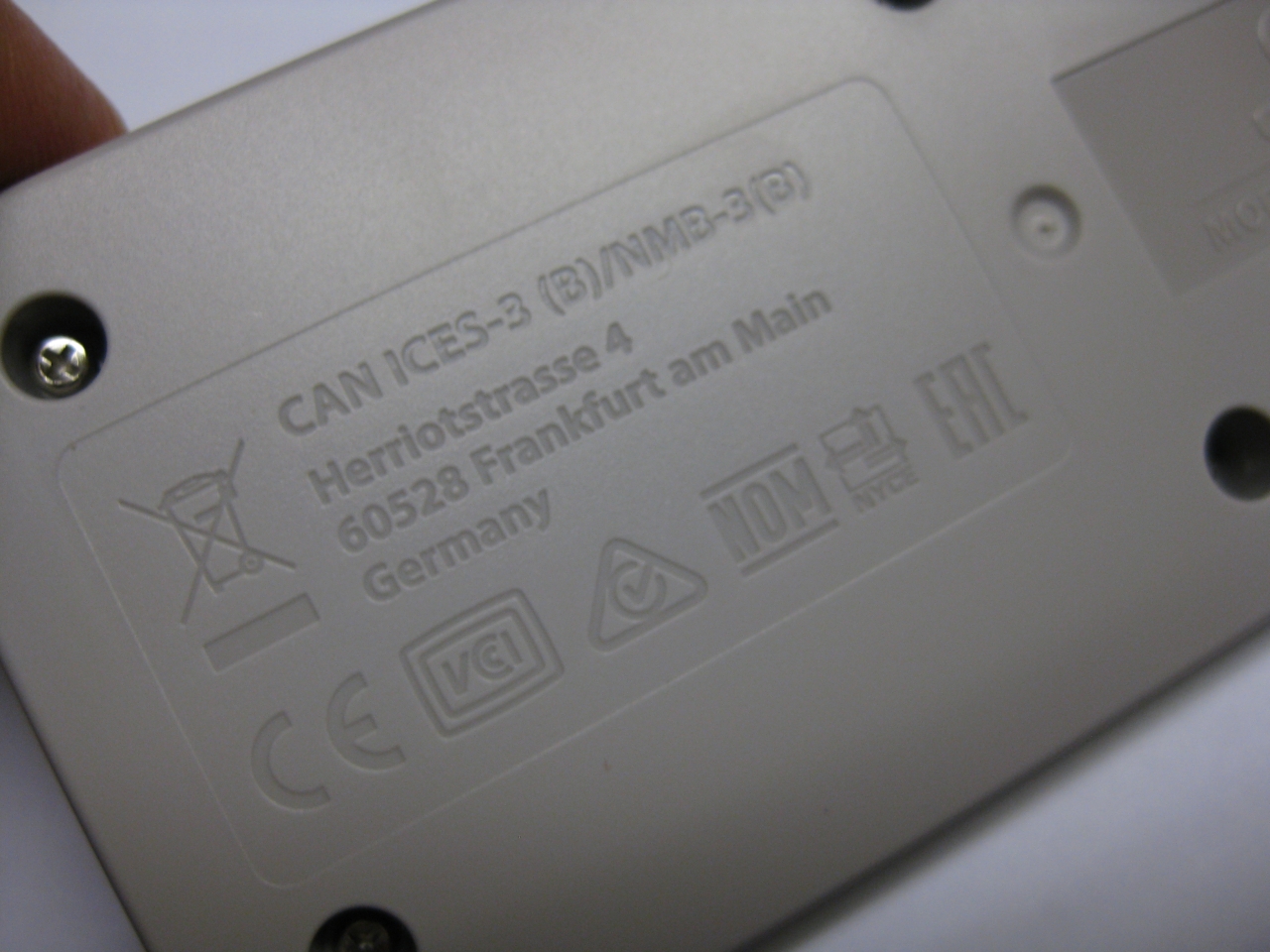
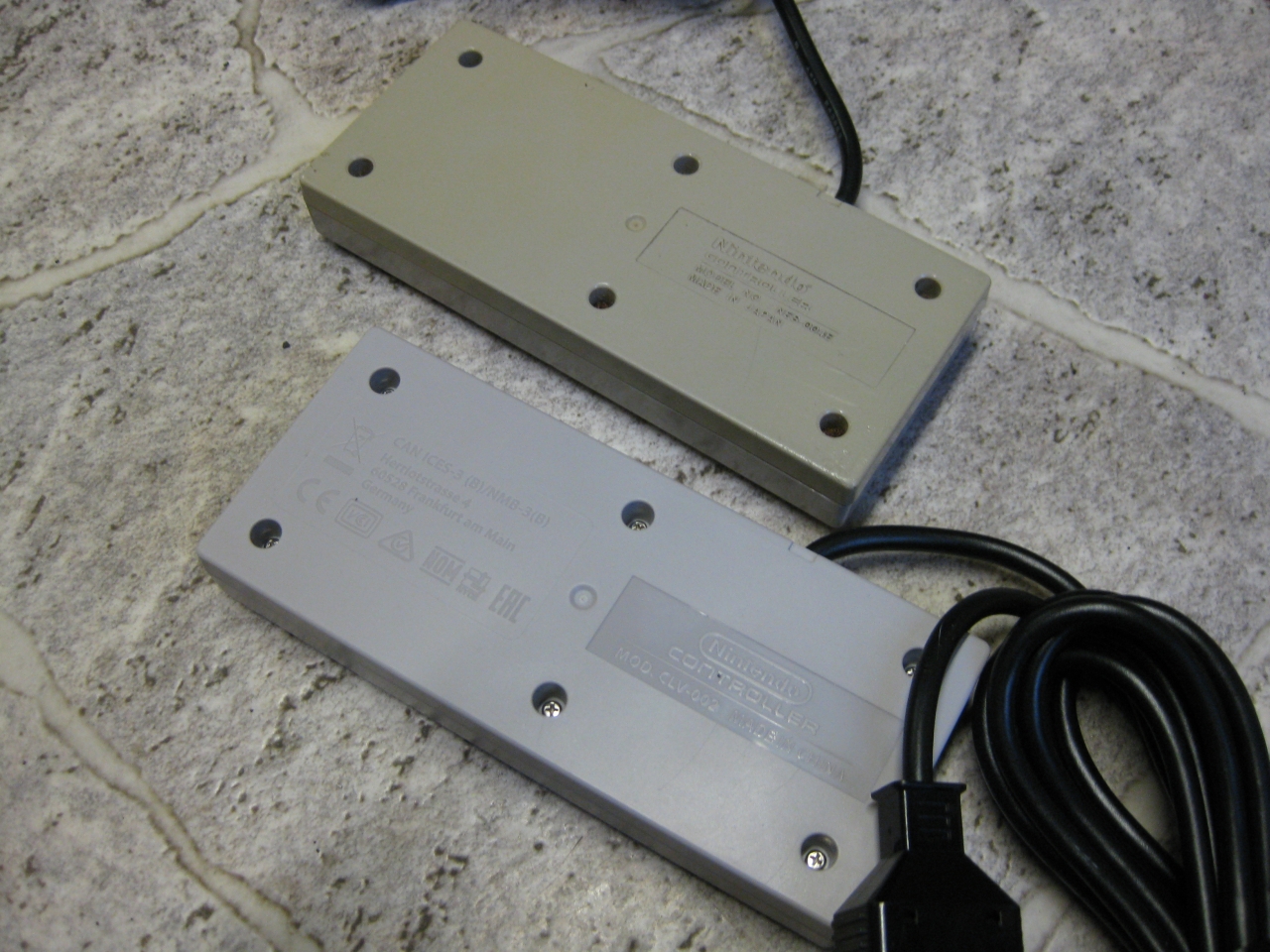
    and look on the rear side. Graved the german adress of Nintendo

    img_1020

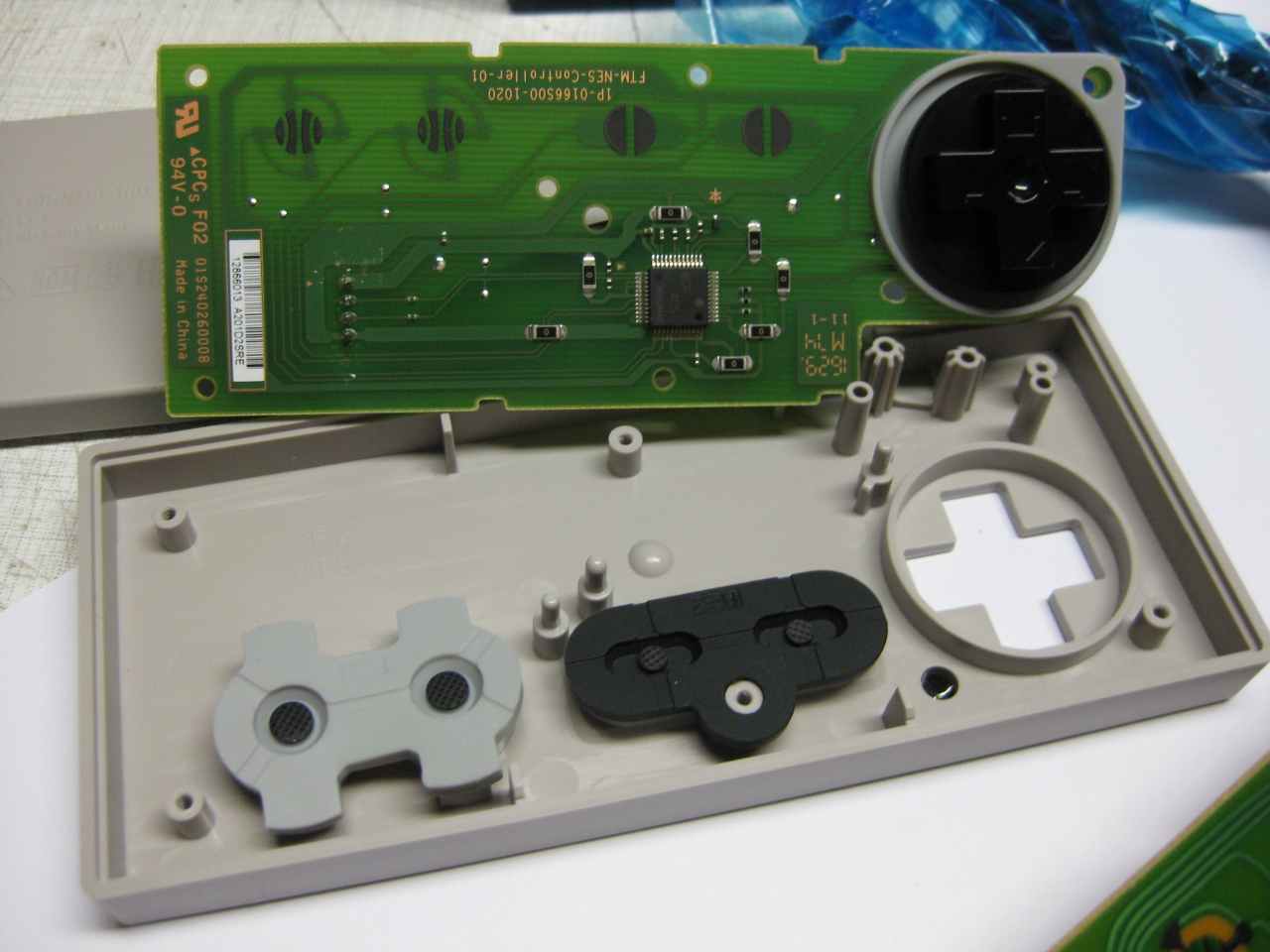
    the wii/ NES Mini PCB

    img_1021

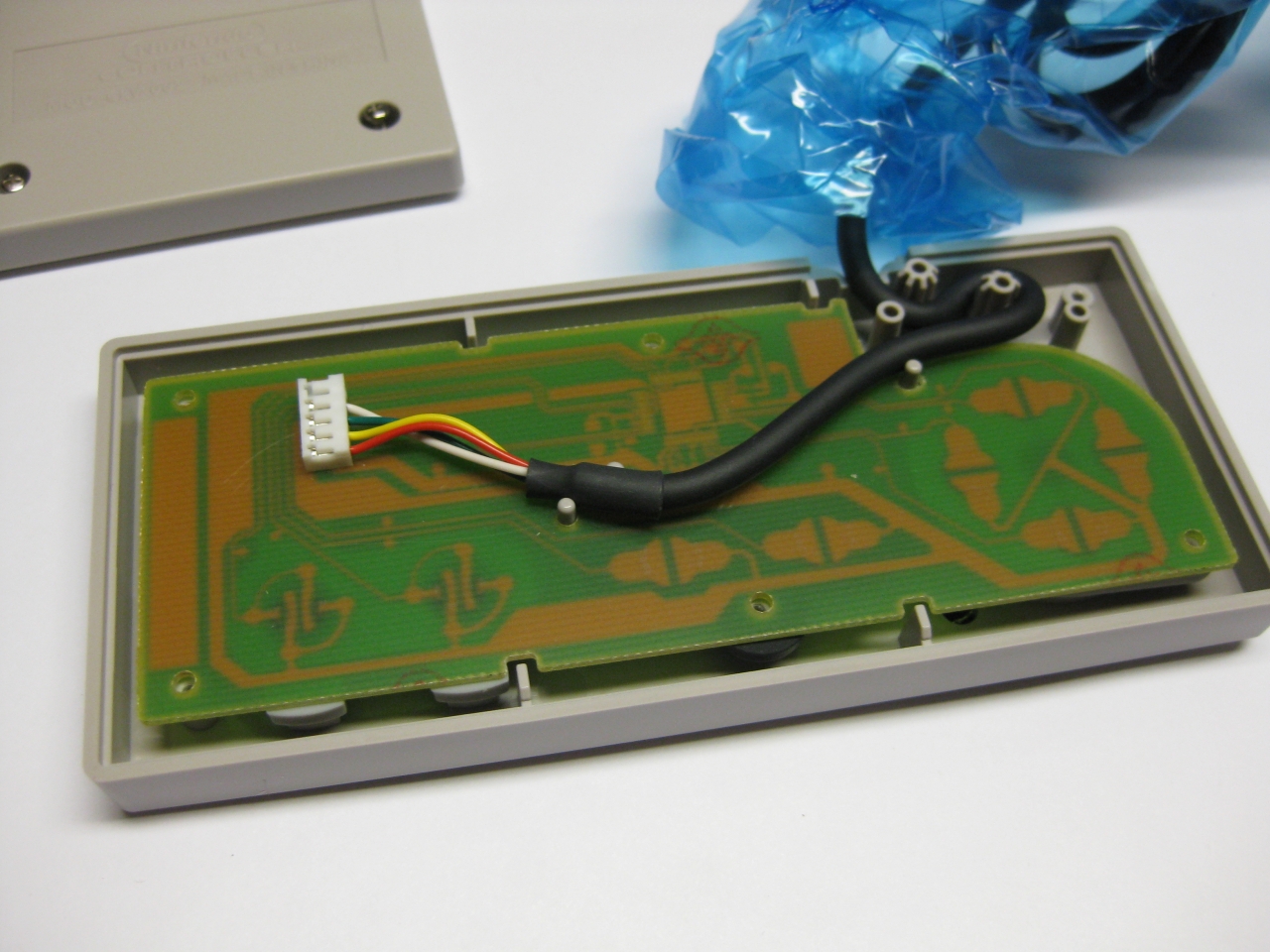
    I took an old good shaped PCB from a „junk“ original NES Controller

    img_1022

    img_1023

    and it fitts like a charm

    img_1024,

    img_1032

    img_1034

    and it playes like the first day in 1986

    img_1036

  • PSX Receiver UWRC

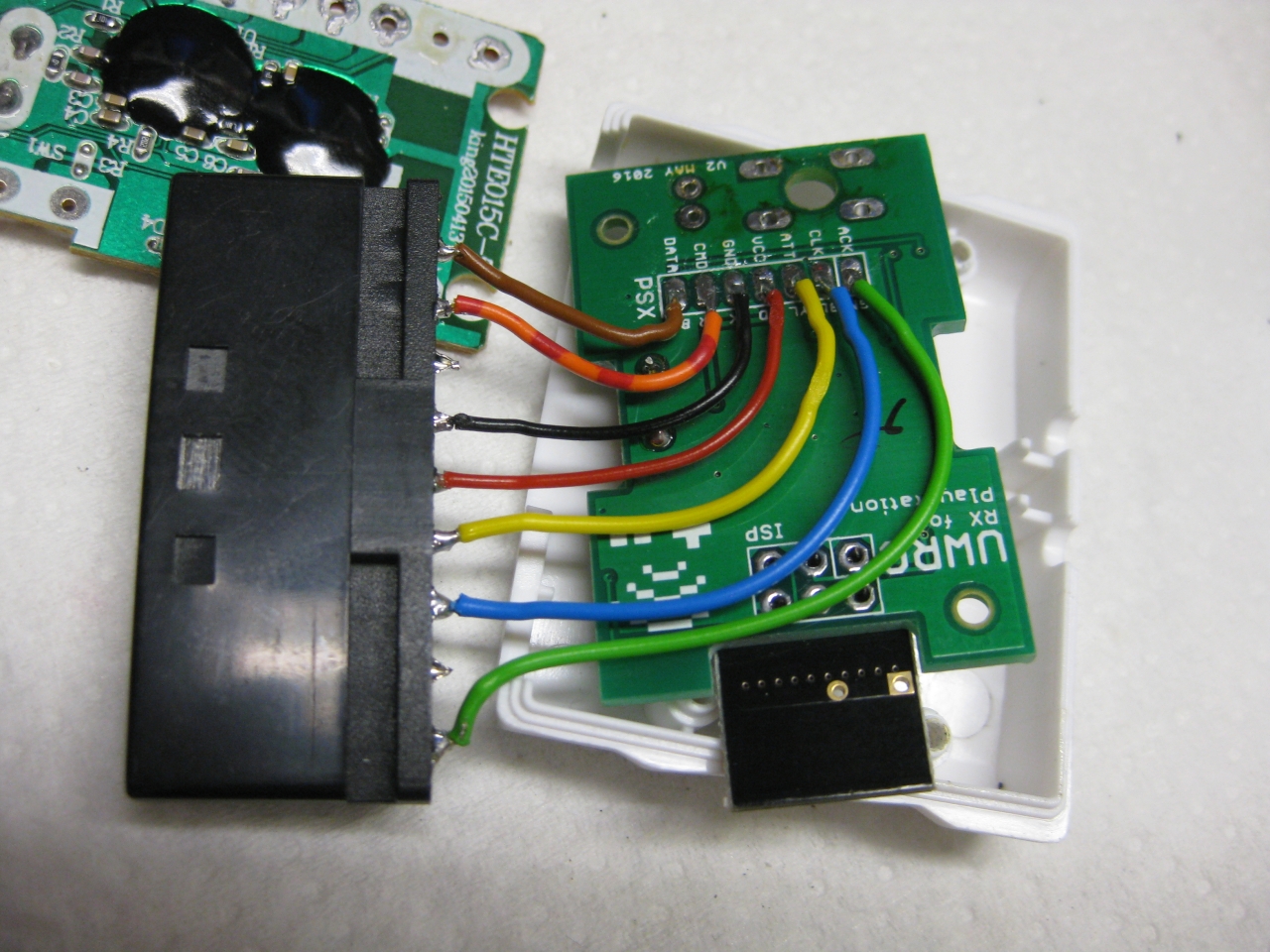
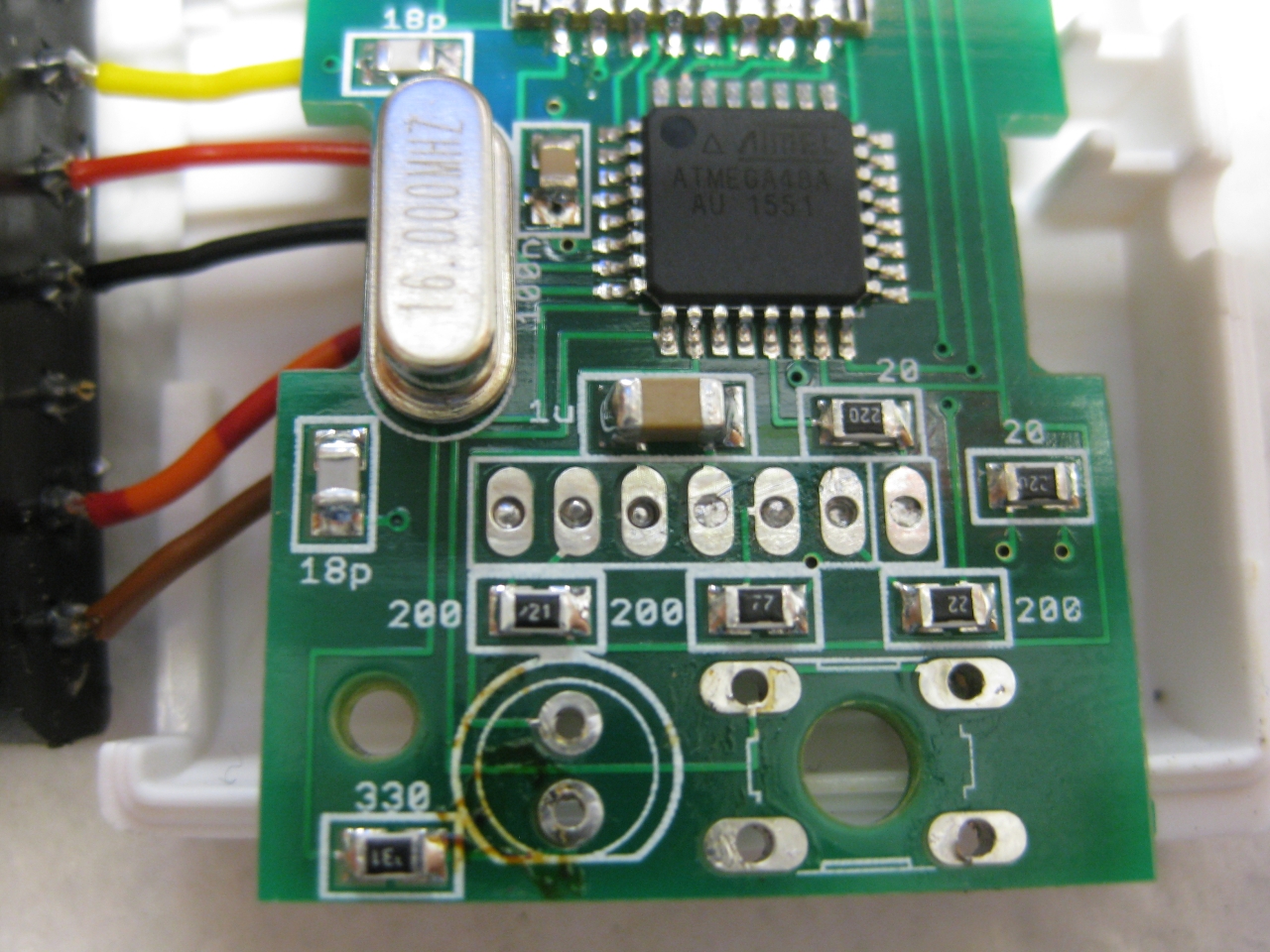
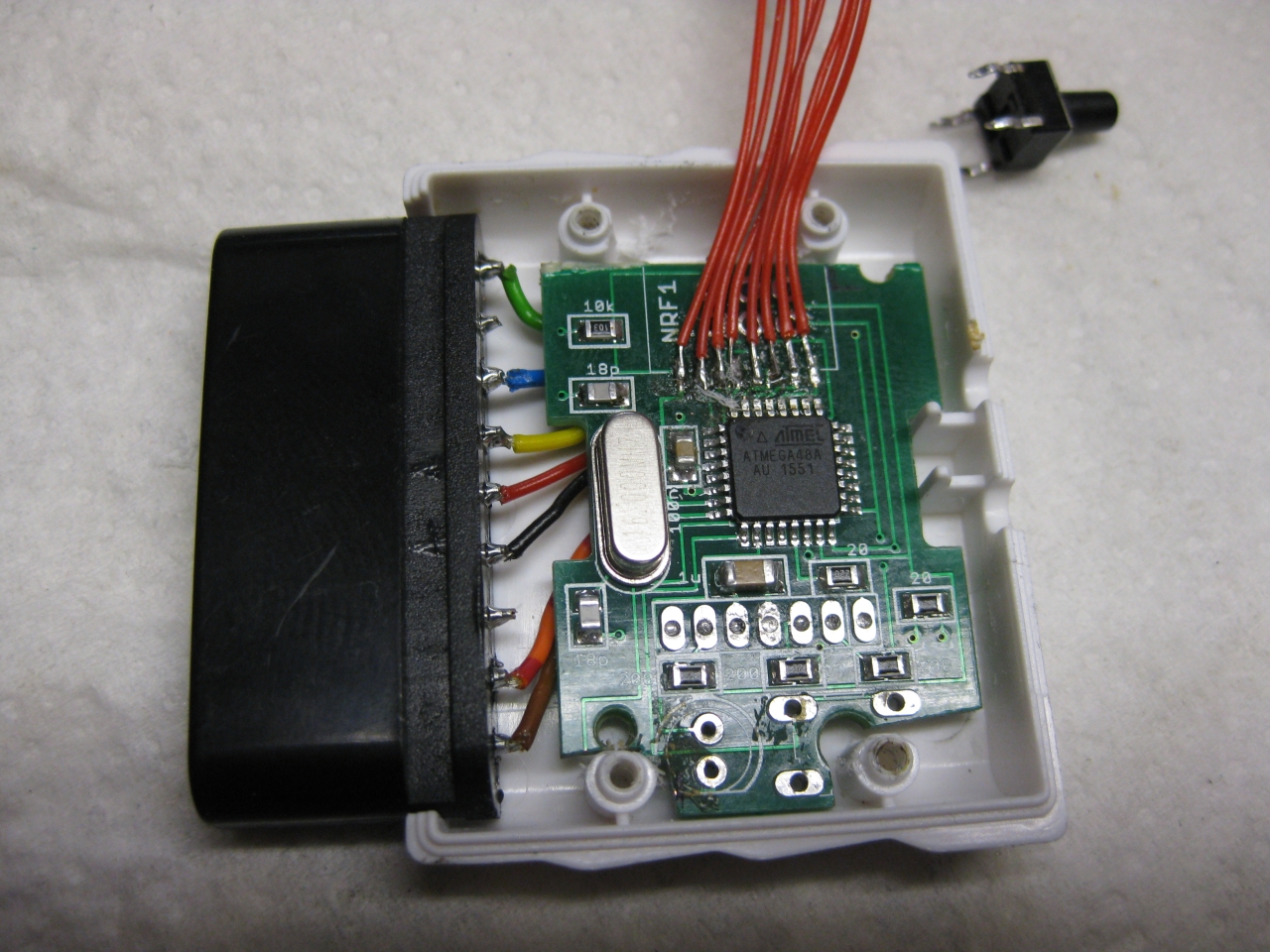
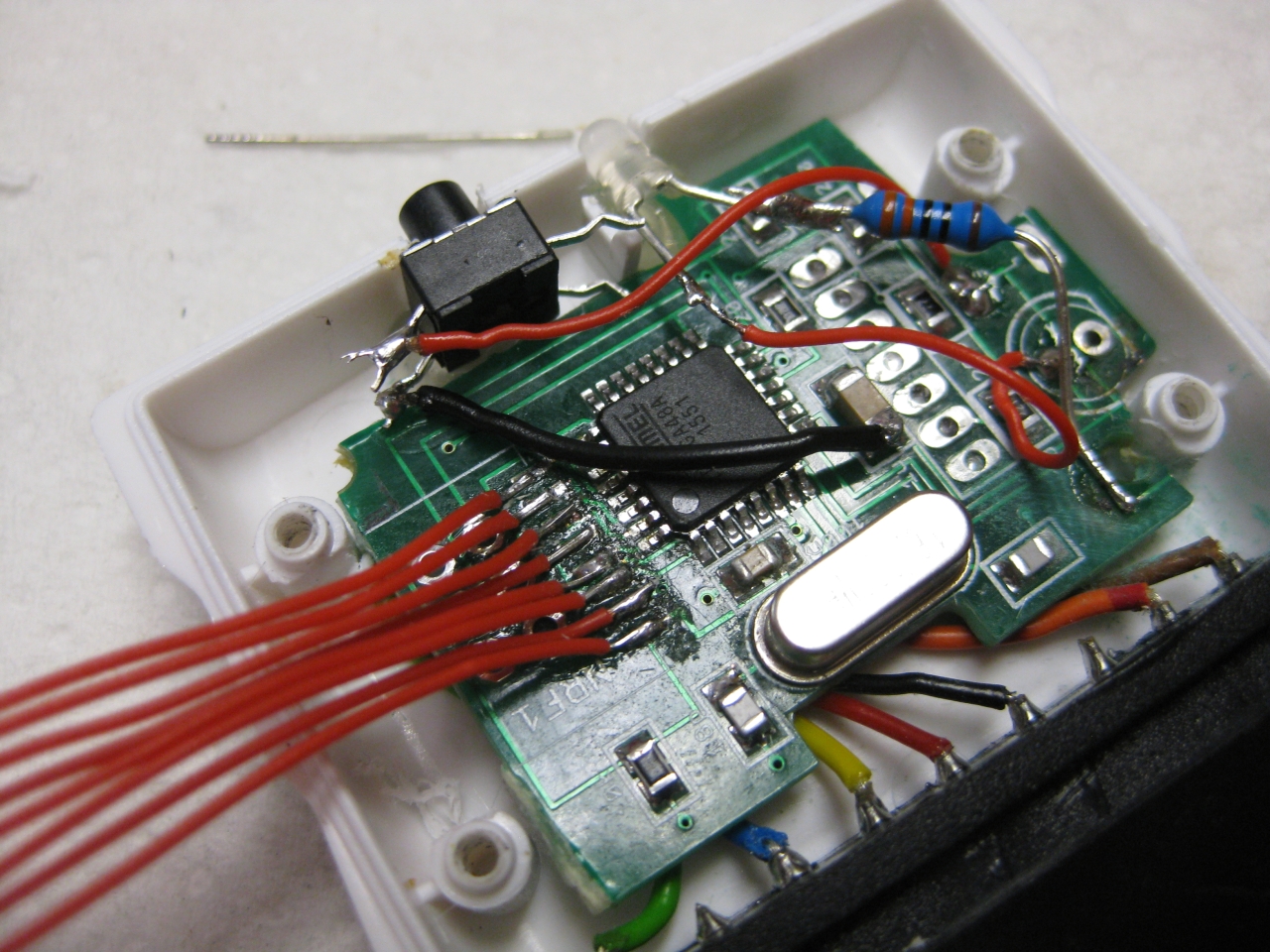
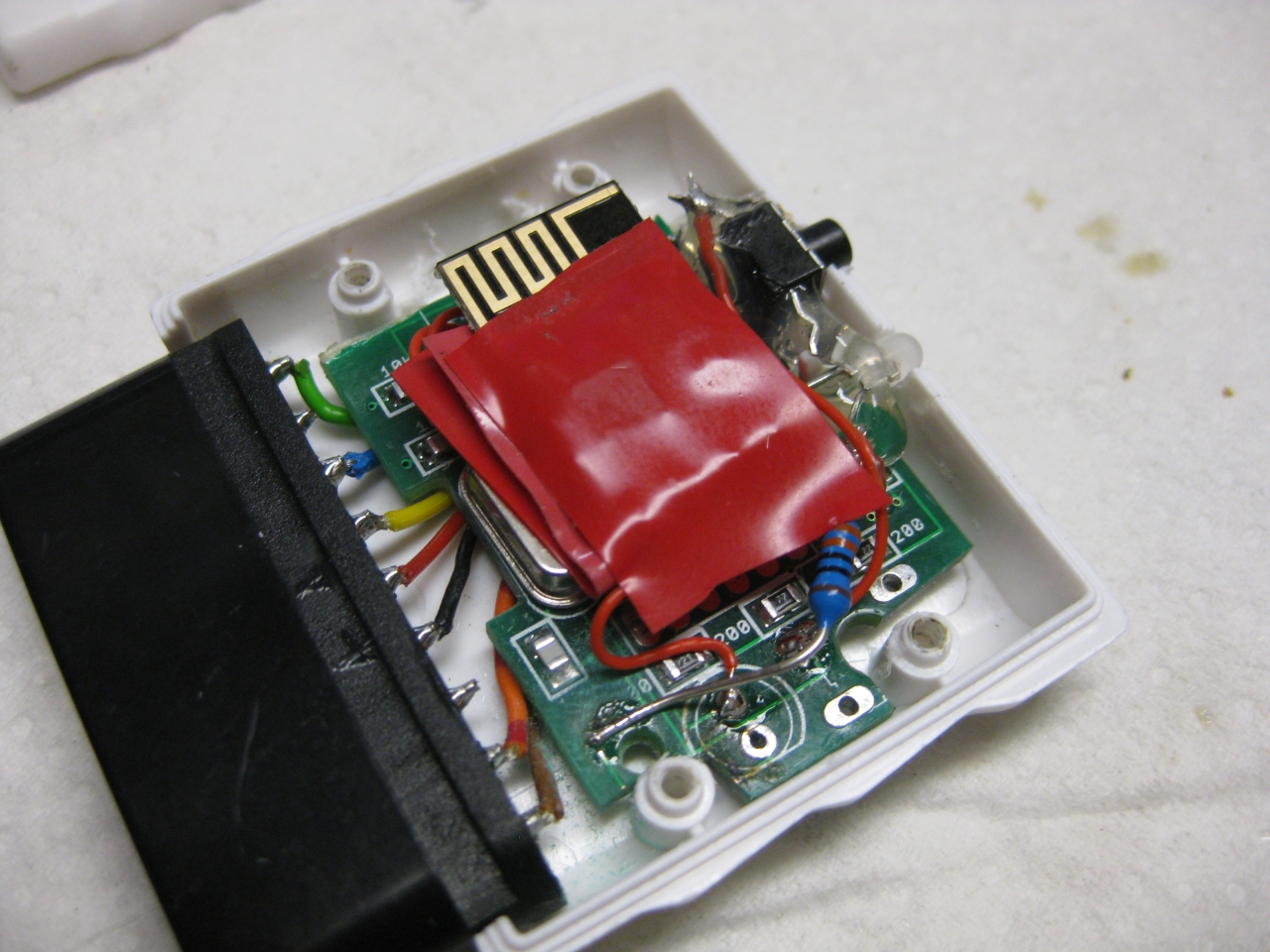
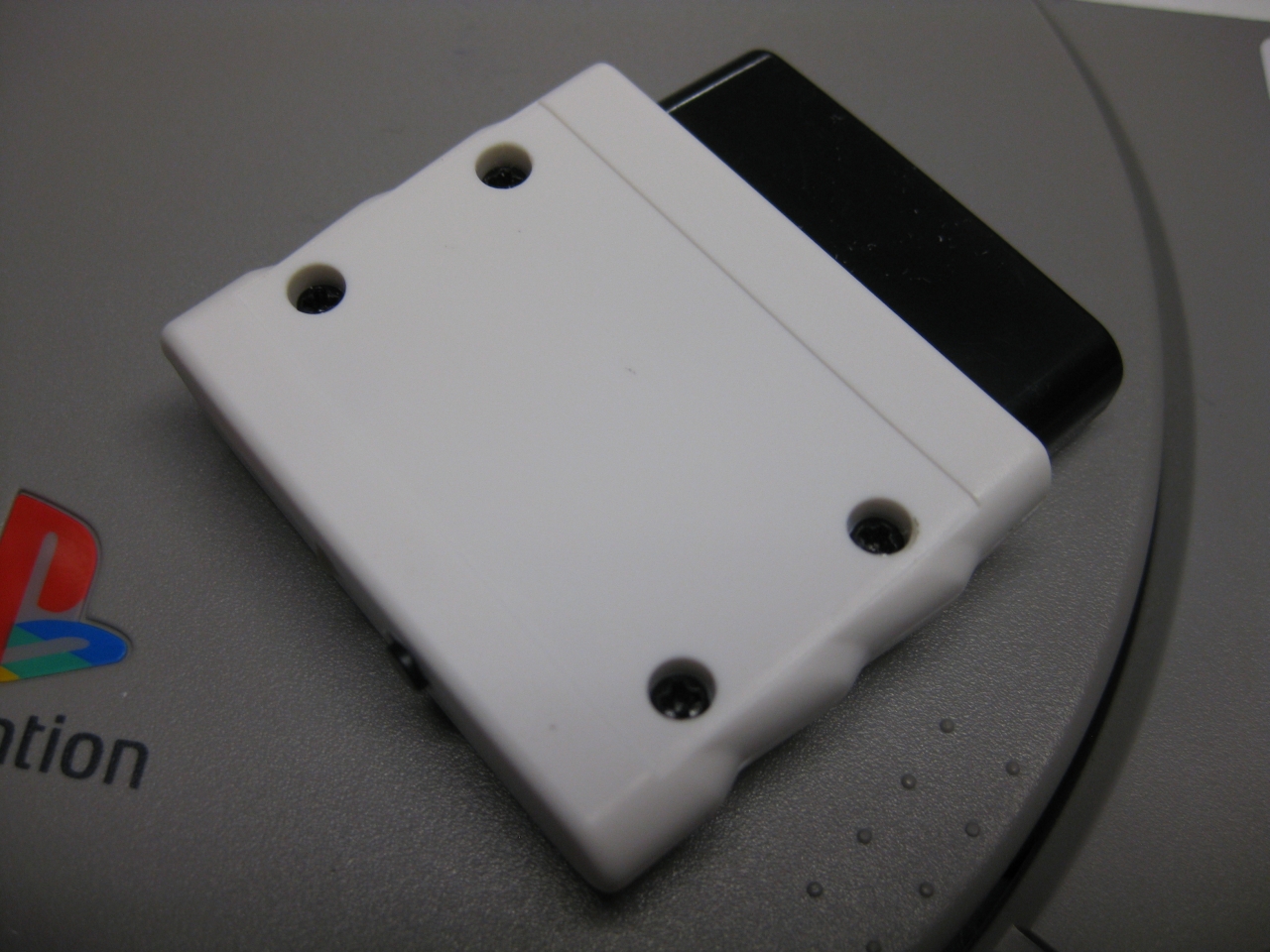
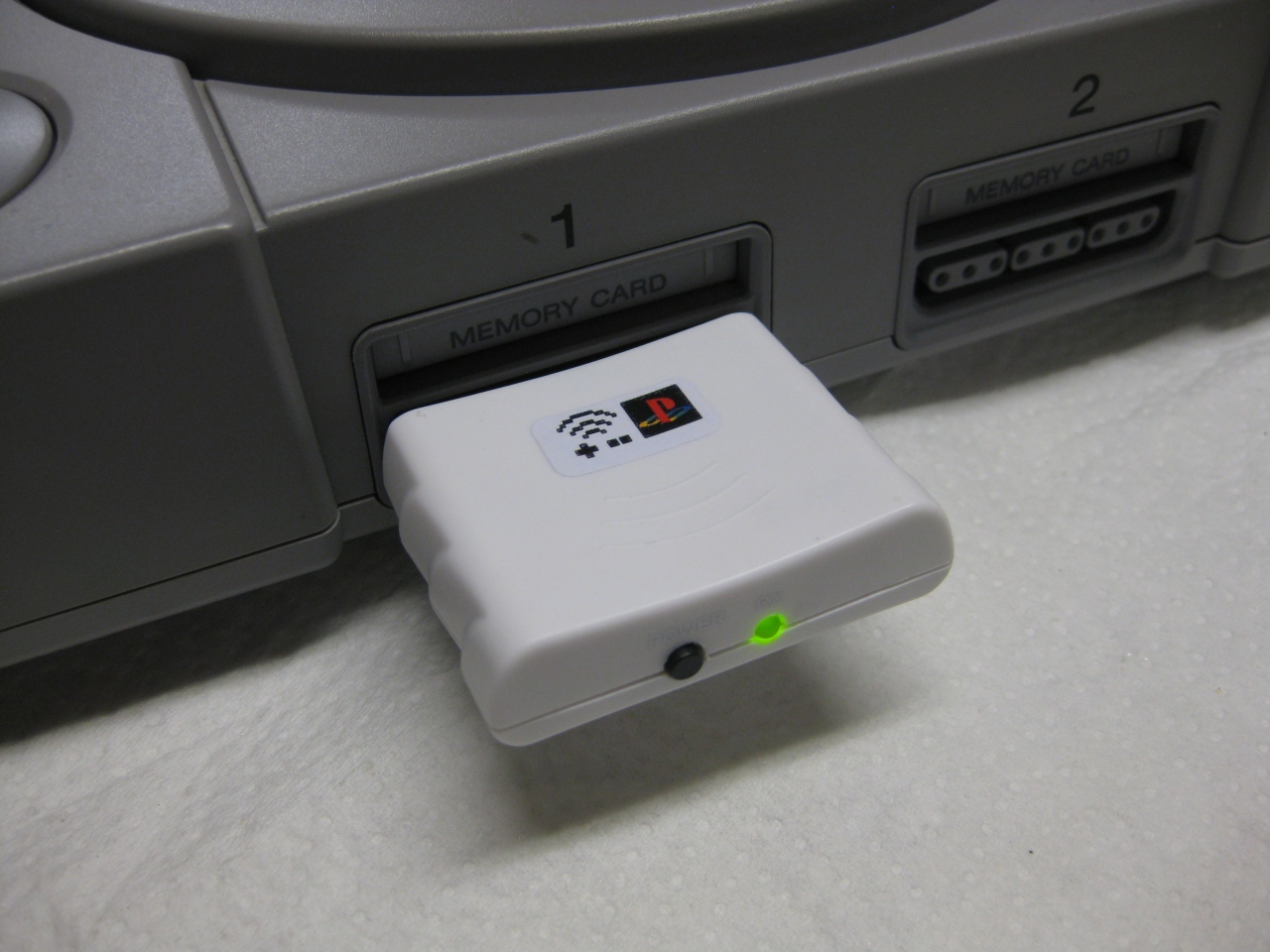
    I ordered a china wireless Playstation 2 Controller with receiver and took the case of the receiver for uwrc RX 🙂

    img_0526


    img_0524

    Some cutting and dremel at the UWRC Receiver (forgive me micro)

    img_0528

    more cutting and rewiring

    img_0532

    img_0533

    img_0535

    ready to go

    img_0546

  • Modding PAL TurboGrafx

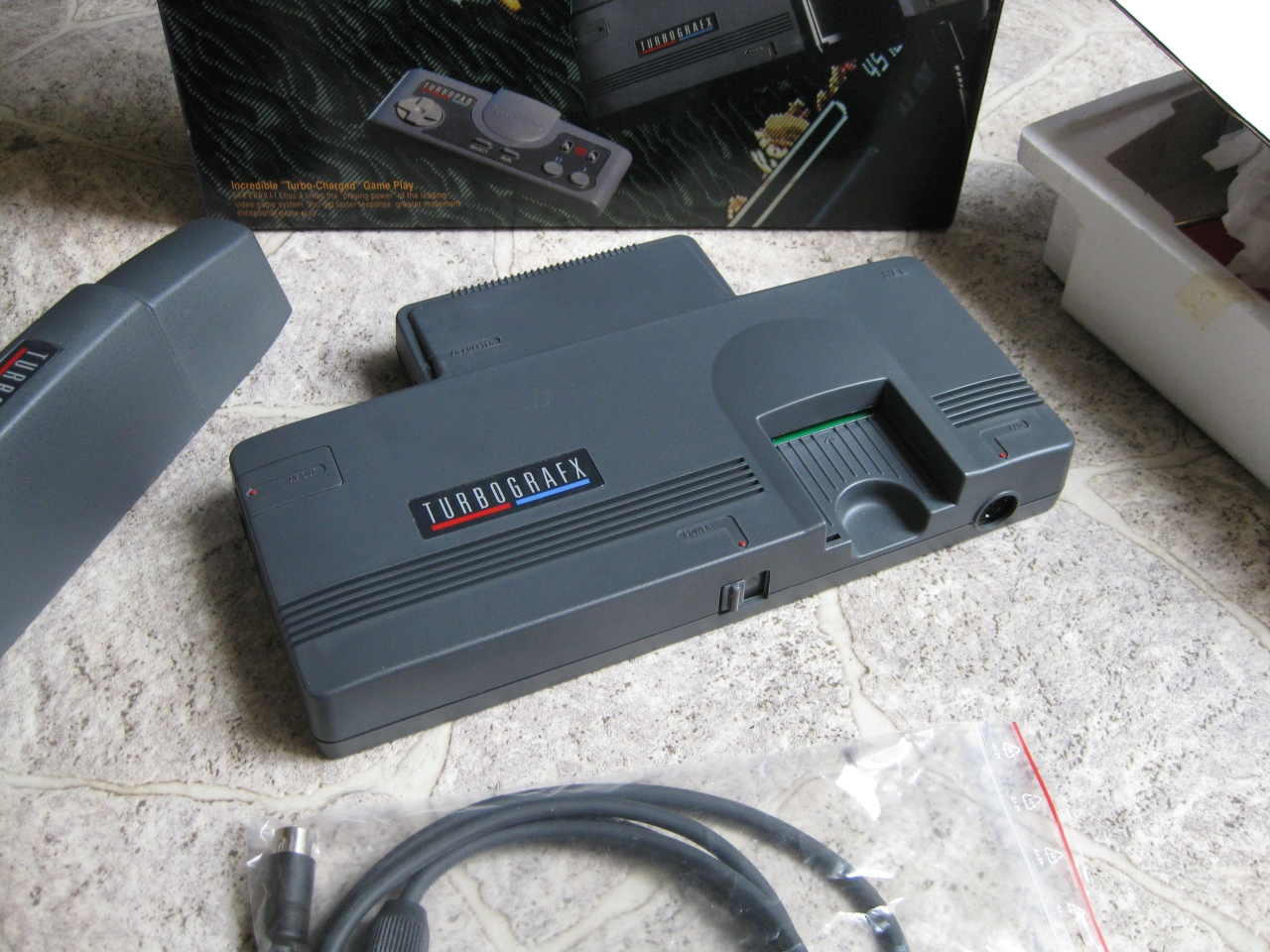
    I got some rare NOS TurboGrafx in 50Hz PAL Version.

    img_0476
    What can we do with this kind of PC-Engine

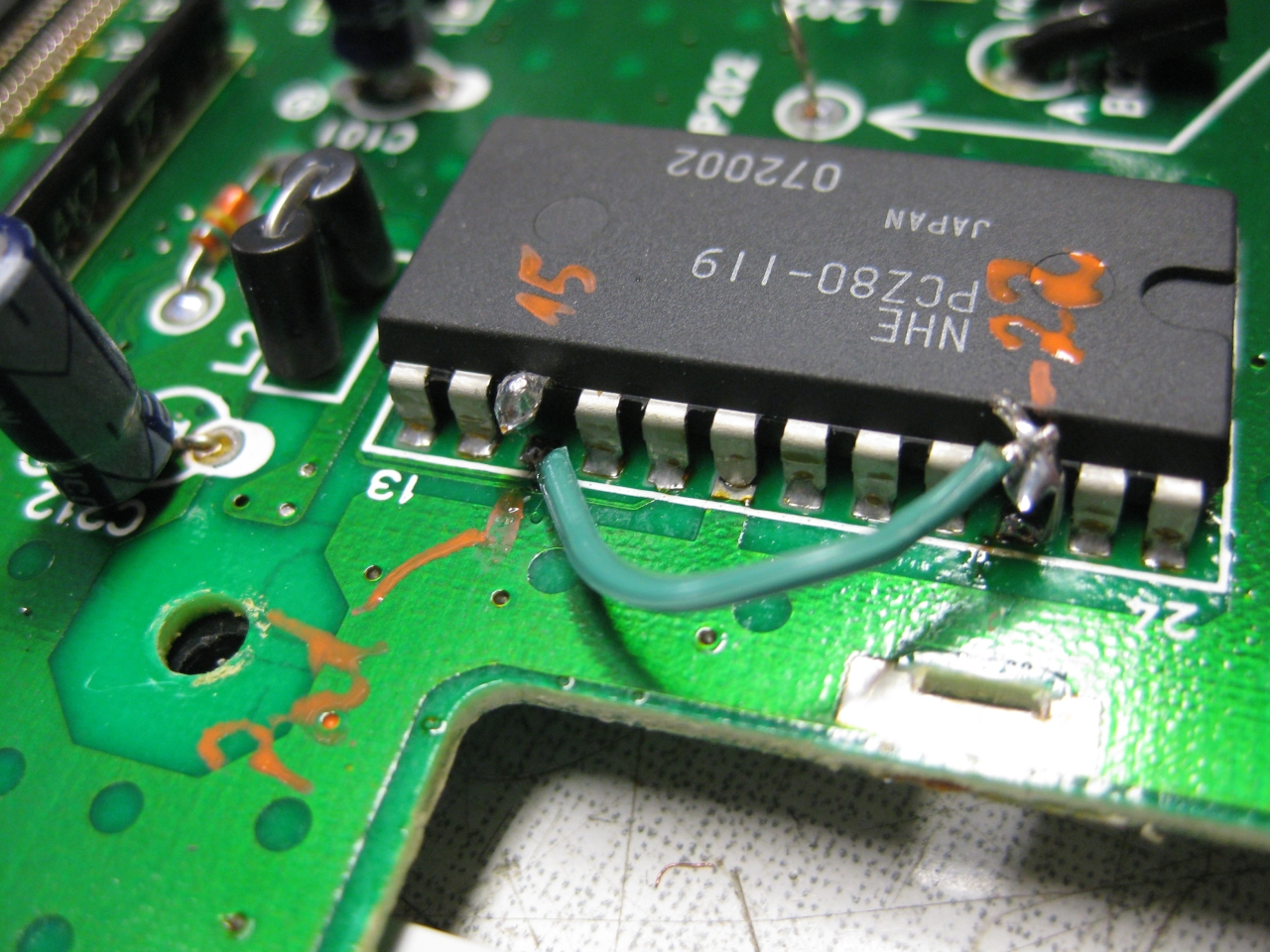
    a) Speedup and change it to 60Hz

    -Exchange Osscilator X201 to 21.47727Mhz
    -cut Pcz80 Pin 15
    -Solder wire from Pad pin 15 to Pin 22

    img_0442

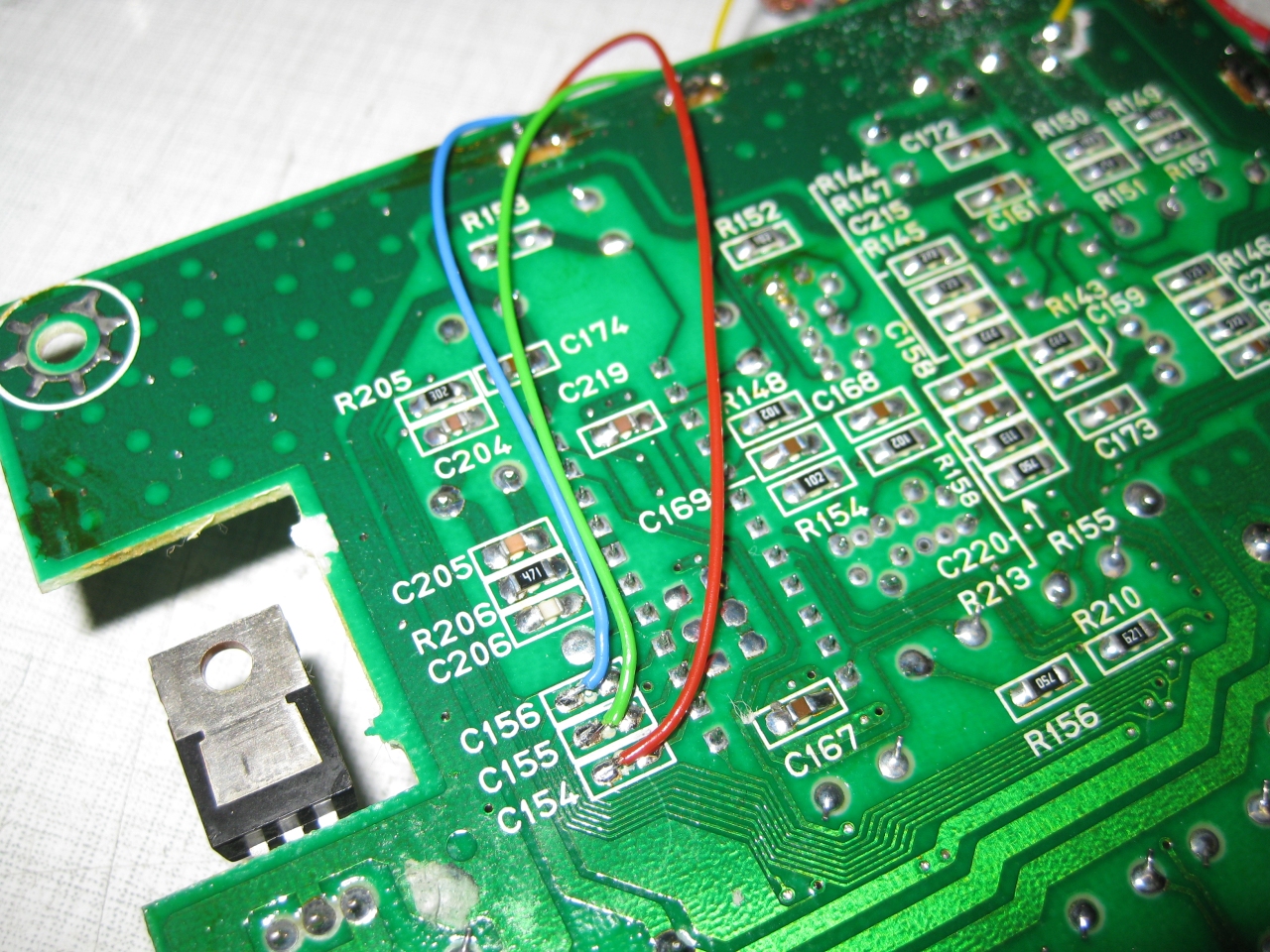
    b) RGB bypass for best picture

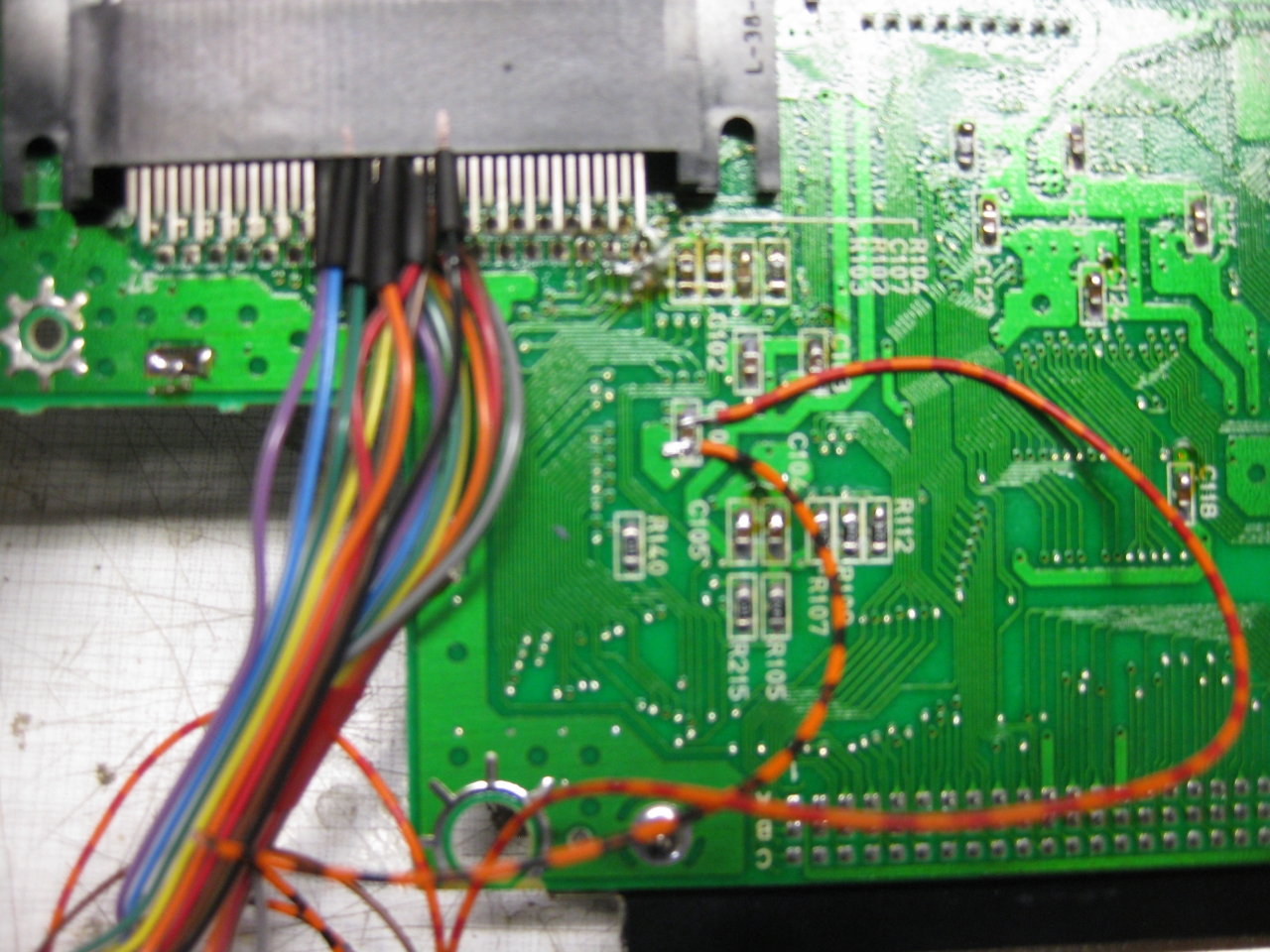
    I took the RGB Signal from C154 to C156 after removing the Kerkos. The wires leads directly to the Hu6260 RGB-Out

    img_0435

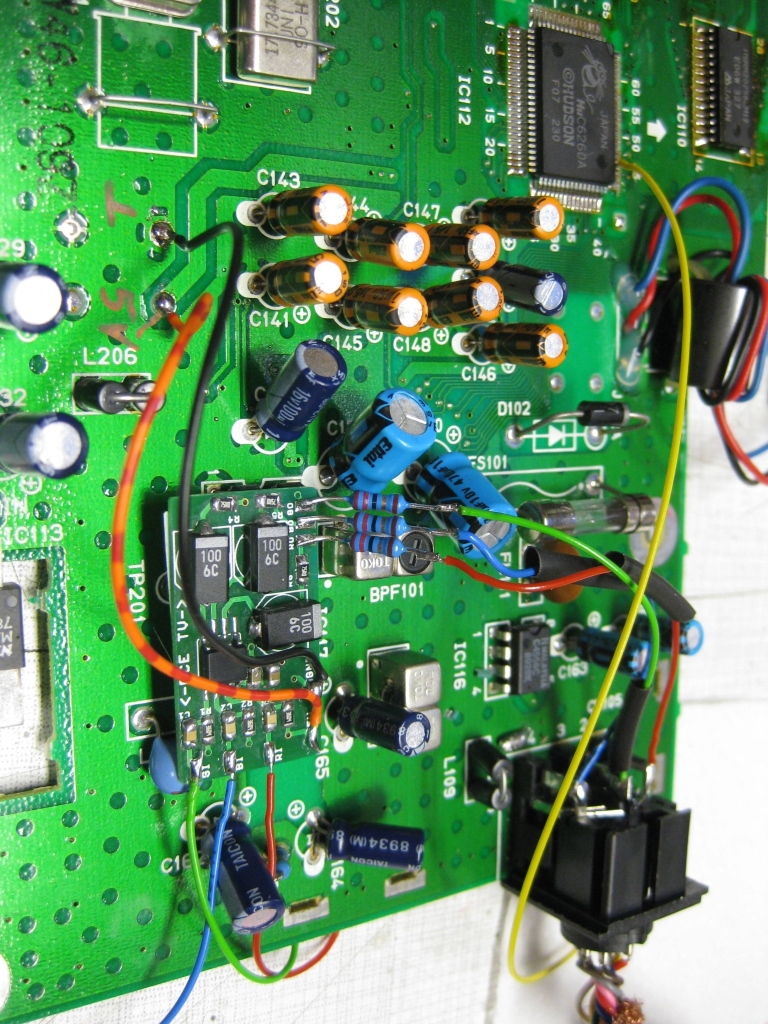
    using the rgbbypass PCB

    img_0443

    yellow wire to desoldered PIN 44 from HU6260 (C-SYNC)

    I am using an old „french“ pinput from the 90’th. So I have to reroute some cirquits

    scart_PC-Engine_French_Layout_2016
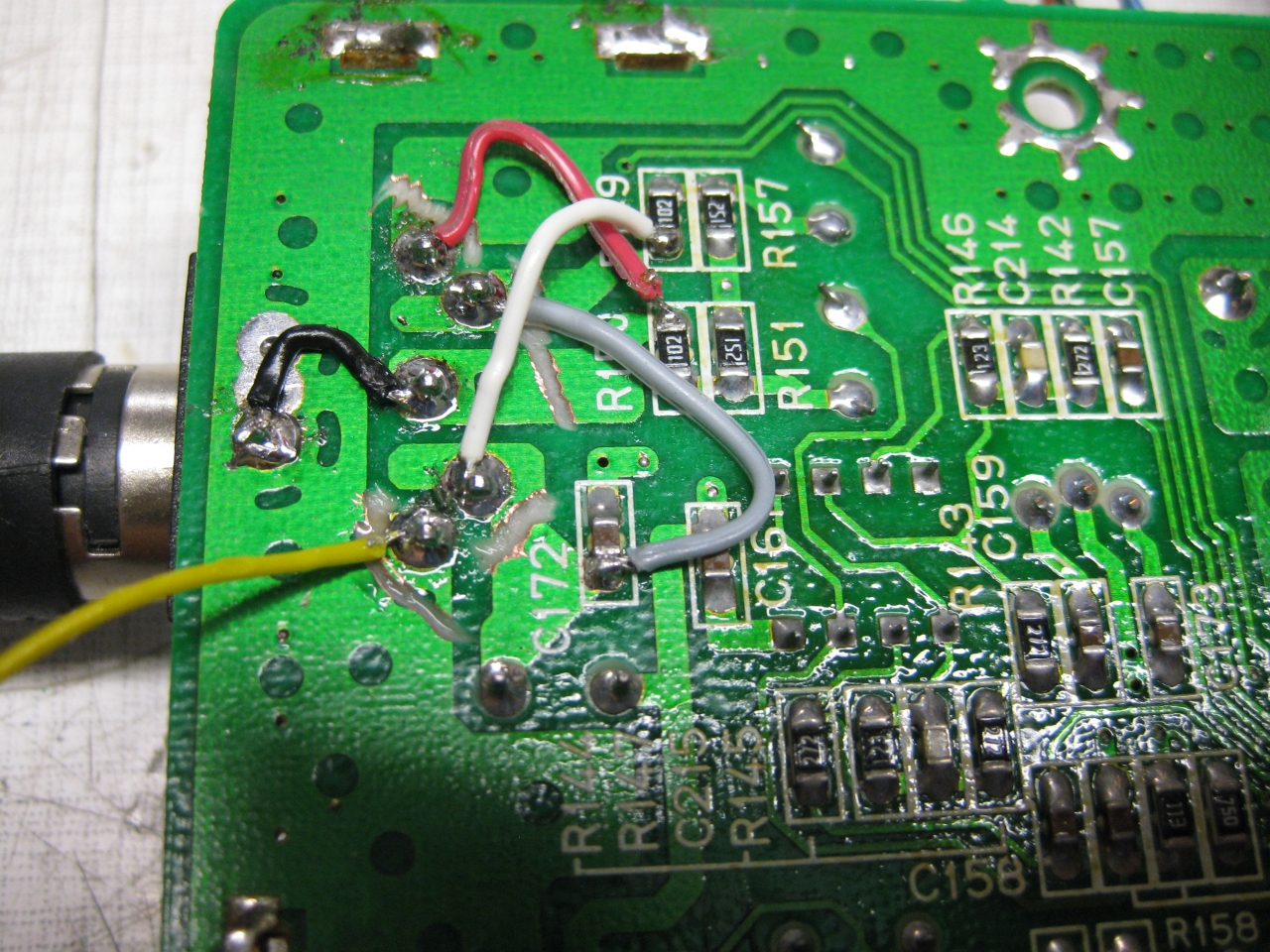
    Desolder Din and cut GND on Partsside for make standard french Version of Din8 Cable working.

    img_0455

    Cut 5 Din Via circuits and wire as shown here
    red audio 2 (right), white Audio 6 left, grey 5V
    yellow desoldered Pin 44 from Hudson 6260 CSYNC

     img_0475

    c) Jailbarfix

    exchange C137 and C133 to 4,7uf/16V

    jailbarfixpalturbografx


    img_0469


    d) jap/eng switch

    you need to switch 8 wires (15,16,17,19,20,21,22,23). I done it with two  analog switches  MC14551BCP

    img_0458

    img_0462


    img_0473


  • Recap 2-Chip SNES SNESP-CPU-02

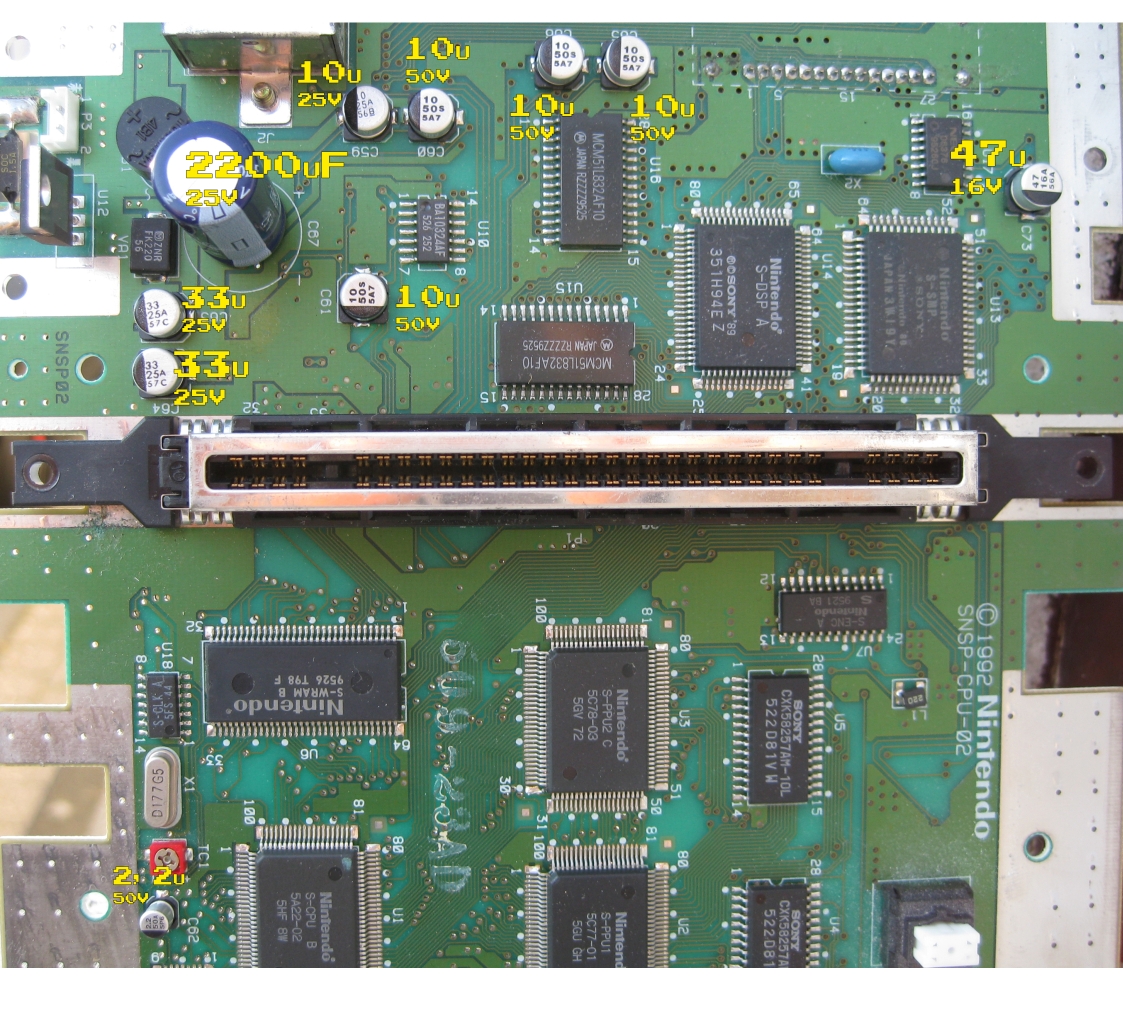
    Here we go with CAP List for a  SNESP-CPU-02

    2_Chip_recap