Blog

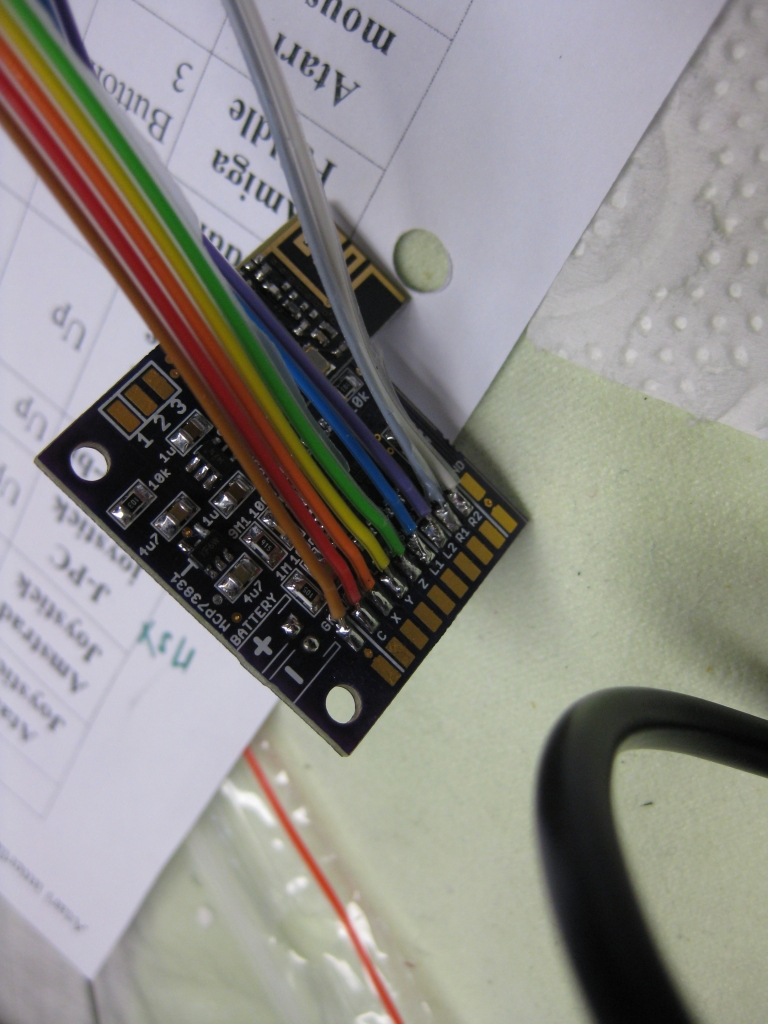
  • UWRC wire Colors


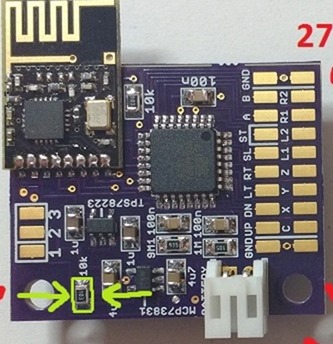
    9 GND GND     19 GND GND  
    8 B Button 2     18 R2 Button 10  
    7 A Button 1     17 R1 Button 9  
    6 ST Start     16 L2 Button 8  
    5 SL Select     15 L1 Button 7  
    4 RT Right     14 Z Button 6  
    3 LT Left     13 Y Button 5  
    2 DN Down     12 X Button 4  
    1 UP Up     11 C Button 3  
    0 GND GND     10 GND GND  
                 
           
    3 blue  GND  
    2 green  5V  
    1 yellow   Led


    universalTX

    Marked R used for different current while loading LiPo

    I=1000V/R

    for

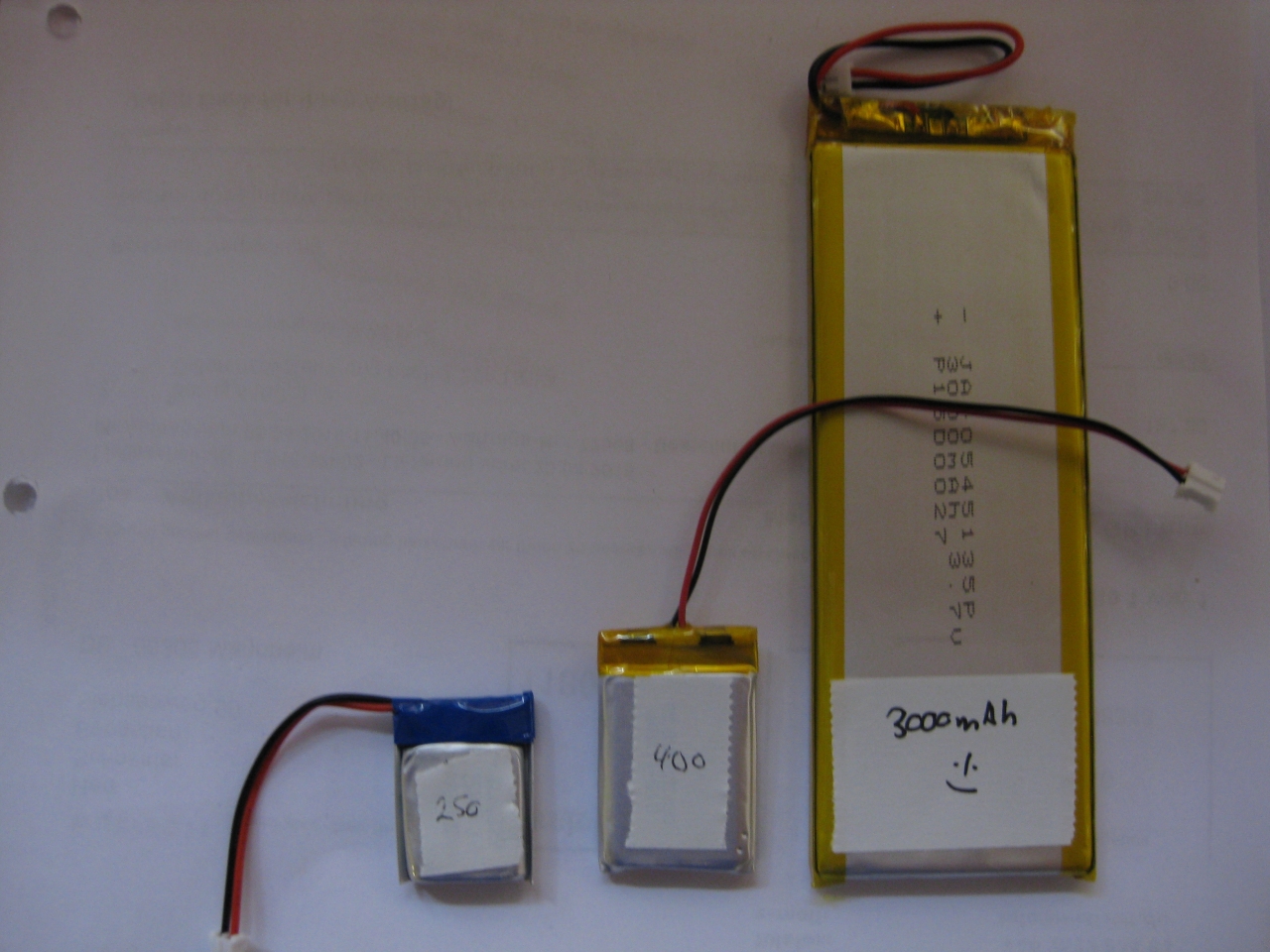
    400mAh Lipo (Standard) ->100mA  R=10k

    250mAh Lipo  ->050mA  R=20k

    3000mAh Lipo ->200mA  R=5k


    Voltage Regulator used: 2,3V Maximum Voltage: 5,5V
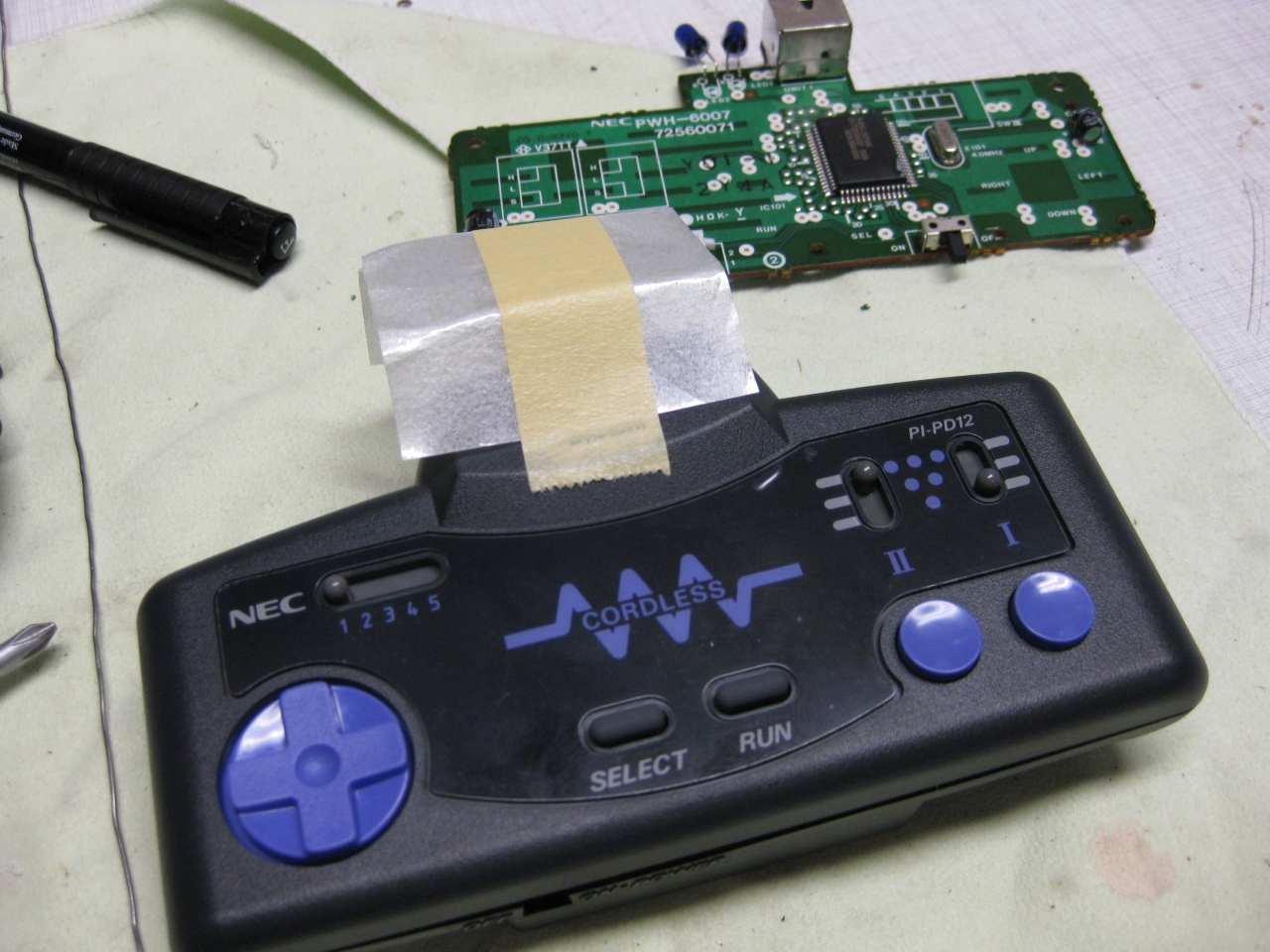
     

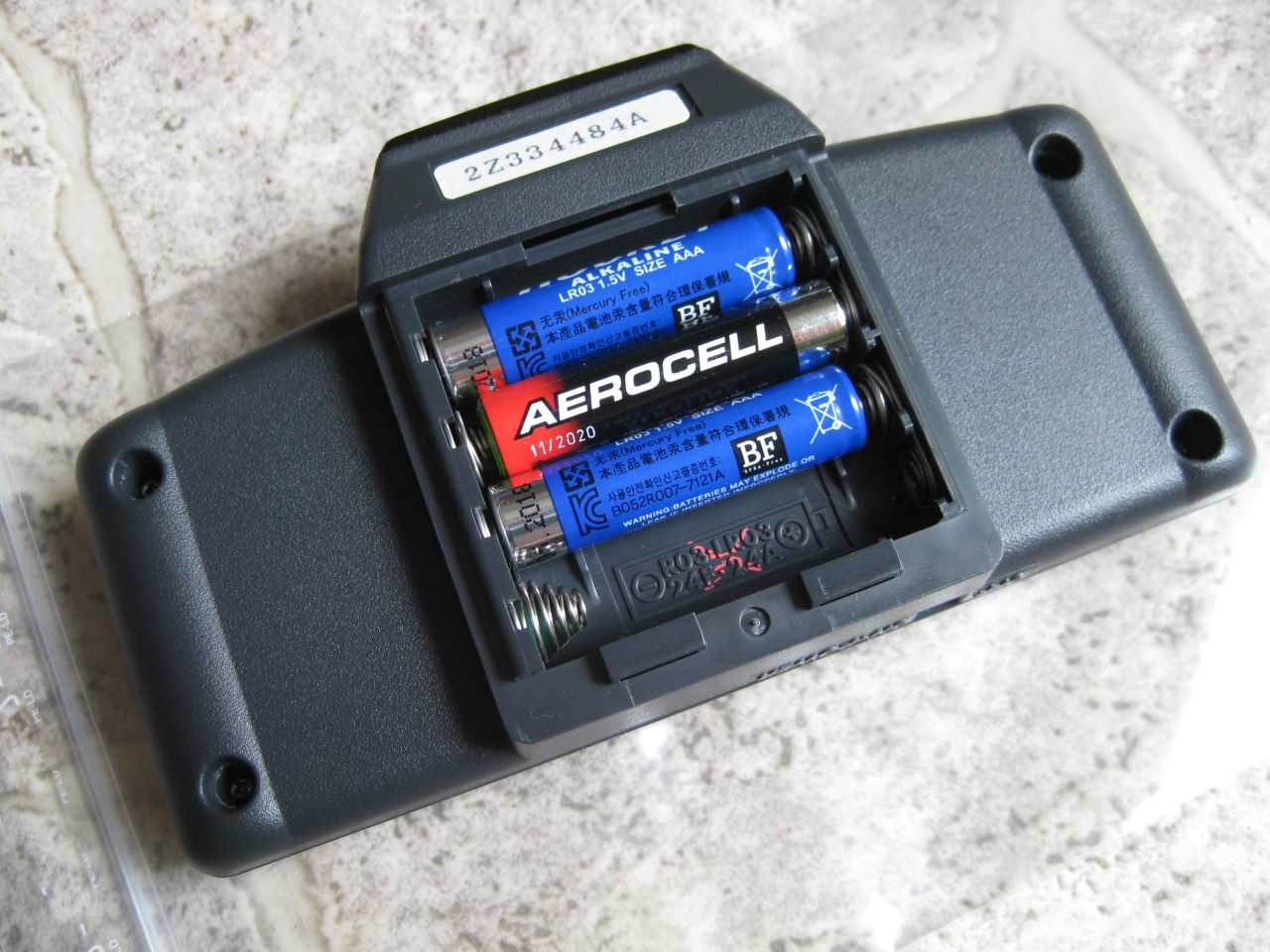
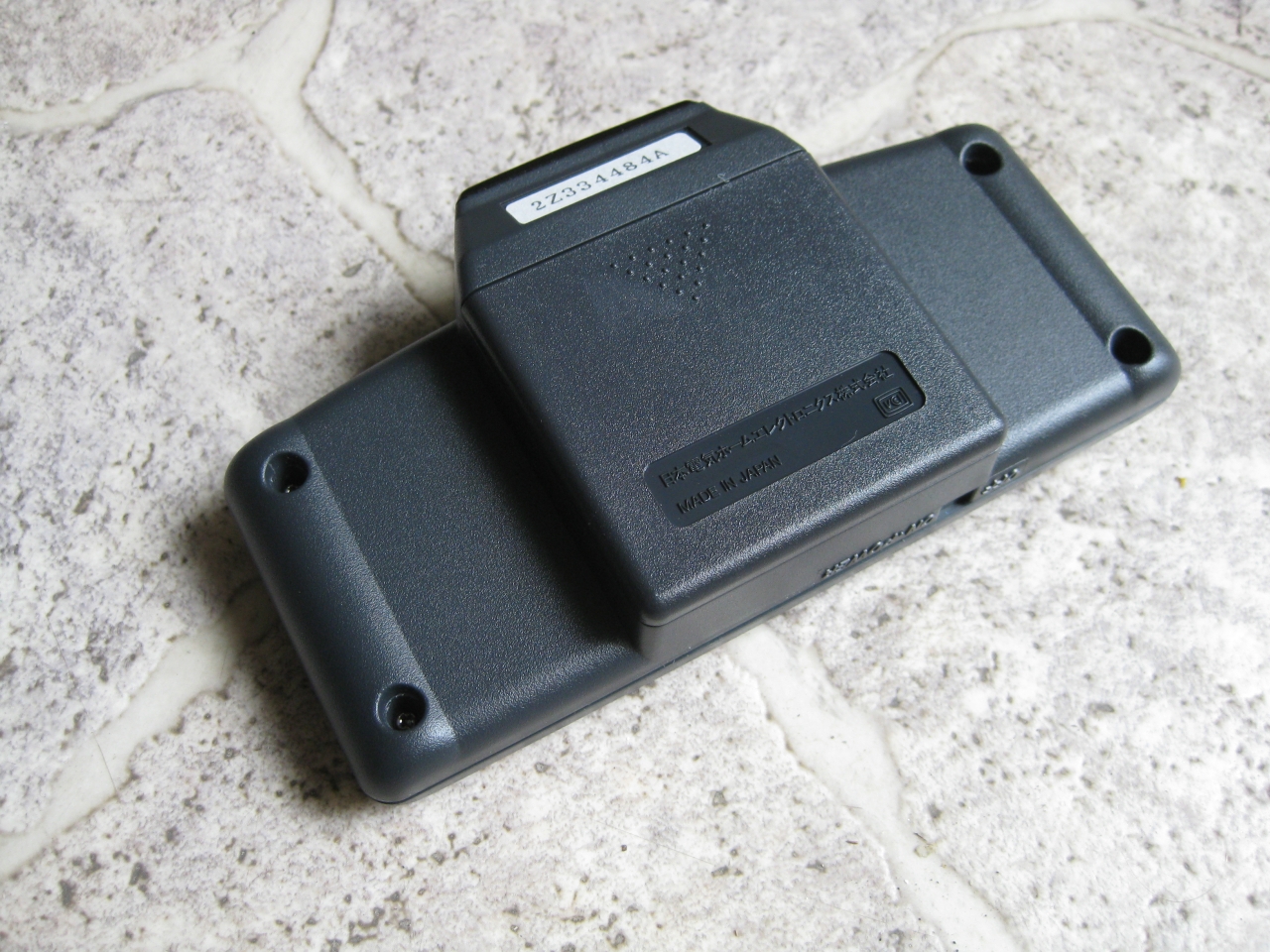
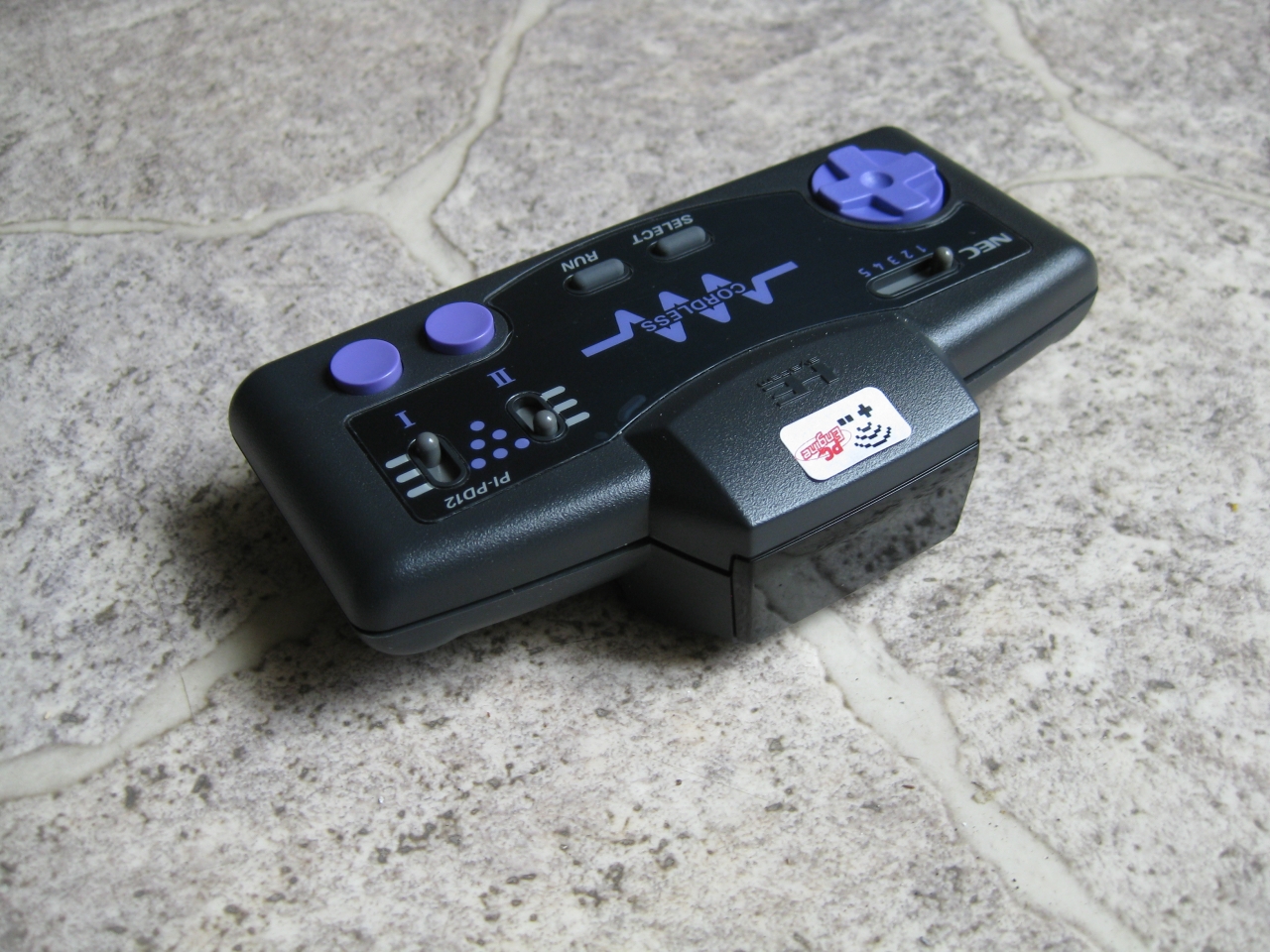
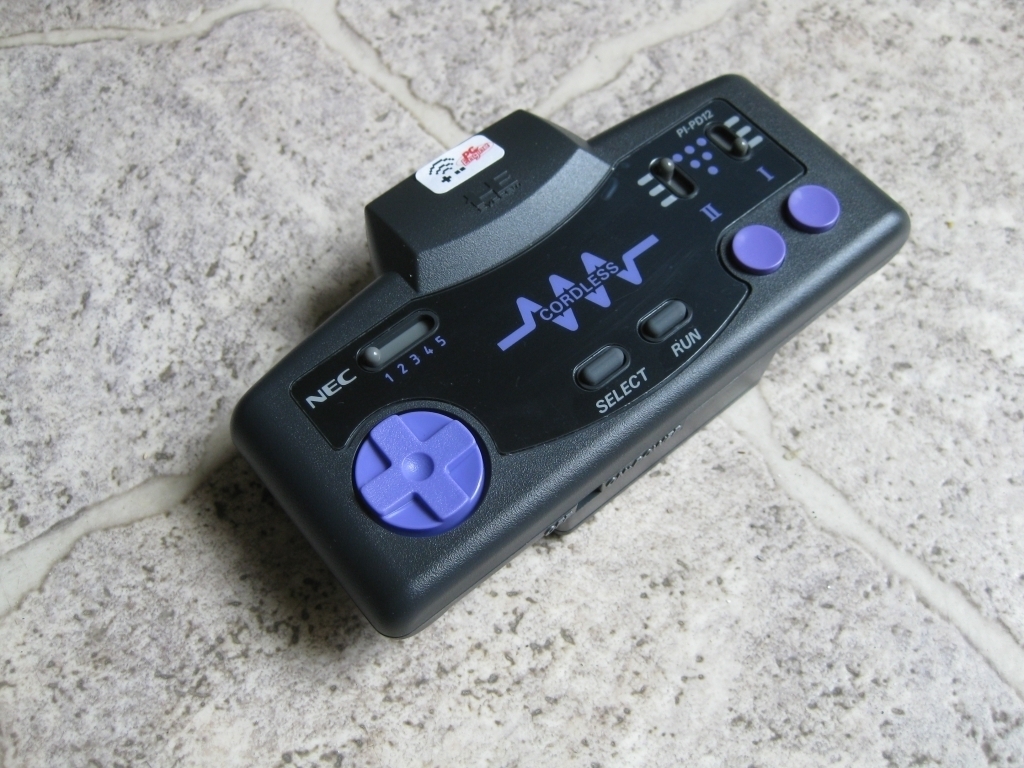
  • UWRC PC-Engine Cordless Controller

    I done some ironical way of UWRC 😉
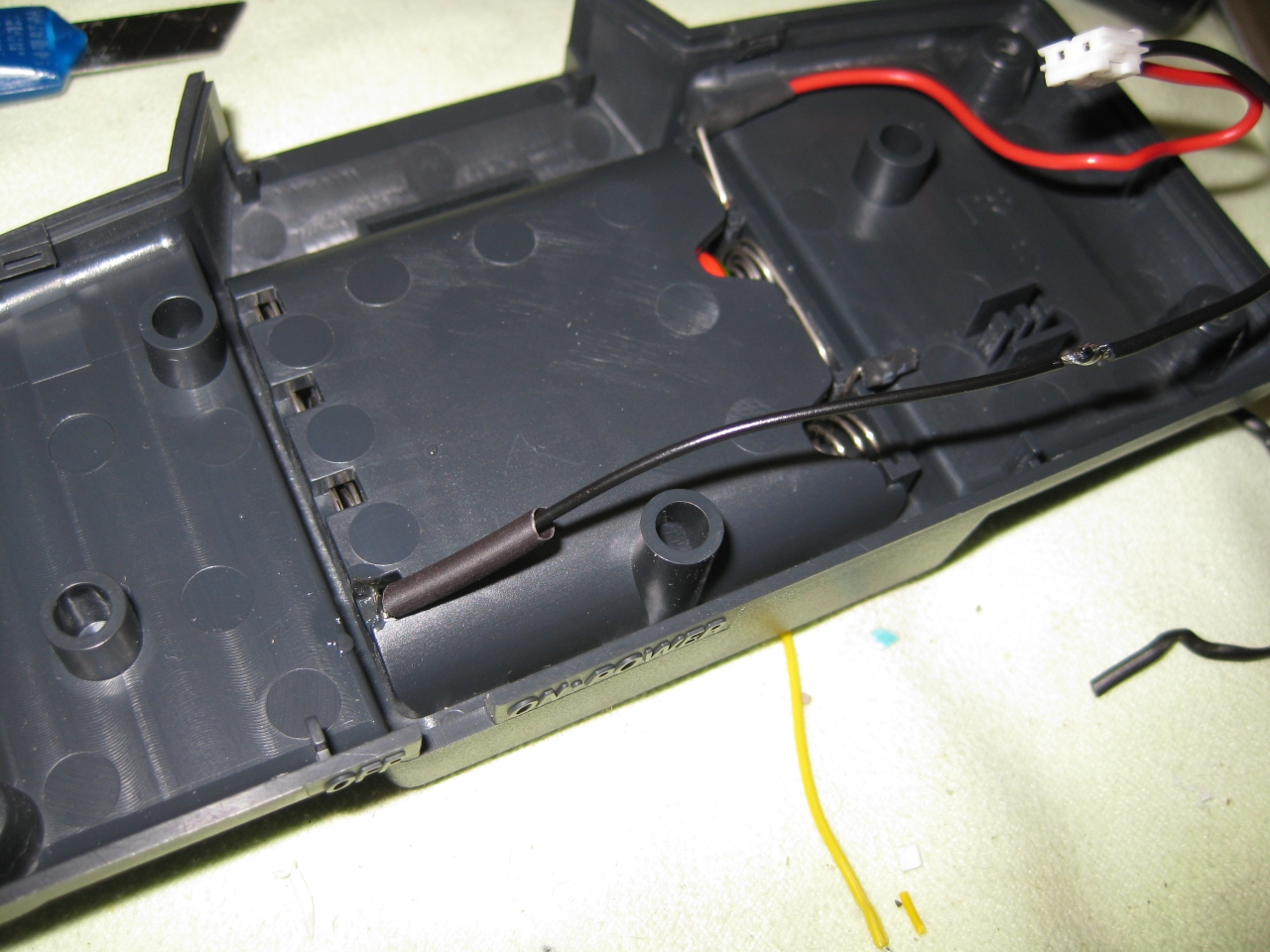
    Here i am using 3 of the 4 Batteries for powersupply of the UWRC, because of the max. voltage of 5,5V of the UWRC Board.
    IMG_8597 IMG_8599 IMG_8602 IMG_8604 IMG_8610 IMG_8609 IMG_8608 IMG_8607

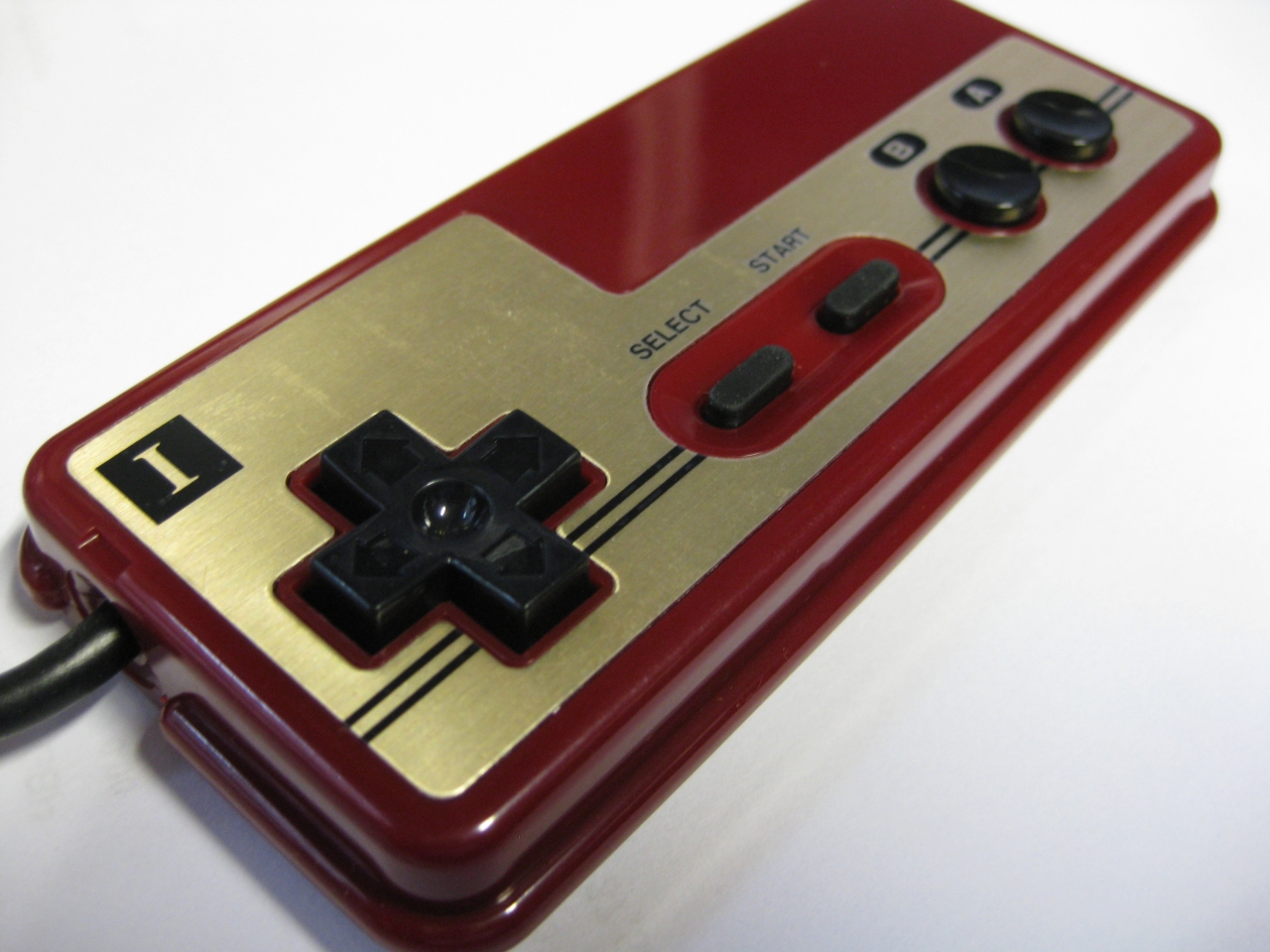
  • UWRC NES japanese Famicom Controller

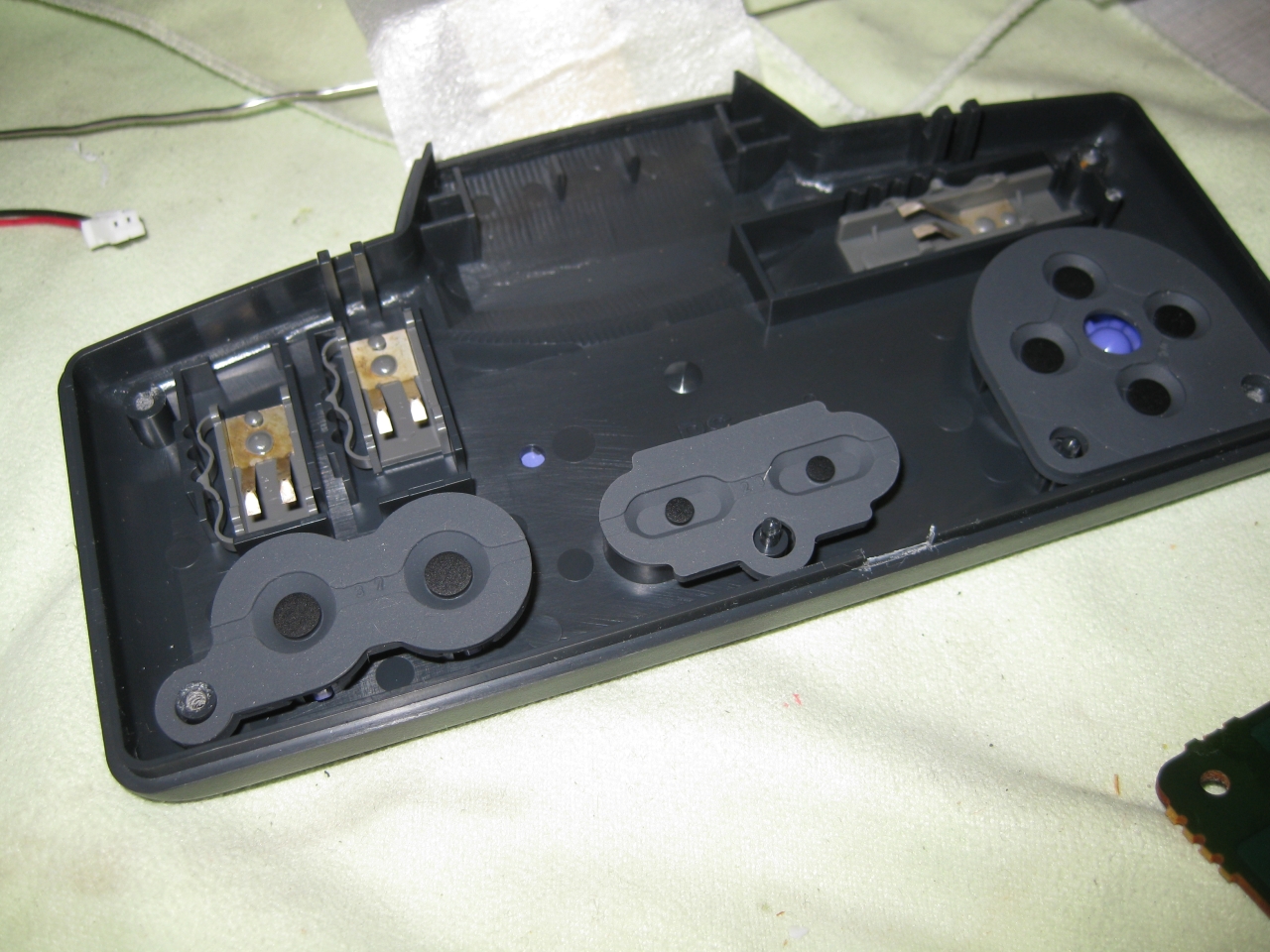
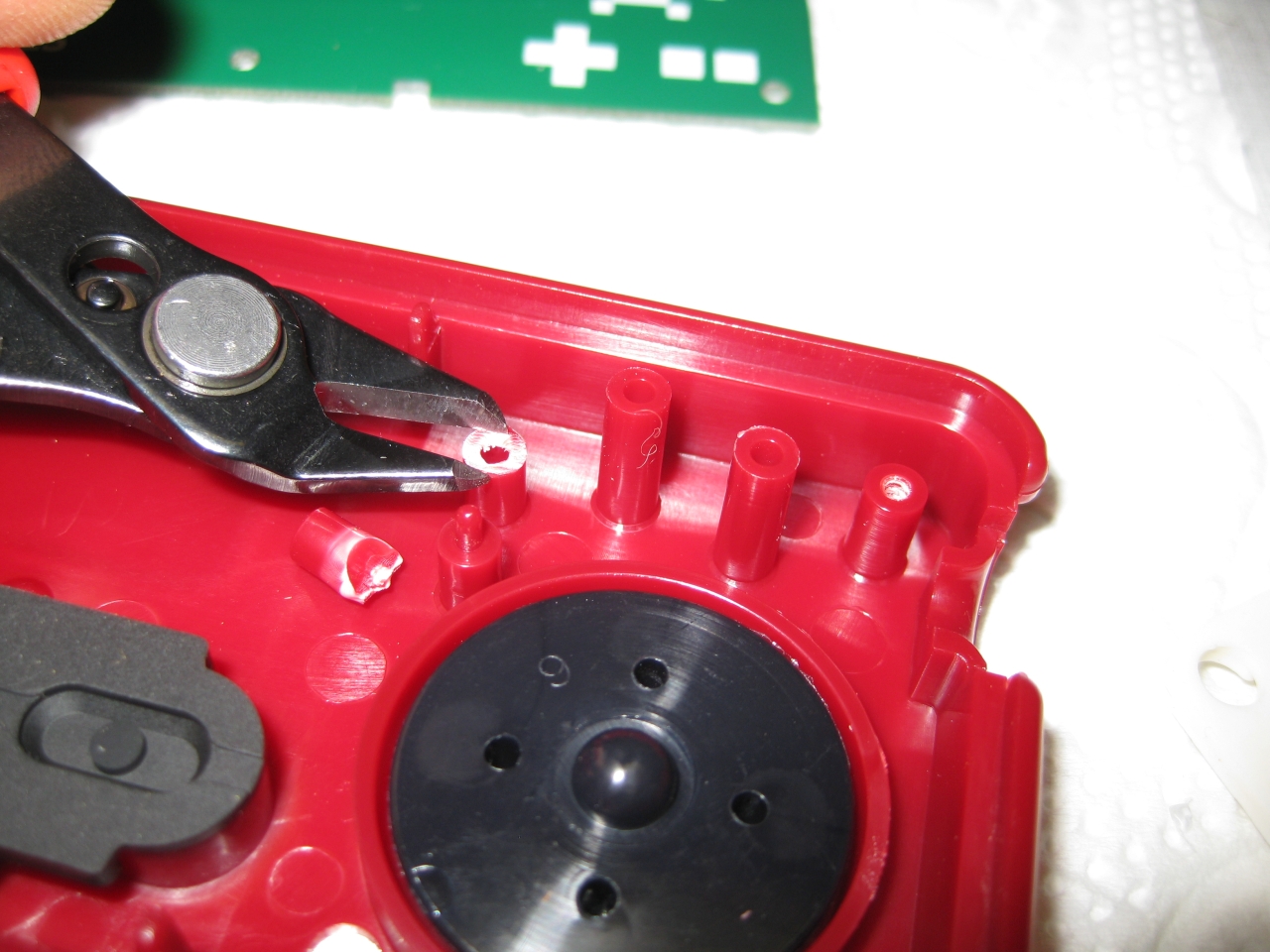
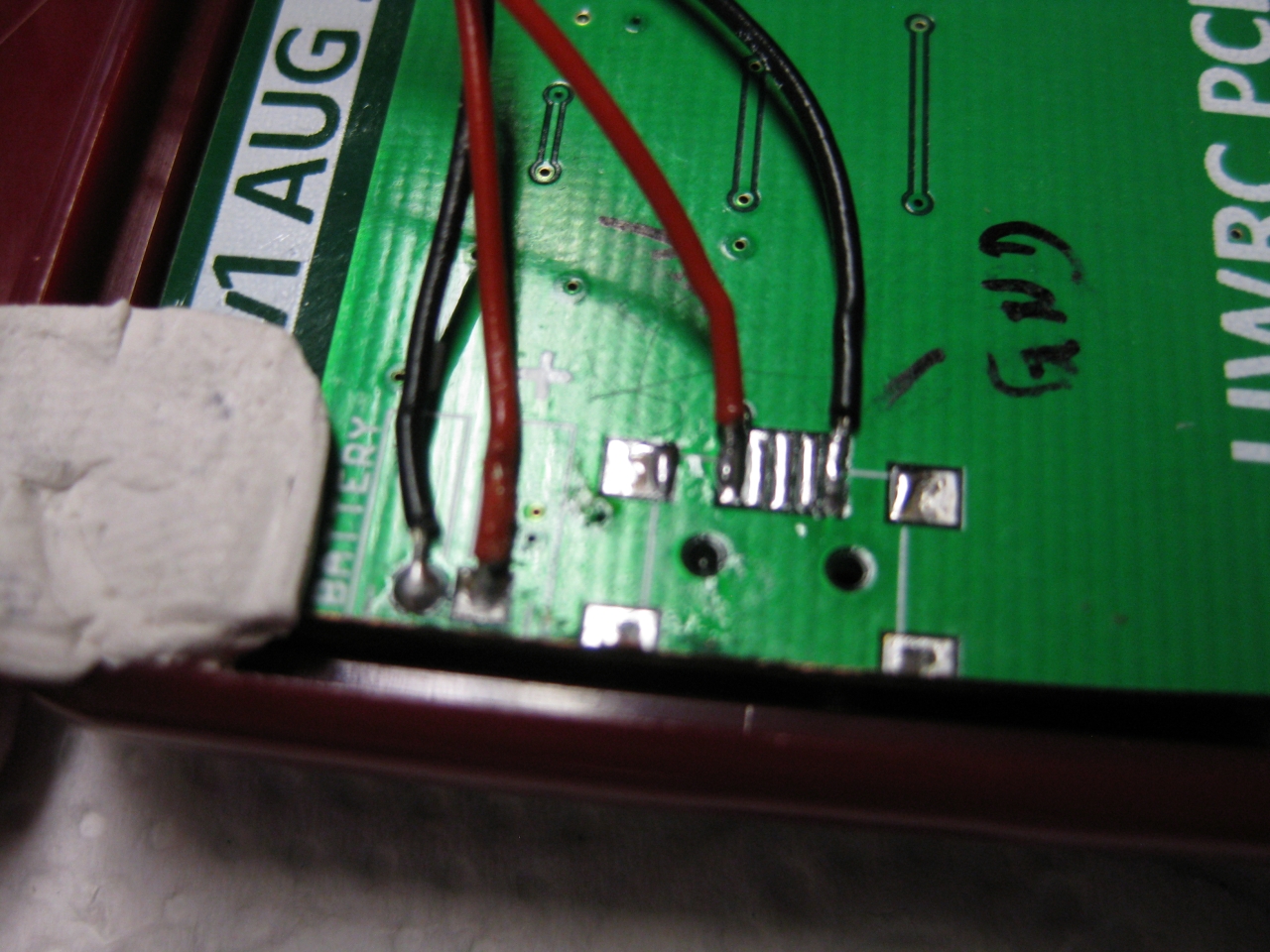
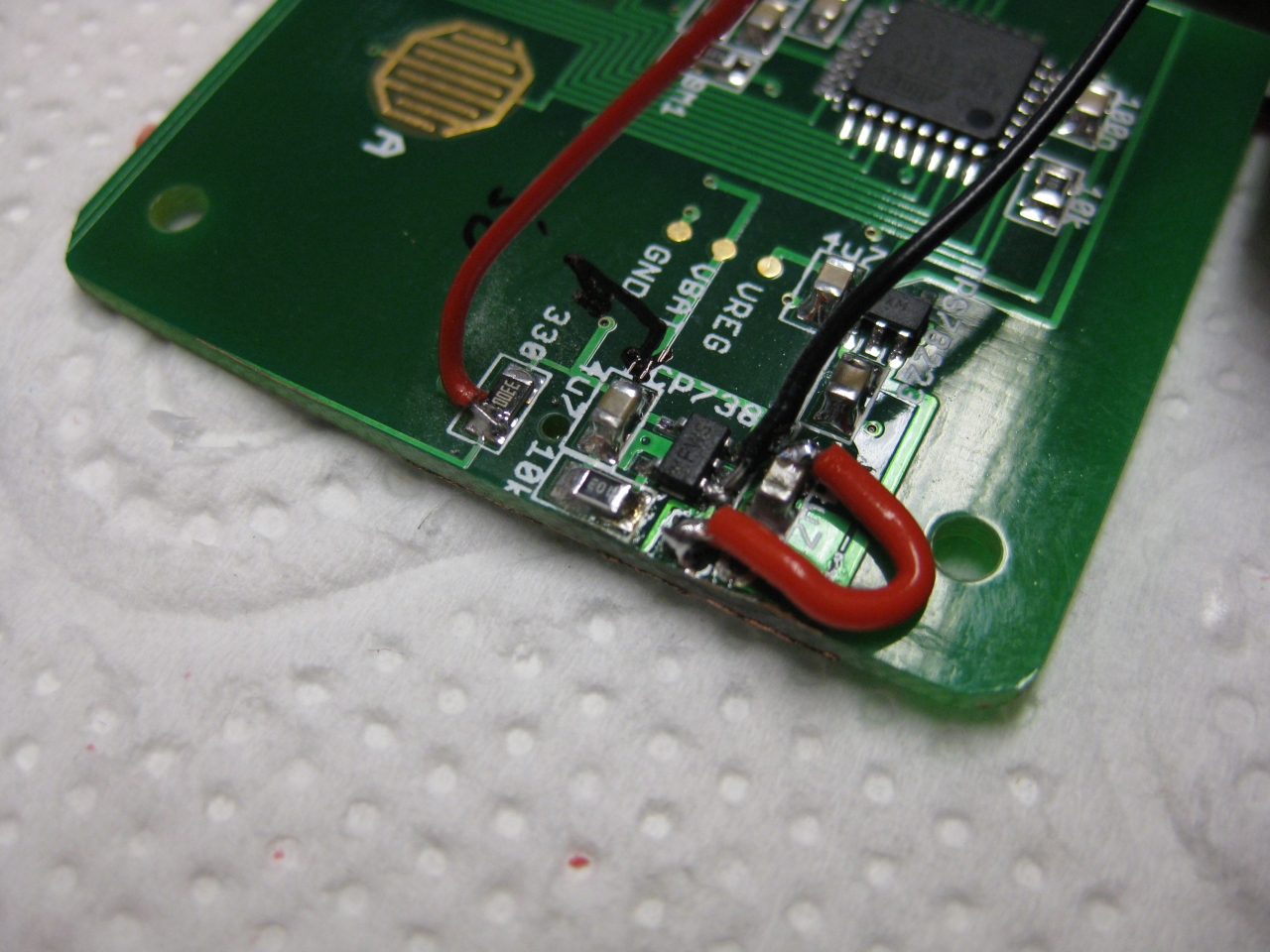
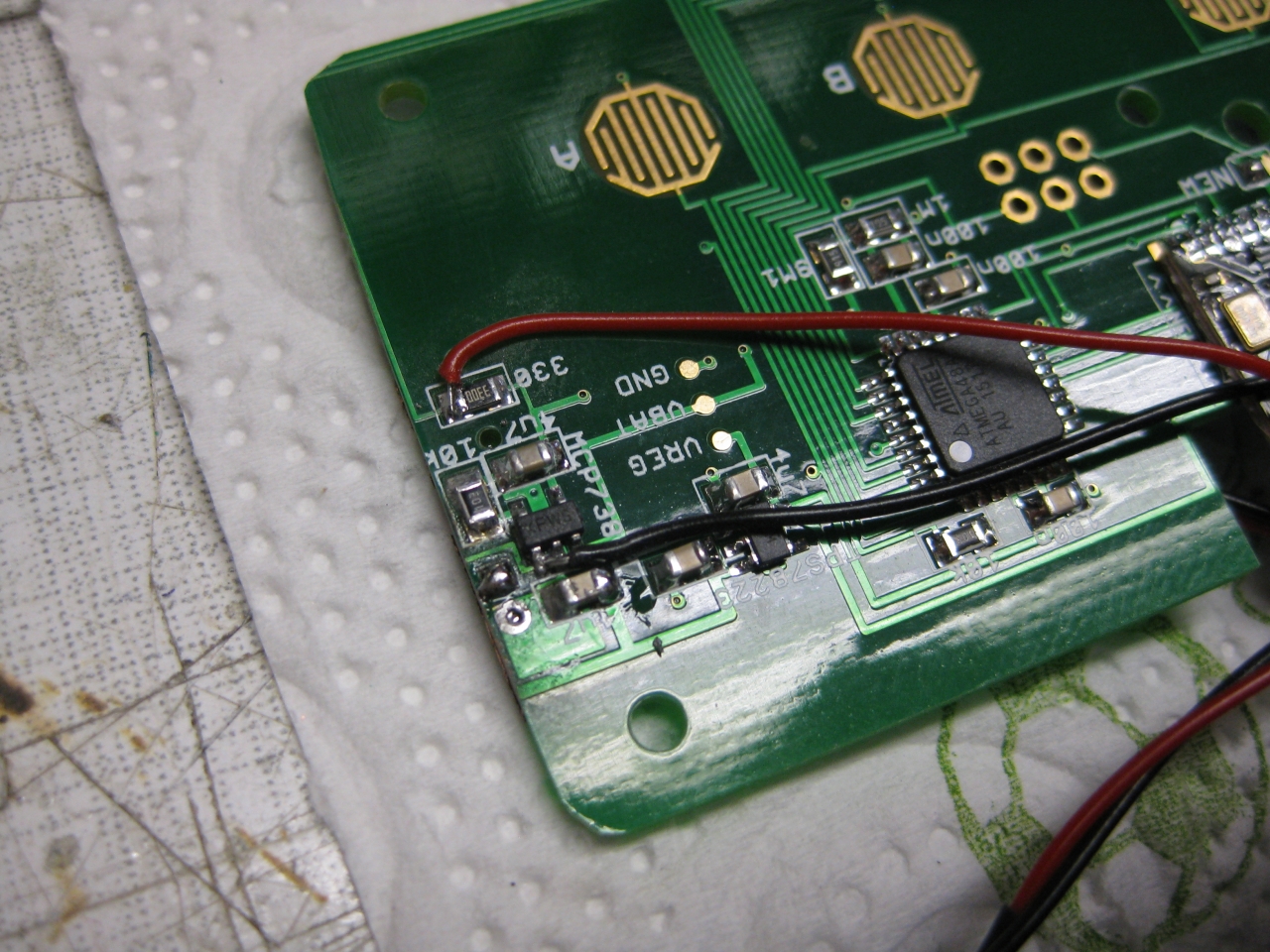
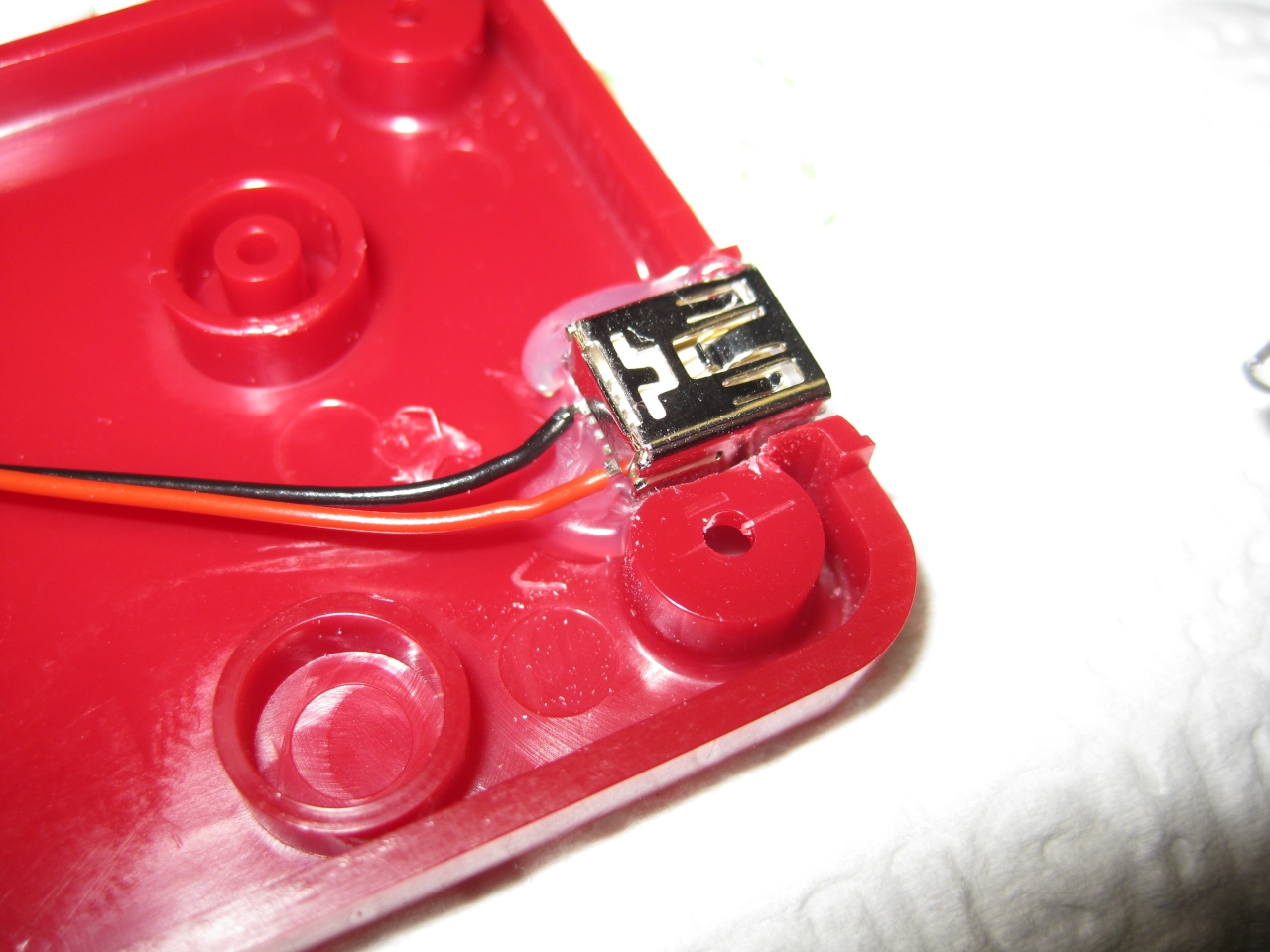
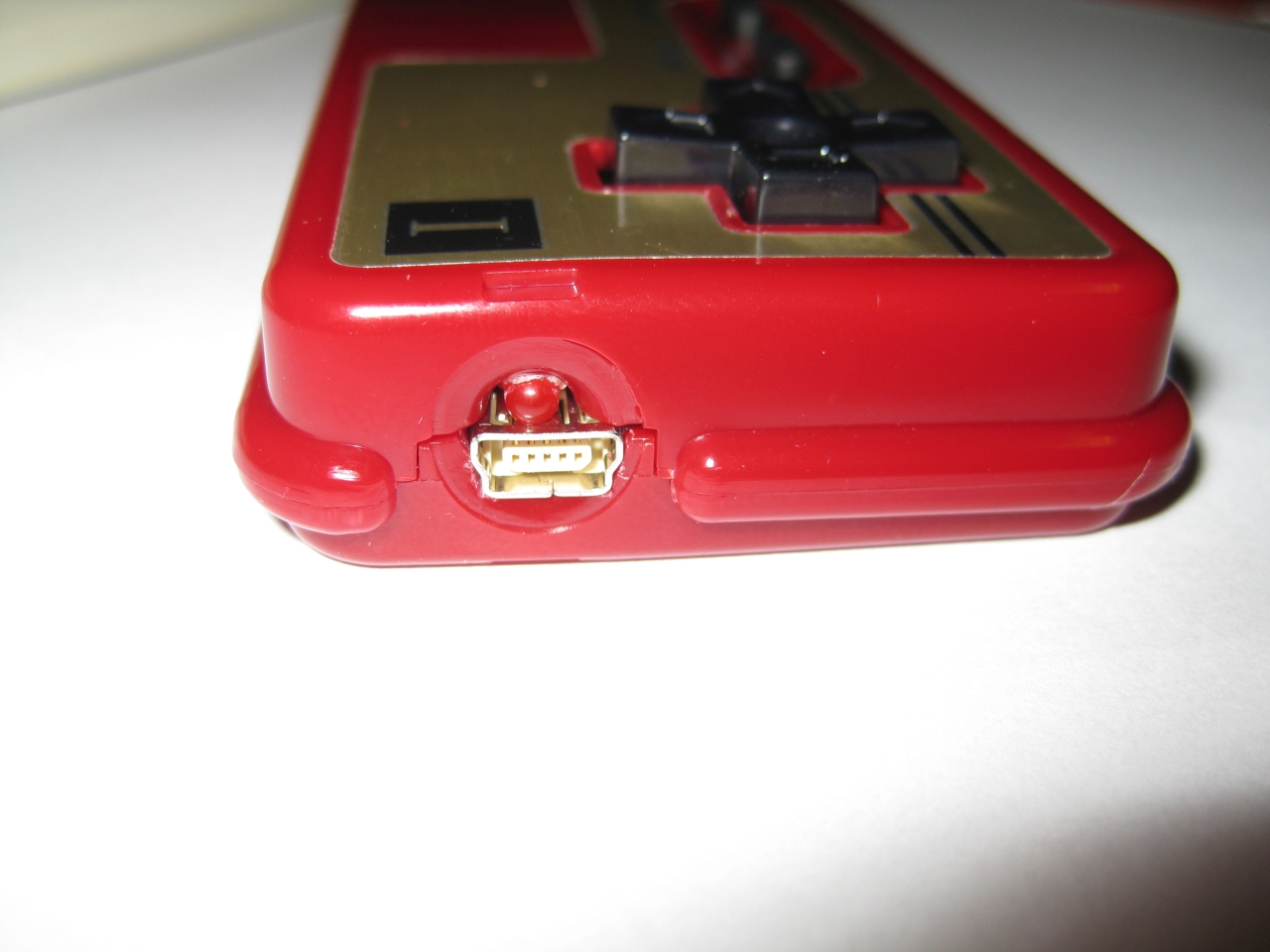
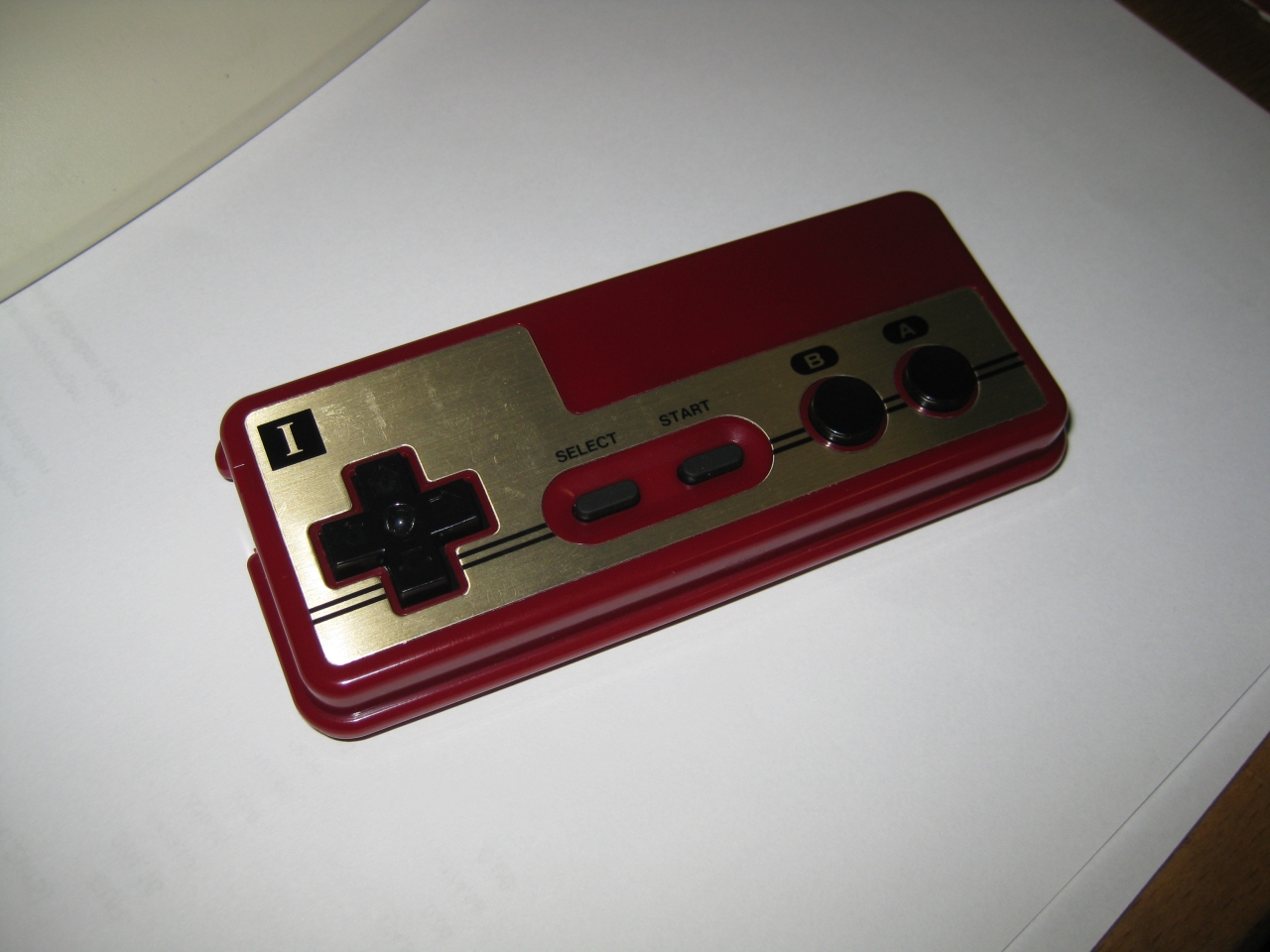
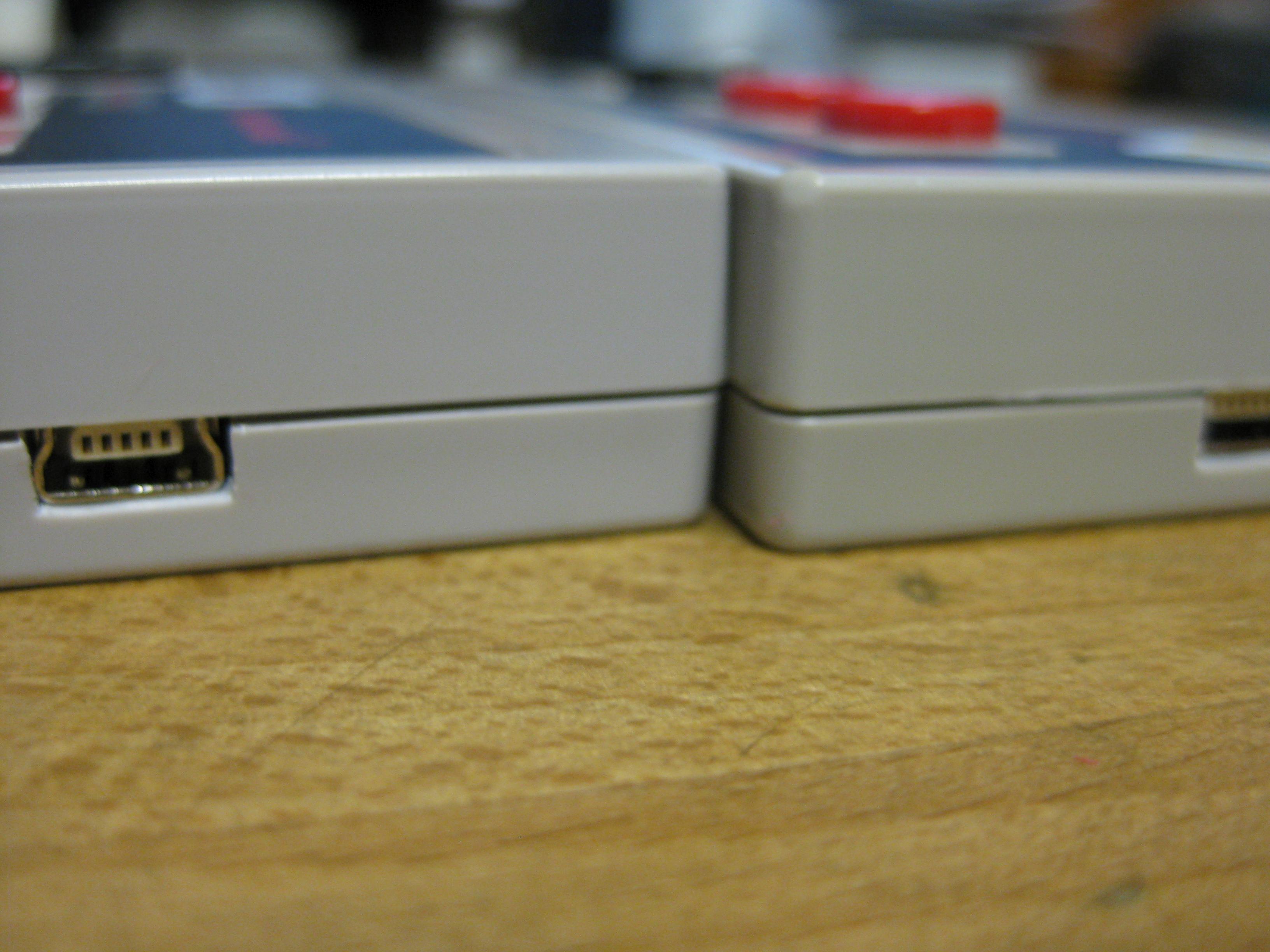
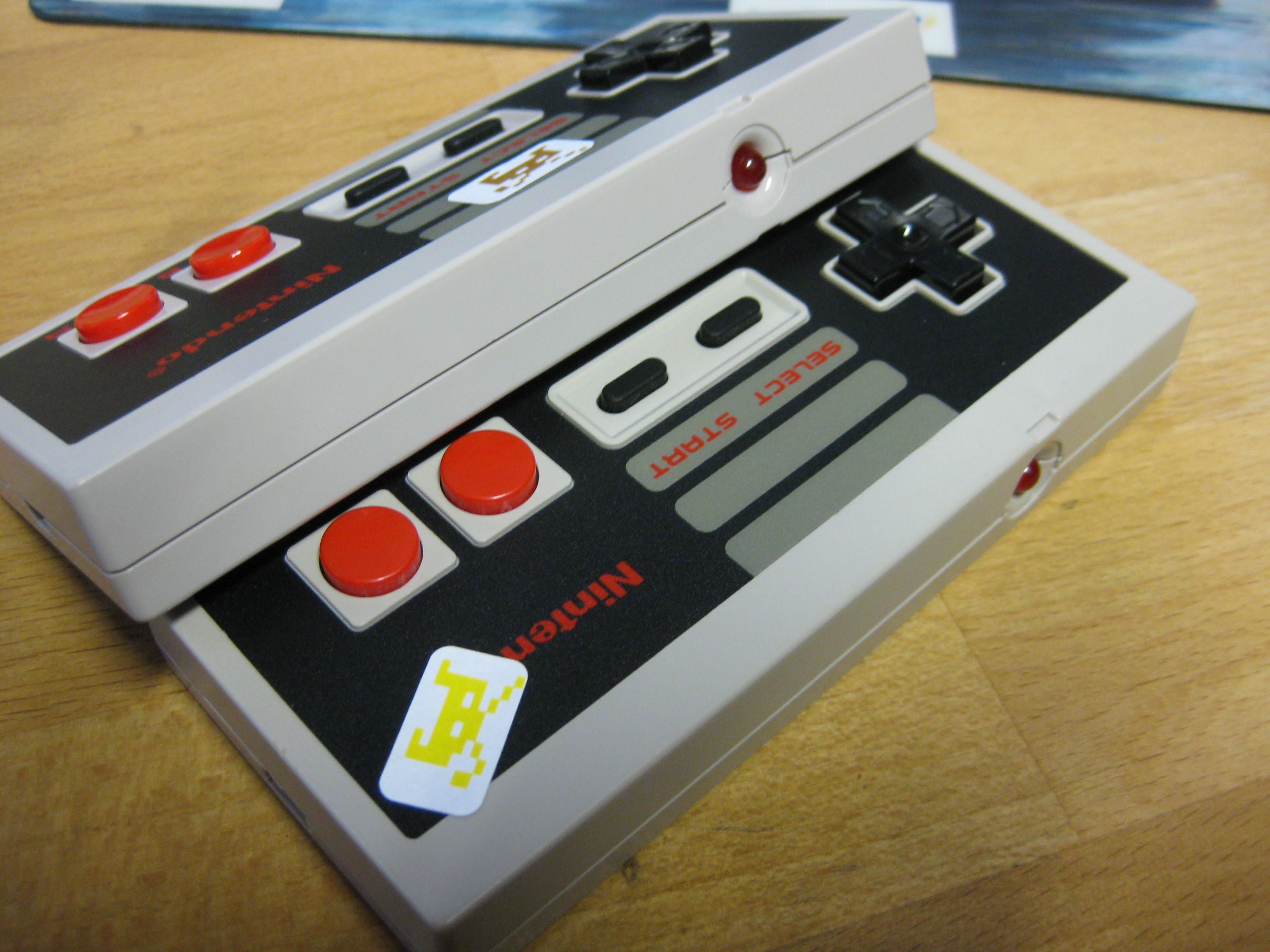
    For make it fit into a japanese Famicom Pad you have to cut the PCB at the edges and re add the cutted circuit board.

    IMG_8077 IMG_8085 IMG_8098 IMG_8094 IMG_8087 IMG_8091 IMG_8104 IMG_8101


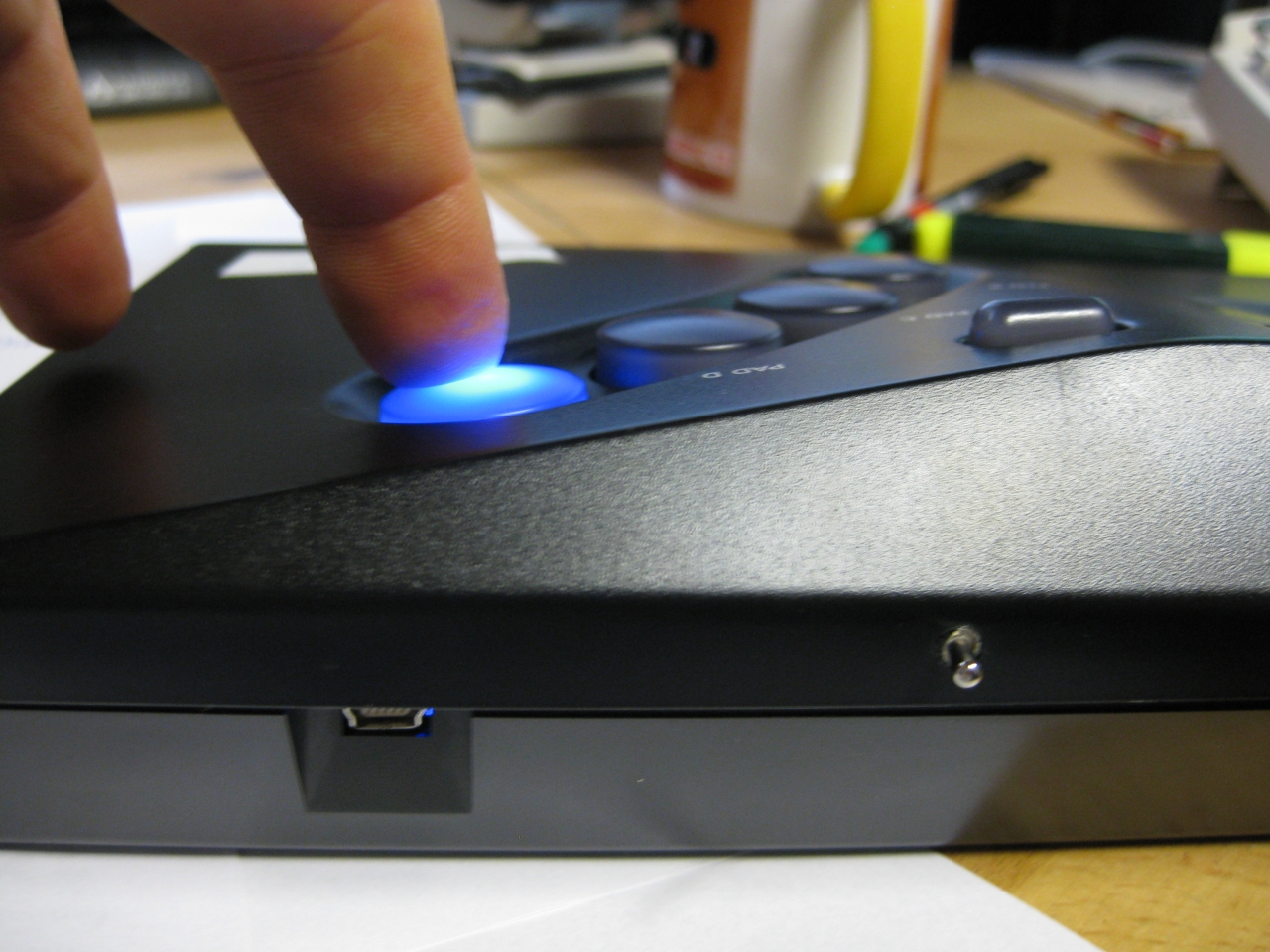
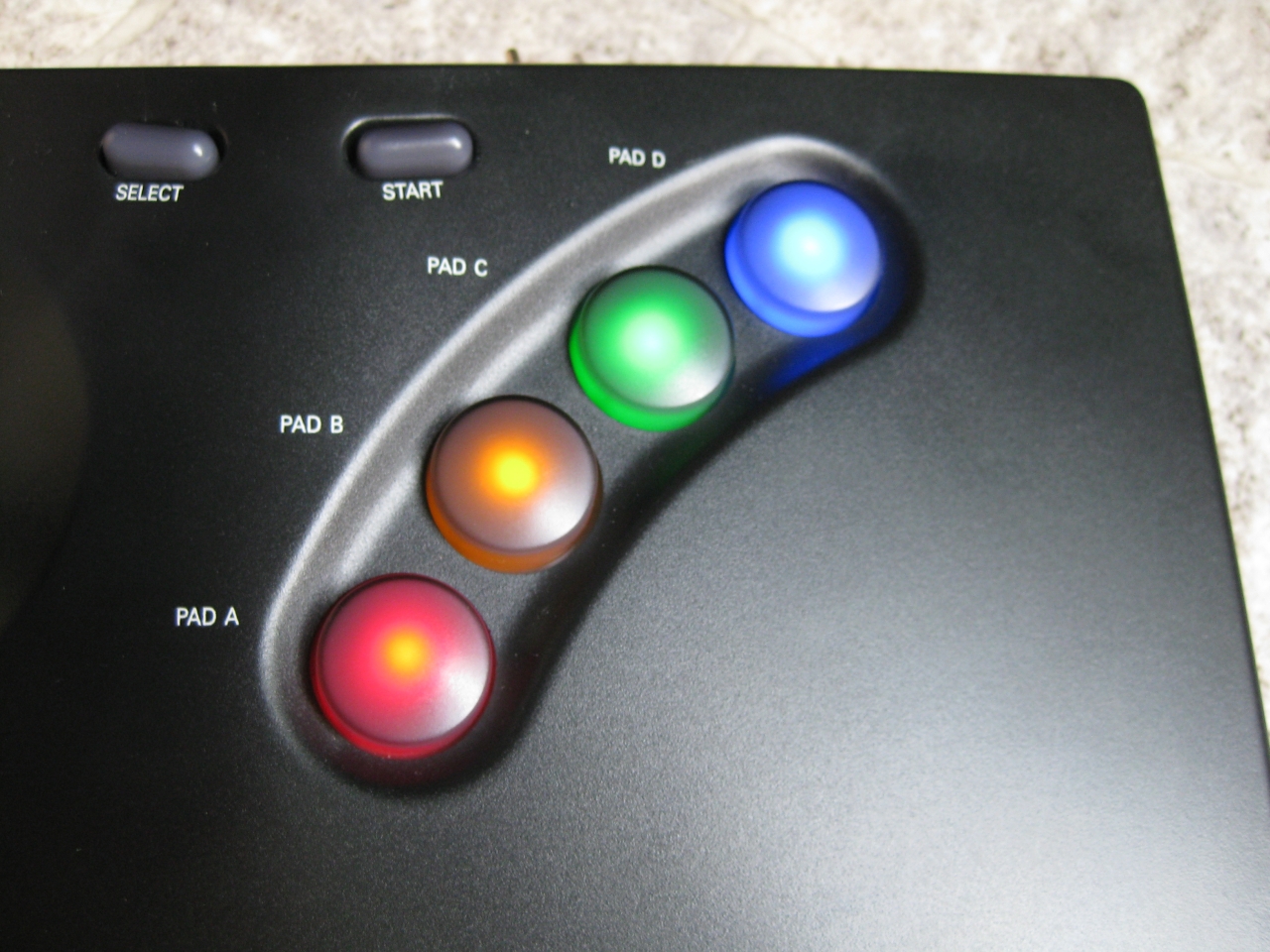
  • UWRC NeoGeo Board

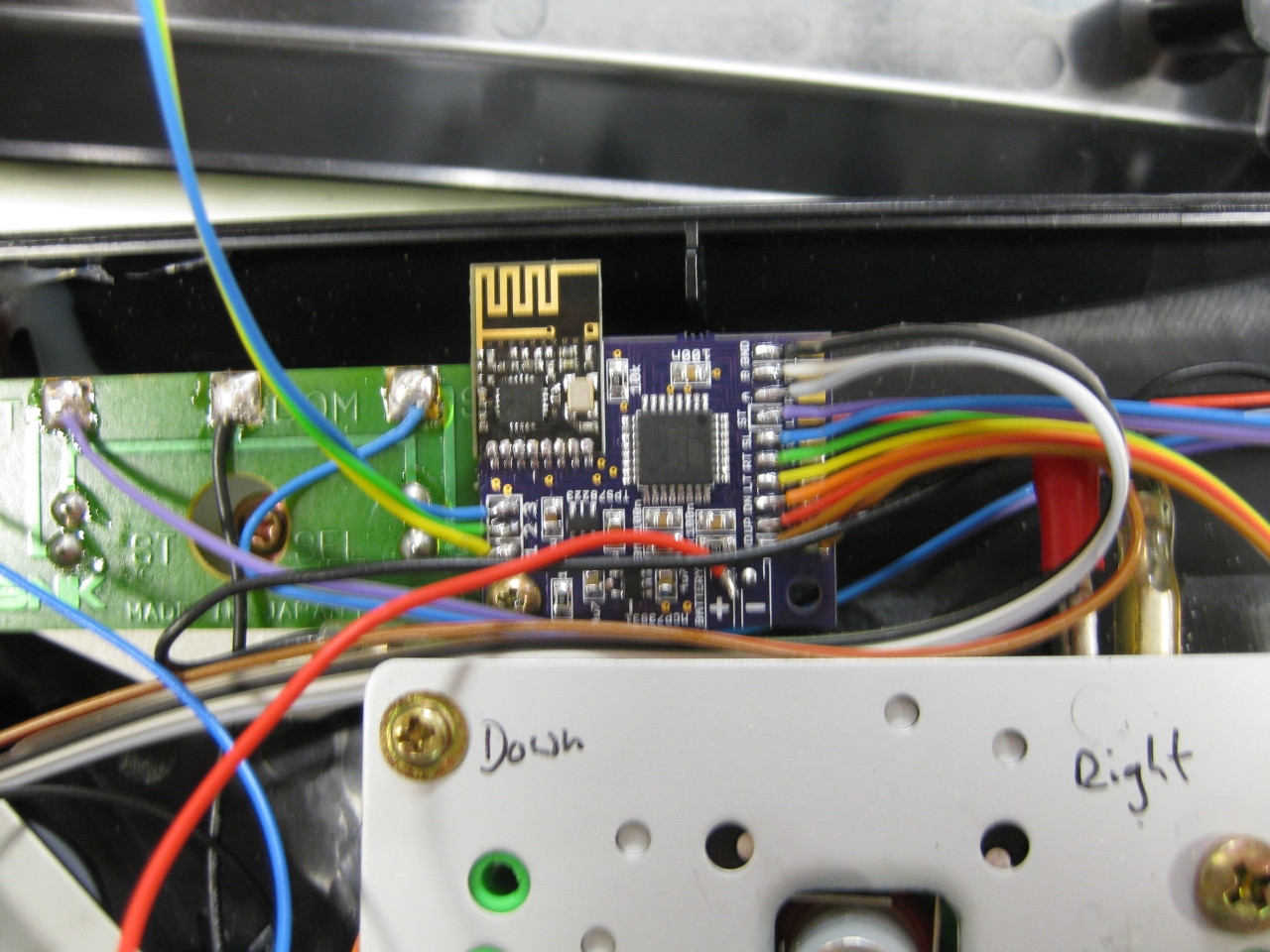
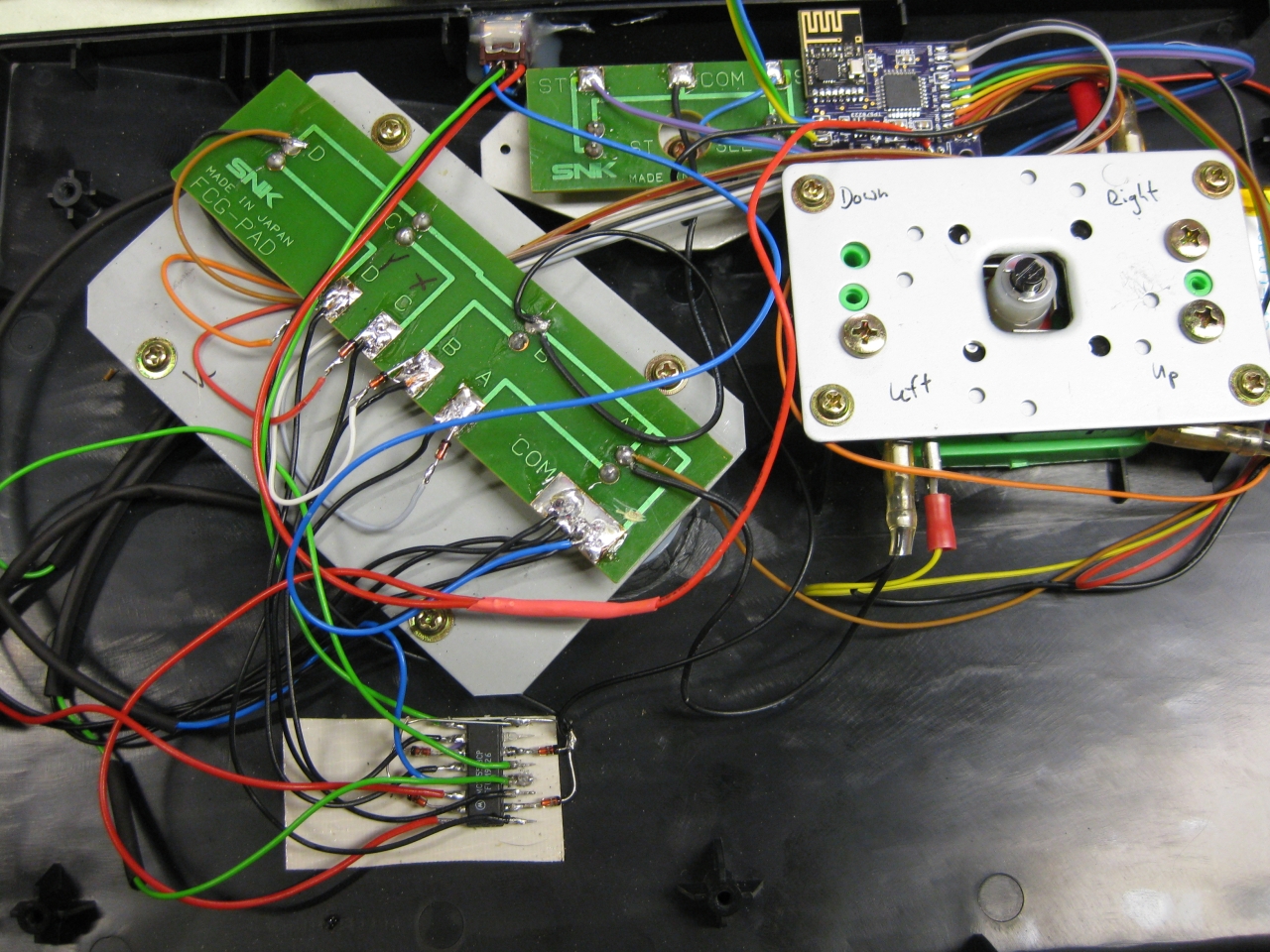
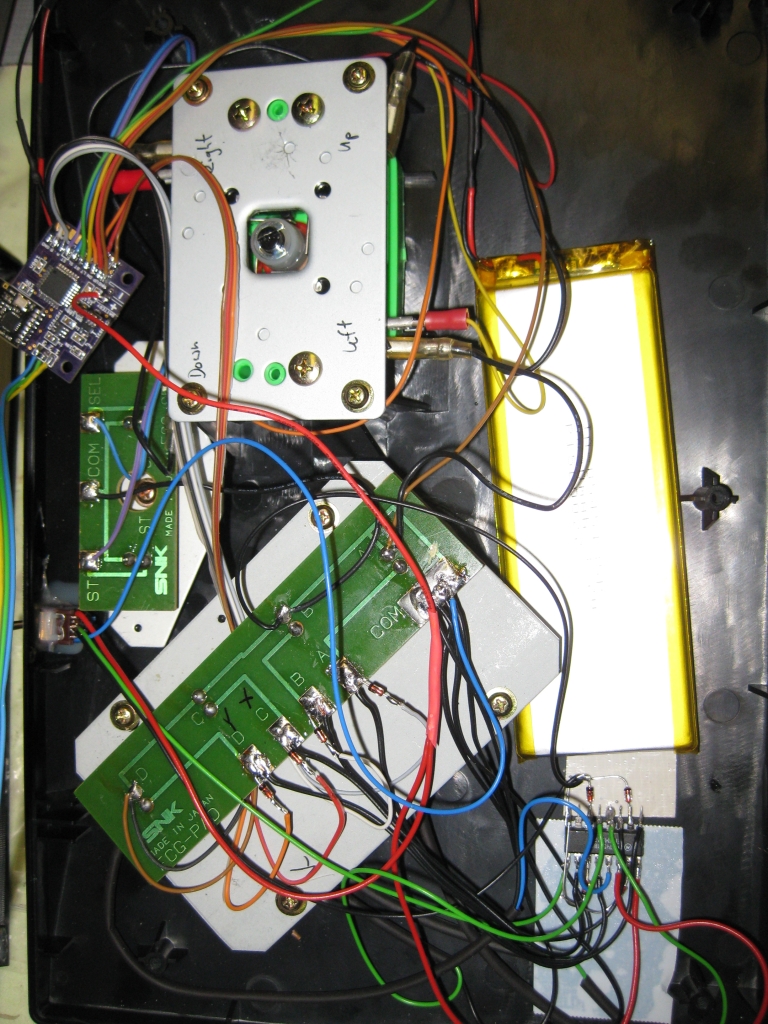
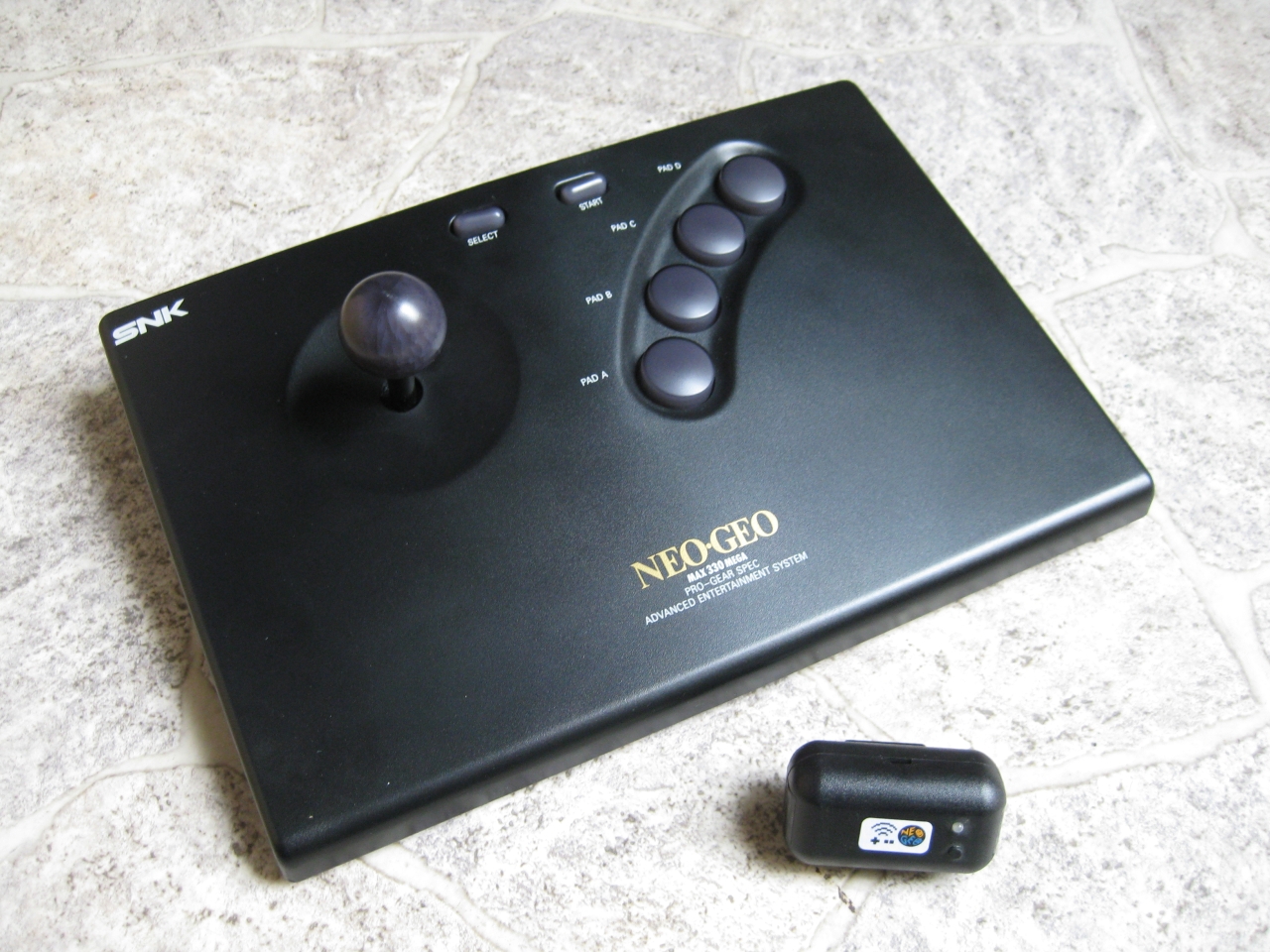
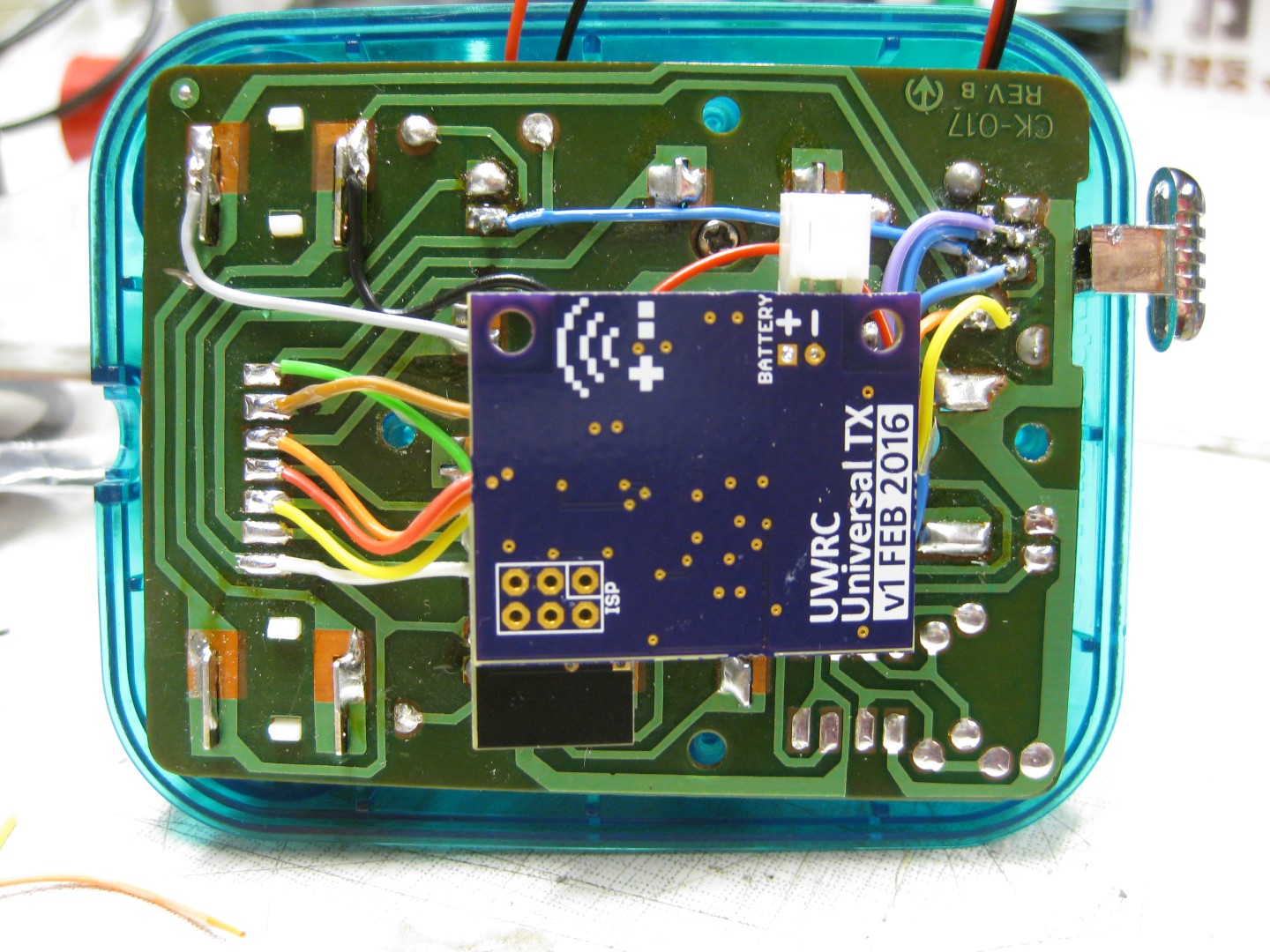
    I sacrifice my NeoGeo Board to make it wireless with uwrc. thanks to micro again.

    Here I used my Led modded NeoGeo Controller and put all together. Because of the Leds and more need of current. I used a bigger LiPo. The future will tell how long it works.

    https://blog.smarterwolf.de/?p=664

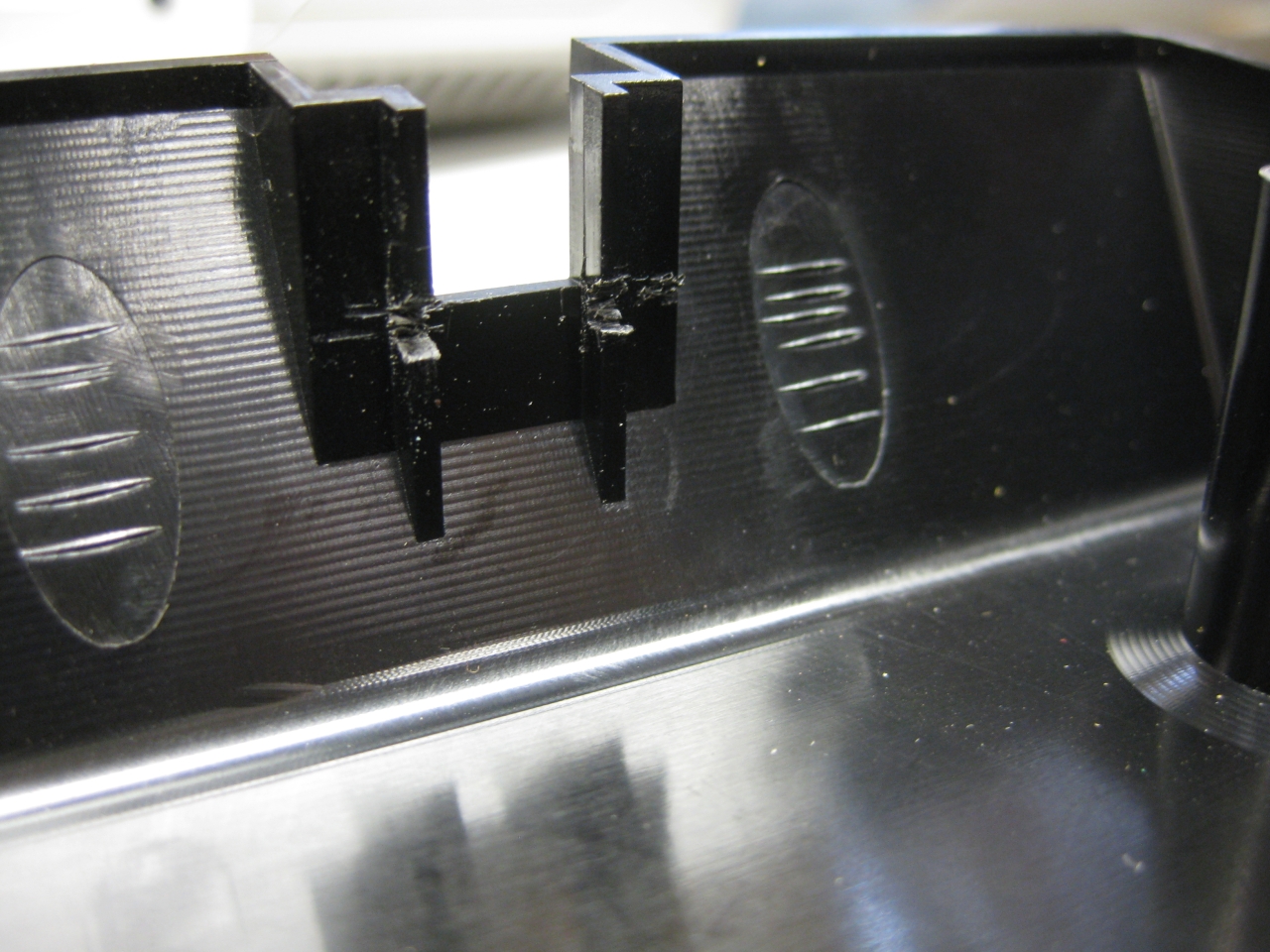
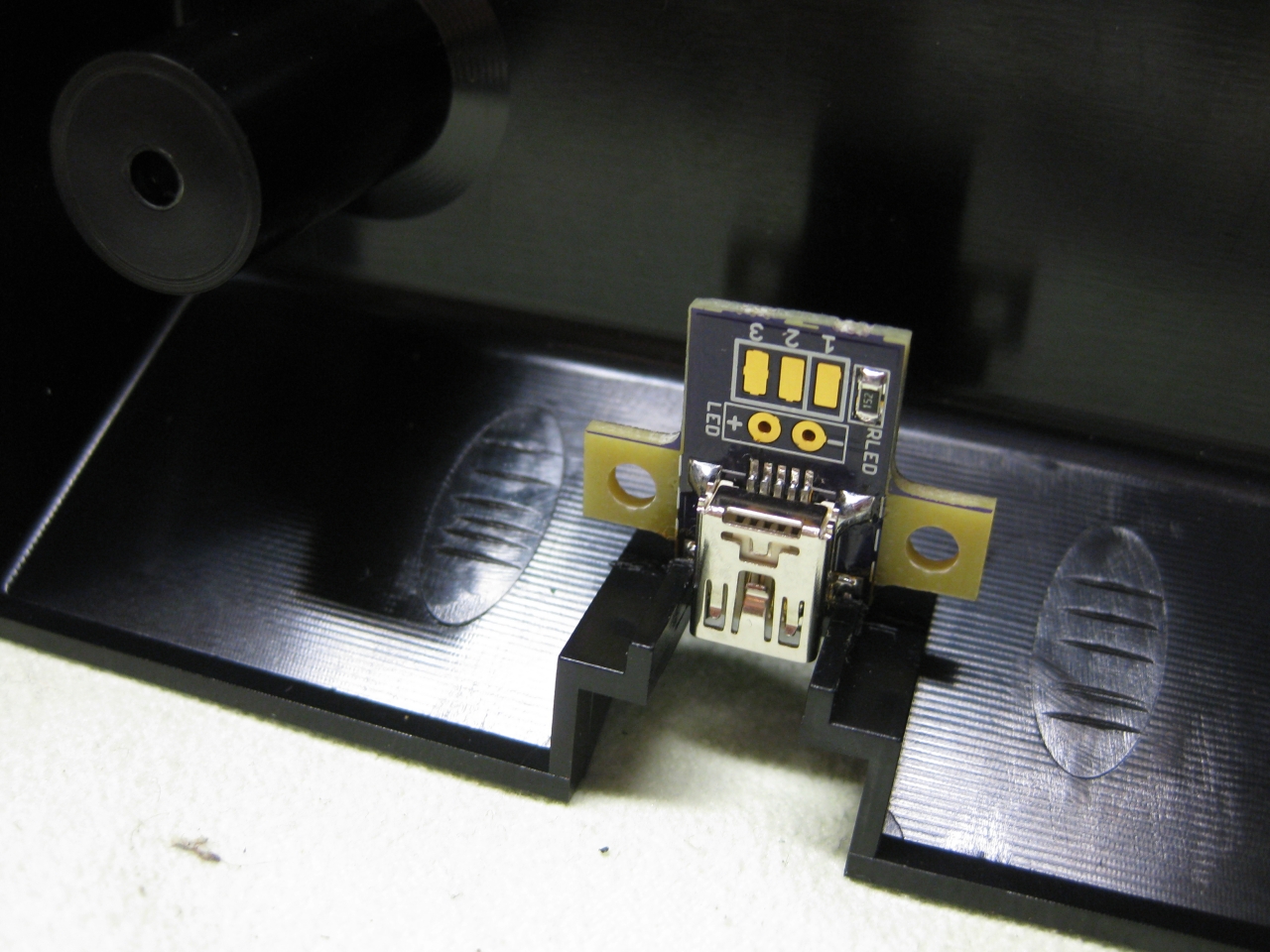
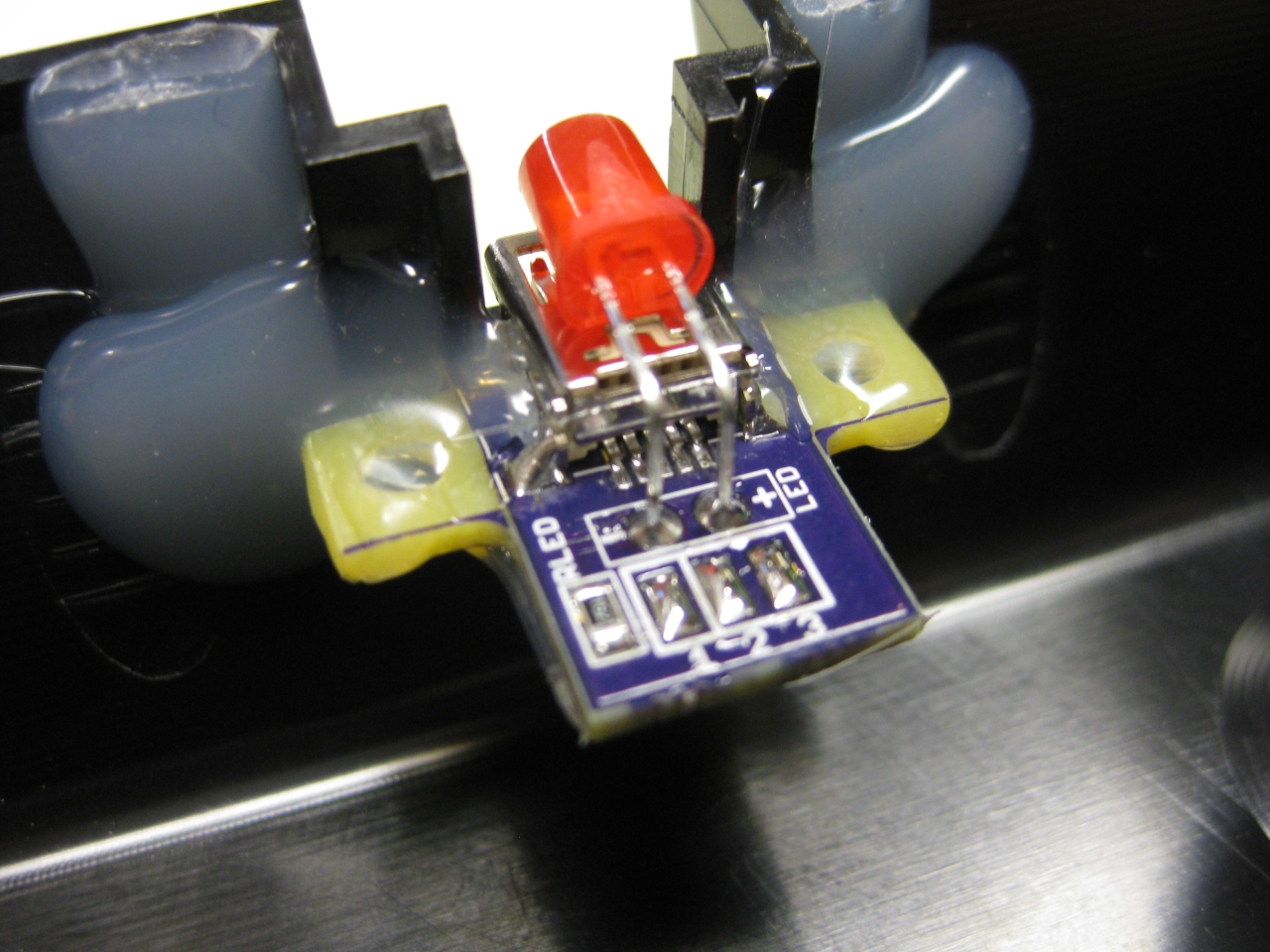
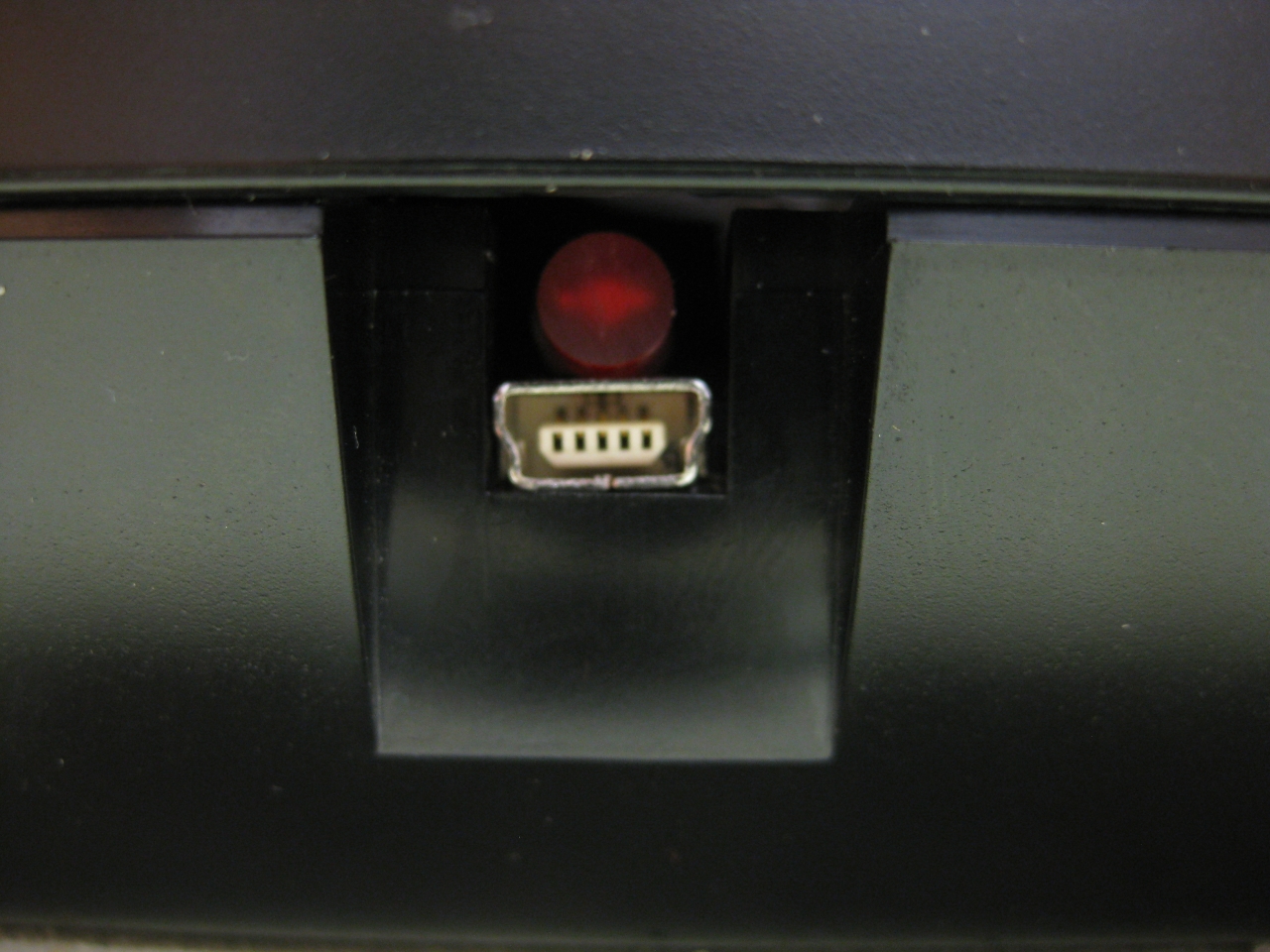
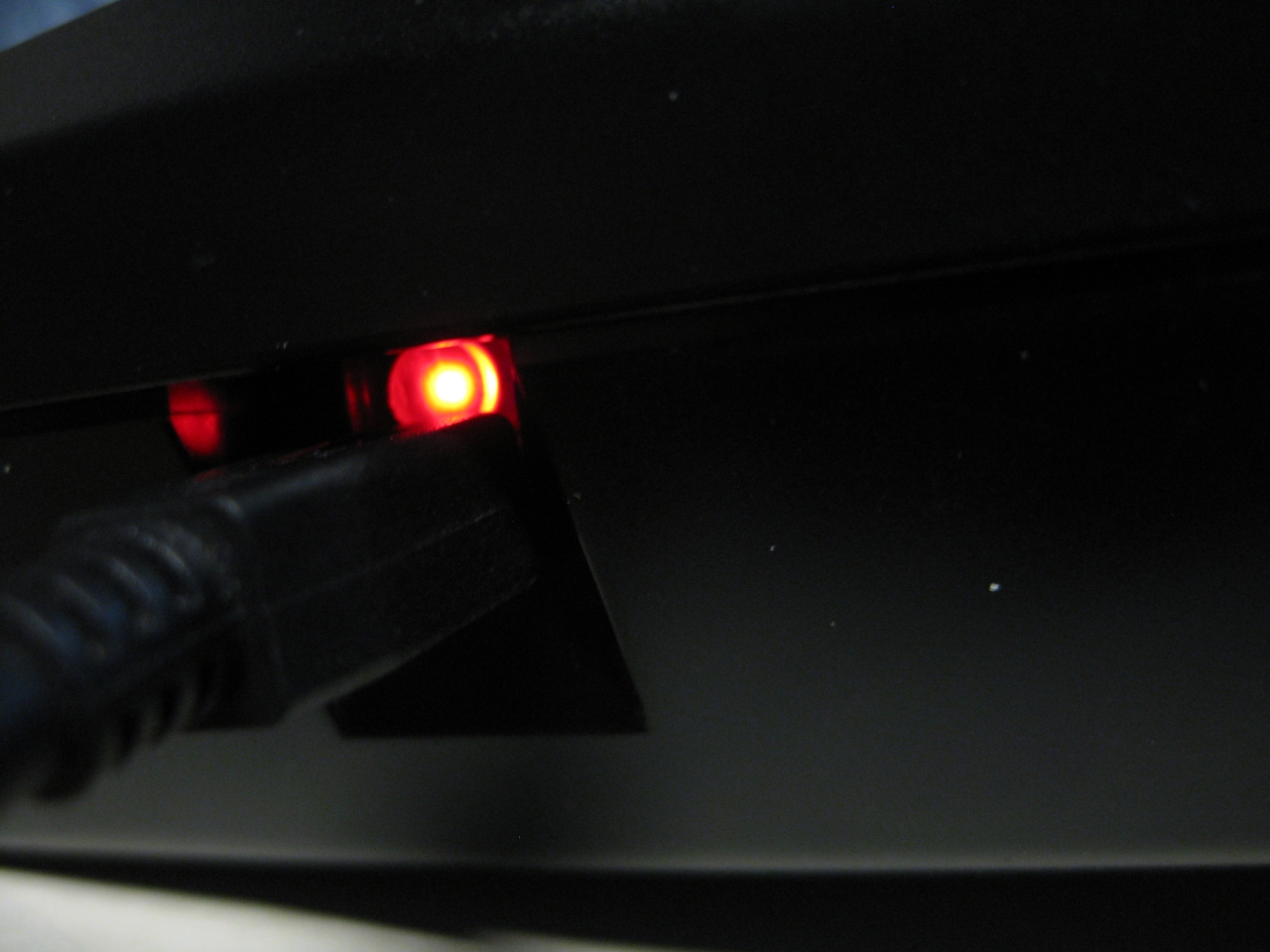
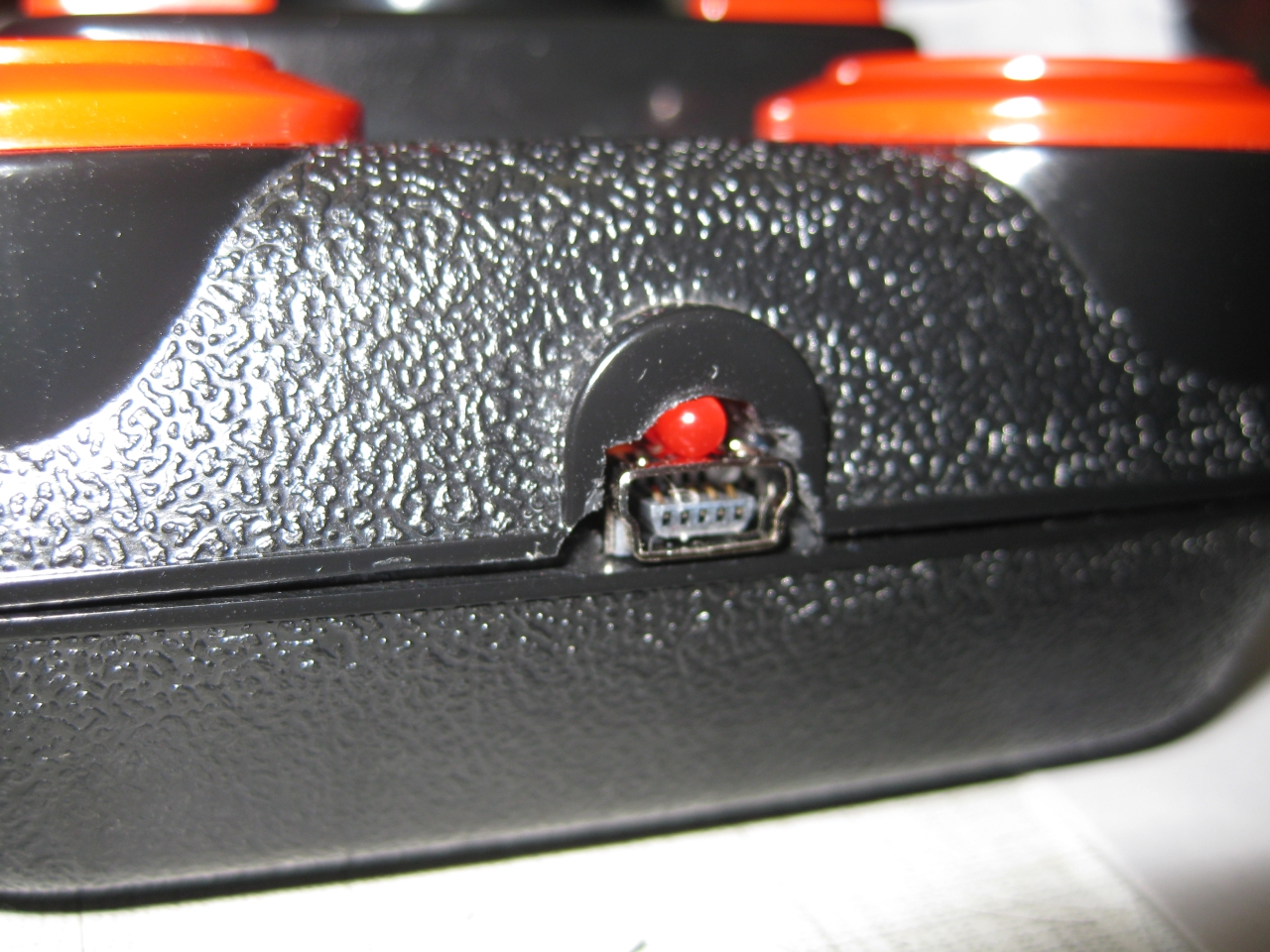
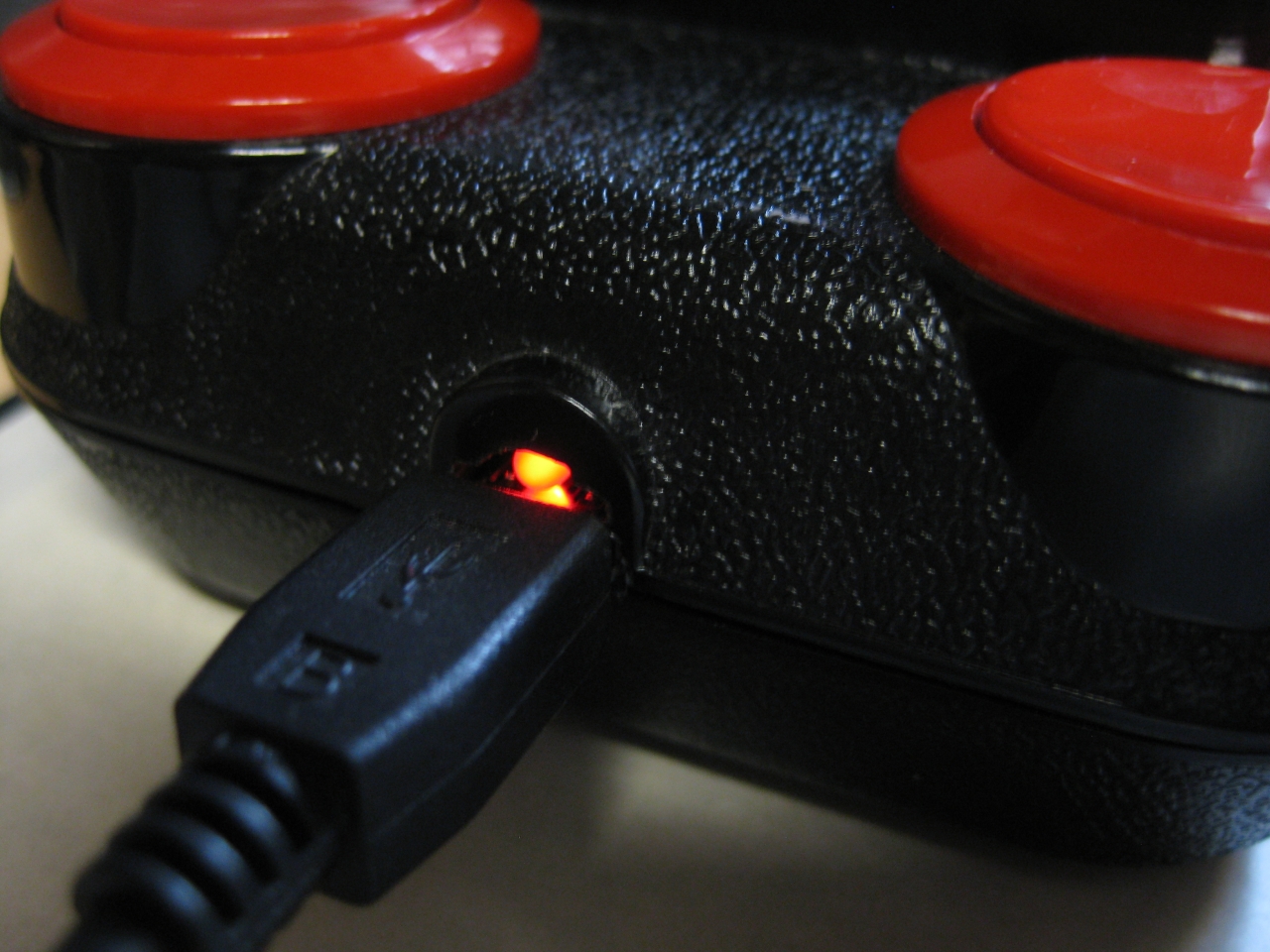
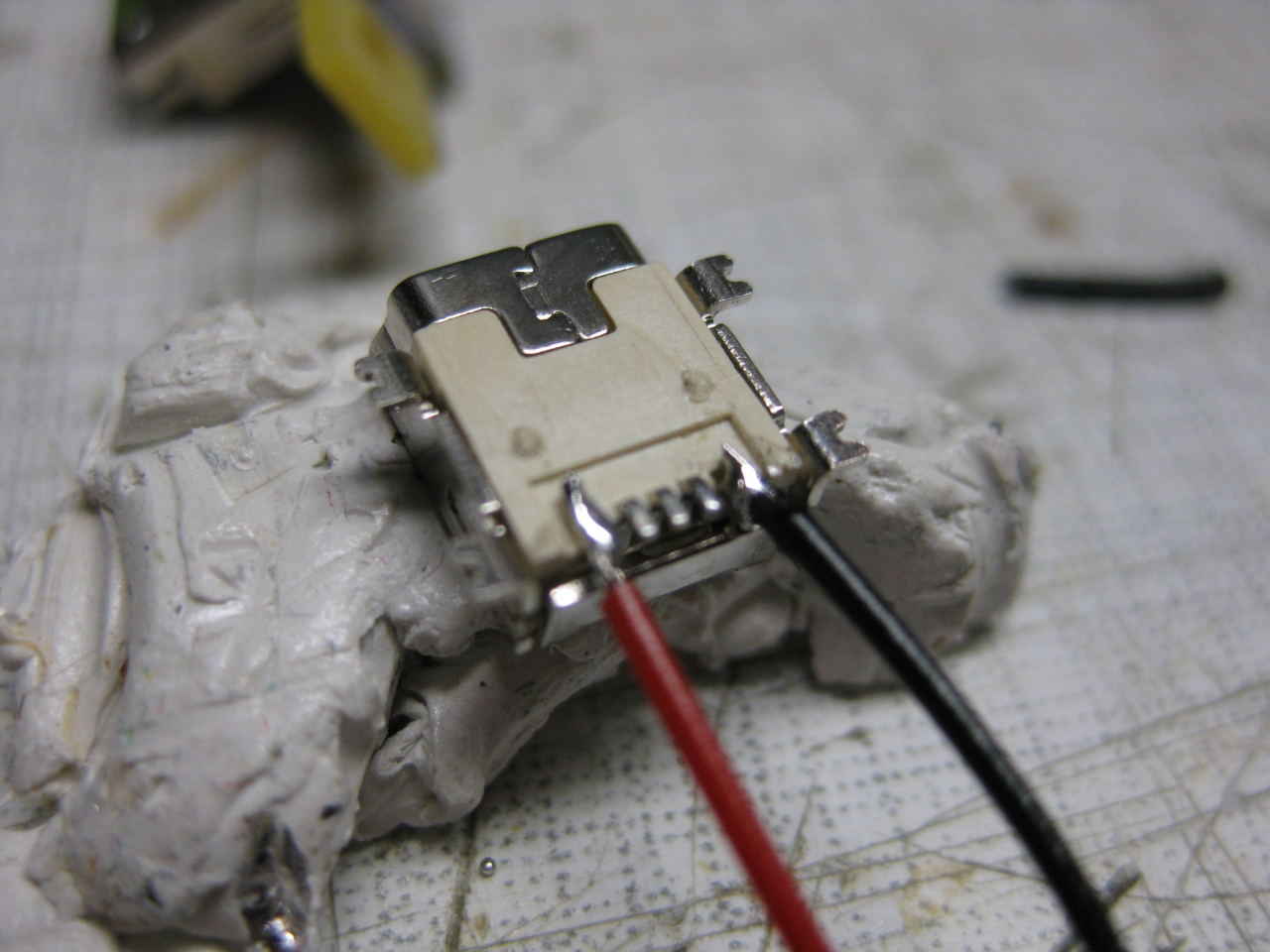
    Case Modding for the USB connector and LED

    IMG_8012 IMG_8017 IMG_8018 IMG_8023 IMG_8027

    UWRC Part

    IMG_8022 IMG_8020

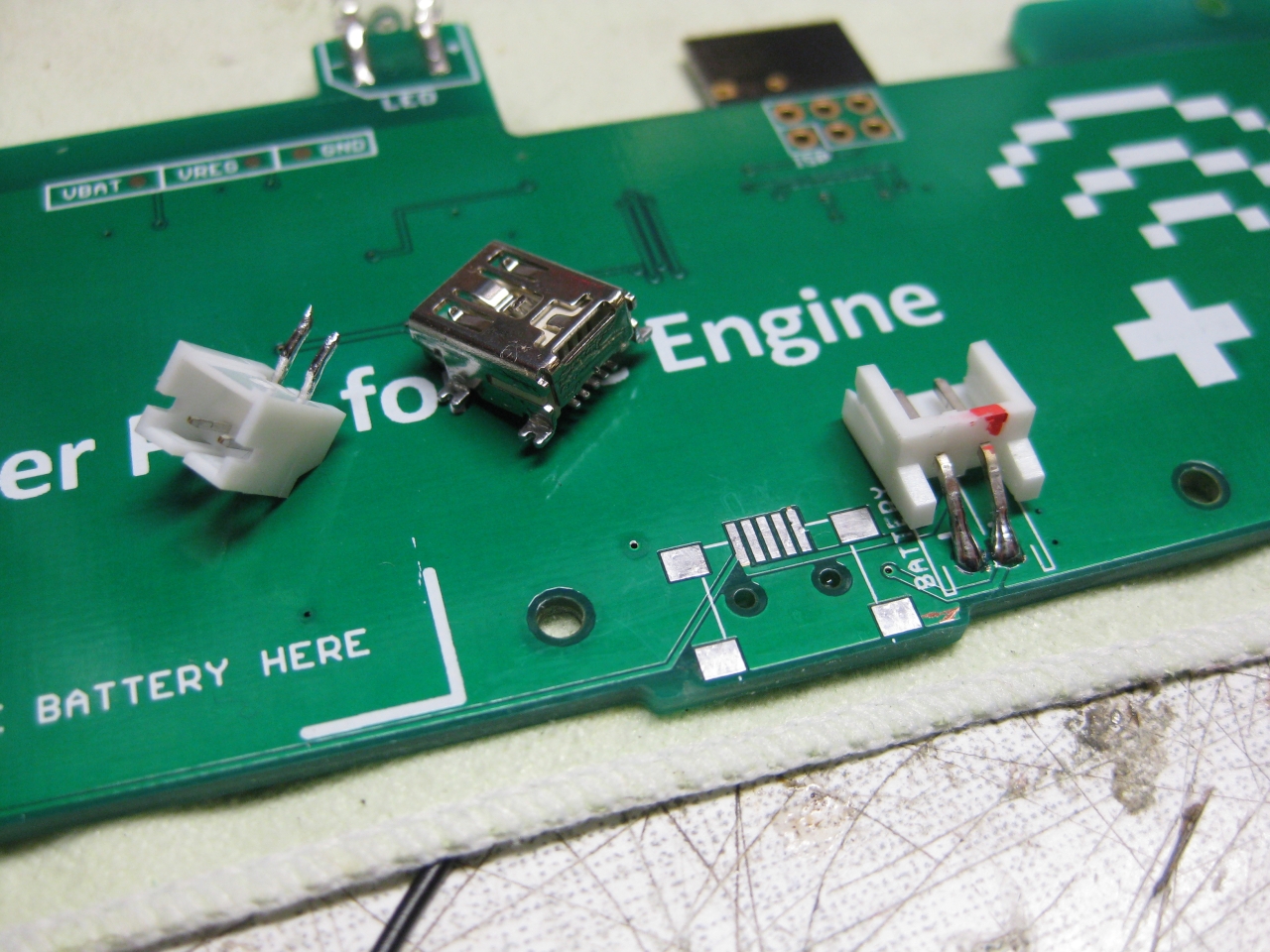
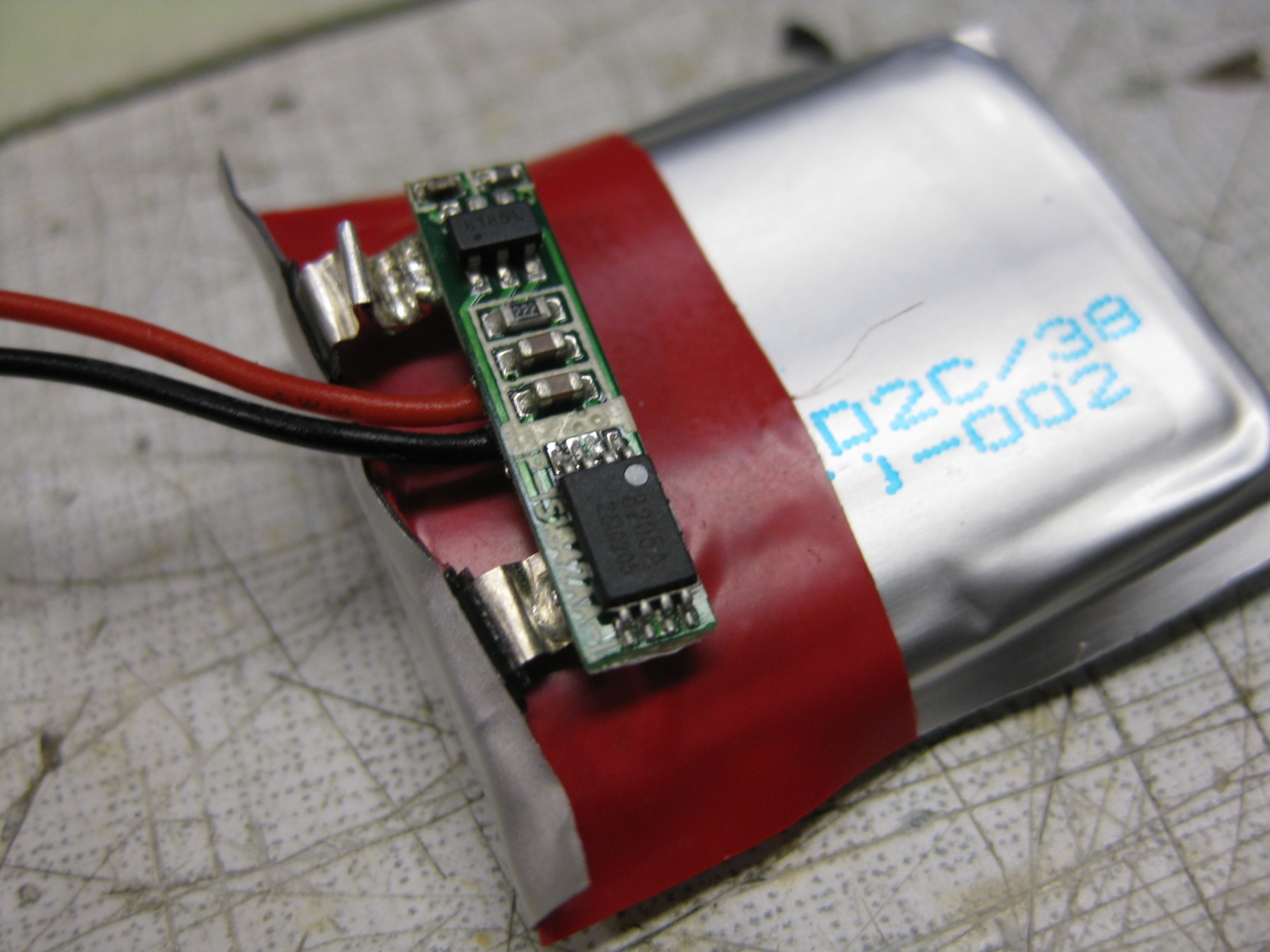
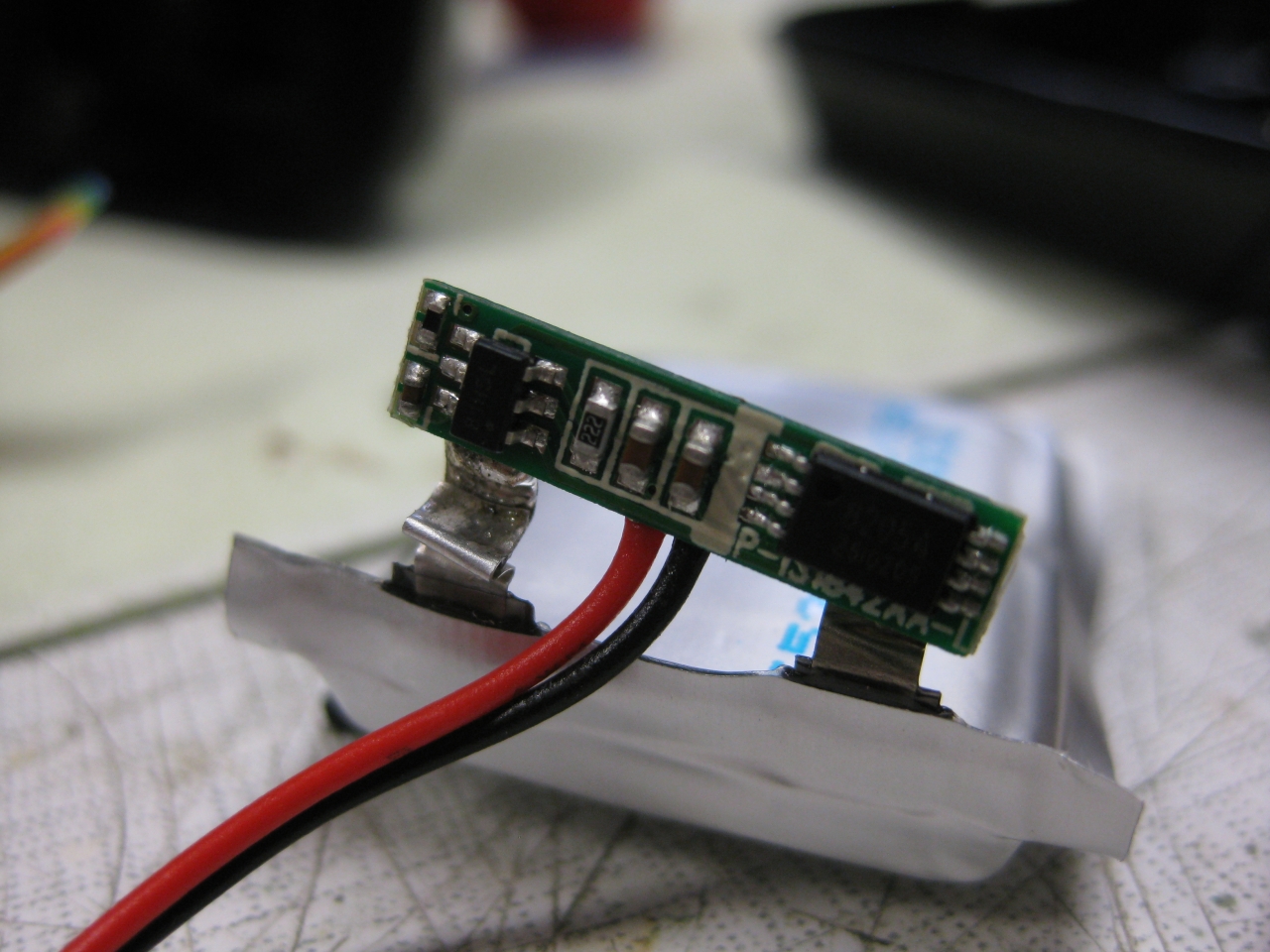
    LiPo Part (you have to change the current load part of UWRC PCB to make it work with a bigger LiPo)

    IMG_8058 IMG_8061

    Some Pics

    IMG_8115 IMG_8111 IMG_8126 IMG_8023

    IMG_8031 IMG_8123

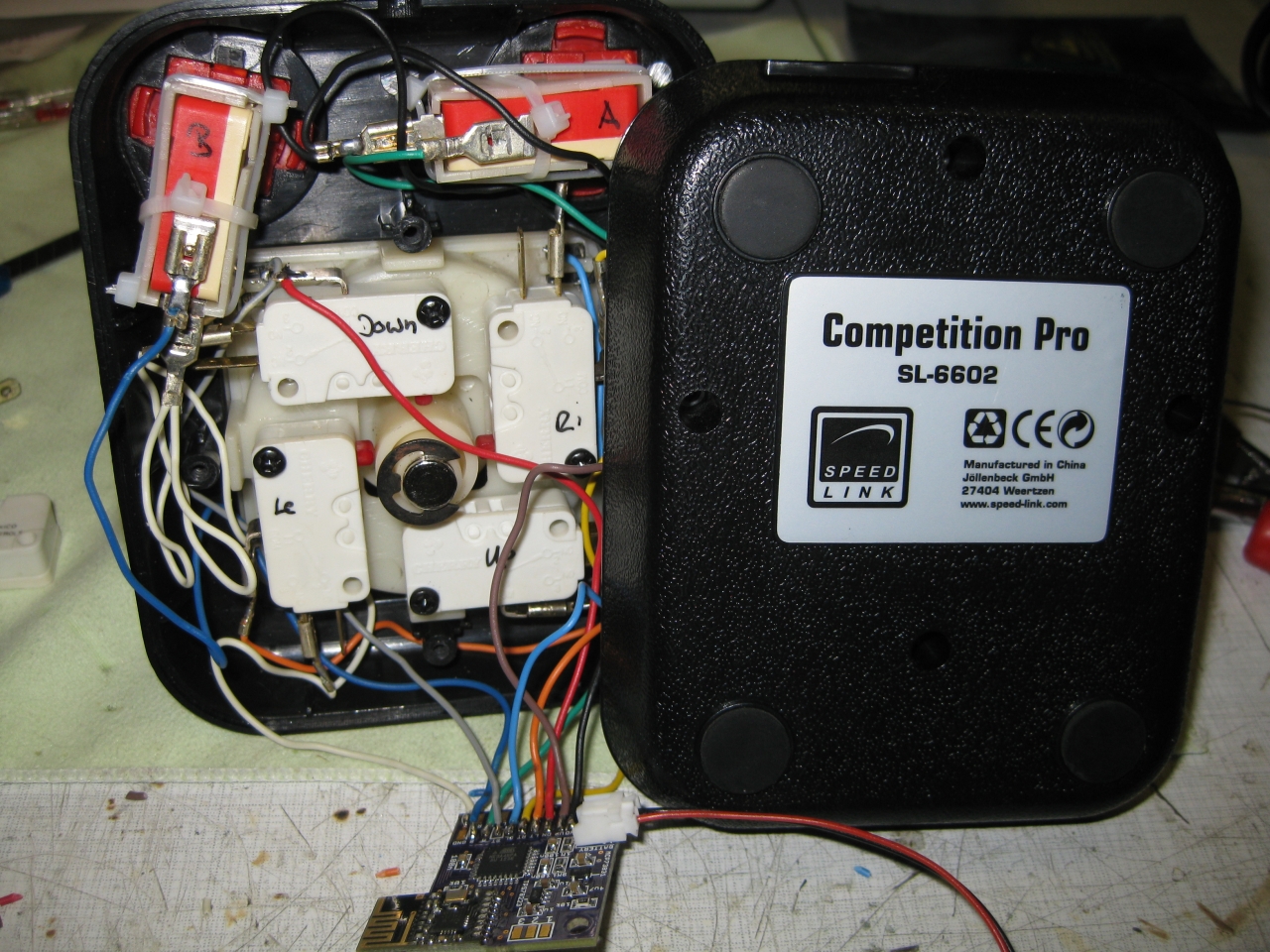
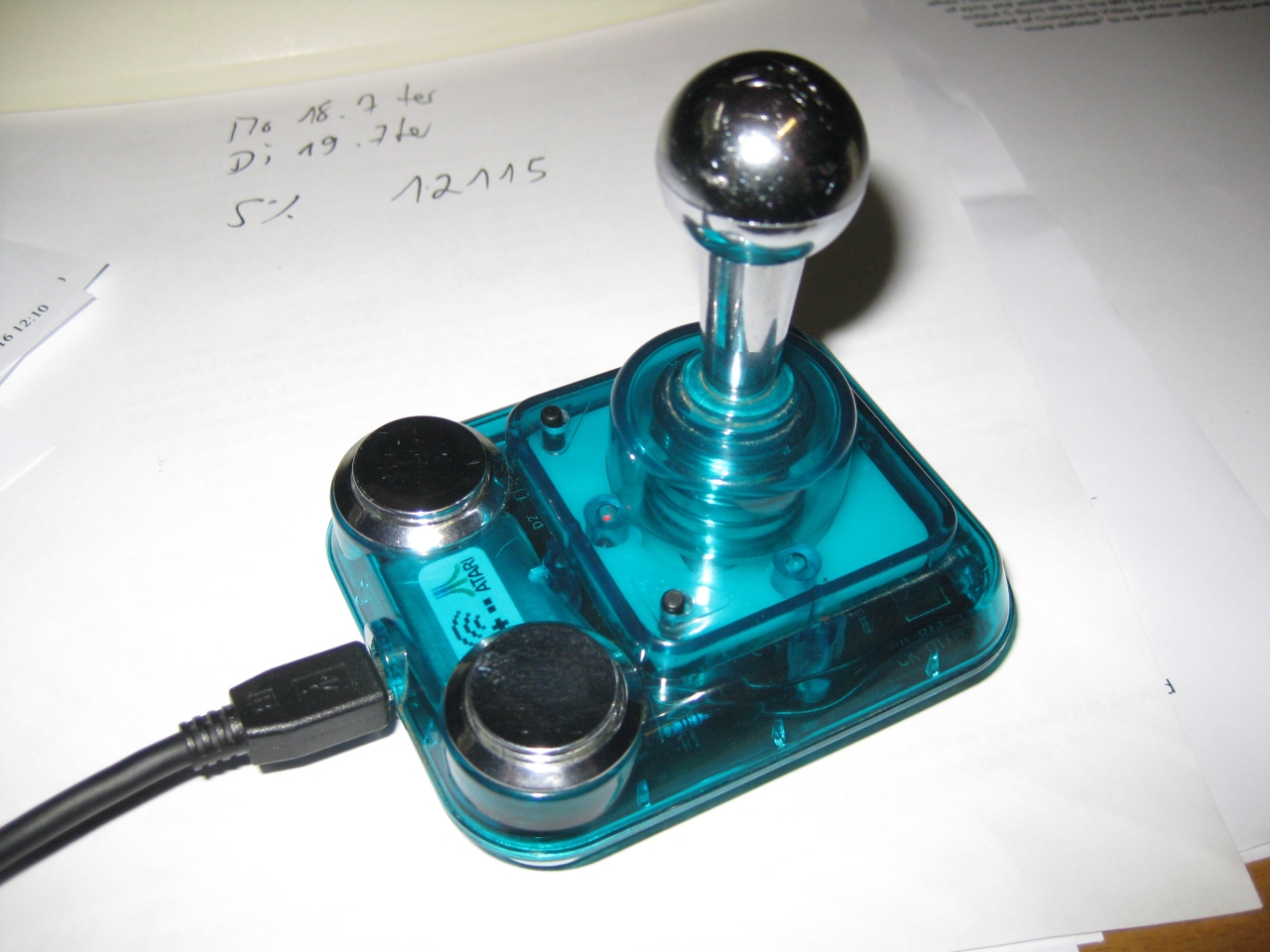
  • UWRC Competition Pro

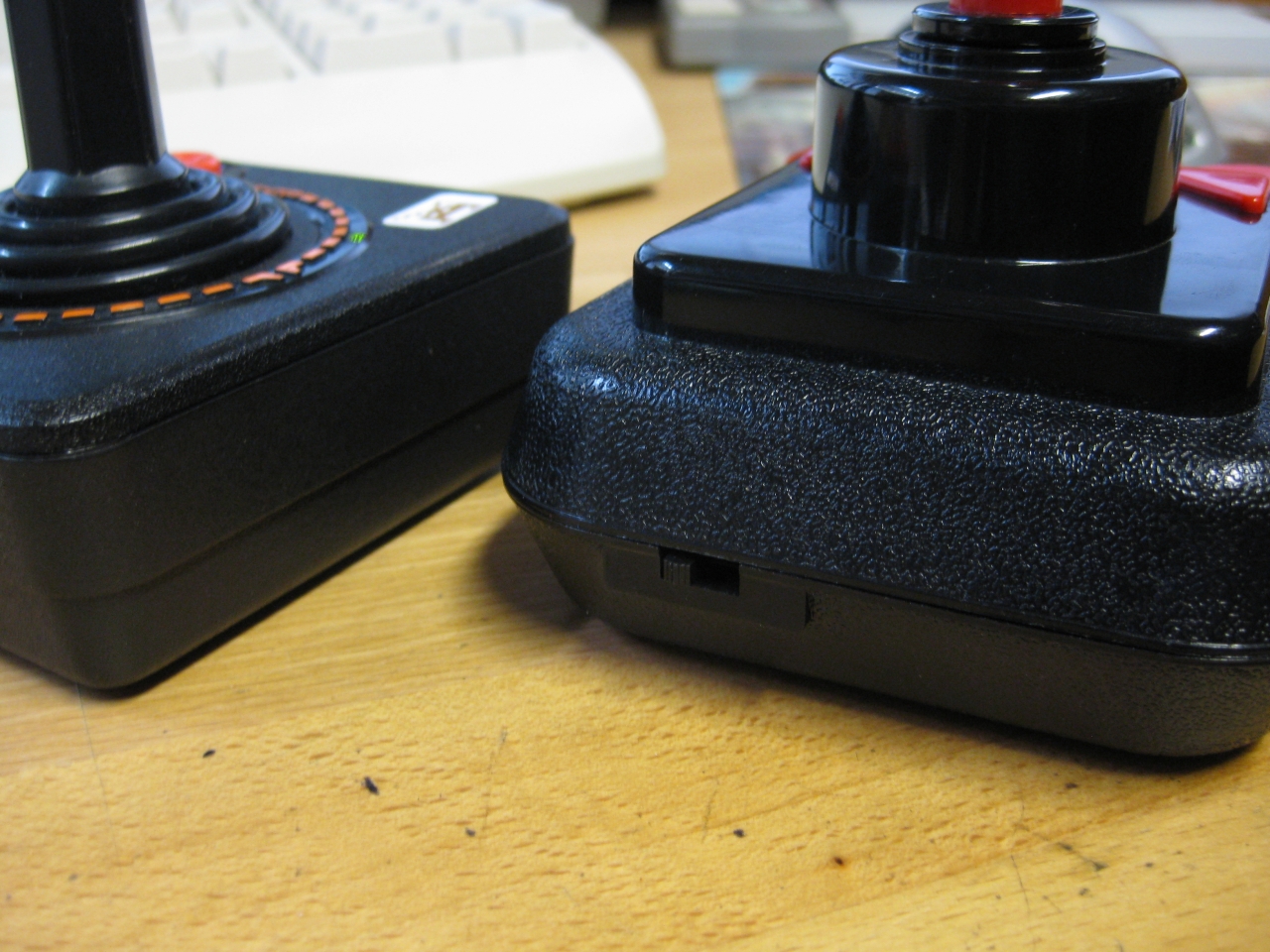
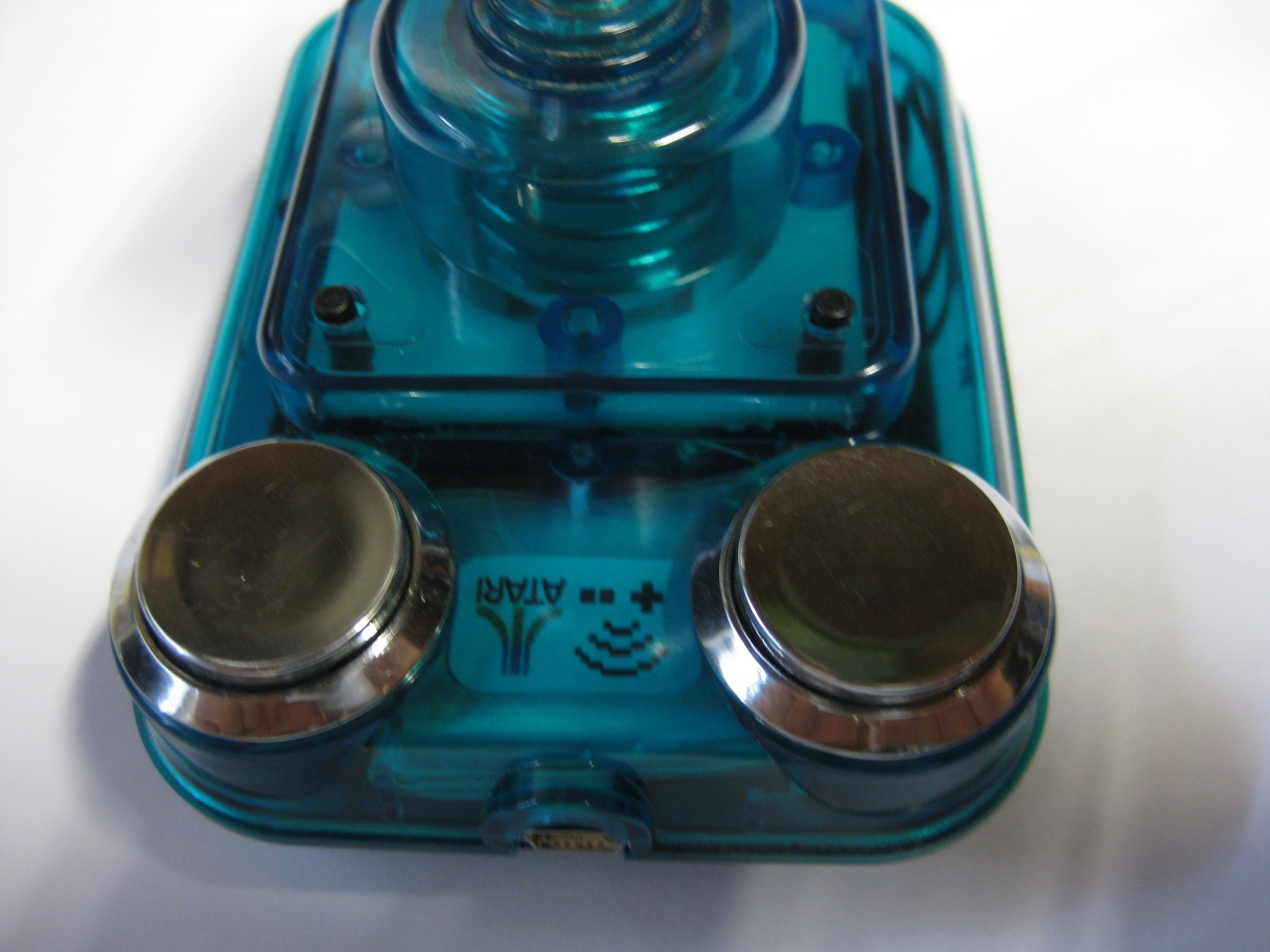
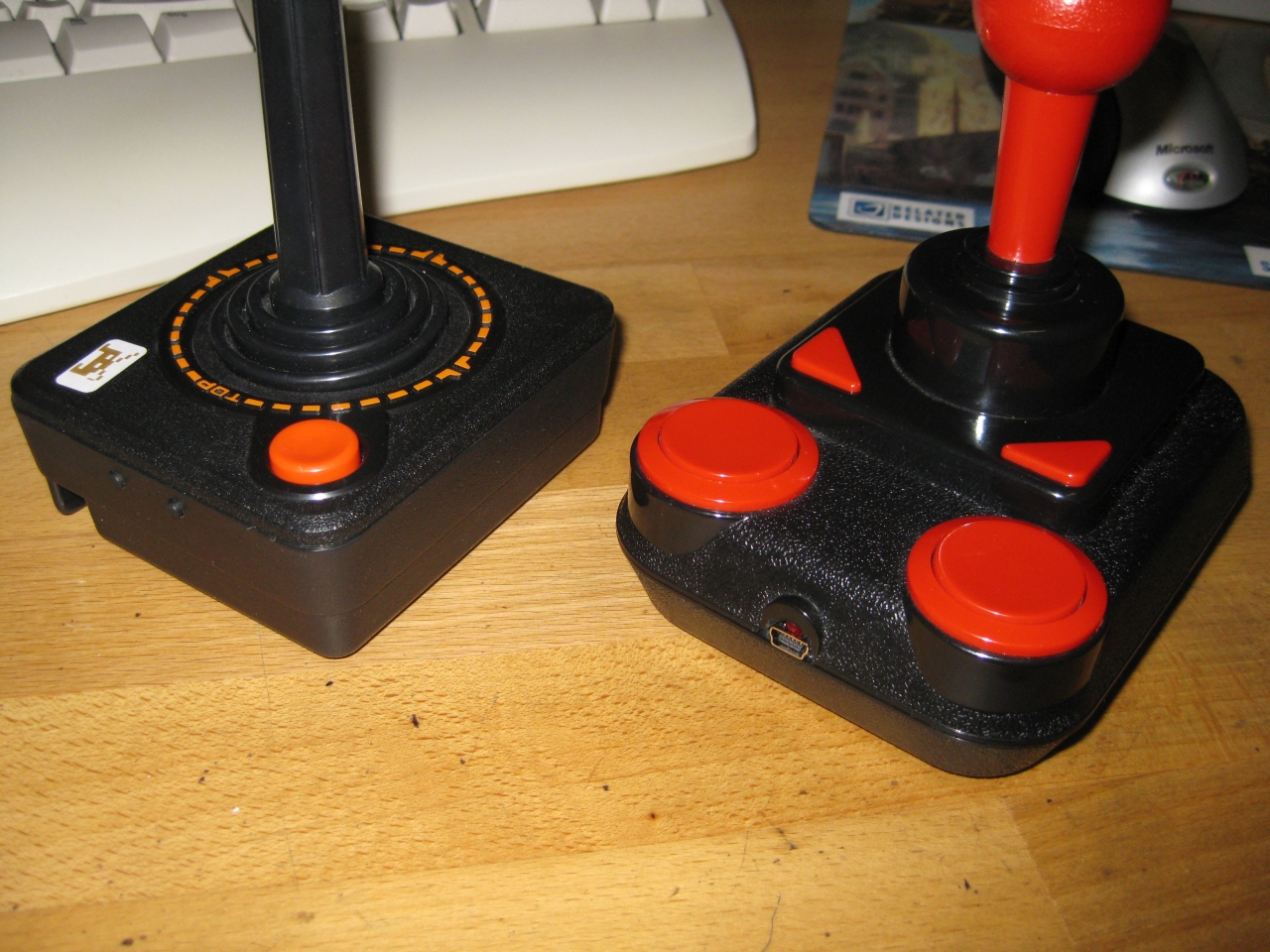
    I used a Competition Pro USB (bad USB lag) and changed it into a UWRC Controller.

    It uses Button, A,B,Select,Start (on the triangle Buttons). With the small black switch you can select the triangle Buttons between Select,Start and Button X,Y.

    IMG_7989 IMG_7991 IMG_7996 IMG_8035 IMG_8032


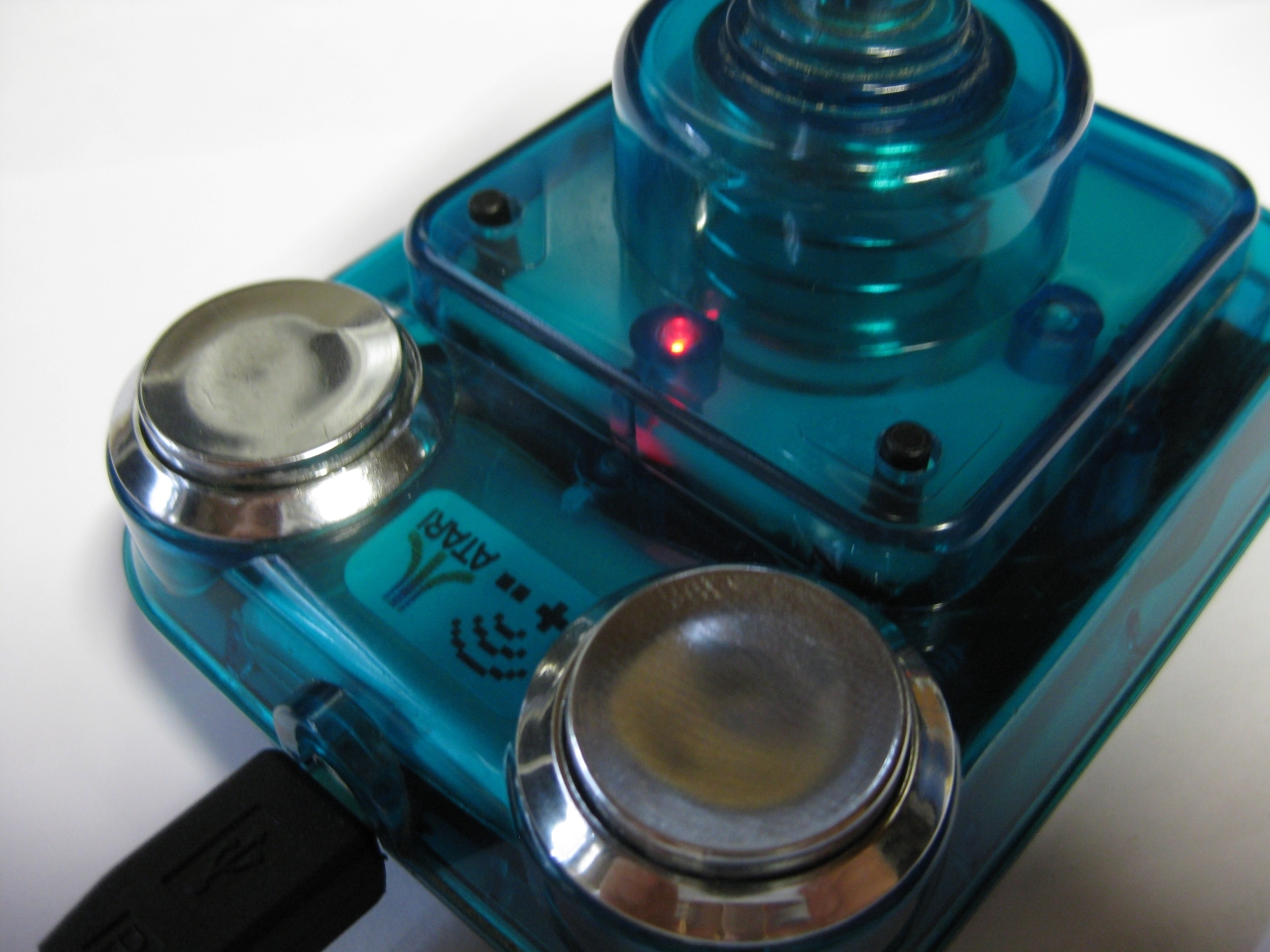
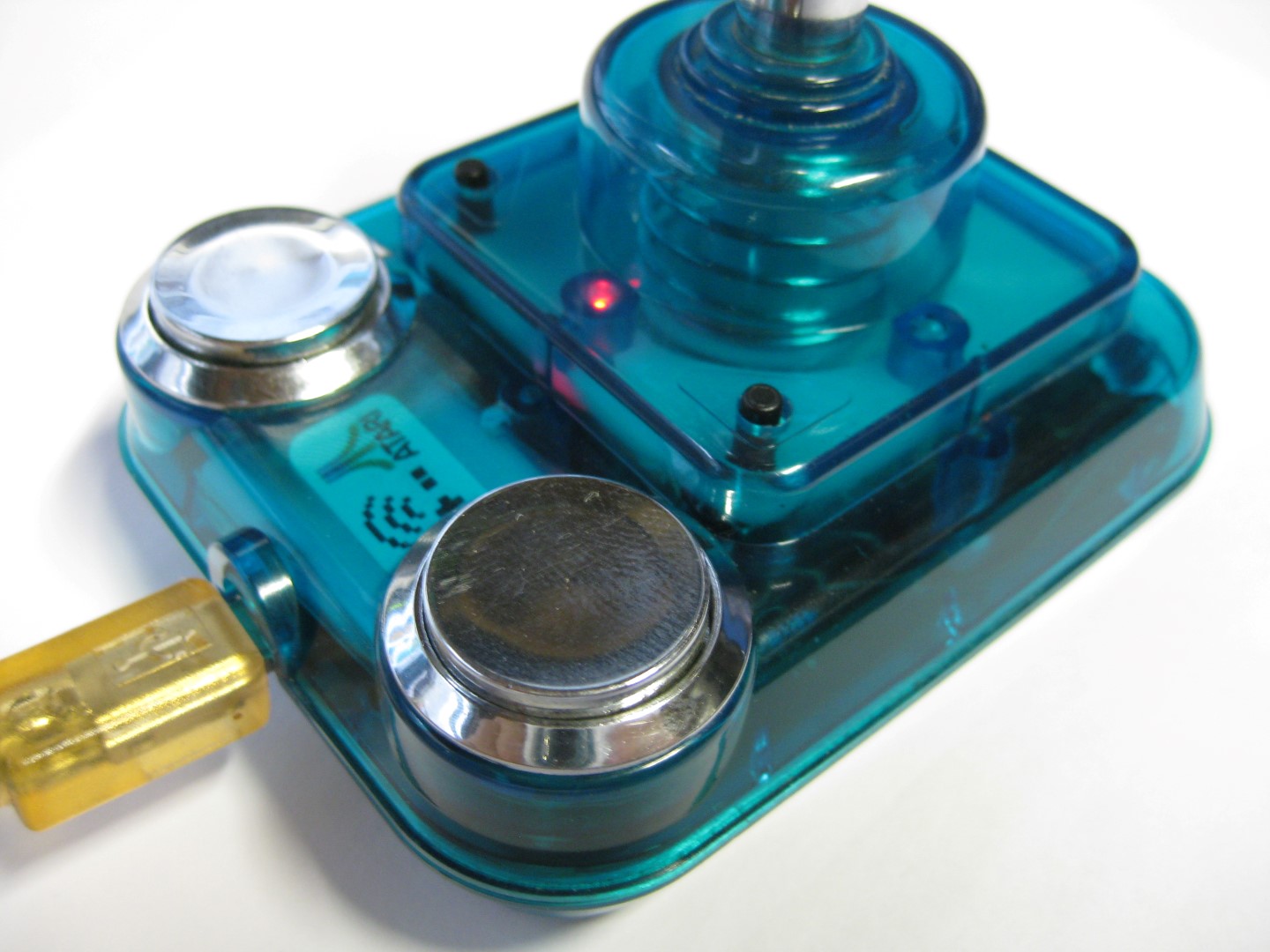
  • UWRC Competition Pro Mini

    I bought some Competition Pro Mini and most of them have brocken microswitches 🙁

    I found some replacements here:

    http://www.voelkner.de/products/43525/Microschalter-Ultraminiatur-5A-250V-Sim.-R.-Hebel.html

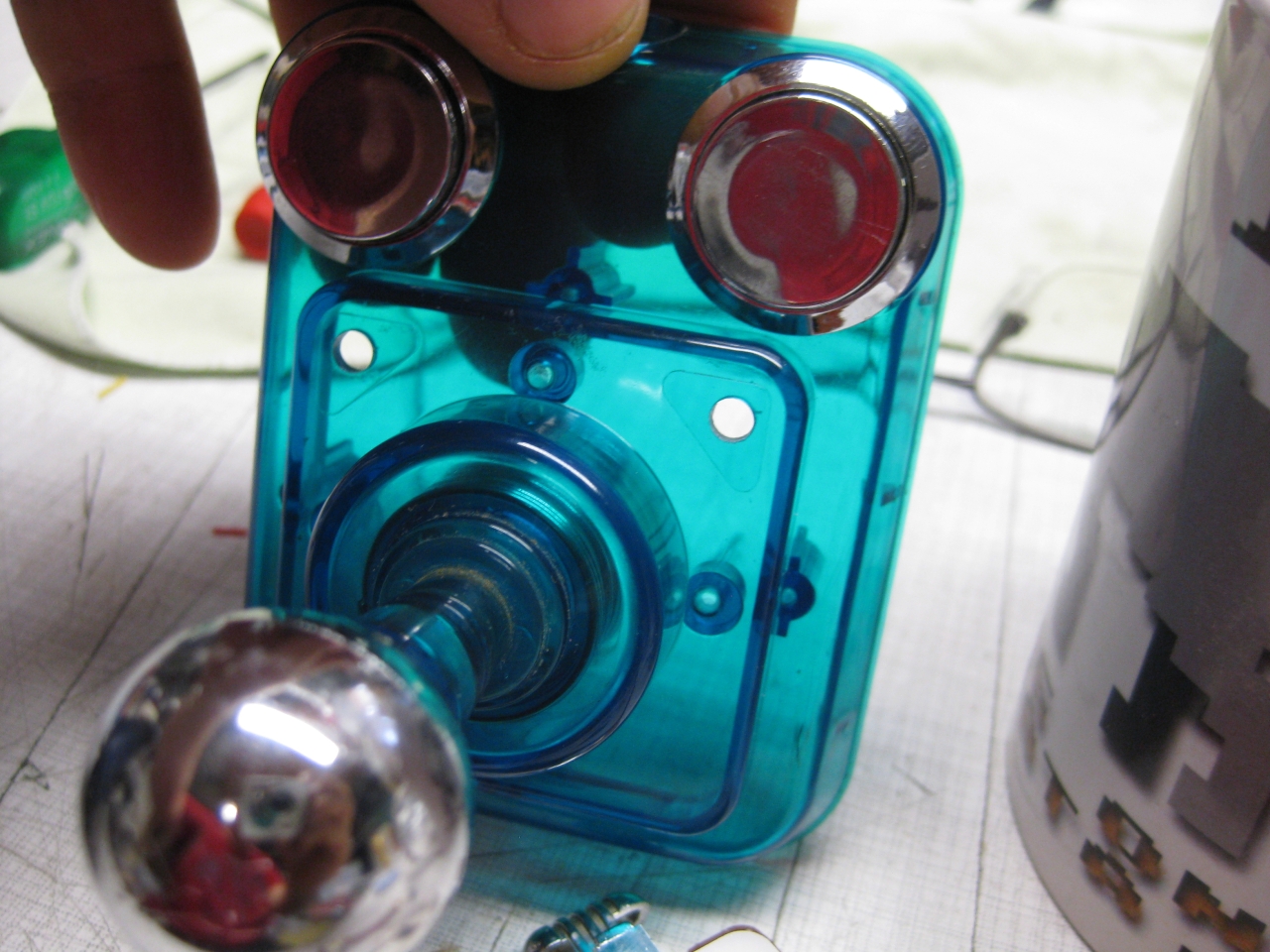
    It was very tricky to add the Universal TX PCB in this tiny stick but after all it looks great 🙂
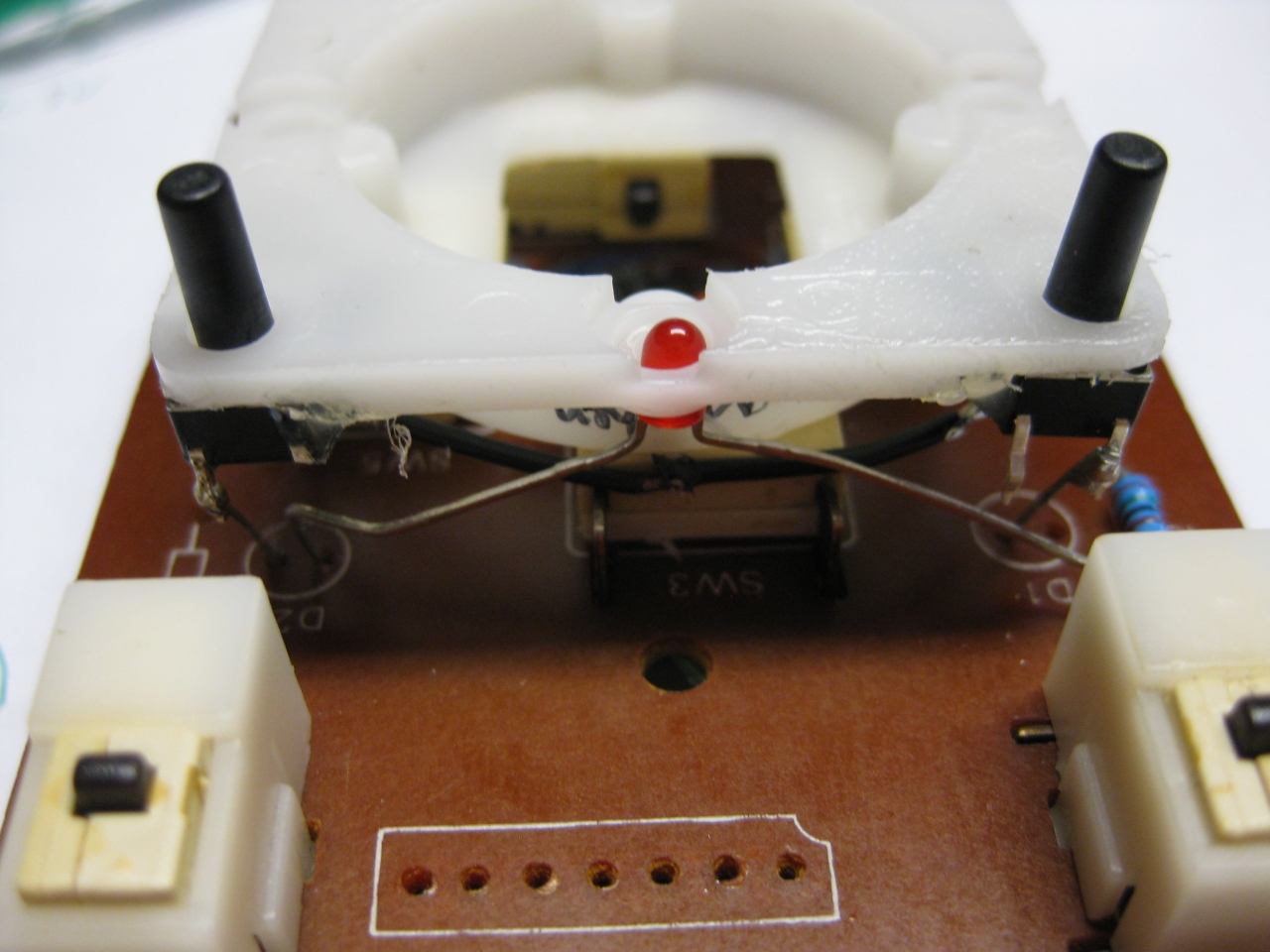
    After removing original parts I add a Led and two more micro switches for Select and Start.

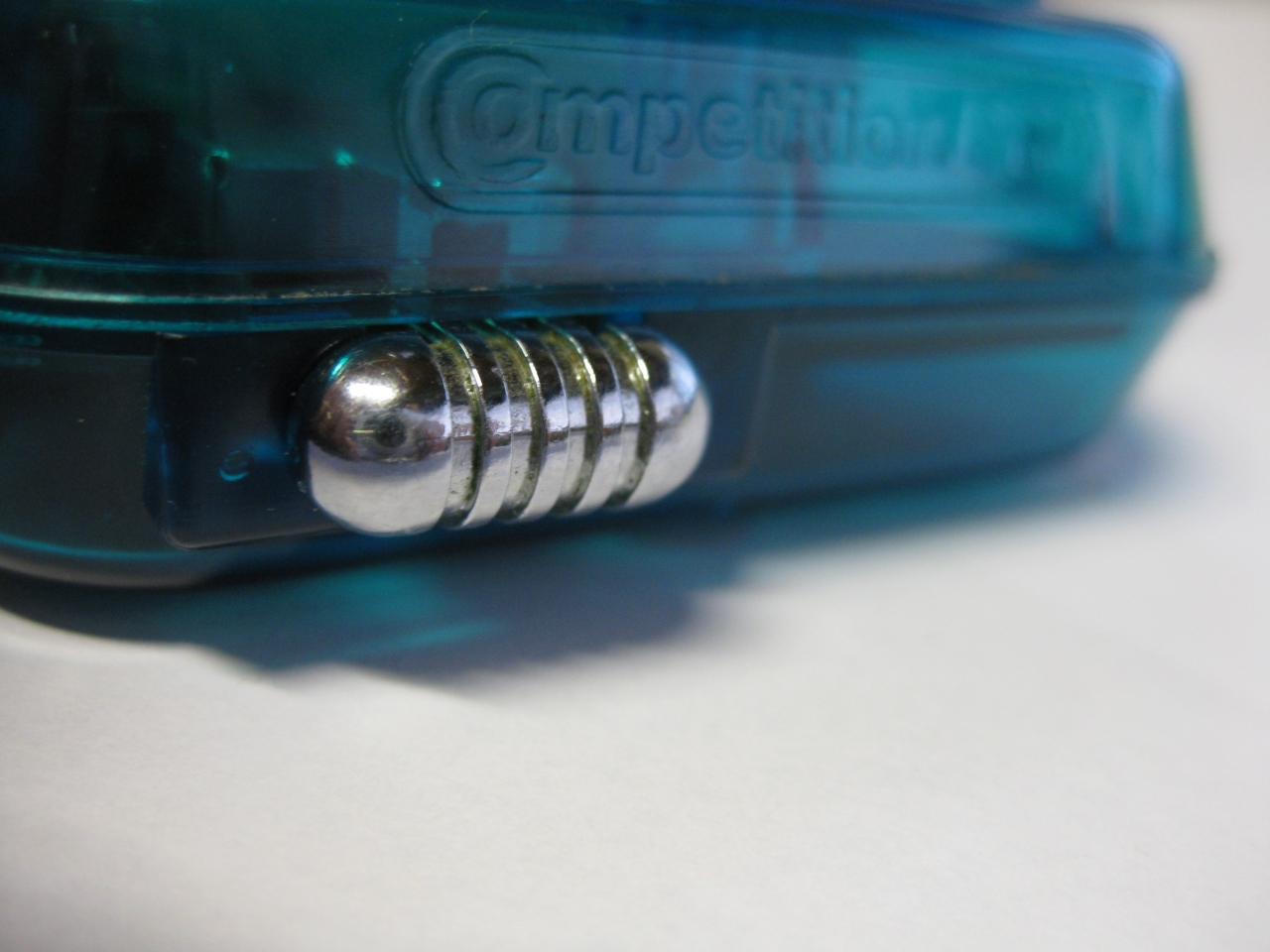
    The chrome switch to swap between Layout Select/Start and Button X, Button Y

    I must move the electronic of the LiPo to put it between the two fire Buttons

    IMG_8039 IMG_8038

    uwrc_tx_1 mini_1 IMG_8537 IMG_8541 (Large) IMG_8550 IMG_8547 IMG_8559 (Large) IMG_8566

    IMG_8534 IMG_8544

  • UWRC Rules

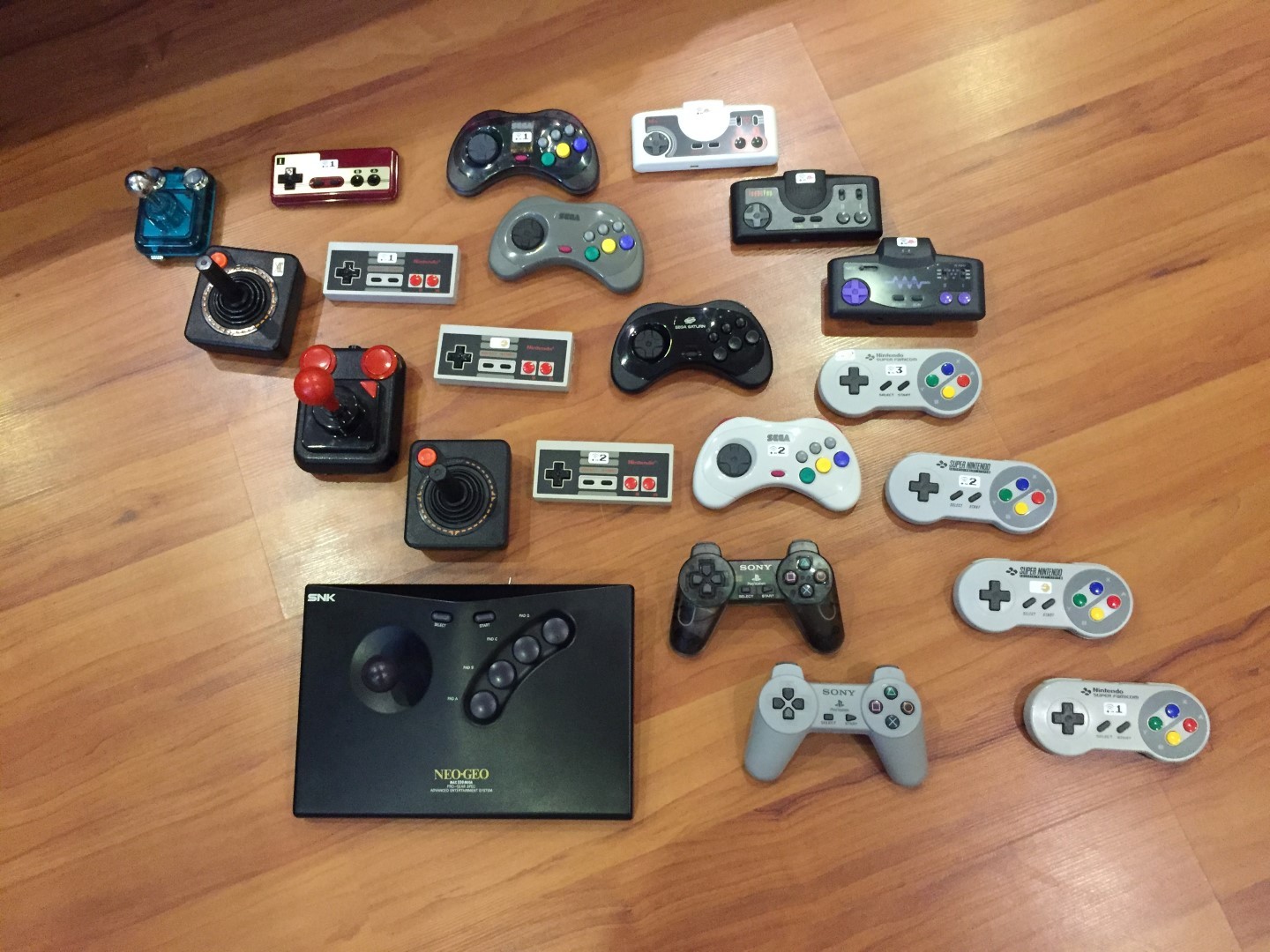
    I done some UWRC Controller in the past.

    Look here for my current Collection. It rules, because its great to have wireless original Controller in you hands and its crosscompatible. You can play eg. with the NeoGeo Controller @ NeoGeo Console, or @ Sega Mega Drive, or @ Super Nintendo, or @ Sega Saturn.

    Other way is possible too. You can play with a Sega Saturn Controller @ NeoGeo Console, or @ Sega Mega Drive, or @ Super Nintendo, or @ Sega Saturn.

    And you are free with controller and console

    uwrc_collection (Large)

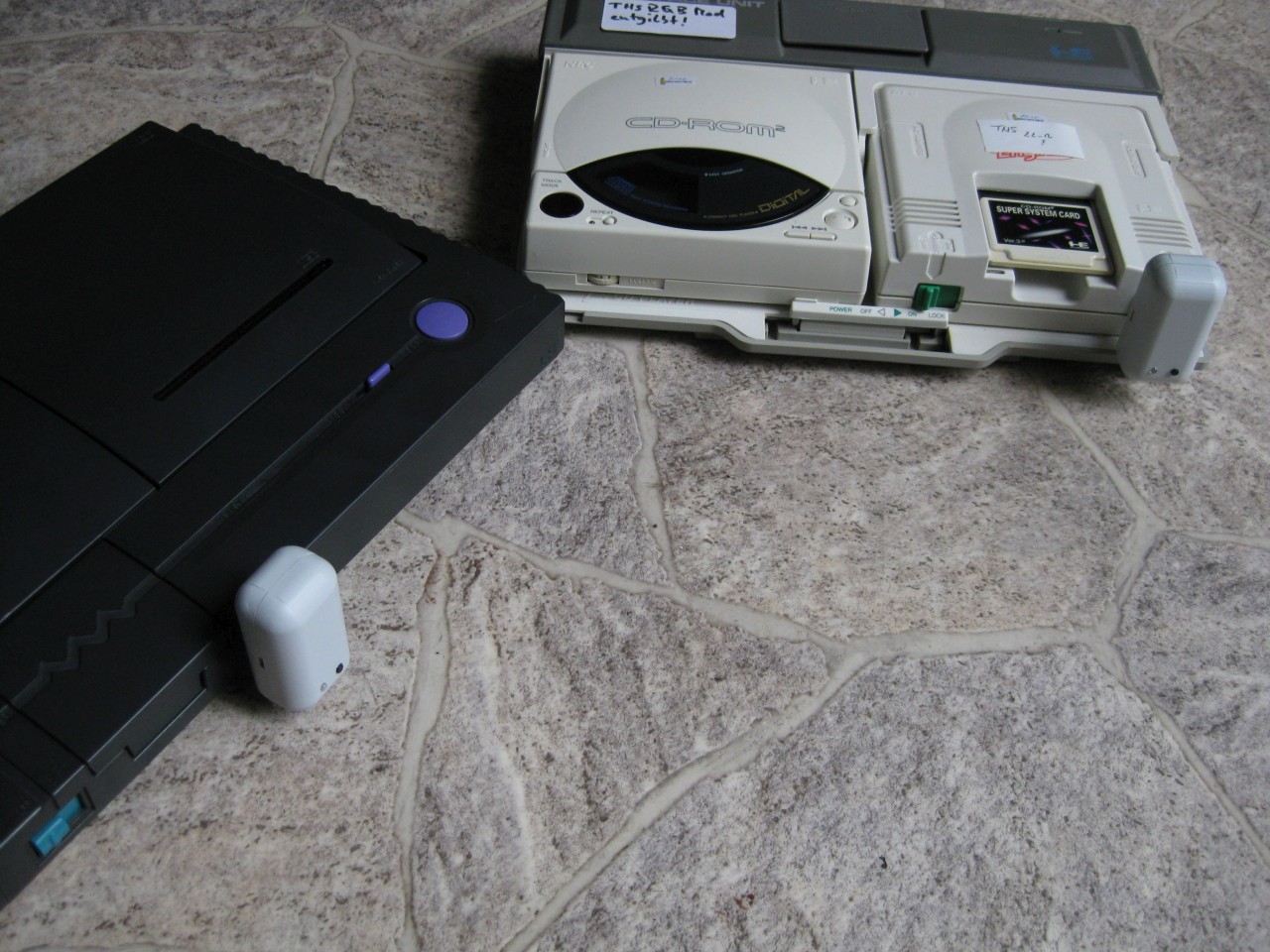
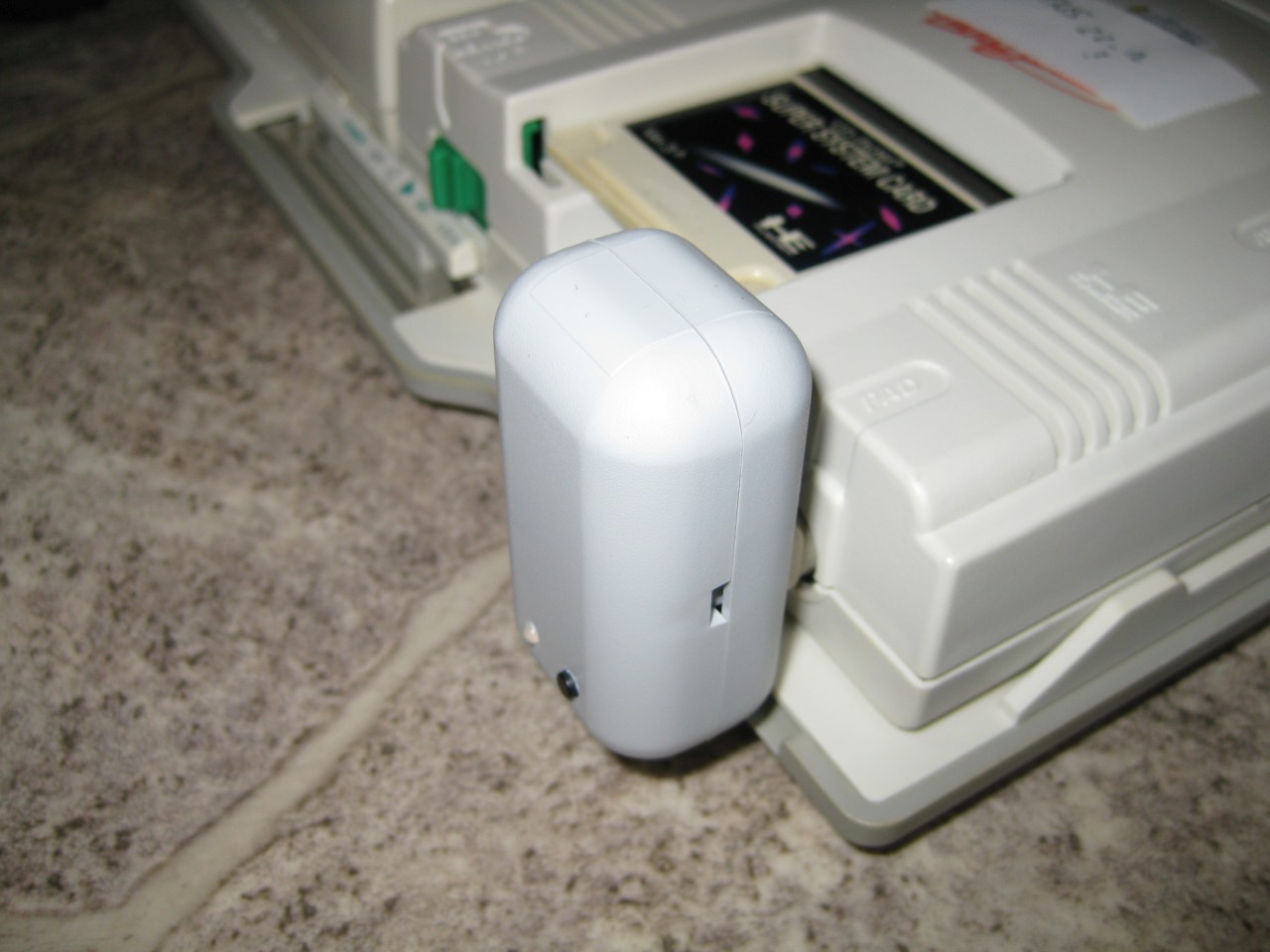
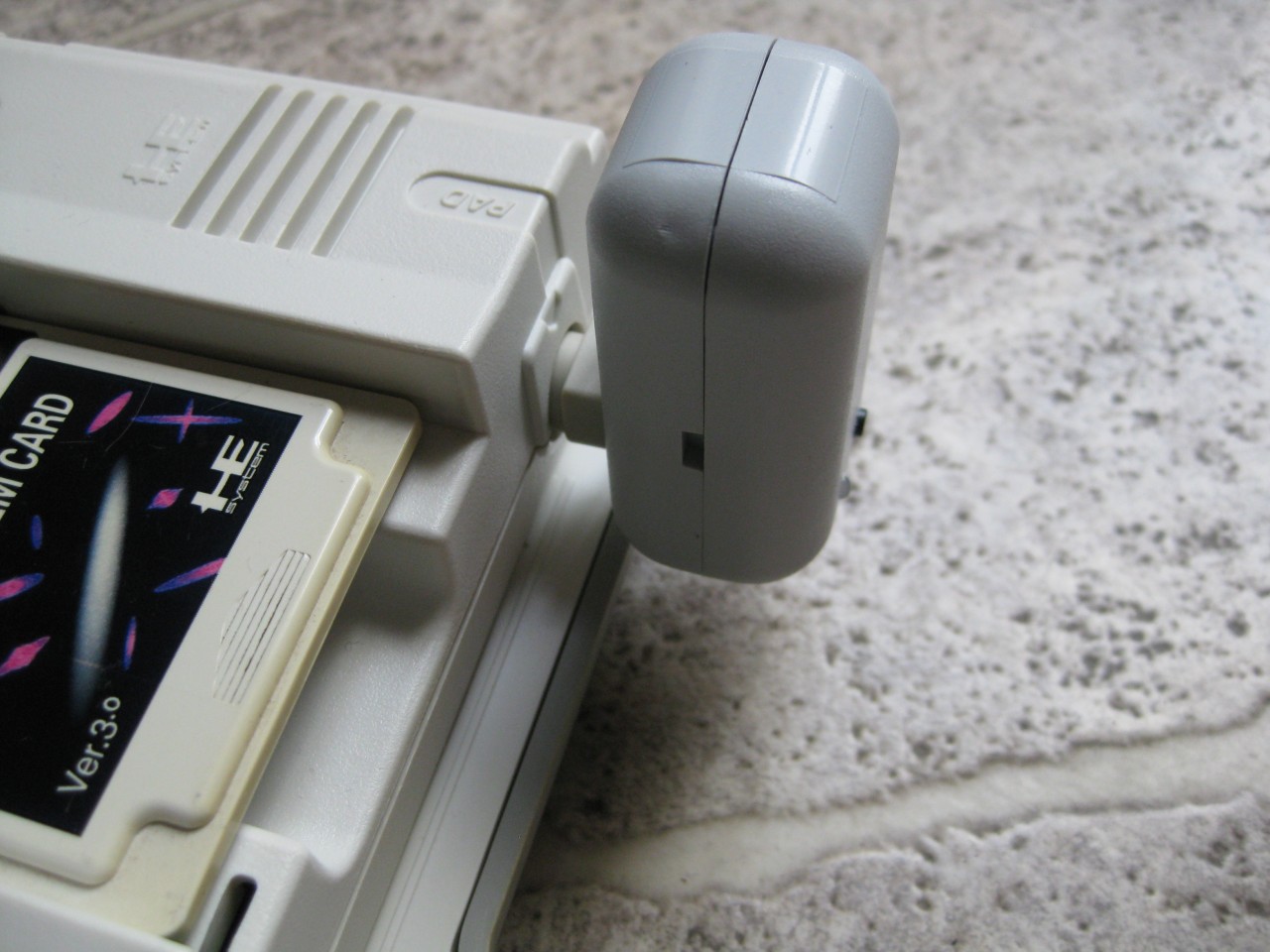
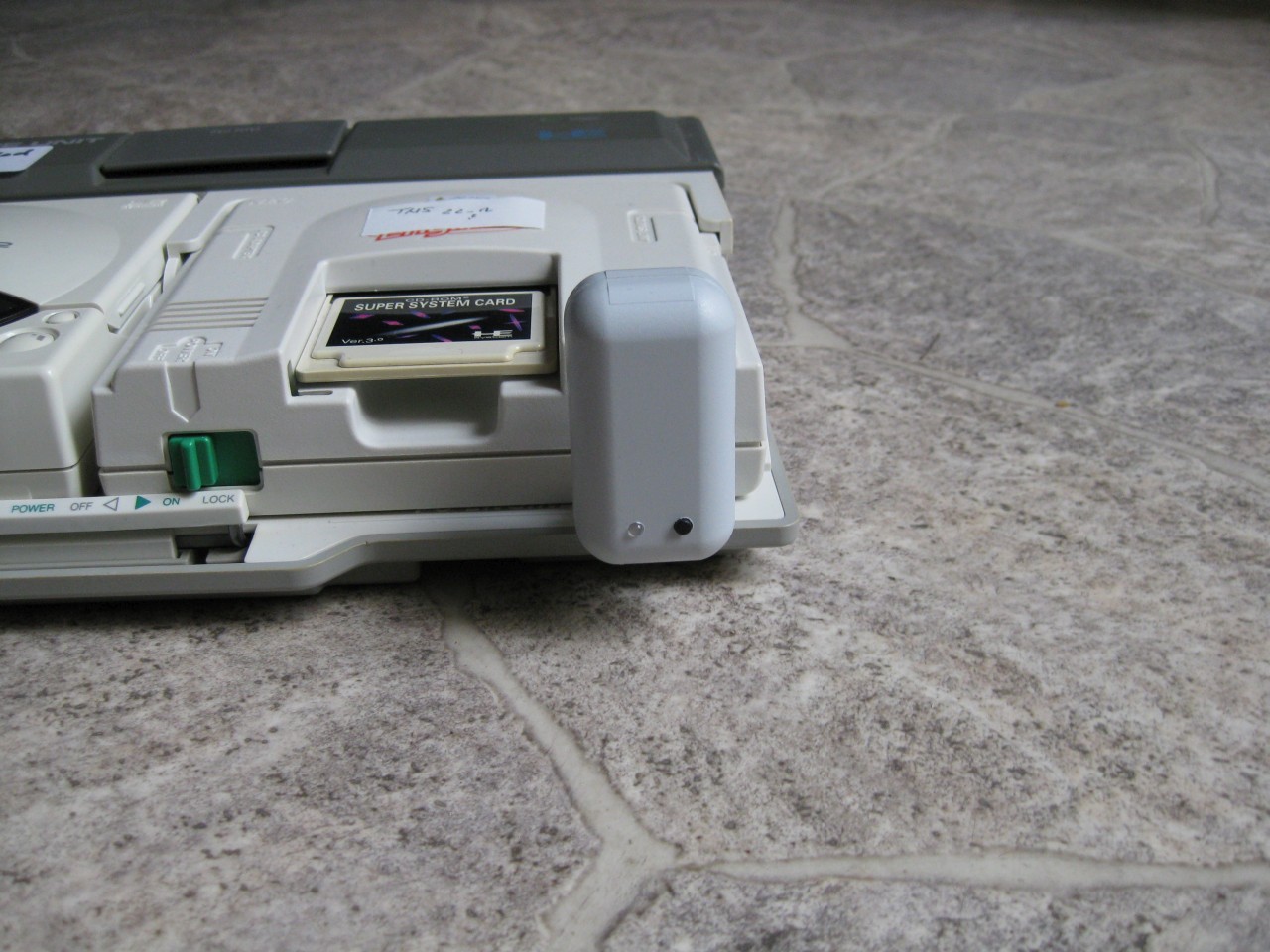
  • UWRC PC-Engine Receiver

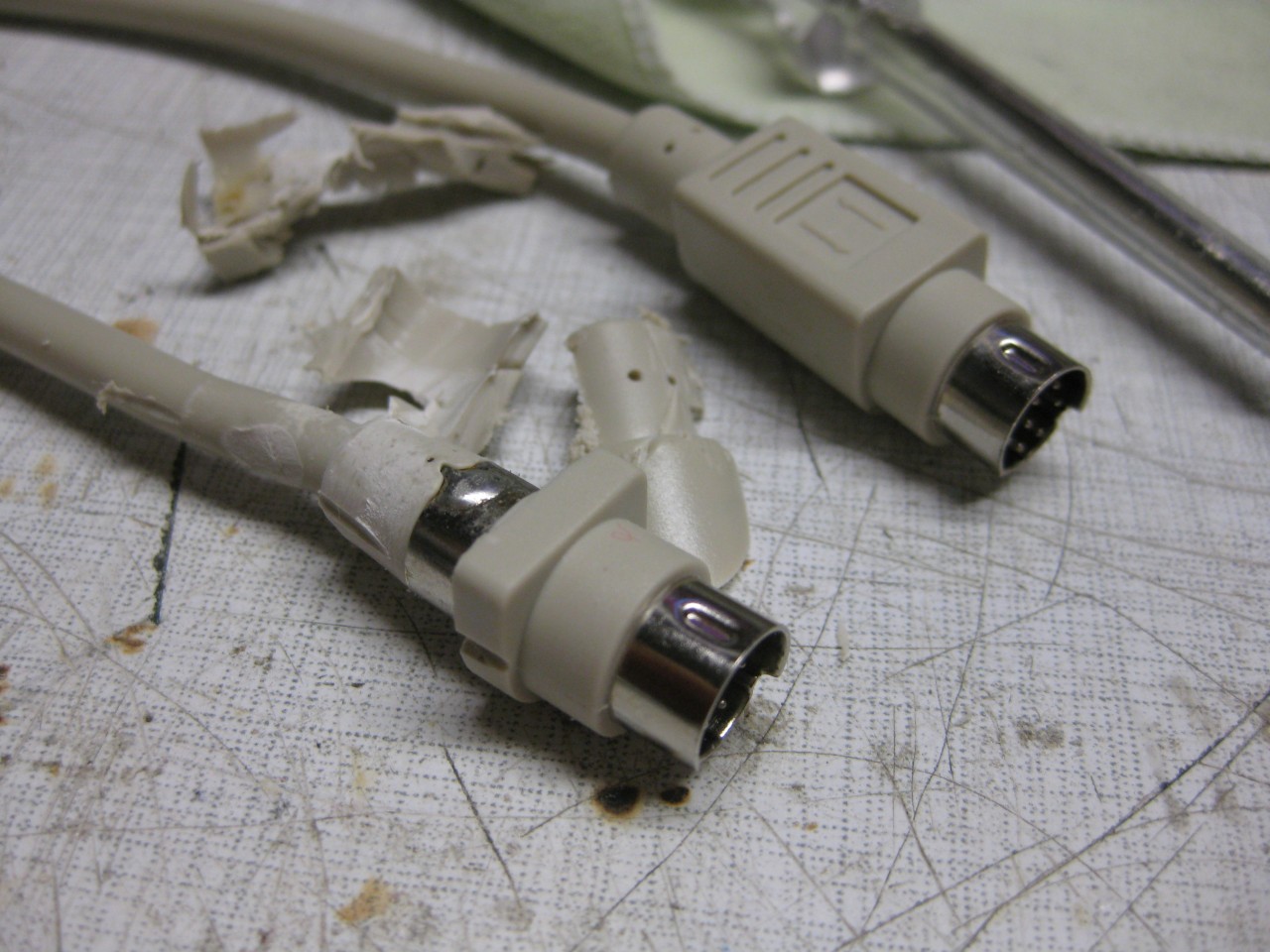
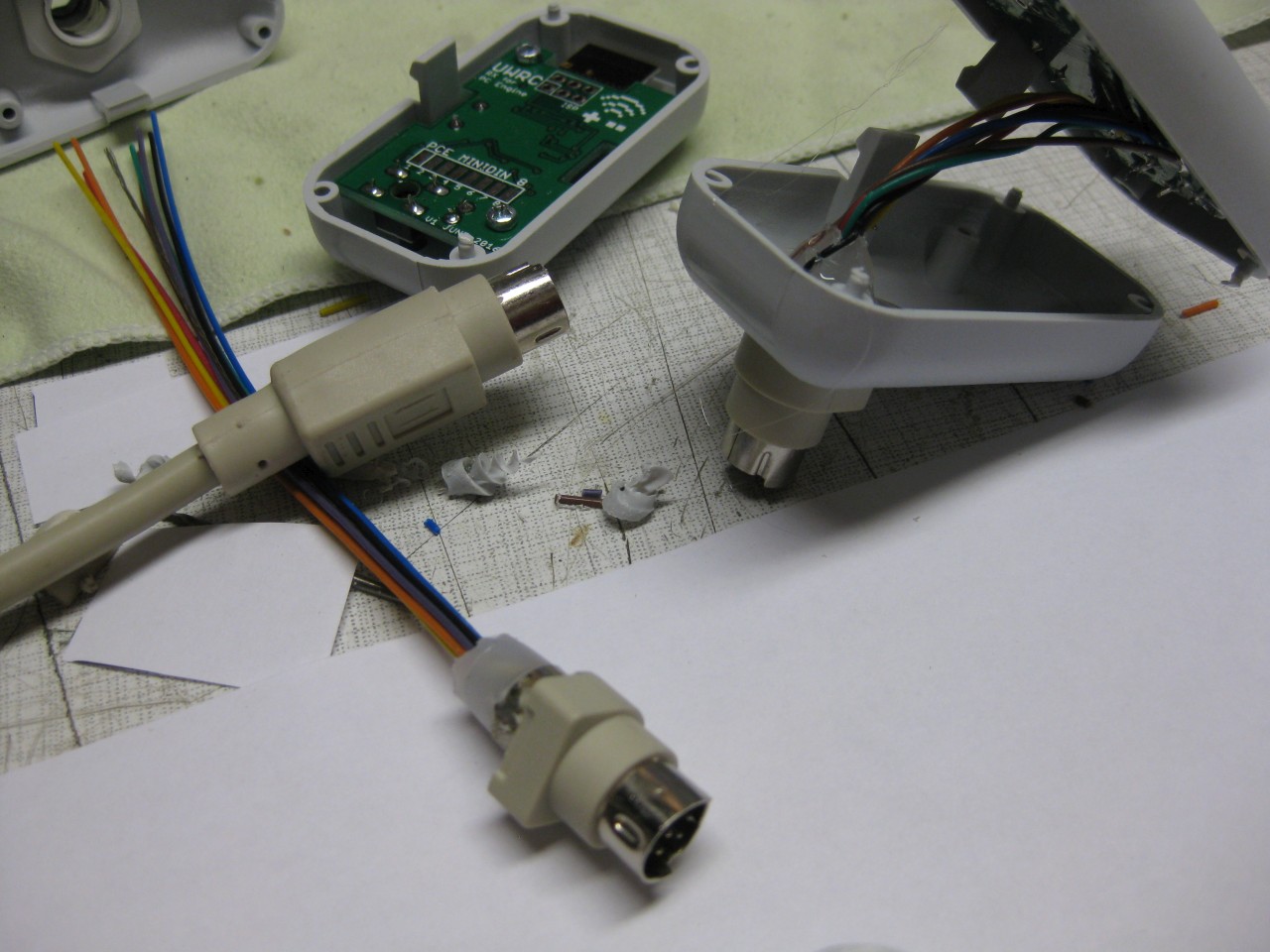
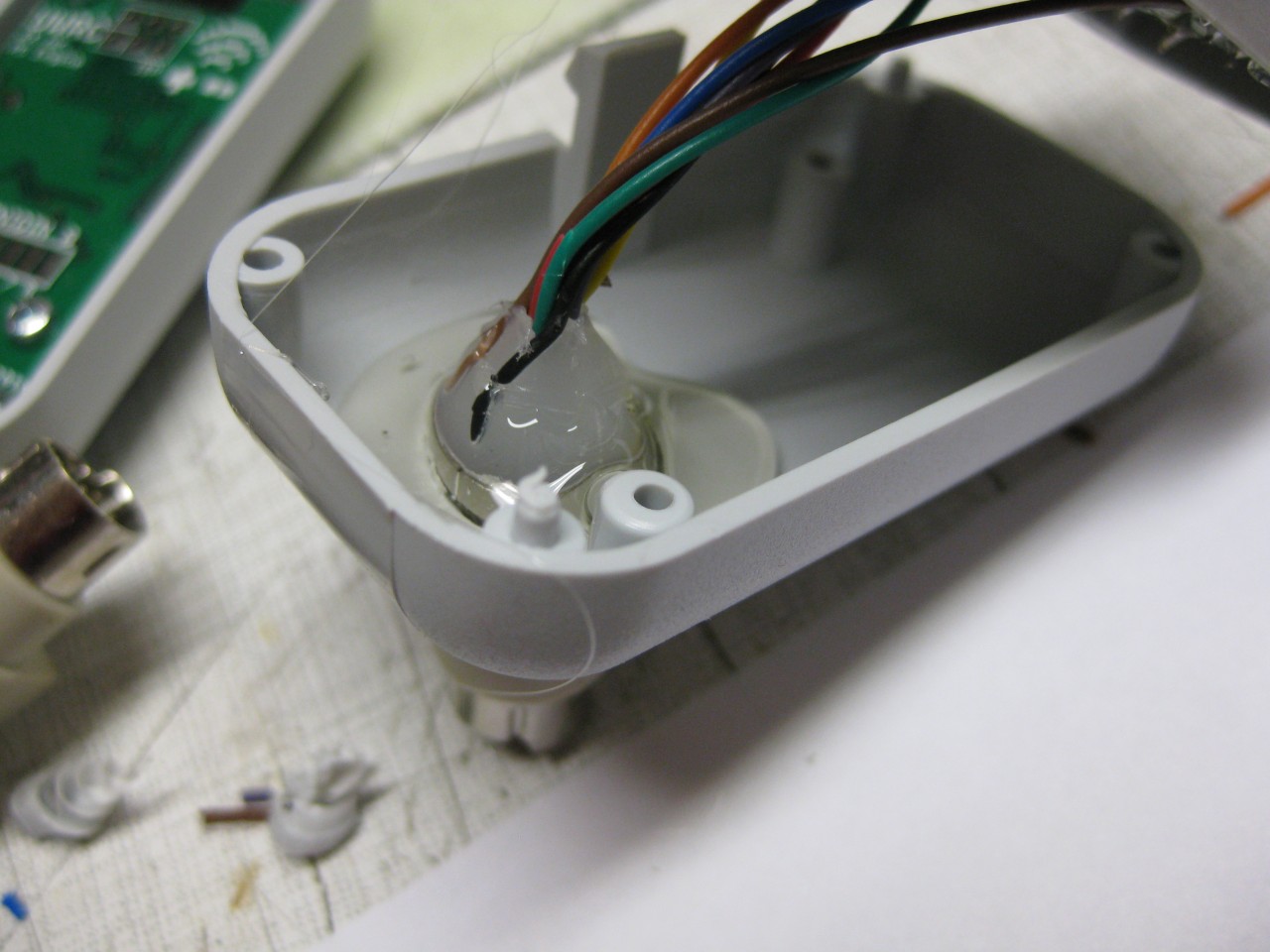
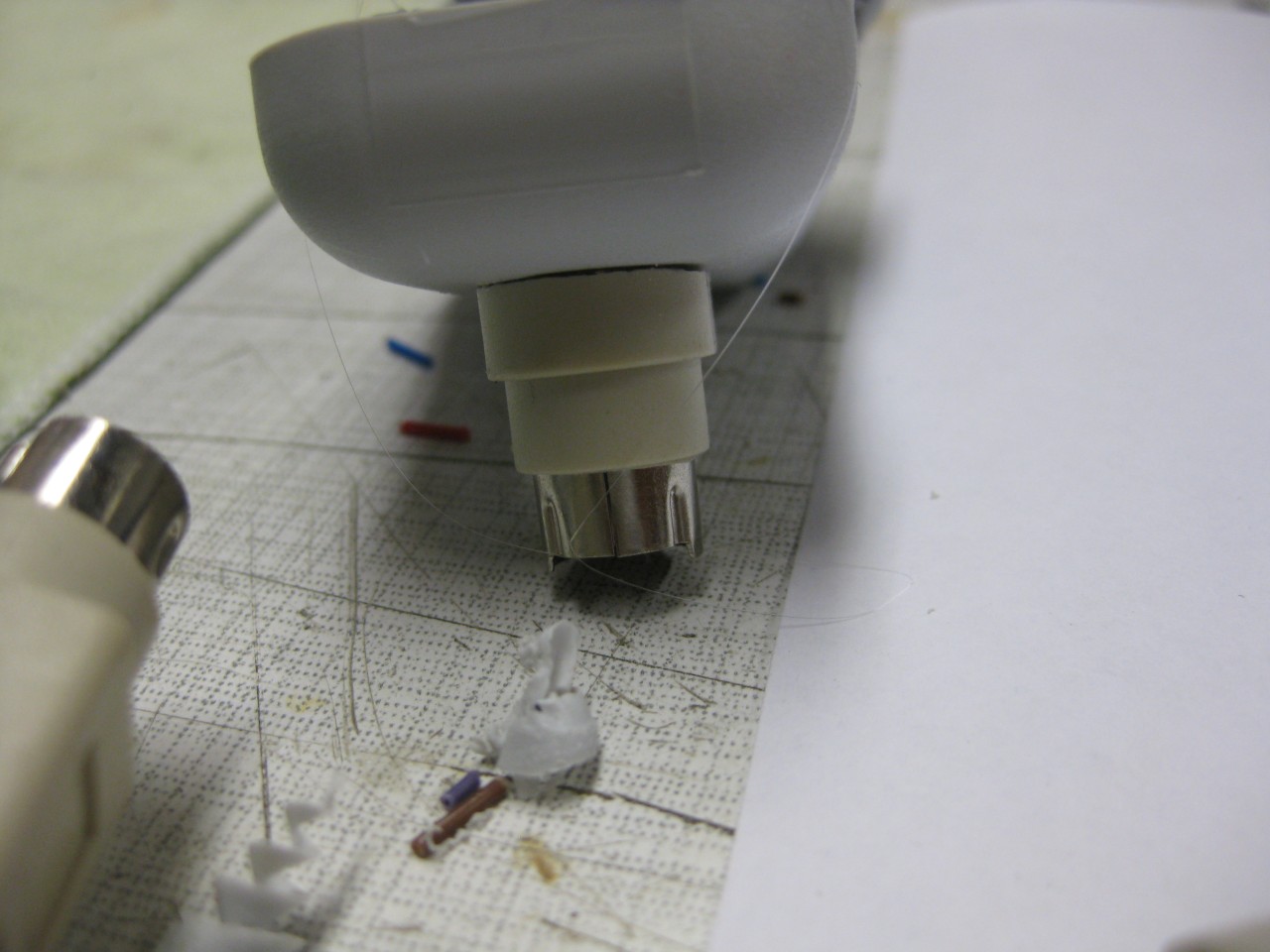
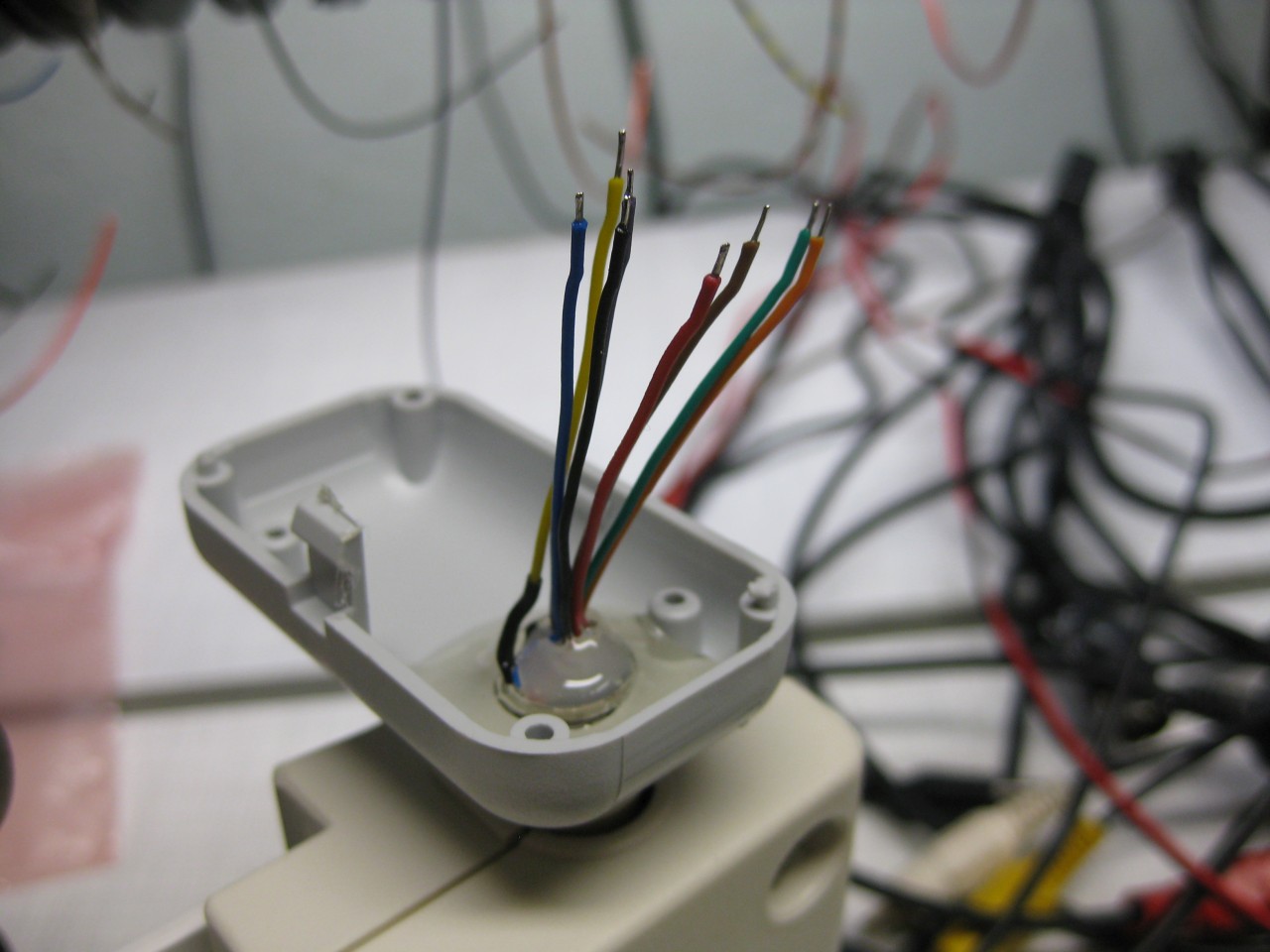
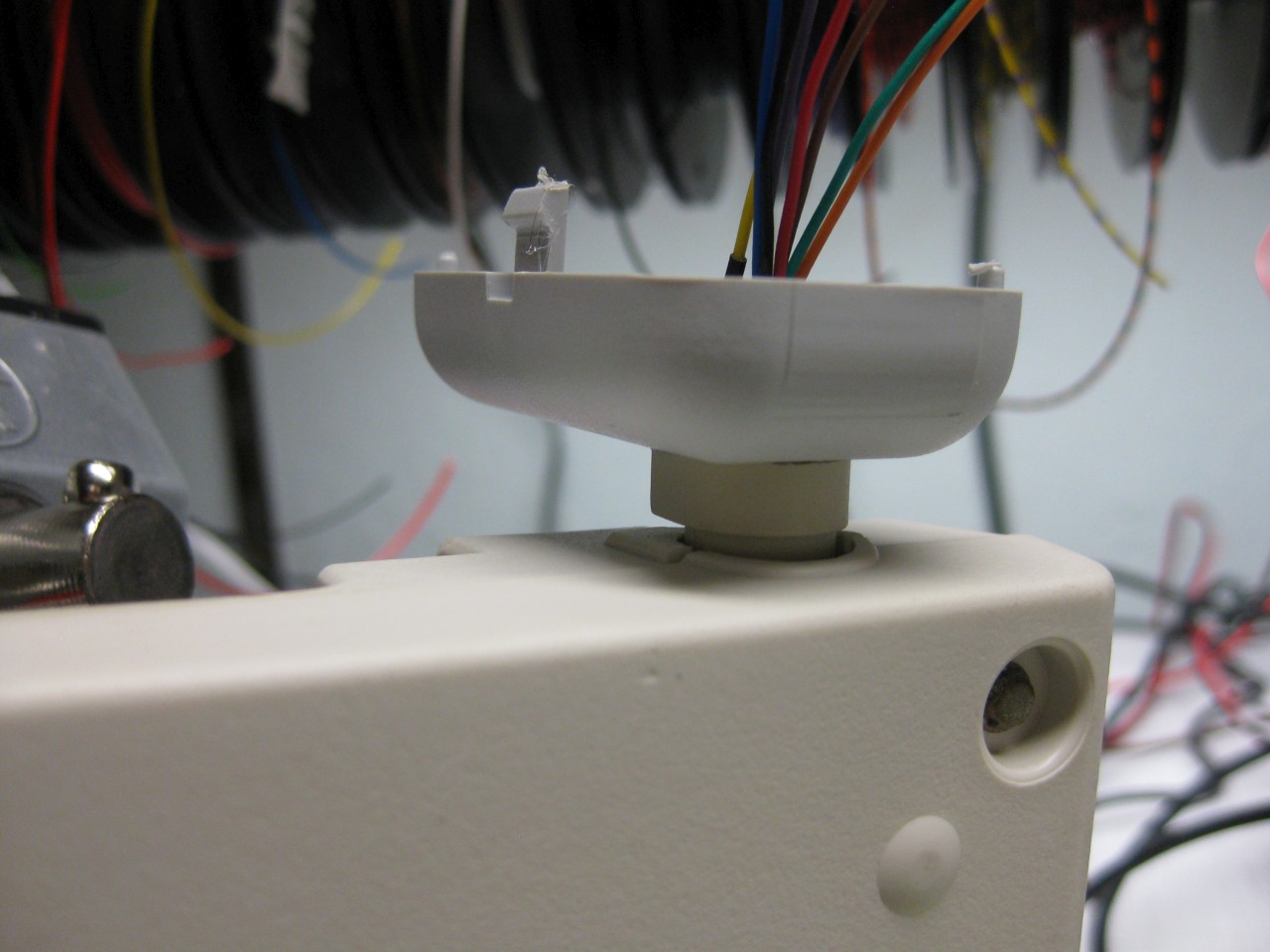
    I used a extension Cable for Mini Din 8 to make the UWRC-RX PC-Engine Reveiver.

    Here you can see some pics.

    PC-Engine_Reveiver (1) PC-Engine_Reveiver (2) PC-Engine_Reveiver (3) PC-Engine_Reveiver (4) PC-Engine_Reveiver (5) PC-Engine_Reveiver (6) PC-Engine_Reveiver (7) PC-Engine_Reveiver (9) PC-Engine_Reveiver (8) PC-Engine_Reveiver (10) PC-Engine_Reveiver (11) PC-Engine_Reveiver (12)

    Next step is to use a black box for the Duo Receiver

  • Amiga 600/1200 PAL/NTSC Switch

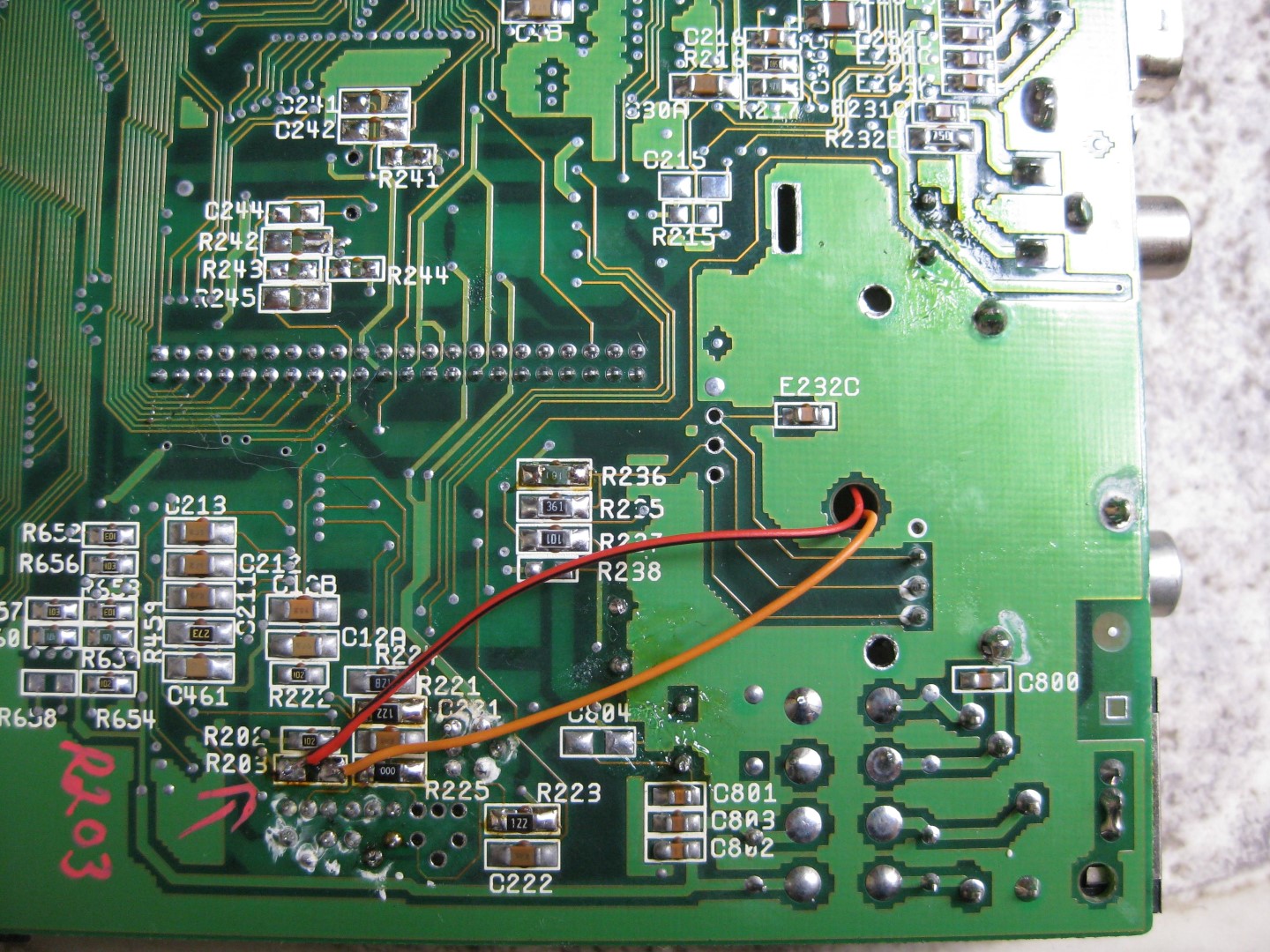
    Recently I got a A1200 NTSC Board. It is running @60Hz. You can set the speed of the Amiga by hitting both mouse buttons at Power Up. But I want to make it permanent to 50Hz because I am living in germany and some games need 50Hz.

    I done some 50/60Hz switches for the Amiga CD32 Unit and it is similar.

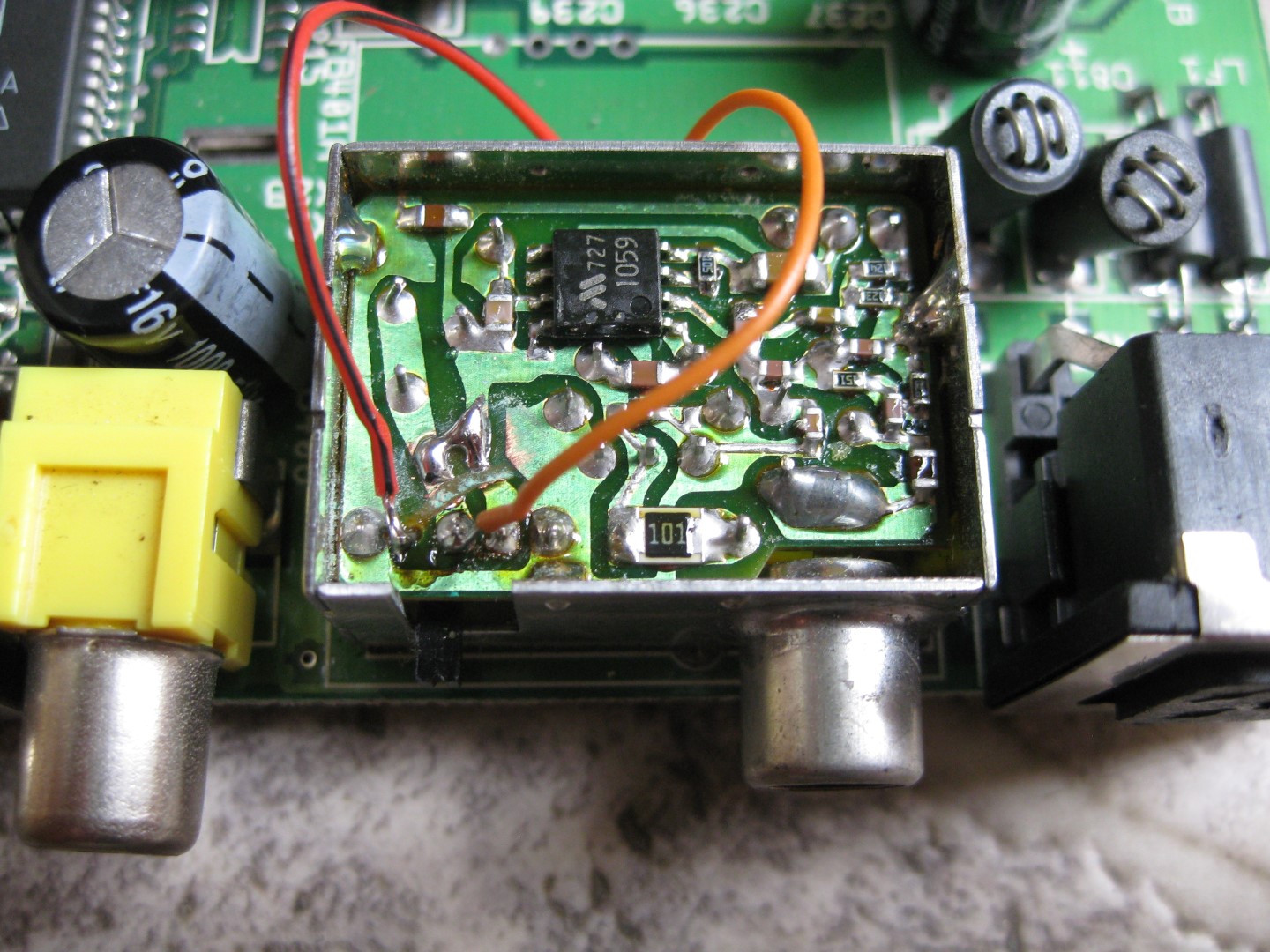
    You have to find R203 downunder and use a a switch.  didn’t want to make a hole into the case of the Amiga. Therefore I am using the switch of the RF-Unit. I set it permantly to Channel 2 (but I didn’t think I will never use the RF-Output).

    Here are some pics

    a1200_pal_ntsc_switch_R203 (Large)

    a1200_switch_rf_2 (Large)

    you have to cut two circuits running to the switch. And it is free for 50/60Hz usage.


  • UWRC NES into a A/V FAMICOM
    This week I got a new toy called UWRC for NES. Thanks micro 🙂
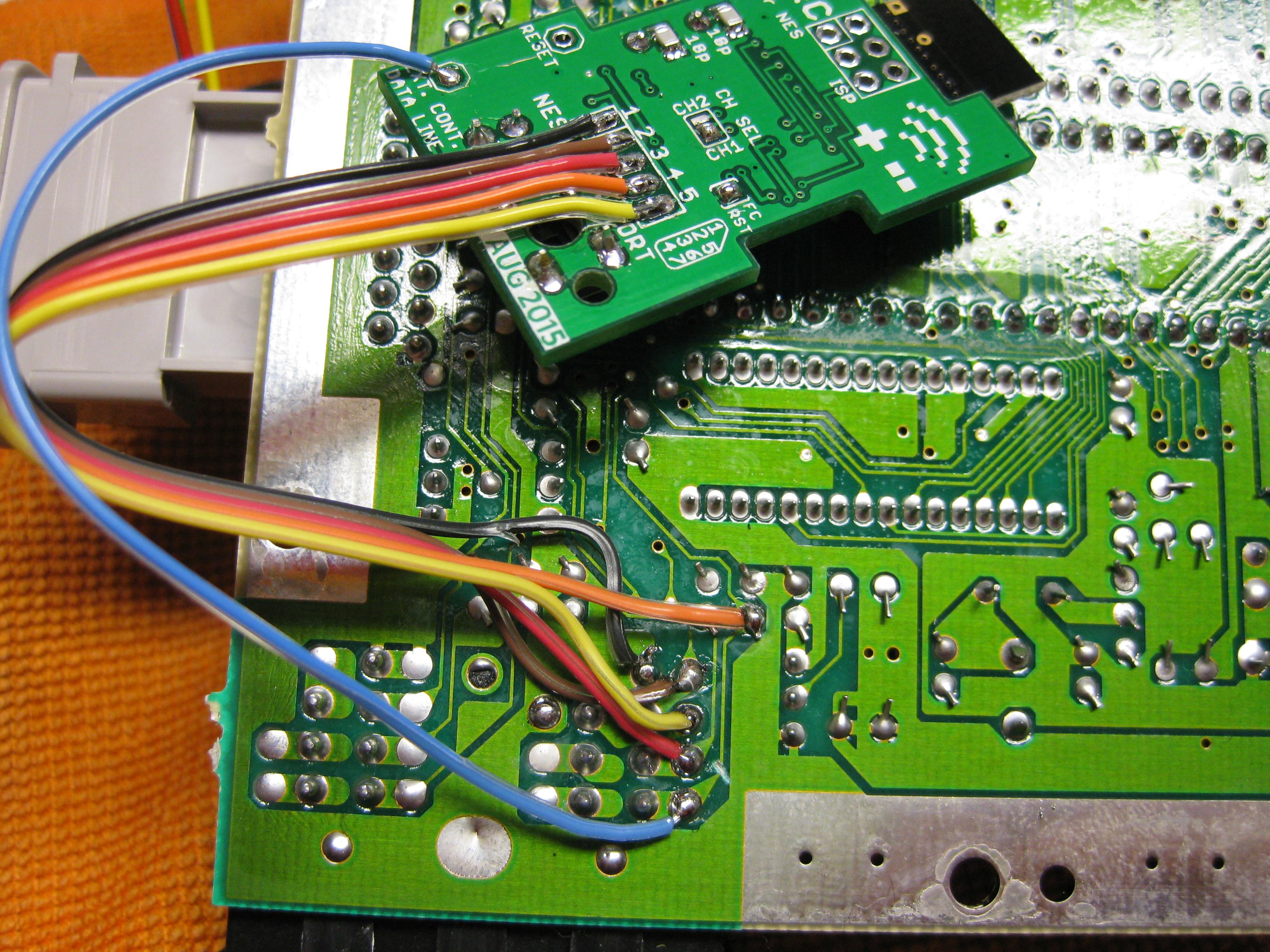
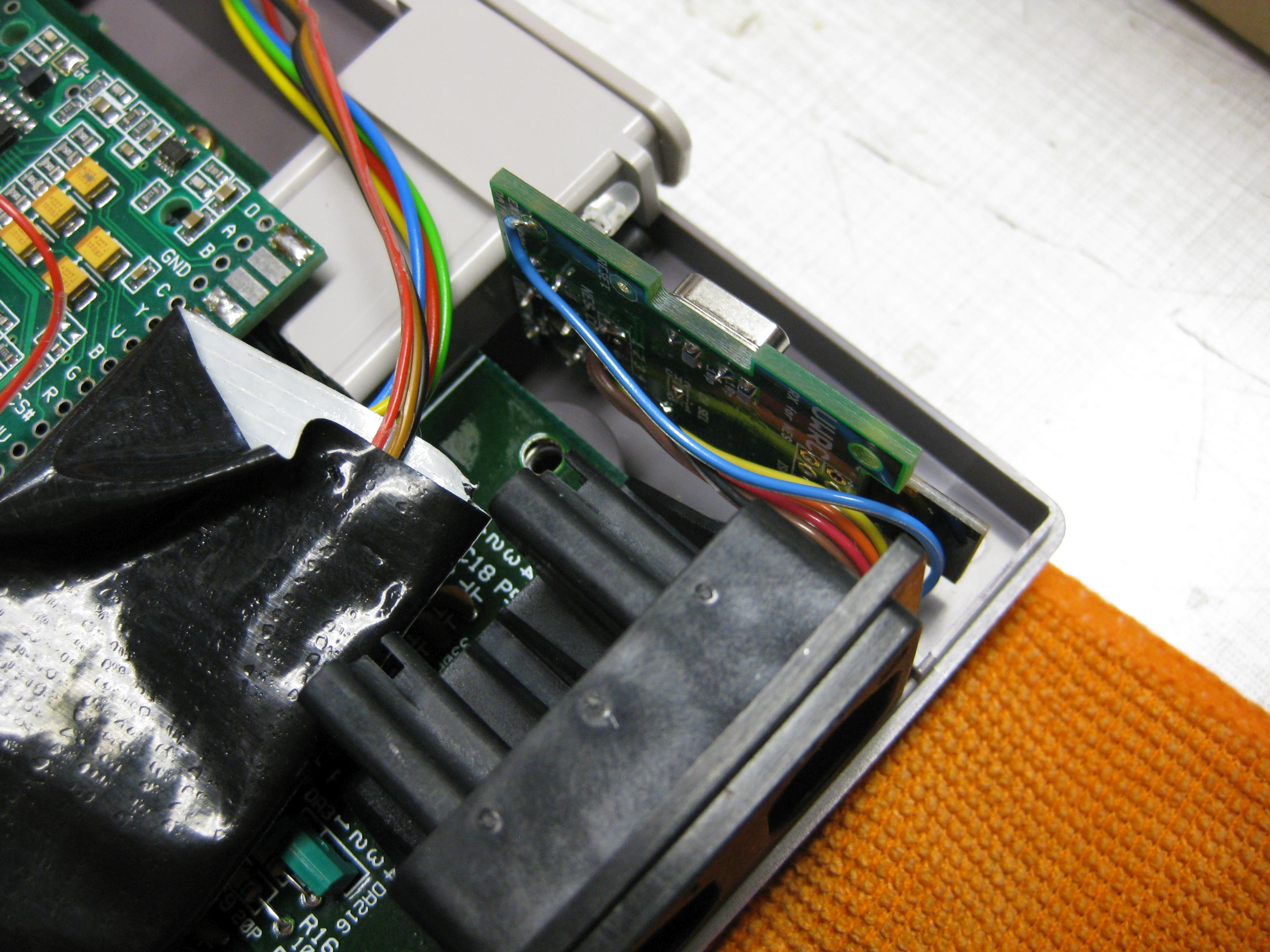
    I have to put the PCB into the NES and with the help of a dremel and a cutter knife it fitts perfectly, like every UWRC PCB from micro.
    NES_UWRC (2)

    NES_UWRC (3)

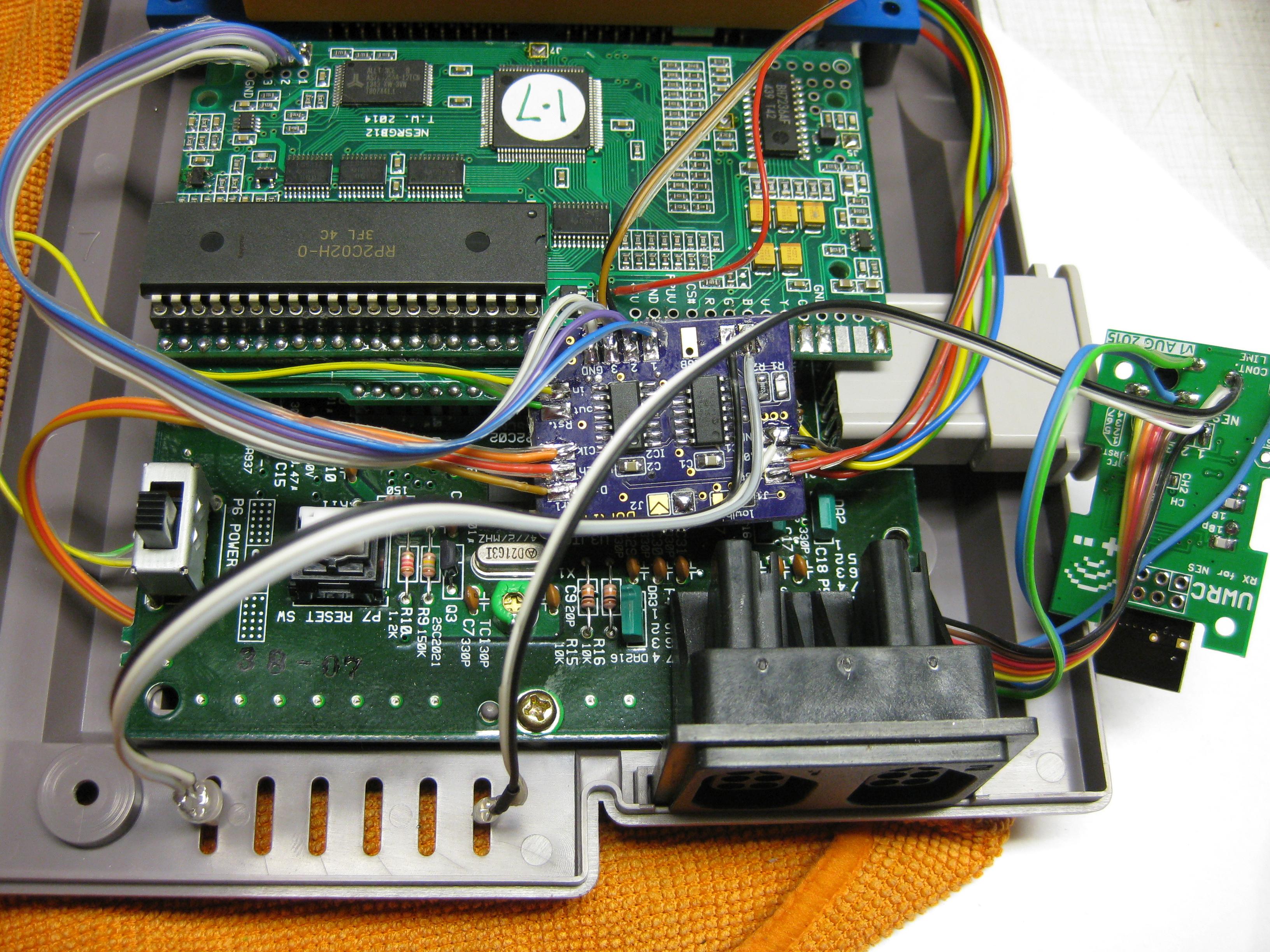
    Now its time to put the receiver inside my Famicom A/V

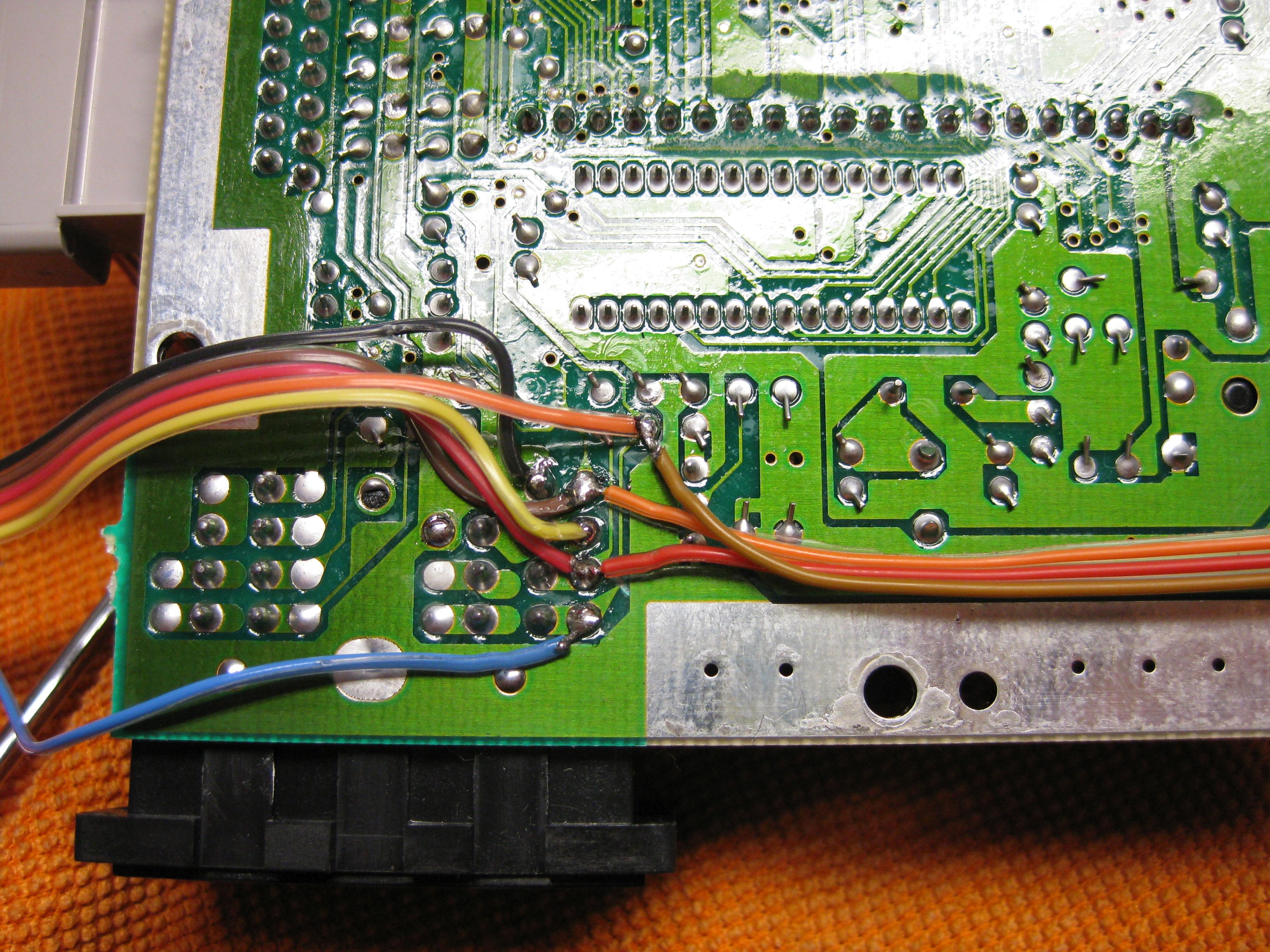
    You have to gut a circuit at Pin 4 from the Controllerport and wire it like on the picture.

    Now it works with UWRC Controller and Real Controller too.

    NES_UWRC (4)

    As I have a RGB Mod from Tim Worthington inside and the helper PCB from borti you have to wire the helper pcb „behind“ the cutted wire

    NES_UWRC (5)

    NES_UWRC (7)

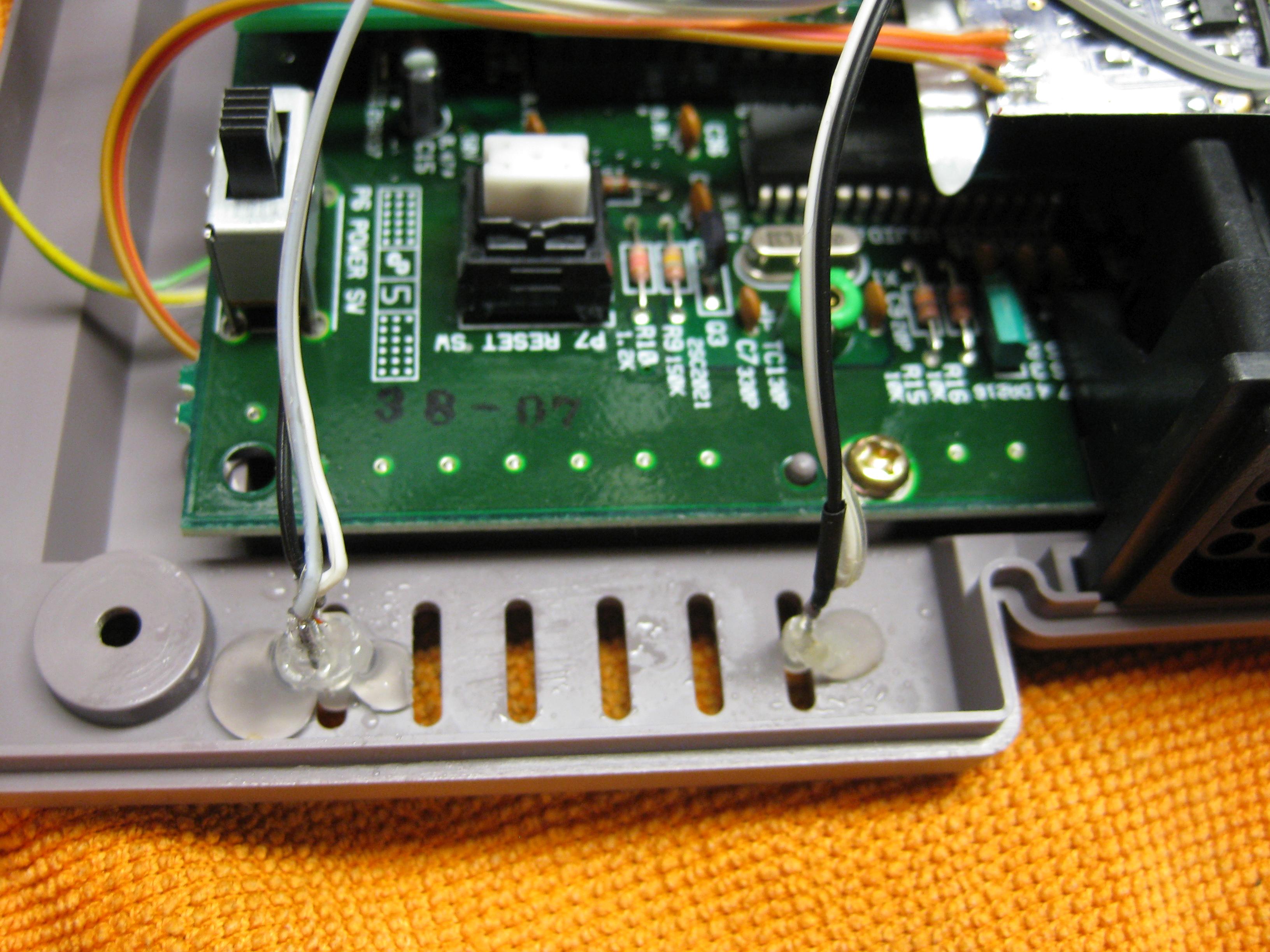
    But we need some Input and Led Display too.

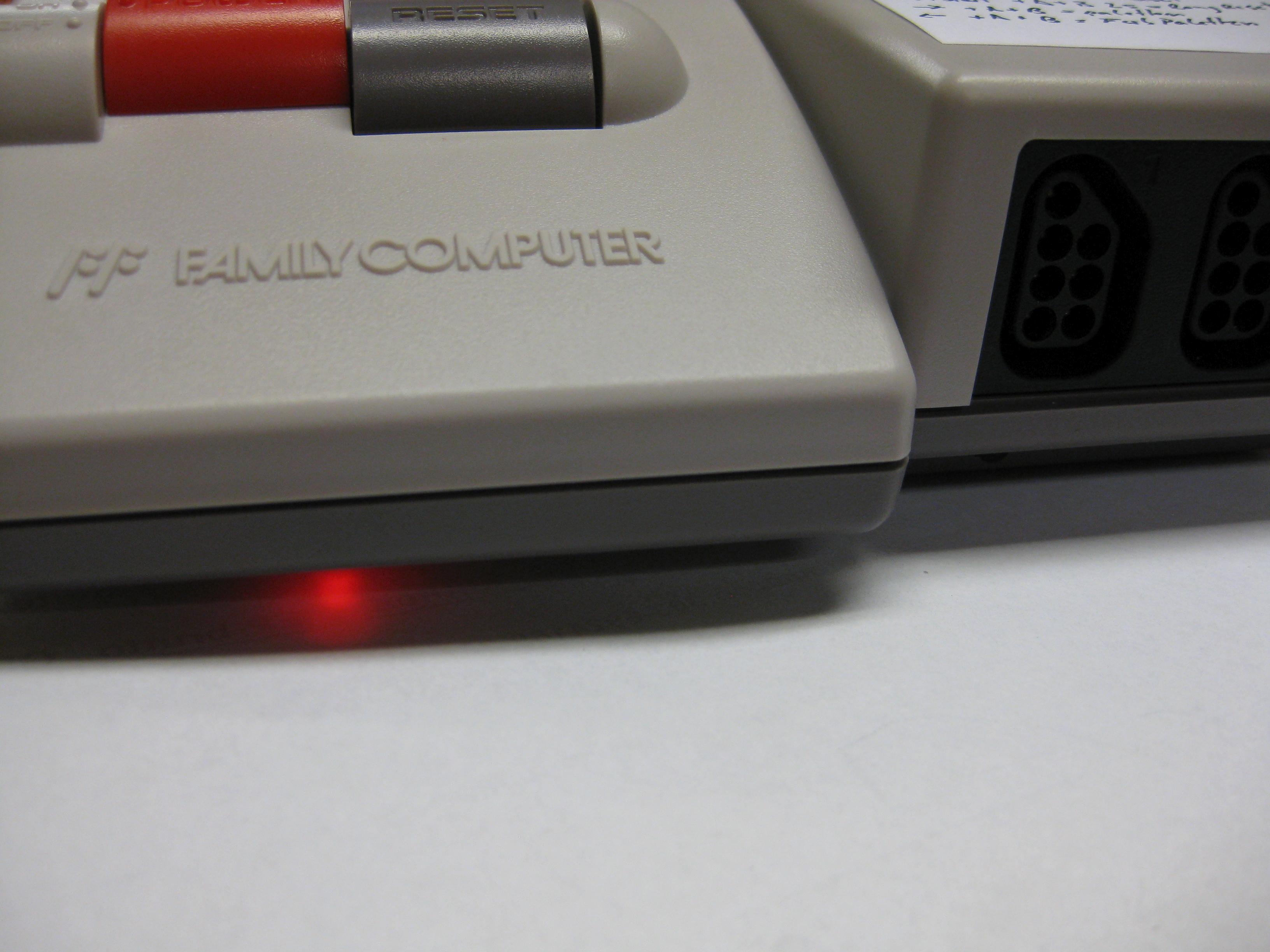
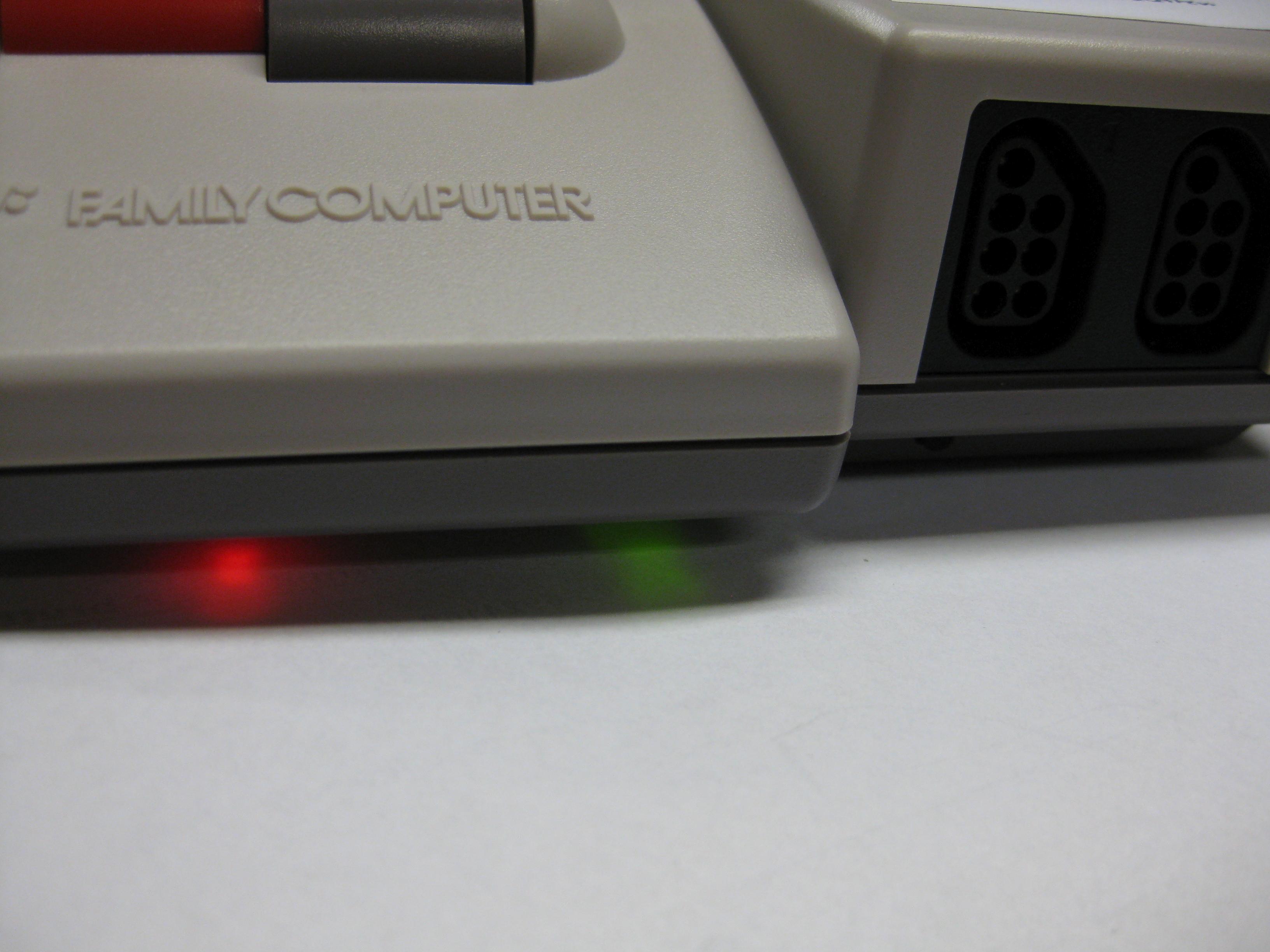
    Here I wanted to make it incognito like possible and put the LEDs through the cooling openings.

    NES_UWRC_1_ (8)

    NES_UWRC_1_ (7)

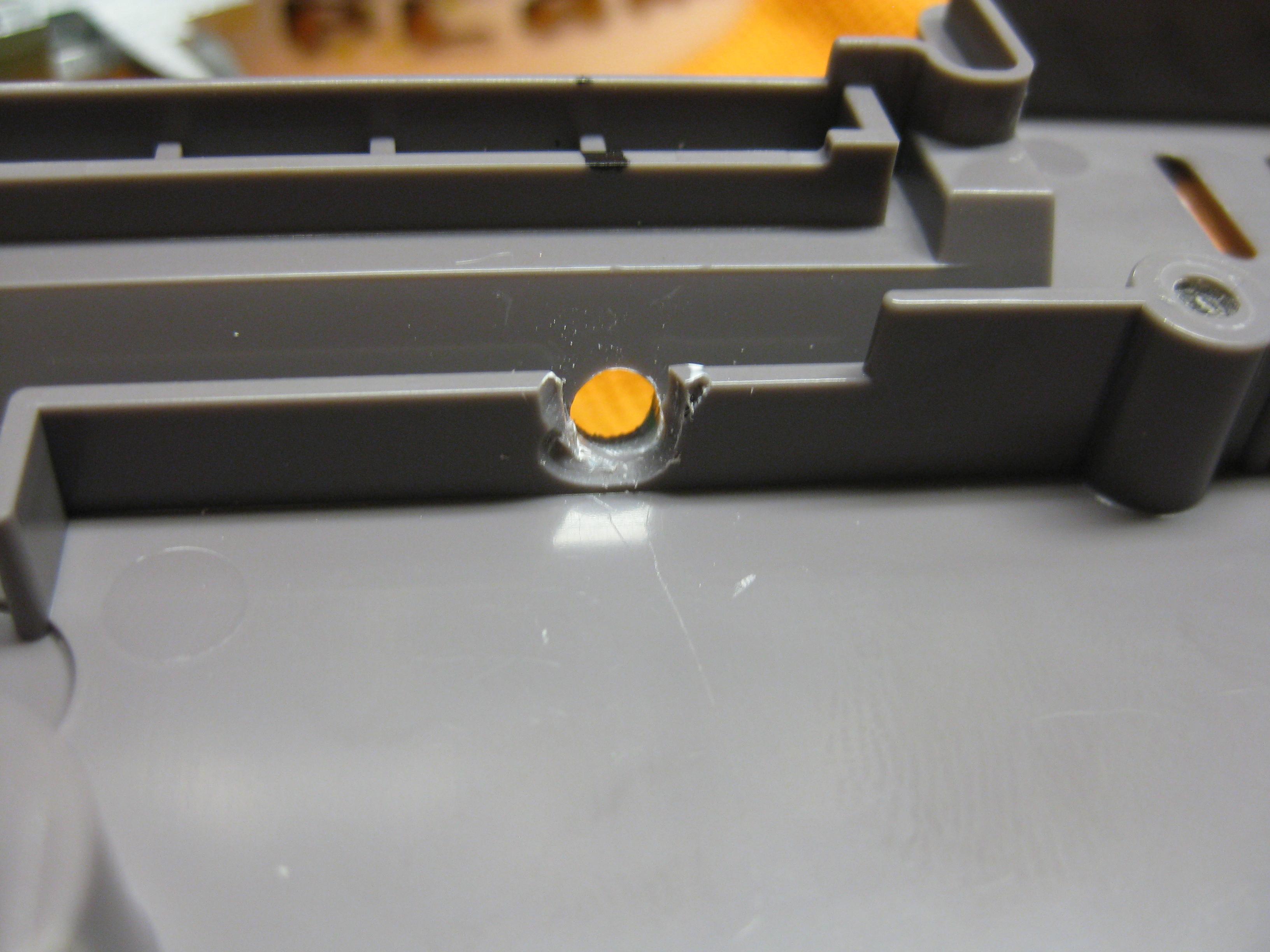
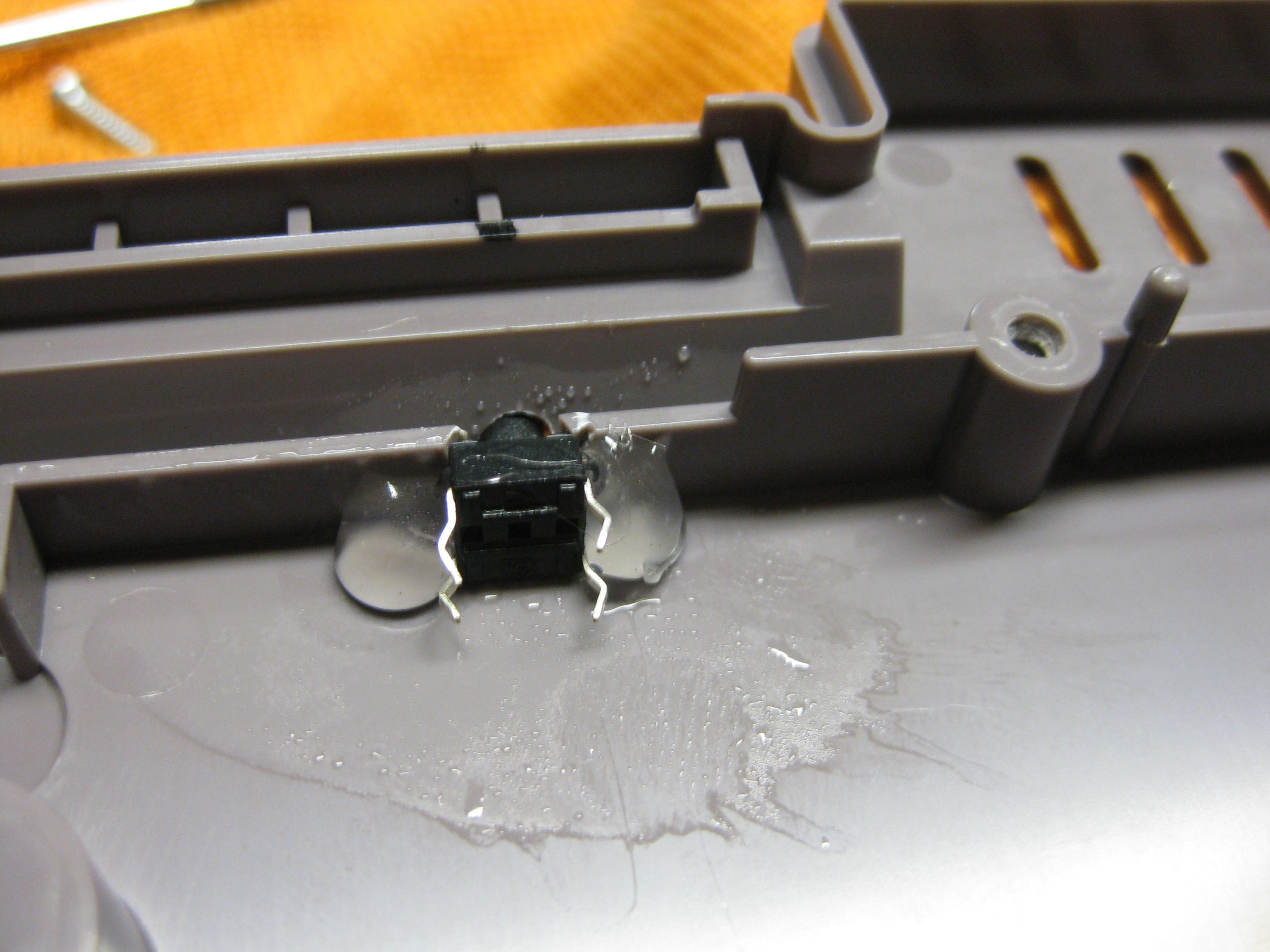
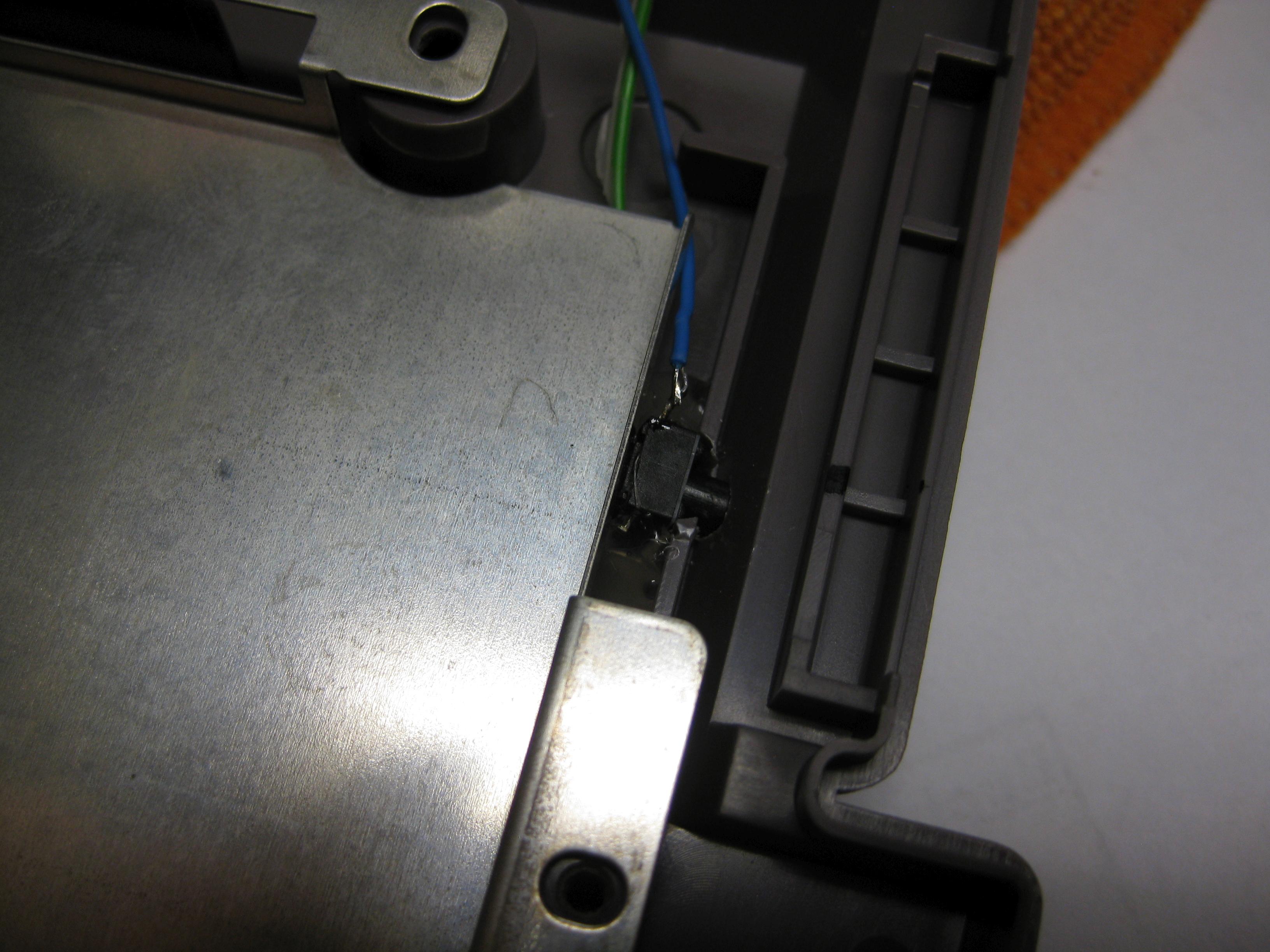
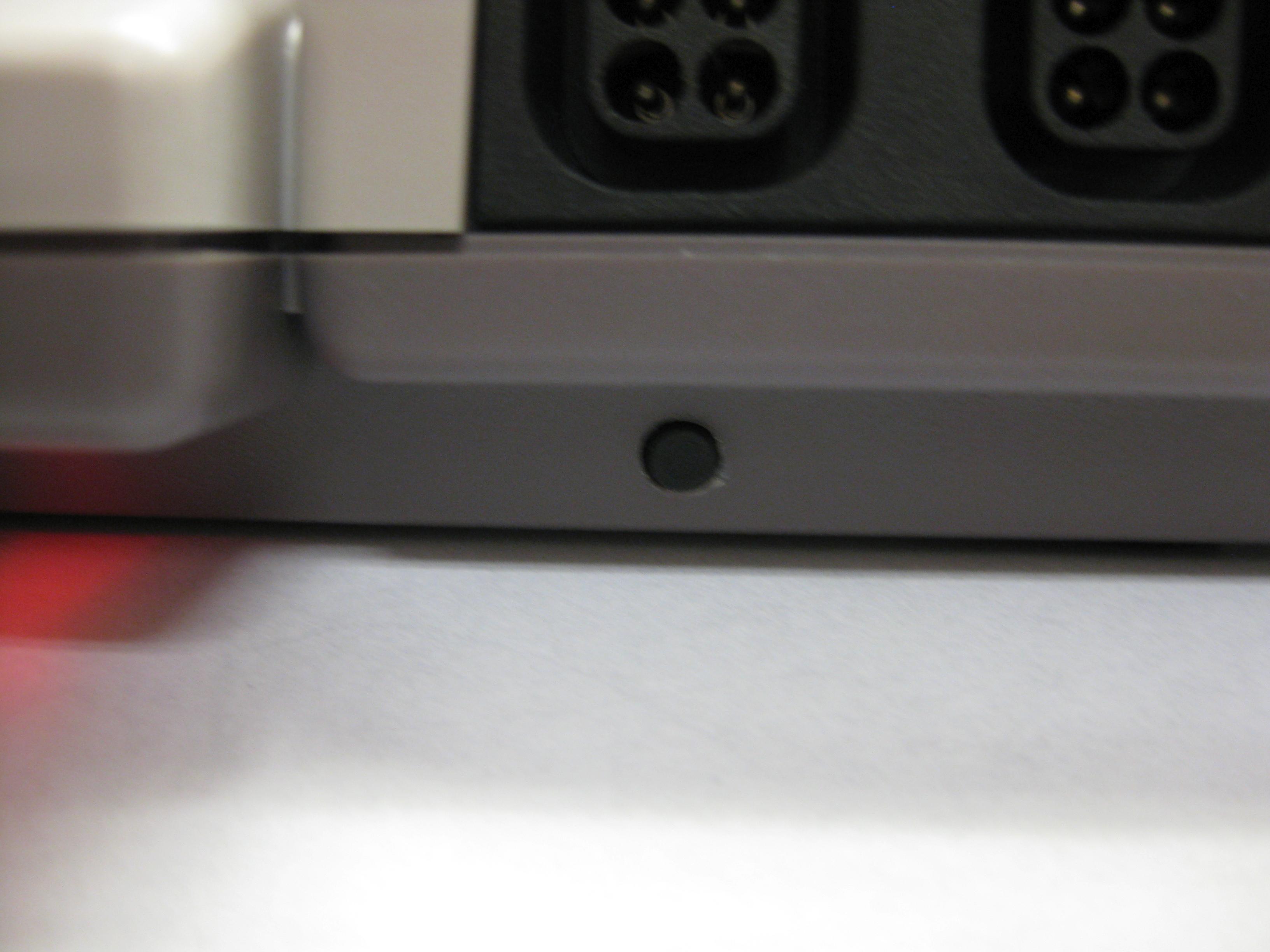
    The only „bad“ part was the reset button.
    But you didn’t see it at normal viewpoint to the Famicom

    NES_UWRC_1_ (3)

    NES_UWRC_1_ (4)

    NES_UWRC_1_ (5)

    NES_UWRC_1_ (11)

    NES_UWRC_1_ (9)

    NES_UWRC_1_ (10)