Blog

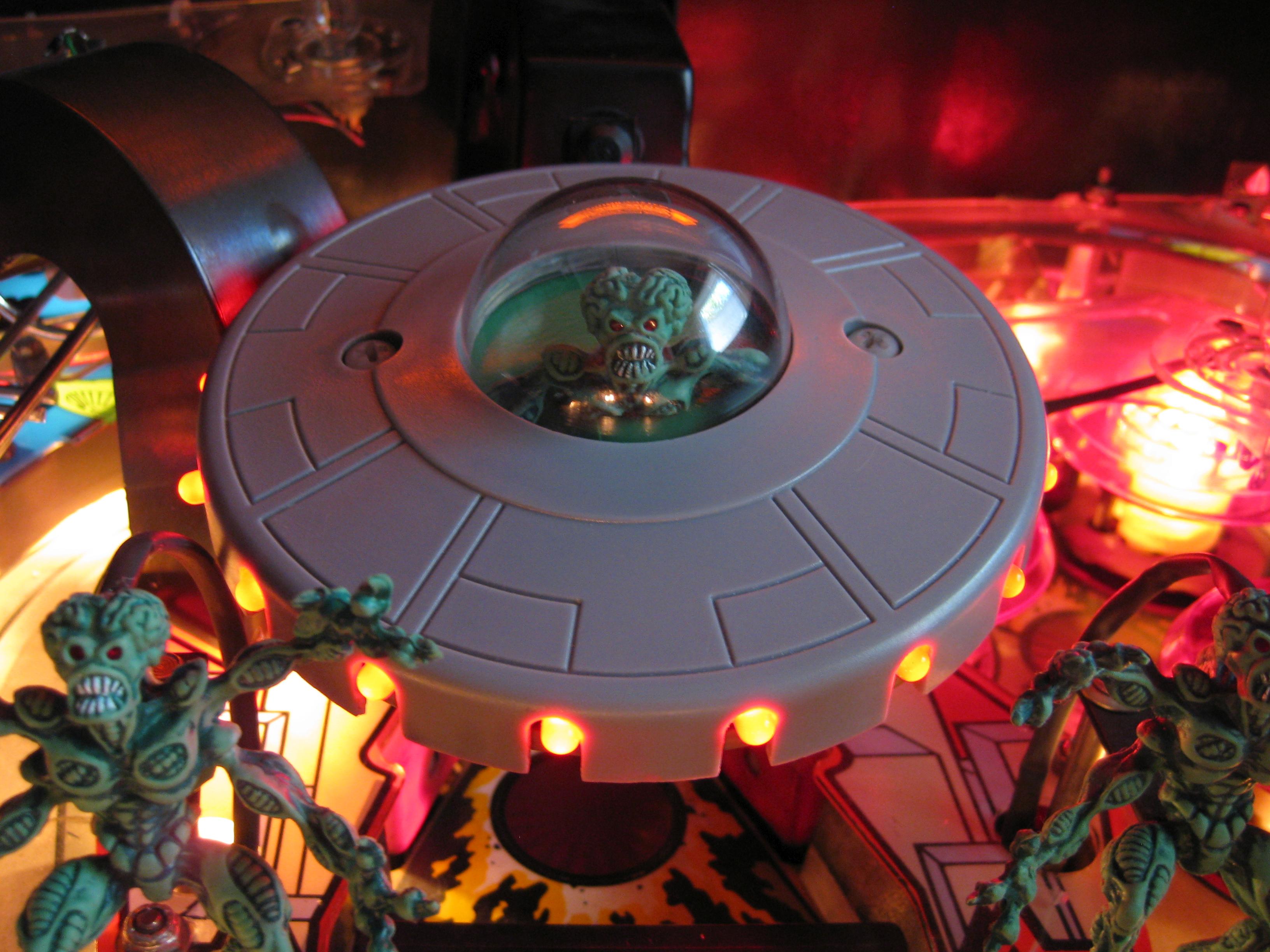
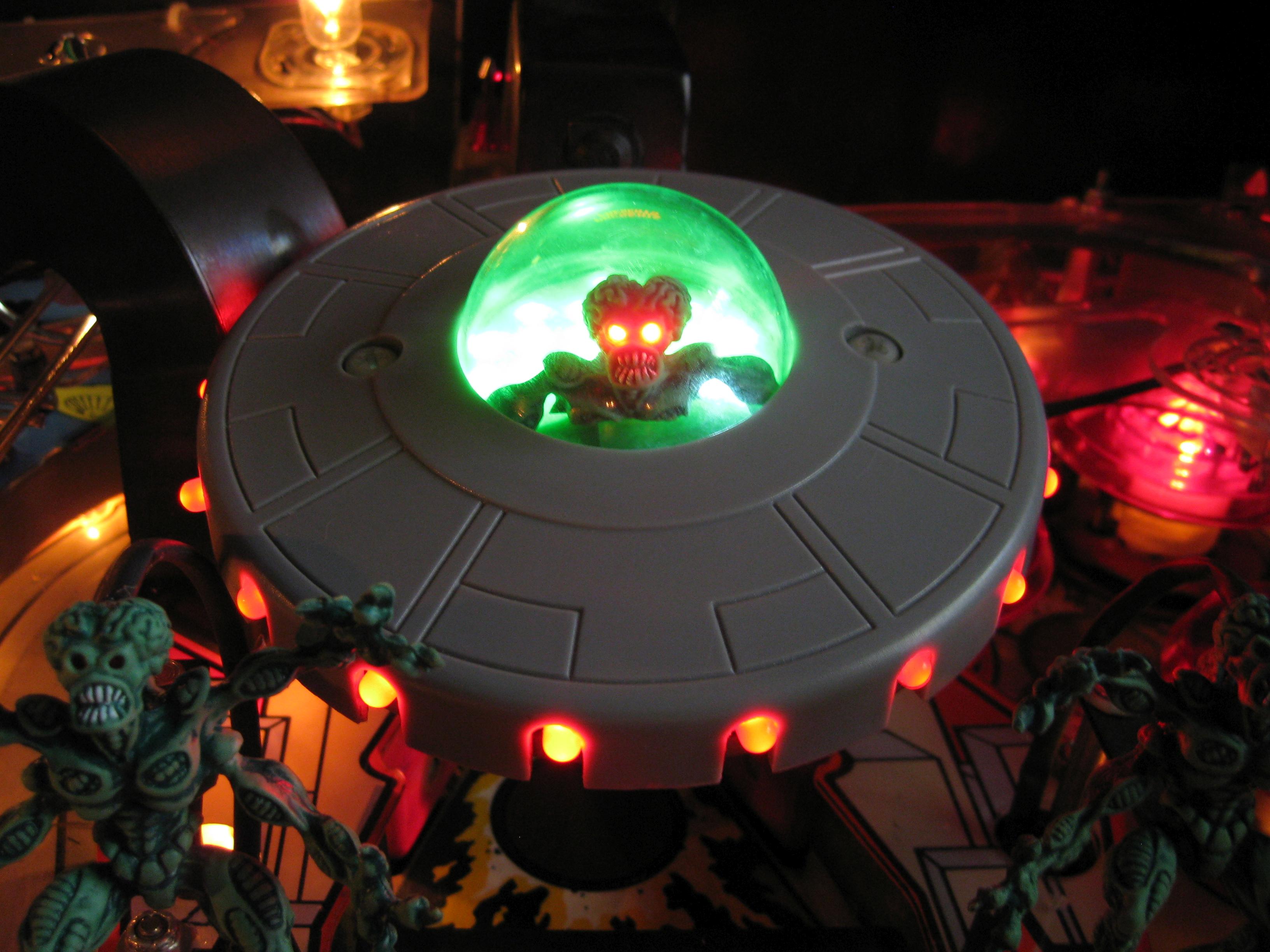
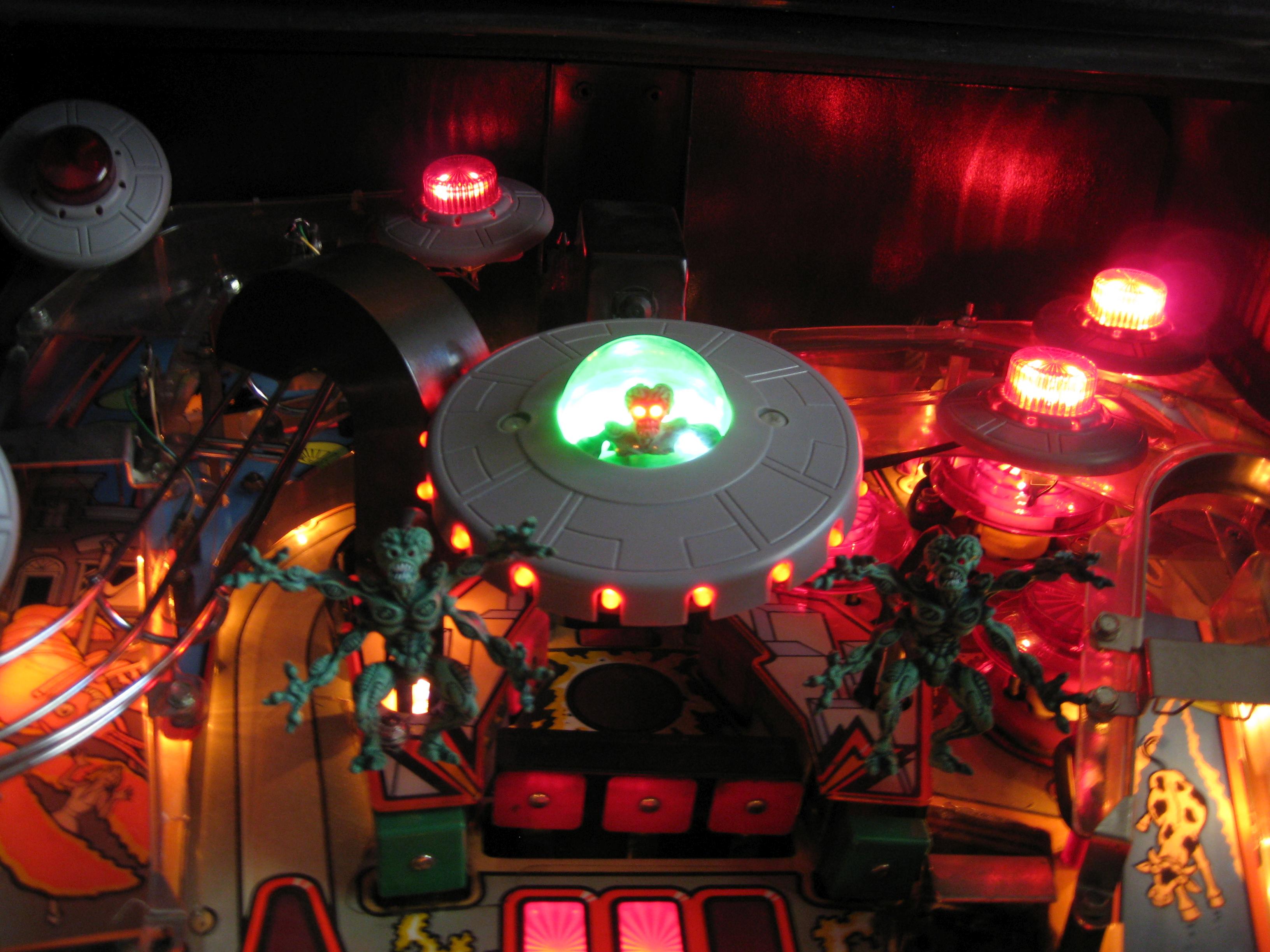
  • BIG Saucer Martian Mod for Attack from Mars

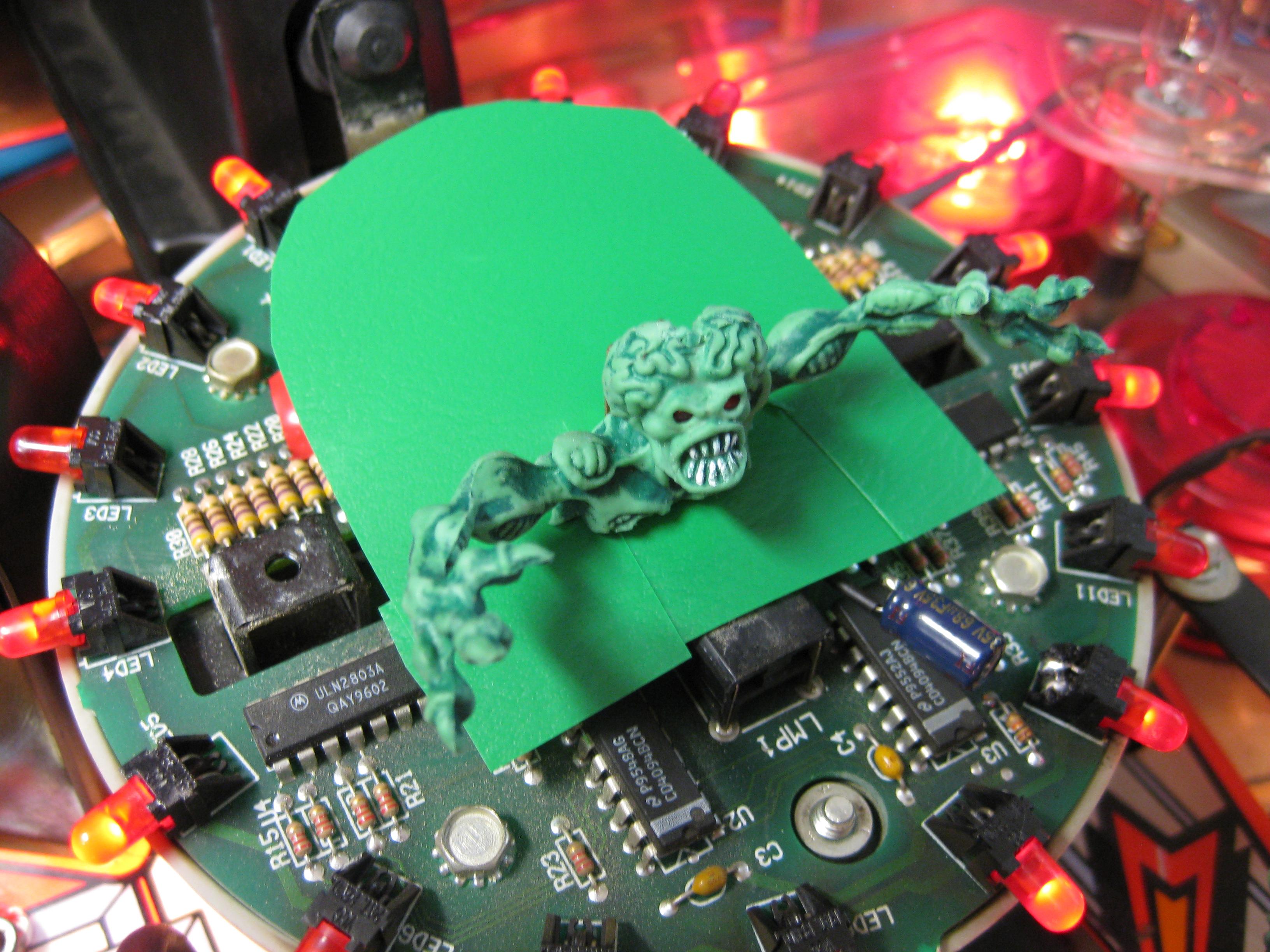
    I have this mod in mind for years and some other realised it befor me. But I wanted to use the original Martians from the Pin.

    I can kill Martians YES, YES, YES

    Big_Ufo_Martian_Mod (6)

    Flasher must work

    Big_Ufo_Martian_Mod (8)

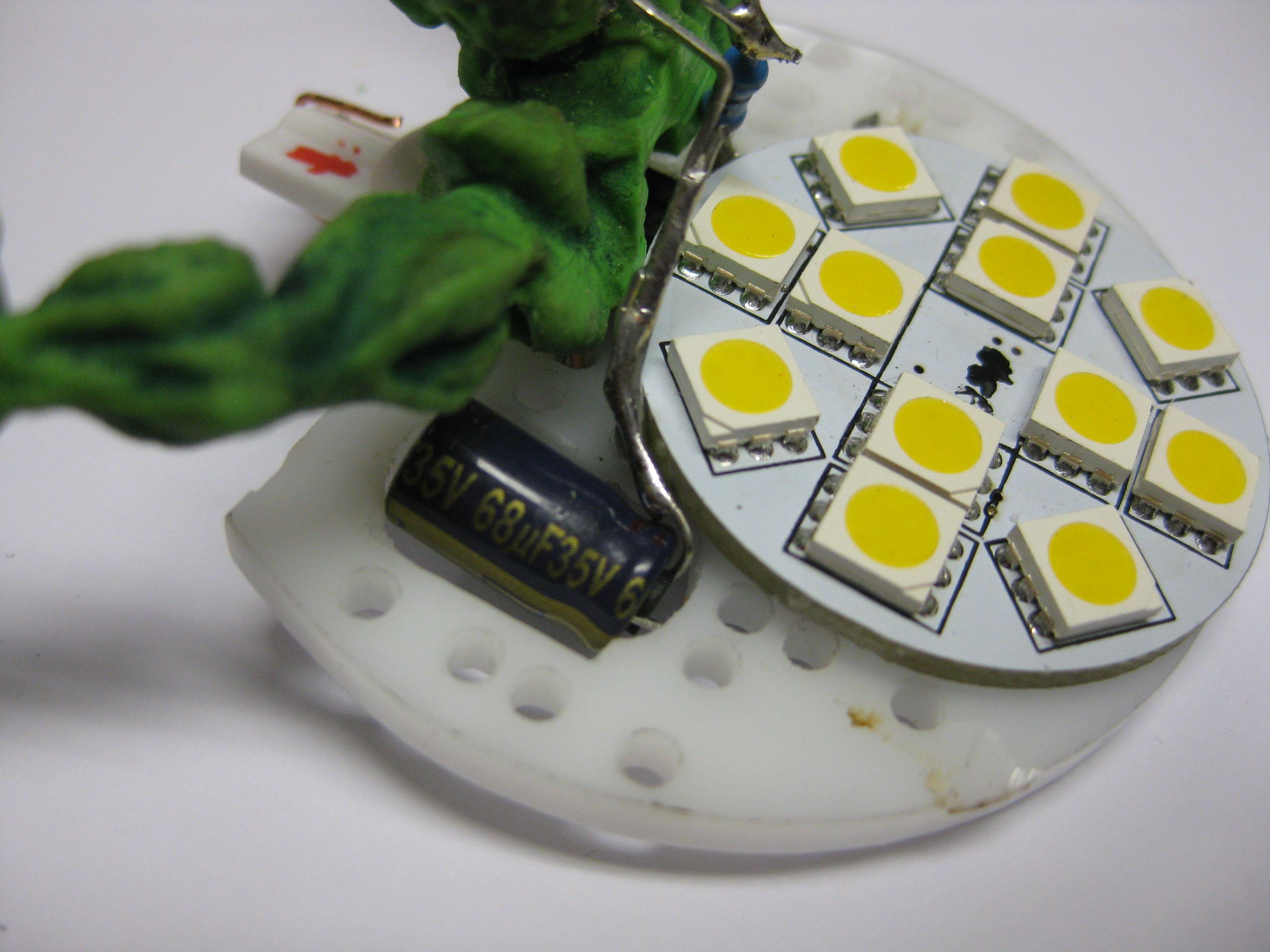
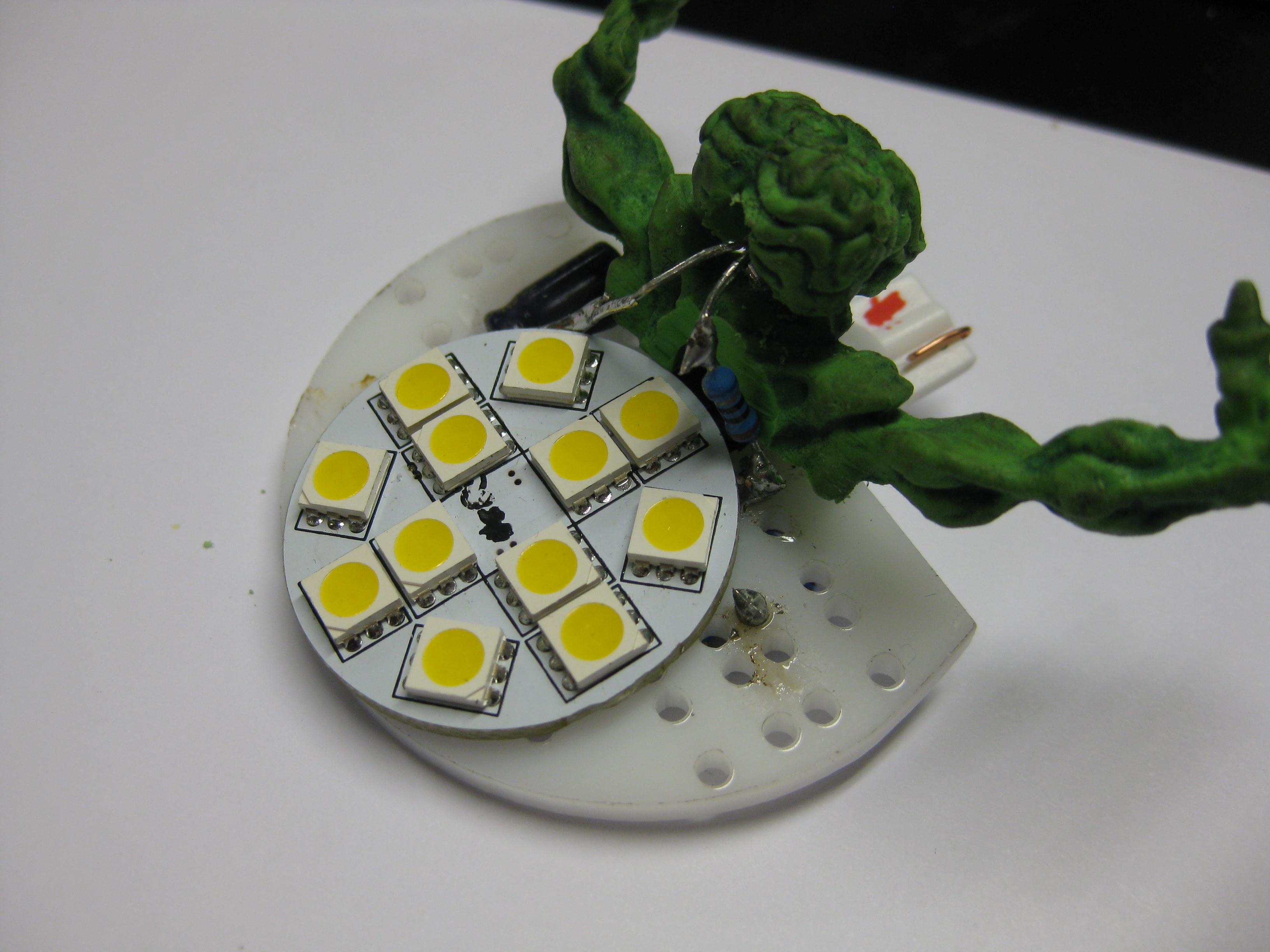
    2 leds back inside


    Big_Ufo_Martian_Mod (7)

    some cover


    Big_Ufo_Martian_Mod (1),

    With the help of a new saucer anda new clear cover it was possible to show the new Martian more easier…

    Big_Ufo_Martian_Mod (3)

    Big_Ufo_Martian_Mod (2)

    Big_Ufo_Martian_Mod (4)

    Video says more as pictures…

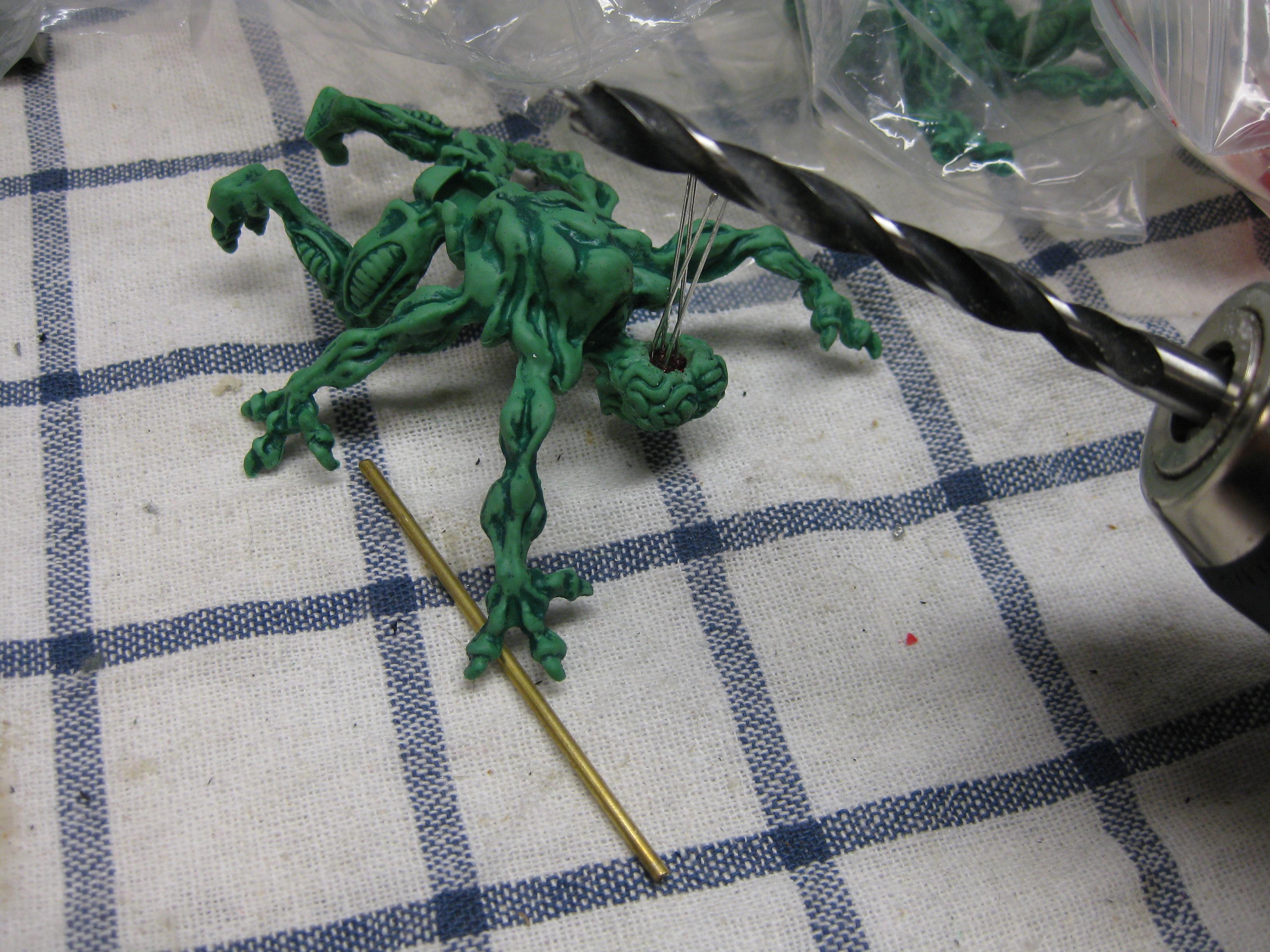
  • Martian LED Eyes Mod for Attack from Mars

    Nothing new.

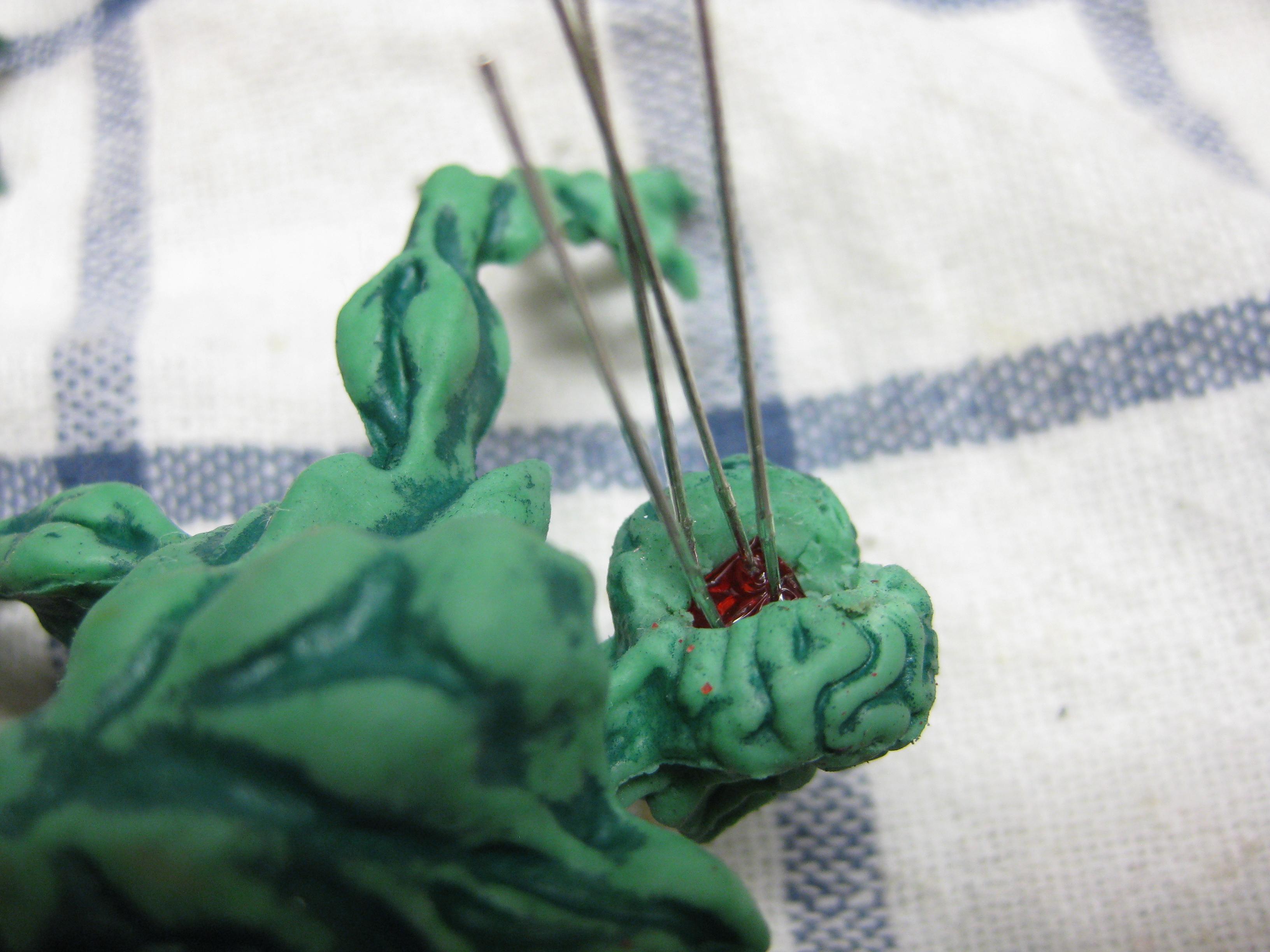
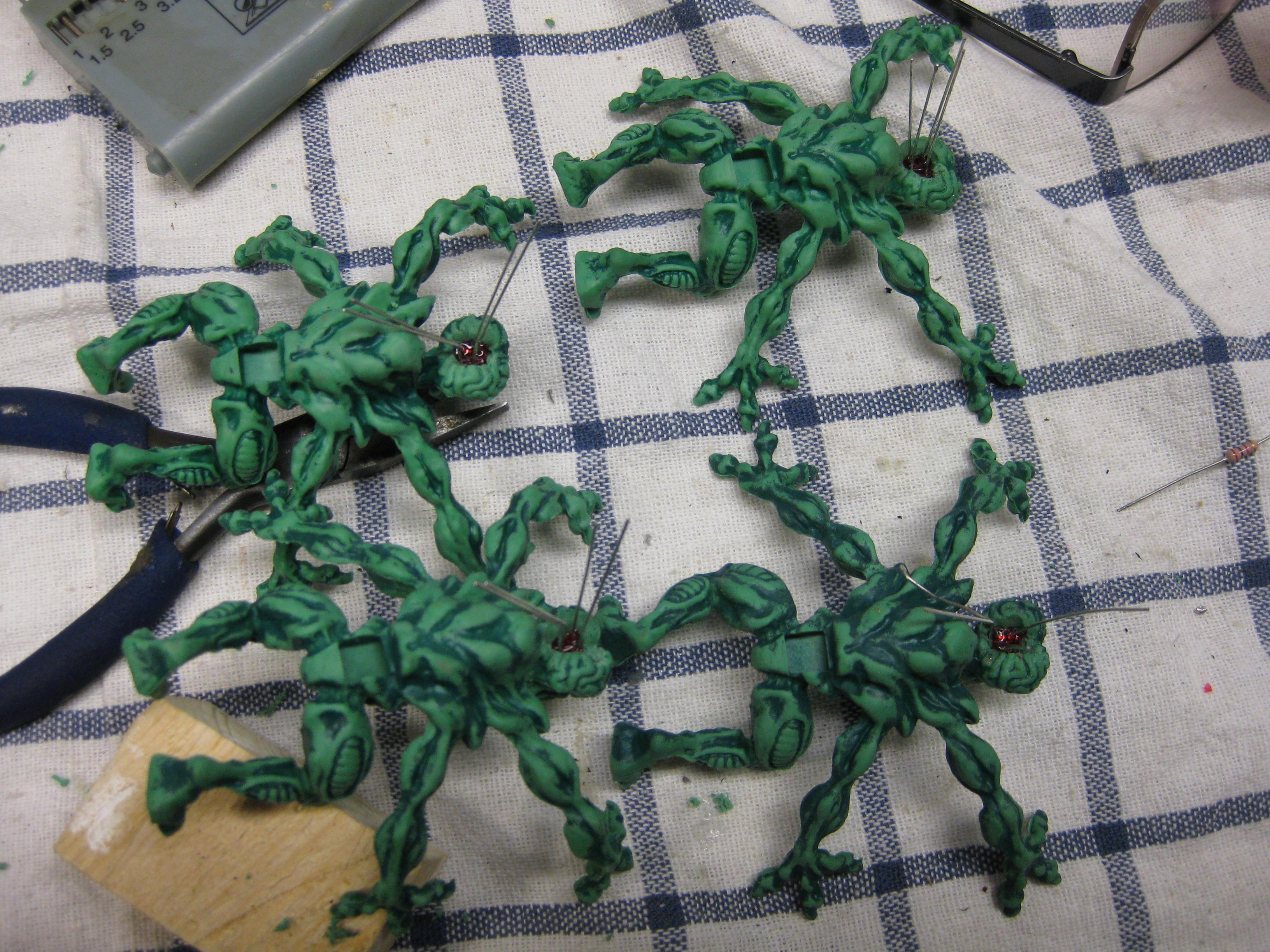
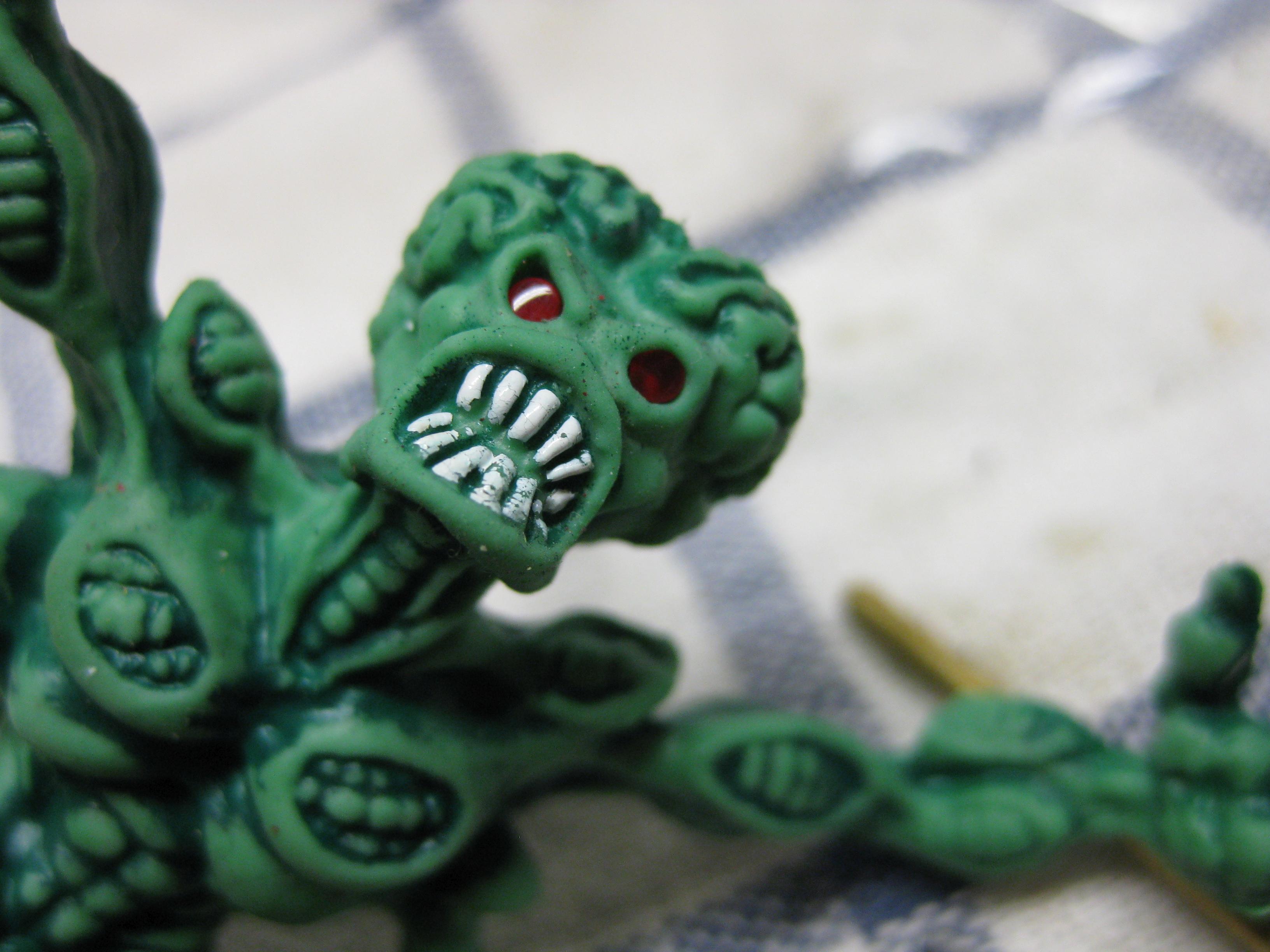
    A lot of people done this before.  I used 2mm red leds fitts perfectly for the size of the martians.

    Some headache…

    AFM_Martian_Led_eyes (1)

    AFM_Martian_Led_eyes (3)

    group therapy

    AFM_Martian_Led_eyes (4)

    AFM_Martian_Led_eyes (2)

    AFM_Martian_Led_eyes (7)

    and ready to go..

  • Amiga optical wirleless mouse

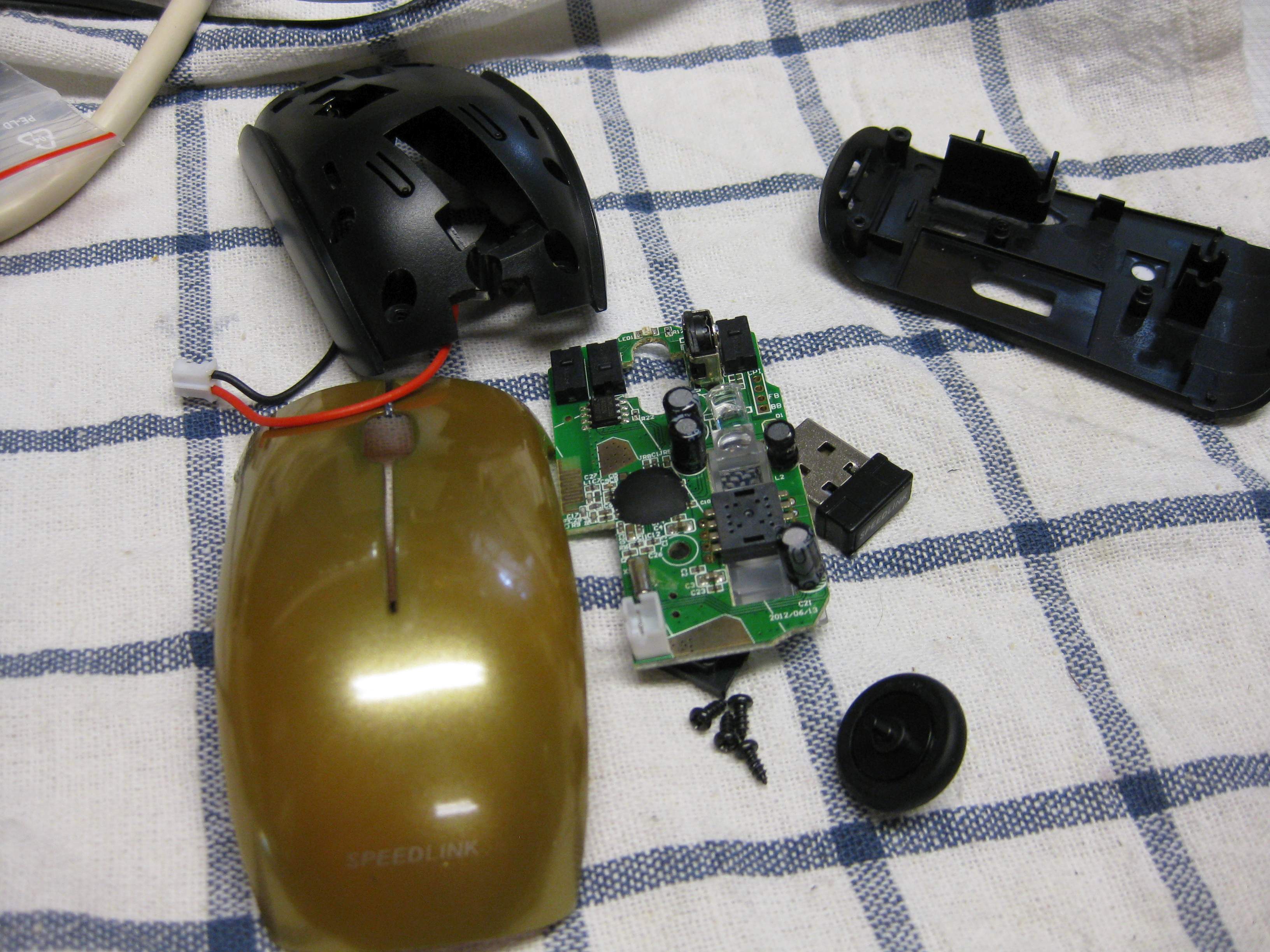
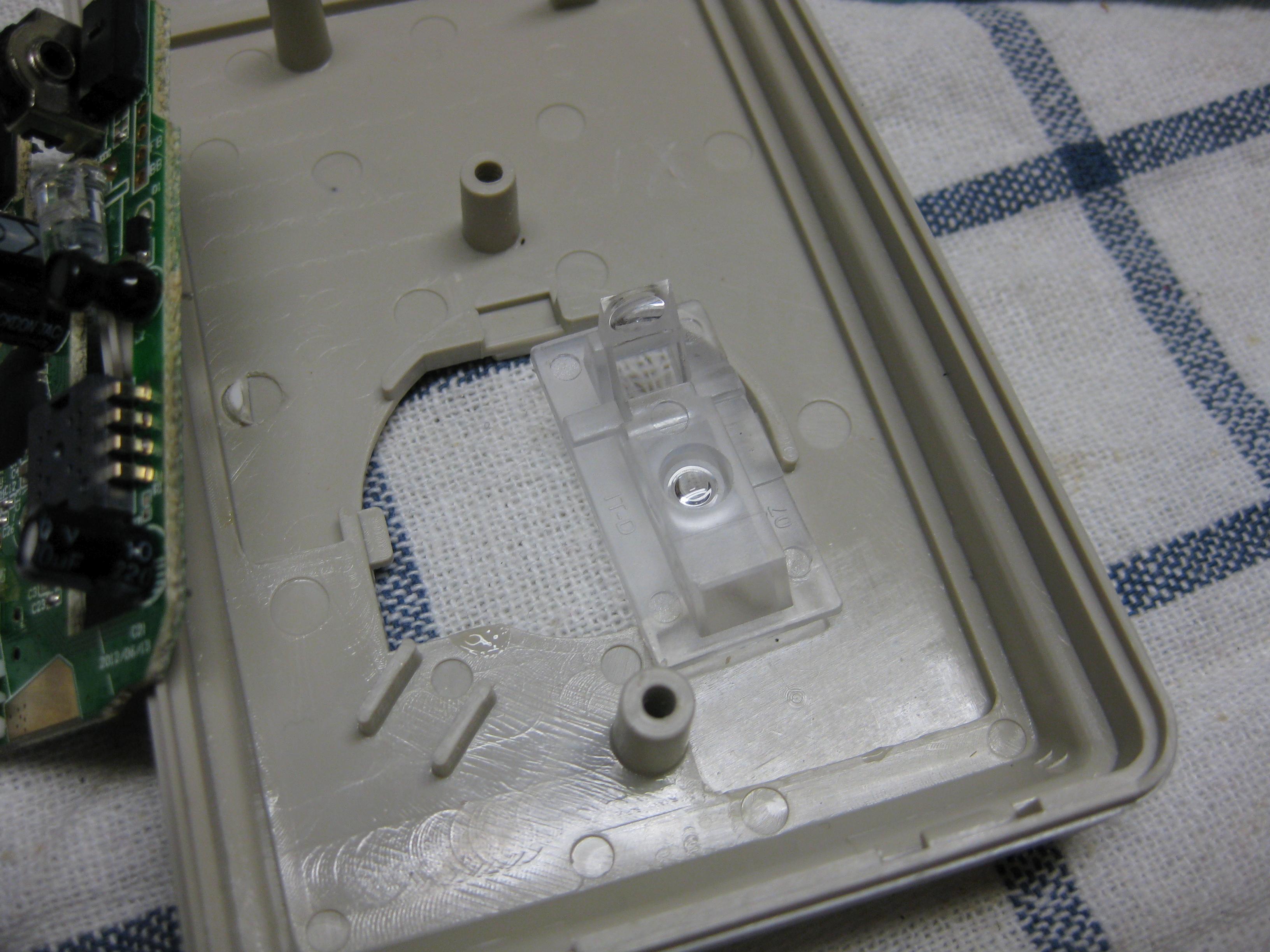
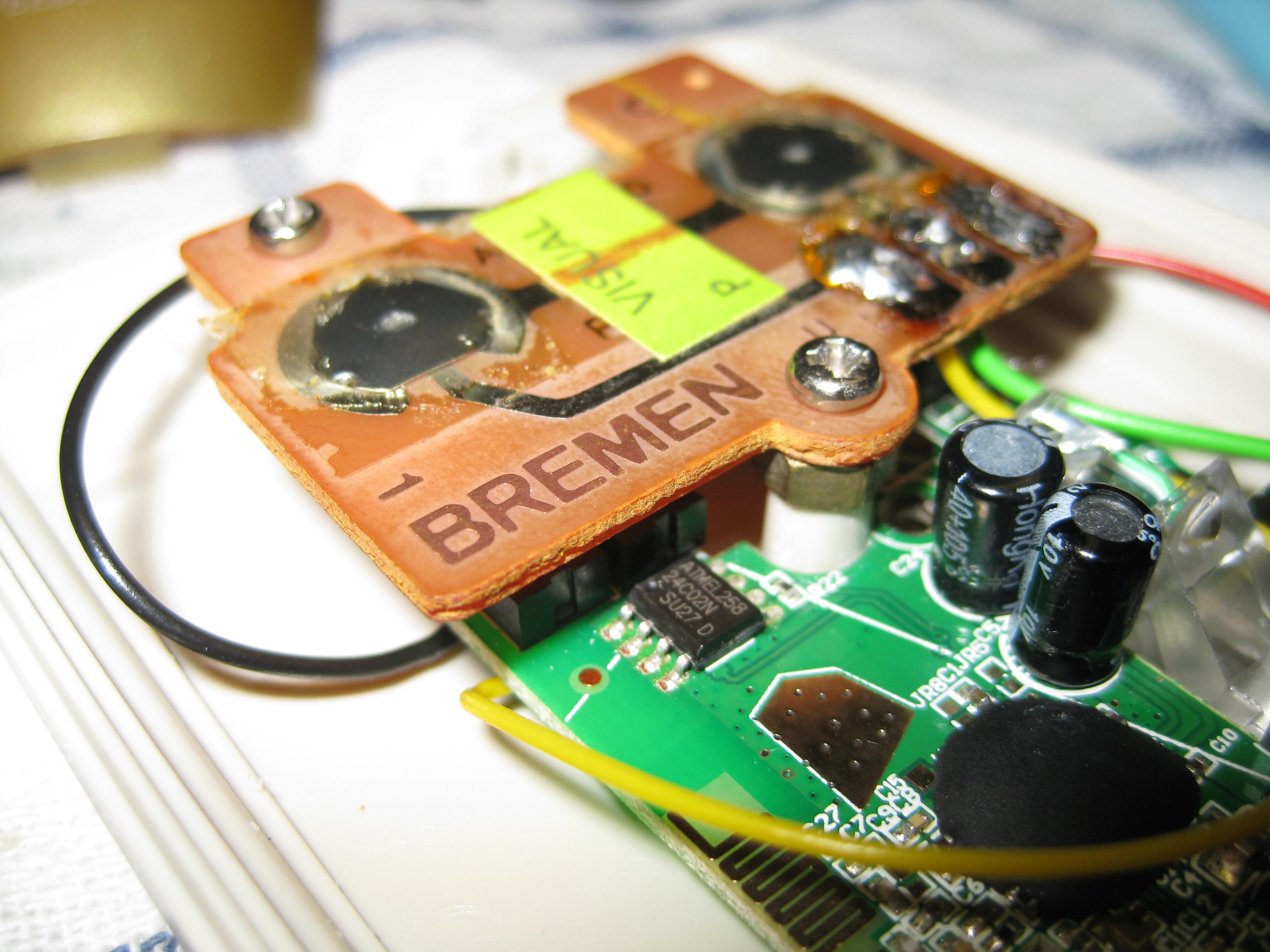
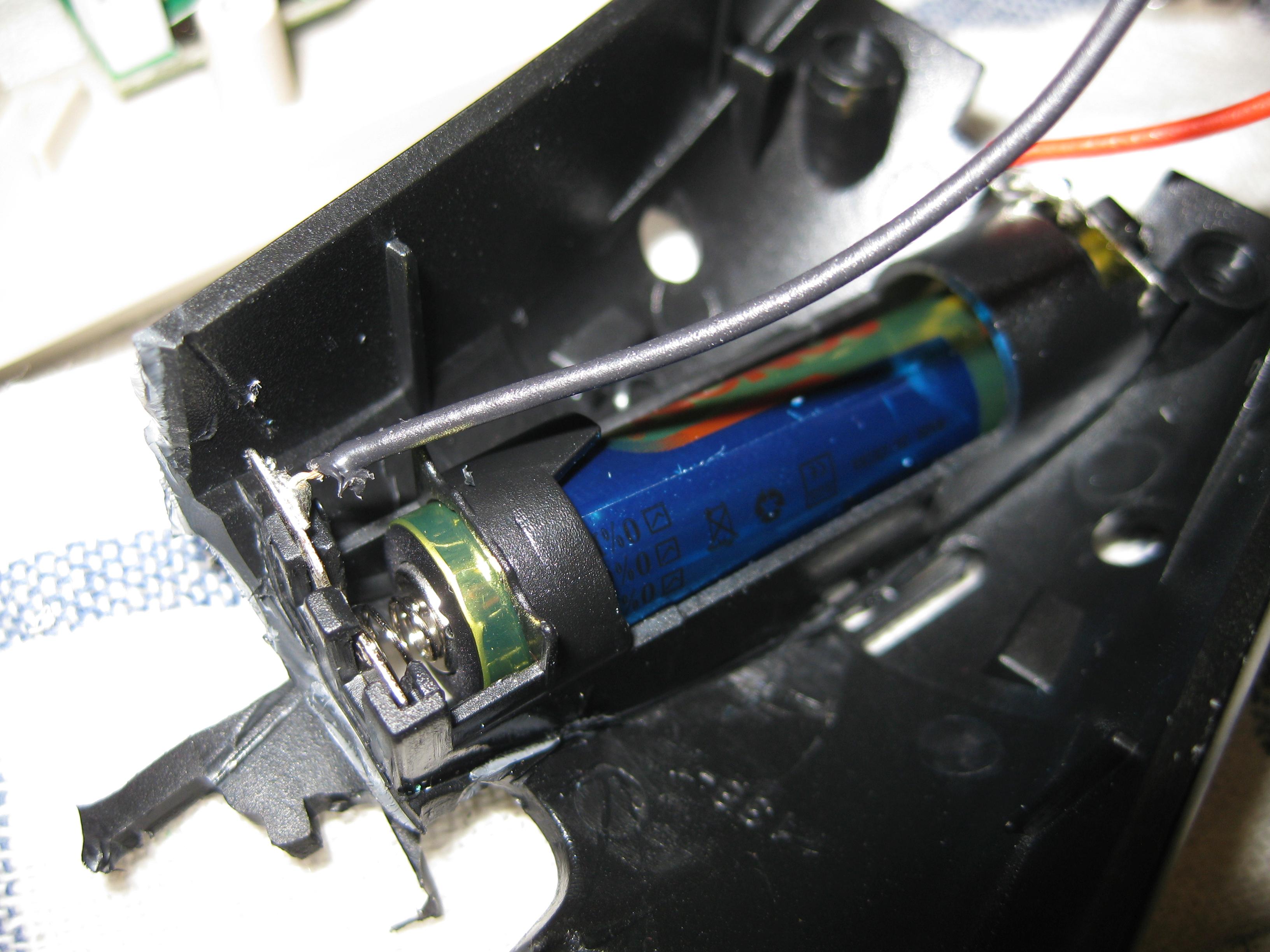
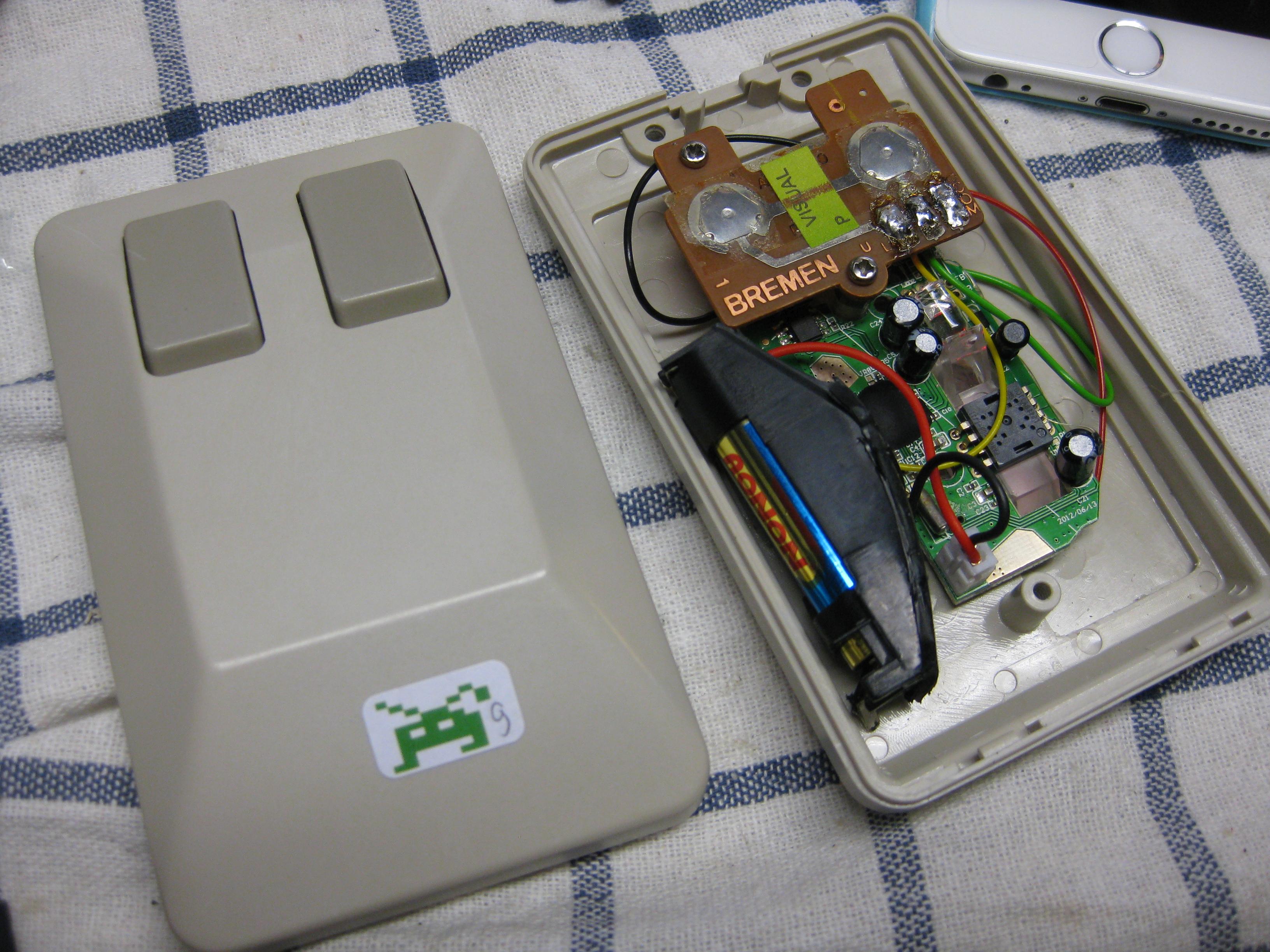
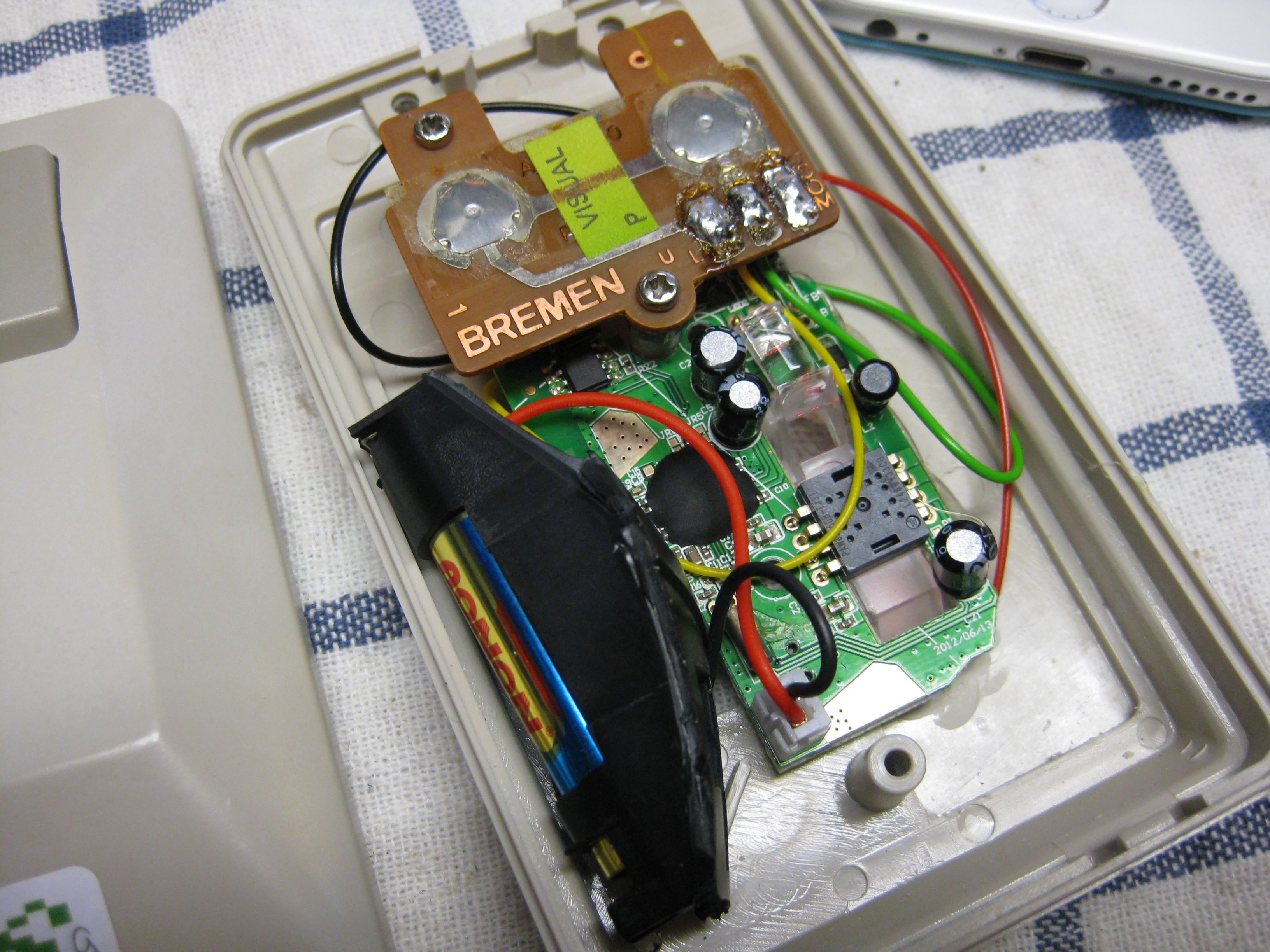
    I want to make a wirless optical mouse with the authentical look and feel 🙂

    For this I Used a small PC optical Wireless Mouse.

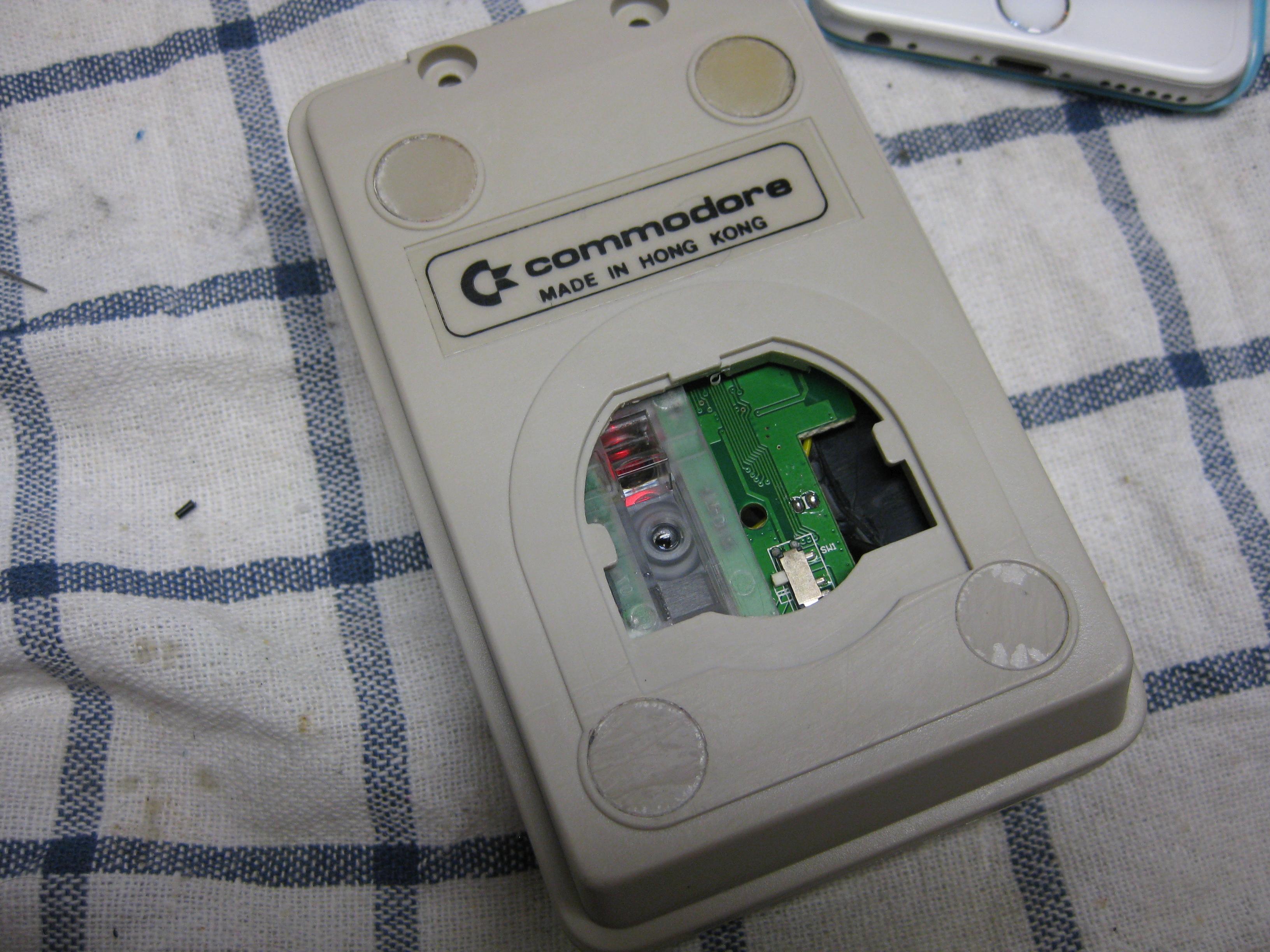
    Opened it removed the uneeded stuff and take a amiga mouse with the help of some dremel it fits into it

    Here you can see some pics from the progress

    Have fun

    amiga_wireless_optical (1)

    amiga_wireless_optical (2)

    amiga_wireless_optical (3)

    amiga_wireless_optical (4)

    amiga_wireless_optical (5)

    amiga_wireless_optical (6)

    amiga_wireless_optical (7)

    amiga_wireless_optical (8)

    amiga_wireless_optical (9)

    amiga_wireless_optical (10)

    amiga_wireless_optical (11)

    amiga_wireless_optical (12)

    amiga_wireless_optical (13)

    15245_1

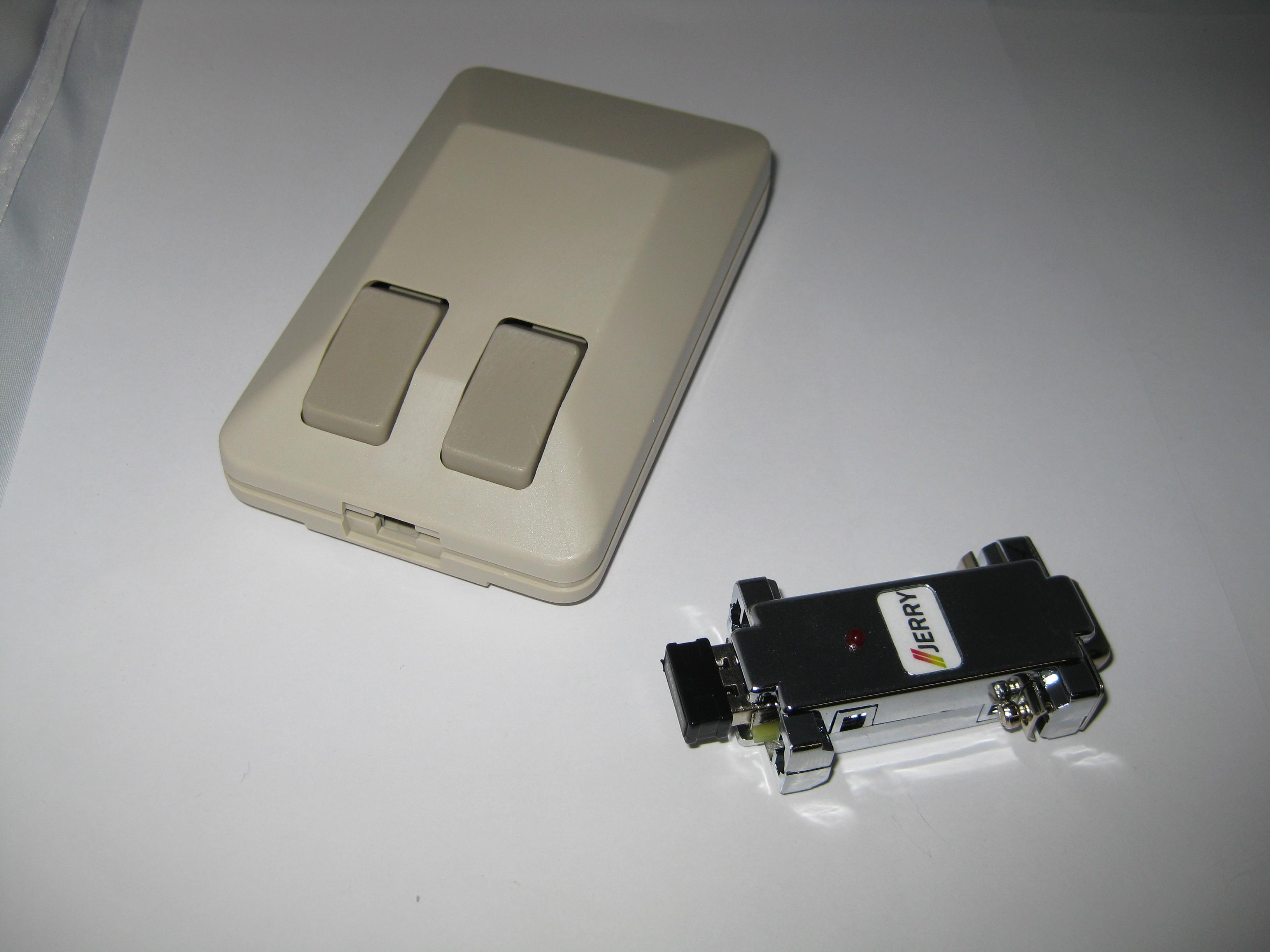
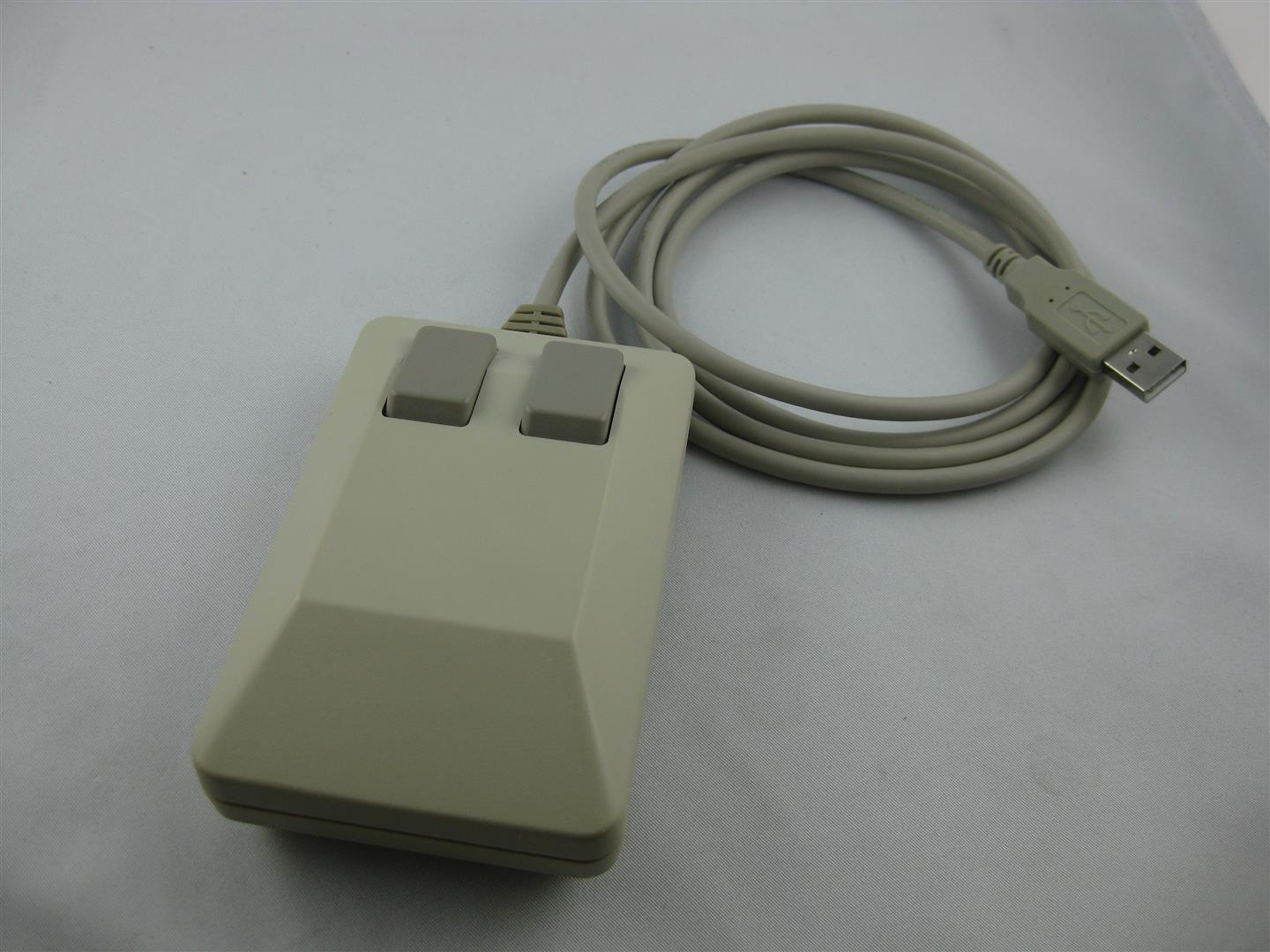
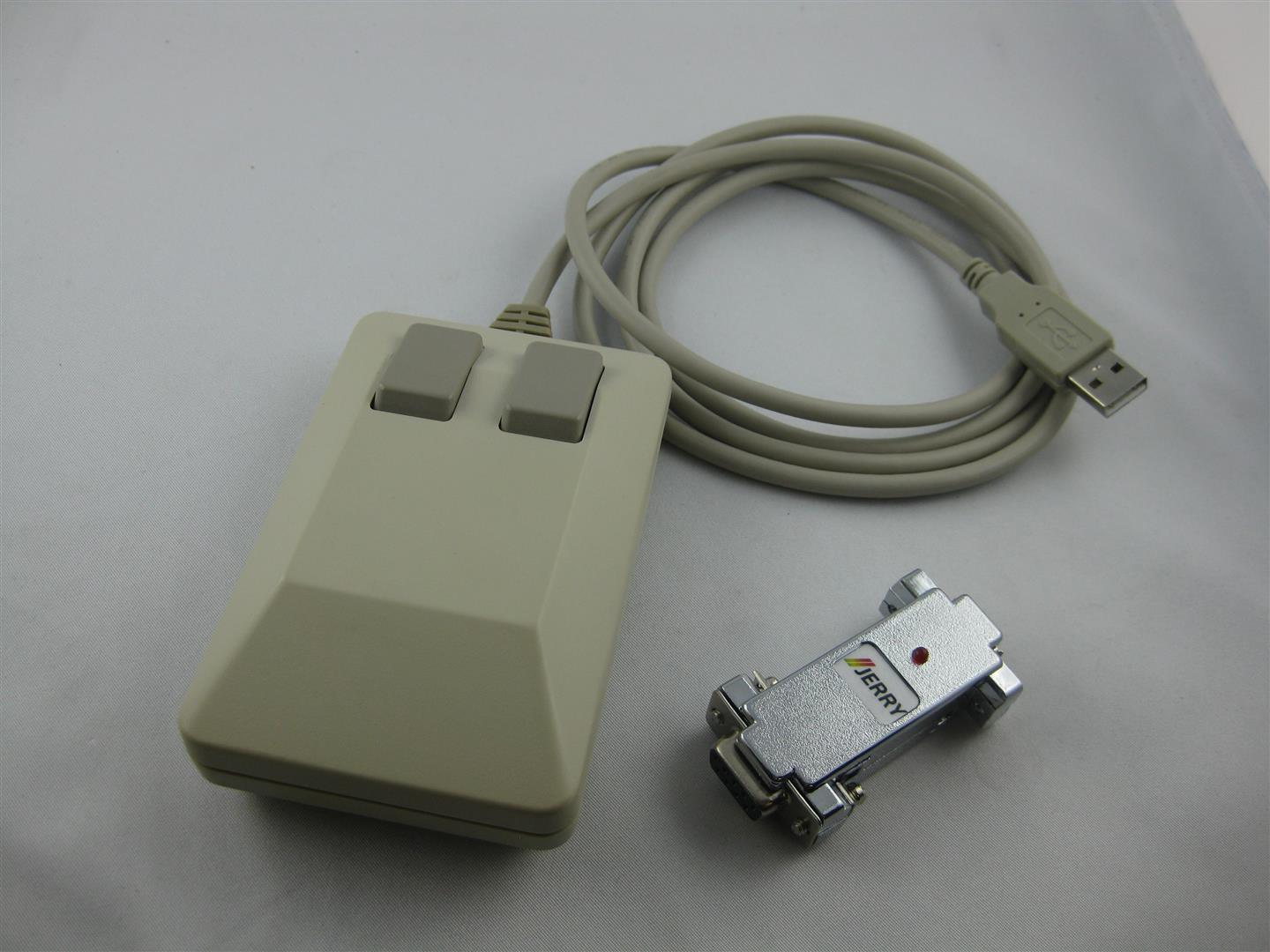
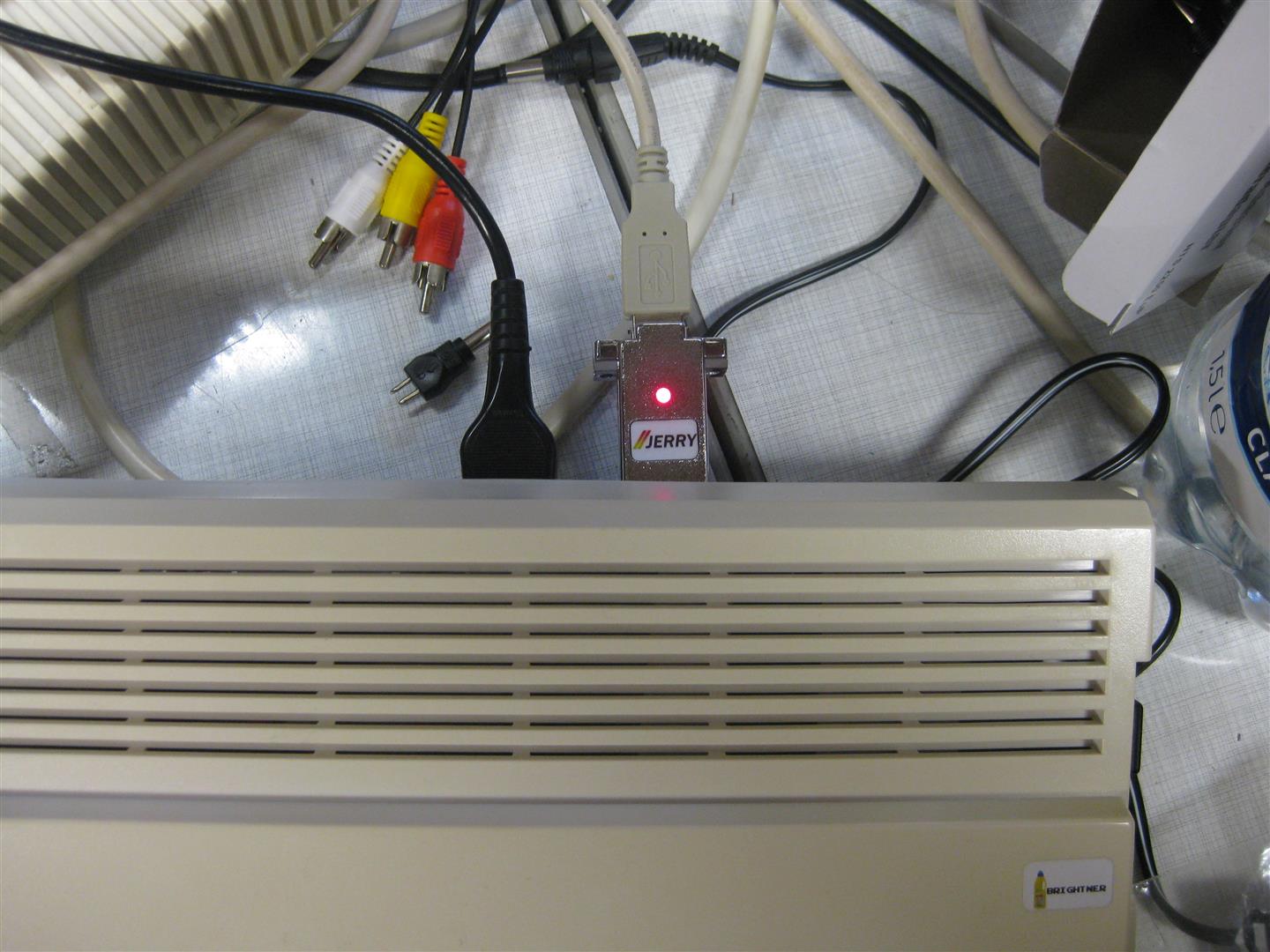
    you can use this mouse at PC via USB, Amiga via Jerry Adapter, Atari ST via Jerry Adapter

    3 in 1 Mouse

  • Atari 2600 S-Video Mod PAL 6-switch Modell

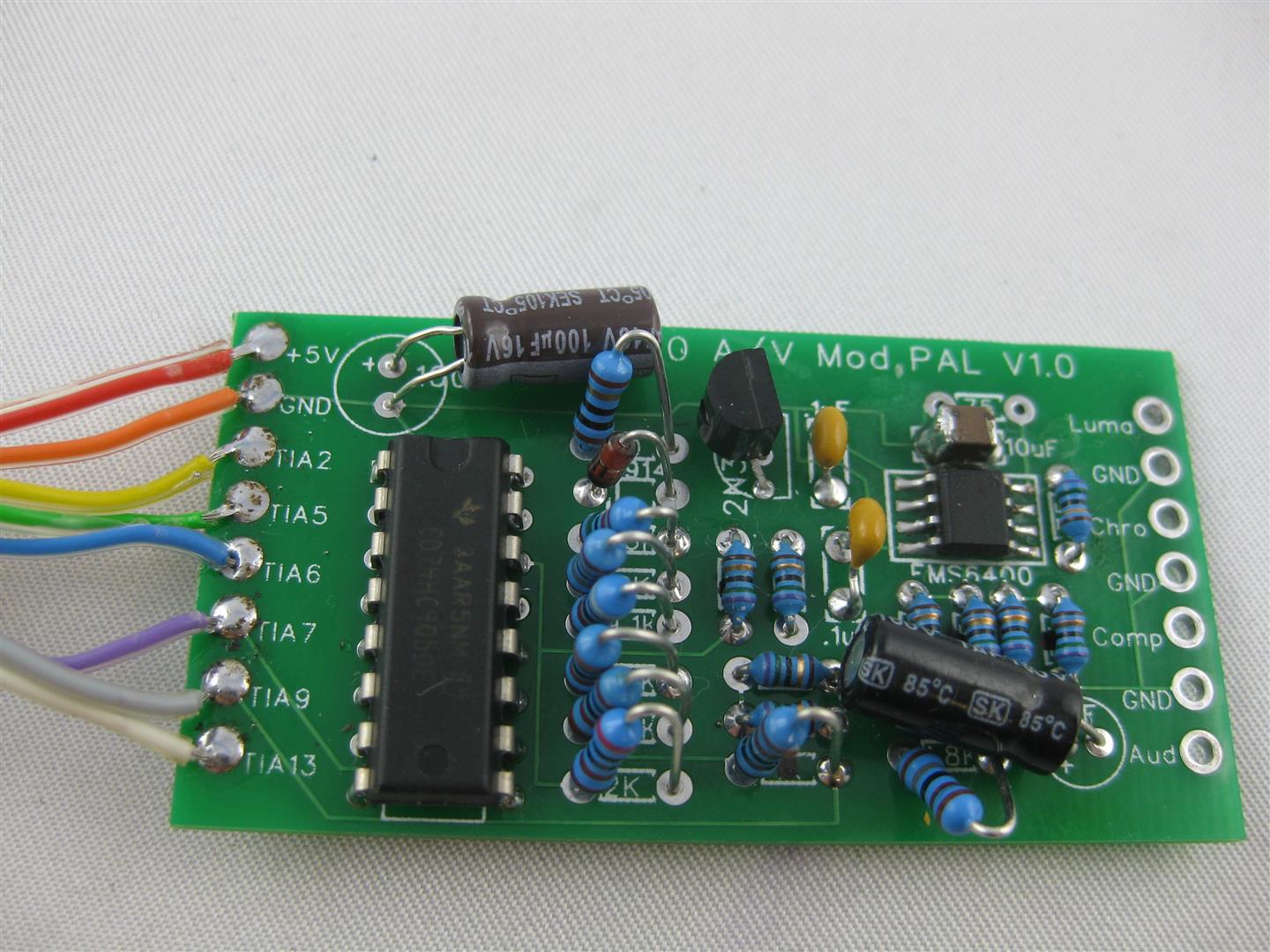
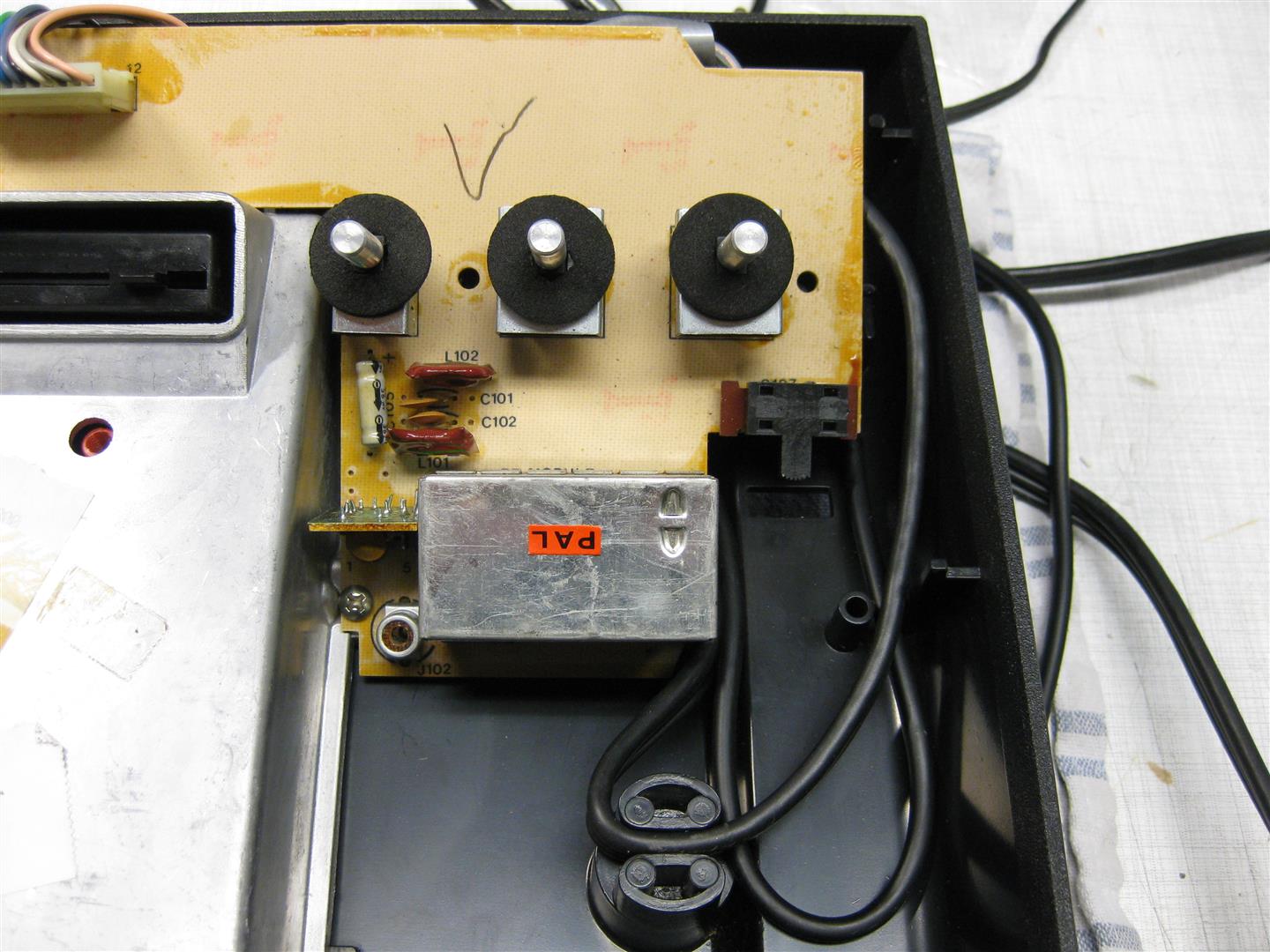
    Putting the good old Atari 2600 to a proper view, needs some help of a little s-video pcb.

    1_pcb

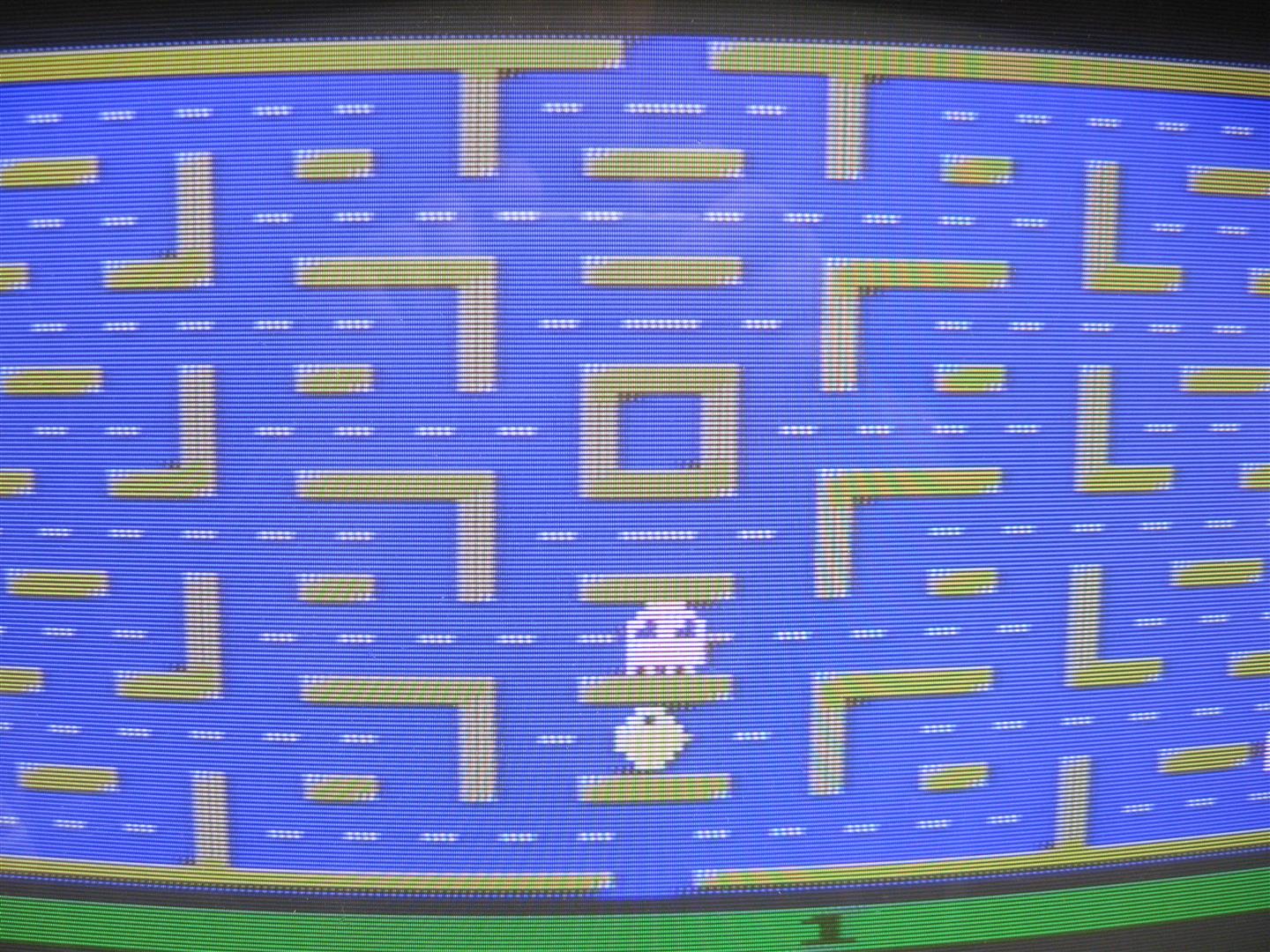
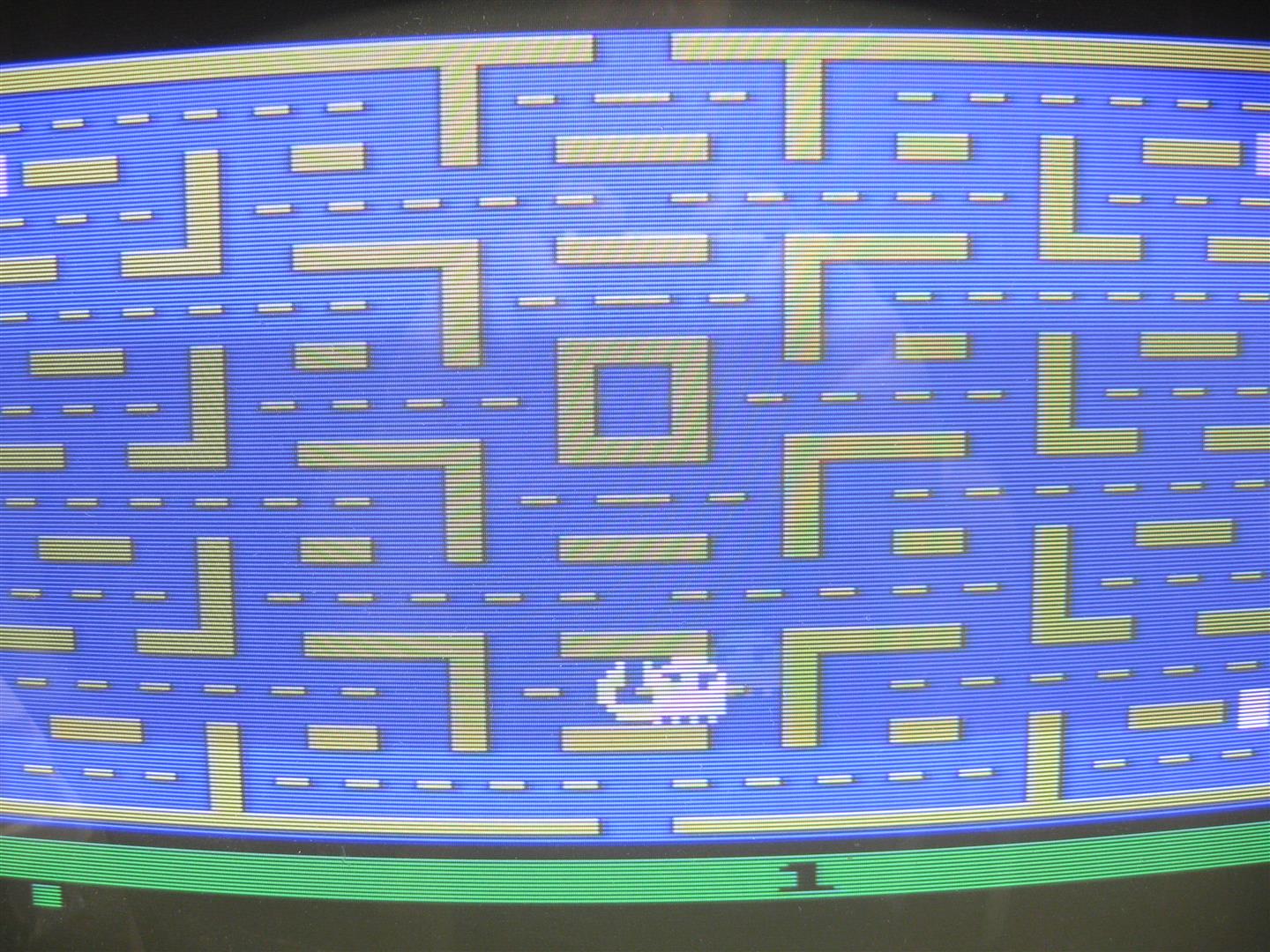
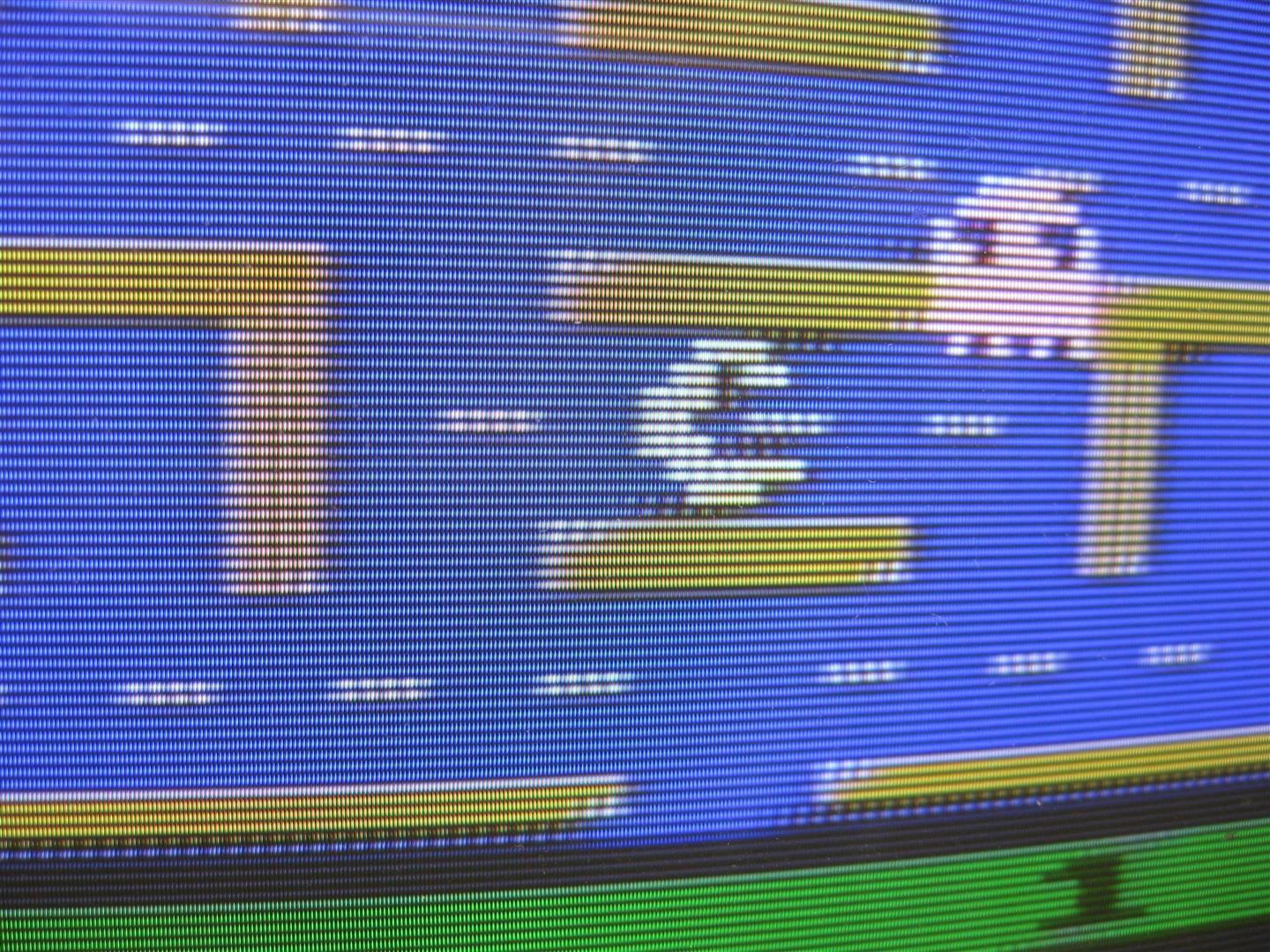
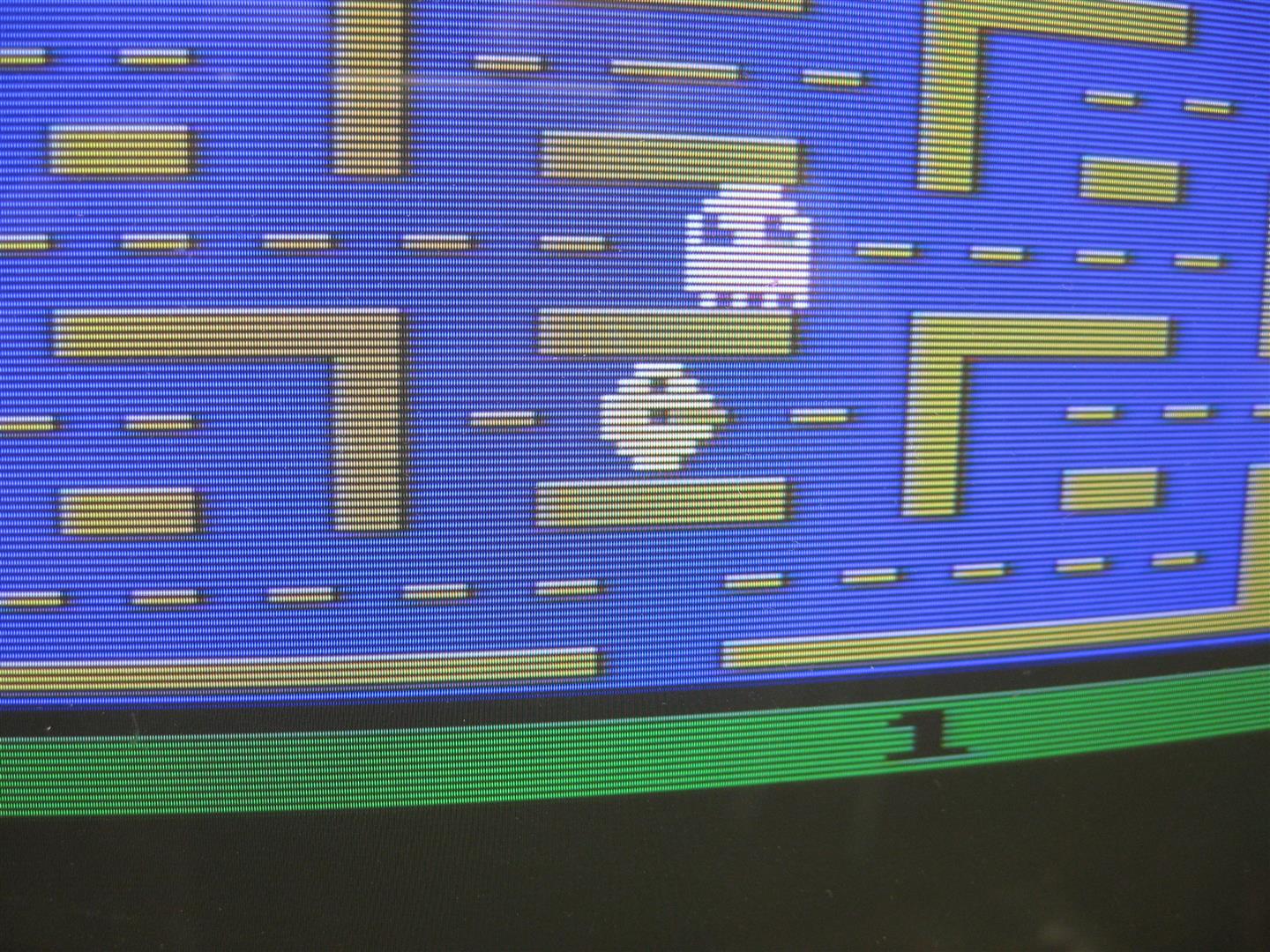
    I done the mod and show some pictures comparing video Signal and S-video. I will prefer S-video and better RGB see other post.

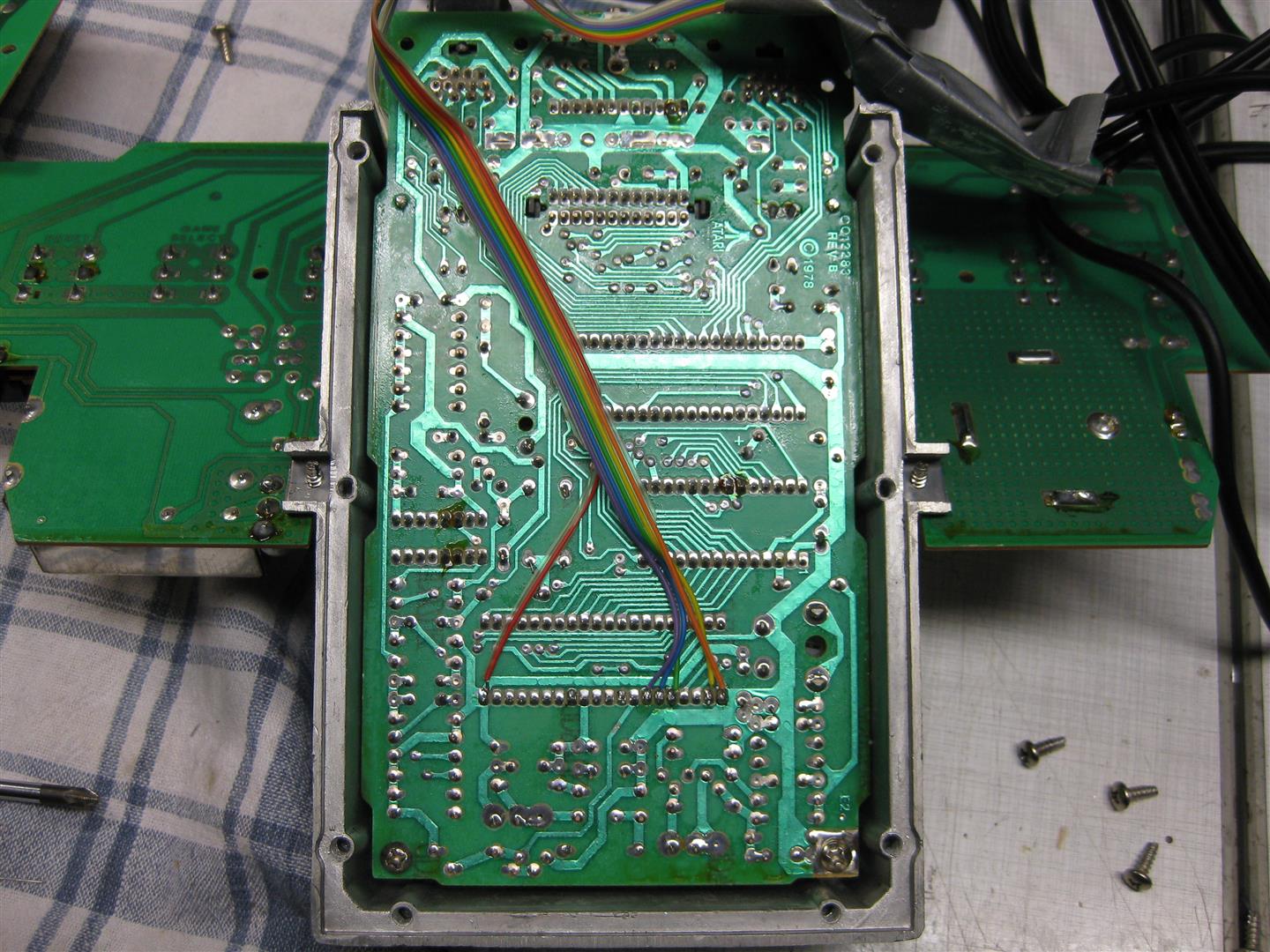
    Opening the 2600 and go to the TIA chip. Here you have to solder some wires

    2_most_tias

    upper side

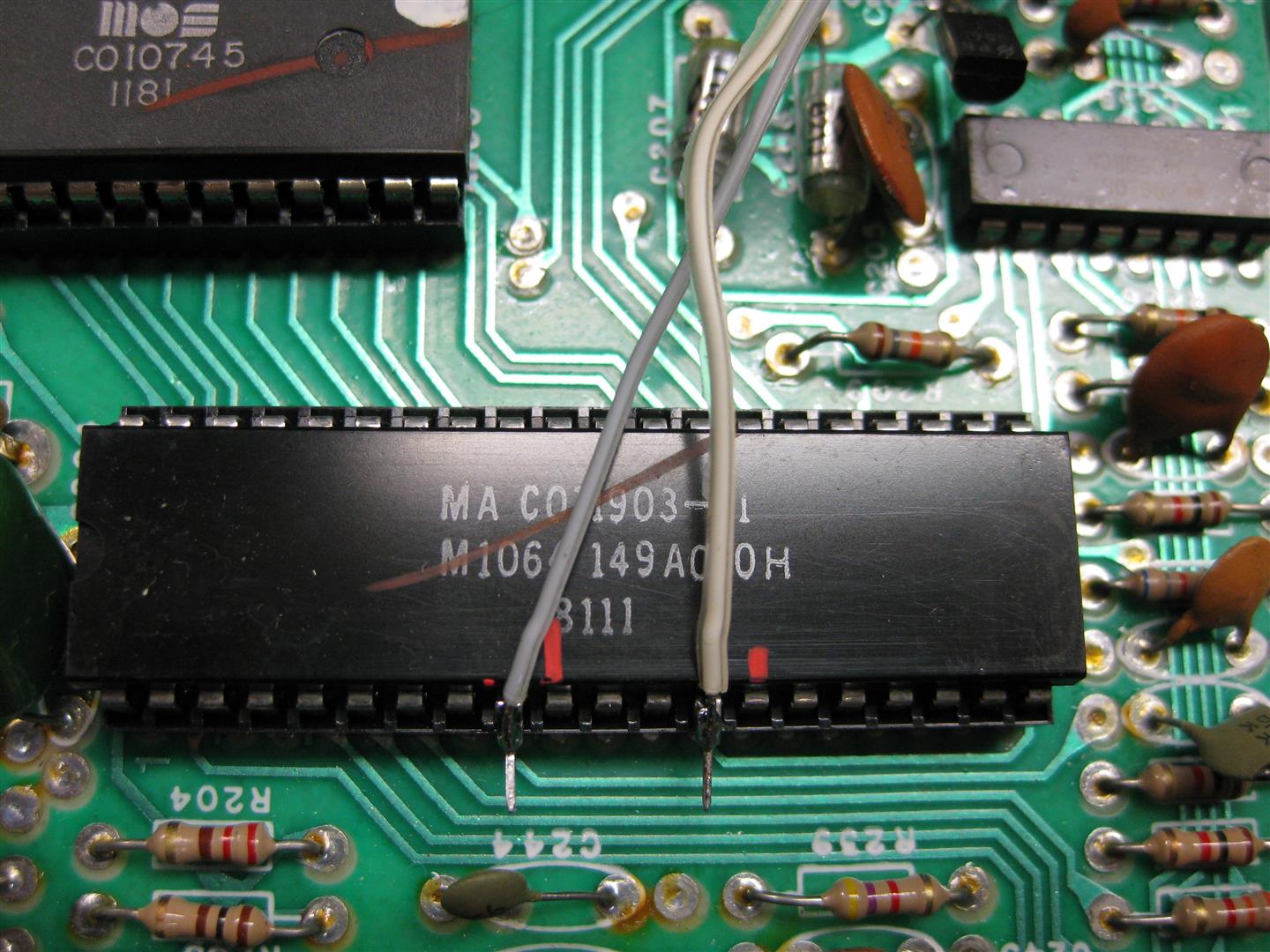
    3_tia_9_13

    (lift pin 9 and 13 and solder the two wires directly to the TIA Chip)

    wiring of S-Video/A/V cable

    4_zugentlastung

    Some pics

    5_Video_Signal

    (Video Signal)

    6_s-video_1

    (S-Video)

    7_video_2

    (Video)

    8_s-video_2

    (S-Video)

  • 8Bitdo SFC30 Gamepad optimized

    Recently I got some Pads from http://www.8bitdo.com/

    If you want to buy some Look here

    Great bluetooth Pads working on tablets, iphone, ipad, android phone/tablets, Windows, MAC, Nintendo Wii, Retrocon…

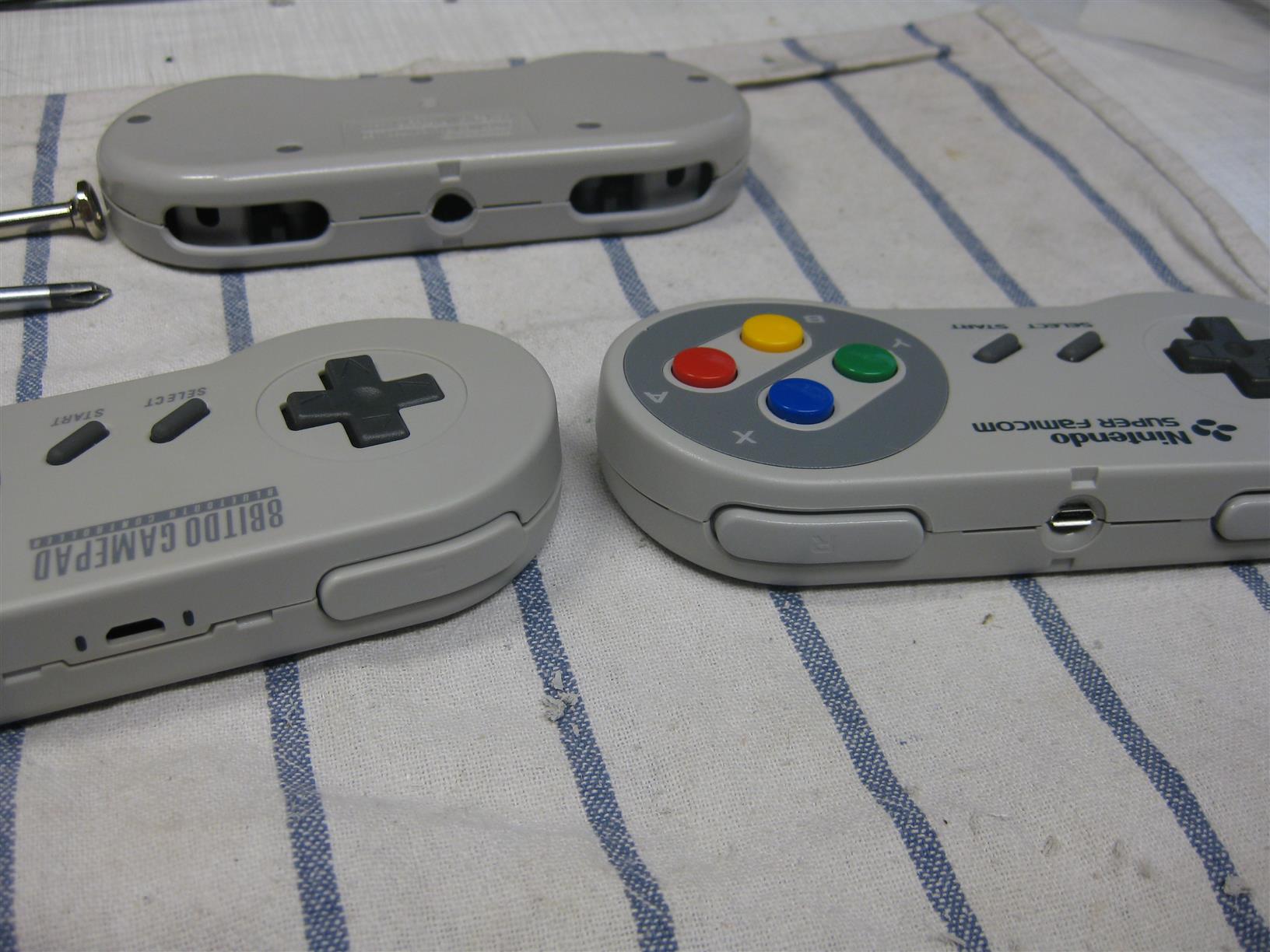
    The SFC30 is looking like a SNES Controller and reached it around 80-90%. But I want it 100%

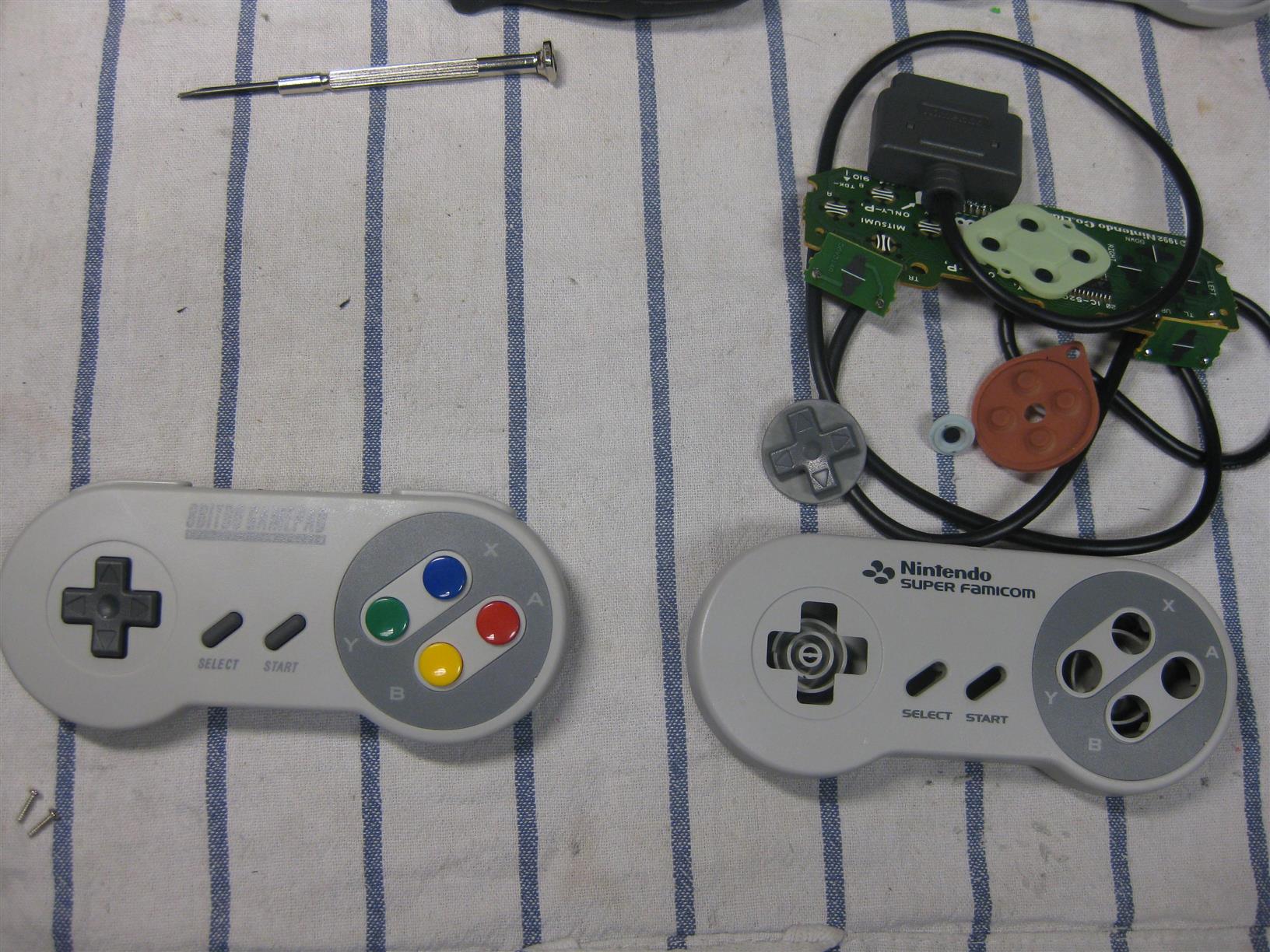
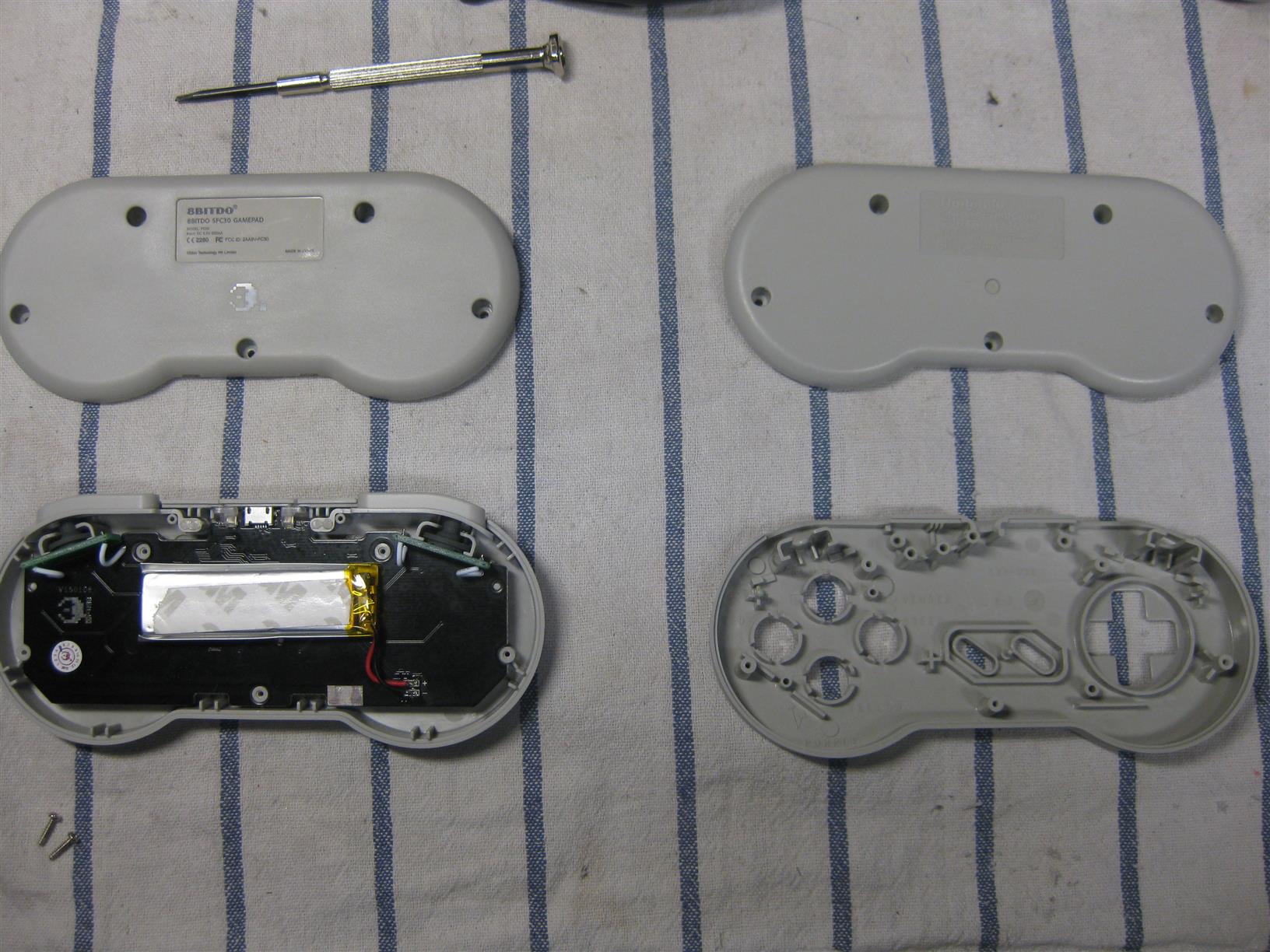
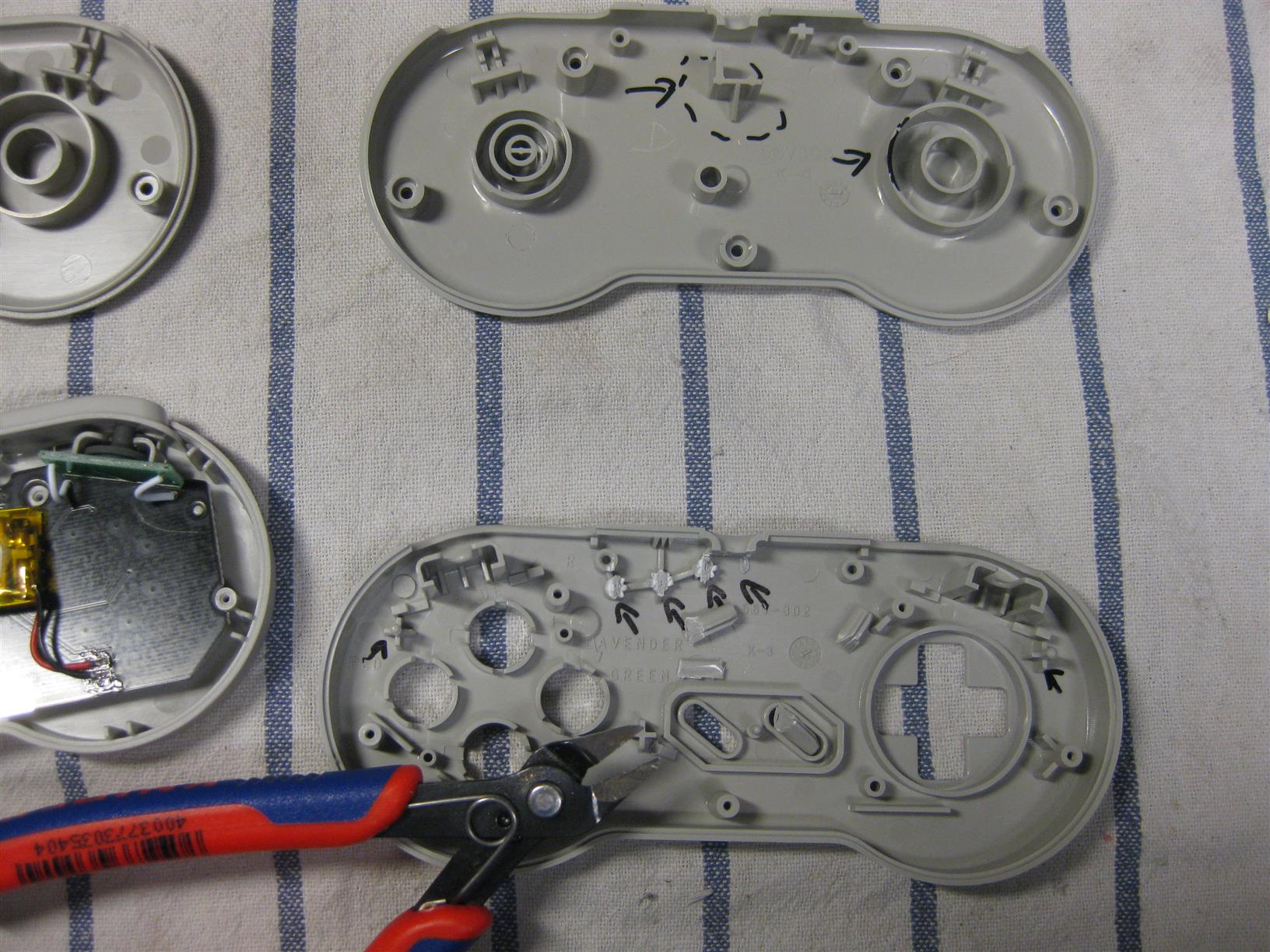
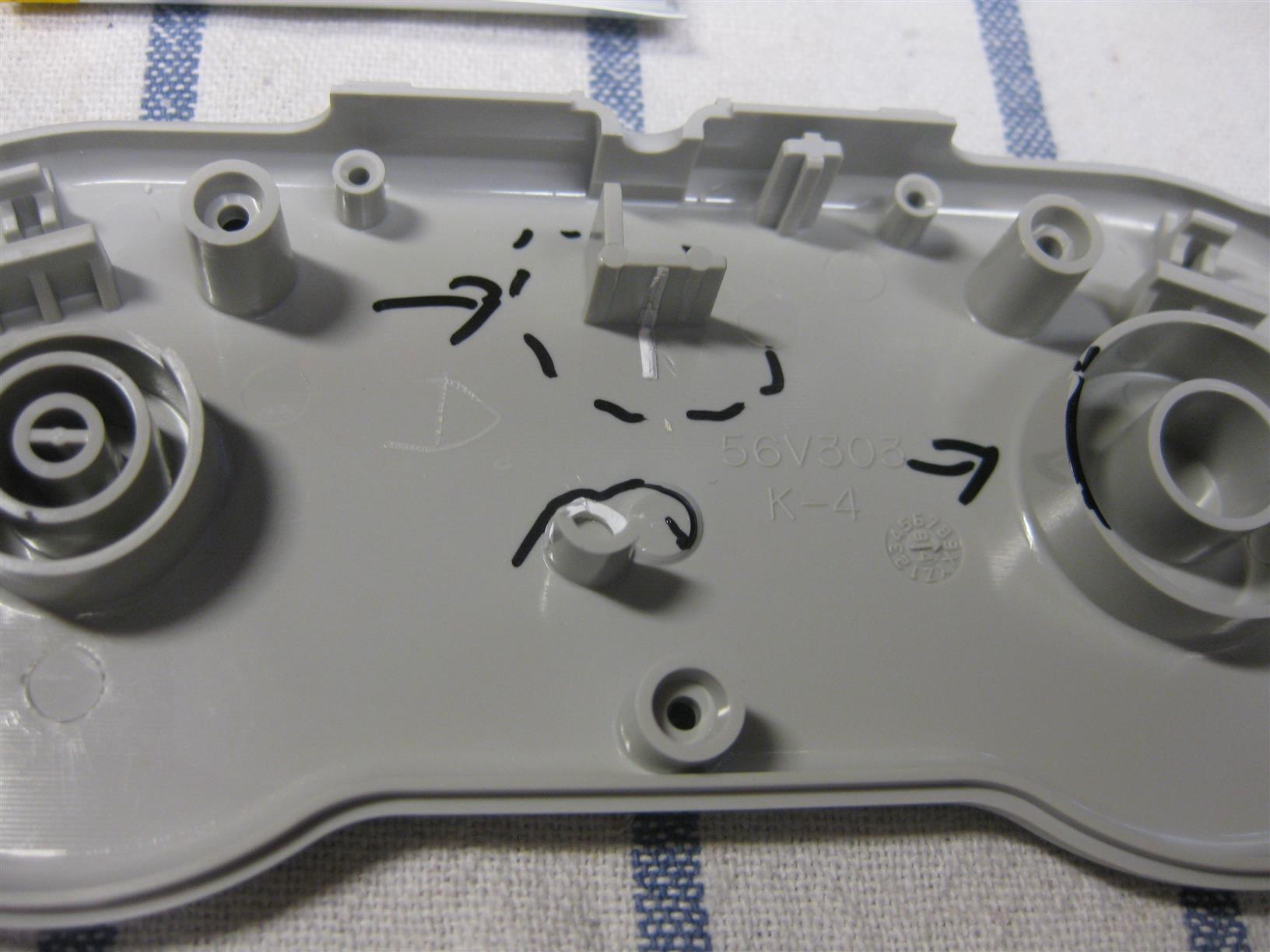
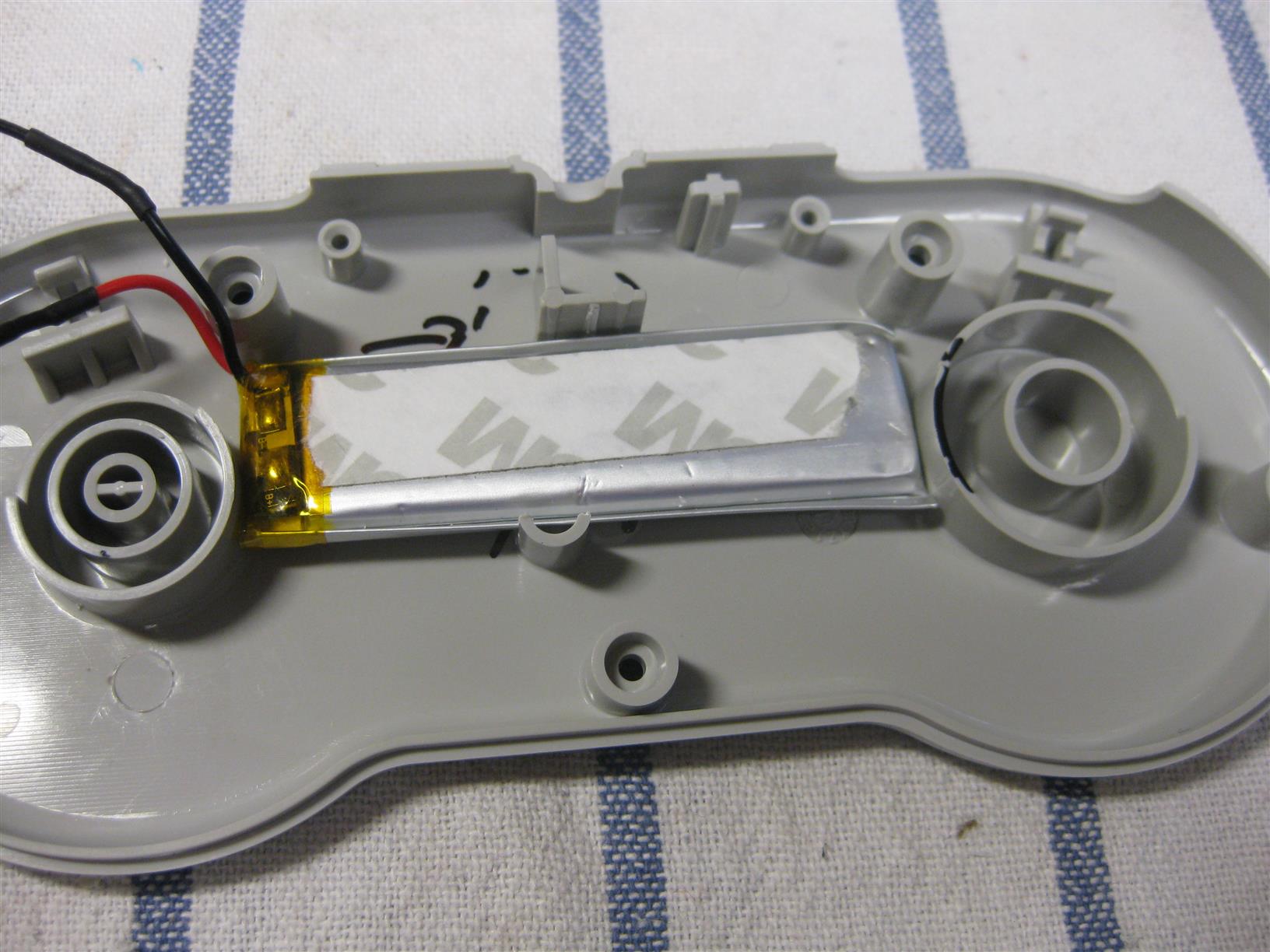
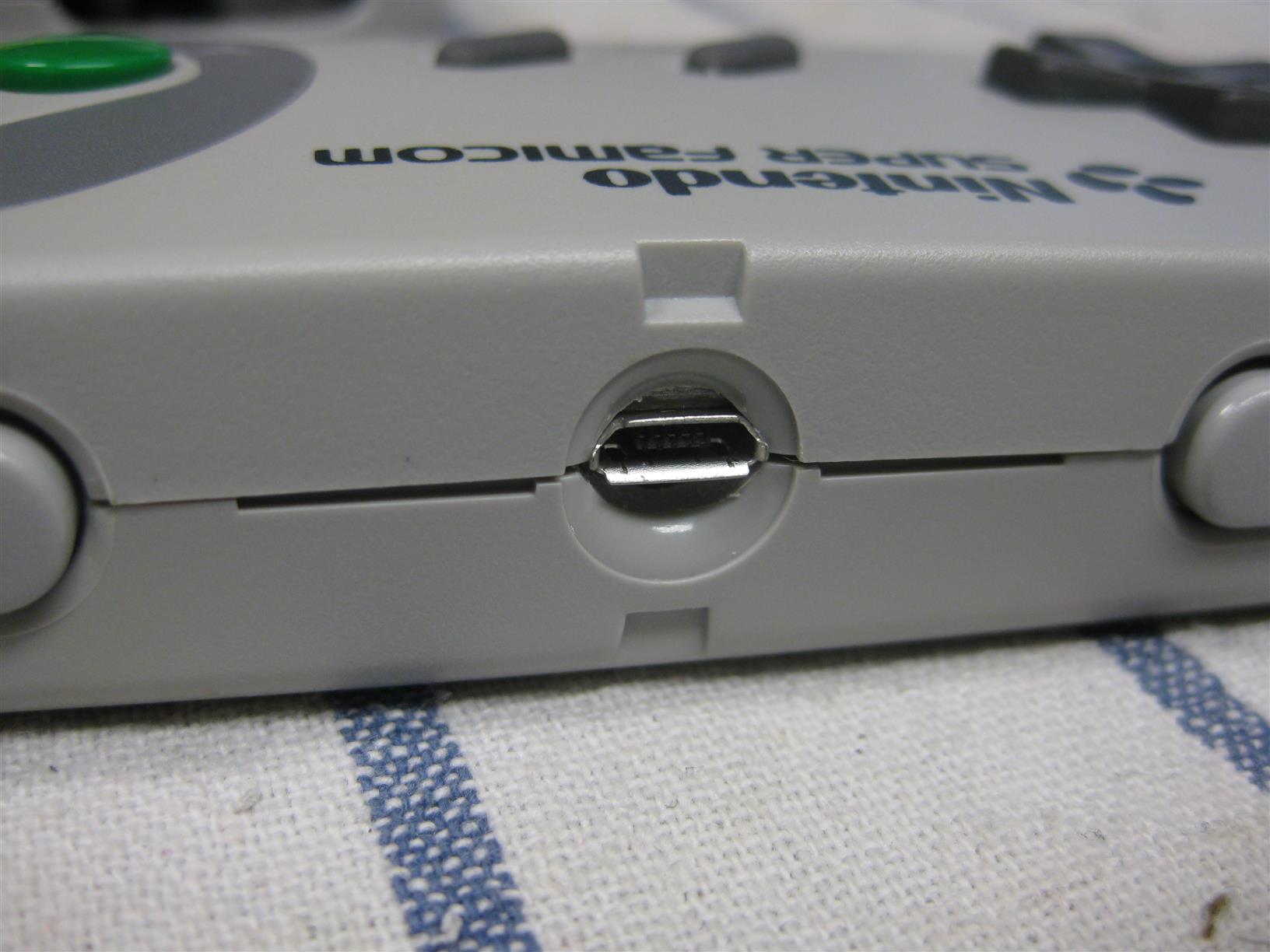
    So I put the PCB of a SFC30 into a original SNES Controller. You need only some drilling and its a fast job.

    Look here for some pictures during the process

    sfc30_to_snes (2)

    sfc30_to_snes (3)

    sfc30_to_snes (5)

    sfc30_to_snes (8)

    sfc30_to_snes (9)

    sfc30_to_snes (1)

    sfc30_to_snes (12)

  • Super Famicom PAD MOD to work with PAL SNES

    Hi Folks,
    there are two ways to make Super Famicom Pads work on a PAL SNES.

    a) You can mod the ControllerPort inside the PAL SNES and shortcut the 4 diodes with some wire.


    b) You mod the controller inside

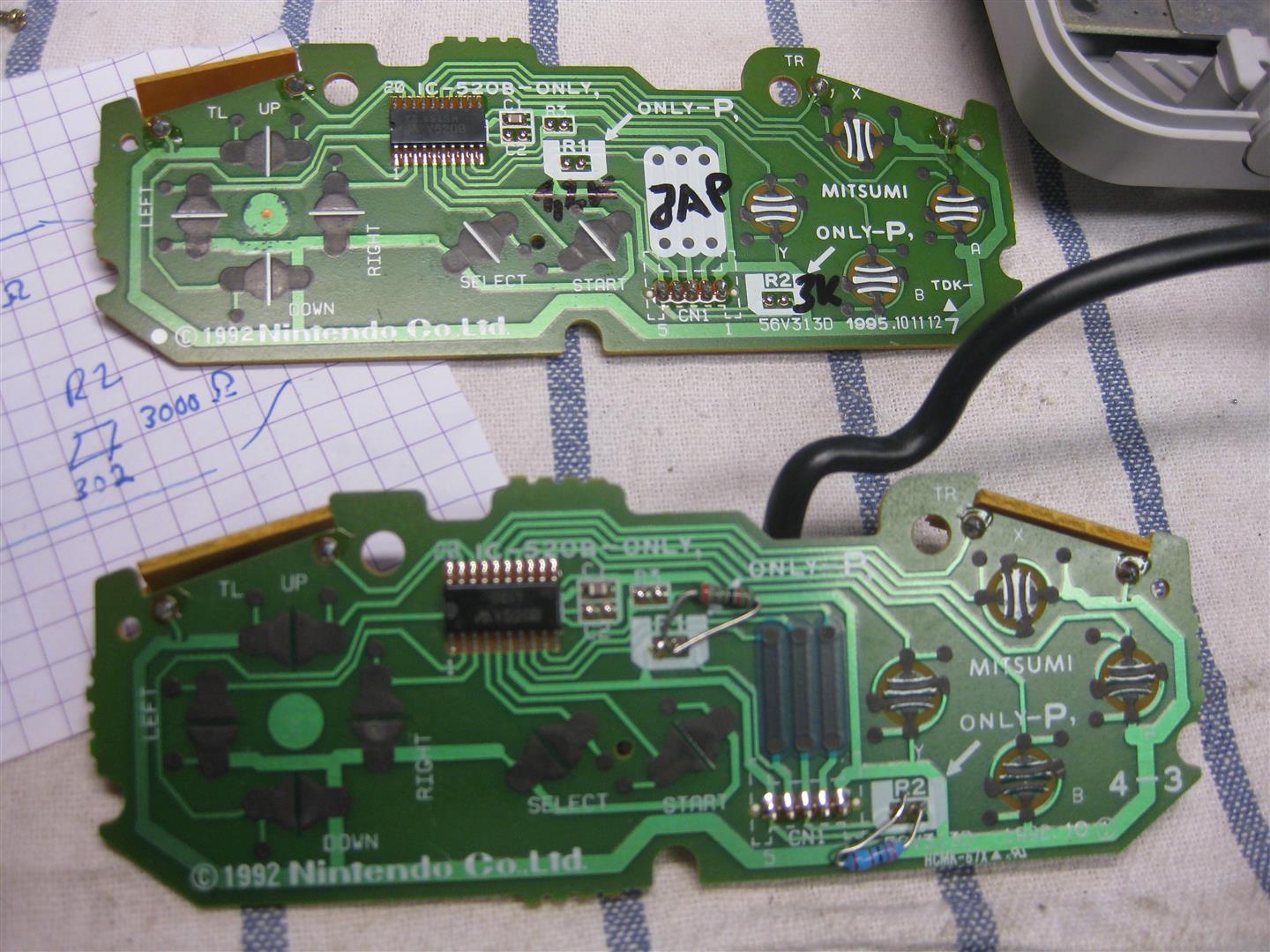
    I found different PCB generations inside the SuperFamicom. A PCB copyright 1992 shows with big arrows: Only P

    bothsnesfamicom

    OK I have a look inside a PAL SNES Controller and shows to me: R1=1,2kOhm and R2=3kOhm.
    I done a quickshot with standard Resistors and used 1,2k and 3,3k. And 🙂 Yeah a japanese Controller is working on my PAL SNES.

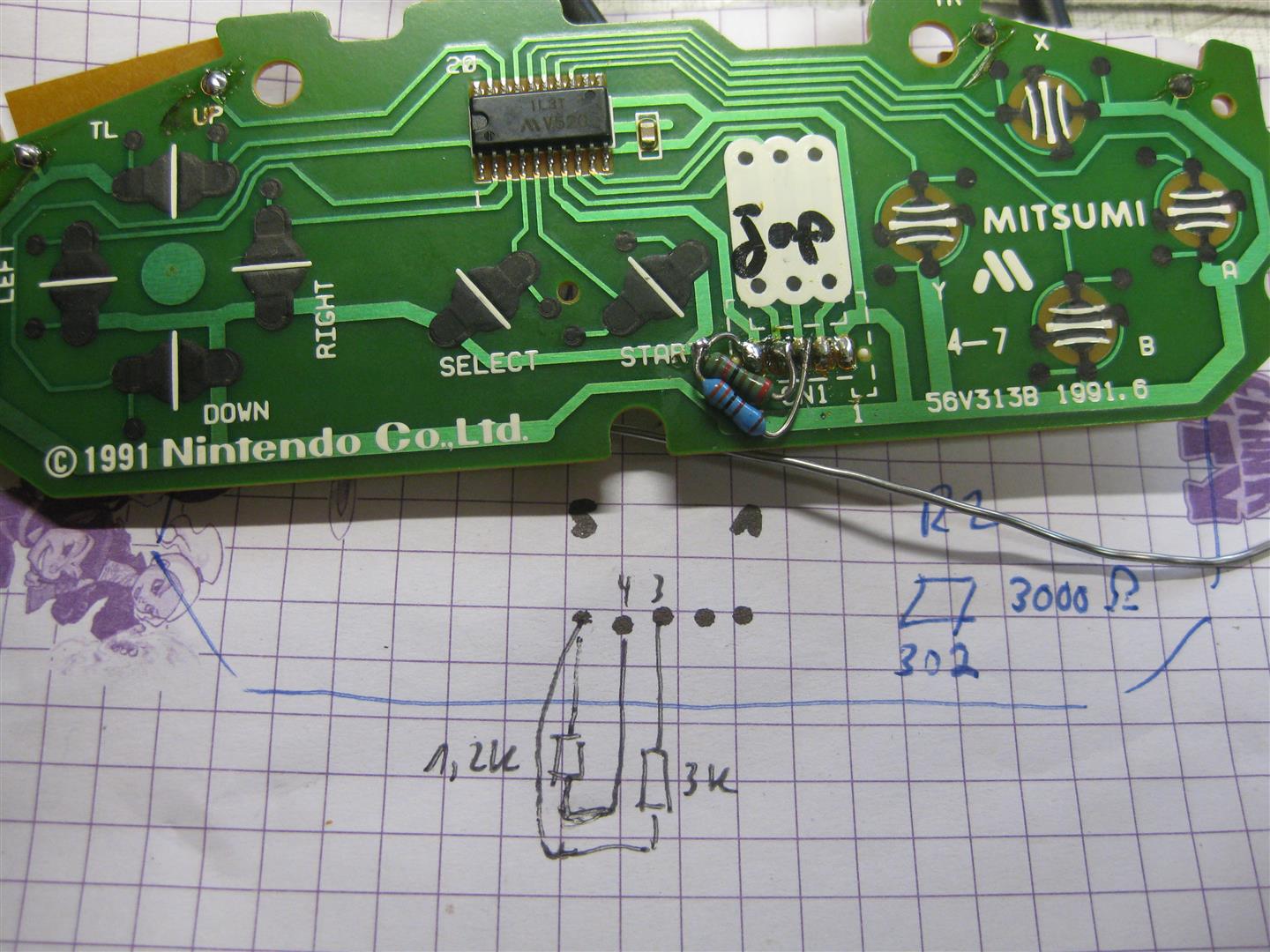
    A „older“ japanese PCB from 1991 is missing the two resistor spaces. After checking the cirquits at 1992 Layout, no problem for this layout too.

    Put 1,2kOhm between Pin 5 and Pin 4 and

    3,3k between Pin 5 and Pin 3

    of the ControllerCable Connector and it works too

    superfamicom1991

    Have Fun


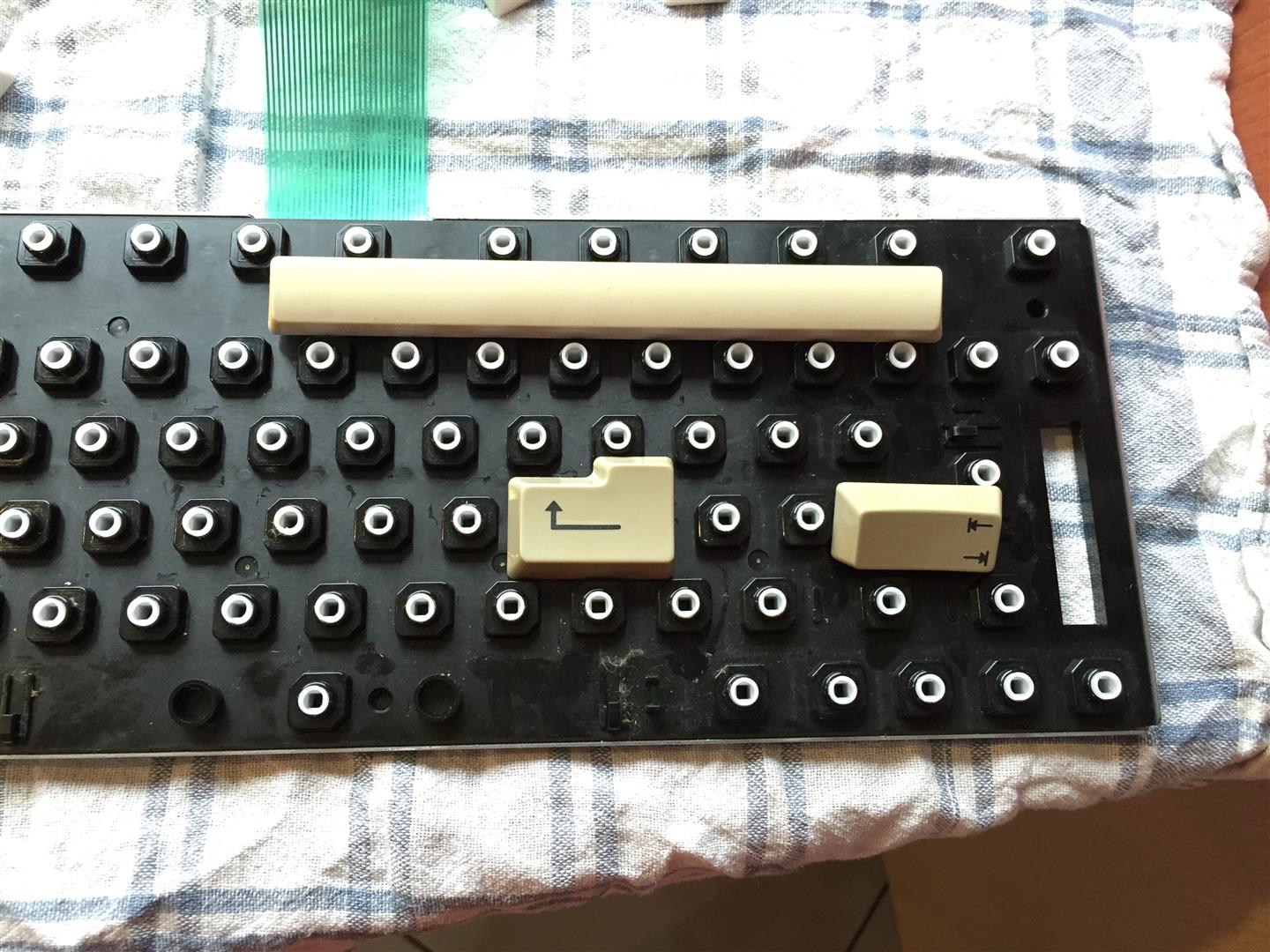
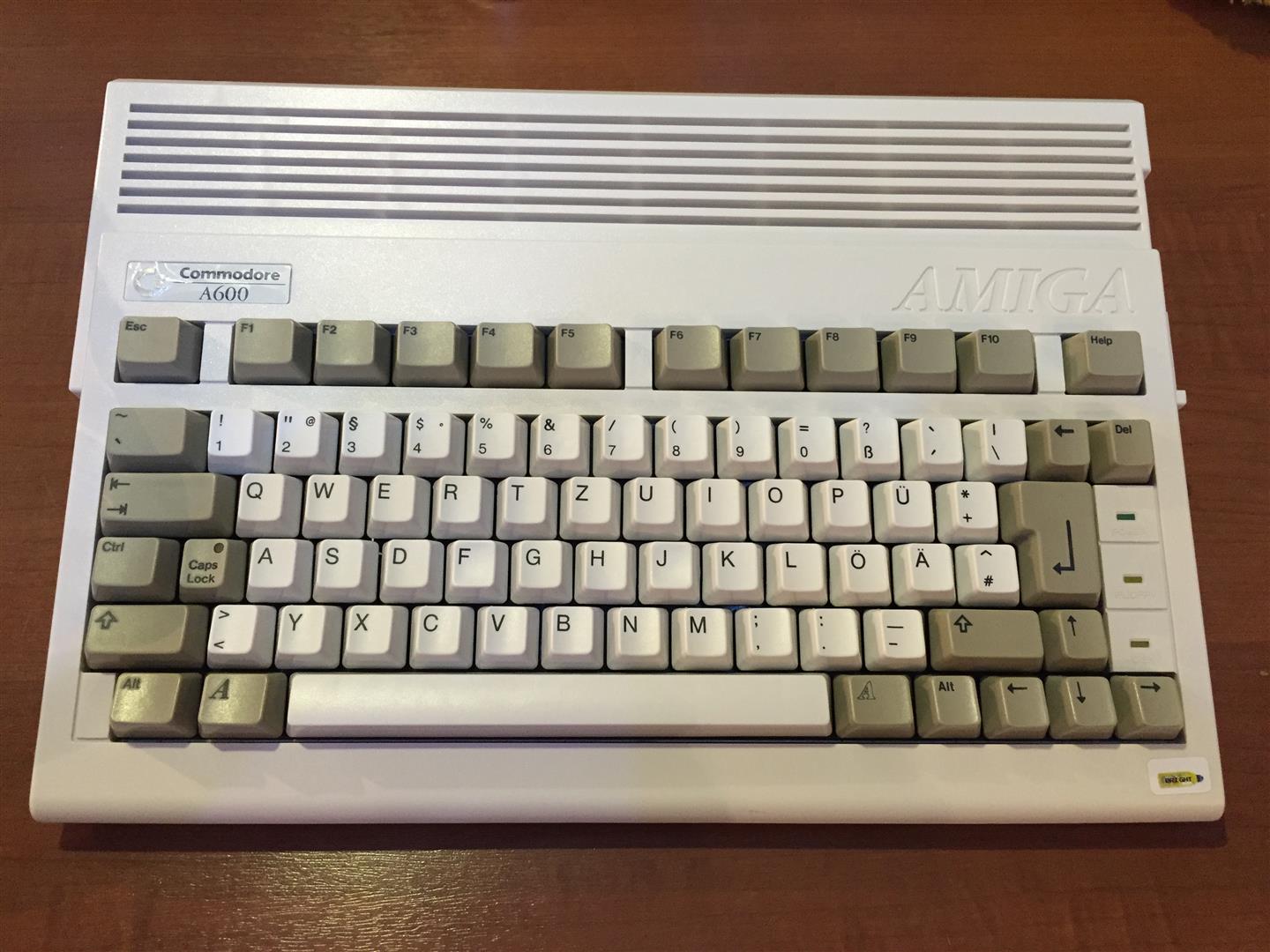
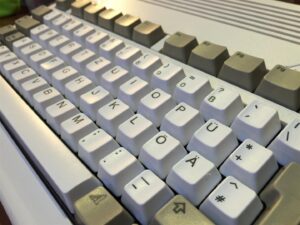
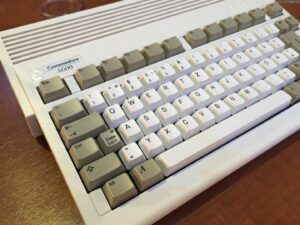
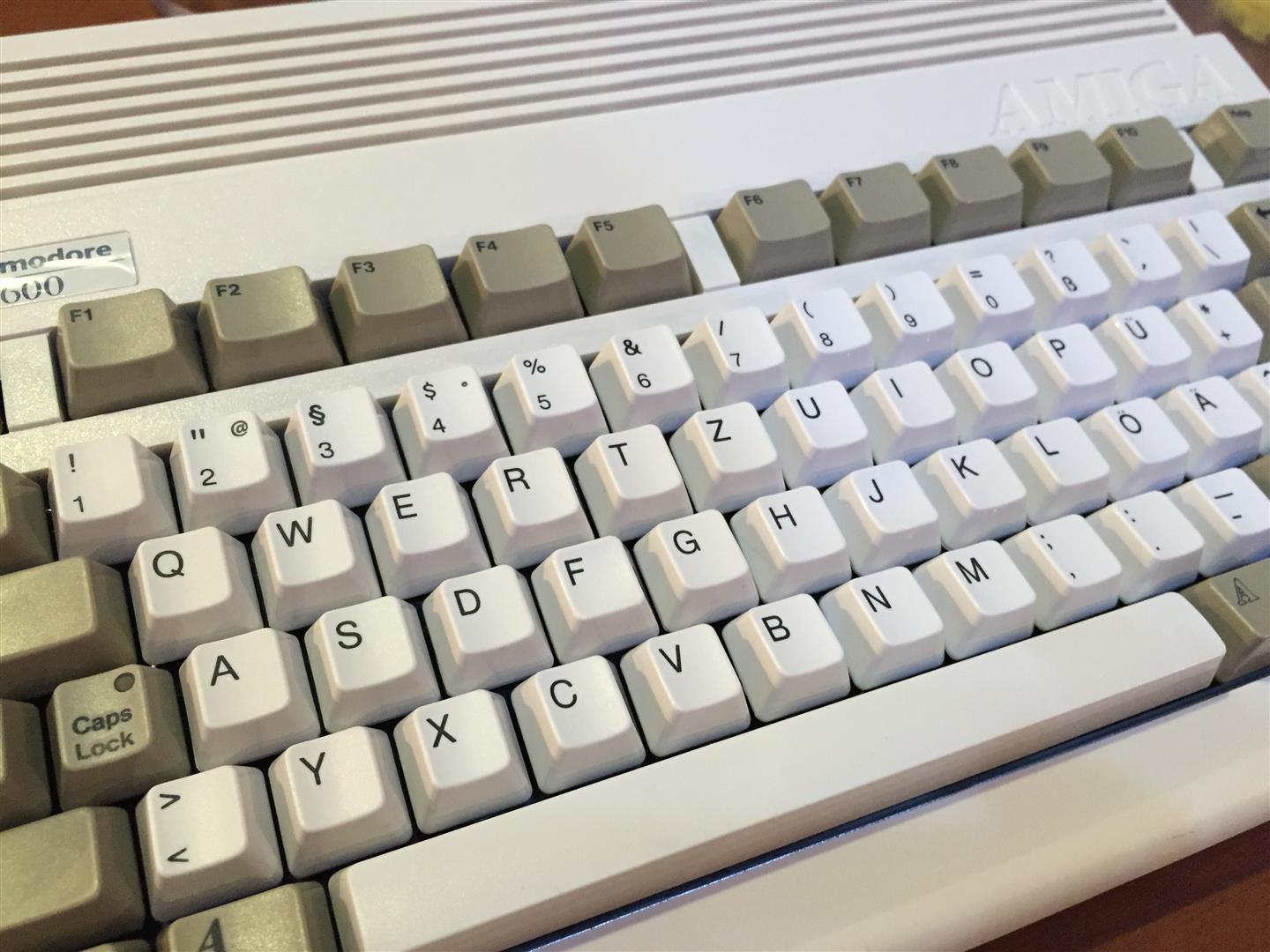
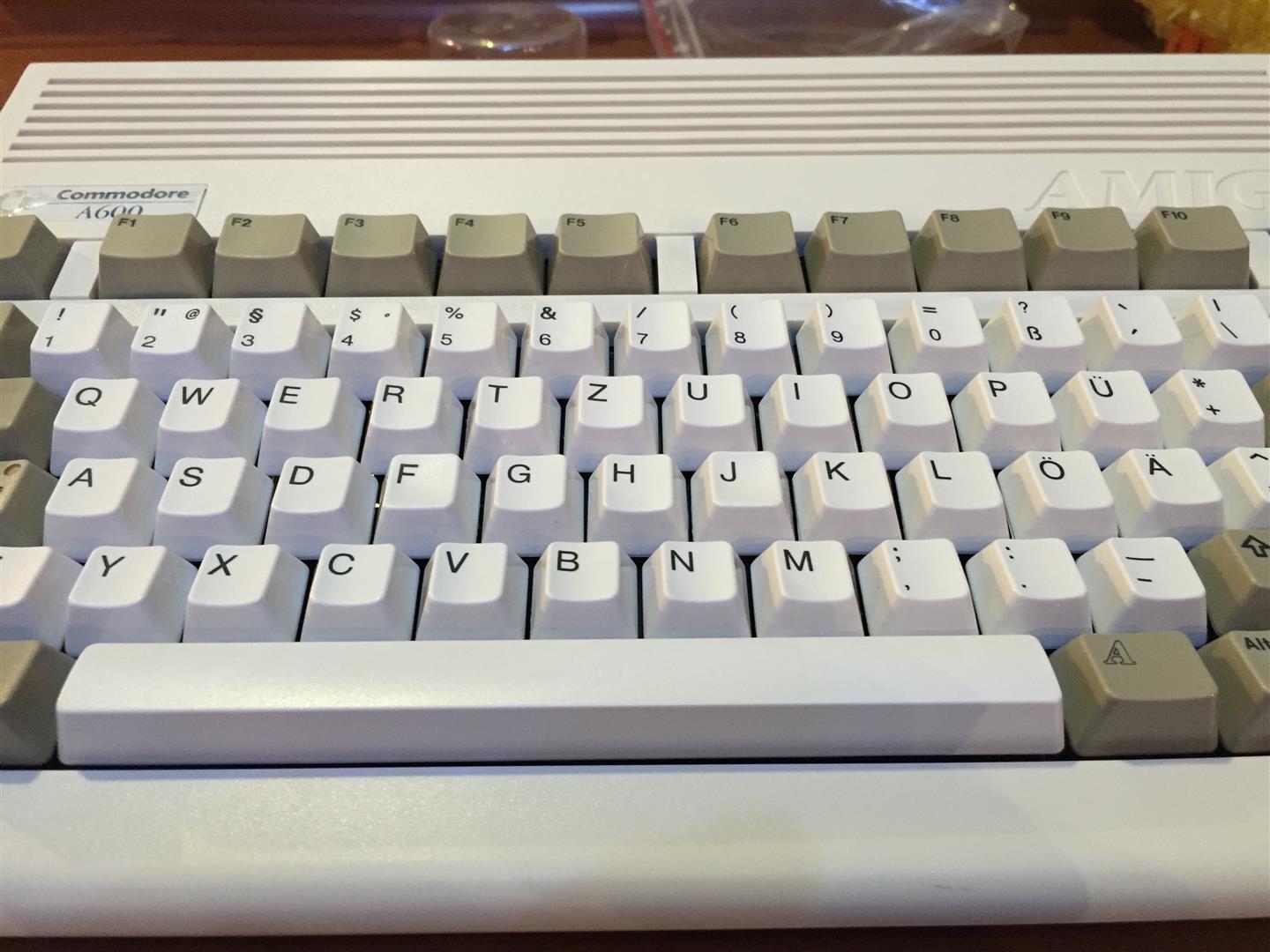
  • Amiga 600 cleanup, restauration, brightening

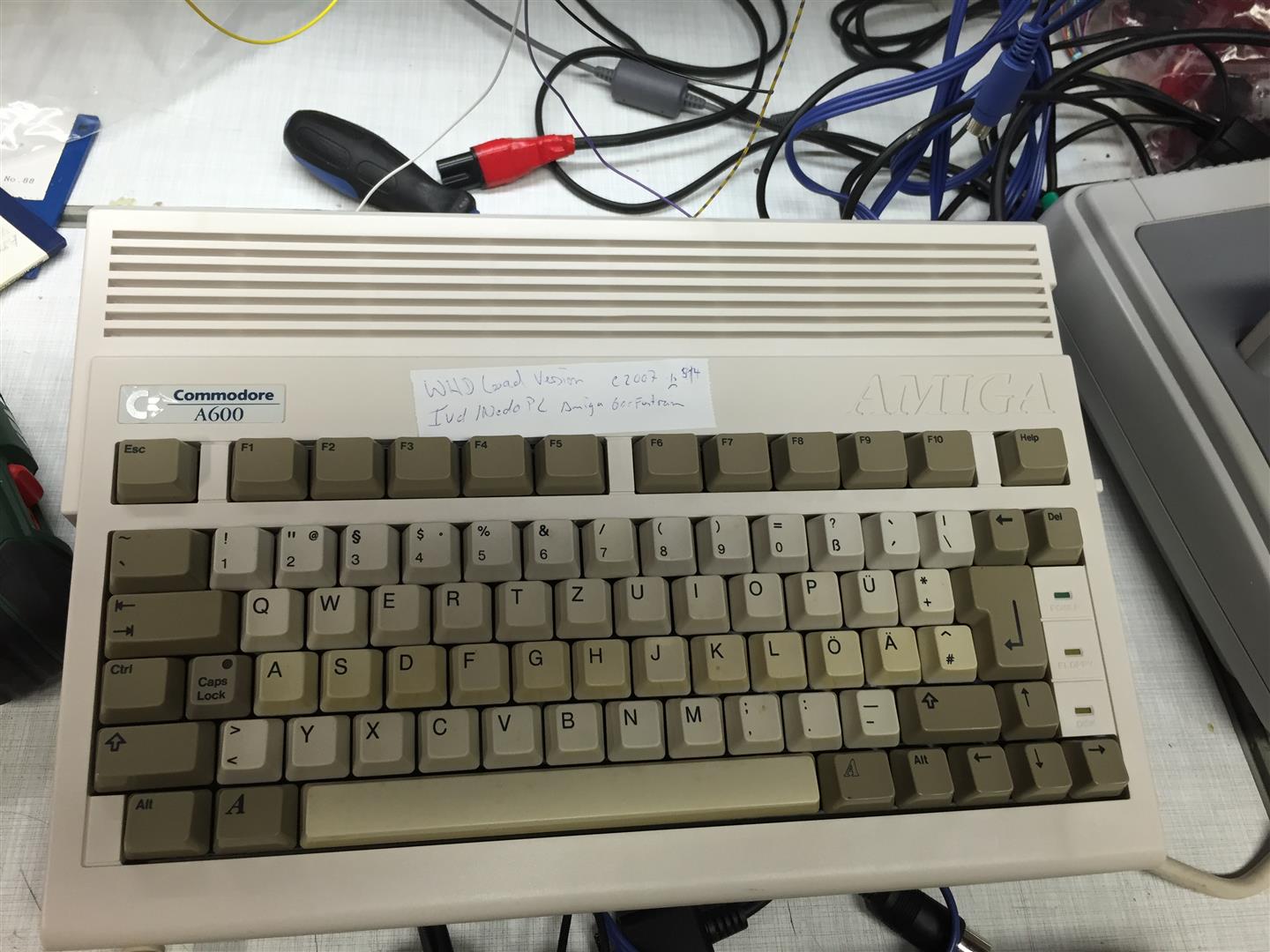
    I want a Amiga 600 in a like new state but the common prob is yellowing over the years

    With cleaning and some retrobright fluid I done the following:

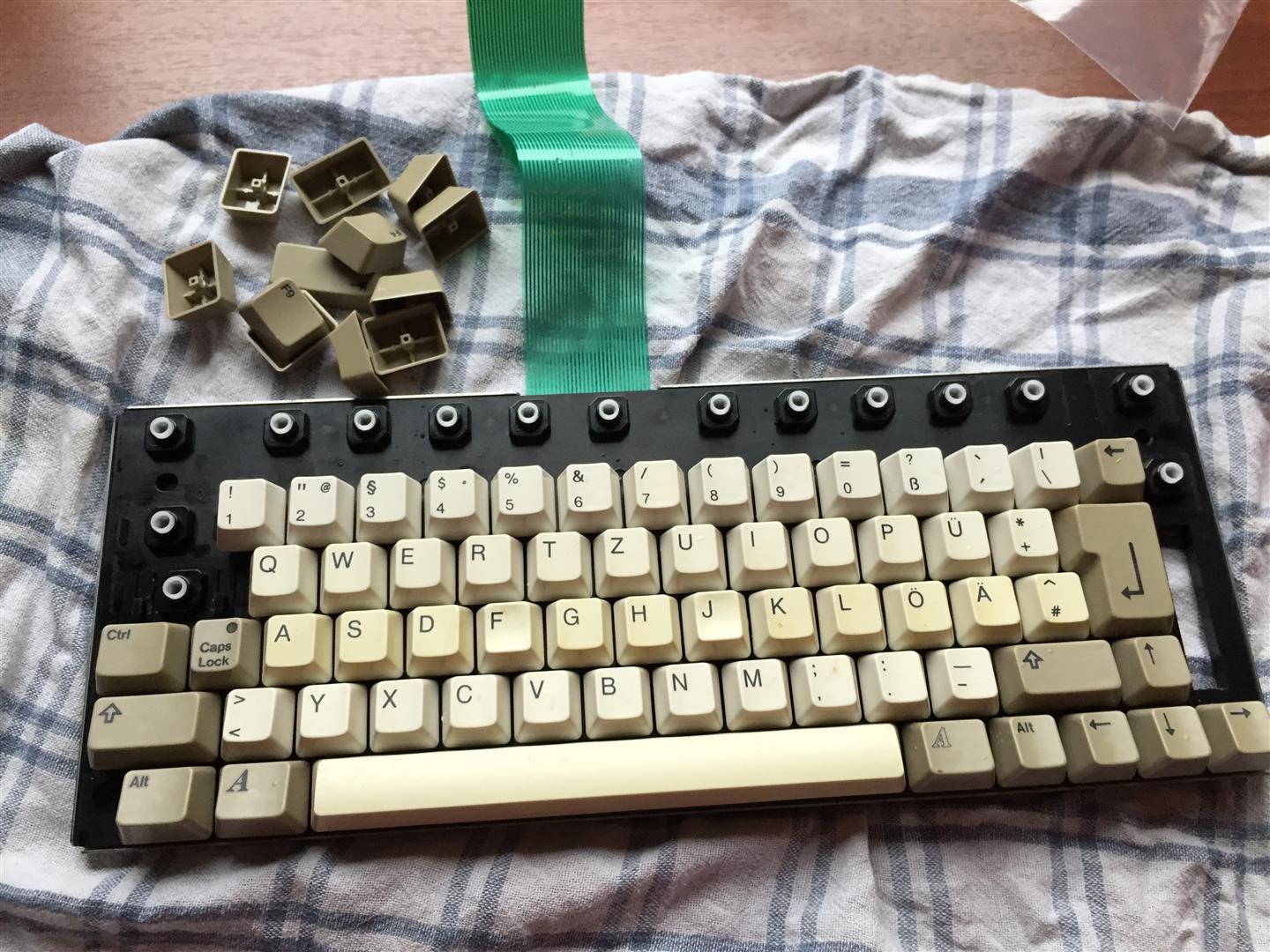
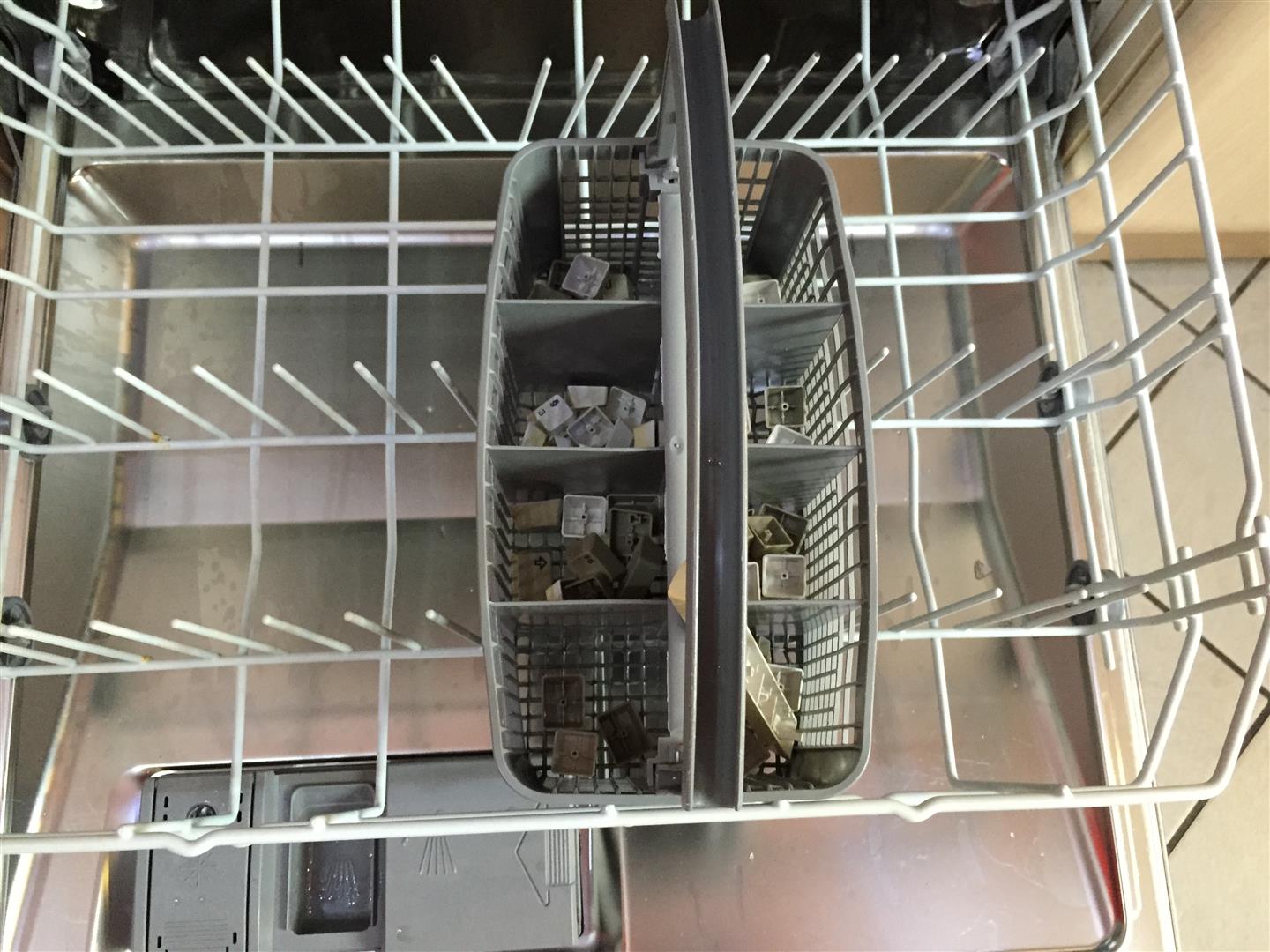
    First a lot of work, to dissasemble the amiga and keyboard *puh*

    Have a look to the yellowed ASDF Row…

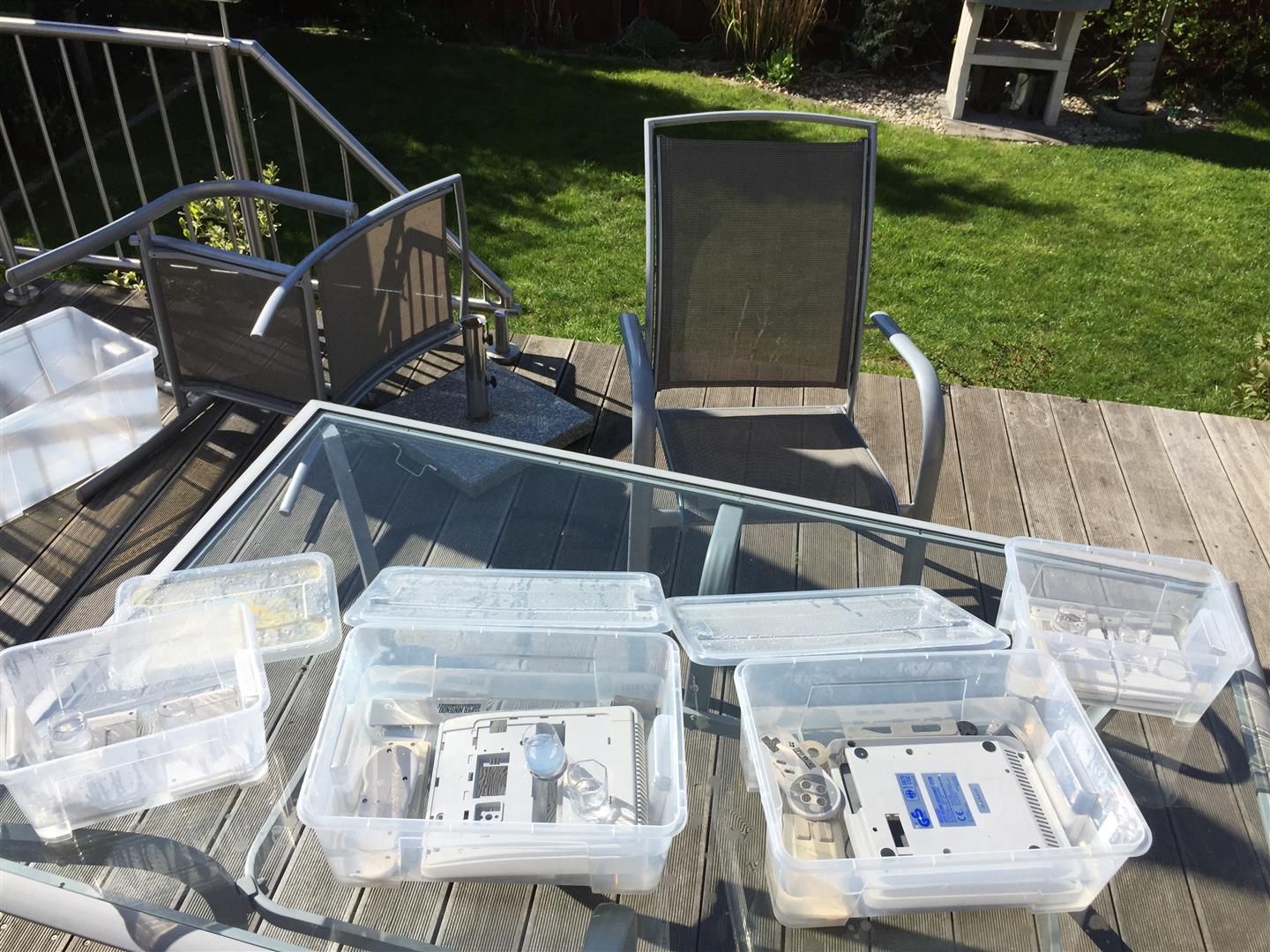
    After this cleaning in Dish Washer, Brightener for 9 Days + a lot of SUN.

    amiga_brightening (2) amiga_brightening (3) amiga_brightening (5)


    amiga_brightening (6) amiga_brightening (7) amiga_brightening (4)

    Reassambling, and it looks like new:

    amiga_brightening (11) amiga_brightening (10) amiga_brightening (9) amiga_brightening (8) amiga_brightening (1)

    Have fun


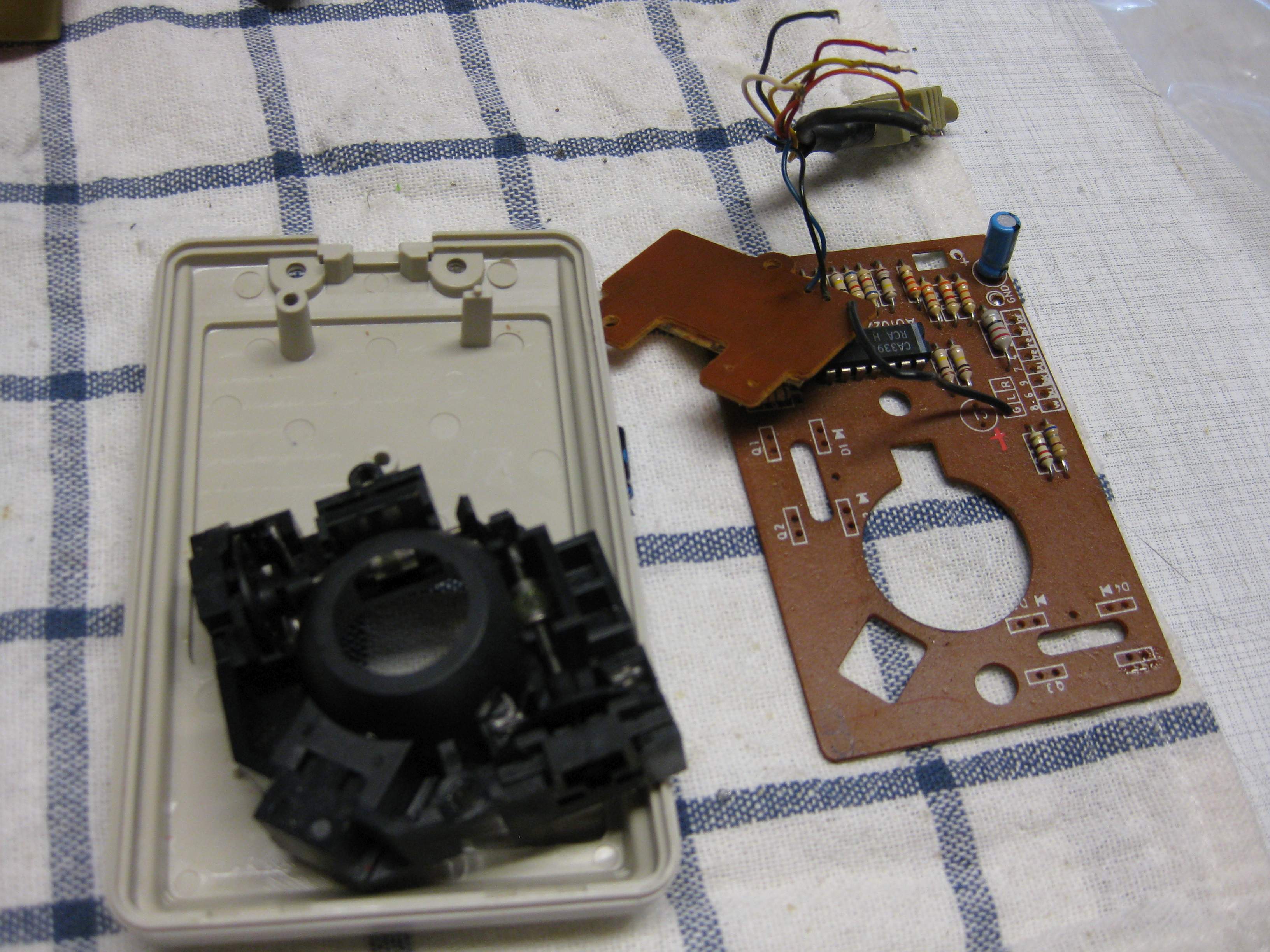
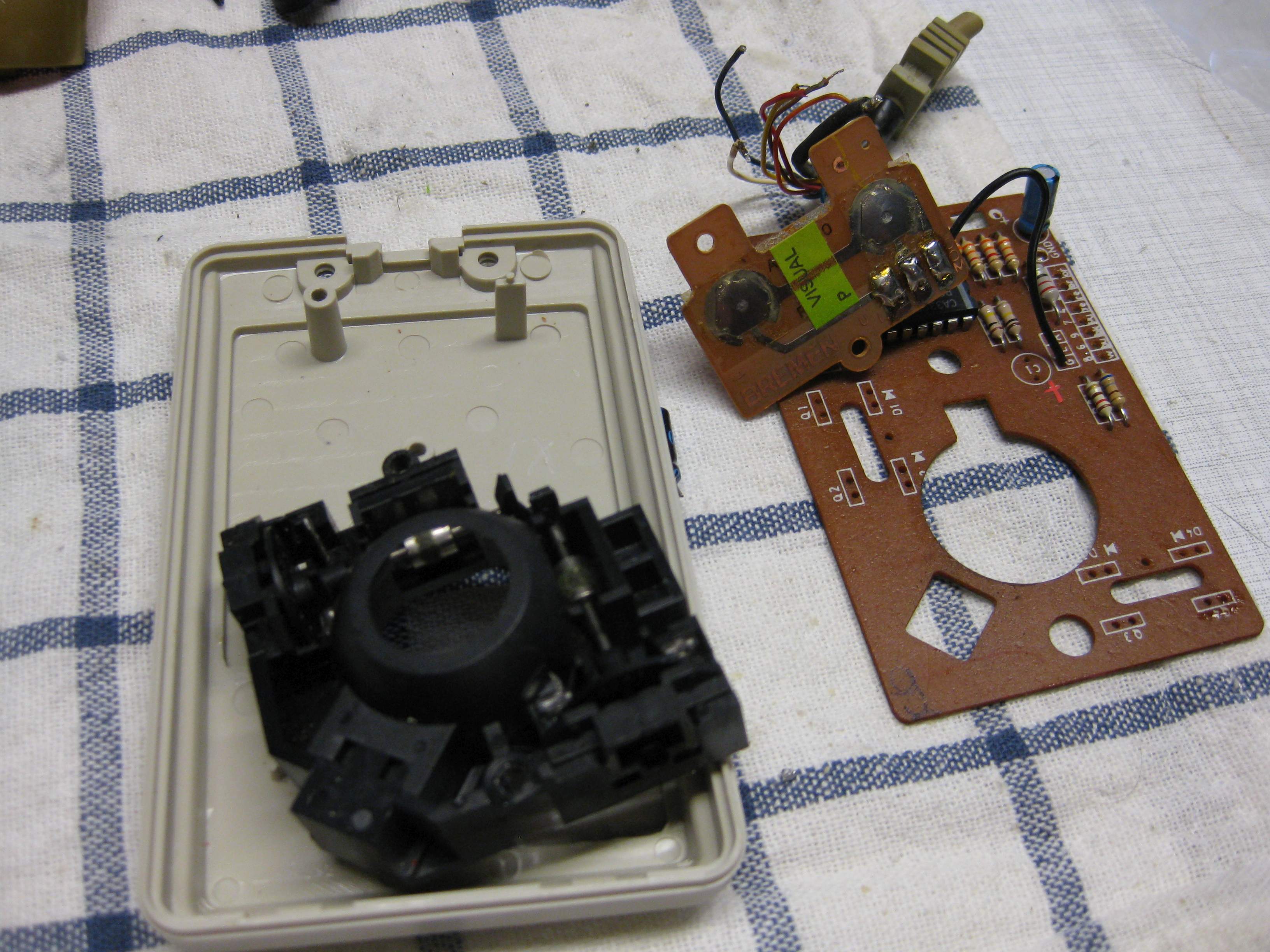
  • Amiga Mouse optical mouse to USB WIP Part#1

    My goal is to have a good Amiga Mouse working on every surface and without needing of a mousepad.

    The only solution is to make it optical.

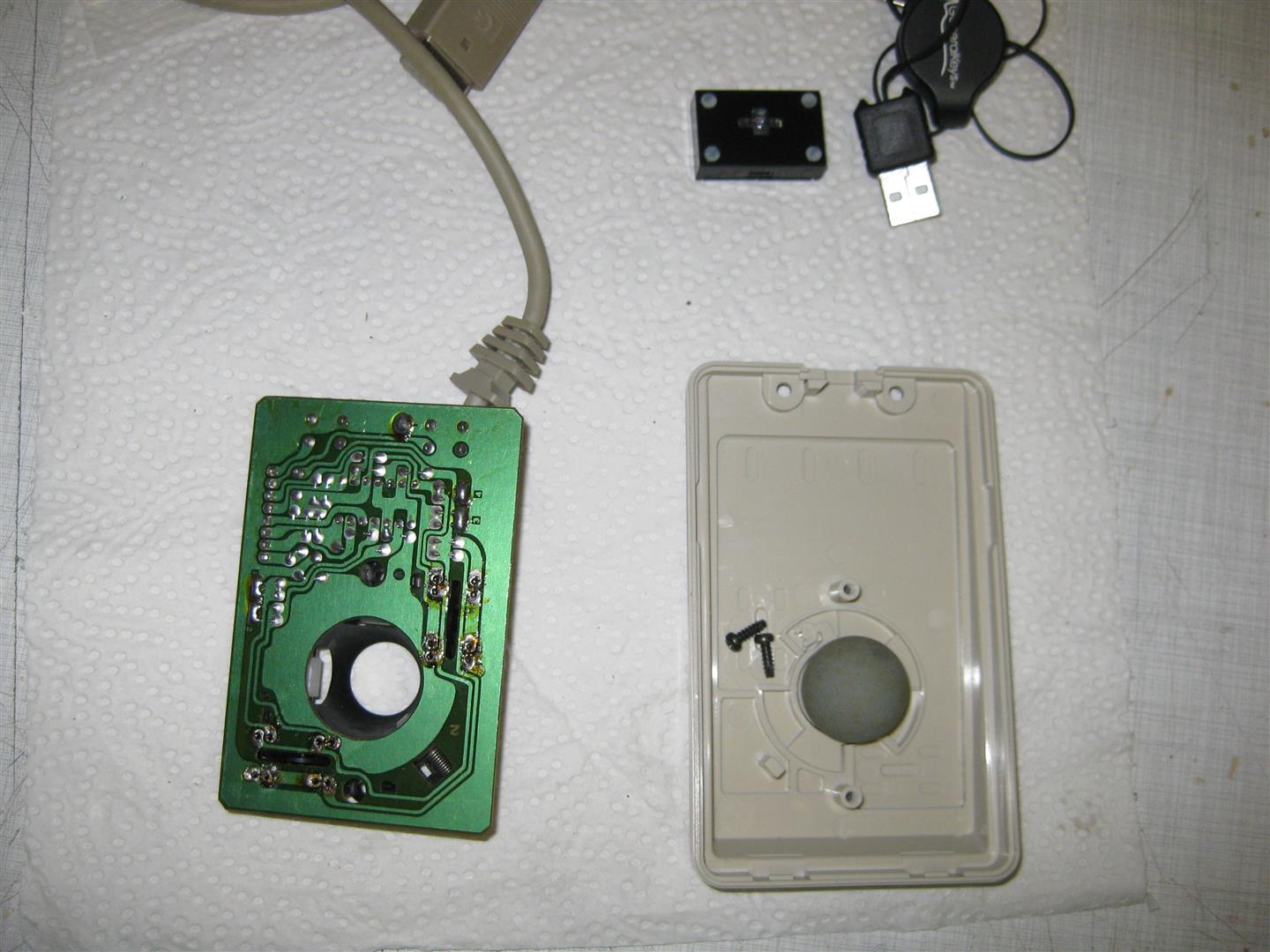
    After some research I found a mini optical Notebook USB Mouse and tried to rip of the original amiga mouse:

    (The black box is a complete PC USB Mouse)

    amiga_mouse_optical_usb (2) (Large)

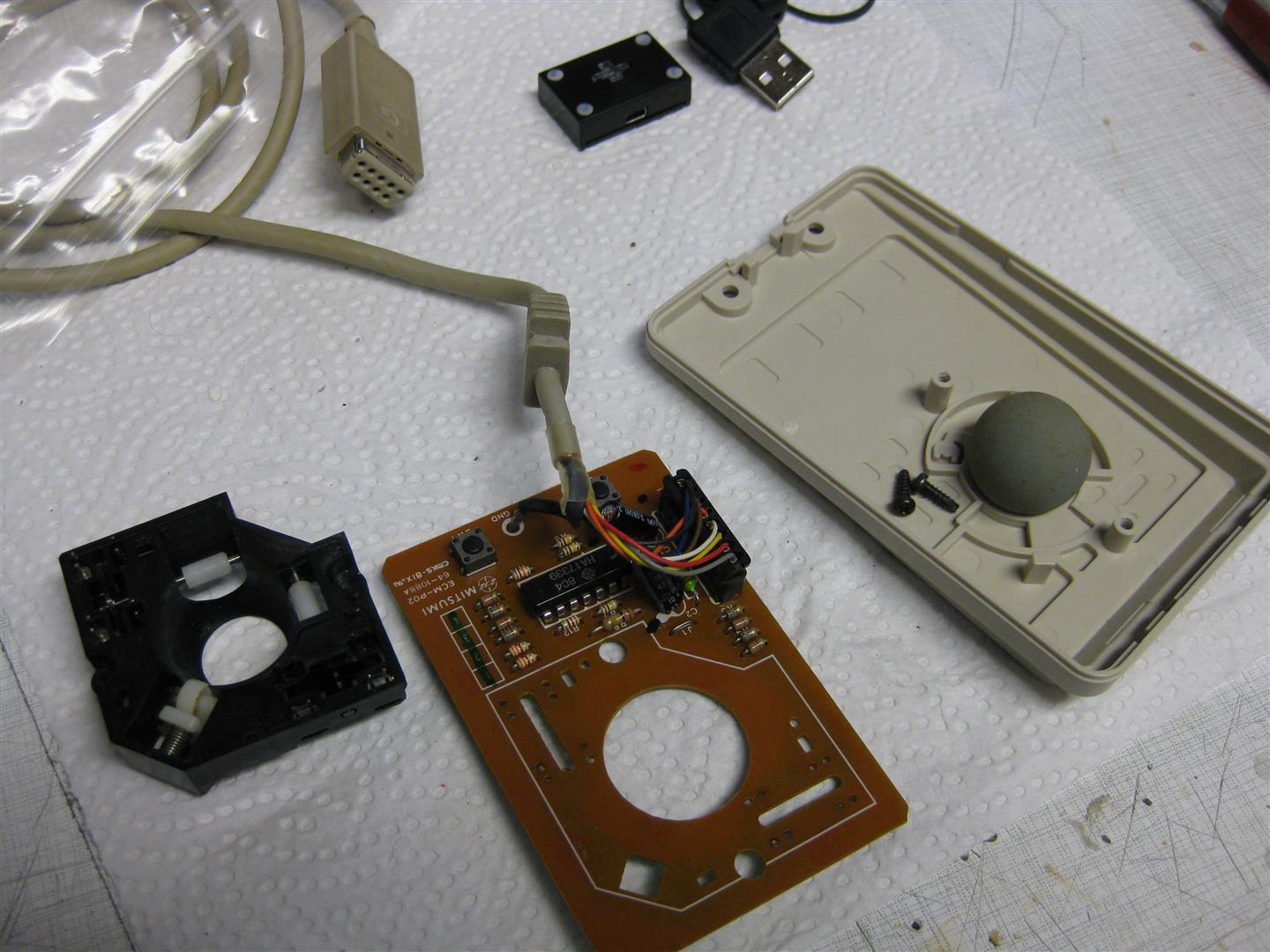
    I removed the optical stuff to make room for the optical mouse:

    amiga_mouse_optical_usb (4) (Large)

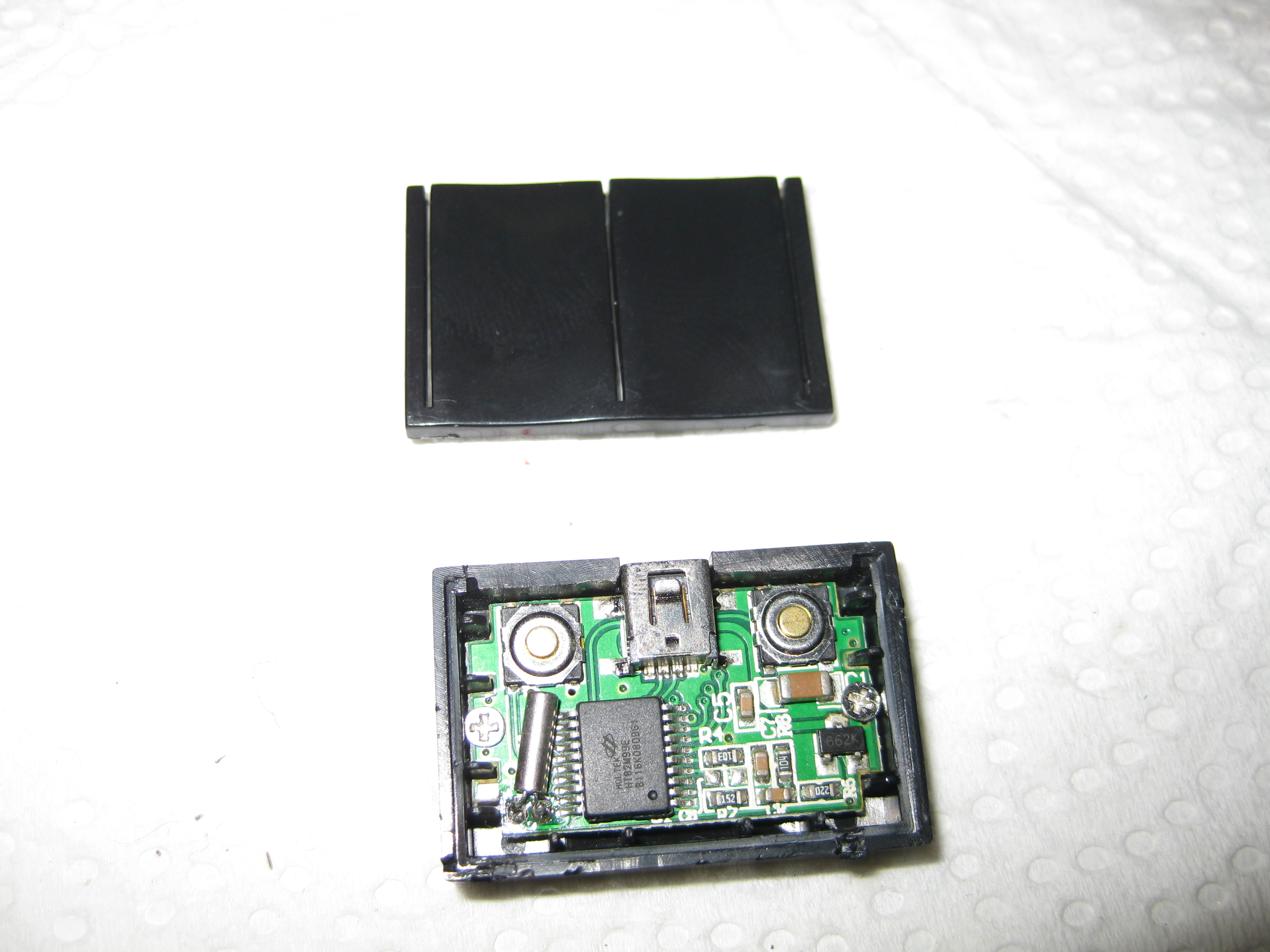
    Now its time to open the tiny PC mouse:

    amiga_mouse_optical_usb (5)

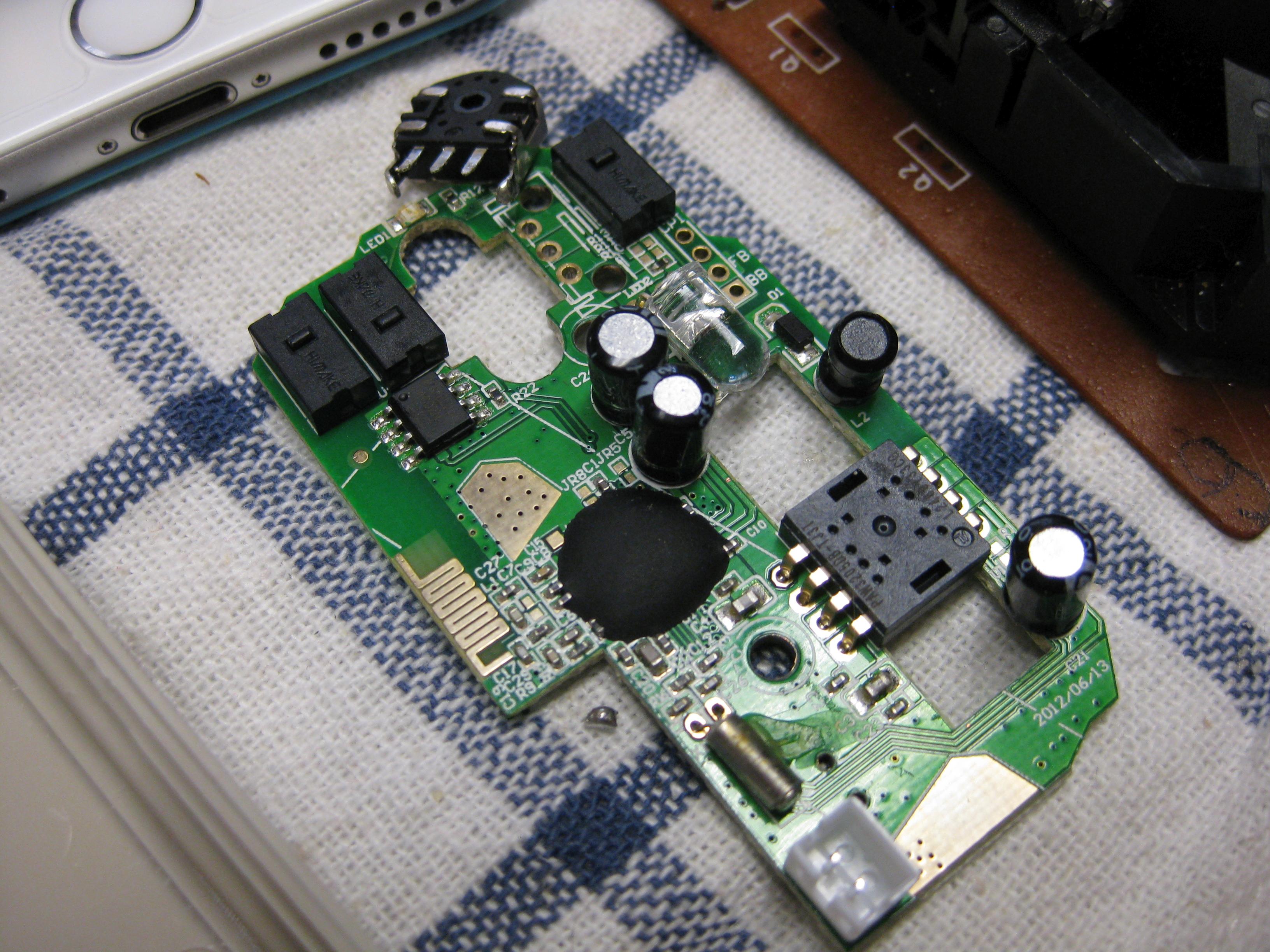
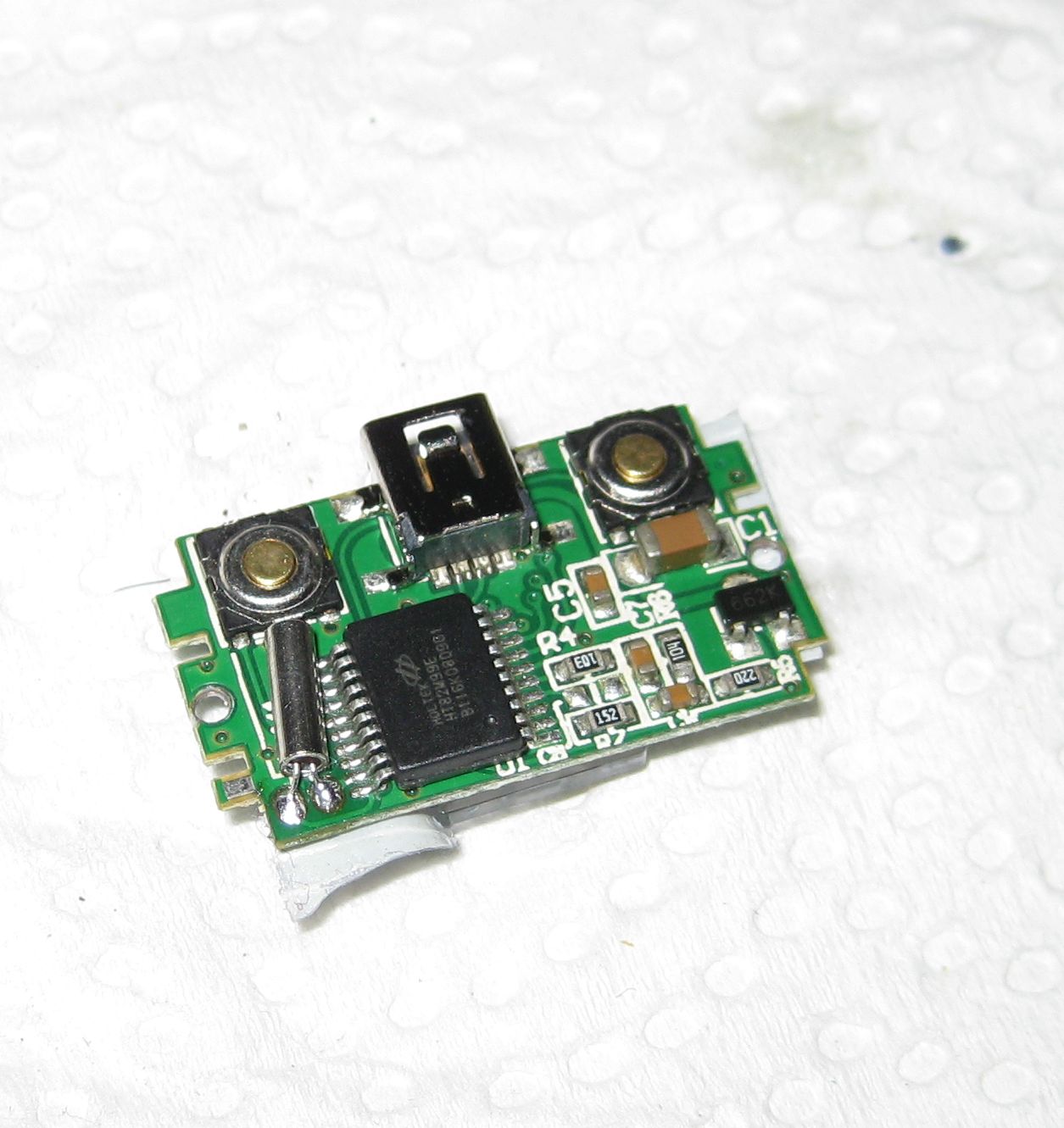
    pcb only :

    amiga_mouse_optical_usb (6)

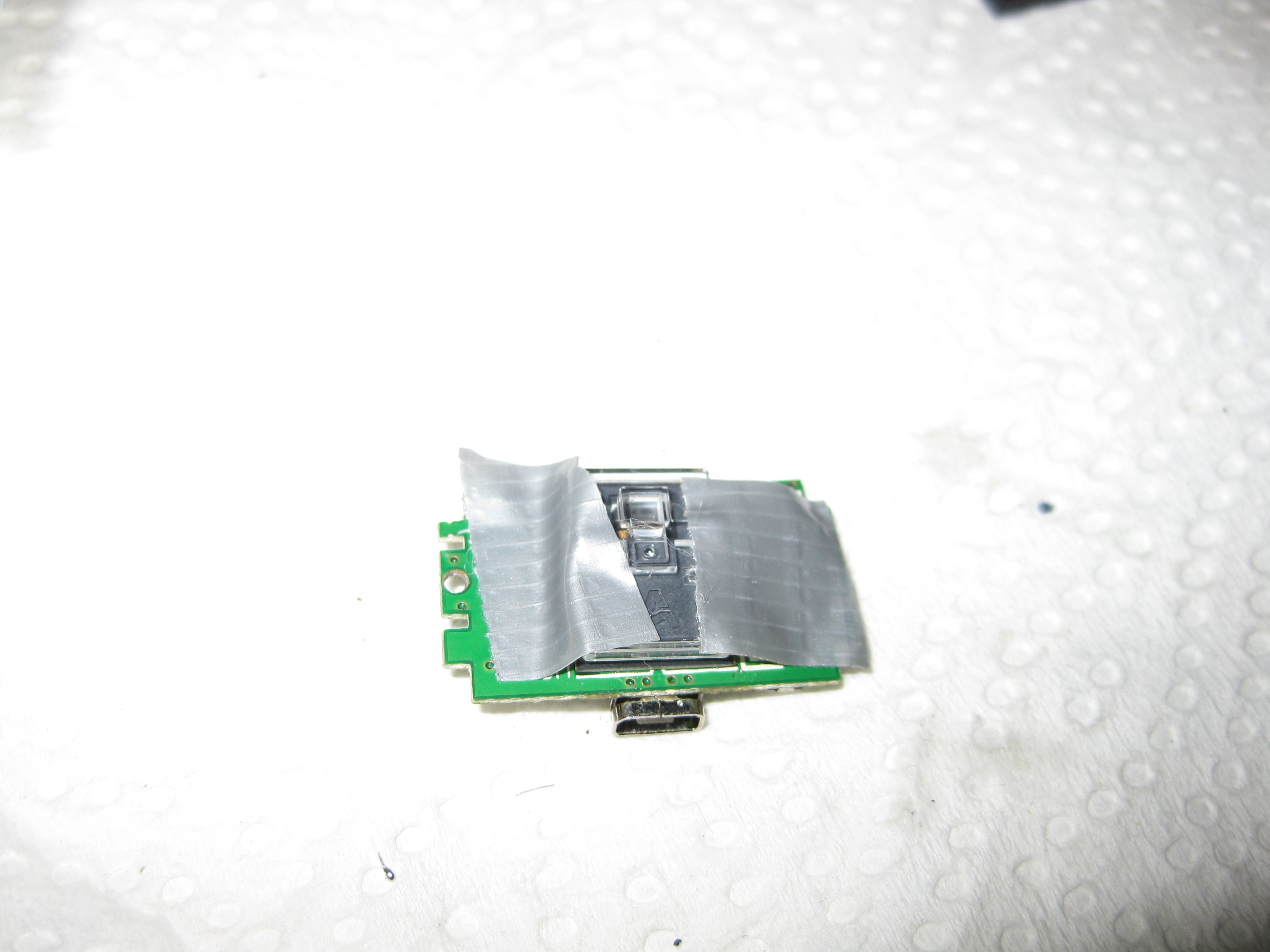
    For testing I am using some tape to hold the lens in right position. The final version will hold via clue:

    amiga_mouse_optical_usb (7)

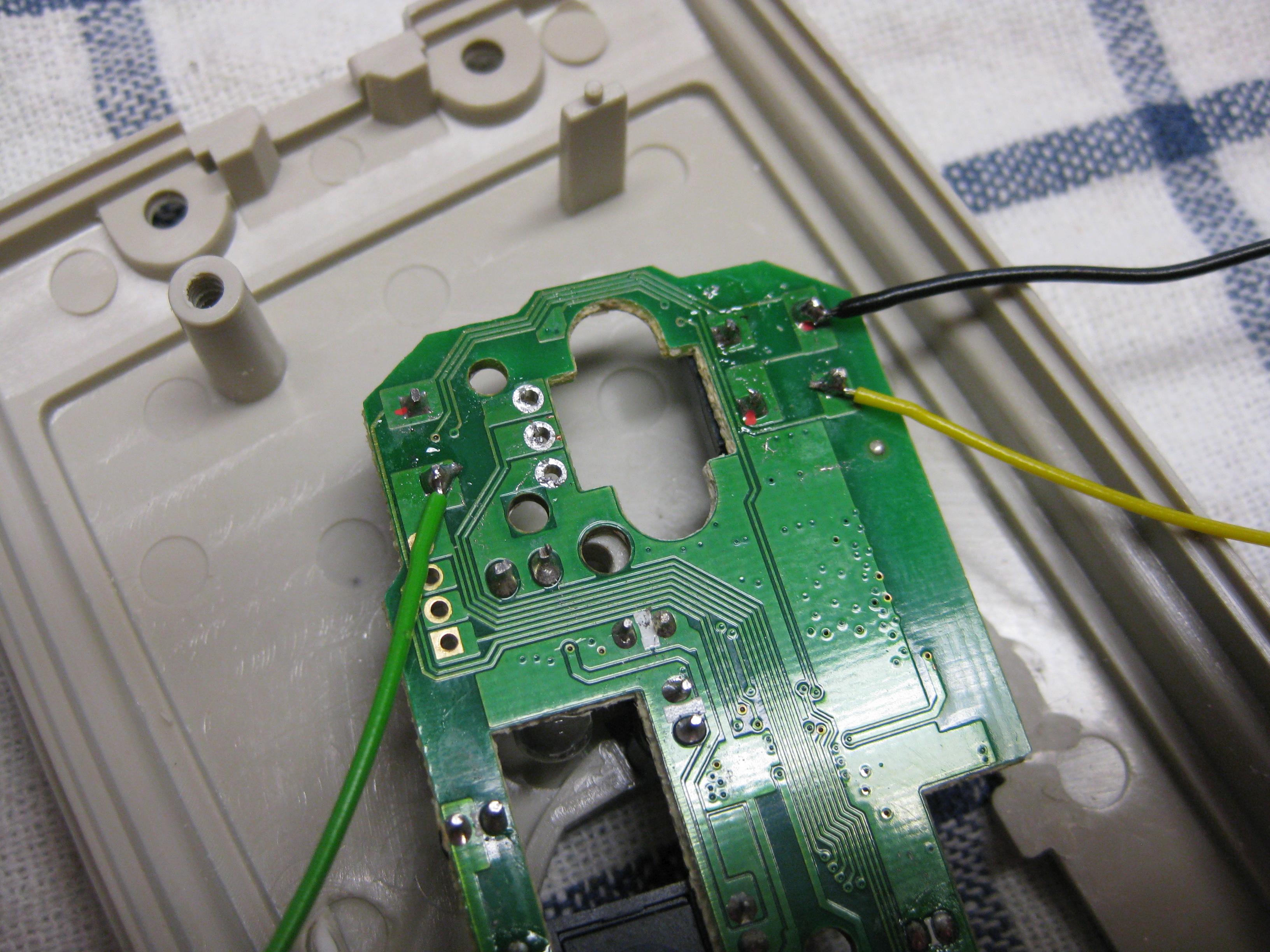
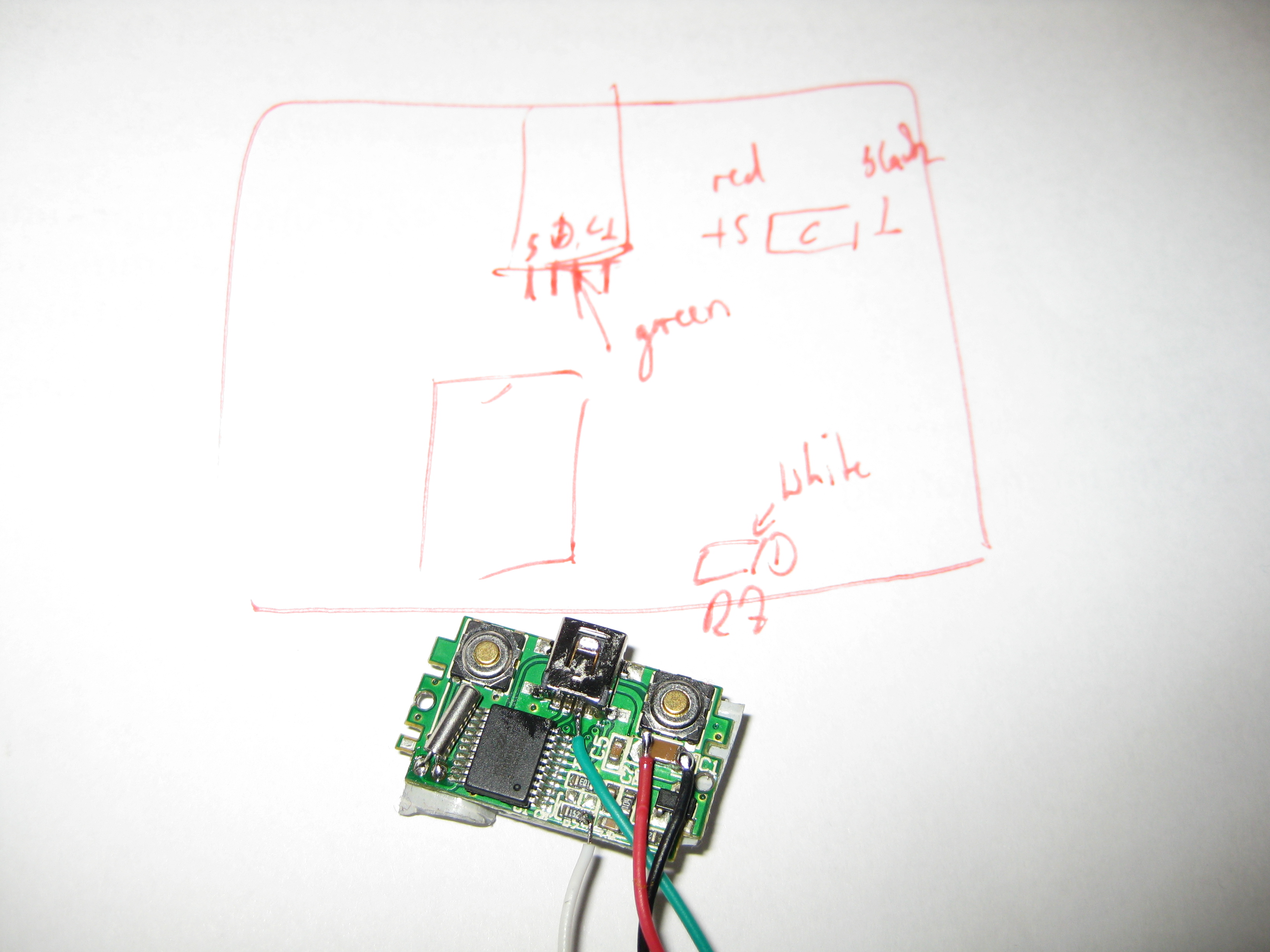
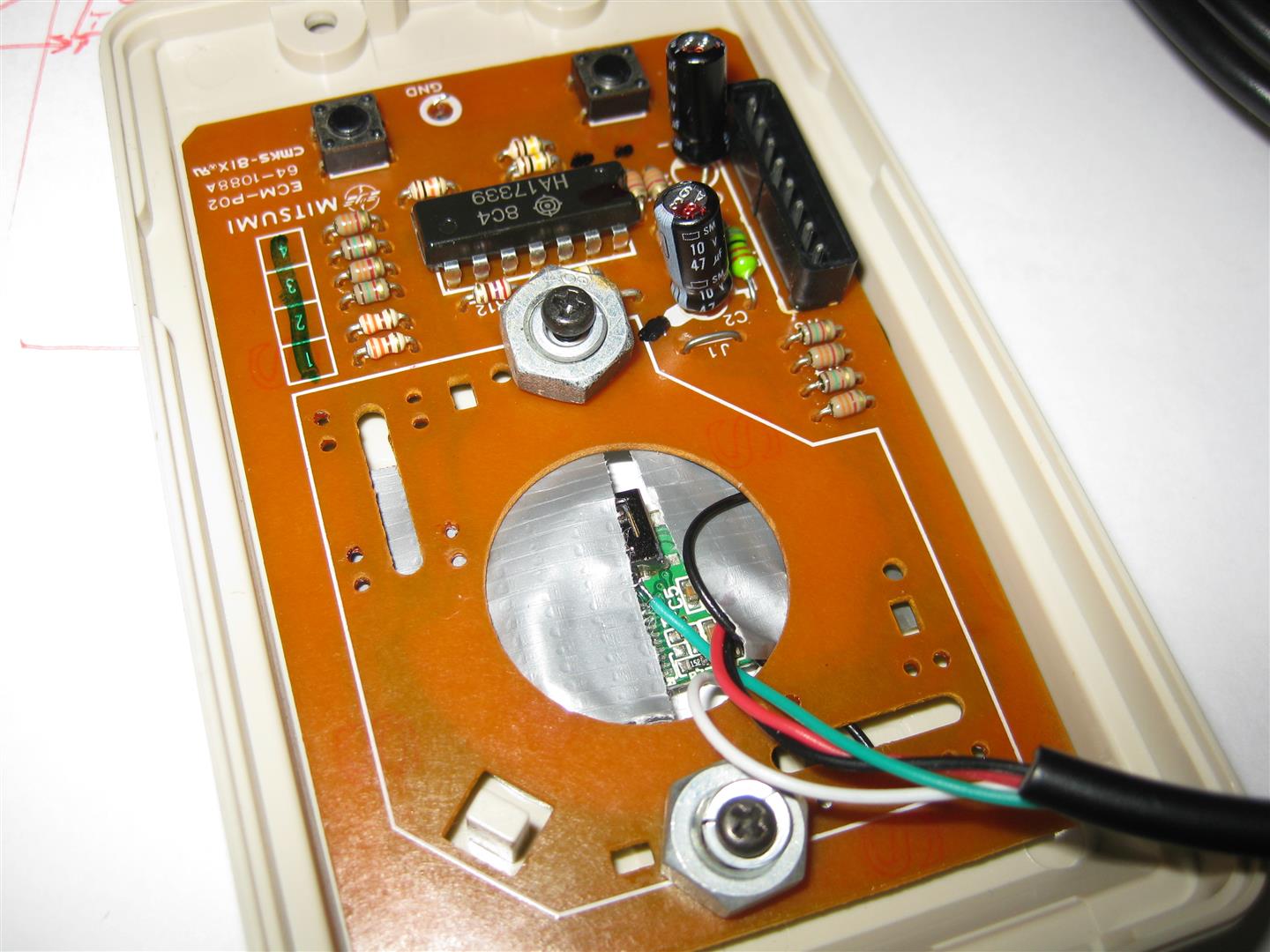
    The USB Cable Connector is to big. Instead I found some better solder points for direct connect of a cable:

    amiga_mouse_optical_usb (9)

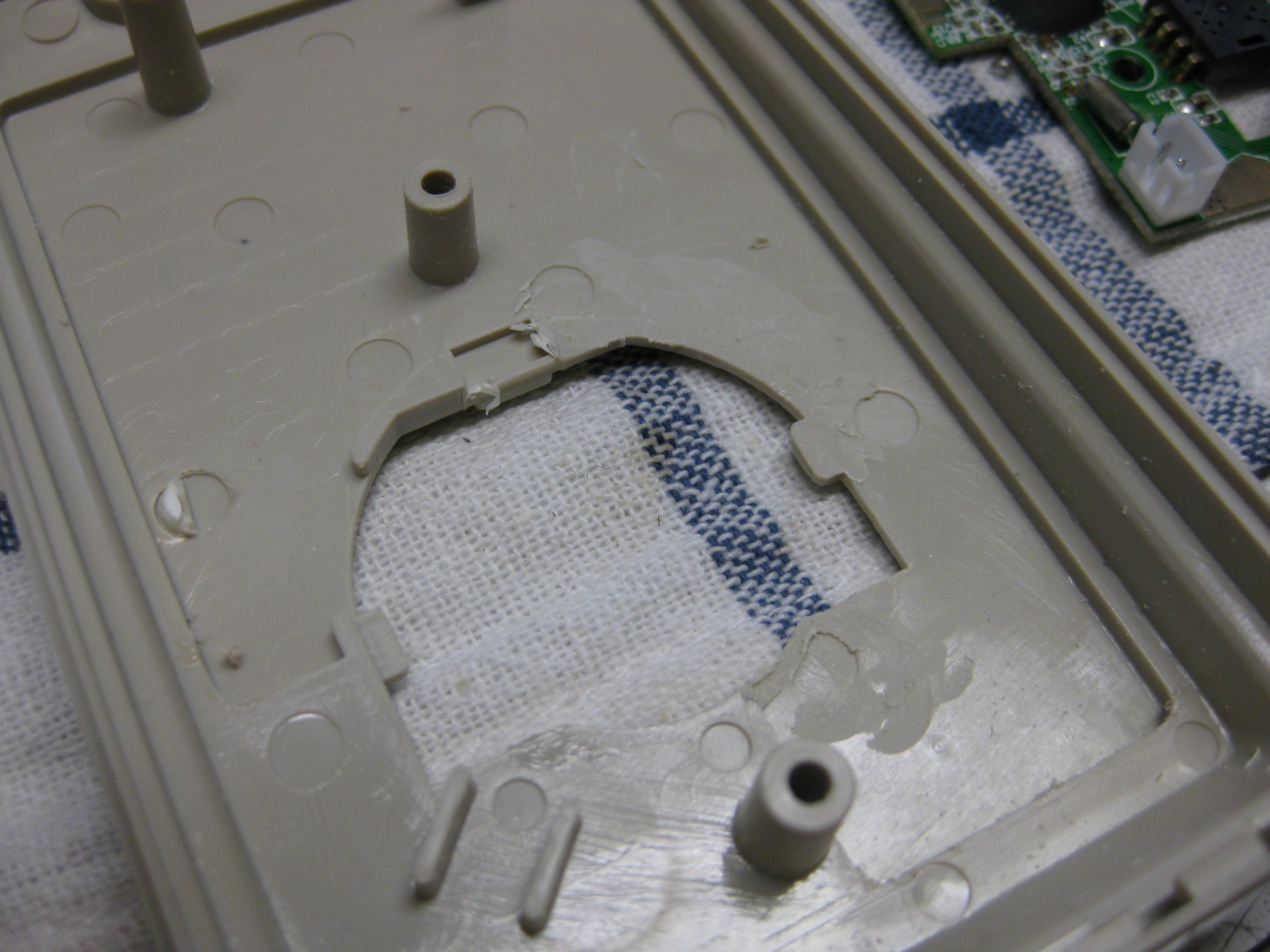
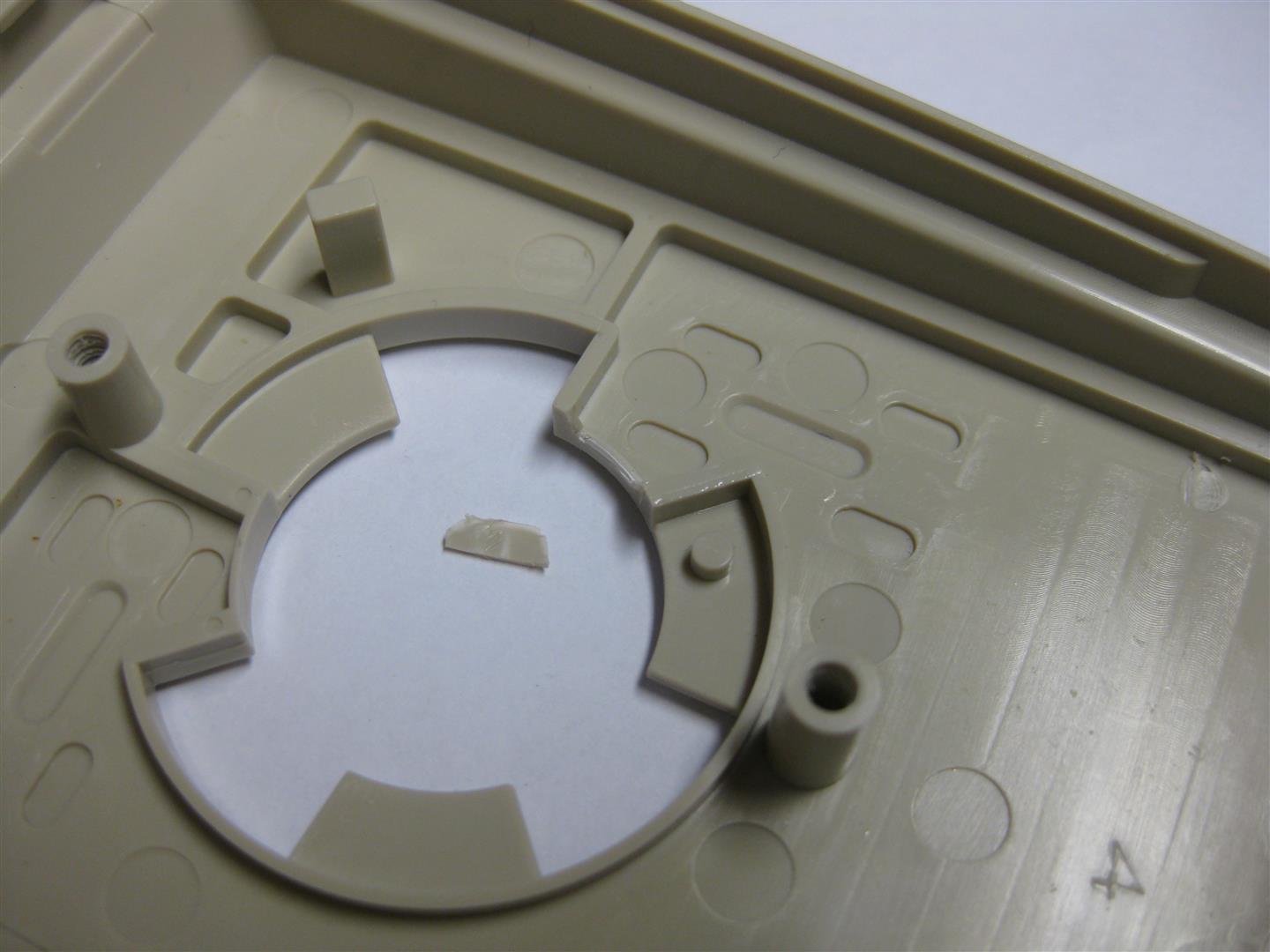
    for fitting into original Amiga Mouse you need only to remove this pcb peace:

    amiga_mouse_optical_usb (10) (Large)

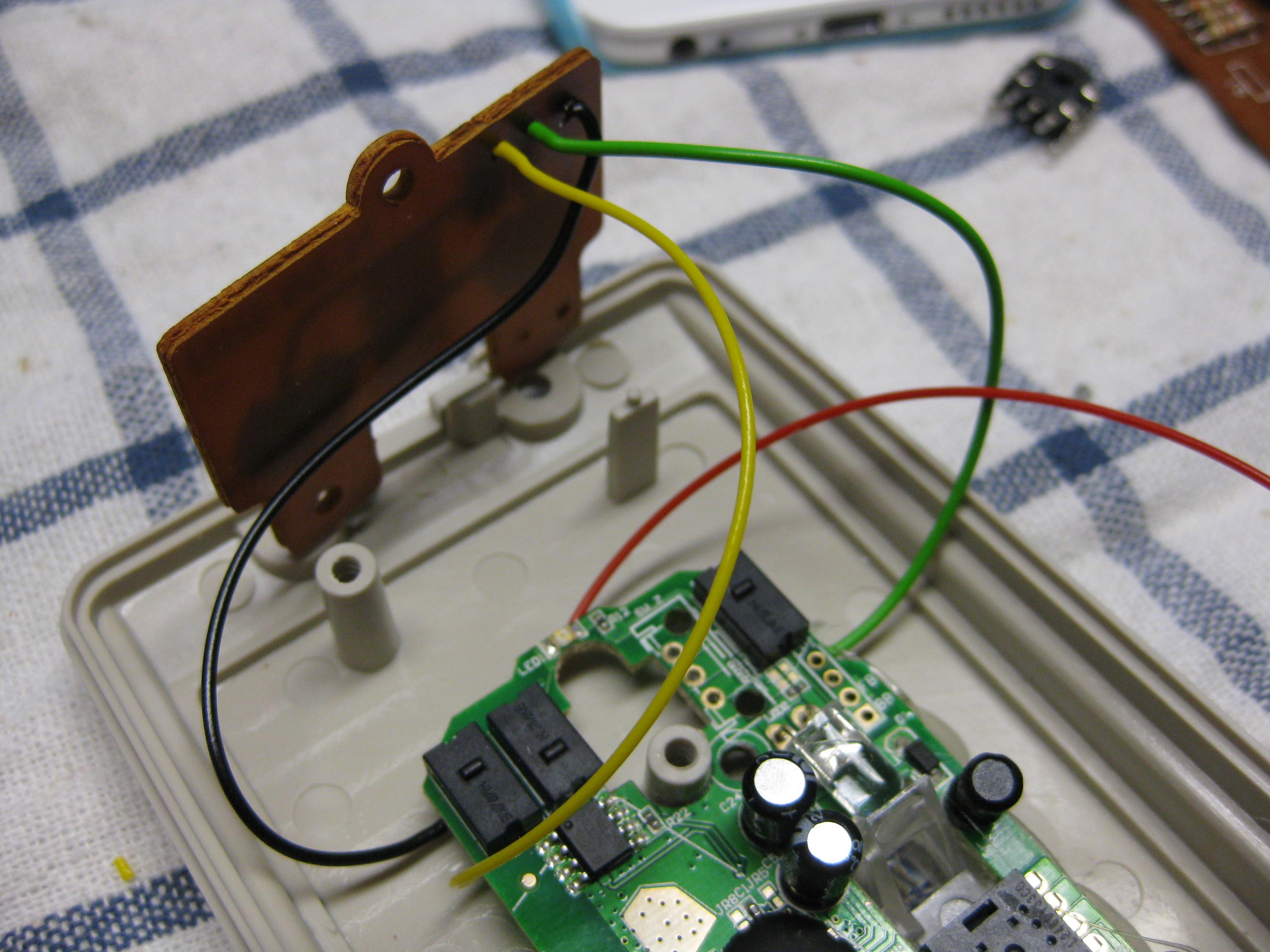
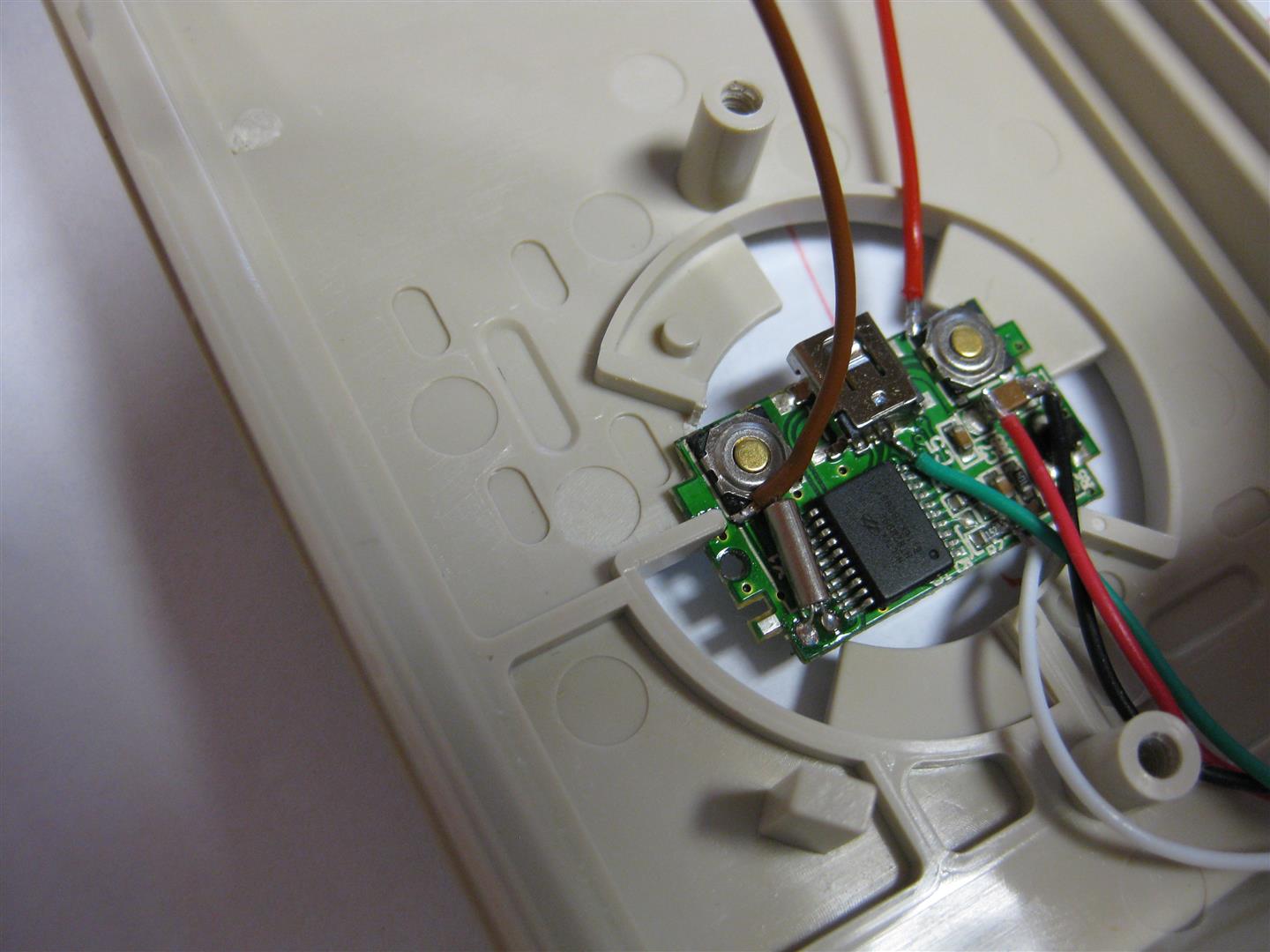
    here you see how it fits. brown and red wire are left and right button signal

    amiga_mouse_optical_usb (11) (Large)

    brown and red wire to the buttons and a ground wire and some screws to make it hold:

    amiga_mouse_optical_usb (12) (Large)

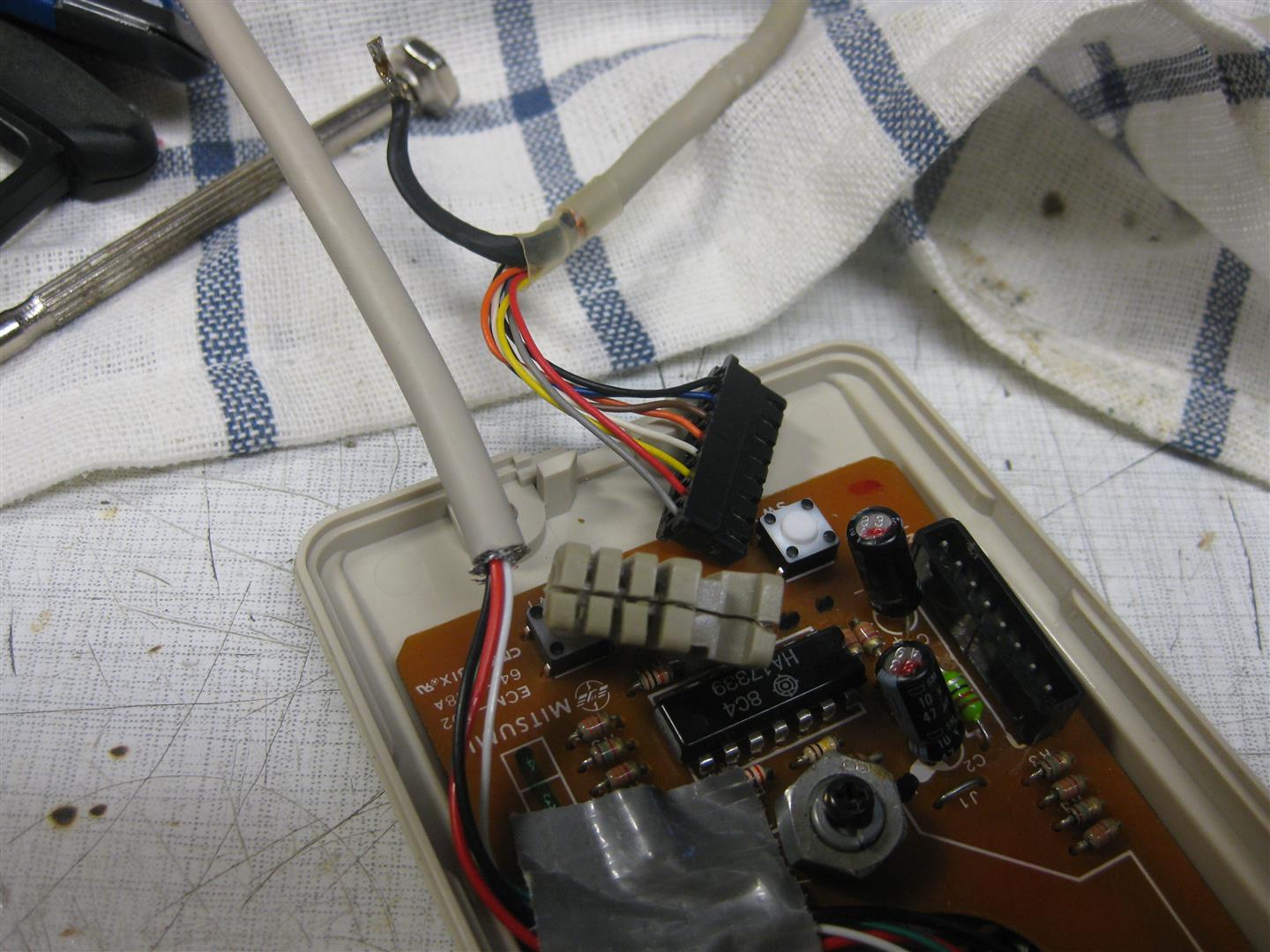
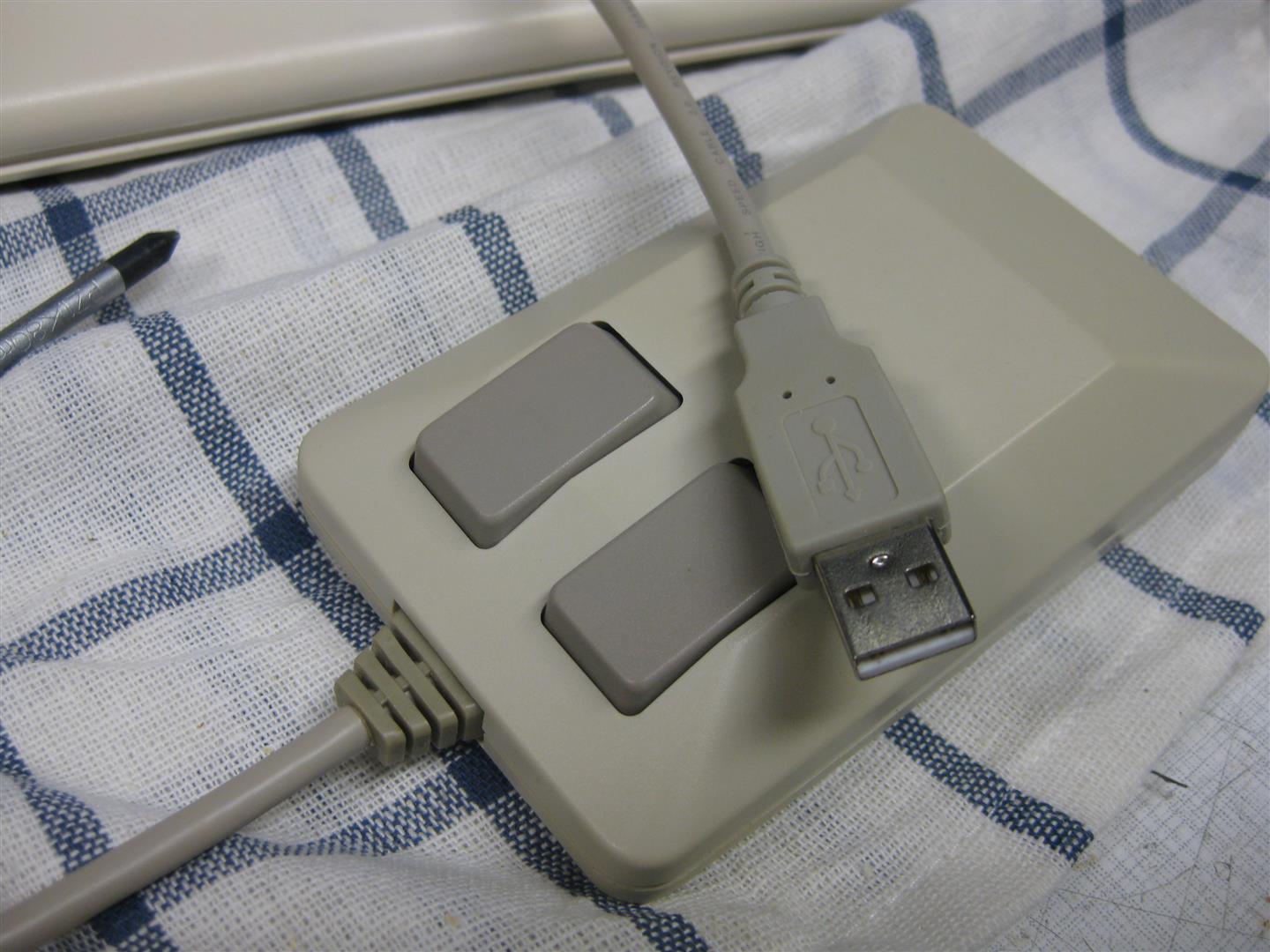
    I changed the USB cable to make it look more authentical

    amiga_usb_mouse_part2 (3)

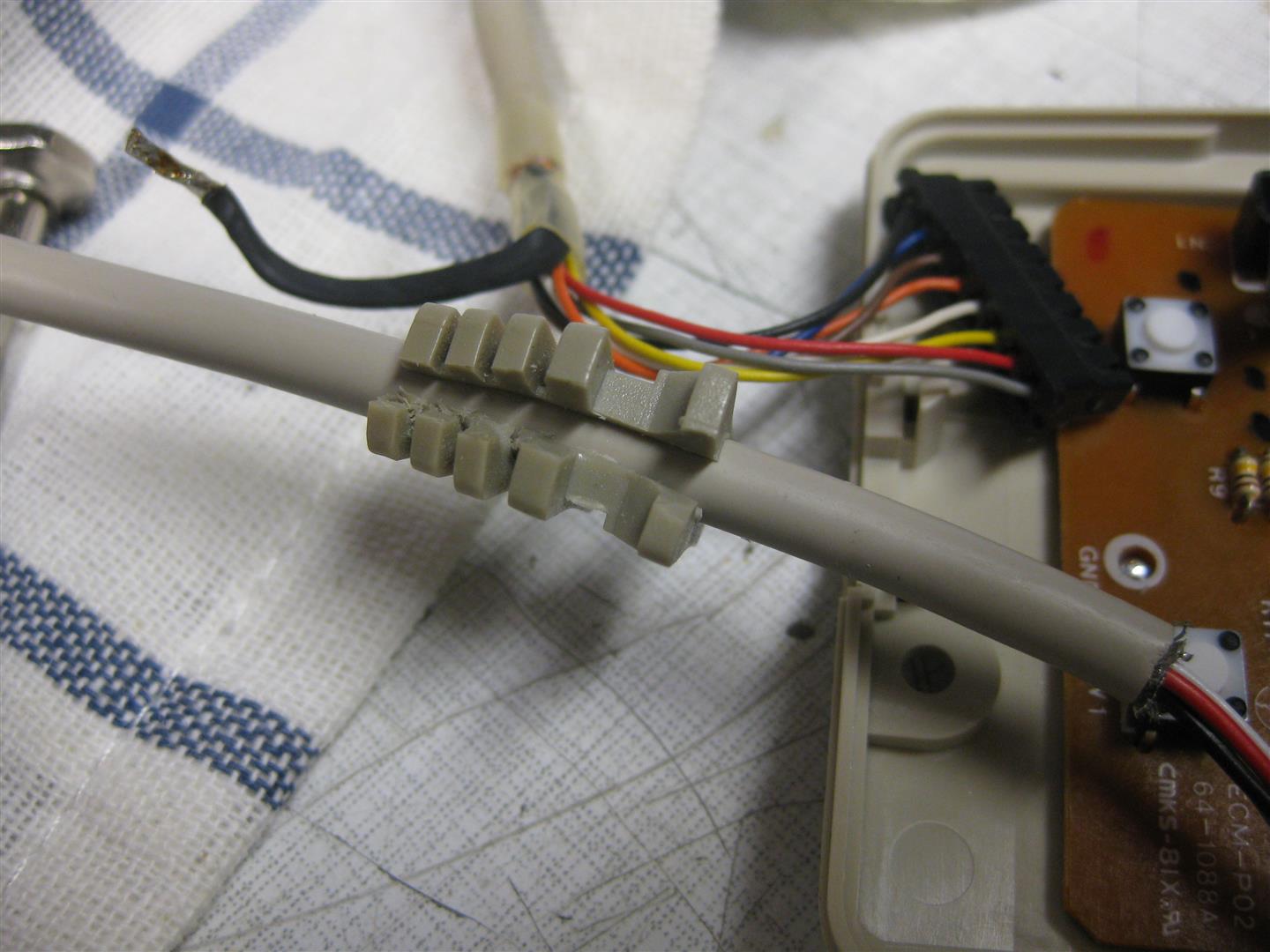
    openend the original cable holder and placed it to the usb cable

    amiga_usb_mouse_part2 (4)

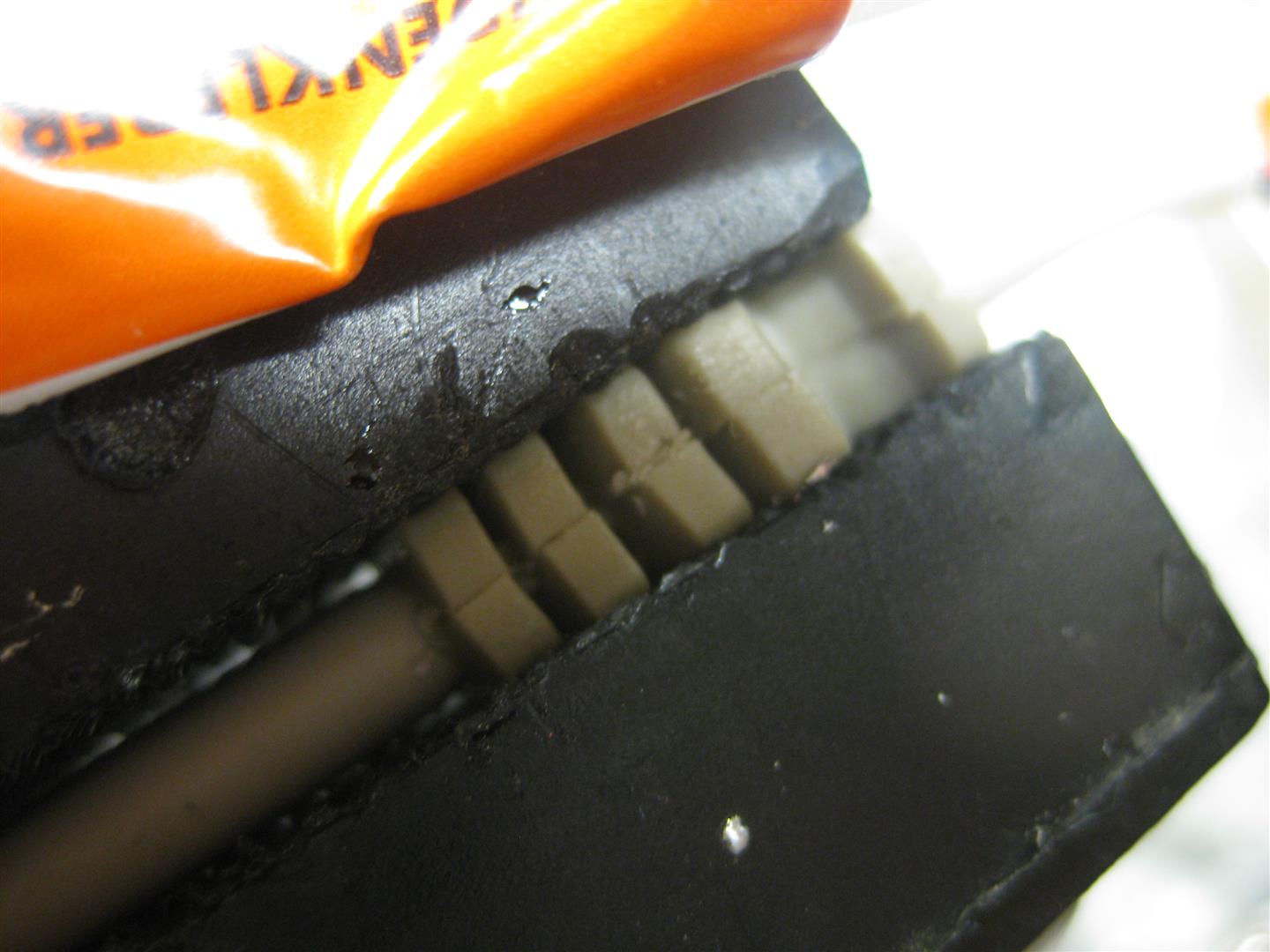
    some clue and pressure

    amiga_usb_mouse_part2 (5)

    and now it looks like a real amiga mouse with cable but its working on PC

    amiga_usb_mouse_part2 (6)

    amiga_usb_mouse_part2 (10)

    and with the help of this little device from Pawel Burdzy http://www.ebay.de/usr/electronika4you

    it is working on amiga too 🙂


    amiga_usb_mouse_part2 (1)

    amiga_usb_mouse_part2 (7)


    you can order it here

    http://www.wolfsoft.de/shop/product_info.php/products_id/15230

  • UWRC Controller Hacks/Mods

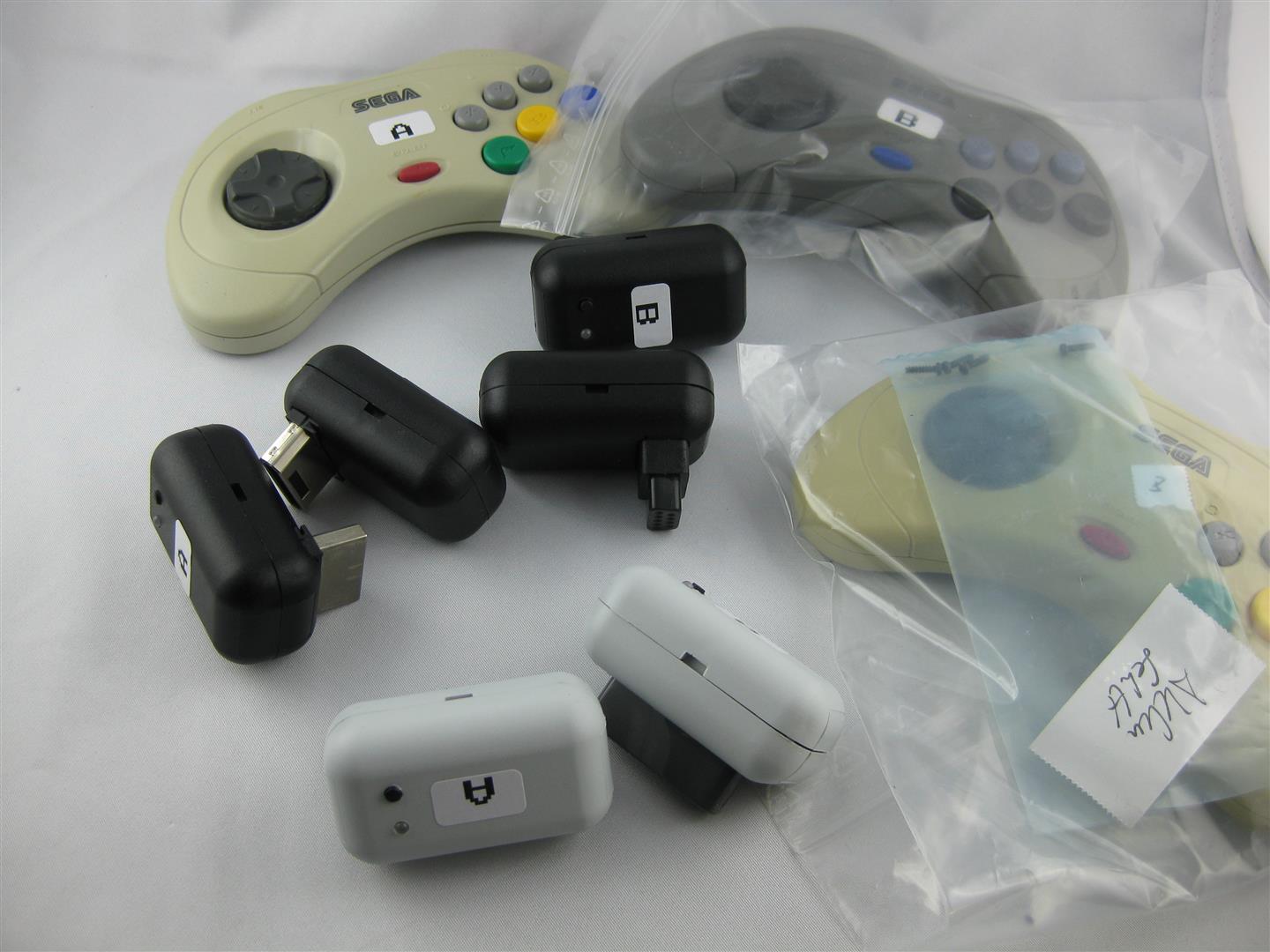
    Some month ago I got a lot of uwrc from micro look here:

    http://circuit-board.de/forum/index.php/Thread/4500-Universal-Wireless-Retro-Controller-f%C3%BCr-SNES-Saturn-N64/?postID=401783&highlight=uwrc#post401783
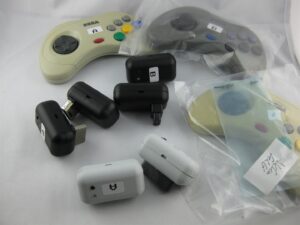
    uwrc (12)

    I got some snes, saturn, smd, parts.

    uwrc (11)

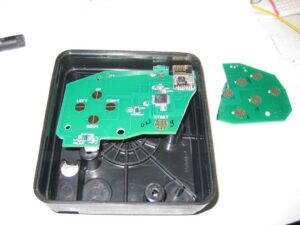
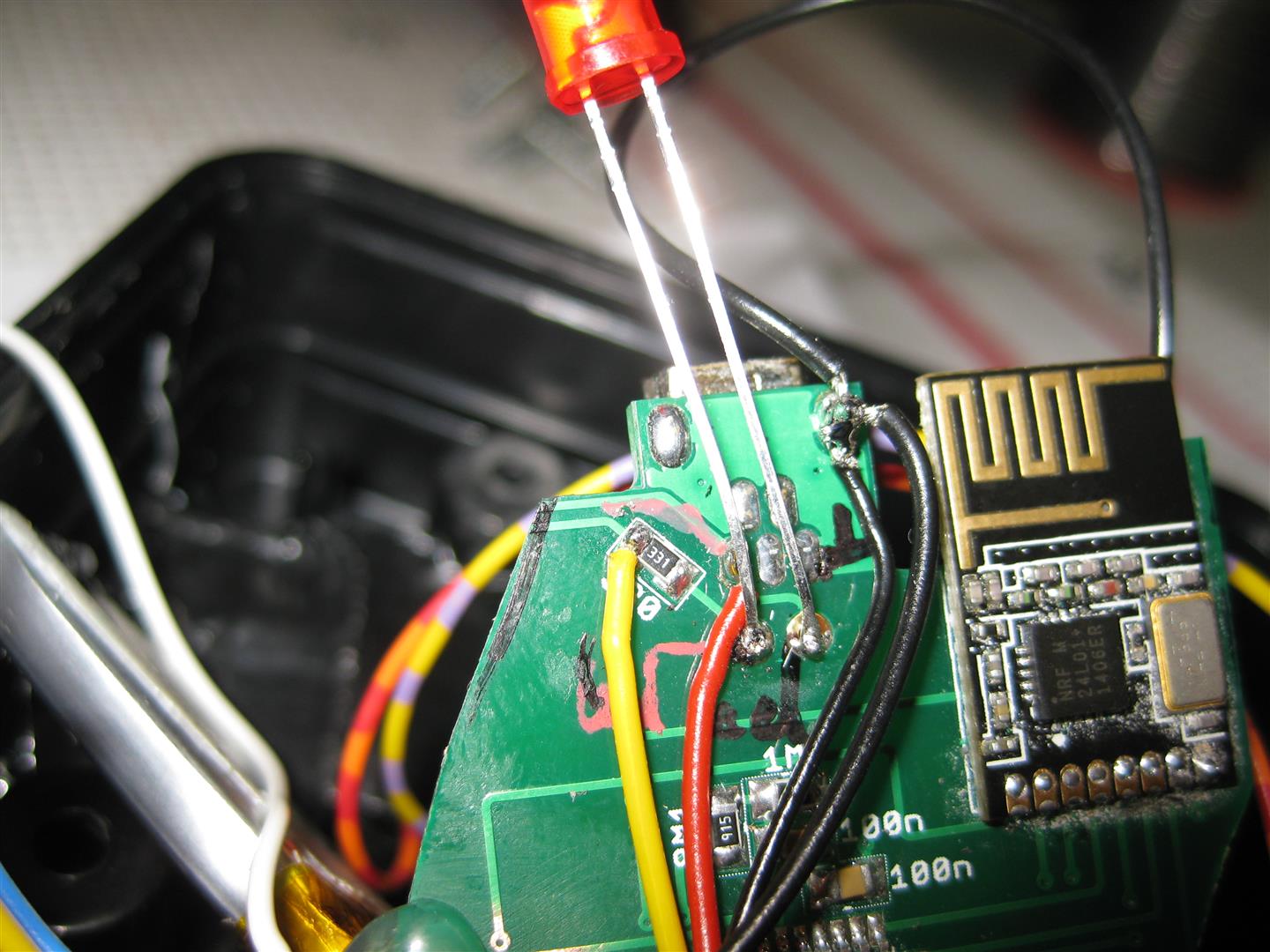
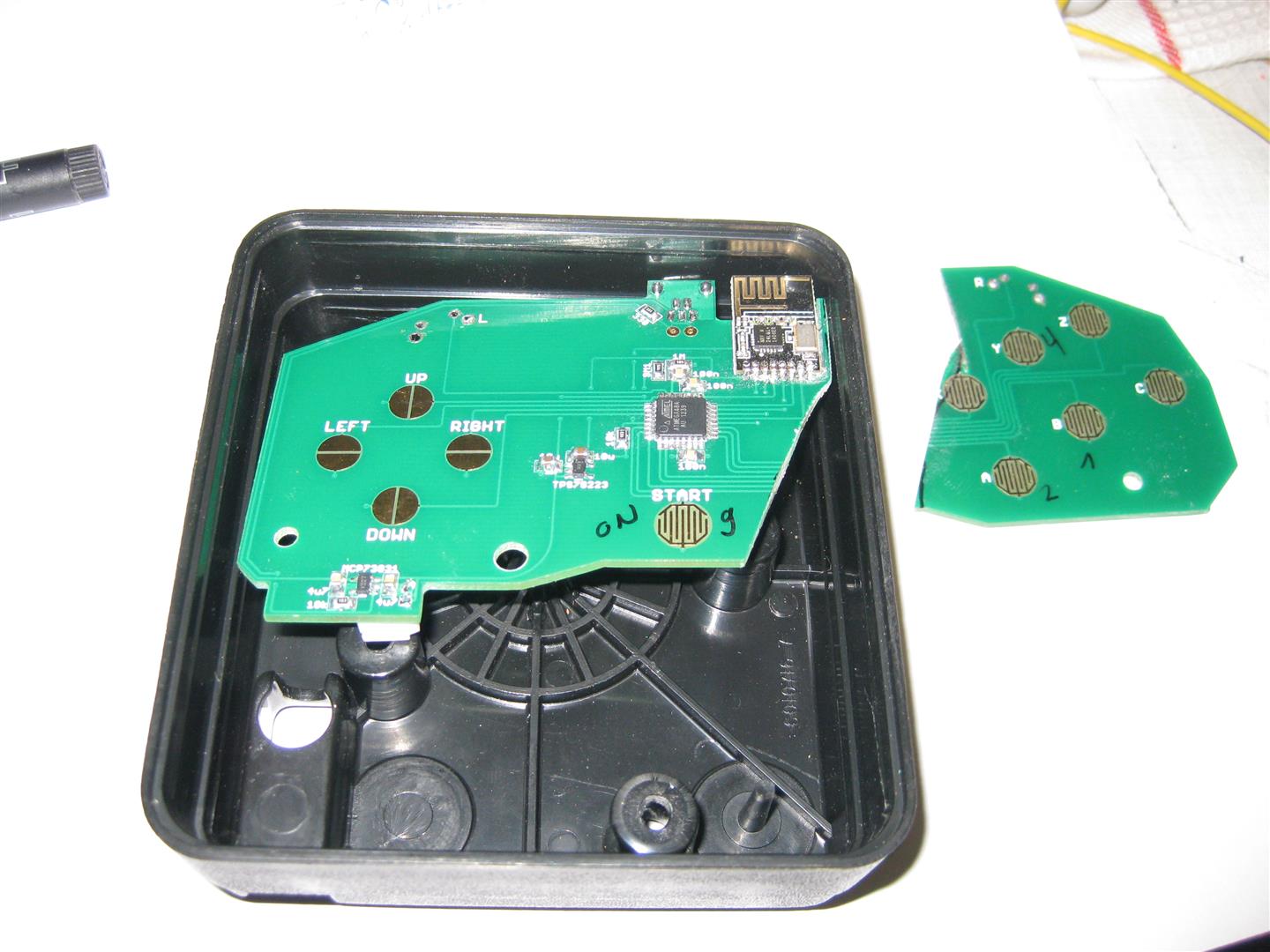
    and a broken saturn pcb for hacking an old atari 2600 stick (one of my favorite console)
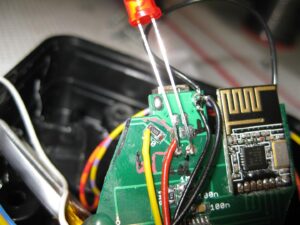
    uwrc (1)

    uwrc (4)

    uwrc (8)

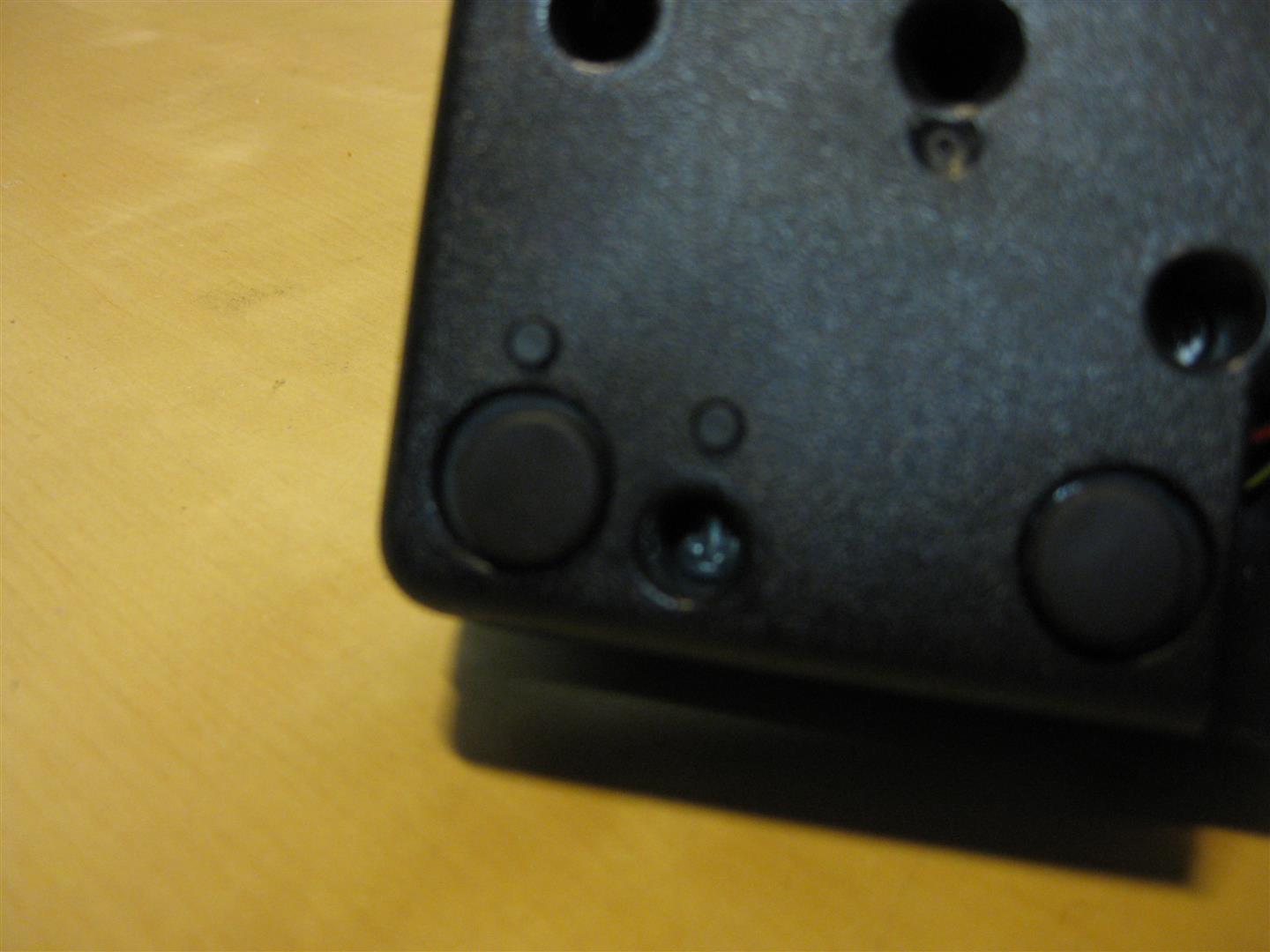
    I put some micro switches downunder for start button and 2nd button
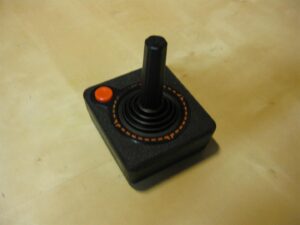
    uwrc (9)

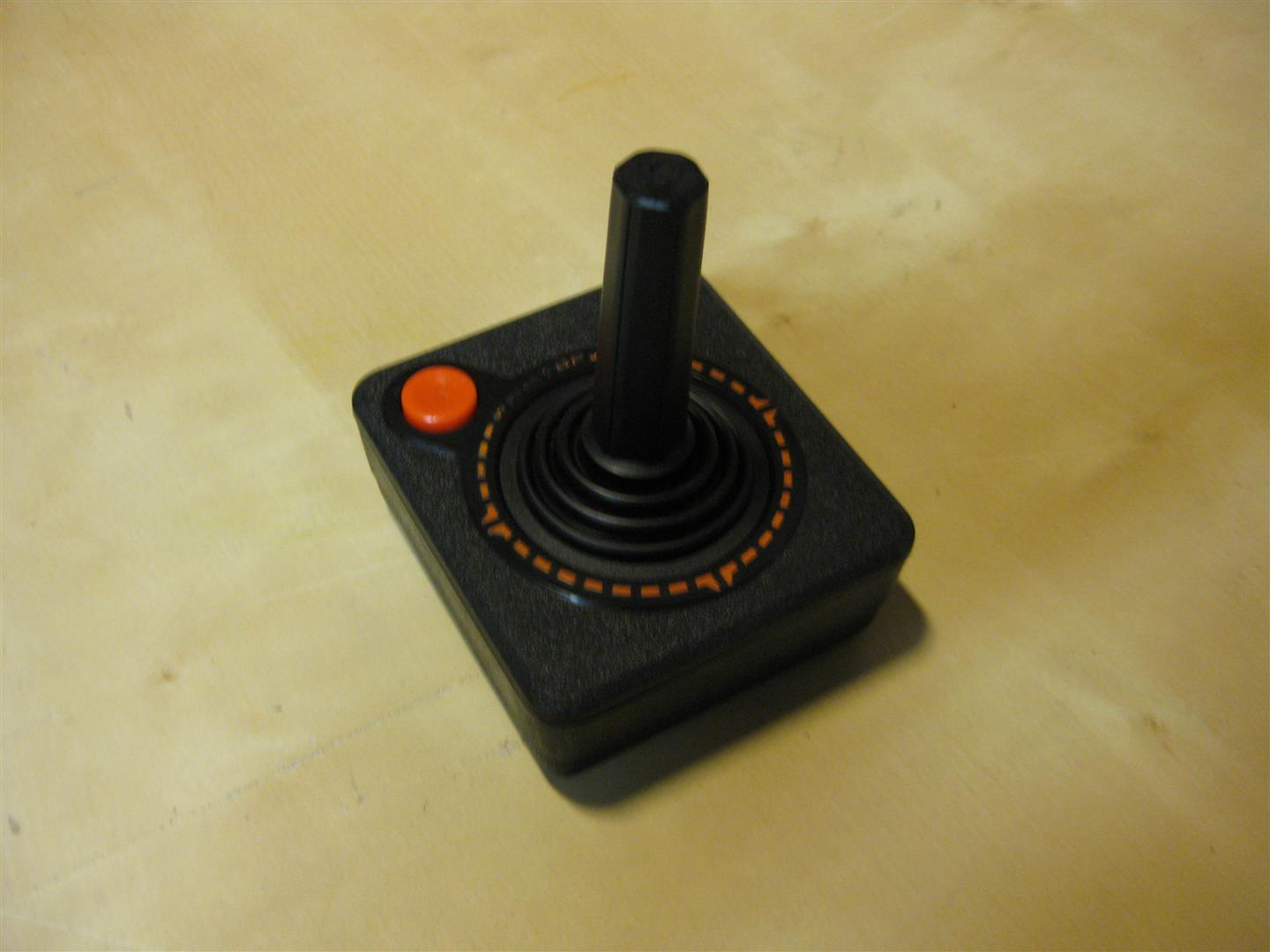
    after some time I got my first hacked wirless Atari CX-40 Stick and it looks much better as the atari original
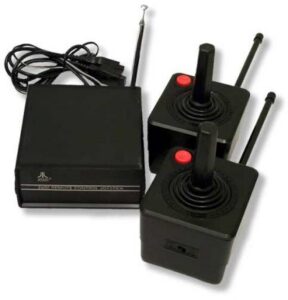
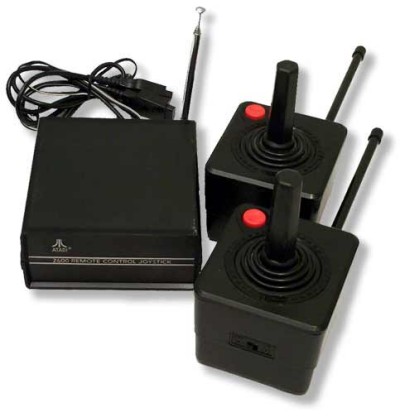
    con_AtariRemoteControllers

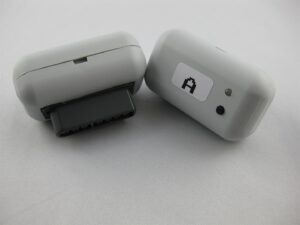
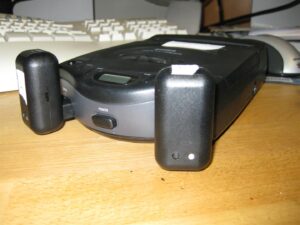
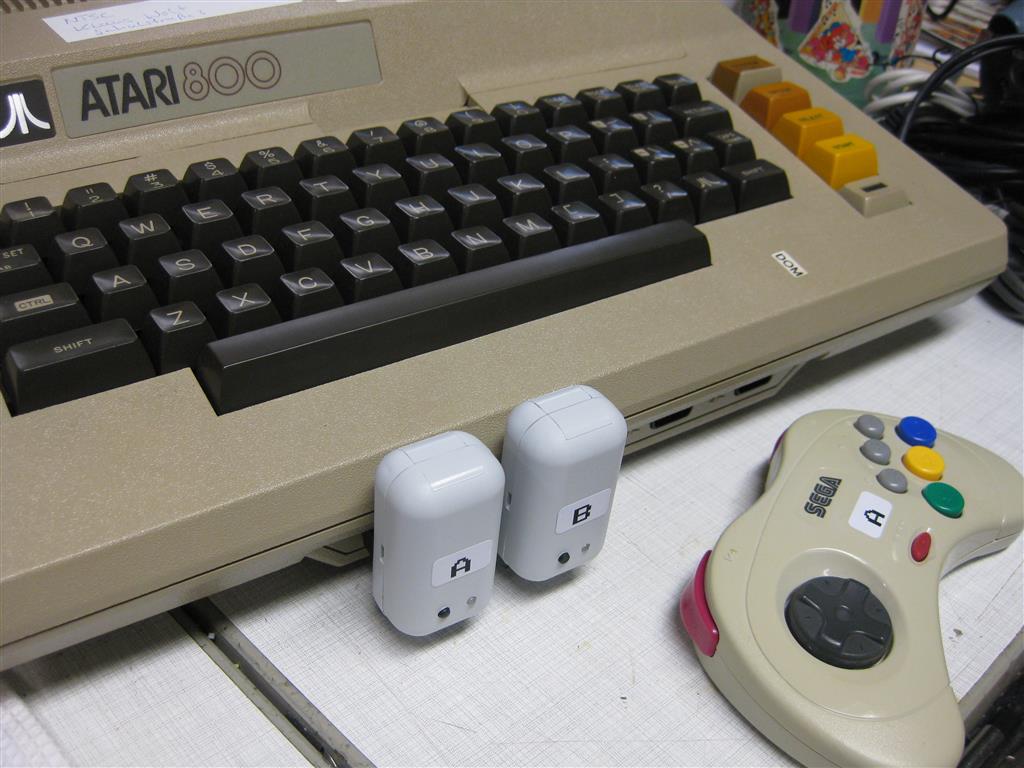
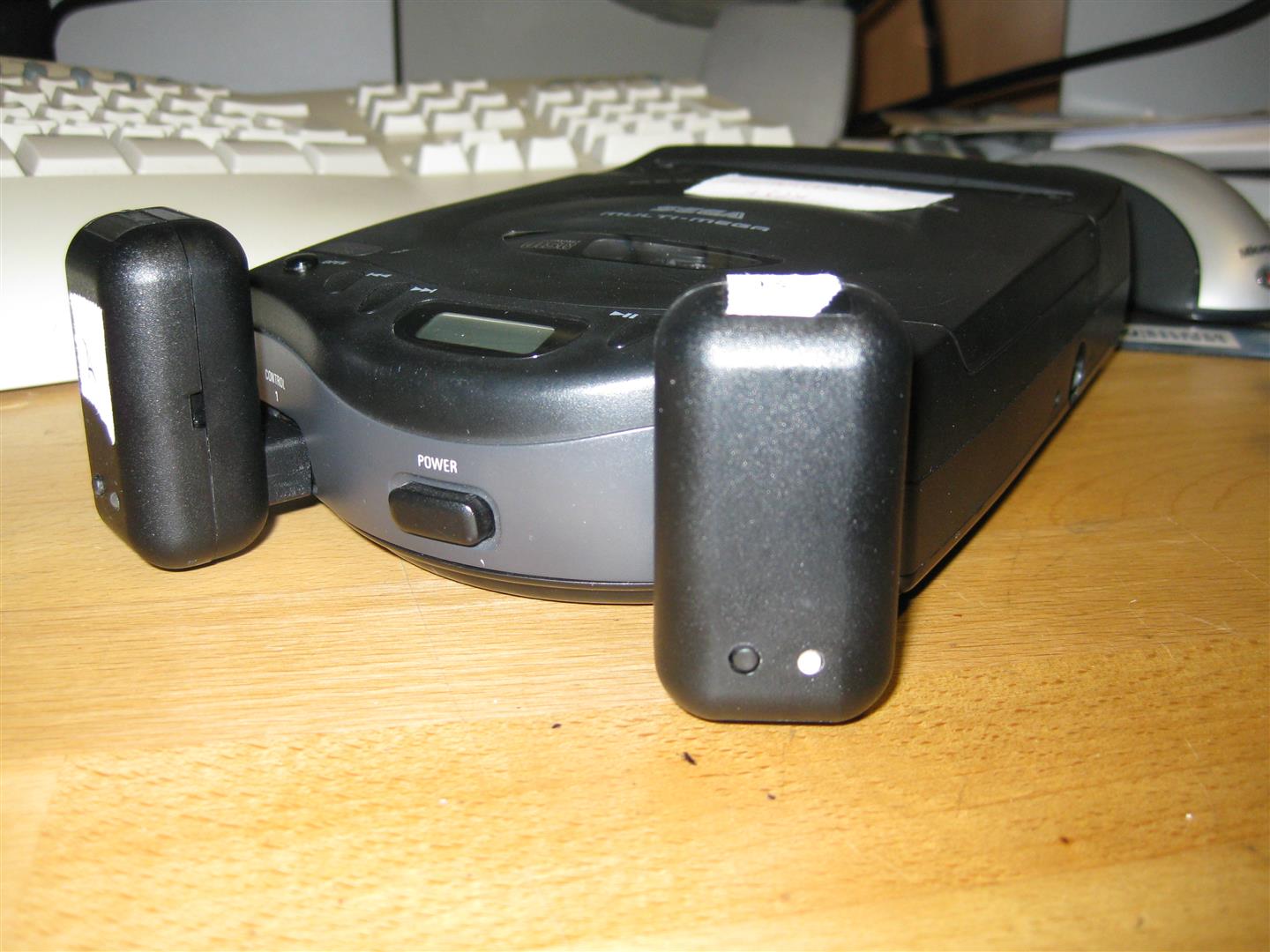
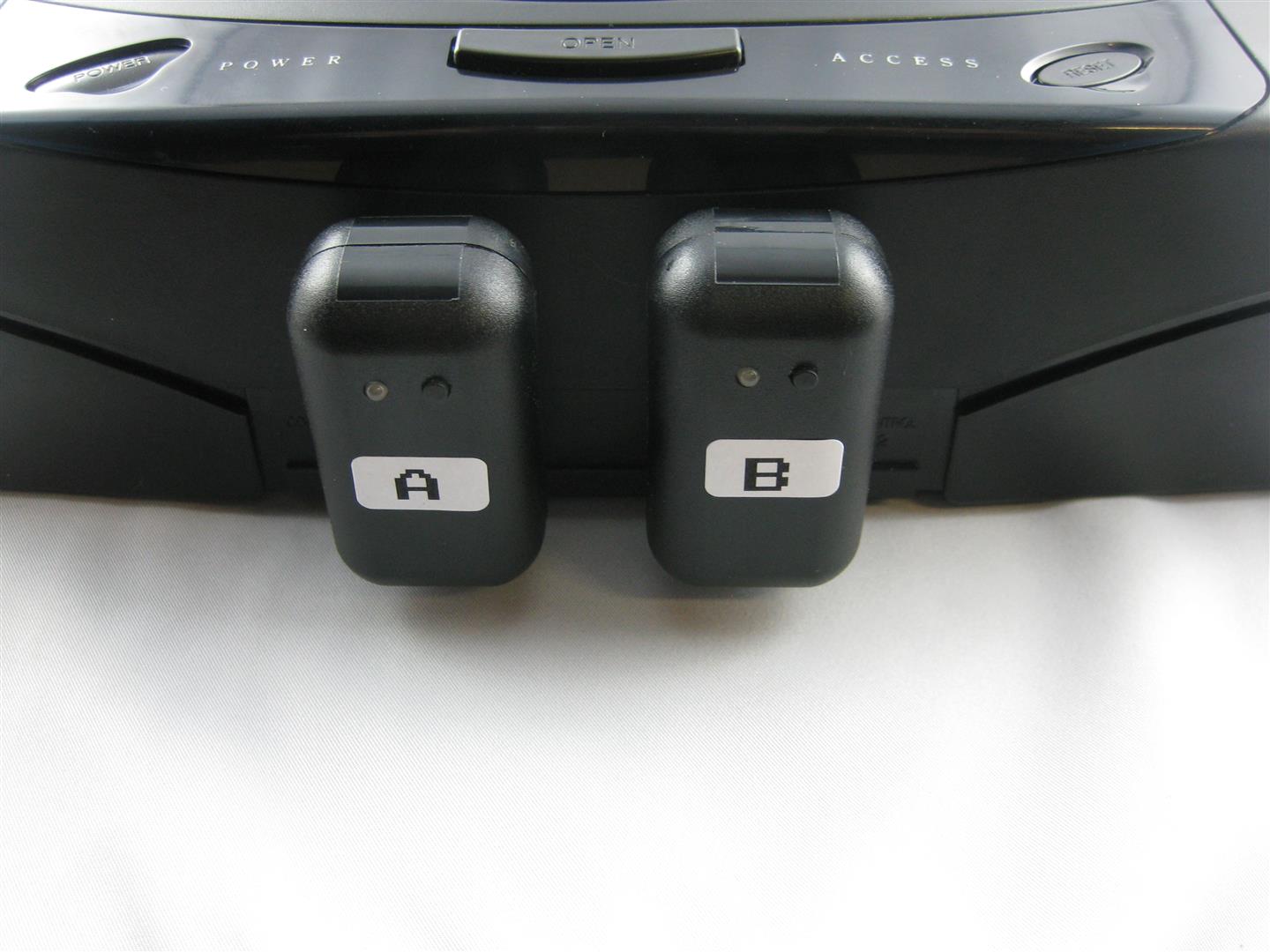
    With the help of SegaMegaDrive Receiver all Kind of Controller works with eg:

    Sega Master, Sega Mega Drive, Sega MultiMega, Atari 800, Atari 800XE, Atari 800XL  Atari 2600, Amiga, Atari ST, Commodore C64  🙂
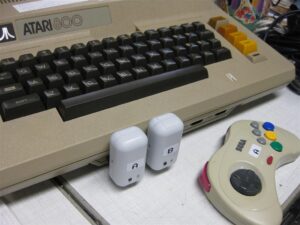


    uwrc (7)


    uwrc (2)


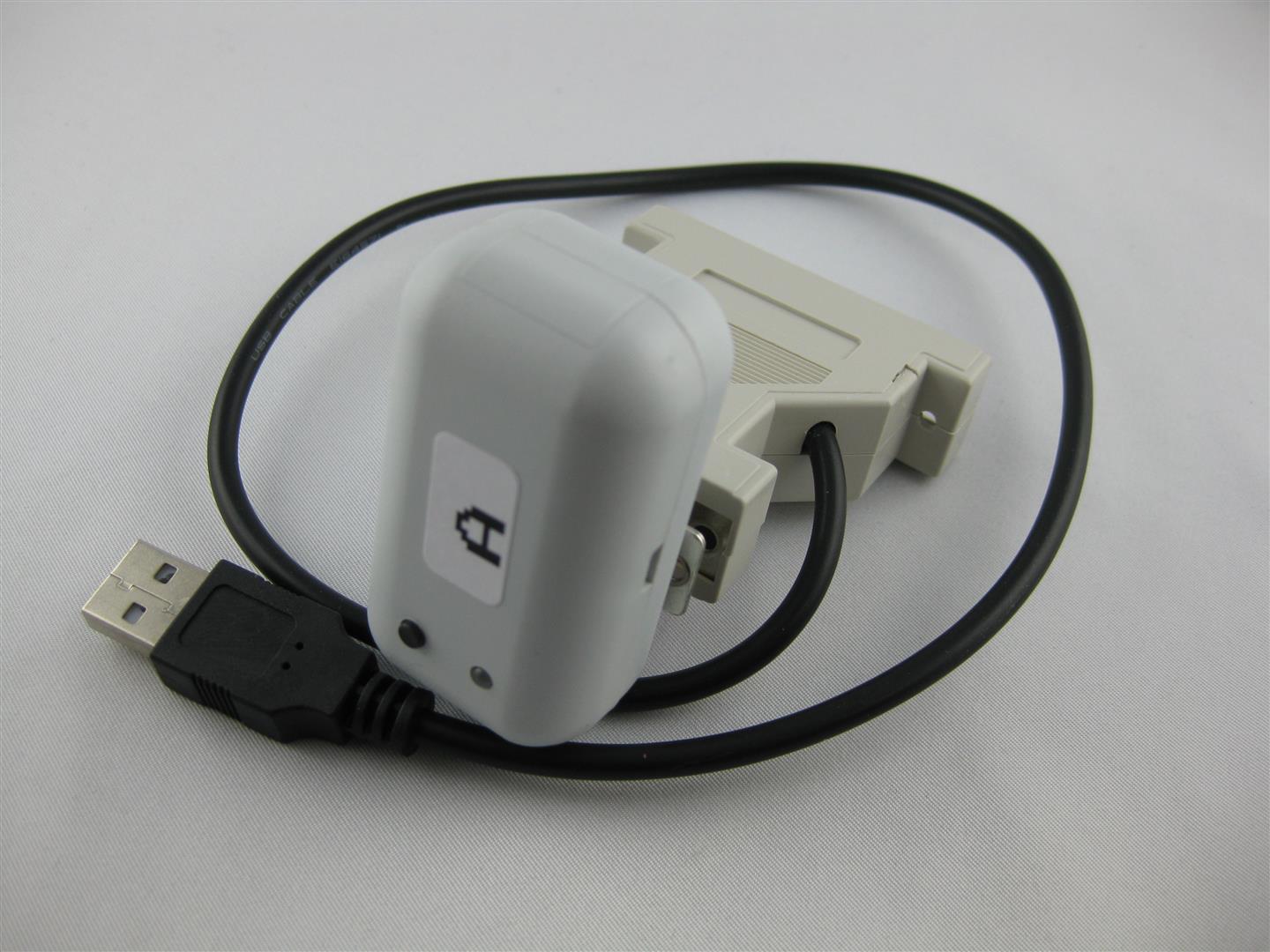
    I used a Retro-Adapter and a SNES Receiver from micro, to make the UWRC work with usb for PC Emulator using.
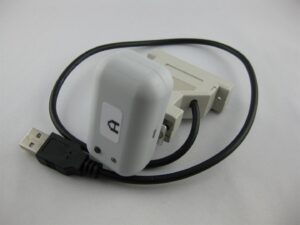
    uwrc (3)

    Now I can use all kind of controller at the original Consoles and PC

    I am currently have Controllers:

    4x UWRC Saturn Controllers

    1x UWRC SNES  Controller (micro I need more, please make a new batch of pcbs)

    1x UWRC Atari CX-40 Controller

    Receiver:

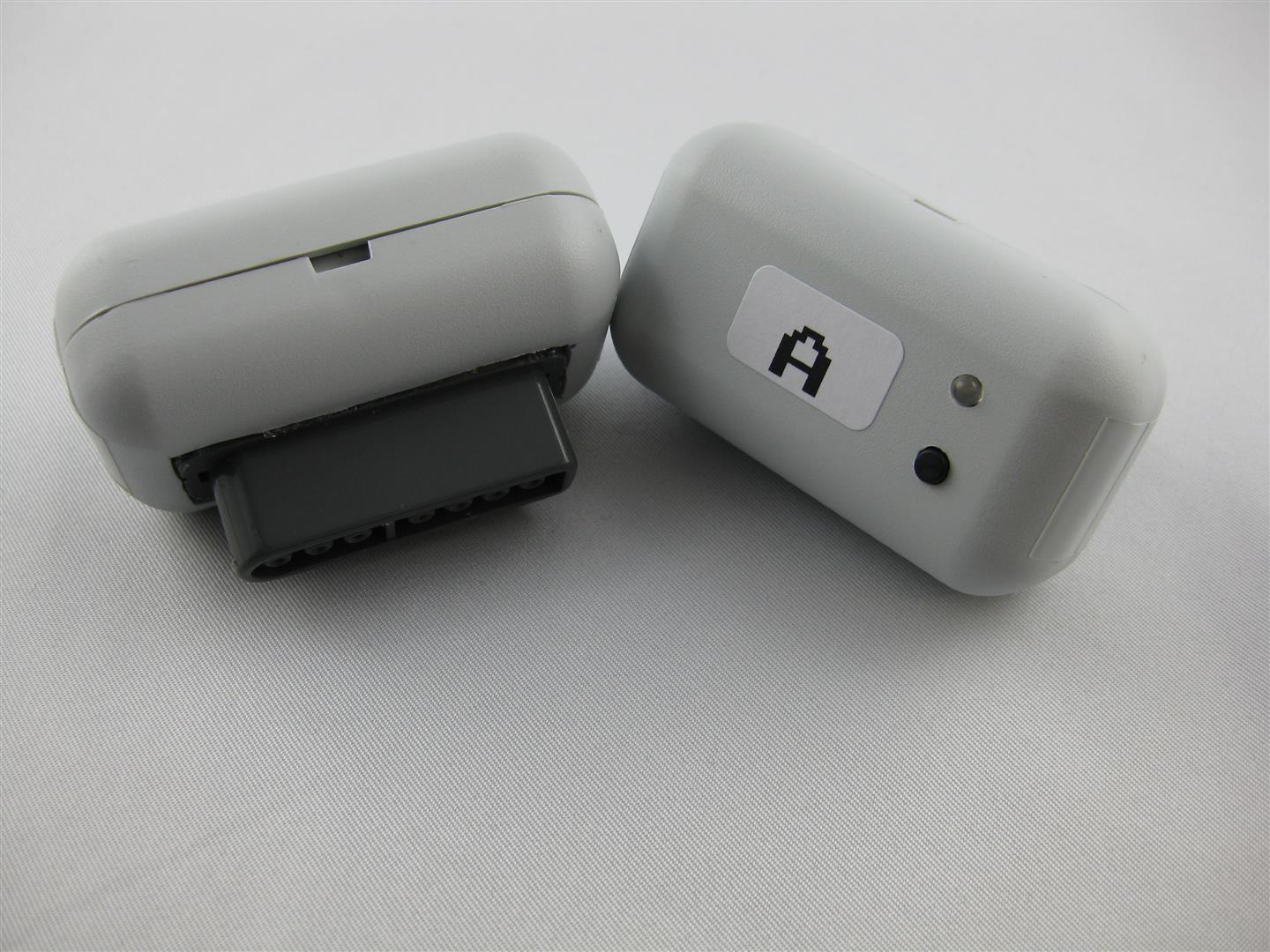
    some Saturn Receiver
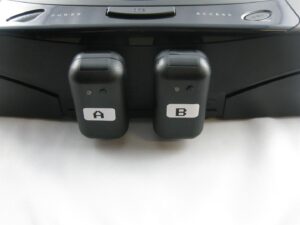
    uwrc (5)

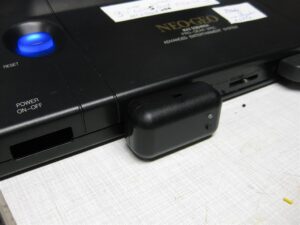
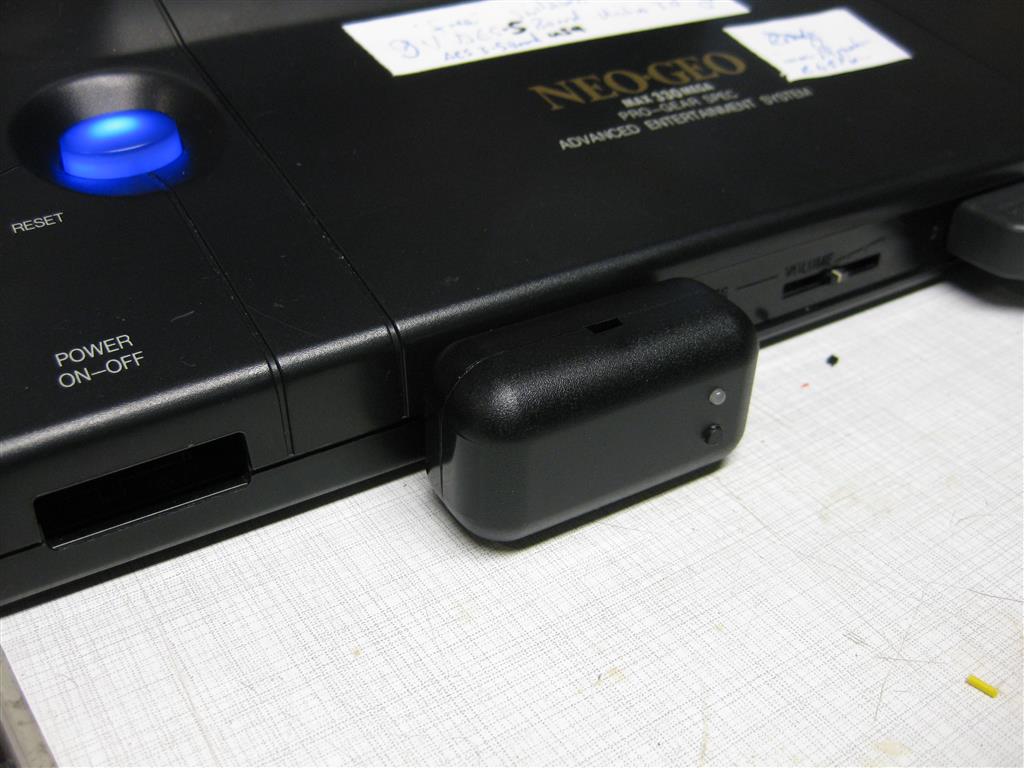
    2x Neo Geo Receiver

    uwrc (10)

    Snes Receiver

    uwrc (11)

    After all, gaming wireless is the best thing happens to my old consoles since years

    thanks to micro to make this possible
  • SNES prof. Cleaning and retrobrightner

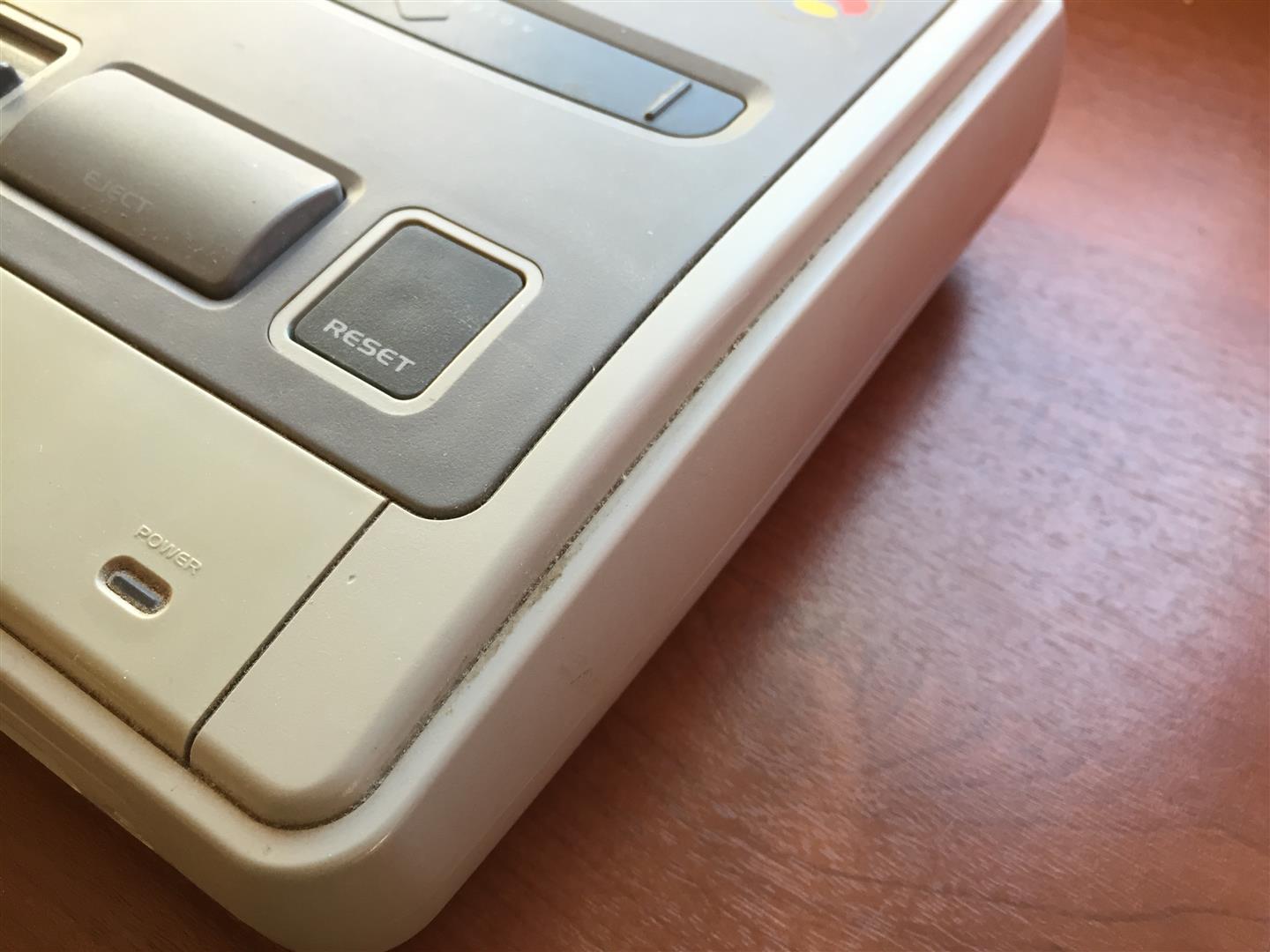
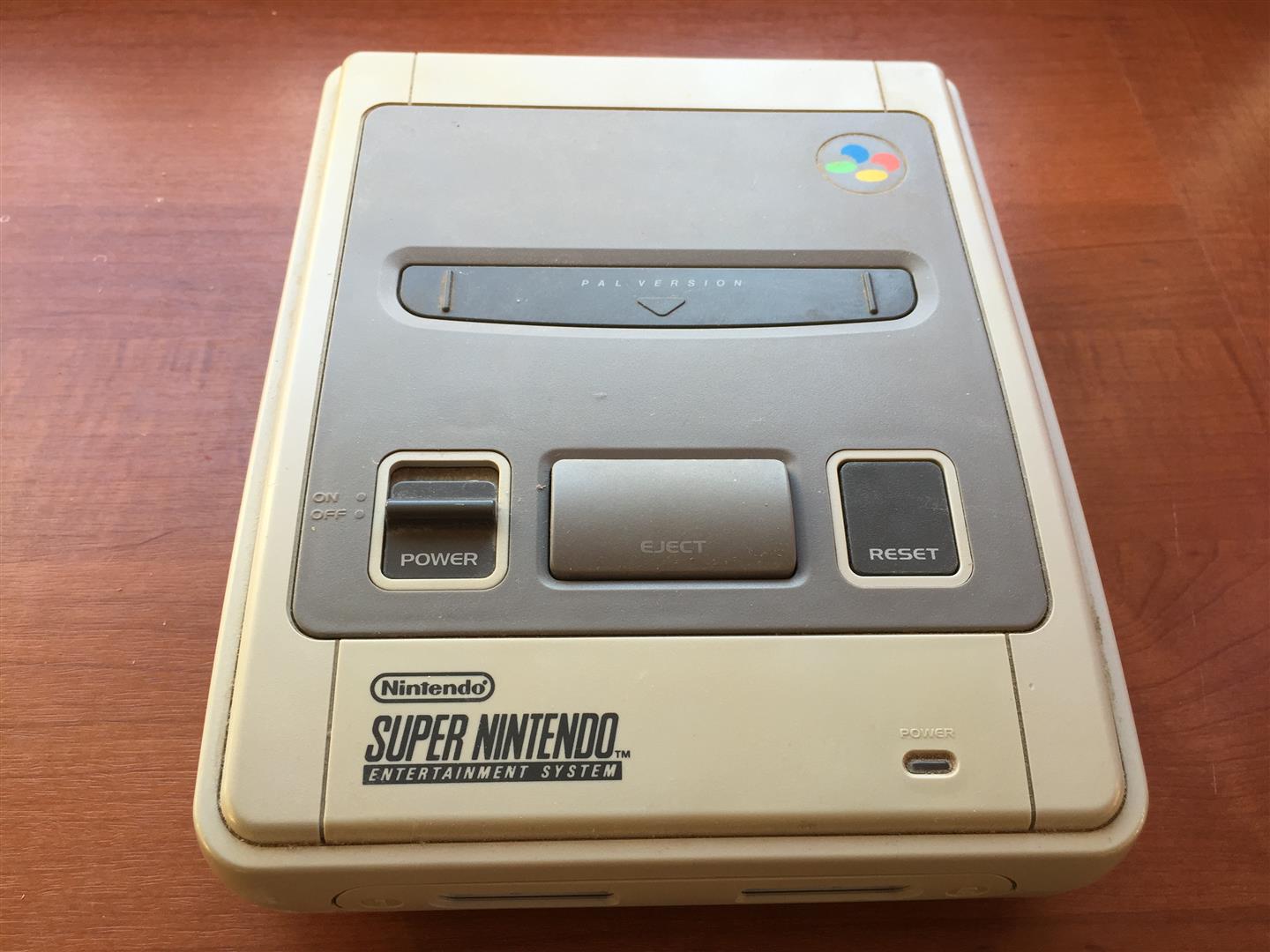
    look here for a snes looking not good

    snes_bad4

    snes_bad3

    snes_bad1

    snes_bad2

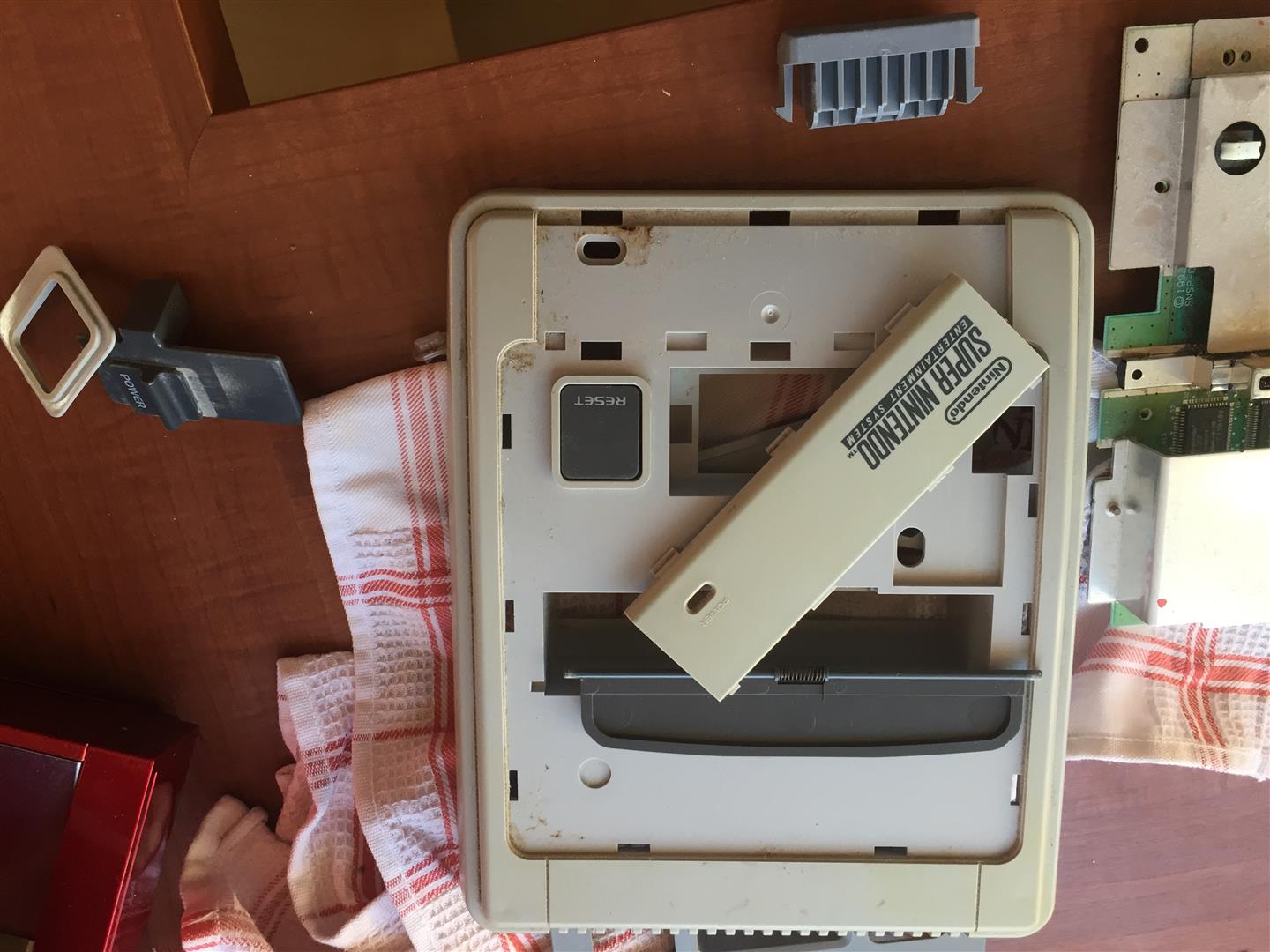
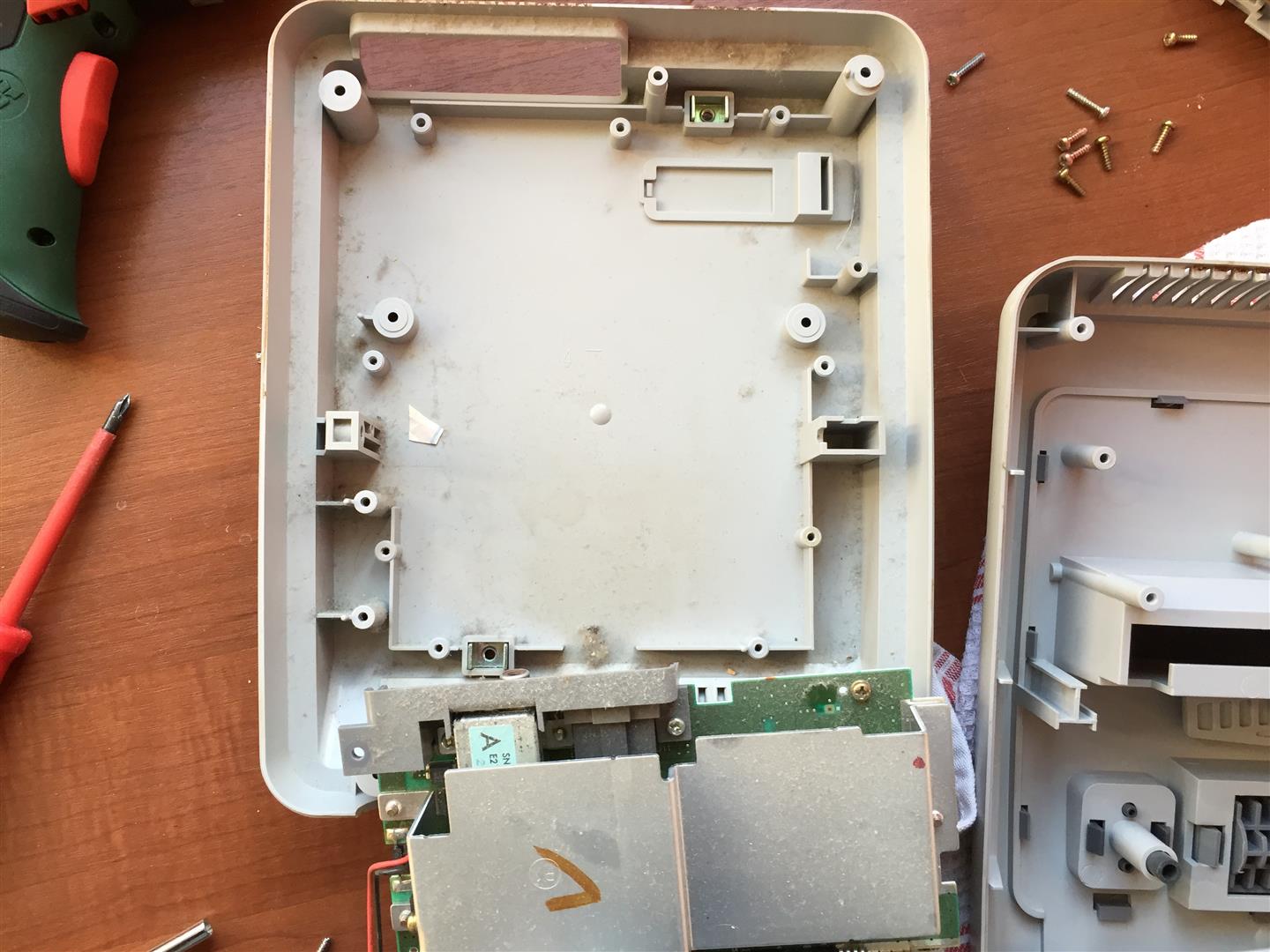
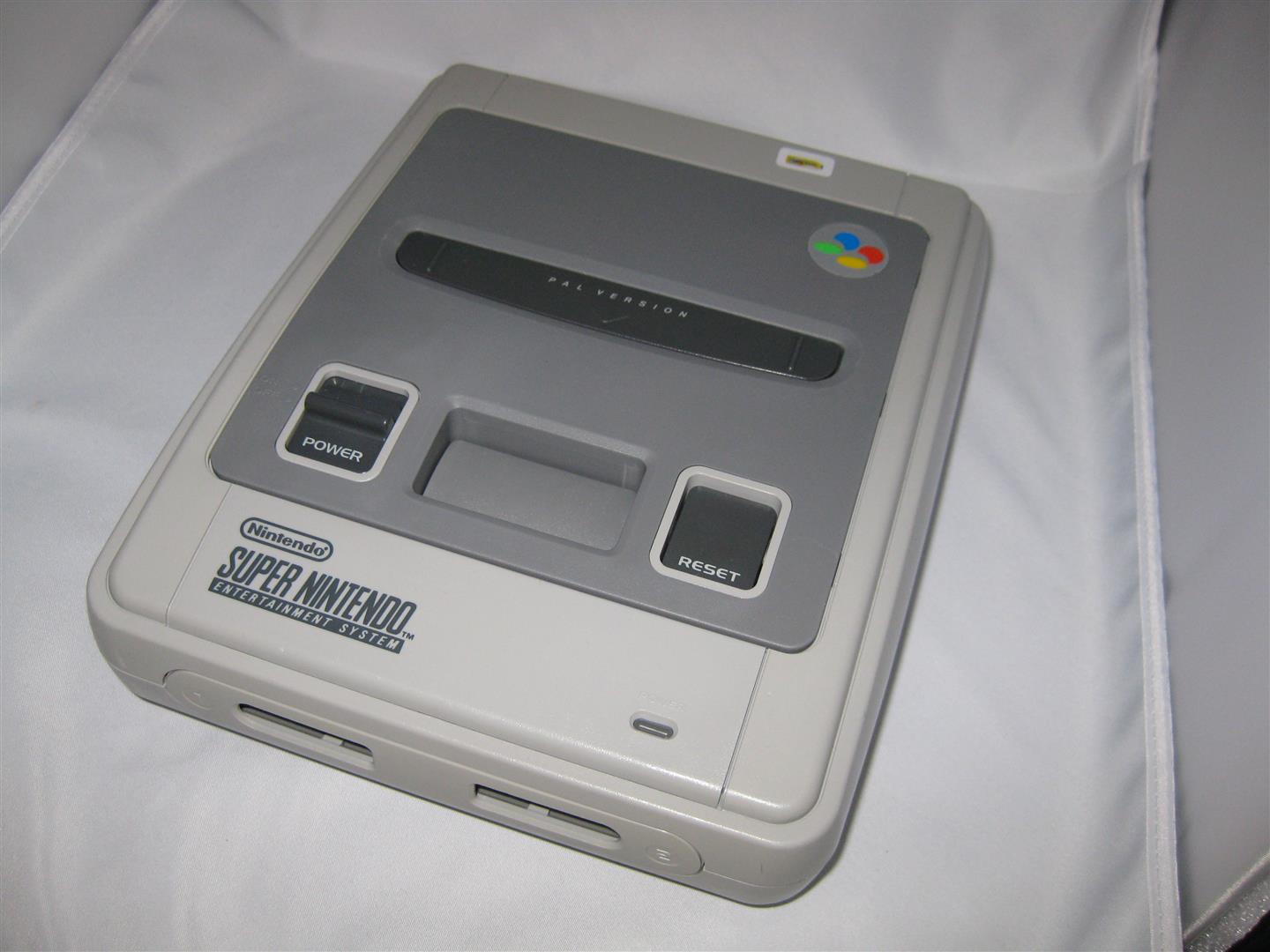
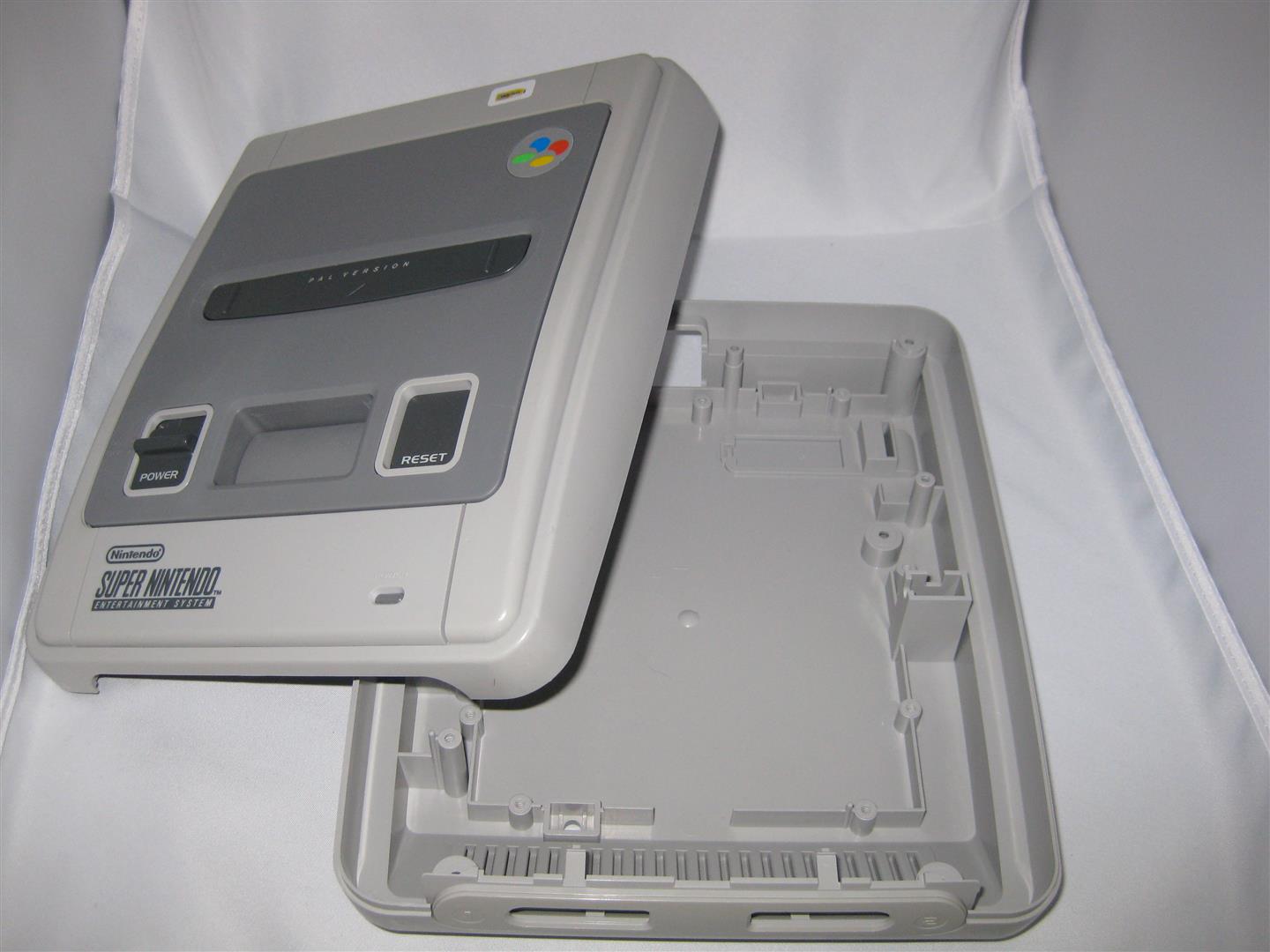
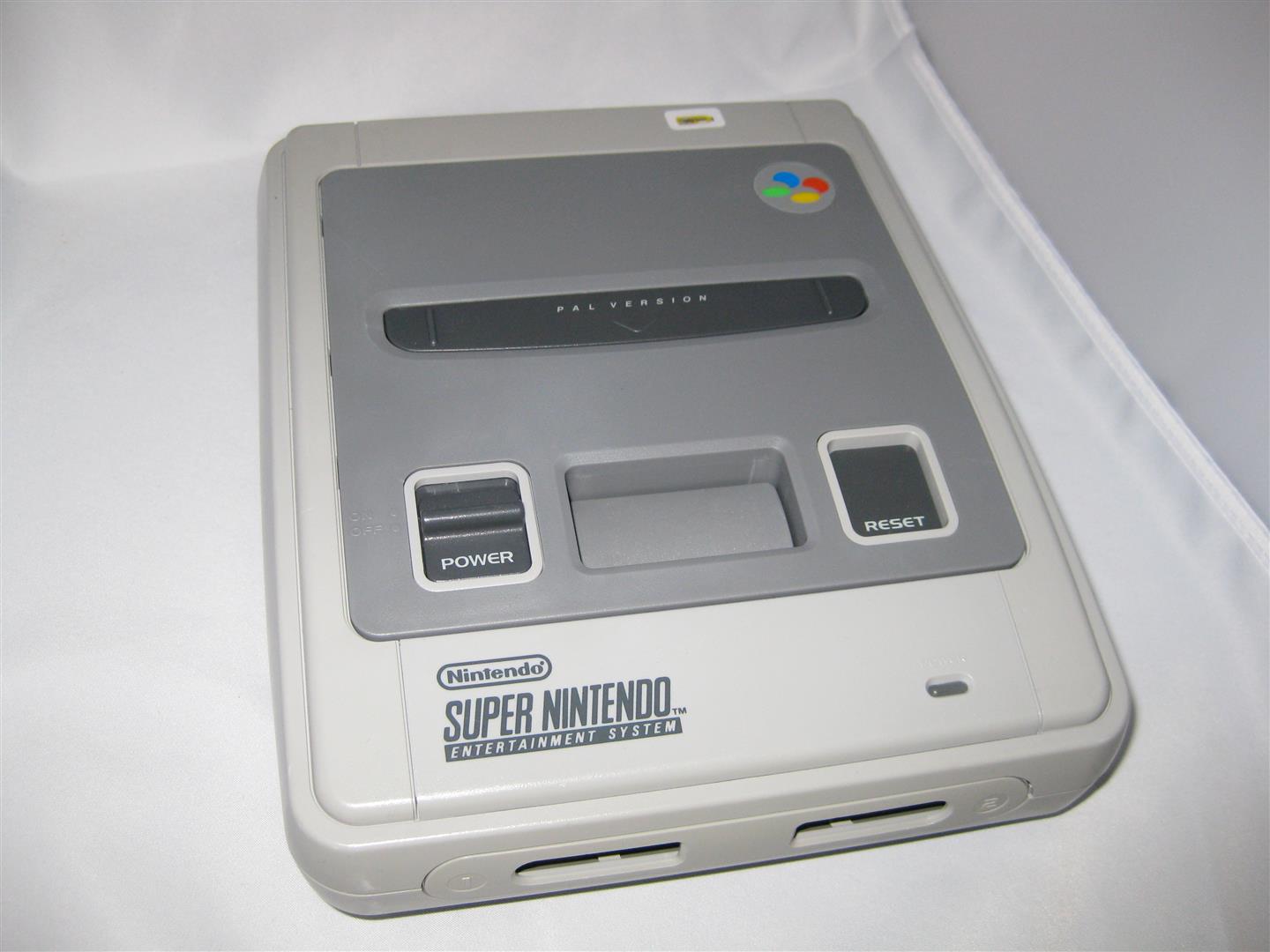
    After some cleaning and 1-2 weeks in sun and a retrobright lotion it looks really nice again

    cleaning_area

    final

    snes_after1

    snes_after3

    snes_after2